

World Cup football moments are perfect for TikTok. Clips from world cup matches, world cup live reactions, world cup bracket changes, and standout world cup players can all be turned into engaging short videos.
To make a strong football edit, creators need more than just good footage. They also need to trim, crop, format, and optimize clips for vertical mobile viewing. UniConverter helps simplify that process by making football videos easier to prepare for TikTok.
In this article
Table of Contents
Part 1:Why World Cup Football Content Works Well on TikTok
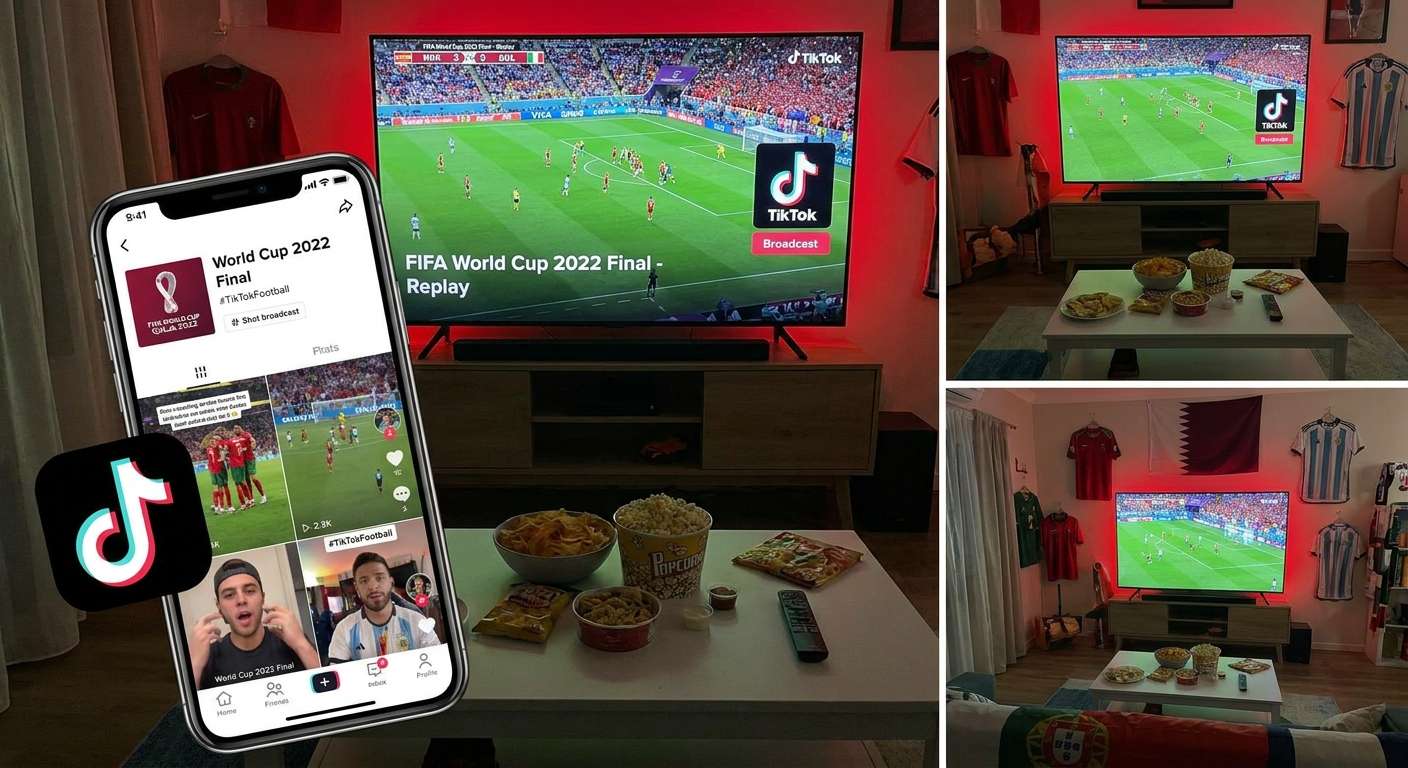
Short football videos work well because they deliver emotion quickly. A winning goal, a dramatic save, a player celebration, or a bracket-changing moment can capture attention in seconds. During the World Cup, that effect becomes even stronger because every match carries more pressure and visibility.
World Cup content also gives creators more angles to work with. A short edit can focus on a single goal, a standout performance, a knockout-stage reaction, or a player who becomes the center of attention. Since fans follow world cup live coverage closely, even a brief moment can feel meaningful when it comes from a major match.
Another reason this format works is that viewers already understand the stakes. A clip from world cup matches does not need much explanation if the moment is clear. A celebration after a late winner or a save that keeps a team alive can instantly connect with football fans. The same is true when a result changes the world cup bracket or puts one of the top world cup players in the spotlight.
Part 2:What Makes a Good Football Edit
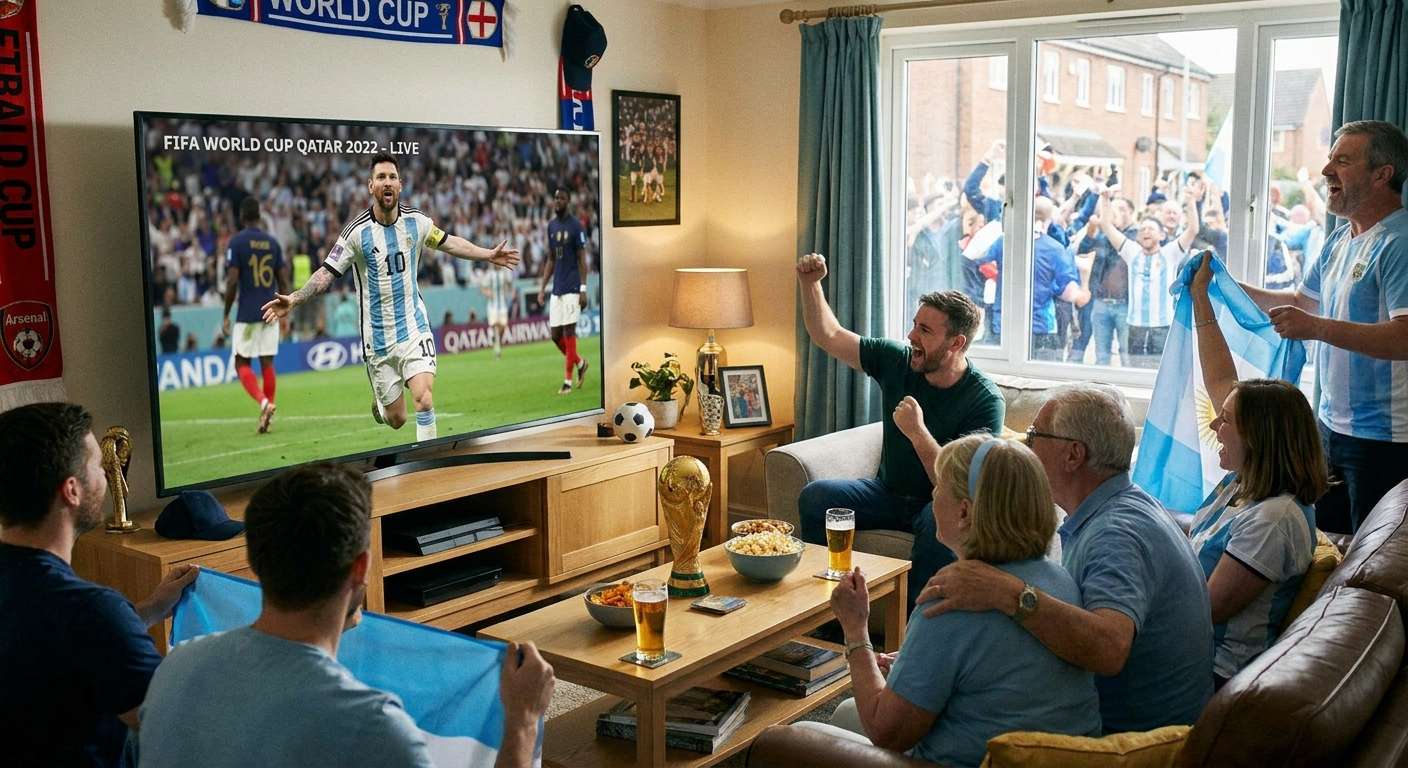
A good football edit starts with one clear idea. Instead of mixing too many unrelated moments, it works better to focus on one player, one match, one emotional reaction, or one decisive play.
Strong football edits usually have three things:
- a clear main moment
- quick pacing
- mobile-friendly framing
The opening matters most. If the clip takes too long to reach the action, viewers may scroll away before the strongest part appears. That is why shorter edits often perform better. The goal is to bring viewers directly into the key moment and keep the energy high.
The best edits also stay visually clean. Simple cuts, clear framing, and a strong central subject usually work better than excessive effects. In football content, the moment itself should carry the video.
Part 3:Best World Cup Football Edit Ideas
The World Cup gives creators many natural edit formats. Some of the most effective ideas are simple and easy to repeat.
Match Moment Edits:These focus on the biggest actions from world cup matches, such as goals, assists, dramatic saves, or turning points. A single play can be enough for a full short video.
Player-Focused Edits:This format works well when one of the top world cup players has a memorable game. The edit can highlight skills, touches, movement, or one defining moment from the match.
Celebration and Reaction Edits:Celebrations, bench reactions, and crowd emotion are ideal for TikTok because they are easy to understand and naturally emotional. They also fit well with world cup live moments.
Bracket Drama Edits:Some football clips feel more powerful because of what they mean. If a goal changes the world cup bracket, sends a team through, or eliminates a favorite, that context adds more weight to the video.
Tournament Hype Content:The World Cup also creates interest beyond the pitch. Broader fan excitement around travel, stadiums, and world cup 2026 tickets can help shape surrounding content, although the football moment should still stay central in the edit.
| Edit Type | Core Content | Best Length | Difficulty | Viral Potential |
|---|---|---|---|---|
| Match Moment Edits | Goals, saves, turning points | 15-30 sec | Easy | High |
| Player-Focused Edits | Skills, movement, standout performance | 15-45 sec | Medium | High |
| Celebration & Reaction Edits | Bench reactions, crowd emotion | 10-20 sec | Easy | Very High |
| Bracket Drama Edits | Knockout goals, elimination moments | 15-30 sec | Medium | High |
| Tournament Hype Content | Stadiums, fan energy, atmosphere | 30-60 sec | Hard | Medium |
Part 4:How to Choose the Right Clips
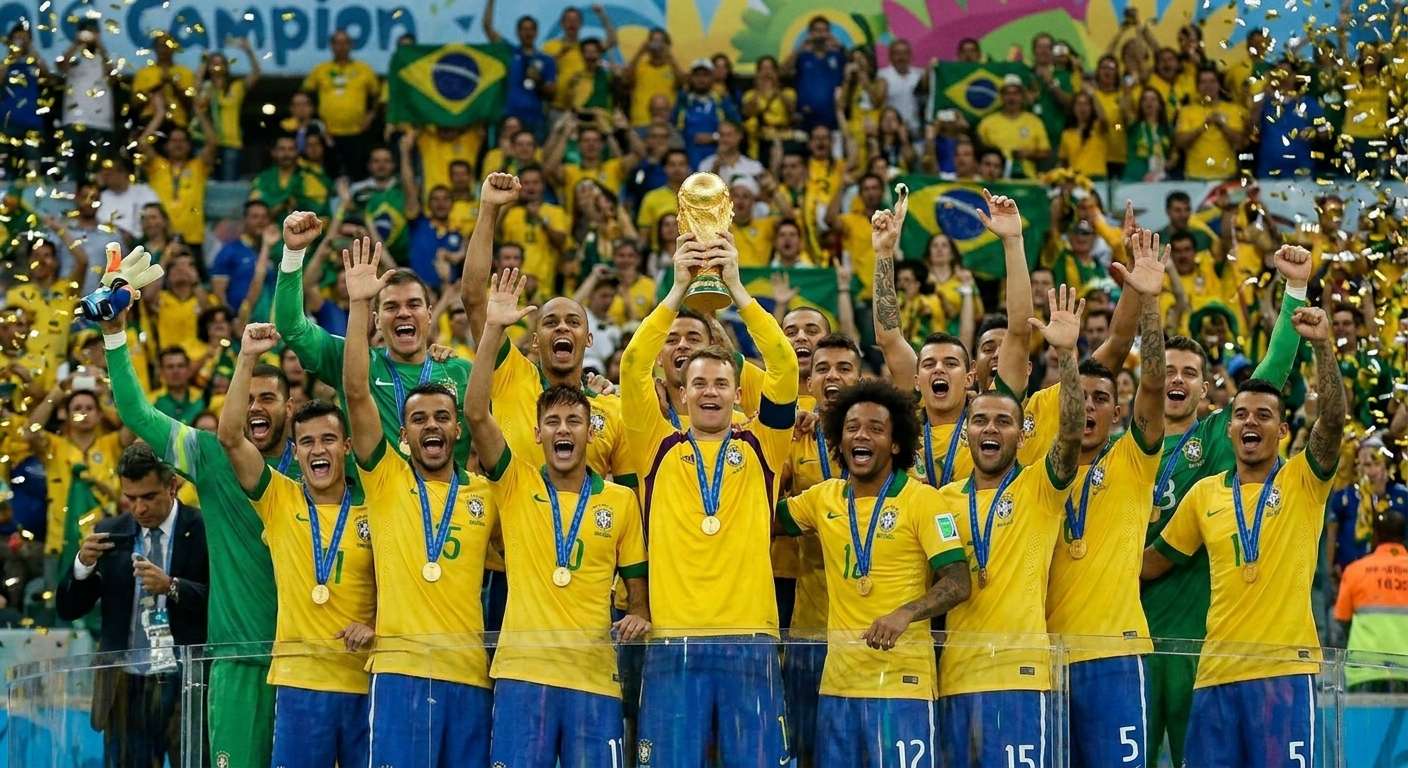
Good editing starts with strong source material. Even the best tools cannot fully fix a weak clip, so it is important to start with footage that already has clear impact.
The best football clips usually include:
- goals
- skill moves
- key saves
- celebrations
- player reactions
- turning points in important matches
When choosing footage, it helps to look for moments that are:
- easy to understand quickly
- visually clear
- emotionally strong
- connected to one idea
- suitable for vertical viewing
It is also important to avoid long buildup. In short-form football content, the action should arrive quickly. A clip that takes too long to develop often loses impact, even if the ending is strong.
Part 5:How to Edit Football Videos for TikTok
After choosing the clip, the next step is shaping it into a short video that feels clear and engaging on mobile.
A simple editing workflow usually includes:
Trim the Clip Tightly:Remove unnecessary waiting and keep only the strongest section. In most cases, the video should move quickly from the start.
Keep the Story Clear:The clip should feel easy to follow. If there are multiple moments, they should connect naturally rather than feel random.
Add Light Context if Needed:A short player name, match label, or phrase can help, but too much text can distract from the action.
Frame for Vertical Viewing:Since TikTok is mainly watched on phones, the player, ball, and key action should stay visible within a vertical layout.
Export for Smooth Playback:A football edit should look clean not only during editing but also after upload. Smooth playback is part of the viewing experience.
Part 6:How UniConverter Helps You Make Better TikTok Football Edits
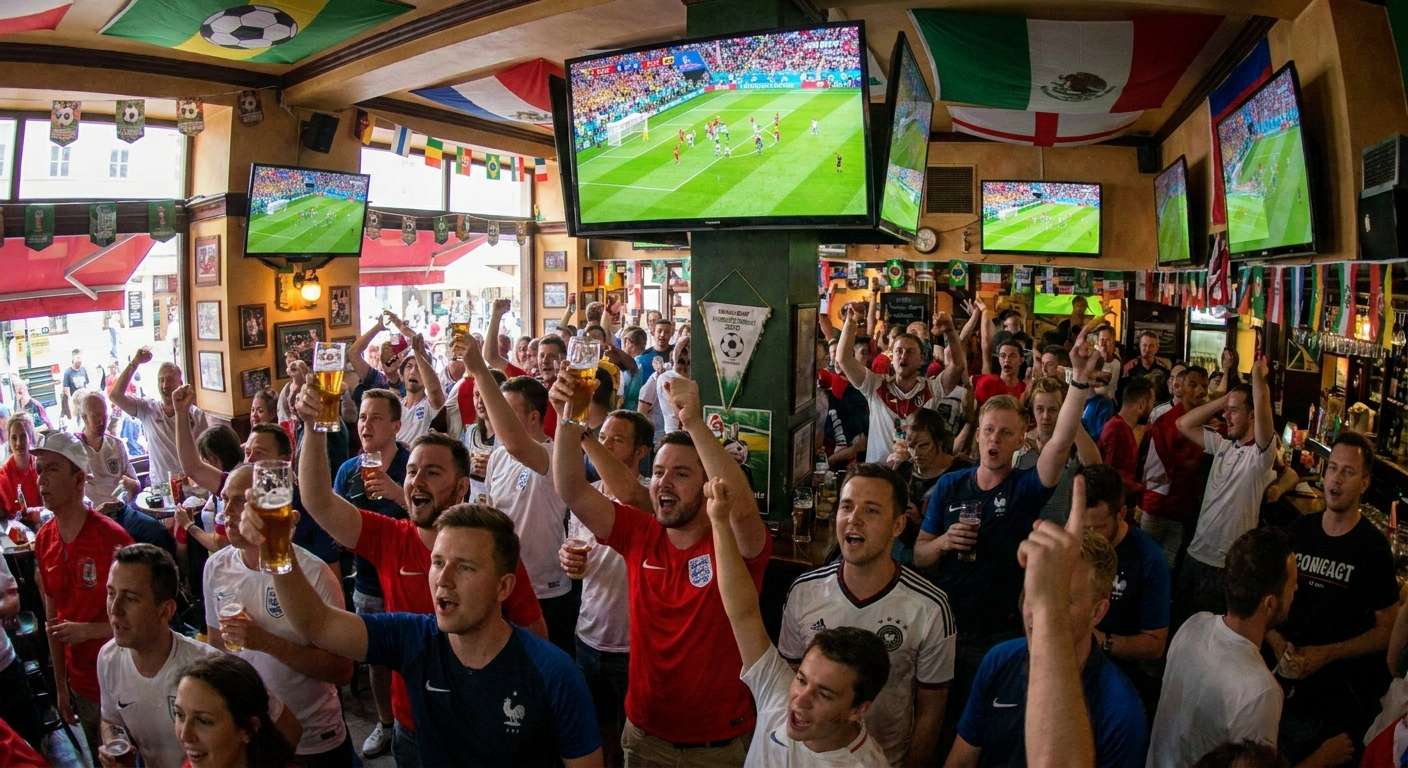
Football footage is not always ready for TikTok. Match videos are often long, horizontal, and larger than needed for short-form posting. That is why creators often need a simple preparation tool before they finish the edit.
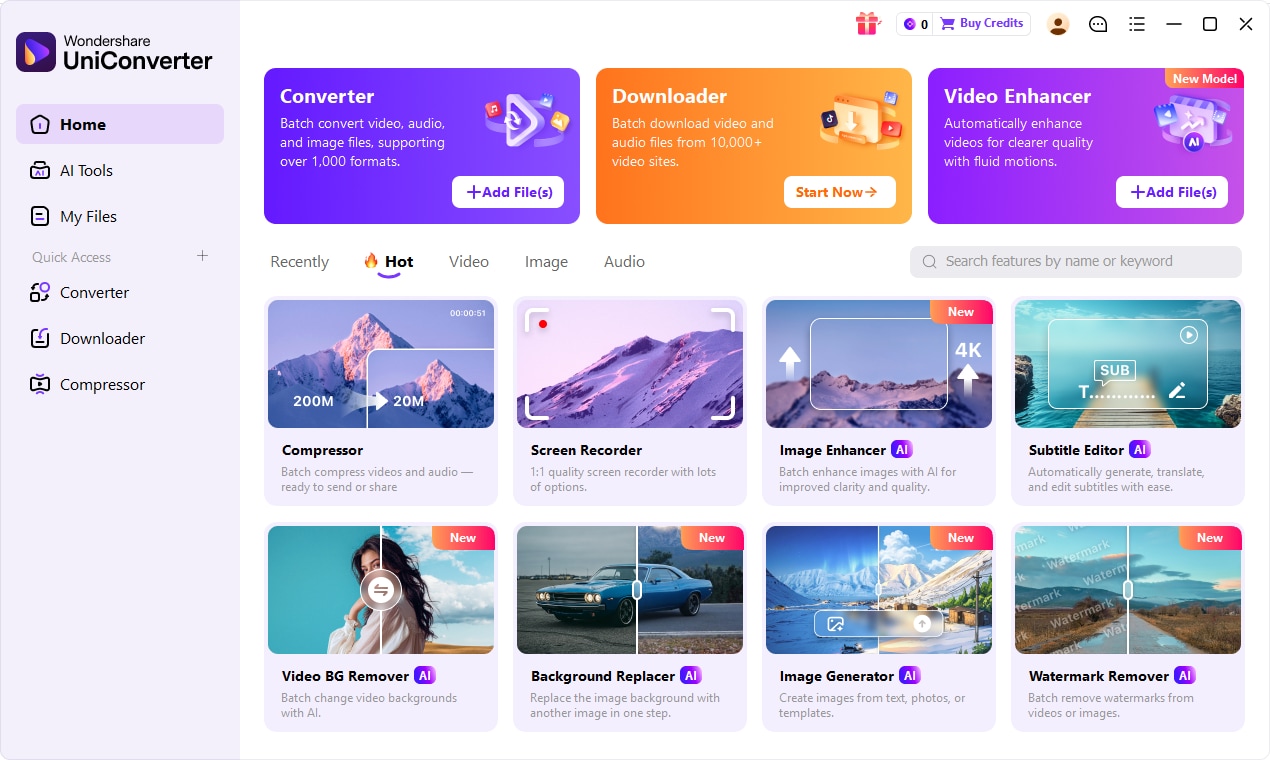
UniConverter helps by making the technical side easier. It can support football creators in several practical ways:
Convert Clips Into Compatible Formats:If the source file does not work smoothly, converting it into a format like MP4 can make playback and editing easier.
Compress Large Files:Large files can be inconvenient to store and slower to upload. Compression helps reduce size while keeping enough quality for short-form viewing.
Export for Mobile Playback:The final video should be easy to replay on a phone. A cleaner export makes the football edit feel more natural on TikTok.

All-in-One Multimedia Processing Tool

Part 7: How to Make a Football Edit With UniConverter
Once you have chosen your clip, UniConverter can help you prepare it for TikTok in a simple workflow.
Step 1. Download the Football Clip If the football footage is from an online source, open UniConverter and navigate to the "Downloader" tab. Copy the video URL from the official platform or licensed source, paste it into the download field, and select the output format. MP4 is recommended for TikTok compatibility. Click "Download" to save the clip to your computer.
Step 2. Convert to the Right Format Launch UniConverter and go to the "Converter" tab. Add the downloaded football clip by clicking "+ Add Files" or dragging the file into the workspace. From the output format menu on the right, select MP4 (H.264) as the target format. This ensures maximum compatibility with TikTok's upload system.
Step 3. Compress Large Files for Faster Upload If the file is too large for quick uploading, switch to the "Compressor" tab. Add the converted clip and choose a compression level. For TikTok, aim for a file size under 100MB while keeping visible quality intact. Use the preview function to verify the result before exporting.
Step 4. Enhance Video Quality with AI If the original footage is blurry, low-resolution, or shot in older quality, use the "Video Enhancer" feature. Navigate to the "Enhancer" tab, add the clip, and select an AI enhancement model such as "Upscale," "Denoise," or "Stabilize." This improves clarity and makes the football moment look sharper on TikTok's high-resolution display.
Step 5. Remove Watermarks or Logos if Needed If the source clip contains unwanted watermarks, platform logos, or text overlays, use the "Watermark Remover" feature. Open the tool, import the clip, select the watermark area using the brush tool, and let the AI remove it while reconstructing the background. This keeps your TikTok football edit clean and professional.
Step 6. Export and Upload to TikTok After all adjustments are complete, click "Export All" in the bottom-right corner to save the final file. Choose a destination folder, and the processed video will be ready for TikTok upload. Transfer the file to your phone or upload directly from desktop.
Part 8:Conclusion
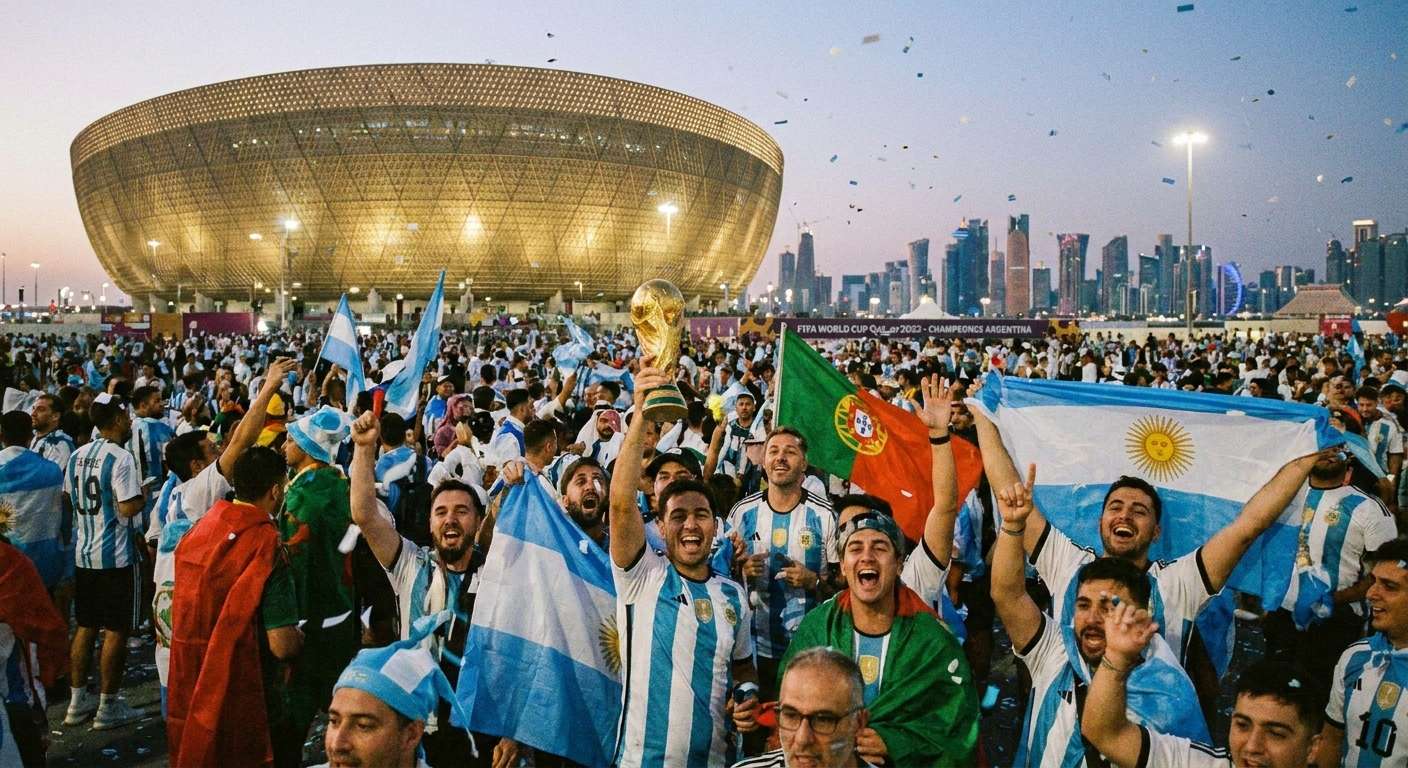
A strong football edit for TikTok should be short, clear, emotional, and easy to watch on mobile. During the World Cup, that becomes even more effective because fans are already following world cup matches, checking world cup live updates, reacting to the world cup bracket, and paying attention to standout world cup players.
For creators, the best approach is simple: choose a stronger moment, keep the pacing tight, and prepare the clip properly for vertical viewing. UniConverter fits naturally into that process by helping trim, convert, crop, compress, and export football footage more efficiently.

