


For years, Vidmate was a go-to name for downloading videos. The promise was simple: get any video from (almost) any platform for free. But as we move into 2026, the conversation has changed. Users are increasingly asking, "is Vidmate safe?" and searching for a stable Vidmate alternative as they find Vidmate not working or their Vidmate download not working at all.
If you've noticed the app is plagued by ads, acting suspiciously, or just won't download videos, you're not alone. The convenient tool of the past is now a major security liability. This article dives into the hard truth about Vidmate's safety in 2026, explains why Vidmate is not downloading videos, and introduces 10 secure Vidmate similar apps that respect your privacy and get the job done.
Table of Contents
The best Viemate alternatives are tools that offer safe video downloading, fast processing, and no intrusive ads.
- 🔹 Support downloading from multiple platforms
- 🔹 Provide stable performance without crashes
- 🔹 Avoid security risks from unknown sources
Best choice: Use a trusted video downloader instead of unofficial apps like Viemate.
Part 1. What is Vidmate, and what are its pros and cons in 2026?
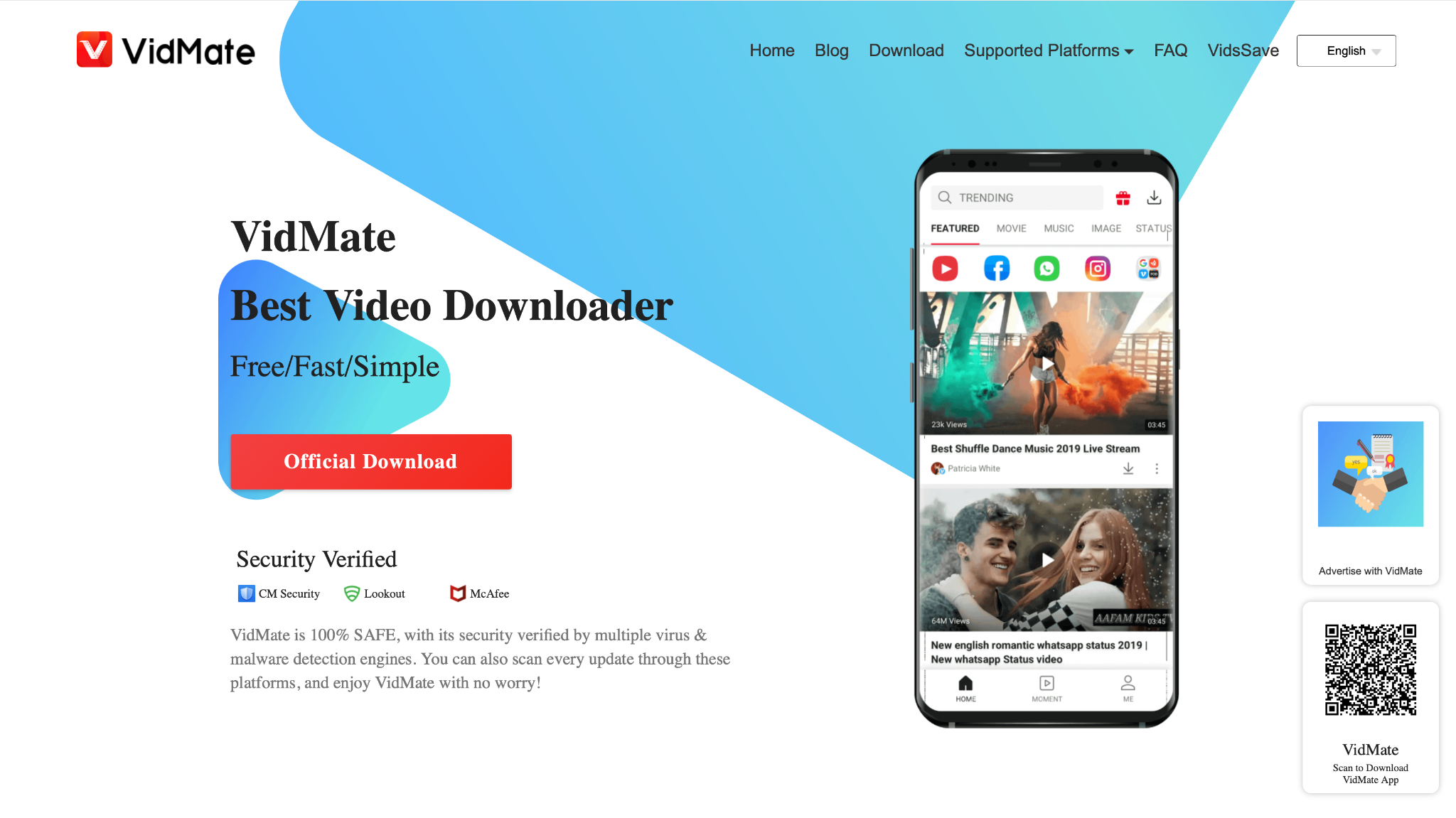
Feature points
- Video download: Claims to download videos from hundreds of sites, including social media.
- Format conversion: Offers to save videos as MP4 or convert them to MP3.
- Built-in browser: Includes a simple browser to find videos within the app.
- Fast download: Touts multi-thread technology for faster download speeds.
Part 2. Is Vidmate safe to use in 2026?
Why do security experts say Vidmate is not safe?
Not on Google Play Store: This is the biggest red flag. The app was removed from the official Google Play Store for violating its policies, specifically those related to security and allowing downloads from services (like YouTube) that forbid it. To install it, you must "sideload" the APK, bypassing all of Google's built-in security scans.
History of malware and adware: A security firm, Upstream, reported that Vidmate was caught engaging in massive fraudulent activity, including generating fake clicks, installing other suspicious apps without consent, and subscribing users to premium services without their knowledge. This behavior drains your data, battery, and money.
Outdated and unmaintained: The original, "safer" version of the app is long gone. Most versions available today are unofficial, malware-riddled clones. This is a primary reason why Vidmate is not downloading videos—it's a broken, abandoned, or malicious piece of code.
Aggressive permissions: When you ask:, 'Is Vidmate safe to install?' consider this: it often requests unnecessary access to your storage, phone calls, contacts, and network. This is far more than a simple video downloader needs and gives the app the power to harvest your personal data.
The evidence is clear. The risk of malware, data theft, and financial fraud far outweighs the benefit of a free downloader.
Part 3. What should you look for in a safe Vidmate alternative?
Switching to a Vidmate alternative is the smart choice. However, be cautious not to download another potentially risky app. Here is a quick checklist for finding a truly safe tool.
- Available on Google Play Store or F-Droid: This is the indicator of basic security vetting. For desktop apps, download only from the official website.
- Positive reviews & recent updates: Look for apps with a strong positive rating and a recent "Updated on" date. This shows an active developer who fixes bugs and security issues.
- Transparent permissions: The app should only ask for permissions directly related to its function (e.g., storage for saving files).
- No "get rich quick" promises: Legitimate apps don't promise easy money or act as a gateway for other services.
- Open-source (a major plus): Code can be publicly audited for security and privacy, as with apps on F-Droid.
Part 4. The best 10 Vidmate alternatives for all devices 2026
Here are 10 secure, reliable, and powerful Vidmate similar apps that work on a variety of devices, starting with the most professional alternative of Vidmate.
Group 1: Professional desktop suites (Windows/macOS)
1. Wondershare UniConverter
Wondershare UniConverter is not just a downloader; it's a complete video toolbox. While Vidmate is a risky, single-function app, UniConverter is a professional, secure software suite for content creators and power users. It can download video from over 10,000 sites in 8K/4K, but its real power lies in its extra features. It includes a powerful converter, video editor, compressor, screen recorder, and even a helpful YouTube Chrome extension to make downloading seamless.

Safety review: 5/5
Starting price: Free Trial; Paid plans start from $43.19/year.
Supported device: Windows, macOS.

Easy to Use Vidmate Alternative
2. 4K Video Downloader
As its name suggests, 4K Video Downloader is a simple, dedicated tool for one purpose: downloading high-resolution video. It's a favorite for its clean interface and reliability. Unlike Vidmate, it's 100% free of ads and malware. It's the perfect choice for users who want to download entire YouTube playlists or channels in the highest quality possible. It's a fantastic, secure Vidmate alternative for desktop.
Safety review: 5/5
Starting price: Free (Limited); Paid plans available.
Supported device: Windows, macOS, Linux.
3. VideoProc Converter
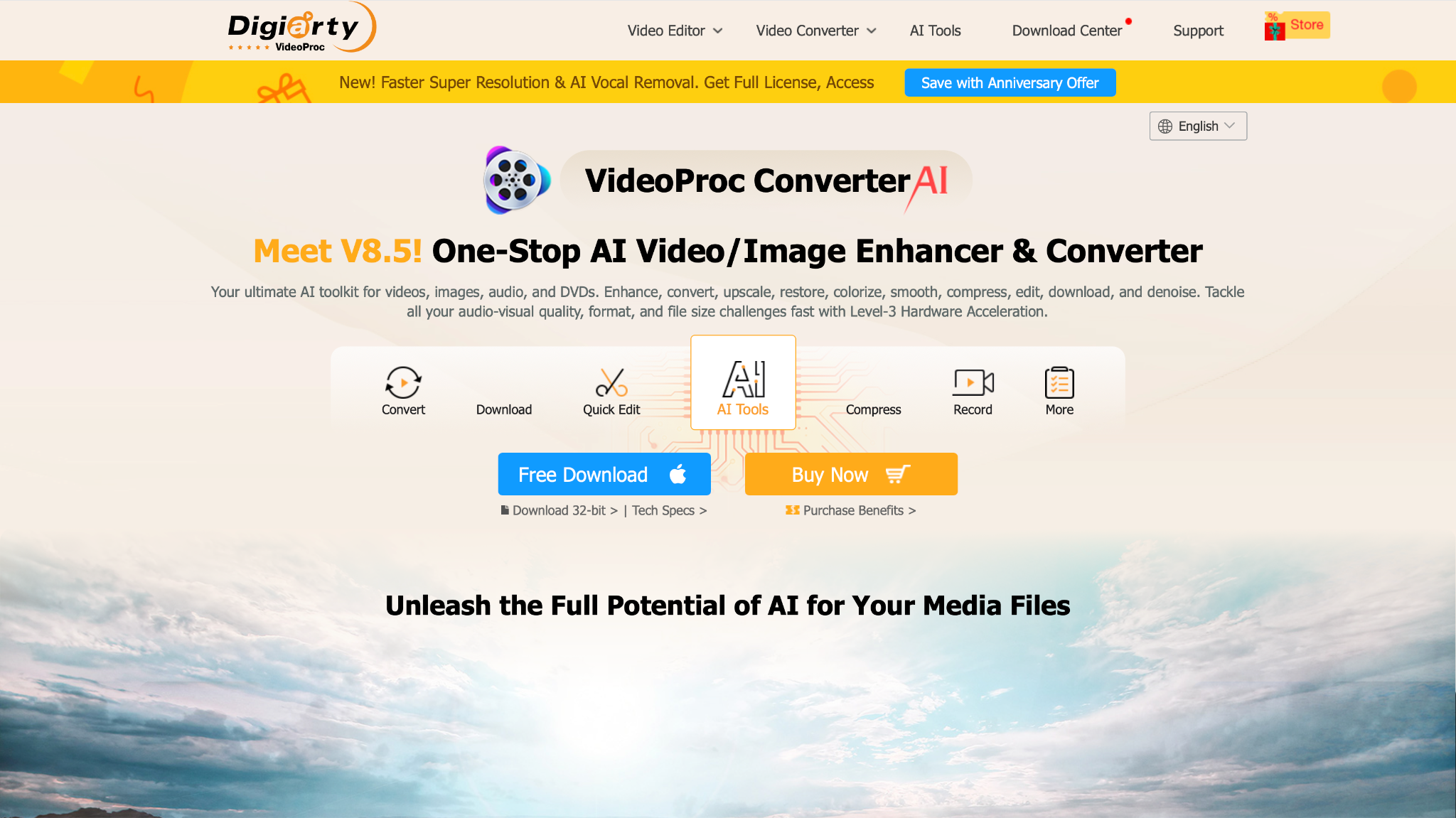
VideoProc Converter is another high-performance, all-in-one video suite. Its standout feature is its full-level GPU acceleration, which makes downloading and converting 4K/8K videos incredibly fast and efficient. It functions as a downloader, converter, basic editor, and screen recorder. It's a very strong and safe alternative of Vidmate for users who handle large video files.
Safety review: 5/5
Starting price: Free Trial; Paid plans available.
Supported device: Windows, macOS.
4. SnapDownloader
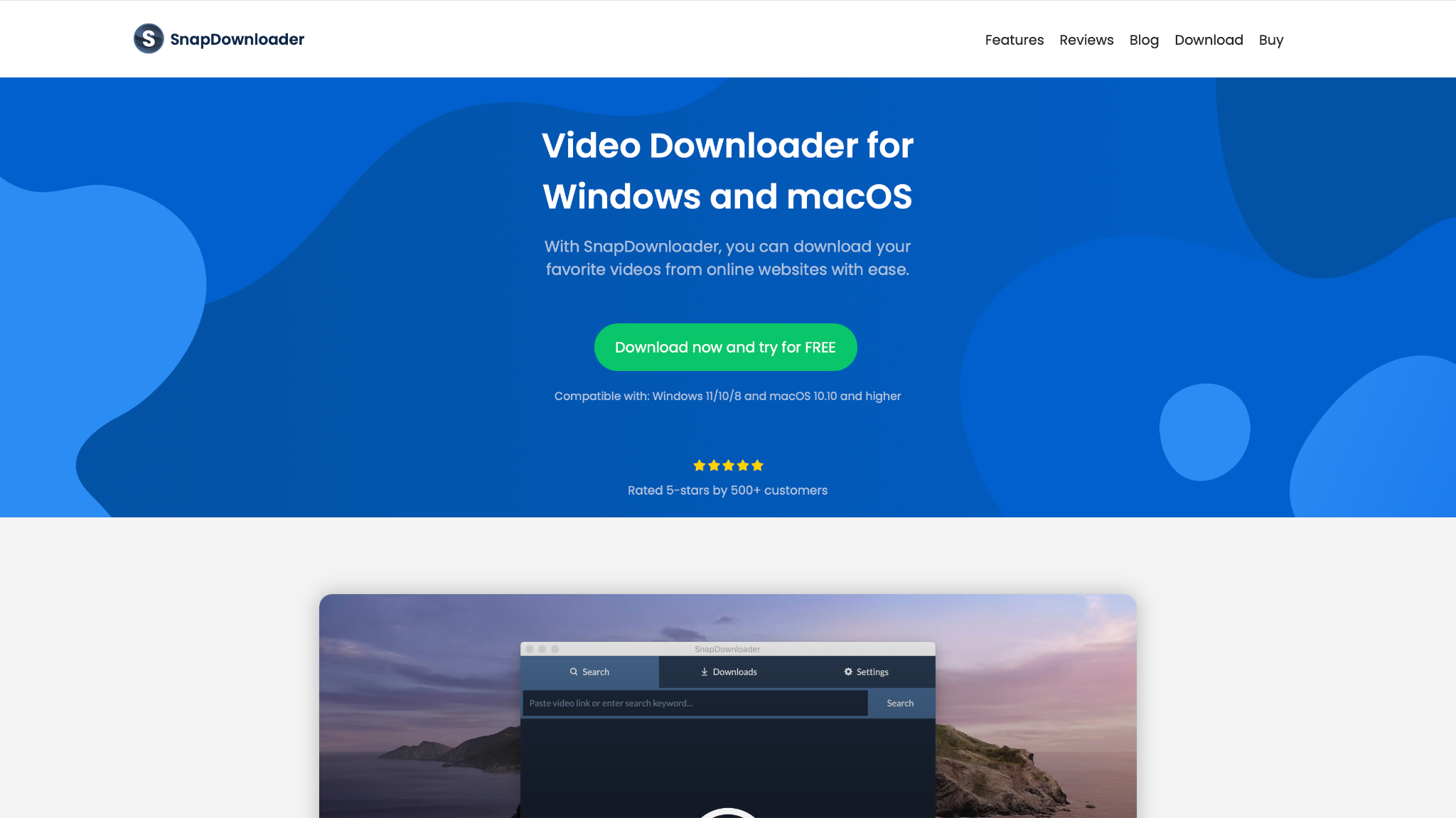
SnapDownloader is a powerful desktop downloader that supports over 900 websites. It's designed to be simple and fast, focusing on high-resolution downloads up to 8K. It also features a built-in video trimmer that allows you to cut clips before downloading, and it can extract audio in high quality. It's a dedicated tool that excels at its one job.
Safety review: 5/5
Starting price: Free Trial; Paid plans available.
Supported device: Windows, macOS.
Group 2: Cross-platform & power-user (All devices)
5. iTubeGo
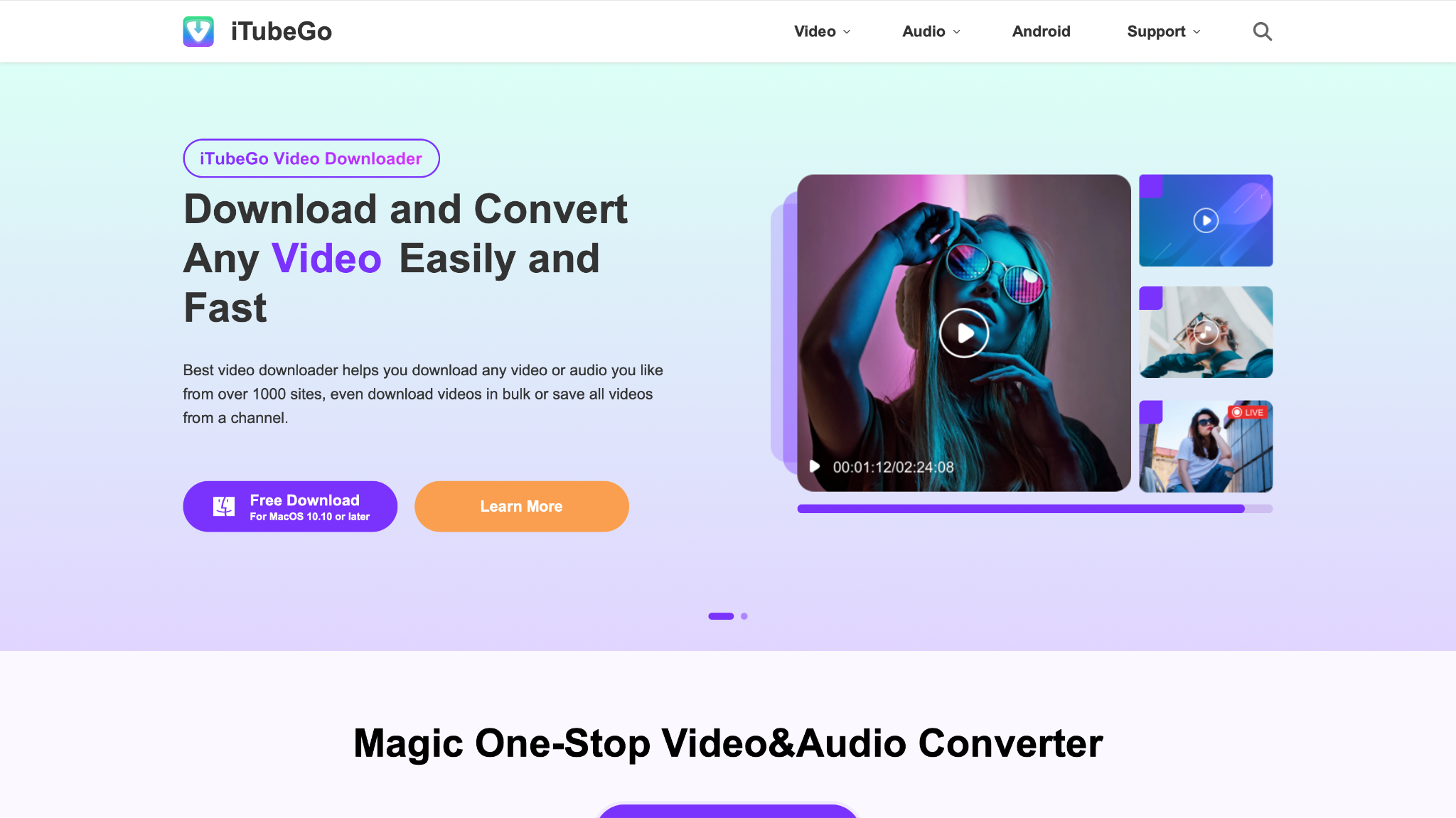
iTubeGo is one of the most versatile downloaders available, supporting Windows, macOS, and Android. It supports thousands of sites and can download playlists, channels, and audio. It's a great Vidmate alternative app for users who want one tool that works across all their devices. It even offers a "private mode" to protect your downloaded files.
Safety review: 4.5/5 (Desktop is 5/5; Android is 4/5 due to sideloading)
Starting price: Free Trial; Paid plans available.
Supported device: Windows, macOS, Android.
6. yt-dlp
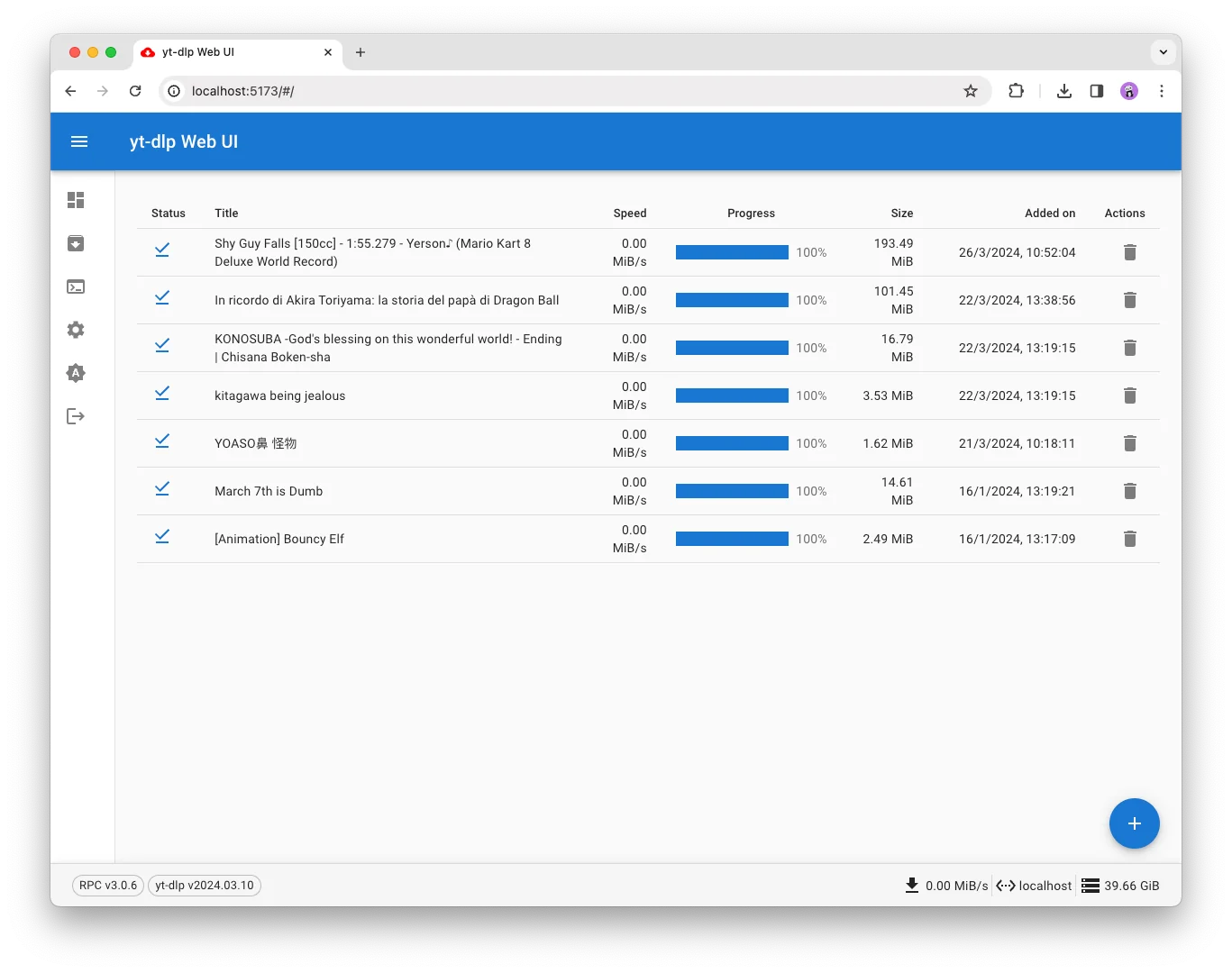
For the tech-savvy user, yt-dlp is the single most powerful Vidmate alternative in the world. It is an open-source, command-line program that is the successor to the famous YouTube-dl. It has no ads, no trackers, and no malware. It can download from thousands of sites, offers granular control over format and quality, and is updated almost daily.
Safety review: 5/5
Starting price: Free.
Supported device: Windows, macOS, Linux.
Group 3: Secure Android-specific apps
7. NewPipe
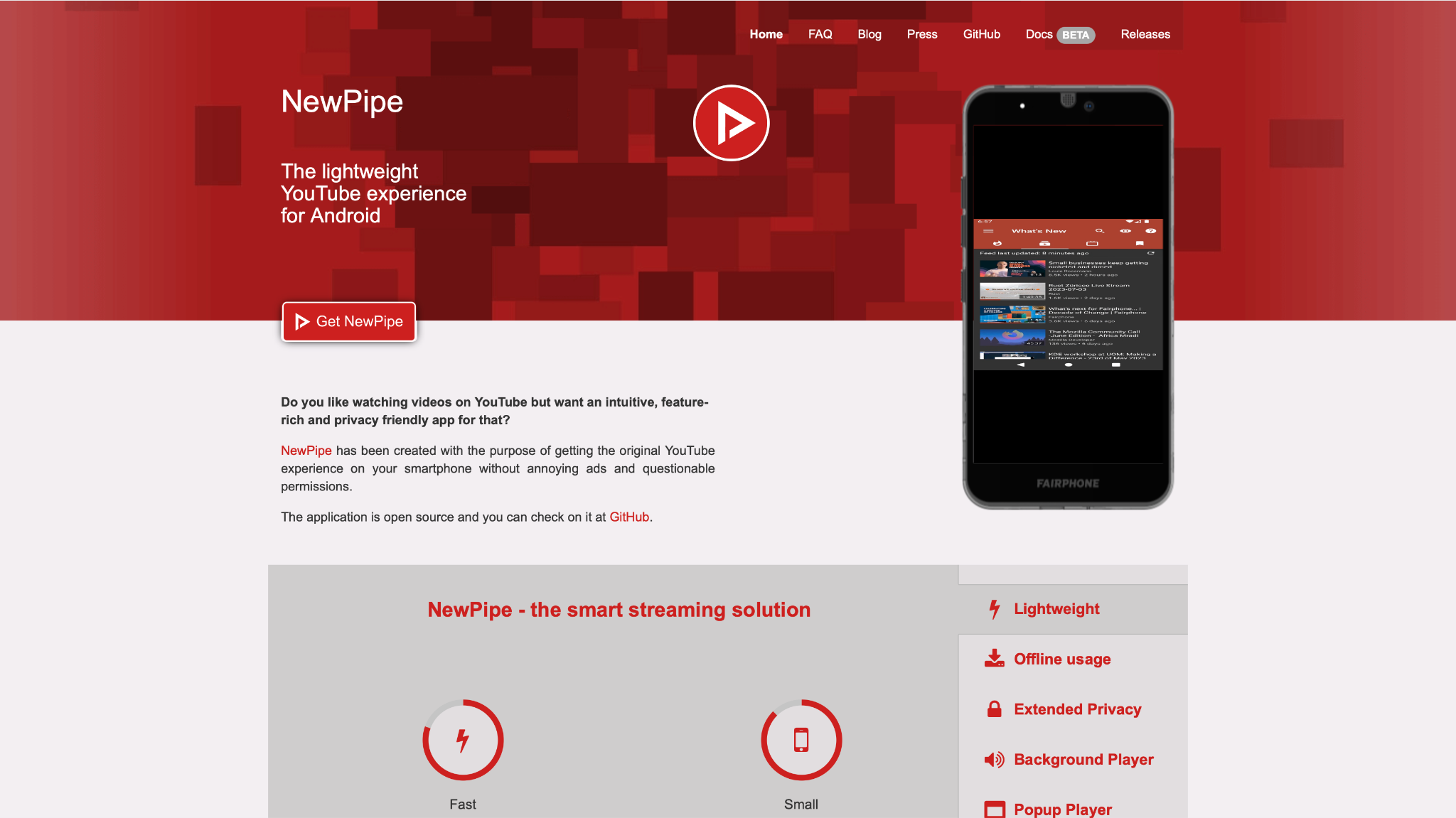
If you're looking for a Vidmate alternative app for Android that is truly safe, NewPipe is your answer. It is free, open-source, and 100% ad-free. Because it's open-source, its code is constantly checked by the community for any security risks. It's lightweight, privacy-focused (it doesn't even use Google's APIs, so no tracking), supports background playback, and, of course, video and audio downloading.
Safety review: 5/5
Starting price: Free.
Supported device: Android.
8. Snaptube
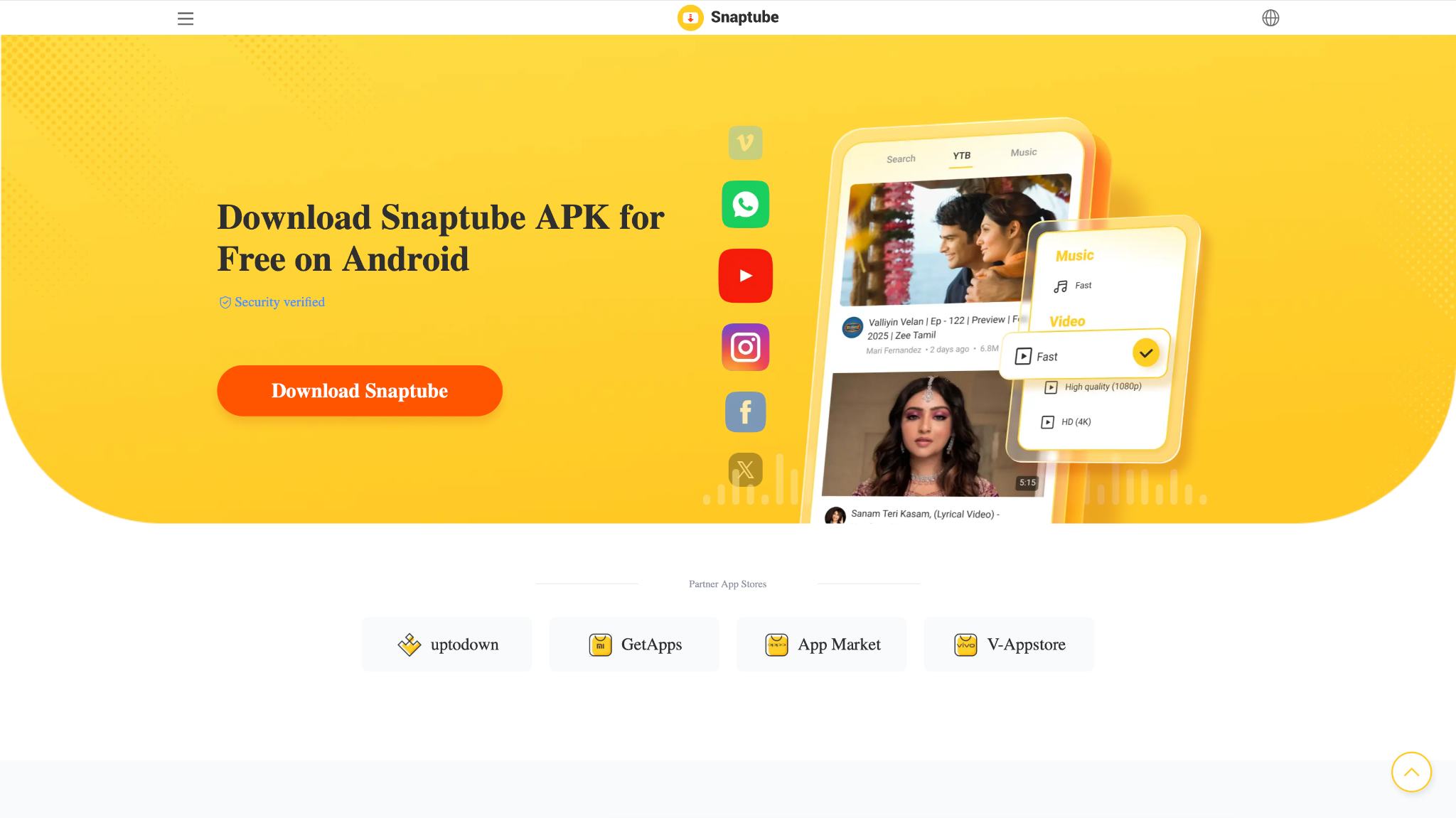
Snaptube is a very popular Vidmate similar app, but it shares many of the same risks. We include it here to warn you. Like Vidmate, it is not on the Google Play Store and must be sideloaded. While it features a nice interface and supports multiple social media sites, it is overly aggressive with ads. Security researchers have flagged it in the past for suspicious behavior. It is not a "safe" alternative.
Safety review: 2/5
Starting price: Free (Ad-supported).
Supported device: Android.
Group 4: Browser-based & simple tools
9. YTD Video Downloader
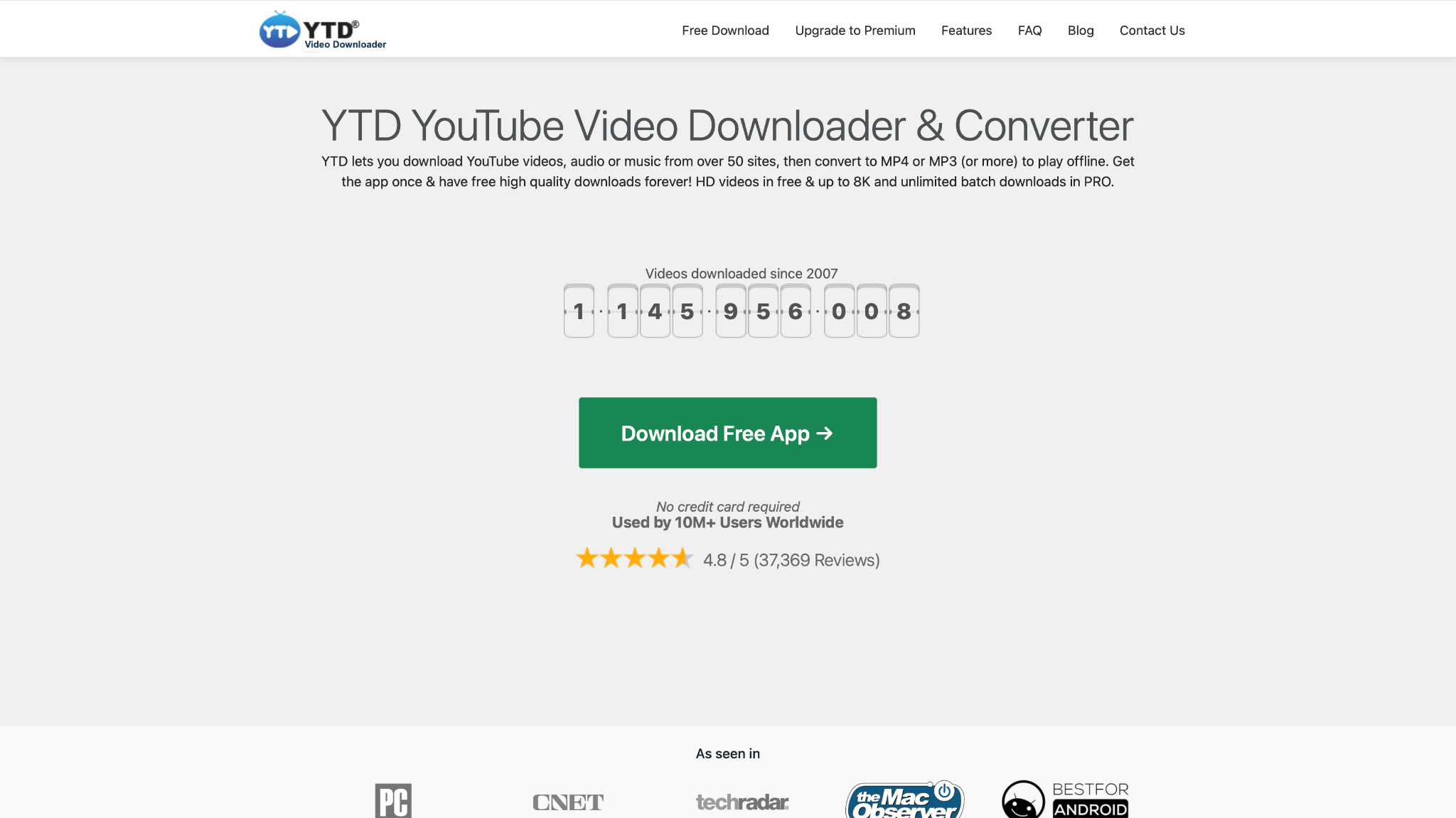
Safety review: 4/5 (Safe, but be cautious when unchecking bundled software during installation).
Starting price: Free (Ad-supported); Pro version available.
Supported device: Windows, macOS.
10. Video DownloadHelper
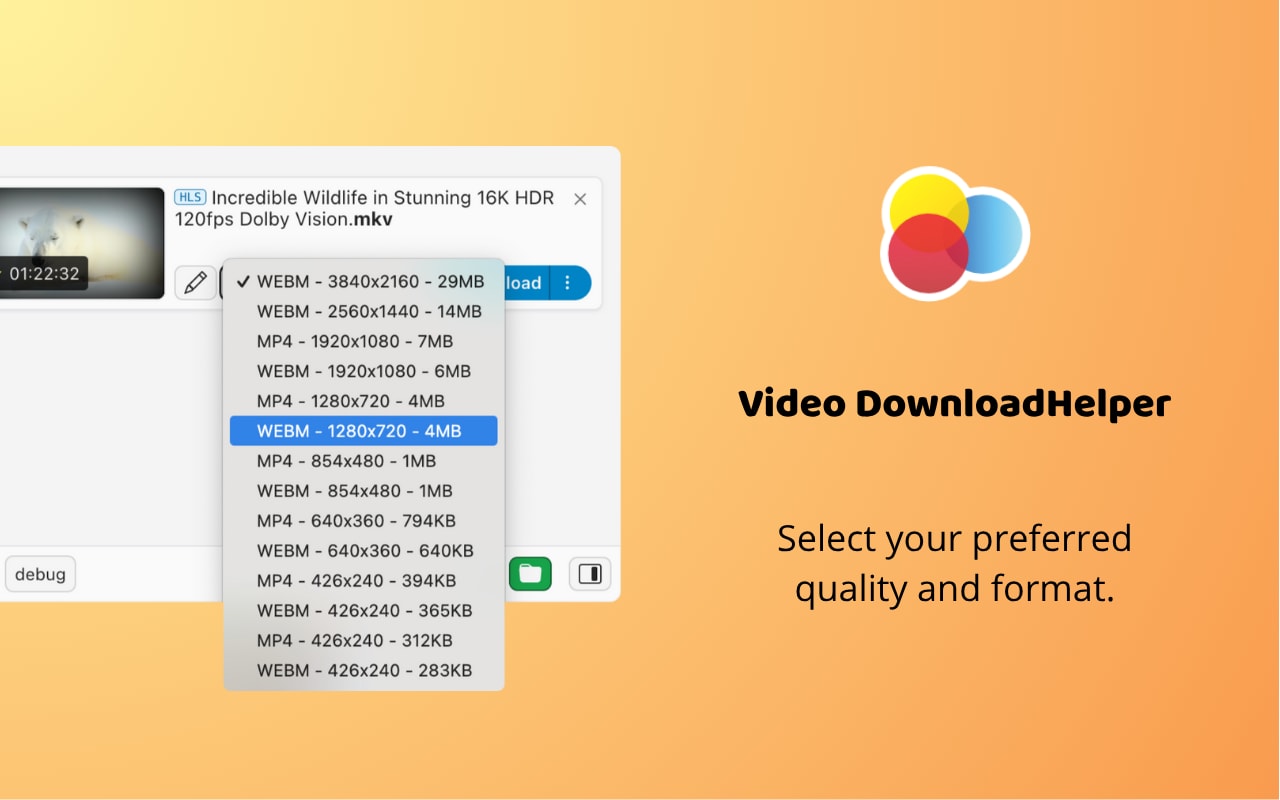
Safety review: 4.5/5
Starting price: Free; a premium version is available for purchase.
Supported device: Chrome, Firefox, Edge (as a browser extension).
Part 5. At-a-glance comparison table for top 10 Vidmate alternatives
| App Name | Supported Format | Unique Edge | Best For |
|---|---|---|---|
| Wondershare UniConverter | MP4, MOV, AVI, MP3, 1000+ | All-in-one video toolbox (Download, Convert, Edit, Compress, Record) | Content creators & power users |
| 4K Video Downloader | MP4, MKV, MP3, OGG | 8K/4K playlist & channel downloads | Quality enthusiasts |
| VideoProc Converter | MP4, MKV, MOV, HEVC | Level-3 GPU acceleration for 4K/8K | High-res video processing |
| SnapDownloader | MP4, MP3, AVI, WMA | Supports 900+ sites, 8K, built-in trimmer | Simple, high-quality desktop downloads |
| iTubeGo | MP4, MP3, M4A, MOV | Works on Windows, macOS, and Android | Users who want one tool for all devices |
| yt-dlp | Any (all formats) | Most powerful, supports thousands of sites | Tech-savvy users who want total control |
| NewPipe | MP4, M4A, Opus | Privacy-focused & 100% Ad-free (Open-source) | Secure, private Android users |
| Snaptube | MP4, MP3 | Good social media integration (Use with caution) | Users who are aware of the security risks |
| YTD Video Downloader | MP4, WMV, MP3, AVI | Simple, no-fuss "copy-paste-download" | Basic, casual desktop users |
| Video DownloadHelper | MP4, WEBM, MOV (various) | In-browser convenience (Extension) | Quick-grabs (non-YouTube videos) |
Conclusion
Choosing a secure Vidmate alternative is essential for protecting your privacy and your device. For Android users who value privacy, NewPipe is the clear, ad-free winner. For tech-savvy users, yt-dlp is the most powerful tool available.
However, for the vast majority of users who want power, safety, and ease of use, the choice is clear. Wondershare UniConverter stands in a class of its own. It's the ultimate all-in-one solution—a secure, professional, and powerful suite that handles downloading, converting, editing, and more, all from a trusted developer. It's the professional and safe upgrade from risky apps like Vidmate.
Ready to upgrade to a safe and powerful video solution? Download the free trial of Wondershare UniConverter today and experience the difference.
FAQs about Vidmate & its alternatives
-
1. What should I check before downloading a Vidmate alternative app?
Before installing any Vidmate alternative app, check whether it comes from an official website, has recent updates, clear permission requests, and real user reviews. If an app like Vidmate asks for too many permissions or pushes APK downloads from unknown sources, it is better to avoid it. -
2. Are there apps like Vidmate for iPhone or iOS?
Users often search for apps like Vidmate for iOS, but iPhone downloading options are much more limited because of Apple’s App Store rules. In most cases, a desktop tool or browser-based workflow is safer and more practical than trying to find a direct app like Vidmate on iPhone. -
3. What are the main Vidmate cons users should know about?
Common Vidmate cons include unstable performance, too many ads, risky APK installation, unclear update sources, and privacy concerns. These issues are exactly why many users now look for alternative to Vidmate options that feel more reliable and transparent. -
4. How can I tell whether a Vidmate-like app is harmful for my device?
If you are wondering, is Vidmate harmful for my device, the same warning signs apply to any Vidmate like app: forced redirects, background pop-ups, unusual battery drain, unexpected downloads, and permission requests unrelated to video downloading. Those signs usually mean the app is not trustworthy. -
5. What is the best alternative to Vidmate for users who want a simpler experience?
The best alternative to Vidmate depends on your device and workflow. If you want something simple, look for tools with a clean interface, official distribution, and fewer ads. Many users searching for apps like Vidmate actually want a safer and easier download experience, not just the same features.

