

What if the simple task of grabbing an MP3 from YouTube didn’t come with worries about viruses, redirects, or tools that stop working without warning? In reality, many users spend more time battling unreliable converters than actually downloading the audio they need. YTMP3 is one of the most widely searched options, yet its safety, stability, and legality remain constant concerns.
This guide digs beneath the surface to reveal how YTMP3 truly works, why it often fails, and whether it’s still worth using in 2025. You’ll also discover safer, cleaner, and more dependable alternatives so you can finally convert videos without stress, confusion, or compromise.
In this article
- What is YTMP3 and how does it convert YouTube videos to MP3
- Is YTMP3 safe to use for YouTube to MP3 downloads
- YTMP3 review: pros, cons, and safety concerns to know before using it
- Why is YTMP3 Not Working? Common Issues Explained
- 8 Safer YTMP3 Alternatives 2025
- At-a-Glance Comparison Table for Top 8 YTMP3 Alternatives
- Conclusion
- FAQs
Key Takeaways
[Safety Concerns] YTMP3 poses risks like malware, intrusive ads, data tracking, and legal issues, making it unreliable for long-term use.
[Performance Issues] Users often face failed conversions, domain shutdowns, and instability due to YouTube restrictions and platform changes.
[Better Alternatives] Tools like YT5s, SaveMP3, ClipConverter, Snaptube, and 4K Video Downloader offer safer and more stable conversion options.
[Secure Solution] Wondershare UniConverter provides fast, ad-free batch conversion with 1000+ formats and high-quality MP3 output for reliable use.
Part 1: What is YTMP3 and how does it convert YouTube videos to MP3
What is YTMP3?
YTMP3 is a free online tool designed to convert YouTube videos into MP3 audio files without requiring any software installation. It works entirely in your browser, making it quick and accessible for anyone who needs fast audio extraction. The interface is minimal and straightforward, allowing users to convert videos in just a few clicks. Whether you're saving music, podcasts, or lectures, YTMP3 offers a simple way to download audio from YouTube.
How to use YTMP3 to convert a YouTube video to MP3
Step 1: Copy the YouTube URL
Open YouTube, find the video you want, and copy its link from the address bar.
Step 2: Paste the Link into YTMP3
Go to the YTMP3 website and paste the copied link into the input field.
Step 3: Click “Convert”
Press the Convert button to let YTMP3 process the video into an MP3 file.
Step 4: Download the MP3 File
Once conversion is complete, click the download button to save the audio to your device.
Why do people still use YTMP3 for YouTube to MP3 conversion
YTMP3 has gained huge popularity because it’s completely free, easy to understand, and doesn’t require a sign-up or app installation. Its fast conversion speed attracts users who want a quick way to extract audio without complications. The clean interface also makes it appealing for beginners who need a straightforward YouTube-to-MP3 solution.

Easy to Use YTMP3 Alternative
Part 2: Is YTMP3 safe to use for YouTube to MP3 downloads
If you’re wondering “Is YTMP3 safe?”, the honest answer is: not entirely. While the site offers quick, free YouTube-to-MP3 conversions, it comes with several security, privacy, and legal concerns that users should be aware of. YTMP3 frequently changes domains, displays aggressive ads, and lacks transparency—clear signs that caution is necessary when using it:
Security Risks and Red Flags
Malware & Adware Threats
One of the biggest concerns with YTMP3 is the presence of intrusive pop-up ads and misleading “Download” buttons. These can trick users into clicking harmful links or installing unwanted programs. Many similar converter sites are known to contain hidden adware risks, making the user experience unpredictable and potentially dangerous.
Data Privacy Concerns
Since YTMP3 is free, it must rely on something else for revenue—and that’s often user data. The site lacks a clear, trustworthy privacy policy, meaning you don’t fully know how your information may be collected, tracked, or shared. Free conversion sites sometimes monetize traffic by sending user data to third-party advertisers.
Copyright Infringement Issues
Downloading copyrighted music to redistribute or share is illegal. While personal use exists in a gray area depending on your region, the service itself operates in a legally questionable space, which is why such websites often face shutdowns or domain changes. Users should always respect copyright laws and platform terms.
Unsecure Connection (Lack of HTTPS)
Some YTMP3 mirror sites don’t use proper HTTPS encryption. Without a secure connection, any data you enter—including browsing activity—can potentially be intercepted by malicious parties. This increases the risk of data leaks, tracking, or exposure to unsafe redirects.
Part 3: YTMP3 review: pros, cons, and safety concerns to know before using it
When looking at YTMP3 converter reviews, the tool receives mixed feedback. Many users appreciate how easy and free it is to convert YouTube videos into MP3s, but the platform’s reliability and safety issues make it far from perfect. Here’s a balanced YTMP3 review to help you understand both sides before using it:
Pros of YTMP3
- 100% Free to Use: There are no subscription plans, hidden fees, or premium versions—everything is completely free.
- No Account Registration Required: You can convert videos instantly without sharing your email or creating an account.
- Simple, User-Friendly Interface: The layout is clean and straightforward, making it easy for anyone to paste a link and convert a file.
- Fast Conversion (When It Works): When the server is stable, YTMP3 delivers quick MP3 downloads with minimal waiting time.
Cons of YTMP3
- Heavy with Intrusive Ads and Pop-Ups: The site often displays misleading ads that can redirect users to unsafe pages or deceptive download buttons.
- Major Security & Privacy Risks: As explained earlier, YTMP3 poses malware, tracking, and data privacy concerns—making it unsafe for regular use.
- Unreliable Performance: Sometimes the website doesn’t load, fails to convert videos, or switches domains, which leads to inconsistent usability.
- Variable Audio Quality, No Advanced Options: YTMP3 doesn’t offer bitrate choices, quality settings, batch conversions, or MP4 downloads, limiting user control.
Part 4: Why is YTMP3 Not Working? Common Issues Explained
Many users search for “YTMP3 not working”, and the truth is that these problems happen regularly due to the unstable nature of free converter sites. YTMP3 depends on shifting domains, unlicensed technology, and ad-heavy systems that often break without warning. If you’re dealing with failed conversions, blank pages, or missing download links, here are the most common causes—and why they keep happening.
Domain Shutdown or Blocked Access
YTMP3’s domains are frequently taken down because of copyright complaints, DMCA actions, and platform policy violations. As a result, the official site often disappears and reappears under new clone URLs that may or may not work. This constant switching makes it difficult for users to know which version is legitimate.
YouTube API or Platform Changes
YouTube regularly updates its backend and API to prevent unauthorized downloading, which immediately disrupts tools like YTMP3. When this happens, converters fail to read video data or produce download links. These changes can last days or weeks before the converter adapts—if it adapts at all.
Ad Blockers Interfering
Since YTMP3 relies heavily on advertisements to stay online, aggressive ad-blockers can break essential page functions. This may cause the Convert button to freeze, the download link to malfunction, or the page to reload endlessly. Allowing the site in your ad-blocker can sometimes resolve this issue.
Browser Cache and Cookies Issues
A cluttered cache or corrupted cookies can cause YTMP3 to load incorrectly or fail to process conversion requests. Clearing your browser data often fixes minor malfunctions, especially on older devices. Switching to another browser or using incognito mode can also help bypass these errors.
Part 5: 8 Safer YTMP3 Alternatives 2025
Mentioned below are the 8 alternatives. Take a closer look:
1. Wondershare UniConverter (Windows | macOS | Chrome Extension)
Wondershare UniConverter is one of the most reliable and secure alternatives to YTMP3 in 2025, offering video/audio conversion, compression, and full YouTube-to-MP3 support. Unlike unsafe browser-based converters, UniConverter runs as a desktop application, ensuring stable performance with no pop-ups or malware risks. It also includes a YouTube Chrome Extension, making video downloads faster and more convenient directly from your browser. With support for more than 1,000 formats, batch downloads, and 4K video conversion, UniConverter becomes an all-in-one media toolkit ideal for professional and personal use. It works across major desktops and provides high-speed GPU-accelerated conversions.

Safety Review: 5/5
Starting Price: Paid plans available after trial
Supported Devices: Windows, macOS, Chrome Extension
Best for Web Browsers (No Installation Needed)
Easy to Use YTMP3 Alternative
2. YT5s
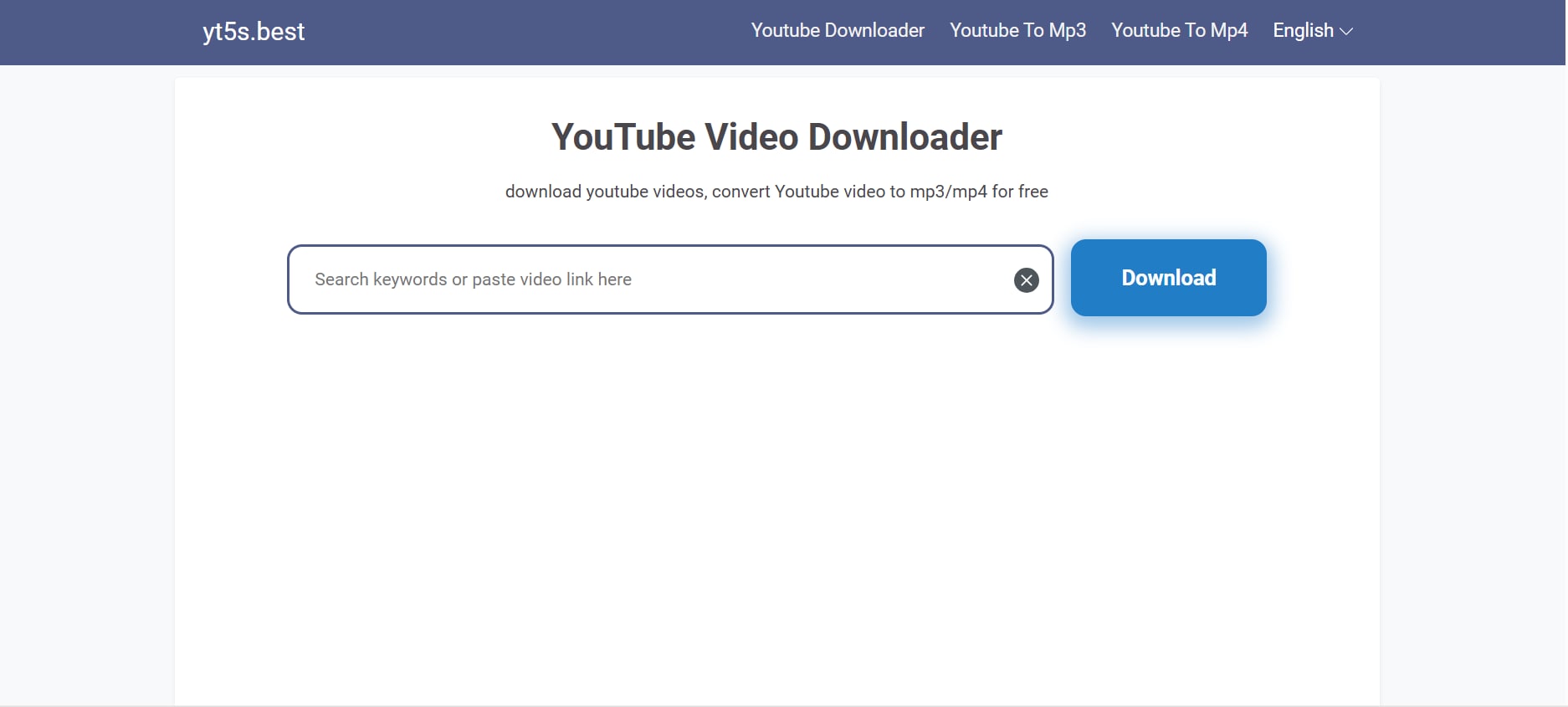
YT5s is a simple online converter for YouTube videos, offering MP3 and MP4 downloads with minimal steps. It is far more stable than YTMP3 due to better server availability and a cleaner interface. Users appreciate its fast conversions, high-quality output options, and compatibility with all major browsers. Although online converters come with inherent risks, YT5s is considered safer than many ad-heavy alternatives. It also supports longer videos that many older converters struggle to process. The tool’s uncluttered design makes it easy for beginners to navigate without confusion. Additionally, YT5s receive regular updates, which helps maintain smoother performance over time.
Safety Review: 4/5
Starting Price: Free
Supported Devices: Browser-based (Windows, macOS, Android, iOS)
3. SaveMP3
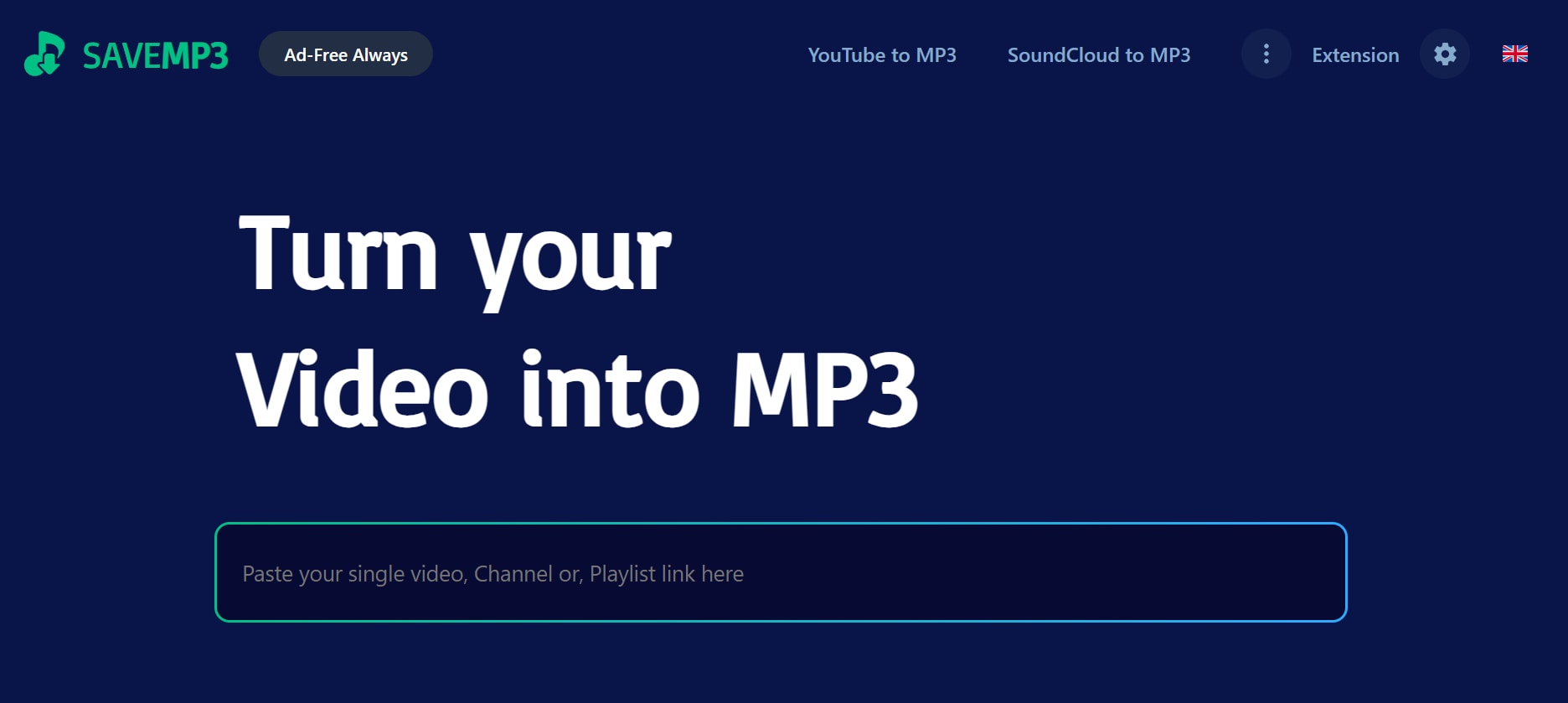
SaveMP3 is a web-based downloader supporting YouTube and multiple other platforms. It offers high-speed conversion, a modern minimal interface, and an advanced search feature that lets users look up videos directly without switching tabs. While still a browser tool, its stability and safety are noticeably better than older platforms like YTMP3. It also supports multiple output formats, making it ideal for both casual users and content creators. The tool handles long videos efficiently with fewer timeouts, and its clean, low-ad layout ensures a smoother, distraction-free experience. SaveMP3 is updated frequently to stay compatible with major streaming platforms, and it performs reliably even during peak hours. Best of all, no registration is required — you can start converting instantly.
Safety Review: 4/5
Starting Price: Free
Supported Devices: Web (All devices)
Best for Mobile Users (Android & iOS)
4. Snaptube(Android)
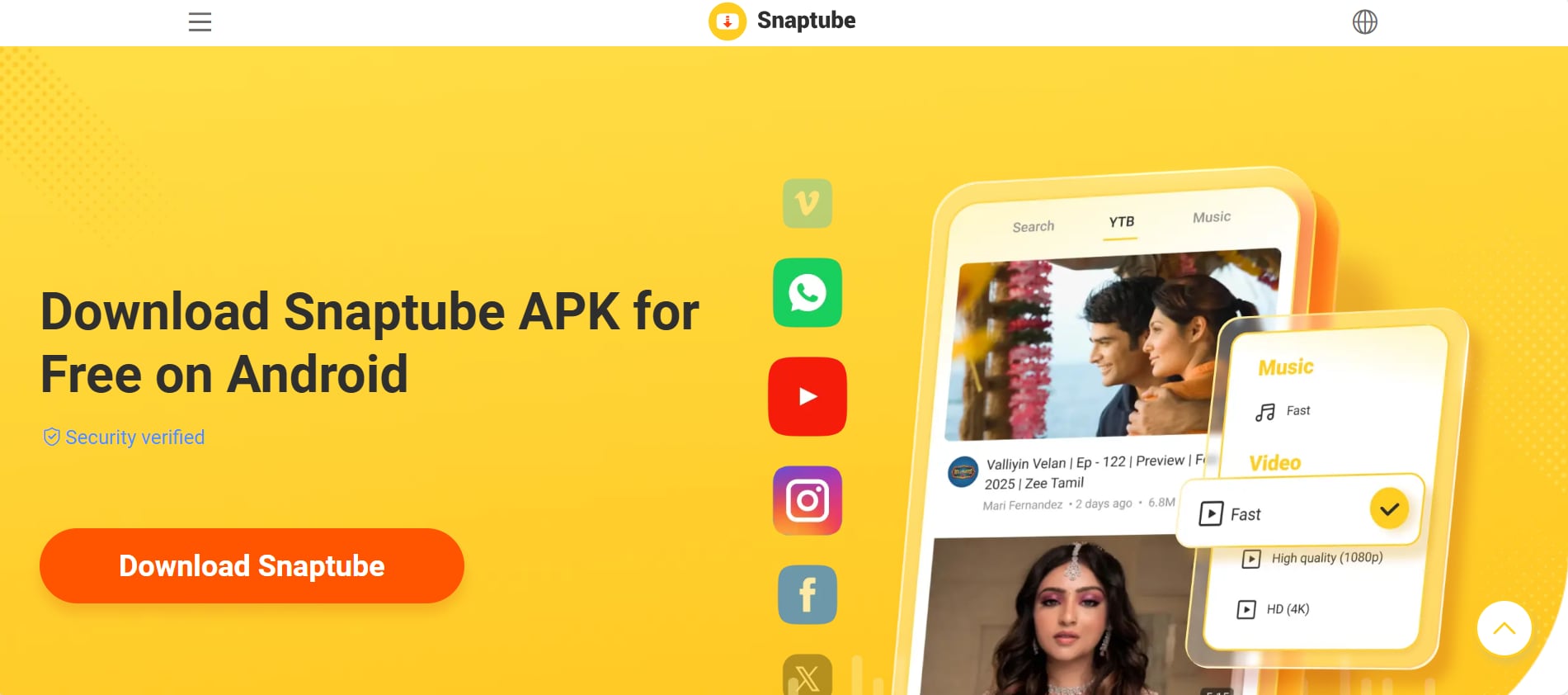
Snaptube is a widely used Android app that allows users to download YouTube videos and convert them into MP3 files. It offers multiple resolutions, batch downloads, and a visually appealing interface. Since it is not available on Google Play, users need to download it from the official site only. The app also supports downloads from several social media platforms, making it a versatile option for mobile users. Its built-in video player allows quick previews before downloading, ensuring you capture the right content. Snaptube is optimized for fast processing, so even longer videos download smoothly without crashes. Additionally, it regularly releases security patches and updates to maintain performance and reduce potential risks.
Safety Review: 3.5/5
Starting Price: Free
Supported Devices: Android
5. Readdle Documents + Online Converter (iOS)
iPhone users often struggle with direct downloads, but using the Documents by Readdle app combined with a trusted online converter (like YT5s) provides a safe solution. Documents includes a secure browser, letting users download MP3 files directly inside the app. It also offers a built-in file manager, allowing you to organize, rename, and move your audio files effortlessly. Once the MP3 is saved, you can transfer it to the Files app or even import it into your music library. The app’s clean interface makes the entire process simple, even for beginners. Plus, its strong privacy features ensure your downloads remain safe and protected from malicious pop-ups often found on random converter sites.

Safety Review: 4/5
Starting Price: Free
Supported Devices: iOS
Best for Desktop Downloaders (Software-Based)
6. 4K Video Downloader+
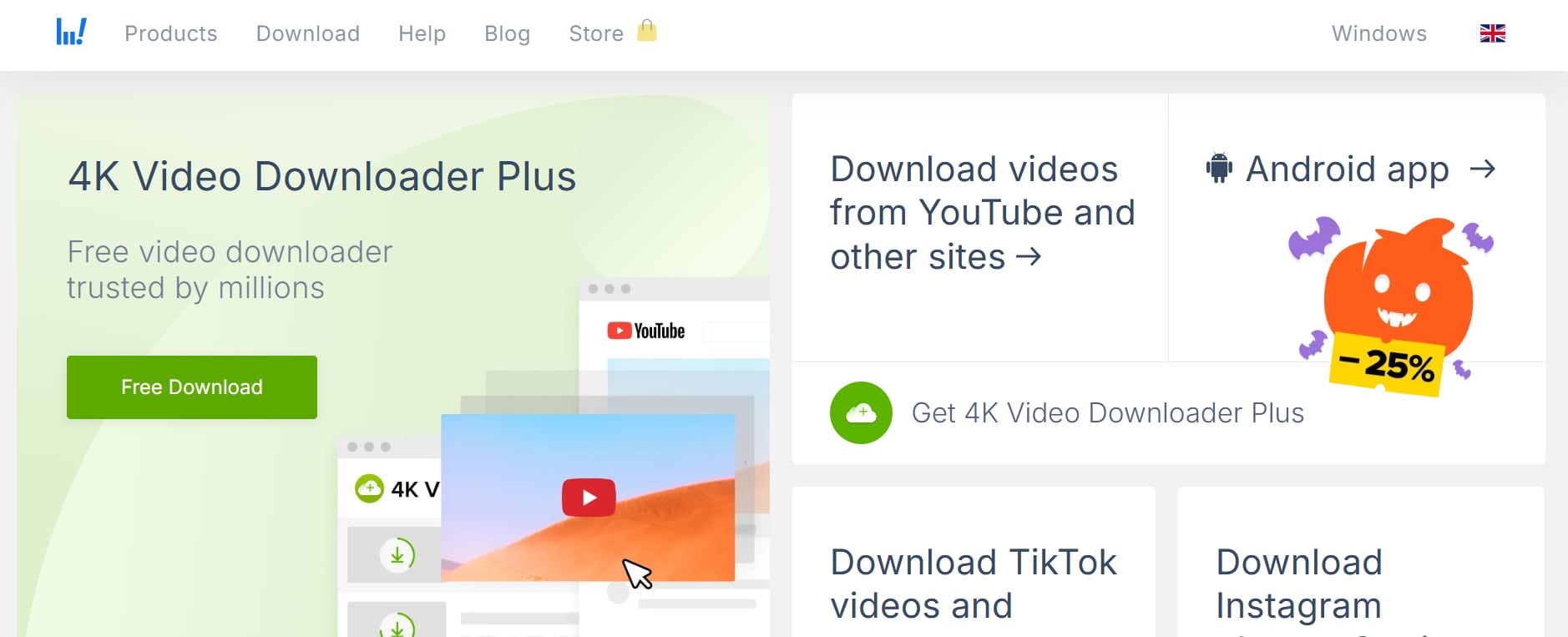
4K Video Downloader+ is a powerful desktop app that supports high-quality MP3 extraction from YouTube and many other platforms. It delivers stable performance and avoids the risk of pop-ups or unsafe scripts found in browser converters. The software also supports playlists, channels, and batch downloads, making it ideal for users who need multiple files at once. Its smart mode feature automates your preferred settings, so every download follows the same format and quality. The app maintains excellent audio fidelity, even when converting long videos or music mixes. Users also benefit from regular updates that keep the tool functional despite YouTube platform changes. Overall, it’s a reliable, secure, and professional solution for anyone who wants fast and consistent MP3 downloads without depending on unstable websites.
Safety Review: 4.5/5
Starting Price: Free with upgrade options
Supported Devices: Windows, macOS
Best for In-Browser Extensions
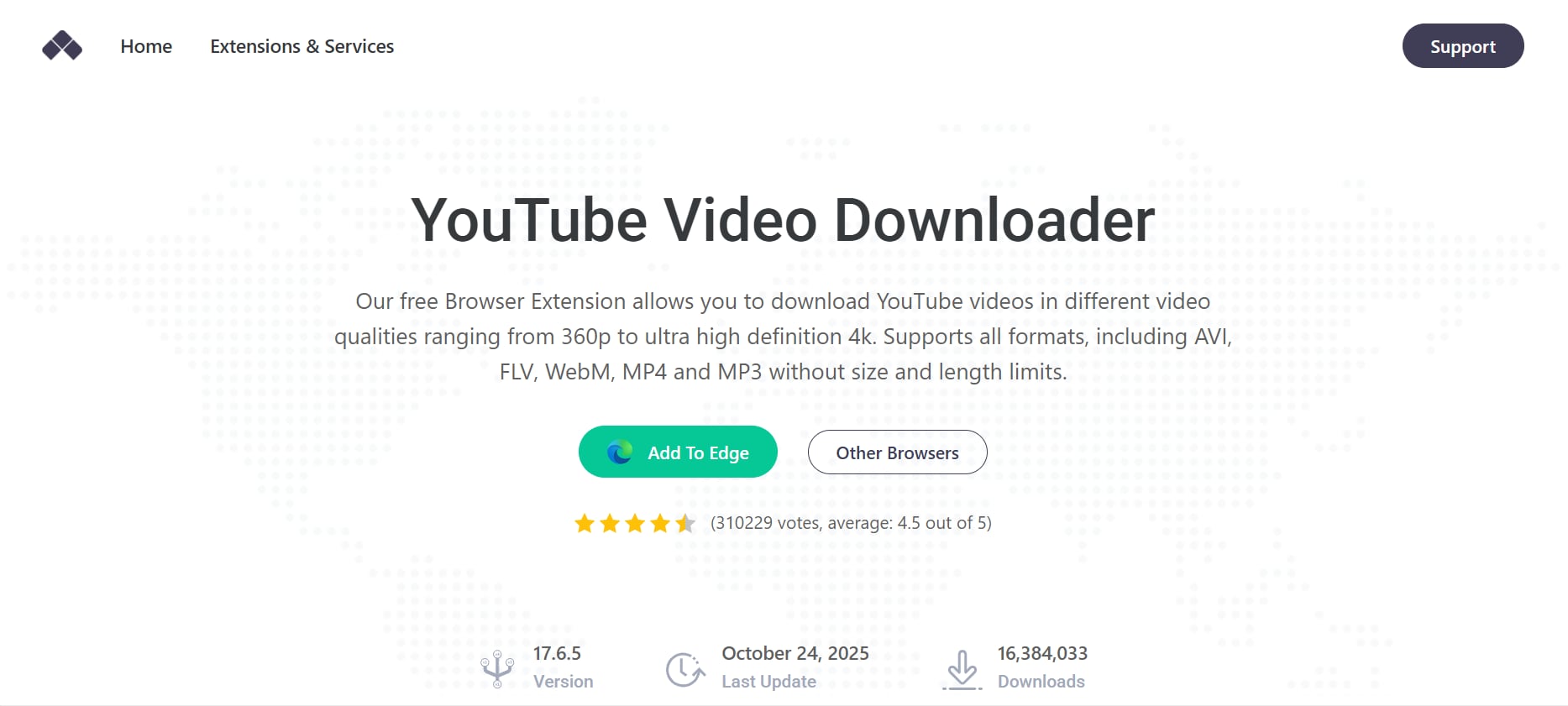
7. Addoncrop YouTube Downloader Extension
This third-party extension integrates directly into YouTube’s interface, adding a download button under every video. It supports MP3 extraction, multiple resolutions, and fast downloads. You must install it through a custom extension loader since it's not available on the Chrome Web Store. The extension offers a seamless experience because you don’t have to switch between tabs or copy-paste URLs. It also provides quick-access format options so users can instantly choose MP3 or MP4. Updates are released frequently to maintain compatibility with YouTube’s layout changes. However, users should always download it from the official developer site to avoid unsafe clones.
Safety Review: 4/5
Starting Price: Free
Supported Devices: Chrome, Firefox, Opera (via script loader)
Best for Multi-Platform Conversions
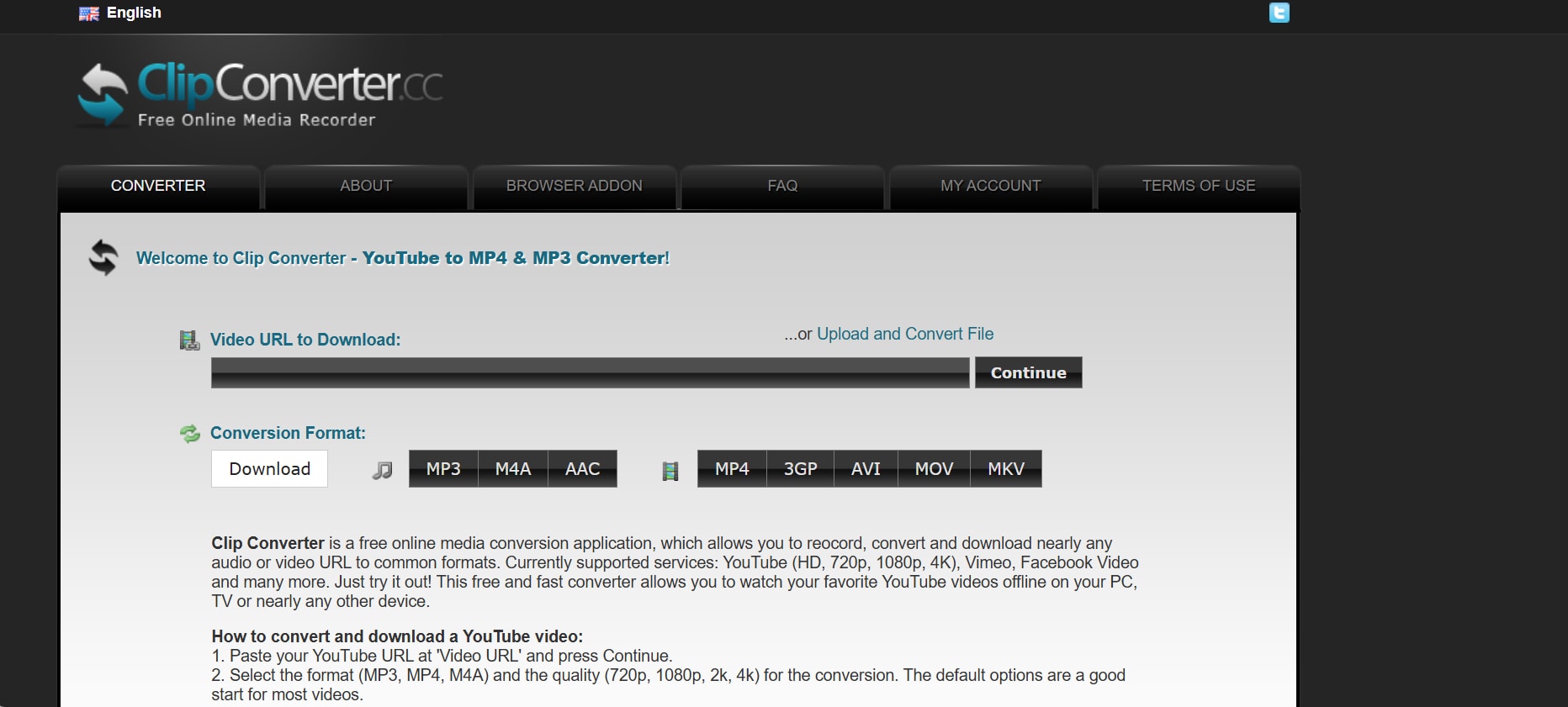
8. ClipConverter.cc
ClipConverter.cc has been a trusted online converter for years, known for stable performance and multiple format options. It allows direct MP3 conversion from YouTube, Vimeo, and other platforms. The interface is simple, though slightly outdated, but remains safer than YTMP3. Users appreciate that it offers customizable audio quality settings before downloading. It also supports long-form videos, which many basic converters fail to handle. Despite being an online tool, its ads are far less intrusive compared to typical free converters. Regular backend updates help keep the service compatible with most major video sites. Its servers are relatively fast, reducing wait times even for large files. Overall, it stays one of the most reliable browser-based converters for casual users.
Safety Review: 4/5
Starting Price: Free
Supported Devices: Browser-based (All devices)
Part 6: At-a-Glance Comparison Table for Top 8 YTMP3 Alternatives
How We Tested YTMP3 Safety and Alternatives
To build this guide, we reviewed YTMP3 and its alternatives based on safety risks, stability, conversion reliability, ad pressure, usability, and overall practicality for MP3 downloading.
This section helps readers understand the evaluation criteria behind our YTMP3 safety review and alternatives below.
| App Name | Supported Format(s) | Unique Edge | Best For |
|---|---|---|---|
| Wondershare UniConverter | MP3, MP4, WAV, MOV, AVI & more | Desktop-level safety, fastest conversions, Chrome extension | Users wanting the safest, most stable and feature-rich experience |
| YT5s | MP3, MP4 | Fast online conversions with clean interface | Quick, no-install YouTube conversions |
| SaveMP3 | MP3, MP4, WAV | Built-in search engine inside the downloader | Users who want an all-in-one online search + convert tool |
| SnapTube | MP3, MP4 | Android app with batch downloads and multi-resolution support | Android users needing a dedicated app |
| Documents by Readdle + YT5s | MP3, MP4 | Secure in-app browser for iPhone downloads | iPhone users who want safe, direct downloads |
| 4K Video Downloader+ | MP3, MP4, MKV, FLV | High-quality extraction + extremely stable desktop performance | Users needing reliable, HD/4K downloading |
| YouTube MP3 Download Extension | MP3, MP4 | Adds a download button directly under YouTube videos | Users wanting one-click convenience in the browser |
| ClipConverter.cc | MP3, MP4, AAC, M4A | Long-video support + customizable quality settings | Users seeking a trusted, long-running online converter |
Conclusion
YTMP3 may be convenient, but its growing safety concerns, unstable performance, and constant domain shutdowns make it far from reliable in 2025. With increasing risks around malware, intrusive ads, and privacy vulnerabilities, users need safer, more stable alternatives for converting YouTube videos to MP3.
If you want the most secure and professional-level experience, Wondershare UniConverter remains the top choice, providing fast conversions, reliable updates, and seamless compatibility across devices. Ultimately, choosing a safer tool ensures not just smoother downloads but complete peace of mind.
FAQs about YTMP3 Safety and Alternatives
1. Are all YTMP3 domains equally safe to use?
2. What do users usually mean when they search for “safe YTMP3” or “safest YTMP3”?
3. Why do some people look for YTMP3 converter review pages before using the tool?
4. Is there a good YTMP3 alternative if I want fewer ads and better stability?
Yes. A good YTMP3 alternative depends on whether you prefer a browser-based option, a mobile app, or a desktop converter. Users who are frustrated with unstable mirrors, redirects, or inconsistent behavior often move to alternatives that offer cleaner interfaces, better uptime, and more predictable MP3 conversion results.

