


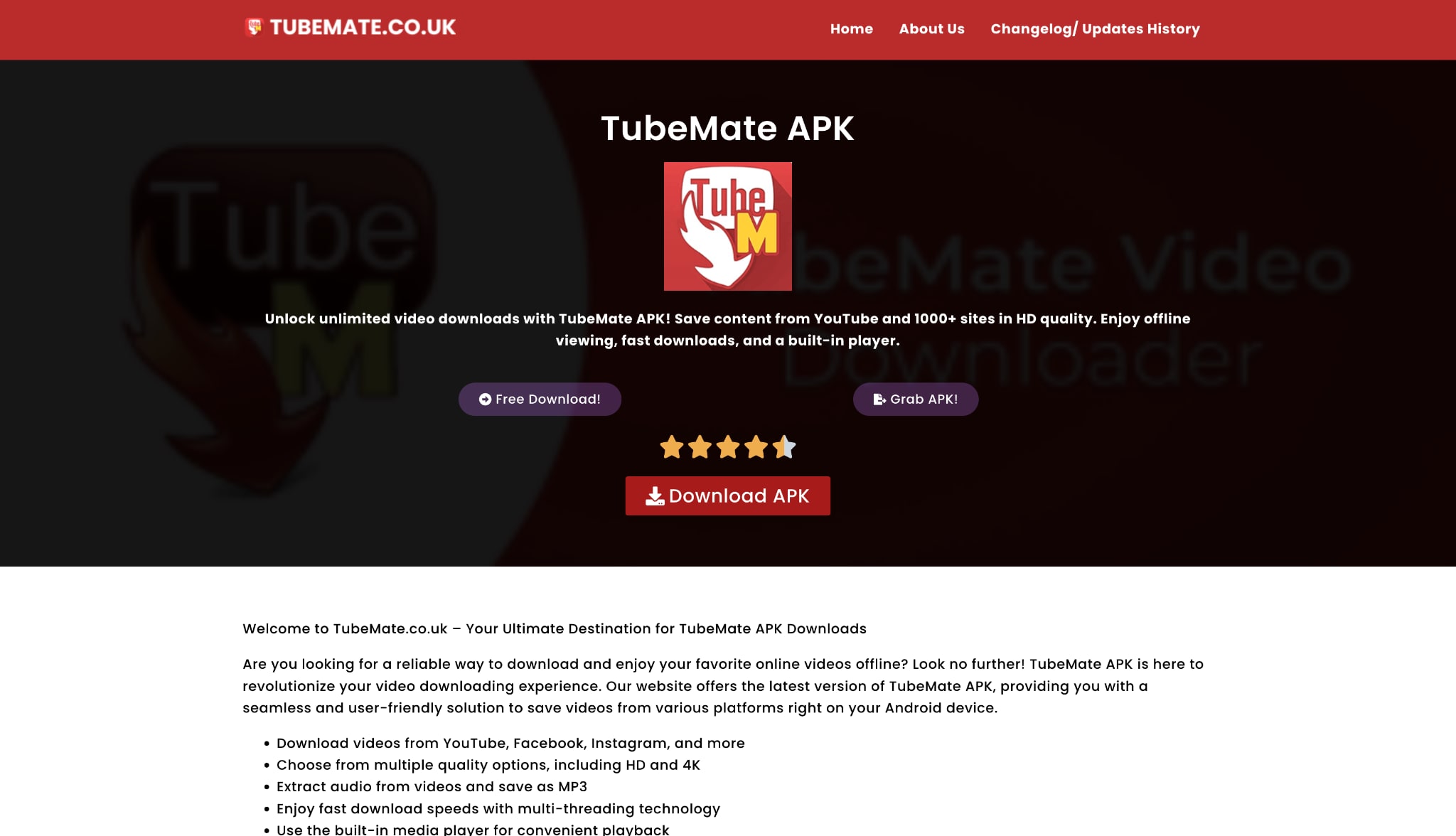
For years, TubeMate was the go-to name for Android users looking to save videos for offline viewing. However, as we move into 2025, relying on an app that isn't available on the official Google Play Store has become increasingly problematic. Users are actively searching for a TubeMate alternative that is safer, more stable, and works on all their devices, not just one phone.
If you've found yourself frustrated by a buggy interface, bombarded with pop-up ads, or worried about the security of an unofficial APK file, you're in the right place. The landscape of video downloading has undergone significant changes. What was once a simple convenience is now a minefield of security risks, broken apps, and privacy concerns.
This guide will explore why users are fleeing TubeMate, what to look for in a modern replacement, and the best alternative for TubeMate based on real user feedback and recommendations from communities like Reddit.
Table of Contents
Key Takeaways
[Security Risks] TubeMate requires sideloading APKs, exposing devices to malware, privacy issues, and unsafe downloads.
[Performance Issues] Frequent crashes, ads, and broken downloads make unofficial apps unreliable for consistent use.
[Alternative Options] Tools like 4K Video Downloader, JDownloader 2, yt-dlp, ClipGrab, and online sites offer varying safety and functionality.
[Safe All-in-One Solution] Wondershare UniConverter provides secure, ad-free downloading, batch processing, and format conversion across devices.
Why Look for a TubeMate Alternative?
Security and Privacy Risks
The single biggest reason to switch is safety. To install TubeMate, you must "sideload" an APK file from an unofficial source. This action bypasses all of Google's built-in security protections, opening your device to potential malware, spyware, and ransomware. You are trusting a third-party website not to bundle malicious code, a risk that grows with every new Android update.
Incessant Advertisements
Free apps need to make money, but many unofficial downloaders cross the line. Users report intrusive full-screen video ads, deceptive pop-ups disguised as "download" buttons, and advertisements that redirect to malicious websites. This renders the app nearly unusable, turning a simple task into a frustrating ordeal.
App Stability and Update Issues
YouTube and other platforms update their code constantly to prevent downloads. An unofficial app like TubeMate can break overnight, leaving users with parsing errors and failed downloads. You are left waiting for a developer to release a new APK, which you must then hunt down and reinstall, re-exposing yourself to security risks all over again.
The Need for Cross-Platform Solutions
We live in a multi-device world. TubeMate is an Android-only solution. What about a TubeMate iOS alternative? Or a way to download videos on your Windows PC or Mac? A modern TubeMate-like app should work seamlessly across all your devices, allowing you to download on your desktop and transfer to your phone, or vice versa.
How to choose a safe TubeMate alternative
As you search for the best alternative to TubeMate, it's crucial to evaluate your options with a new, security-first mindset. Here is the framework we used to build our list.
Safety First
Is the app from a reputable, established developer? Is its business model clear? The safest options are often premium desktop applications from well-known companies, as they have a reputation to protect and don't rely on bundling adware.
Ease of Use
A great TubeMate alternative app should have a clean, intuitive, and modern interface. You shouldn't have to navigate a maze of ads or confusing buttons to paste a link.
Feature Set
The best tools are more than just downloaders. Look for key features such as batch downloading (entire playlists or channels), built-in video conversion, audio-only extraction (MP3), subtitle downloads, and even basic editing tools like trimming and merging.
Format & Quality Options
The tool must support modern, high-quality formats. This includes MP4 and MP3, as well as resolutions up to 1080p, 4K, and even 8K. Don't settle for a tool that can only output grainy 360p files.
Download Speed
The app should utilize multi-threading or other acceleration technologies to provide fast and, more importantly, reliable downloads that fail at a rate of less than 1%.
Cost & Value
"Free" is rarely free. Many "free" tools come with hidden costs, including privacy risks, security vulnerabilities, or crippling limitations. Look for a tool with a transparent price. A good free trial or a reasonable one-time purchase is often a far better value than a "free" app that installs adware.
Best TubeMate alternatives for desktop, web, and mobile
Based on these criteria, we've broken down the best similar apps like TubeMate into three categories: Desktop Suites (the safest and most powerful), Online Sites (convenient but risky), and Browser Extensions (once great, now heavily restricted).
Safest desktop TubeMate alternatives
Desktop apps are, without a doubt, the best, safest, and most reliable way to download online videos in 2025. They are professionally maintained, updated constantly, and don't come with the risks of online sites or unofficial APKs.
1. Wondershare UniConverter
Wondershare UniConverter is our top pick because it's not just a downloader—it's a complete video toolkit. It's the professional alternative to TubeMate that solves all the problems of free tools. It's a high-speed downloader, a converter for over 1,000 formats, a video compressor, an editor, a DVD burner, and more. It downloads from YouTube and 10,000+ other sites in up to 8K, can grab entire playlists in one click, and even downloads with subtitles.
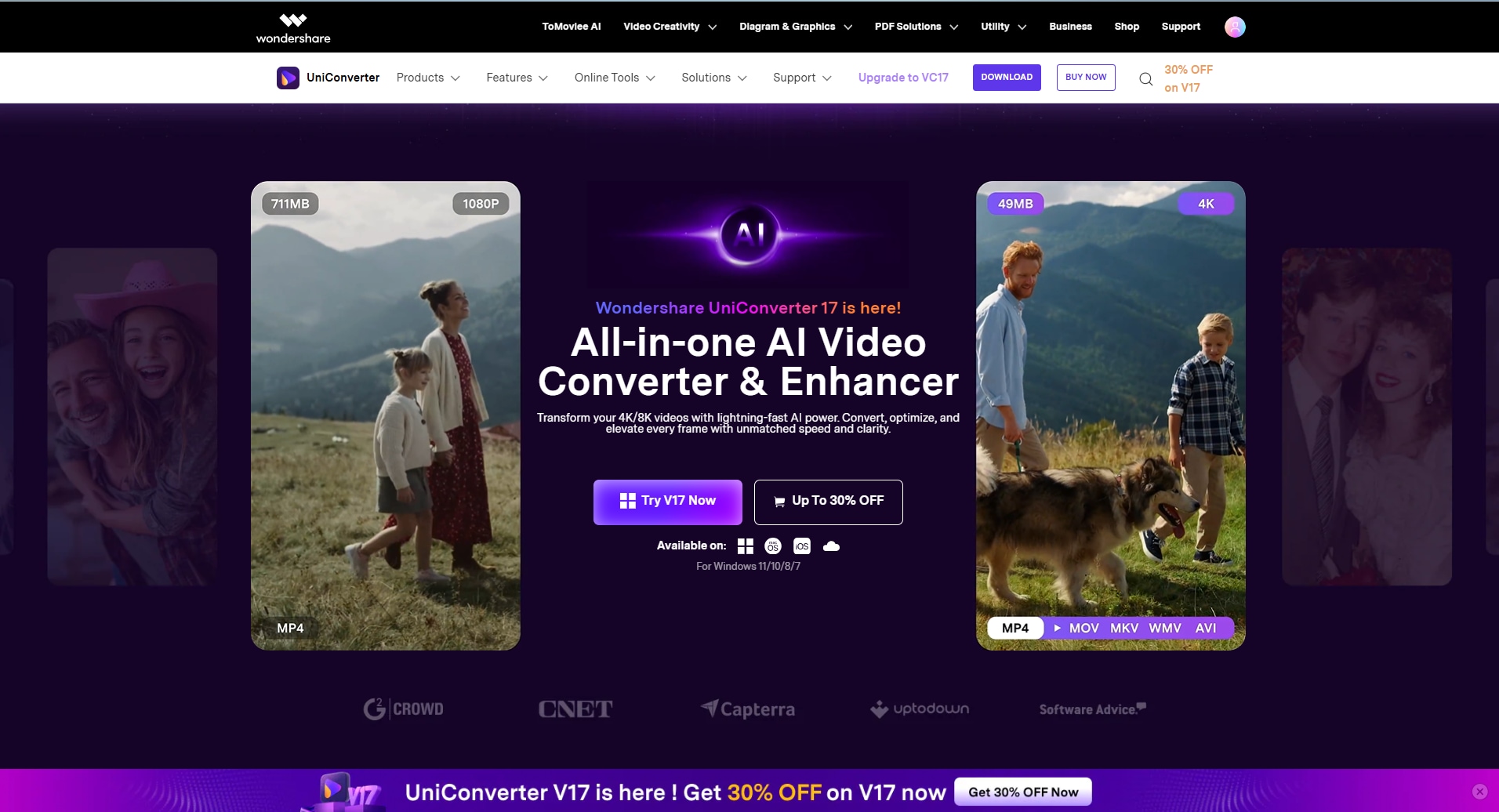
Safety Review: 5/5
Starting Price: Free Trial; paid plans available
Supported Device: Windows, macOS
User Review (from TrustRadius): "We use it regularly to download videos that we want to watch later, but in a queue. We also use it to convert to different formats. It's simple and easy to use. It has proven to be the best and most consistent stable tool for converting video to audio, merging audio files."

Easy to Use TubeMate Alternative
2. 4K Video Downloader+
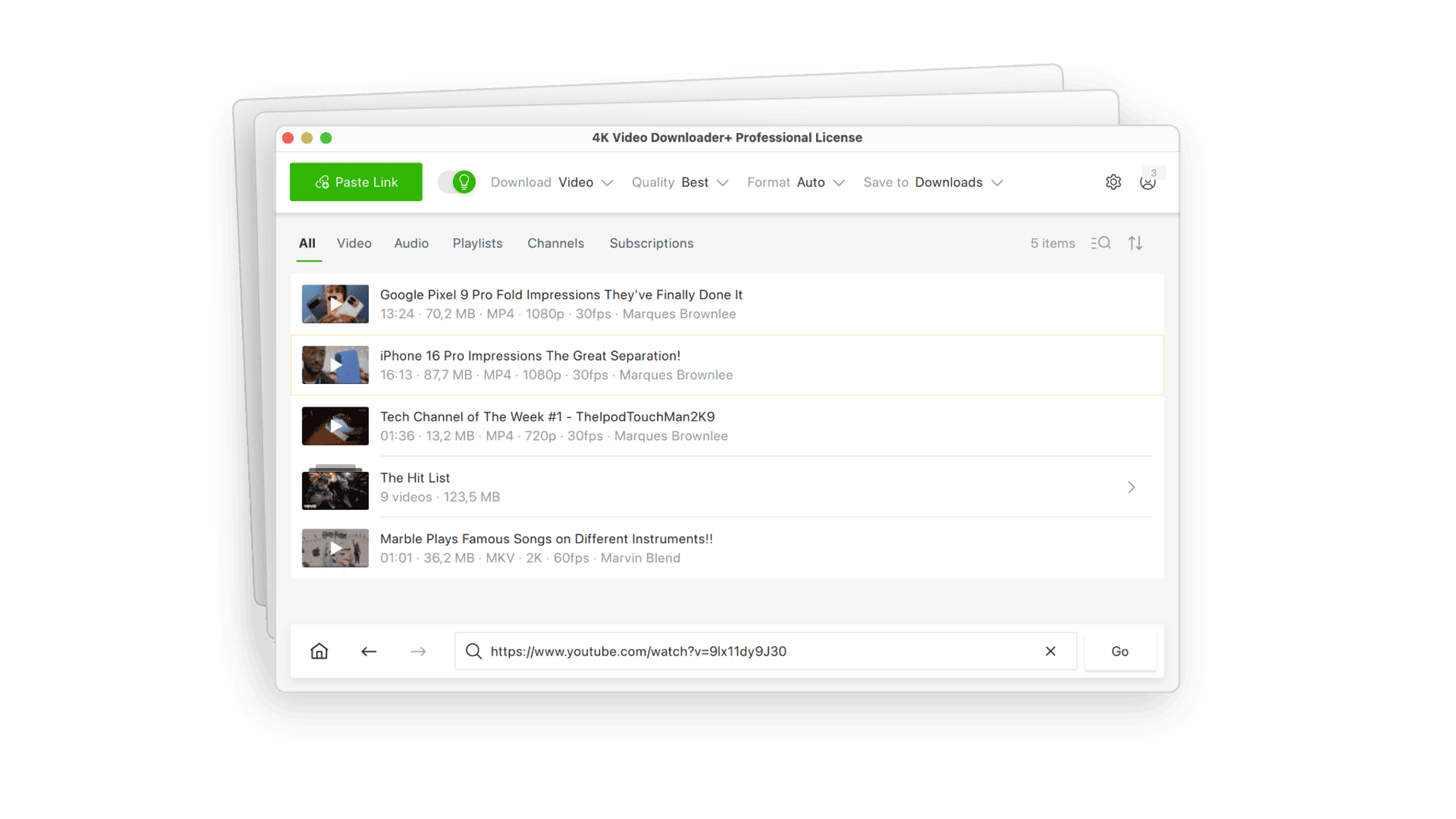
Safety Review: 4.5/5
Starting Price: Free (limited); paid plans available
Supported Device: Windows, macOS, Linux, Android
Reddit Review:
(From r/4kdownloadapps) "Hi! I want to emphasize that the original app was developed over 11 years ago... consequently this technology stack became outdated... You can continue using the existing version of 4K Video Downloader... however please note that we will not be providing any further user support, issue resolutions, or feature enhancements."Link to thread
3. JDownloade 2
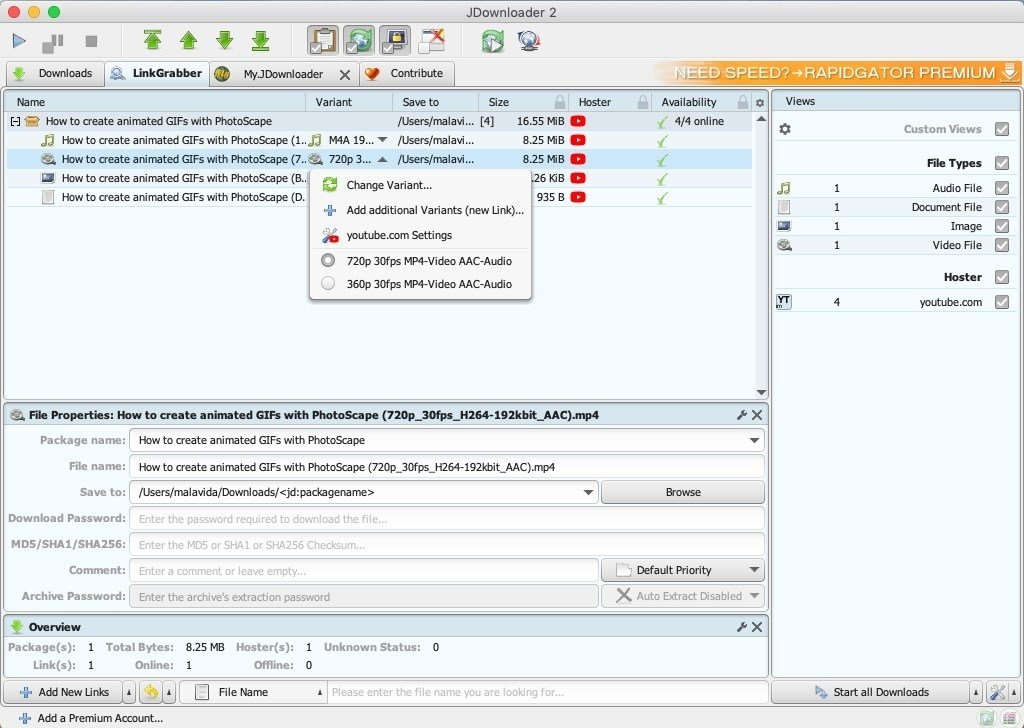
Safety Review: 2.5/5 (for the installer)
Starting Price: Free
Supported Device: Windows, macOS, Linux
Reddit Review: (From r/jdownloader) "I have noticed I've been getting weird installer pop-ups from 'Premier Opinion' constantly after installing this software... the issue here is that with the offers installer, even if you seemingly deny all the offers, somehow, this onebrowser program slips through..." Link to thread
4. yt-dlp (with GUI)
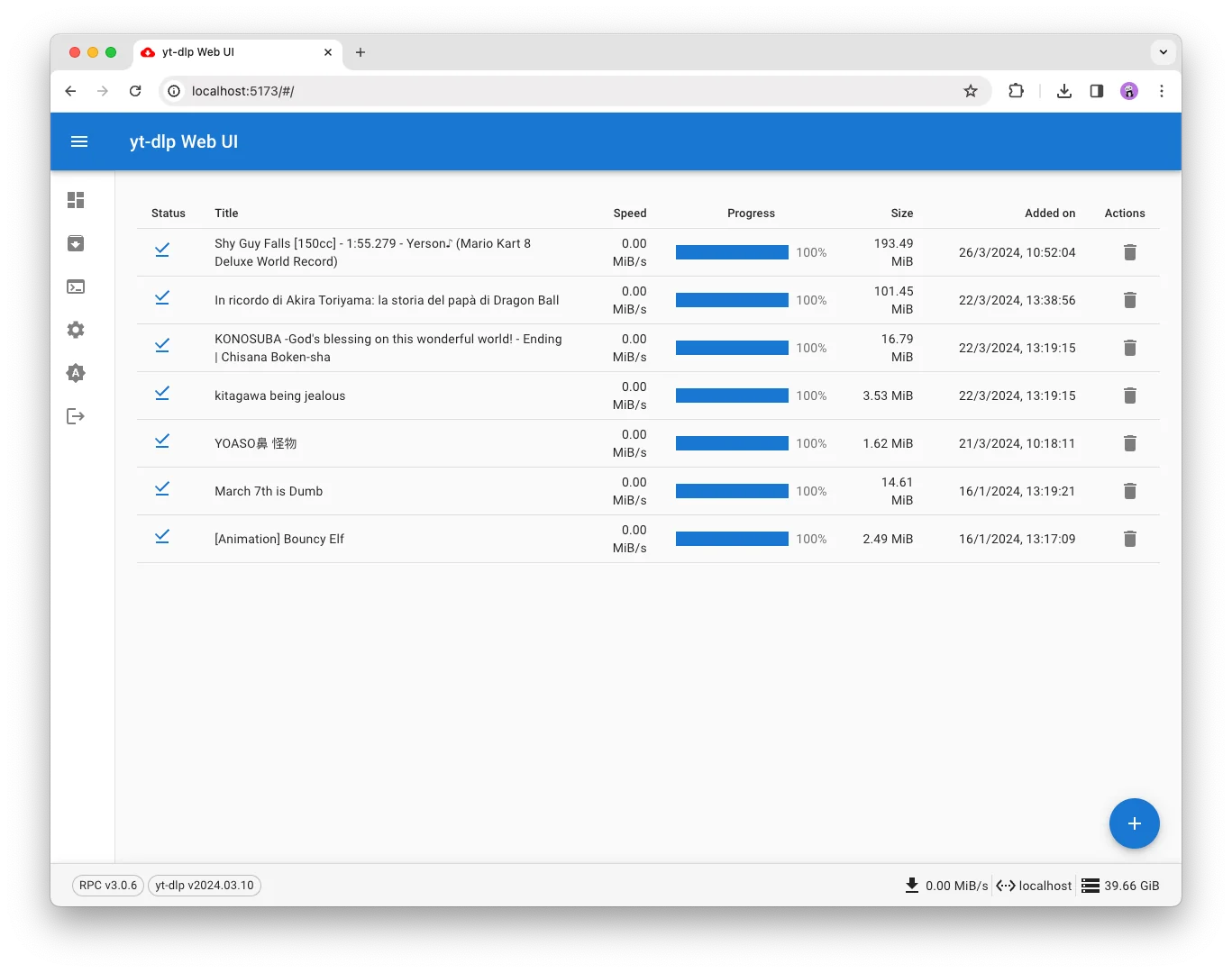
Safety Review: 5/5 (The tool itself)
Starting Price: Free
Supported Device: Windows, macOS, Linux
Reddit Review: (From r/youtubedl) "NOTE: YouTube has been making significant changes... More than ever, it is advised to check for updates regularly, and, if possible, switch to the nightly channel." Link to thread
5. ClipGrab

Safety Review: 2/5 (Must find the "version without third-party offers")
Starting Price: Free
Supported Device: Windows, macOS, Linux
Reddit Review: (From r/software) "Warning about ClipGrab... I installed it yesterday, and I recall downloading it from the official site, thinking it was 100% safe. I was so wrong... it filled my PC with junkware... You'll need to find the link labeled 'Download version without third-party offers.' It's on the main page..."Link to thread
Online Websites (Highest Risk)
These are websites where you paste a link to download. They require no installation, making them the most convenient TubeMate alternative. However, they are also the most dangerous. Aggressive, malicious pop-up ads almost all support them.
6. 9xbuddy
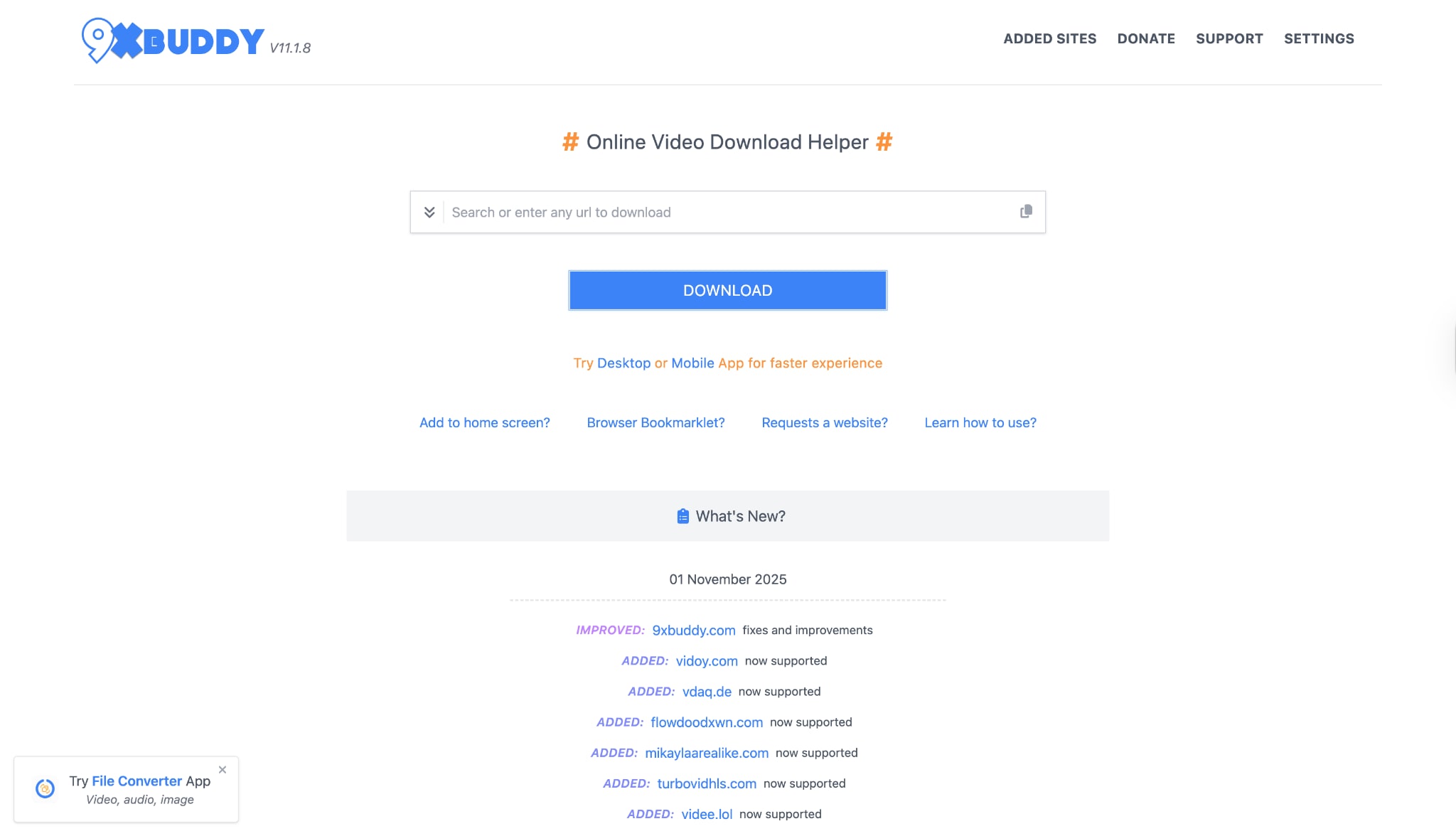
Safety Review: 2/5
Reddit Review: (From r/browsers) "'https://9xbuddy.in/ is good up to 1080p.' (Followed by another user) 'both have suspicious activities detected. No-Landscape7664 • 1y ago • Yeah, I scan them well... malicious." Link to thread
7. YTmp4.is
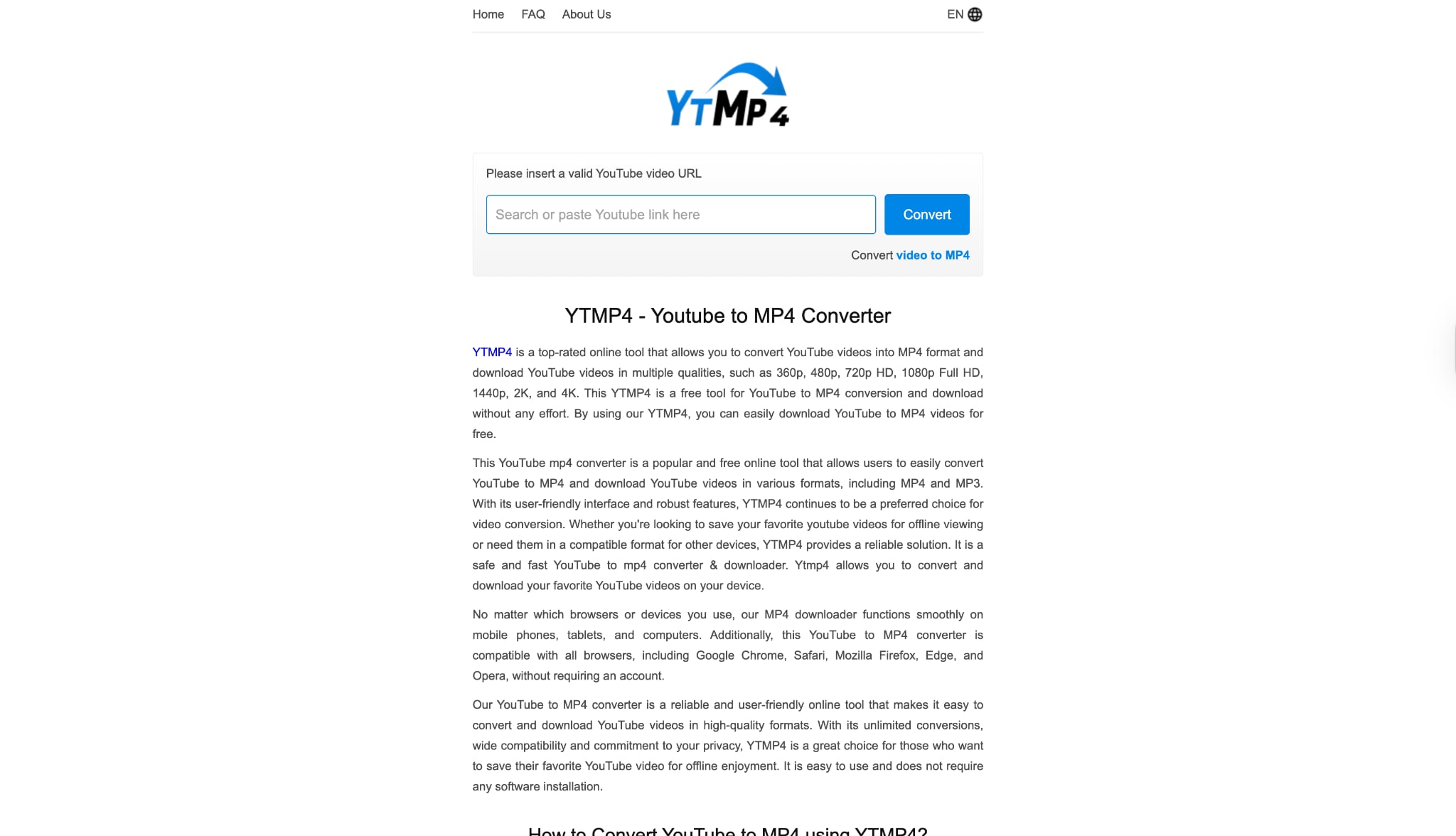
Safety Review: 2/5
Reddit Review: (From r/youtube) "I use ytmp3 [a similar site]. They've added an MP4 function... ' (Another user) 'Its too slow.'" Link to thread
Easy to Use TubeMate Alternative
8. SaveFrom.net
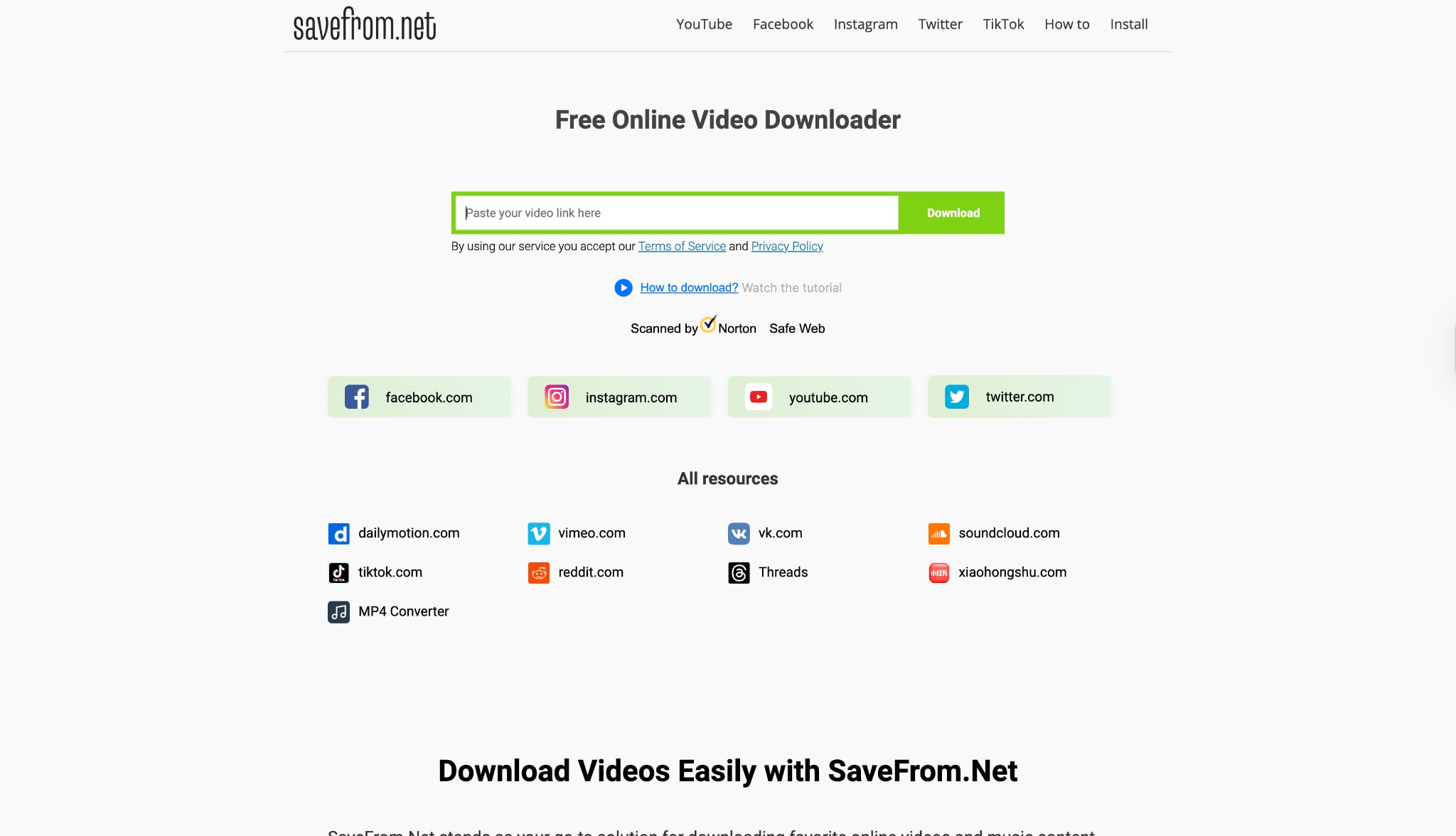
Safety Review: 1/5
Reddit Review:
(From r/antivirus) "All I did was google 'YouTube downloader' and before even reaching the results page this website tried to redirect me. Malwarebytes browser guard blocked it in time..."Link to thread
Browser Extensions (Limited & Risky)
Years ago, browser extensions were the best alternative to apps like TubeMate. Today, Google and Mozilla have banned any extension from their official stores that downloads YouTube videos. To use one, you must sideload it in "developer mode," which, like APKs, carries risks.
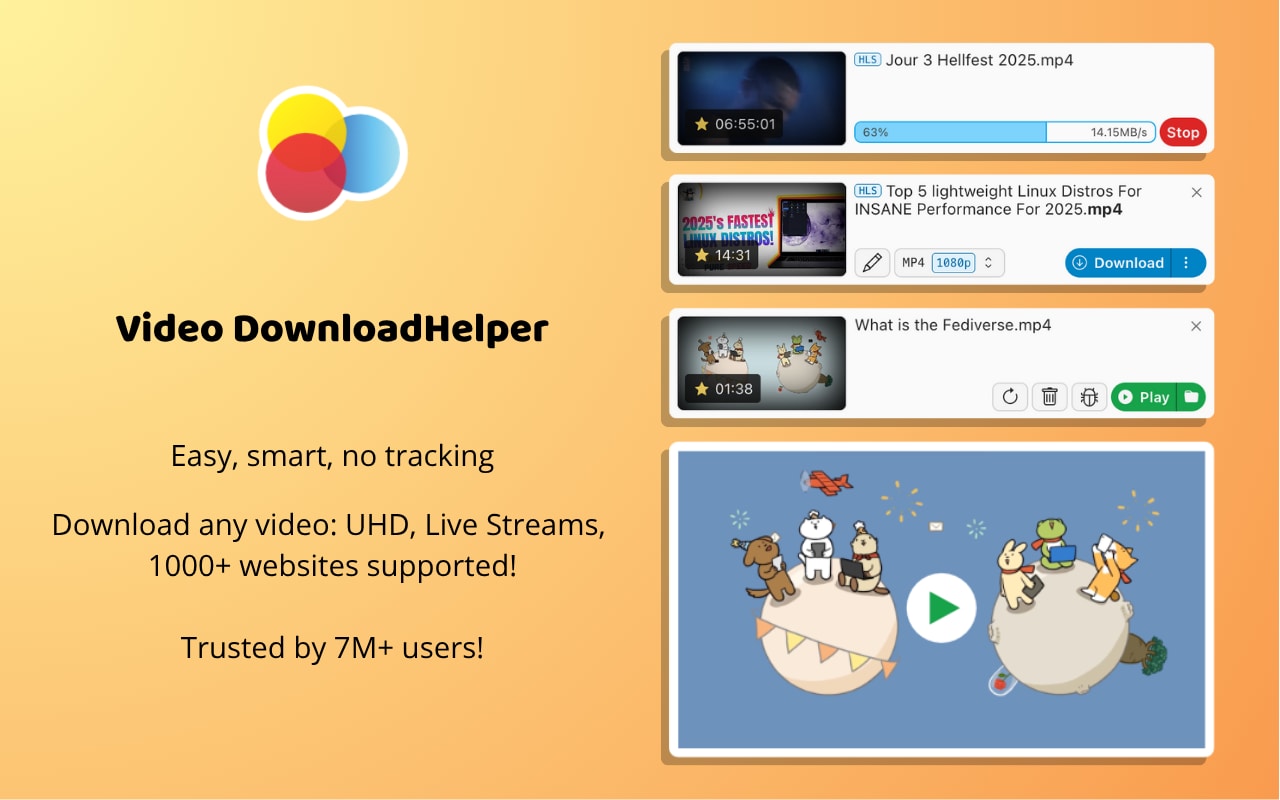
9. Video DownloadHelper
Safety Review: 1.5/5
Reddit Review: (From r/firefox) "RIP Video DownloadHelper... You arent even allowed to chose the download location on your own PC without the external ad-ware companion 'app'... even when using the other UI it still says to download the companion app and if you do there's a big QR code on the downloaded video." Link to thread
10. Addoncrop
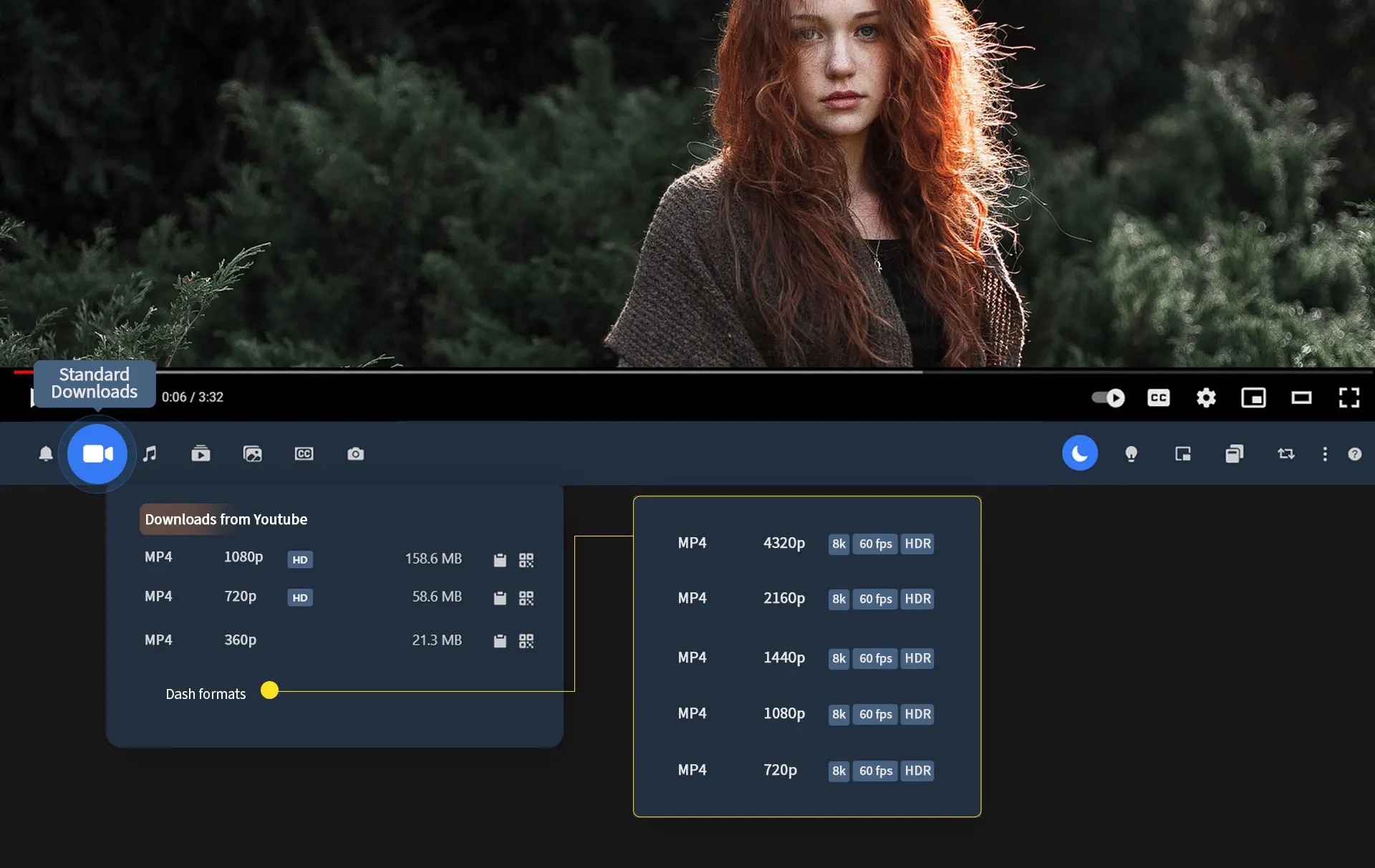
This is another popular third-party extension. However, it's a perfect example of the unreliability of extensions. While the official website claims it can download 4K videos with sound, it's notorious for breaking when YouTube updates its code. Reddit users consistently report that it suddenly stops downloading videos with audio, only providing high-resolution (like 1080p or 4K) videos without sound or low-resolution 360p videos with sound.
Safety Review: 2/5
Reddit Review: (From r/techsupport) "Help with Addoncrop extension on Chrome... However, in the last few days, I've only had the option of downloading in 360p... 720p and 1080p is available, but without the sound." Link to thread
At-a-Glance Comparison Table of Best Tubemate Alternatives
| App Name | Supported Format | Unique Edge | Best For |
|---|---|---|---|
| Wondershare UniConverter | 1,000+ (MP4, MP3, MOV, etc.) | All-in-One Suite (Download, Convert, Edit, Compress) | Professionals & users who want a safe, powerful, all-in-one tool. |
| 4K Video Downloader+ | MP4, MKV, MP3 | 8K & 360° Video Support | Users who want a simple, high-quality dedicated downloader. |
| JDownloader 2 | Any | Downloads anything (images, files, etc.) from any site. | Tech-savvy users who need to mass-download from complex sites. |
| yt-dlp (with GUI) | Any | Most powerful & up-to-date download engine. | Tech experts and command-line users who want total control. |
| ClipGrab | MP4, MP3, WMV | Simple, one-job interface. | Cautious users who can find the non-adware installer. |
| 9xbuddy | MP4, MP3 | No installation required (online tool). | Quick, disposable downloads (if you have an ad-blocker). |
| YTmp4.is | MP4, MP3 | No installation required (online tool). | Quick, simple downloads (with high ad-risk). |
| SaveFrom.net | MP4, MP3 | (None) Widely-known but dangerous. | No one. Widely flagged by antivirus for malware/adware. |
| Video DownloadHelper | MP4 (watermarked) | Once-great browser integration. | No one, due to watermarks and companion app requirement. |
| Addoncrop | MP4 (often no audio) | Integrates directly into YouTube UI. | No one, in its current broken state (fails to mux audio). |
Is there a TubeMate alternative for iPhone or iPad?
What about a TubeMate iOS alternative? This is the most common question, and the answer is frustrating: due to Apple's strict App Store policies, no app that directly downloads from YouTube is allowed.
Any app that claims to do so will be removed quickly. You must use a workaround:
Desktop App (Best Method): This is the safest and most reliable way. Use a tool like UniConverter on your Mac or PC to download and convert the video, then transfer the clean MP4/MP3 file to your iPhone or iPad via Finder, iTunes, or cloud storage.
Browser-in-an-App: Apps like Documents by Readdle have a built-in web browser. You can navigate to an online downloader website (like the ones listed above) within the Documents app, download the file, and save it to that app's local storage.
Shortcuts App: For advanced users, you can use Apple's "Shortcuts" app to build or (more commonly) download a community-made shortcut that scrapes the video link. These are complex, break often, and require a high level of trust in the shortcut's creator.
Safety Warning & Disclaimer
Your security is paramount. The appeal of a "free" video downloader is strong, but the risks are real.
Strongly Advised: Caution is recommended. We do not recommend using online downloader sites or sideloading browser extensions. The risk of malware, phishing, and aggressive adware is extremely high.
Beware of APKs: Never download an APK from an untrusted or random website. These files are the #1 vector for compromising your Android device.
Recommend Official Stores: Whenever possible, use software from official sources, such as the Apple App Store, Google Play Store, or a reputable developer's official website, like Wondershare.
Copyright Disclaimer: You should only download videos for which you have the right to do so. Saving a copy for personal, offline use is generally accepted, but you should never re-upload, distribute, or monetize copyrighted content. Please respect the terms of service of the platform and the rights of content creators.
Conclusion
The era of TubeMate as the undisputed king is over. The risks, instability, and ad-spam of unofficial APKs are no longer worth the hassle.
While online sites and extensions are "convenient," they are unreliable and dangerous. Free desktop apps like ClipGrab and JDownloader address the reliability issue but introduce new security risks by bundling adware.
The best solution in 2025 is to use a professional, maintained, and secure desktop application.
For users seeking a straightforward and secure downloader, 4K Video Downloader is a reliable choice. But for those who value an all-in-one, ad-free, and powerful solution that not only downloads but also converts, edits, and manages their video library, Wondershare UniConverter is the clear and superior alternative to TubeMate. It's the one tool that solves all the problems and grows with your needs.
Easy to Use TubeMate Alternative
FAQs
-
1. What is the safest TubeMate alternative app?
The safest alternative is a reputable, paid desktop application, such as Wondershare UniConverter or 4K Video Downloader. These apps are professionally developed, 100% ad-free and malware-free, and have clear privacy policies. -
2. Is there a good TubeMate iOS alternative?
There are no direct apps on the Apple App Store for this. The safest and most reliable method is to download the video on your Mac or PC using UniConverter and then transfer the file to your iPhone. The second-best method is using the built-in browser in an app like "Documents by Readdle." -
3. Why can't I find a good TubeMate alternative for Android on the Play Store?
Google's Play Store policy forbids apps that download content from YouTube, as it violates YouTube's terms of service. Any app that does this will be removed, which is why they only exist as unofficial, risky APK files. -
4. Why are all online YouTube downloaders so risky?
They are "free," so they must make money through aggressive advertising. This often includes malicious pop-ups, browser redirects, and fake "download" buttons that trick you into installing malware or adware. -
5. 4K Video Downloader vs. UniConverter: Which is better?
It depends on your needs. If you only want to download videos and nothing else, 4K Video Downloader is a great, simple tool. If you need to do anything else—such as converting the video to MP3, compressing it for your phone, trimming a clip, or burning it to a DVD—UniConverter is infinitely more powerful and provides far more value.

