


If iTube is not working anymore, you're not alone. Many users searching for the old iTube app find that it no longer works reliably on modern websites or devices. Some versions are outdated, while others come from unofficial sources that may be unsafe. In this guide, we'll explain why iTube stops working and compare the best safe apps like iTube for Windows, Mac, Android, and iPhone.
Table of Contents
Part 1. Why Look for an iTube Alternative?

Why Is iTube Not Working Anymore?
If iTube is not working anymore, you're not alone. Many users searching for the old iTube app find that it no longer works reliably on modern websites or devices. In most cases, the original iTube-style tools are outdated, unsupported, or replaced by unofficial clones, which is why more people are now looking for safe apps like iTube.
Before choosing an iTube alternative, it's important to understand why the old app fails and what risks come with continuing to use it. Here's why users are moving away from iTube and looking for better replacements.
Why Users Are Looking for an iTube Alternative
1. iTube Is Outdated or No Longer Maintained
Most old iTube apps have not been updated in years. Since platforms like YouTube frequently change their code and download protections, outdated apps quickly stop working. This is one of the main reasons users search for terms like "iTube not working" or "iTube app not working".
2. Frequent Download Errors and Crashes
Even if an old iTube app still opens, it may fail during actual use. Common problems include parsing errors, broken download links, videos stuck at 99%, no audio, or files that cannot be played after downloading. For users who want a stable experience, this makes iTube unreliable compared with newer apps like iTube replacements.
3. Security Risks From Old or Fake iTube Apps
Many users looking for the old iTube app end up on unofficial websites or suspicious download pages. That creates a serious safety issue. Outdated software may contain unpatched vulnerabilities, while fake iTube installers or clone sites may include adware, redirects, or malware. This is why choosing a trusted iTube alternative matters more than ever.
4. Poor Support for Modern Video Quality and Devices
Today, users expect more than basic downloads. They want support for 1080p, 4K, 8K, playlists, audio extraction, and multiple devices such as Windows, Mac, Android, and iPhone. Older iTube tools often cannot keep up with these needs, which pushes users toward more capable apps like iTube.
5. Too Many Ads and Low-Quality Clone Tools
Another reason iTube is no longer a good choice is the number of low-quality copycat tools using similar branding. Some offer poor user experience, aggressive pop-ups, misleading download buttons, or limited functionality behind paywalls. Users searching for safe apps like iTube usually want tools that are clean, transparent, and actively maintained.
Part 2. What to Look for in a Great iTube Alternative
Switching from iTube doesn't mean grabbing the first program you find on Google. To avoid trading one bad experience for another, you must be discerning. A great iTube for PC or mobile needs to check several important boxes.
Supported Platforms: Does it work on your device? We looked for tools across Windows, Mac, Android, and iOS (even if it's a workaround).
Video Quality Options: The best tools must be able to download in 4K and even 8K resolution. The ability to choose your resolution (1080p, 720p, etc.) to save space is also crucial.
Audio-Only Downloading: Can you extract just the audio? This is essential for saving music, podcasts, and lectures as MP3 or M4A files.
Download Speed & Batch Downloads: Is it fast? Does it use your full bandwidth? The ability to paste an entire playlist or channel URL and download all videos at once is a massive time-saver.
Ease of Use: A simple, intuitive interface is key. A command-line tool might be powerful, but a clean GUI (Graphical User Interface) is better for most users.
Safety & Security: Is it free from malware, adware, and bloatware? We checked official websites and user reports for any red flags.
Cost: Free vs. Paid. A free tool is excellent, but a paid tool often offers faster speeds, 4K/8K support, batch downloads, and—most importantly—regular updates to keep it working.
What are video downloaders recommended by Reddit?
To obtain an unfiltered, authentic opinion, we analyzed dozens of threads on subreddits such as r/videodownloading, r/software, and r/androidapps. Reddit users are brutally honest and have zero tolerance for malware or fake apps. Their recommendations are based purely on what works.
Here are some direct quotes from recent user discussions:
"Use yt-dlp - you can get it here:https://github.com/yt-dlp/yt-dlp"
"Yep, this is the one. Just be prepared to have to update it frequently, as it is a whack-a-mole game where sites try to prevent it."
"Stacher is a GUI for yt-dlp, an easier way to use it here."
"Surely you tried the most well-known one: Internet Download Manager?"
"I personally use a 4K video downloader. It works well."
"Get YTDLnis or Seal. Neither are on the Play Store, they're on GitHub."
"Seal. My favourite, and it just works. Always using it all day and all night."
These community-vetted tools form the core of our list, beginning with the most powerful premium solution currently available.
Part 3. The Top 10 iTube Alternatives: Our Tested Picks
Here are our 10 tested and approved picks, grouped by platform to help you find the perfect tool for your device.
Group 1: The All-in-One Premium Suite (Windows & Mac)
For users who want one powerful, professional tool that does everything.
1. Wondershare UniConverter
Wondershare UniConverter is our top pick for a reason. It's not just a simple downloader; it's a complete video workstation and the best genuine iTube Studio alternative on the market. While Reddit tools are powerful and free, UniConverter is designed for the prosumer or creator who requires reliability, speed, and a comprehensive toolkit. It can download, convert to over 1,000 formats, compress files with AI, perform quick edits, burn DVDs, and even record your screen.

Safety Review: 5/5. From a major, reputable software company. No malware, adware, or bundled junk.
Starting Price: Free Trial; Paid plans start from $9.99/month or $29.99/year.
Supported Device: Windows, Mac.

Easy to Use iTube Alternative
Group 2: The Command-Line Engine (Reddit's Core Pick)
For tech-savvy users who want the raw power behind almost every other tool.
2. yt-dlp
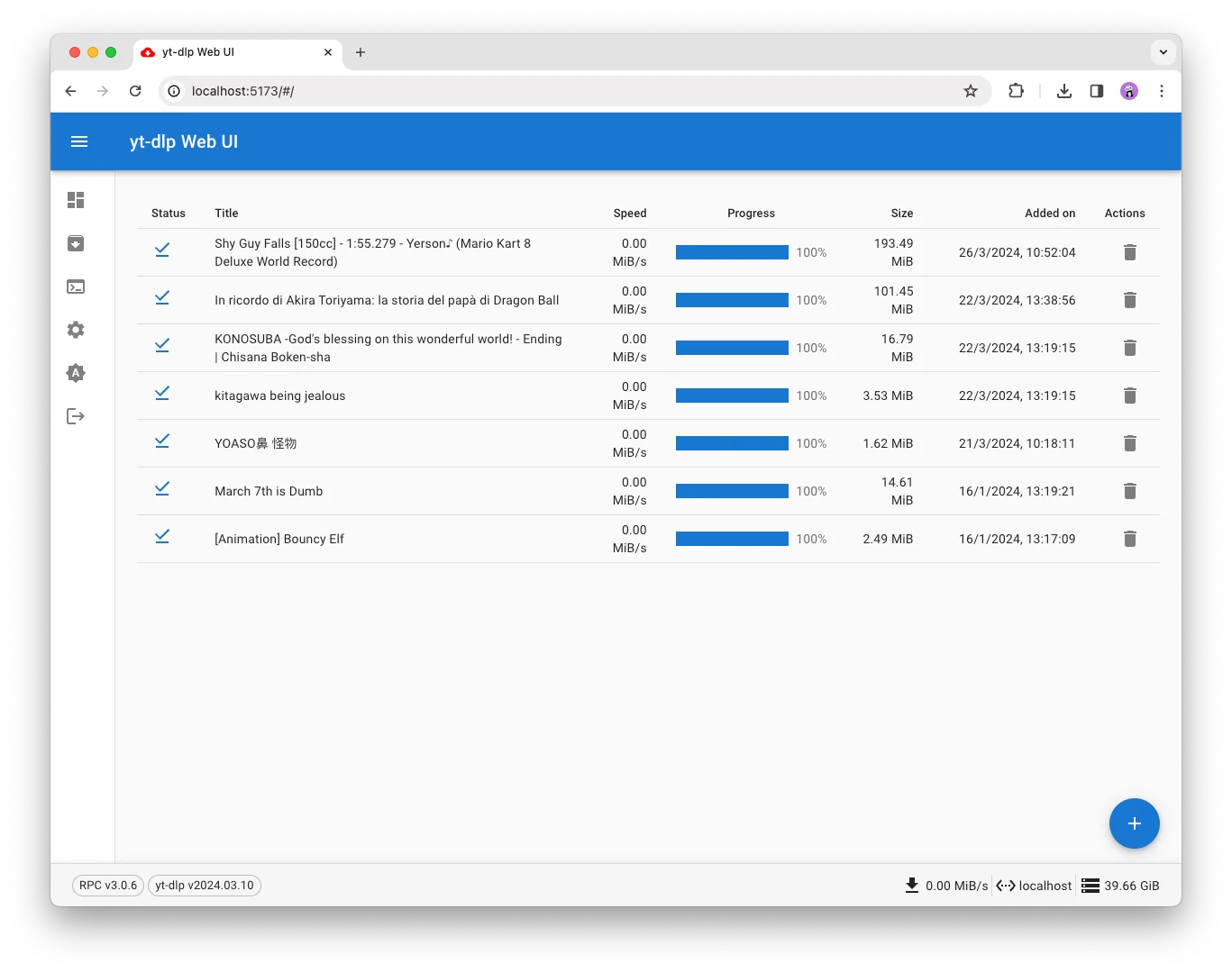
Safety Review: 5/5. It's pure, open-source code. As safe as it gets.
Starting Price: 100% Free.
Supported Device: Windows, Mac, Linux.
Group 3: User-Friendly Desktop GUIs (Reddit-Approved)
For users who want the power of yt-dlp without the command line.
3. Stacher
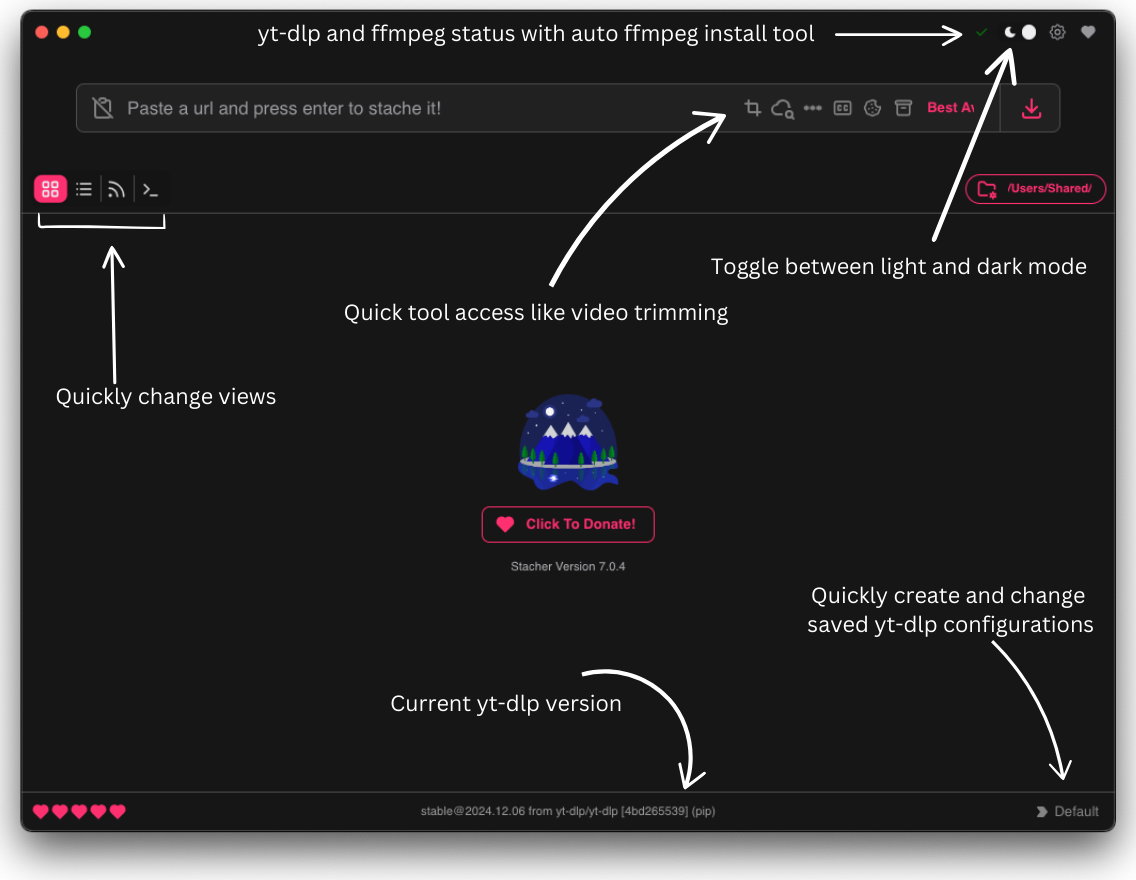
Safety Review: 5/5. Free, open-source, and no ads. The gold standard for free, safe software.
Starting Price: 100% Free.
Supported Device: Windows, Mac, Linux.
4. 4K Video Downloader Plus
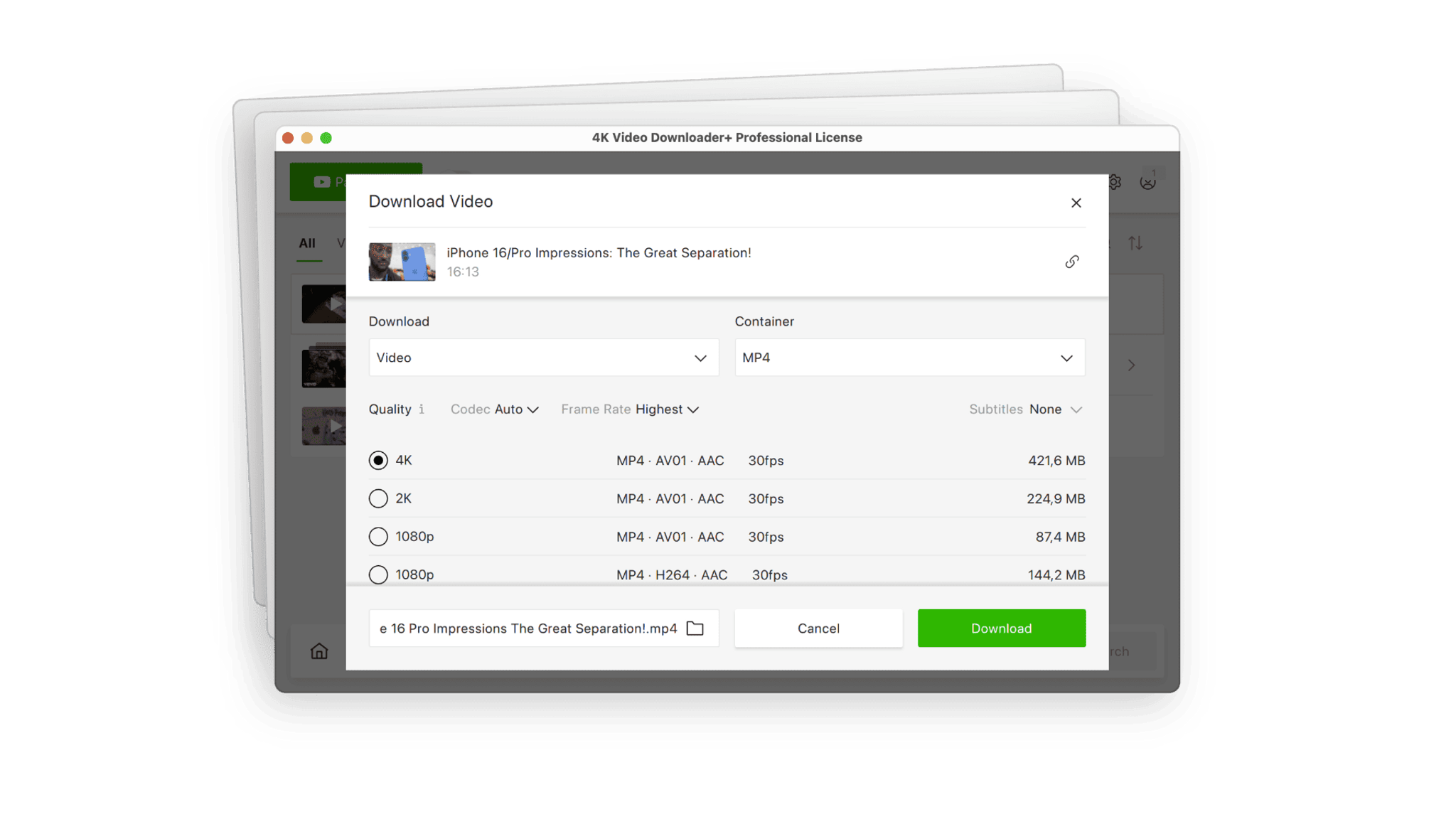
Safety Review: 5/5. A clean, professional, and secure application.
Starting Price: Free (limited). Paid lifetime licenses start at ~$42.
Supported Device: Windows, Mac, Linux.
5. JDownloader 2
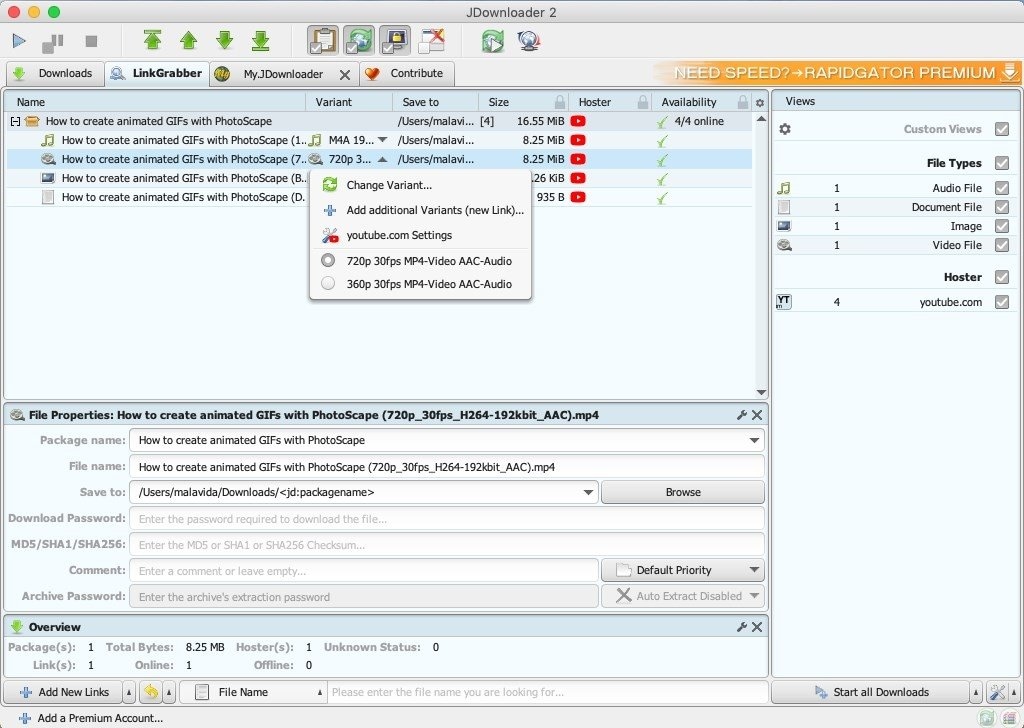
Safety Review: 4/5. The software itself is safe and open-source, but the adware-bundling in the standard installer is a risk for new users.
Starting Price: 100% Free.
Supported Device: Windows, Mac, Linux (Java-based).
Group 4: The iTube studio for Windows Speed (Reddit Pick)
6. Internet Download Manager (IDM)
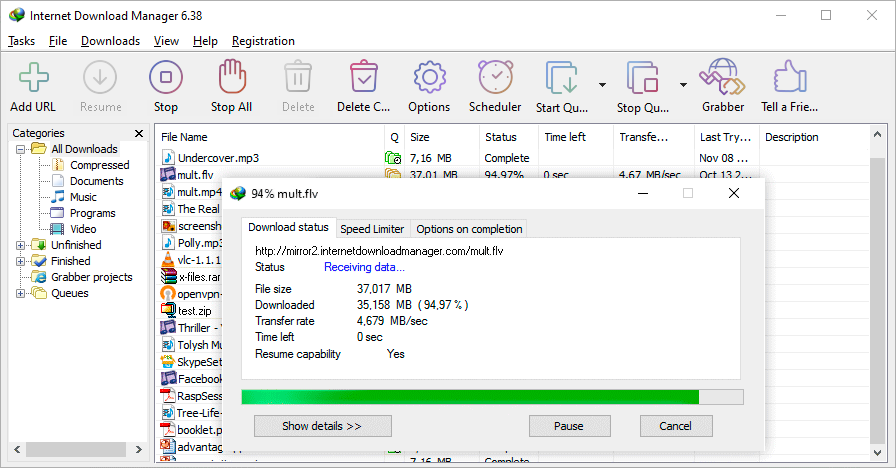
Safety Review: 5/5. It's a long-standing, reputable piece of software. 100% clean.
Starting Price: 30-day free trial. A lifetime license costs approximately $24.95.
Supported Device: Windows.
Group 5: The Best Android Picks (Reddit-Approved)
These apps are not on the Google Play Store as they violate Google's terms. You must download them from their official GitHub or F-Droid pages.
7. Seal
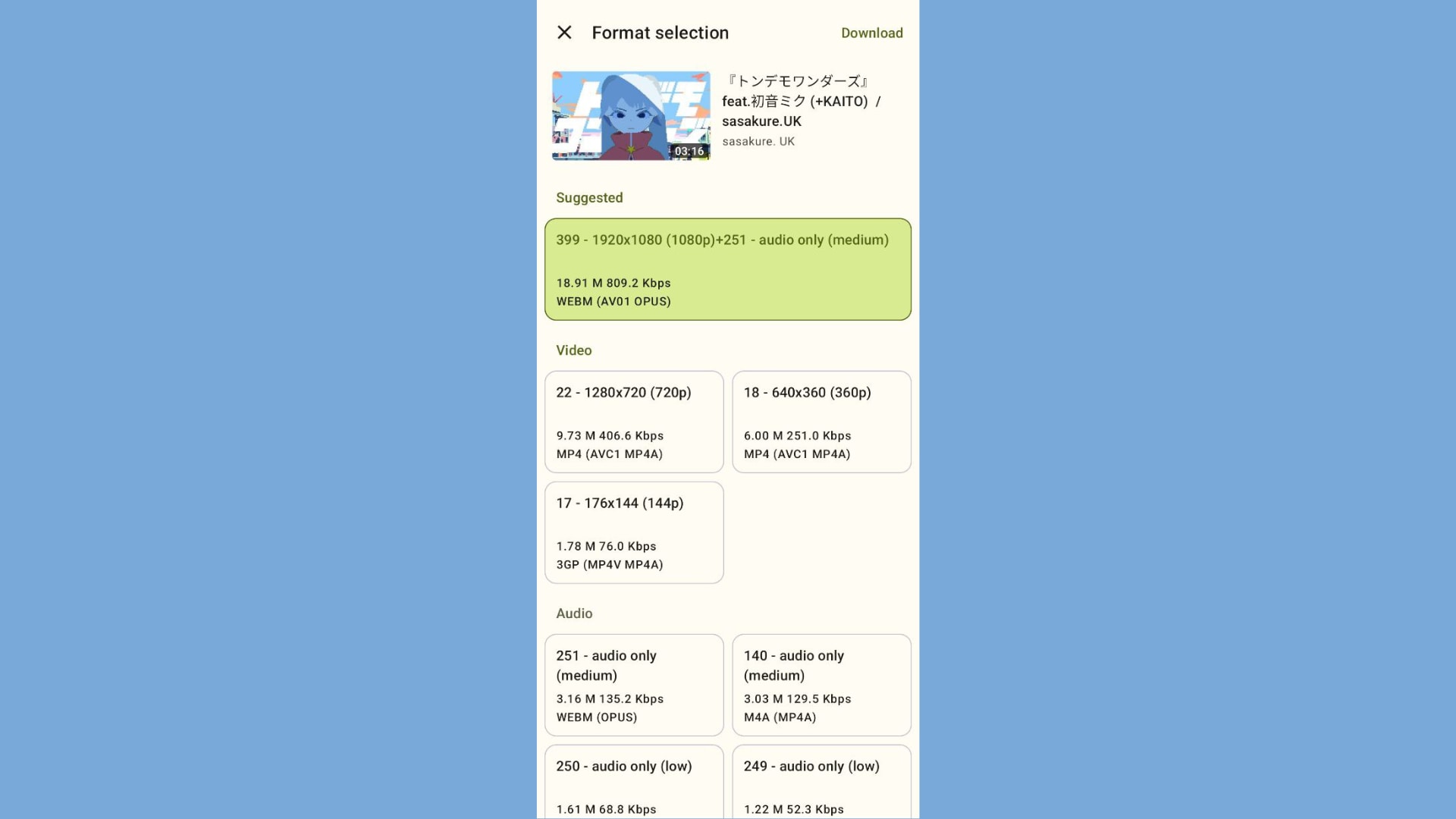
Safety Review: 5/5. As long as you get it from the official GitHub, it is perfectly safe.
Starting Price: 100% Free.
Supported Device: Android.
8. YTDLnis
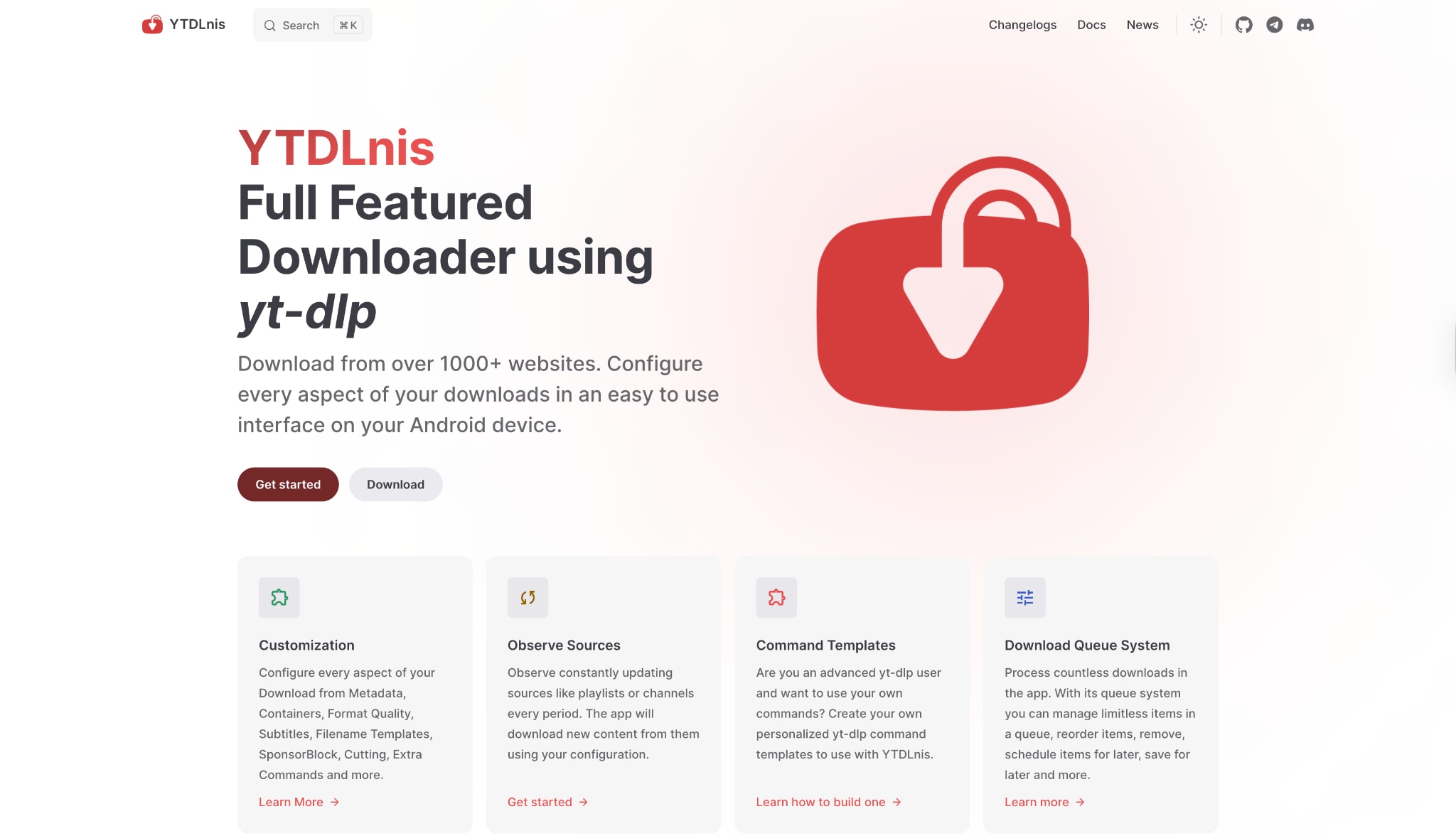
Safety Review: 5/5. Open-source and clean. Download only from the official site or GitHub.
Starting Price: 100% Free.
Supported Device: Android.
Group 6: The Browser Extension Pick (Reddit-Approved)
9. Tubly Downloader
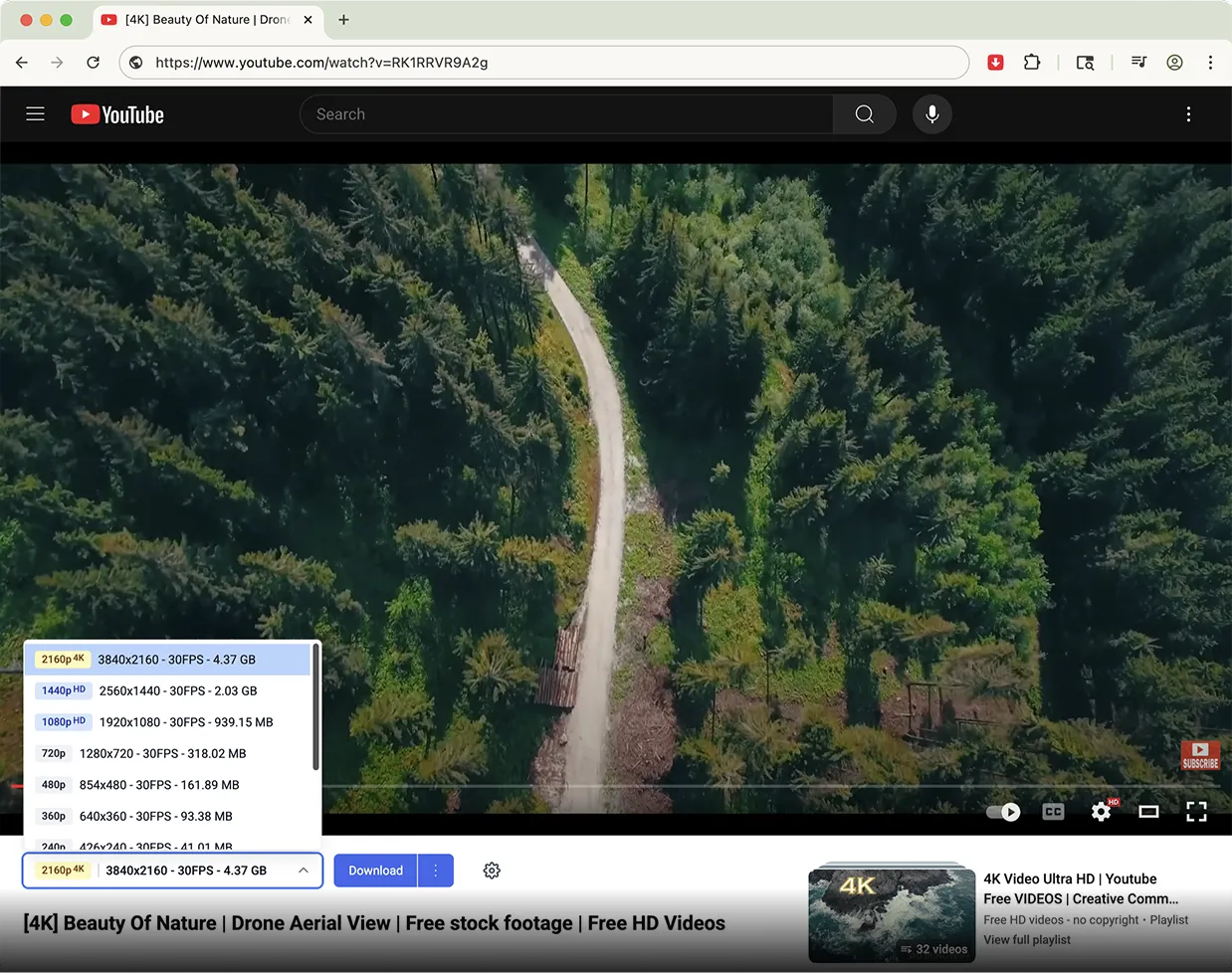
Safety Review: 3/5. The app itself is safe, but the freemium model feels deceptive. The manual installation process can be risky for beginners.
Starting Price: Free (limited to 144p). A Pro subscription is required for useful quality starts from $2.49/month.
Supported Device: Chrome, Edge, Firefox (via extension).
Group 7: The iOS Workaround (Community-Approved)
10. Documents by Readdle
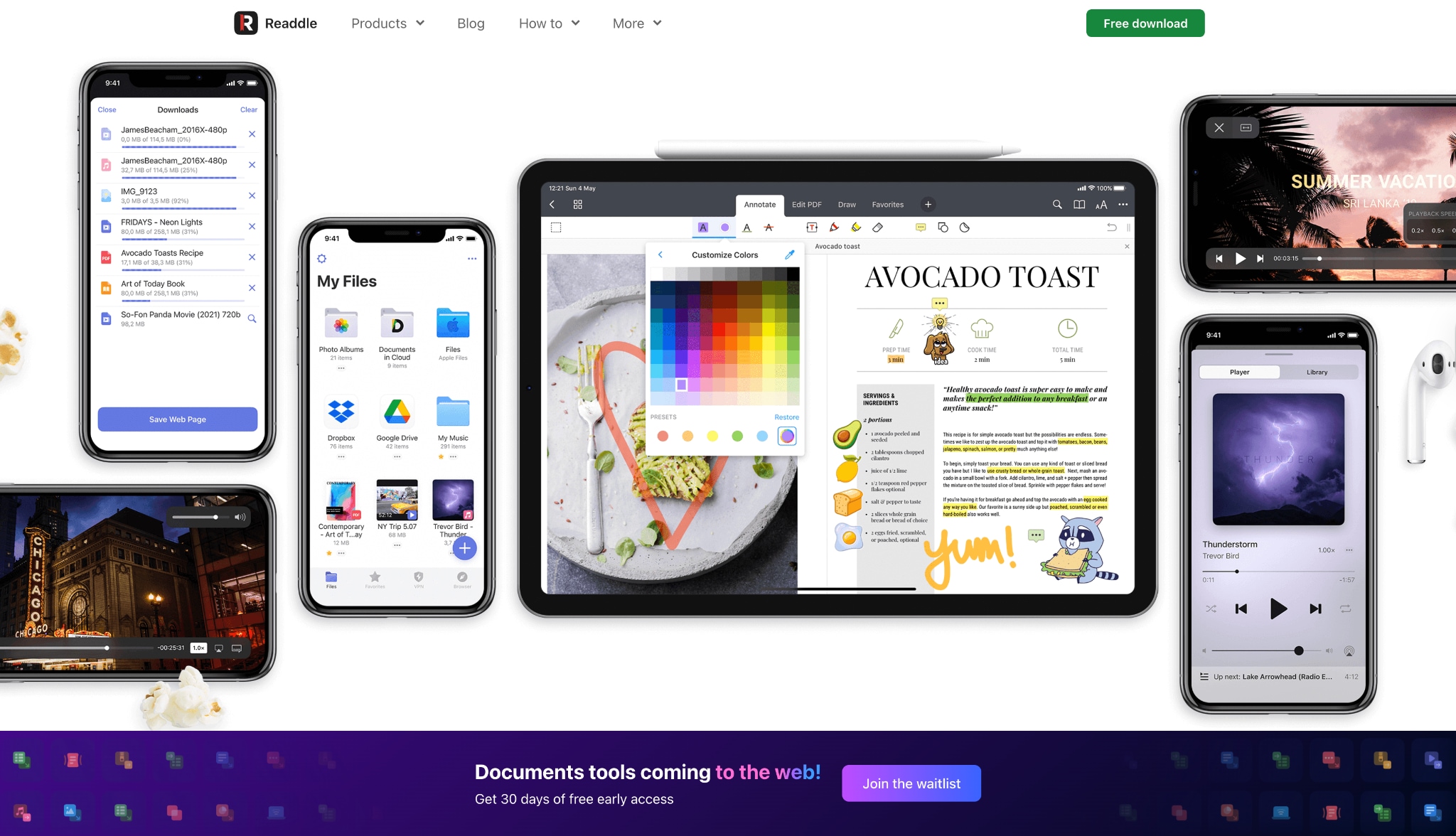
Documents by Readdle is the not-so-secret solution for downloading on iPhone and iPad. Apple's ecosystem is tightly controlled, so "downloader" apps are prohibited from the App Store. Documents is a powerful, safe, and free file manager. Its key feature is a built-in web browser. The community-approved method is:
Open the Documents app.
Use its built-in browser to navigate to a web-based yt-dlp GUI.
Paste your video link into that site.
When you tap "Download," Documents will intercept the file and save it to its local "Downloads" folder.
Safety Review: 5/5. The app itself is one of the most trusted in the App Store.
Starting Price: Free.
Supported Device: iOS, iPadOS.
Part 4. At-a-Glance Comparison Table
Here's a simple table to help you quickly compare our top picks.
| App Name | Supported Format | Unique Edge | Best For |
|---|---|---|---|
| Wondershare UniConverter | 1000+ (MP4, MKV, MP3, etc) | All-in-one suite (convert, edit, compress, record) | Professionals & Creators (Premium) |
| yt-dlp | All formats | The command-line engine for everything. | Tech-savvy users & Power Users (Free) |
| Stacher | All yt-dlp formats | The best simple, free, ad-free GUI for yt-dlp. | Desktop users who want power & simplicity (Free) |
| 4K Video Downloader Plus | MP4, MKV, MP3 | The simplest, most polished paid GUI. | Users who want a simple, supported app (Paid) |
| JDownloader 2 | All file types | Grabs all downloadable media from a page. | Power-users & data hoarders (Free) |
| Internet Download Manager | All file types | "5x" download speed via file segmentation. | Windows users who prioritize speed (Paid) |
| Seal | All yt-dlp formats | The best simple, free GUI for yt-dlp on Android. | Most Android users (Free) |
| YTDLnis | All yt-dlp formats | The most configurable yt-dlp GUI on Android. | Power-user Android users (Free) |
| Tubly Downloader | MP4, MKV (Pro) | Integrates a download button into YouTube. | Users who want a browser extension (Freemium) |
| Documents by Readdle | Any file | The only safe, App Store-approved workaround. | iPhone and iPad users (Free) |
Part 5. Important Considerations and Safety Tips
Before you start downloading, it's vital to be smart and safe.
Respect Copyright: This is the most important rule to follow. Just because you can download something doesn't always mean you should. We advise users to only download content for personal, offline use (e.g., saving a tutorial for later use) or content that they have the rights to (such as their own uploads, public domain videos, or content with a Creative Commons license). Never re-distribute copyrighted material.
Beware of Malware: The "free downloader" world is a minefield. Stick to the official websites of the tools mentioned. The reason Reddit users recommend tools from GitHub or F-Droid (such as yt-dlp, Stacher, and Seal) is that they are open-source and verified to be free of malware. Avoid random "free" sites or any tool that forces you to install shady browser extensions.
Update Frequency: YouTube frequently updates its code, specifically to break downloaders. A tool that isn't updated will stop working. This is why yt-dlp (updated daily) and professionally supported software like UniConverter are far more reliable than an abandoned app.
Conclusion
The days of iTube may be long gone, but the options for a fantastic iTube alternative in 2026 are more powerful and versatile than ever. The key is to choose the right tool for your specific needs and, above all, to prioritize your safety.
For those who need a single, powerful, and professionally supported tool that handles everything from downloading to 4K conversion and editing, Wondershare UniConverter is the undisputed premium choice.
For users who want the absolute best of the free, community-driven world, the Reddit-approved combination of Stacher (on desktop) and Seal (on Android) provides all the power of yt-dlp in a simple, 100% free, and ad-free package.
Ultimately, the best app like iTube is one that respects your device, works reliably, and seamlessly integrates into your workflow. Choose the one that's right for you, stick to official sources, and download responsibly.
FAQs
Why is iTube not working anymore?
In most cases, iTube is not working because older versions of the iTube app are no longer maintained. Video platforms frequently update their code and security rules, which causes outdated download tools to fail, crash, or stop detecting video links properly.
What is the best iTube alternative in 2026?
The best iTube alternative depends on your device and needs. If you want an all-in-one desktop solution, Wondershare UniConverter is a strong choice. If you prefer free or open-source tools, options like yt-dlp, Stacher, and Seal are also popular among users looking for reliable apps like iTube.
Are there any safe apps like iTube for Android and iPhone?
Yes, there are safe apps like iTube for mobile users, but the options differ by platform. Android users often choose tools such as Seal or YTDLnis, while iPhone users usually need a workaround such as Documents by Readdle combined with a trusted web-based downloader. The safest approach is always to use official sources.
Is there still an official iTube app available?
Many users searching for the iTube app are actually looking for an older tool that is now outdated or no longer officially supported. In some cases, websites or installers using the iTube name may be unofficial clones, so it is better to choose a trusted iTube alternative that is actively maintained.
How do I choose the right iTube alternative for my device?
When choosing an iTube alternative, look at your device, preferred video quality, download speed, safety, and whether you need extra features such as batch downloads or audio extraction. Users who want simple apps like iTube may prefer a clean interface, while advanced users may want more control and format options.

