




Watching videos offline is more popular than ever today. Whether you are a creator saving clips or just someone who wants to watch videos without Wi-Fi, you need a good video downloader. For years, people have used free websites. But are they actually safe? In this full SaveFrom Net Review, we look at the site's safety, how it works, and what real users have to say. We will also uncover the hidden dangers of web downloaders. Finally, we will show you the 5 best desktop alternatives, and explain exactly why a safe tool like Wondershare UniConverter is your best choice in 2026.
Table of Contents
Part 1. What Is SaveFrom.Net?
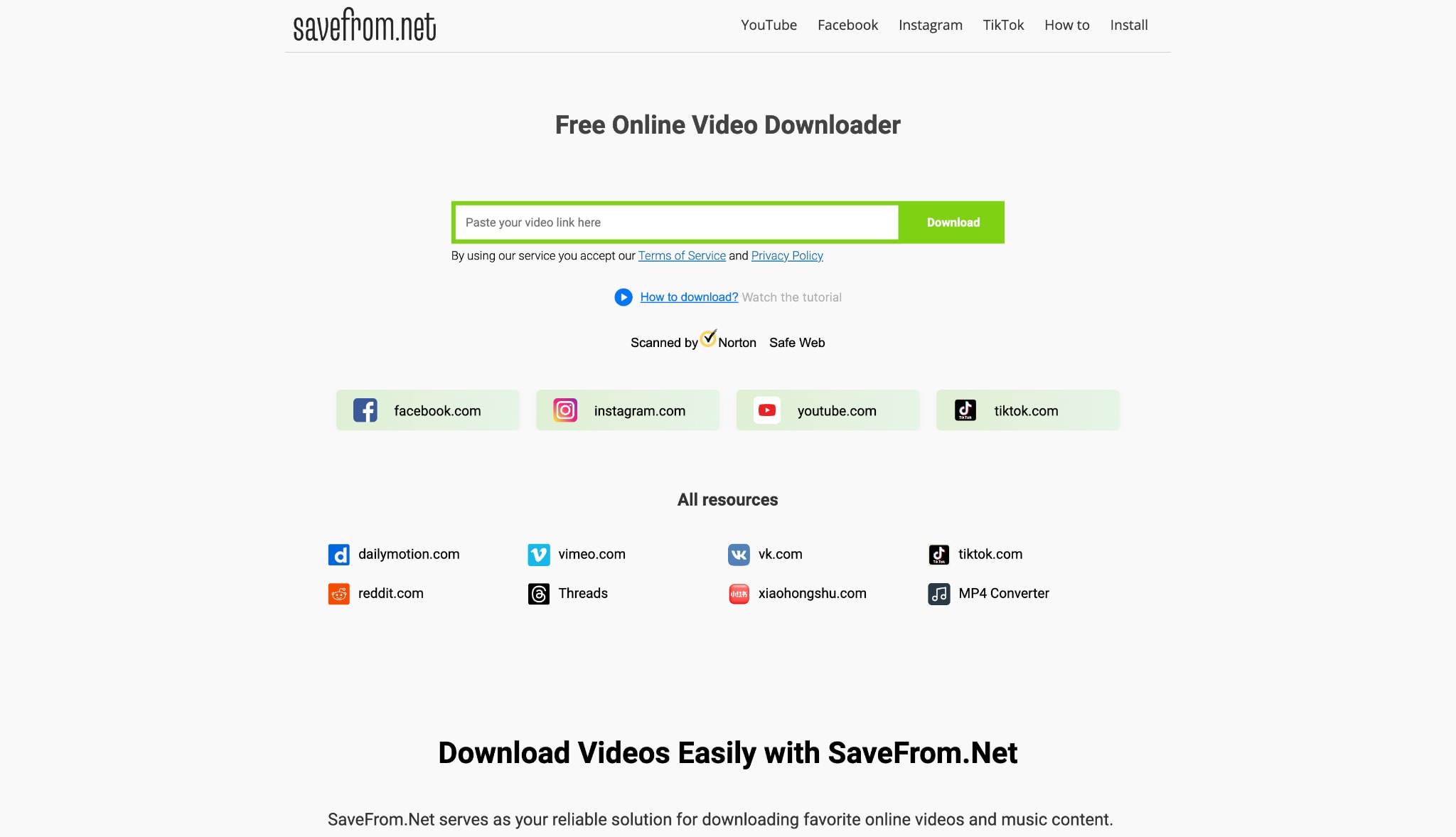
SaveFrom.net is a very famous, free website that lets you download videos from popular platforms and social media. Because it works right inside your web browser, you do not have to install any software on your computer. You just paste a video link, pick your format, and hit download. It is very easy to use. However, because the site makes money by showing aggressive pop-up ads, many people worry about its safety and whether it might harm their computers over time.
Key Features
- Easily downloads videos from YouTube, Facebook, Vimeo, TikTok, and more.
- Offers a "SaveFrom Helper" tool that adds a download button directly to video pages.
- Lets you save files in popular formats like MP4 and WEBM.
- It is 100% free to use. You do not need to make an account or give your email.
- Pricing: Paid plan for 1 month: $11.99, for 6 months: $24.99, and for 12 months: $34.99
Part 2. Does SaveFrom.net Still Work in 2026?
Current Site Availability & Domain Shifts
Yes, the website still works in 2026. But because of legal issues over copyrights, the main site address changes a lot. You might be sent to different mirror sites (like savefrom.biz). While the tool still functions, these constant address changes can confuse users and make the website feel unsafe.
Regional Blocks and Geo-Restrictions
A big problem we found in this SaveFrom Net Review is that the site is fully blocked in some countries, like the United States and the UK. If you live there, you will just see a blank "Service Terminated" page. To use it, you have to turn on a VPN, which makes downloading much harder than it should be.
Is the SaveFrom Helper Extension Still Supported?
The famous SaveFrom Helper extension is no longer allowed directly on the Google Chrome store because it breaks their rules. If you want to use it today, you have to install third-party script managers like MeddleMonkey first. This is hard for beginners to do, and it also puts your private browsing data at a big risk.
The Reliability Issue: Frequent Download Failures
Sites like YouTube and TikTok update their codes often to stop people from downloading videos. Because of this, SaveFrom breaks frequently. Users often complain about getting stuck on loading screens or seeing "link not found" errors. This is why many people are moving to desktop apps that update faster.
Part 3. How SaveFrom.Net Works (Step-by-Step Guide)
If the site is not blocked in your country and you have an ad-blocker turned on, using it is very simple.
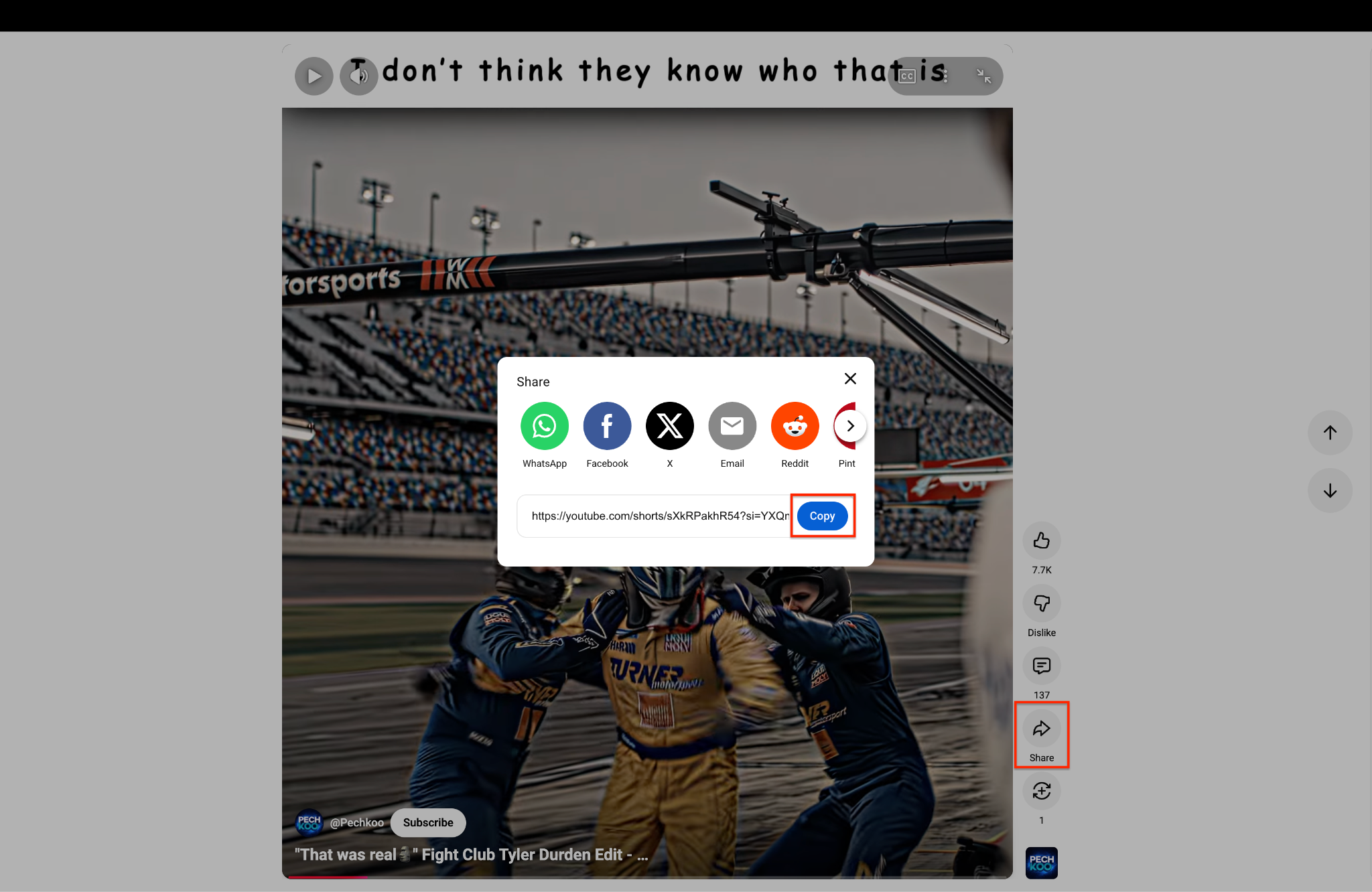
Step 1: Copy the Video Link
Open the YouTube video or Short you want to save. Click the "Share" icon on the screen and select "Copy". This safely copies the direct video link to your clipboard.
Step 2: Paste the Link into SaveFrom.net
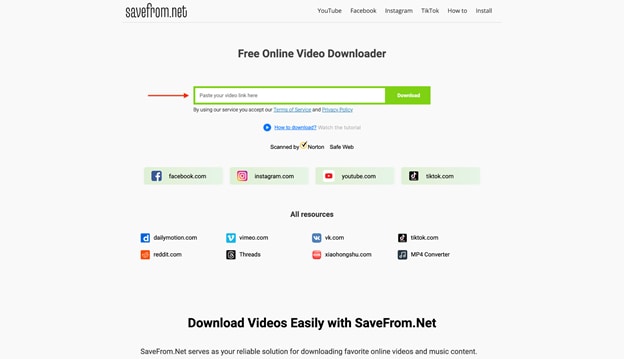
Go to SaveFrom.net and paste your link into the green box. After inserting the link, it will take some time or sometimes more than 2 minutes to provide a download button.
Pro Tip: Paste only single video links instead of full playlists to prevent the site from freezing.
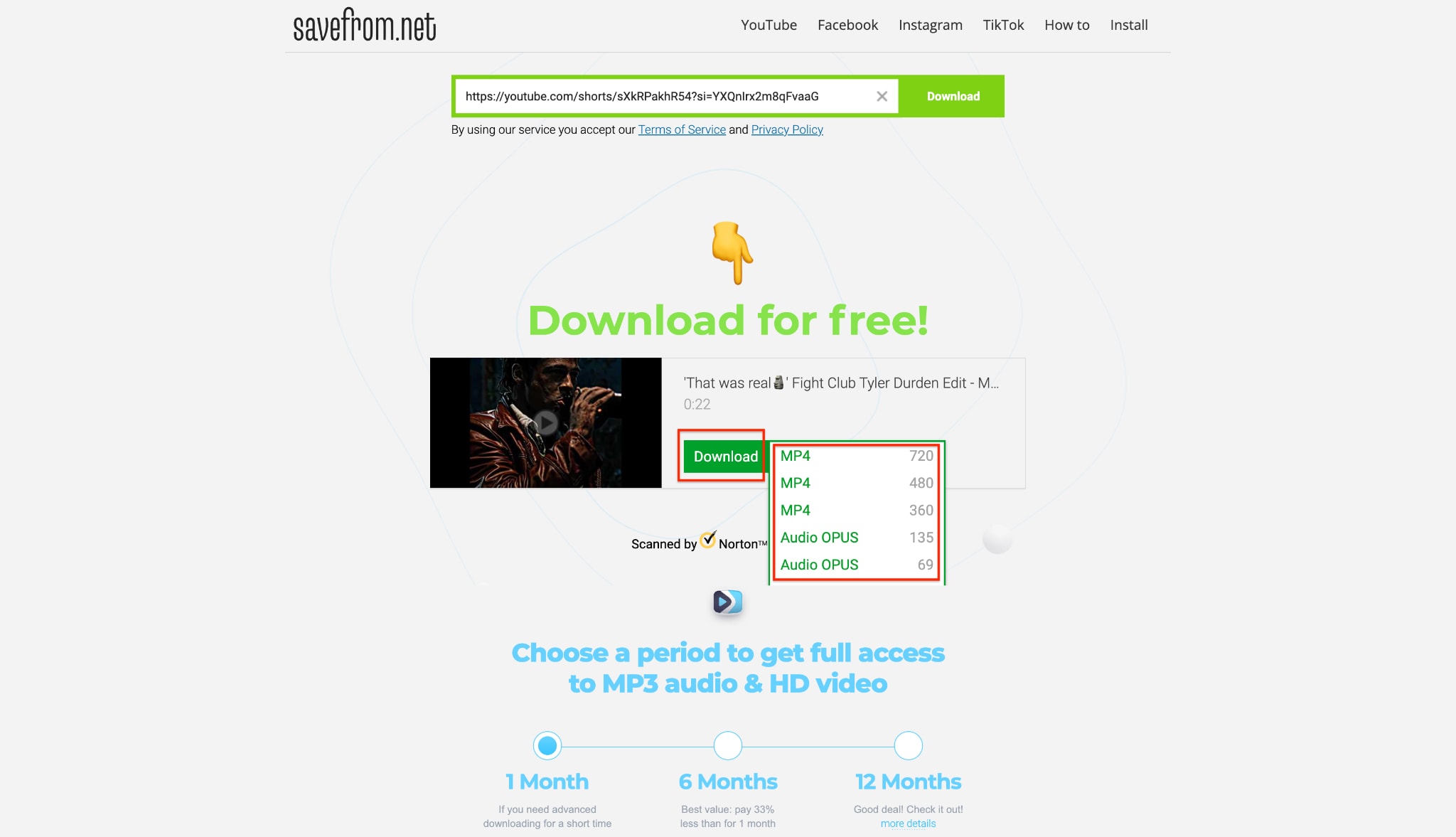
Step 3: Select Your Video Quality
Open the YouTube video or Short you want to save. Click the "Share" icon on the screen and select "Copy". This safely copies the direct video link to your clipboard.
Step 4: Save the Final Video File
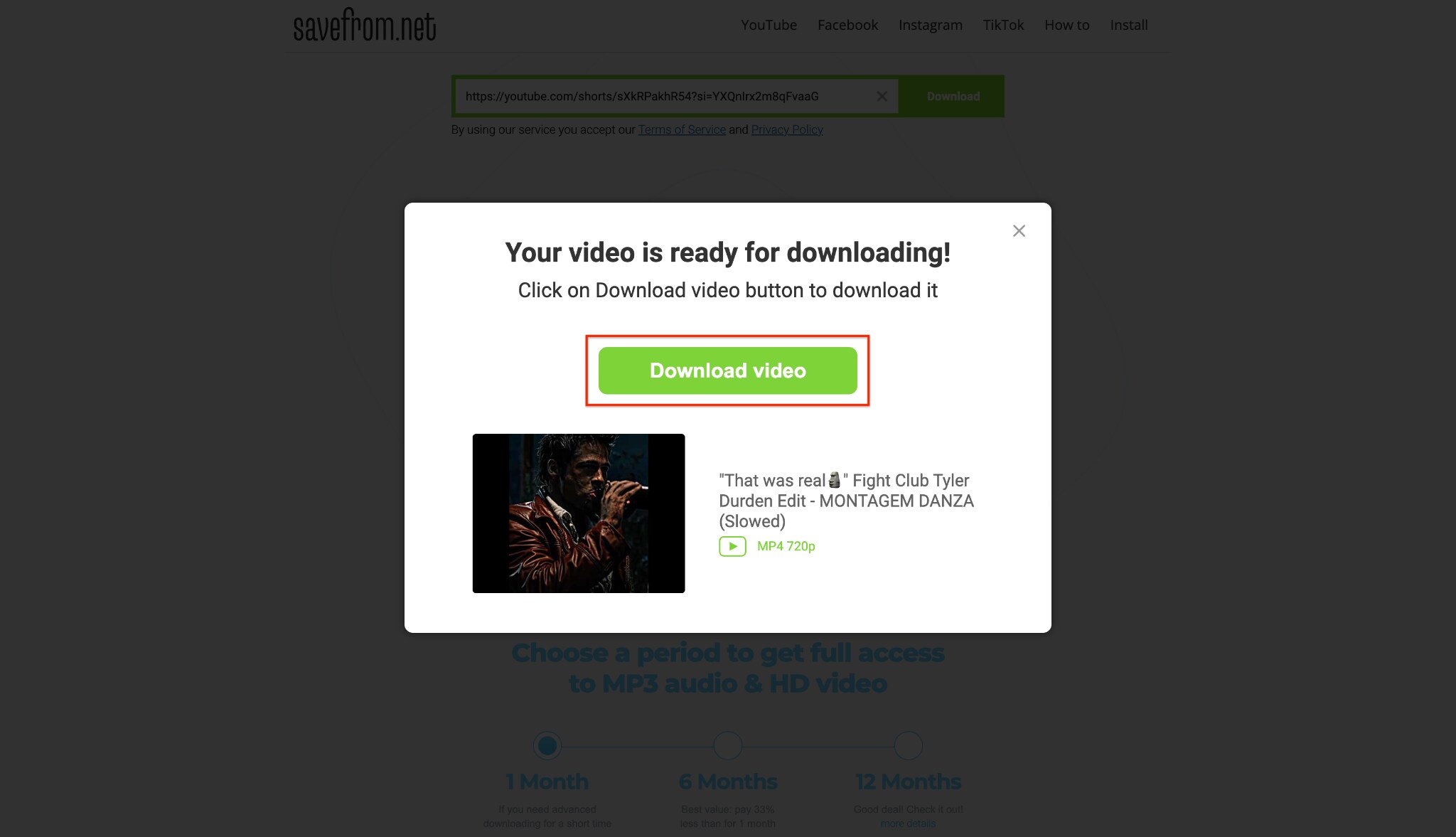
Click the final green "Download video" button to save the file to your device. Quickly close any extra tabs that pop up to avoid annoying ads. Note that downloading HD video or MP3 audio will ask you to pay for a subscription.
Part 4. An Honest SaveFrom Net Review: Real User Feedback
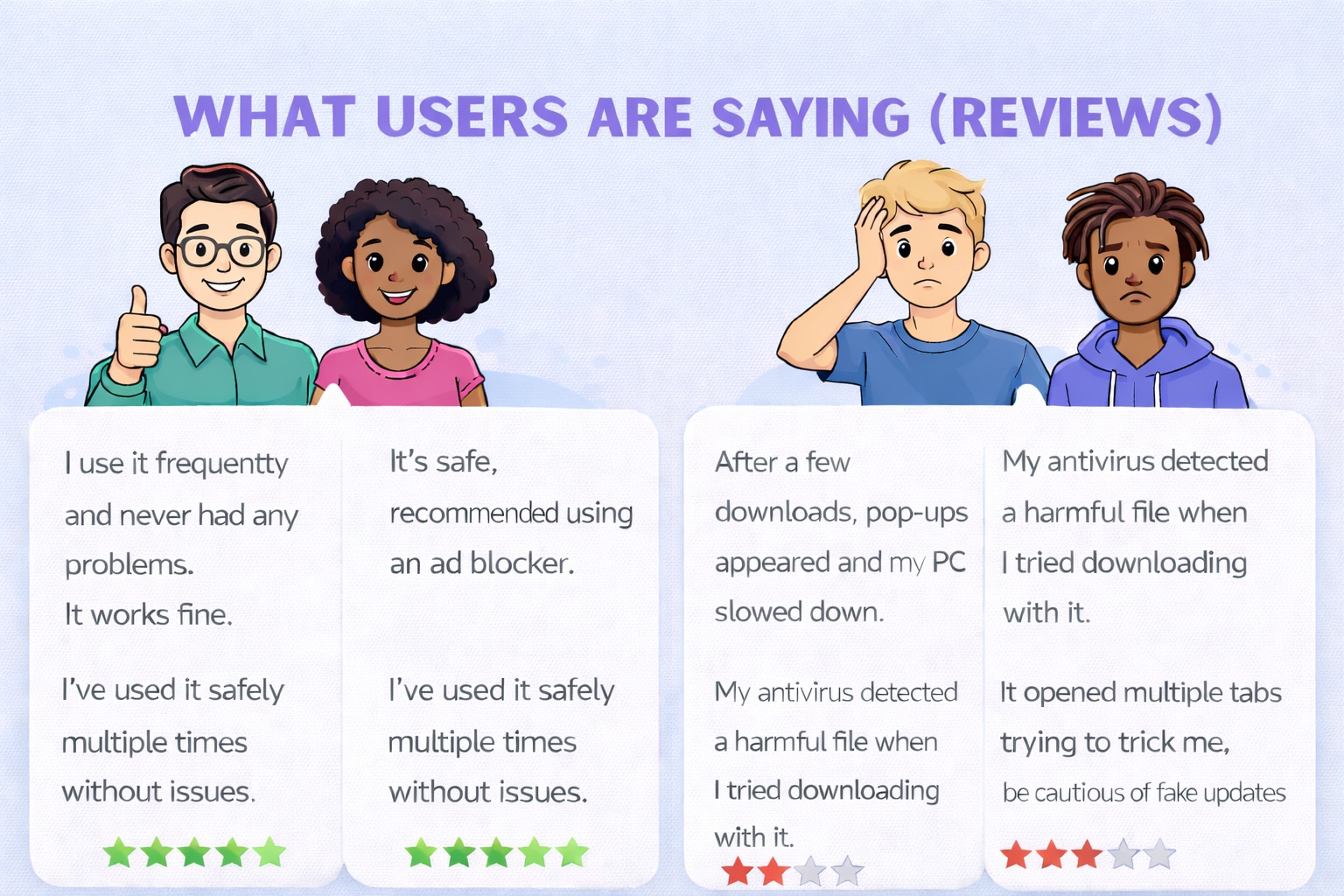
To give you a real SaveFrom Net Review, we looked at what actual users are saying on Trustpilot and Reddit (in groups like r/techsupport and r/antivirus) in 2026. Here is exactly what the community has experienced:
Positive/Neutral Reviews:
ChetkiVorobushek (Reddit): "Yes, it's safe. I downloaded there many times."
Supreme3DOFFICAL (Reddit): "safe but make sure to use a adblocker i recommend ghostery."
cutearmy (Reddit): "Been safe for YouTube to IPhone for me."
Build_The_Mayor (Reddit): "That's strange. I use it all the time, and I've never caught a virus. I also use Adblock though."
Negative Reviews:
catg00d (Reddit): "i was using this website but then it said something about permition. i presed ok but then pop ups started to pop out. thanks to my older brother he instaled an anti virus and now my pc is fine."
GodSlayer_1112 (Reddit): "my microsoft defender found trojan on pc after downloading a video."
Jane D. (Trustpilot): "The site downloaded my video, but it aggressively opened three new tabs trying to get me to install a fake Flash Player update. It is incredibly deceptive if you don't know what you are clicking."
Part 5. Why Consider a SaveFrom.net Alternative for Desktop?
The Security Gamble
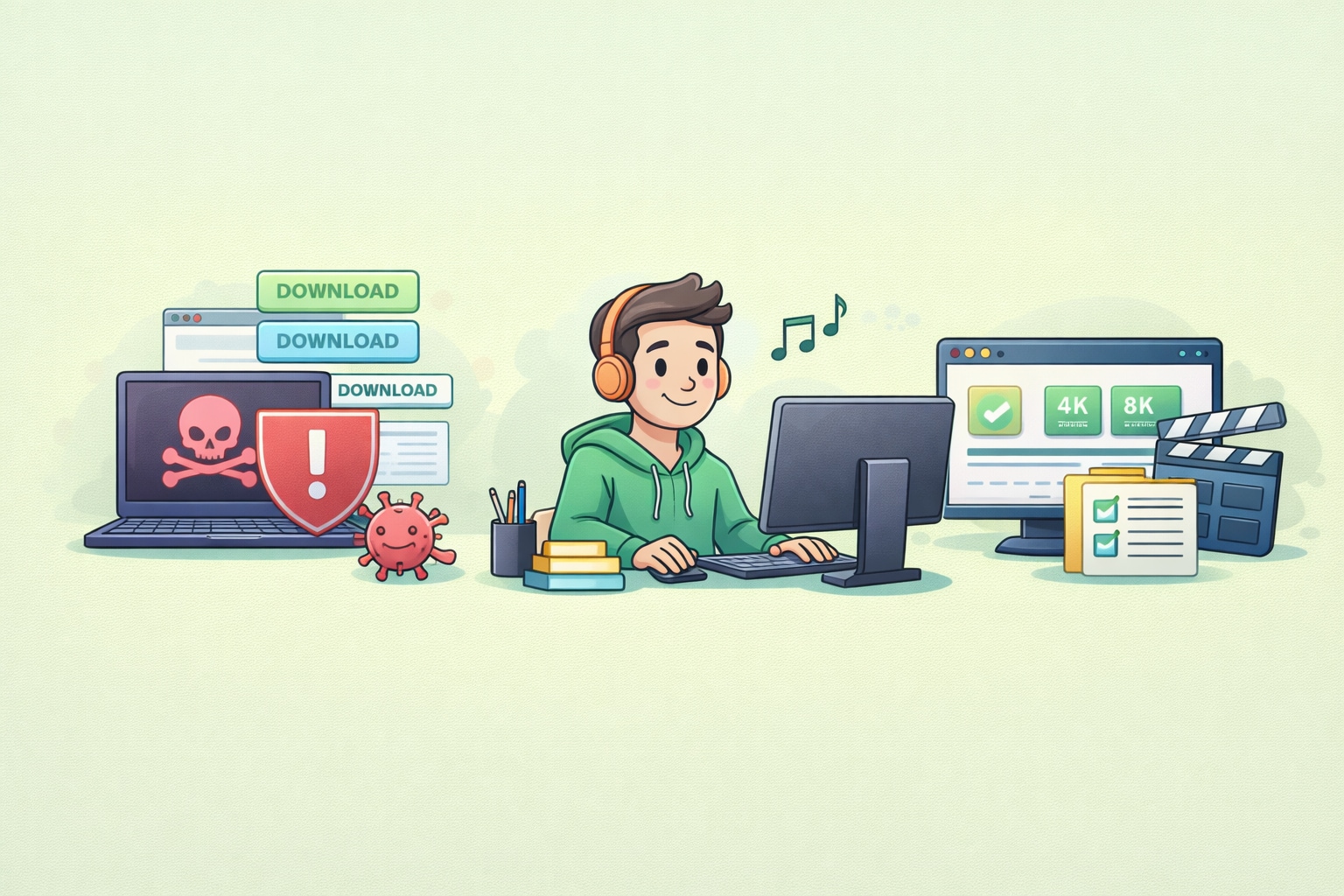
As the negative reviews clearly show, using free website downloaders is risky. The actual video file is usually fine, but the website makes money by tricking you. They use fake download buttons and pop-up ads that pretend your computer has a virus. If you click the wrong thing, you can accidentally download real malware.
The Power of a Native Desktop App
Desktop software gives you a safe space with zero ads. Because these apps live on your computer, you never have to deal with fake buttons or unsafe websites opening up. Also, computer apps use your system's power to download files much faster than a standard web browser can.
Overcoming Web Limitations
Websites like SaveFrom often stop you from downloading in 1080p, or they take the sound out of high-quality videos to save their own server costs. Desktop apps fix this problem. They easily download 4K and 8K videos with perfect sound, download entire playlists at once, and even pull subtitles—things web tools simply cannot do.
Part 6. Top 5 SaveFrom.net Alternatives for PC & Mac in 2026
1. Wondershare UniConverter (Top Recommendation - Windows & Mac)
Wondershare UniConverter is the ultimate desktop software. It completely removes the virus risks you get with free online downloaders. This tool is much better than basic web sites. It lets you safely download 4K and 8K videos, save whole playlists, and change video formats easily. Best of all, it can pull original subtitles and save them as separate SRT files. With a simple design and smart AI editing tools, it is the safest and most complete media software you can find today.:

Key Features:
- Downloads stunning high-quality videos up to 8K resolution.
- Grabs entire video playlists and channels at very high speeds.
- Safely extracts original subtitles and saves them as SRT files.
- Includes a built-in AI toolset for editing and shrinking video sizes.
Safety Review: 100% safe. It has no adware, no malware, and no hidden trackers.
Best for: Creators, professionals, and anyone who wants total safety and top-quality features.

All-in-One AI Video Toolkit
2. 4K Video Downloader Plus (Windows, Mac, Linux)
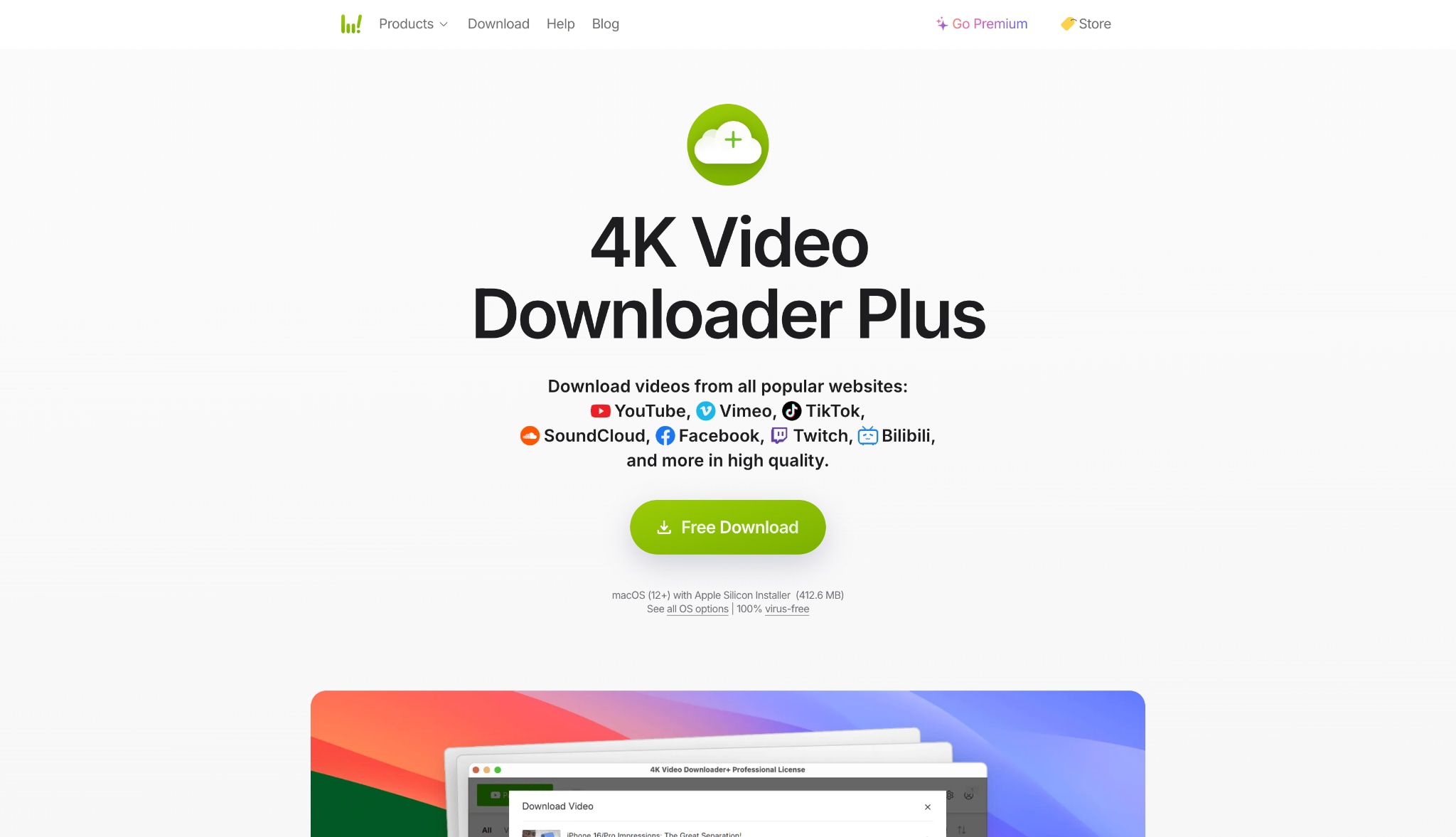
4K Video Downloader Plus is the upgraded, modern version of the classic downloading application. It now features a built-in web browser, allowing you to search and safely download high-quality videos, channels, and full playlists without ever leaving the app. Operating securely on your desktop, it completely bypasses the dangerous ad redirects found on browser-based tools. It remains highly reliable for effortlessly pulling 4K, 8K, and 360-degree virtual reality videos directly to your hard drive without any security compromises.
Key Features:
- Features an integrated browser to search and download directly within the app.
- Specializes in parsing massive YouTube playlists and entire channels.
- Supports 3D and immersive 360-degree VR video downloads.
- "Smart Mode" automates your preferred quality and format settings for future downloads.
Safety Review: Highly safe. It is a trusted, ad-free desktop environment.
Best for: Data hoarders and users looking for an integrated browser to mass-archive video playlists.
Related Article:4K Video Downloader Not Working? Best Fixes & Alternatives
3. SnapDownloader (Windows, Mac)
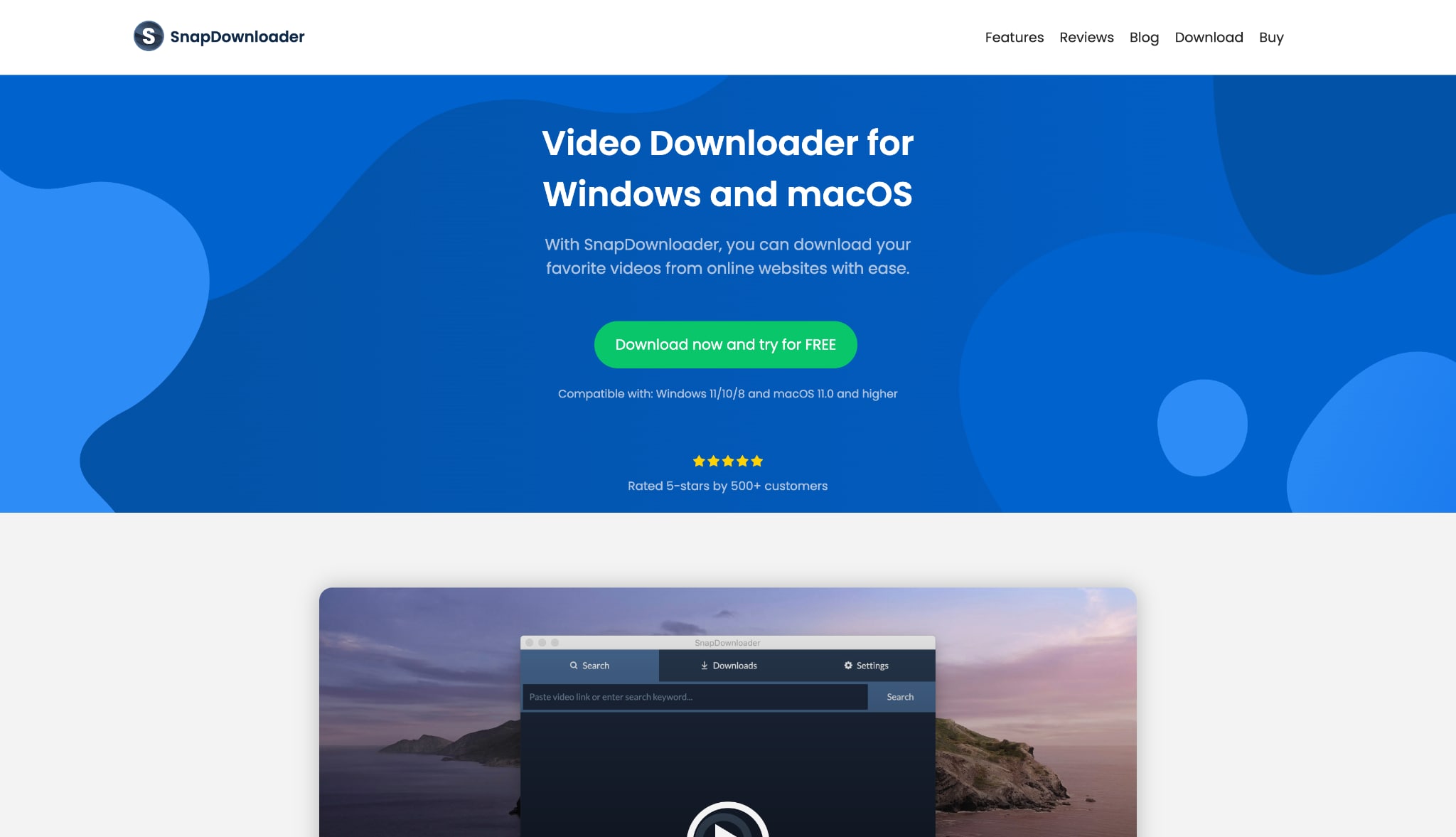
SnapDownloader is a strong desktop app that lets you download videos from over 900 different websites. What makes it stand out is its built-in proxy setup. This feature helps you safely watch and save videos that are blocked in your country. It also has a great scheduling tool. This means you can line up huge video downloads to happen overnight without your web browser getting in the way or slowing you down.
Key Features:
- Works perfectly with over 900 popular websites.
- Built-in proxy settings help you get past regional video blocks.
- Scheduling tool lets you pick exactly when a download starts.
- Includes a simple trimmer to cut videos before saving them.
Safety Review: Very safe. It is clean and has no bad ad networks.
Best for: Users who travel or often find that videos are blocked in their country.
4. Y2Mate (Web-Based - Multi-Device)
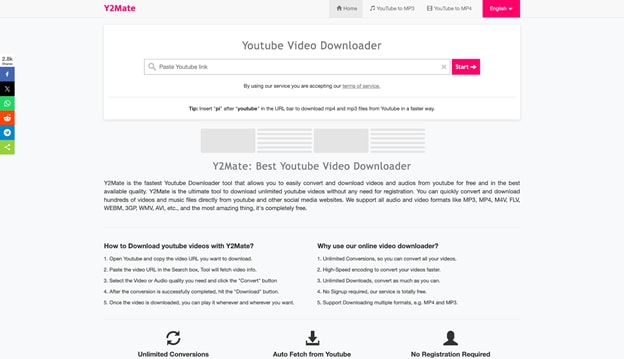
If you really do not want to install any software and don't mind dealing with online ads, Y2Mate works a lot like SaveFrom.net. It runs right inside your web browser. This means you can use it easily on your phone, tablet, or computer. It usually processes video links a bit faster than SaveFrom, making it a quick choice when you just need to download a simple, low-resolution video clip in a hurry.
Key Features:
- Works right in your browser on PC, Mac, iPhone, and Android.
- Reads video links quickly for fast, simple downloads.
- Converts videos directly to MP4 or MP3 formats.
- You do not need an account to use it.
Safety Review: Low safety. It has lots of adware, so you must use a strong ad-blocker.
Best for: People using public library or school computers where they cannot install software.
5. VideoProc Downloader & Converter (Windows, Mac)
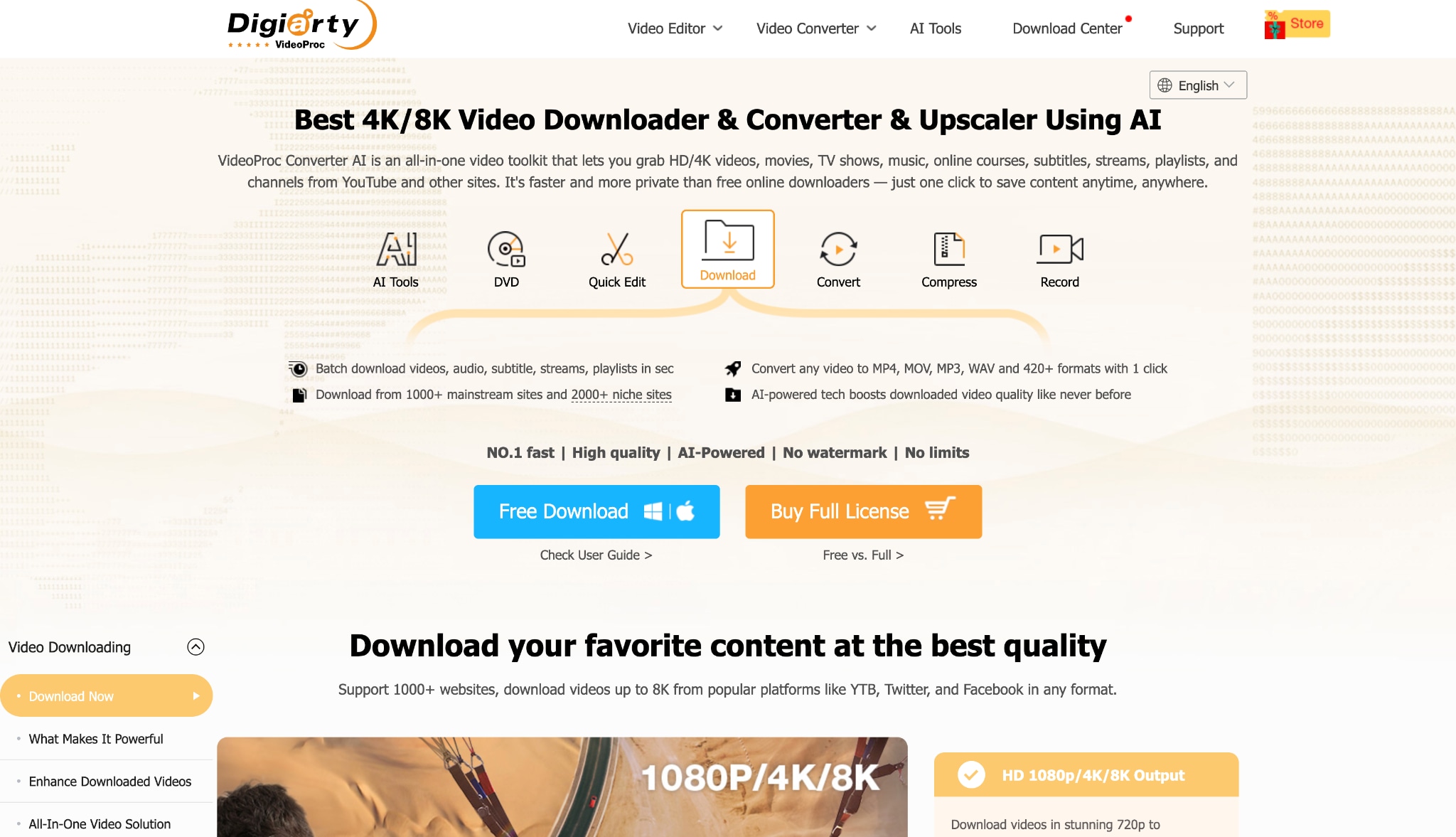
VideoProc Converter is a fast, hardware-powered desktop program. It mixes a video downloader with a screen recorder and a file converter. By using your computer's graphics card, it easily manages heavy 4K and 8K video files without slowing down your PC. It also lets you remove audio tracks, shrink large files, or securely save live video streams. It gives you a smooth, safe downloading process every time.
Key Features:
- Uses your computer's hardware to process huge files instantly.
- Comes with a great screen recorder for saving live streams.
- Easily removes audio tracks from video files.
- Has simple editing tools to cut and crop your videos.
Safety Review: 100% safe. It runs on your desktop securely.
Best for: People with older computers who need a performance boost to handle big 4K files.
Part 7. Quick Comparison: Which Alternative is Right for You?
| Software | Platform Type | Max Download Quality | Batch / Playlist Downloads | Built-in Editing & Conversion |
| Wondershare UniConverter | Desktop (Win/Mac) | 8K (Lossless with Audio) | Yes (High-Speed) | Yes (Full AI Editing Suite) |
| 4K Video Downloader | Desktop (Multi-OS) | 8K | Yes | No (Strictly downloader) |
| SnapDownloader | Desktop (Win/Mac) | 8K | Yes | No (Basic trimming only) |
| VideoProc Converter | Desktop (Win/Mac) | 4K / 8K | Yes | Yes (Hardware-accelerated) |
| Y2Mate | Web Browser | 1080p (Compressed) | No | No (Download only) |
The Final Verdict:
Choose UniConverter if you want the ultimate, safest all-in-one tool that handles massive video files and advanced AI subtitle extraction without breaking a sweat.
Choose Y2Mate only if you are on a public computer where you cannot install software (but be prepared to dodge pop-up ads).
Choose 4K Video Downloader if your only goal is downloading massive YouTube playlists without needing to edit the files afterward.
Part 8. Bonus: How to Download Videos Securely with UniConverter
Are you ready to stop worrying about the risks we covered in this SaveFrom Net Review? Here is exactly how easy it is to securely download high-quality videos—complete with subtitles—using Wondershare UniConverter.
Step 1: Copy the YouTube Video Link
Are you ready to stop worrying about the risks we covered in this SaveFrom Net Review? Here is exactly how easy it is to securely download high-quality videos—complete with subtitles—using Wondershare UniConverter.
Step 1: Copy the YouTube Video Link
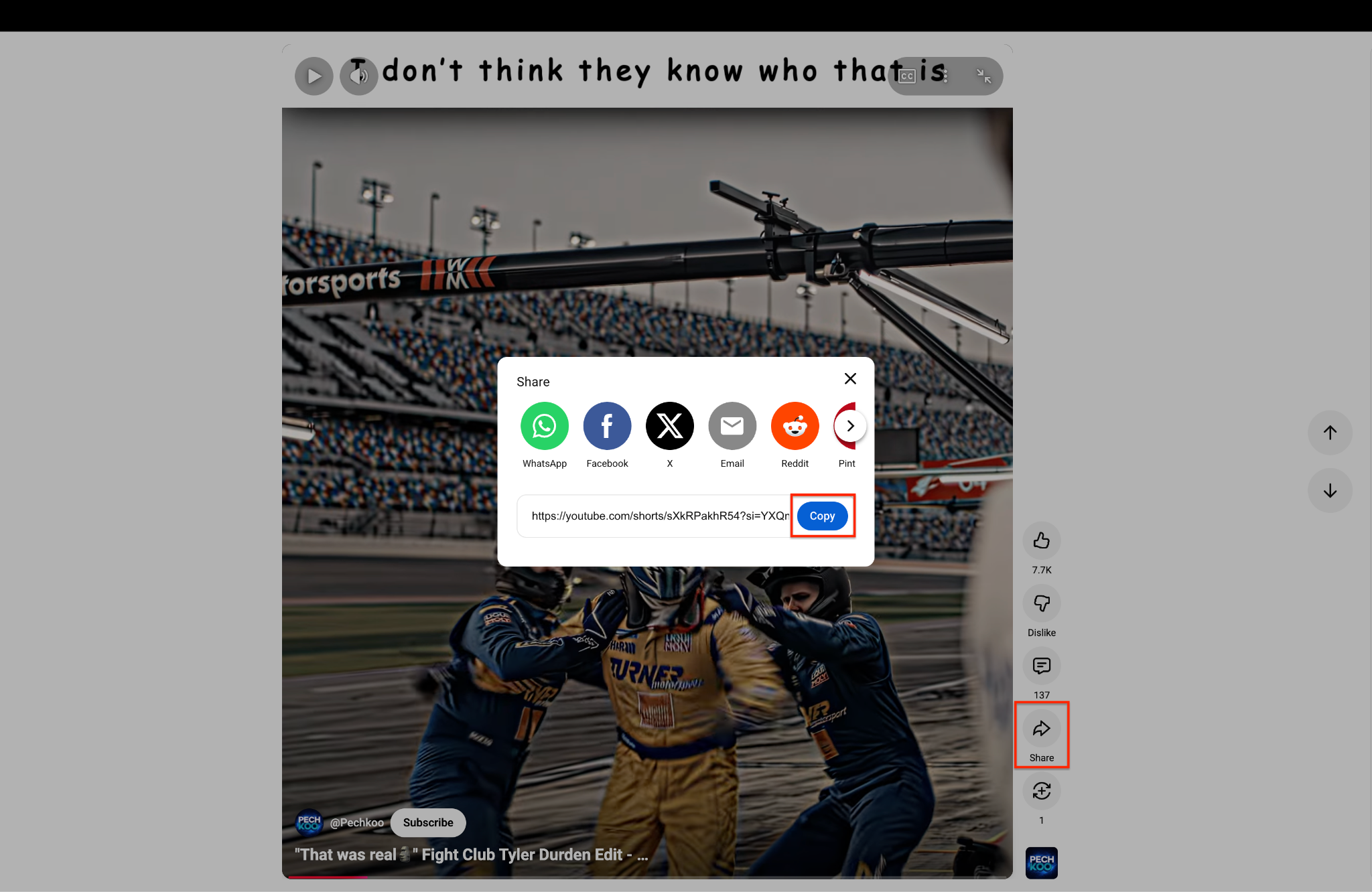
Go to YouTube and find the video or Short you want to save. Click the "Share" icon on the right side. Then, select "Copy" to save the link to your clipboard.
Step 2: Launch and Select Downloader
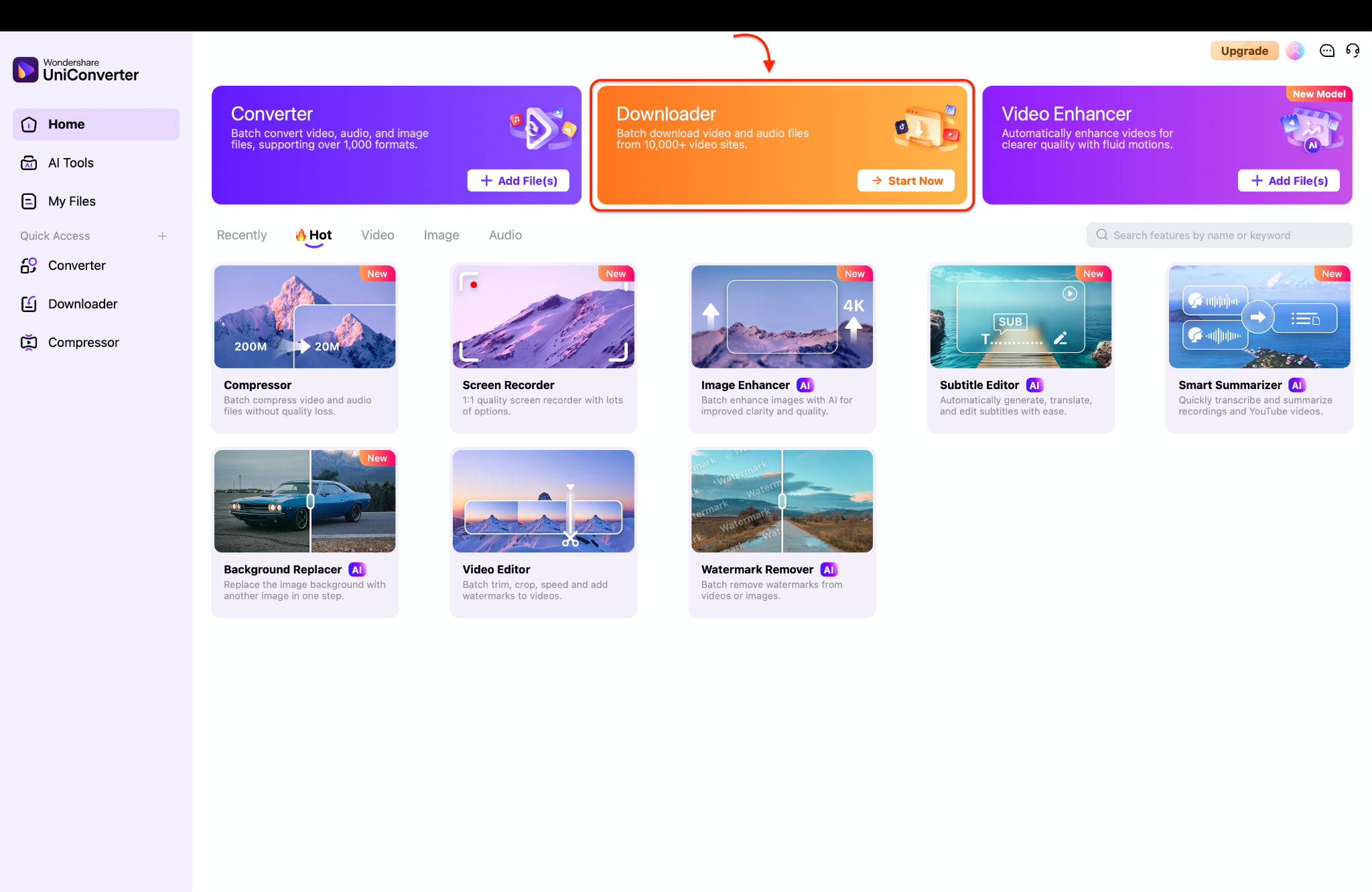
Open Wondershare UniConverter on your computer to view the main dashboard. Find the Downloader module at the top center. Click the orange "Start Now" button to open the downloading workspace.
Step 3: Customize Download Preferences
Click the top-right gear icon to open the Preferences window. Go to the Download tab to choose your desired video quality. Click OK to apply your chosen audio and video settings.
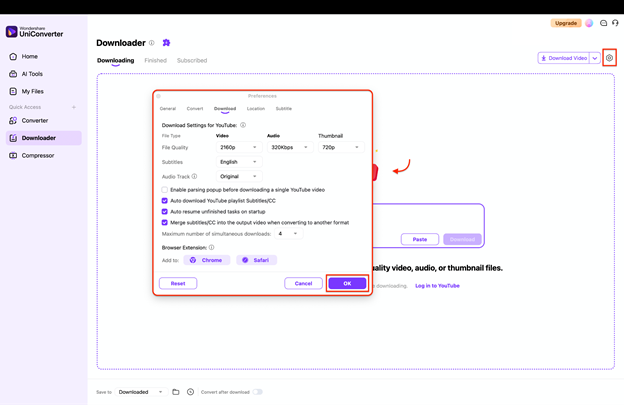
Pro Tip: Check "Auto resume unfinished tasks" to prevent losing progress if your PC restarts.
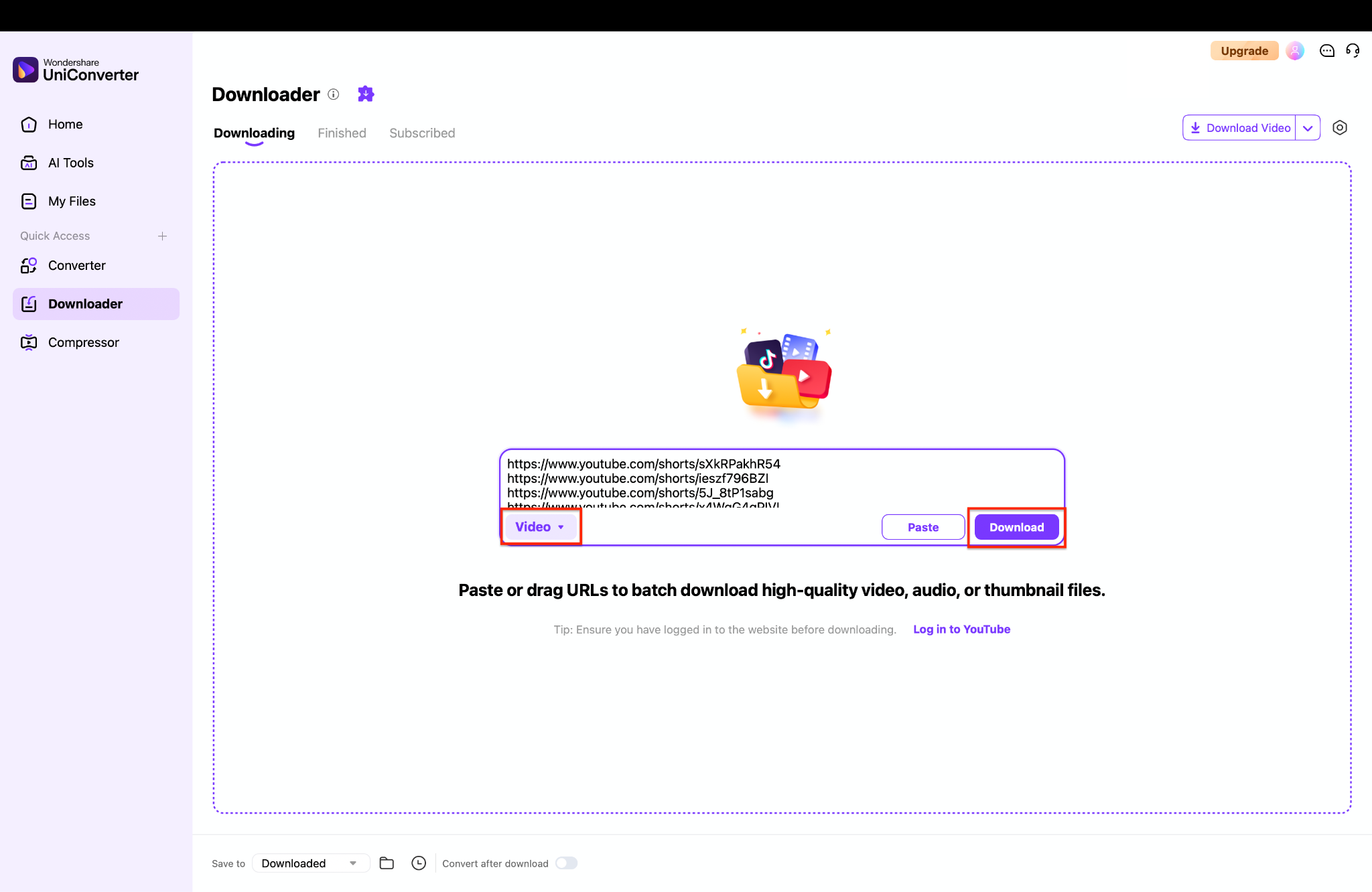
Step 4: Input URLs and Execute the Download
Part 9. Conclusion
To sum up this SaveFrom Net Review, while the website works okay if you are in a rush, its constant pop-up ads, blocked regions, and lack of sound in HD videos make it a bad choice for 2026. Trusting unsafe web downloaders is just not worth the risk to your computer anymore. Instead, using a real desktop application is much safer and easier. For anyone who wants total security, stunning 8K video quality, and amazing tools like subtitle extraction, upgrading to a native app is the best move. Keep your computer safe from viruses and never settle for bad video quality again. Take control of your media and try Wondershare UniConverter today to download, edit, and convert your videos with total peace of mind.

