


In the ever-evolving world of digital content, live streaming has emerged as a dominant force in entertainment, education, and communication. Whether you're archiving valuable content, saving live sports events, or preserving memorable broadcasts, having the right live streaming downloader is essential.
This comprehensive guide explores the best tools available in 2026 to download live streams from platforms like Twitch, YouTube, Facebook, and more, ensuring you never miss essential content again.
We'll break down the key differences between downloading and recording live streams, compare the top 10 desktop downloaders, and provide a detailed comparison table to help you choose the perfect tool for your needs. Plus, we'll answer frequently asked questions to ensure you're fully equipped to preserve your favorite live streams.
Table of Contents
The best way to download live streams is by using a reliable live stream downloader that supports real-time capture and high-quality output.
Live streams are not always stored permanently, so downloading them requires tools that can record or capture streams as they play.
- 🔹 Capture live videos in real time
- 🔹 Save streams in formats like MP4 for playback
- 🔹 Avoid unstable or unsafe online tools
Best choice: Use a professional video downloader or recorder for stable and high-quality live stream downloads.
Part 1. What’s the difference between downloading and recording a live stream?
When preserving live streams, you generally have two technical approaches: downloading and recording. While both methods ultimately save content for offline viewing, they operate differently and yield distinct results in terms of file size, video quality, and network requirements.
Downloading a live stream typically involves capturing the video file directly from the source platform as it is being broadcast, or from a saved VOD (Video on Demand) file. This method often requires specialized software or browser extensions that can access and save the stream's underlying video data.
Recording, on the other hand, involves using screen capture software—like OBS Studio—to record the live stream as it plays on your screen, along with system and microphone audio. This is essentially capturing the output of the video player.
Comparison Table: Downloading vs. Recording Live Streams
Quick Guide: Best Live Stream Downloader by Use Case
| Metric | Downloading | Recording |
|---|---|---|
| Video Quality | Often retains original quality | Depends on recording settings |
| File Size | Generally more efficient | Larger files, especially at high quality |
| Ease of Use | Can require specific tools | Simpler with tools like OBS |
| Network Requirement | Relies on stable connection for grab | Once playing, less dependent |
| Post-Processing | Minimal often needed | May require editing (trimming, audio sync) |
| Best For | Archiving original quality content | Capturing streams without direct download support |
Recommendation: Which Method Should You Choose?
Choose 'Downloading ' if you want to preserve the original quality of the stream efficiently and are accessing a platform that supports it (or where a tool allows you to grab the video file directly). It's ideal for archiving.
Choose Recording if the live stream platform has robust DRM protection, you need to capture additional on-screen elements (like live reactions or comments), or you are already comfortable with broadcasting software like OBS Studio. It's more versatile but can require more storage and processing power.
Part 2. Best 10 Desktop Live Stream Downloaders for All Devices 2026
Here are the top 10 tools to help you download or record your favorite live streams in 2026.
1. Wondershare UniConverter (Upcoming Version 17)
Wondershare UniConverter complements live streaming by offering advanced tools for downloading, converting, and enhancing stream recordings. Ideal for creators needing offline versions of their live broadcasts, it supports saving videos in high definition and converting them into multiple formats for sharing or editing. Its AI‑driven enhancement improves stream quality, while built‑in compression keeps files lightweight without losing detail. Whether archiving, editing, or repurposing your live sessions, UniConverter provides an all‑in‑one solution for seamless post‑stream content management.
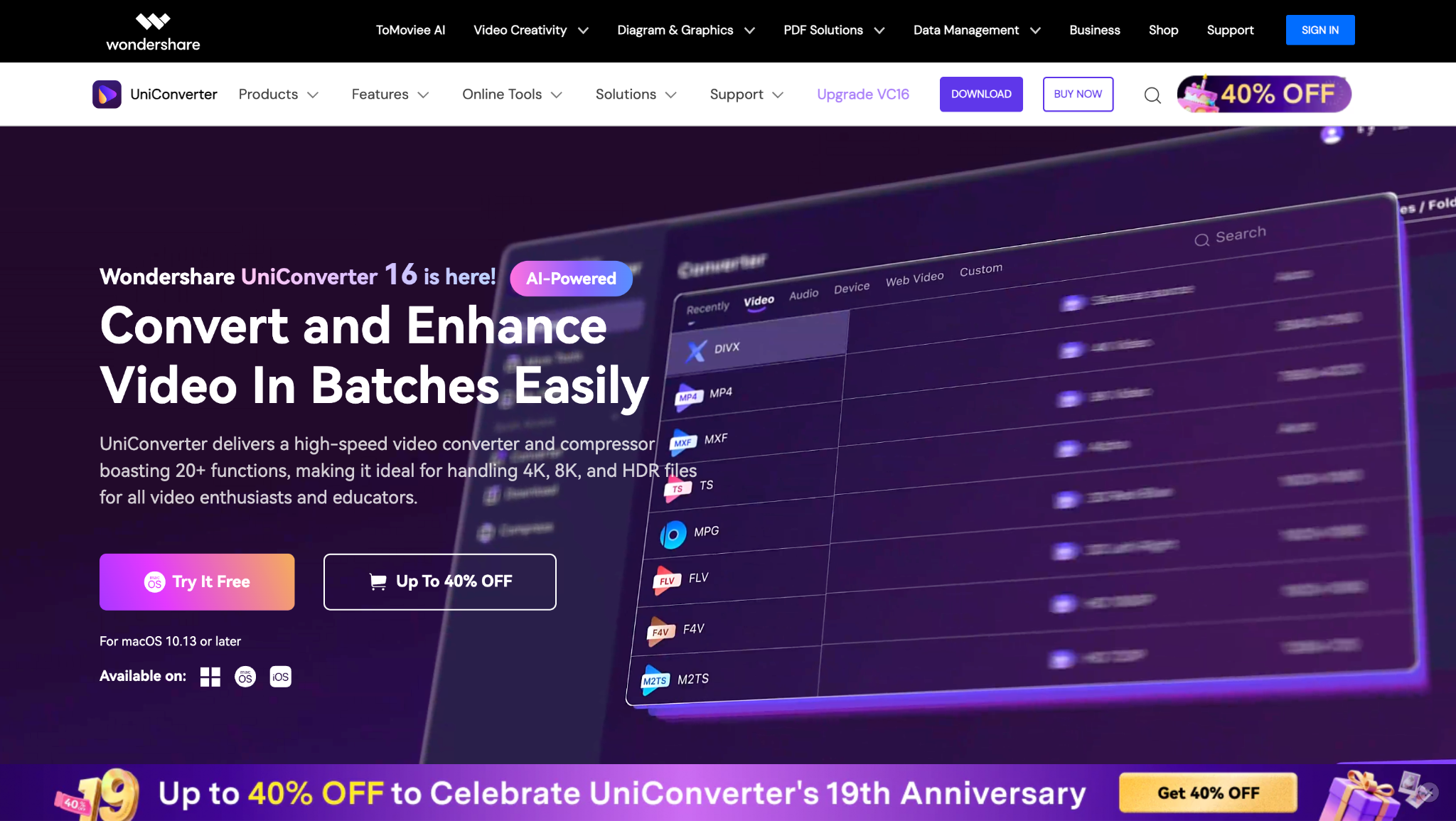
Highlighted Feature: The upcoming live stream downloader is anticipated to be deeply integrated into the suite, potentially supporting a wide range of platforms and offering high-quality downloads alongside its robust existing features.

Easy to Use Live Stream Downloader
2. OBS Studio
OBS Studio is a powerful open‑source live streaming and recording platform favored by professionals and hobbyists alike. It allows streamers to capture and mix multiple video and audio sources in real time, then broadcast or locally record the result. Streams can be downloaded in high quality for later reuse or editing. With its versatile scene setup, transitions, plugins, and support for virtually any platform, OBS provides end‑to‑end control over your live production and post‑stream downloads.
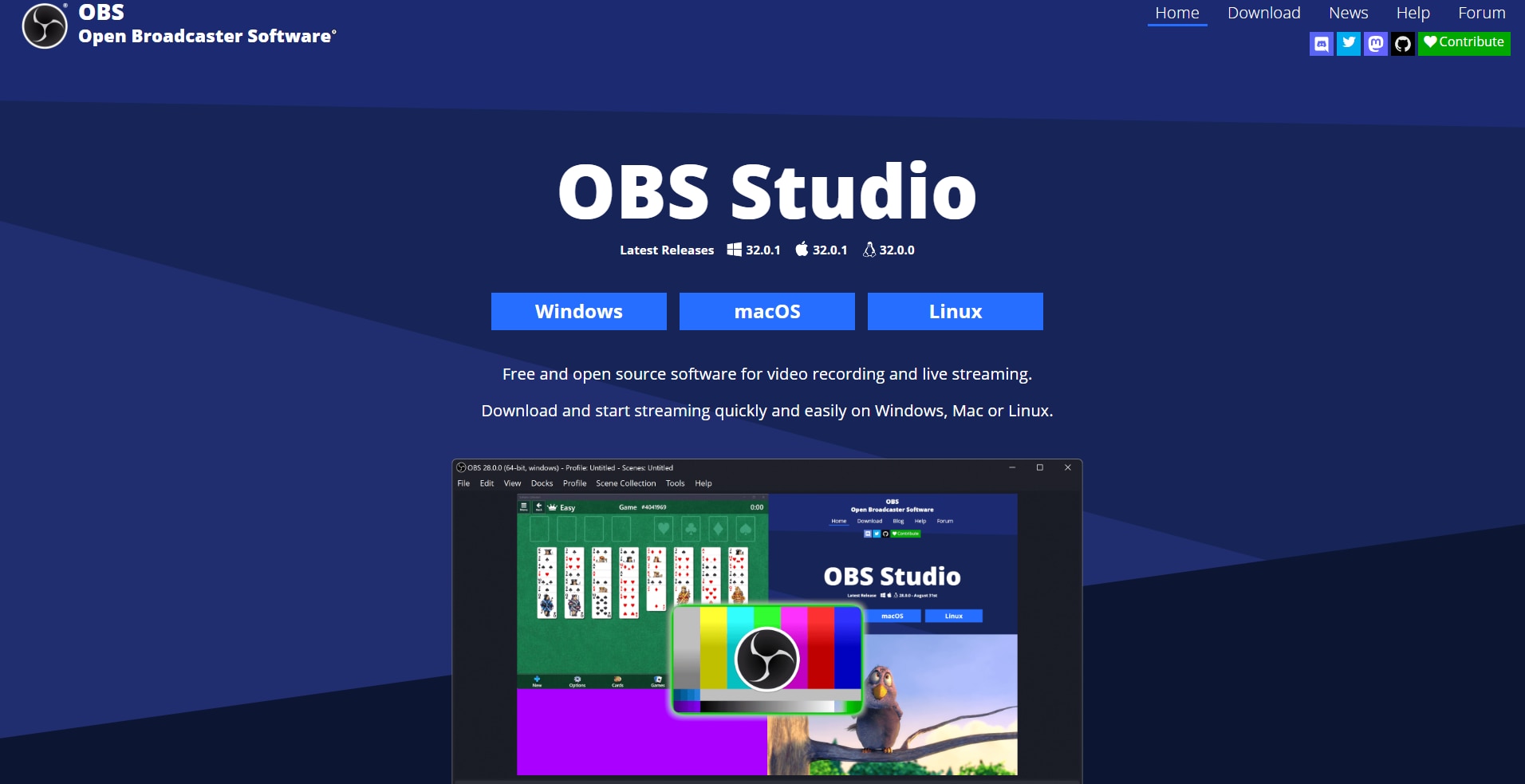
Highlighted Feature: Studio Mode allows you to preview scenes and sources before going live or recording, ensuring your production is perfect.
3. StreamYard
StreamYard is a browser‑based live streaming studio that makes hosting, recording, and downloading live broadcasts simple and reliable. Users can stream simultaneously to platforms like YouTube, Facebook, and Twitch, while guests join easily via a link. Its local recording feature ensures studio‑quality downloads of each participant’s video and audio, even on weak internet connections. Perfect for creators, podcasters, and educators, StreamYard enables professional‑looking streams that can be downloaded, repurposed, or edited post‑broadcast for other platforms.
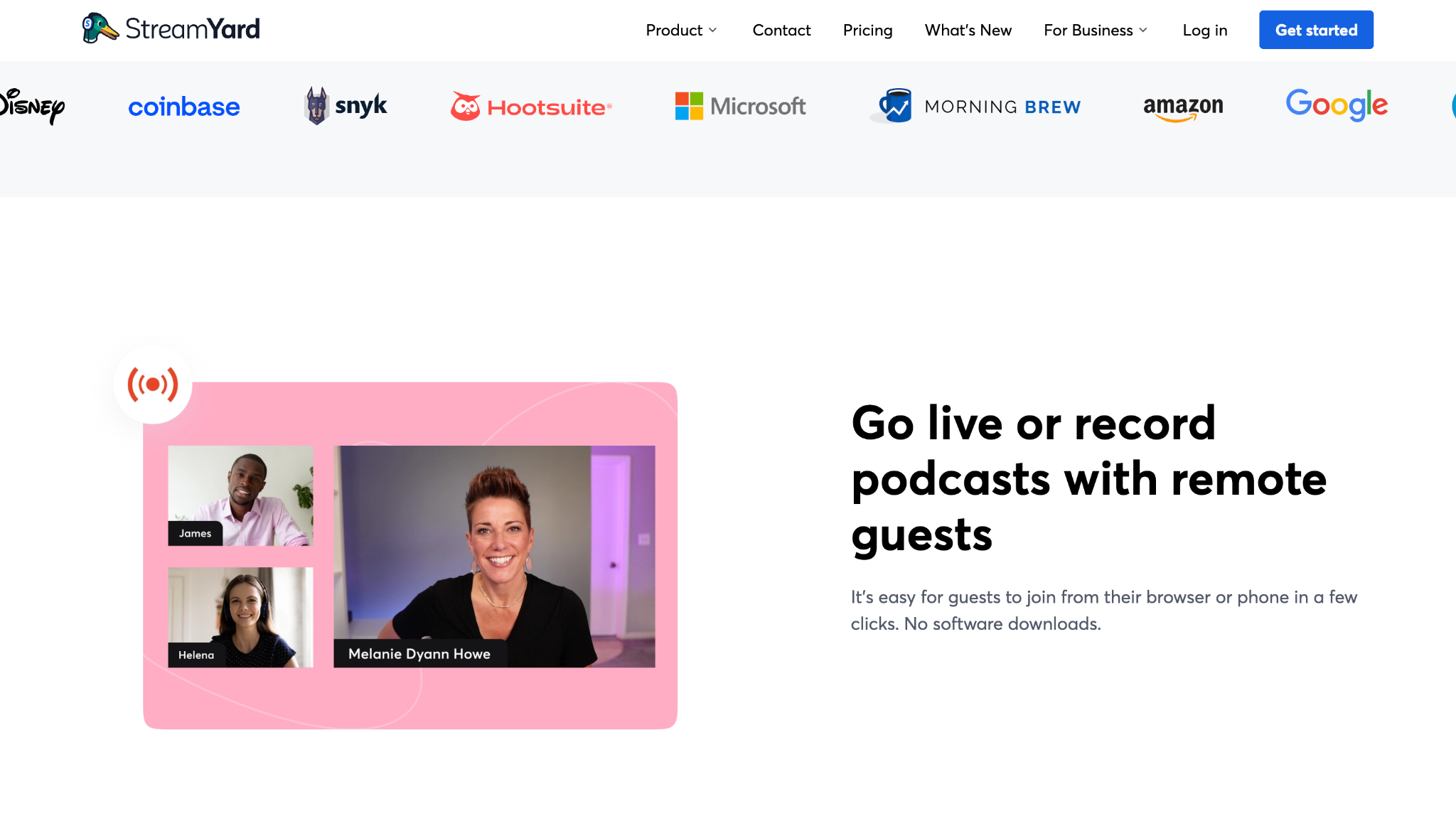
Highlighted Feature: Reusable Studios let you save your scene layouts and branding for future use, saving significant setup time for recurring shows.
4. 4K Video Downloader+
A popular choice dedicated solely to download online stream video content from a vast array of websites, 4K Video Downloader+ is engineered for speed and efficiency. This robust tool can grab content in resolutions up to stunning 4K quality, ensuring you get the best possible version of your favorite videos and streams. It supports batch downloading of entire playlists and channels, making it perfect for archiving large volumes of content from supported platforms with just a few clicks.
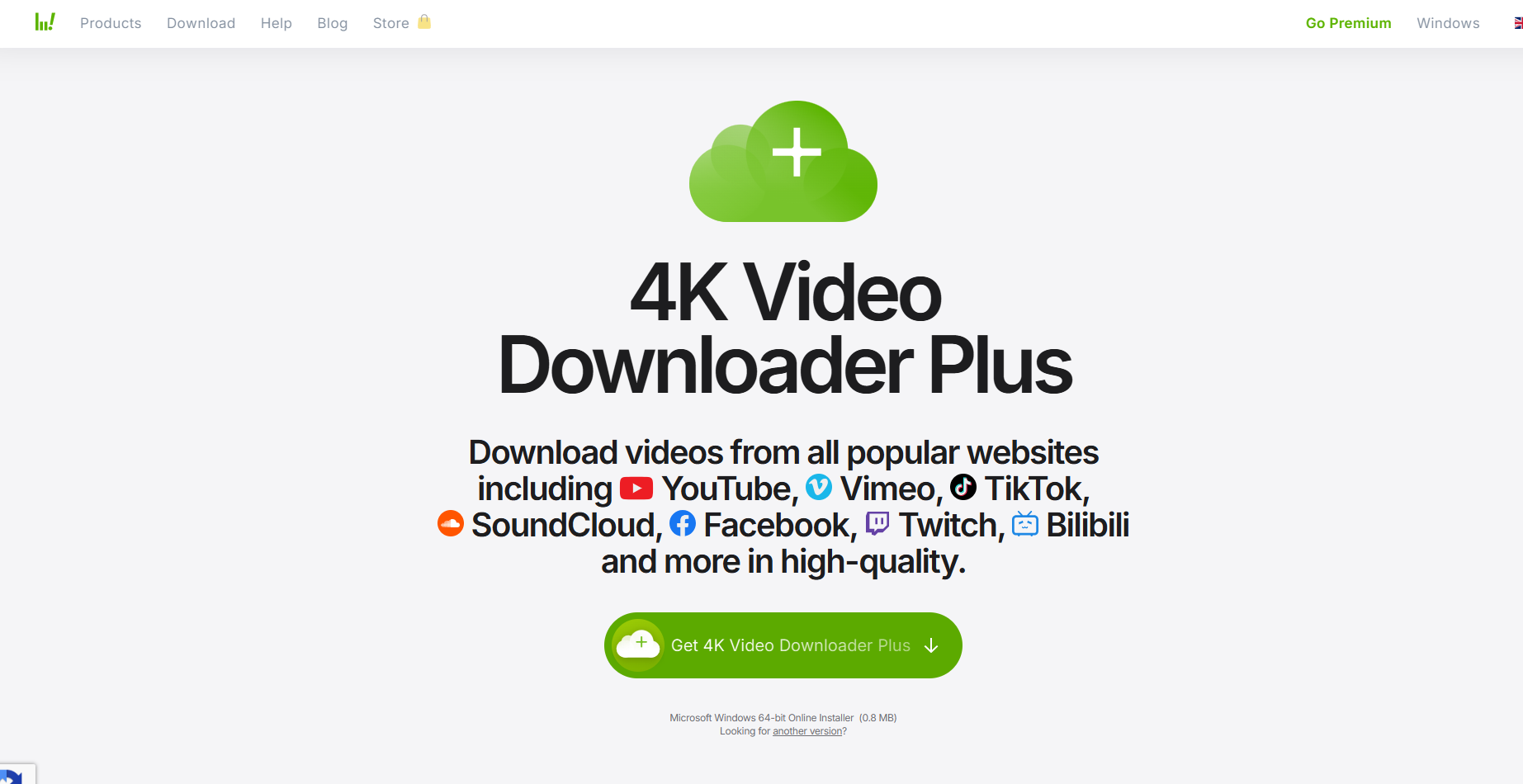
Highlighted Feature: The Smart Mode allows users to set a default format and quality, automating all future downloads for consistent results.
5. Untwitch
For users seeking a straightforward online stream downloader, Untwitch.com provides an immediate and accessible solution directly within your web browser. This web-based service specializes as a Twitch live downloader, enabling you to capture VODs and clips without any complex setups or installations. By simply pasting the URL of any Twitch video, you can initiate a fast and efficient download process. It's the perfect tool for quickly archiving memorable gaming highlights or stream moments on the fly.
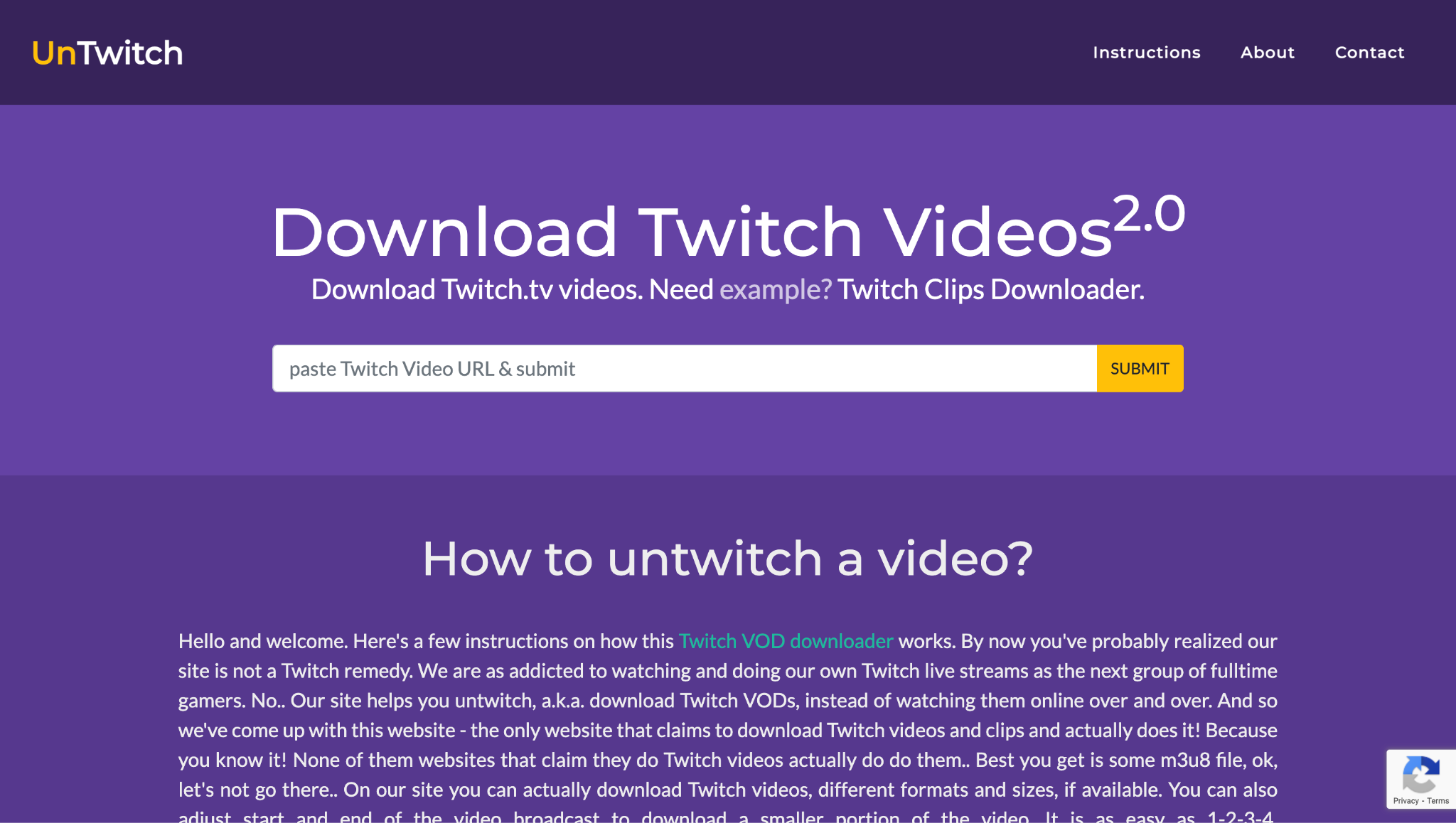
Highlighted Feature: It's integrated timestamp cutter allows you to precisely select and download only the desired segment of a lengthy VOD directly from the URL, saving time and local storage space.
Easy to Use Live Stream Downloader
6. Downie 4
Downie 4 is a professional macOS video downloader built to save videos, including live streams, from over 1,200 websites such as YouTube, Twitch, and Facebook Live. It detects streams automatically and downloads them at the highest available resolution, ensuring quality preservation. Perfect for creators and archivists, it also integrates with Permute for quick file conversions. Downie 4’s simplicity and efficiency make it an essential tool for anyone looking to capture and store live broadcasts for offline editing or playback.
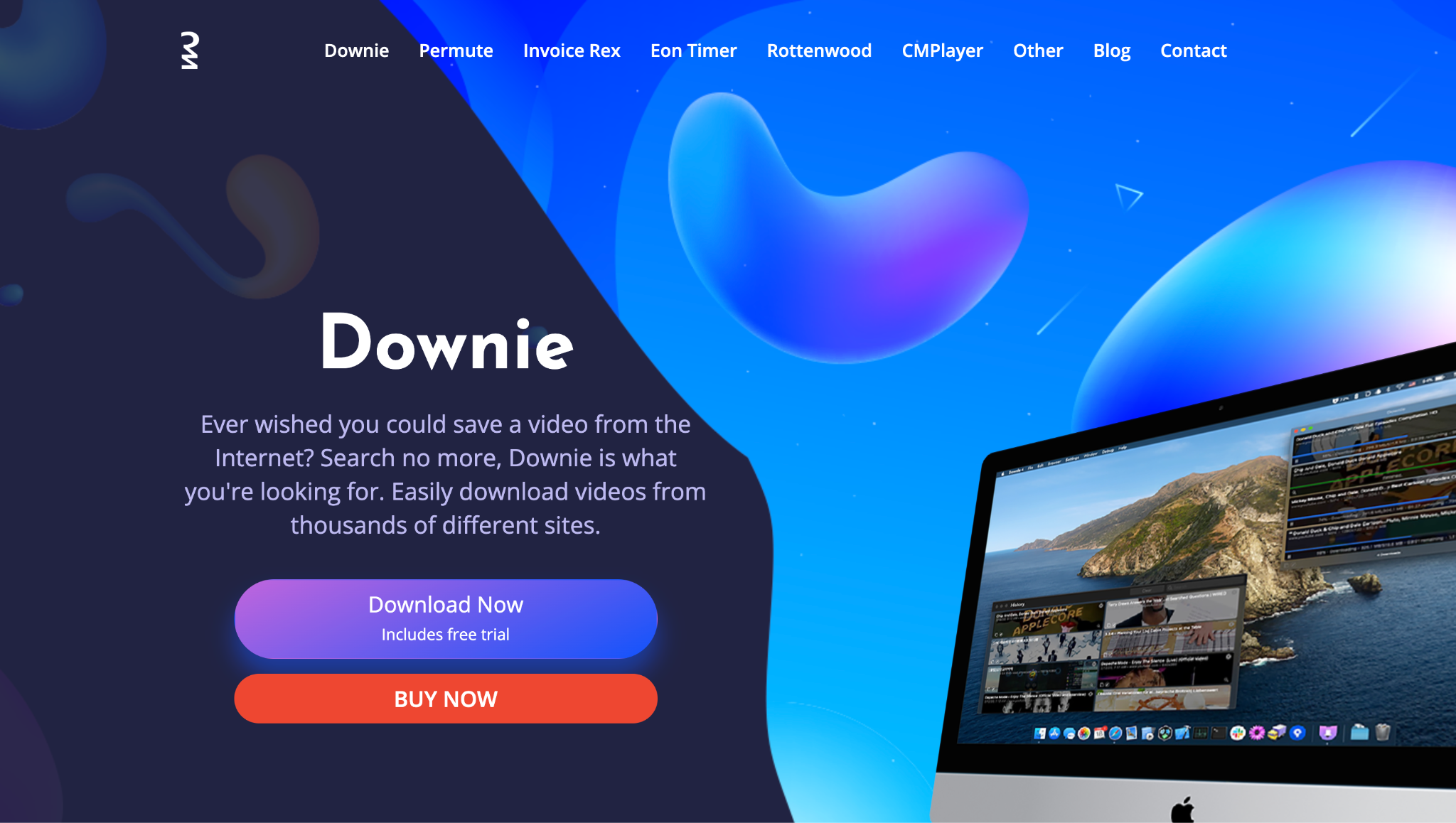
Highlighted Feature: The brilliant browser extension allows for one-click downloading directly from the video page, and its powerful heuristic algorithm is constantly updated to handle new sites and changes, making it a set-and-forget solution.
7. aTube Catcher
aTube Catcher is a versatile, free all-in-one tool that functions not only as a powerful livestream downloader but also as a video converter, recorder, and burner. This multi-purpose approach makes it ideal for users who need a comprehensive media toolkit without the need to invest in multiple applications. It excels at grabbing content from a wide range of platforms. It includes a built-in screen recorder for capturing live streams that are otherwise protected or difficult to download directly, serving as a reliable utility for live stream player downloads.
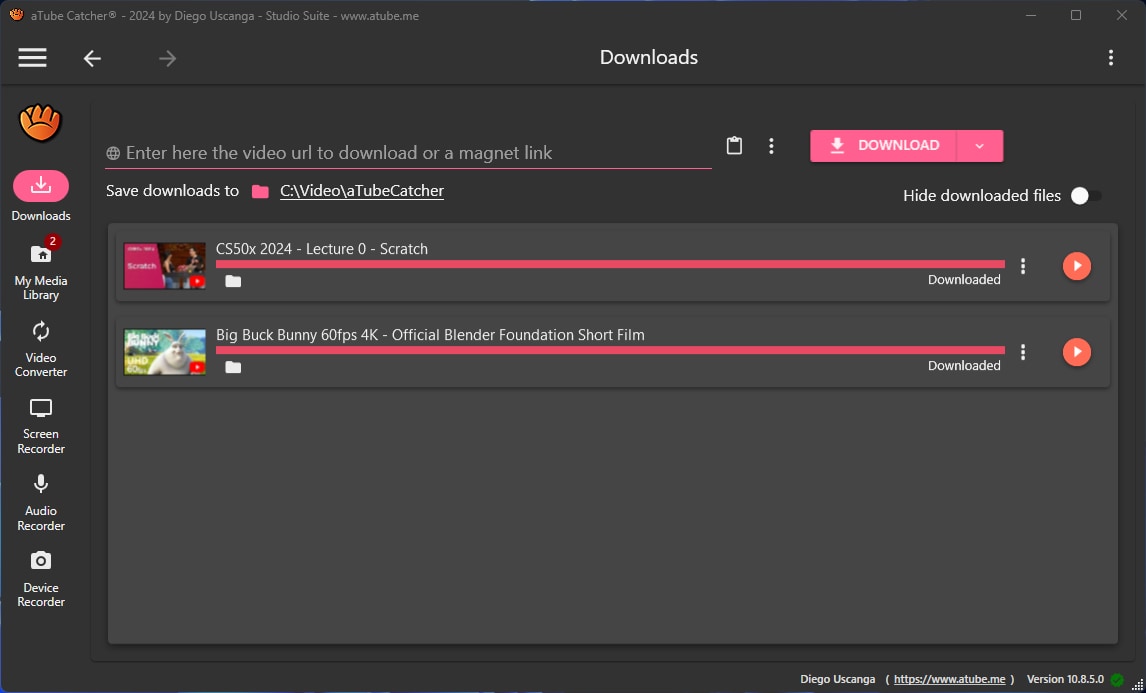
Highlighted Feature: Its integrated video converter and burner allow you to directly encode downloaded videos into various formats and create DVDs or Blu-ray discs, all within a single application.
8. Airy
Airy is a dedicated YouTube downloader that can also save active and past live streams in HD or 4K resolution. With simple copy‑and‑paste functionality, it enables quick downloads of entire playlists or live event recordings. Users can extract audio tracks or convert formats like MP4, FLV, or MP3 for various uses. Ideal for educators, podcasters, and video curators, Airy’s streamlined interface and robust reliability make saving live streams for later editing or distribution fast and convenient.
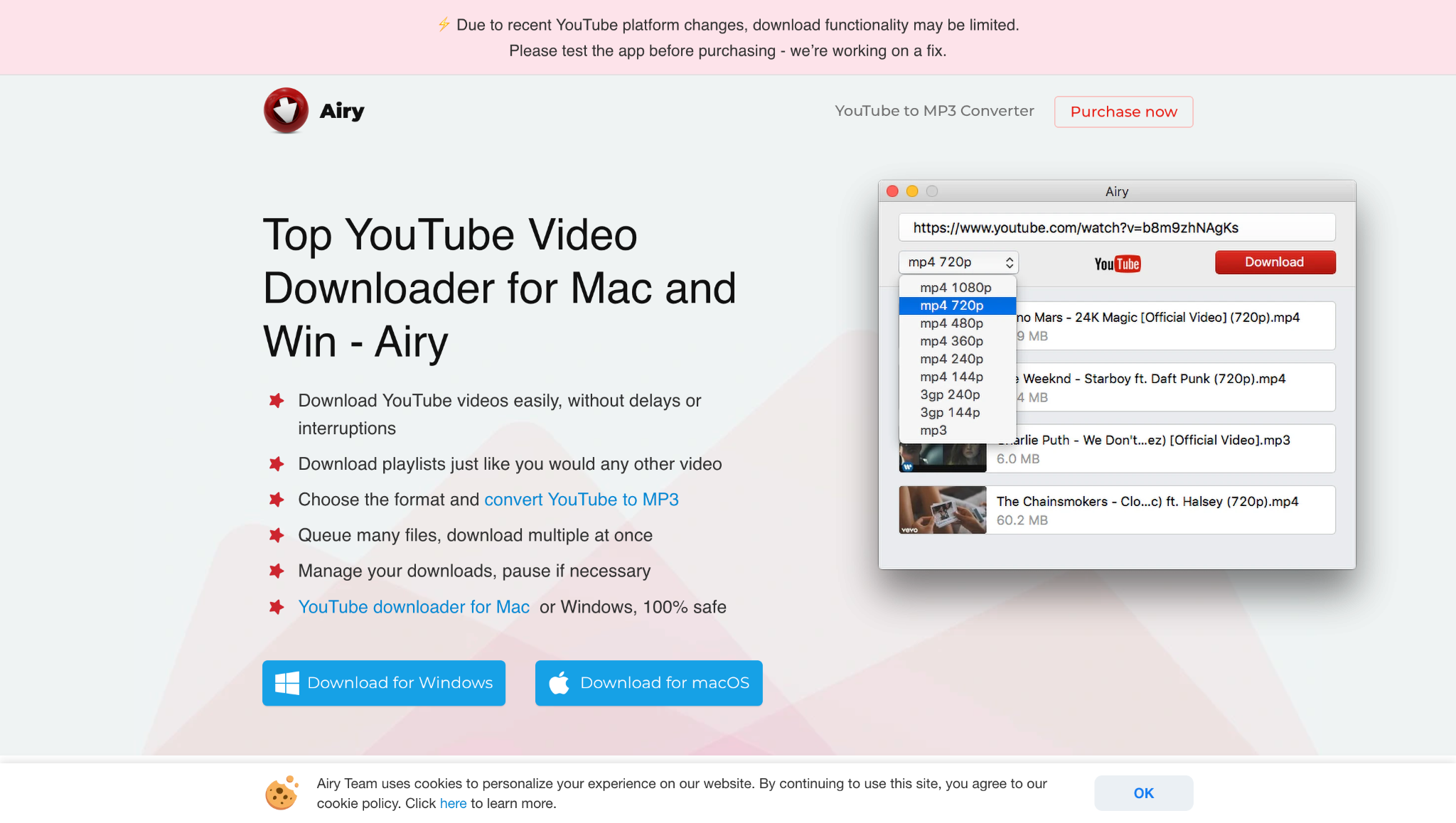
Highlighted Feature: One-click browser integration allows you to add download links directly from your address bar without the need for copying and pasting URLs.
9. Open Video Downloader (formerly yt-dlp-gui)
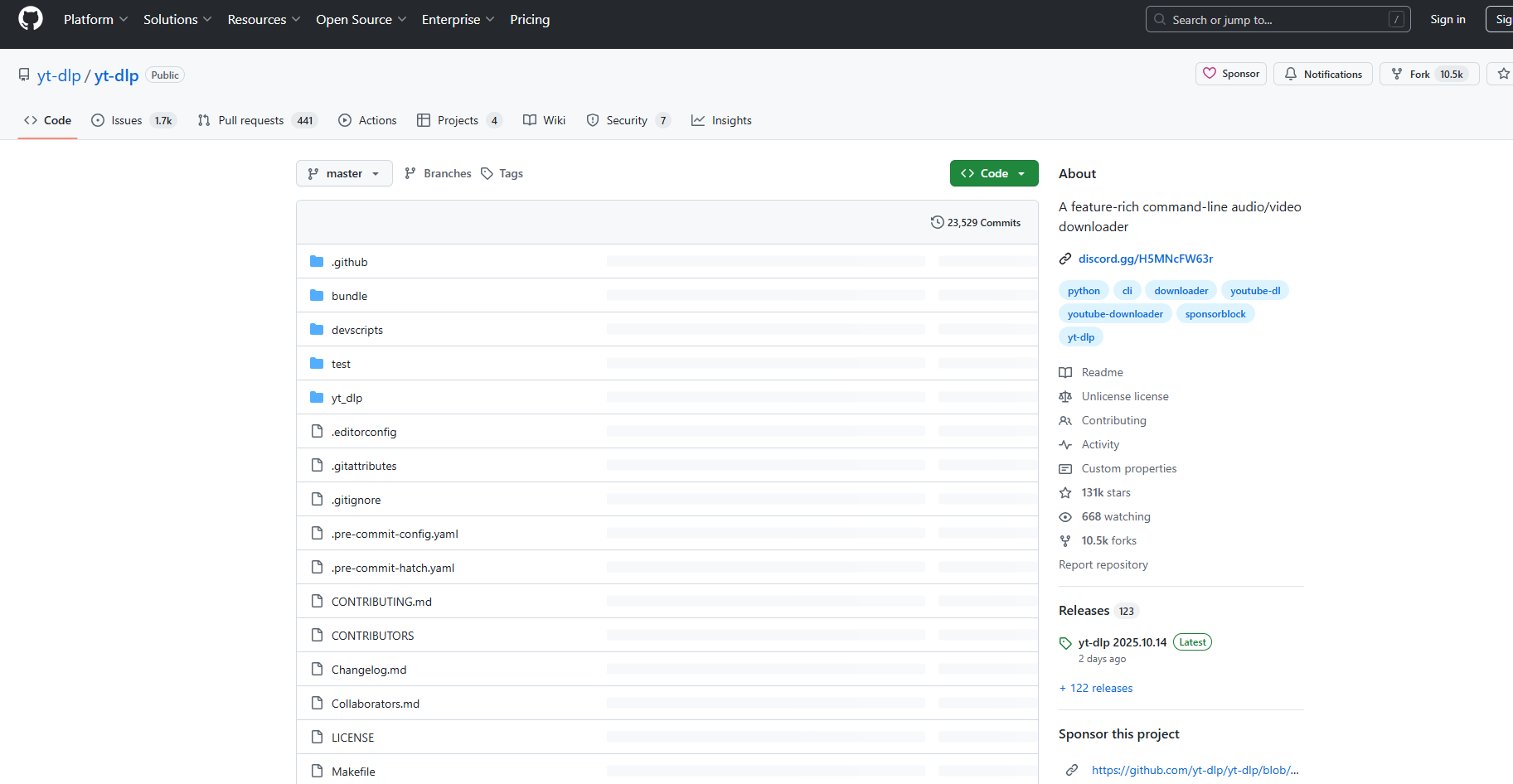
Open Video Downloader provides a user-friendly graphical interface (GUI) for the legendary command-line engine yt-dlp, a fork of youtube-dl. This tool harnesses the immense power of this backend—capable of download livestream video from thousands of sites—to users who prefer a visual application. It is frequently updated by a dedicated community to keep pace with changes on streaming sites, making it one of the most reliable and comprehensive free stream software options available for advanced downloading.
Highlighted Feature: Its ability to download from a vast array of sites, including many niche and regional platforms, thanks to the relentless development of yt-dlp.
10. ClipGrab
ClipGrab is a free, user‑friendly video downloader that supports numerous streaming sites including YouTube, Vimeo, and Facebook Live. It allows users to grab live stream replays or recordings and convert them into popular formats like MP4, WMV, or MP3. Known for its lightweight design, ClipGrab provides quick downloads with integrated conversion, saving time for content creators who want to archive, edit, or share their streamed sessions. It’s an efficient choice for casual and professional users alike.
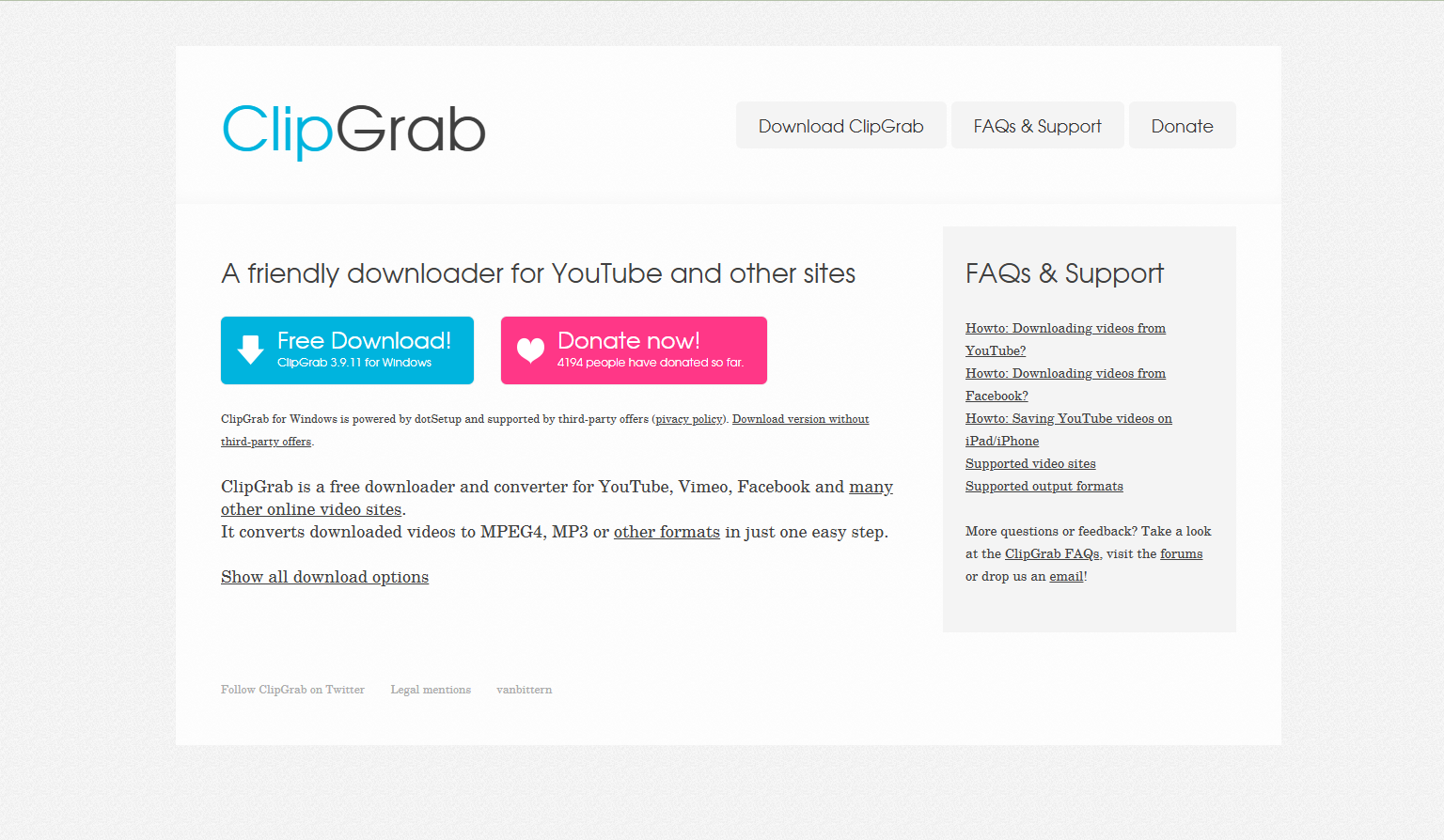
Highlighted Feature: The integrated search function enables you to find YouTube content directly within the application, eliminating the need to open a browser first.
Easy to Use Live Stream Downloader
Part 3. Quick Comparison Table of Best 10 Live Stream Downloaders
To help you make a quick decision, here's a high-level comparison of the featured tools based on key metrics.
| Tool | Primary Use | Supported Platforms | Ease of Use | Cost Model |
|---|---|---|---|---|
| Wondershare UniConverter v17 | Download & Record | Wide variety | Easy | Free trial & Paid |
| OBS Studio | Record | Any on-screen stream | Moderate | Free |
| StreamYard | Record | Own broadcasts | Easy | Freemium |
| 4K Video Downloader+ | Download | YouTube, Twitch, etc. | Easy | Freemium |
| Untwitch | Download | Twitch only | Easy | Free |
| Downie 4 | Download | Wide variety | Easy | Paid Subscription |
| aTube Catcher | Download & Record | Browser-based video | Easy | Free with ads / Paid |
| Airy | Download | Major platforms | Easy | Freemium |
| Open Video Downloader | Download | Extremely Wide | Moderate | Free |
| ClipGrab | Download & Convert | Major platforms | Easy | Free |
How to Easily Download Live Stream [Detailed Steps Guide]
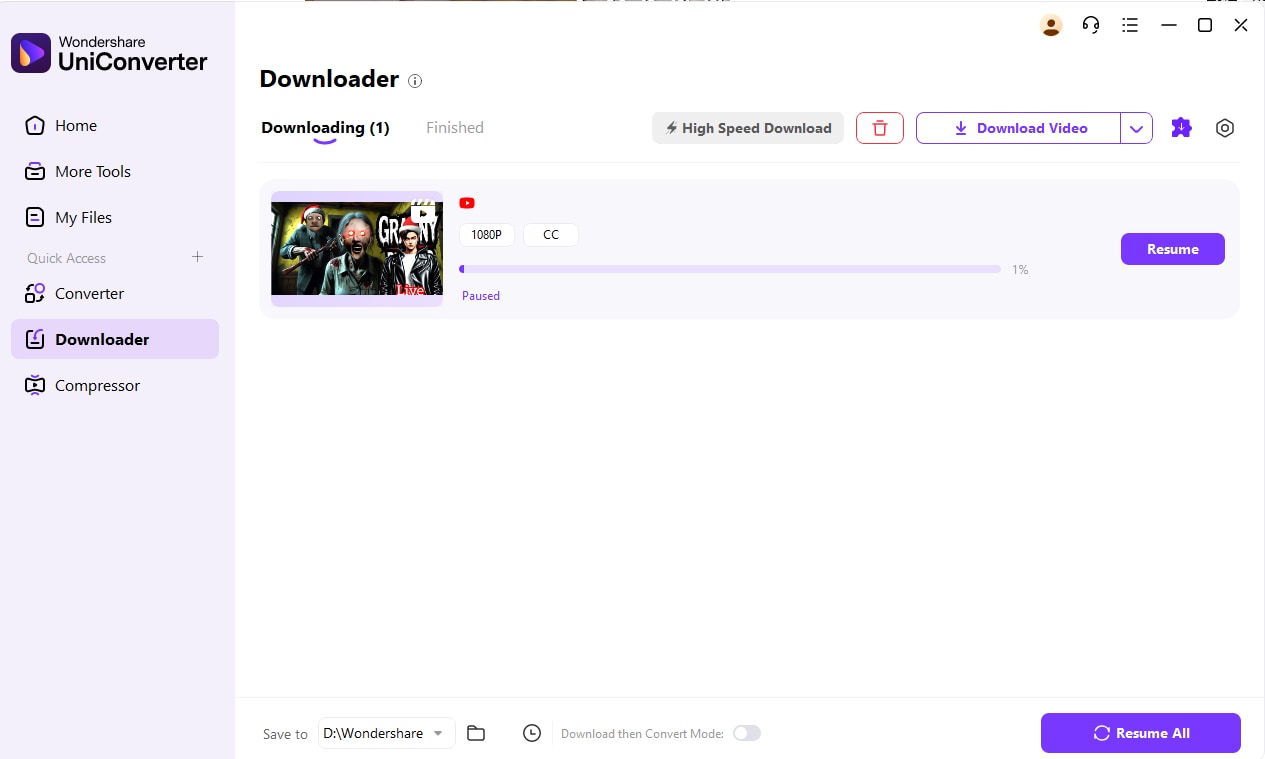
Here comes easy steps guide to download live streaming on YouTube:
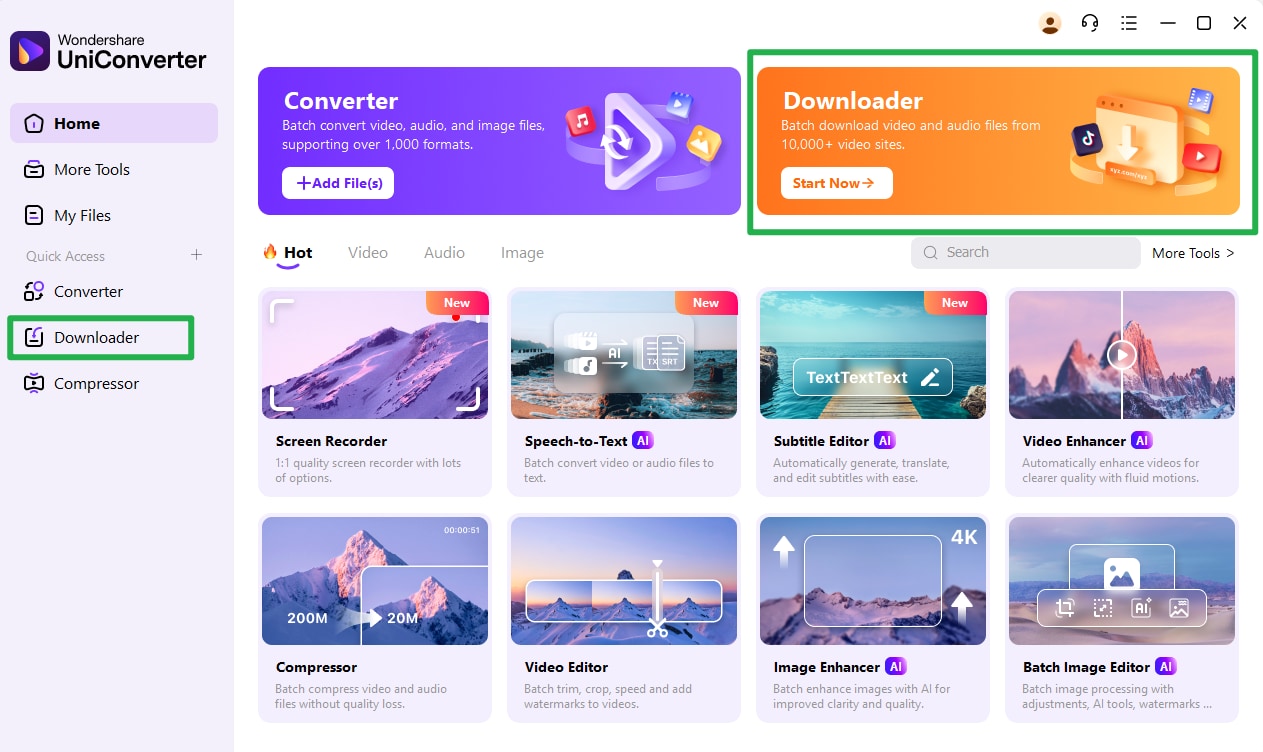
Step 1: Install and Open UniConverter to find Downloader. Click to jump to the dash board.
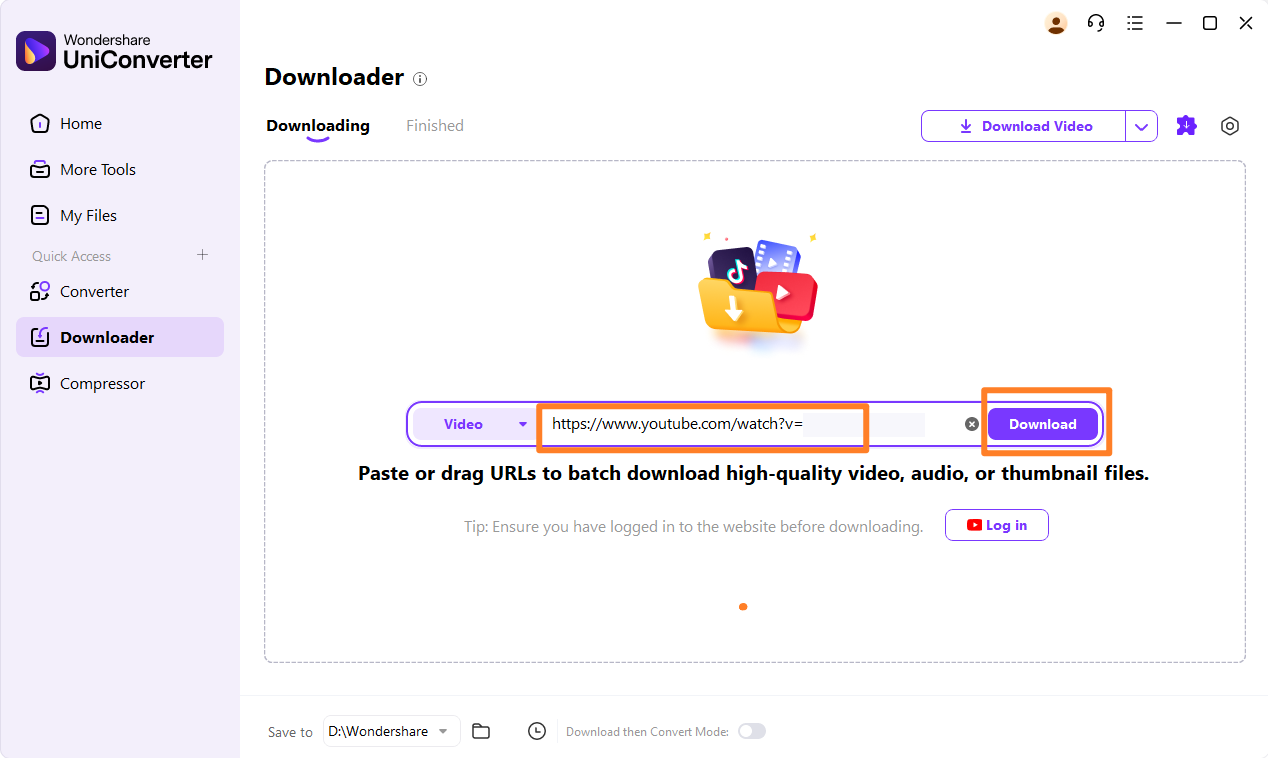
Step 2: Copy video link address and paste to wait for live streaming downloading analysis.
Step 3: Once live stream is done, click convert to export video to offline.
Conclusion
In 2026, choosing the right live streaming downloader depends on your needs—whether you want to download live streaming videos, record with OBS Studio downloads, or save favorite shows with a Twitch live downloader. For simple and reliable access, tools like Streamyard download, download live Twitch, or download online stream video ensure you never miss a moment.
However, if you're seeking an all-in-one solution that goes beyond just a download live stream tool, UniConverter is the best choice. With its upcoming Version 17, you'll enjoy effortless downloads, as well as editing and conversion features. Download UniConverter today and be ready.
FAQs
-
1. Is it legal to download live streams?
The legality depends on your purpose and the content's copyright. Downloading for personal, offline viewing is often a gray area, but may be tolerated. However, redistributing, selling, or publicly displaying downloaded content without the copyright holder's explicit permission is almost always illegal. Always check the platform's Terms of Service. -
2. Why would I use OBS Studio to record instead of a downloader?
Use OBS Studio download for PC when you need to capture a stream that has strong DRM protection preventing direct downloading, or when you want to record not just the stream but also other elements on your screen, like live commentary via microphone, webcam overlay, or on-screen chat reactions. -
3. What is the best free live stream downloader?
Excellent free options include OBS Studio (for recording), Open Video Downloader (yt-dlp-gui), and JDownloader 2. For a balance of ease and power in a freemium model, StreamYard's free plan is great for recording your own streams. -
4. Can I download a live stream while it's airing?
Yes, some advanced tools can capture and save a live stream as it is being broadcast, effectively downloading it in real-time. This requires a stable internet connection and a tool that supports grabbing HLS or DASH streams. -
5. What is the difference between StreamYard and OBS?
StreamYard is a user-friendly, cloud-based browser studio that enables you to create and record professional streams with guests and branding easily. OBS Studio is a free, powerful, desktop-based software for high-control streaming and local recording, but with a steeper learning curve. StreamYard simplifies the process, while OBS offers deeper customization.

