


In the fast-paced world of TikTok, live streams capture the most authentic and fleeting moments—exclusive Q&As, behind-the-scenes peeks, big announcements, and viral dances. Yet these replays disappear after 30–90 days, causing countless memorable broadcasts to vanish. That's why using a TikTok live download tool has become essential for both viewers and creators. With the right solution, you can securely save broadcasts, replay highlights, or repurpose your own streams long after the original airing.
This guide explores the top eight TikTok live download options in 2026, along with key benefits, legal considerations, and detailed comparisons of the best desktop and mobile tools
Table of Contents
Key Takeaways
[Content Loss Issue] TikTok live streams disappear after 30–90 days, making it hard to revisit or reuse valuable content.
[Quick & Free Options] Tools like Y2mate and ssstik.io offer fast, no-install downloads, but may include ads, unstable quality, or security risks.
[Advanced Desktop Tools] Software like 4K Video Downloader, SnapDownloader, Jihosoft, VideoProc, and iTubeGo provide better quality, batch downloads, and more control.
[Efficient Workflow] Wondershare UniConverter enables fast, high-quality batch downloads with editing and conversion tools, ideal for saving and repurposing TikTok live content.
Why use a TikTok live stream downloader before replays disappear?
Identify live, replay, and recording workflows
TikTok Live download searches focus on live versus replay availability, official access, device support, and rights to save or reuse streams. Separate a creator-provided replay from a third-party capture or download. Choose the least invasive permitted method, record the source URL and time, and test the resulting file before editing or publishing.
When it fails: If no replay is available, a downloader cannot recreate a missing source. If the recording has sync or audio problems, inspect the capture settings and output streams before reprocessing it.
Identify live, replay, and recording workflows: Separate a creator-provided replay from a third-party capture or download. Choose the least invasive permitted method, record the source URL and time, and test the resulting file before editing or publishing.
The ability to download TikTok live streams opens up a new level of control and flexibility over how you consume content. However, with this power comes significant responsibility. Understanding both the advantages and the ethical landscape is key.
Save TikTok live streams for offline viewing, highlights, and personal archives
- Never Lose a Moment
- As mentioned, TikTok does not archive live streams indefinitely. The temporary nature of the replay means that if you don't download TikTok live video within the short window it's available, it's gone for good. A downloader allows you to create a personal, permanent archive of memorable broadcasts, ensuring you never lose access to content that matters to you.
- Watch Truly Offline
- A stable internet connection isn't always available. Whether you're on a flight, commuting through areas with poor service, or want to save on mobile data, having the ability to download TikTok live stream content means you can watch it anytime, anywhere, without any buffering or connectivity issues.
- Unlock Your Creativity
- For content creators, a saved live stream is raw material for new projects. You can edit highlights into a recap video, create compilations, or extract high-quality audio for your own content. (This comes with a strong note on ethical use and copyright, detailed below.)
- Bypass Platform Limits
- TikTok's native functionality does not allow you to download live TikTok videos from other creators. Using a third-party tool is the only method to take control and save this content for personal, offline enjoyment.
What should you know before downloading someone else’s TikTok live?
- Personal Use is Key
- It is crucial to stress that downloading for personal archives or offline viewing is the primary accepted and legally defensible use case. Respect the creator's intended audience.
- Copyright & Creator Respect
- This cannot be overstated. Re-uploading a creator's entire live stream to another platform, monetizing it, or repurposing significant portions of it without the original creator's explicit, written permission is a serious violation of copyright law and TikTok's platform rules. This can lead to copyright strikes, legal action, and account termination.
- Always Give Credit
- If you create transformative content (like a highlight reel or reaction video) using clips from a live stream, always tag and credit the original creator prominently in your video and description. This is not just an ethical practice; it's a standard within the creator community.

Easy to Use Batch TikTok Video Downlaoder
Best TikTok live stream downloaders for desktop, mobile, and web
Here is a curated list of the top 8 tools to help you download video live TikTok content in 2026, starting with our top recommendation.
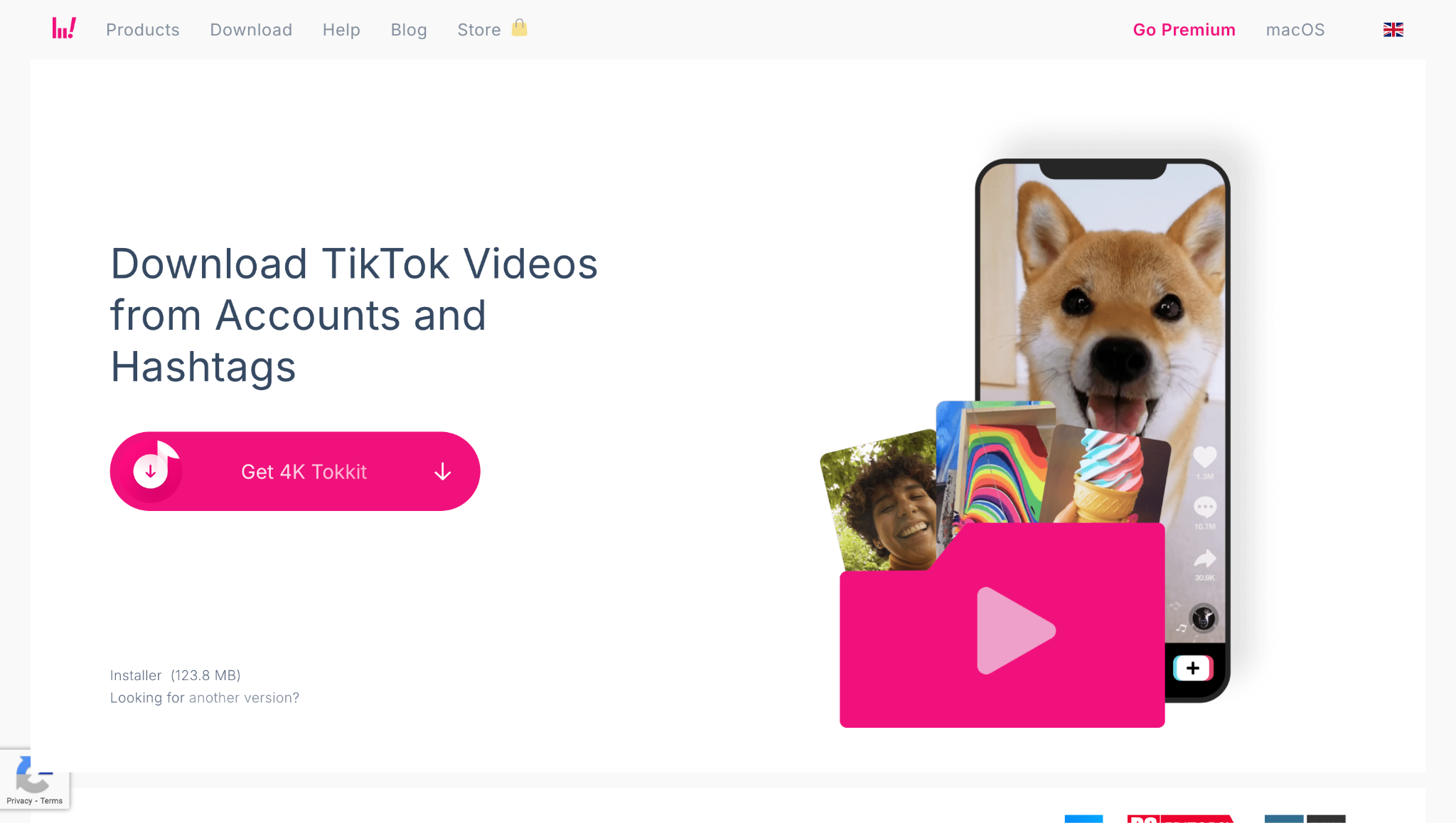
1. 4K Video Downloader: Best for saving public TikTok live replays in high quality
4K Video Downloader is a versatile desktop application that enables users to download TikTok live streams and video clips, in high-definition quality up to 4K and even 8K. The tool supports a range of platforms like YouTube, Facebook, and Instagram, providing options for batch downloads and saving entire playlists or channels. Its easy-to-use interface lets you paste the video URL and select the desired format, making it a flexible and reliable option for saving TikTok live content offline.
Key Features:
- Paste the URL to download.
- Download in quality up to 4K.
- Extract audio only as an MP3 file.
- Subscribe to TikTok channels to download new content automatically.
Best for: Users who want a no-fuss, dedicated downloader for public TikTok videos and live replays.
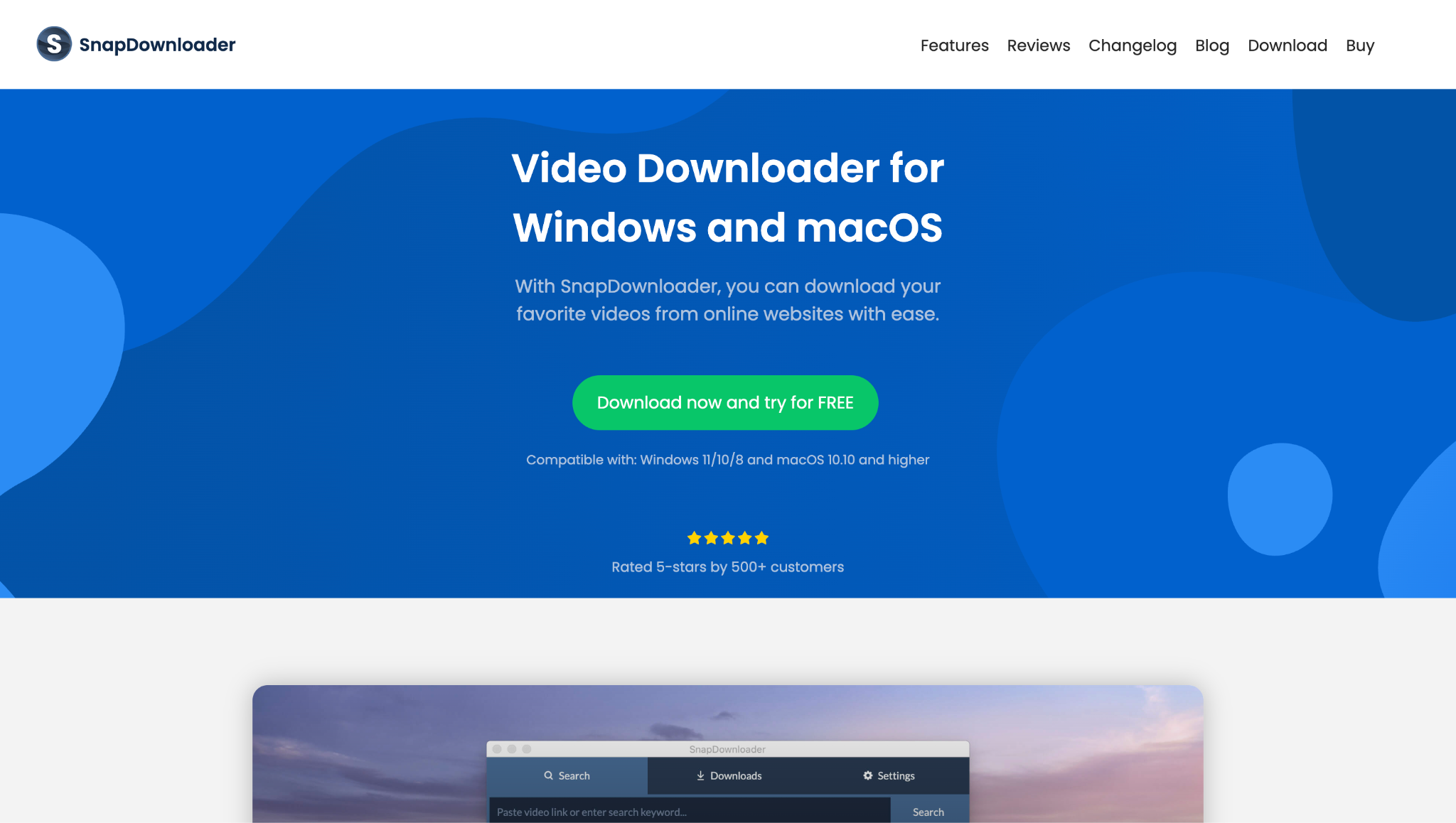
2. SnapDownloader: Best for batch TikTok downloads
SnapDownloader stands out as a robust solution for downloading TikTok live streams and standard videos without watermarks. It supports high-speed downloads in HD and 4K, automatic conversion to various formats, and simultaneous downloads from up to 100 links. The platform offers bulk downloads, a built-in browser to access private content, and a commitment to a clean user experience without malware or intrusive ads. SnapDownloader works on both Windows and Mac, making it suitable for diverse users.
Key Features:
- Support for 8K, 4K, 1080p, and 720p HD videos.
- Batch download multiple videos at once.
- Built-in video converter.
- Very fast downloading algorithm.
Best for: Users who require the highest possible video quality and need to download multiple videos in bulk.
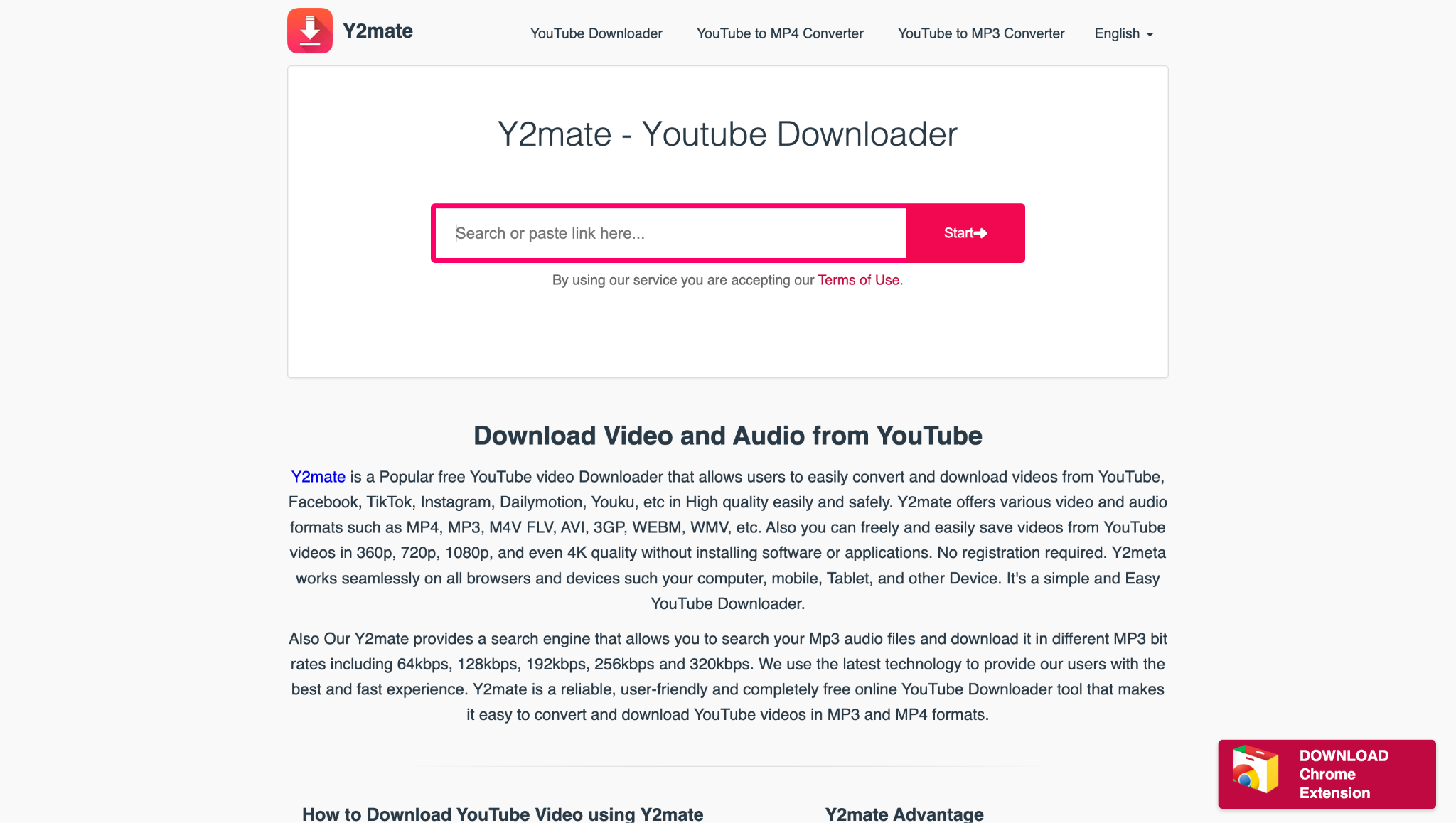
3. Y2mate: Best for quick browser-based downloads
Y2mate.com is a popular web-based platform designed for downloading content from TikTok, including live streams when available. It allows users to simply paste TikTok URLs and download the desired video in multiple formats like MP4 or MP3. No registration or software installation is required, making it especially convenient for users who want a quick and accessible solution. Y2mate.com is also known for converting and downloading videos from other social media platforms, broadening its usefulness.
Key Features:
- No installation required.
- Works directly in the browser.
- Offers MP4 and MP3 download options.
Best for: Users who need a quick, one-time download and don't want to install software.
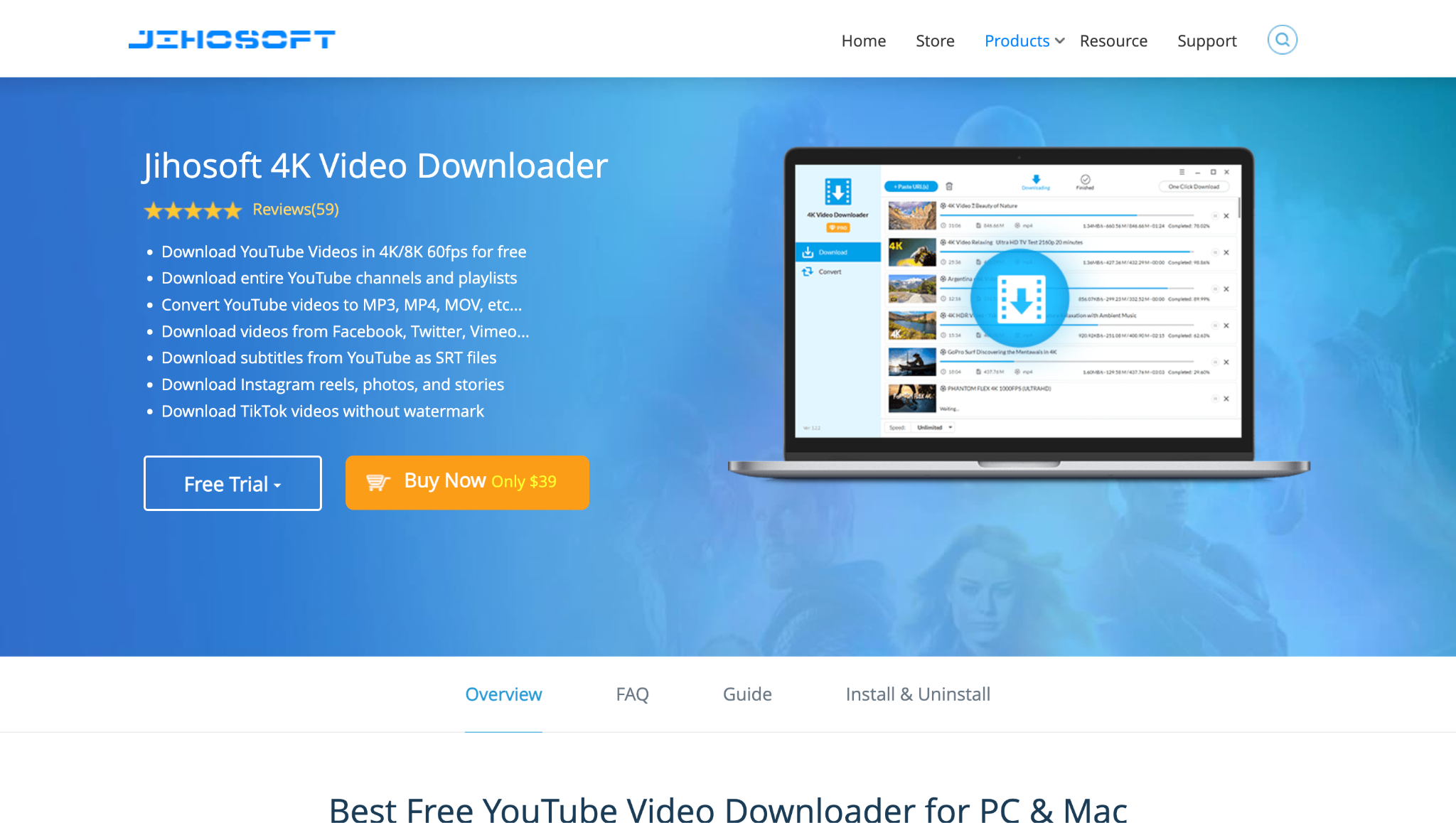
4. Jihosoft 4K Video Downloader: Best for Multi-platform downloading
Jihosoft Downloader (4K Video Downloader) offers reliable downloading of TikTok content, including the ability to save live streams in 4K or 8K resolution. This tool supports a vast array of platforms beyond TikTok, such as YouTube, Facebook, and Twitter. Key features include batch downloading, subtitle extraction, and conversion between multiple formats. Its intuitive interface makes it easy to grab videos and music quickly, making it a well-rounded choice for comprehensive video downloading needs.
Key Features:
- Download videos from 1000+ sites.
- Choose from multiple output formats and qualities.
- Basic video conversion.
Best for: Users seeking a straightforward, desktop-based downloader with extensive website support.
Easy to Use Batch TikTok Video Downlaoder
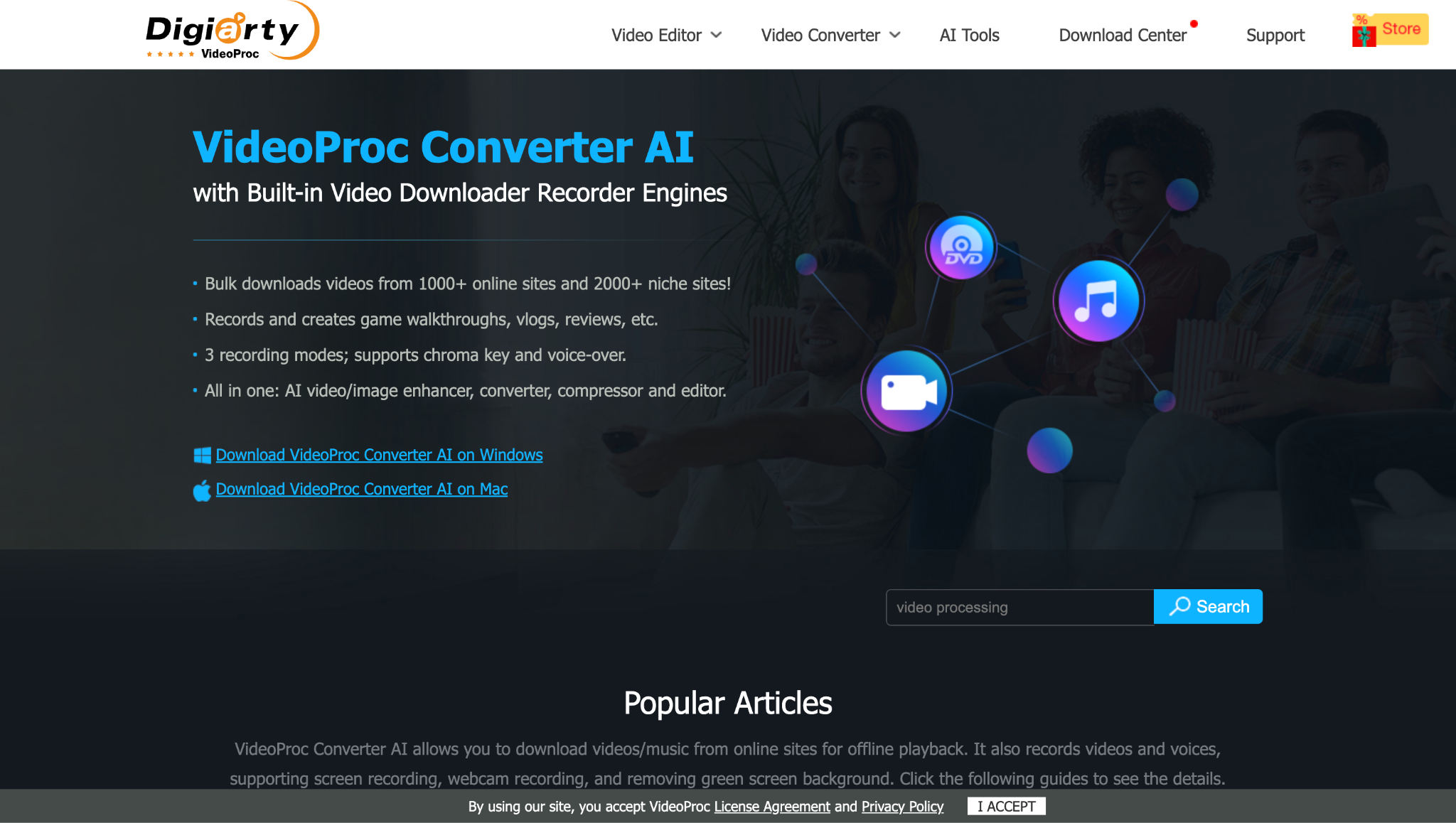
5. VideoProc Converter: Best for downloading, editing, and converting TikTok live videos
VideoProc Converter provides a seamless experience for downloading and converting TikTok live streams and standard videos. The software enables batch downloads, format conversion, and video editing, supporting a range of resolutions including 4K. VideoProc offers hardware acceleration for faster processing, maintaining high quality while ensuring efficient performance. Its wide compatibility with various video sites and straightforward workflow make it popular for users handling frequent TikTok live saves and edits.
Key Features:
- Integrated video downloader.
- Level-3 Hardware Acceleration for fast processing and downloading.
- Comprehensive video editing and conversion tools.
- Screen and audio recording.
Best for: Users who need a powerful processor for their downloaded videos, not just a simple downloader.
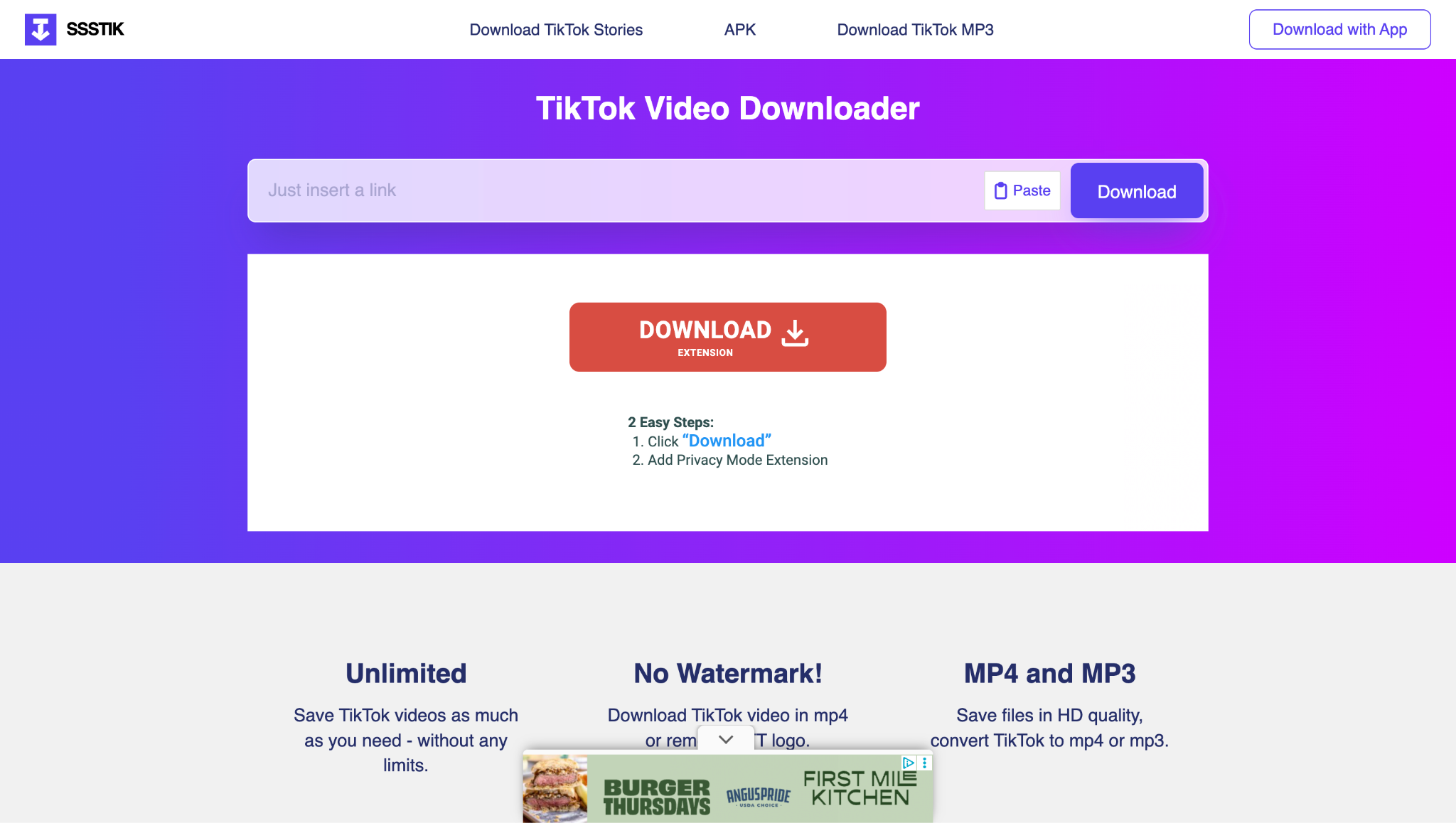
6. ssstik.io: Best for quick mobile TikTok downloads without a watermark
ssstik.io is a simple, free web-based tool that allows users to download TikTok videos and live streams without watermarks. It requires no registration and is optimized for quick, direct downloads to PCs, tablets, and mobiles. Users simply paste the TikTok video link, and ssstik.io processes the download in MP4 or MP3 formats. Its fast, user-friendly interface and watermark-removal feature make it a go-to choice for those seeking straightforward TikTok content downloads.
Key Features:
- No watermark on downloaded videos.
- No registration or installation.
- Mobile browser compatible.
Best for: Mobile users or those who want to save a public TikTok video without a watermark quickly.
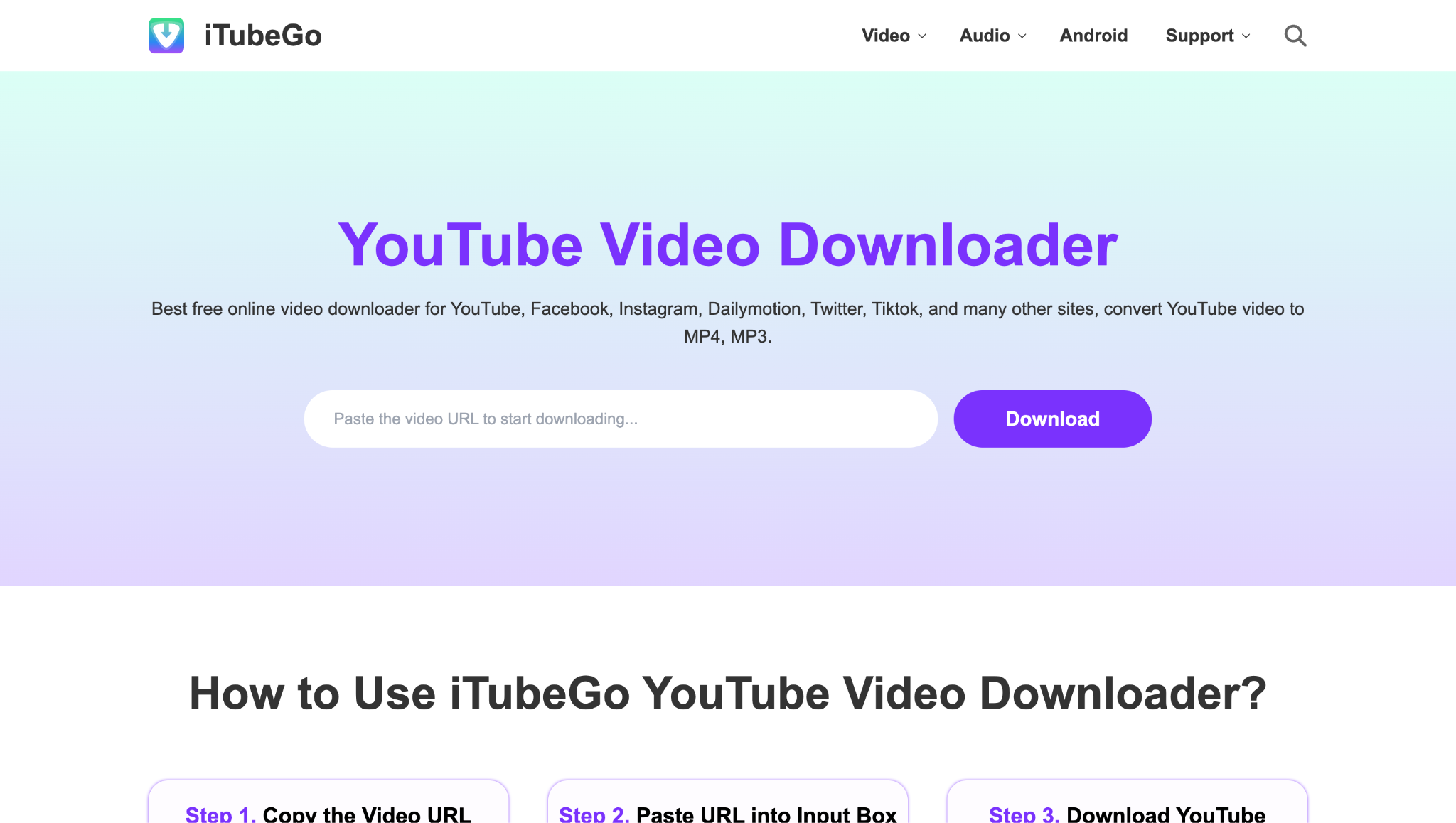
7. iTubeGo TikTok Downloader: Best for bulk downloading videos from a TikTok creator profile
iTubeGo Downloader is a comprehensive application supporting TikTok live stream and video downloads in high-quality formats. With features like batch downloading, built-in browser, and format conversion, iTubeGo caters to users needing flexible and efficient downloading solutions. The software ensures privacy and security, while supporting resolutions up to 4K and offering fast, stable downloads. It’s also compatible with other popular platforms, making it a multifunctional tool for media downloading across devices.
Key Features:
- Download by URL or via the built-in TikTok browser.
- Batch download all users' videos.
- Download in MP4 or MP3 format.
Best for: Users who want to bulk download all videos from a specific creator's profile.
Compare TikTok live downloaders by quality, platform, price, and best use case
This table provides a quick overview to help you choose the best tool to download TikTok live streams based on your primary needs.
How We Tested TikTok Live Stream Download Tools
For this guide, we reviewed TikTok live stream download tools based on replay accessibility, output quality, download stability, and how practical each option is for users who want to save livestream content for offline viewing or later editing.
Replay accessibility
We checked how easily each tool helps users capture or save TikTok live content before replay windows expire.
Output quality
We reviewed whether the saved video remains clear and usable enough for later watching, clipping, or light repurposing.
Download stability
We compared how consistently each solution handles links, downloads, and larger video tasks without frequent interruptions.
Creative workflow value
We also considered batch support, editing flexibility, and whether the saved files are practical for archiving or highlight reuse.
This page gives extra weight to replay timing and stable file saving, since users downloading TikTok live streams usually want to preserve time-sensitive content before it disappears.
| Tool Name | Supported Device | Supported Platforms | Ease of Use | Price Model | Best For |
|---|---|---|---|---|---|
| 4K Video Downloader | Windows, Mac, Linux | TikTok, YouTube, Vimeo, etc. | Very Easy | Freemium | Simple, occasional downloads |
| SnapDownloader | Windows, Mac | 900+ sites | Easy | Paid / Trial | High-resolution (8K) and batch downloads |
| Y2mate.com | Any (Web) | TikTok, YouTube, etc. | Easy | Free | Quick, no-installation downloads |
| Jihosoft Downloader | Windows, Mac | 1000+ sites | Easy | Freemium | Broad website support |
| VideoProc Converter | Windows, Mac | 1000+ sites | Moderate | Paid / Trial | Processing and editing downloaded videos |
| ssstik.io | Any (Web) | TikTok only | Very Easy | Free | Mobile downloads and no-watermark saves |
| iTubeGo Downloader | Windows, Mac | TikTok only | Moderate | Paid / Trial | Bulk downloading from a creator's profile |
Conclusion
TikTok live stream downloaders offer diverse features, from watermark removal and batch downloads to high-definition quality and user-friendly interfaces. Choosing the best tool depends on individual needs for speed, output quality, and compatibility, ensuring an efficient and reliable way to save TikTok live streams for offline viewing.
Easy to Use Batch TikTok Video Downlaoder
FAQs
-
1. Is it legal to download TikTok live streams?
Downloading for personal use, such as offline viewing or creating a personal archive, is generally acceptable. However, it is illegal to re-upload, redistribute, monetize, or publicly use the content without the original creator's explicit permission, as this violates copyright law. -
2. Why can't I download a live stream with these tools?
Some live streams, especially those that are subscriber-only or private, may be more challenging to download. Desktop screen recorders, such as the one in UniConverter, are often the most reliable method for this, as they capture what is displayed on your screen, regardless of your privacy settings. -
3. What is the best way to download a TikTok live on an iPhone?
iPhones have a built-in screen recorder. You can enable it in Control Center (Settings > Control Center > Add Screen Recording). However, this will not capture internal audio; you will only get the video and microphone audio. To access system audio, you may need to use a desktop method or a dedicated app; however, note that Apple's restrictions limit internal audio recording on iOS without jailbreaking. -
4. What should I do if the downloaded Tiktok video has no sound?
This is a common issue with some downloaders. Ensure you are using a reputable tool that explicitly supports audio download. Desktop screen recorders that capture "system sound" (like UniConverter's) are the most reliable for guaranteeing perfect audio sync and quality.
Frequently Asked Questions
Can every TikTok Live be downloaded?
No. Availability depends on whether a replay exists and whether the platform and rights holder permit saving or reuse.
Why is a live recording missing audio?
Check device capture permissions, source playback, and the exported audio stream separately.
Download, then convert with UniConverter
When the current UniConverter build supports the relevant download workflow, it can help save an authorized online video locally before conversion. Use the downloader only for content you own or have permission to use, then open the local file in the Video Converter module and select the format, resolution, or device profile required for the next step.
If the downloaded file has no audio, a missing extension, or an unsupported stream, inspect the local file first; re-downloading or renaming the file does not repair a damaged source.

