


- Why Extract Audio: Ripping audio from DVDs allows you to preserve high-quality soundtracks without compression from streaming services.
- Key Features: Modern tools support lossless formats like FLAC, hardware acceleration, and AI audio enhancement for better sound quality.
- Tool Options: Software like MakeMKV, VLC, and DVDFab offer different levels of speed, quality, and encryption handling.
- Efficient Solution: Wondershare UniConverter provides fast batch extraction, automatic protection bypass, and high-quality audio output.
Physical media is making a massive comeback in 2026. Many people want to rip the soundtrack from a DVD for better listening quality. Streaming services often compress audio files heavily. This hurts the overall listening experience. A reliable DVD audio extractor helps you bypass this issue completely. You can save your favorite concert tracks easily. You can also rip music from a DVD to keep permanent digital backups. This guide covers seven highly efficient tools for the job. You will learn how to bypass protections safely. Let us explore the best ways to secure your audio with DVD audio rippers today.
In this article
- Can You Legally Rip Audio from Copy-Protected DVDs in 2026?
- Key Features of a Modern 2026 Audio Extractor
- Quick Comparison: 2026 DVD Audio Rippers at a Glance
- Top 7 DVD Audio Rippers for Effortless Extraction
- Bonus: Step-by-Step Guide to Use UniConverter as Your DVD Audio Extractor
- How to Choose the Right Tool for Your Collection
- Conclusion
- FAQs
Part 1. Can You Legally Rip Audio from Copy-Protected DVDs in 2026?
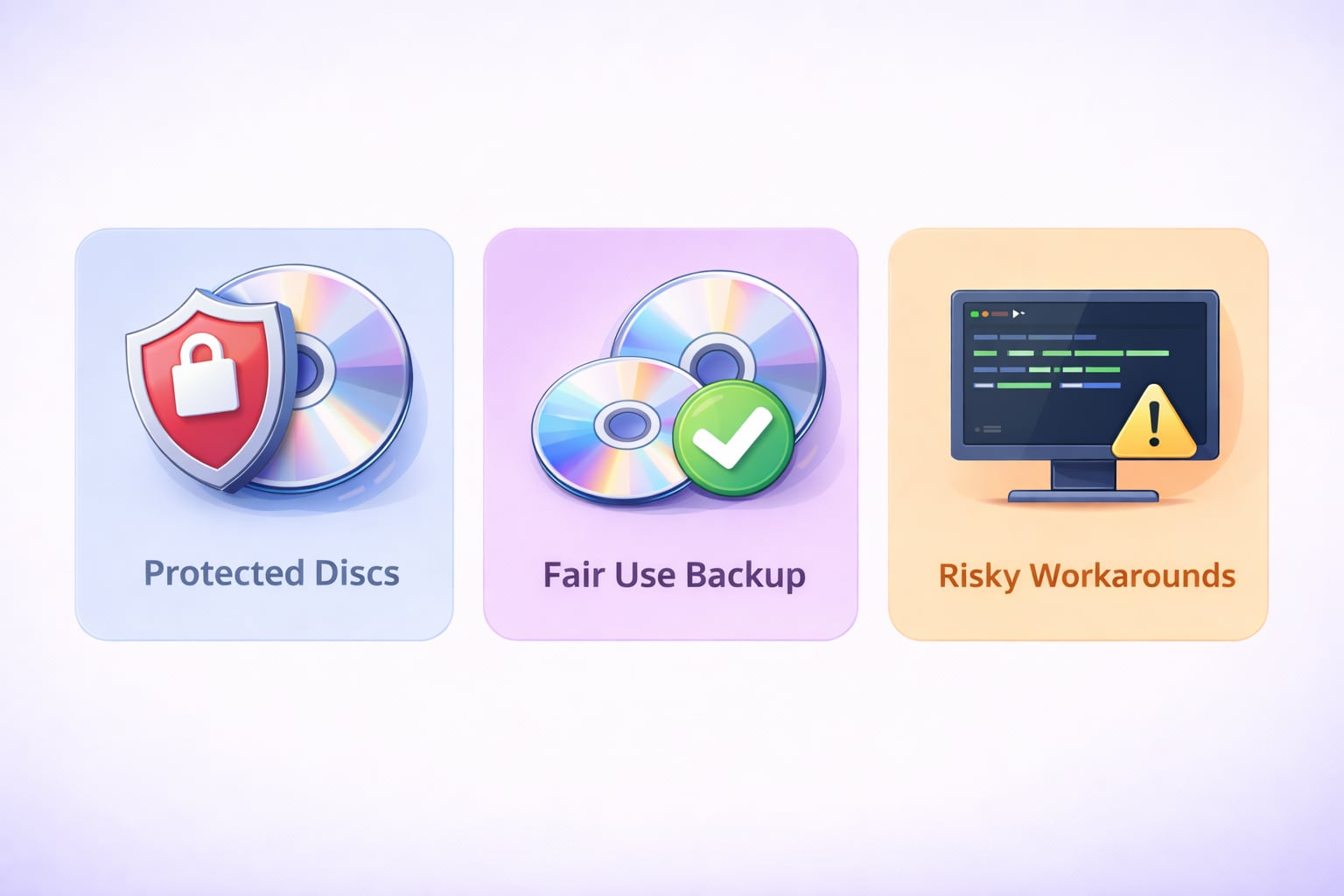
Understanding "Protected Ones"
Most commercial discs come with strong digital encryption. You will commonly find CSS, Disney X-project, or Sony ARccOS protections. These locks stop standard media players from copying the files directly. They prevent unauthorized mass distribution of copyrighted material. You need specific software to bypass these locks. A standard file explorer simply cannot read the encrypted data.
Personal Use & Fair Use
Copyright laws vary depending on your specific region. Making a personal backup is often considered fair use in many places. This means you can keep a digital copy for yourself. You should never share these ripped files online. You cannot sell them or distribute them to others. Always check your local regulations before you rip audio from DVD.
The "Native" Advantage
Some people use open-source scripts to bypass disc protections. These experimental command-line workarounds can be very risky. They often require technical knowledge and complex setups. Professional rippers are much safer for your computer hardware. They handle the heavy lifting automatically in the background. They prevent unnecessary wear on your disc drive.
Part 2. Key Features of a Modern 2026 Audio Extractor
Lossless Support
Audio quality matters greatly for high-end home setups. The ability to rip DVD audio to FLAC is crucial today. A 24-bit/192kHz file offers true studio-grade sound. This format prevents any data loss during the transfer. This is the established 2026 industry standard for audio collectors. It ensures your backups sound exactly like the original disc.
Hardware Acceleration
Modern software uses your computer's power very efficiently. Look for tools fully optimized for new operating systems. M4/M5 Apple Silicon and Windows 12 support is essential. This prevents your machine from overheating during long processing sessions. Hardware acceleration ensures a fast DVD audio extract process. It saves you valuable time and computer resources.
AI Post-Processing
Older discs often suffer from noticeable background noise. Top extraction tools now use artificial intelligence to clean the sound. This AI-driven noise reduction polishes the audio automatically. It removes tape hiss and minor audio defects. You get a crisp, clean result during the rip. This makes vintage concert DVDs sound fresh and modern.
Part 3. Quick Comparison: 2026 DVD Audio Rippers at a Glance
| Tool | Extraction Speed | Bypass Protected DVDs | AI Audio Enhancement | Output Formats | Best For |
| UniConverter | 130x (Ultra Fast) | Yes (Auto) | Yes | MP3, FLAC, WAV | All-in-One Ease |
| DVD Audio Extractor | 5x (Moderate) | No | No | MP3, OGG, FLAC | Dedicated Audio Tasks |
| MakeMKV | 1x (Real-time) | Yes (Manual) | No | MKV Only | Lossless Ripping |
| VideoProc AI | 47x (Fast) | Yes | Yes (Upscaling) | MP3, AAC | Damaged Discs |
| DVDFab | 50x (Fast) | Yes | No | MP3, M4A | Heavy Encryption |
| WinX Platinum | 47x (Fast) | Yes | No | MP3, AAC | Scratched Discs |
| VLC Player | 0.5x (Slow) | No (Needs Plugins) | No | MP3, OGG | Free Use |
Part 4. Top 7 DVD Audio Rippers for Effortless Extraction
1. Wondershare UniConverter (Top Recommendation)
UniConverter is a highly reliable media processing toolbox. It acts as a powerful DVD audio ripper mac and Windows users trust. It supports over 1,000 different media formats easily. The software offers an impressive 130x conversion speed. It bypasses modern disc encryptions automatically without manual setups. You can easily access its Batch Convert feature for large libraries. It provides a clean, user-friendly interface for all skill levels.
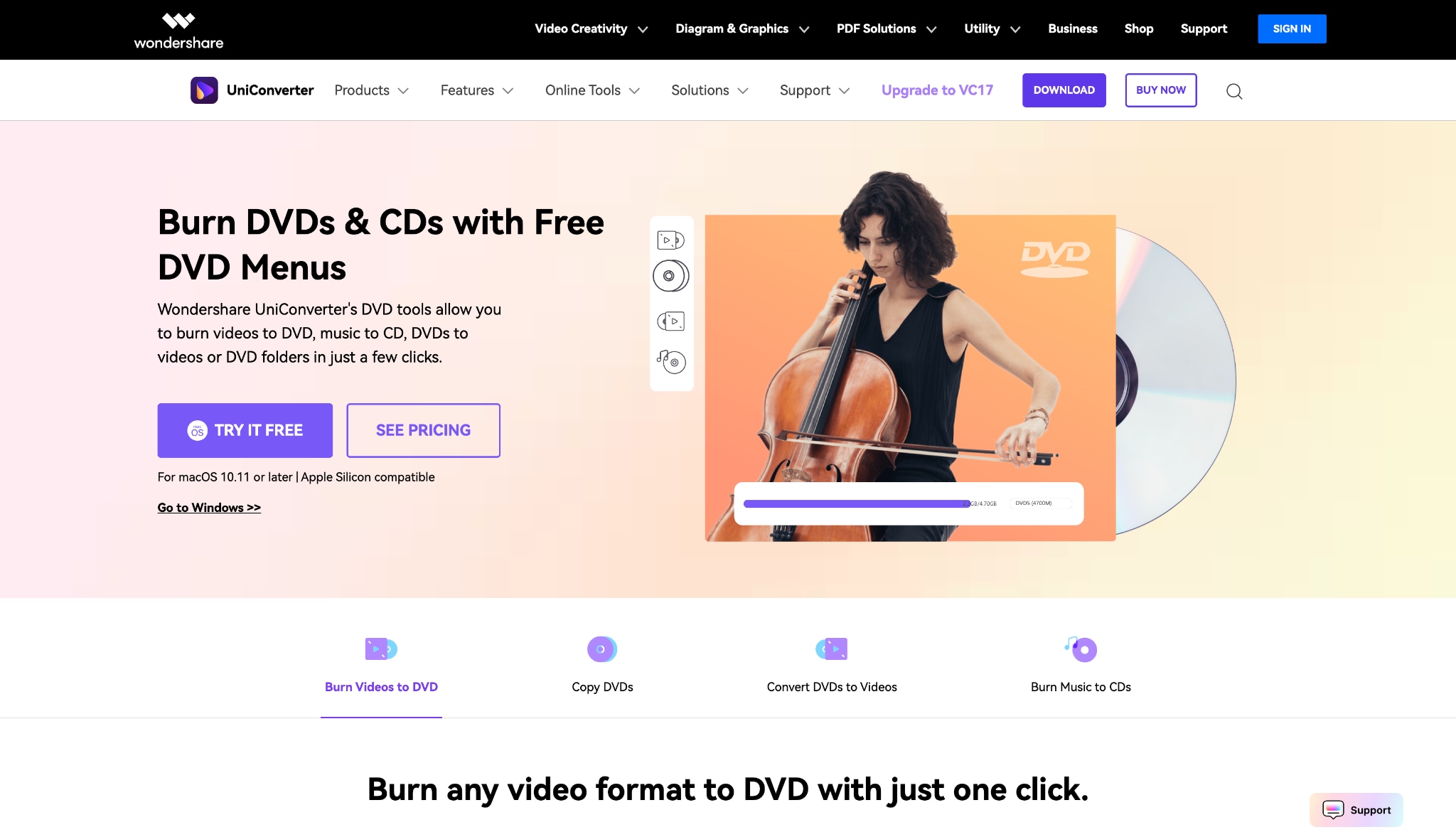
Supported Device: Windows 10/11/12, macOS 11-16.

DVD Audio Extractor for High-Quality Sound Output
2. DVD Audio Extractor (The Specialist)
This tool focuses entirely on dedicated audio tasks. It is a cross-platform utility built for DVD-Video and DVD-Audio. The software runs smoothly on older computer hardware. It can downmix multi-channel audio tracks into stereo formats. You can easily extract sound into OGG, MP3, or FLAC. It lacks video conversion but excels at its main purpose. It is a lightweight program that installs very quickly.
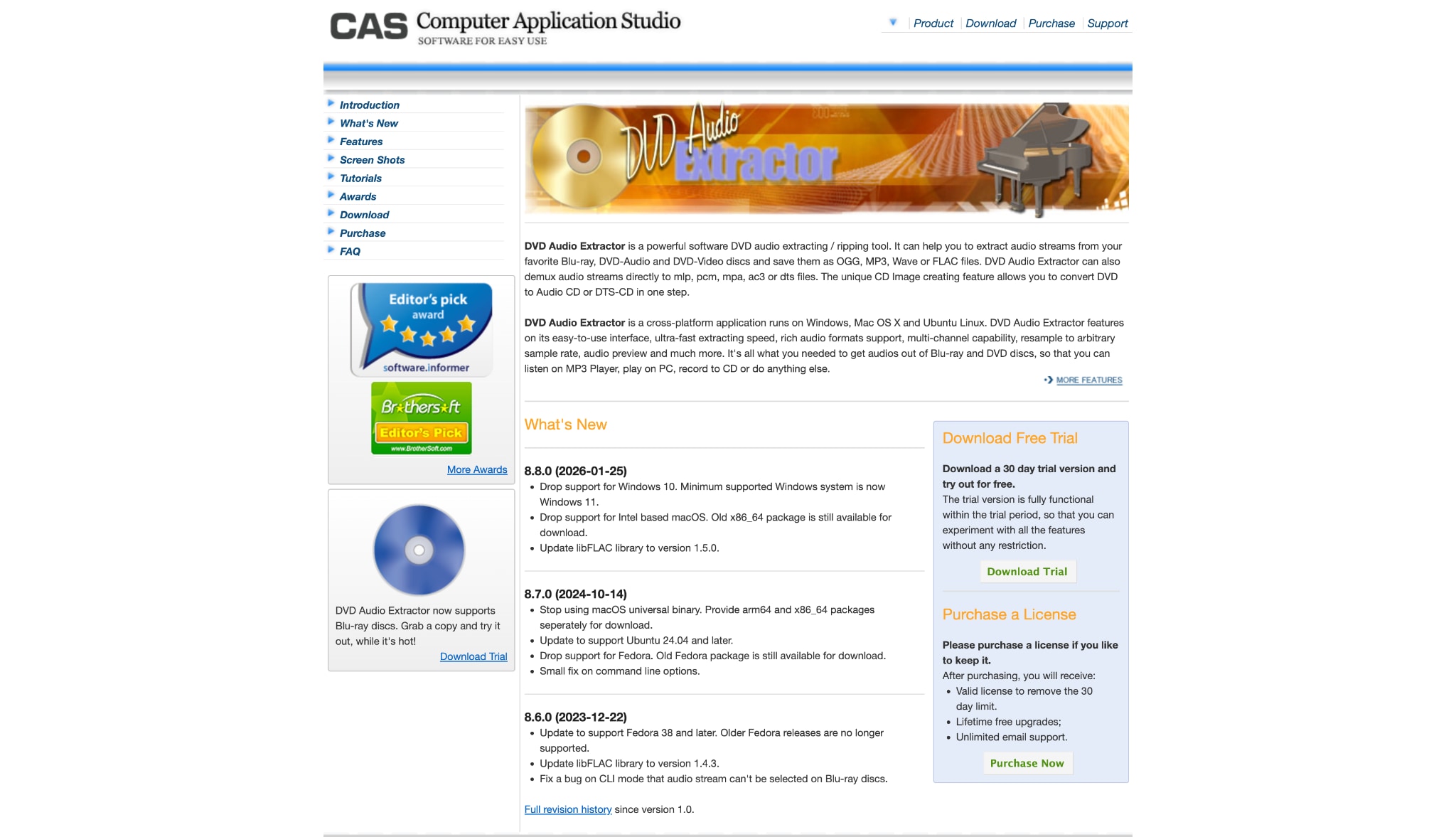
Supported Device: Windows, macOS, Linux.
3. MakeMKV (The Decryption King)
MakeMKV is highly respected by media archiving professionals. It is the premier choice for blu ray audio ripping enthusiasts. The software decrypts the disc and creates a raw MKV file. This process happens without any audio quality loss. It handles the toughest modern AACS encryptions natively. You will need a second tool to change the format later. It provides a perfect 1:1 digital copy of your disc.
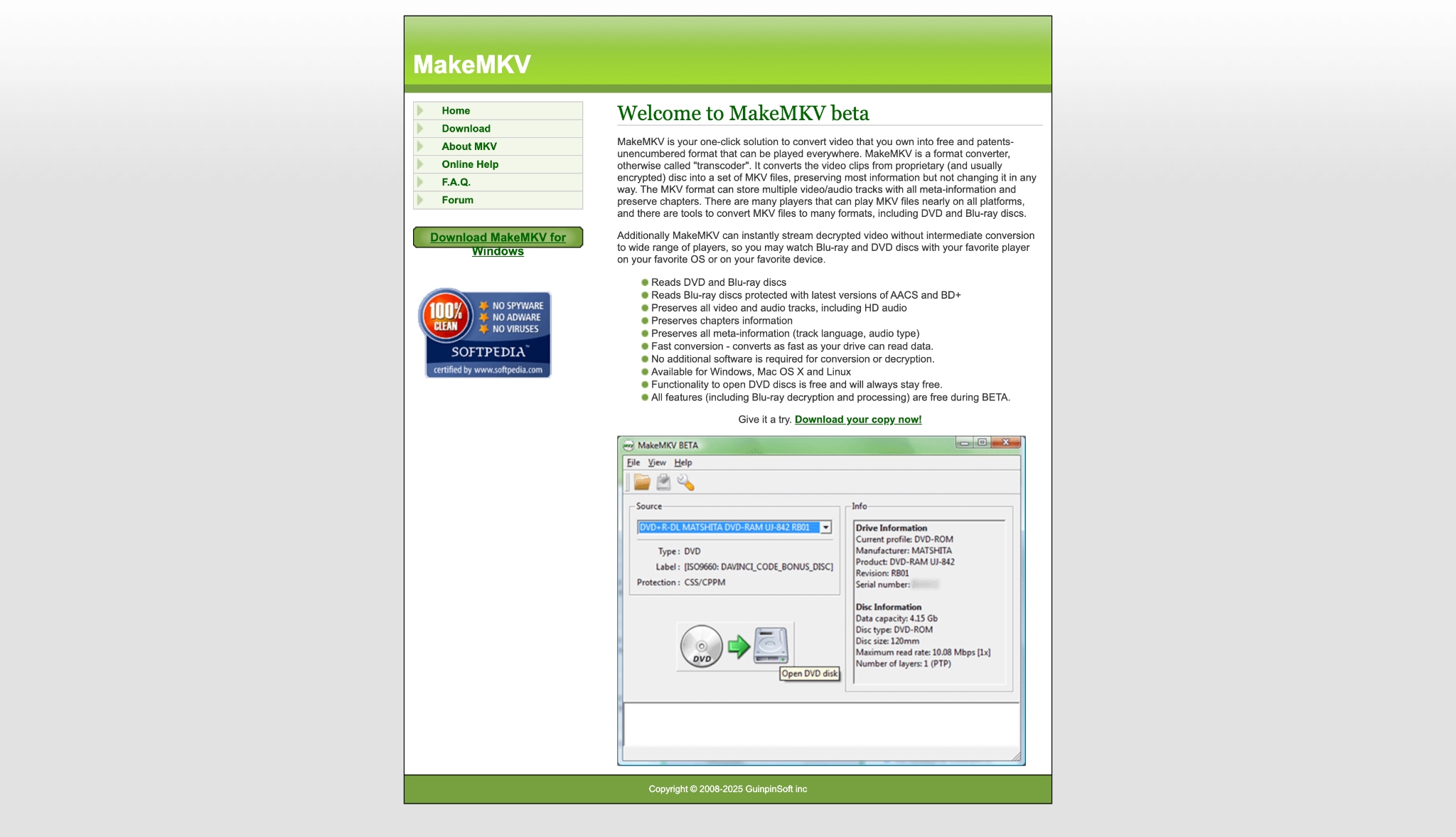
Supported Device: Windows, macOS, Linux.
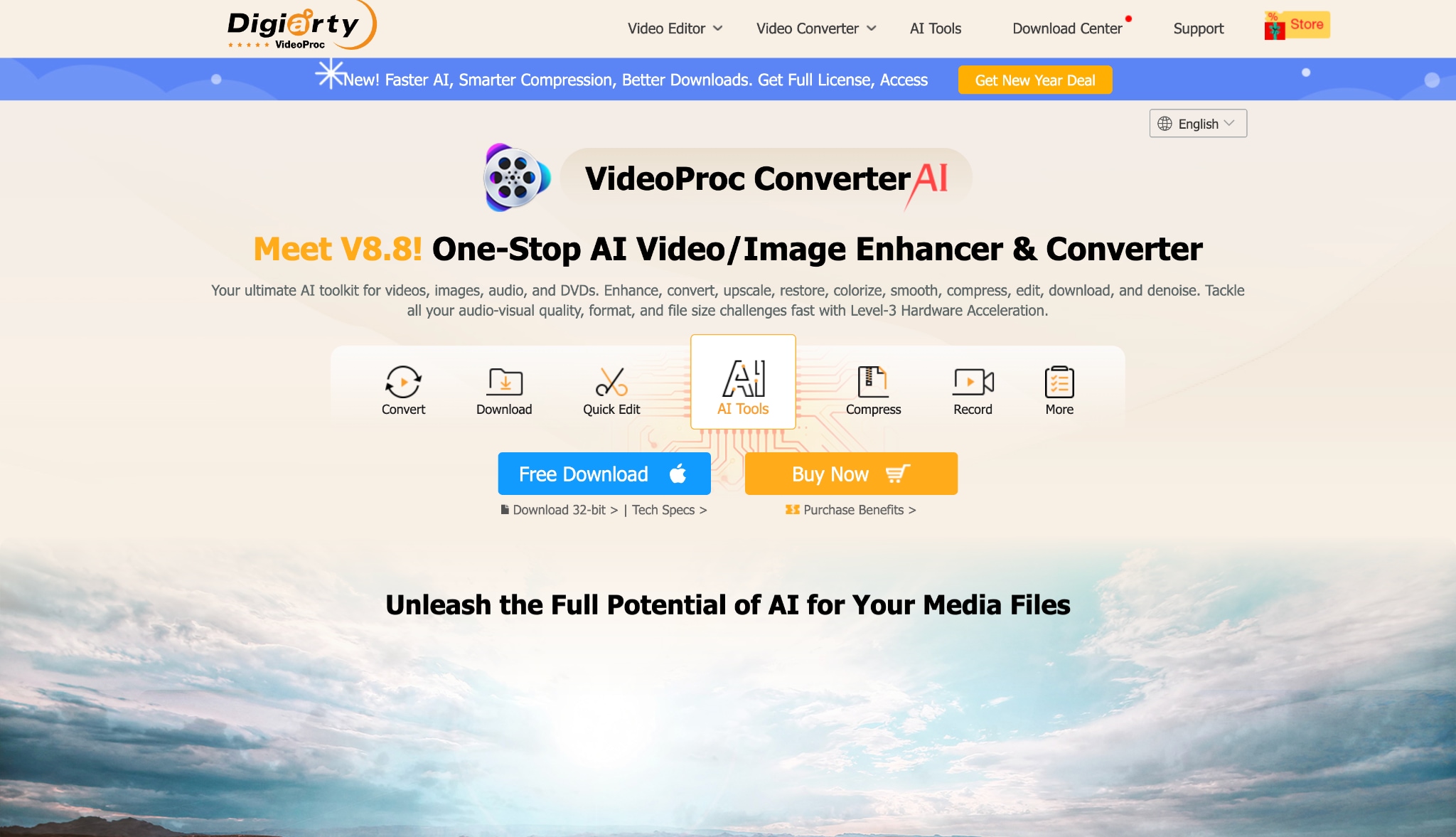
4. VideoProc Converter AI
VideoProc uses Level-3 Hardware Acceleration to process files. It handles demanding 4K media without stressing your computer. The software includes modern AI upscaling for media files. It helps improve the sound of low-quality audio tracks. It runs very stably on the latest Windows 12 systems. The interface is packed with various editing options. It is a strong choice for handling slightly damaged discs.
Supported Device: Windows, Mac.
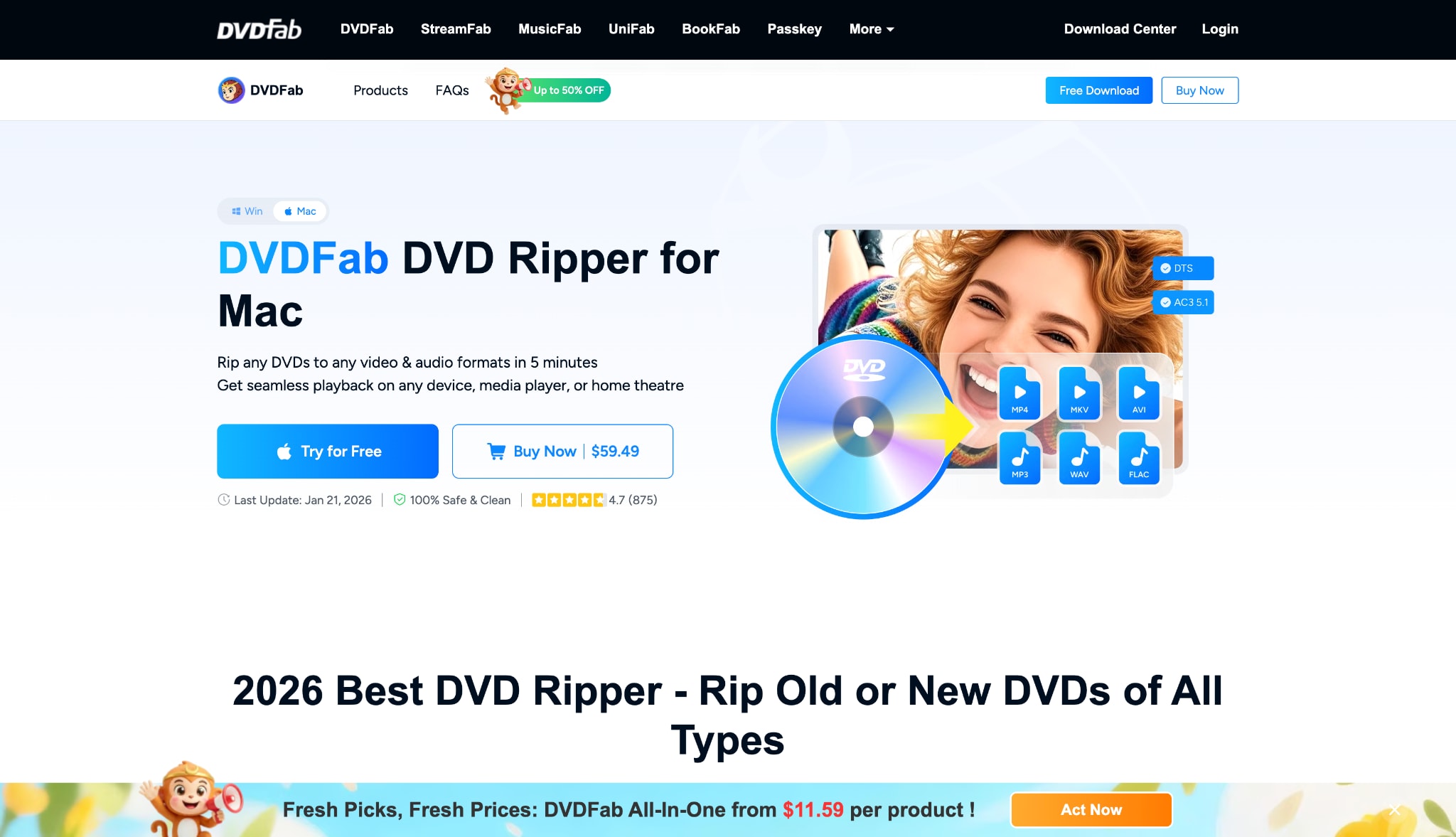
5. DVDFab DVD Ripper
DVDFab is a veteran software program in the ripping industry. It updates frequently to crack new encryption schemes quickly. It is often the first to handle new studio protections. The software provides highly customizable audio output settings. You can extract specific chapters or the entire movie. It is known for strong stability during long extraction processes. This tool is built for serious media collectors.
Supported Device: Windows, Mac.
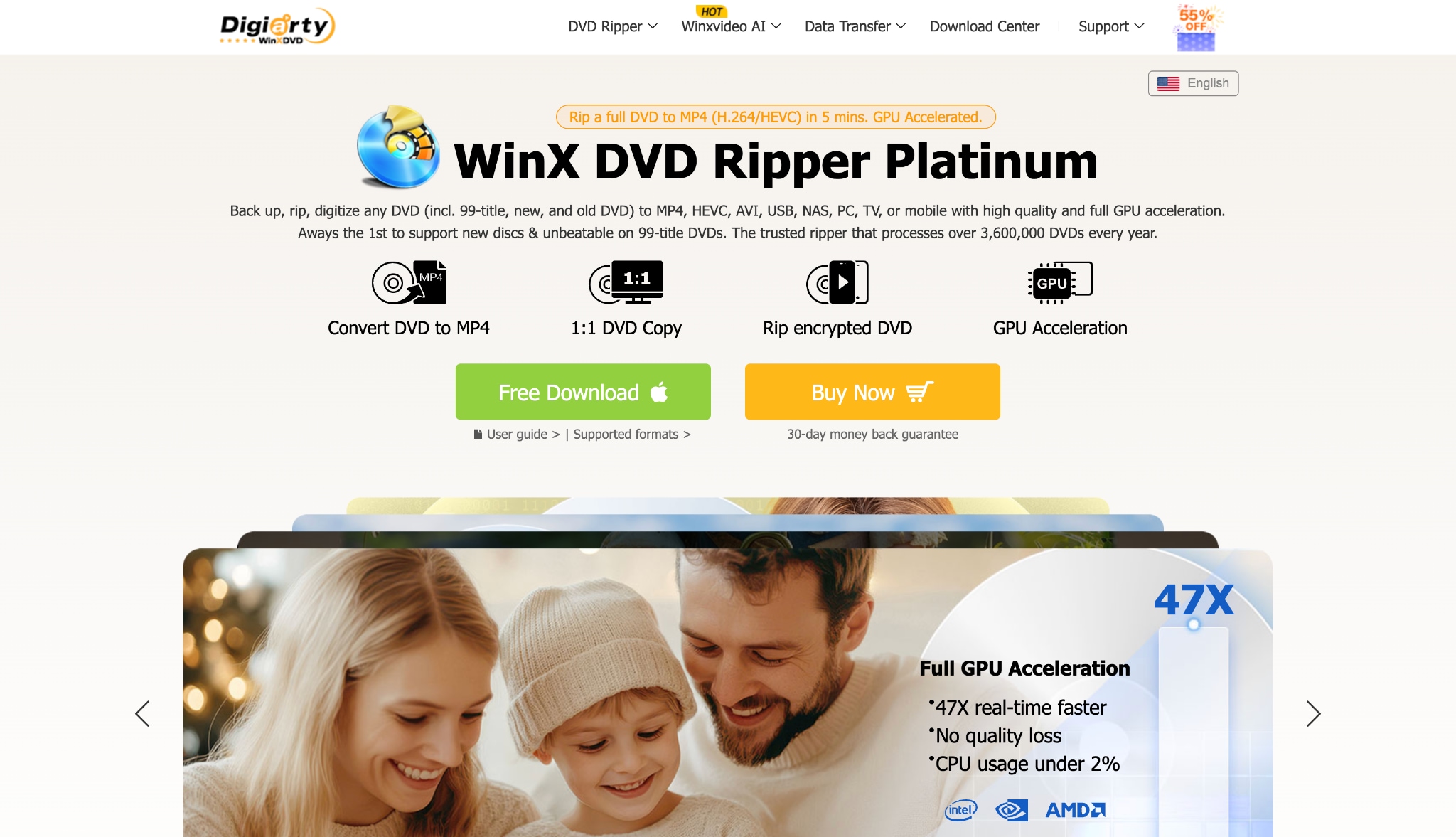
6. WinX DVD Ripper Platinum
WinX is known for being a very lightweight program. It works exceptionally well on older laptop computers. The software features a unique "Safe Mode" extraction option. This prevents the program from crashing on scratched discs. It is a fast option to rip audio from DVD to MP3. The user interface is simple and easy to navigate. It focuses primarily on standard DVDs rather than high-definition media.
Supported Device: Windows, Mac.
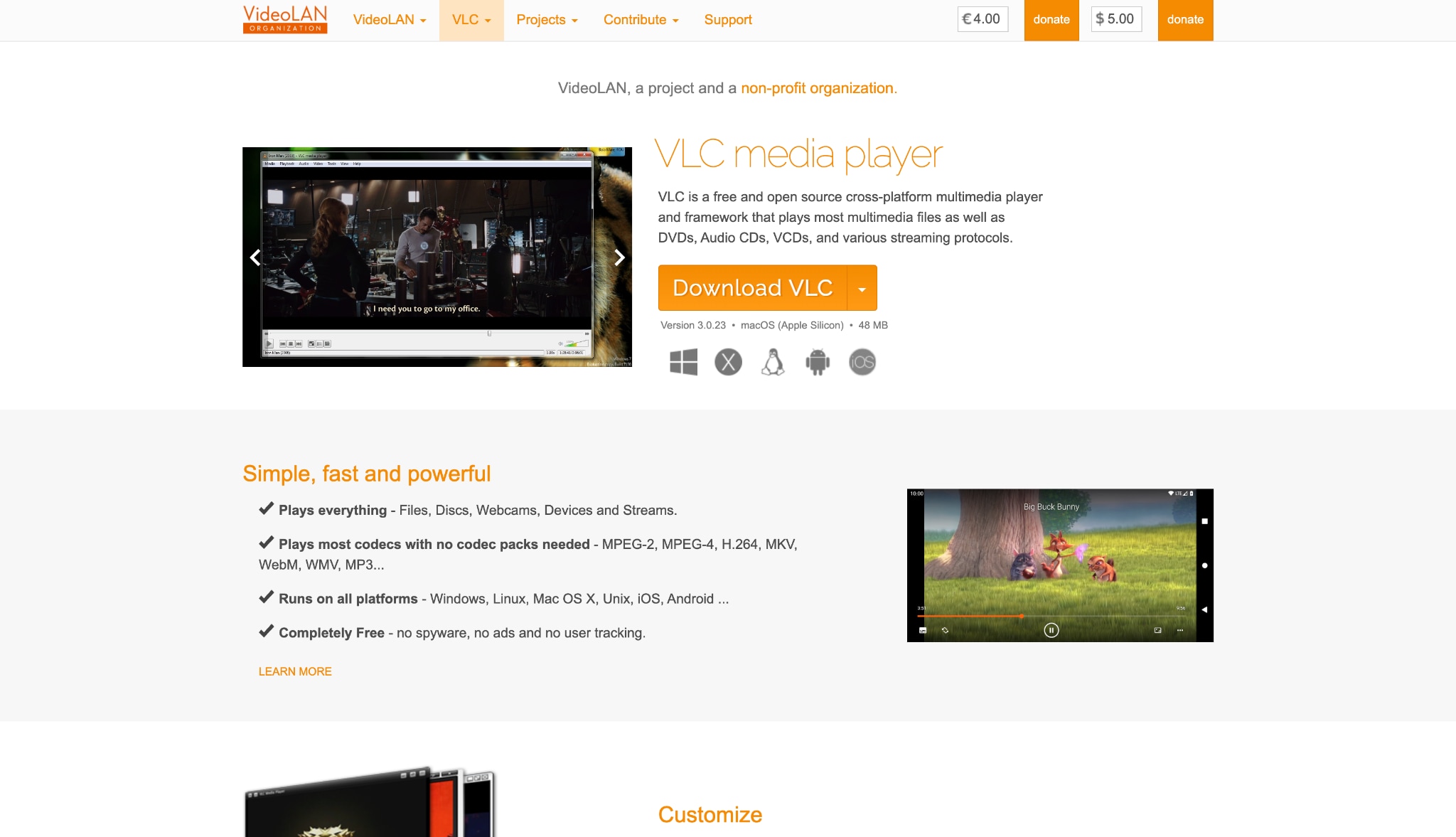
7. VLC Media Player (The Best Free Fallback)
VLC is a famous open-source media player. Many people already have it installed on their computers. It also functions as a DVD audio extractor free of charge. You can use its hidden "Convert/Save" feature for extractions. It works well for basic, unprotected home movies. However, it struggles greatly with commercial disc encryption. You must manually install plugins to bypass basic CSS protection.
Supported Device: Windows, macOS, Linux, Android.
Part 5. Bonus: Step-by-Step Guide to Use UniConverter as Your DVD Audio Extractor
You can extract your favorite audio tracks easily. Follow these simple steps to start your project.
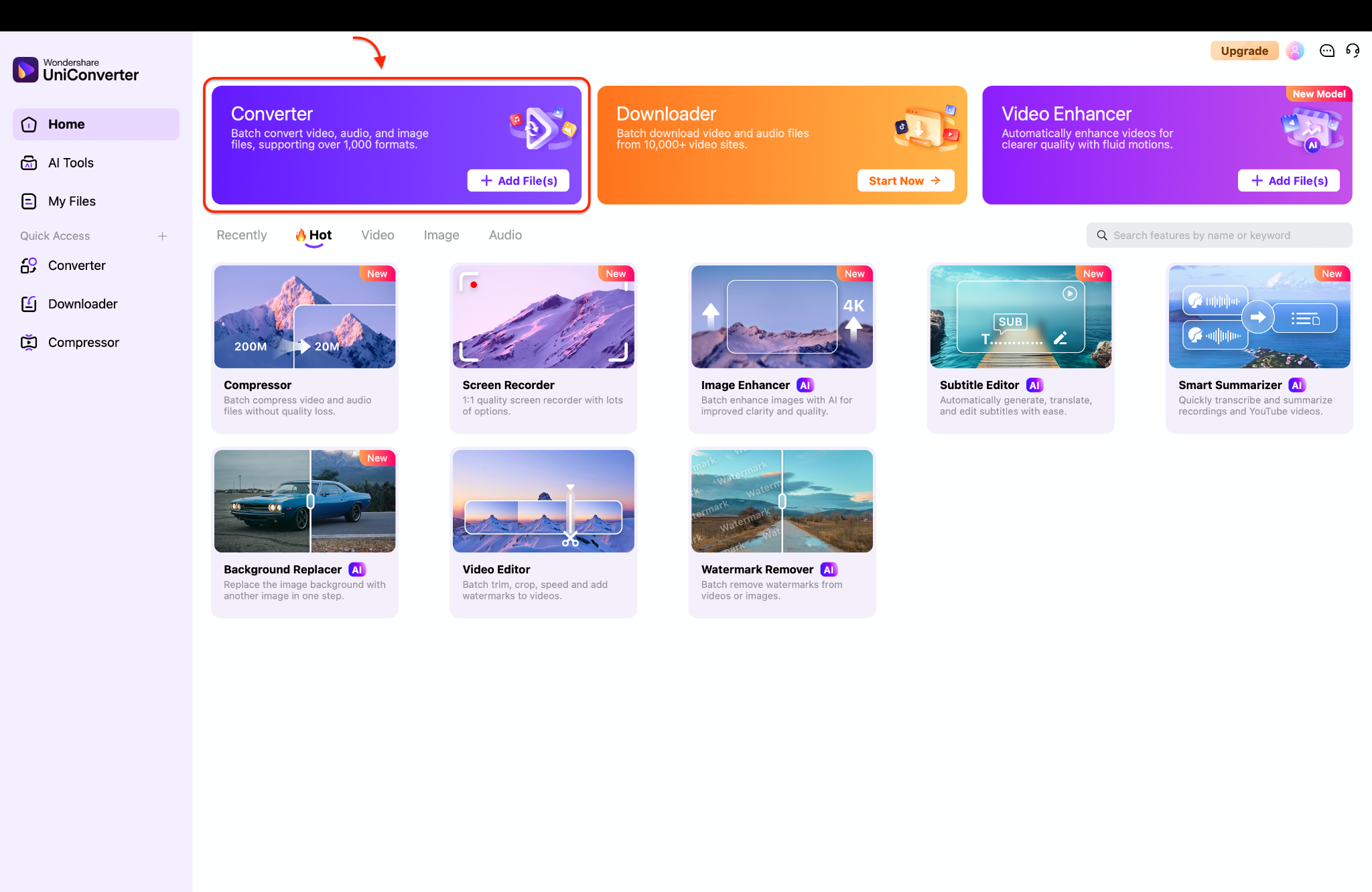
Step 1: Open the Converter Tool
Launch Wondershare UniConverter on your computer to open the main dashboard. Look for the large "Converter" option highlighted in purple on the home screen. Click on this option to access the primary video and audio conversion workspace.
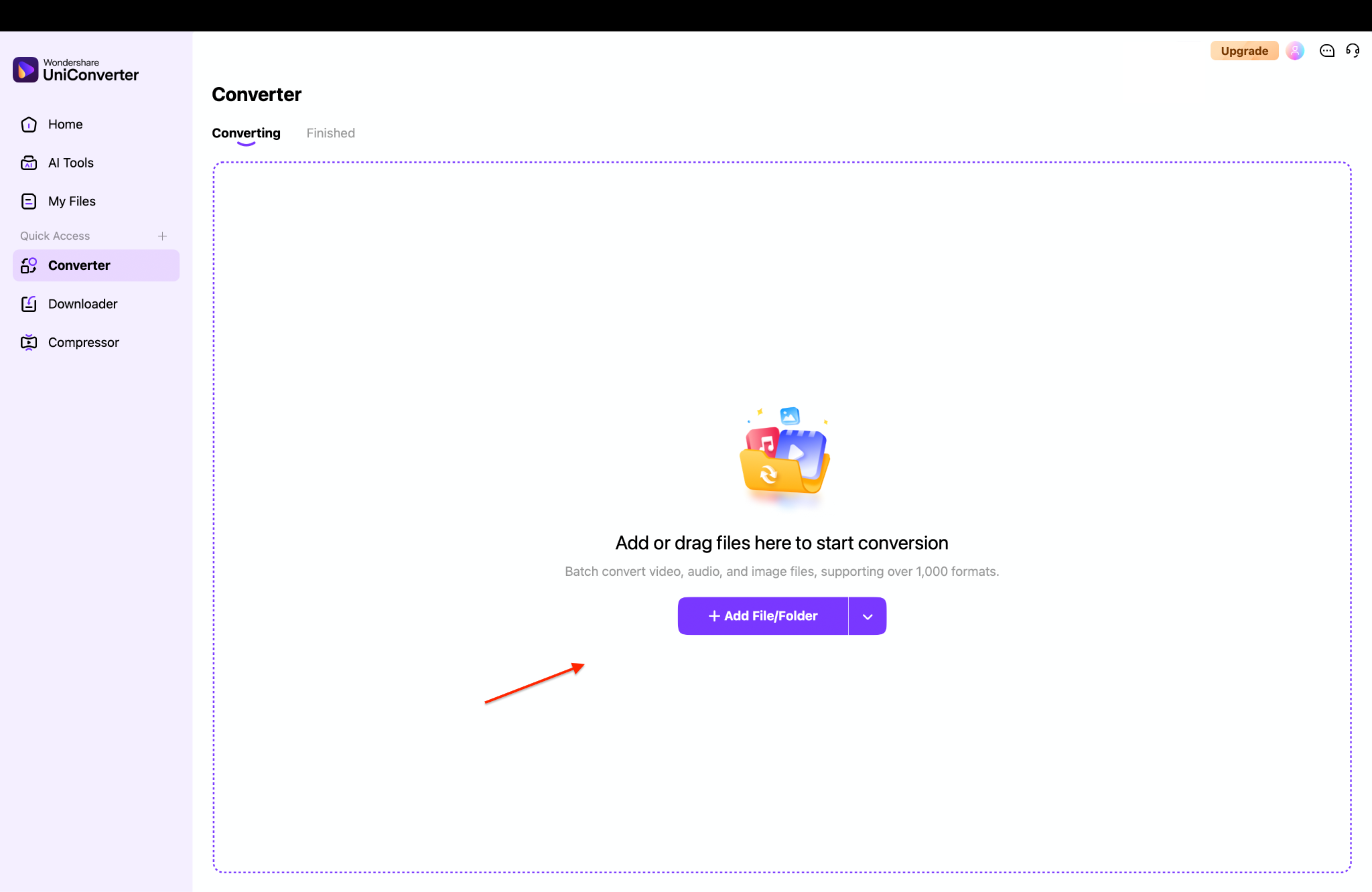
Step 2: Add Your Media Files
Once you are inside the Converter tool, you will see a large blank workspace area. Click on the purple "+ Add File/Folder" button in the center to browse your computer for your DVD or video files. You can also easily drag and drop your media files directly into this window to save time.
Step 3: Select the Output Audio Format
Locate the output format menu at the bottom left corner and switch to the "Audio" tab. Select "MP3" from the side list and choose the "High Quality 320 kbps" setting to get the best possible sound.
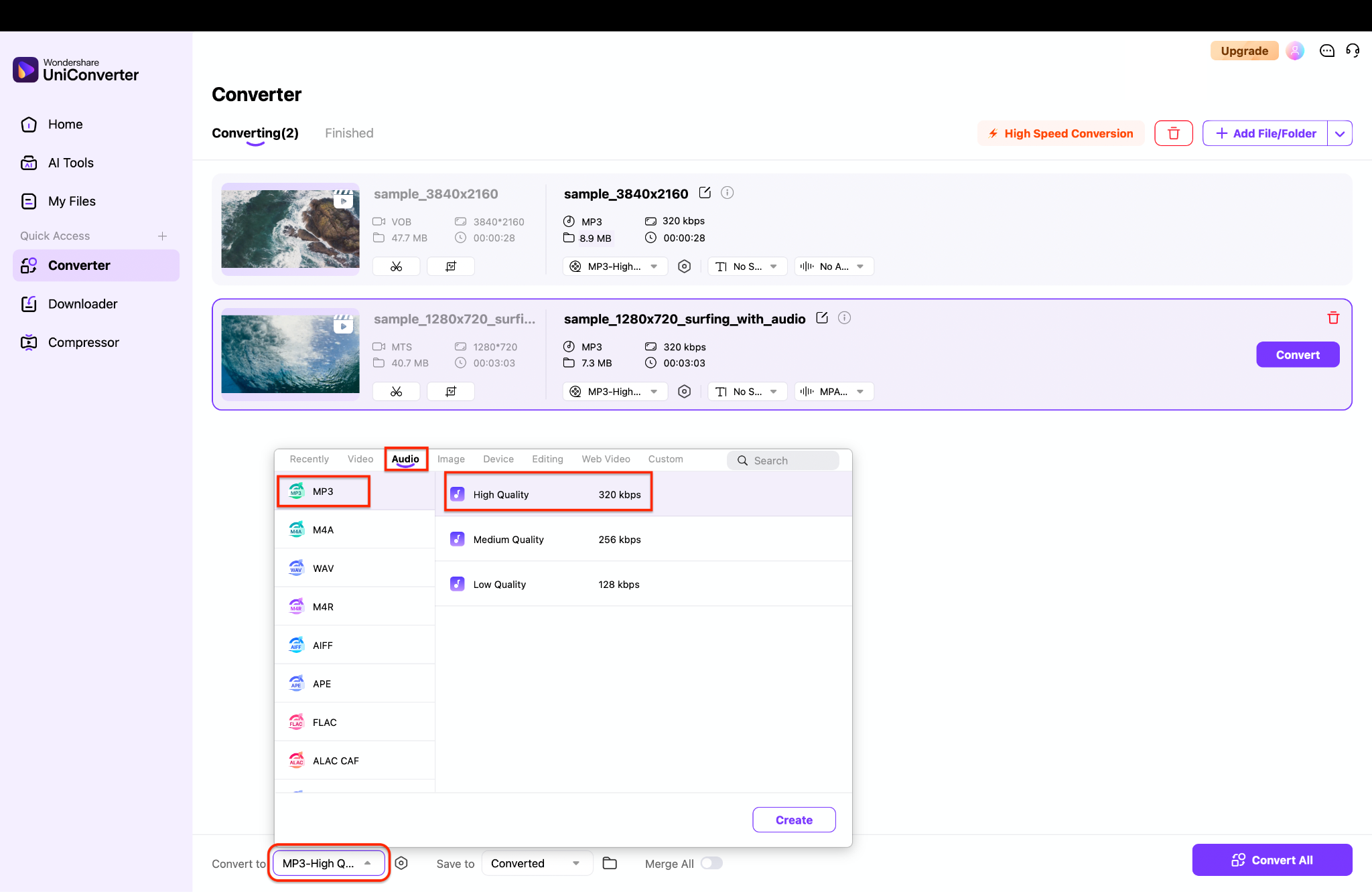
Pro Tip: If you want to preserve the exact lossless studio quality of a DVD without any compression, choose the "FLAC" or "WAV" format from this menu instead of MP3.
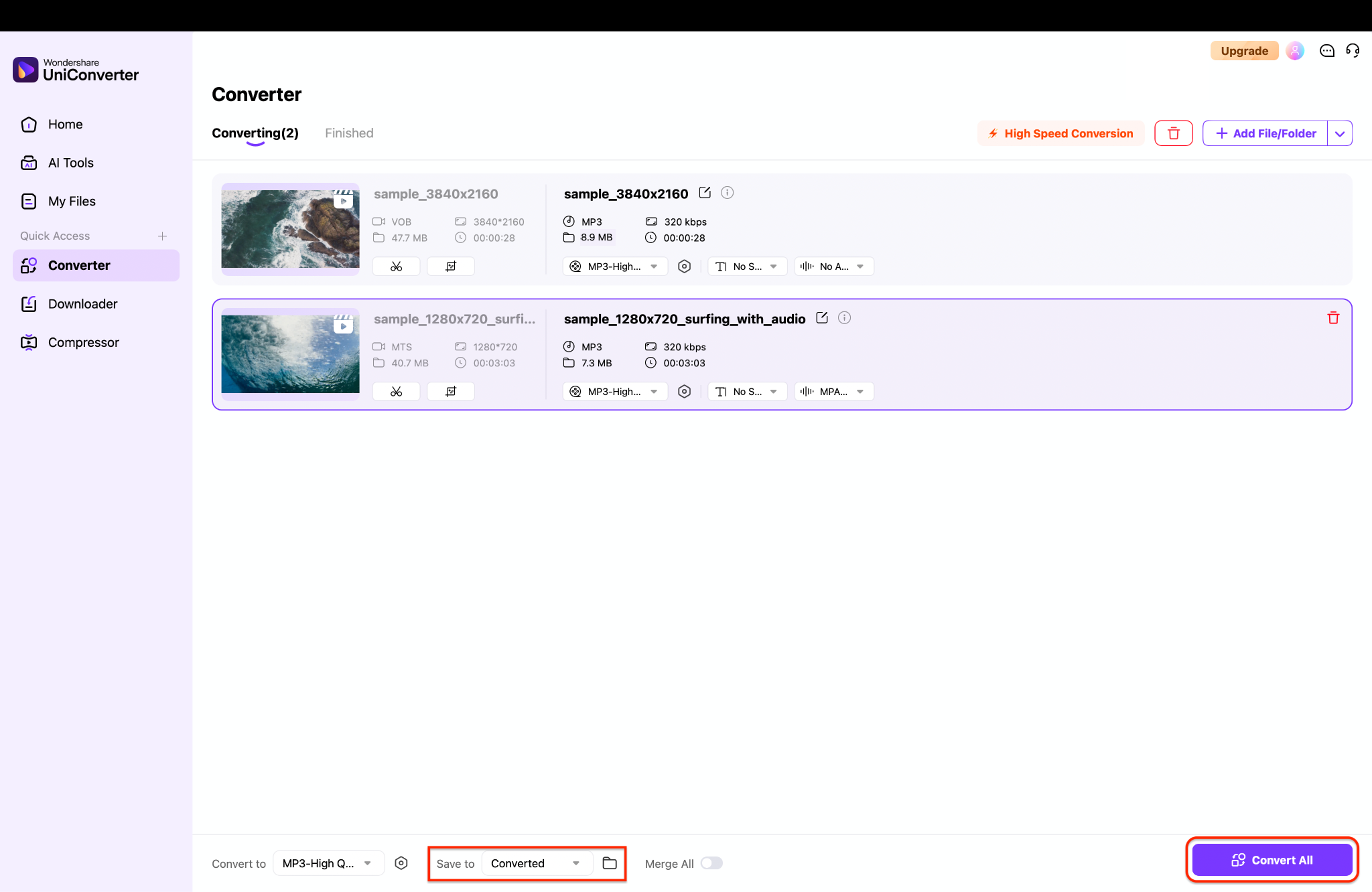
Step 4: Choose Destination and Convert
Go to the "Save to" section at the bottom to choose the exact folder on your computer where your new audio file will be stored. Review all your selected settings for the loaded files one last time to make sure everything looks correct. Finally, click the purple "Convert All" button in the bottom right corner to instantly start extracting your audios.
Part 6. How to Choose the Right Tool for Your Collection
For Audiophiles
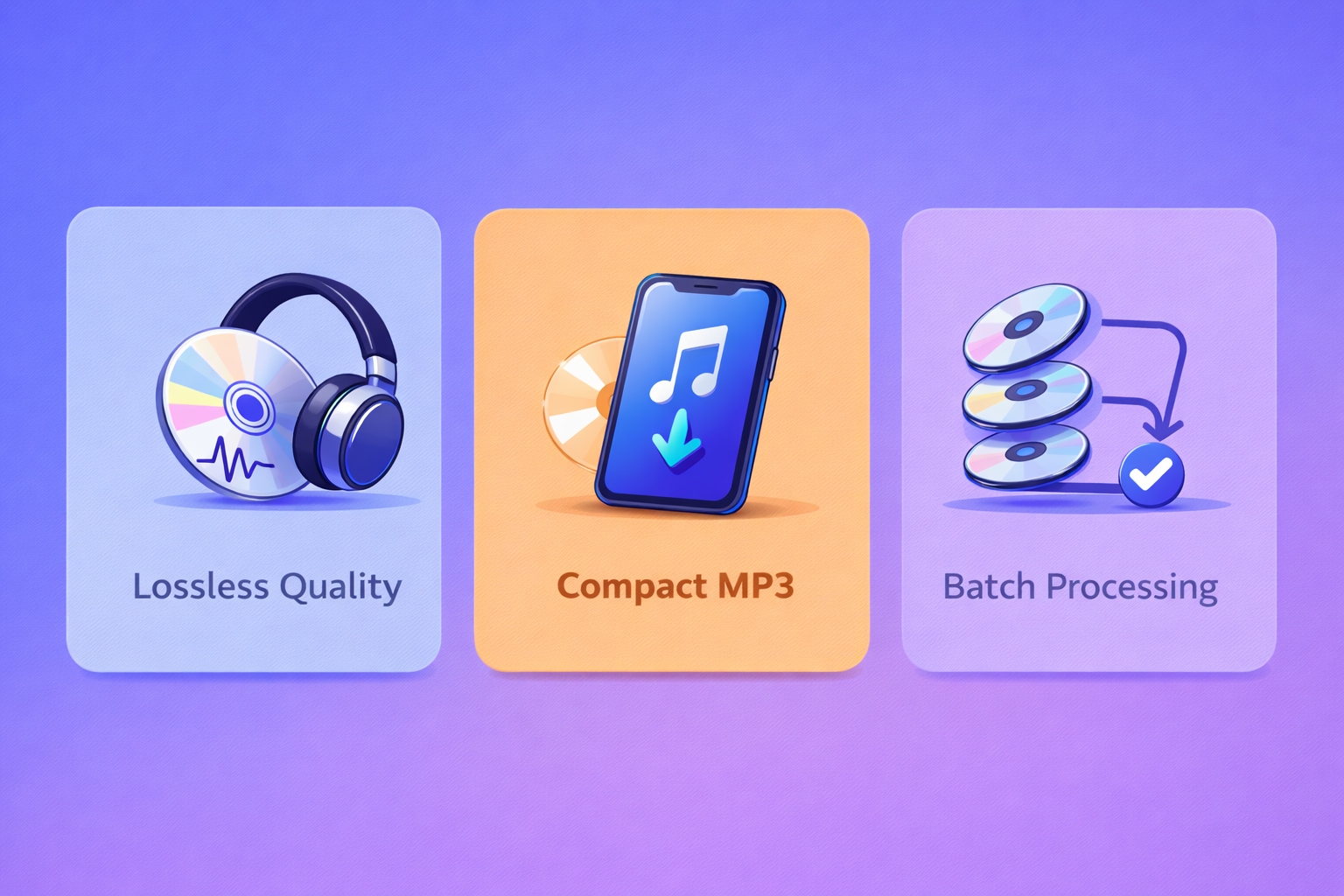
Sound quality is the absolute priority for music lovers. Choosing FLAC or WAV is non-negotiable for concert discs. These formats capture the exact studio sound. Tools like MakeMKV and UniConverter handle this task perfectly. They prevent any digital compression from ruining the listening experience.
For Mobile Users
Smartphone storage space is often quite limited. You should aim for a 320kbps MP3 file. This is the "sweet spot" for modern 2026 devices. It offers excellent sound quality without taking up much room. A fast ripper helps you transfer files to your phone quickly.
For Professionals
Managing large media libraries takes a lot of time. Batch processing is the only way to handle large collections. You need a tool like UniConverter to queue multiple files. This lets you step away while the computer works. It is the most efficient method for serious media archivists.
Part 7. Conclusion
Finding a reliable DVD audio ripper is easier than ever in 2026. You can easily manage physical media collections with the right software. Whether you perform blu ray audio ripping or simple CD backups, quality matters. Free tools work for basic tasks. However, protected discs require a dedicated solution. We highly recommend UniConverter. It helps you convert DVD audio to MP3 quickly and safely. You get access to fast processing and helpful AI tools. Ready to upgrade your digital library? Try UniConverter today and experience seamless, high-quality audio extraction for all your favorite media files.
Part 8. FAQs
-
1. What is the best DVD audio extractor for copy-protected ones in 2026?
Wondershare UniConverter is the leader due to its weekly decryption updates and 130x speed. -
2. How do I rip audio from video mac users find easiest?
Most Mac users prefer UniConverter because it is native to macOS 16 and utilizes the M-series media engines to rip audio from video mac instantly. -
3. Can I rip DVD audio to FLAC without losing quality?
Yes. By choosing FLAC (lossless), you ensure a bit-for-bit copy of the original stream found on the disc. -
4. Is there a DVD audio extractor free for Windows 12?
VLC is a reliable DVD audio extractor free choice, but for commercial discs, a professional trial is usually more effective. -
5. How do I perform blu ray audio ripping?
You need an external Blu-ray drive and a tool like UniConverter or MakeMKV that can handle AACS 2.0 encryption.

