


Are you tired of NewPipe suddenly crashing, freezing, or refusing to load videos right when you need it most? You’re not alone—millions of users rely on NewPipe for a smooth, ad-free YouTube experience, and when it stops working, it can be incredibly frustrating.
This guide is created to help you quickly understand why NewPipe fails, how to fix its most common issues, and what to do when nothing seems to work. Whether you're dealing with outdated APK problems, playback glitches, or privacy concerns, this preface sets the stage for a solution-focused, user-friendly breakdown. By the end, you'll not only have reliable fixes but also discover the best alternatives that offer stability, features, and peace of mind.
- [Common Issues] NewPipe often crashes or fails due to outdated versions and frequent YouTube backend changes.
- [Limitations] Lack of account sync, limited platform support, and instability drive users to seek alternatives.
- [Alternative Options] Tools like SkyTube, LibreTube, Piped, and desktop solutions provide better stability and features.
- [Reliable Solution] Wondershare UniConverter offers stable downloading, batch processing, and cross-platform support.
In this article
Part 1: Quick NewPipe Review & Common Issues
NewPipe Review: The Pros and Cons
NewPipe has earned a strong reputation among users looking for a lightweight, privacy-friendly alternative to the official YouTube app. Its biggest attraction is the complete freedom it offers—no ads, no Google dependency, and no unnecessary tracking. Designed as an open-source project available on F-Droid, NewPipe gives users full transparency and control, making it a favorite for those who value digital privacy and simplicity. With powerful features like background playback, a pop-up player, and full access to videos without signing in, it delivers an enjoyable, distraction-free experience that many users swear by.
- Privacy-focused (No Google Play Services): NewPipe works without Google Play Services, allowing you to watch content privately without being tracked or profiled.
- Open-Source (Transparent code on F-Droid): Its source code is publicly available, letting anyone audit, improve, or verify its safety—rare for video apps.
- Background Play & Pop-up Player: You can listen to videos with your screen off or multitask using the floating popup window.
- No Ads: All videos play without interruptions, giving users a smooth, clutter-free viewing experience.
- Free and Libre: NewPipe is 100% free, community-driven, and built around digital freedom rather than profit.
The Challenges (Why people look for alternatives)
Despite its advantages, many users search for alternatives due to recurring reliability and feature limitations.
- NewPipe not working Issues: It often breaks because YouTube changes its backend/API frequently, while NewPipe updates roll out more slowly—causing video loading failures or crashes.
- No Account Login: You can’t sync subscriptions, playlists, history, or recommendations—a major drawback for many.
- Is NewPipe Safe?: Generally yes, since it’s open-source and community-reviewed. However, it relies on reverse-engineering YouTube, which puts it in a legal gray area and makes the app more prone to instability.
- Limited Platform Support (Android only): Unlike other tools, NewPipe doesn’t work on iOS, desktop, or web, limiting its overall usability.
Part 2: NewPipe Not Working? Here's How to Fix Common Issues
If NewPipe has suddenly stopped playing videos, won’t load search results, or keeps crashing, you’re dealing with issues that are quite common—mostly caused by outdated builds, YouTube backend changes, or local phone conflicts. Below are the most effective fixes, clearly broken down by error type so you can get NewPipe running again quickly.
An error occurred while loading the content or Videos Won’t Play
This usually happens when the app extractor becomes outdated. First, update NewPipe to the latest version from F-Droid or the official website. If the problem persists, try switching your content country in Settings → Content → Content Country, as certain regions may temporarily block playback.
No connection to the service or Can't Search
Start by checking if your internet connection is stable. Then force-refresh the extractor by going to Settings → Content → “Update Extractor.” A final quick fix is to clear DNS cache by toggling Airplane Mode or restarting your device.
NewPipe Is Crashing on Startup
Begin with a safe method: clear the app cache under Settings → Apps → NewPipe → Storage. Before making major changes, export your data (subscriptions, history, playlists) via Settings → Backup & Restore—this step is critical. If the issue continues, clear all app data (a full reset) or reinstall a fresh APK to ensure you’re running a clean version.
Background Playback or Pop-up Player Not Working
Make sure the app has the right storage and overlay permissions, especially on newer Android versions. Confirm that you're using the latest build, check that you have enough storage, and try switching between different video or audio formats, as some streams may not support the mode you selected.
Part 3: What to Look For in a NewPipe Alternative
When choosing a NewPipe alternative, your goal should be to find an app that offers the same freedom and convenience but with fewer breakages, better features, and broader compatibility. Here are the must-have features you should evaluate before switching:
Ad-Blocking
Make sure the alternative supports built-in ad-blocking so you can watch videos without constant interruptions. This ensures a smooth, clutter-free viewing experience without the need for extra extensions.
Background Playback
A good alternative should offer consistent background play and pop-up window support for multitasking. This feature is crucial for music listeners and users who switch apps frequently.
Account Login (Subscriptions, Playlists, SponsorBlock)
Look for apps that allow you to log into your YouTube account to sync subscriptions, playlists, and history. This also enables add-ons like SponsorBlock, making your overall viewing more efficient.
Privacy & Open-Source StatusIf privacy is a priority, focus on open-source apps with transparent code. These apps reduce the risk of hidden tracking and give you more control over your data.
Platform Compatibility (Android, iOS, Web, Desktop)
Choose an alternative that works across multiple platforms so you aren’t limited to Android only. Cross-device support makes your viewing experience more consistent and flexible.
Stability & Update Frequency
Pick apps that update quickly whenever YouTube changes its backend to avoid sudden breakages. More frequent updates also mean better long-term reliability.
Part 4: The Best NewPipe Alternatives for All Devices
Mentioned below are the NewPipe alternatives for all the devices. Have a closer look:
Best NewPipe Alternatives for All Devices (Android, iOS, Web, Desktop)
1. UniConverter (Wondershare)
UniConverter is an all-in-one video toolkit that stands out as a powerful NewPipe alternative, especially for users who want reliable downloads without constant breakages. Unlike NewPipe, UniConverter is a full desktop solution with device-wide compatibility, allowing you to download, convert, compress, and transfer videos across Windows, macOS, iOS, and Android. It supports batch downloads, high-speed conversions, and 1000+ formats. The biggest advantage is that UniConverter offers a YouTube Chrome extension, making downloading even easier compared to APK-based apps that often break due to YouTube updates. If you need stability, high-quality output, and long-term reliability—not just streaming—UniConverter is one of the most future-proof options.

Safety Review: 5/5
Starting Price: Free trial, Paid from $39.99
Supported Devices: Windows, macOS, iOS, Android, Chrome Extension
Android-Focused NewPipe Alternatives

Easy to Use NewPipe Alternative
2. SkyTube
SkyTube is a robust open-source YouTube client developed specifically for Android users who want a privacy-focused experience without logging into Google. It offers two variants—SkyTube Extra (with Google Services support) and SkyTube Regular (completely independent of Google). The interface is clean, lightweight, and optimized for users wanting ad-free playback, subscription imports, and background mode. SkyTube is very stable and gets frequent updates, making it a strong pick for those who find NewPipe unreliable. It also supports video blocking rules, category filters, and region controls to tailor your feed without relying on YouTube algorithms. If you prefer privacy and simplicity, SkyTube is an ideal open-source replacement.

Safety Review: 5/5
Starting Price: Free
Supported Device: Android
3. ViMusic
ViMusic is the perfect alternative for users who mainly use NewPipe for music playback. It pulls audio directly from YouTube, offers a clean player interface, and includes playlist creation, lyrics integration, and offline listening. The app is extremely lightweight, making it ideal for low-end devices or users who want a minimal setup without bloat. It also supports background play and a beautiful AMOLED-friendly UI. Although it's audio-only, ViMusic excels in stability and rarely breaks when YouTube updates its backend. For music lovers who don’t need video playback, ViMusic is one of the most reliable and convenient alternatives. It also includes powerful search filters and smart song recommendations, making discovery effortless. Plus, its open-source nature ensures privacy and allows community-driven improvements over time.

Safety Review: 5/5
Starting Price: Free
Supported Device: Android
4. LibreTube
LibreTube is an innovative open-source YouTube client built on the Piped API, which means it doesn’t rely on direct YouTube extraction like NewPipe—making it more stable when YouTube updates its backend. It offers subscription syncing, channel browsing, history tracking, and smooth playback with modern UI design. LibreTube also focuses heavily on privacy and doesn’t require any Google account integration. With multiple player engines and high-quality playback, LibreTube offers a premium open-source experience that feels more modern than NewPipe. It also includes extensive customization options such as theme switching, gesture controls, and flexible codec settings for advanced users. Additionally, its active developer community ensures ongoing improvements, better performance, and reduced breakage over time.

Safety Review: 4.5/5
Starting Price: Free
Supported Device: Android
iOS-Compatible Alternatives
5. YouTube ReVanced (via YTLite / uYouPlus for iOS)
For iPhone users craving NewPipe-like features, uYouPlus (unofficial mod) offers ad-free playback, background audio, high-quality downloads, and a YouTube Premium-like experience without the subscription. It integrates smoothly with the official iOS YouTube app, making it more intuitive than sideloaded APKs. While installation requires AltStore or TrollStore, iOS users consider it the closest equivalent to NewPipe. It supports SponsorBlock, UIKit-level smoothness, and seamless multitasking. It also includes advanced playback controls, codec options, and detailed download configuration that many iOS apps don’t offer. Plus, frequent community-driven updates keep it functional even when YouTube introduces changes that break other mods.
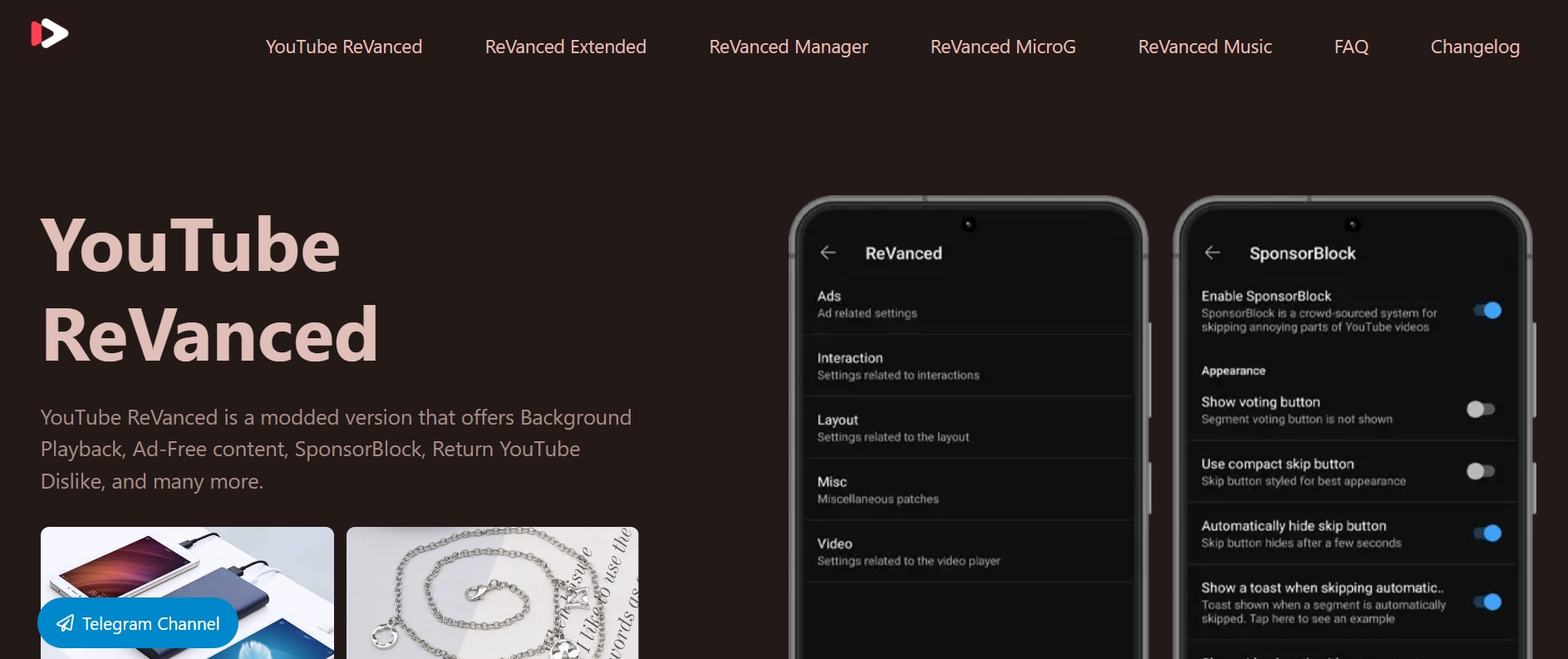
6. Piped (Web Version)
Piped is a privacy-first web client for YouTube and one of the most reliable alternatives for users who want something device-agnostic. It doesn’t rely on YouTube’s official API but uses a privacy-friendly backend that strips ads, trackers, and fingerprinting. Because it’s browser-based, you don’t need to install anything—you can access it on Android, iOS, Windows, macOS, and Linux. The interface is extremely responsive, supports subscriptions (via local browser storage), and ensures maximum anonymity. Piped is ideal for users who prefer open-source tools with long-term stability. It also offers multiple front-end mirrors that distribute traffic, improving uptime even when one instance is overloaded. Additionally, its lightweight architecture makes it one of the fastest options for low-end devices or slow networks.

Safety Review: 5/5
Starting Price: Free
Supported Devices: All (Browser-based)
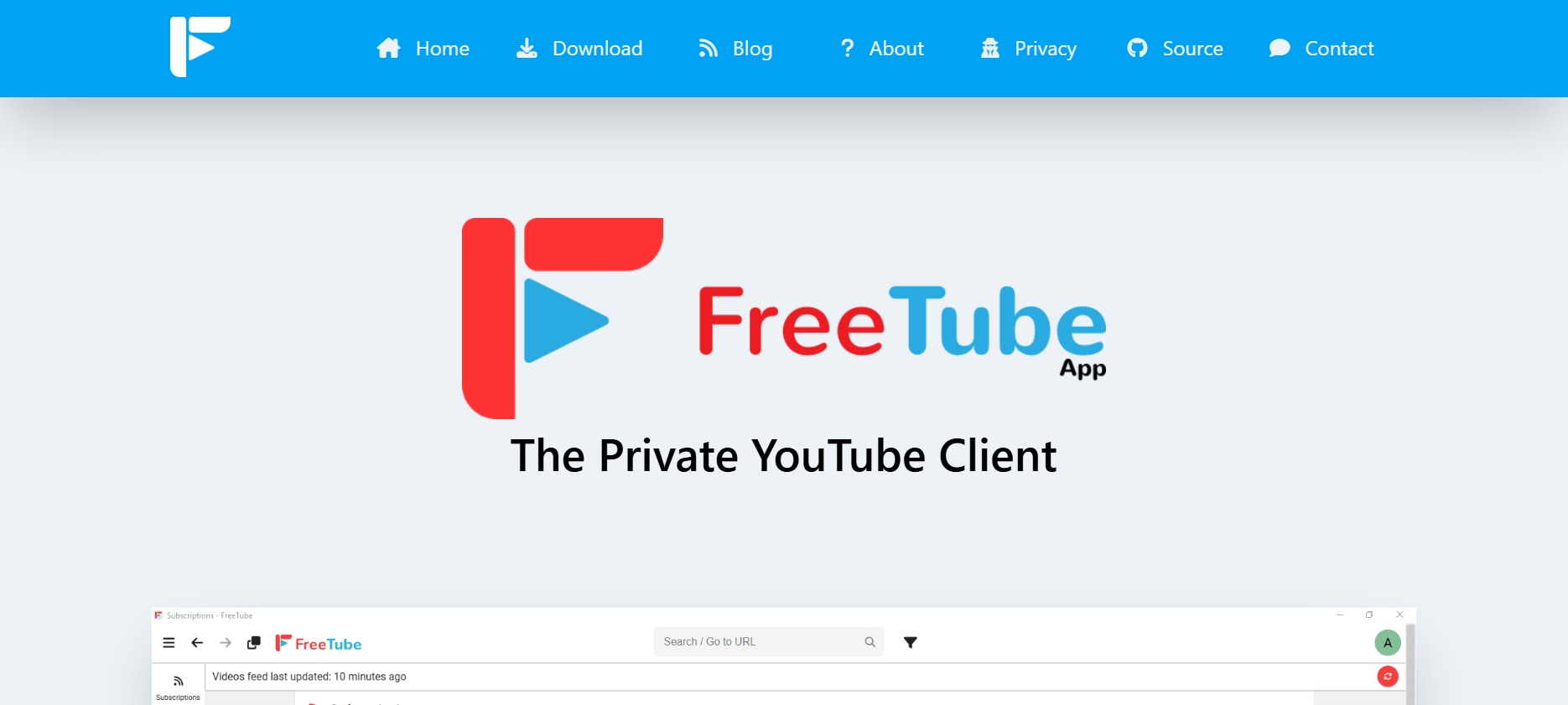
7. FreeTube (Desktop)
FreeTube is a desktop replacement for NewPipe built for privacy lovers who want a smooth, ad-free YouTube experience without Google tracking. It works using local data, meaning your subscriptions and history stay on your computer instead of syncing through Google. It features a familiar YouTube-like interface, customizable themes, SponsorBlock, and full offline support. FreeTube also uses the Invidious/Piped backends to reduce breakage. For desktop users, it’s one of the most powerful open-source solutions available. It also offers advanced player controls and detailed privacy settings that let you fine-tune every aspect of your viewing experience. Plus, its active development community ensures frequent updates and strong long-term stability.
Safety Review: 5/5
Starting Price: Free
Supported Devices: Windows, macOS, Linux
Premium Cross-Device Solutions
Easy to Use NewPipe Alternative
8. YouTube Premium
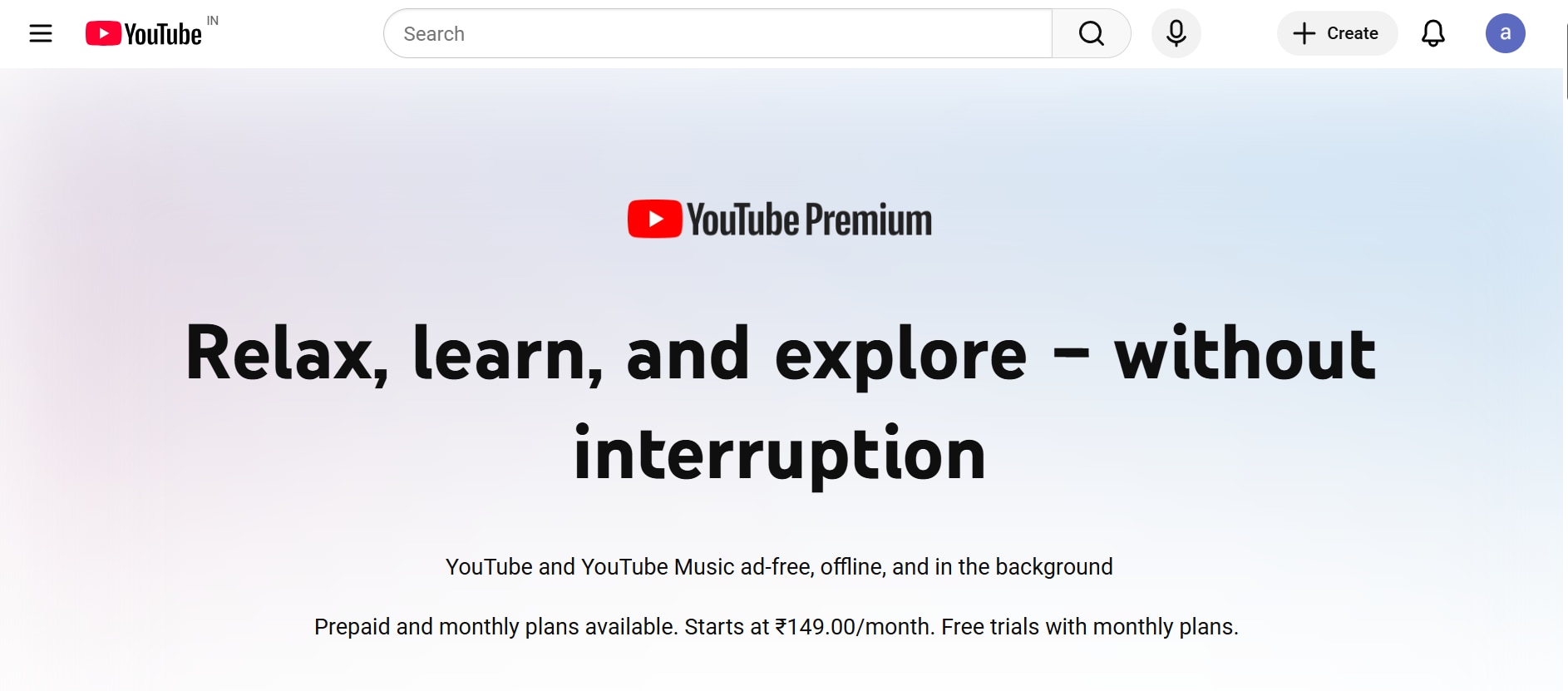
YouTube Premium remains the official, most stable alternative to NewPipe. It provides ad-free playback, background audio, downloads, and full account sync across all devices—Android, iOS, smart TVs, desktop, and more. Although it’s paid, users receive complete reliability without the risk of breakage or legal gray areas. Premium also supports YouTube Music and provides much higher streaming quality than most third-party apps. If long-term stability and convenience matter more than price, YouTube Premium is still the strongest official choice. You also gain early access to new YouTube features that free users don’t get, ensuring an always-updated experience. Plus, its unmatched ecosystem integration makes it ideal for users invested in Google services across multiple devices.
Safety Review: 5/5
Starting Price: $13.99/month
Supported Devices: All
More Reliable Multi-Platform Alternatives
9. uBlock Origin + YouTube Web
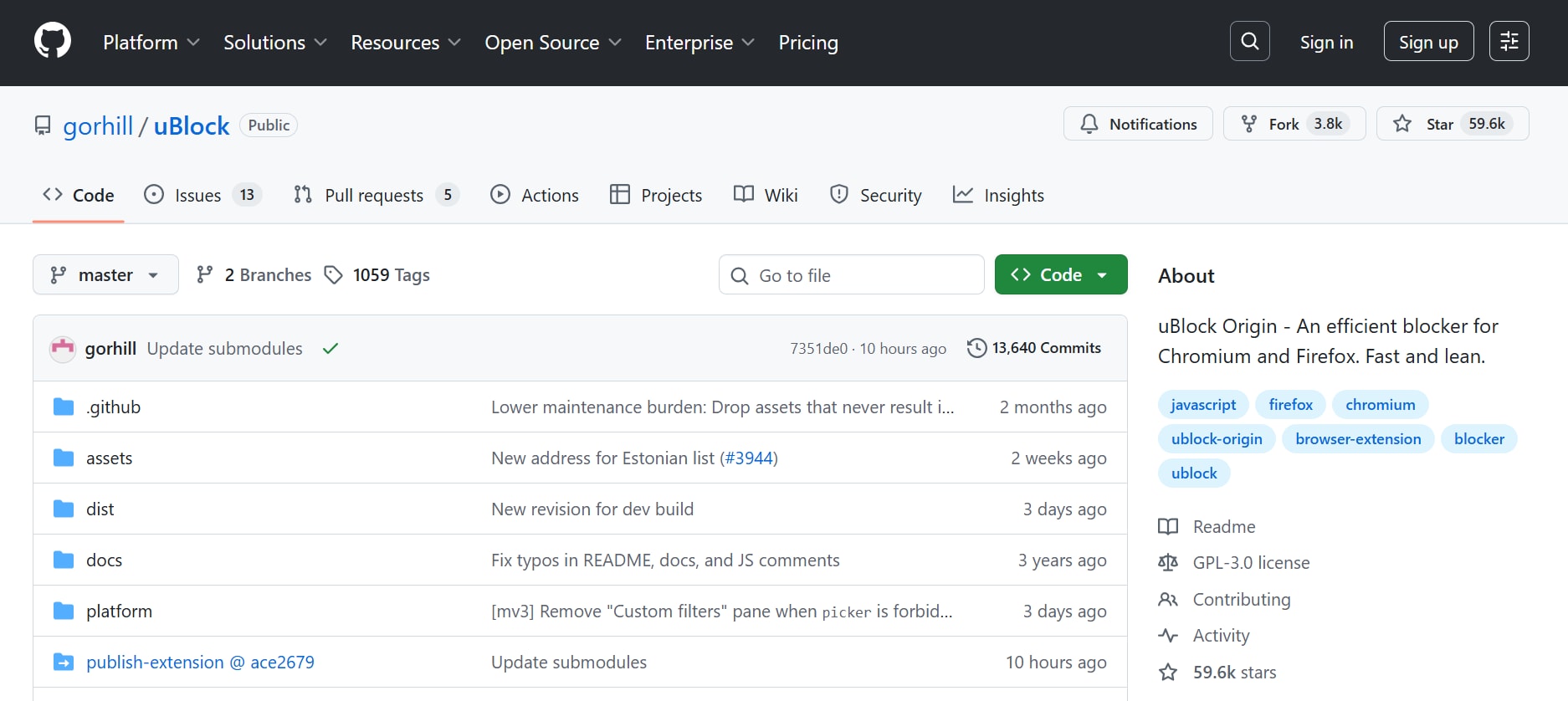
For users who watch YouTube primarily on browsers, combining the official website with uBlock Origin delivers an ad-free, smooth experience without needing third-party apps. This works on desktop browsers like Chrome, Firefox, Brave, and Edge. While not a full-featured NewPipe replacement, it provides excellent ad-blocking, SponsorBlock integration, and privacy filters. It's perfect for users who prioritize simplicity and legality but still want an ad-free, customizable experience. This setup also reduces tracking and background scripts, helping pages load faster and improving overall performance. Additionally, it requires no installation beyond the extension itself, making it one of the easiest and lowest-risk solutions for everyday users.
Safety Review: 5/5
Starting Price: Free
Supported Devices: Windows, macOS, Linux (Browsers)
10. ClipGrab
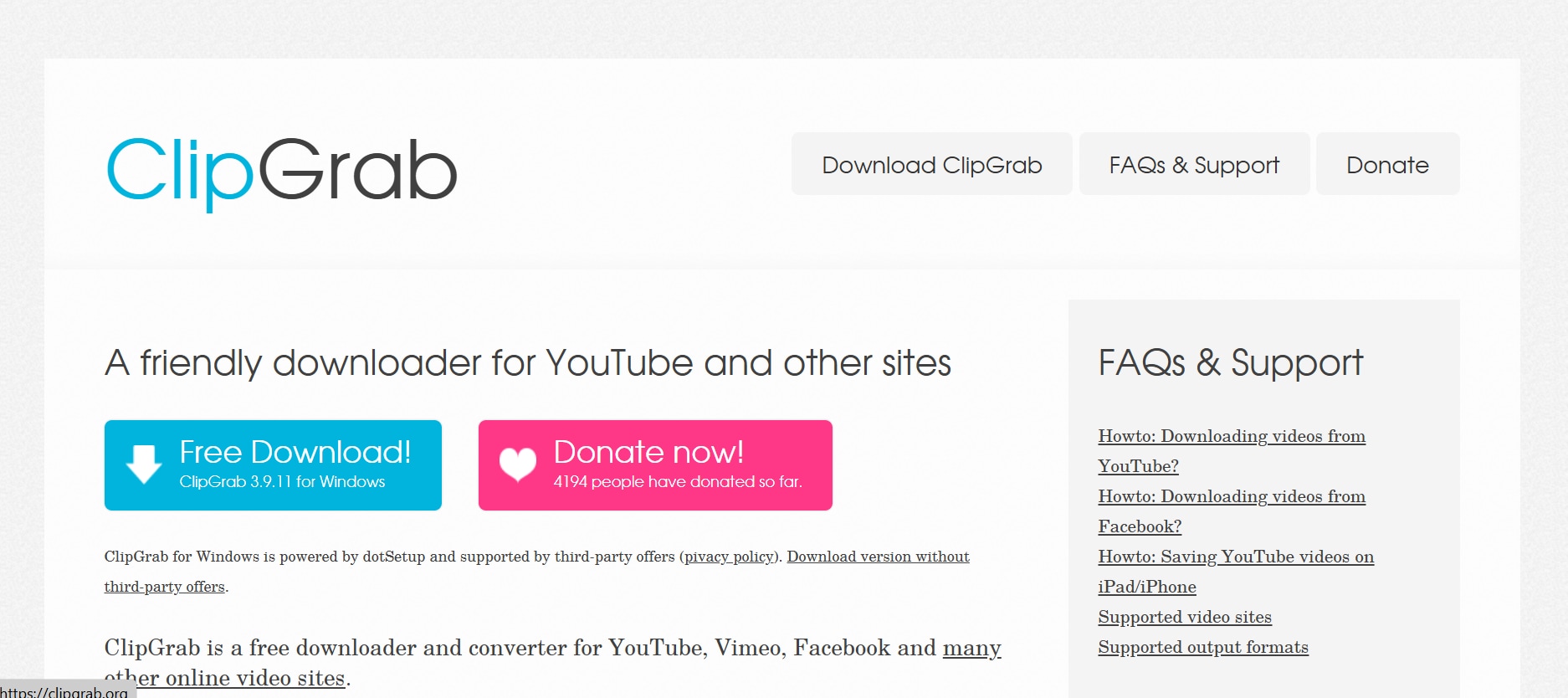
ClipGrab is a desktop video downloader that supports YouTube and dozens of other platforms. It offers quick downloads, format conversions, and a very simple interface that makes it ideal for beginners. While not an all-in-one streaming client like NewPipe, it excels for users who primarily need video downloads for offline playback. It supports MP4, MP3, WMV, and other formats, along with built-in quality control. ClipGrab is especially useful for Windows and Linux users seeking a stable, long-term downloader. It also includes a built-in search function, allowing users to find YouTube videos directly within the app. Its lightweight installation and minimal system resource usage make it a reliable choice for older or low-spec devices.
Safety Review: 4/5
Starting Price: Free
Supported Devices: Windows, macOS, Linux
Part 5: At-a-Glance Comparison Table for Top 10 NewPipe Alternatives
| App Name | Supported Format | Unique Edge | Best For |
|---|---|---|---|
| UniConverter | MP4, MP3, MOV, MKV, AVI, more | All-in-one downloader + converter with Chrome YouTube extension | Users who want a complete video toolkit |
| ClipGrab | MP4, MP3, WMV, OGG | Extremely simple desktop downloader | Windows & Linux users needing fast downloads |
| YouTube + uBlock | All browser-playable formats | Ad-free YouTube with no installation | Users who prefer browser-based viewing |
| YouTube Premium | Official high-quality YouTube formats | Most stable, fully legal, cross-platform | Users wanting reliability & official features |
| FreeTube | MP4 (via backend), audio formats | Desktop privacy-first YouTube client | Users wanting local data & no Google tracking |
| Piped | Streaming formats (web-based) | Privacy-first frontend with no installation | Users wanting device-agnostic access |
| uYouPlus (iOS) | MP4, WebM, audio formats | Premium-like features for iOS without subscription | iPhone users wanting background play & downloads |
| LibreTube | MP4, VP9, Opus (via Piped backend) | Modern open-source UI + high stability | Users wanting a modern NewPipe-style app |
| ViMusic | Audio-only (YouTube music extraction) | Lightweight, fast, offline-friendly music app | Users wanting music-only playback |
| Invidious (Web) | Streaming formats (web-based) | Multiple instances for maximum privacy | Users wanting anonymous, no-install YouTube |
Best NewPipe Alternatives by Use Case
Best for Android users
Choose a lightweight app like SkyTube or LibreTube if you want a NewPipe-style mobile experience with privacy-focused playback and fewer account-related dependencies.
Best for Linux desktop
Choose a browser-based frontend like Piped if you want a simple Linux-friendly alternative without depending on APK updates or mobile-first workflows.
Best for Windows users
Choose a stable downloader or converter if you need a practical NewPipe Windows alternative with better batch processing, file export, and broader desktop compatibility.
Best for long-term reliability
If NewPipe keeps breaking after updates, choose an alternative with easier access, more reliable maintenance, and fewer playback disruptions over time.
Conclusion
NewPipe is popular for its privacy benefits, but frequent breakage, limited device support, and no account sync often push users toward more reliable alternatives. Options like Piped, FreeTube, LibreTube, and ViMusic serve open-source fans seeking stability and privacy. Browser-based setups and YouTube Premium provide an official, long-term solution with minimal issues. For users wanting an all-in-one experience, Wondershare UniConverter offers downloading, converting, compression, and even a Chrome extension. With so many choices available, it’s easy to find a tool that fits your viewing style. Ultimately, these alternatives help ensure smooth, safe, and uninterrupted streaming across all devices.
FAQs
Does NewPipe still work in 2026?
NewPipe still works for many users, but it can become unreliable when YouTube changes its backend or when the installed version is outdated. That is why some users only experience temporary issues, while others find that core features such as loading, playback, or subscriptions stop working until a newer fix is released.
What are the best NewPipe alternatives in 2026?
The best NewPipe alternatives in 2026 depend on the device and workflow you care about most. Some users want a privacy-focused Android app, some need a browser-based option for Linux desktop, and others want a more stable downloader or converter on Windows. The best choice is usually the one that matches your platform and breaks less often over time.
What are the best NewPipe alternatives for Android in 2026?
For Android users, the best alternatives are usually lightweight apps that focus on smooth playback, fewer account dependencies, and more stable maintenance. Users often compare them based on privacy, background playback, subscription handling, and how quickly they recover after platform-side changes.
What is the best NewPipe alternative for Linux desktop?
For Linux desktop, many users prefer browser-based or frontend-style tools instead of APK-based apps. The best NewPipe alternative for Linux desktop is usually one that is easy to access, does not depend on mobile installation workflows, and remains usable even when app-based solutions become harder to maintain.
Is there a good NewPipe Windows alternative?
There is usually no direct one-to-one NewPipe clone for Windows, so most users look for a downloader, converter, or web-based alternative instead. A good NewPipe Windows alternative should offer stable access, easier file handling, and broader desktop compatibility, especially for users who want a more practical long-term replacement.

