


Trying to save feed IG content often feels risky, with genuine fears of malware, quality loss, and violating Instagram's rules. Many users struggle with complicated tools that lack batch capabilities or fail on mobile devices. Finding a reliable Instagram feeds downloader that is safe and simple shouldn't be hard. Whether you want to download video feed IG posts in bulk without pixelation or need a secure way to feed download Instagram memories on any platform, we have the answer.
Quick Answer
The best Instagram downloader in 2026 depends on your device and whether you need one-time or bulk downloads. Desktop tools are usually better for batch downloads and privacy, while web tools are more convenient for quick saves. If safety matters, choose a downloader that supports HD quality and does not ask for your Instagram login.
Table of Contents
Part 1. Key Features to Look for Trustable Instagram Feed Downloaders
Before you click "download" on a random website to IG download feed content, pause and evaluate the tool. Not all downloaders are created equal. A trustable IG downloader feed tool should prioritize:
High-Quality Output: It must download feed Instagram HD without compression artifacts. 4K and 1080p support is a must.
Batch Downloading: The ability to save IG feeds in bulk (e.g., an entire profile or multiple links at once) saves hours of manual work.
Security & Privacy: Avoid tools that ask for your Instagram password. A safe IG feed saver works with just the public URL.
Clean Interface: No excessive pop-up ads or forced redirections that could compromise your device.
Format Flexibility: It should offer options to convert videos to MP4 or MP3 if needed.
Part 2. The Best 10 Instagram Feed Downloaders for All Devices 2026
We have tested and sorted these tools into groups based on different devices to help you download IG feed photo and video collections effortlessly.
Group 1: Best Desktop Software (Windows/Mac)
1. Wondershare UniConverter
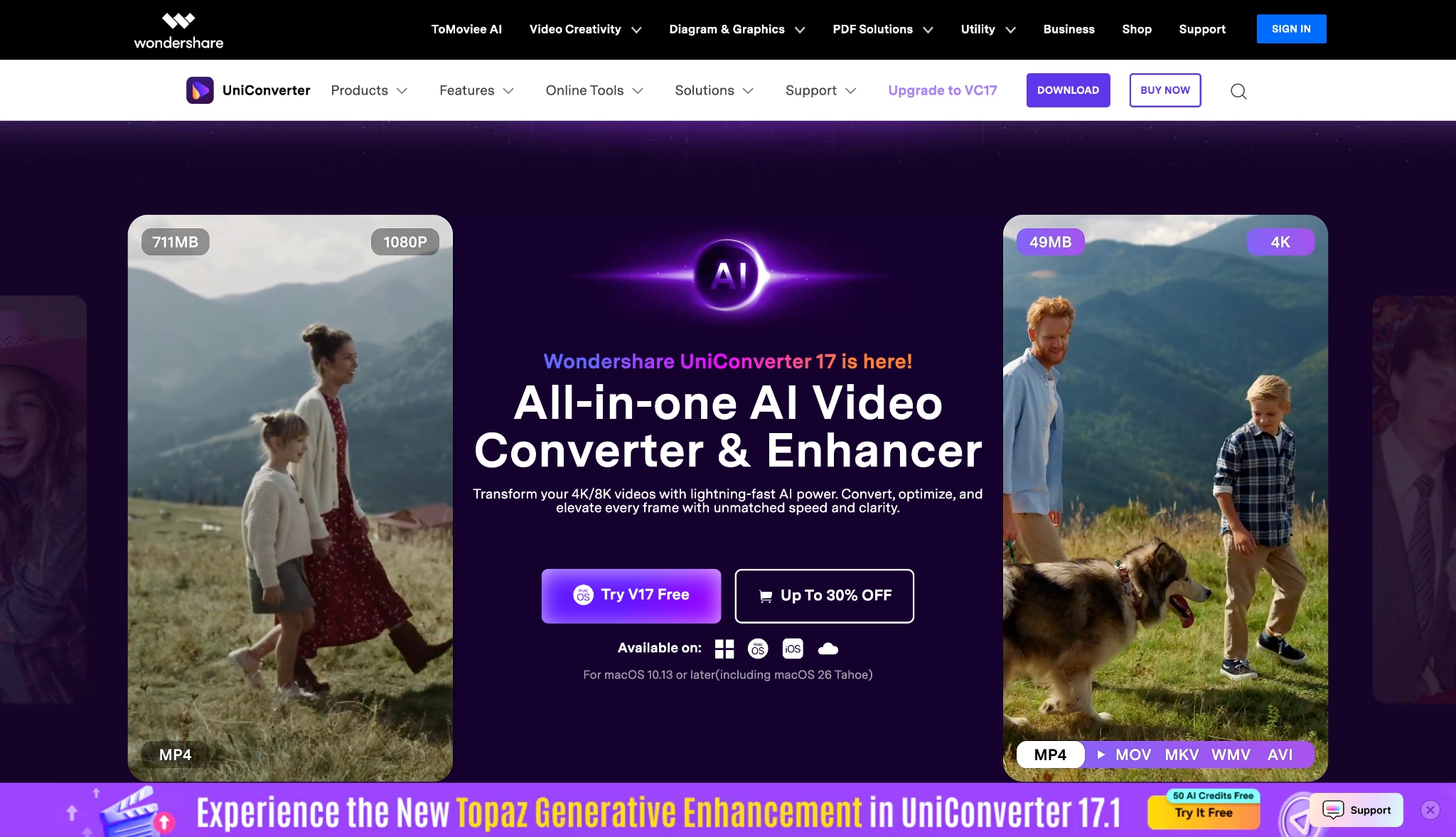
Wondershare UniConverter stands out as the premier choice for professionals and casual users alike who want to download feed IG content safely. Unlike basic web tools, this is a comprehensive desktop software that ensures maximum speed and privacy. It supports downloading from 10,000+ sites, including Instagram, without requiring a login. Its "Recorder" and "Downloader" modules allow for pristine 4K quality downloads. Furthermore, it excels in batch processing, meaning you can paste multiple URLs and save Instagram feed videos in one go. It is the gold standard for those who prioritize safety and quality.
Safety Review: 5/5
Starting Price: Free Trial / $29.99 Quarterly
Supported Device: Windows, macOS

Batch Instagram Feed Downloader
2. 4K Stogram
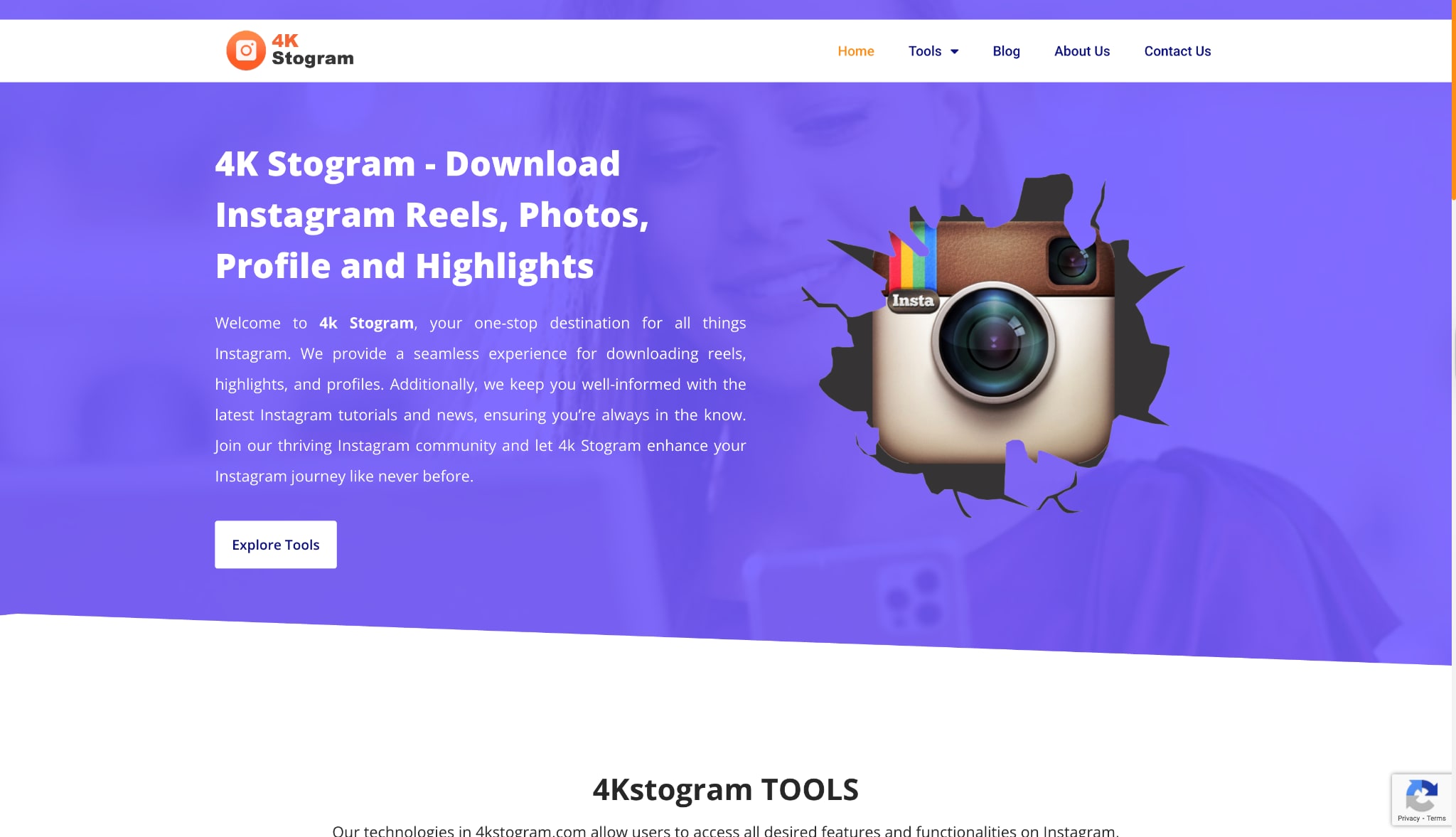
4K Stogram is a dedicated desktop client designed to feed download Instagram content by username, hashtag, or location. It acts as a backup tool, allowing you to subscribe to your favorite accounts and automatically download new posts. While powerful, it requires you to log in to your Instagram account within the app, which can sometimes trigger Instagram's security flags if you download too aggressively. It is excellent for archiving an entire profile's history.
Safety Review: 4/5
Starting Price: Free / $15 License
Supported Device: Windows, macOS, Ubuntu
3. Qoob Stories
Similar to 4K Stogram, Qoob Stories is a desktop application that lets you view and save feed IG media, including stories and highlights. It is marketed as a "viewer" that also downloads. It is particularly good for users who want to grab content anonymously from public profiles. However, like other desktop scrapers, heavy usage can lead to temporary IP blocks from Instagram if not used carefully.
Safety Review: 4/5
Starting Price: Free Starter / $7/month
Supported Device: Windows, macOS
Group 2: Best Online Tools (Web-Based)
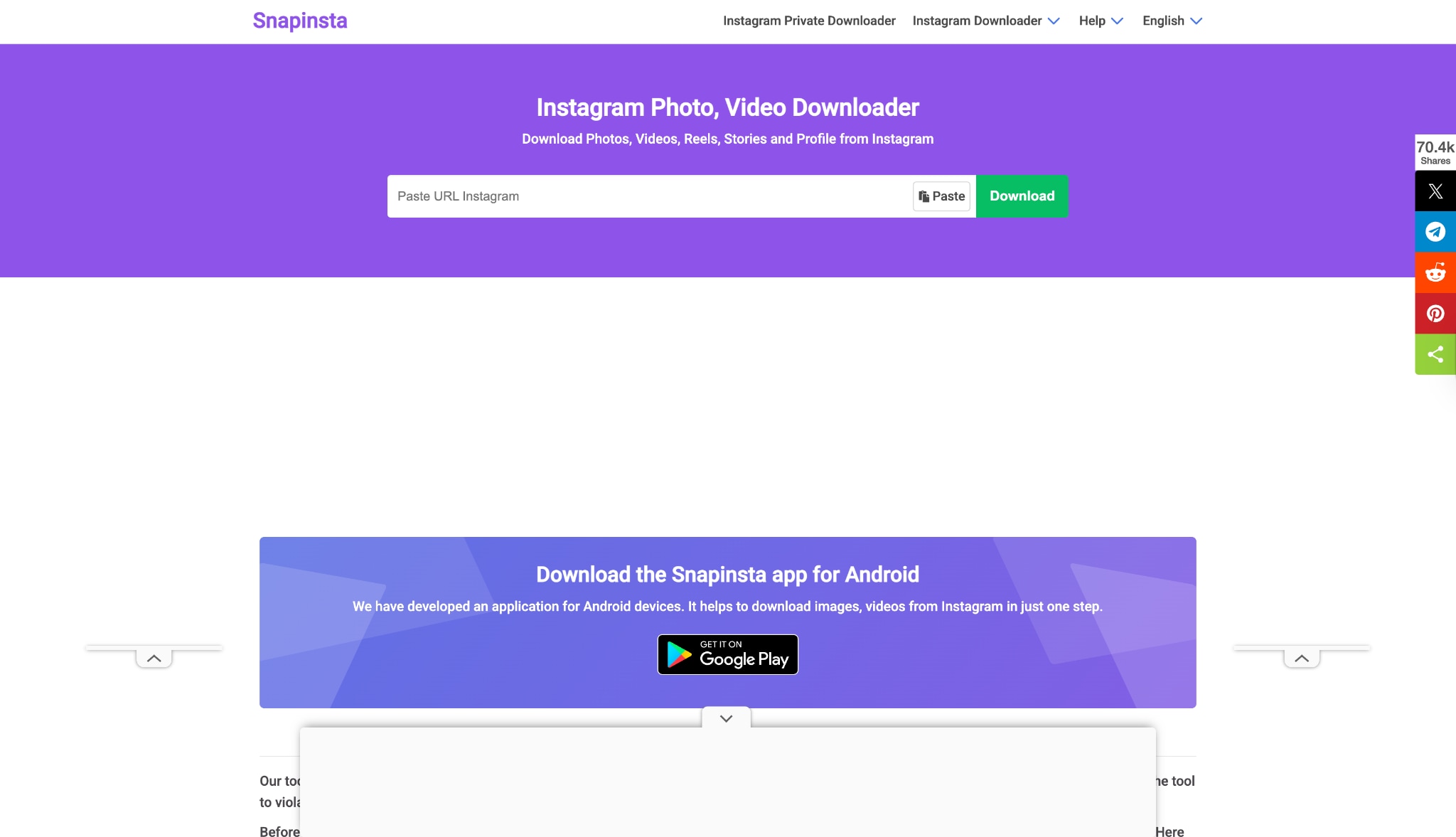
4. SnapInsta
SnapInsta is a widely used Instagram feed post downloader that works directly in your browser. It is popular because it is fast and free. You paste the link, and it processes the video or photo for download. It handles Reels, IGTV, and standard feed posts. While convenient for quick, one-off downloads, it lacks batch capabilities and is supported by ads, which can be intrusive.
Safety Review: 3/5
Starting Price: Free
Supported Device: All (Web)
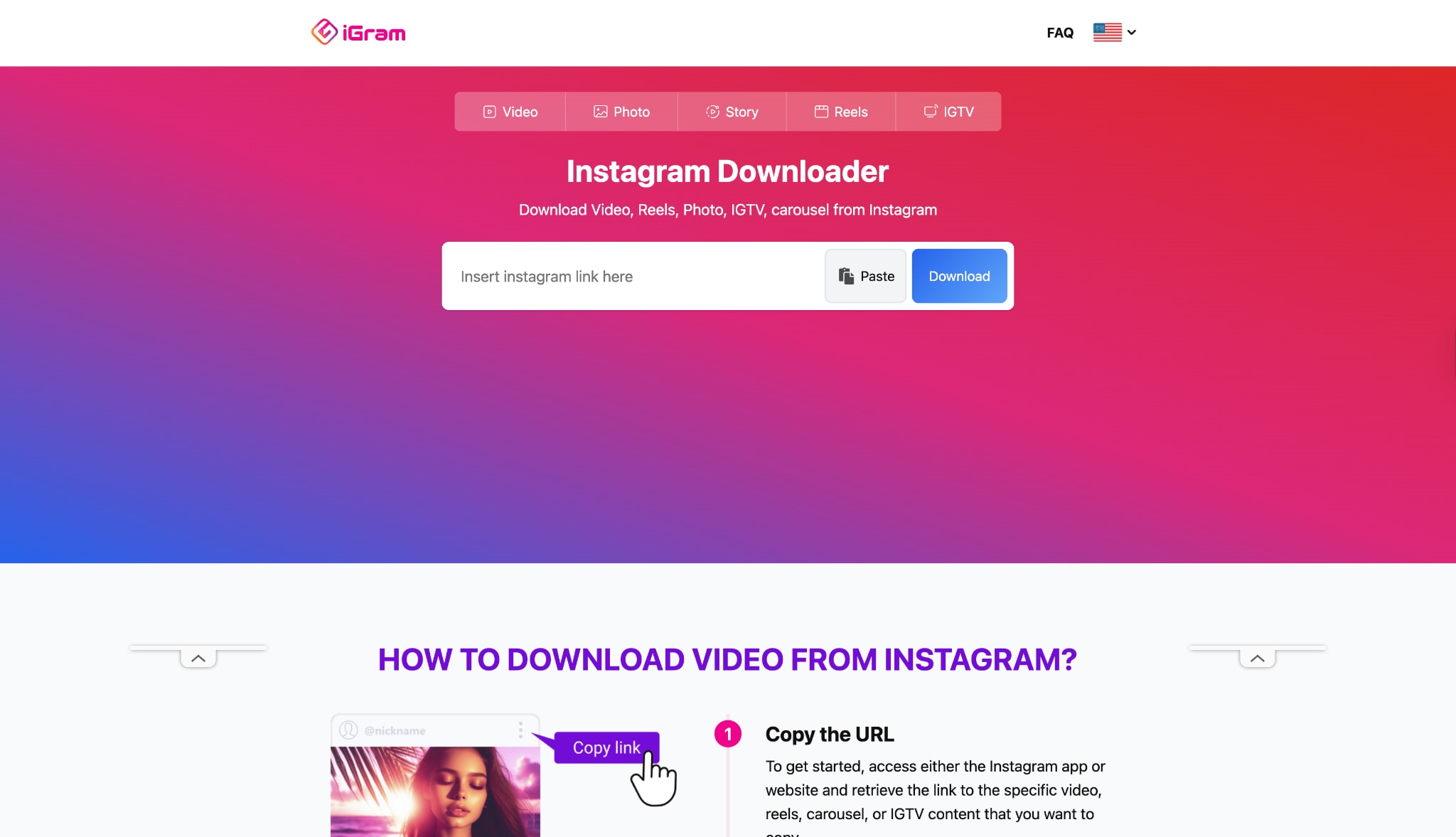
5. iGram
iGram is another straightforward tool to free download feed Instagram content. It provides a simple interface where you can choose the quality of the image or video before downloading. It is effective for grabbing carousels (posts with multiple photos), allowing you to download each slide individually. It is a solid choice for mobile users who don't want to install an app.
Safety Review: 3/5
Starting Price: Free
Supported Device: All (Web)
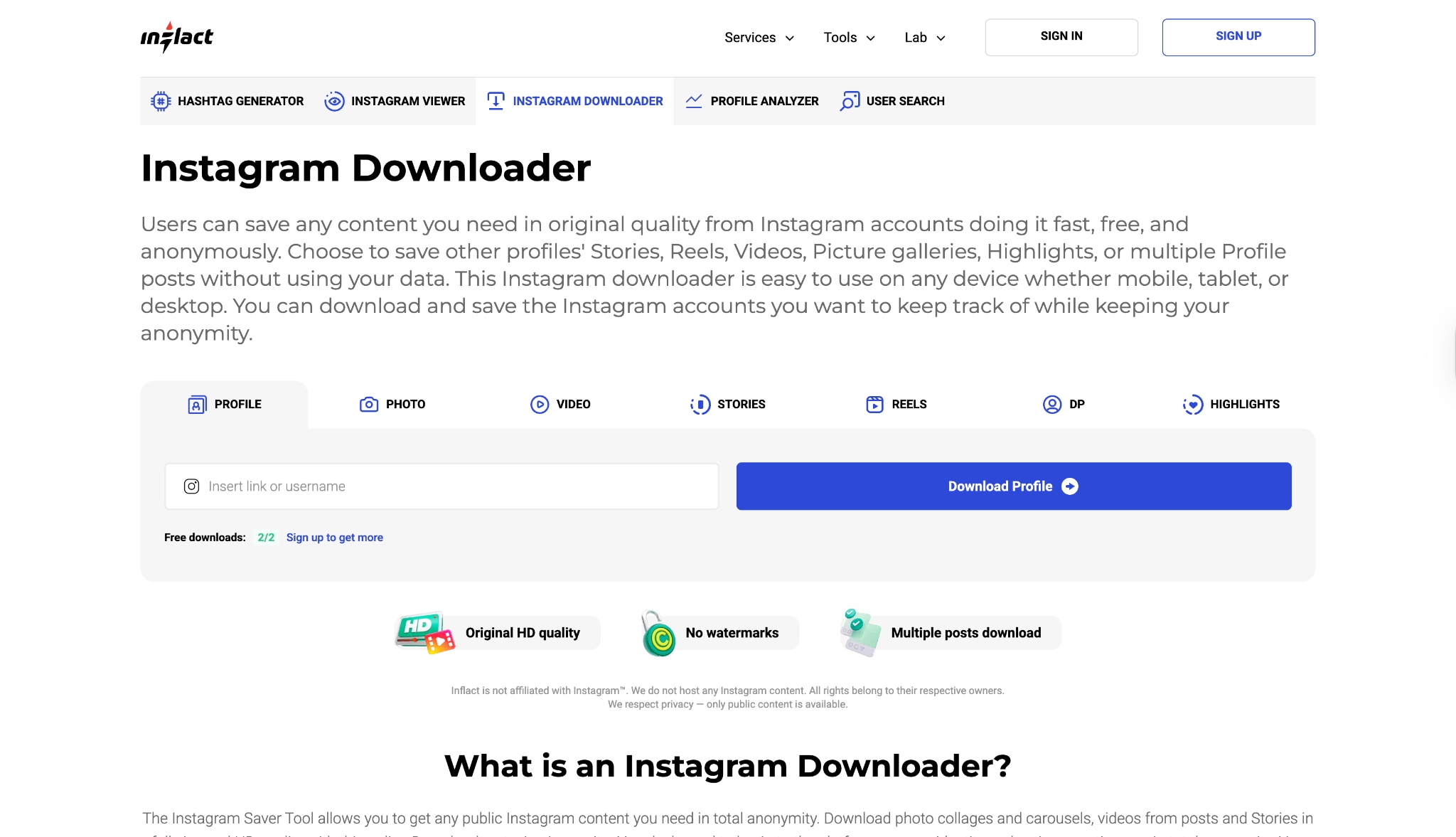
6. Inflact
Inflact is primarily a marketing platform, but it includes a robust Instagram feed post download tool. It is more sophisticated than the average free downloader and offers additional tools like profile analysis and hashtag generation. It is great for marketers who need to save from feed IG for competitor research. However, the advanced features are behind a paywall.
Safety Review: 4/5
Starting Price: Free / Subscription varies
Supported Device: All (Web)
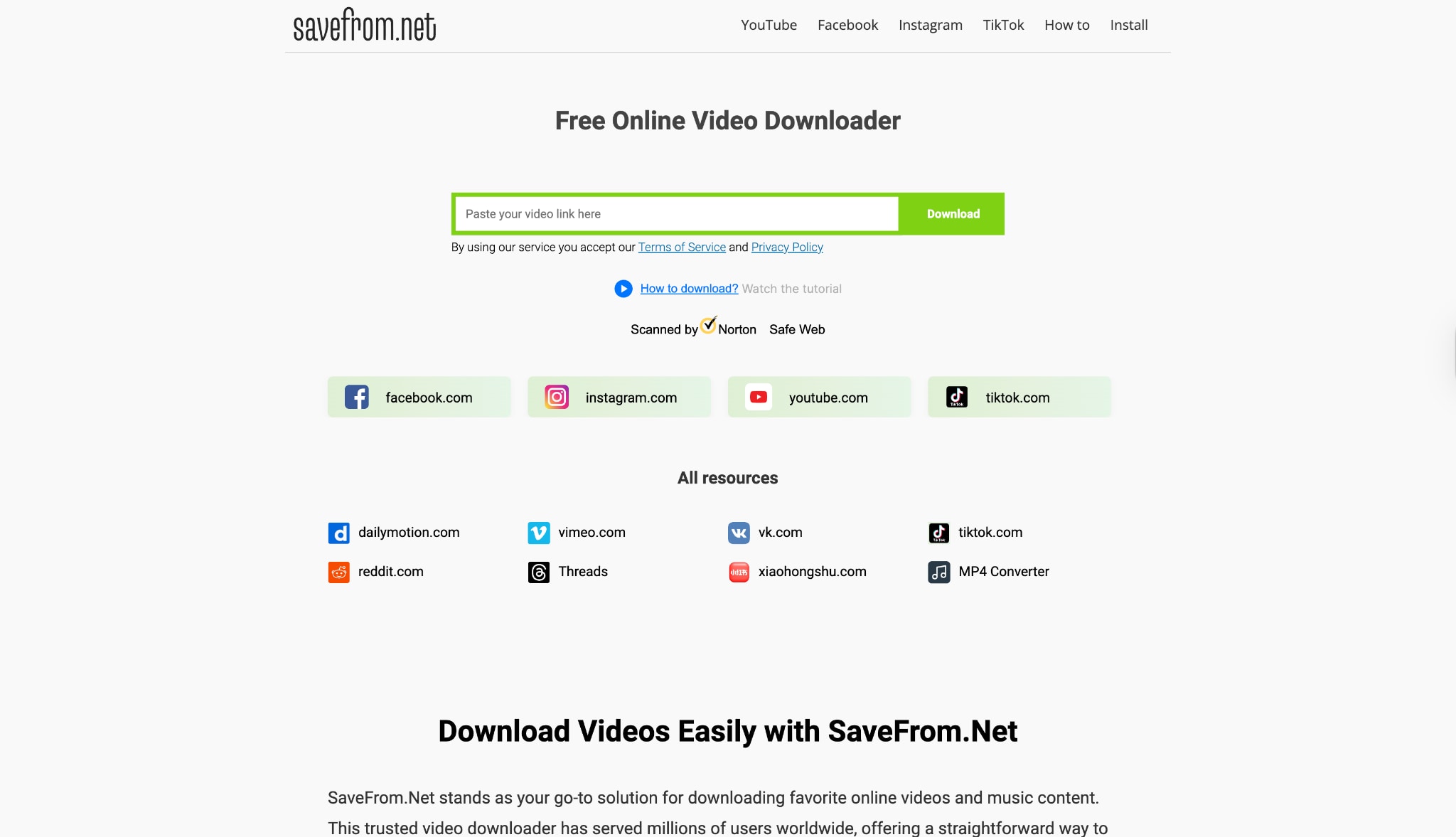
7. SaveFrom.net
A veteran in the downloading space, SaveFrom supports dozens of websites. To download feed IG content, you paste the URL. It is reliable and has been around for years. They also offer a browser extension (Helper) which adds a download button, though installing extensions from third-party sources carries some security risk.
Safety Review: 3.5/5
Starting Price: Free
Supported Device: All (Web)
Group 3: Best Mobile Apps (Android/iOS)
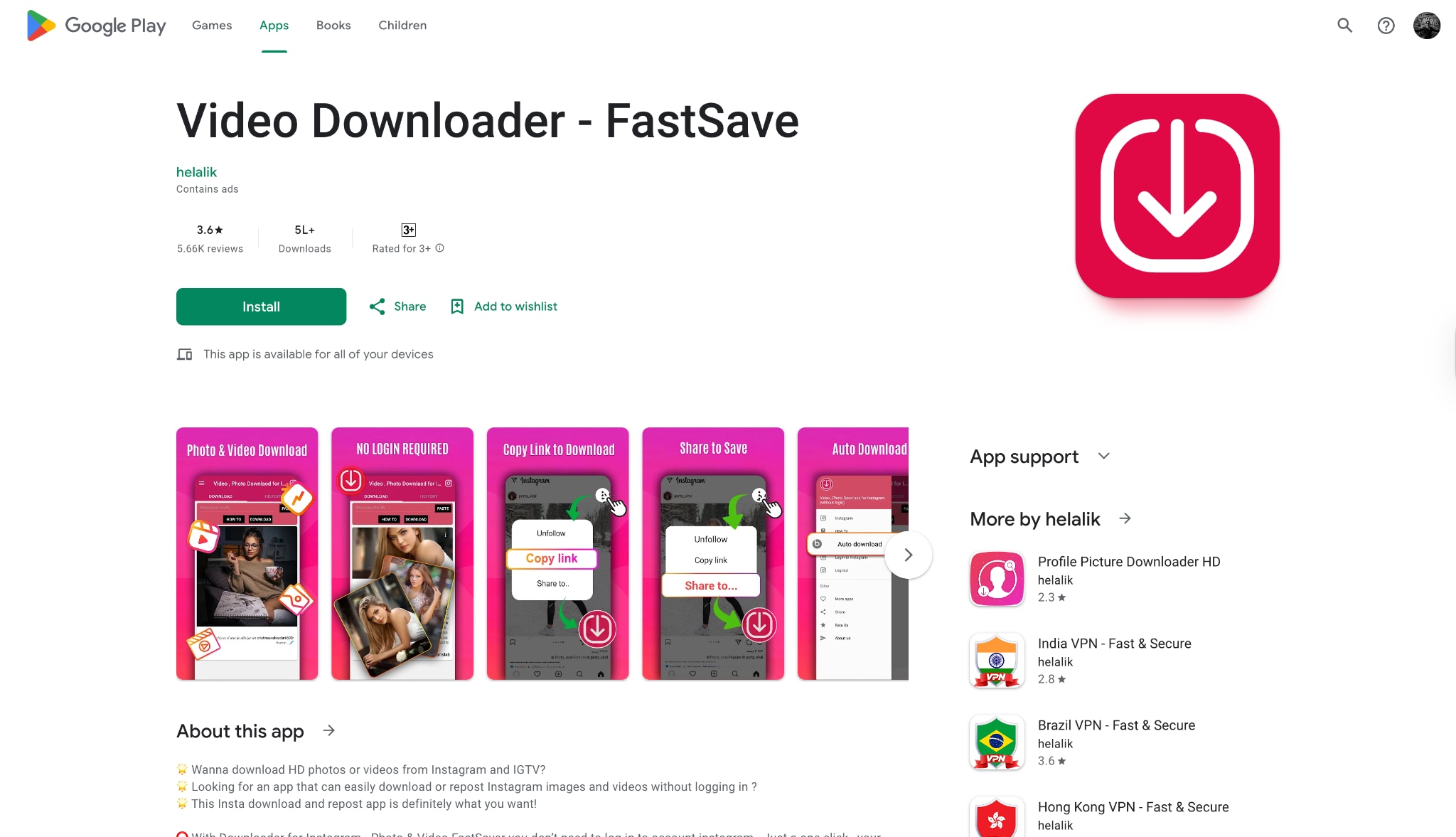
8. Video Downloader - FastSave (Android)
For Android users, FastSave is a go-to app to IG download feed media. It operates by running in the background; when you select "Copy Link" on Instagram, it automatically detects the link and prompts a download. It creates a gallery within the app to manage your saved content.
Safety Review: 3.6/5
Starting Price: Free (Ad-supported)
Supported Device: Android
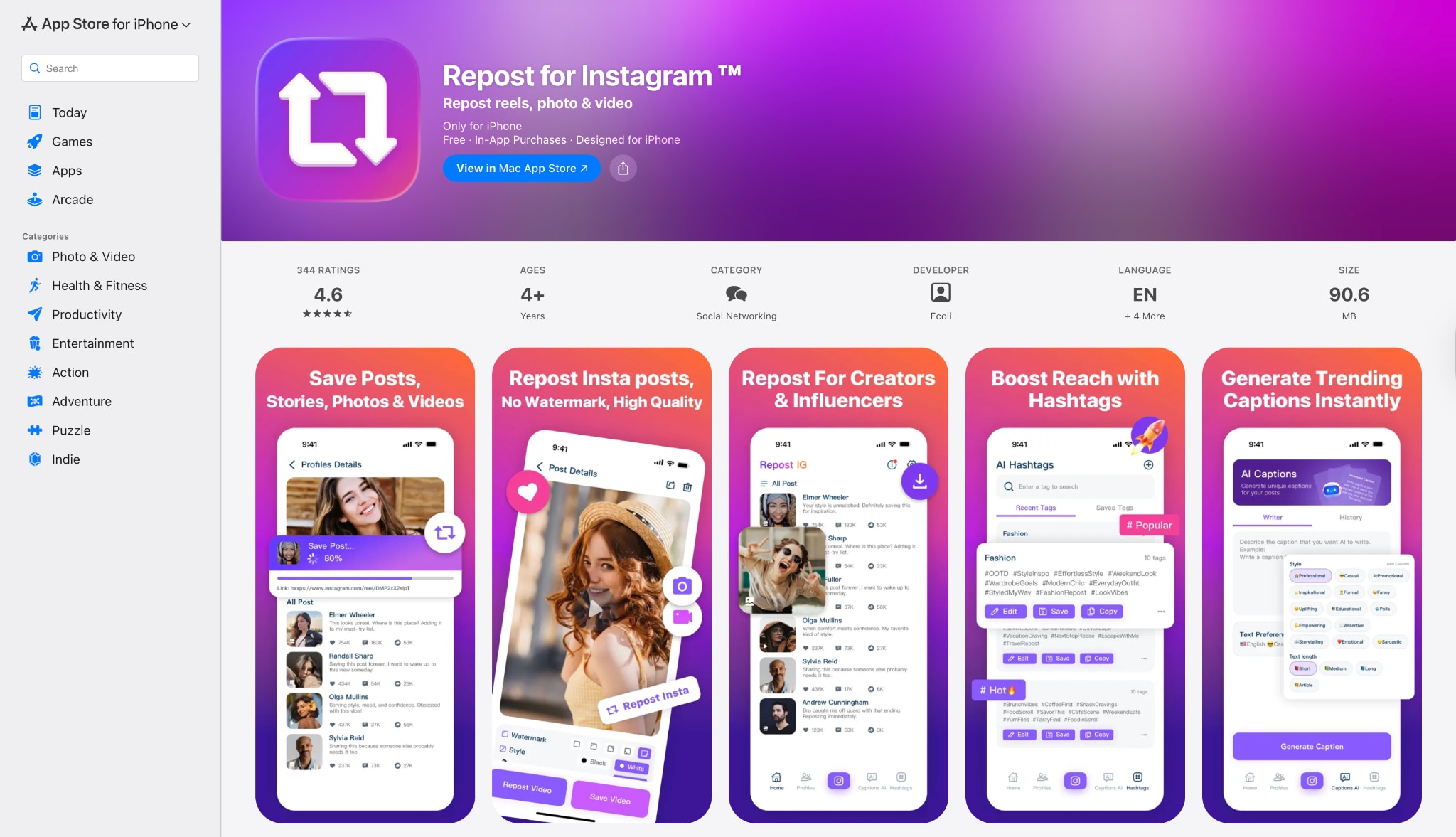
9. Repost for Instagram (iOS)
iOS is stricter with file downloads, but "Repost: For Instagram" handles it well. While primarily designed to repost content, it allows you to save IG feeds to your camera roll. It is clean and respects user privacy more than many other iOS downloader alternatives.
Safety Review: 4.6/5
Starting Price: Free / Pro Upgrade
Supported Device: iOS
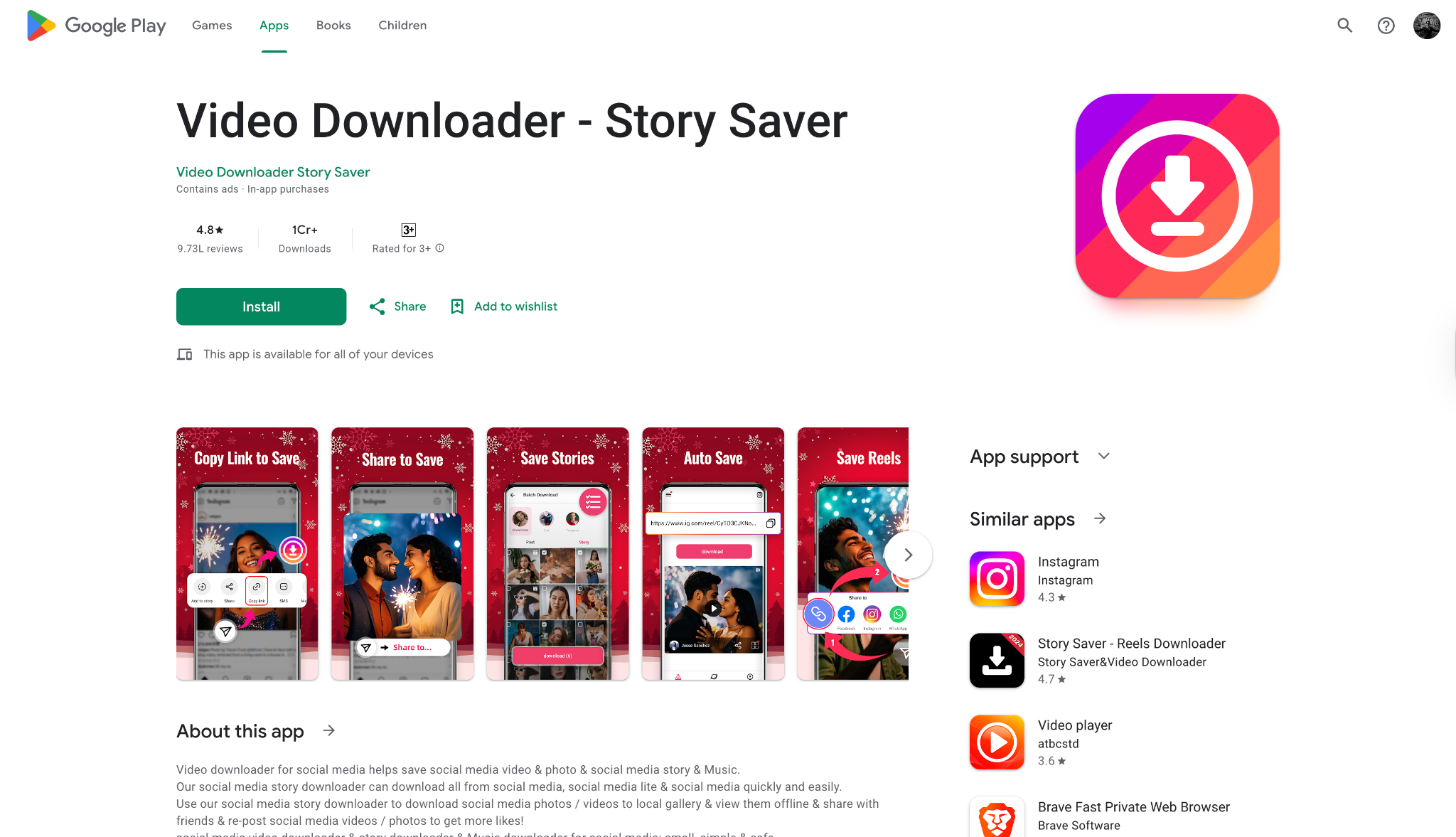
10. Video Downloader - Story Saver
Video Downloader - Story Saver is a robust utility designed to simplify how you download feed IG media directly to your Android device. It excels at auto-detecting links, meaning you just copy the URL of a post, and the app prompts the download immediately. It handles everything from standard feed photos to IGTV videos and reels. It is particularly useful for users who want to download video feed IG content in bulk, as it supports multi-threading for faster speeds.
Safety Review: 4.8/5
Starting Price: Free (Ad-supported)
Supported Device: Android
Part 3. At-a-Glance Comparison Table for Top 10 Instagram Feed Downloaders
| App Name | Supported Format | Unique Edge | Best For |
| UniConverter | MP4, MP3, JPG, +1000 formats | Batch download & Built-in Editor | Safety & High Quality |
| 4K Stogram | MP4, JPG | Auto-download subscriptions | Archiving Profiles |
| Qoob Stories | MP4, JPG | Anonymous Story Viewing | Viewing without trace |
| SnapInsta | MP4, JPG | No installation needed | Quick Mobile/Web usage |
| iGram | MP4, JPG | Carousel Support | Downloading Photo Albums |
| Inflact | MP4, JPG | Marketing Analytics | Social Media Managers |
| SaveFrom | MP4, JPG | Multi-site support | General Video Downloading |
| FastSave | MP4, JPG | Background Service | Android Power Users |
| Repost for Instagram (iOS) | MP4, JPG | Watermark Management | iPhone Users |
| Video Downloader | MP4, JPG | Auto-detect Link | Android Bulk Savers |
Best For
- Batch downloads and desktop safety: Wondershare UniConverter
- Profile, hashtag, or location-based downloading: 4K Stogram
- Fast one-time downloads without installation: SnapInsta
- Saving Instagram content on iPhone: Repost for Instagram
Part 4. How to Easily Batch Download Instagram Feeds [Safest Choice]
When you need to download feed IG videos in bulk or ensure the highest possible resolution without risking malware, Wondershare UniConverter is the safest and most efficient choice. This powerful desktop software eliminates the repetitive hassle of saving posts one by one, allowing you to grab entire playlists or multiple links simultaneously. Furthermore, once your content is saved, the software empowers you to convert video files into compatible formats for smooth playback on any screen. Follow the simple steps below to secure your favorite Instagram memories in pristine quality without compromising your device's security.

Steps to Batch Download Instagram Feed using UniConverter
Step 1: Access the Downloader Tool
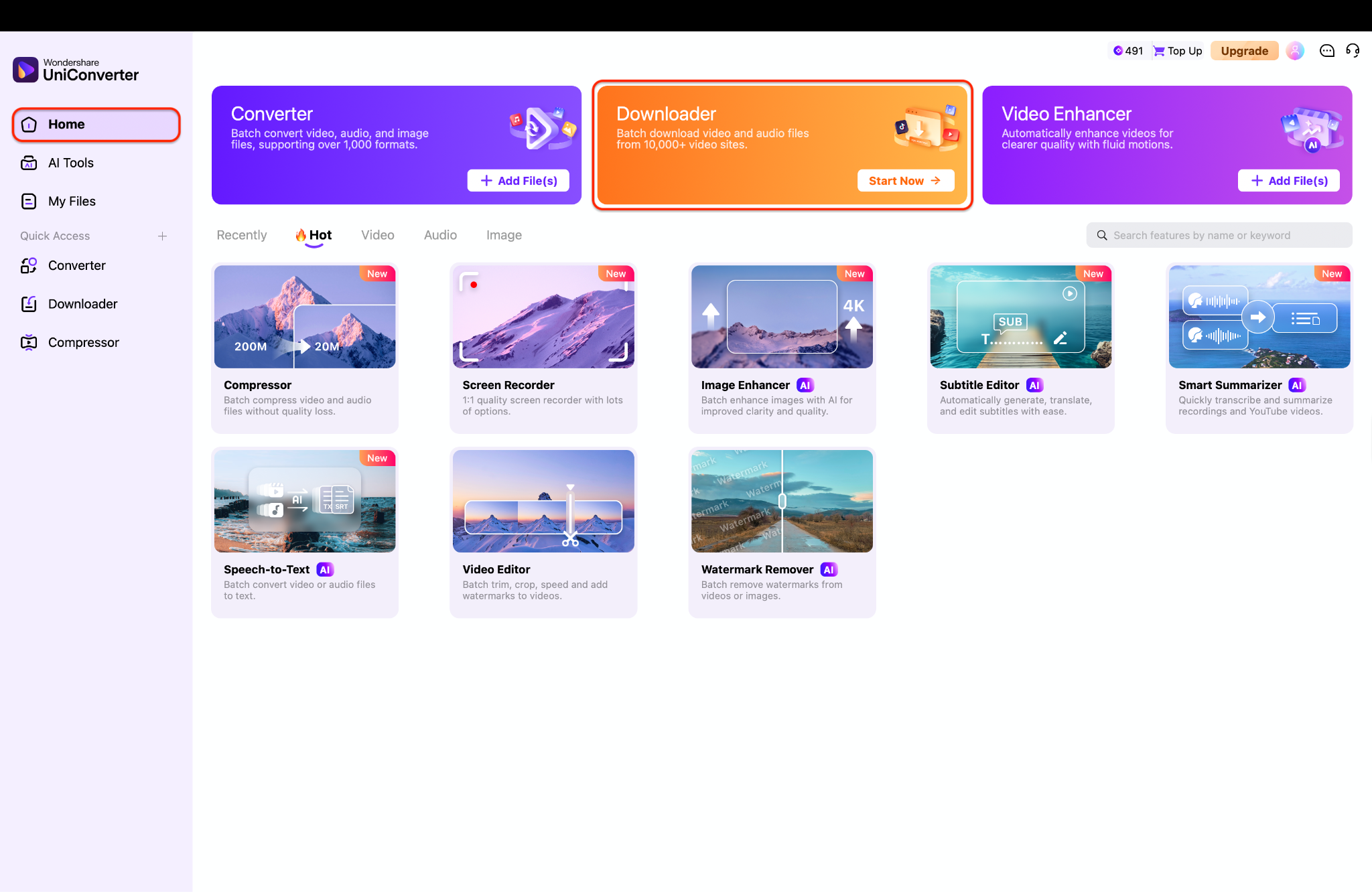
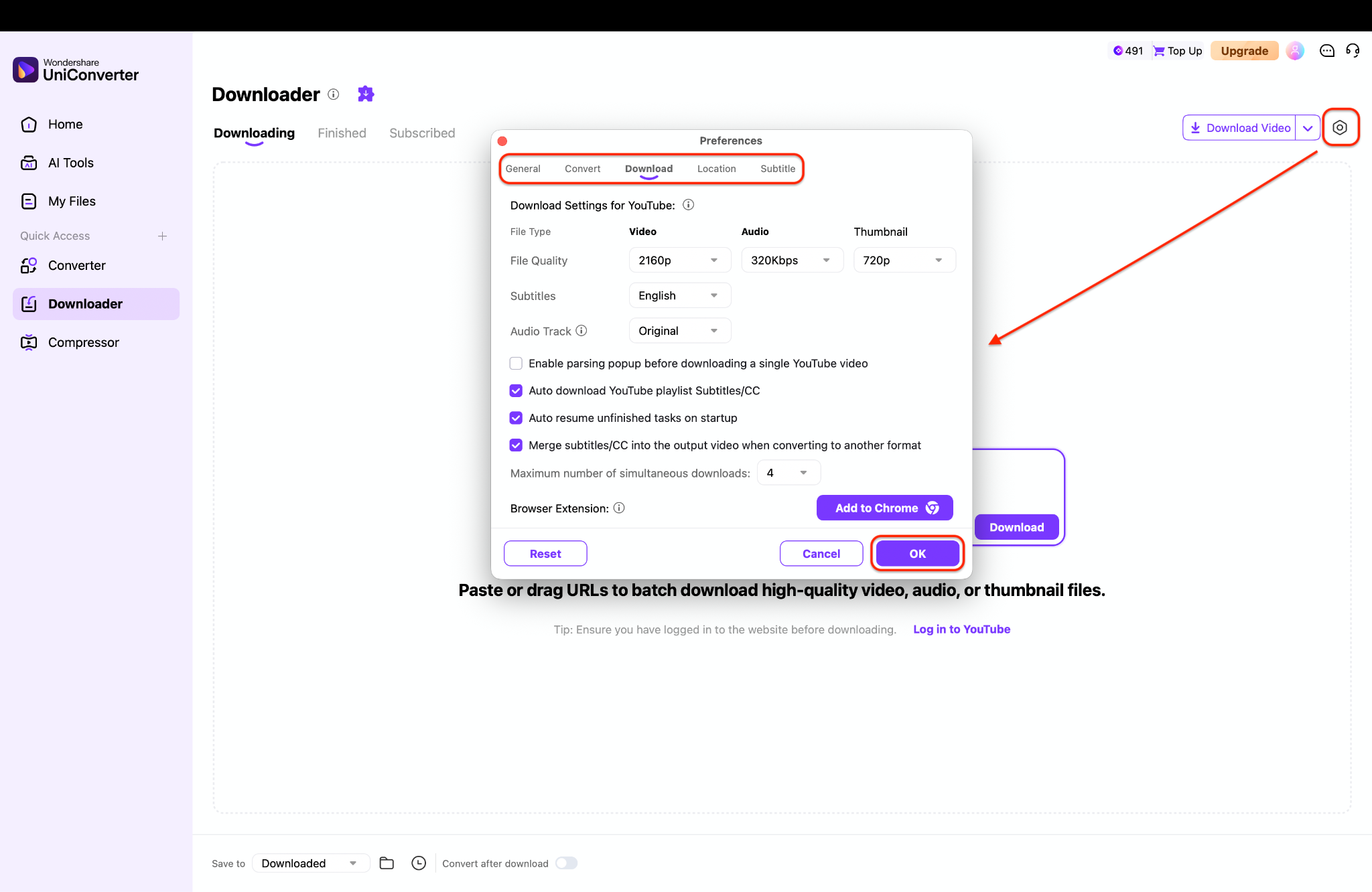
Step 2: Customize Download Quality Settings
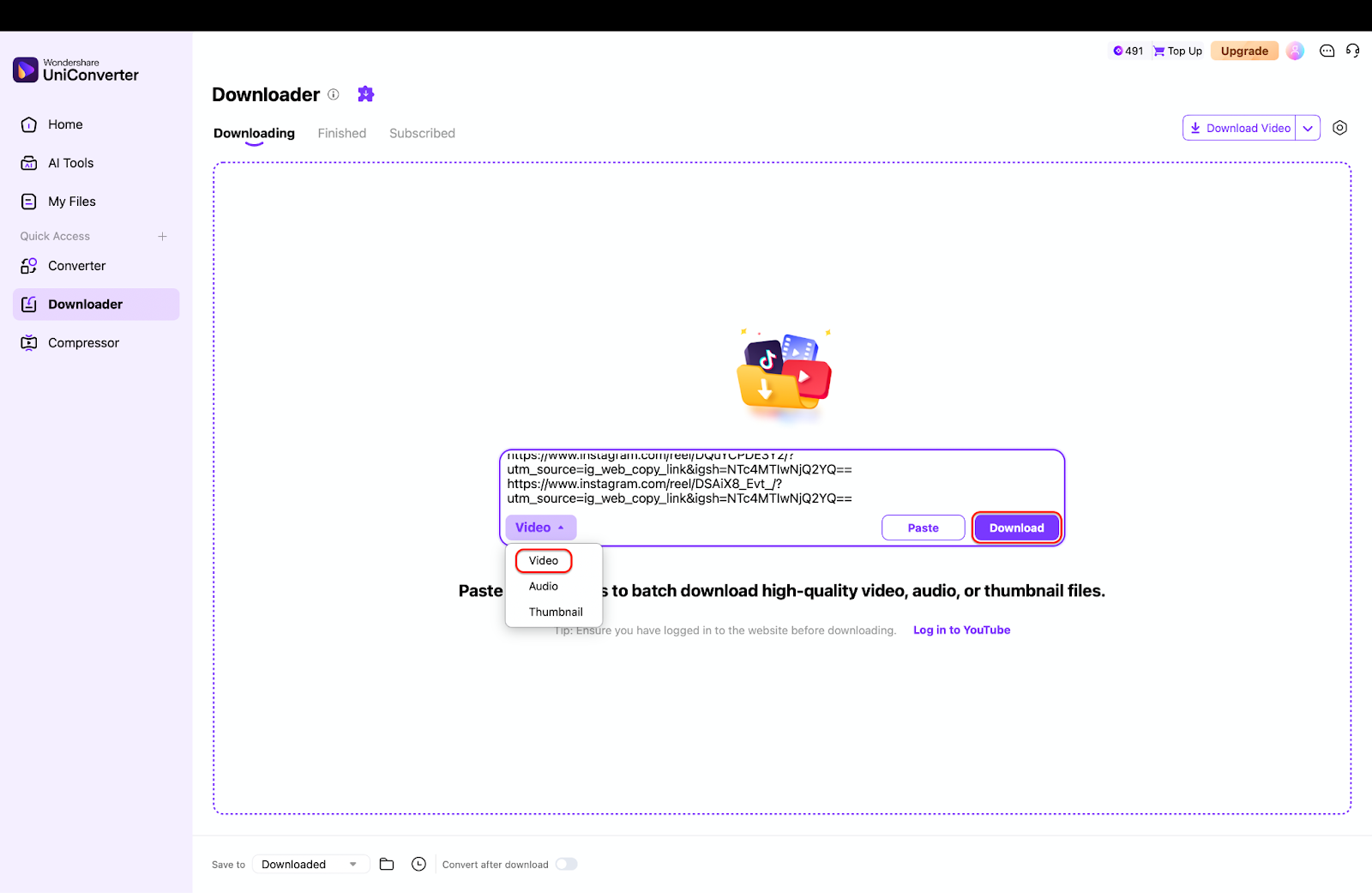
Step 3: Paste Multiple Links and Download
Part 5. Red Flags: Features That Signal Danger

Requests Instagram Login Credentials: Never give a third-party tool your password unless it is a verified, major software (like 4K Stogram) and you understand the risks. Web-based tools asking for passwords are usually phishing.
Promises to Download Private or Deleted Posts: This is technically impossible without hacking or having you log in to compromise your account trust.
Forces You to Disable Ad-Blocker or Install Unverified "Downloader Assistant" Extensions: These extensions often contain spyware or inject ads into your browsing.
Has No Contact or "About" Information: Legitimate software developers provide support channels.
Downloads are Exceptionally Slow: This could indicate the software is bundling malware or mining crypto in the background while you wait.
Batch Instagram Feed Downloader
Conclusion
In this guide, we have explored the best ways to save feed IG content across various platforms. From versatile mobile apps to quick online web tools, there is a solution for every user. However, when it comes to combining safety, speed, and quality, one tool rises above the rest.
If you are looking for a professional-grade solution, Wondershare UniConverter is highly recommended. It not only allows you to download feed IG videos in 4K but also empowers you to convert, edit, and compress them for your own creative projects. Avoid the risks of pop-up ads and potential malware found in free online tools. Secure your digital collection today with a tool that respects your privacy and quality needs.
FAQs
What is the best downloader for Instagram in 2026?
The best downloader for Instagram in 2026 depends on what you need most. If you want safer desktop downloads and batch processing, desktop software is usually the better choice. If you only need to save a single Instagram post quickly, a web-based downloader may be more convenient.
What are the best apps to download Instagram videos in 2026?
The best apps to download Instagram videos in 2026 usually include desktop tools, browser-based downloaders, and mobile apps. A good option should support HD quality, work without asking for your Instagram password, and make it easy to save videos on your preferred device.
Is there a good 4K Stogram alternative for safer downloads?
Yes. If you are looking for a 4K Stogram alternative, focus on tools that do not require Instagram login, offer better privacy, and support batch downloading. This is especially useful for users who want more control over local downloads without relying on account-based syncing.
What is the best Instagram bulk downloader in 2026?
The best Instagram bulk downloader in 2026 is usually a desktop-based tool because it can process multiple links at once, organize downloaded files more efficiently, and handle larger download tasks more reliably than most web tools.
Are online Instagram downloaders safe to use?
Some online Instagram downloaders are safe for basic use, but not all of them are trustworthy. Avoid any tool that asks for your Instagram password, forces you to install unverified extensions, or redirects you through excessive pop-up ads. For better safety, choose a downloader with a cleaner interface and clear privacy practices.

