

What if you’re trying to download a simple video and your phone is messed up with strange redirects, pop-up ads, and a slow loading screen? Y2Mate can do these and more, which is the reason many look for a reliable Y2Mate alternative. However, instead of doing guesswork with the available downloaders, it’s crucial to get clarity on the tools that deliver a smooth, secure experience.
This guide cuts through the uncertainty and recommends five of the best Y2Mate alternatives to try. Read through their offerings to make an informed decision.
Quick Answer: What Is the Best Y2Mate Alternative?
If you want the most complete desktop solution, Wondershare UniConverter is the best Y2Mate alternative for downloading, converting, and managing video files in one place.
If you prefer a browser-based option, VideoFK and AceThinker are practical choices for users looking for a Y2Mate alternative online or other sites like Y2Mate.
In this Article
Part 1. Why Do You Need a Better Y2Mate Alternative?
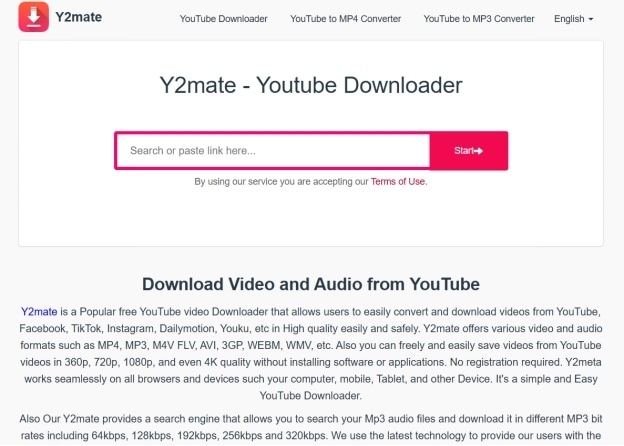
Y2Mate, while it appears to offer a straightforward way to download YouTube videos, can trigger ad pop-ups, forced redirects, and suspicious ads. This, added with server overloads, broken links, and outdated code, can make the experience rather frustrating. These reasons are detailed as follows:
Malware and Adware: The Y2Mate website interface is filled with ads, misleading download buttons, and every click can redirect you to other websites. You can simply close them to stay safe, but some ads may lead you to websites that promote malware.
Server Overloads: Sometimes, when using Y2Mate, you might see a video parsing error, a download interruption, or the download button taking forever to load. As a free tool, Y2Mate often sees a million users use the platform to download videos at once. This leads to server overloads and the website doesn’t work properly.
Outdated Code: YouTube frequently updates its code, and if Y2Mate updates its backend accordingly, the downloader may not work. You must wait for Y2Mate to update and restore the normal download function.
“Video Not Available” Errors: Often, due to geo-blocking, parental restrictions, or Y2Mate’s incompatibility with the video format, the “video not available” error occurs. In such instances, it’s smart to switch to a reliable Y2Mate alternative.
Quality Issues: Although Y2Mate boasts high-quality downloads, the actual quality often falls short of the claim. This adds another layer of frustration for users who use Y2Mate for quick video and audio downloads.
Part 2. Best Y2Mate Alternatives for Safe Video Downloads on Desktop, Online, & on Mobile
If Y2Mate turns out unreliable, unsafe, or simply too chaotic to use, it’s time to switch to a reliable Y2Mate alternative. Ones with cleaner interfaces, better security, and performance. This section presents the best alternatives on desktop, online, and mobile.
Quick Guide: Best Y2Mate Alternative by Use Case
Best Y2Mate Alternatives on Desktop
Desktop-based Y2Mate alternatives are known to be more stable, with fewer or no ads, and a handful of features. Here are the best tools that you can try out:

All-in-One Multimedia Processing Tool
1. Wondershare UniConverter

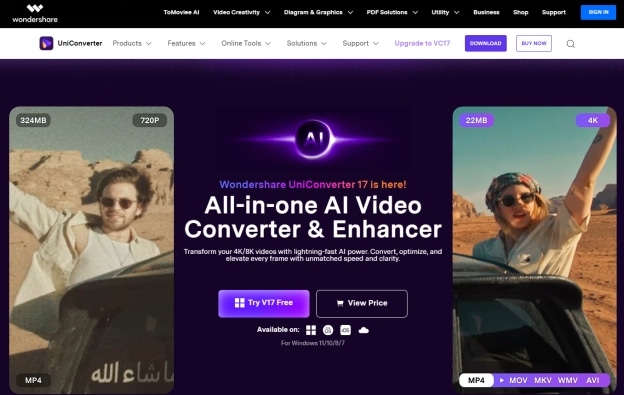
Wondershare UniConverter is a top Y2Mate alternative with capabilities far beyond a simple downloader. It supports downloads up to 8K, and lets you extract audio, edit video, and even compress video files. There’s also a batch processing support that lets you grab an entire playlist at once. This can save users a lot of time spent downloading individual videos.
Not only that, you get a built-in vocal remover, subtitle generator, video summarizer, DVD burner, and more. This makes UniConverter a comprehensive video solution for beginners and creators.
Key Features
Its video downloader can fetch videos in 1080p, 4K, and even 8K resolutions, and multiple formats such as MP4, AVI, MOV, MKV, and more.
Its video converter can convert a video to high-quality audio (up to 320 kbps) in MP3, WAV, AAC, and other formats.
An auto cutter automatically cuts video with a single click while maintaining its quality.
UniConverter can download videos from over 10,000 websites and platforms.


Use Case: Download online videos and want an all-in-one, safe, and user-friendly multimedia toolkit.
2. 4K Video Downloader
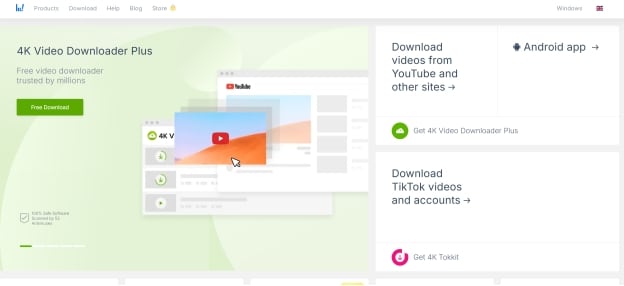
Desktop downloaders are a better Y2Mate alternative due to their secure, stable interfaces and additional features. 4K Video Downloader is one such desktop-based platform that supports video downloads from various platforms like YouTube, TikTok, and Instagram. This, paired with its copy-and-paste workflow, non-complicated menus, and lightweight design, makes it suitable for users who prioritize speed, functionality, and quality over extra features. Talking about extra features, it supports proxy setup, subtitle downloads, and smart mode for added convenience.
Key Features
Supports video downloads in high quality (up to 8K resolution) and multiple formats (MP4, MKV, M4A, etc.)
4K Video Downloader can download an entire playlist in one go.
It lets you extract audio from videos in high-quality formats (320kbps) in multiple formats (MP3, M4A, WAV, etc.)
Use Case: Cross-platform downloader that downloads high-quality videos and audio from your preferred website.
Best Online-Based Y2Mate Alternatives
Online Y2Mate alternatives provide a straightforward way to download your favorite videos. The following are the best available options:
3. VideoFK
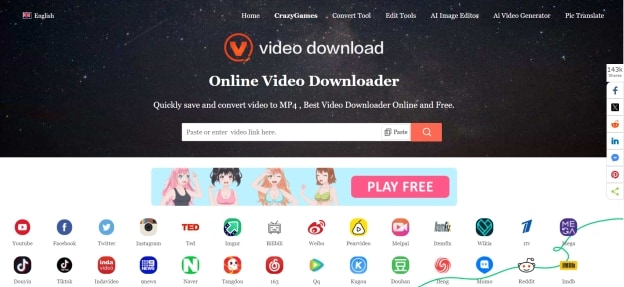
Online downloaders provide a straightforward way to download videos without installing any app. VideoFK is one such online tool that offers a typical copy-and-paste interface and runs incredibly lightweight on any device, whether Windows, macOS, Android, or iPhone. Although VideoFK isn’t packed with features, you won’t find many ads, and its privacy-focused design and no-nonsense performance make it stand out over many online downloaders.
Key Features
Supports video downloads from multiple websites like YouTube, Facebook, Instagram, and more.
VideoFK lets you download high-quality videos (up to 4K).
Cross-platform compatibility; it works directly in mobile and desktop browsers.
Use Case: Users who want to download high-quality, watermark-free videos from lesser-known platforms such as Tangdou, Bandcamp, and 1tv.
4. AceThinker
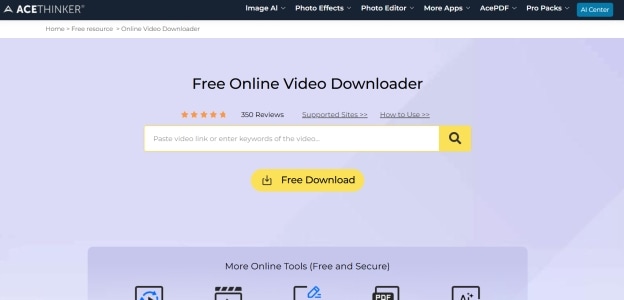
AceThinker is a similar online video downloader to VideoFK that can download streamable videos in 4K, high-quality, in seconds. The interface is clean, as you paste the video link, click download, and save it to your device. The downloader works lag-free across any browser or device, making it suitable for casual users who want quick, hassle-free downloads. Unlike VideoFK, it supports batch downloads, but it’s only accessible in its premium version.
Key Features
Download and convert video and audio files in multiple formats, including MP4, MOV, AVI, WMV, MKV, and MP3.
Allows simultaneous download and conversion of multiple files.
AceThinker’s built-in editor provides basic functions like trimming, merging, cropping, and removing watermarks.
Use Case: Intuitive tool for file downloads and conversion, recording desktop activity, and video editing.
Best Y2Mate Alternative on Mobile
A mobile-based Y2Mate alternative lets you download your favorite YouTube videos even on the go. There aren’t many options available, and the following is a good option to try out:
5. Video Downloader Pro & Browser
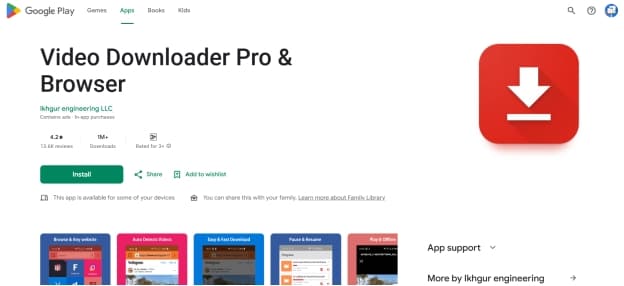
If you are worried about pop-up ads from online downloaders and want to download videos on the move, try downloading and using Video Downloader Pro & Browser on your Android device. Unlike many video downloaders, Video Downloader Pro & Browser is available on the Google Play Store, making it safe to use. It also includes an in-built browser that supports background downloading, pause/resume, and lets you choose the save location.
Moreover, Video Downloader Pro & Browser does great where it matters. The interface is simple, the downloads are fast, and an in-app preview function lets you double-check the video quality before download.
Key Features
Supports video downloads in multiple formats like MP4, M4V, MOV, AVI, and more.
Fully-featured download manager to pause and resume downloads.
Video Downloader Pro & Browser lets you save the downloaded files in a password-protected folder.
Use Case: Detect, download, and manage video and audio files directly from the mobile websites.
Part 3. Quick Comparison to Finalize Y2Mate Alternative for MP3 or MP4 Downloads
Now that you have an idea about what the Y2Mate alternatives offer, here’s a tabular comparison table to help make the right choice:
How We Compared the Best Y2Mate Alternatives
We compared the best Y2Mate alternatives based on safety, reliability, format support, and ease of use, with a focus on tools that offer a cleaner experience than many sites like Y2Mate.
Reliability
Stable parsing and fewer failed downloads.
Format Support
Useful output formats and quality options.
User Experience
Fewer ads, redirects, and interruptions.
| Tool | Platform | Best For | Formats | Quality Options | Ads |
| Wondershare UniConverter | Desktop | Creators, editors, and media users who need an all-in-one media toolkit | MP4, MKV, MOV, AVI, WAV, FLAC | 4K/8K, 1080p, 720p, and more | No |
| 4K Video Downloader | Desktop | Users who prioritize speed, simplicity, and quality | MP4, MKV, FLV, 3GP | 4K/8K, 1080p, 720p, and more | No |
| VideoFK | Online | Users needing a flexibility in downloading videos from multiple websites | MP4 | 4K/8K, 1080p, 720p, and more | Yes, but limited |
| AceThinker | Online | Users who need a simple tool to download and edit videos, screen record, and other features | MP4, AVI, MKV, MOV | 1080p, 720p, and more | Yes, but limited |
| Video Downloader Pro & Browser | Mobile | Save videos from websites in high quality, even on the go. | MP4, WebM, MOV, AVI, and M4V, | Up to 4K downloads | Minimal ads. |
Part 4. YouTube Guidelines to Download Official Videos Using Y2Mate Alternatives
Downloading videos with Y2Mate alternatives can be convenient, but there are a few YouTube guidelines to keep in mind, which are as follows:
Use YouTube Premium: YouTube Premium is a paid subscription service that offers an ad-free experience on YouTube and YouTube Music and allows downloads for offline listening. YouTube only allows the use of its Premium service to download the official videos.
Personal Use Only: The video downloaded from YouTube should be limited to personal use only. Re-uploading content to YouTube and monetizing someone else’s work constitute copyright infringement. You will be charged with account suspension or penalties.
Obtain Permission: Users must obtain explicit permission from the creator, in writing or in the video description, to download an official video.
Conclusion
Y2Mate may feel like a straightforward way to download your favorite videos, but the risks of malware and unstable performance can make it less reliable. Also, using unreliable third-party tools to download official YouTube videos can risk an account ban. It’s therefore crucial to use a reliable and powerful Y2Mate alternative that offers high-speed downloads, multi-format and high-resolution support, powerful conversion tools, and more. So, choose Wondershare UniConverter now and protect your content, workflow, and peace of mind.

