

In the fast-evolving landscape of digital media, finding a reliable Vimeo downloader Chrome solution has become essential for content creators, educators, and archivists. Whether it is backing up personal portfolios, saving teaching materials for the classroom, or securing offline access for travel, users need a dependable way to store content locally. However, navigating the Web store can be difficult due to a surplus of outdated or unsafe plugins. In this 2026 guide, we cut through the noise to identify compliant, secure tools for saving permitted videos. From quick browser extensions to robust desktop alternatives for 4K archiving, this article provides the definitive roadmap to building your offline library safely.
Part 1. Important Considerations Before You Install

Copyright & Legality: We must emphasize that users should only download videos for personal use or content for which they have the rights. Distributing copyrighted content without permission is illegal and violates Vimeo's Terms of Service. Always ensure you have the creator's consent before archiving their work.
Security Risks: Be wary of "ghost" extensions. These are tools that appear overnight and disappear just as quickly. Many free downloaders on the Chrome Web Store are removed due to malware injection or surreptitious data harvesting. If an extension asks for unnecessary permissions, it is a red flag.
Permission Overload: You might wonder why a simple Vimeo downloader Chrome extension asks to "read and change all your data on the websites you visit." Technically, it needs to scan page scripts to locate the encrypted video source file. However, this level of access poses a privacy risk if the developer is not reputable, as it could, in theory, allow them to see sensitive browsing data.
Quality & Format Limits: Browser extensions are limited by the browser's own processing power. While some tools claim 4K capabilities, many browser-only extensions are capped at 1080p or fail to grab high-bitrate audio streams (DASH streams), leaving you with a silent video or a pixelated file.
Part 2. Top 10 Vimeo Downloader Chrome Extensions & Tools 2026
Here is our curated list that blends lightweight extensions for quick grabs with robust desktop integrations for professional quality.
CocoCut Video Downloader (Top Recommendation)
When searching for a highly reliable Vimeo downloader Chrome extension, CocoCut Video Downloader consistently ranks among the best for its sheer versatility. This powerful Vimeo video downloader Chrome tool is designed specifically to extract high-quality video files directly from complex streaming sources like Vimeo. It seamlessly integrates into your browser, allowing you to save your favorite clips in various resolutions with absolute ease. If you need a fast, foolproof Vimeo downloader Chrome solution, CocoCut is an unbeatable starting point today.
Key Features
Detects multiple video formats, including MP4, FLV, and complex HLS (m3u8) streams.
Features a unique "Recording Mode" for stubborn or heavily protected Vimeo videos.
Displays file size and resolution options before you initiate the final download.
Pros
Exceptionally high success rate with embedded Vimeo players on third-party sites.
The built-in recording mode bypasses traditional download restrictions effectively.
Completely free to install with a clean and highly intuitive user interface.
Safe and actively maintained by a reputable developer on the Chrome Web Store.
Cons
The free version may limit your download speed during peak server usage times.
Does not offer advanced video editing or batch conversion tools post-download.
Requires you to keep the video tab open while utilizing the recording mode.
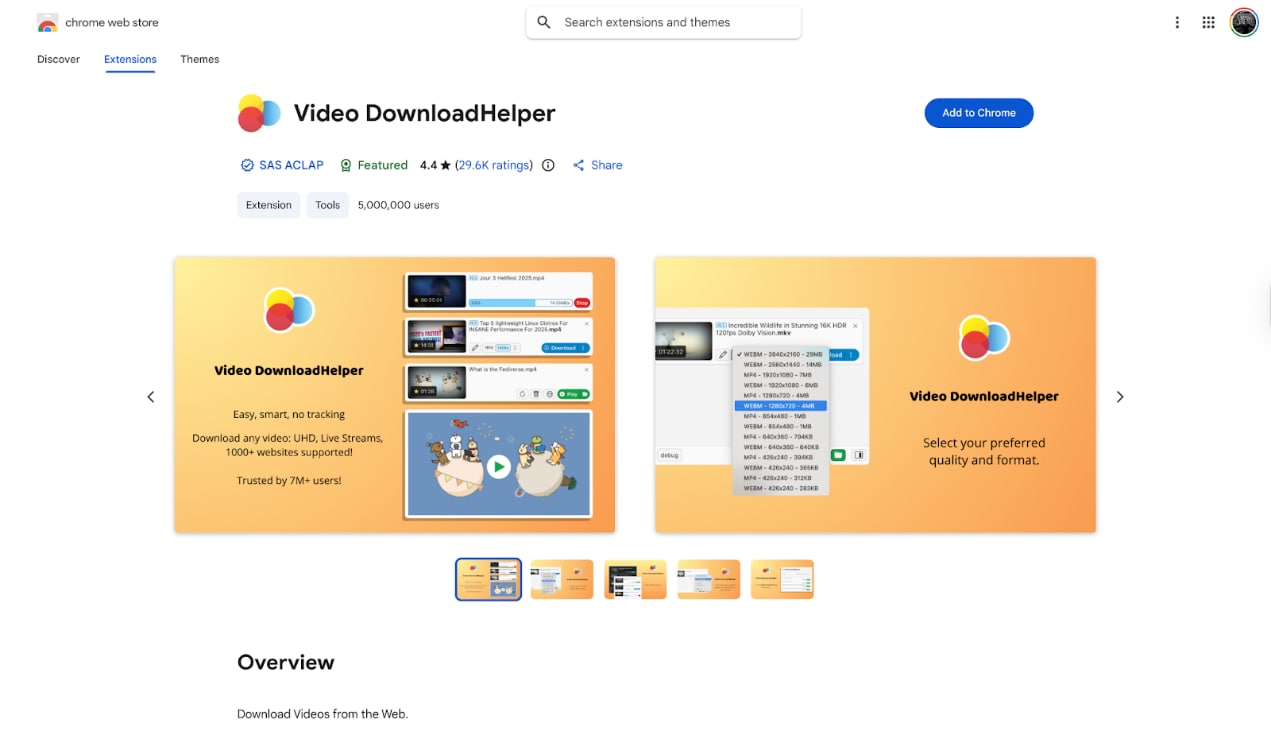
Video DownloadHelper
Key Features
Detects multiple video resolutions automatically.
Supports HLS and DASH streaming protocols (with Companion App).
Allows naming of files before downloading.
Pros
Extremely widespread and generally trusted for basic use.
Works on almost any site that plays video, not just Vimeo.
Frequent updates to keep up with browser changes.
Cons
Requires installing a secondary "Companion App" for high-quality downloads.
The interface can be cluttered and confusing for beginners.
The free version adds a QR code watermark to some conversions.
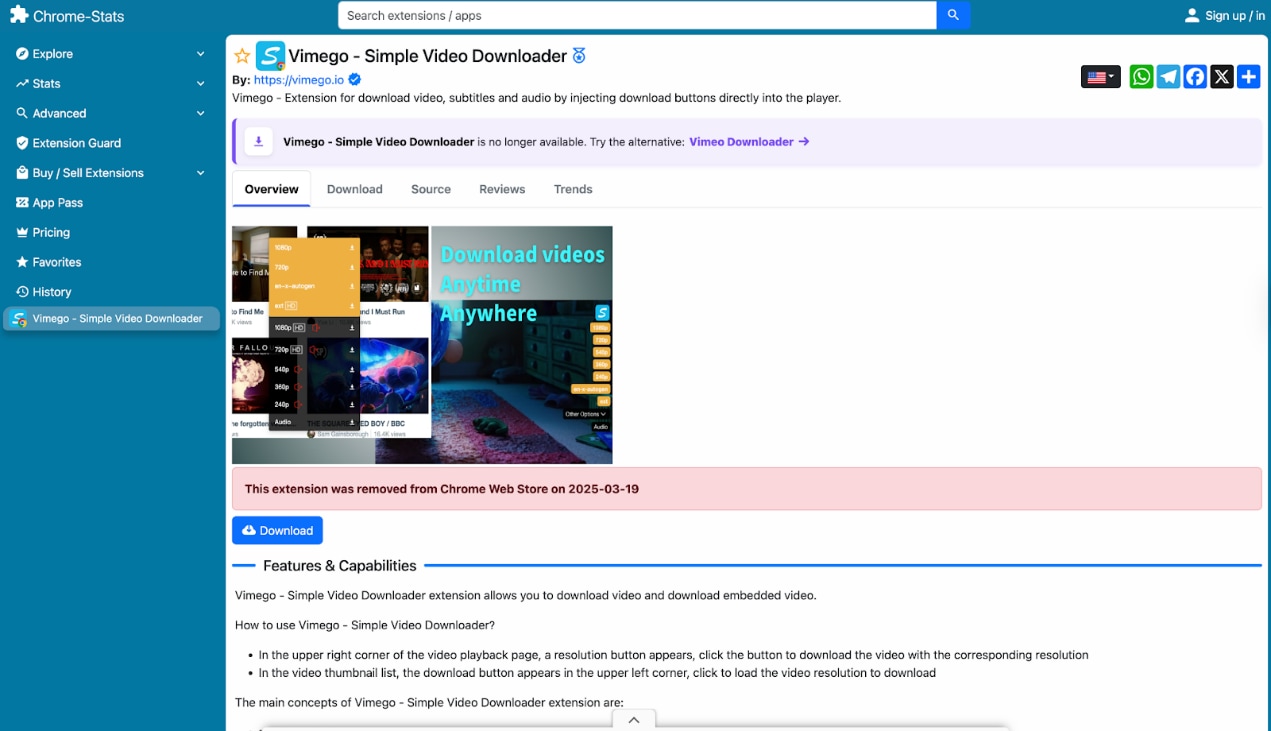
Vimego
Key Features
Injects download buttons directly into the Vimeo video frame.
Allows downloading of embedded Vimeo videos on external websites.
Displays the file size for each quality option before downloading.
Pros
Seamless user experience; feels integrated into Vimeo.
Very lightweight impact on browser performance.
Excellent for downloading embedded videos on blogs or courses.
Cons
Often fails to download private or password-protected videos.
Limited to Vimeo only; not useful for other sites.
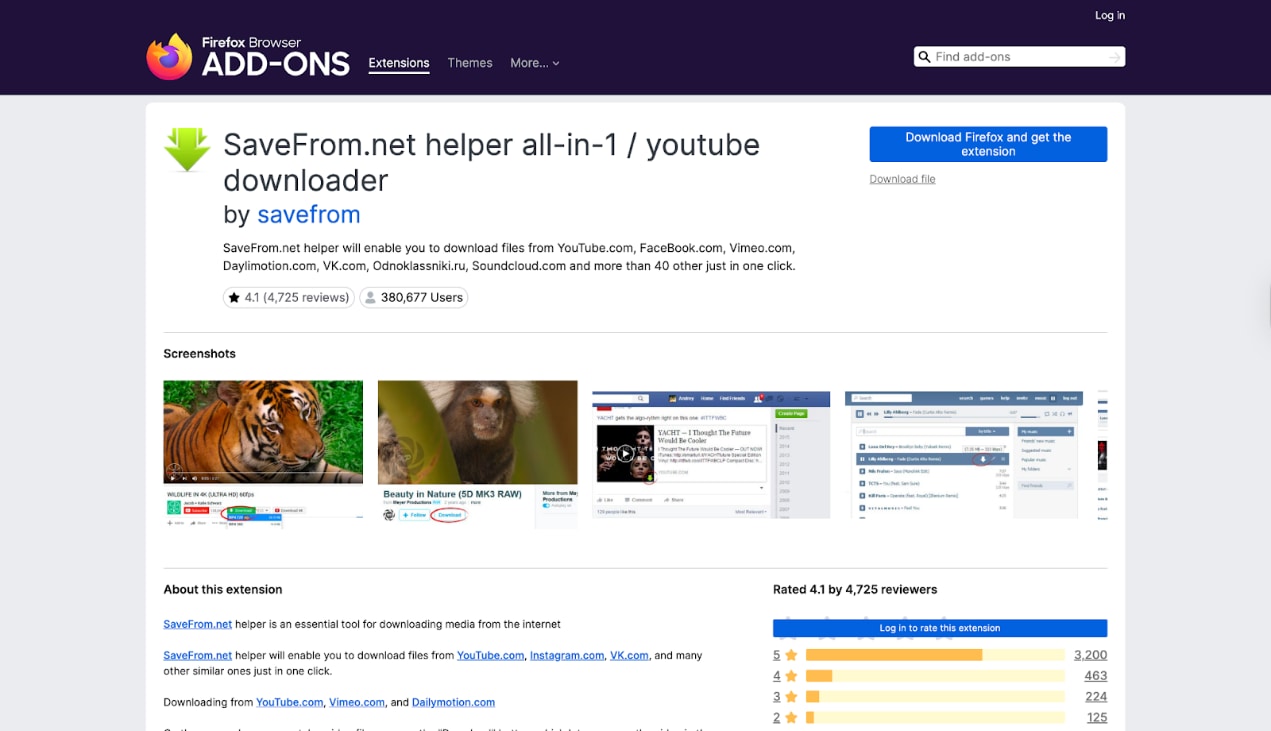
SaveFrom.net Helper
Key Features
Adds a distinct "Download" button to supported video pages.
Supports a wide range of formats, including MP4 and WEBM.
Works across many social media platforms.
Pros
One-click convenience is very high.
Support for high-definition qualities (1080p).
Good for quick, casual downloading.
Cons
Installation is complex (often requires sideloading or script managers).
Frequently pushes ads or redirects to their website.
Privacy concerns regarding data collection have been raised in the past.
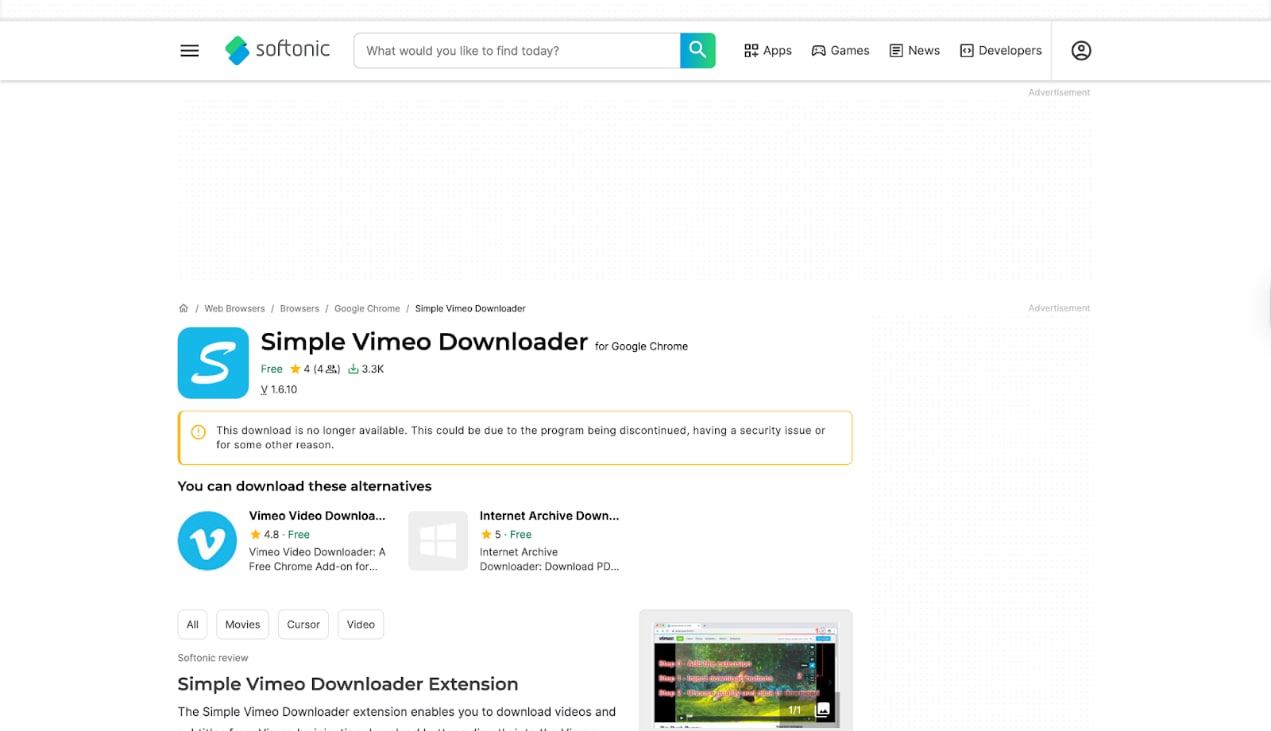
Simple Vimeo Downloader
Key Features
Simple dropdown menu for quality selection.
Focuses purely on Vimeo links.
External website embedding support.
Pros
Very easy to use with zero learning curve.
Minimal permissions are required compared to larger suites.
Generally free of intrusive advertisements.
Cons
Lacks advanced features like batch downloading.
Cannot convert files; downloads strictly in source format.
Video Downloader Plus
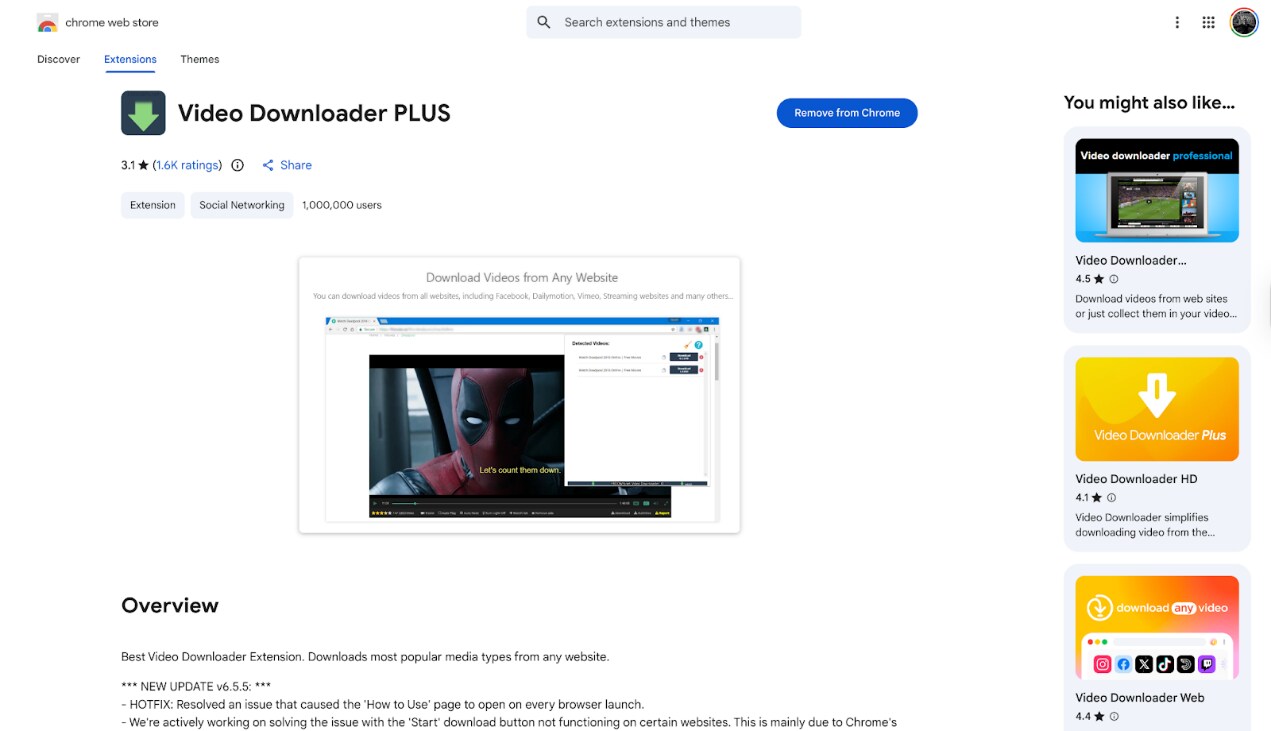
Key Features
Detects multiple file types (MP4, FLV, MOV).
Allows casting downloaded videos to Chromecast.
Size filter to ignore small ad clips.
Pros
Clean interface that previews the video size.
Good capability for finding embedded media.
Does not typically inject ads into the browser.
Cons
Often struggles with 2K/4K content, reverting to 1080p.
Some "Premium" features are locked behind a paywall.
Video Downloader VeeVee
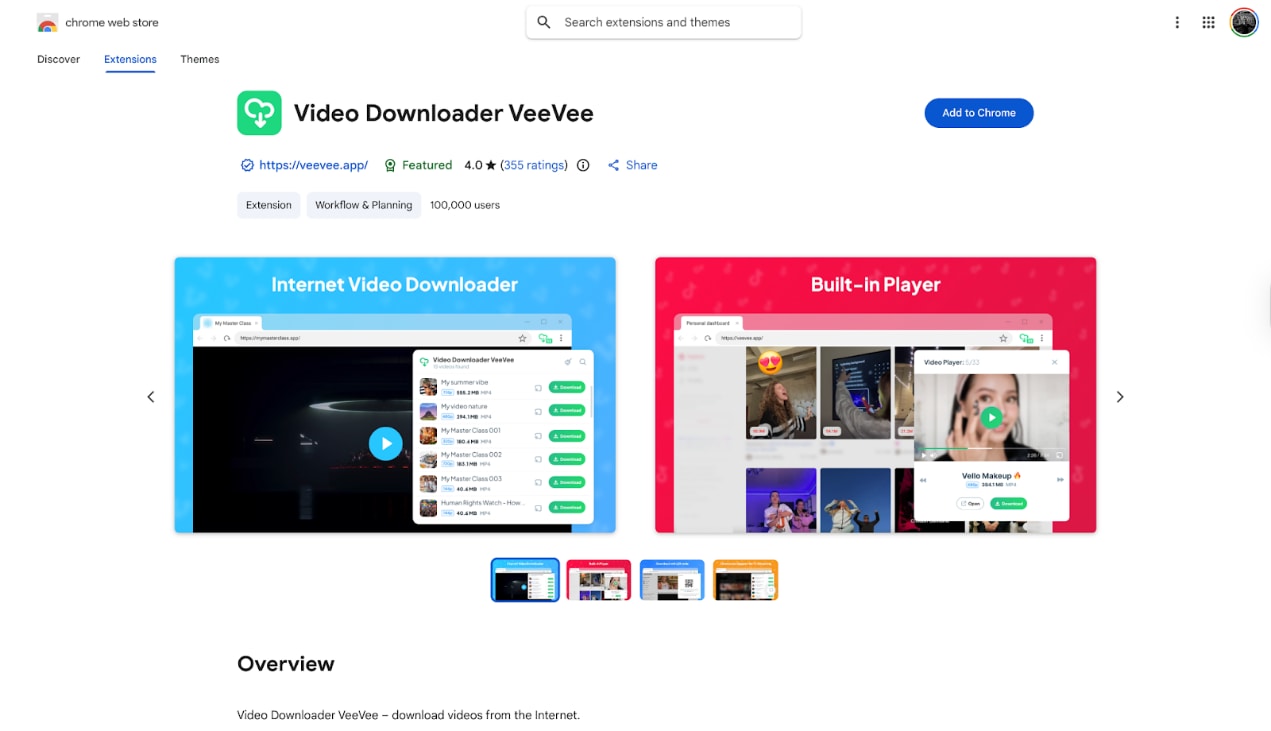
Key Features
Universal HTML5 video detection.
Simple, list-based interface.
Works on a broad range of streaming sites.
Pros
Free and relatively lightweight.
Good for grabbing videos from non-standard websites.
Simple installation from the Web Store.
Cons
Can sometimes mislabel video titles, requiring manual renaming.
Download speeds can be slower than those of desktop software.
4K Video Downloader+ (Desktop Tool)
Key Features
Specializes in 4K and 8K resolution downloads.
Smart Mode for one-click downloading with preferred settings.
Proxy setup for bypassing geo-restrictions.
Pros
Excellent quality retention for high-res videos.
Can download subtitles and annotations.
Stable and reliable updates.
Cons
Strict daily limits on the free version.
Not an extension; it requires switching windows to use.
Learn more:4K Video Downloader Not Working? Best Fixes & Alternatives
FetchV
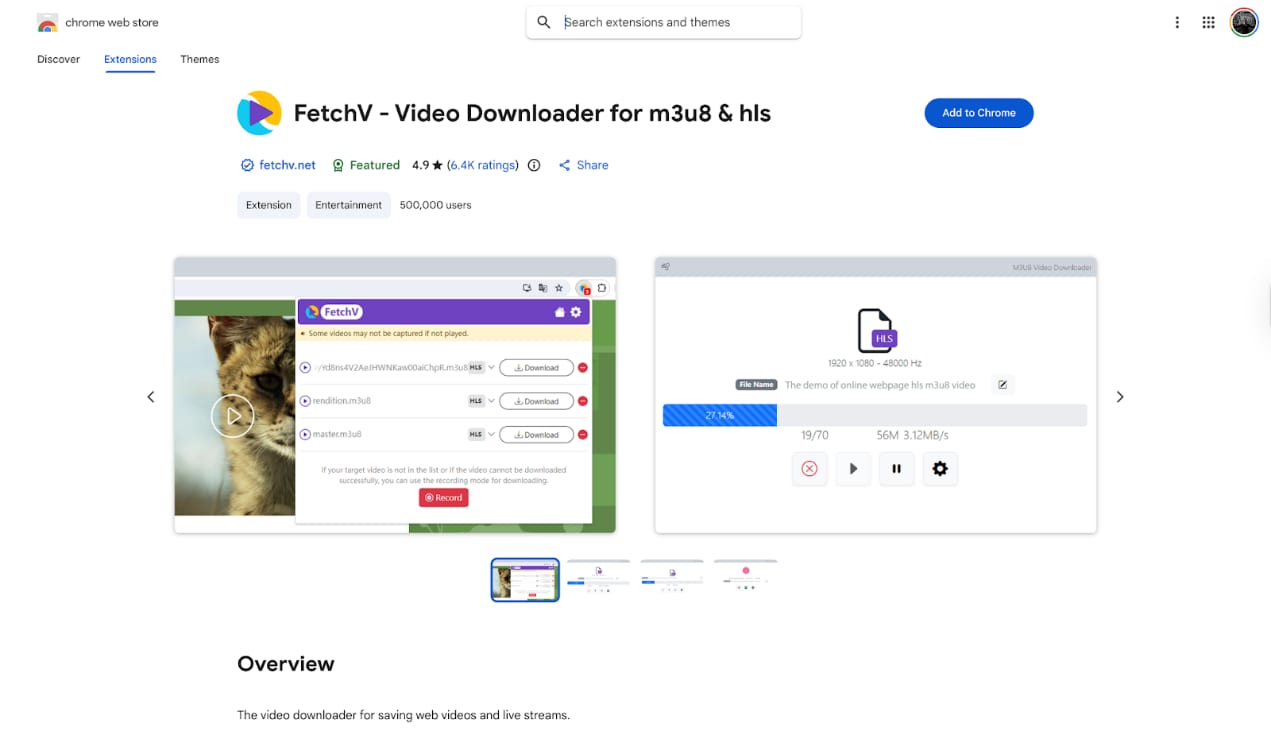
Key Features
HLS (m3u8) video recording and merging.
Cloud-assisted downloading for faster speeds.
Preview window to ensure you are capturing the right clip.
Pros
Can download videos that other extensions miss.
Good success rate with HLS streams.
User-friendly progress visualization.
Cons
Heavier resource usage during the "recording" phase.
The free version has limits on video length or quantity.
SmallSEOTools Downloader
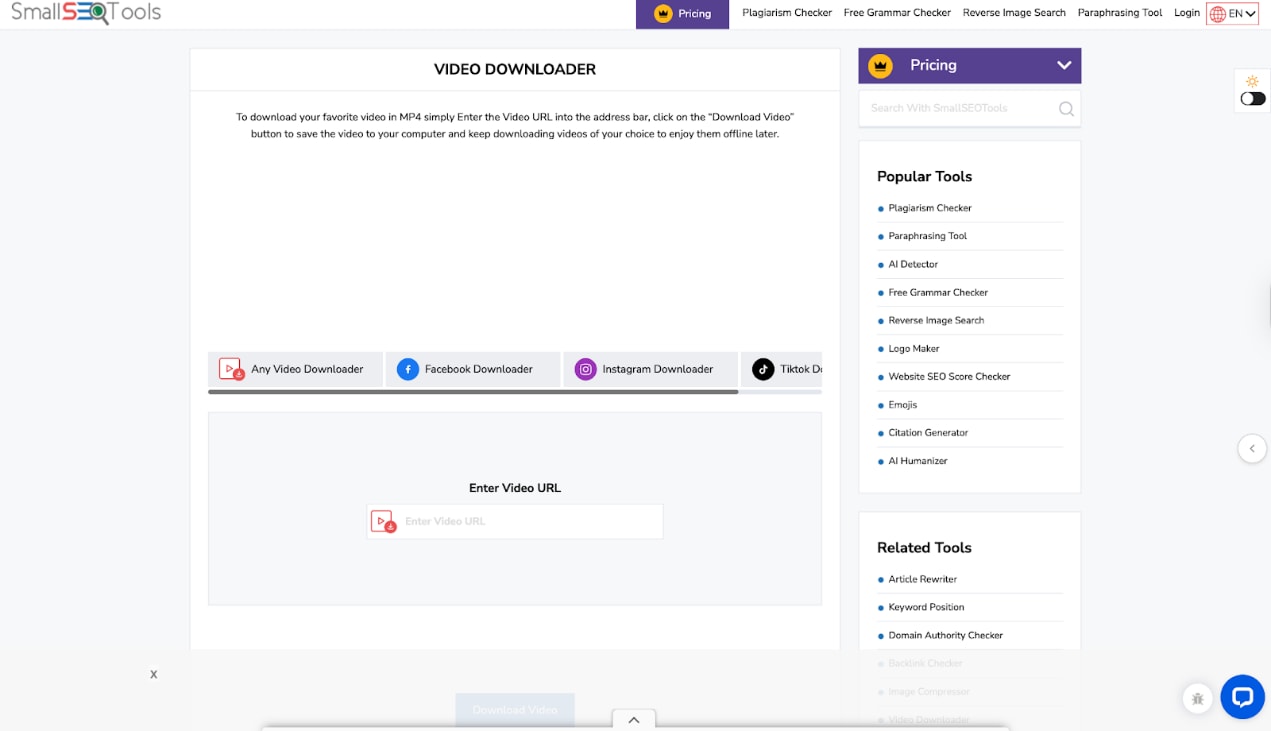
Key Features
No installation required (Web-based).
Supports multiple platforms beyond Vimeo.
Simple copy-paste mechanic.
Pros
Zero risk of malware installation on your device.
Accessible from any browser or OS.
Completely free to use.
Cons
Jammed with display ads on the website.
Often fails with private or high-security Vimeo links.
Limited download speeds compared to dedicated tools.
Part 3. Quick Comparison: Best Vimeo Downloaders 2026
| Tool Name | Support Batch? | Max Quality | Rating (Source) | Key Advantage |
| CocoCut Video Downloader | No | 1080p/HLS | 4.7/5 (CWS) | Best for complex streams & recording |
| Video DownloadHelper | No | 4K (Complex) | 4.4/5 (CWS) | Broadest site compatibility |
| Vimego | No | 1080p | 3.9/5 (CWS) | Seamless button injection |
| SaveFrom.net Helper | No | 1080p | 4.1/5 (Firefox) | Instant one-click UI |
| Simple Vimeo Downloader | No | 1080p | 4.4/5 | Minimalist & lightweight |
| Video Downloader Plus | No | 2K | 4.5/5 (CWS) | Detects all page media |
| Video Downloader VeeVee | No | 4K | 4.0/5 (CWS) | Universal HTML5 detection |
| 4K Video Downloader+ | Yes | 8K | 4.5/5 (Trustpilot) | Dedicated to high-res |
| FetchV | No | 1080p | 4.9/5 (CWS) | Best for HLS/m3u8 streams |
| SmallSEOTools | No | 720p/1080p | 3.7/5 (Trustpilot) | No installation needed |
Part 4. Critical Safety First: Avoiding Malware and Privacy Risks
The search for a free Vimeo downloader Chrome extension can sometimes lead to dangerous territory.
The Dark Side of Free Extensions: Because these extensions cost money to develop but are offered for free, developers often monetize them in hidden ways. This includes data harvesting (tracking your browsing history to sell to advertisers), ad injection (inserting unwanted pop-ups into websites you visit), and even browser hijacking (changing your default search engine).
How to Vet Any Extension (Checklist):
Source: Only install from the Official Chrome Web Store. Avoid "developer mode" installations unless you are an expert.
Recent Reviews: Check for "Doesn't work" or "Malware" flags specifically from January 2026 onwards. Bot reviews often inflate scores, so look for recent human complaints.
Developer Rep: Ensure they have a clear privacy policy and a functional website. If the developer is "Unidentified" or has no support page, avoid it.
Update History: Check the "Last Updated" date. Vimeo frequently changes its API and security protocols; tools that haven't been updated in the last 6 months are essentially abandoned and likely won't work.
Part 5. Use Cases: When a Browser Extension Isn't Enough

E-Commerce/Brand Building: If you are building a brand, you often need to archive high-quality competitor showreels or your own press features for offline presentations. Extensions often compress these files, introducing banding or artifacts that look unprofessional on a large screen.
Educational Archiving: Students and teachers often need to save private webinar recordings or course materials for areas with poor internet. Extensions usually fail to bypass the authentication tokens required for private Vimeo videos, whereas tools like UniConverter can handle login credentials securely.
Content Creation: Video editors require pristine footage. Grabbing 4K B-roll clips via an extension often results in a downgraded 1080p file. Using Wondershare UniConverter, you not only get the raw 4K file but can also use its AI Enhancer to upscale older footage, ensuring your final project meets 2026 broadcast standards.

All-in-One Multimedia Processing Tool

Part 6. Conclusion
In this article, you've explored various methods to save your favorite clips using a reliable Vimeo downloader Chrome extension. While these Vimeo video downloader Chrome tools are perfect for quick browser grabs, managing and upgrading those files requires a robust desktop companion. This is where Wondershare UniConverter excels. Although its dedicated browser plugin focuses on YouTube, the UniConverter desktop software is the ultimate tool to edit, compress, and enhance your saved Vimeo videos in stunning 4K. Download Wondershare UniConverter for free today to elevate your Vimeo downloader Chrome saves, and explore advanced features like our video enhancer and voice changer!

