


Vimeo is known for its high-quality videos and creative storytelling, but downloading content from the platform can be tricky without the right tools. In this guide, we’ve rounded up the 9 best Vimeo video downloaders across PC, online, and Chrome extension options to help you find the perfect fit for your workflow.
Keep on reading for the detailed comparison of each tool and see how Wondershare UniConverter—a powerful all-in-one video toolkit stands out with fast downloads, format conversions, and stable performace with wide compatibility.
In this article
Users searching for Vimeo video downloaders want reliable tools without security risks.
Best choice: Avoid unknown online sites and choose trusted download solutions.
Part 1:Top 3 Vimeo Video Downloaders on Desktop
If you're aiming for fast, high-quality, and flexible Vimeo downloads on a desktop, choosing the right tool can make all the difference. From professional batch downloaders to all-in-one conversion suites—here are three of the best options to save and download Vimeo videos:
1. Wondershare UniConverter –Best All-in-One Desktop Solution
Wondershare UniConverter is a robust desktop software built for both beginners and professionals who want full control over media files. It’s not just a downloader—it’s a full-fledged video and audio processing suite with GPU acceleration, smart trim, metadata editing, and support for 1000+ formats. You can seamlessly download Vimeo videos, convert Vimeo videos to MP3, MP4 or any other format and optimize files for mobile, tablet, or web publishing—all from one dashboard.
Key Features:
- Easy to use URL to MP4 downloading function
- Supports batch download and conversion
- Trim audio before export
- Built-in audio compressor and metadata editor
- Compatible with both Windows and macOS
- Video downloader chrome extension included
Pros&Concs

Easy Snapchat Video Downloader
How to Save and Download Vimeo to MP3 with UniConverter
Follow the 3 steps below:
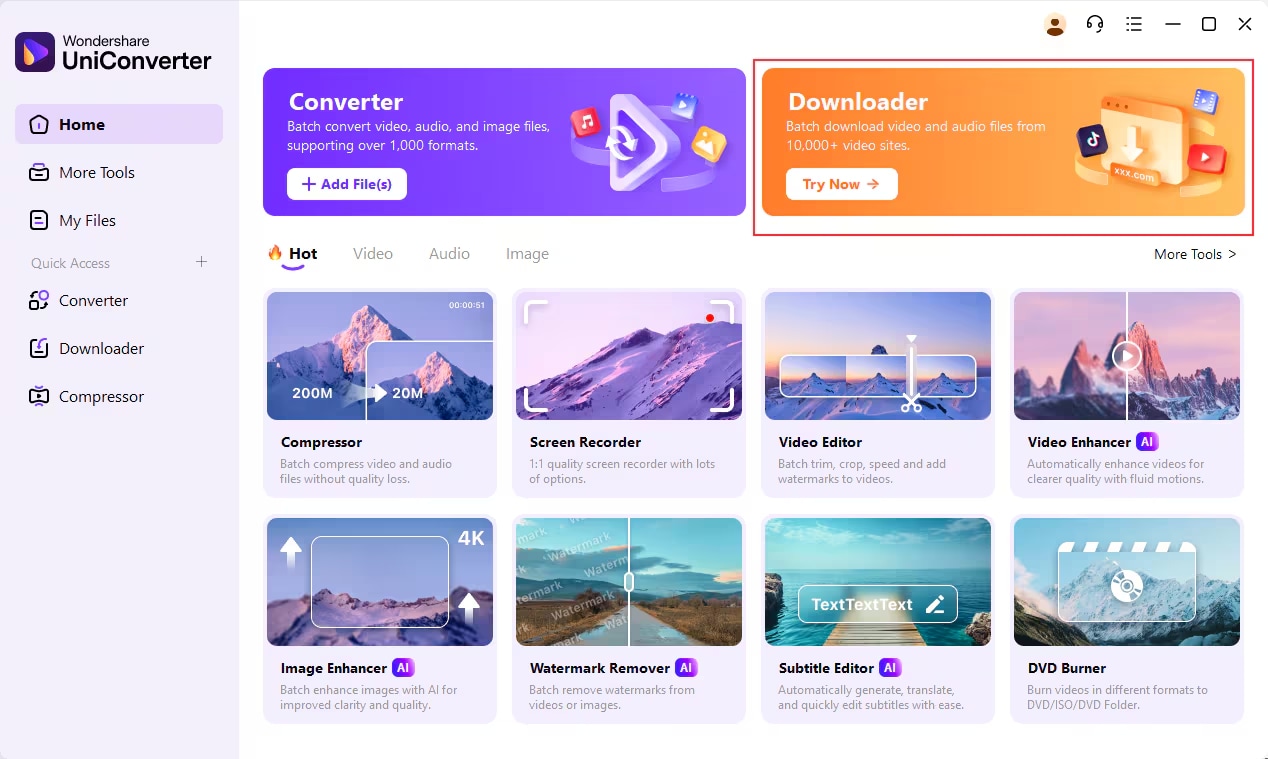
Step 1: Launch Wondershare UniConverter and Select Downloader Mode
Install and open UniConverter on your desktop. Click the "Downloader" tab from the main panel to begin the conversion process.
Step 2: Copy the Vimeo Video Link
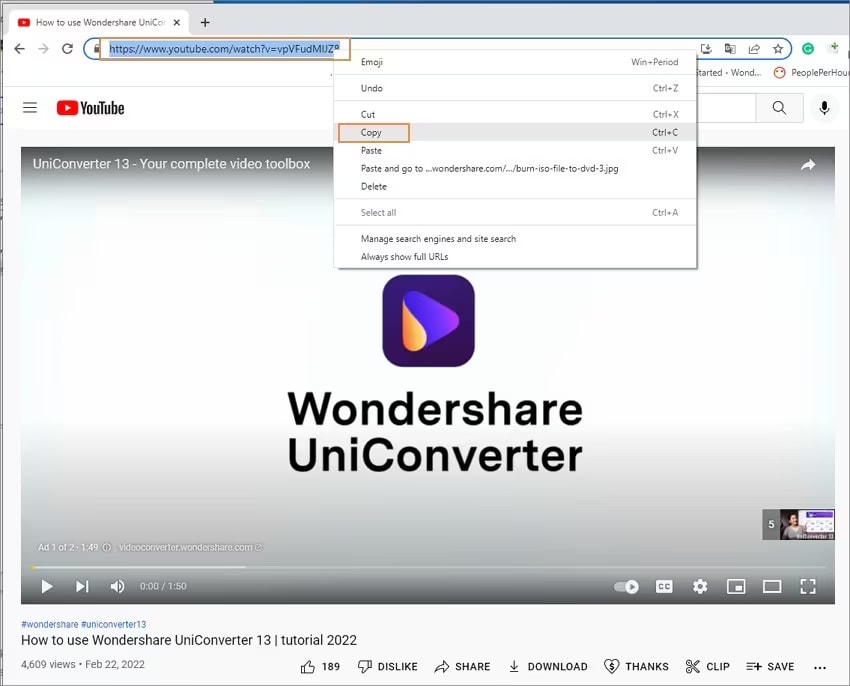
Head to Vimeo.com and copy the URL of the video you want. You can either right-click the video or use the Share button > Copy Link.
Step 3: Paste Link and Download MP3
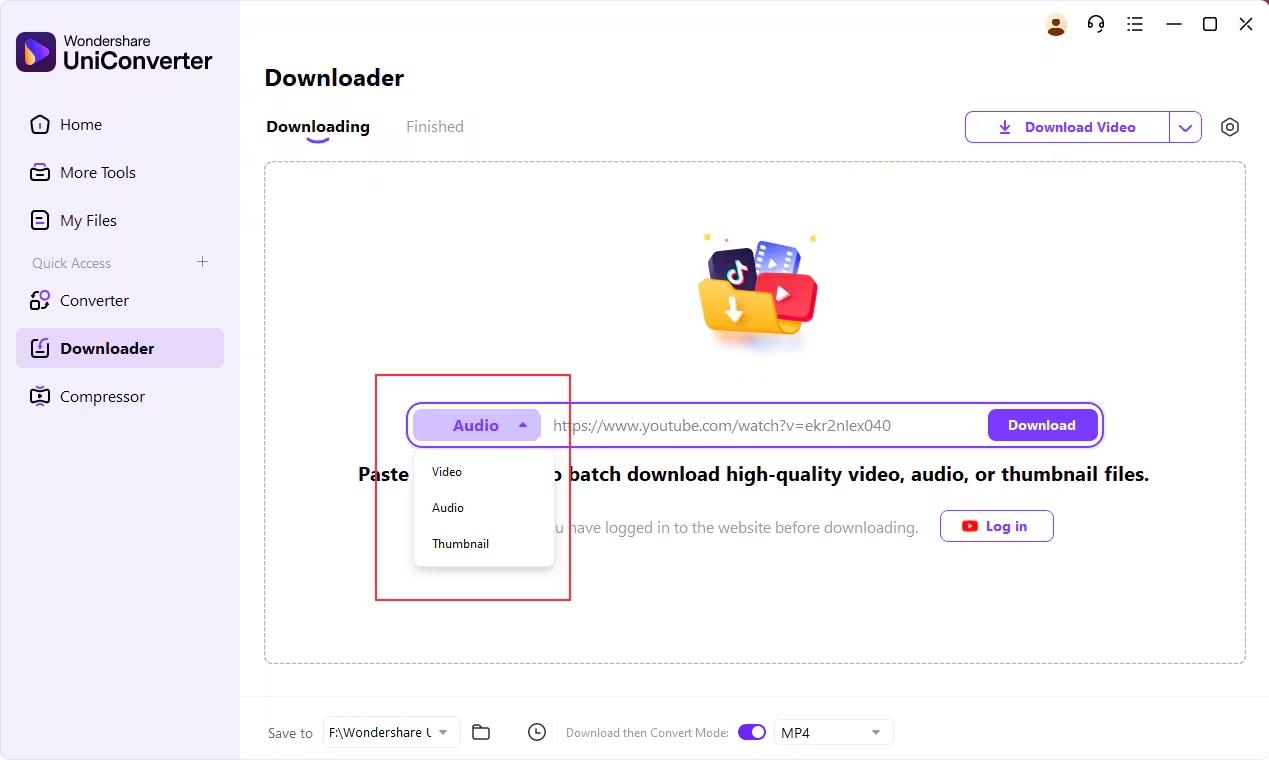
Back in UniConverter, paste the copied link and select “Download Audio”. The software will auto-detect and download the MP3 version to your system.
2. ByClick Downloader
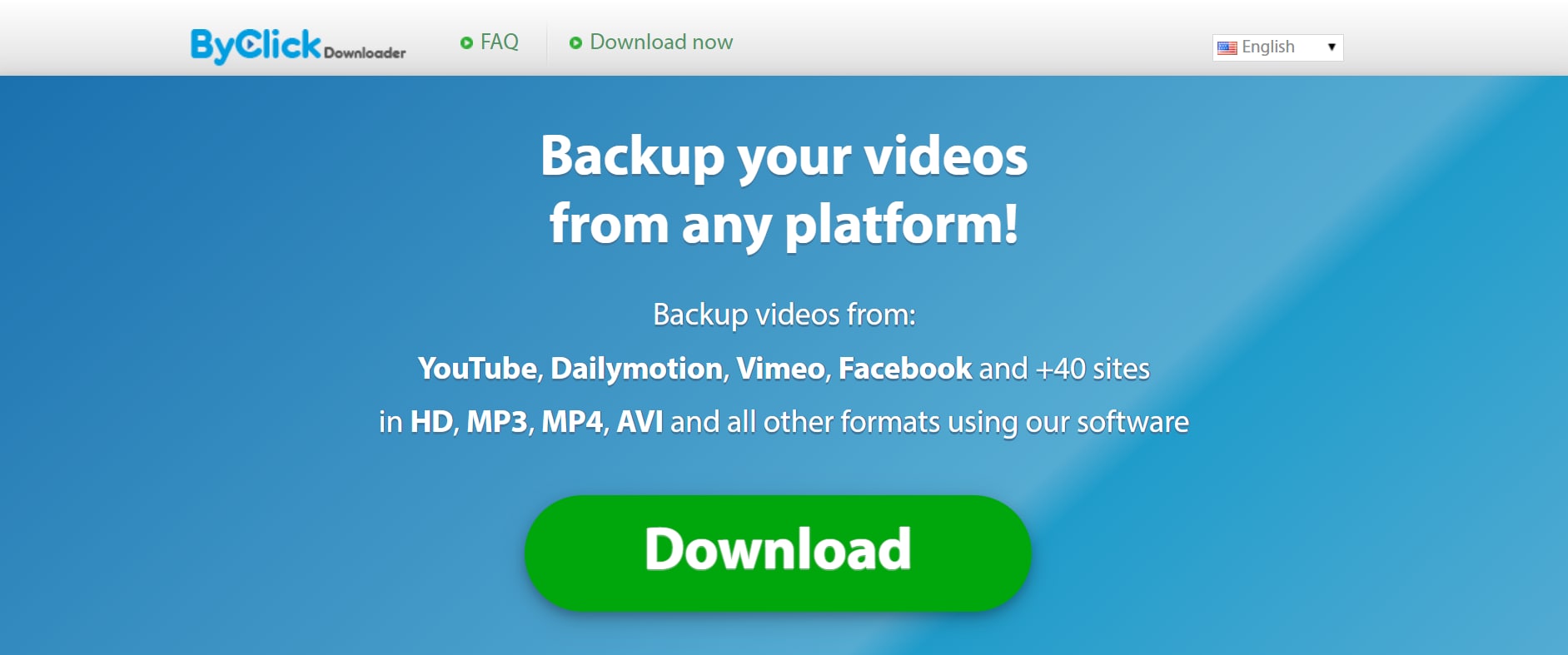
ByClick Downloader offers a simplified experience with one-click video grabbing and instant format conversion. It’s ideal for users who want quick results without messing around with multiple settings. The tool auto-detects videos from browsers like Chrome or Firefox and offers real-time pop-up suggestions to download videos from Vimeo and other platforms.
Key Features:
- One-click Vimeo video detection and download
- Convert to MP3, MP4, AVI, FLV, and more
- Auto-detects links from browser sessions
- Organize downloads by date or playlist
- Supports private Vimeo video downloads
Pros&Concs
How to Download Vimeo to MP3 Using ByClick Downloader
Follow the 3 steps below:
Step 1: Launch ByClick Downloader and Enable Auto-Detection
After installing, open the app and enable “Auto-detect URLs from browser” in the settings. This allows instant pop-up prompts.
Step 2: Visit Vimeo and Copy the Video Link
Go to Vimeo and play the video. A pop-up will appear on your desktop asking if you'd like to download it.
Step 3: Choose Format and Start Download
Click the pop-up, choose the format, and hit Download. Your audio file will be saved instantly to your default folder.
3. ClipGrab
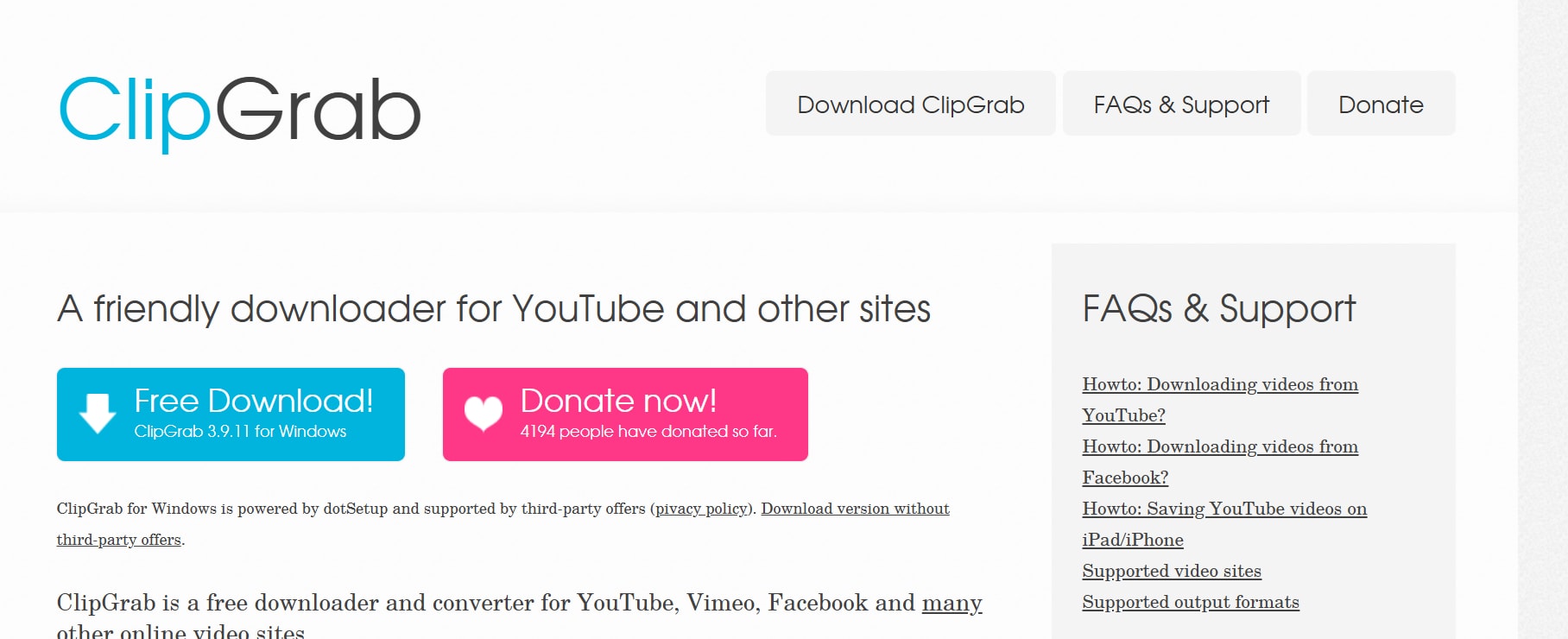
ClipGrab is a popular open-source application tailored for users who want a simple, ad-free Vimeo downloader. It works on Windows, macOS, and Linux and is highly appreciated for its clean UI and solid performance. While not feature-heavy, ClipGrab offers essential functionalities like MP3 conversion, resolution selection, and fast download speed with minimal system load.
Key Features:
- Download and convert videos in one step
- Built-in search bar to find Vimeo videos
- Supports formats like MP3, MP4, WMV, and OGG
- Available for Windows, Mac, and Linux
- Free and open-source with no ads
Pros&Concs
How to Convert Vimeo to MP3 with ClipGrab
Follow the 3 steps below:
Step 1: Download and Launch ClipGrab
Install the latest version of ClipGrab for your OS. Open it and go to the Downloads tab in the interface.
Step 2: Copy the Vimeo Video URL
Find your desired Vimeo video and copy the link from your browser’s address bar.
Step 3: Paste Link and Download
Paste the link into ClipGrab’s URL field. Choose MP3 or MP4 as the format, then click Grab This Clip! to start the download. The file will be saved to your system’s default media folder.
Easy to Use Batch Vimeo Video Downloader
Part 2: Best 3 Web Vimeo Video Downloaders Online
If you prefer a browser-based solution that doesn’t require installation, web Vimeo downloaders offer fast and accessible options. These platforms are ideal for one-off downloads, especially when you're on the go or using public/shared devices. Below are the top three reliable and efficient online Vimeo downloaders you can try:
1. YT5s Video Downloader
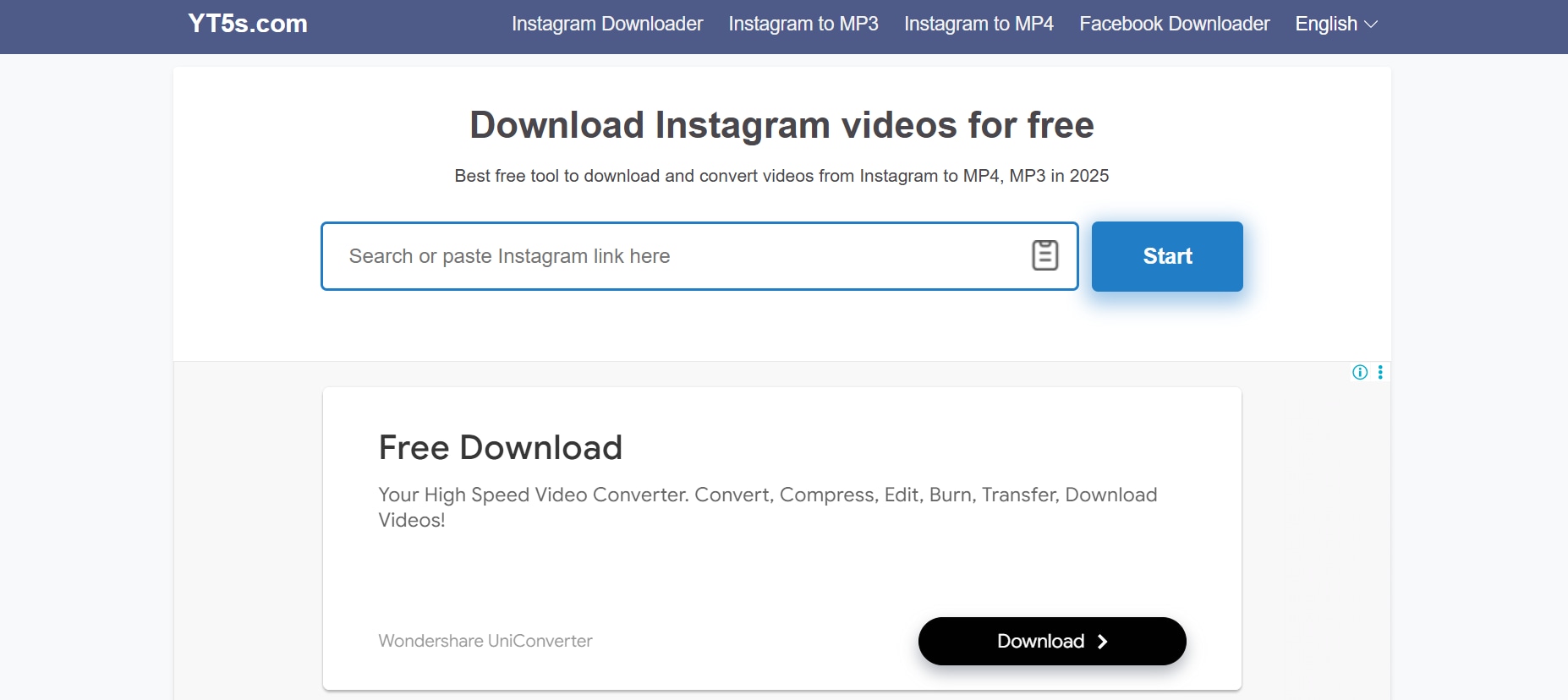
YT5s is a fast, no-frills online tool designed for easy downloading of videos from platforms like Vimeo, YouTube, Facebook, and more. It allows users to convert Vimeo videos to MP4 or MP3 without installing any software. The platform supports HD resolutions (up to 1080p) and even includes a quick audio extraction option. Its ad-light interface and multilingual support make it accessible and efficient for global users. With compatibility across all major browsers and devices, YT5s is an excellent choice for casual and frequent downloaders alike.
Key Features:
- Direct MP4 downloads from Vimeo and other platforms
- Multiple quality options (360p to 1080p)
- Works well on Chrome, Safari, Firefox
- Free to use with minimal ads
- No software installation required
Pros&Concs
How to Download Vimeo Video with YT5s
Follow the 3 steps below:
Step 1: Copy the Vimeo video URLGo to Vimeo, open the video you want, and copy its URL from the browser address bar.
Step 2: Paste the URL into YT5sVisityt5s.com, paste the URL into the box, and wait for the platform to fetch the video.
Step 3: Select quality and downloadChoose the preferred resolution (e.g., 720p MP4) and hit "Download." Your video will start downloading instantly.
2. BitDownloader
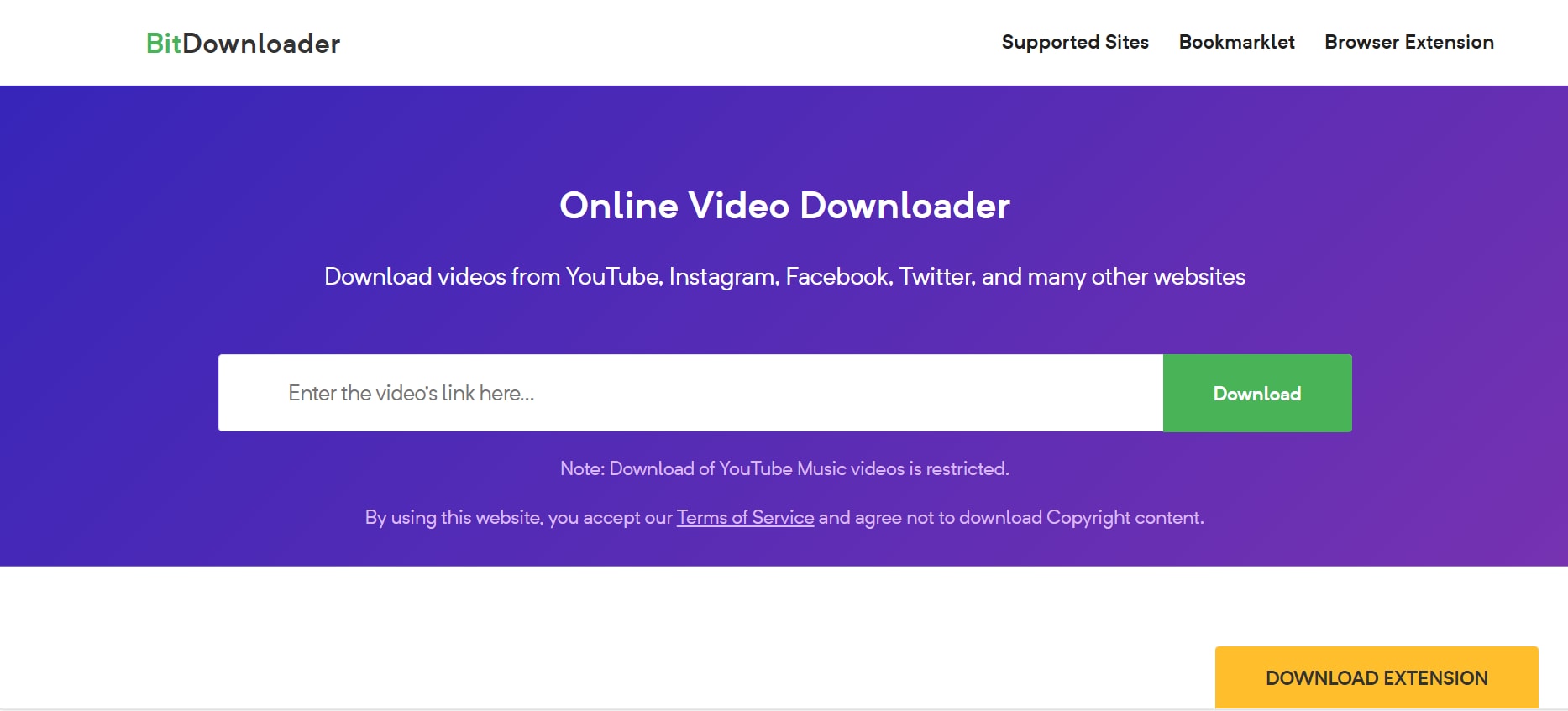
BitDownloader is a versatile and straightforward online downloader that enables users to save Vimeo videos in MP4 format without installing any software. It supports over 800 websites—including Vimeo, Facebook, Instagram, and Dailymotion—and works seamlessly on both mobile and desktop browsers. One standout feature is its video preview function, allowing users to verify content before downloading. It also offers a browser extension that simplifies future downloads, making it a handy tool for content collectors and casual viewers alike.
Key Features:
- Compatible with Vimeo, Facebook, and Dailymotion
- Allows direct download of videos in HD MP4 format
- Option to preview before downloading
- Chrome extension available for faster use
- No registration required
Pros&Concs
How to Download Vimeo Video with BitDownloader
Follow the 3 steps below:
Step 1: Copy the Vimeo video linkLocate the desired video on Vimeo, copy the link from the address bar.
Step 2: Visit BitDownloader and paste the linkHead to bitdownloader.io, paste the link in the input field, and press "Download."
Step 3: Choose format and downloadSelect MP4 in your preferred resolution and start the download. The video will be saved to your default folder.
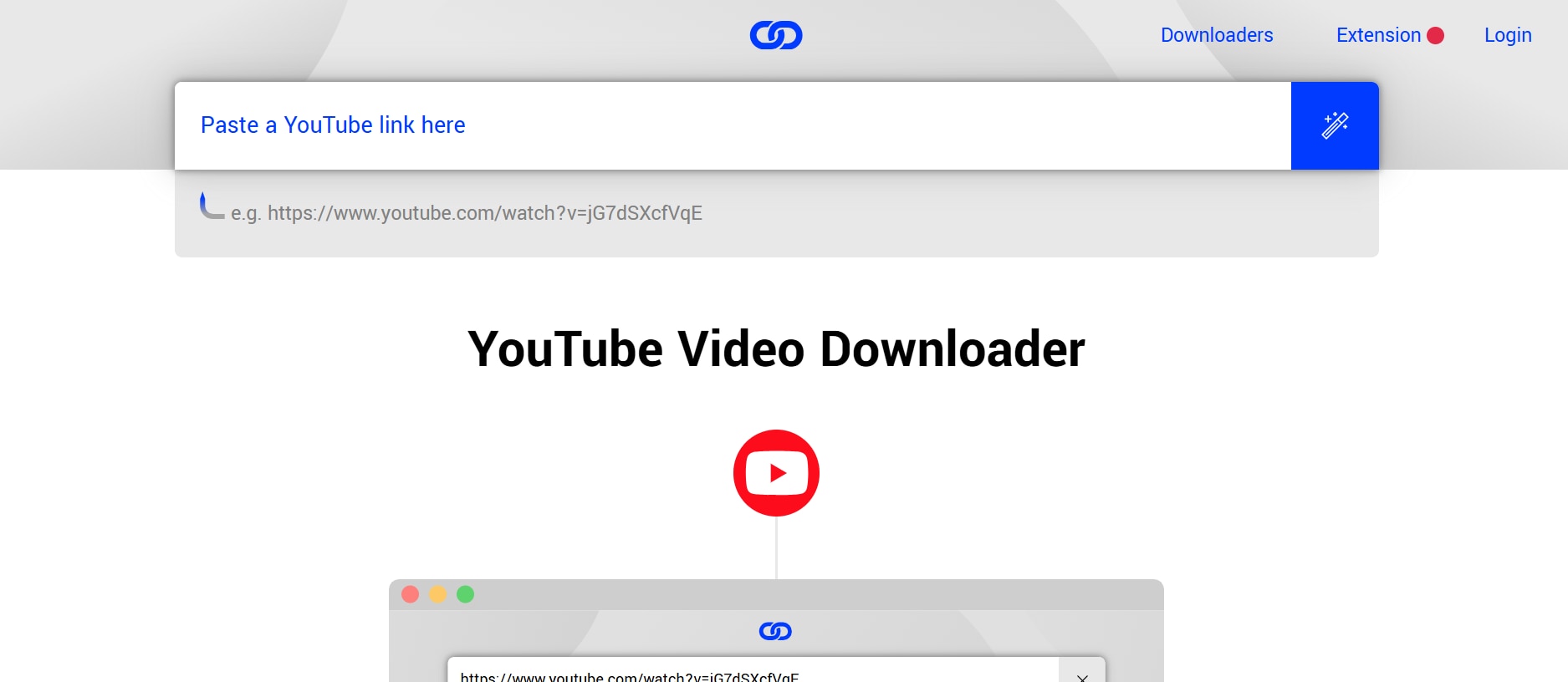
3. Loader.to
Loader.to is a sleek, web-based video downloader that combines power with simplicity. Designed for modern users, it supports direct downloads from over 15 platforms—including Vimeo, YouTube, Dailymotion, Twitch, and SoundCloud. Users can extract video or audio in multiple formats like MP4, MP3, and M4A. What sets Loader.to apart is its server-side conversion system, which processes large video files quickly and efficiently without draining device resources. Its distraction-free interface makes it ideal for both casual and frequent downloaders.
Key Features:
- Converts Vimeo to MP4, MP3, WAV, WEBM, and M4A
- Batch link queuing for multiple downloads
- Works across desktop and mobile browsers
- Fast background rendering and processing
- No installation, login, or watermarks
Pros&Concs
How to Download Vimeo Videos Using Loader.to
Follow the 3 steps below:
Step 1: Copy video link
Open https://loader.to/ on your browser. Go to Vimeo, copy the URL of the video you want to save.
Step 2: Paste the link
Paste the link into Loader.to’s download bar. Select your preferred format (e.g., MP4 for video, MP3 for audio).
Step 3: Download and save
Click the Download button. The server will process your video in seconds. Once the process is done, a link will appear. Click on it to download the video directly to your device—no waiting queue or email required.
Easy to Use Batch Vimeo Video Downloader
Part 3: Most Popular 3 Chrome Extensions to Download Vimeo Videos from Links
Want a faster way to download Vimeo videos directly from your browser? Chrome extensions make it effortless—no software, no redirects, just one-click downloads while browsing.
Let’s explore the most popular Chrome extensions that let you save Vimeo videos from links in seconds:
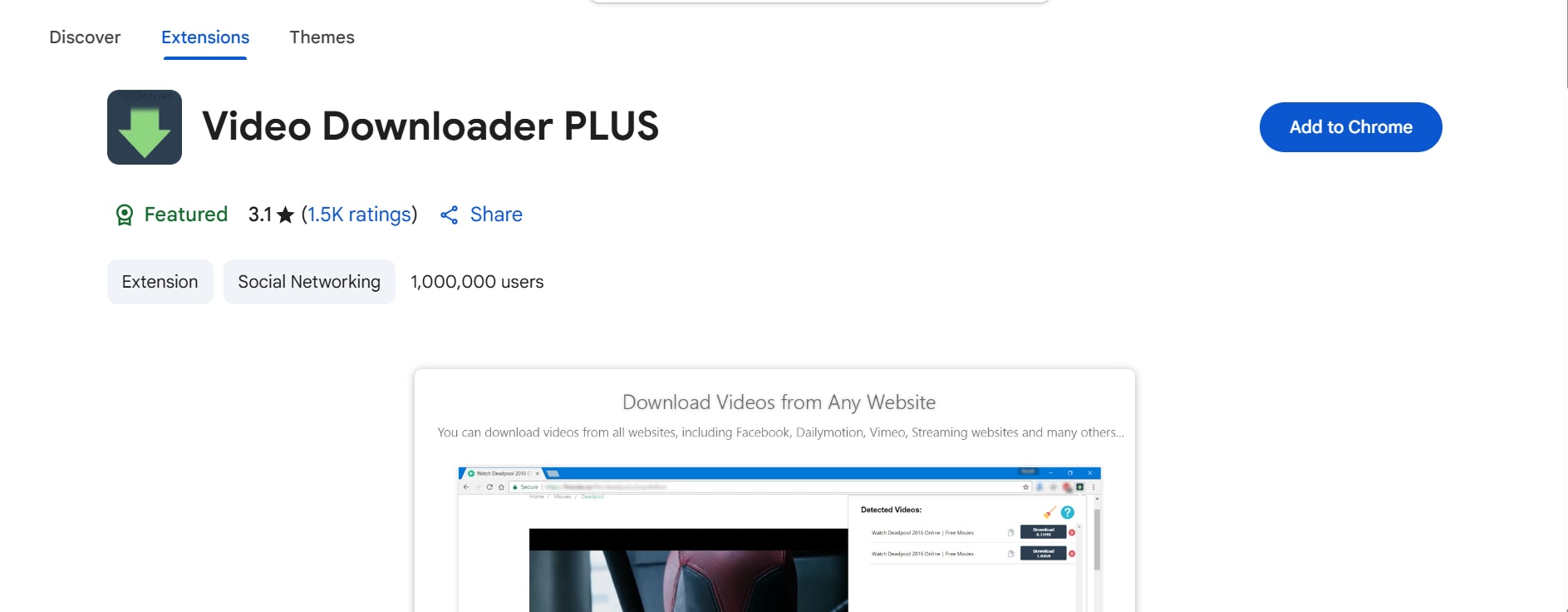
1. Video Downloader PLUS
Video Downloader PLUS is a highly-rated Chrome extension that automatically detects embedded video links on platforms like Vimeo, Facebook, and Dailymotion. It allows you to download videos in multiple resolutions and even works on streaming playlists. The clean UI and real-time detection make it a favorite for casual users and professionals alike.
Key Features:
- Detects video links automatically as you browse
- Supports multiple formats and resolutions (up to 1080p)
- Works on popular sites like Vimeo, Dailymotion, and Facebook
- Allows video preview before downloading
- Lightweight, fast, and free to use
Pros&Concs
How to Use Video Downloader PLUS
Follow the 3 simple steps:
Step 1:Install the Video Downloader PLUS extension from the Chrome Web Store and pin it for easy access.
Step 2:Go to the Vimeo video page. The extension icon will turn blue when a downloadable video is detected. Click the icon to see available formats.
Step 3:Select the desired resolution and format, then click "Download." The file will be saved instantly to your default downloads folder.
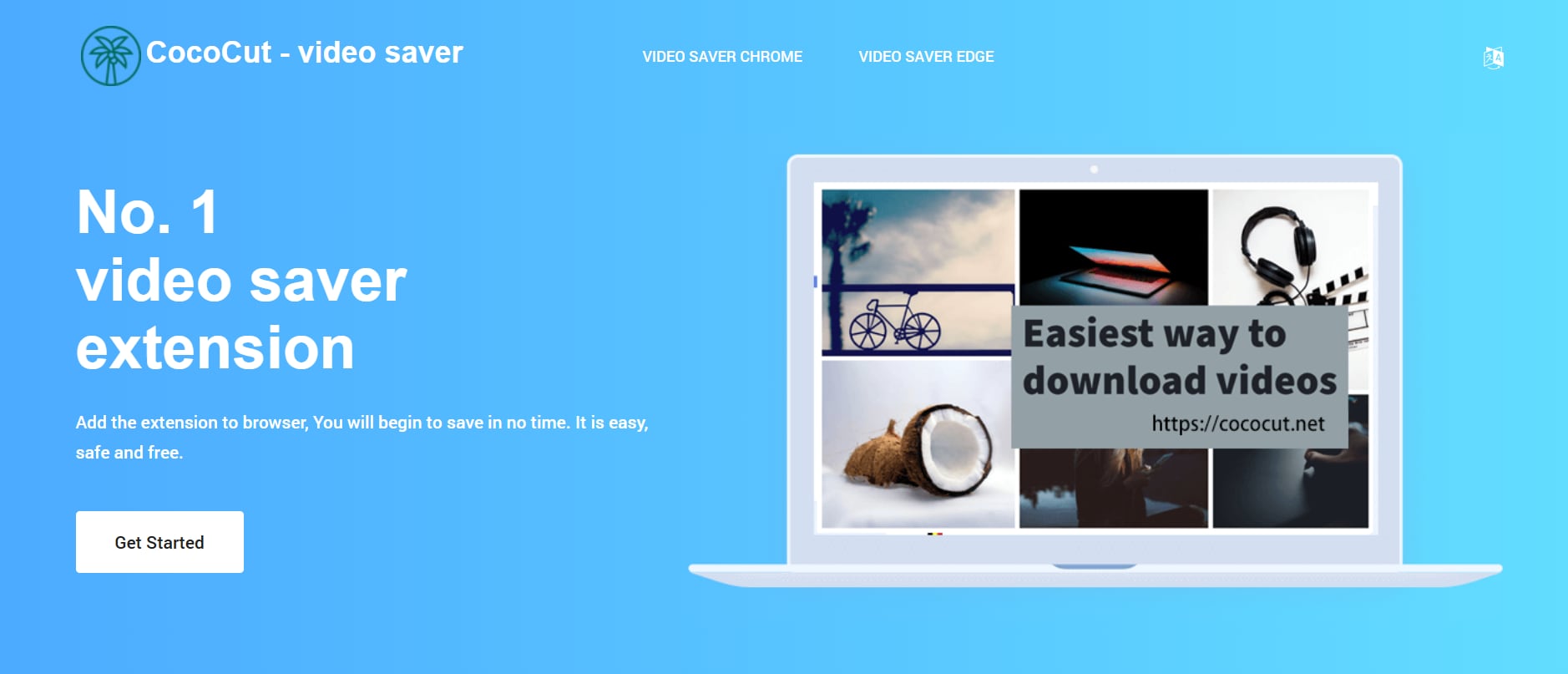
2. CocoCut Video Downloader
CocoCut Video Downloader is a smart Chrome extension known for its wide format support and batch downloading capabilities. It supports video streaming platforms including Vimeo, Facebook, and TED Talks. It also allows for real-time recording of videos if direct download links are not available.
Key Features:
- Detects both direct and stream-based videos
- Supports MP4, FLV, M3U8, WebM formats
- Built-in player for previewing videos before saving
- Batch download supported for faster workflow
- Includes screen capture fallback for un-downloadable content
Pros&Concs
How to Use CocoCut Video Downloader:
Follow the 3 simple steps:
Step 1:Install the CocoCut extension from the Chrome Web Store.
Step 2:Open the Vimeo video you want to download. When CocoCut detects the stream, it will display available formats in its dropdown panel.
Step 3:Click on your preferred resolution or use the "Record" option if direct download fails. Save the video directly to your device.
3. Geeksoft Vimeo Downloader
Geeksoft Vimeo Downloader is a dedicated Chrome extension designed specifically to simplify Vimeo video downloads. Known for its ease of use, it adds a sidebar panel where you can select resolution and easily save videos locally. While it’s free to try, the full version requires a license for unrestricted use.
Key Features:
- Adds a sidebar panel on Vimeo pages to pick resolutions
- Supports common formats like MP4
- Offers shortcut access after installation
- Designed for both Windows and macOS users
- Free trial available before purchasing
Pros&Concs
How to Use Geeksoft Vimeo Downloader
Follow the 3 simple steps:
Step 1: Download and install the extension
Navigate to the Geeksoft website and download the extension installer. Run the installer, then relaunch Chrome. You’ll see the Geeksoft icon in your toolbar once installed .
Step 2: Open a Vimeo video page
Go to the Vimeo video you wish to download. A "Download" sidebar will automatically appear on the video page, allowing you to select resolution and format.
Step 3: Choose quality and download
Pick your preferred resolution in the sidebar, then click the "Download" button. The video will be saved to your default download folder—no additional pop-ups or redirects.
Part 4: Quick Comparison of Vimeo Video Downloaders
| Tool Name | Pricing | Batch Download Support | Ads Density / Clean UI | Platform / Type |
| Wondershare UniConverter | Paid (Free Trial) | Yes | Clean, no ads | Desktop Software (Windows/Mac) |
| ByClick Downloader | Paid (Free Trial) | Yes | Minimal ads (installer only) | Desktop (Windows) |
| ClipGrab | Free | No | Clean | Desktop (Windows/Mac/Linux) |
| YT5s Video Downloader | Free (Web-based) | Yes (limited) | High ads on page | Online Tool |
| BitDownloader | Free (Web-based) | Yes (link batch) | Moderate ads | Online Tool |
| Loader.to | Free (Web-based) | Yes (queue links) | Moderate to high ads | Online Tool |
| Video Downloader PLUS | Free (Chrome Extension) | No | Clean UI | Chrome Extension |
| CocoCut Video Downloader | Freemium (Extension) | Yes | Mostly clean, light UI | Chrome/Edge Extension |
| Geeksoft Vimeo Downloader | Freemium (Trial + License) | No | Clean, sidebar interface | Chrome Extension (Manual Install) |
Easy to Use Batch Vimeo Video Downloader
Conclusion
This guide explored the most efficient Vimeo video downloaders, among all these, Wondershare UniConverter stands out as the most comprehensive solution. It offers stable performance of downloading Vimeo videos even under slow speed internent and old version device. Moreover it can also serves as an all-in-one video toolkit that combines downloading, converting, batch processing, and editing—without the clutter or limits of free tools.
Try Wondershare UniConverter today to unlock smooth, ad-free Vimeo downloads in any format you need. Your all-in-one Vimeo video solution—just one download away.
FAQs
-
1. Is it legal to download videos from Vimeo using these tools?
Downloading videos from Vimeo is legal only if the content is not protected by copyright or if you have permission from the video owner. Always respect content rights and terms of service outlined by Vimeo. -
2. Why does my downloader fail to grab private or DRM-protected Vimeo videos?
Most tools—including web-based downloaders and browser extensions—cannot access DRM-protected or private Vimeo Pro videos. These are encrypted to prevent unauthorized downloading, and bypassing them may violate Vimeo's policies. -
3. What is the best format to download Vimeo videos in?
MP4 is the most universally compatible format, ideal for playback on desktops, mobiles, and editors. Tools like r also allow format conversion to AVI, MOV, or MP3 if needed. -
4. Can I download videos in bulk or batches from Vimeo?
Yes, but only certain desktop tools like offer robust batch download support. Web tools and extensions typically handle one video at a time to reduce server load and avoid browser overload. -
5. Can I download private or password‑protected Vimeo videos?
It is technically possible using specialized tools and methods, but you should only do so if you have the owner’s permission and respect any passwords or access controls they set.

