


Starting your creative journey and need free, high-quality free sound effects libraries? You’re in luck—it’s never been easier to find what you need. From ambient sounds to action-packed stingers, today’s top SFX libraries offer thousands of royalty-free clips across all categories.
This article reviews the 10 best free sources, with comparisons, screenshots, and tips for finding the right sound fast. Plus, you’ll learn how to extract your own custom clips using UniConverter. It’s everything you need to add crisp, engaging audio to your projects—without the cost.
In this article
Part 1:How to Choose the Right Free Sound Effects Library
The right free sound effects library often depends on how you plan to use it. If you only need a few ready-made sounds for casual video edits, school projects, or personal content, a simple library with quick downloads may be enough. If you create content more regularly, it may be more useful to look for a library with clearer licensing terms, better search filters, and a wider range of categories.
Before choosing a sound effects library, it helps to check a few practical details: whether the files can be used commercially, whether attribution is required, how easy it is to search by category or mood, whether an account is needed before downloading, and which file formats are available. These factors can make a noticeable difference, especially for creators who need to reuse sound effects across multiple projects.
In some cases, the best option may not be the largest library, but the one that fits your workflow most closely. For example, beginners may prefer a site with a simple interface, while frequent editors may care more about licensing clarity and download efficiency.
Part 2: Quick Comparison of 10 Free Sound Effects Libraries
Quick Overview: How to choose a free sound effects resource
- Need simple sound effects fast? Start with a basic free library for common edits and short projects.
- Need more categories and larger collections? Choose a platform with broader library depth and better search tools.
- Need archive, cinematic, or pack-based sounds? A specialized archive or curated pack library may suit you better.
- Need a very specific clip? Creating custom sound effects from your own media can be another practical option.
| Tool / Library Name | Pricing | Audio Formats | Category Diversity | Library Resource |
| Wondershare UniConverter | Free trial (Paid full) | MP3, WAV, M4A, OGG, FLAC, MP4, MOV, MKV, AVI | Not a library; extracts SFX from any media | Custom SFX via AI Vocal Remover from me |
| Freesound.org | Free (registration req.) | WAV, MP3, OGG, FLAC | Extensive: foley, field, synthetic, ambient, voice | 500,000+ user-submitted sounds |
| ZapSplat | Free (Premium optional) | MP3, WAV | Broad: UI, nature, horror, industrial, cartoon | 160,000+ sound effects |
| BBC Sound Effects Archive | Free (educational/personal use) | WAV | Historical, real-world, ambient | 33,000+ archival effects |
| SoundBible | Free | MP3, WAV | General: alerts, nature, cartoon, machines | Thousands of curated clips |
| 99Sounds | Free (pack downloads) | WAV | Focused: cinematic, glitch, textures, impacts | 20+ curated sound packs |
| Partners in Rhyme | Free | WAV | Targeted: cartoon, transition, UI, loops | Moderate selection (small-to-mid size) |
| PacDV | Free | WAV, MP3 | Basic: ambient, mechanical, voice, transition | Modest but organized library |
| AudioMicro (Free section) | Free tier (account needed) | WAV, MP3 | Mixed: cinematic, cartoon, environment, tech | Rotating free library from larger paid archive |
| AShamaluev Music SFX | Free (non-commercial/commercial) | WAV, MP3 | Thematic: cinematic, action, suspense | Genre-focused packs available |
Note: UniConverter is not a direct SFX library but offers custom sound creation via media deconstruction which is ideal for original work.

Easy to Use Batch Sound Effect Clips Extractor
Part 3: 10 Best Free Sound Effects Libraries - Pros & Cons
If you're producing content—be it video, audio, or interactive—sound effects matter. But sourcing the right ones for free can quickly become a hassle. We’ve narrowed it down to 10 trusted sound effects libraries that combine quality, ease of use, and licensing clarity.
1. Wondershare UniConverter (Vocal Remover)
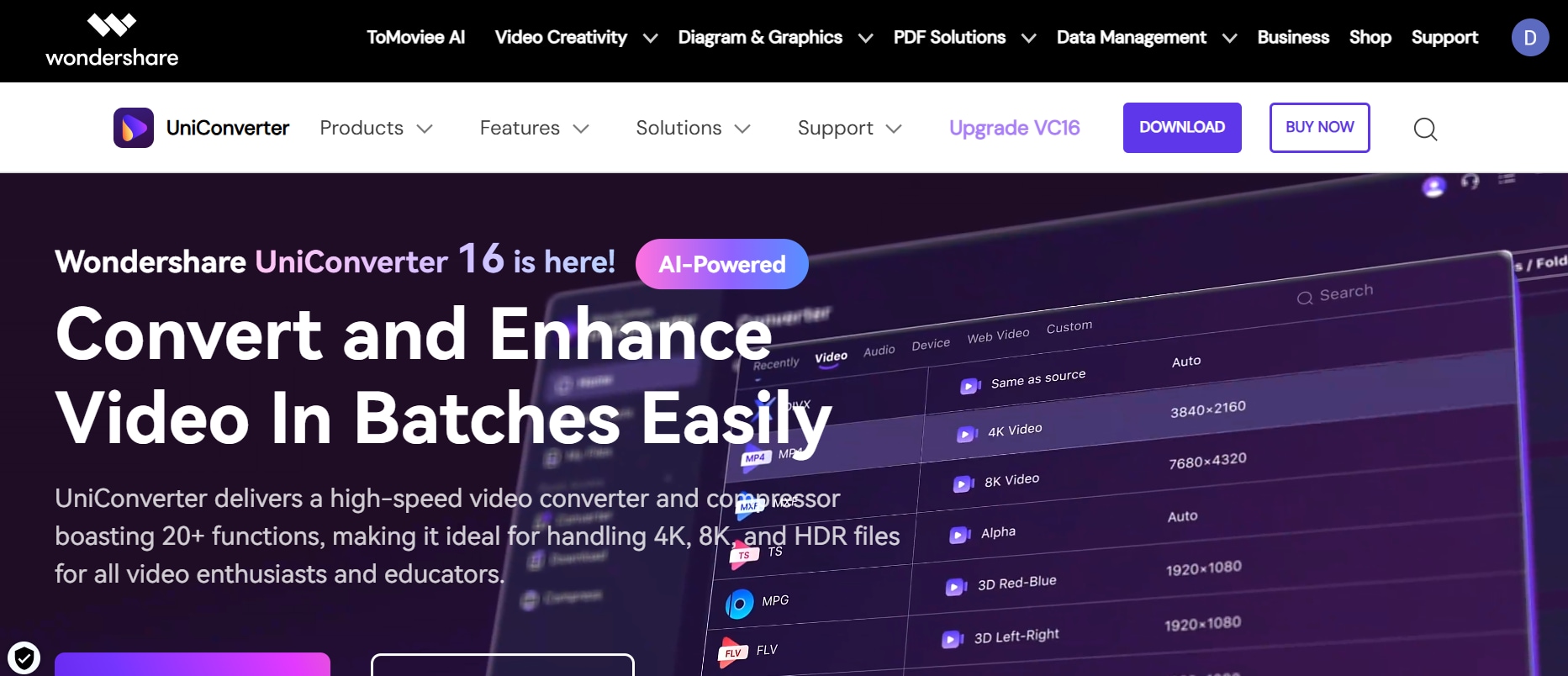
Wondershare UniConverter isn’t a traditional SFX library—but it’s an incredibly useful tool if you want to create custom sound effects from existing audio or video files. Its built-in AI Vocal Remover can separate background sounds from vocals in just a few clicks. Whether you’re working with movie scenes, YouTube videos, or personal recordings, it lets you isolate clean audio elements fast. The software supports virtually every major file format and includes batch processing for efficiency. You can even trim, convert, or merge clips directly inside the interface and add sound effect to videos without jumping between tools. Ideal for creators who want more control and originality in their sound design. Plus, it works offline—so no internet is required during processing.
Best for: Creating custom SFX from your own video/audio files
Features of Wondershare Uniconverter:
- Instantly isolate vocals or instrumentals from any audio/video
- Wide Format Support – Works with MP3, WAV, M4A, FLAC, MP4, MOV, MKV, AVI, and more
- Process multiple files at once for faster SFX workflows
- Maintains original sound quality after separation
- Built-in editing tools for customizing your extracted SFX
- Convert extracted clips into any format for compatibility across tools
- Integrated Screen Recorder & Voiceover Tools
- Intuitive UI – Beginner-friendly interface with drag-and-drop support
- Available on Windows & macOS – Smooth performance on both platforms
Pros & Cons
2. Freesound.org
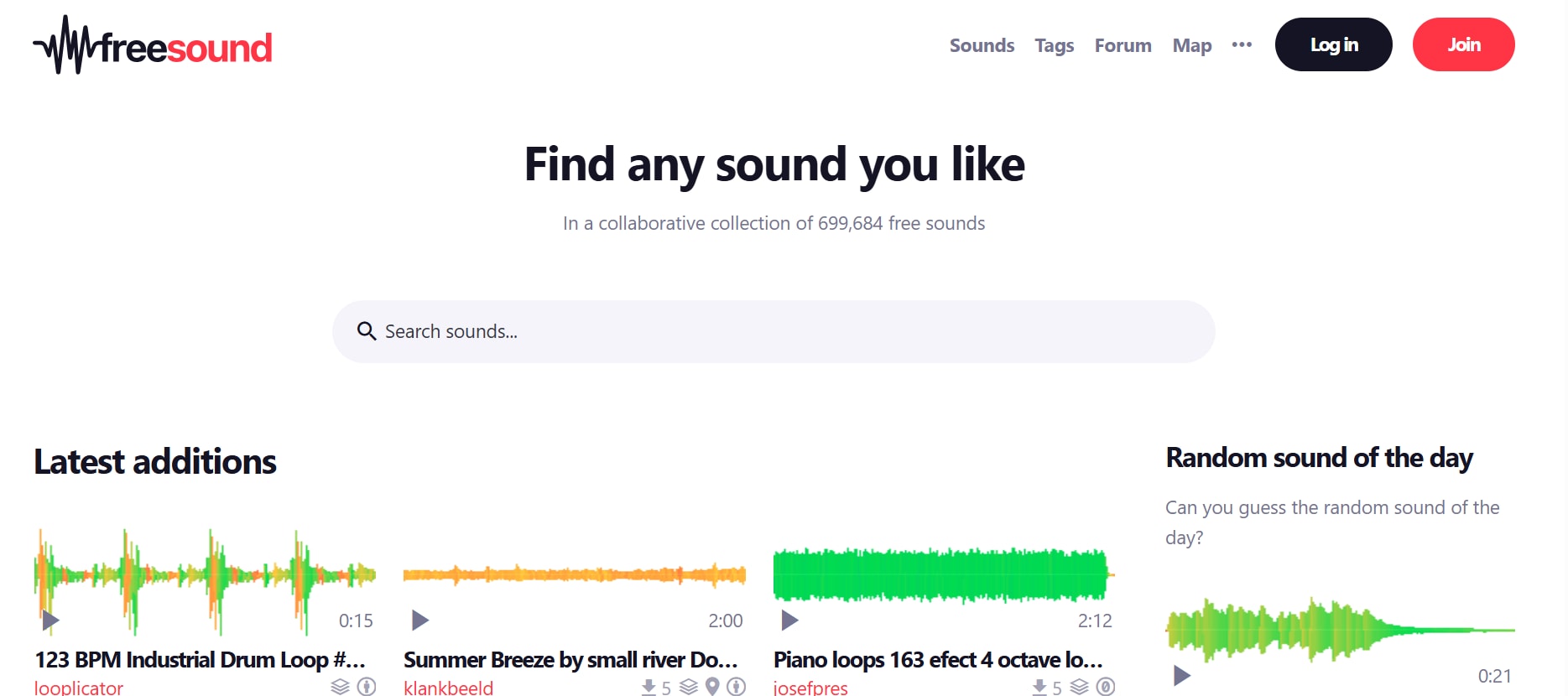
Freesound is a massive, community-powered free sound library with more than 500,000 clips, all free to download under Creative Commons. It covers just about everything—field recordings, foley, ambient loops, synth stabs, and glitchy FX. Each file comes with helpful tags, ratings, and even waveform previews. The built-in AI “similar sounds” tool helps you discover related clips instantly. It’s especially useful for creative professionals working on experimental audio, indie games, or abstract projects. Just make sure to read the license type before using clips in commercial work.
Best for: Diverse community‑uploaded SFX with CC licensing
Pros & Cons
3. ZapSplat
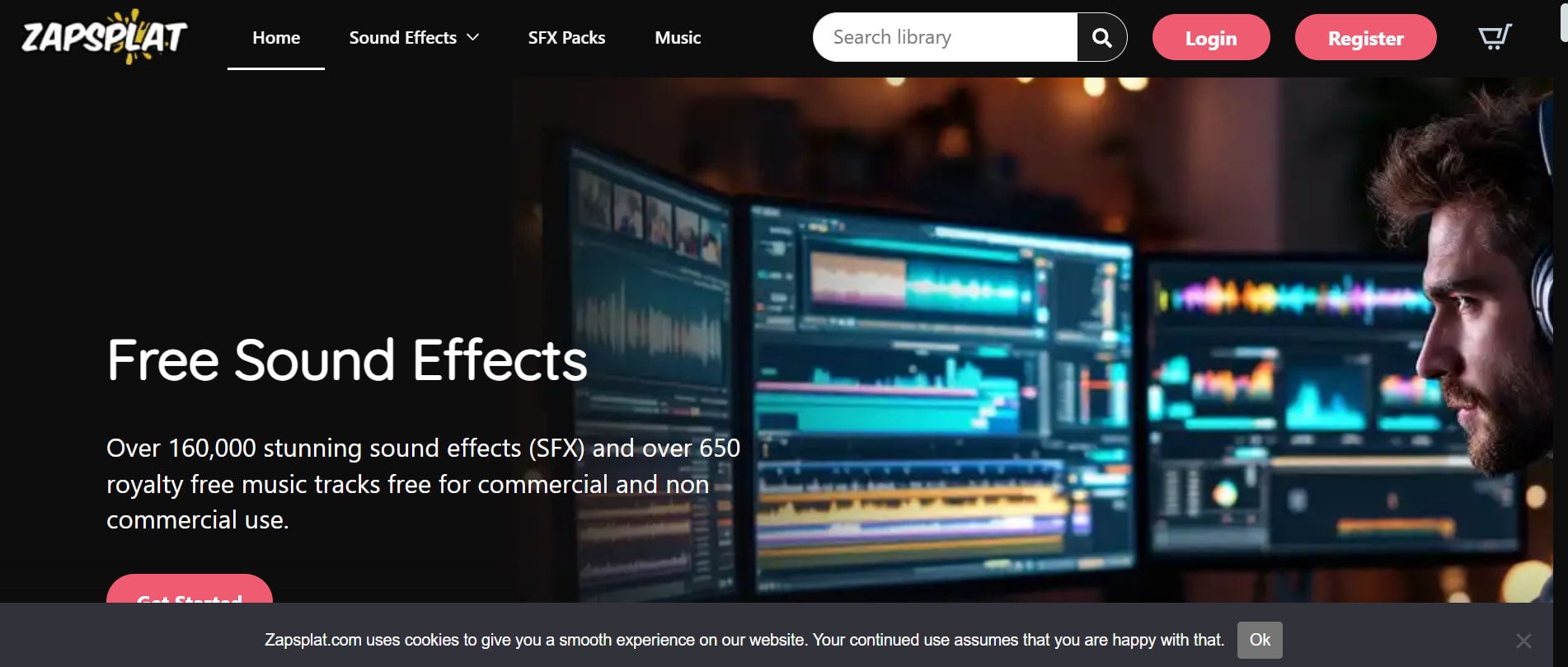
Need loads of sounds without jumping through hoops? ZapSplat has your back. It’s packed with over 160,000 SFX—cinematic drones, horror cues, UI clicks, ambient textures—you name it. The site is super easy to use with handy filters and instant previews. Free members get MP3 files, and if you upgrade, you get WAVs and zero attribution. New sounds drop regularly, so you’re never stuck with the same old options. Whether you’re editing your next YouTube short or building an app, it’s a solid, no-stress choice.
Best for: Quick access to a wide variety of free FX with optional premium upgrade
Pros & Cons
4. BBC Sound Effects Archive
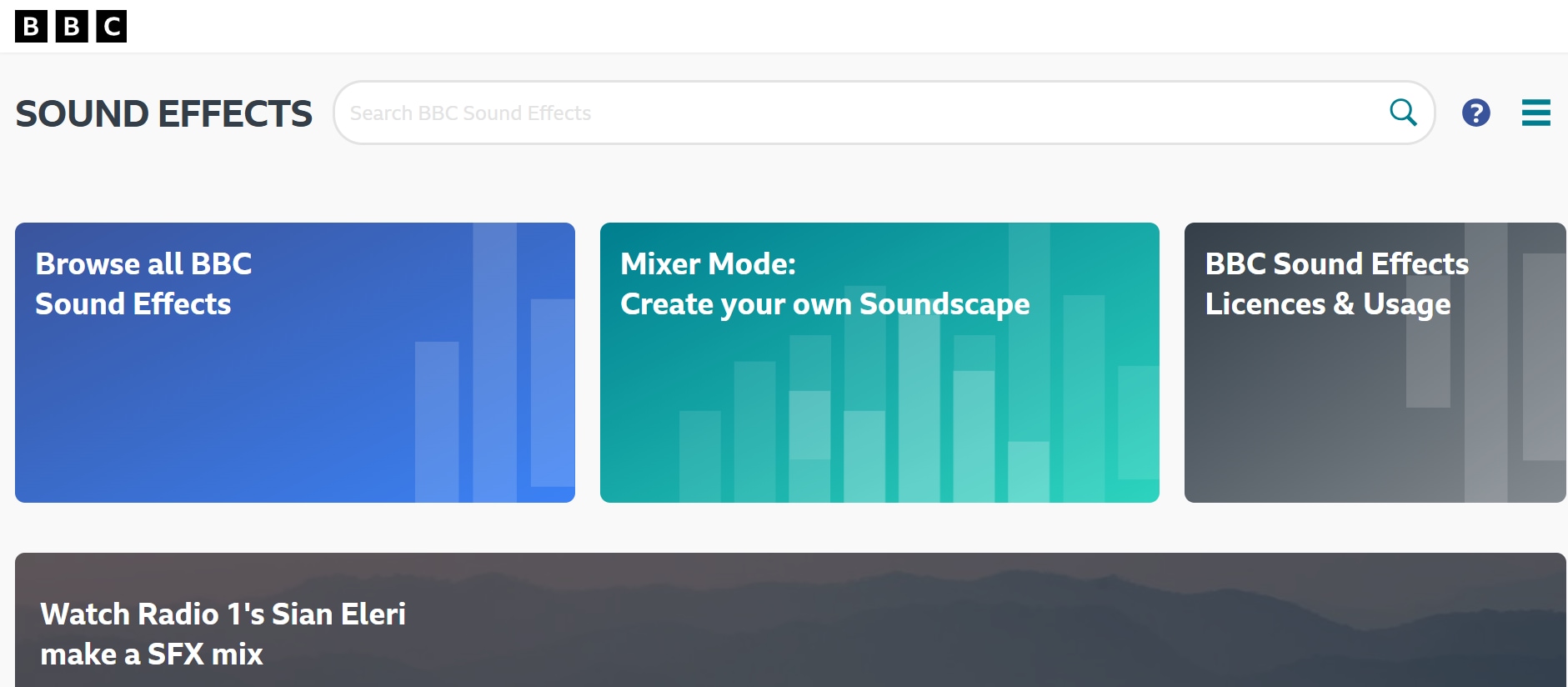
If you're looking for authentic, historical, or ambient audio, the BBC Sound Effects Archive is a goldmine. With over 33,000 sound effects from decades of BBC production history, it offers real-world recordings of city streets, old machinery, nature, and more. The files are downloadable in WAV format and intended primarily for personal, educational, and research use. The licensing is restrictive for commercial projects, but as a reference or ambient layer, it’s incredibly valuable. The interface is searchable and neatly categorized, although it’s not built for speed. Still, it’s ideal for documentary makers, film students, and audio historians.
Best for: Historical and archival ambient sounds
Pros & Cons
5. SoundBible
If you're just starting out—or just need something fast—SoundBible might be your new favorite shortcut. It’s free, clean, and easy to navigate, with no account or credit card required. Everything is labeled clearly with license info, and you can even filter sounds by usage rights. The collection isn’t huge, but it nails the basics: pings, ambient sounds, animal clips, and silly cartoon effects. Great for students, hobbyists, or creators who want something quick and fuss-free.
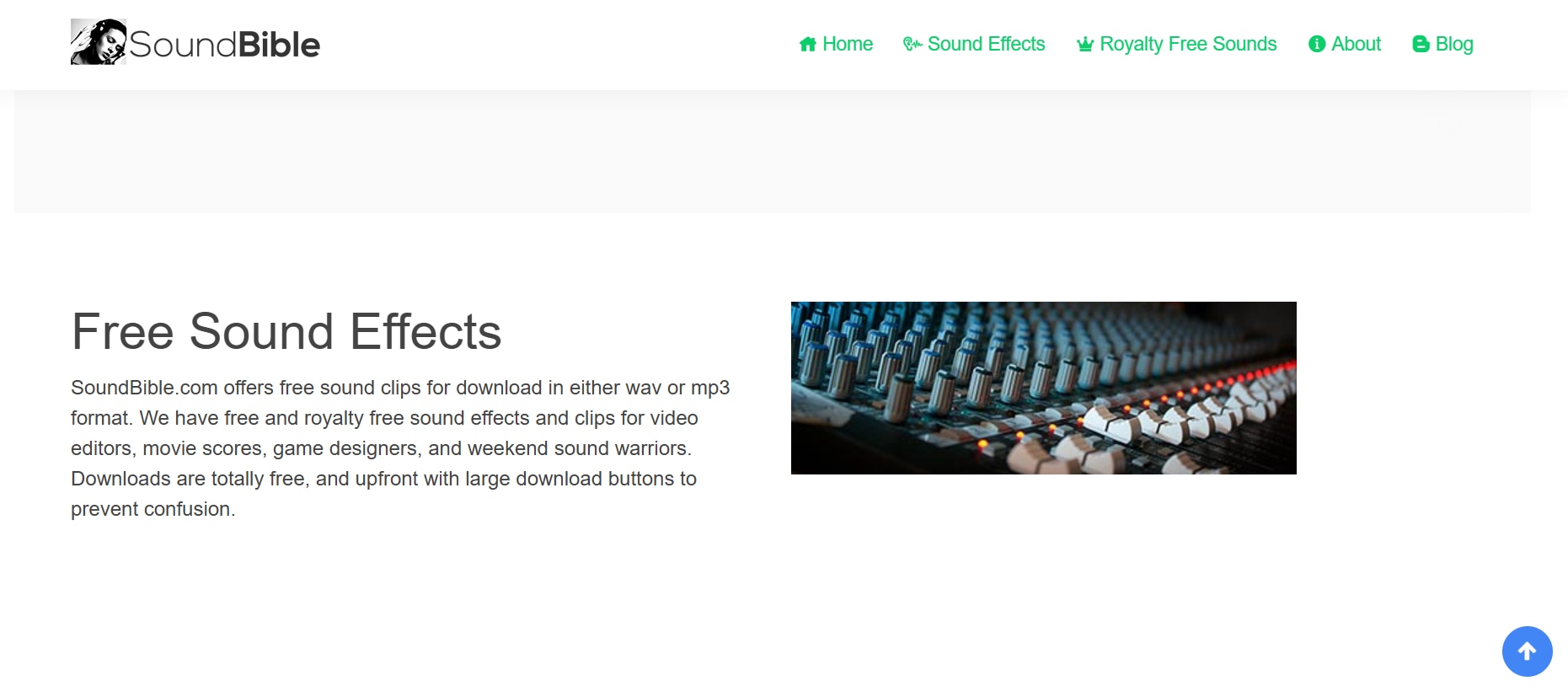
Best for: Quick free access to public domain and CC‑licensed FX
Pros & Cons
6. 99Sounds
99Sounds is a powerhouse tool for creators who care about audio detail and creative direction. It does not operate like typical SFX libraries; instead, it offers downloadable sound packs, each crafted around a concept—be it cinematic booms, granular glitches, or ambient swells. Every file arrives in high-resolution WAV format, and the entire library is royalty-free for both commercial and personal use. The library’s design leans heavily toward stylized sound design, which makes it especially useful for visual storytellers, video editors, and music producers who need texture and polish. It’s not built for grabbing one-off sound clips—but if you’re curating a full scene or soundtrack, this is the tool. The experience is frictionless: no login, no fees, just high-grade sound design.
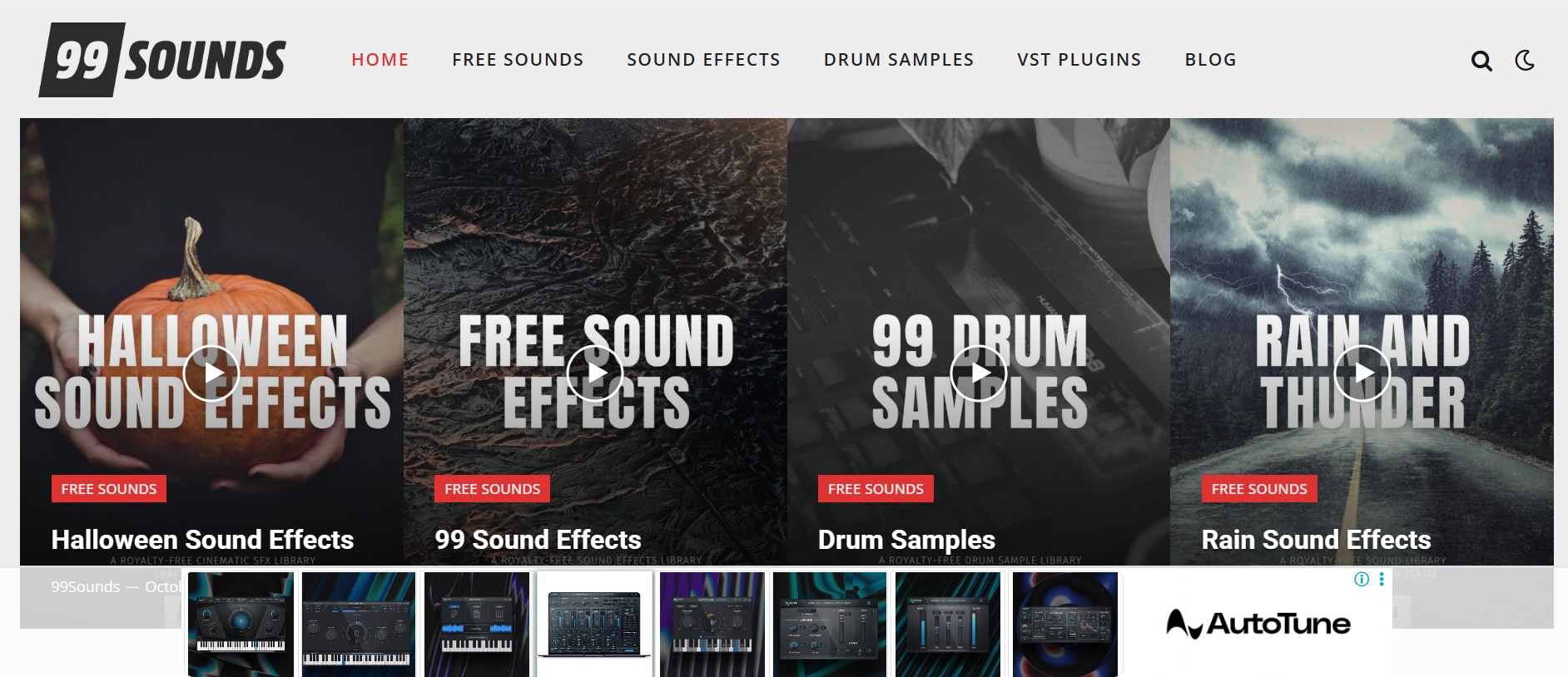
Best for: Unique designer packs (whooshes, glitches, cinematic textures)
Pros & Cons
7. Partners in Rhyme
Partners in Rhyme has been offering free and paid music and SFX resources for years, especially for educational and animation purposes. Their free sound effects section includes cartoonish FX, transitions, UI sounds, and other utility audio perfect for explainer videos or student projects. The site feels a bit old-school, but navigation is clear, and downloads are direct. WAV is the primary format offered, and licensing is fairly relaxed for non-commercial work. It may not have the scale of modern libraries, but it’s a helpful niche resource for creative educators, animators, or beginners working on lighthearted content.
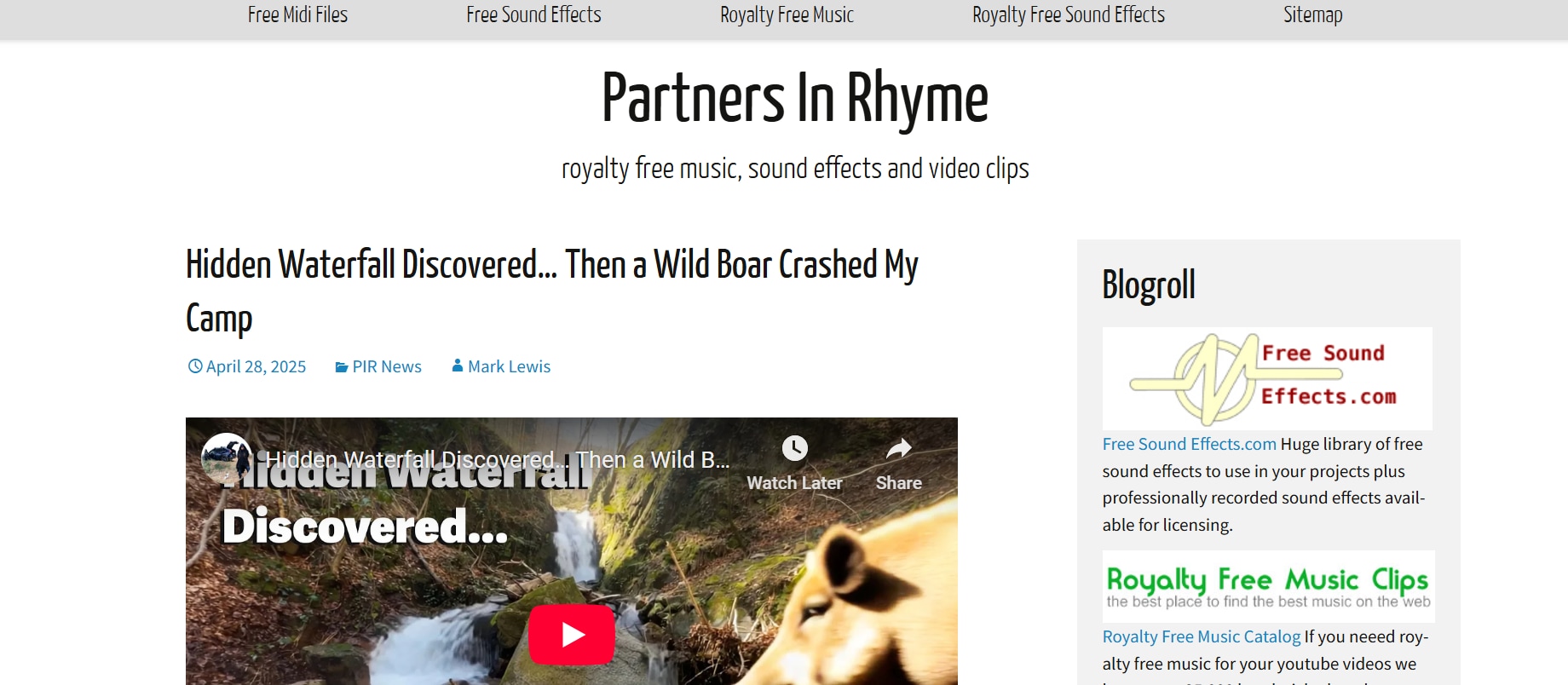
Best for: Animation or educational video FX
Pros & Cons
8. PacDV
If you're building a student film, short video, or academic edit, PacDV is a practical choice. Its small collection includes ambient sounds, simple transitions, mechanical FX, and human noises—nothing fancy, but totally usable. You get downloads in either WAV or MP3, and there’s no account needed. Everything is neatly labeled and licensed for non-commercial projects. It’s definitely not the place for epic trailers or cinematic drama—but for basic needs, it gets the job done.
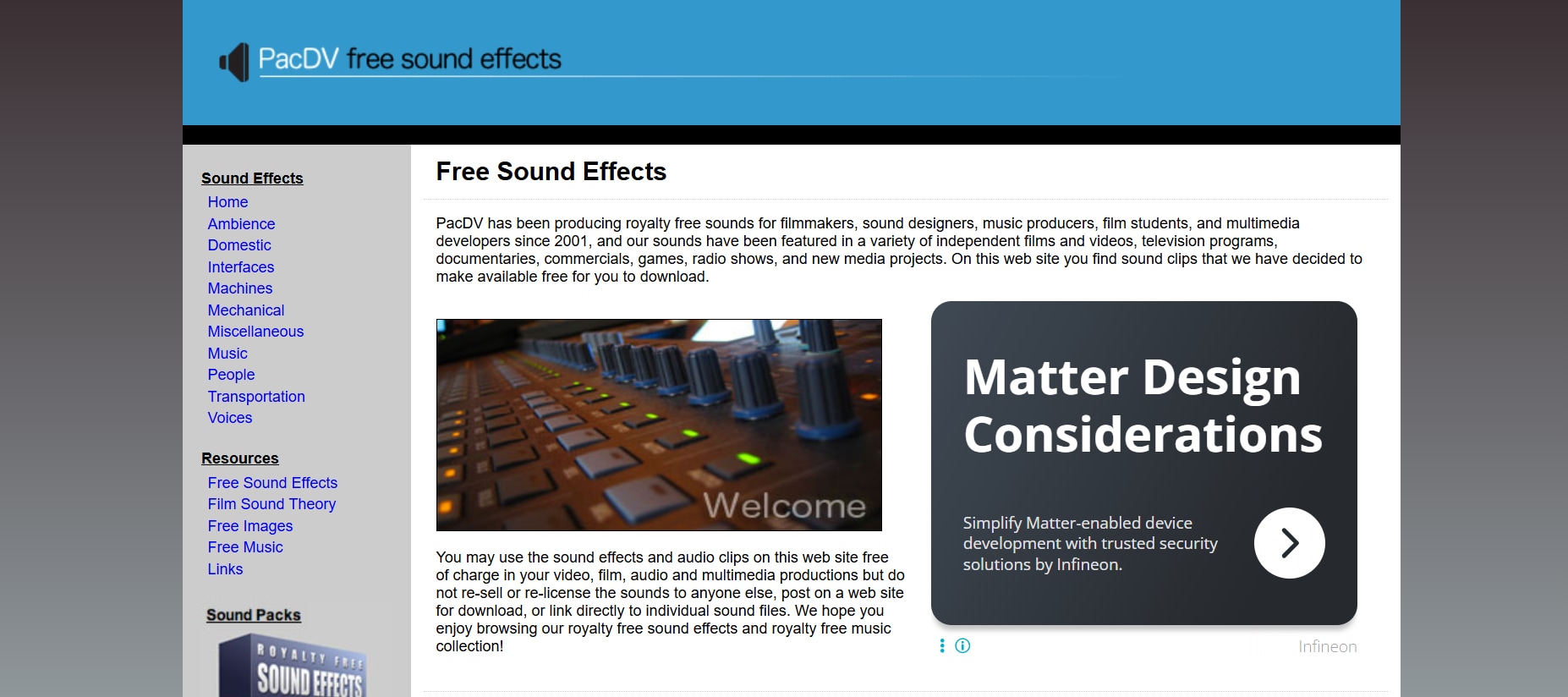
Best for: Indie filmmakers & amateur editors needing core FX
Pros & Cons
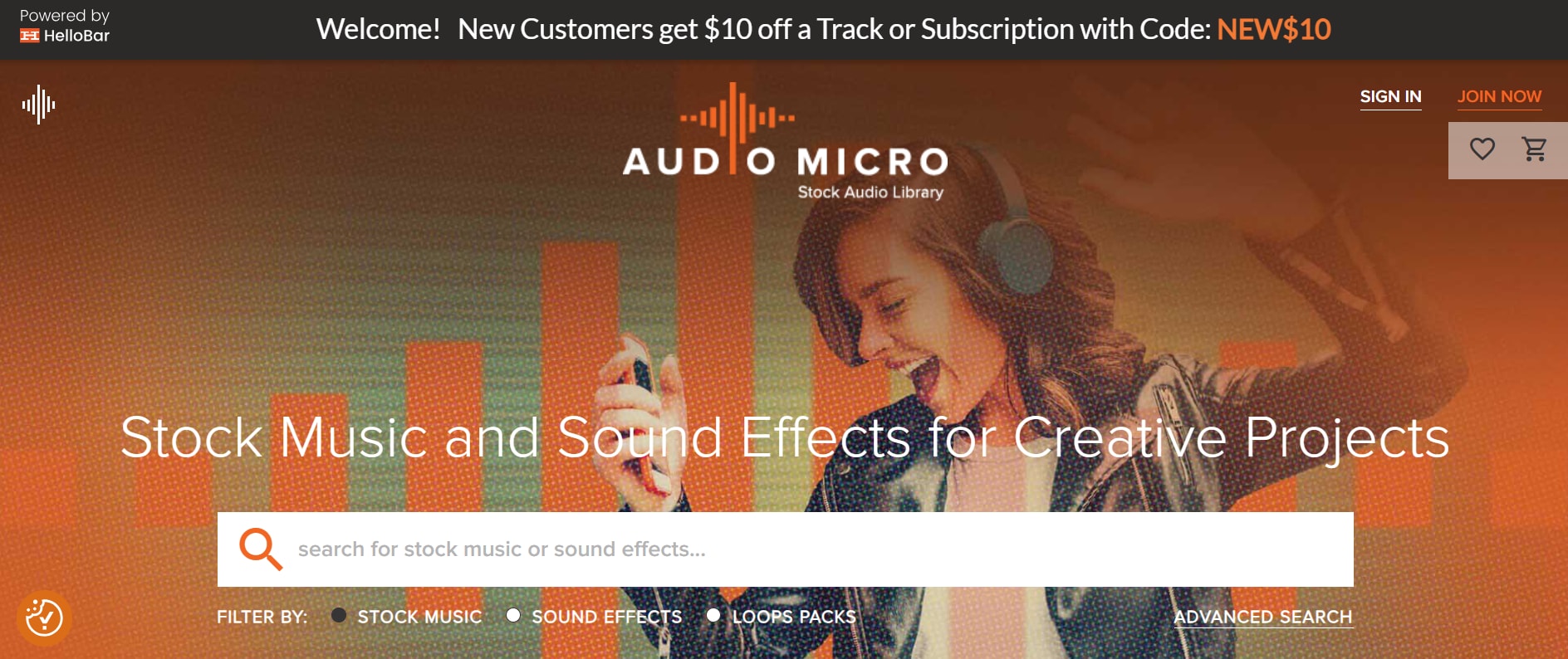
9. AudioMicro (Free section)
AudioMicro is a large commercial platform, but it offers a rotating collection of free sound effects under its royalty-free license. These effects are pulled from their larger paid catalog and include cinematic hits, sci-fi transitions, animal sounds, and user interface cues. You’ll need to create an account to access free downloads, but the quality is consistently high. Formats include MP3 and WAV, and each sound includes metadata for easy integration into editing software. It’s especially good for advertisers, video editors, and digital marketers looking for polished SFX. However, the free library is somewhat limited compared to the full offering.
Best for: Utility sounds & generic cinematic FX with commercial intent
Pros & Cons
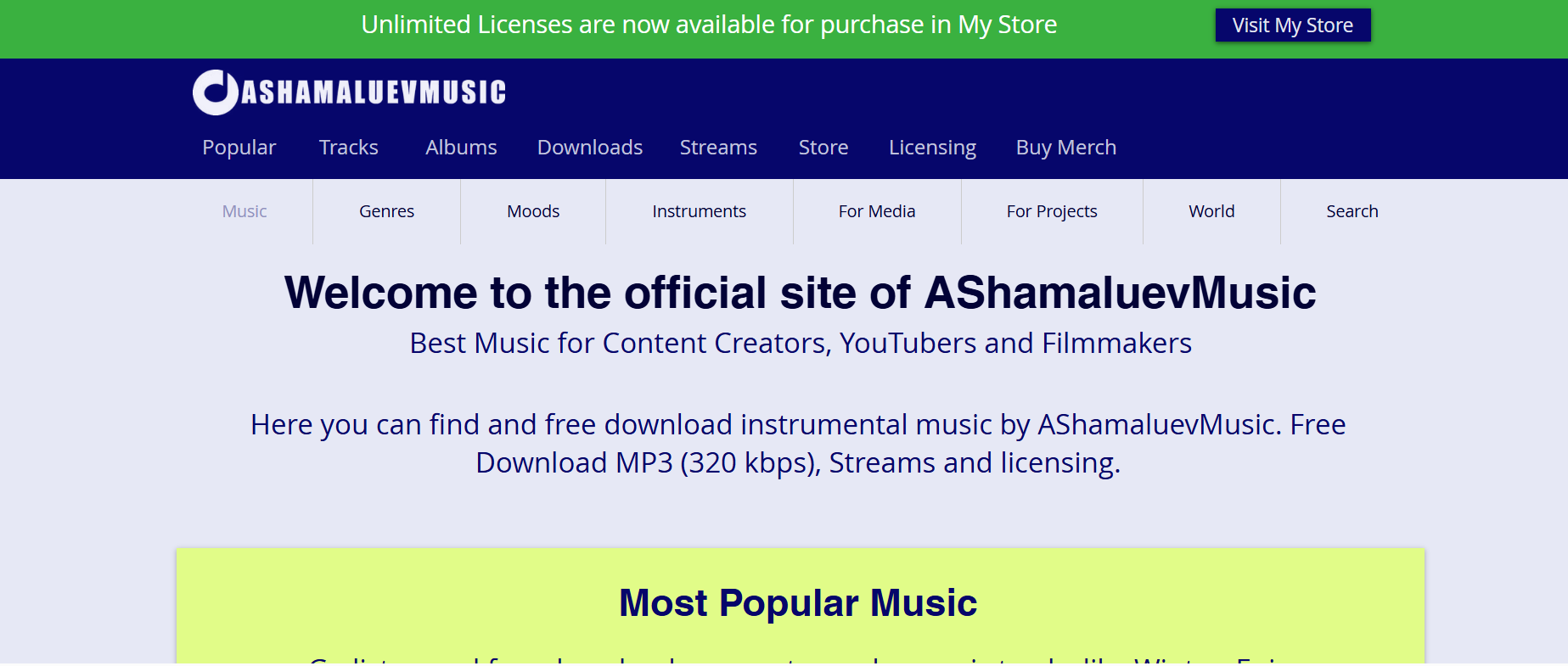
10. Ashamaluev Music SFX
Ashamaluev Music isn’t just about background scores—it delivers some seriously bold cinematic sound effects. From thunderous impacts to eerie risers and tension-building ambiences, the site caters to creators working on trailers, intros, or presentations. Everything is royalty-free and downloadable in MP3 or WAV format. No sign-up needed. Sounds are sorted into genre-based packs so you can grab what you need, fast. If your project needs suspense or drama, this is the kind of high-quality resource that elevates the mood without costing a thing.
Best for: Dramatic or cinematic action-oriented effects
Pros & Cons
Part 4: How to Create Sound Effect Clips From Any Media
Got a sound buried in your video that would make the perfect standalone effect? You don’t have to hunt for it elsewhere—just extract it. Wondershare UniConverter’s AI Vocal Remover lets you pull ambient sounds, textures, or clean instrumentals directly from any clip. It’s fast, accurate, and ideal for YouTubers, game devs, and filmmakers who want to turn media into original SFX. No need to record from scratch when the perfect sound is already in your timeline.
Step-by-Step: Extract Sound Effects with Vocal Remover
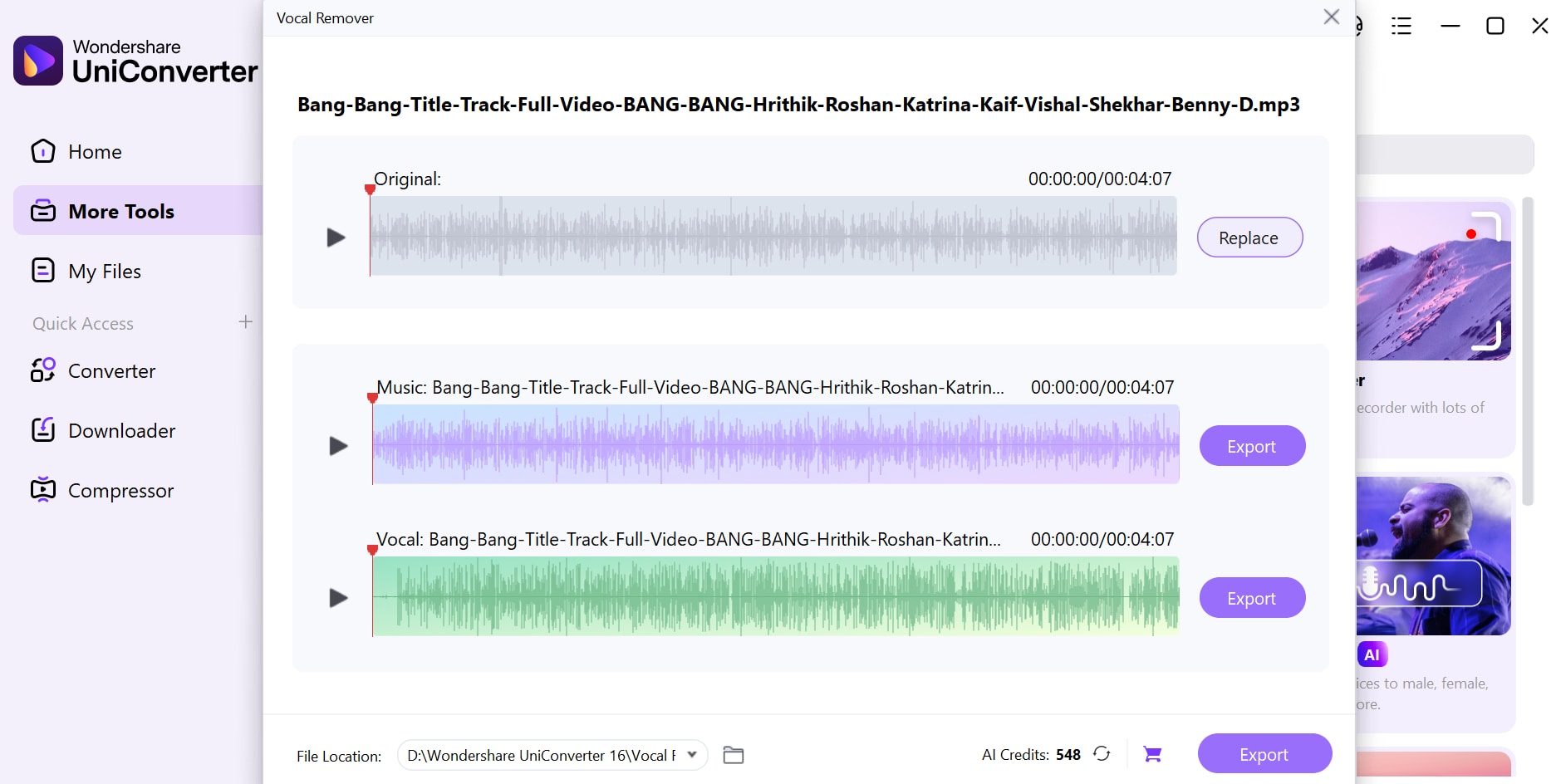
Step 1: Fire up Vocal Remover and drop in your file
Open UniConverter and head over to the AI Lab section. Click Vocal Remover, then upload your media using the + File button—or just drag and drop your video or audio right in.
Step 2: Let the AI work
No need to click anything—once your file’s in, UniConverter instantly begins analyzing it. In a few seconds, it’ll break your audio into two clean tracks.
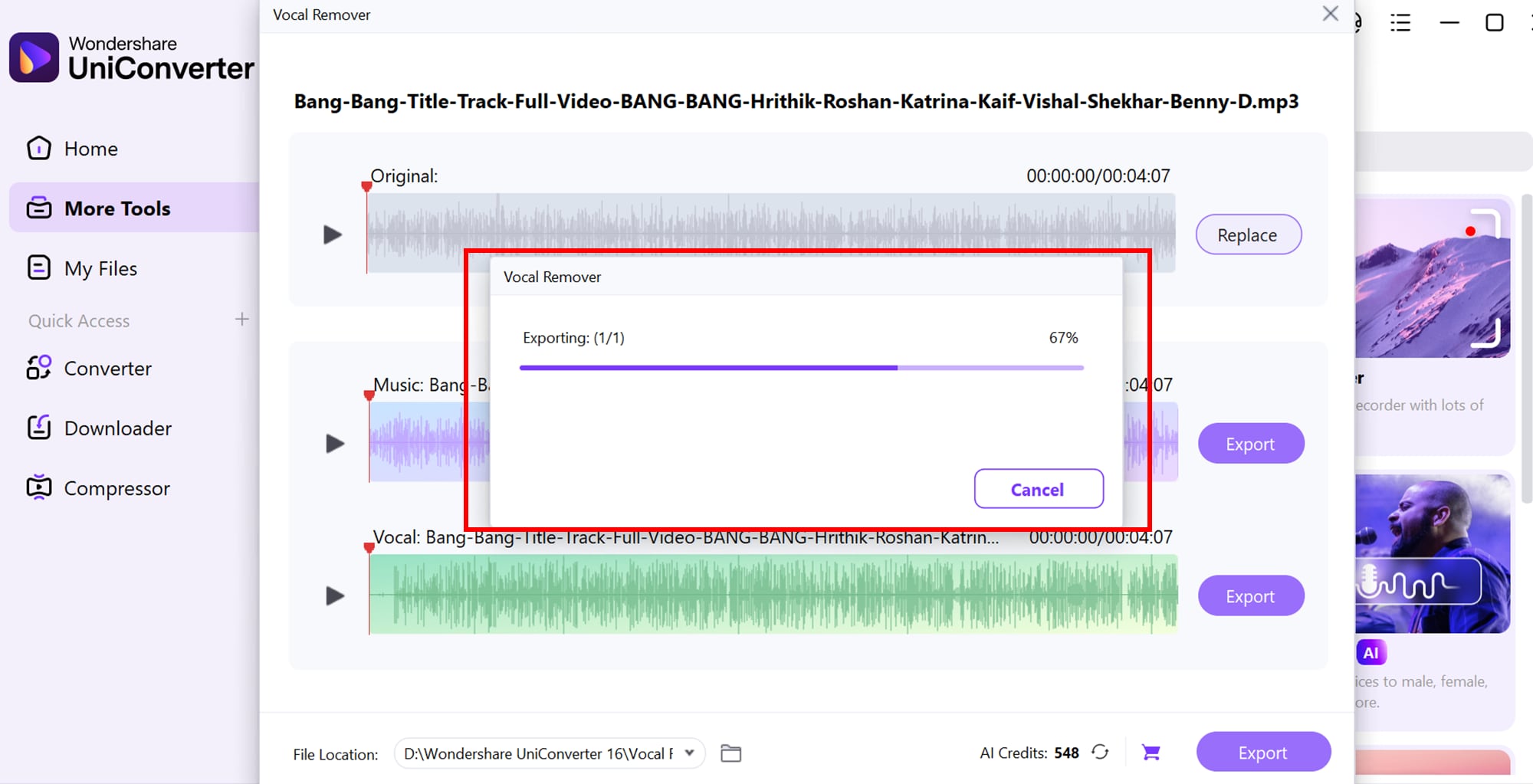
Step 3: Export your isolated sound effect
You’ll see two tracks appear: one with vocals and one without. To save the clean background (aka your sound effect layer), click Export next to the instrumental track and choose your format—MP3, WAV, or others. Done!
Conclusion
The best free sound effects library depends less on popularity and more on how you plan to use it. Casual users may prefer a simple library with fast downloads and a straightforward interface, while regular creators may benefit more from platforms with better search tools, broader audio categories, and clearer licensing terms.
For projects that need more specific sounds, ready-made libraries may not always be enough. In those cases, creating or editing custom sound effect clips from existing media can be a useful addition to your workflow. Rather than looking for one library that does everything, it may be more practical to choose based on your content type, frequency of use, and licensing needs.
FAQs
What is the best free sound effects library for beginners?
For beginners, the best free sound effects library is usually one with a simple interface, quick downloads, and clearly organized categories. Beginner-friendly platforms can make it easier to find common sounds for basic video edits, school projects, or social media content.
Can I use free sound effects in YouTube videos?
In many cases, free sound effects can be used in YouTube videos, but the exact terms depend on the platform and the license attached to each file. Some libraries allow broad use, while others may require attribution or place limits on commercial content, so it is important to review the latest license terms before publishing.
Are free sound effects libraries suitable for commercial projects?
Some free sound effects libraries may be suitable for commercial use, but the rules can vary by platform and by file. Users should always check each library’s current usage policy before using sound effects in ads, client work, or other business-related projects.
Do all free sound effects sites require attribution?
No, not all free sound effects sites require attribution, but some do. Attribution requirements may depend on the file, the specific license, or whether the download is part of a free or premium plan.
What if I cannot find the exact sound effect I need?
If a free sound effects library does not include the exact clip you need, creating a custom sound effect from existing audio or video may be another practical option. This can be useful when you need something more specific than a ready-made library provides.

