

If you are facing 4K Video Downloader not working issues, such as downloads failing, formats being unsupported, or the app not opening, you are not alone. These issues usually occur due to outdated app versions, system compatibility problems, network restrictions, or changes on the video platform
In this article, we will walk you through the nuances of why 4K Video Downloader is not working and some quick fixes to rectify the issue. You will also learn about the different alternatives that you can use when the 4K Video Downloader is not working. Every solution that you get from this article is practical, beginner-friendly, and focuses on eliminating unnecessary complexities.
Part 1: Why is 4K Video Downloader Not Working?
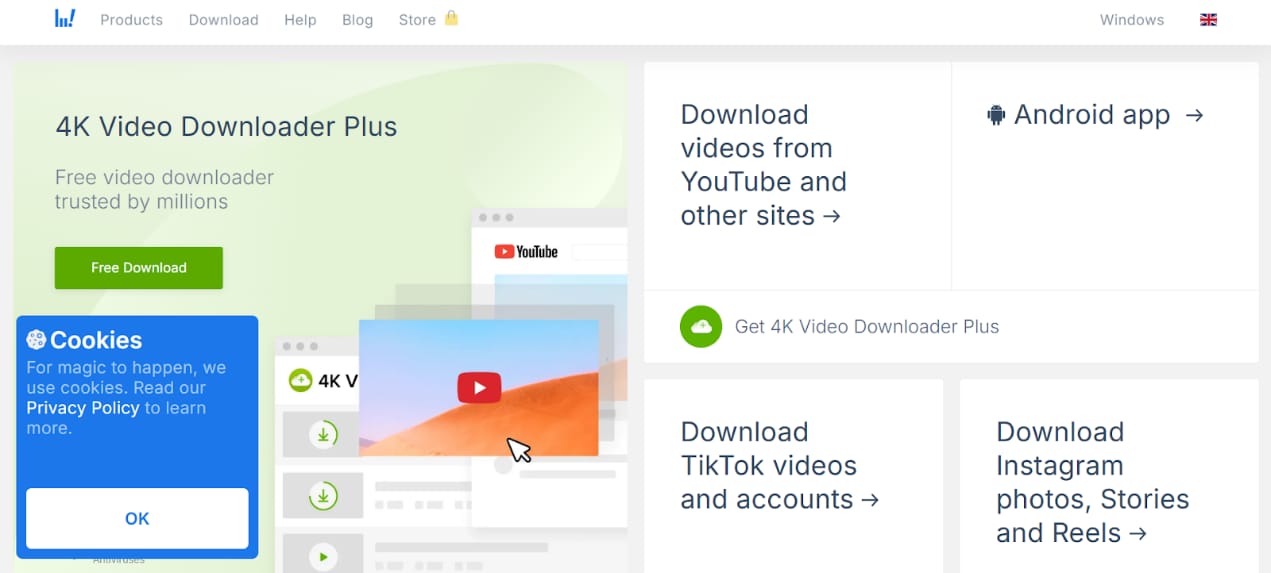
The 4K Video Downloader not working issue comes up when there are system conflicts, software limitations, unstable internet connections, firewall restrictions, and platform changes. You might also face problems when there is a site code update or restrictions like privacy/age-gated content from YouTube, TikTok, or other similar platforms. The most common reasons for these issues are listed below:
Outdated Software Version: When you are using an older version of the 4K Video Downloader, there is an incompatibility between the platform and the video format. This results in broken links and download errors.
Unsupported Video Sources: Certain websites and OTT platforms like TikTok and Prime Video restrict video file downloads. In some cases, they block 4K Video Downloader from fetching files from their server.
Download Stuck at 0%: When downloading videos using 4K Video Downloader, the download get stuck at 0% due to unstable network connection, firewall restrictions, or server issues. You should connect with a stable and reliable internet provider before starting your download.
Corrupt Installation: 4K Video Downloader does not work in instances where the download and installation process has not been followed properly. Issues like corrupted installation files, compatibility issues, or missing updates prevent the app from opening properly. This also results in the app freezing or crashing randomly.
Limited Functionality in Free Version: 4K Video Downloader restricts you with download limits, resolution caps, and blocks other advanced features when you are using the free version.
Part 2. What Are the Best Alternatives When 4K Video Downloader Not Working?
When you are dealing with a 4K Video Downloader not working issue, you can switch to other tool options that will help you complete the video file download instantly. Based on your device compatibility and requirements, you can try out any of the tools mentioned below.
Best 4K Video Downloader Alternatives for PC (Windows and Mac)
There are many 4K Video Downloader alternatives that are available on the PC. This includes Wondershare UniConverter, ClipGrab, and YTD Video Downloader. Using these alternatives will help you complete your download without facing issues.
Wondershare UniConverter
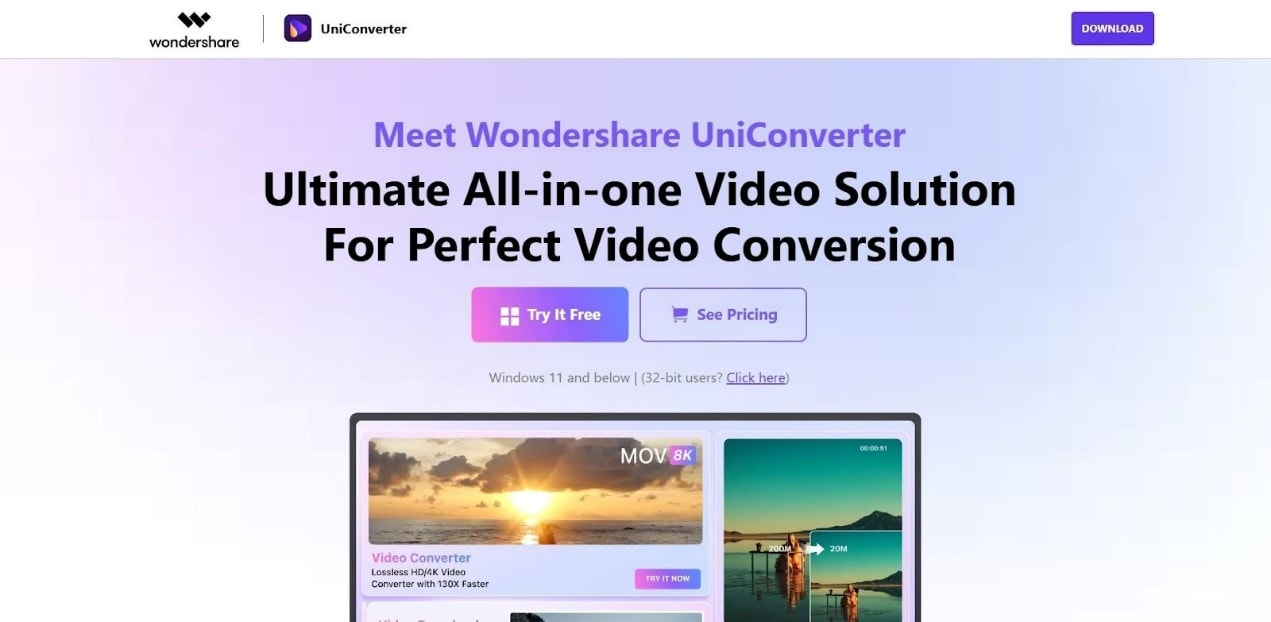
Wondershare UniConverter is a desktop-based video downloader that comes out as the best alternative when you are struck with the 4K Video Downloader not working issue. It lets you download videos from more than 10,000 websites and platforms. The built-in converter helps you convert the video to different formats like MP4, MOV, MKV, and others based on your device compatibility. Another standout feature is that you can perform edits to your videos, like cut, convert, burn, compress, and remove watermarks on the same dashboard.
Key Features
Supports high-resolution 4K video downloads in different codec formats.
Convert video files to MP4, MOV, MKV, and other video formats as per your device requirements.
Batch downloading feature lets you download multiple videos simultaneously.

All-in-One Multimedia Processing Tool

ClipGrab
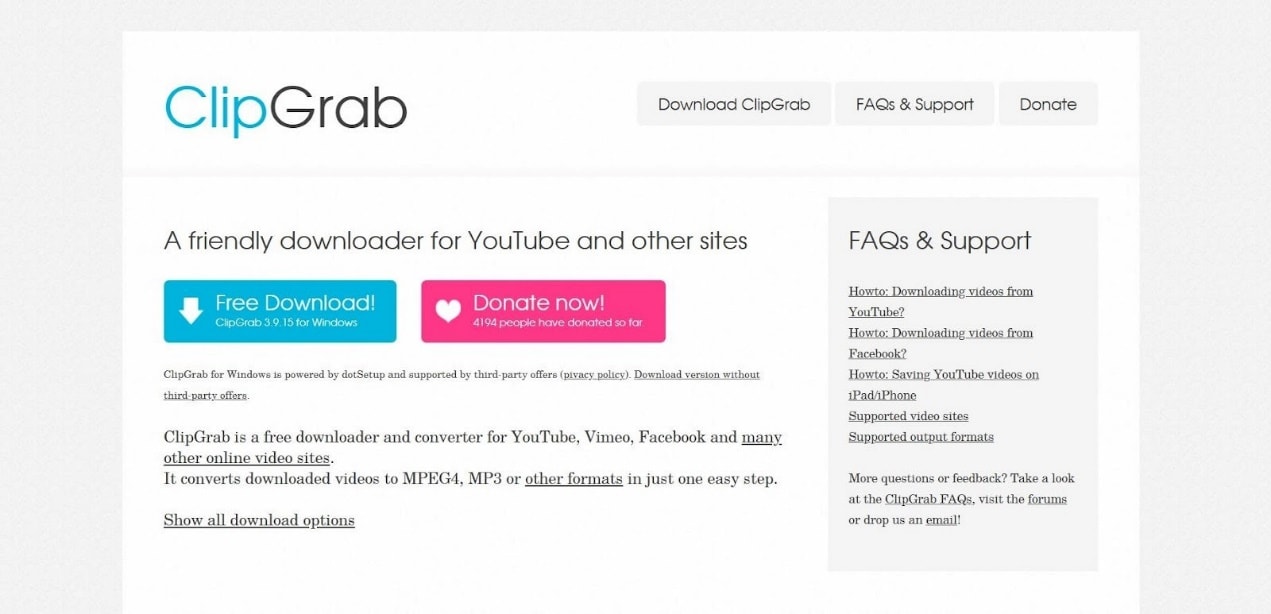
ClipGrab is a free desktop application for downloading 4K videos suitable for users who do not want to sign up for a premium subscription. It allows you to choose the video format (like MP4, MOV, or MKV) before starting your download. However, there are no built-in conversion tools. So, you will have to rely on other tools for converting or editing the video.
Key Features
Supports downloads from multiple platforms and websites.
The tool has a simple user interface with minimal screen clutter.
It is compatible with both Windows and Mac OS versions.
YTD Video Downloader
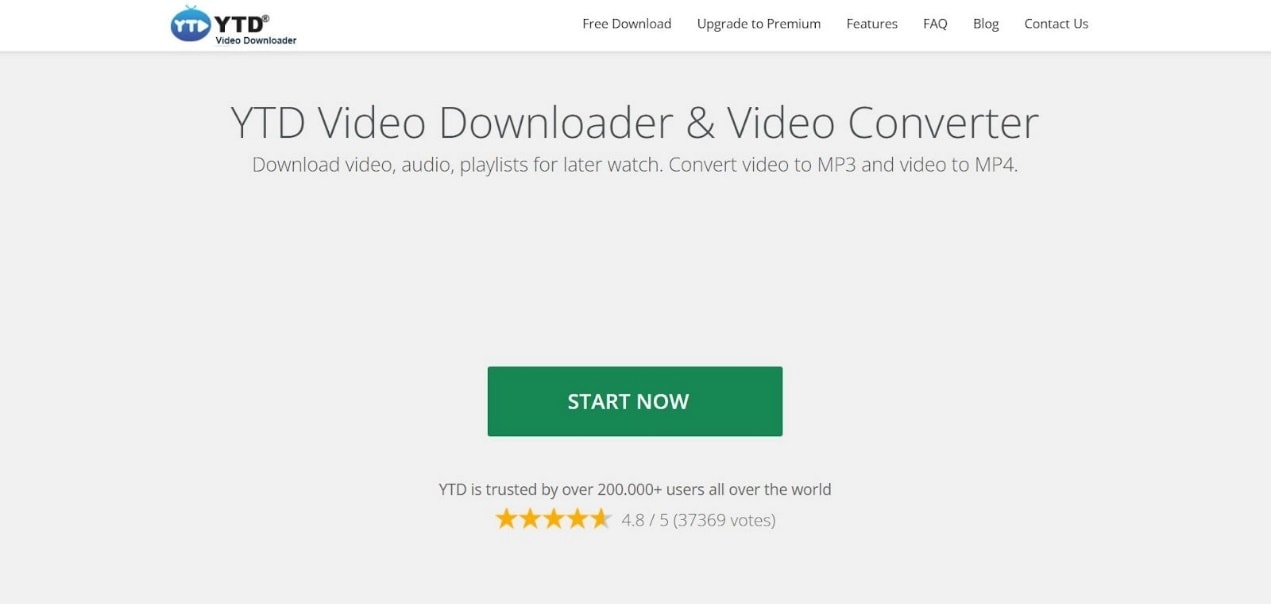
YTD Video Downloader focuses on downloading videos quickly and instantly in common formats like MP4, MOV, and MKV. It allows single video downloads without compromising the quality of the video file. The downside is that YTD Video Downloader struggles to work on new OS versions because of platform restrictions.
Key Features
Support 4K video downloads without compromising the quality.
You can extract audio files from the downloaded video.
You can choose the video format, like MP4 or MOV, before starting the download.
Best Online Alternative to 4K Video Downloader
You can choose an online alternative to 4K Video Downloader if you do not want to install software on your PC. This option is best suited when you want to download single videos occasionally. Online video download tools let you download videos right on the browser instantly, thereby helping you save time and effort.
SaveFrom.net
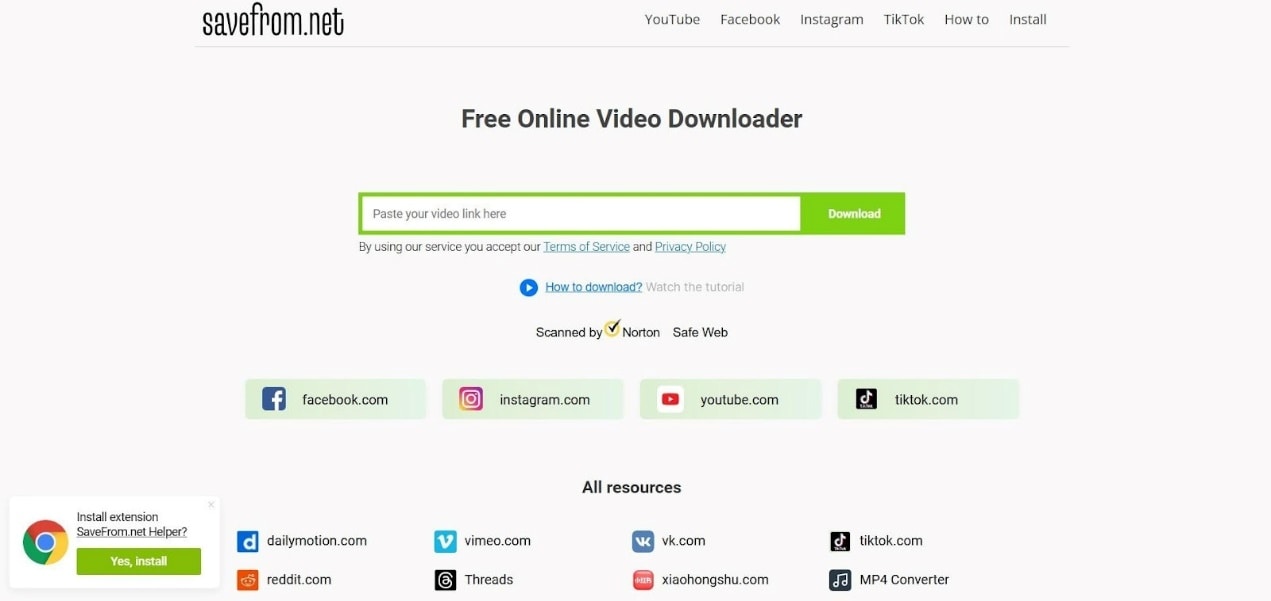
SaveFrom.net is a browser-based tool that can quickly help you solve the 4K Video Downloader not working issue. It lets you download high-resolution videos without software installation and setup seamlessly. You can use SaveFrom.net to download videos from different platforms and websites. It supports batch download of multiple video files simultaneously. However, there is no built-in converter, and you will have to look for other options.
Key Features
You can download 4K videos on browsers without compromising video quality.
No setup or installation required
Free platform that does not require sign-ups or installation.
SaveTheVideo
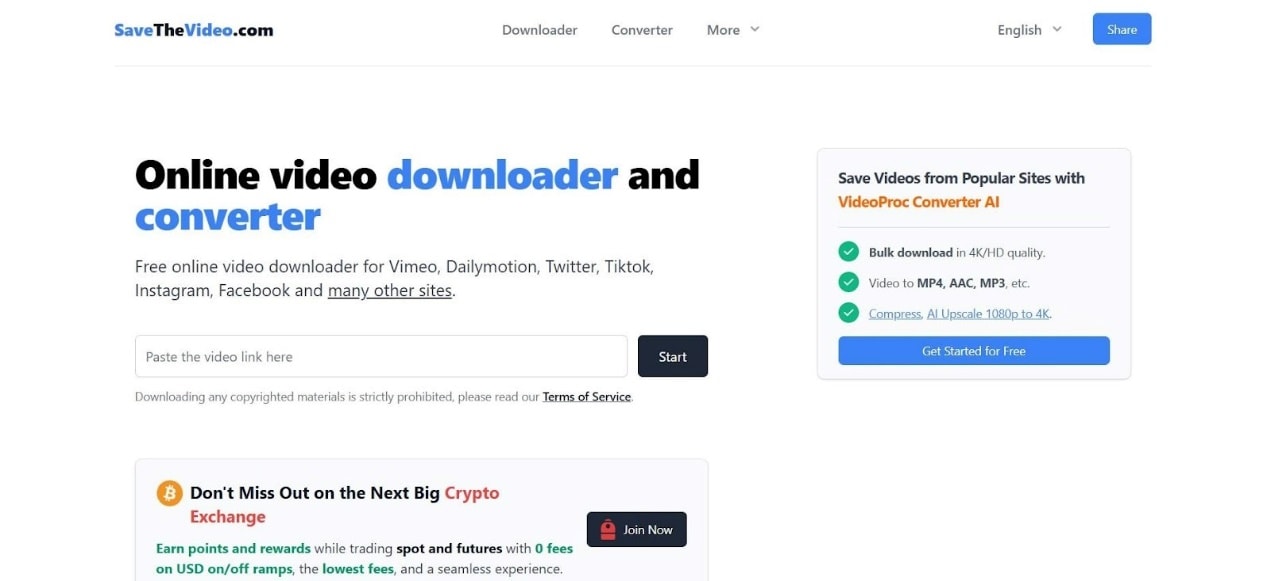
With SaveTheVideo, you can download large 4K videos directly on your browser. The stable environment ensures that video download is not affected by minor network variations. It has a very simple interface that lets you download videos without technical complexity. However, the ads and pop-ups are distracting and result in accidental clicks.
Key Features
Stable environment for downloading videos in fluctuating networks.
No need to install software on your system.
Simple workflow with minimal technical complexity.
VidsSave
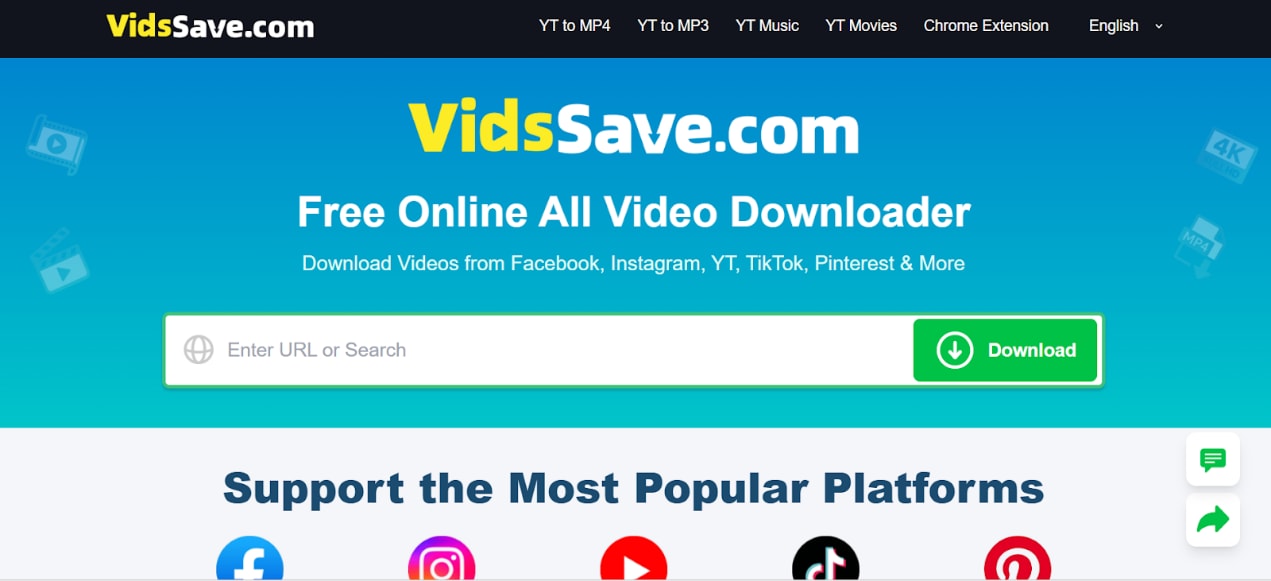
VidsSave is a browser-based video downloader tool that lets you download videos from multiple websites. It lets you convert videos to different formats like MP4 or MOV right on the same platform. However, the interface is highly cluttered with distracting ads and pop-ups as well.
Key Features
Built-in conversion options to multiple formats like MP4, MOV, or MKV.
You can download videos from multiple platforms and websites.
The video quality is not compromised during the download process.
Best Mobile Alternative to 4K Video Downloader (Android and iOS)
A mobile alternative to 4K Video Downloader is necessary when you want to download videos on your mobile devices. Mobile video download platforms ensure video compatibility with your device. However, choosing the right tool is necessary to overcome performance limits.
VidMate (Android)
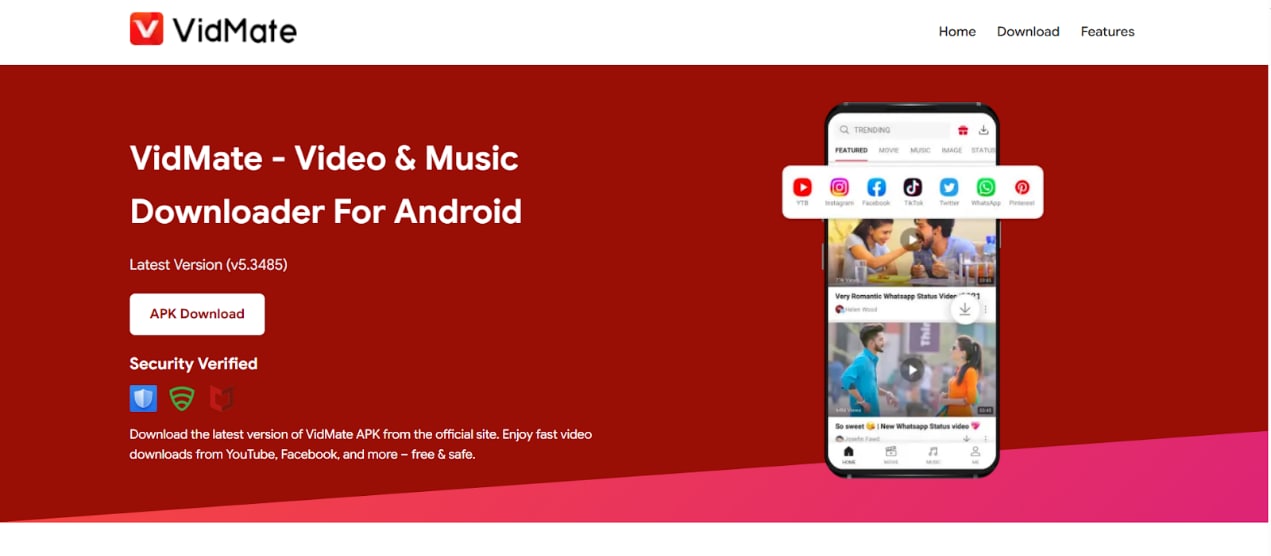
VidMate is a mobile-based video download tool available for Android users. You can download videos in different formats like MP4 or MKV, based on your device compatibility. When it comes to video download, VidMate does not compromise the video quality even when downloading on mobile networks. However, VidMate is only available for Android users and not for iOS devices.
Key Features
You can paste links from multiple websites or platforms.
You can choose the video format, like MP4 or MKV, before starting the download.
The platform lets you download multiple files simultaneously.
Documents by Readdle (iOS)
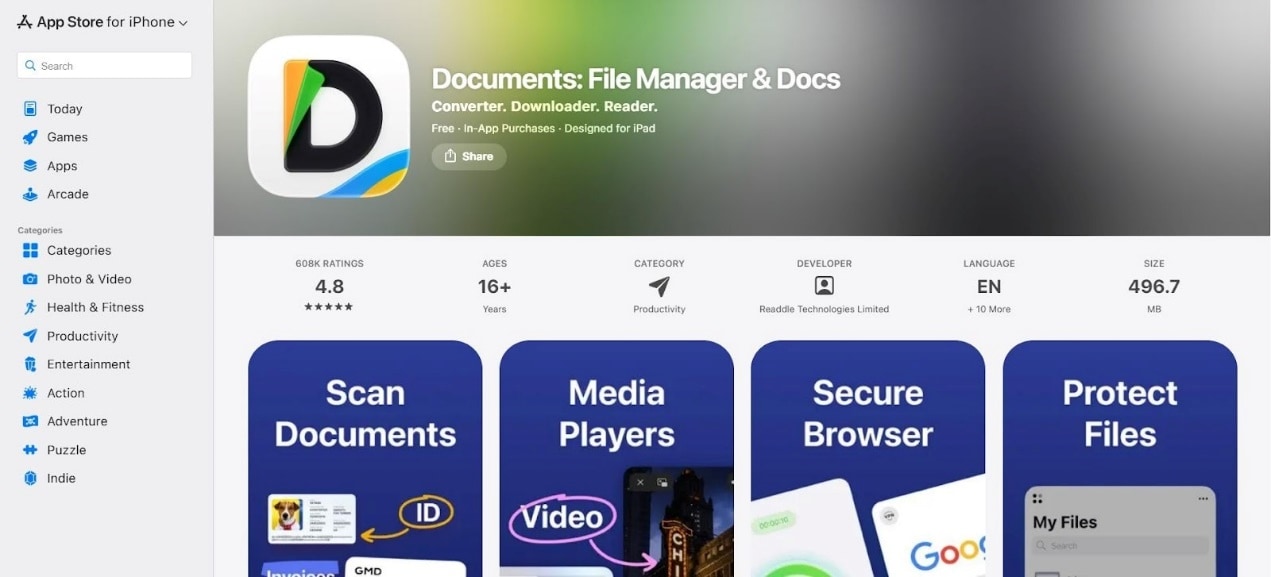
Documents by Readdle is a multi-functional app for iOS users that lets you download and manage videos on the same platform. It can help you solve the 4K Video Downloader not working issue by serving as a centralized download and file management platform on your mobile device. You can download high-resolution 4K videos in MOV or HEVC format as per your device specifications. However, you will have to go through multiple manual steps to install the app and then download the video.
Key Features
Built-in file management system for downloading and managing videos on the same platform.
You can download videos from multiple platforms and websites.
Built-in file management system for managing downloaded videos with ease.
Snaptube (Android)
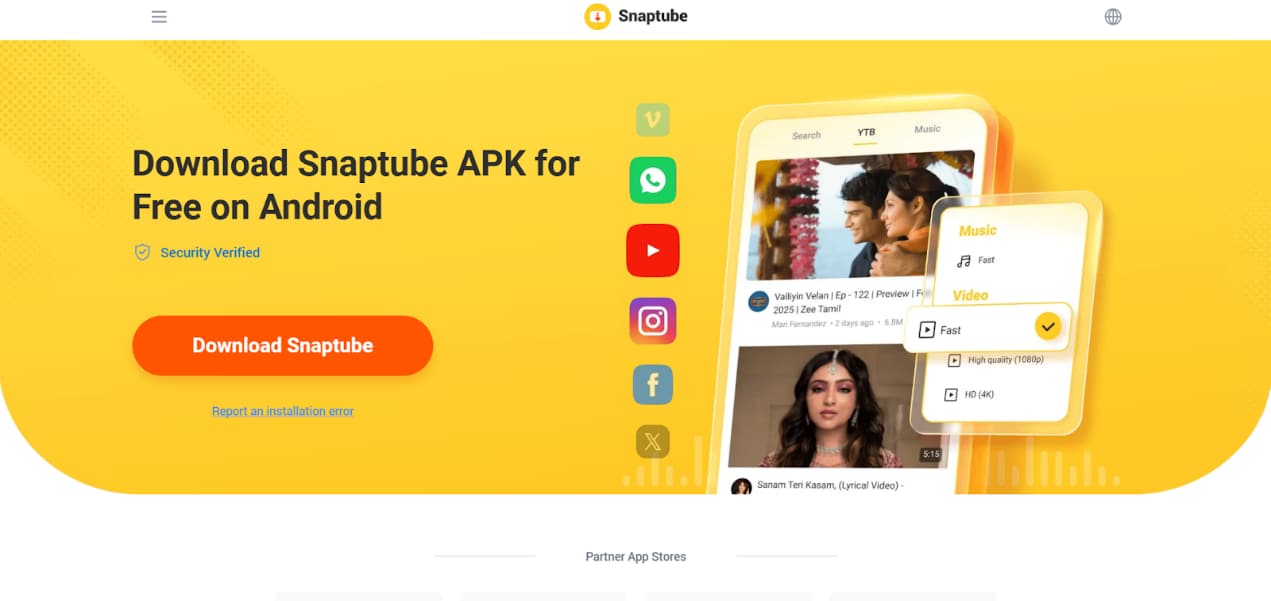
Snaptube is another video downloader tool for mobile devices that lets you download high-resolution 4K videos with ease. You can choose the resolution of the video, like 4K or 1080p, before starting the download. Snaptube is only available for Android users and has distracting ads and pop-ups.
Key Features
You can download high-resolution 4K videos with ease.
Allows you to choose the video resolution before downloading.
Has a simple UI and workflow that is suitable for beginners.
Part 3: Quick Comparison of Alternatives When 4K Video Downloader Not Working
You can choose the right 4K Video Downloader based on the device you use and your specific requirements. The table below will help you choose the right tool for downloading videos.
| Tool | Platform Supported | Max Resolution Supported | Download Speed | Format Support | Audio Support | Best For |
| Wondershare UniConverter | Windows, MacOS | Up to 4K (as per video availability) | Fast | MP4, MOV, MKV, AVI, WebP | Yes | Best all-in-one download & convert |
| ClipGrab | Windows, MacOS | Up to 4K | Moderate | MP4, WMW, OGG | Yes | Simple free downloads |
| YTD Video Downloader | Windows, MacOs | Up to 4K (depends on subscription) | Moderate | MP4, AVI | Yes | Quick basic downloads |
| SaveFrom.net | Browser | Up to 4K | Moderate | MP4 | Yes | Convenient online downloader |
| SaveTheVideo | Browser | Up to HD or 4K (based on video availability) | Fast | MP4, WebM | Yes | Quick browser downloads |
| VidsSave | Browser | Up to 4K (based on availability) | Moderate | MP4, MOV | Yes | Download videos in compressed MOV formats |
| VidMate | Android | High-resolution mobile viewing | Fast | MP4 | Yes | Stable video download on mobile networks |
| Documents by Readdle | iOS | Up to 4K (based on video availability) | Fast | HEVC, MOV | Yes | Unified platform for downloads and file management |
| Snaptube | Android | Up to 4K (depends on platform subscription) | Fast | MP4 | Yes | Free, open source platform for video downloads |
Part 4: Common Issues Related to 4K Video Downloader Not Working (And Fixes)
Issues crop up while downloading 4K videos because of file size, tool limitations, or network instability. You can overcome these common problems by following the quick fixes in this section.
Video Downloads in 1080p Instead of 4K
This happens when the source video is not available in 4K or the downloader is not able to detect higher resolutions.
Fix:
Check the video’s original available quality.
Use a tool that clearly shows you the available resolutions.
Using Wondershare UniConverter will let you download the highest video quality available.
Download Stuck at 0%
High-resolution 4K video files are large in size and need a stable internet connection. Browser tools time out frequently, resulting in download interruptions.
Fix:
Use a stable network connection like WI-Fi or a wired connection.
Use desktop apps for large video file downloads.
Video File Cannot be Played After Download
The video uses a codec format that is not supported by your device or media player.
Fix:
Convert the video into MP4 for support across multiple devices and media players.
Use tools that have both download and conversion options on the same platform.
Download Fails Due to Platform Restrictions
Certain platforms and websites block their links from being accessed by third-party downloaders.
Fix:
Keep the downloader updated with the latest updates.
Switch to a reliable downloader that can fetch links from different websites and platforms.
Conclusion
Issues like 4K Video Downloader not working happen due to restrictions in platform changes, file sizes, or tool restrictions. You can choose a reliable 4K Video Downloader alternative to enhance download stability, video quality, and format compatibility. Desktop tools provide you with the most reliable experience for downloading large 4K video files without interruptions. If you want consistent 4K downloads without interruptions and loss of video quality, you can try out Wondershare UniConverter today!

