Ever wish your Instagram audio could transcribe itself—accurately, instantly, and for free? Whether you're creating subtitles, repurposing Reels into blog content, or archiving interviews, Instagram to text transcribers can save you hours.
In this guide, we reveal 10 powerful web tools that turn speech into searchable text—no installs, no shady extensions. You'll also find a comparison table to help pick the perfect match. However, here's the bonus: if you're drowning in noisy clips or muffled voices, our tutorial on batch-enhancing audio with an AI voice enhancer, such as UniConverter, will completely transform your workflow. Let's dive in.
Table of Contents
Part 1: Best 10 Instagram to Text Transcribers Online
Turn Reels into Real Content: The Best AI Tools to Convert Instagram Audio to Text
Struggling to turn engaging Instagram Reels or Stories into actionable content? Whether you're a marketer, educator, podcaster, or social media manager, converting Instagram audio to text can streamline your workflow. These browser-based tools enable you to transcribe Reels, Stories, and Lives into editable text—ideal for captions, blogs, subtitles, or research purposes. Many also feature an AI voice enhancer or speech enhancer that improves audio quality before transcription, adding another layer of polish—no software downloads required.
Here are the top 10 tools for accurately and efficiently transcribing content from Instagram.
1. Otter.ai
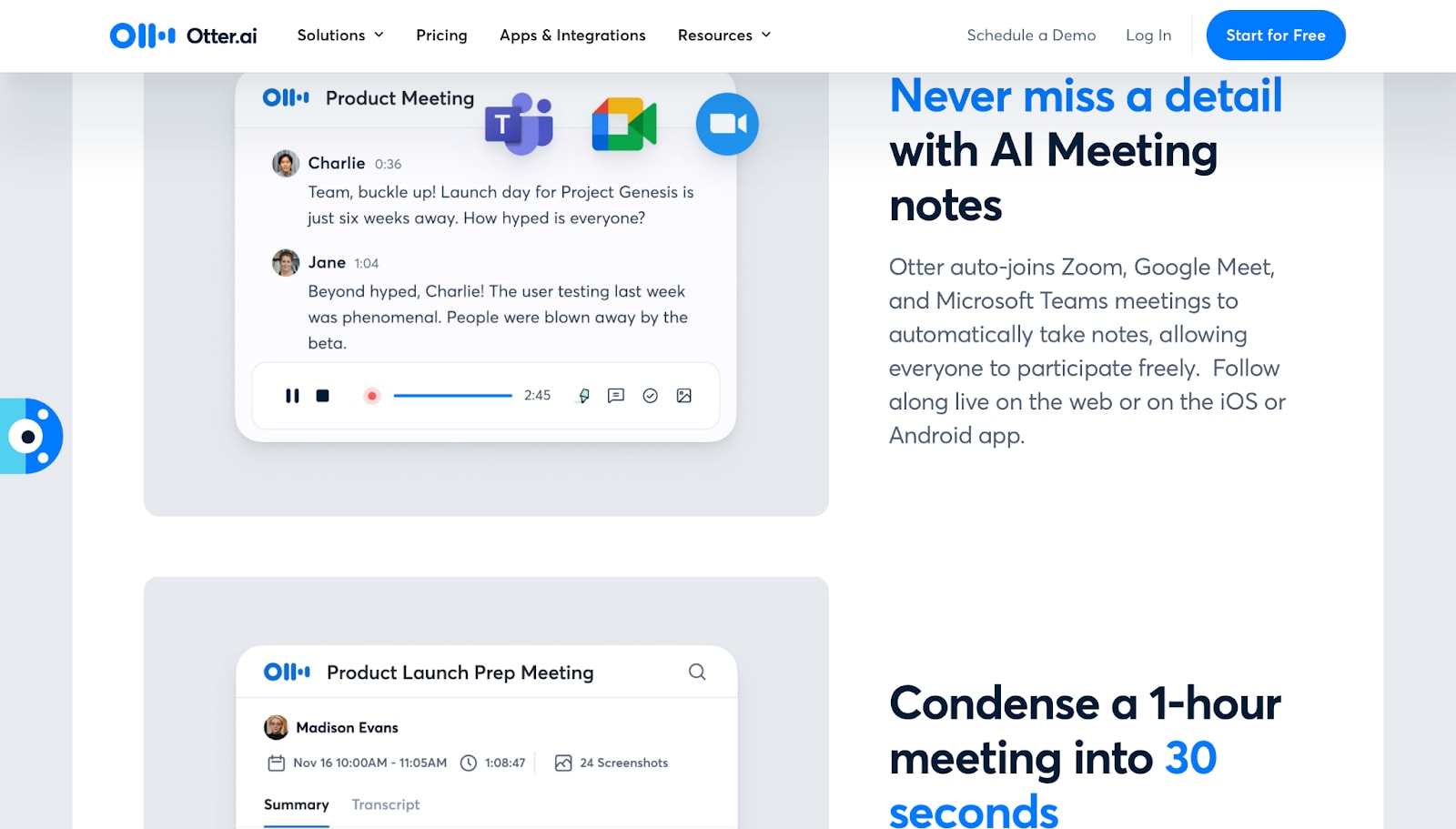
Otter.ai is one of the most reliable transcription platforms available. Known for its real-time transcription, speaker identification, and seamless integrations, it helps you organize conversations, meetings, and Instagram voice content into clean, structured text.
2. Whisper by OpenAI (Web Interface)
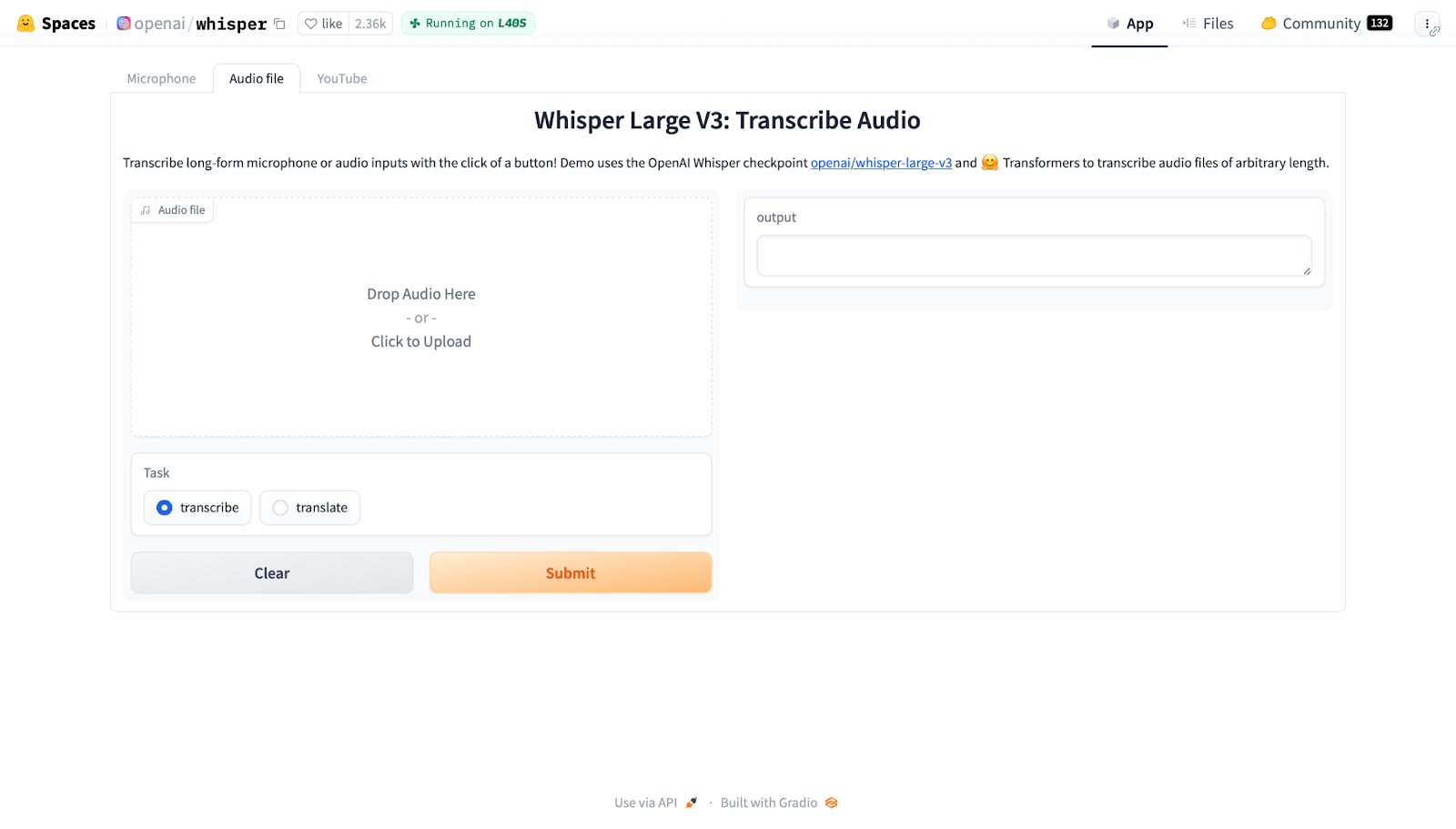
Whisper is an open-source model developed by OpenAI, available via web UIs such as Hugging Face. It's known for its accuracy, multilingual capabilities, and ability to process poor-quality audio. Whisper works well with AI voice enhancer setups when pre-cleaned audio is required.
3. Notta.ai
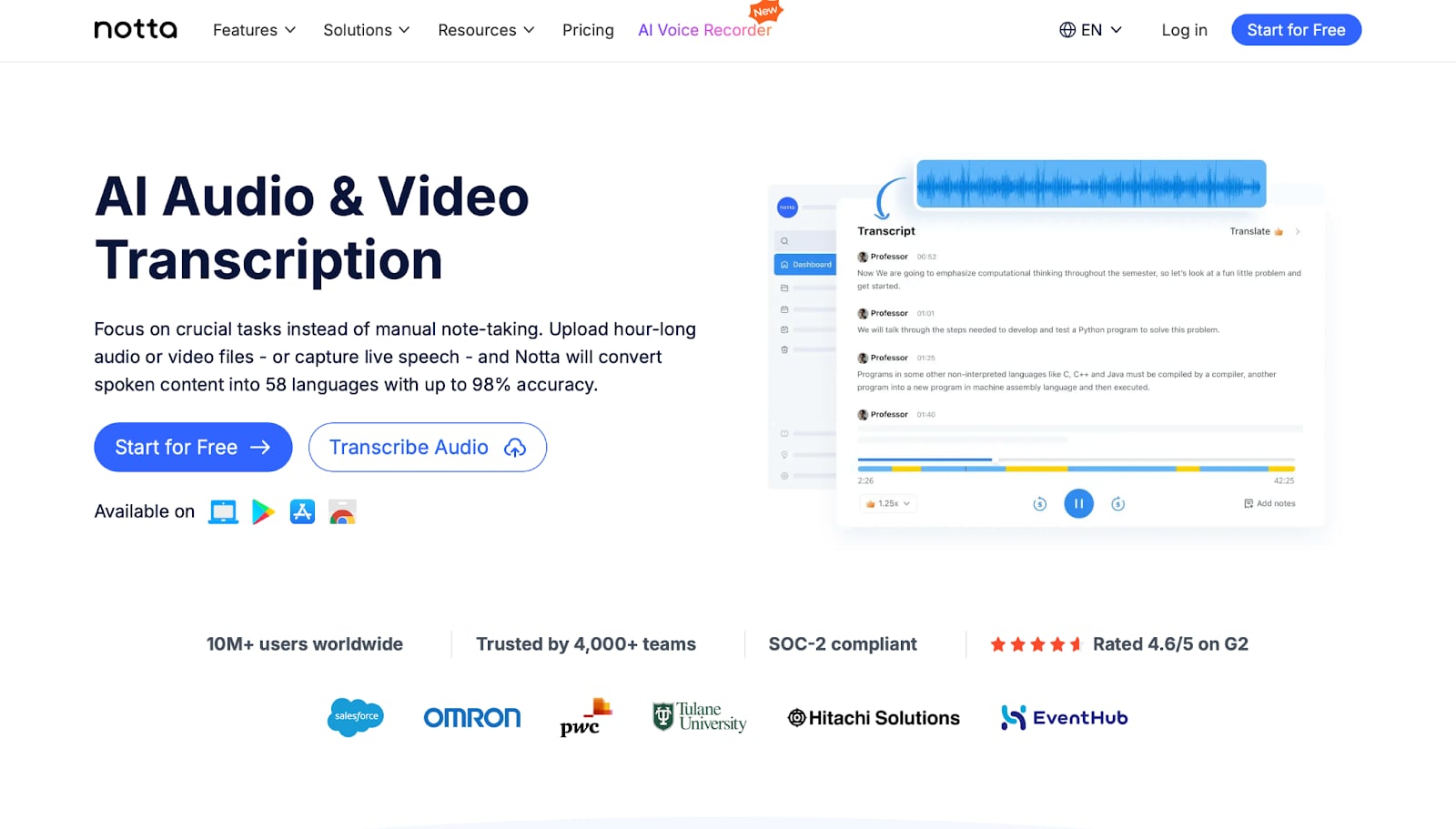
Notta is a user-friendly transcription platform that supports real-time and file-based transcription. With built-in translation and summarization, it offers an efficient workflow for content repurposing and supports AI vocal enhancer tools for improved results.
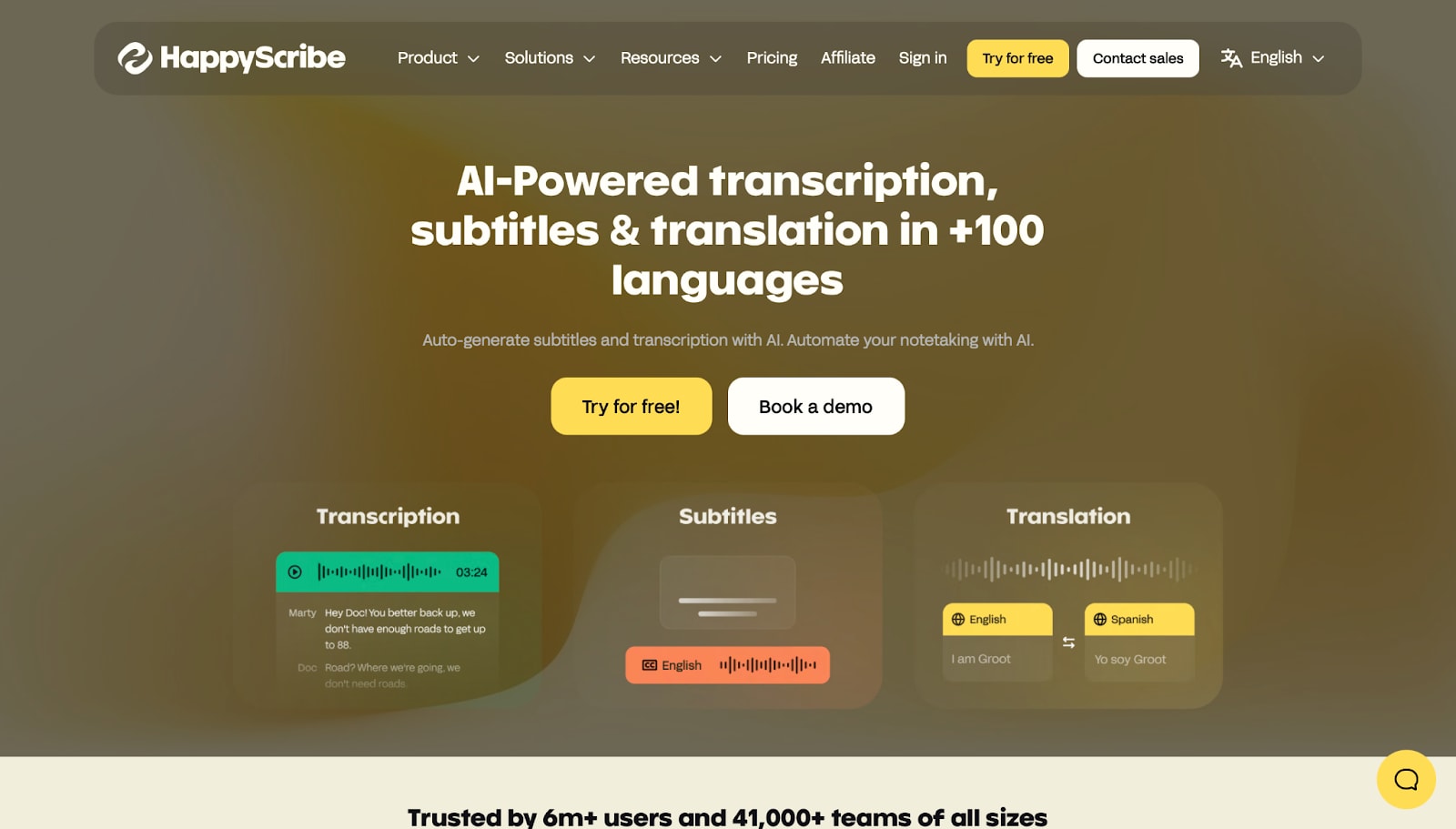
4. Happy Scribe
Happy Scribe is built for professionals working with multilingual content. With advanced subtitle tools and AI grammar correction, it excels in transcribing and enhancing voice quality with speech enhancer AI.
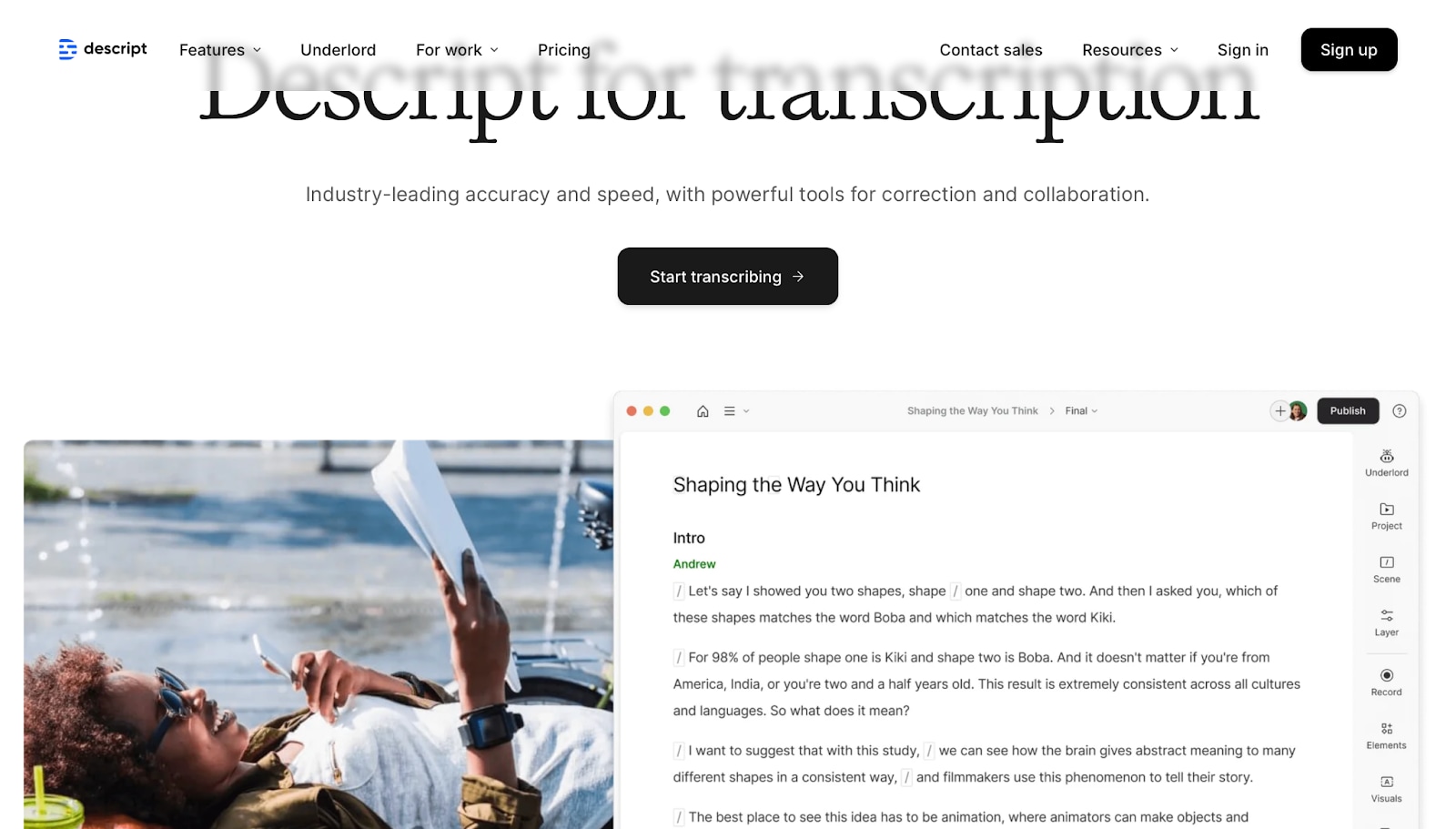
5. Descript
Descript is an all-in-one tool for transcription, video editing, and audio enhancement. With features like Overdub and an integrated AI voice enhancer, it transforms low-quality Instagram clips into studio-level outputs.
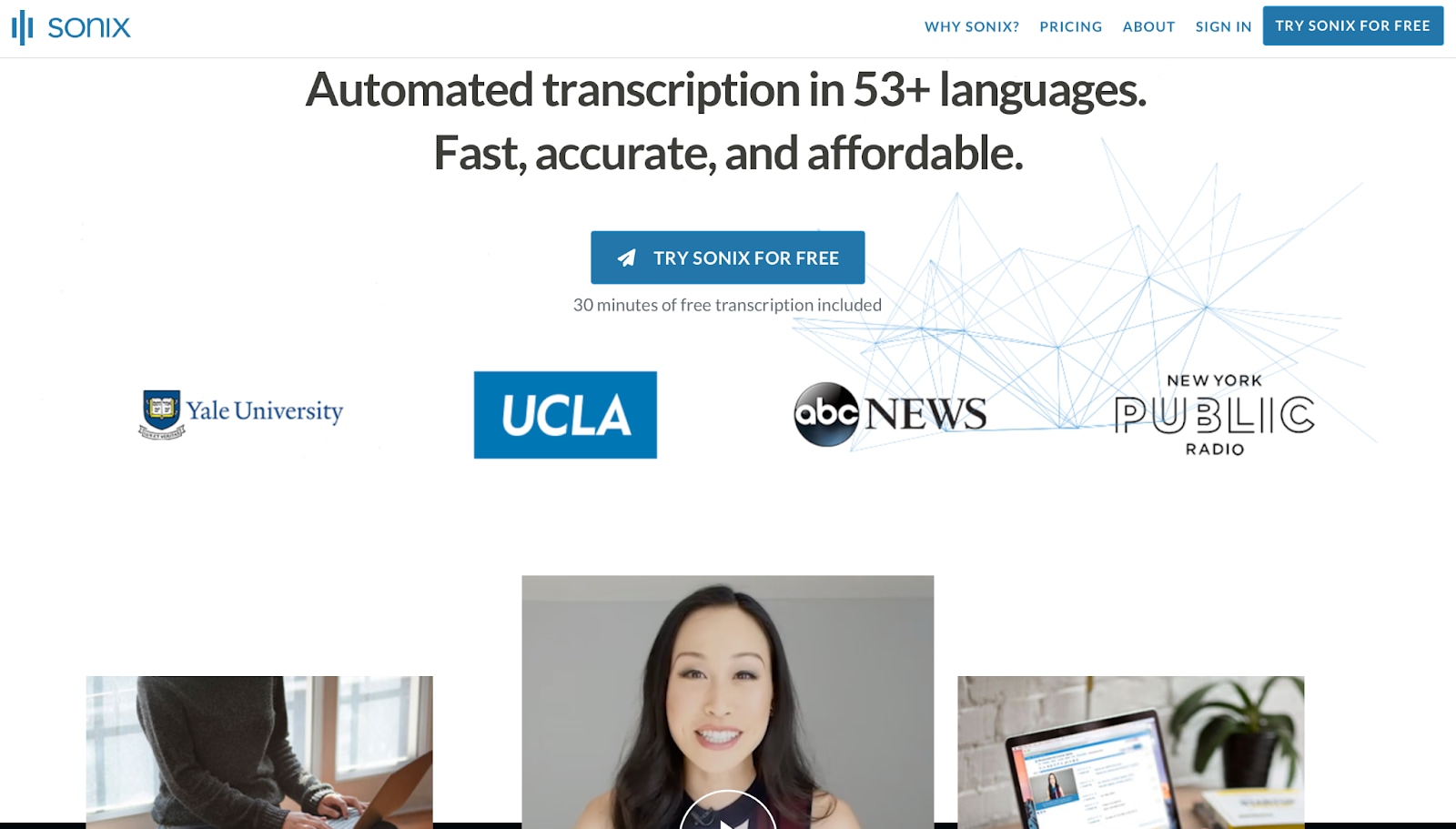
6. Sonix.ai
Sonix delivers fast and accurate transcription, optimized for professional use. It works well with AI speech enhancer tools to clean up Instagram clips before conversion.

Fast Instagram Video to Text Transcription Tool
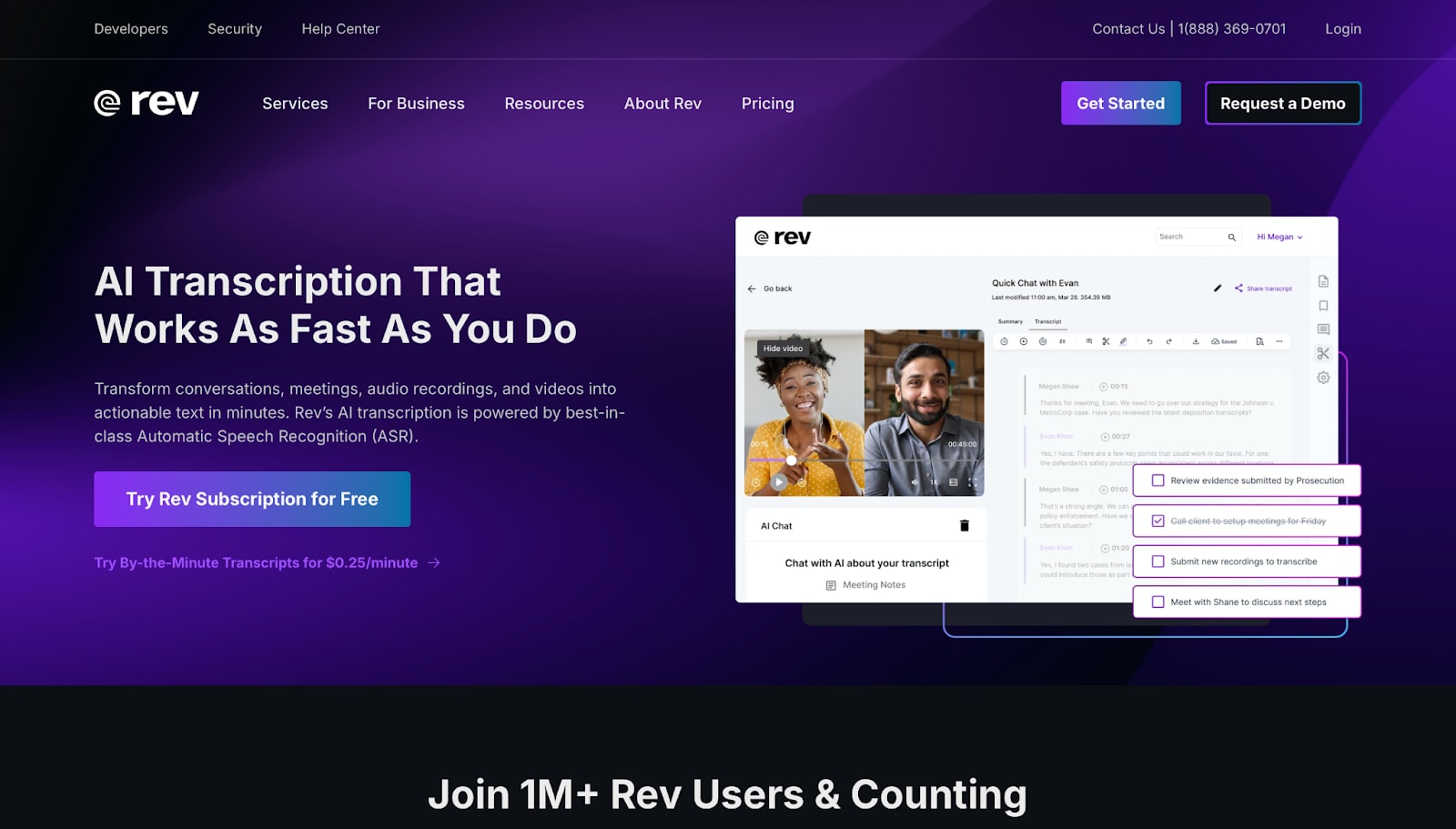
7. Rev Voice Recorder & Transcription
Rev offers both human and AI transcription services. It is beneficial when paired with podcast audio enhancer tools or when dealing with challenging audio on social media platforms like Instagram.
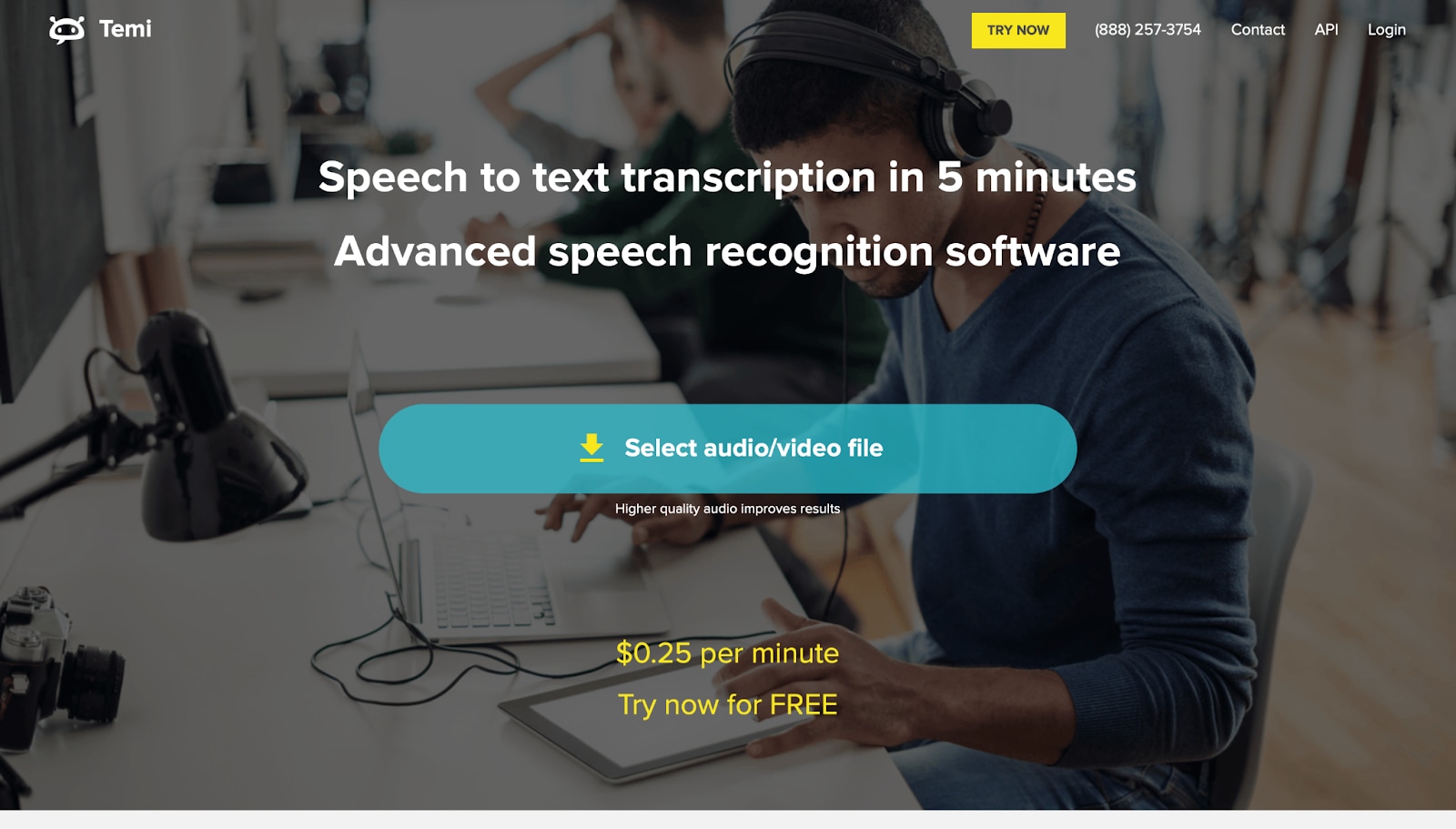
8. Temi
Temi is a fast and affordable transcription tool. Though it lacks built-in AI voice enhancer features, it pairs well with external vocal enhancer AI tools for cleaner results.
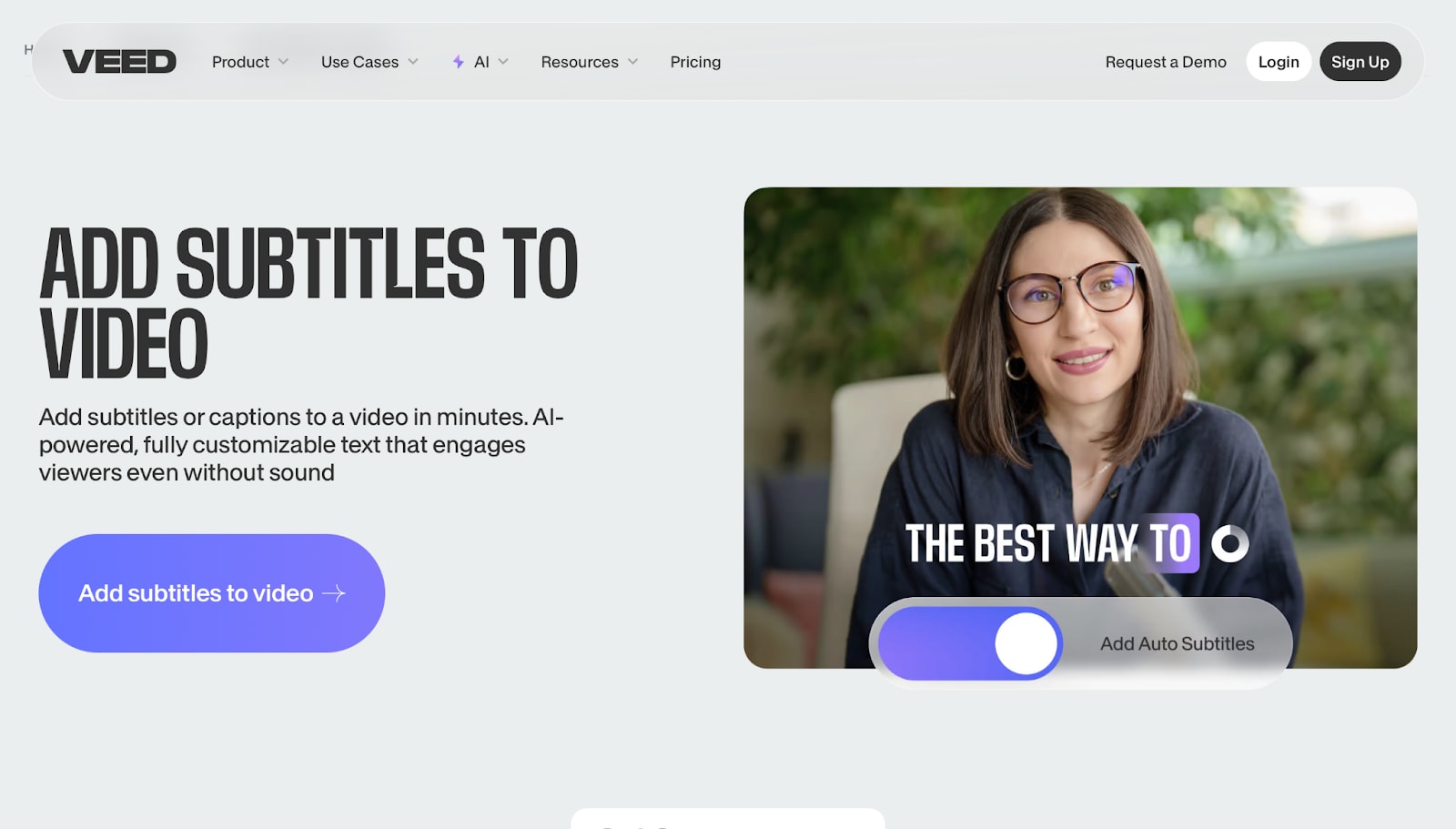
9. VEED.IO
VEED.IO combines transcription, video editing, and AI voice enhancer tools to clean and style Instagram content. It's ideal for creators who want polished outputs with subtitles and clear voice quality.
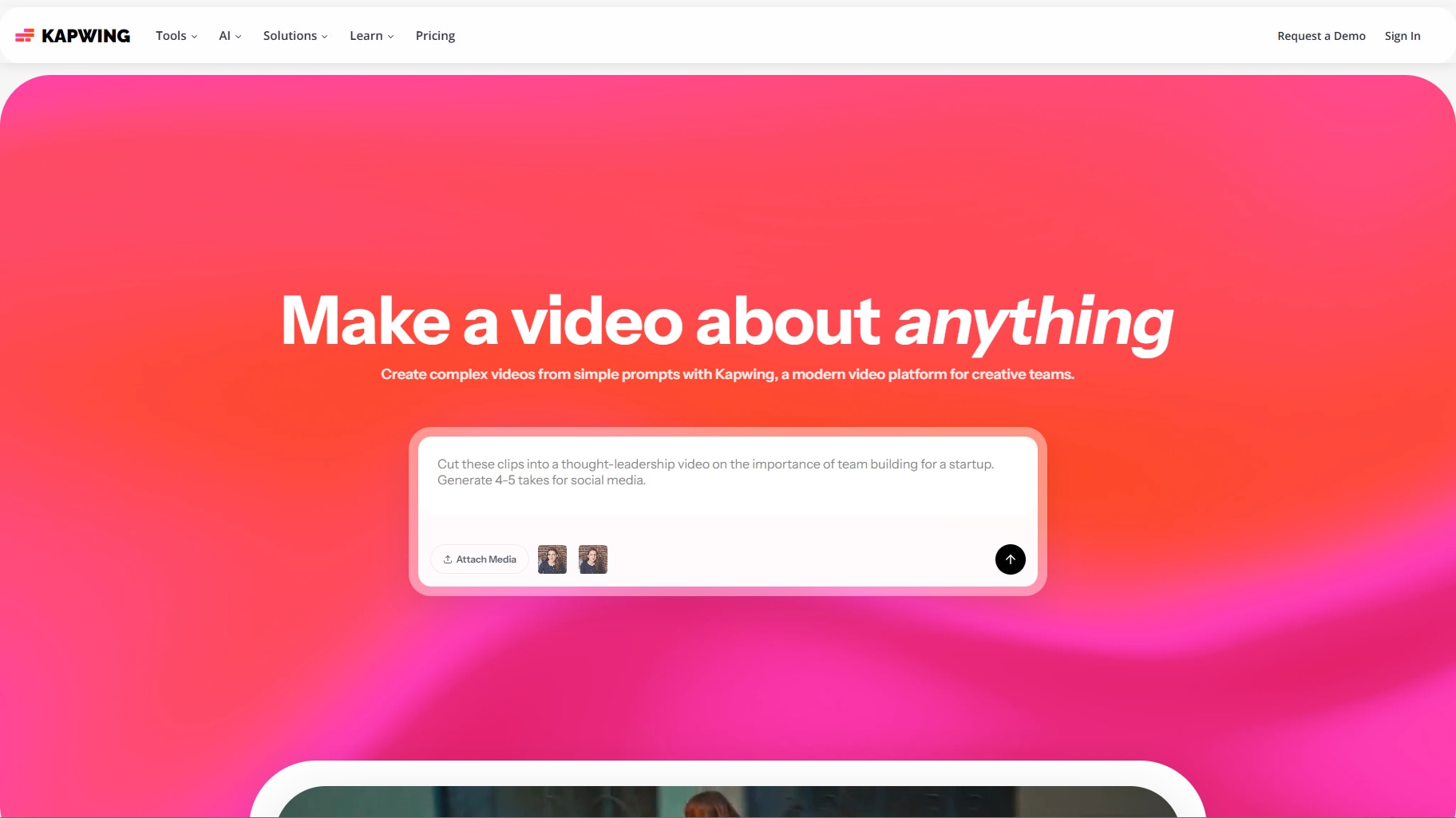
10. Kapwing
Kapwing is a cloud-based video editor that includes AI-powered tools for transcription and audio cleanup. With its built-in speech enhancement AI, it's perfect for content teams working with Reels.
Each of these transcription tools gives you more than just text—they offer AI voice enhancer features, speaker separation, subtitle styling, and support for multilingual content. Whether you're editing for social, preparing a podcast, or working with noisy Reels, tools that combine transcription with an AI vocal enhancer, speech enhancement AI, or even Adobe AI voice enhancer will give you the best results.
Select the ideal tool to transform your Instagram clips into blog posts, captions, scripts, or educational content, while enhancing voice clarity and improving content accessibility along the way.
Bulk Instagram to Text Converter You Can Trust
Part 2. Quick Comparison of 10 Instagram to Text Transcribers
| Tool | Free Plan or Pricing | Batch Processing | Editing Feature Support | Supported Devices |
| Otter.ai | Free 300 mins/month, Paid from $10/mo | No | Keyword search, highlights | Web, iOS, Android |
| Whisper (Web UI) | Free (Open Source) | Yes (via UI) | Minimal interface | Web (Hugging Face, etc.) |
| Notta.ai | Free 120 mins/month, Paid from $8.25/mo | Yes | Text editing, notes | Web, iOS, Android |
| Happy Scribe | No free plan, $0.20/min pay-as-you-go | Yes | Subtitle and text editor | Web |
| Descript | Free with limits, Paid from $12/mo | Yes | Full audio/video editor | Windows, macOS, Web (limited) |
| Sonix.ai | Free trial, Paid from $10/hr or $22/mo | Yes | Transcript editor | Web |
| Rev | No free plan, $0.25/min AI, $1.50/min human | Yes (manual) | Transcript and caption editor | Web, iOS, Android |
| Temi | Free trial, $0.25/min pay-as-you-go | No | Basic editing | Web |
| VEED.IO | Free with watermark, Paid from $12/mo | Yes | Video and subtitle editor | Web |
| Kapwing | Free with limits, Paid from $16/mo | Yes | Audio/text editing | Web |
Quick Summary
Looking for the right way to transcribe Instagram Reels or Stories? Here's a fast breakdown to help you decide whether you need free transcription, AI voice enhancer tools, or team-friendly features.
Best Free Tools
Perfect if you're starting or have light needs:
- Whisper – 100% free, great accuracy, simple UI.
- Otter.ai – 300 minutes/month free with keyword search.
- Notta.ai – 120 minutes/month with real-time browser capture.
Best for Audio & Video Editing
Ideal for creators who want to polish content using an AI voice enhancer or speech enhancement AI:
- Descript – Full editor with AI voice cleanup and Overdub.
- Kapwing – Browser-based, beginner-friendly with auto captions.
- VEED.IO – Drag-and-drop editor with built-in voice improvement.
Best for Teams
Do you need collaboration, comments, or subtitles? If so, following are recommended:
- Sonix.ai – Team features, search, annotations.
- Happy Scribe – Supports multilingual work and approvals.
Batch Processing
Most tools support uploading multiple clips, except Otter.ai and Temi, which focus on single uploads only.
Mobile-Friendly Apps
Need to transcribe Reels from your phone?
Otter.ai, Notta.ai, and Rev all offer mobile apps for on-the-go transcription.
Final Tip: If you want free tools, start with Whisper or Otter.ai. For content cleanup, choose one with an AI voice enhancer, such as Descript and VEED.IO. And if you're working with a team or handling lots of files, tools like Sonix or Happy Scribemake it easy.
Part 3: Time Saver: How to Batch Convert Instagram to Text with UniConverter
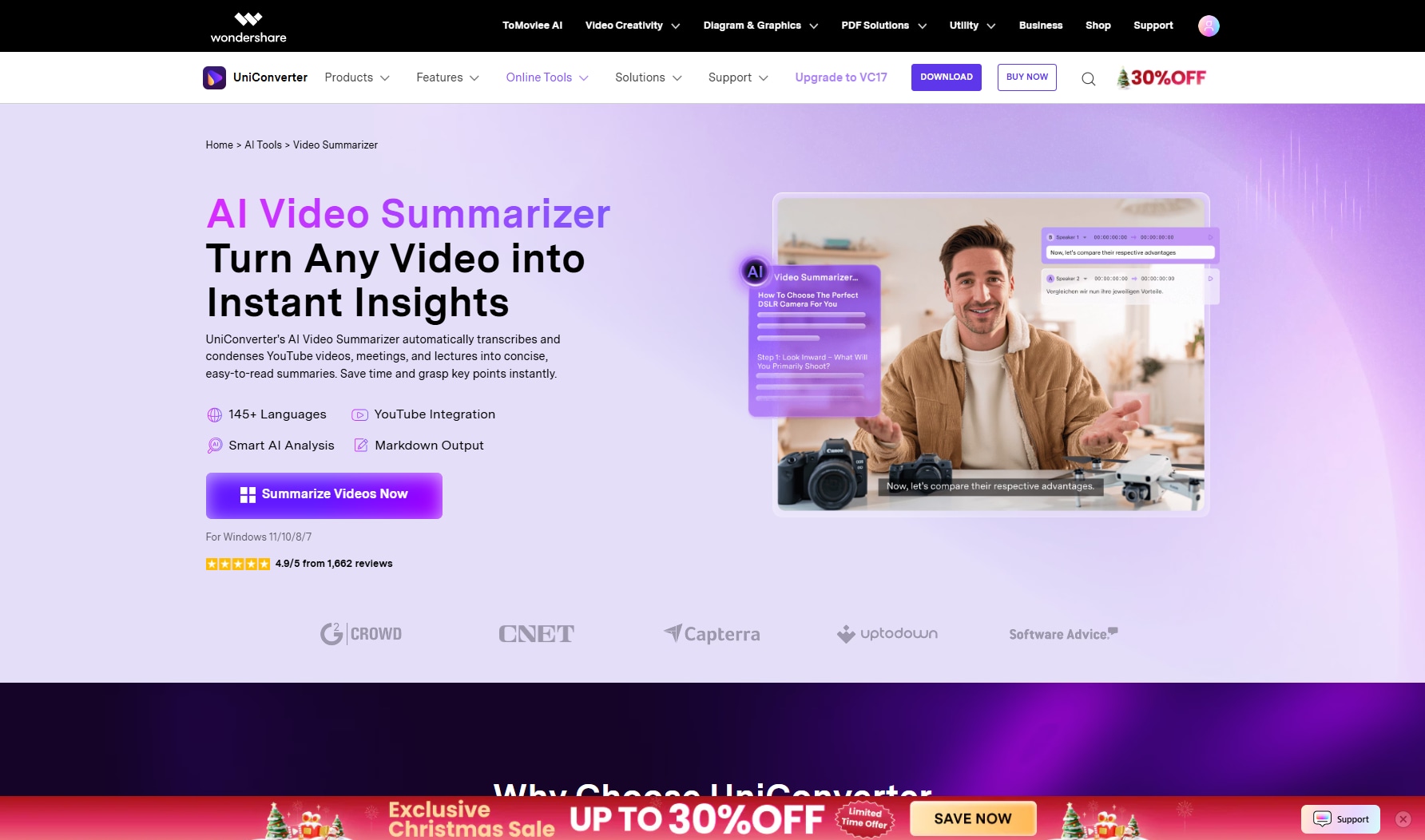
Turn Instagram videos into accurate, readable text in just a few clicks. UniConverter’s Instagram to text solution helps creators, marketers, and professionals convert spoken content from Reels, Stories, and Lives into editable transcripts—fast and offline.
Powered by advanced AI speech recognition, UniConverter automatically extracts audio from Instagram videos and converts it into clean, well-structured text. Whether you’re repurposing content, creating captions, or analyzing conversations, UniConverter makes Instagram video-to-text conversion simple and reliable.
Why Choose UniConverter for Instagram to Text?
UniConverter is more than a basic transcription tool. It’s a complete AI media solution designed for accuracy, speed, and control:
- High-accuracy video to text: AI speech-to-text engine recognizes voices clearly, even in fast-paced Instagram videos
- Supports multiple Instagram formats: Works with Reels, Stories, Lives, MP4, and MP3 files
- Batch transcription: Convert multiple Instagram videos to text at once
- Offline processing: Your files stay on your device—no cloud upload required
- Subtitle & text export: Export transcripts as TXT or SRT for captions, notes, or reuse
Available on both Windows and Mac, UniConverter delivers stable performance with no watermark for premium users.
How to Batch Enhance Instagram Audio in 4 Simple Parts
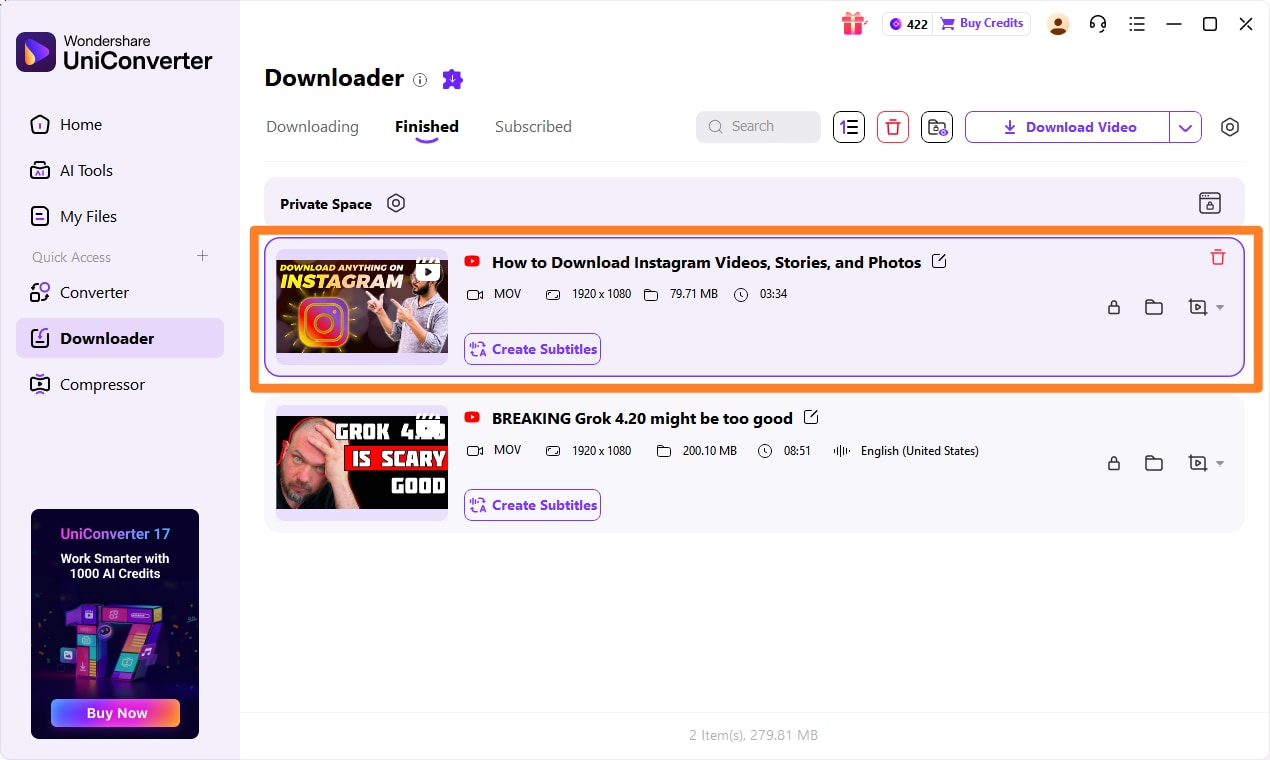
Step 1: Prepare and Import Your Instagram Clips
Record or download Instagram video content and import the files into UniConverter. Batch upload is supported for maximum efficiency.
Step 2: Enhance and Convert Using AI Vocal Quality
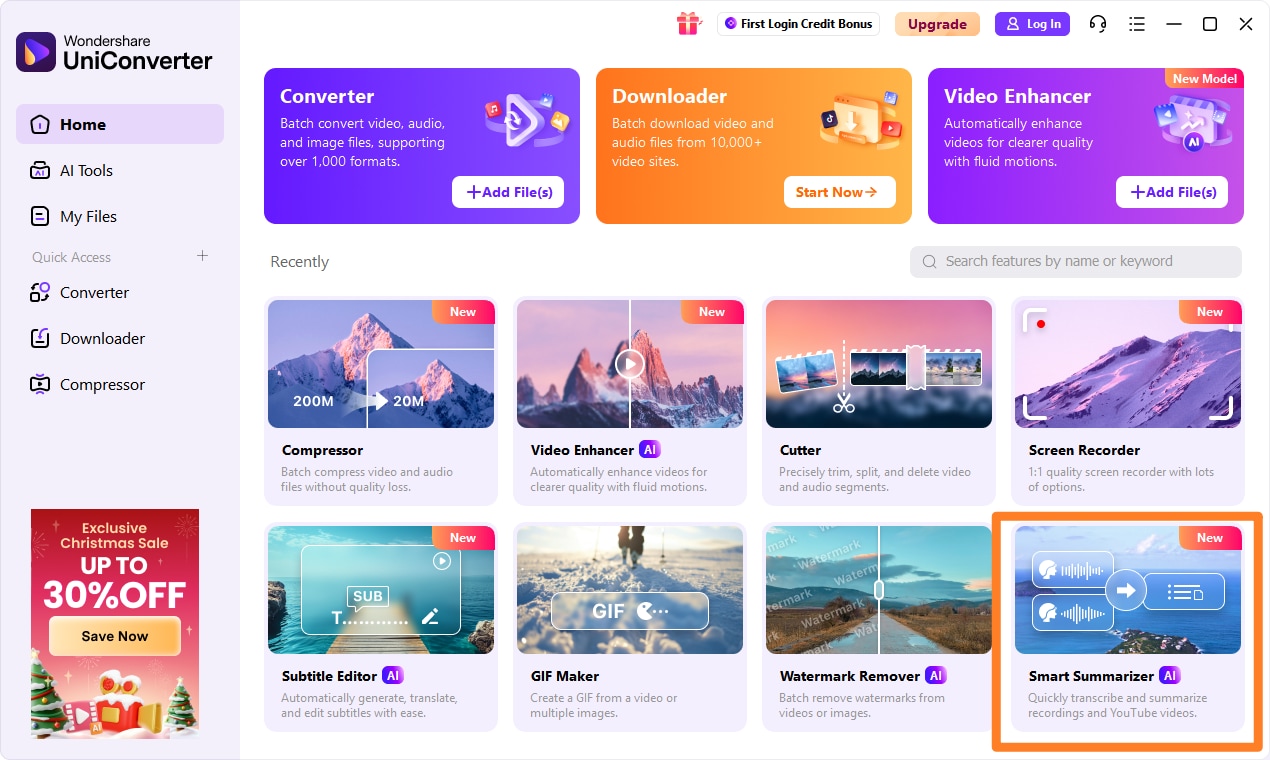
Download or screen-record your Instagram content and import the files into UniConverter. Batch upload is supported for maximum efficiency.
Step 3: Generate Transcripts with UniConverter’s Speech-to-Text Tool
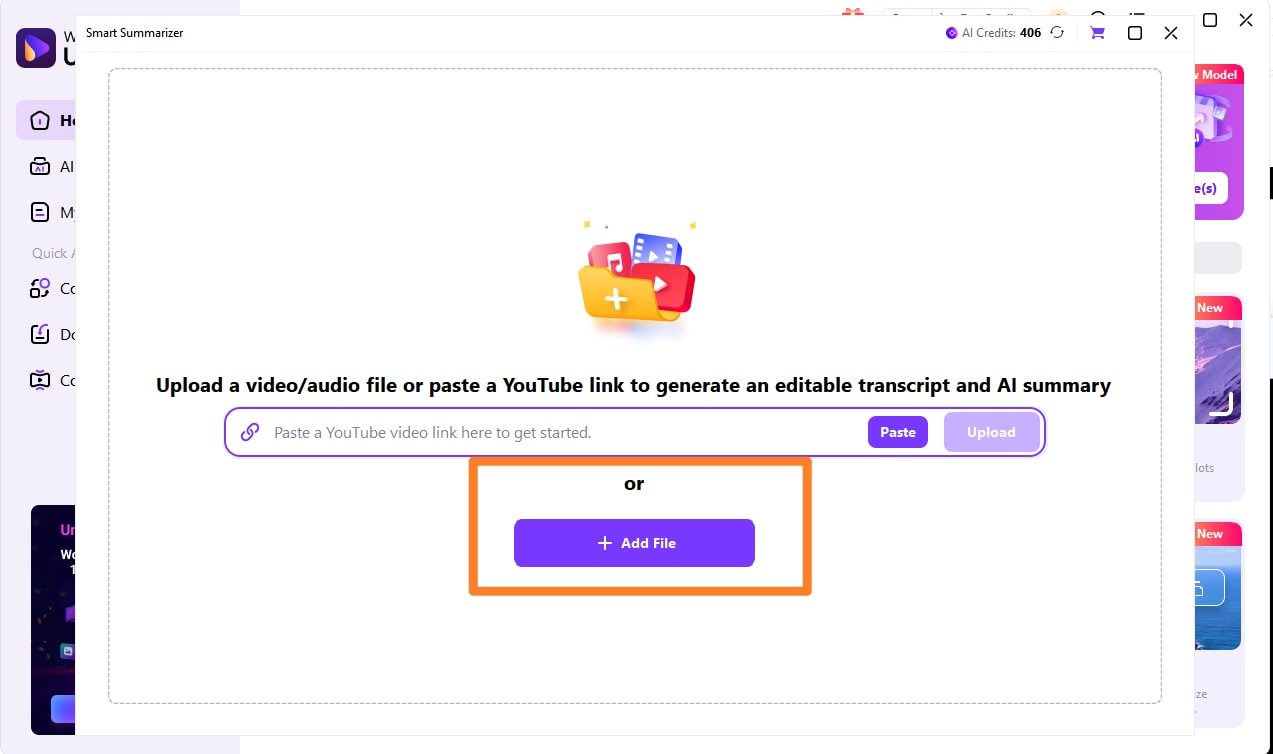
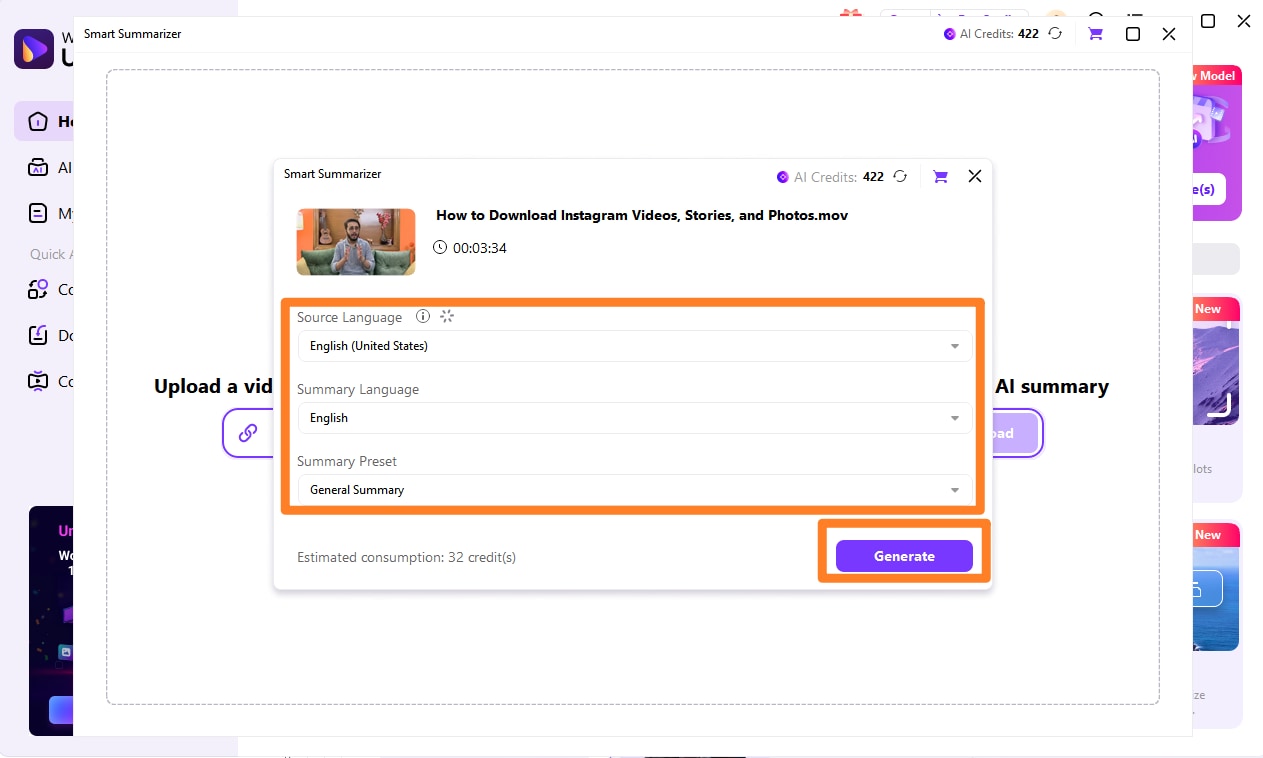
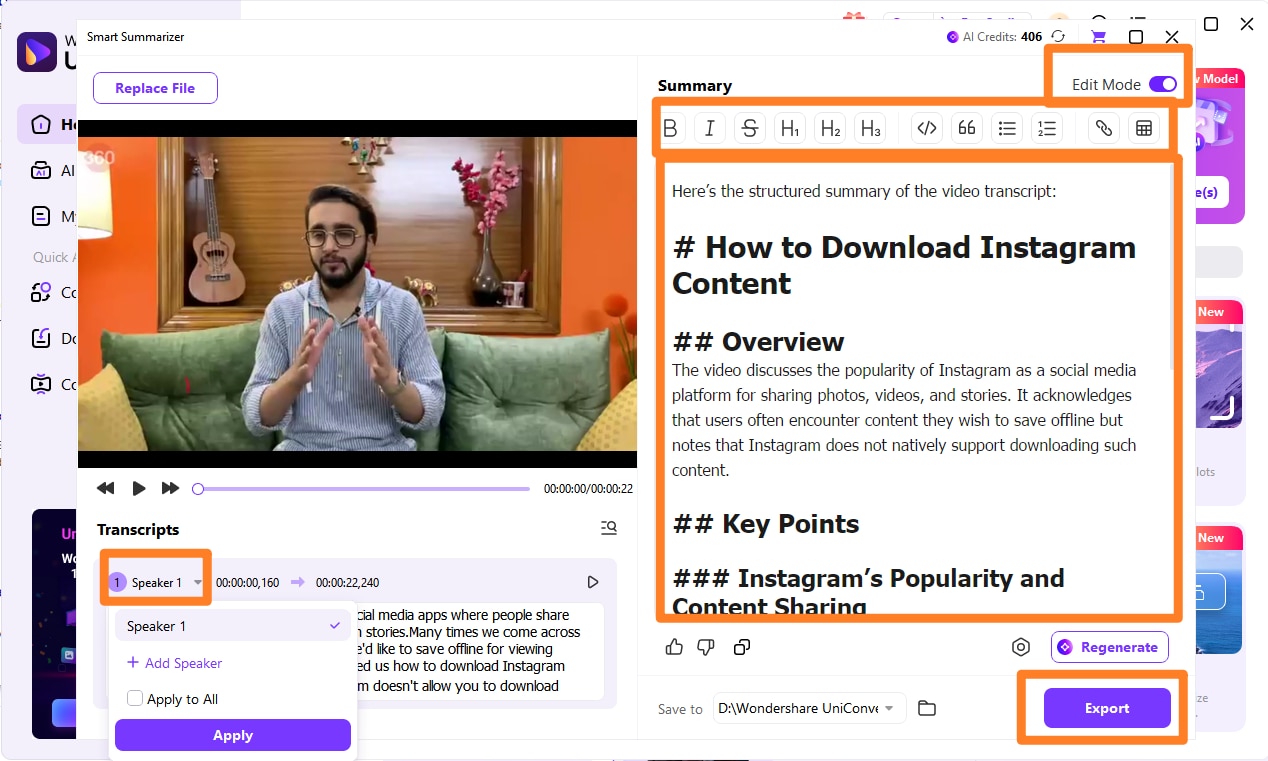
Open the Smart Summarizer feature and let UniConverter analyze the audio. Choose video langue and output language settings based on your demand.
Step 4: Generate Transcripts with UniConverter’s Speech-to-Text Tool
The AI instantly converts spoken content into accurate text. You can turn on the Edit Mode button on the top right corner of the dashboard, and edit content as well as speakers tag based on your need. After confirming everthing well, you can click the export button to aquire your instagram video transcription.
Safe & Batch Instagram to Text Converter
Who Is Instagram to Text For?
- Content creators turning Reels into captions or blog posts
- Marketers extracting text for social media reuse
- Educators & podcasters transcribing spoken content
- Businesses converting Instagram videos into searchable text
Make Instagram Content Work Harder
With UniConverter’s Instagram to text feature, your videos don’t stop at views—they become searchable, editable, and reusable content. Convert Instagram videos to text faster, smarter, and more securely with UniConverter.
Conclusion
Transcribing Instagram Reels, Stories, or Lives doesn't have to be hard. With today's AI voice enhancer tools, you can improve the quality and clarity of your audio, making it easier to understand.Platforms like Otter.ai, Notta, and Whisper provide fast and accurate text transcription. Tools such as Descript, Kapwing, and VEED.IO help improve your audio before transcription. But if your voice clips are noisy or unclear, you need to clean them first.
Wondershare UniConverter makes this simple. It's built-in AI smart summarizer to transcribe instagram audios with speakers tags and summary. You can improve many clips at once. Then, use UniConverter's speech-to-text tool to convert your clean audio into text, ready for use in blogs, captions, scripts, and more.
FAQs
-
1. What is an AI voice enhancer, and why use it before transcribing Instagram audio?
An AI voice enhancer improves audio by removing background noise, boosting vocals, and balancing sound levels. Instagram Reels and Live videos often have unclear voiceovers, and using a voice enhancer AI like UniConverter helps make transcriptions more accurate and easier to read. -
2. Can UniConverter enhance multiple Instagram voice clips at once?
Yes. UniConverter supports batch audio enhancement, allowing you to clean up multiple clips simultaneously. Simply upload your Instagram audio or video files, click the Edit icon, and apply the speech enhancement AI—ideal for creators, social media teams, and podcast editors. -
3. Does UniConverter let me transcribe after enhancing audio?
Absolutely. After enhancing audio with the AI vocal enhancer, you can switch to the built-in AI Subtitle tool to transcribe the cleaned voice clip. This two-step workflow—enhance, then transcribe—is perfect for Reels captions, blogs, scripts, and repurposed content. -
4. Is UniConverter better than free AI tools for Instagram voice enhancement?
Most free tools offer only basic filters. UniConverter provides advanced speech enhancement AI with batch processing, editable output, and multi-format exports, making it more reliable for high-quality Instagram and social media content.