

MP4 is unarguably the most popular video format today. Apart from offering vivid pictures and clear sounds, MP4 is also a universal format that opens on any website, social media platform, and devices. However, there're times when you will need to download and convert MP4 to other formats. For instance, you might want to download your favorite music from YouTube then convert it to MP3. In that case, you'll need a robust Keepvid Alternative as Online Video to MP4 downloader to help you out. So read on to find out your options.
In this article
Part 1. All-in-One MP4 Downloader
Evidently, these online MP4 downloader and converter apps have some severe limitations. So, getting the Wondershare UniConverter is the smarter option. It's even more straightforward to use than the above options and offers a myriad of conversion formats and editing functions, including PSP, WMV, MOV, etc. You can download MP4 files by url from video-sharing sites like Vevo and YouTube then convert them to any video/audio format quickly. UniConverter also offers a YouTube chrome extension to convert YouTube to MP4.
Steps Guide of How to Donload MP4 Using UniConverter
Step 1 Add your MP4 files
Begin with and running the UniConverter then click the Downloader tab.

Next, go to YouTube, search for your video, then paste then copy the video link. Now return to UniConverter and Paste the URL.

Step 2 Download MP4
Click the Settings icon to make settings. From the pop-up window, select the output quality, then click OK to apply.

Step 3 Convert the MP4 video
And now, click on Download to start the process. Wondershare UniConverter will download and convert your MP4 to any format.

Step 4 View downloaded MP4 video
Go to Finished tab to find the downloaded MP4 video, you can do further editing like video enhance, video edit with UniConverter.


Online Video Saver for Quick Access
Part 2. Quick Comparison Table of 10 Keepvid Alternatives
Here is a comparison table for the MP4 converter downloader tools listed in the page, summarizing their key features, supported formats, editing capabilities, upload limits, ads, and platform compatibility:
| Tool | Supported Formats | Editing Features | Max Upload Size | Ads | Platform | Pros | Cons |
|---|---|---|---|---|---|---|---|
| 1. Video2Edit | Video, audio (MP4, MP3, etc.) | Rotate, cut, trim, effects | 100MB | No | Online | Simple UI, editing options, downloads from URL/cloud | Few formats, small upload size |
| 2. Online-Convert | MP4, OPUS, WMA, WAV, AVI, FLV, MP3 | Edit pixel, bitrate, frame rate, size | Varies | Yes | Online | Many formats, editing, cloud storage support | Ads, slow uploads |
| 3. Convert Files | MP4, OGG, WMA, MP3, FLV, etc. | Set video quality/size | Not stated | Yes | Online | Fast, simple, basic editing | No batch, ad-heavy |
| 4. Convertio | 124 formats (MP4, AU, MKV, M2TS, MP3, etc.) | Change channels, bitrate, sample rate | 100MB | Yes | Online | Clean UI, fast, lots of formats | Ads, small upload size |
| 5. Zamzar | 1000+ formats (MP4, AAC, MP3, MOV, etc.) | None | 200MB | No | Online | Many formats, easy to use, ad-free | No editing, upload limit |
| 6. Cobalt | MP4, various YouTube codecs (h264, av1, vp9) | None | Not explicitly stated | No | Online, mobile-friendly | No ads, trackers, paywalls | No batch downloading (single download only) |
| 7. AMP4 | MP4 (primarily YouTube videos) | None | Not explicitly stated | No | Online, browser-based | Supports up to 4K and 3-hour videos | Limited platform support beyond YouTube |
| 8. Saveinsta | MP4, Instagram/Threads video types, multiple video formats & qualities | None | Not explicitly stated | No | Online, multi-browser | Supports multiple platforms (YouTube, Instagram, Threads) | No advanced video editing |
| 9. TubeMP4 | MP4, MP3 (audio extraction), various video qualities | None | Up to 1 GB per conversion | No | Online, cross-browser | Supports 4K & MP3 extraction | Dependent on internet speed |
Part 3. 9 Other Recommended Keepvid Alternatives
As usual, it's always my pleasure to introduce you to the best free apps that can take convert anything. So today, I'll show you the top six MP4 converter downloader tools that are free, quick, and simple to use. Here they are:
Tool 1 Video2Edit
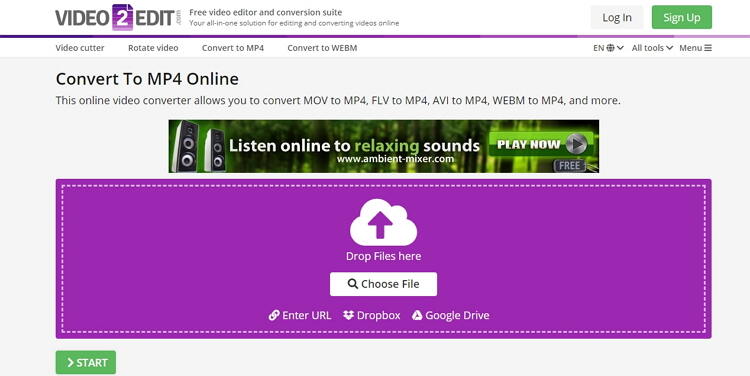
Video2Edit is a wonderful MP4 downloader and converter that is simple-to-use. This keepvid video downloader alternative boasts of a clean, well-arranged UI that's free of ads. It can convert from video to video, video to audio, and vice-versa. You can also rotate, cut, trim, apply effects, and many other file editing tasks. Even better, This Keepvid online alternative allows users to download MP4 from URL links as well as Cloud storages like Google Drive and Dropbox. However, the free version comes with a maximum file size of 100MB.
Pros
- Simple to use.
- Downloads and converts files.
- Supports file editing.
Cons
- Limited target formats.
- Small upload size.
Tool 2 Online-Convert
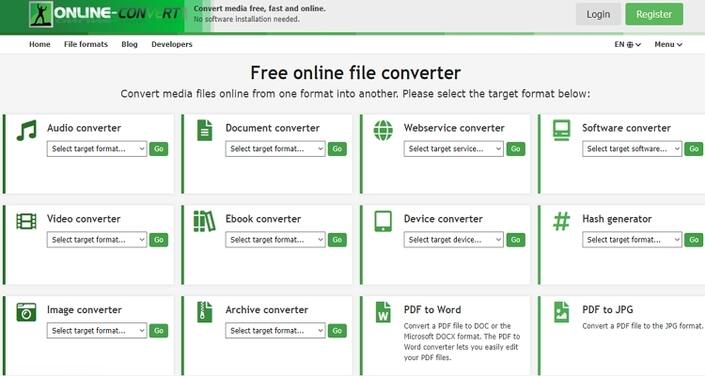
If you like transcoding videos, Online-Convert can do it for you easily and quickly. Here, you can convert MP4 to OPUS, WMA, WAV, M4R, MP3, FLAC, AVI, FLV, and more. You can also download MPEG-4 files from Google Drive, Dropbox, and URL links. What's more, Online-Convert can edit video pixel, bitrate, frame rate, size, and more.
Pros
- Clean user interface.
- Supports file editing.
- Lots of target formats.
Cons
- Ads on the interface.
- Slow uploading speed.
Online-Convert vs UniConverter
Online-Convert is convenient for quick web-based conversion, while UniConverter offers faster batch processing, broader format support, offline security, and advanced editing tools for more reliable professional multimedia work.
Tool 3 Convert Files
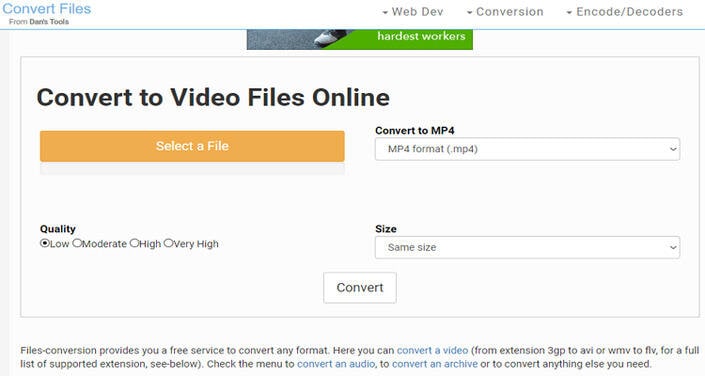
Convert Files is another excellent MP4 converter that's effortless to use. It can convert MP4 to OGG, WMA, MP3, VOB, FLV, and more formats. And before transcoding, you can set the video quality and size. When extracting audio from MP4, Convert Files can also encode presentation, video, font, eBook, spreadsheet, and image. However, this keepvid video downloader alternative doesn't support batch processing.
Pros
- Fast conversion.
- Simple to use.
- Supports file editing.
Cons
- Not batch conversion.
- Ad-laden interface.
Tool 4 Convertio
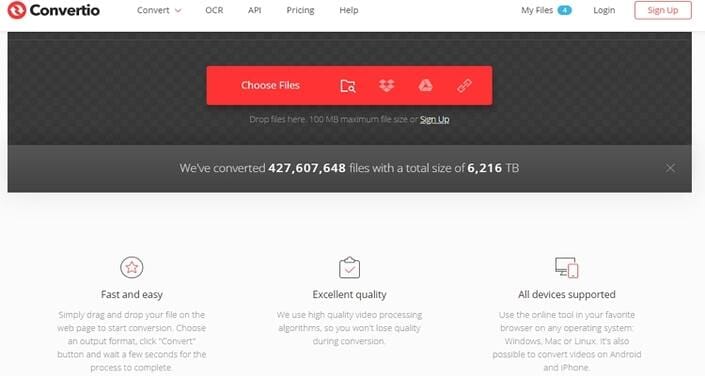
Convertio promises you up to an impressive 124 MP4 conversions. This Keepvid online alternative can transcode MP4 to all audio and video formats, including AU, VOB, MKV, M2TS, OGG, MP3, M4A, and more. You can also change the channels, bitrate, sample rate, and more. Moreover, Convertio supports adding of MP4 from URL, Google Drive, or Dropbox before converting to audio.
Pros
- Clean UI.
- Fast upload and conversion.
- Supports multiple formats.
Cons
- Ads on interface.
- The maximum upload memory is 100MB.
Convertio vs UniConverter
Convertio supports many formats and cloud imports, but UniConverter provides faster offline conversion, no upload limits, stronger privacy protection, and extra features like editing, compression, and AI tools.
Tool 5 Zamzar
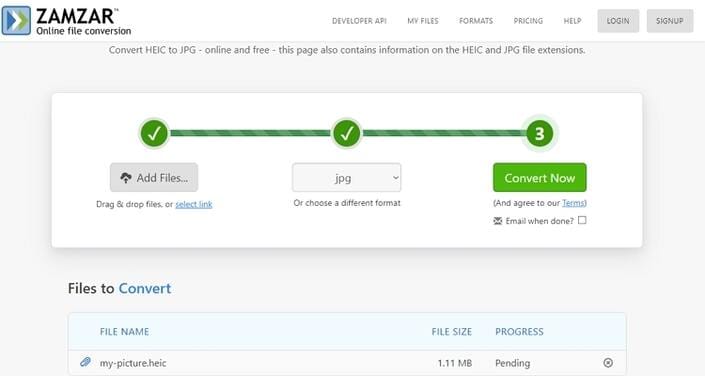
Zamzar is a free online platform that promotes transcoding of 1000+ formats, MP4 to MP3 included. Here, users can encode MP4 to AAC, MP3, WAV, OGG, AC3, FLAC, and iPod. There're also lots of video formats to convert MP4 to such as MOV, VOB, MTS, etc. However, this Keepvid online alternative doesn't support additional editing functions. Also, it's memory limit is 200MB.
Pros
- Simple to use.
- 1000+ supported formats.
- No ads.
Cons
- No file editing.
- Upload the memory limit.
Tool 6 TubeMP4
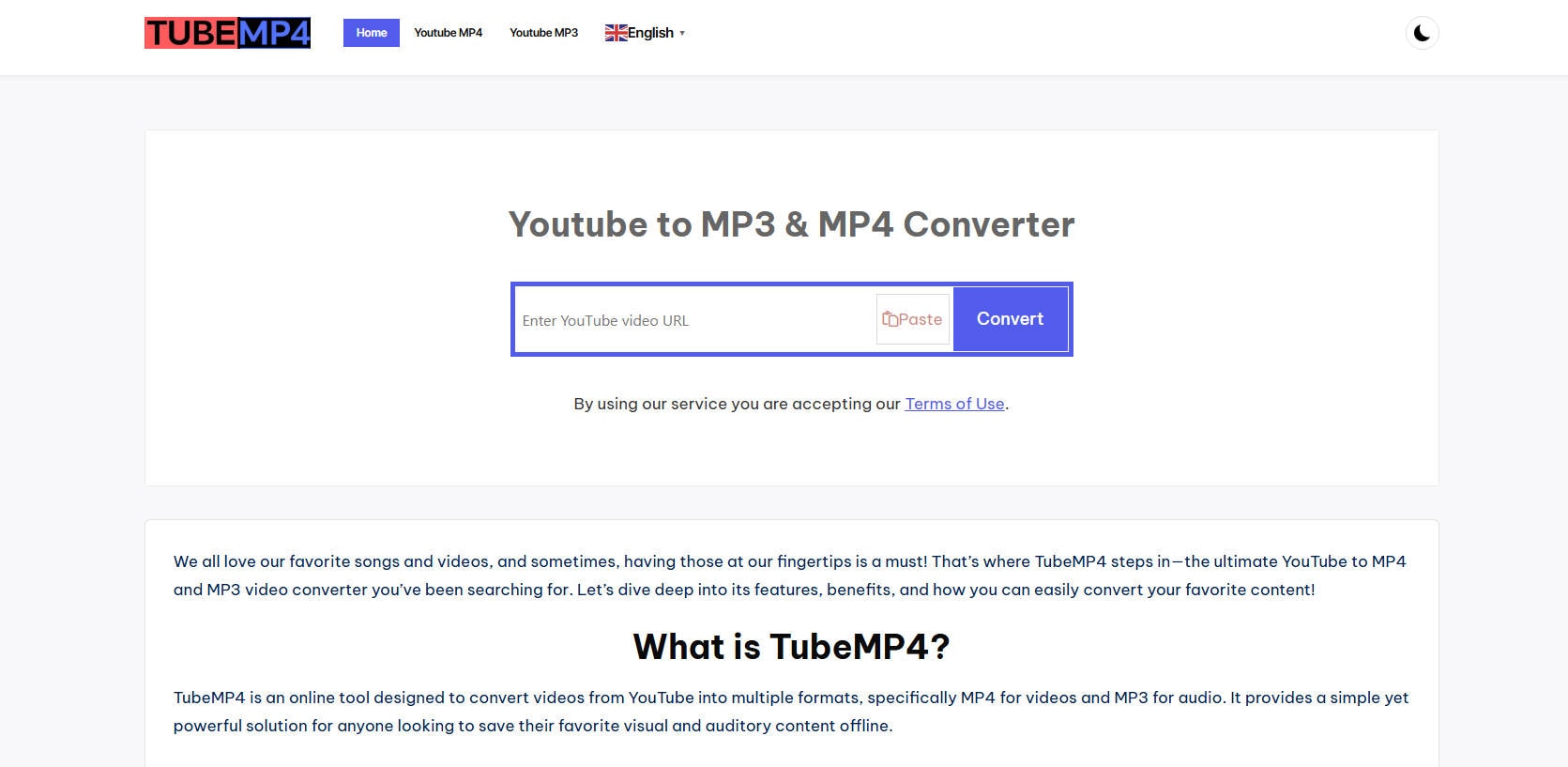
TubeMP4 offers a simple, ad-free online video conversion solution for users seeking quick downloads in multiple video qualities, including MP3 extraction and 4K support. This keepvid video downloader alternative requires no registration or subscription and works effectively across all browsers and devices. The interface focuses on ease of use, allowing users to convert videos by pasting their URLs with minimal hassle. Despite its simplicity, TubeMP4 covers the essential need for high-quality video downloads and audio extraction in a secure environment, making it a practical choice in 2025 for casual video converters.
Pros
-
Ad-free with clean interface
-
Supports 4K and MP3 extraction
-
No registration or subscription needed
-
Cross-platform browser compatibility
Cons
-
Lacks advanced editing tools
-
Limited format flexibility
TubeMP4 vs UniConverter
TubeMP4 is useful for simple video downloads, while UniConverter supports batch downloading, format conversion, editing, compression, and AI-powered enhancements, making it a more complete media solution.
Tool 7 Cobalt
Cobalt is a highly efficient, ad-free online MP4 converter downloader designed for fast and reliable video conversions. It supports batch downloading and handles videos up to 4K resolution with multiple codec options. The tool features an integrated YouTube search to find desired videos quickly, making the experience seamless. This Keepvid online alternative does not require registration, and users benefit from a clean interface without intrusive ads or trackers. Cobalt is tailored for users seeking privacy, ease of use, and high-speed conversion without software installation, making it one of the top choices for 2025’s online converters.

Pros
-
No ads or trackers
-
Batch downloading supported
-
Supports 4K quality videos
-
Integrated YouTube search
Cons
-
Limited to supported formats
-
May lack advanced editing features
Tool 8 AMP4
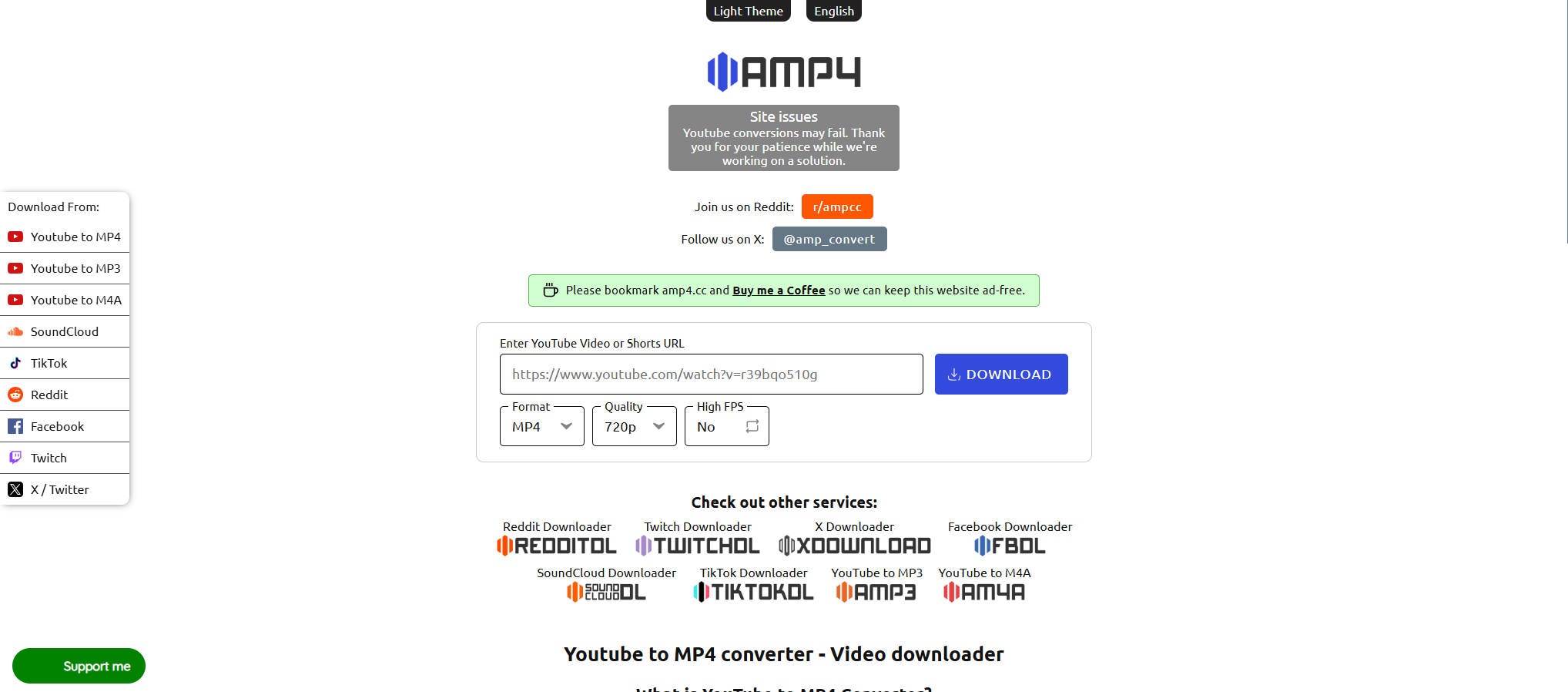
AMP4 is an online YouTube to MP4 converter that stands out for its simple, ad-free user interface with support for videos up to three hours long and resolutions up to 4K. The keepvid video downloader alternative focuses on user privacy by not requiring any login or installation, providing a safe experience while converting videos swiftly. AMP4 offers a straightforward process of pasting URLs and instantly downloading the video in the desired quality. Its secure and no-frills design appeals to users looking for an efficient, distraction-free tool to convert and download YouTube videos directly in 2025.
Pros
-
Ad-free, clean interface
-
Supports up to 4K and 3-hour videos
-
No registration or installation needed
Cons
-
Limited platform support beyond YouTube
-
No built-in video editing
AMP4 vs UniConverter
AMP4 is designed for fast, simple YouTube downloads, while UniConverter offers more control with batch processing, editing, conversion, compression, and AI tools for higher-efficiency video workflows.
Tool 9 Saveinsta
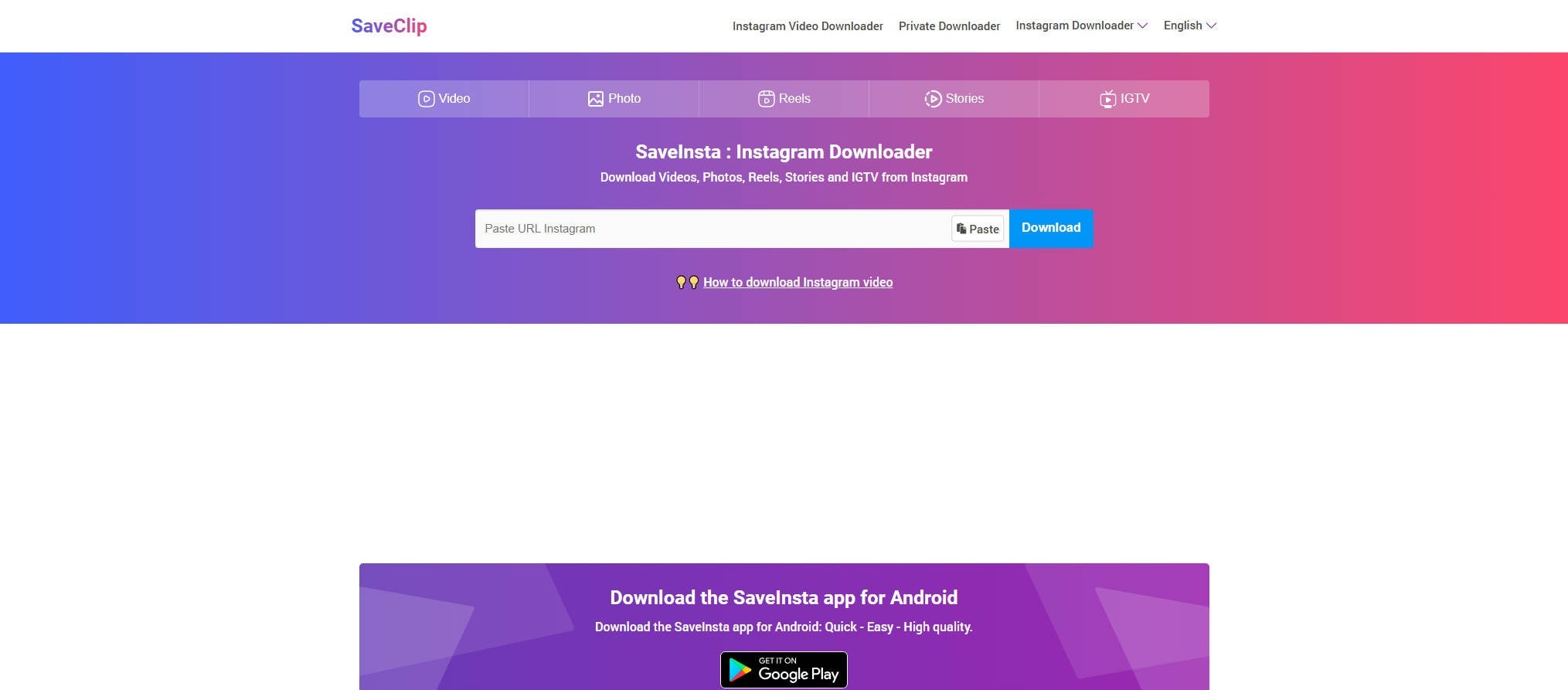
Saveinsta has rapidly grown as a versatile online conversion tool supporting not only YouTube but also Instagram, Threads, and other social platforms. This Keepvid online alternative offers a clean, intuitive interface where users can paste links and choose formats and quality options quickly. Fast conversion speeds and multi-browser/device compatibility make it convenient, without requiring account registration. Saveinsta is ideal for users needing to download video and photo content across different popular networks with ease. While this keepvid video downloader alternative lacks advanced features typical of desktop apps, it compensates with simplicity and excellent platform coverage in 2025.
Pros
-
Supports multiple platforms (YouTube, Instagram, Threads)
-
Fast conversion process
-
No account required
-
Compatible with many browsers/devices
Cons
-
Limited advanced video editing features
-
Download speeds can vary
Part 4. Key Tips for Finding Safe and Trustable Keepvid Alternative
Finding a safe and trustworthy video downloader is crucial to avoid malware, viruses, and privacy issues. Here are essential tips to help you choose wisely:
Research and Reputation is Key
Read Reviews: Before using any tool, search for reviews from reputable tech websites (like TechRadar, PCMag, or How-To Geek) rather than just user comments on the download page.
Check Communities: Look for discussions on trusted online communities like Reddit (e.g., r/software, r/techsupport). Users often share honest experiences and warnings about malicious software.
Avoid "Too Good to Be True" Offers
Be extremely wary of websites that promise to download videos from every possible site, especially social media platforms like Instagram or TikTok. These sites often have complex protections, and tools that claim to bypass them all are frequently riddled with adware.
Choose Open-Source or Well-Established Commercial Software
Open-Source Tools: Software like yt-dlp (a command-line tool) is highly respected, open-source, and transparent. Because the code is public, it's constantly reviewed by developers for security issues.
Established Companies: Software from known companies (like 4K Video Downloader, JDownloader, or reputable browser extensions with a long history) is generally safer than unknown, fly-by-night websites.
Use Your Browser's Extensions/Add-ons Store
If you prefer a browser extension, only download them from the official stores: Chrome Web Store, Firefox Browser Add-ons, or Microsoft Edge Add-ons. These platforms have security reviews.
Check the number of users, ratings, and read recent reviews within the store.
Always Have Antivirus Protection
Ensure you have a reliable antivirus/anti-malware program installed and kept up-to-date. It can often block known malicious sites and detect threats during the download/installation process.
Conclusion
Above are some of the Keepvid alternatives we find for you. UniConverter can not only download videos from popular video sites, and social media, but also can download video as MP4 or convert video into different formats for matching various devices for playing. Moreover, you can experience the 1-click compress function to make the video size smaller.
FAQ
-
1. Is Keepvid still working?
Keepvid has discontinued its video downloading services since 2018, though some sites claim to offer similar functions under different domains. -
2. Is Keepvid safe and legal to use?
Keepvid is generally safe for PC and Mac, but some versions require Java, which can show pop-up ads or warnings; legality depends on local copyright laws and the purpose of downloading videos. -
3. Why is Keepvid down or unstable sometimes?
The site experiences frequent downtimes, often due to technical blocks or legal restrictions, though VPNs may help access it from blocked regions. -
4. Do Keepvid alternatives support high-quality downloads?
Most major alternatives support HD, 1080p, 4K, and sometimes 8K video downloads, with options to select preferred quality and format (MP4, WebM, MP3, etc.). -
5. Which downloader offers the least ads or spam?
Tools like UniConverter, JDownloader, WinX YouTube Downloader, and Youtubemy are known for their clean interfaces and minimal ads.
