The Smart Way to Remove Logo Backgrounds — Built for Designers, Brands & Creators
UniConverter helps you remove background from logo files without manual erasing, layer masking, or switching between multiple tools. Whether you need one transparent png logo or 100 brand assets, you can start online and scale on desktop.
AI Logo Cutout with Pixel-Perfect Edges
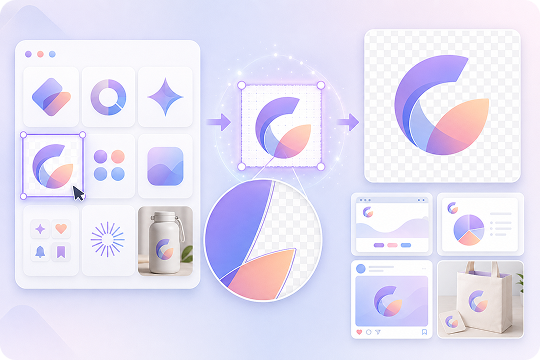
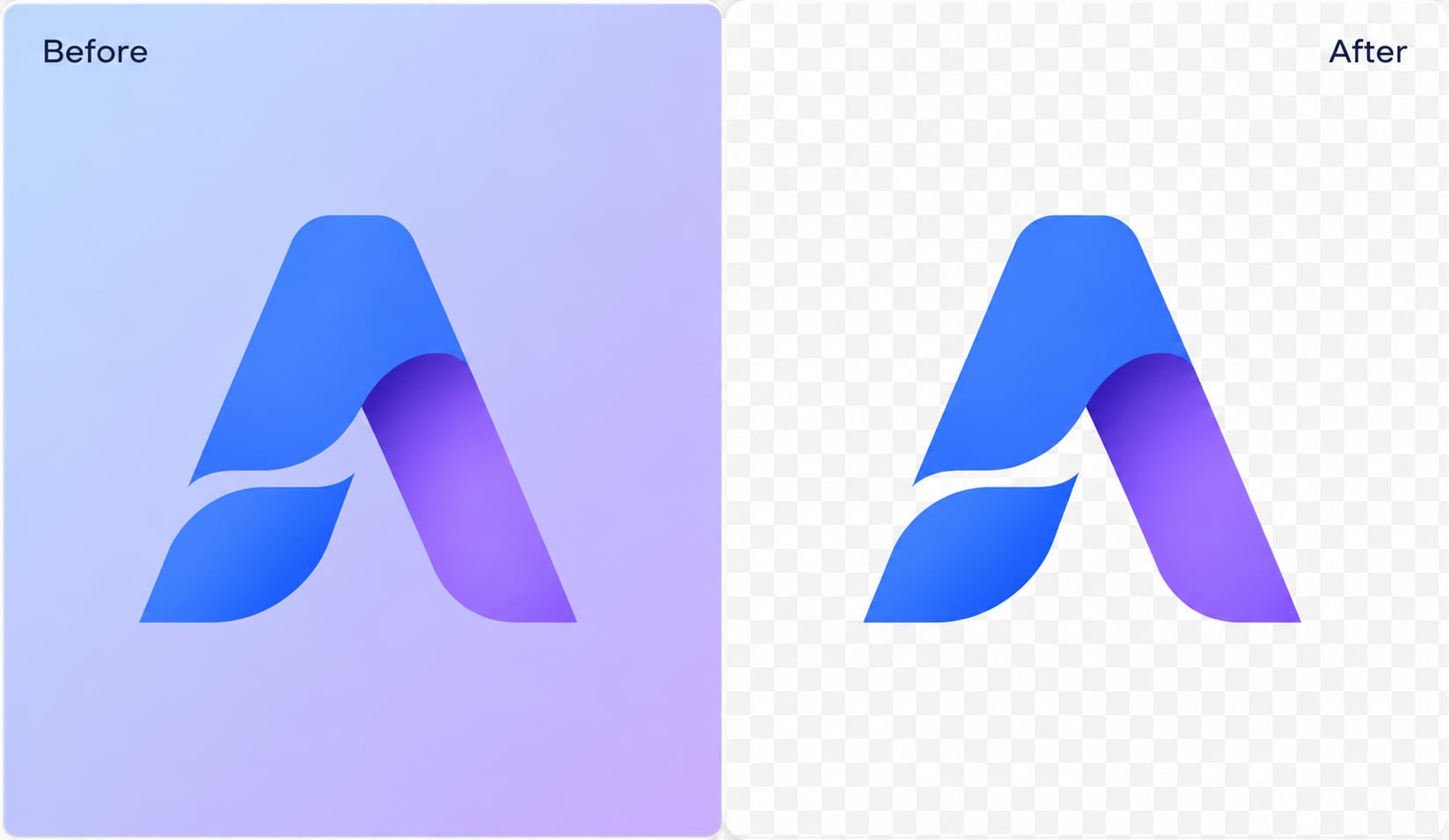
UniConverter uses AI logo cutout technology to detect fine lines, text strokes, icons, gradients, and semi-transparent areas. It works as a logo extractor for screenshots, product photos, and brand assets, helping you extract logo from image files while keeping clean logo edges. Compared with manual logo cutter workflows, the result is faster, cleaner, and easier to reuse.
Batch Process Logos at 130X Speed
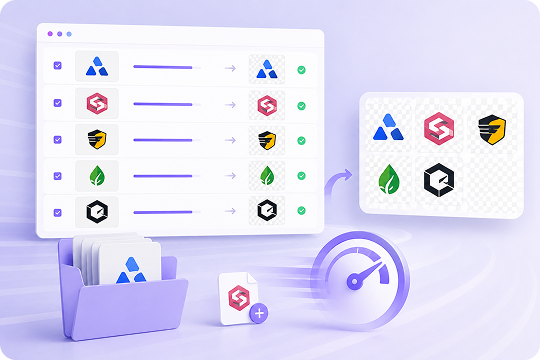
For brand teams, e-commerce operators, and design agencies, removing backgrounds one by one is slow. UniConverter Desktop supports batch logo background removal, helping you delete background from logo files in minutes instead of hours. It is built for bulk work, seasonal campaigns, partner logo walls, and large product asset updates.
Beyond Logos — Remove Background from Images & Videos
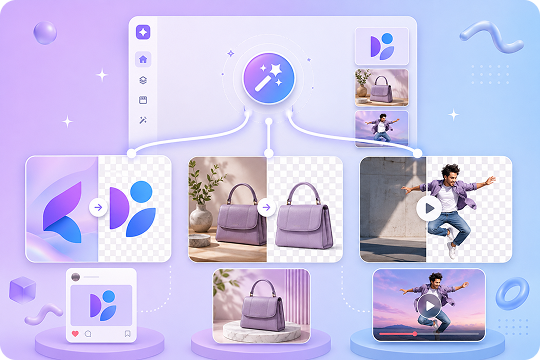
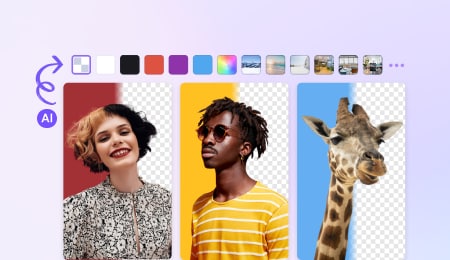
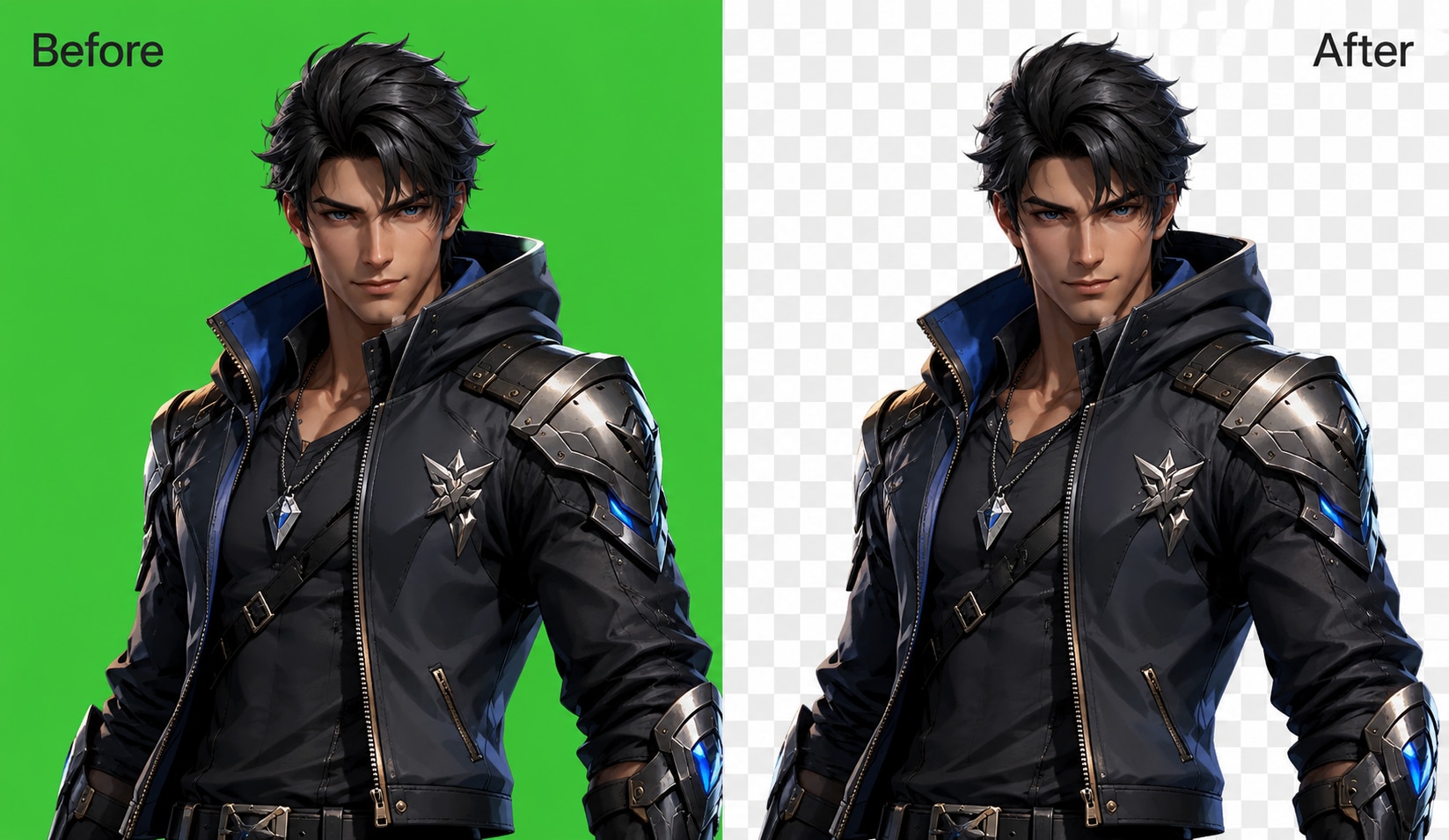
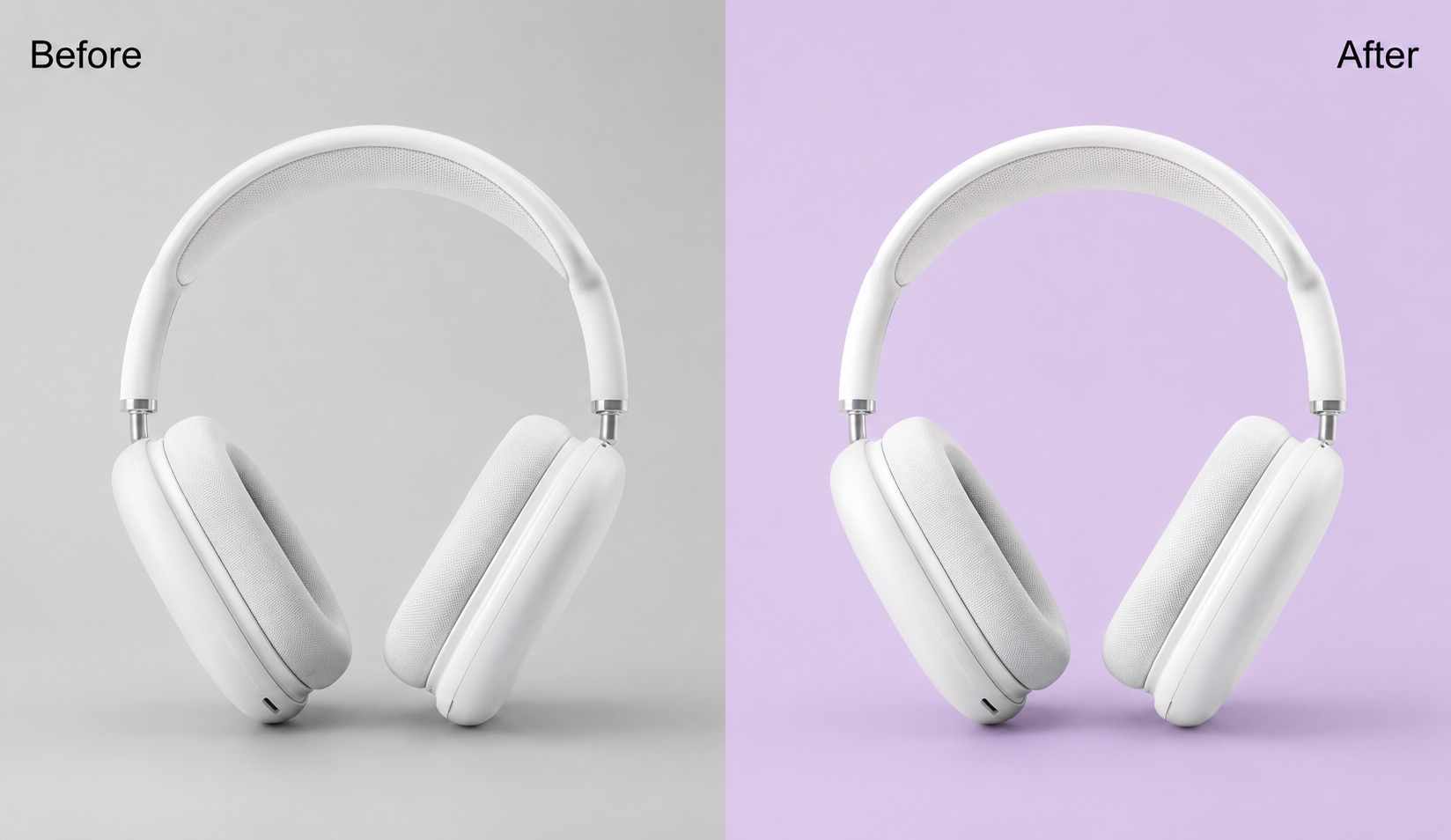
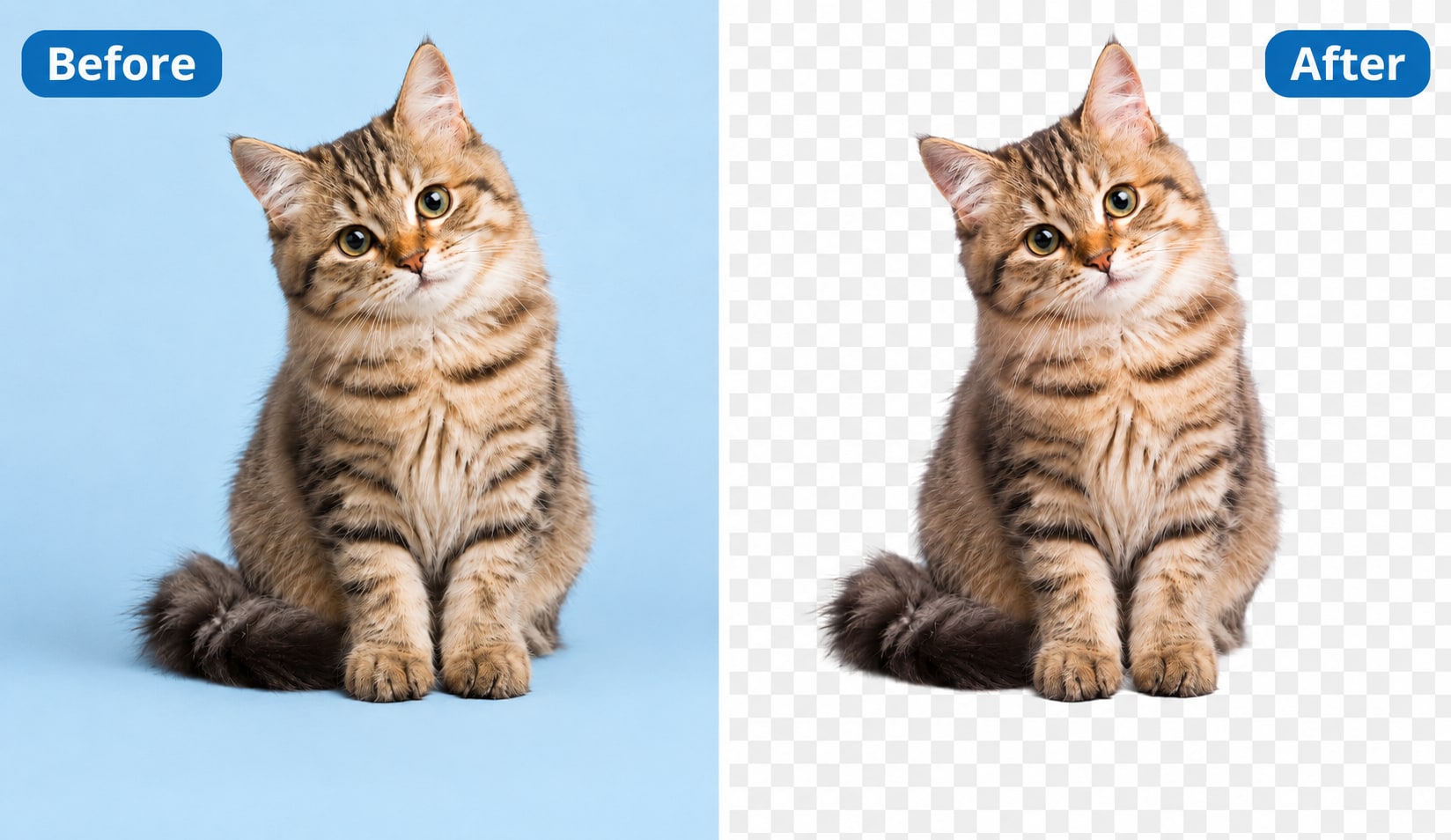
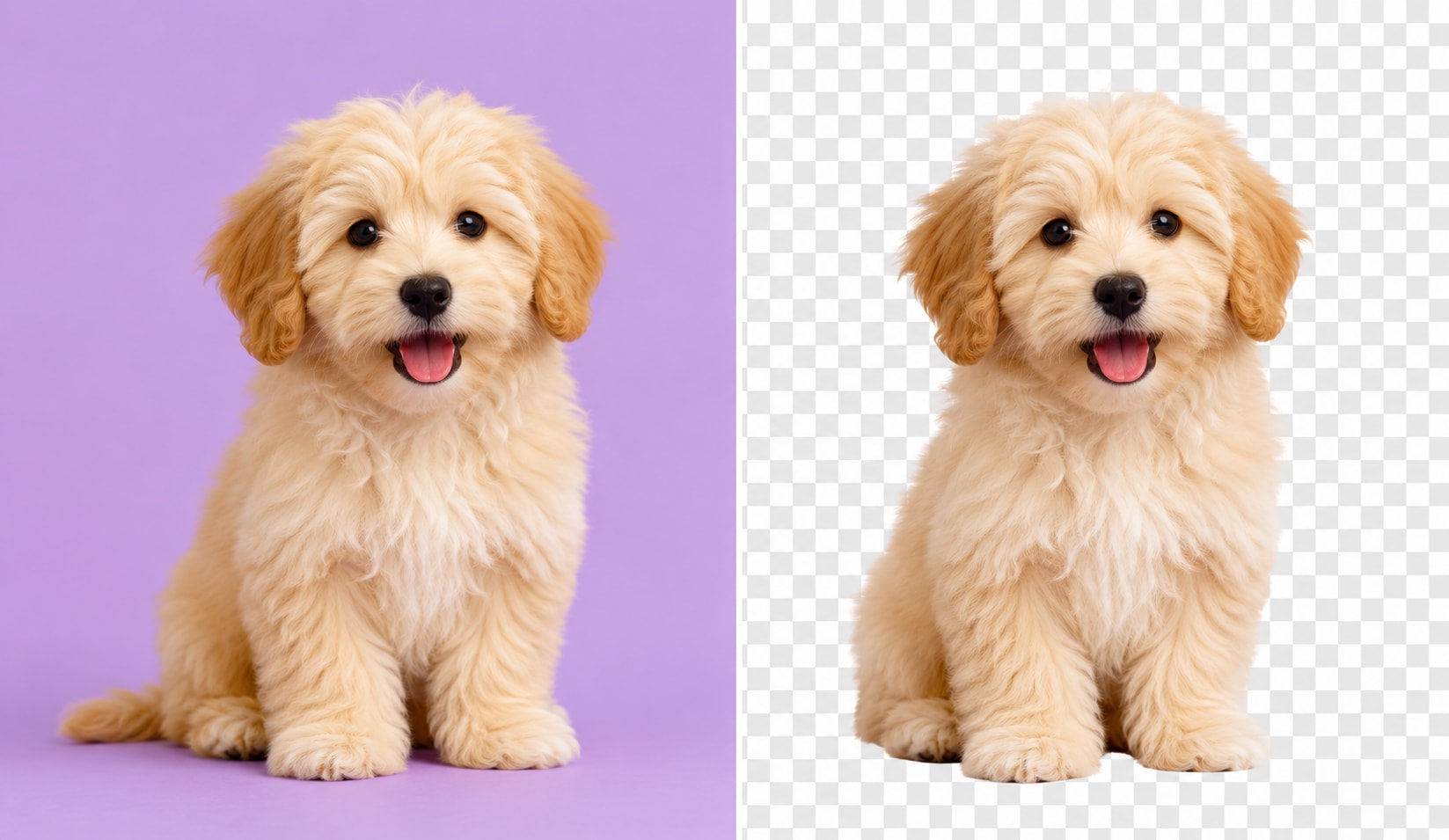
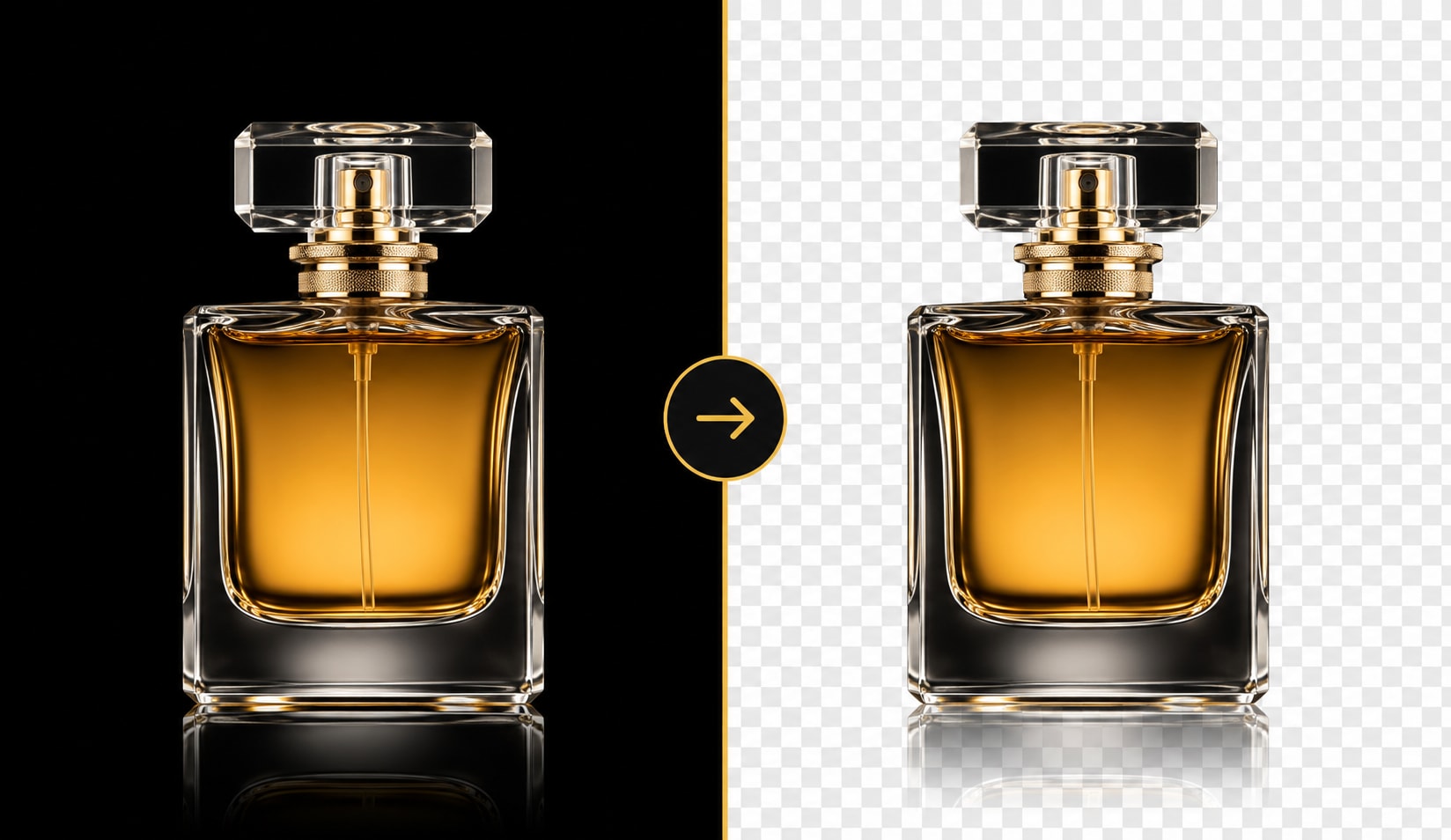
UniConverter is more than a bg remover logo tool. You can also use it as an image background remover and video background remover for broader creative workflows. Remove a logo background, clean product shots, prepare social visuals, or edit video assets in one toolkit instead of jumping between different apps.
Free Online, No Watermark, HD Transparent PNG
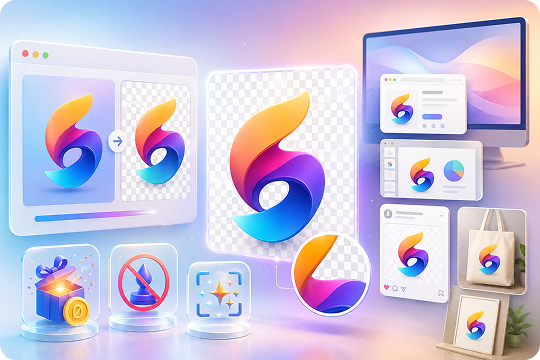
Need to remove background from logo free? Start with the online logo background remover and process your first images without watermark. Export a high resolution transparent logo as PNG, then use it for websites, presentations, thumbnails, print mockups, and brand kits. For larger jobs, switch to Desktop for faster processing and more output options.
How to Remove Background from a Logo in 3 Simple Steps

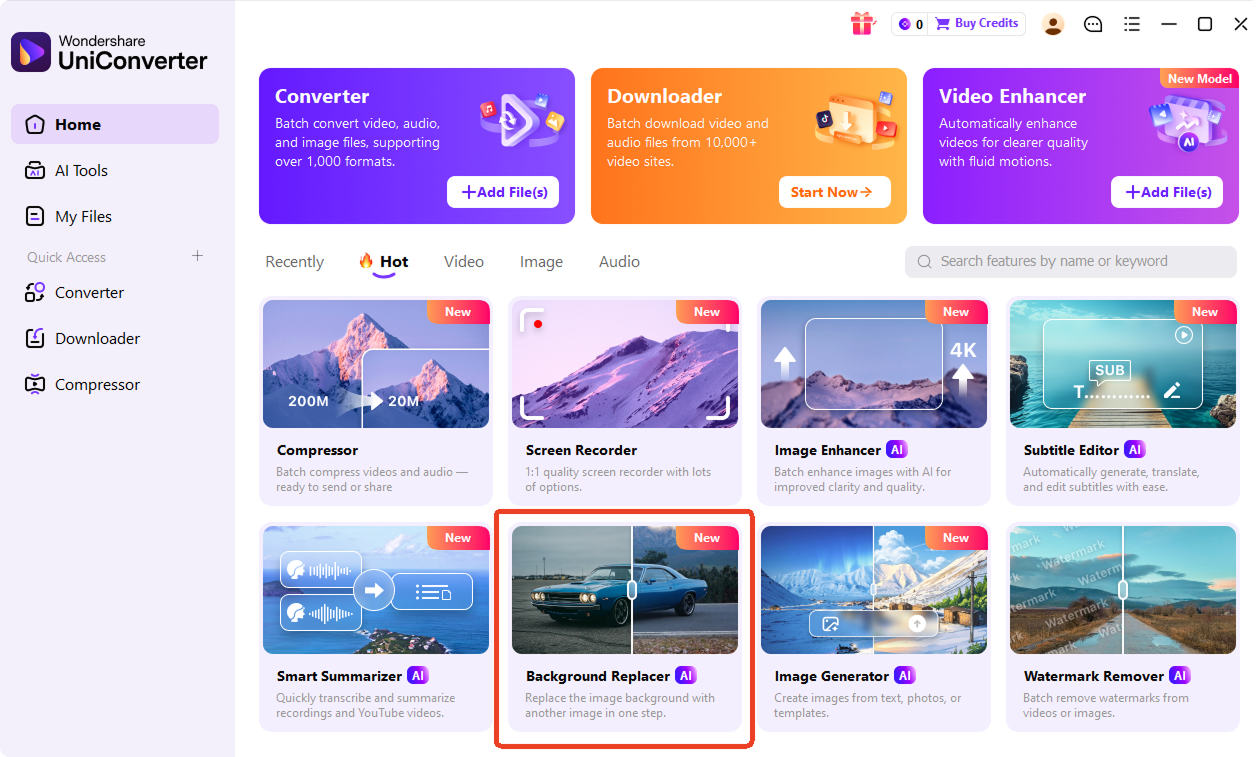
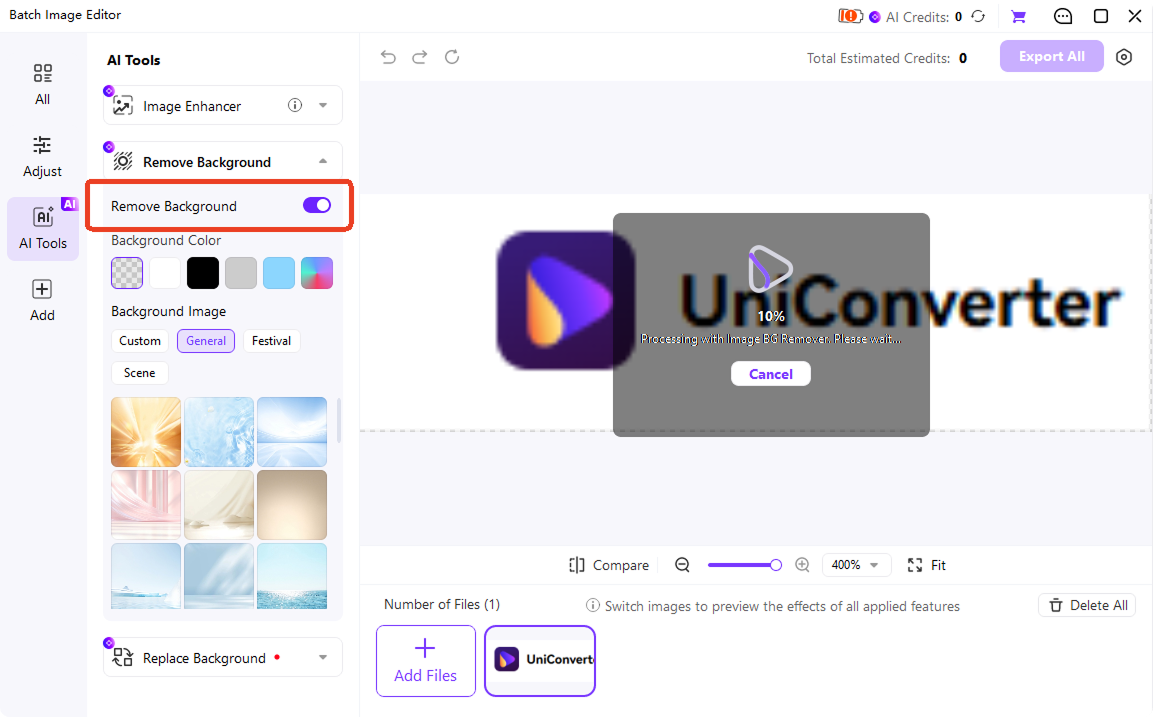
Upload your logo by dragging it into the workspace, selecting a local file, or using the online upload button. UniConverter supports common formats, with up to 50MB online and larger files on desktop. It works on white, colored, and complex backgrounds, including cases where you need to remove white background from logo files.

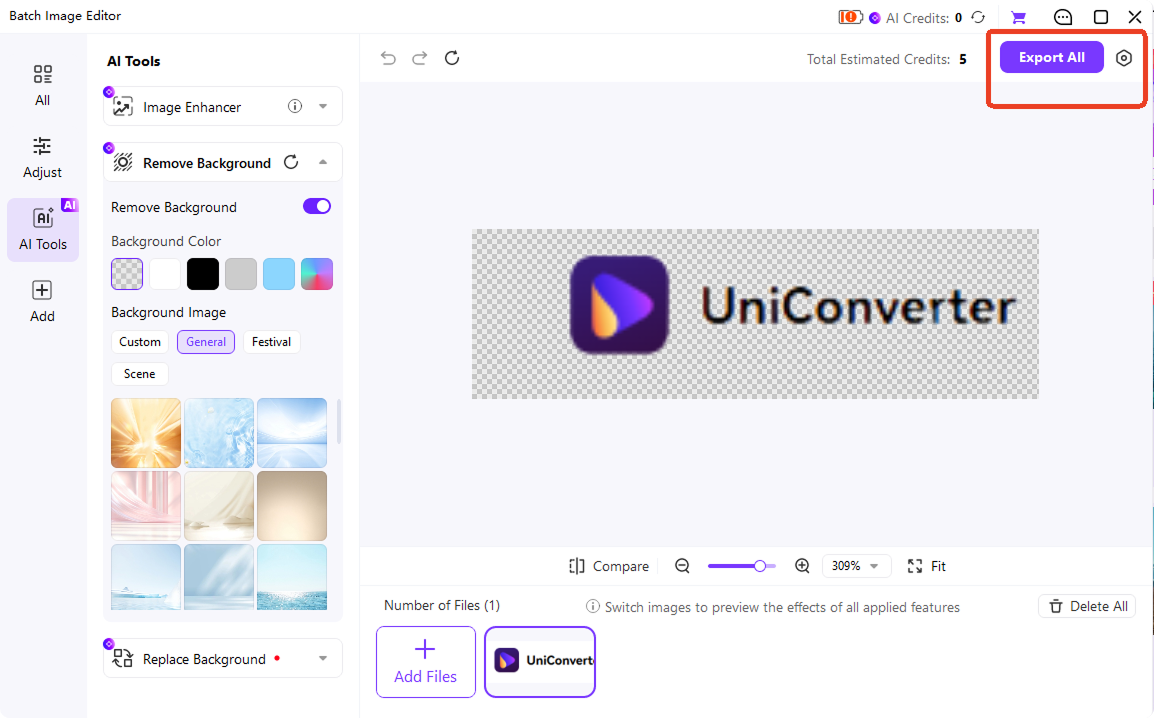
Once uploaded, the AI analyzes the logo and removes the background in seconds. You do not need to trace outlines, erase pixels, or create masks manually. UniConverter can delete logo background and preserve the main logo shape, text, and icon details. For multiple files, use Desktop to delete background from logo assets at 130X batch speed.

Download your finished transparent logo as a PNG file with no watermark. You can also export in JPG, BMP, or PNG on desktop when needed. Use the logo background transparent result for websites, social media posts, pitch decks, email signatures, T-shirt printing, product packaging, and more.
Make Logo Background Transparent for Websites, Print, Social Media & Brand Assets
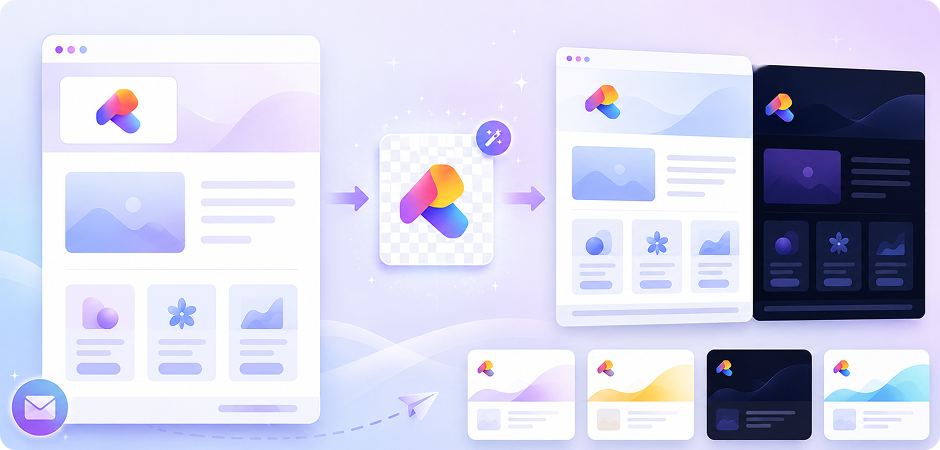
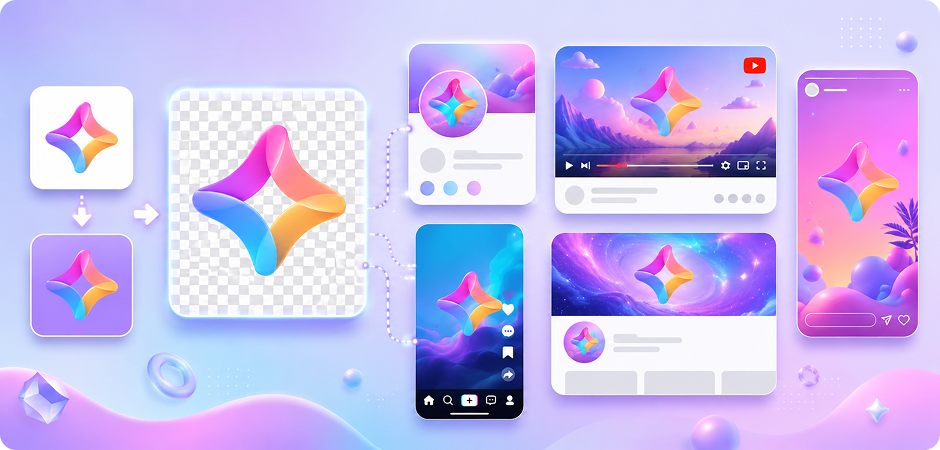
Remove Background from Logo for Websites & Landing Pages
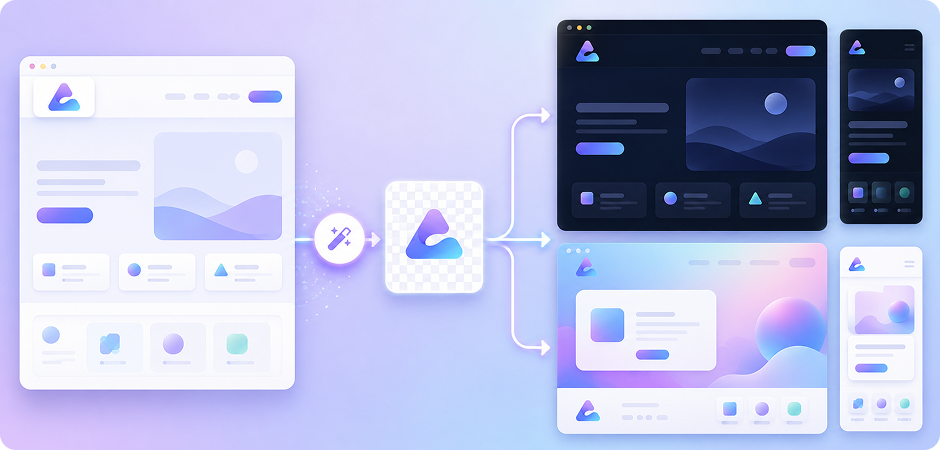
A logo transparent background for website design creates a cleaner and more modern user experience across headers, footers, landing pages, and navigation bars. Instead of showing a white box around your brand mark, a transparent PNG logo blends naturally into dark mode, gradient backgrounds, and responsive layouts. UniConverter helps you remove background from brand logo files quickly, making it easier to maintain consistent branding across desktop and mobile pages.
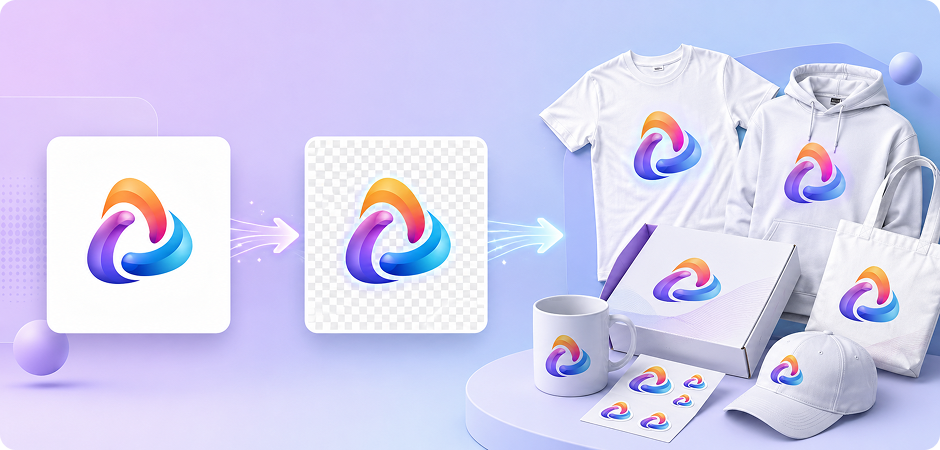
Create Transparent Logos for T-Shirt Printing & Merchandise
When preparing logos for apparel or merchandise, background quality matters. A transparent logo prevents unwanted white borders during DTG printing, screen printing, or heat transfer workflows. UniConverter lets you remove white background from logo files while preserving sharp details and clean edges. Export a high resolution transparent logo for T-shirts, hoodies, tote bags, stickers, packaging mockups, and other print-ready brand materials.
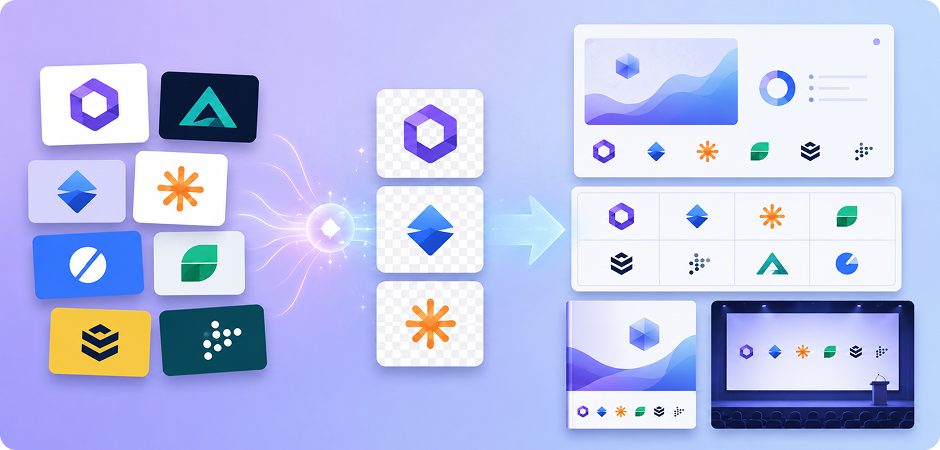
Remove Background from Company Logo for Pitch Decks & Logo Walls
Logos with mismatched backgrounds can make investor decks and partnership pages look inconsistent. By using UniConverter to remove background from company logo assets, you can create cleaner logo walls for sales presentations, sponsorship pages, media kits, and keynote slides. Transparent partner logos align better visually, helping your presentations look more professional, organized, and brand-consistent across different layouts and themes.
Make Logo Background Transparent for Email Signatures & Newsletters
Transparent logos look cleaner in Gmail, Outlook, newsletters, and automated email campaigns because they adapt naturally to both light and dark themes. Instead of distracting white blocks around your logo, you get a polished brand appearance that fits seamlessly into modern email layouts. UniConverter helps you make logo background transparent online in seconds, making email branding simpler for marketing teams and business users.
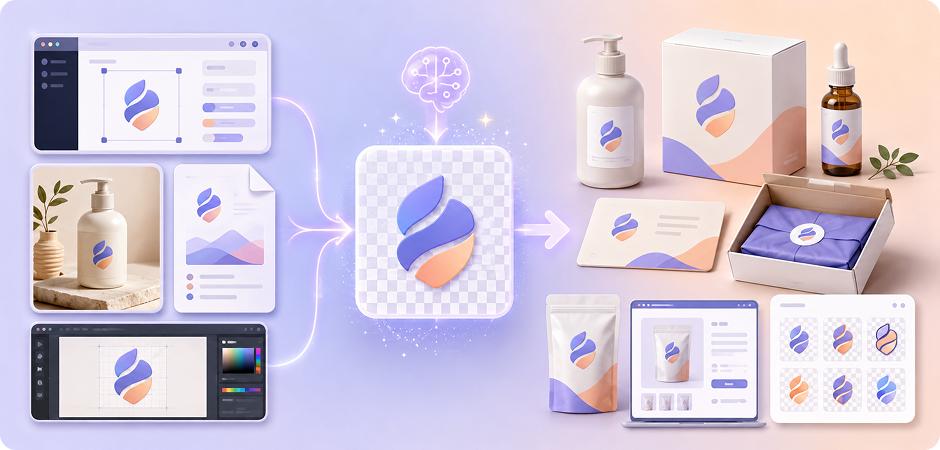
Extract Logo from Image Files for Packaging & Brand Assets
Many businesses store logos inside screenshots, product photos, PDFs, or outdated design files. UniConverter works as a logo extractor from image files, helping you isolate branding elements and convert them into reusable transparent PNG assets. After you extract logo from image content, you can reuse the file for packaging design, product labels, shipping inserts, e-commerce listings, and centralized brand asset libraries.
Use Transparent PNG Logos for Social Media Profiles & Content
A transparent PNG logo gives your social content a cleaner and more flexible visual style across profile photos, YouTube thumbnails, Instagram Stories, TikTok posts, and channel banners. Instead of manually adjusting backgrounds for every design, you can place the logo naturally on any color or creative layout. UniConverter’s AI logo background remover helps creators and marketers maintain consistent branding across every social platform.
Online or Desktop — One Logo Background Remover, Two Powerful Solutions
Different workflows need different tools. That is why UniConverter offers both a logo background remover online and a desktop logo background remover. Use the online version for quick edits when you need one transparent logo fast. Choose UniConverter Desktop when you need batch processing, offline editing, video background removal, or more control over output formats.
| Feature | Online Logo Background Remover | UniConverter Desktop |
|---|---|---|
| Installation | No install needed | Windows/macOS |
| Batch Processing | Single image | Unlimited images |
| Processing Speed | Standard | 130X faster |
| Video Background Removal | Not supported | Supported |
| Output Formats | Smae as Input Format | PNG / JPG / BMP / WebP |
| Best For | Quick edits, mobile users | Designers, e-commerce, brand teams |
What Users Say About
UniConverter Logo BG Remover
Logo Background Remover FAQs
Is there a free logo background remover?
How do I make my logo transparent online?
How do I remove the white background from a logo?
Can I remove a logo background without losing quality?
What is the best file format for a transparent logo?
Can I remove logo backgrounds in bulk?
Does UniConverter work offline?
What file formats are supported?
How is this different from removing a logo from a picture?
More Than Logo Background Removal




Explore More Features - All-in-One Media Toolbox



Start Removing Logo Backgrounds in Seconds
Create a clean transparent PNG logo with UniConverter’s AI logo background remover. Try it online for quick edits, or download Desktop for batch processing, offline use, and faster brand asset workflows.