
Why Choose UniConverter Green Screen Remover
AI Green Screen Remover for Clean Subject Cutouts
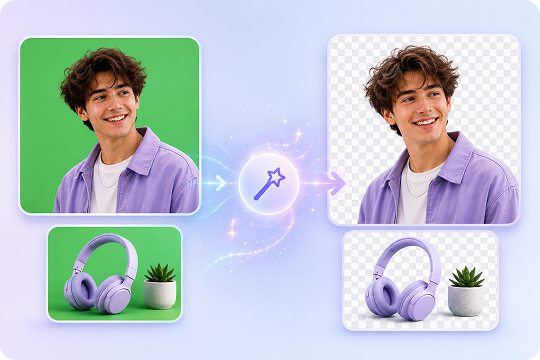
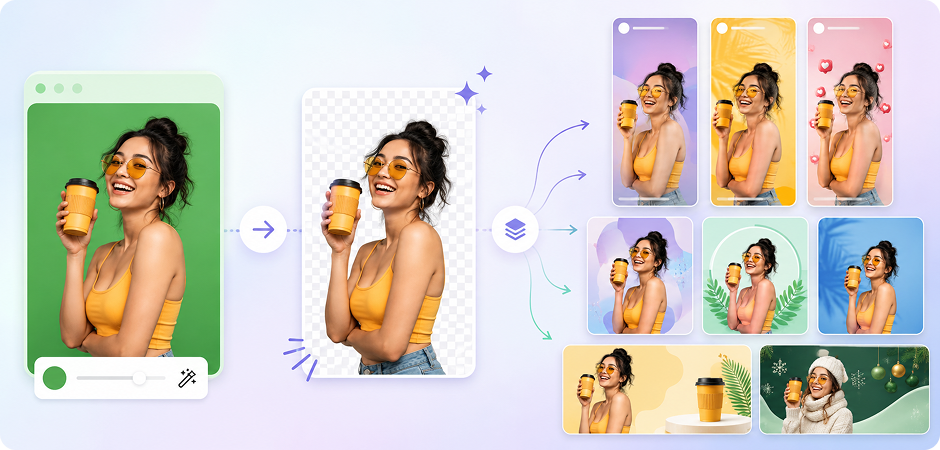
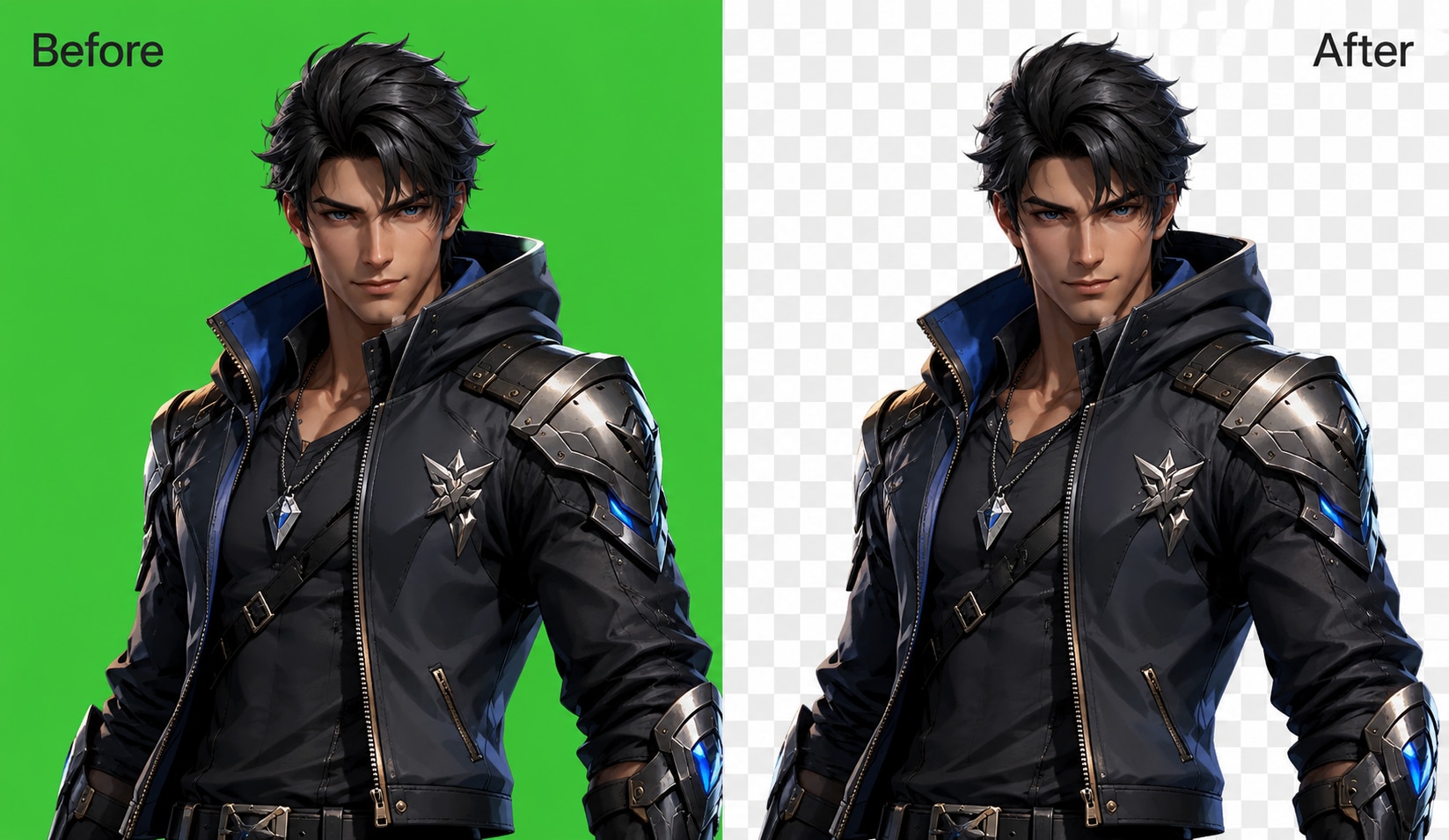
UniConverter’s AI green screen remover detects your subject and separates it from the green background in one click. It helps keep hair detail, clothing edges, and small object outlines clean. You can remove green screen from image files without manual masking, making it useful for portraits, product photos, thumbnails, and creative edits.
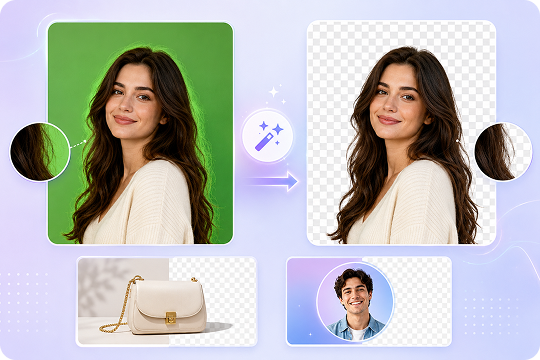
Remove Green Background with Green Spill Suppression
Green spill often leaves a green halo around your subject after chroma key removal. UniConverter helps reduce this unwanted color edge while keeping the cutout natural. You can remove green background areas, refine edges, and create a cleaner transparent background for e-commerce images, headshots, cosplay photos, and social media designs.
Batch Green Screen Remover for Multiple Images
When you need to edit many files, UniConverter works as a batch green screen remover for faster image processing. The desktop version supports large-volume workflows, so you can remove green screen from multiple images without repeating the same steps. It is a practical choice for online stores, content teams, studios, and creators managing regular image updates.

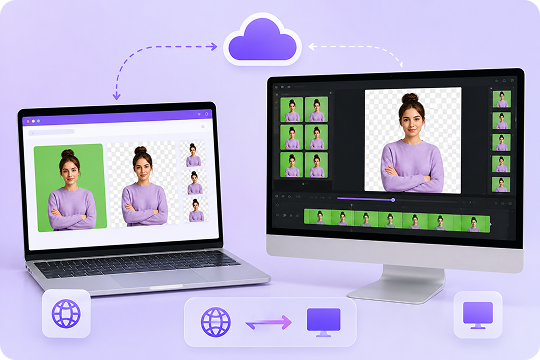
Green Screen Editor Online and Desktop for Windows/Mac
Use UniConverter Online when you need a quick green screen editor online with no installation. Switch to UniConverter Desktop when you want faster processing, batch support, and video chroma key features. This dual mode gives you a flexible green screen remover for PC, Mac, and browser-based workflows.
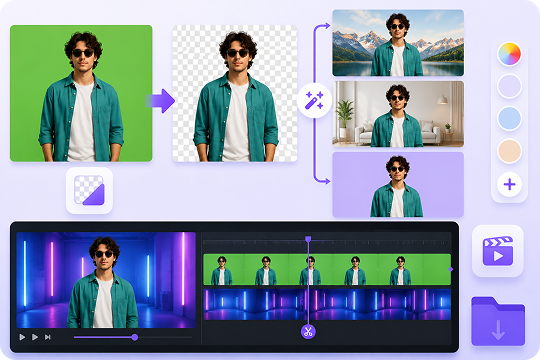
More Than a Green Screen Remover: Background Replacement and Video Chroma Key
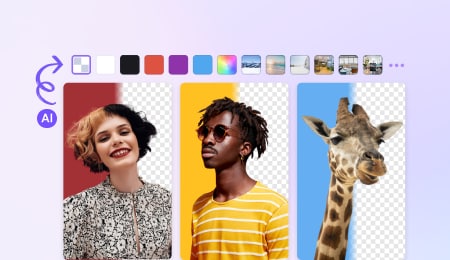
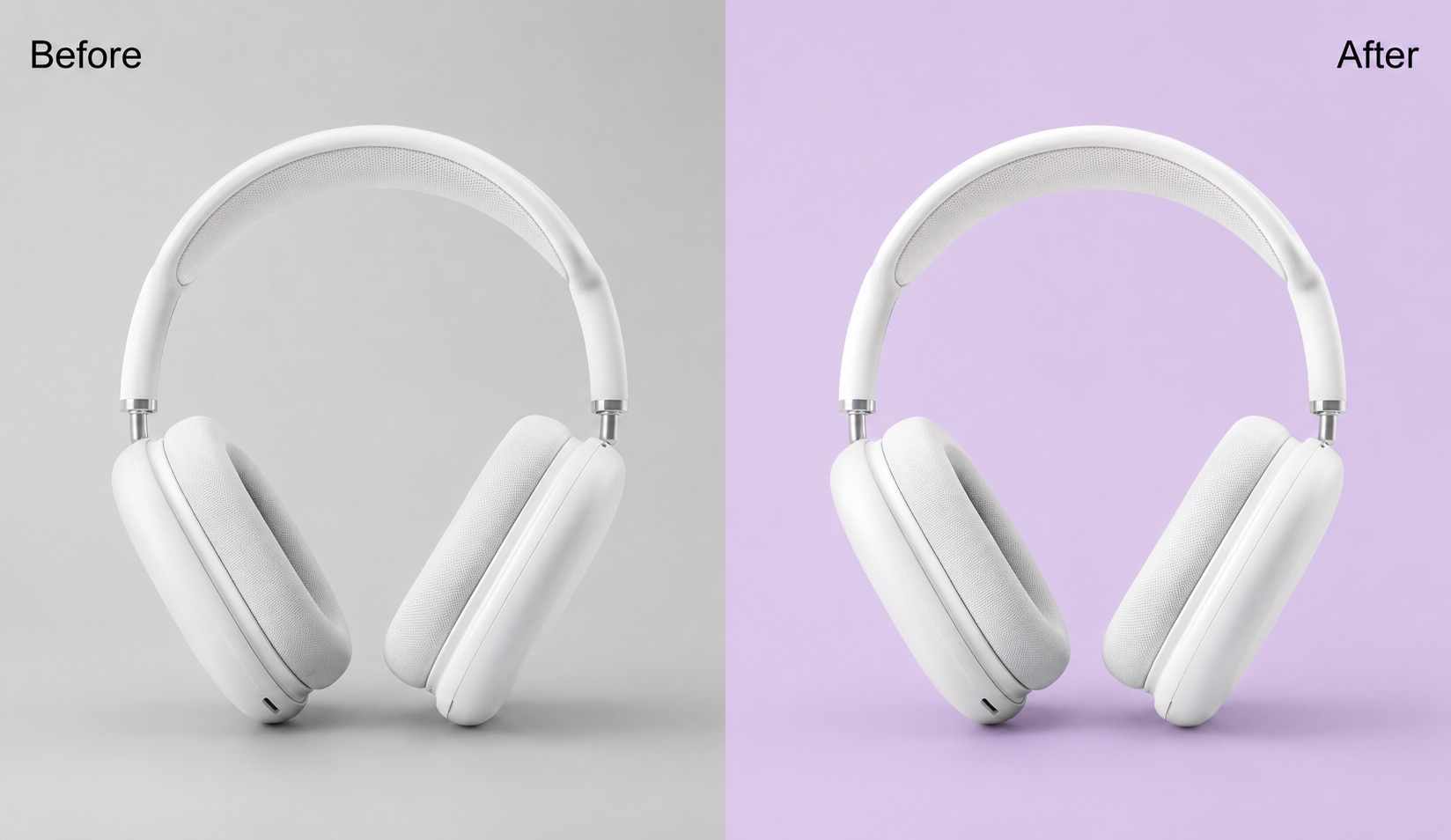
UniConverter does more than remove green screen from image files. After removal, you can replace the green background with any color or image, make a transparent PNG, or create new visuals with AI background tools. The desktop version also supports video chroma key, making it useful for both image edits and video workflows.
How to Remove Green Screen from Image with AI

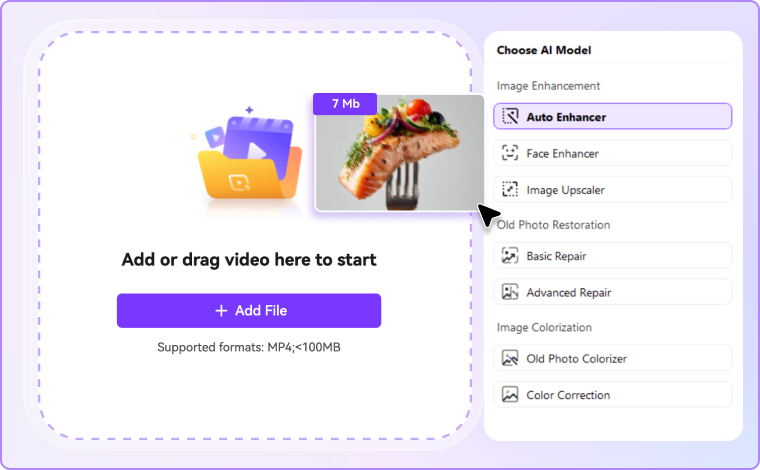
Drag and drop your JPG, PNG, or BMP file into UniConverter Green Screen Remover. You can use the online tool for quick edits or open the desktop version for batch processing.

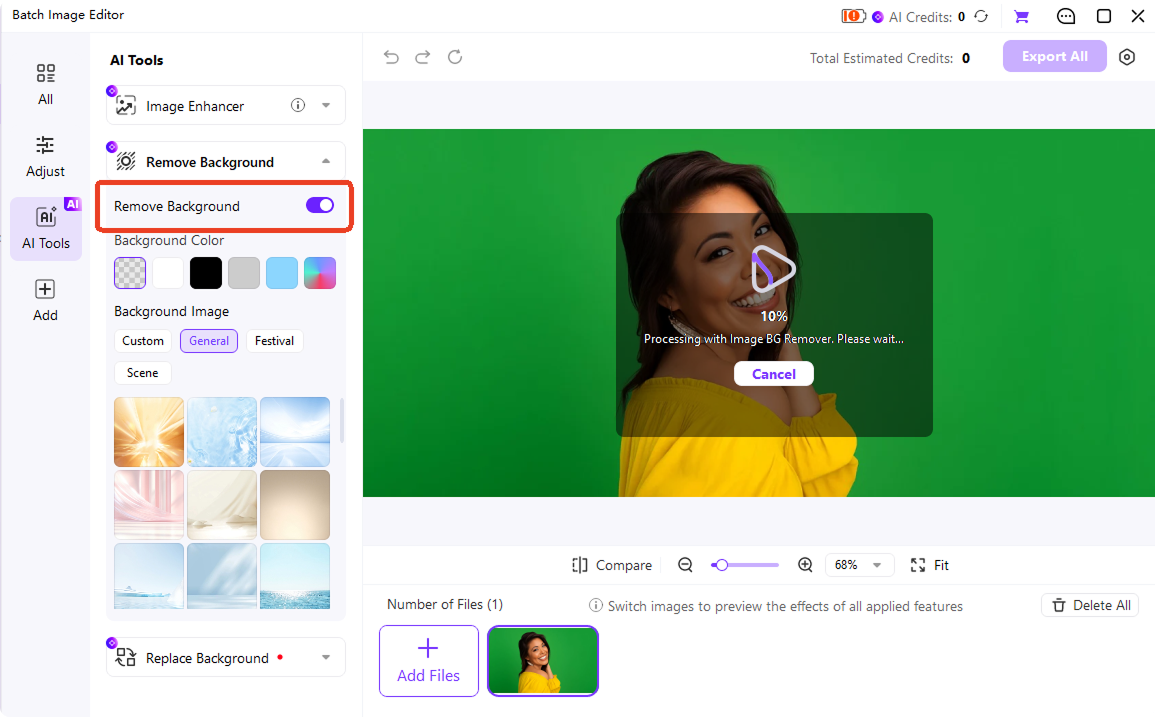
UniConverter detects the subject and removes the green background automatically. The tool also helps refine edges and reduce green spill around hair, clothing, and object outlines.

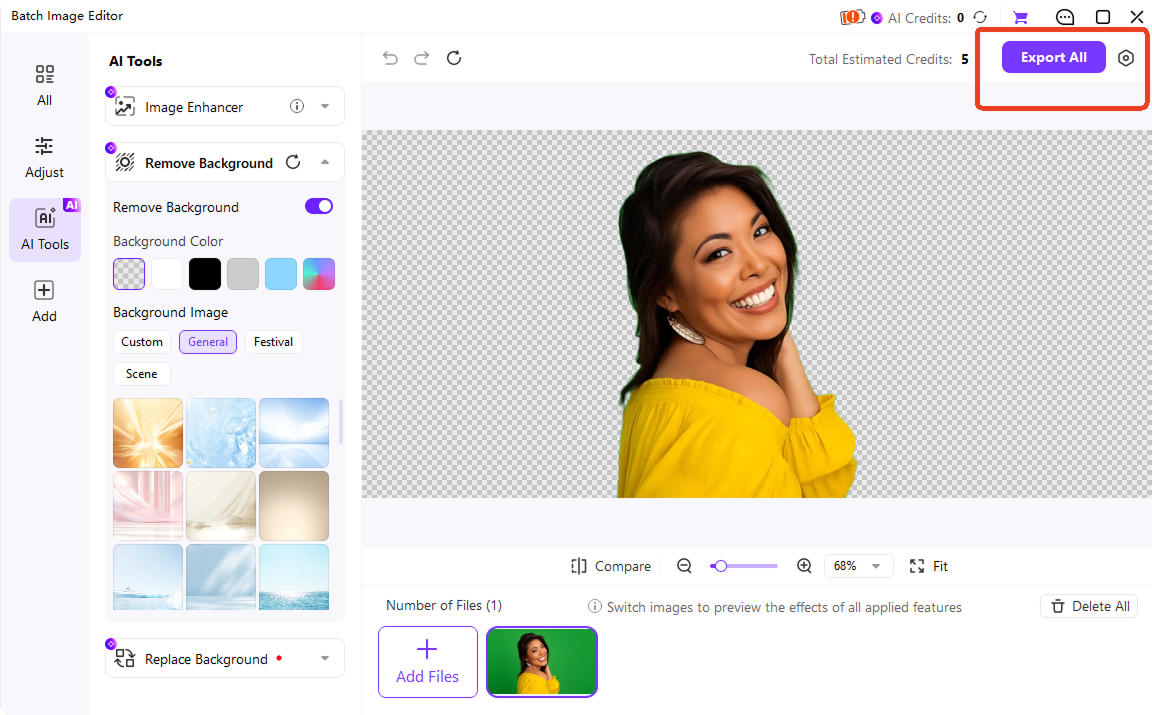
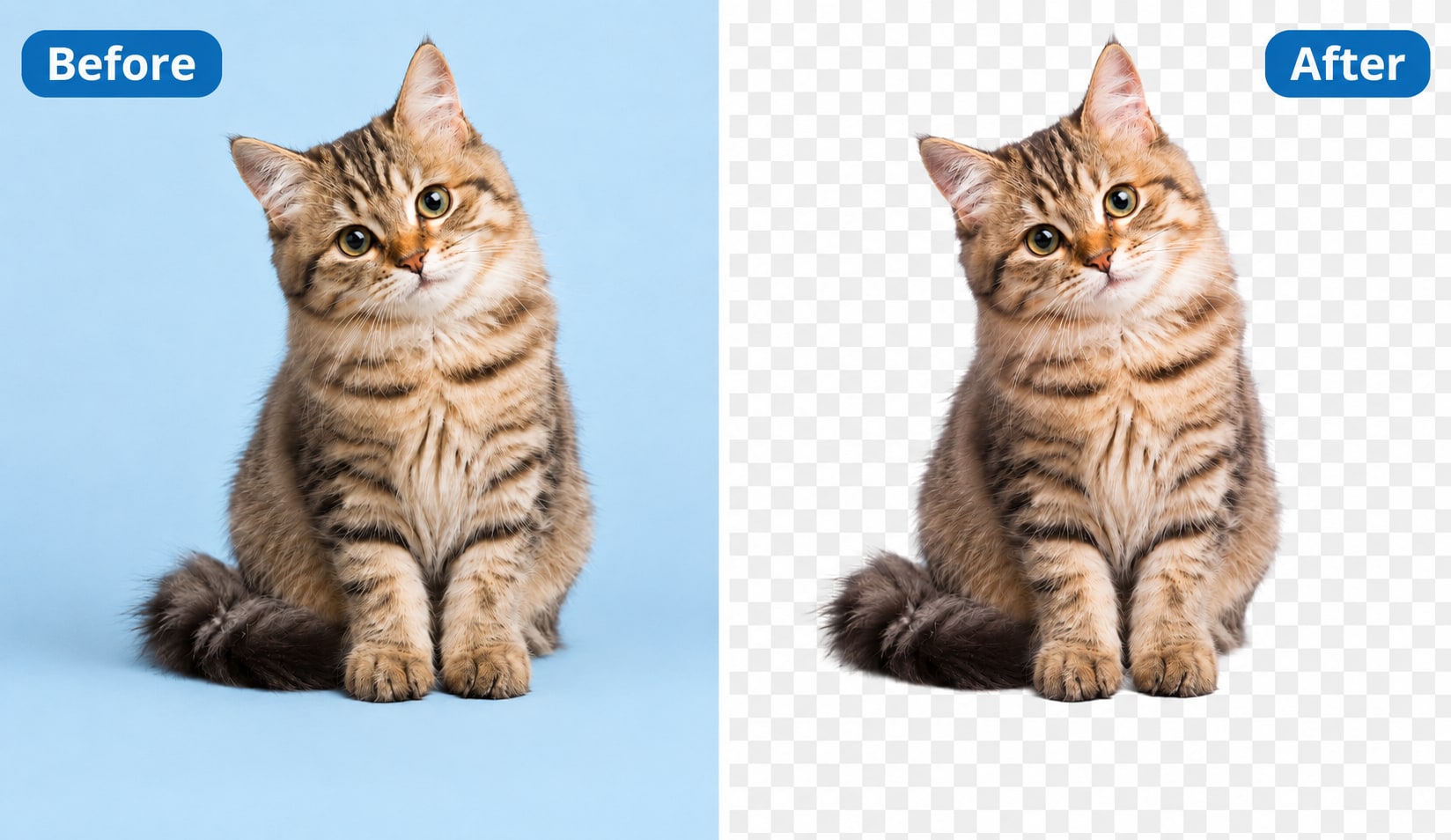
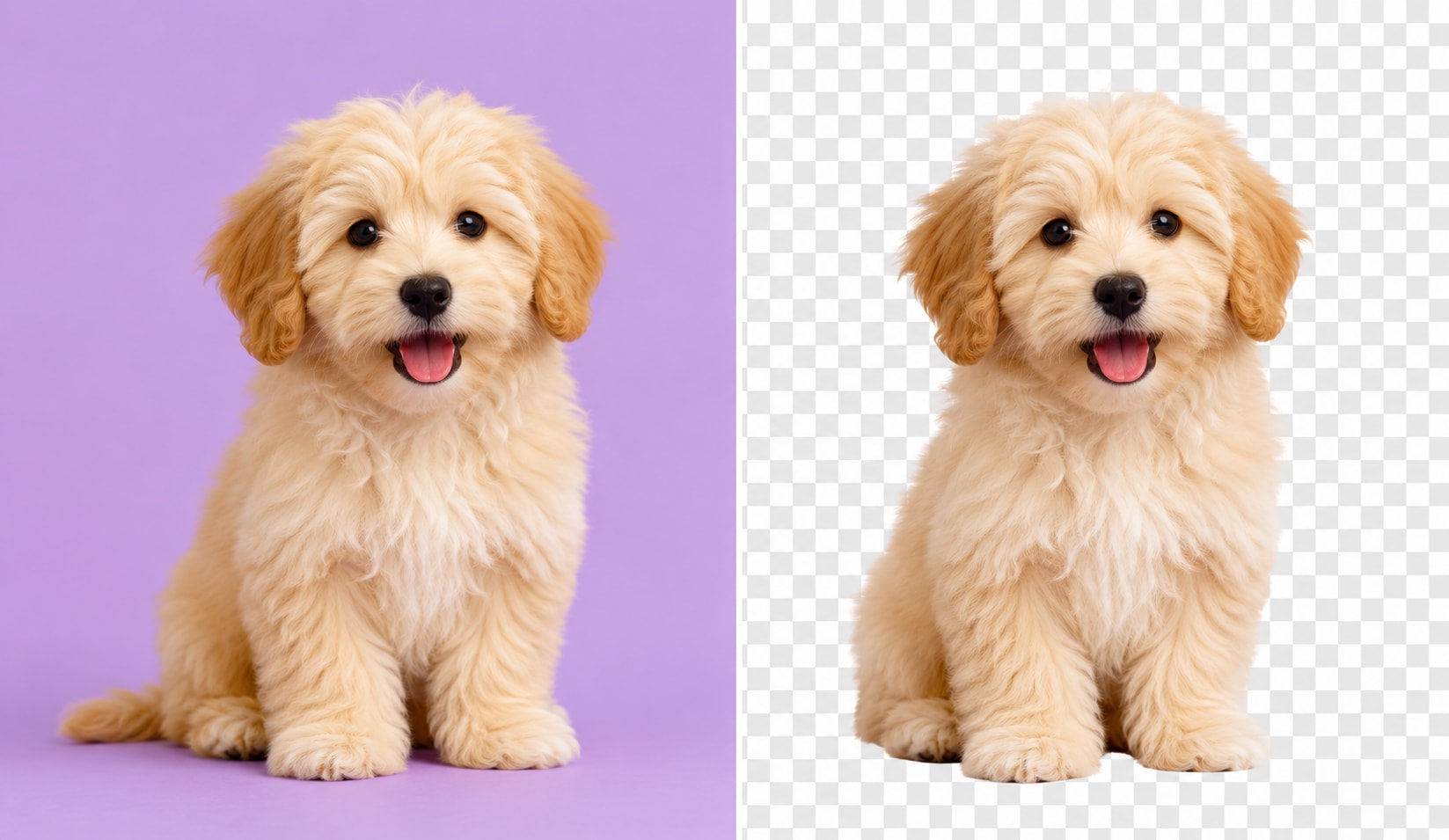
Keep the background transparent, add a new image, or choose a solid color. Export your final image as an HD PNG for websites, e-commerce listings, thumbnails, and creative projects.
Built for Every Green Screen Removal Use Case
Green Screen Remover for E-Commerce Product Photos
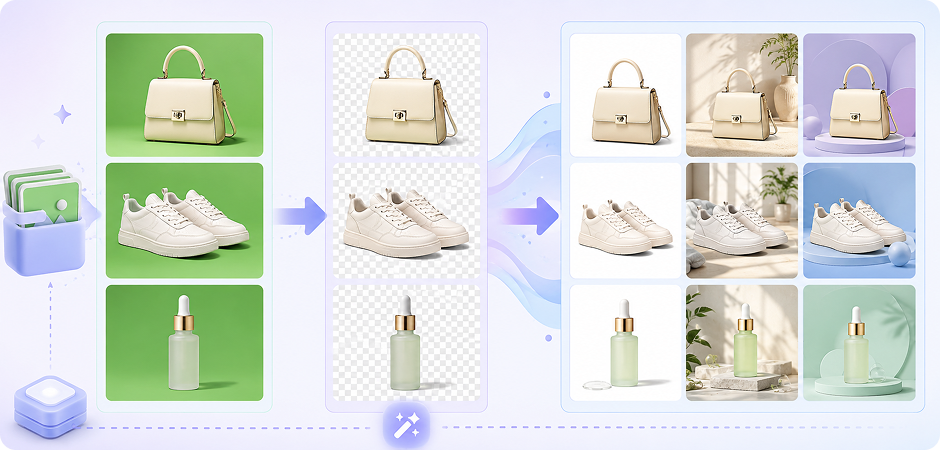
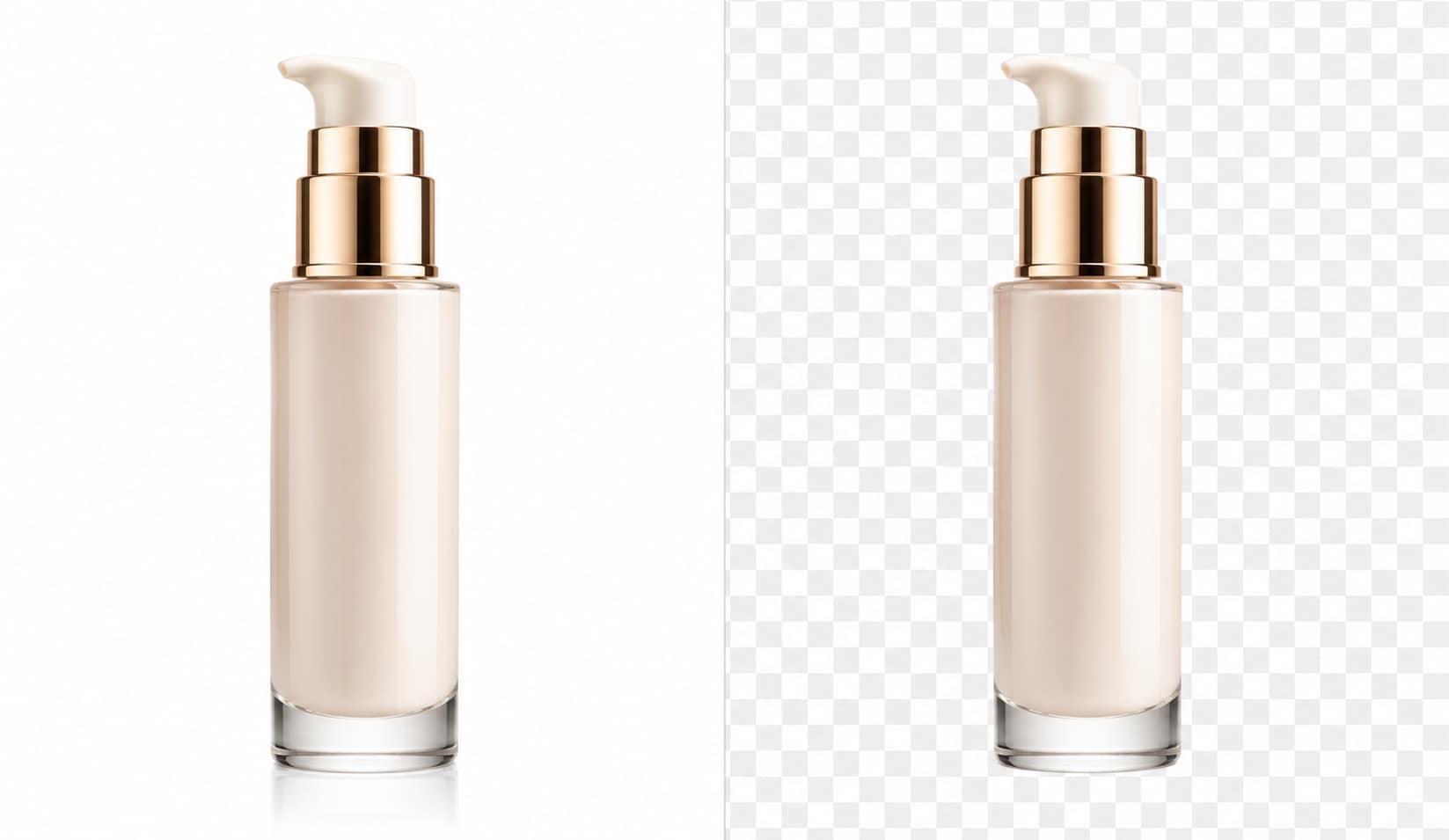
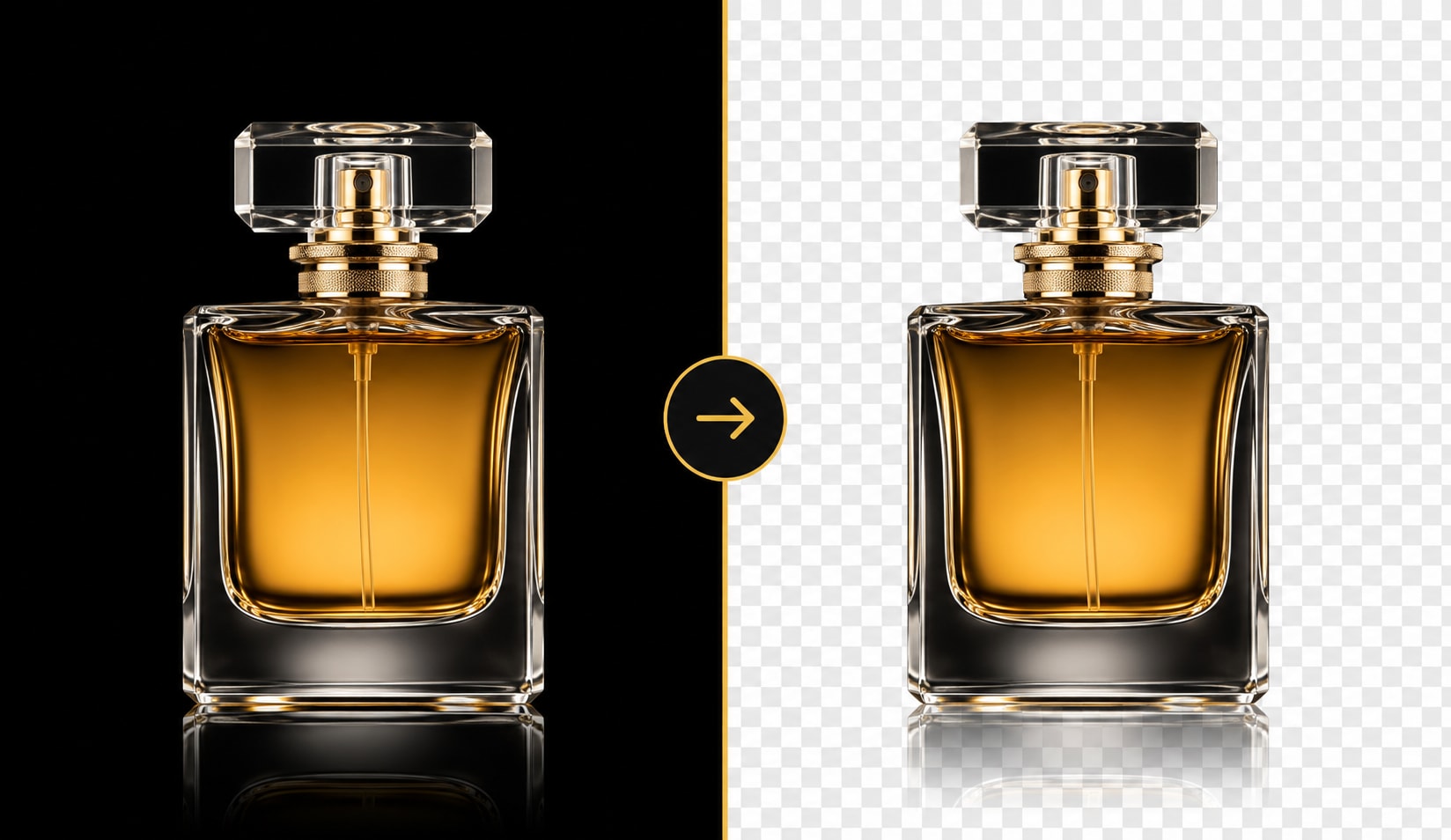
Clean product images help shoppers focus on the item, not the background. UniConverter lets you remove green screen from product photos and export transparent PNG files for online stores, marketplaces, and catalogs. You can place the same product on white, lifestyle, or branded backgrounds. Batch processing also helps teams update large image sets faster without repeating each edit by hand.
Green Screen Photo Editor for Studio Headshots & Portraits
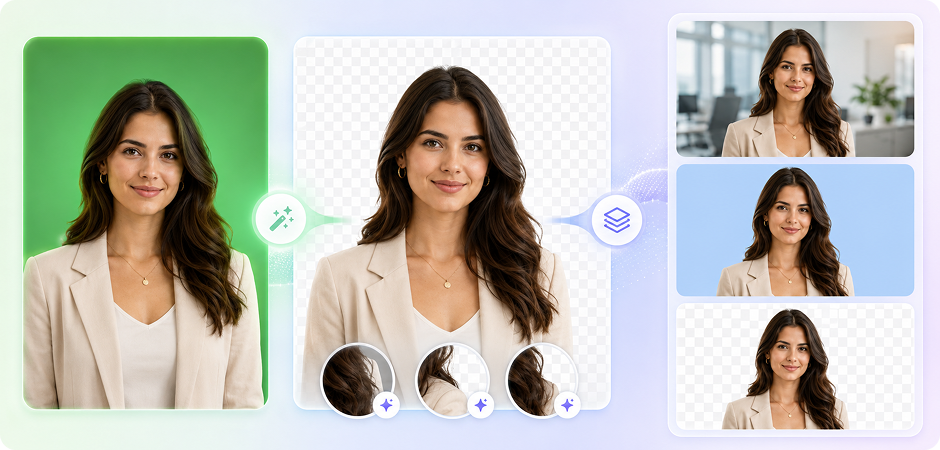
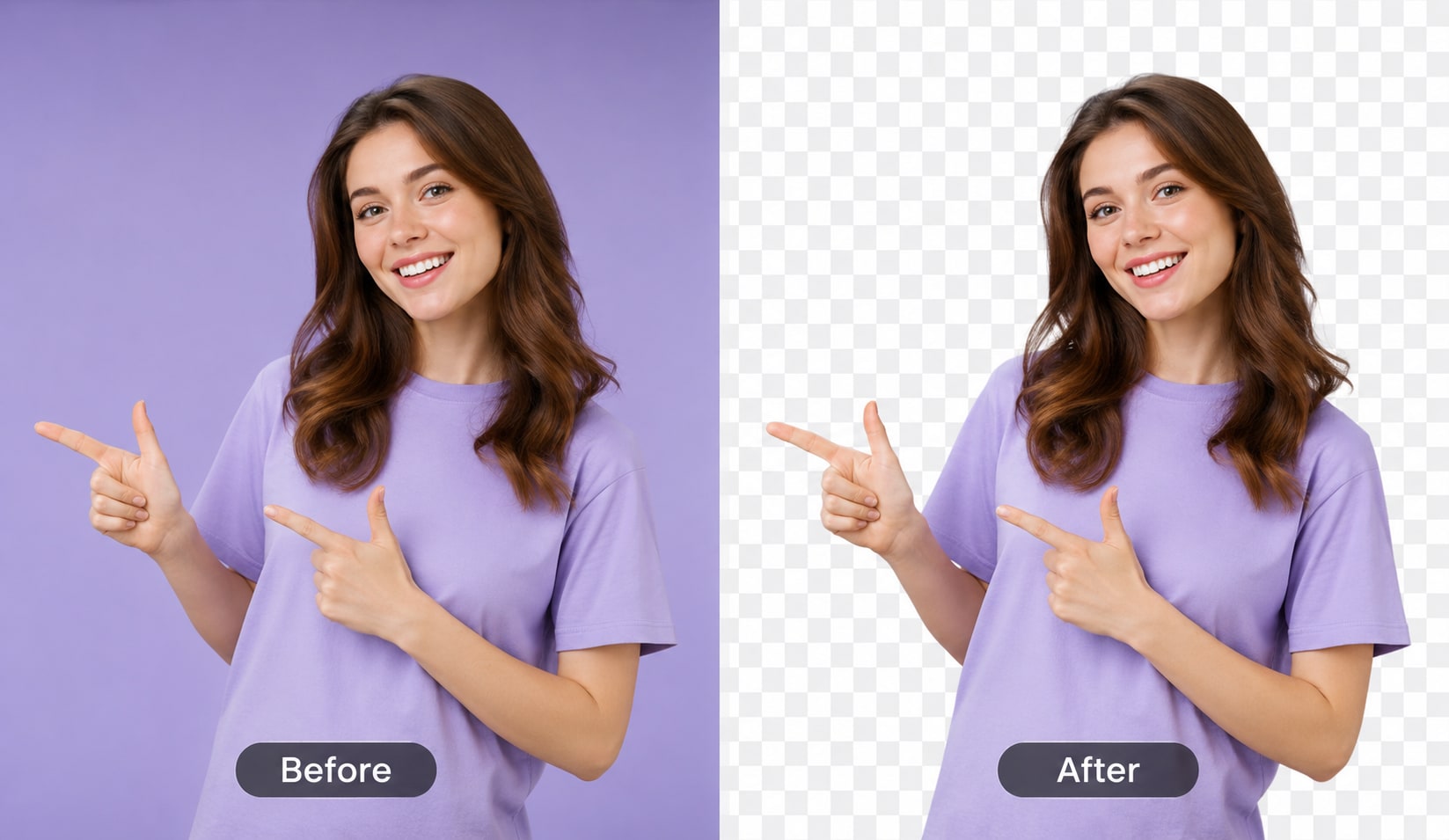
Portraits often need clean edges around hair, shoulders, and clothing. UniConverter’s AI green screen photo editor helps isolate the subject and reduce green halo effects after background removal. You can replace the green screen with a corporate backdrop, solid color, or transparent background. This is useful for profile photos, ID photos, resumes, speaker pages, and team introductions.
Remove Green Background for Cosplay & Gaming Content
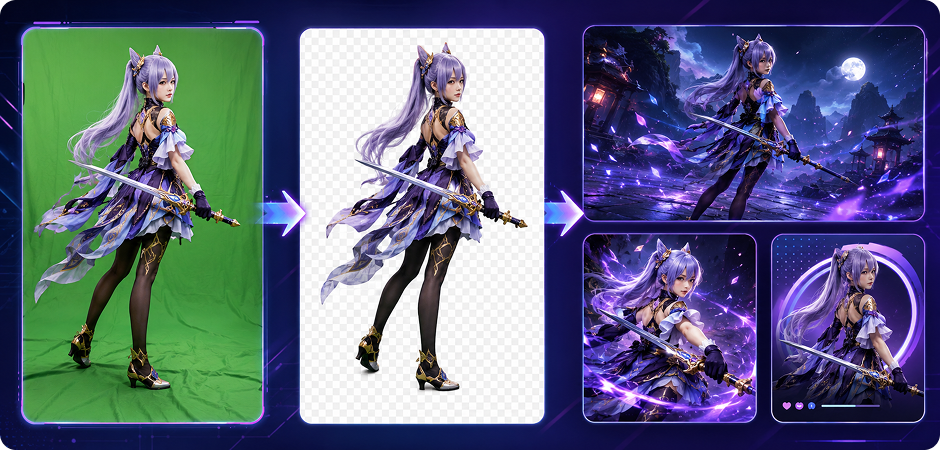
Cosplay and gaming images often include detailed costumes, props, wigs, and layered accessories. UniConverter helps remove green background areas while keeping the main subject clear. You can place your character into a game scene, poster layout, or social media graphic. The green spill suppression feature also helps reduce unwanted color edges around bright costumes and fine details.
Green Screen Editor Online for YouTube Thumbnails
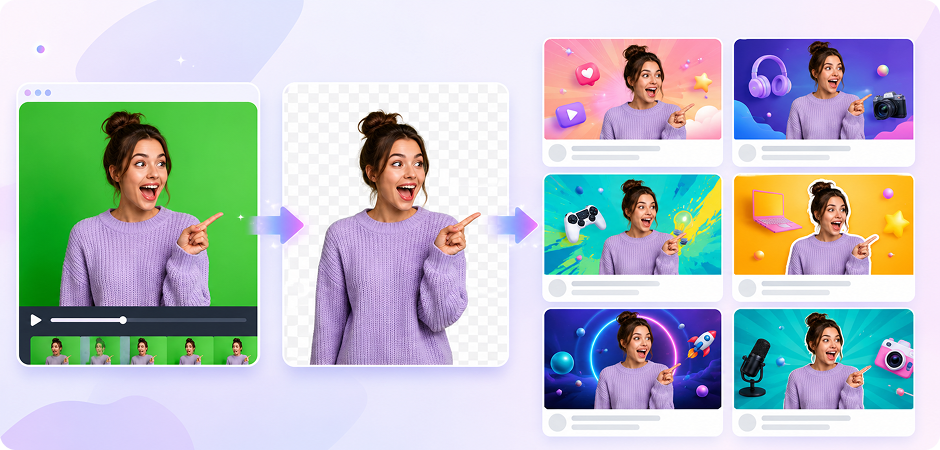
A clear thumbnail can help your subject stand out on YouTube and other video platforms. With UniConverter’s green screen editor online, you can cut out a person, product, or object and place it over a custom background. Export the result as a transparent PNG, then add text, icons, or branded design elements in your preferred thumbnail editor.
Chroma Key Remover for Movie and TV Posters
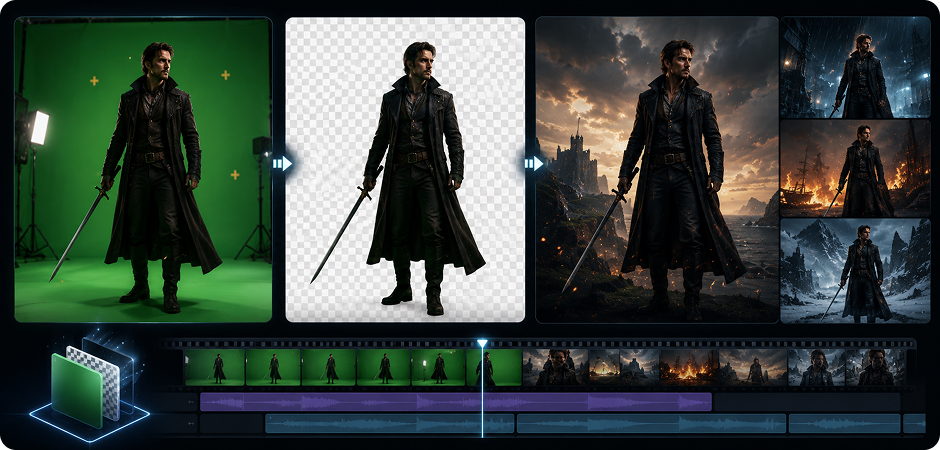
Creative posters need flexible subject cutouts and clean background replacement. UniConverter works as a chroma key remover for still images, helping you turn green screen photos into transparent assets. You can place actors, products, or objects into dramatic scenes, title cards, or promotional designs. For video projects, the desktop version also supports video chroma key workflows.
Green Screen Background Remover for Social Media Creatives
Social media teams often need fast variations for ads, stories, posts, and campaign graphics. UniConverter’s green screen background remover helps you isolate a subject and create reusable transparent assets. You can replace the background with brand colors, seasonal visuals, or platform-specific layouts. The online tool is helpful for quick edits, while the desktop version supports larger creative batches.
Online vs Desktop — Choose What Fits You
Use the online green screen removal tool for quick edits. Choose the desktop green screen remover for Windows or Mac when you need higher speed, larger batches, or video background editing.
| Feature | UniConverter Online | UniConverter Desktop |
|---|---|---|
| Installation | No installation needed | Windows / Mac app |
| Best for | Quick image edits | Batch image and video workflows |
| Processing speed | Standard online speed | Up to 90× faster |
| Batch limit | Single image processing | Unlimited batch processing |
| Video chroma key | Not supported | Supported |
What Users Say About
UniConverter Green Screen Remover
Green Screen Remover FAQs
What is a green screen remover and how does it work?
How do I remove green screen from an image for free?
Can I use this online green screen removal tool without signup?
Does the green screen remover support batch processing?
How is chroma key different from AI background removal?
Can I export the result as a transparent PNG?
Will the green screen remover handle hair and fine edges?
Does UniConverter Desktop support green screen removal in videos?


Explore More Features - All-in-One Media Toolbox



Remove Green Screen from Image Files in a Few Simple Steps
Try UniConverter Online for quick edits, or download UniConverter Desktop for batch processing, HD export, and video chroma key support.
