One-Click AI White Background Remover Powered by Smart Recognition
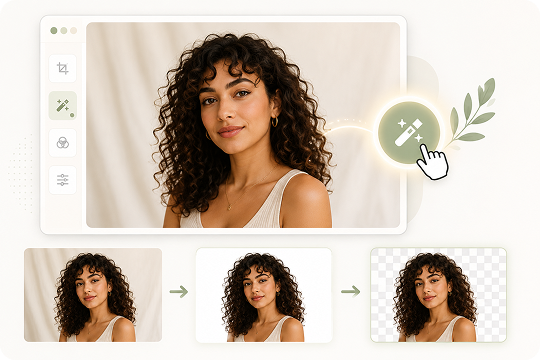
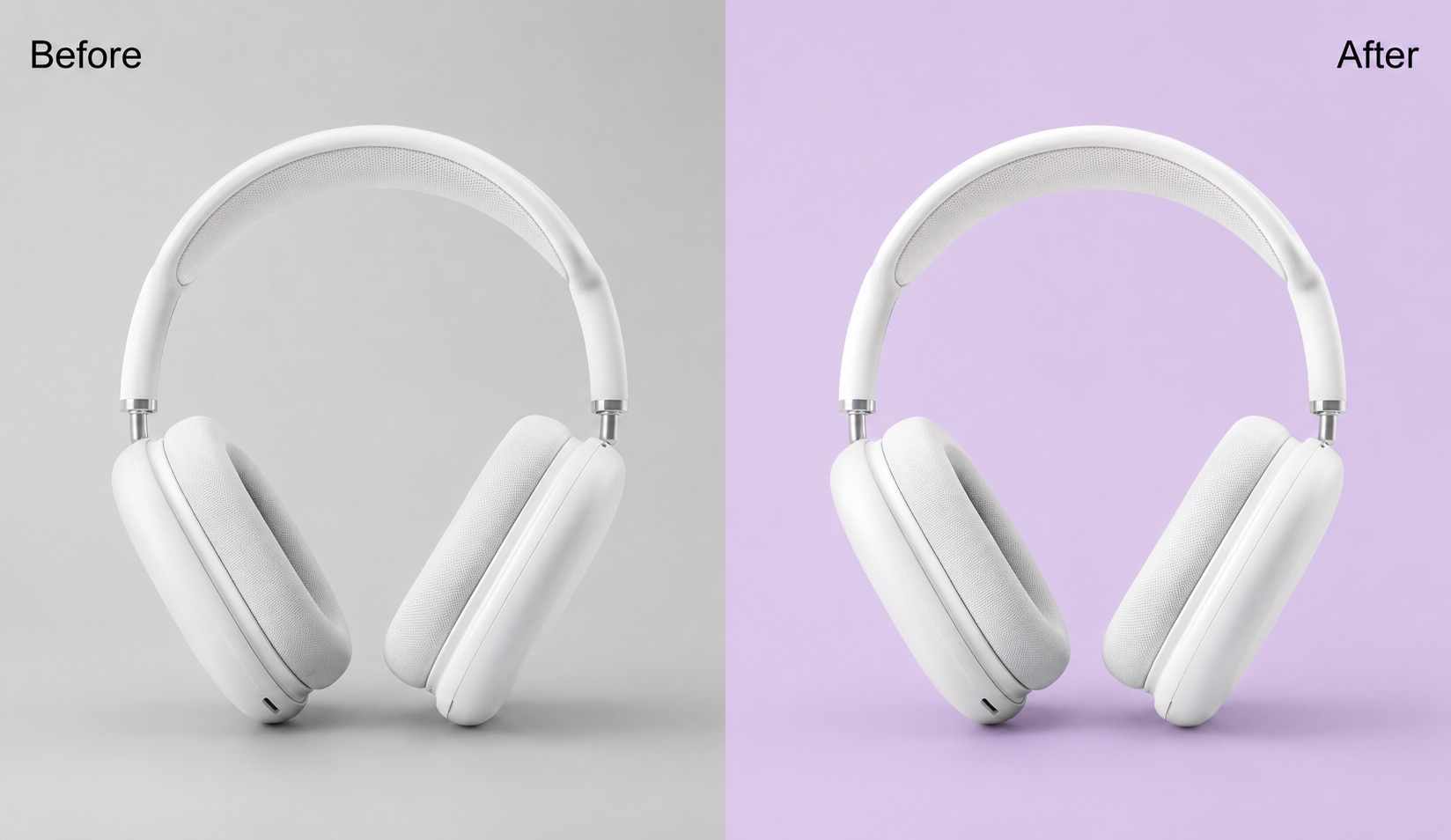
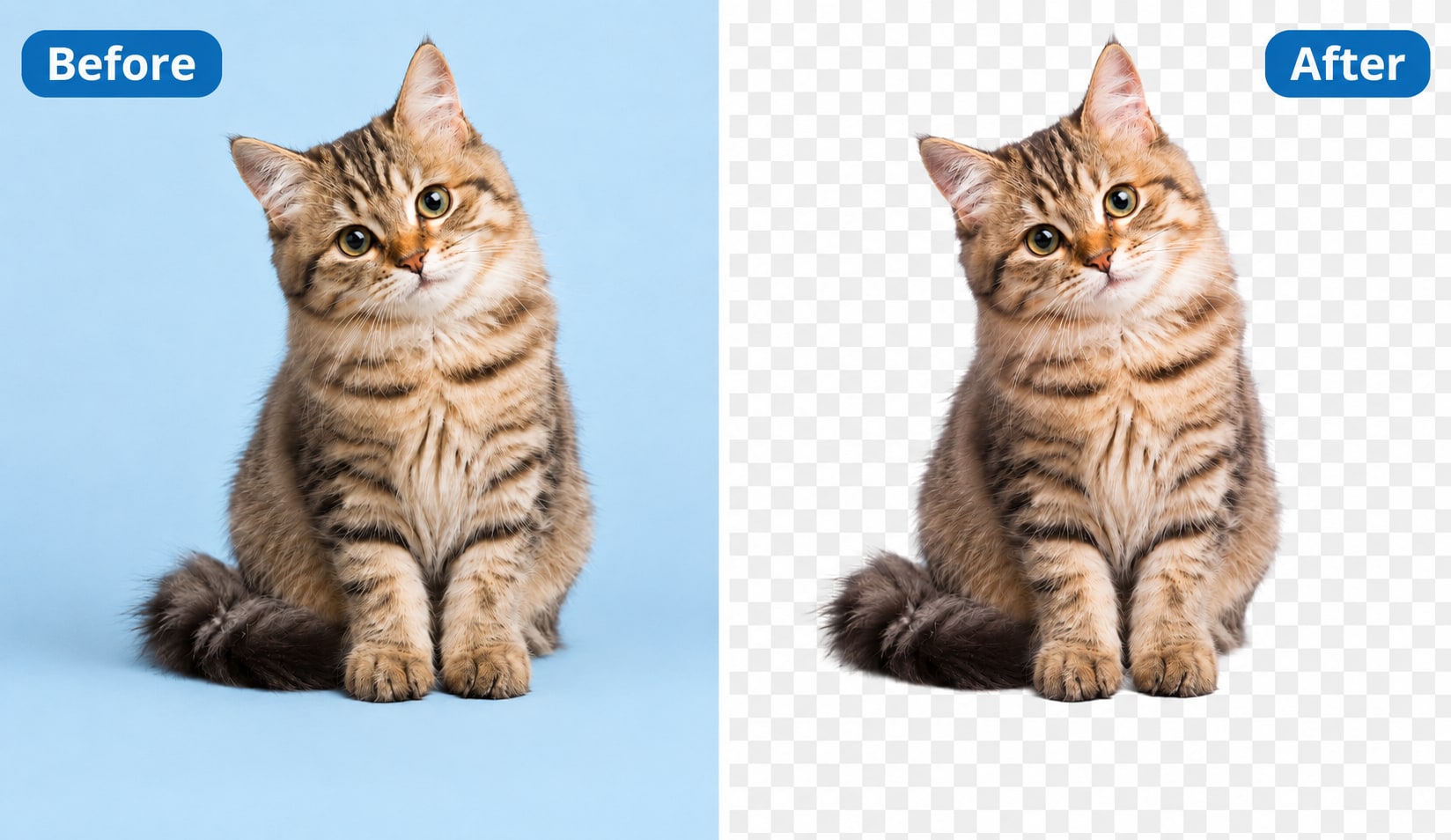
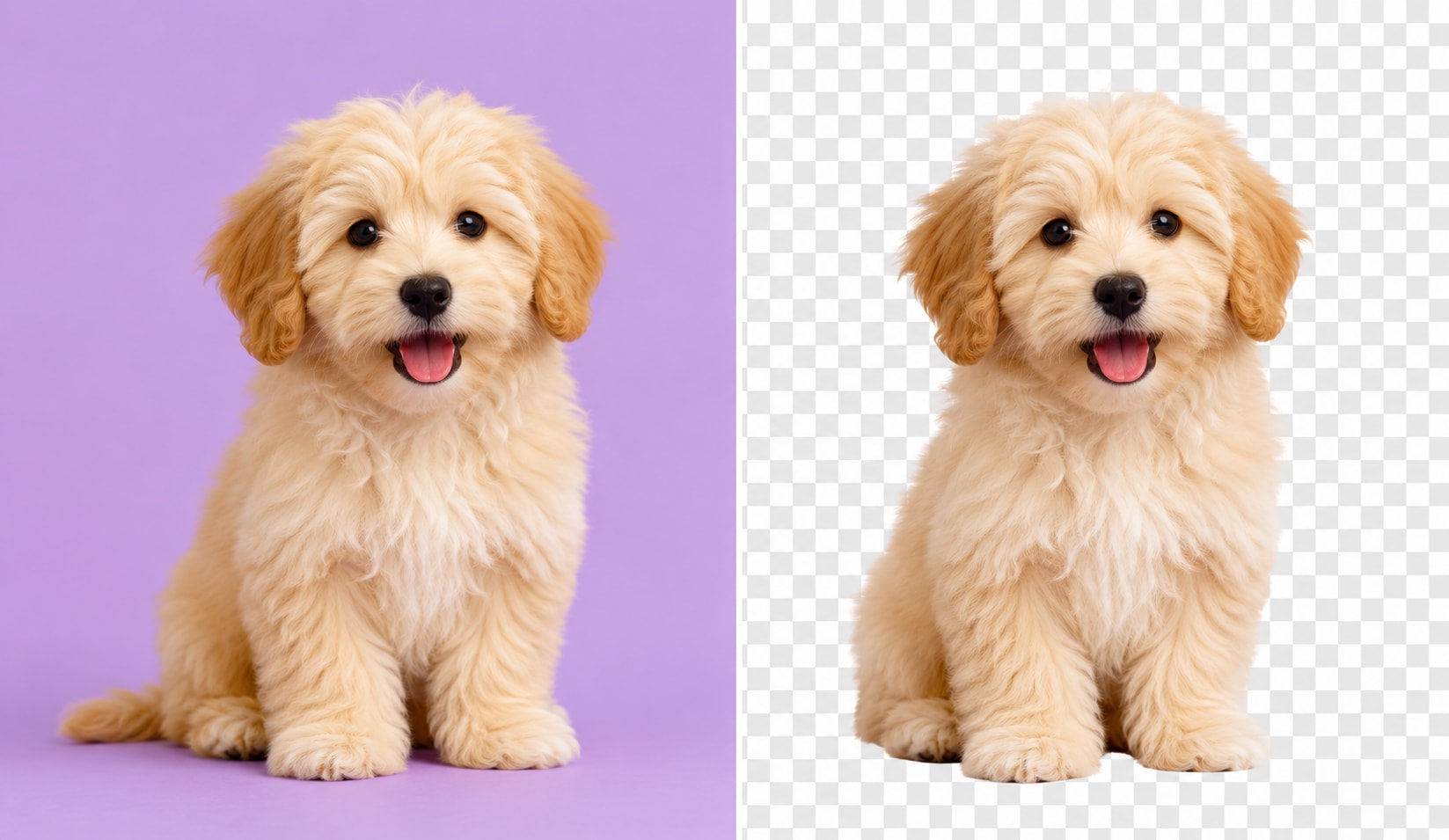
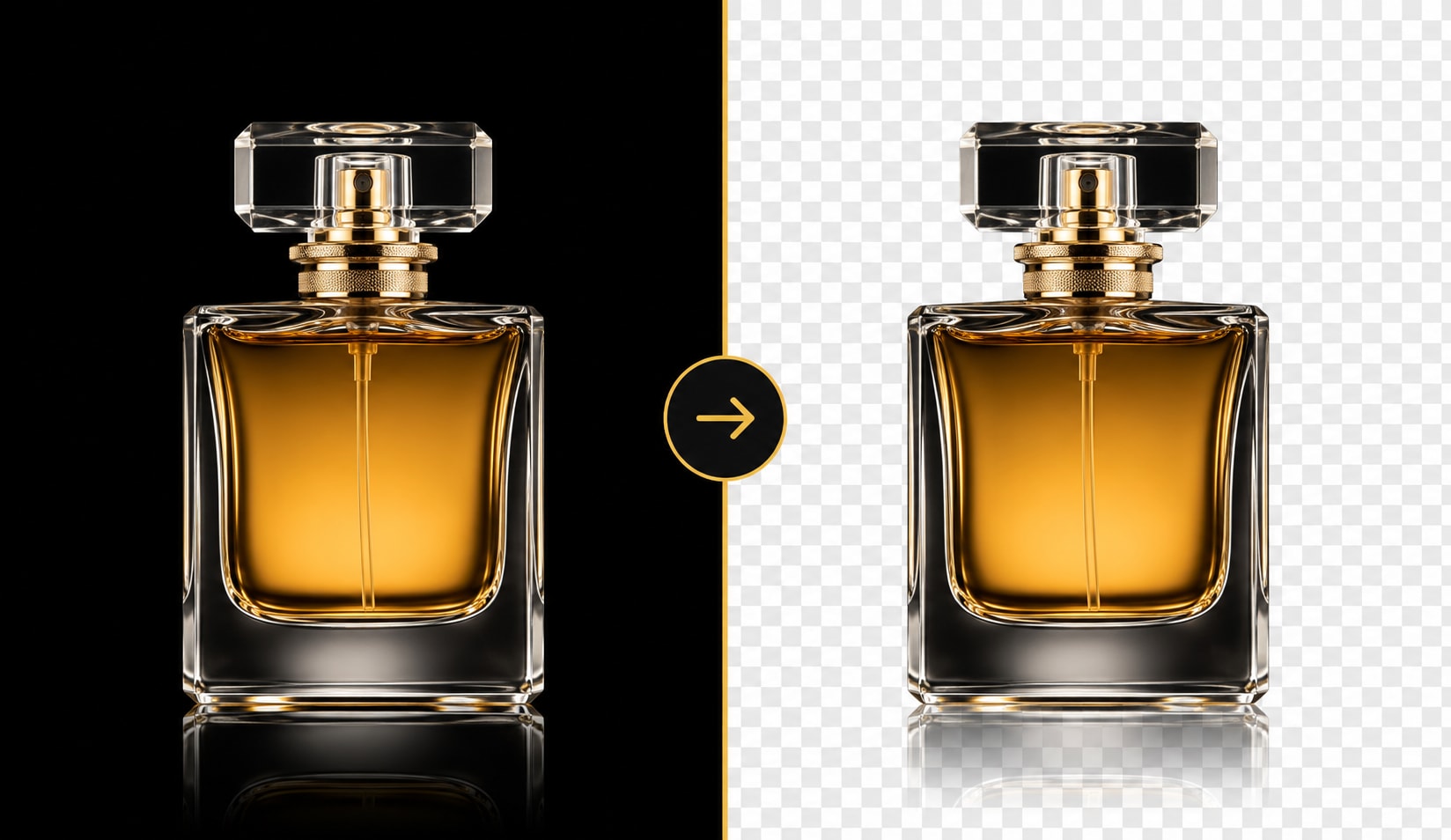
UniConverter’s AI white background remover detects pure white, off-white, and uneven backgrounds automatically, then separates the subject with clean, edge-preserving precision. No manual tracing, Photoshop skills, or complex masks are needed. In one click, you can remove white background from product photos, portraits, scanned images, drawings, and more, then export a sharp transparent PNG.
Convert White Background to Transparent PNG — JPG, PNG, WebP, HEIC Supported
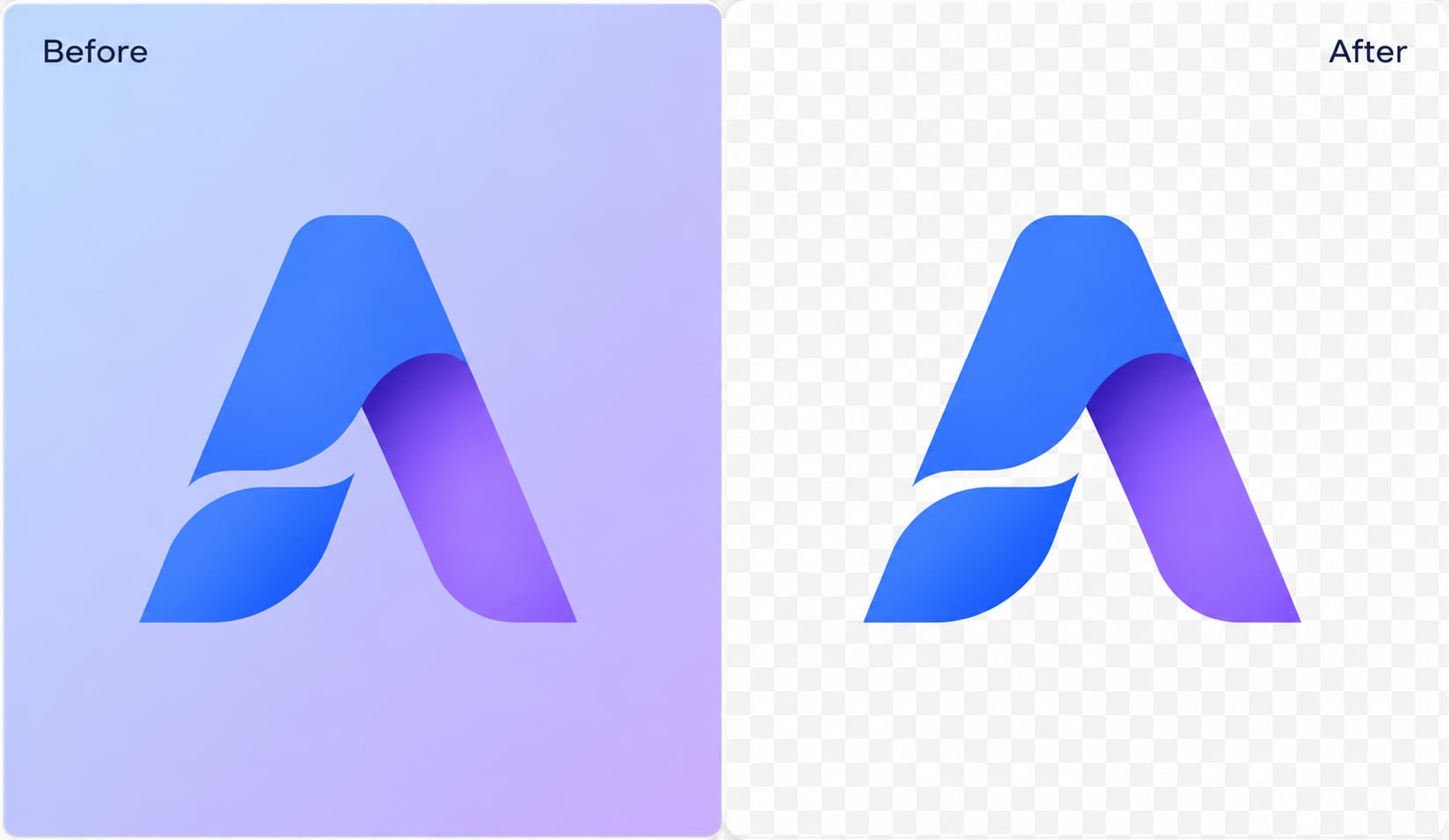
UniConverter lets you convert white background to transparent PNG from JPG, JPEG, PNG, WebP, or HEIC images in seconds. The AI removes the white area while preserving subject quality, clean edges, and image clarity. Make a PNG transparent for websites, online stores, documents, stickers, thumbnails, or design projects, with HD online output and up to 4K on desktop.

Batch Remove White Backgrounds from Hundreds of Images at Once
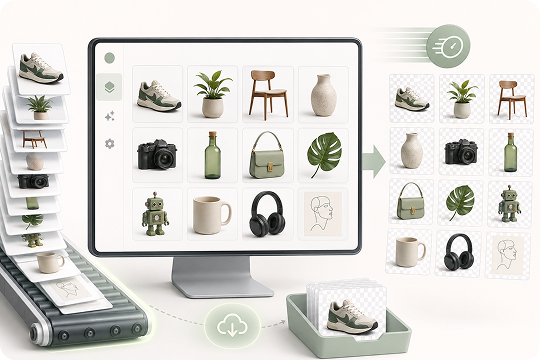
UniConverter Desktop makes batch white background removal faster for product catalogs, marketplace listings, scanned documents, and design assets. Import multiple images, let AI erase white or off-white backgrounds automatically, and export clean transparent PNG files in bulk. It helps teams save time, keep visual consistency, and avoid repeating the same manual edit for every image.
How to Remove White Background from an Image in 3 Steps

Drag and drop your JPG, PNG, WebP, or HEIC file into UniConverter White Background Remover. Use the online tool for quick single-image edits, or open the desktop app for larger files and batch processing.

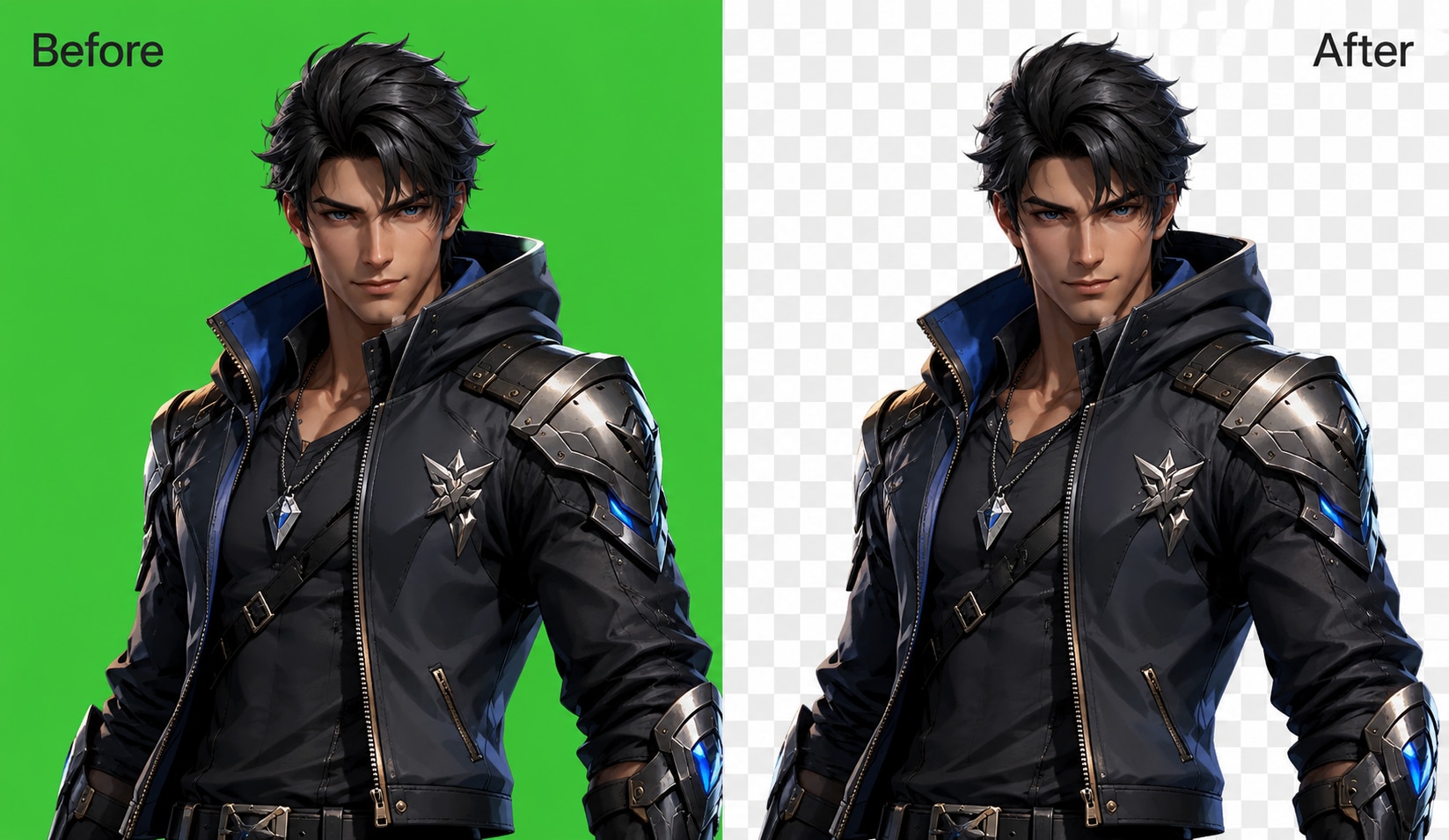
UniConverter automatically detects the foreground and removes the white, off-white, or dirty white background. The AI helps preserve edges, details, and subject clarity while creating a transparent cutout.

Export your image as a transparent PNG for websites, e-commerce listings, documents, design projects, thumbnails, or social media. Desktop users can also batch-export multiple transparent PNG files at once.
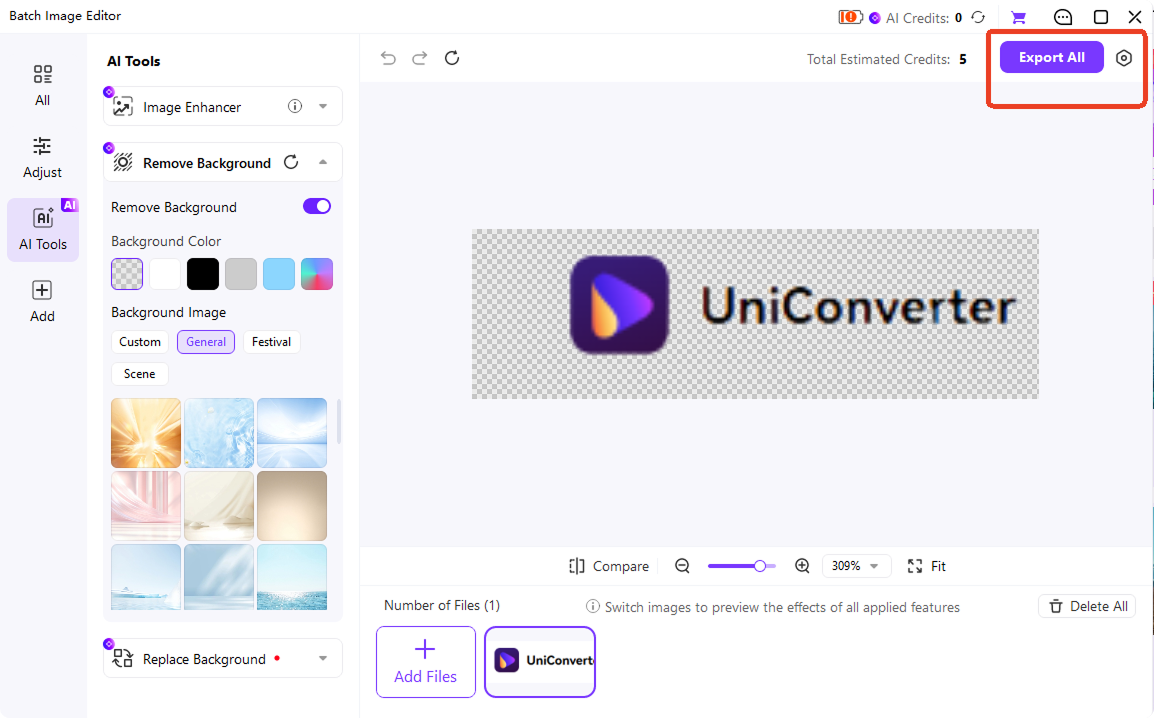
Remove White Background Online or on Desktop — Choose What Fits You
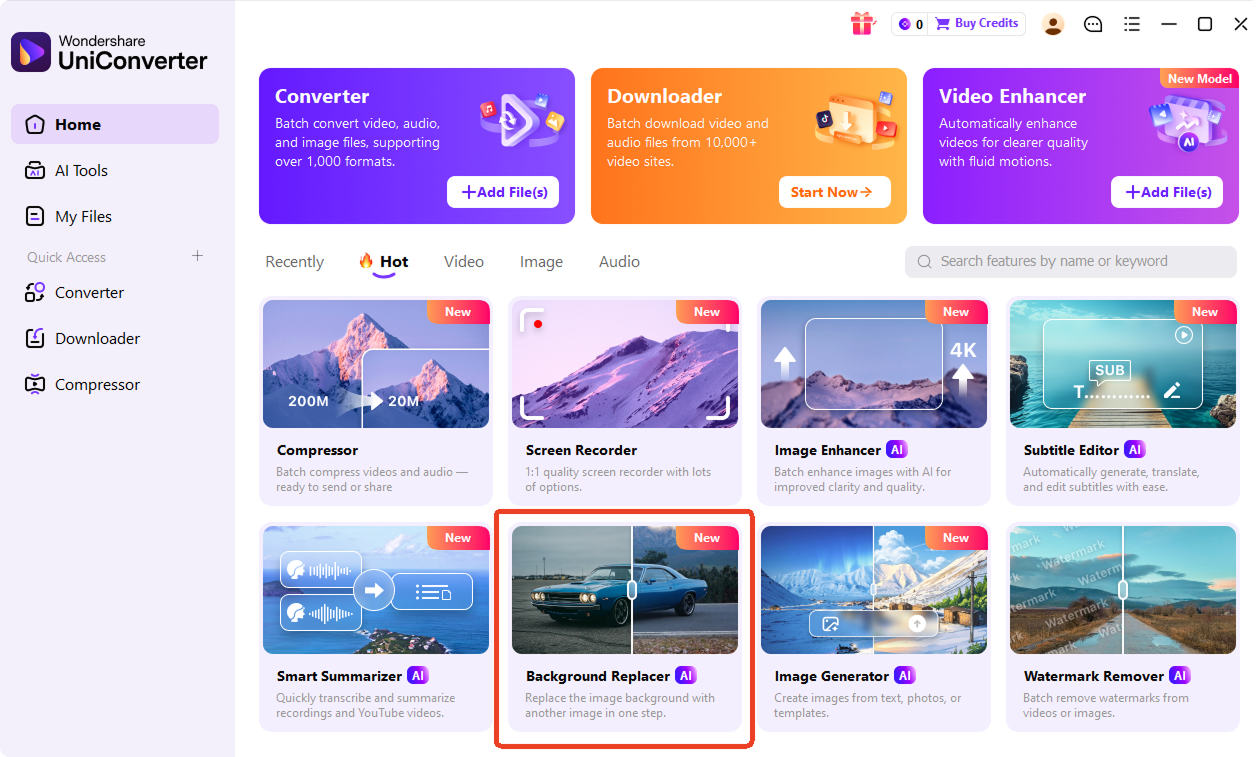
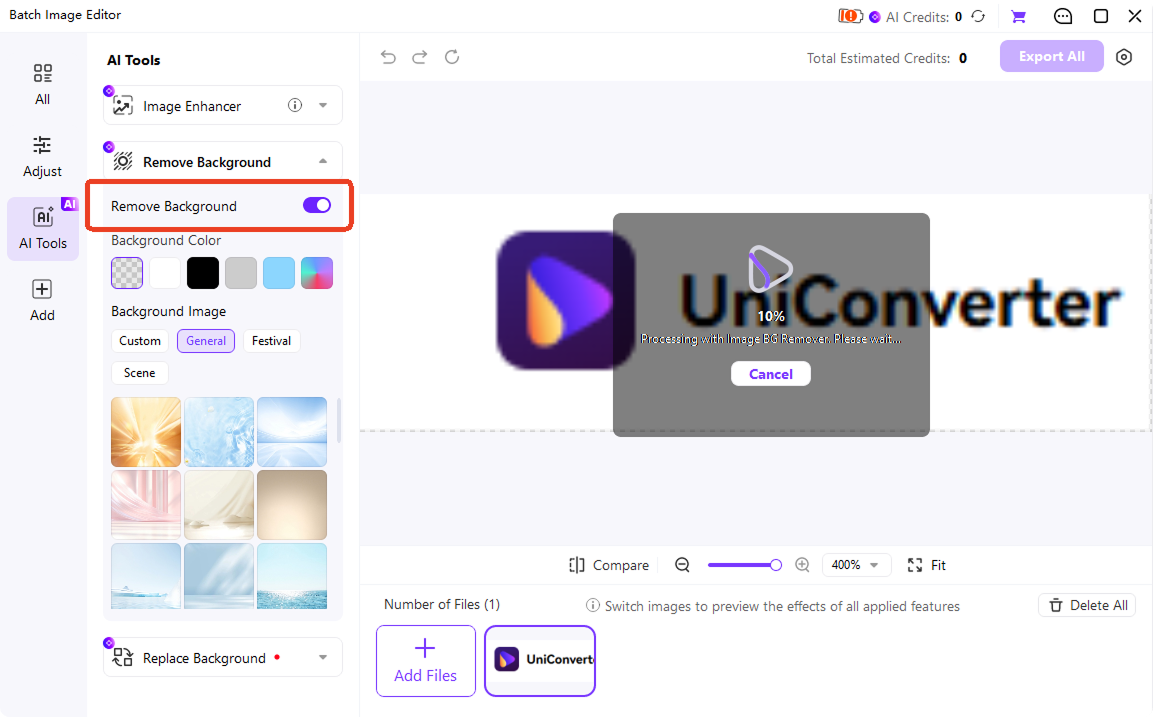
Both options help you remove white backgrounds quickly, but they are designed for different workflows. Use UniConverter Online when you need a fast white background remover for one image. Choose UniConverter Desktop when you need batch processing, higher output quality, local privacy, and more control over large image projects.
| Dimension | UniConverter Online | UniConverter Desktop (Win / Mac) |
|---|---|---|
| Supported Input | JPG, JPEG, PNG | JPG, PNG, WebP, HEIC, BMP, TIFF, and More |
| Output | JPG/JPEG/PNG | PNG/JPG/BMP/WEBP |
| Single Processing | 1 image | Batch — hundreds of images |
| Privacy | Cloud-processed | 100% local processing |
| Extra Editing | Change color · Replace | Replace with custom image · Color picker · Edge refine |
| Best For | Quick single image / mobile edits | E-commerce batches / high resolution / offline workflows |
White Background Remover for Every Scenario
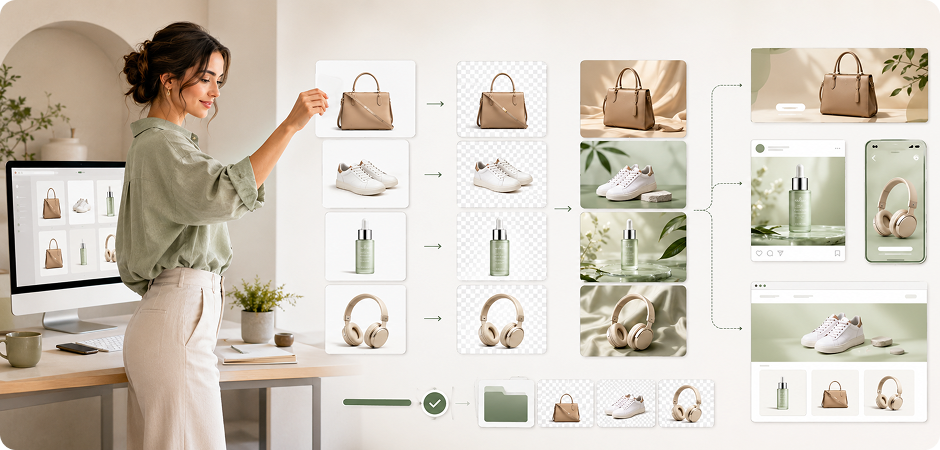
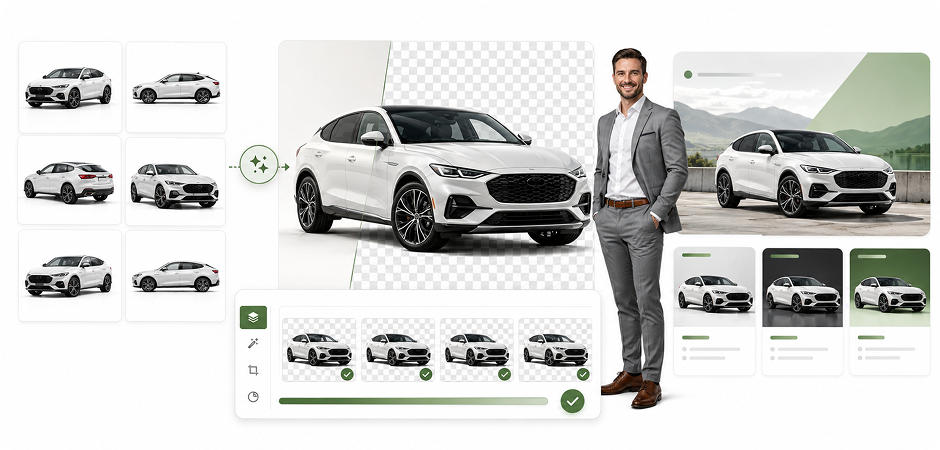


Remove White Background from Product Photos for E-commerce
Create marketplace-ready product photos by removing plain, dirty, or off-white backgrounds in seconds. This white background remover for product photo workflows helps sellers export transparent PNG images for Amazon, Shopify, eBay, Etsy, and catalog pages. Keep product edges clean, place items on a new brand background, or reuse the same cutout across ads, store banners, seasonal campaigns, product comparison graphics, email promotions, and storefront hero images. Add batch export when your catalog includes hundreds of similar images.
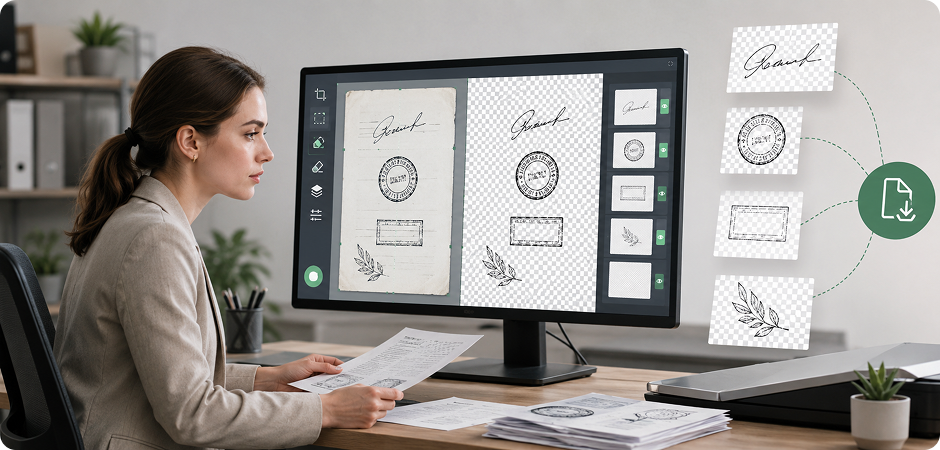
Remove White Background from Signatures, Stamps & Scanned Documents
Remove white background from signatures, stamps, forms, and scanned documents without redrawing the mark by hand. UniConverter helps isolate handwriting, ink, seals, or simple line art from paper-white backgrounds, then saves the result as a transparent PNG for contracts, PDFs, presentations, invoices, and document templates. It is especially useful when scans include off-white paper, shadows, slightly dirty white areas, uneven lighting, or faint grey texture. It also reduces the need for manual cleanup in document workflows.
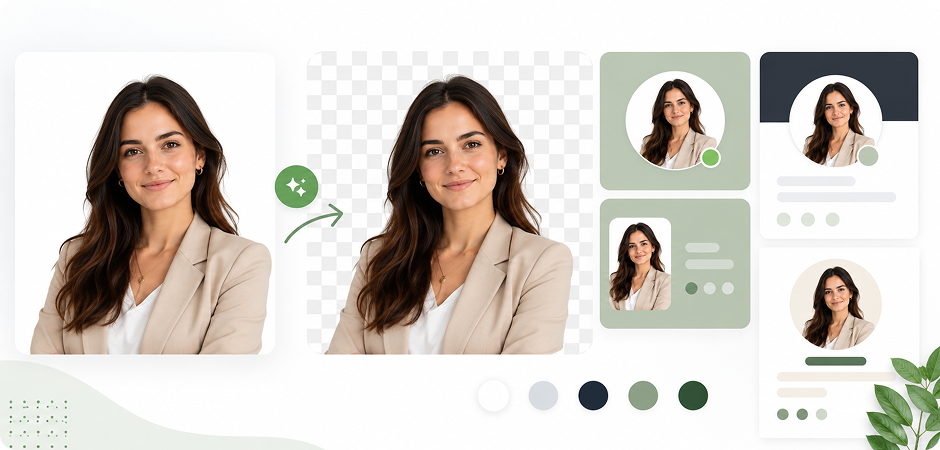
AI White Background Remover for Headshots & Profile Pictures
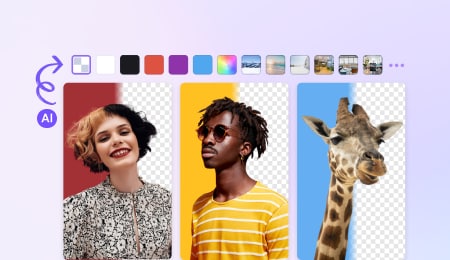
Make profile photos look cleaner by turning a white background transparent and placing the subject on a new color or professional backdrop. The AI white background remover helps keep hair, shoulders, glasses, and clothing edges natural, so headshots can be reused for LinkedIn, team pages, resumes, speaker bios, ID-style images, website avatars, social media profiles, and internal company directories without starting a full photo edit. You can keep one cutout and test several background styles quickly.
White Background Remover for Car & Vehicle Listings
Clean vehicle listing images by removing white or near-white studio backgrounds while keeping body lines, mirrors, wheels, and window edges clear. Car dealers, rental teams, and marketplace sellers can create transparent PNG cutouts for inventory pages, comparison cards, ads, and promotional banners. Use the desktop workflow to batch remove white backgrounds from multiple vehicle images and maintain a consistent visual style across every listing and campaign. This helps buyers compare models without distracting background differences.
White Background Eraser for Screenshots, Drawings & Design Assets
Use UniConverter as a white background eraser for screenshots, sketches, diagrams, icons, and simple drawings. Remove the surrounding white canvas, keep the main lines or visual elements, and make image background transparent for slides, tutorials, UI mockups, design boards, documentation, product explainers, and internal training materials. It helps designers and educators reuse assets cleanly instead of cropping around white boxes or rebuilding graphics from scratch. The result is easier to layer over colored pages or branded layouts.
Remove White Background for Social Media Stickers & Thumbnails
Turn white-background images into transparent stickers, thumbnails, overlays, and creative assets for social media. Remove the white background from people, objects, drawings, or product shots, then place the cutout on bold colors, templates, reels covers, story graphics, or YouTube thumbnail designs. Fast online editing is useful for quick posts, while desktop batch processing helps campaign teams create multiple branded variations for different channels. Creators can test seasonal looks without editing every asset from scratch.
Working on a logo? See our dedicated Logo Background Remover →
Trusted White Background Remover
for Creators, Sellers & Marketing Teams
FAQs about Removing White Background
How do I make a white background transparent for free?
Can I remove a white background from an image on my phone?
Does removing the white background reduce image quality?
How is this different from removing white background in Photoshop?
Can it handle dirty white or off-white backgrounds?
Is the white background remover really free with no signup?
More Than White Background Removal







Remove White Backgrounds Faster with UniConverter
Clean up white backgrounds in seconds and export transparent PNG images for e-commerce, design, documents, thumbnails, and social media. Start online for a quick edit, or download UniConverter Desktop to batch remove white backgrounds from hundreds of images with more control.