
How to Remove Black Background from Image in 3 Steps
Remove a black or dark background from your image in a few clicks. Upload your file, let AI separate the subject from the background, and download a transparent PNG for design, e-commerce, documents, thumbnails, or social media.

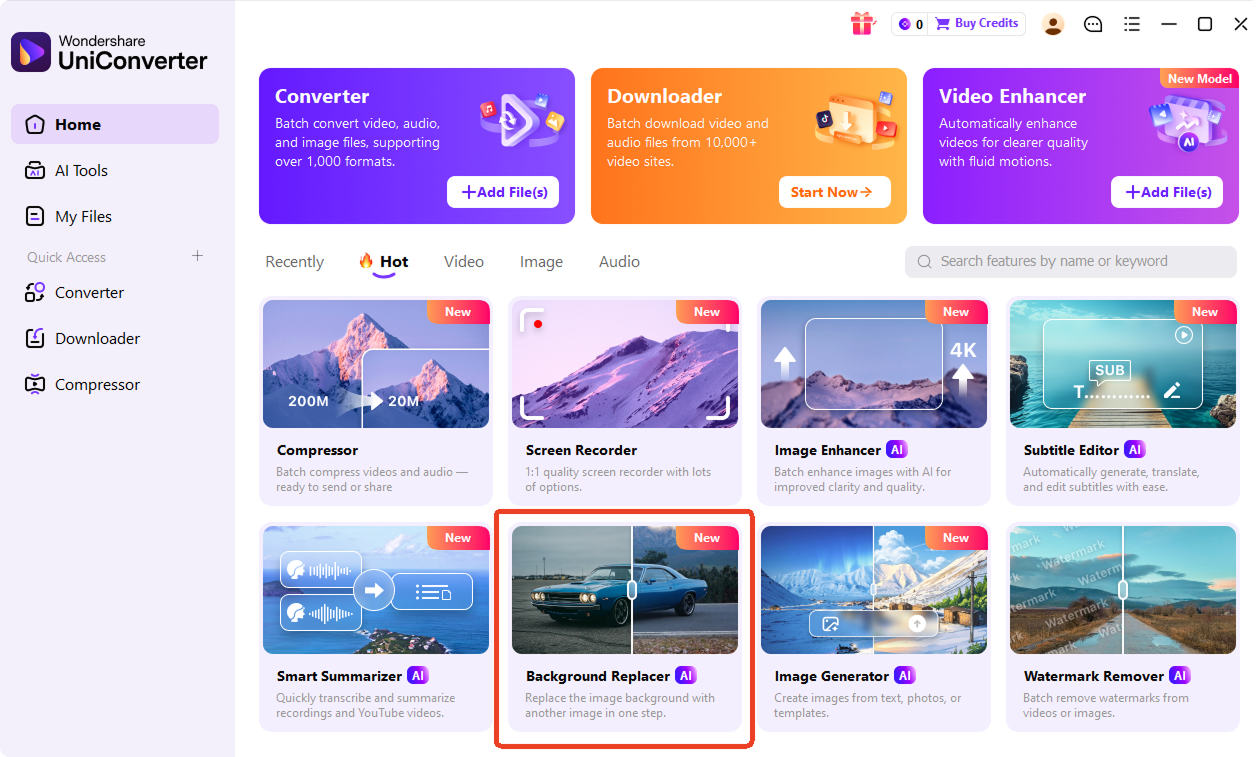
Upload the image with a black or dark background. You can start with product photos, logos, portraits, icons, or other creative images. UniConverter supports JPG, PNG, JPEG, WebP, and HEIC files. In the desktop version, head to Background Replacer to import image files.

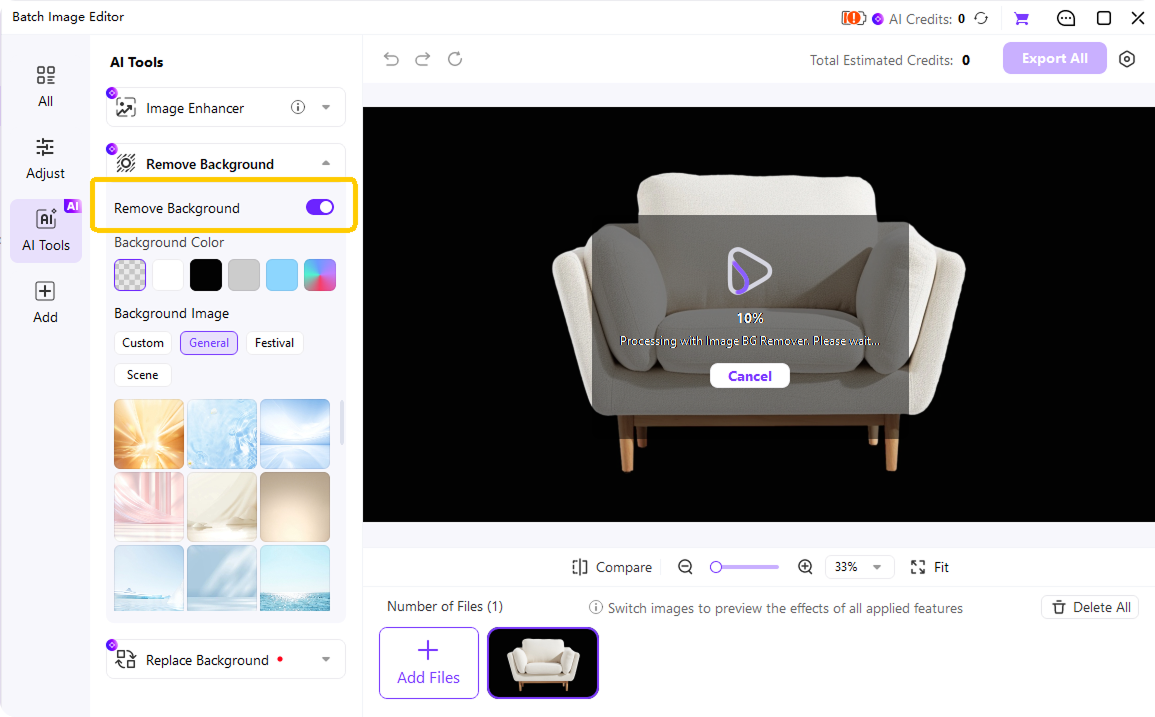
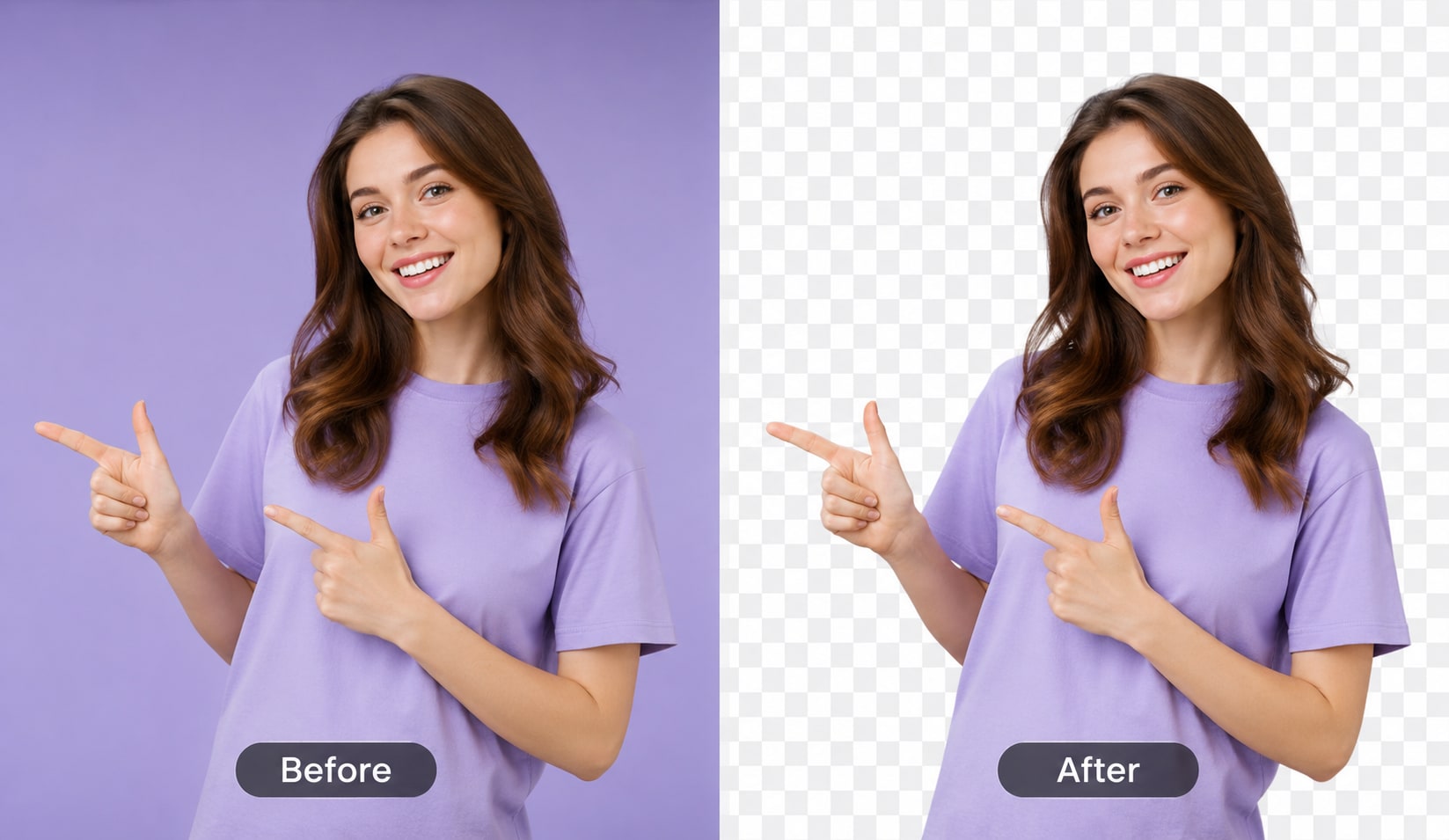
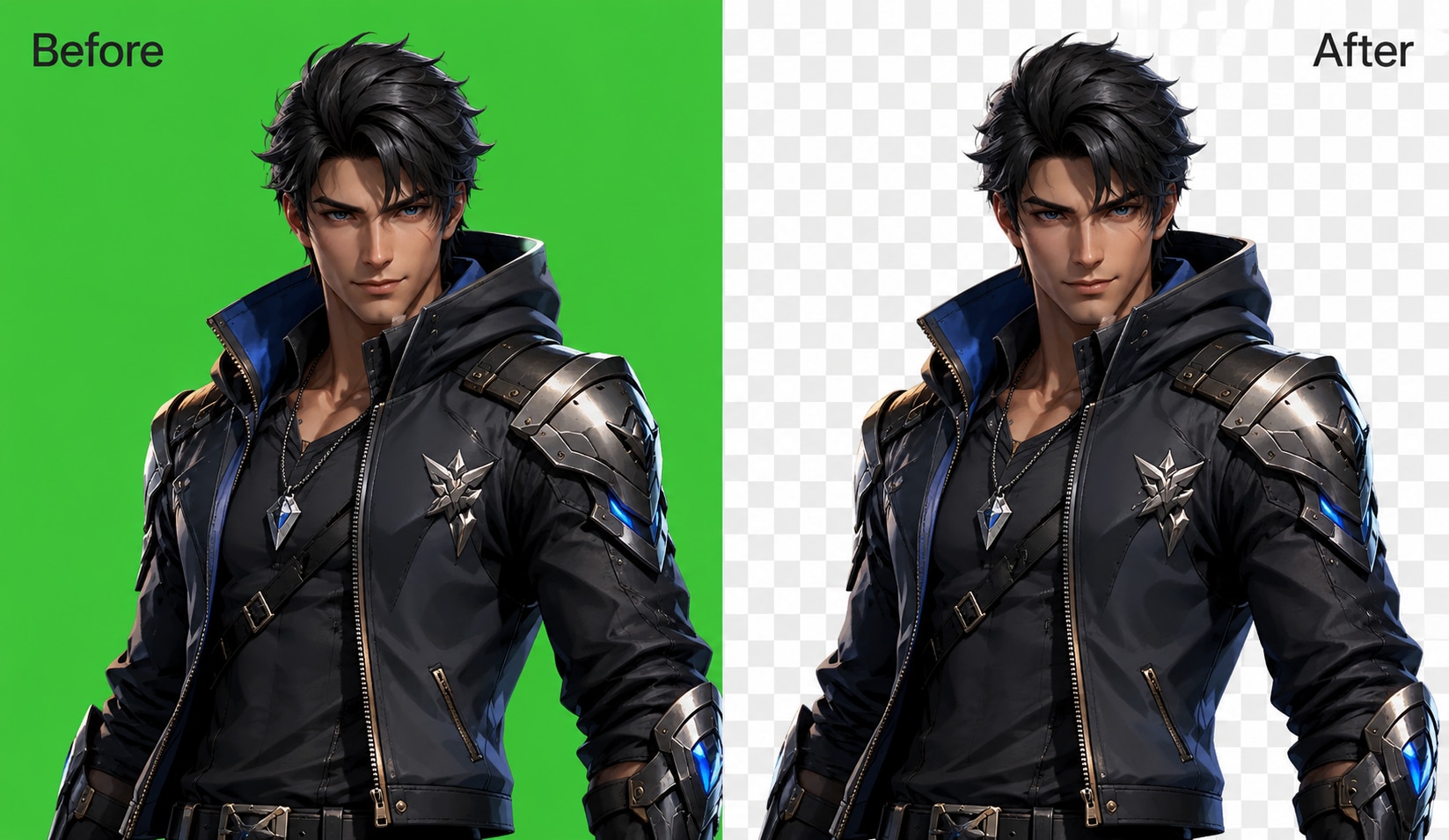
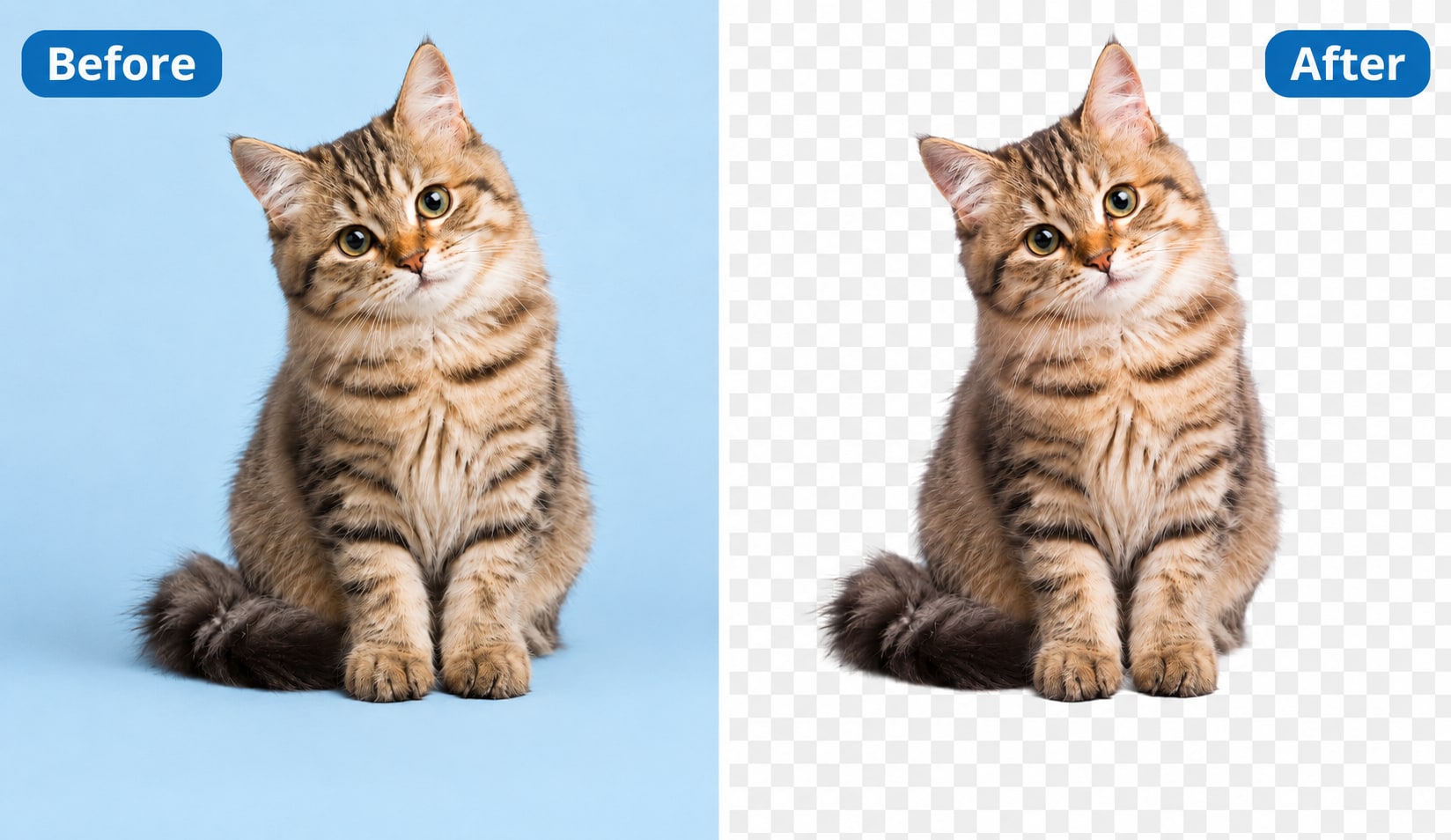
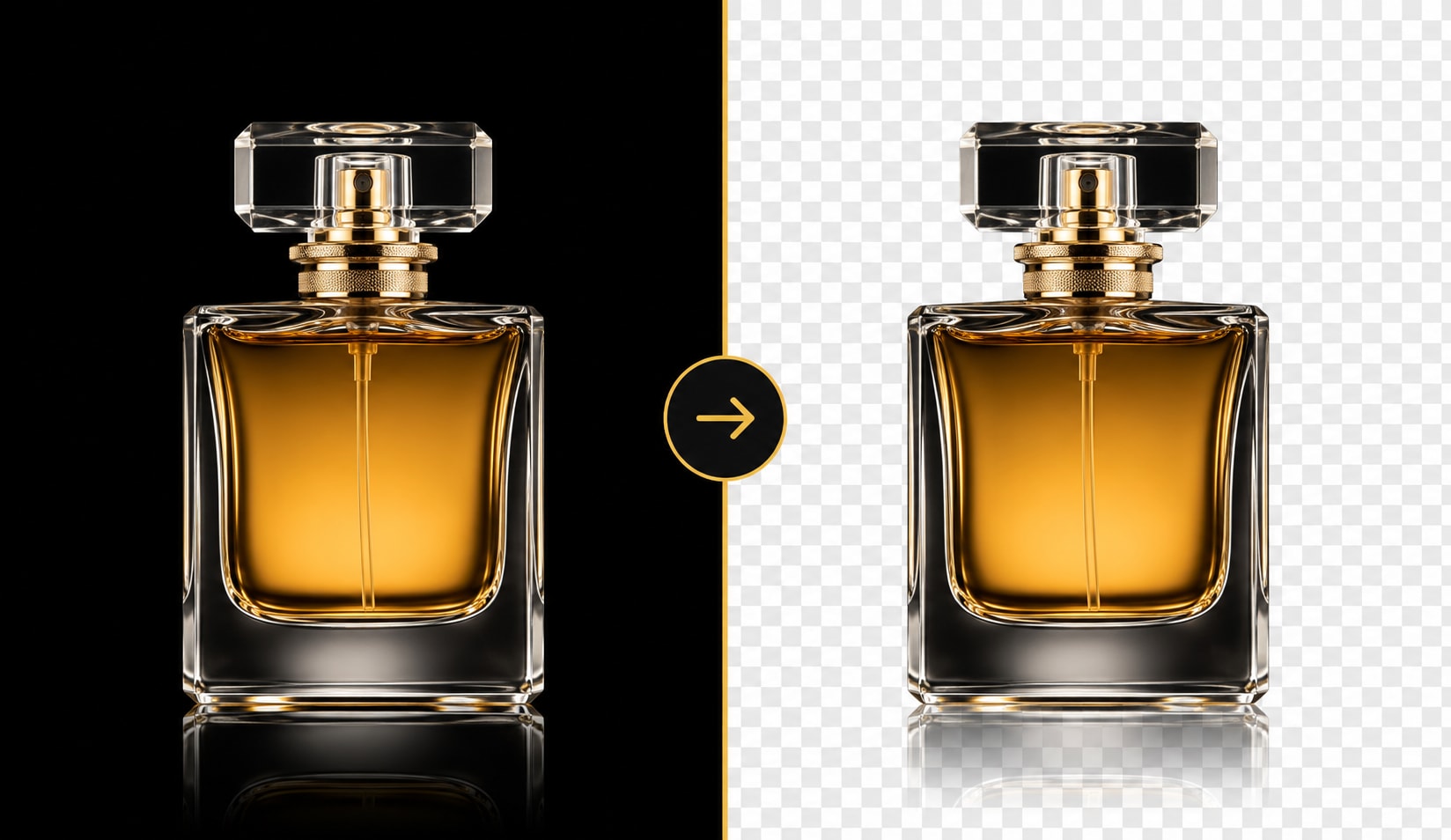
The tool separates the subject from the dark background while keeping edges, fine details, and translucent areas like glass, smoke, or sparks.

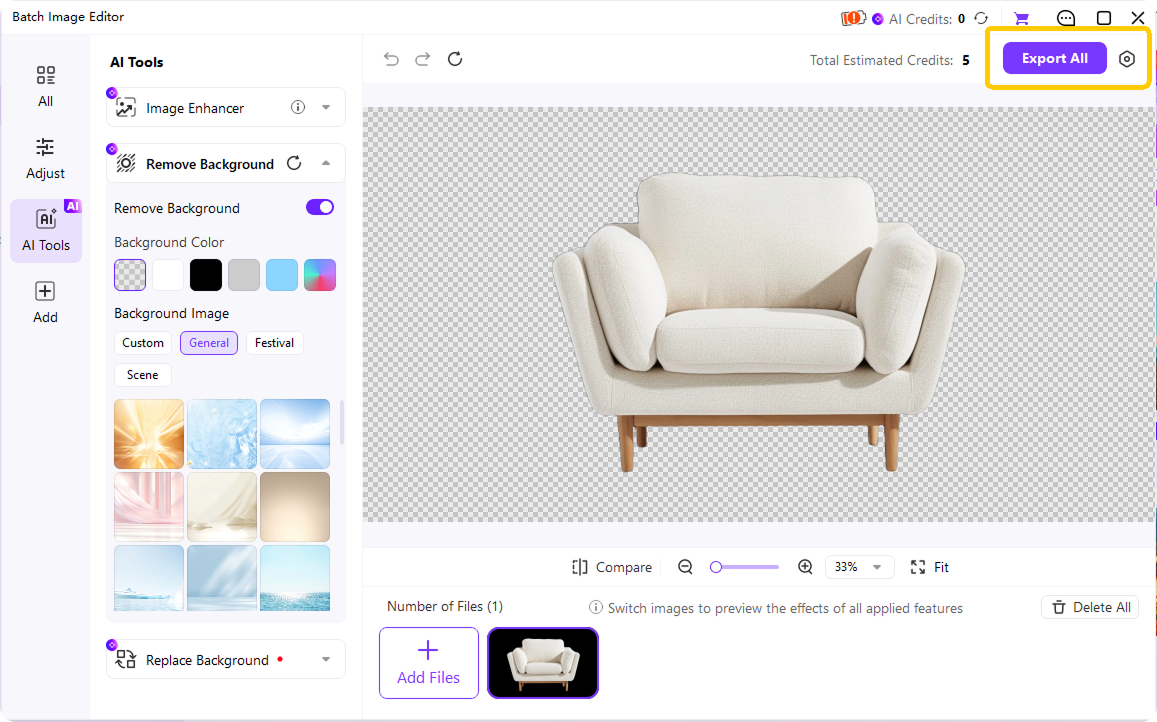
Use the finished image in designs, e-commerce listings, documents, thumbnails, or social media posts.
Why Choose UniConverter's Black Background Remover
AI Black Background Remover with Smart Edge Detection
Clean cutouts depend on accurate edges. UniConverter’s AI black background remover helps separate your subject from dark areas while keeping hair, jewelry, smoke, sparks, and fine product details visible. It also reduces the dark edge halo that often appears when you remove black background from image files with basic selection tools.

Turn Black Background to Transparent PNG, White, or Any Color
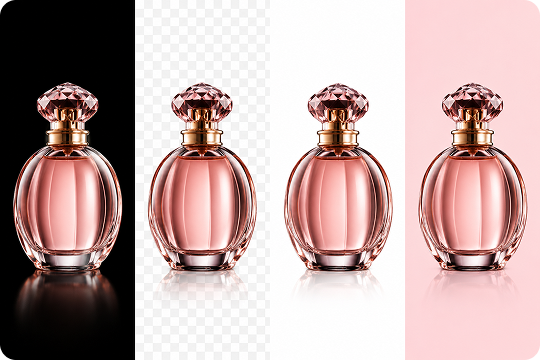
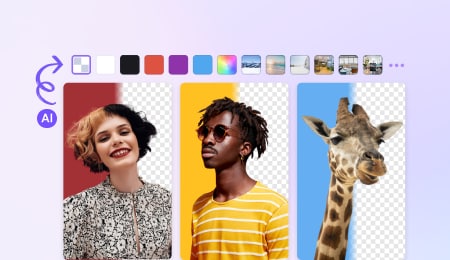
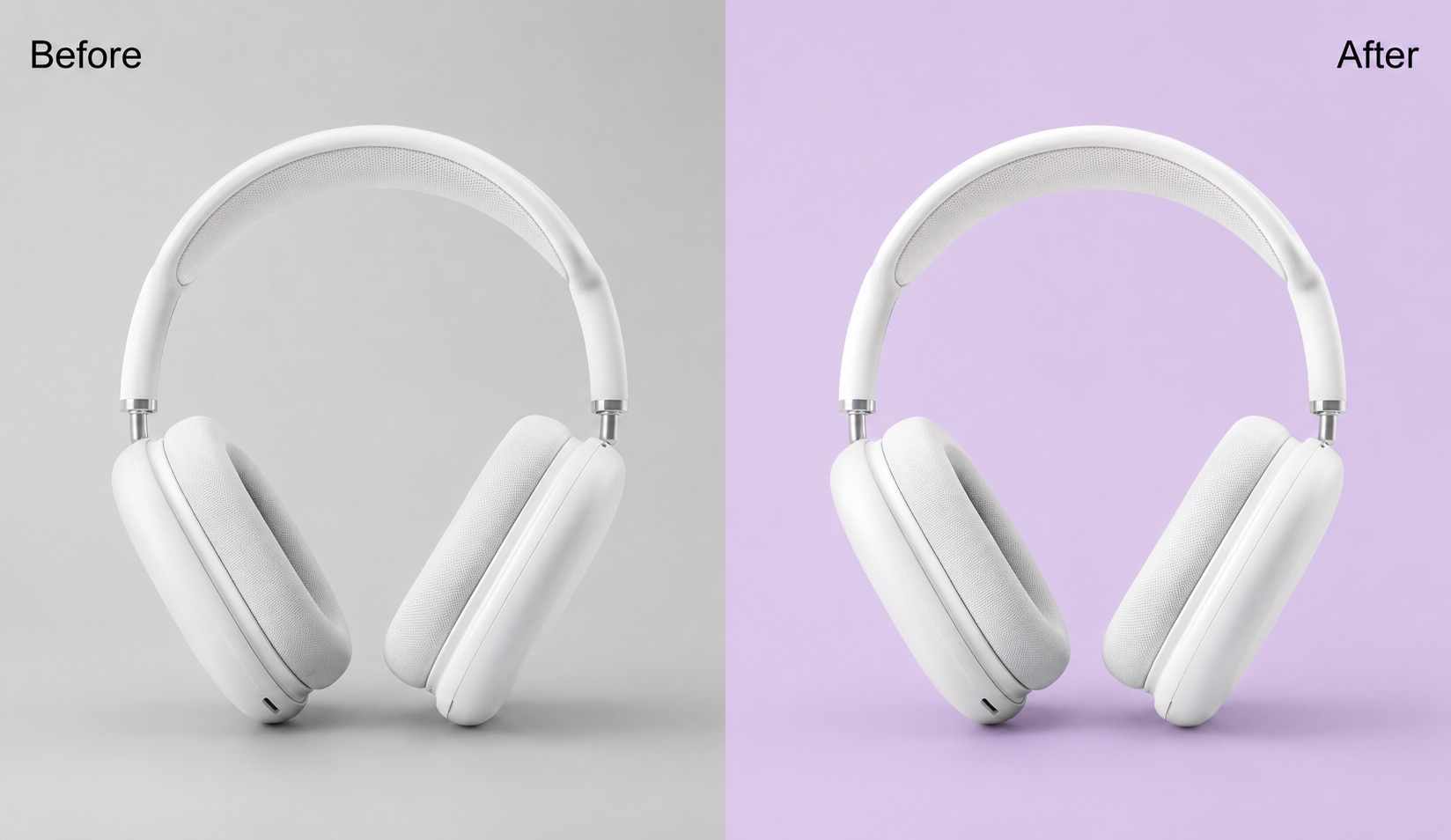
Use UniConverter when you need more than a simple delete black background result. You can turn black background to transparent PNG, change black background to white, or replace it with a custom color or image. This helps you prepare assets for stores, presentations, thumbnails, and brand layouts without editing each layer by hand.
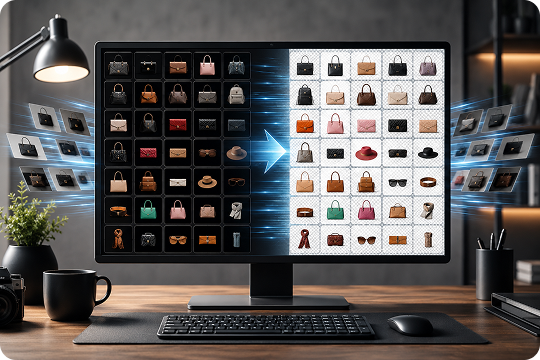
Batch Remove Black Background from 100+ Images
For one image, the online black background remover is quick. For large folders, UniConverter Desktop helps you batch remove black background from product photos, logos, and catalog images. Add your files, choose the background output, and process them together instead of repeating the same edit for every SKU or campaign asset.
HD and 4K Output without Quality Loss
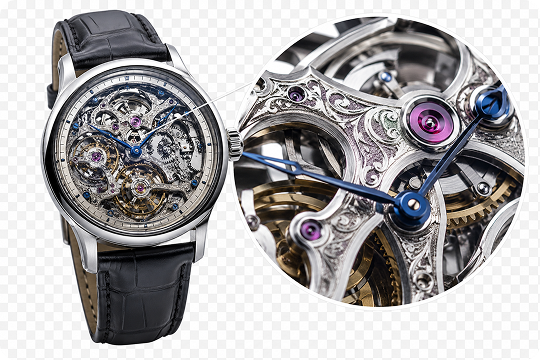
When you need sharp exports, UniConverter Desktop helps deliver HD and 4K output after background removal. It keeps the original resolution instead of downscaling your image during export. Use it to create transparent PNG files for product pages, marketplaces, presentations, and design projects where clean edges and full-quality details matter.
Free Black Background Remover Online with No Signup or Watermark
You can use UniConverter as a free black background remover online without creating an account or adding an email first. Upload your image, process it, and download the result with no watermark. Your files stay private during the workflow, and uploaded images are auto-deleted within 24 hours for a safer editing experience.

Remove Black Background Online or on Desktop in One Workflow
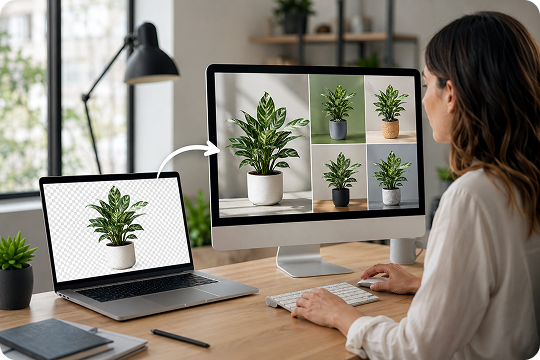
Use the web tool to remove black background online when you need a quick transparent PNG. Use UniConverter Desktop when you need batch processing, larger files, offline work, or advanced background replacement. Together, they give you one flexible workflow for quick edits, daily design tasks, and high-volume creative projects.
Remove Black Background — Online Tool vs Desktop App
Choose the tool that fits your task. The online black background remover works well for quick edits. UniConverter Desktop gives you more control when you need batch processing, large files, or full-resolution output.
| Need | Online Tool | UniConverter Desktop |
|---|---|---|
| 1–5 quick edits | ✅ | ✅ |
| Batch 100+ images | — | ✅ |
| HD / 4K output | Limited | ✅ Full quality |
| File size over 50 MB | — | ✅ Unlimited |
| Offline or privacy-sensitive workflow | — | ✅ |
| Change background to a new color or image | Basic | ✅ Advanced |
| No installation | ✅ | — |
Remove Black Backgrounds for Every Project

Remove Black Background from Product Photos for Cleaner Listings
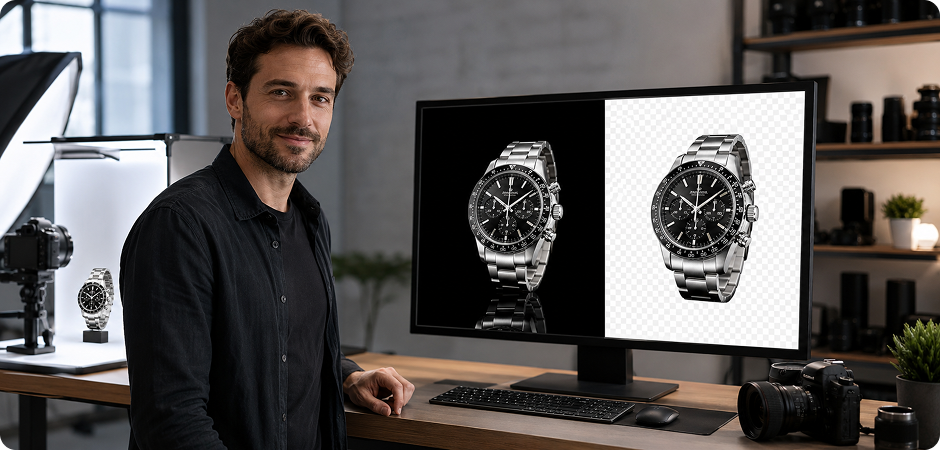
Product photos often use black backdrops to highlight jewelry, watches, electronics, and reflective items. When you remove black background from product photo files, you can place the subject on white, transparent, or branded backgrounds for Amazon, Shopify, Etsy, and ads. UniConverter helps keep clean edges around metal, glass, and small details, so your listings look consistent across a full product catalog, even when images come from different shoots or suppliers.
Remove Black Background from Logos for Transparent Brand Assets
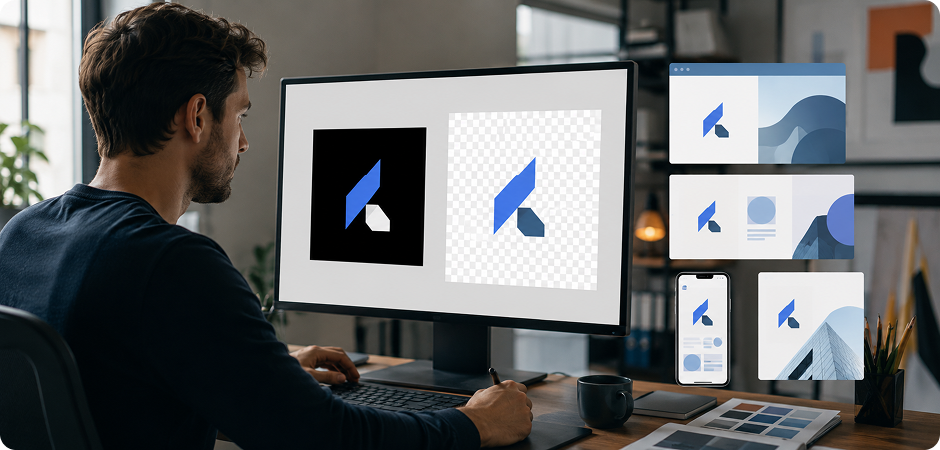
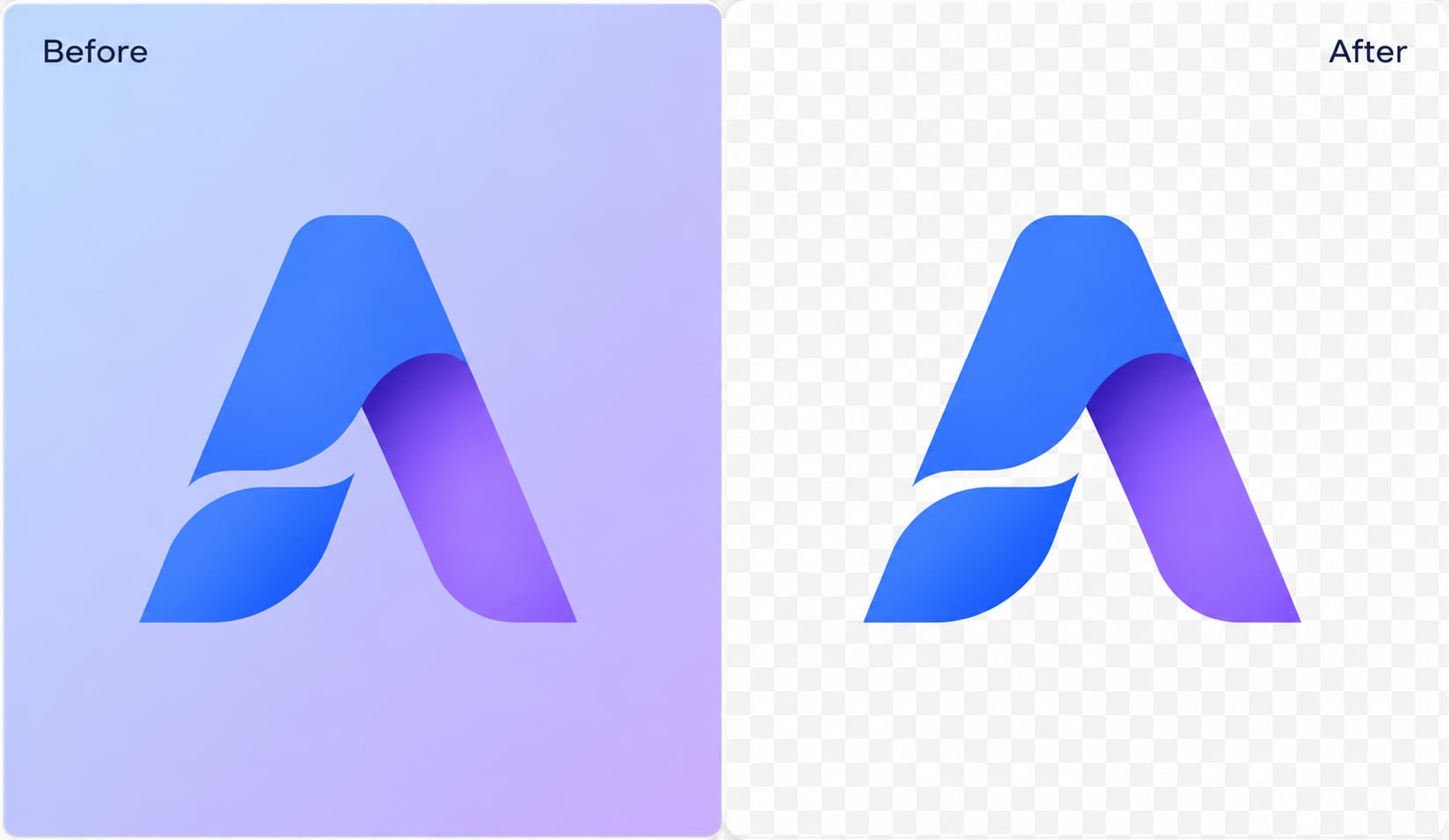
A logo with a black box can look out of place on websites, slides, invoices, or social posts. Use UniConverter to remove black background from logo files and export a transparent PNG for flexible brand use. You can place the logo over light colors, product images, or video overlays without rebuilding the original design file. It is useful for quick brand updates, partner kits, campaign materials, internal templates, and co-branded assets.
Turn Scanned Signatures with Black Backgrounds into Transparent PNGs
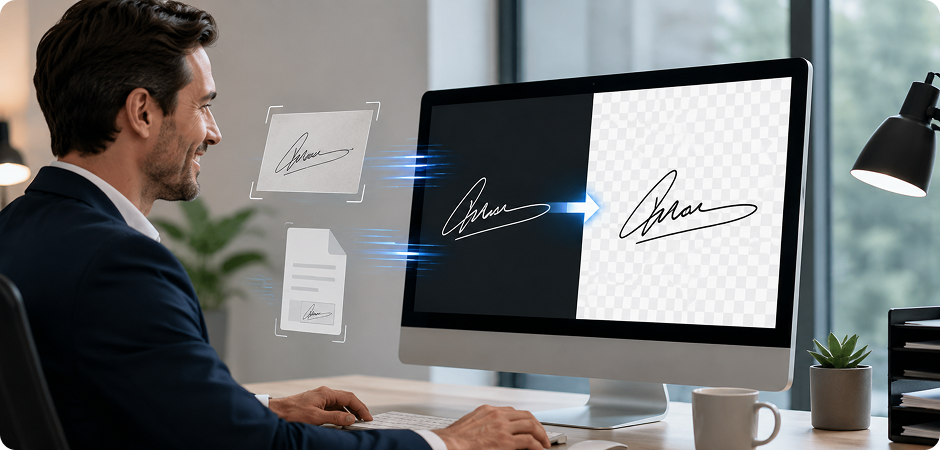
Scanned signatures often carry a dark paper shadow or black background from the source image. With UniConverter, you can remove black background from signature images and keep the ink visible on a transparent PNG. Add the cleaned signature to PDFs, contracts, proposals, and internal documents without opening Photoshop. This workflow helps you prepare digital paperwork faster while keeping the signature easy to place on light or branded layouts in different document styles.
Remove Black Background from Fireworks, Flames, and Smoke
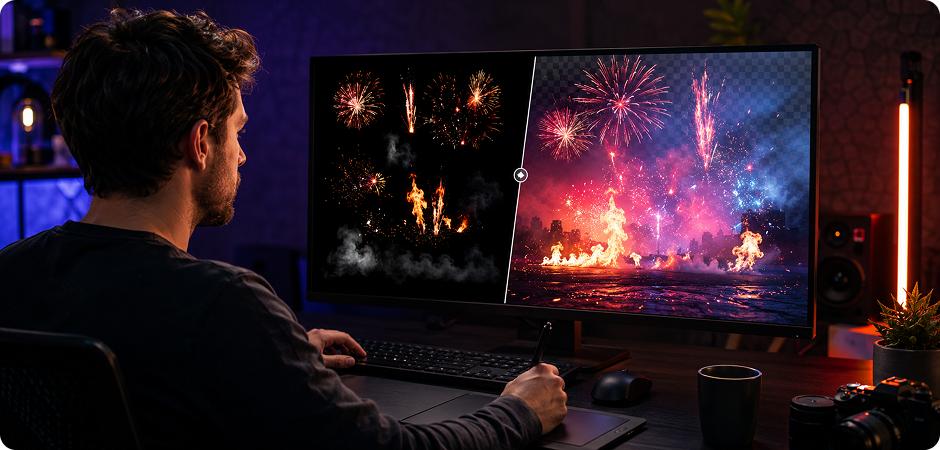
Fireworks, flames, sparks, and smoke are difficult because they include soft edges and translucent areas. A basic black remover may erase the glow or leave dark pixels behind. UniConverter helps remove black background fireworks and flame images while preserving the light, haze, and motion feel. Use the result in posters, thumbnails, event banners, or video graphics where transparent overlays need to look natural and easy to blend with other layers.
Create E-commerce Product Cutouts from Black Backgrounds
E-commerce teams often handle hundreds of images from different shoots and suppliers. UniConverter helps remove black background e-commerce assets and create a cleaner, more consistent catalog. Use the online tool for a few urgent edits, or use the desktop app to batch process folders. You can prepare product cutouts, change backgrounds, and export listing-ready images with fewer repeated manual steps before launch, seasonal updates, marketplace refreshes, or new product drops.
Make Social Media Overlays by Removing Black Backgrounds
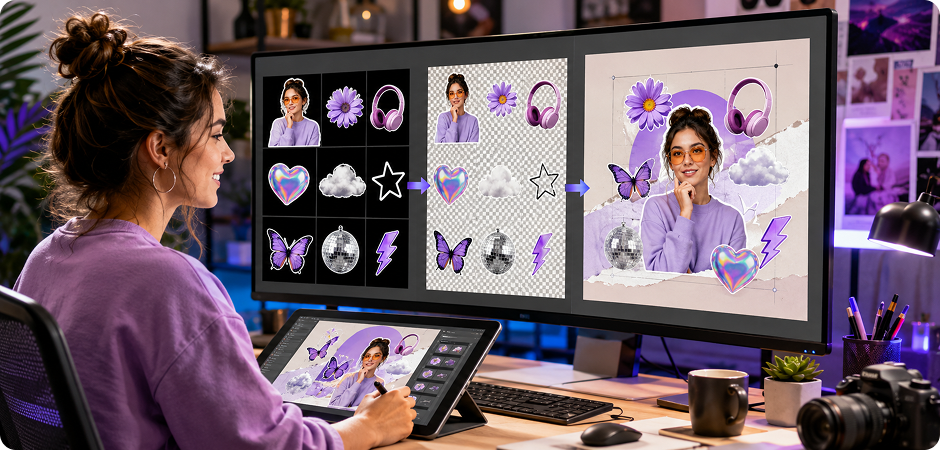
Creators often need transparent stickers, thumbnails, story elements, and profile graphics from images with dark backgrounds. UniConverter helps remove black background social media assets in a few clicks, then export them as PNG files. Add your cutouts to YouTube thumbnails, Instagram stories, TikTok covers, or campaign visuals. Clean transparent backgrounds make it easier to layer graphics without blocking the main design or covering important text in a layout, template, or ad.
Clean Up Screenshots and UI Images with Black Background Removal
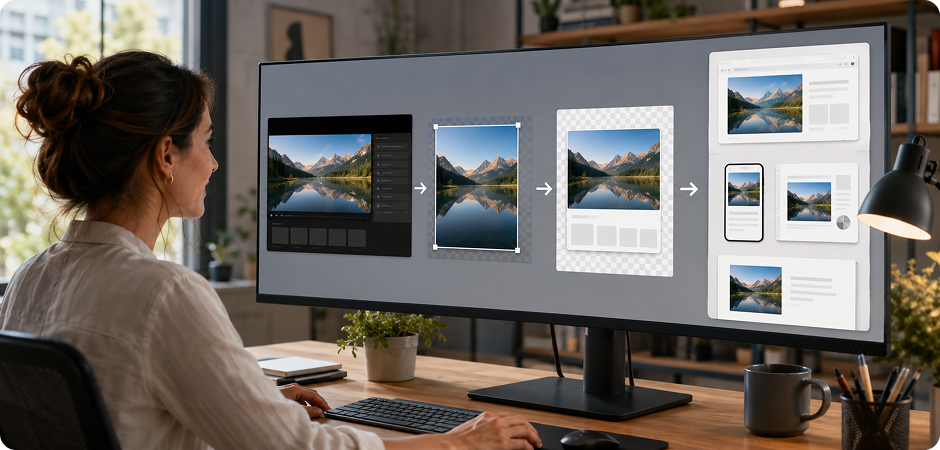
Screenshots, video frames, and app captures can include black letterbox bars, dark UI panels, or unused background space. UniConverter helps remove black from image files so you can reuse the main subject in guides, decks, support articles, and product pages. Crop when needed, then use background removal to create cleaner visuals for training materials, feature explainers, interface mockups, release notes, help center images, onboarding slides, product tutorials, and web pages.
Replace Black Backgrounds in Studio Headshots
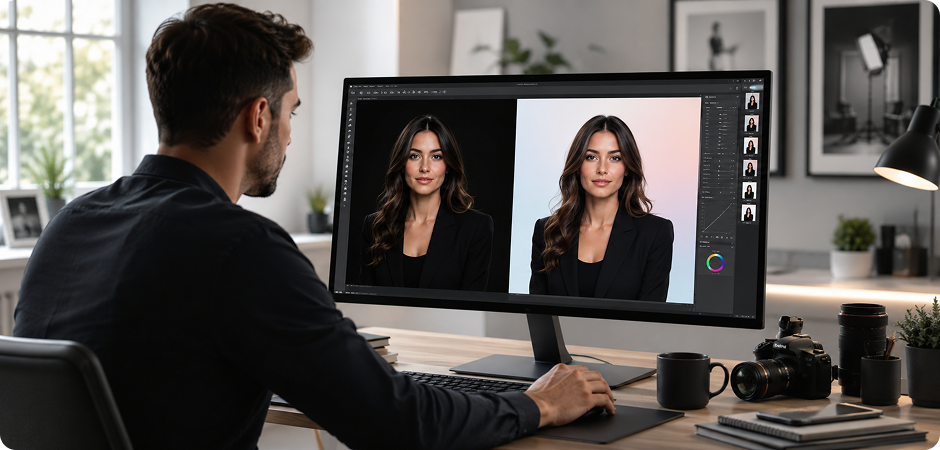
Studio headshots with black backdrops can feel too heavy for profiles, company pages, or speaker bios. Use UniConverter to remove black background headshot images and replace the backdrop with white, transparent, or branded colors. The AI helps keep hair and shoulders clean, so you can prepare consistent team photos, event materials, social avatars, speaker pages, and profile graphics without asking everyone to reshoot for each new channel, campaign, or event.
What Users Say About
UniConverter Black Background Remover
Frequently Asked Questions about Black Background Removal
How do I remove a black background from an image for free?
How do I turn a black background into a transparent PNG?
Can I delete a black background without Photoshop?
Does UniConverter remove black backgrounds from logos?
Can I batch remove black backgrounds from multiple images?
Will image quality drop after removing the black background?
What file formats are supported?
Is it safe to upload my images?
Can I remove a black background from a video too?
How is removing a black background different from removing a white background?





Ready to Remove That Black Background?
Use UniConverter online for quick edits, or download UniConverter Desktop for unlimited batch processing. Turn black backgrounds into transparent PNGs, clean product images, reusable logos, and ready-to-share creative assets.
