
How to Make an Image Transparent in 3 Steps

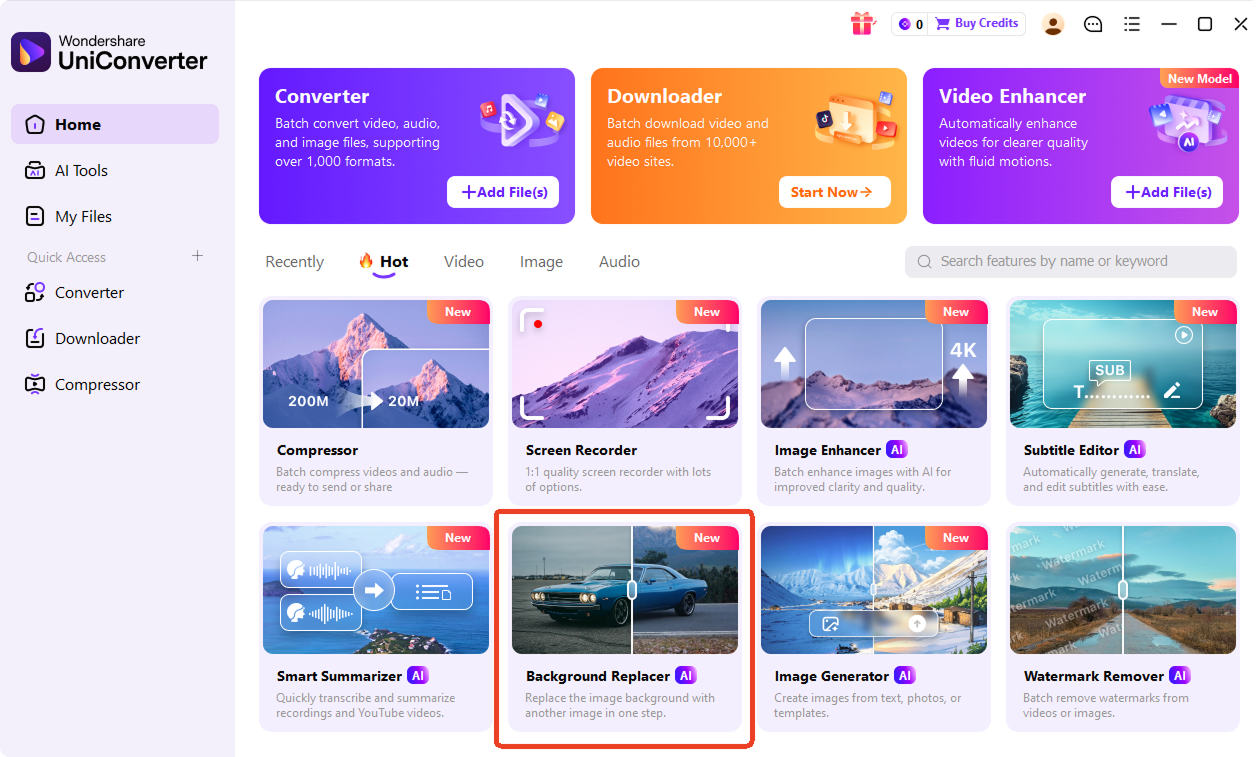
Drag and drop your JPG, PNG, JPEG, or WebP file into the transparent background maker. You can also open UniConverter desktop to import multiple images at once.

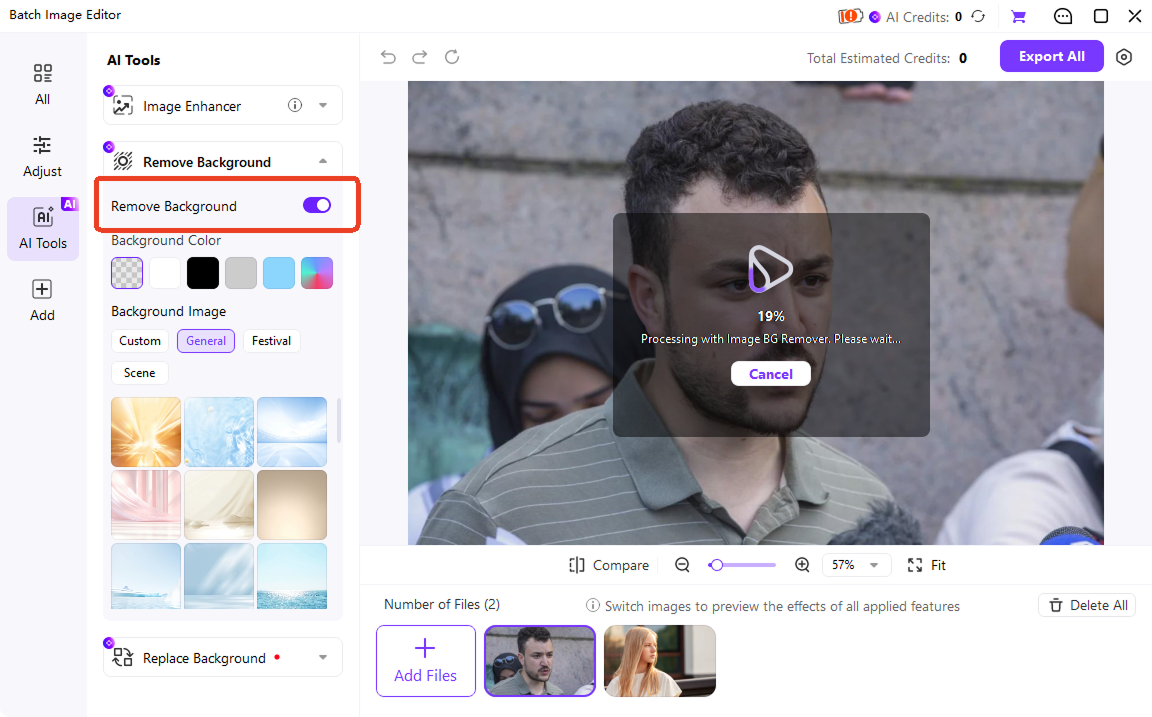
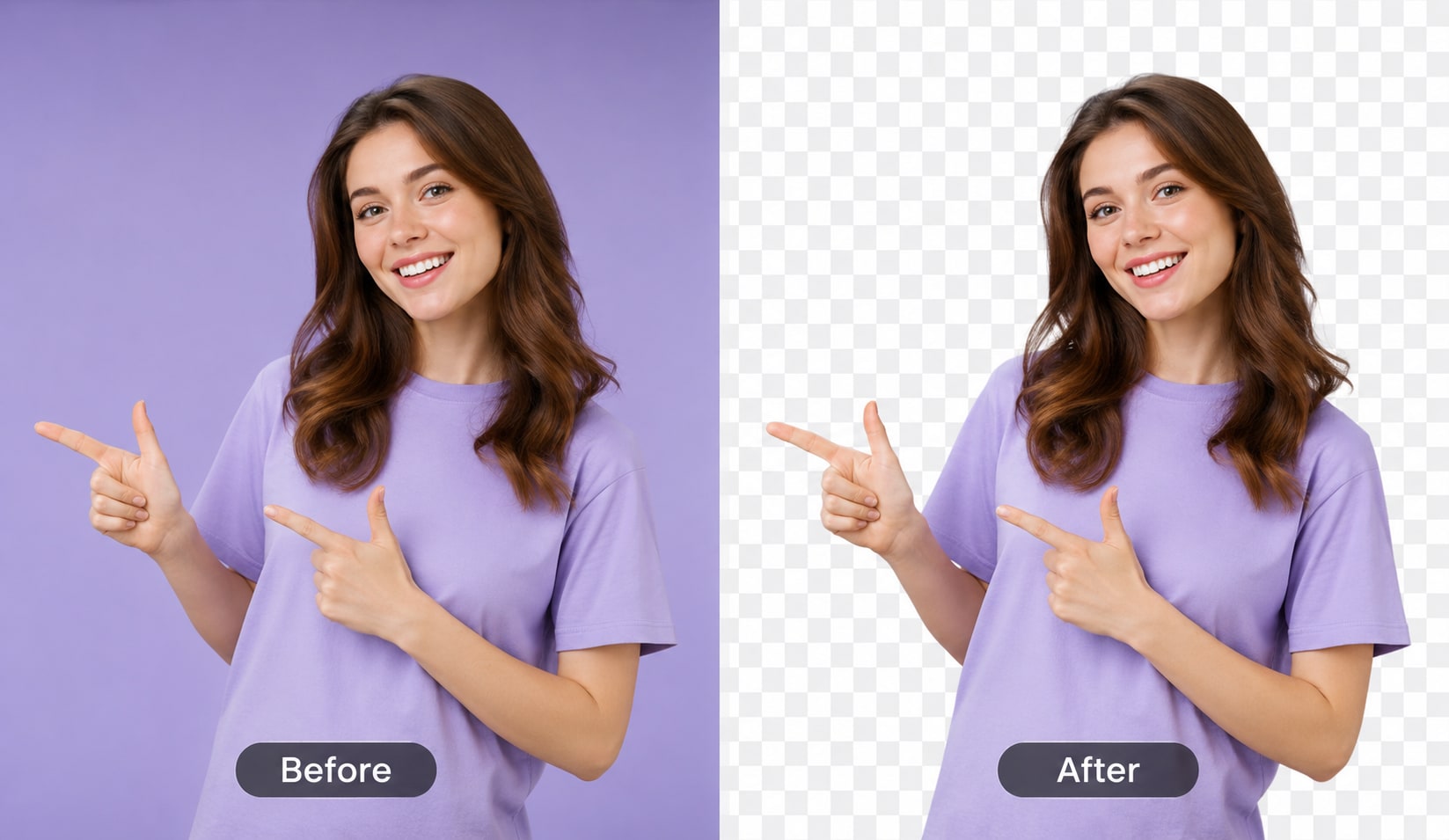
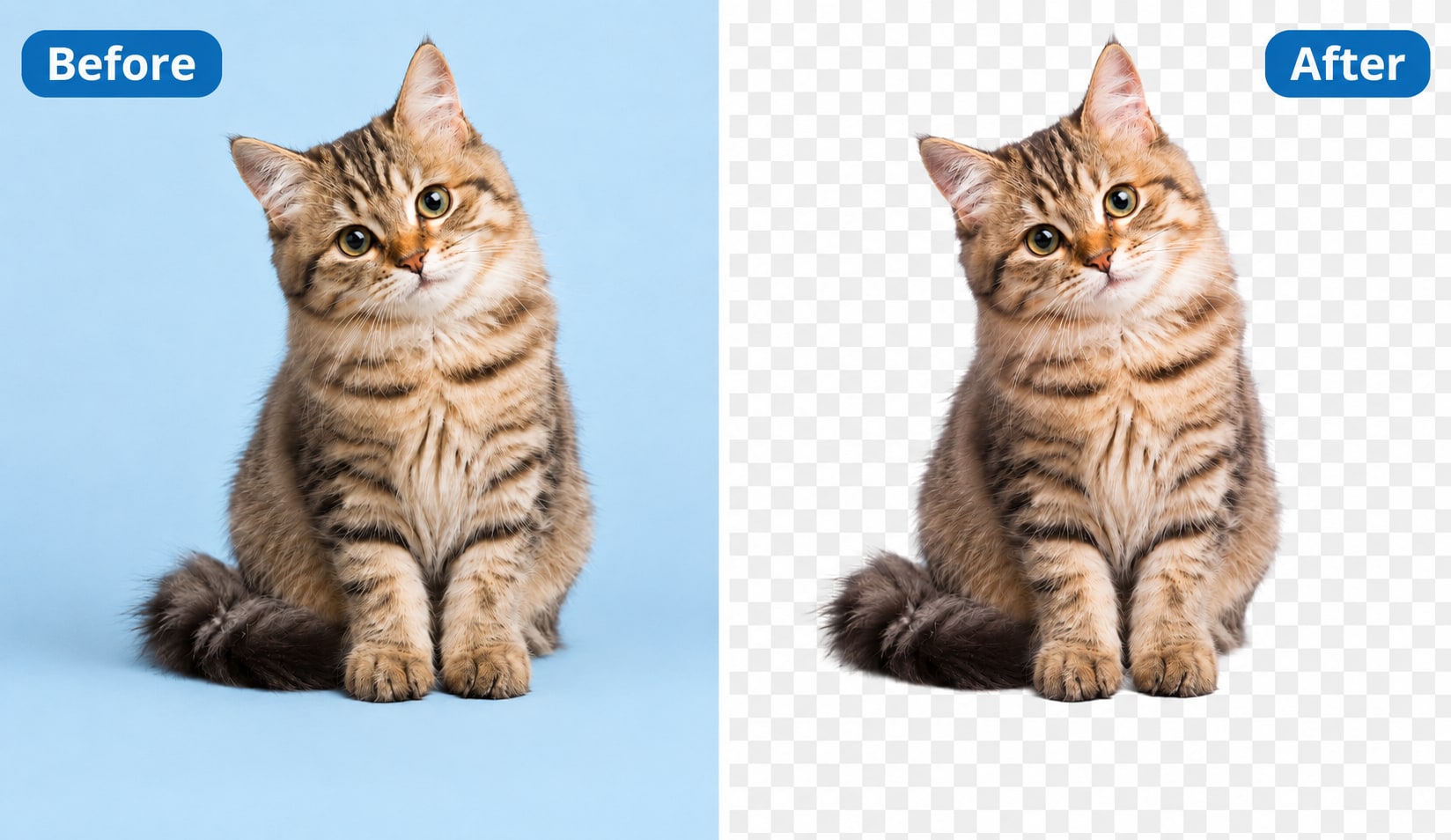
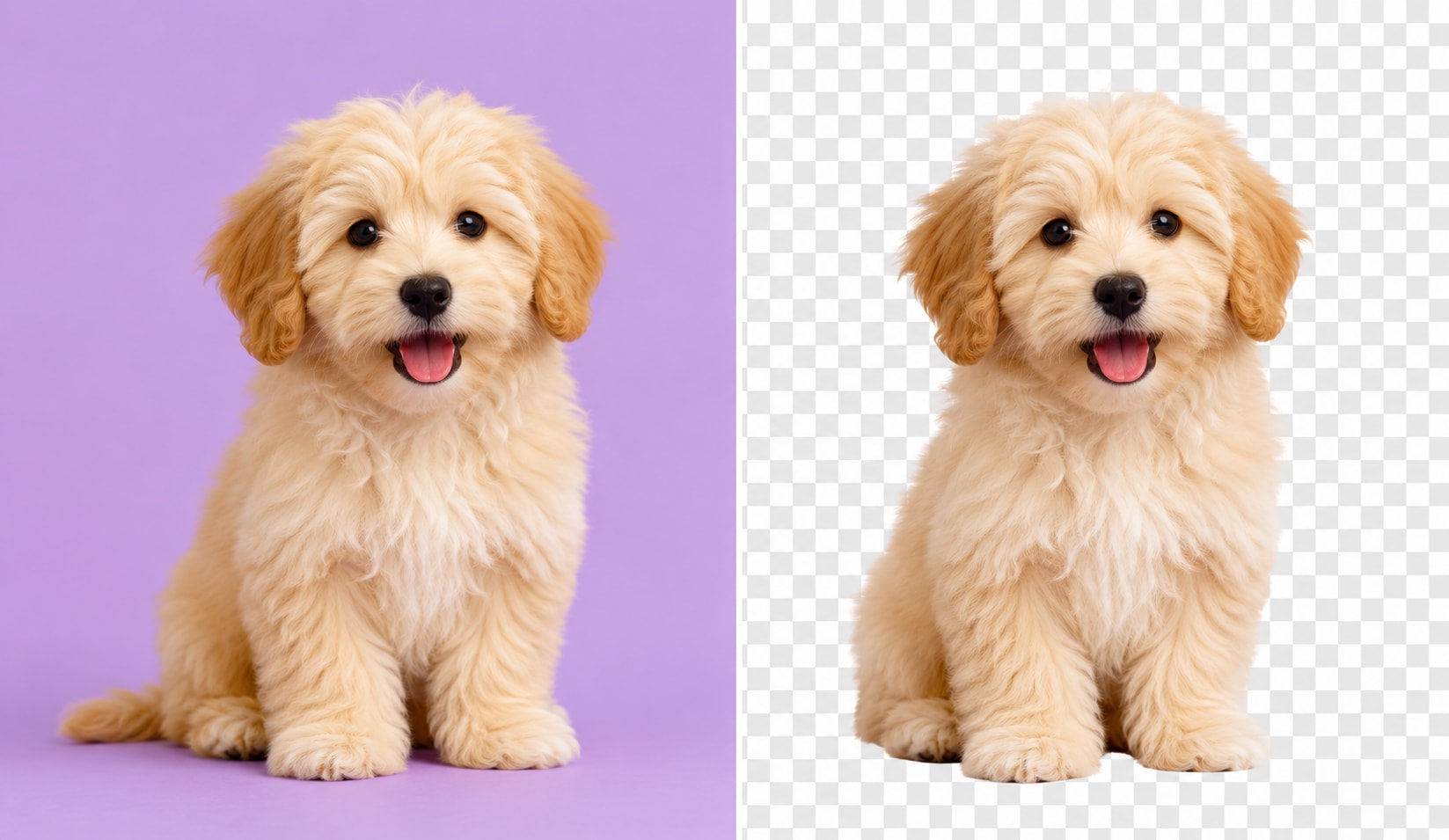
UniConverter AI detects the subject and erases the background automatically. It works with people, products, logos, signatures, white backgrounds, and solid-color fills.

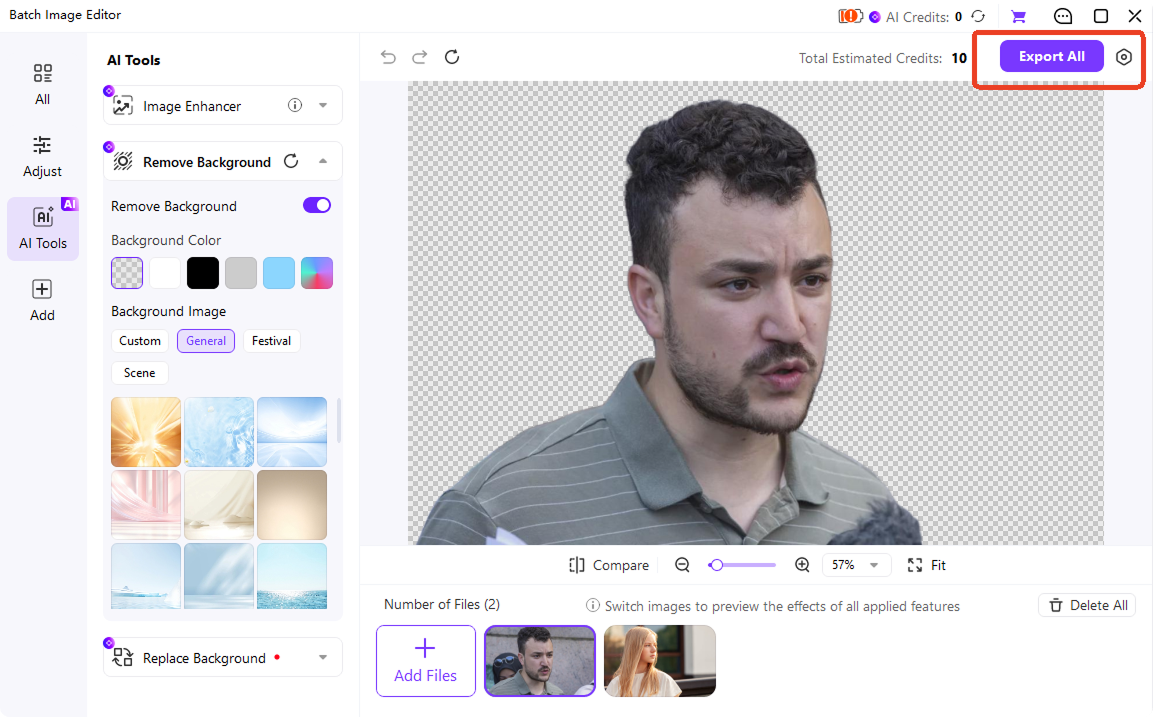
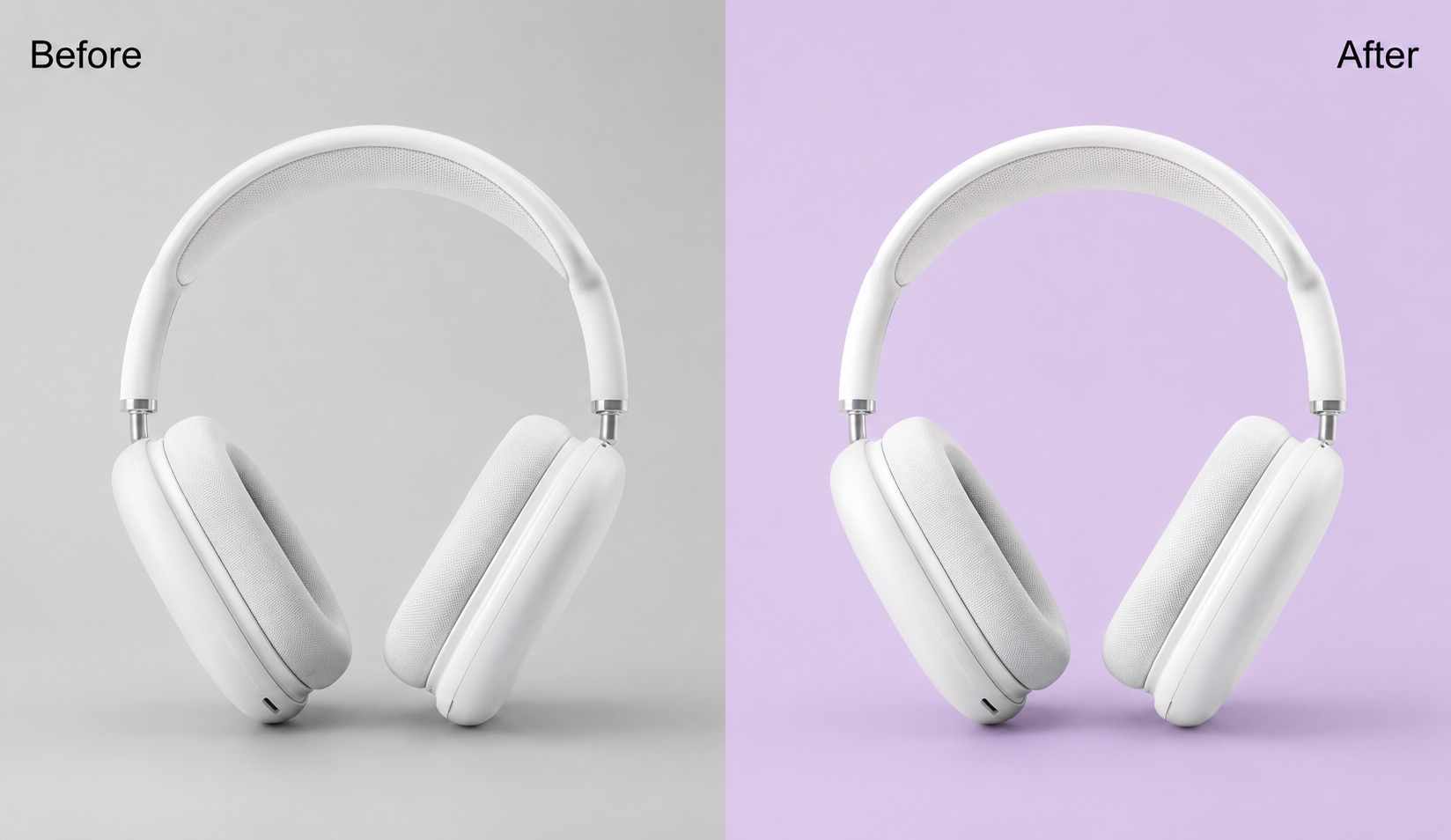
Export your image as a transparent PNG or WebP. You can also replace the original background with a new color or image before downloading.
Two Ways to Get a Transparent Background — Online or Desktop
Need a transparent background online for one image? Use the browser tool. Need to make image backgrounds transparent in bulk? Download UniConverter desktop for faster local processing.
| Feature | UniConverter Online | UniConverter Desktop for Win/Mac |
|---|---|---|
| Best for | Making one image transparent fast | Batch processing 100+ images, 4K output, local editing |
| Upload method | Drag and drop in your browser | Import files or folders from your computer |
| Speed | Quick single-image processing | Batch processing for large image sets |
| Output formats | PNG, JPG, WebP | PNG, JPG, WebP, TIFF |
| Resolution | HD output | Up to 4K output |
| Watermark | None | None |
| Privacy | Cloud processing | Local processing on your device |
| Price | Free online tool | 14-day free trial |
| CTA | Use Online Tool → | Download Desktop → |
What Can You Make Transparent? Logos, Photos, Signatures & More
Make Logo Transparent for Branding & Watermarks
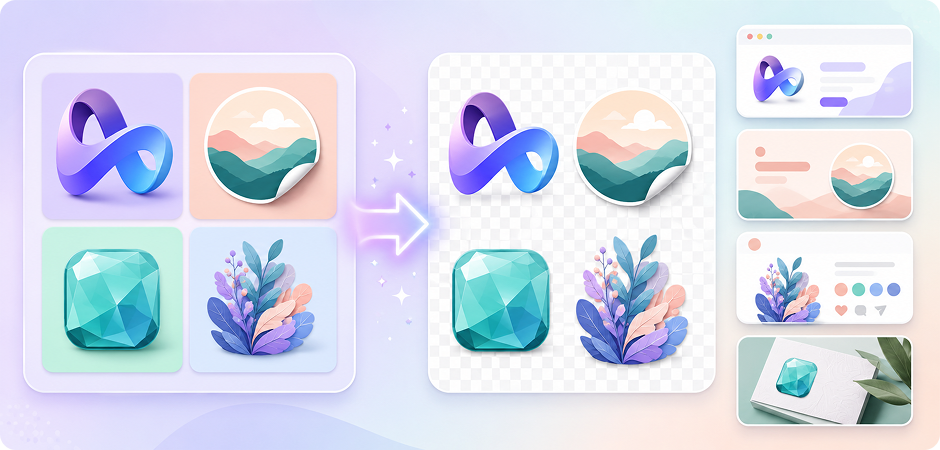
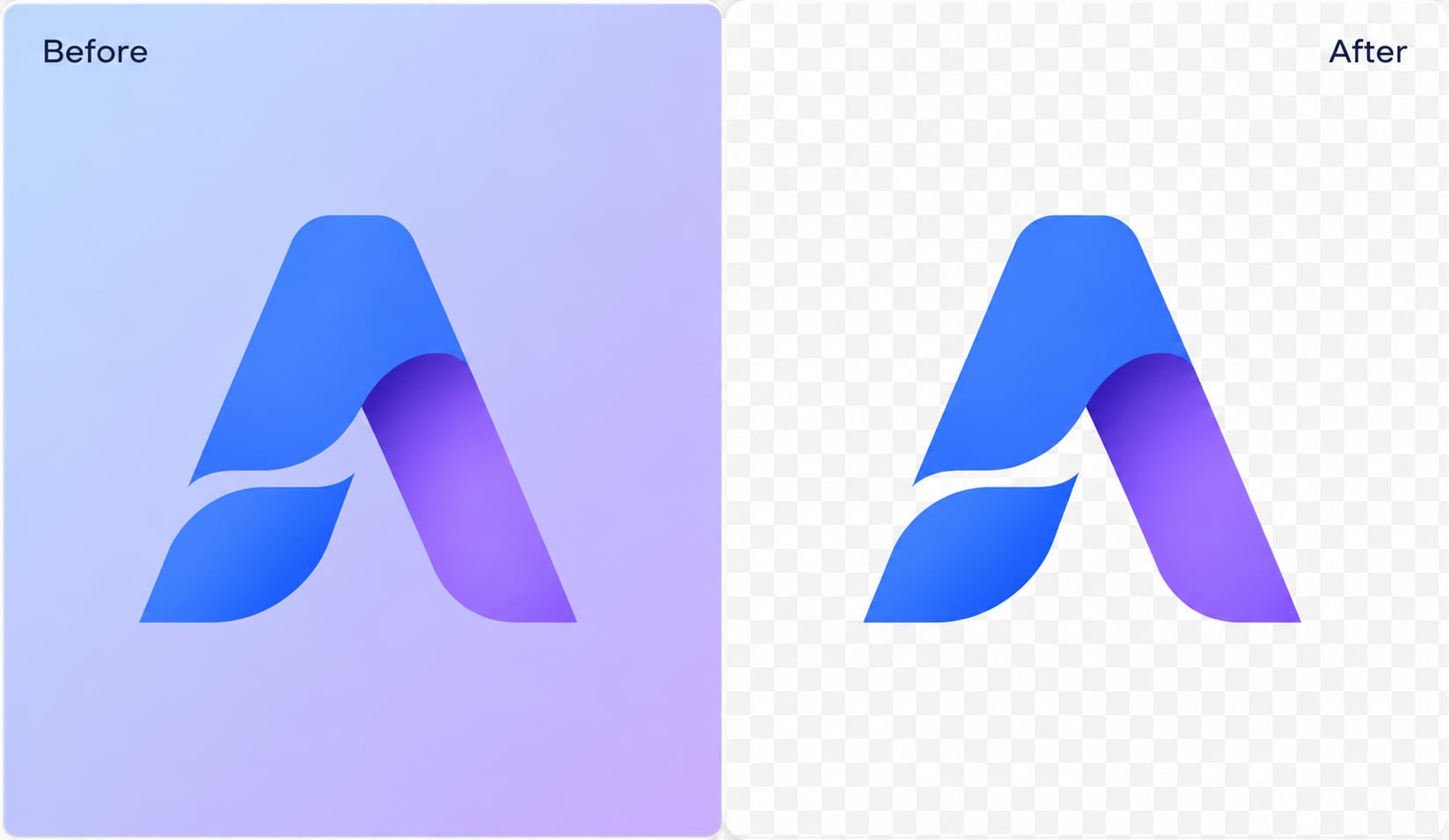
Use UniConverter to make a logo transparent and create a clean PNG for websites, presentations, packaging, and watermarks. Upload a JPG or PNG logo, and the AI removes the background while keeping the logo edges clear. It is useful when you need to make a logo background transparent for brand assets, online stores, merchandise, or social posts. For more logo-specific editing, try the Logo Background Remover.
Make Signature Transparent for Documents & Contracts
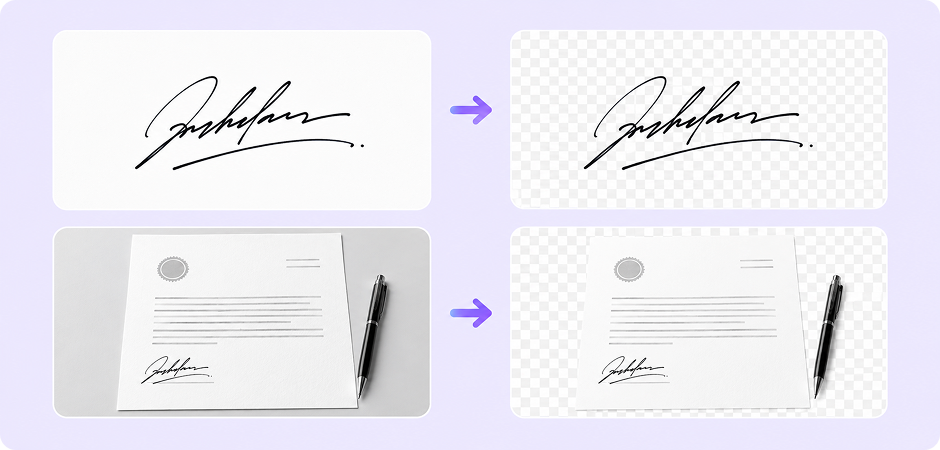
Turn a scanned or photographed signature into a transparent PNG for Word, PDF, Google Docs, and contracts. Upload your signature image, and UniConverter removes the paper background so you can place the signature cleanly on digital files. This works well when you need to make a signature transparent without using Photoshop. For sensitive files, the desktop app lets you process images locally on your device.
Make White or Solid Background Transparent in Seconds
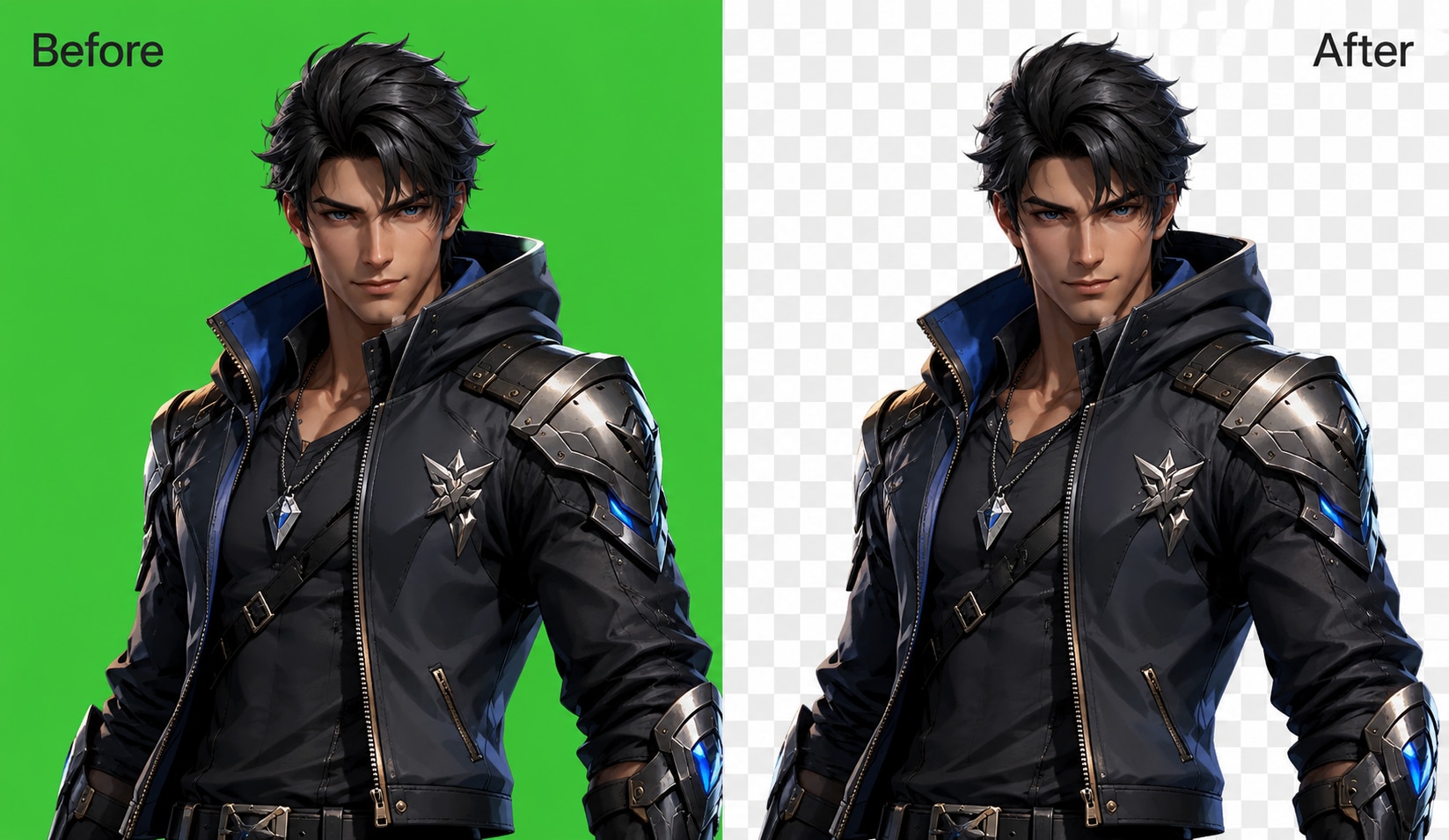
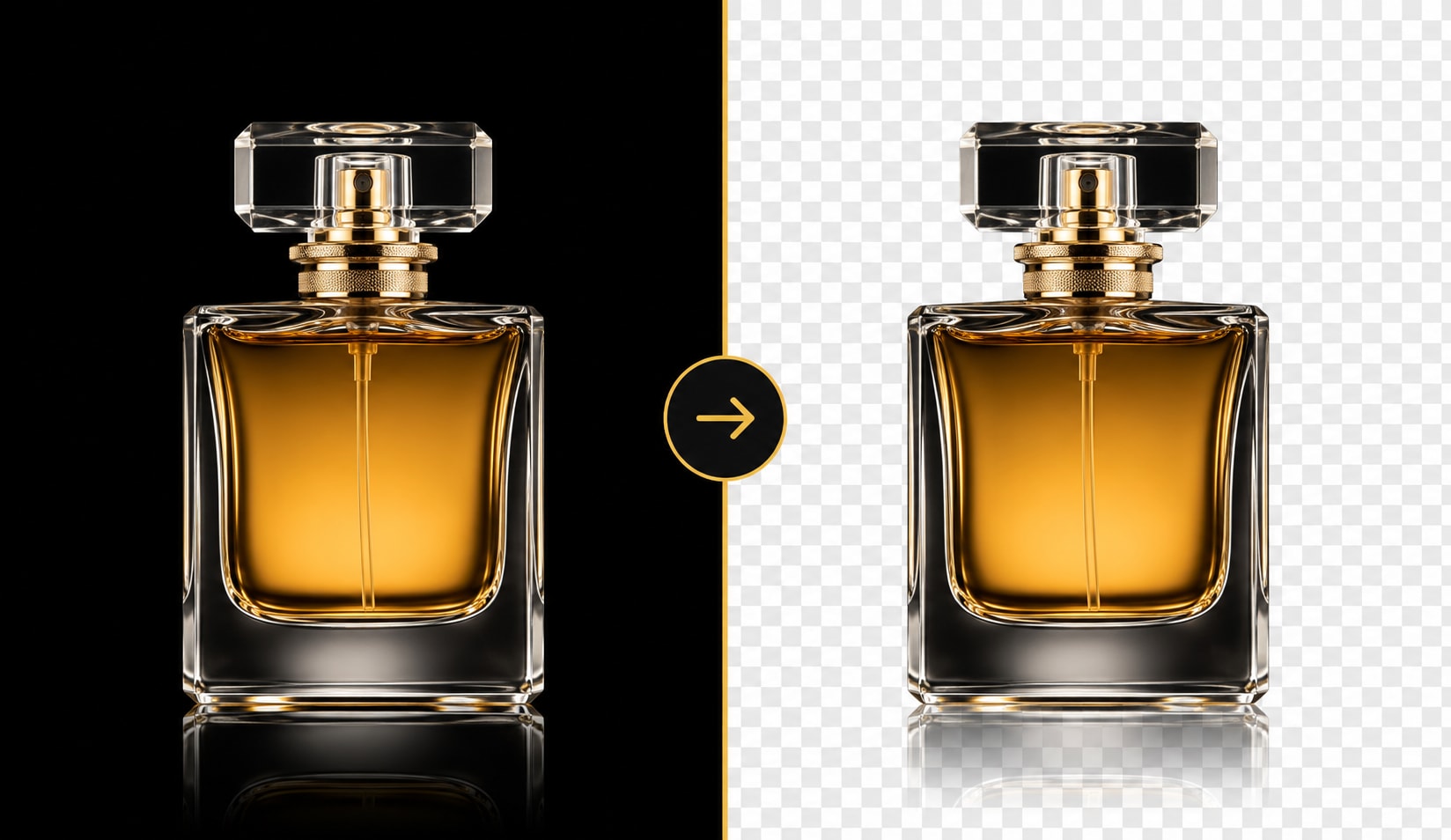
Use the transparent background maker to remove white backgrounds, black backgrounds, or other solid-color fills from your images. It helps with scanned graphics, product photos, AI-generated images, icons, and simple illustrations. Upload your file, let AI detect the subject, and download a transparent PNG with cleaner edges. This is a quick way to make white background transparent for design, printing, and online use.
Create Transparent Product Photos for Amazon, Shopify & eBay
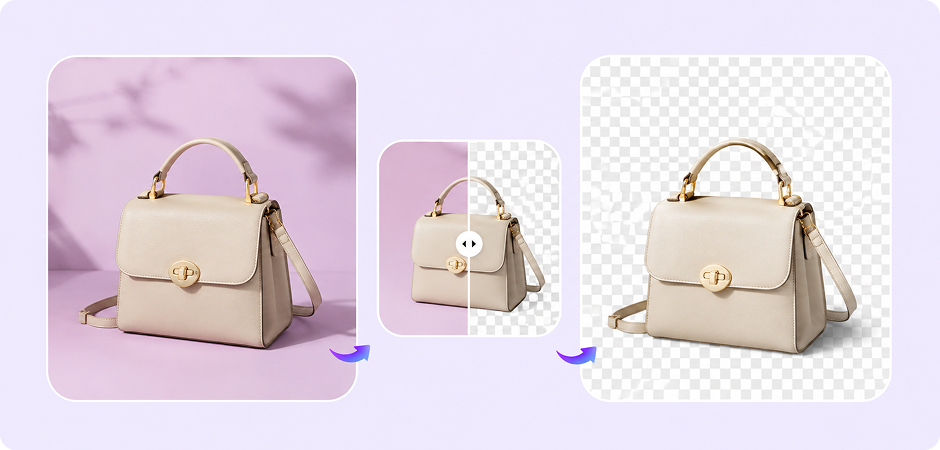
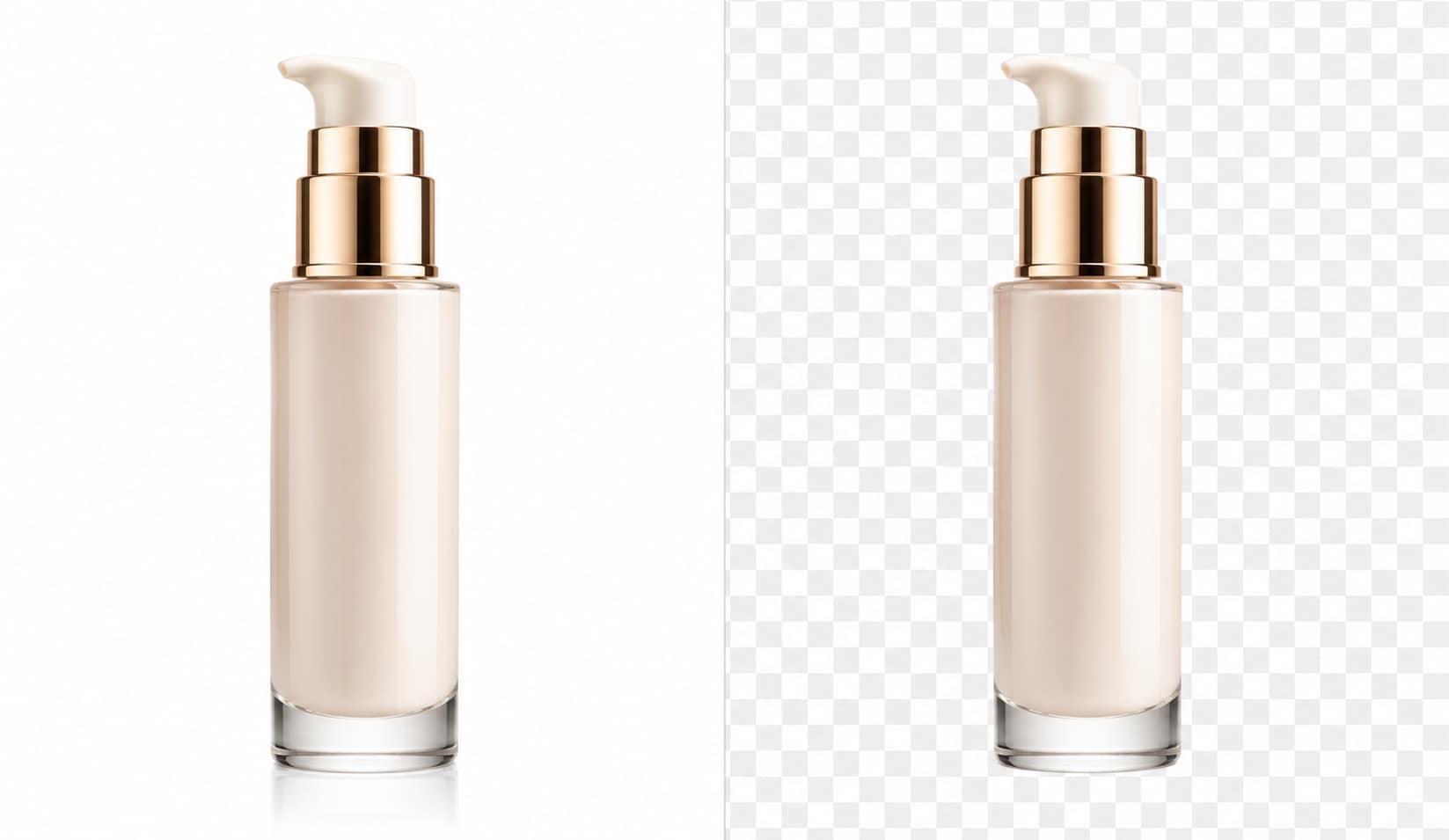
Convert product photos to transparent backgrounds for e-commerce, catalog design, marketplace listings, and ad creatives. UniConverter helps you isolate the product from the original background, so you can reuse the image on white, colored, or branded layouts. Use the online tool for single product shots, or choose the desktop app to convert photos to transparent PNG in batches for Amazon, Shopify, eBay, or your own store.
Create Transparent PNGs for Social Media, Stickers & Design
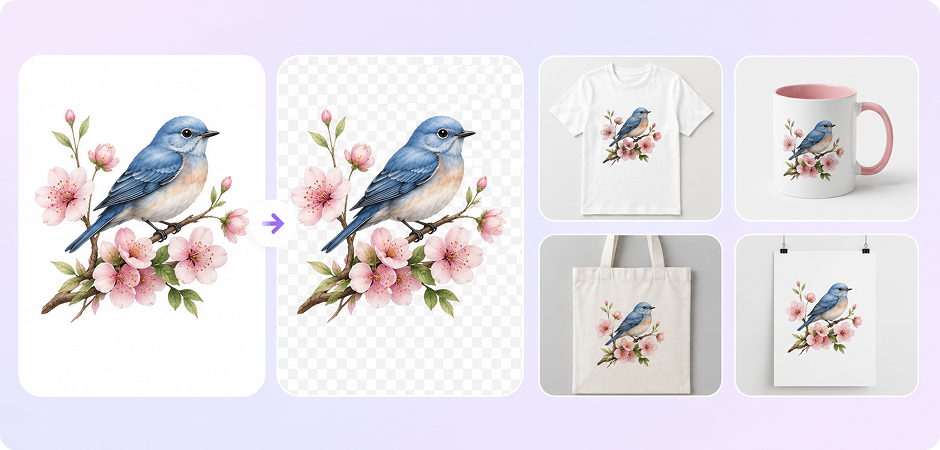
Create images with transparent backgrounds for Canva, PowerPoint, Figma, Cricut, stickers, thumbnails, and social media posts. UniConverter works as a transparent image converter, helping you cut out people, objects, text, or graphics from the original background. Download the result as a transparent PNG and place it into your next design without a visible box around the subject. It is simple for quick edits and repeat design tasks.
Why Use UniConverter to Make Images Transparent?
AI Transparent Image Maker for People, Products, Logos, and More
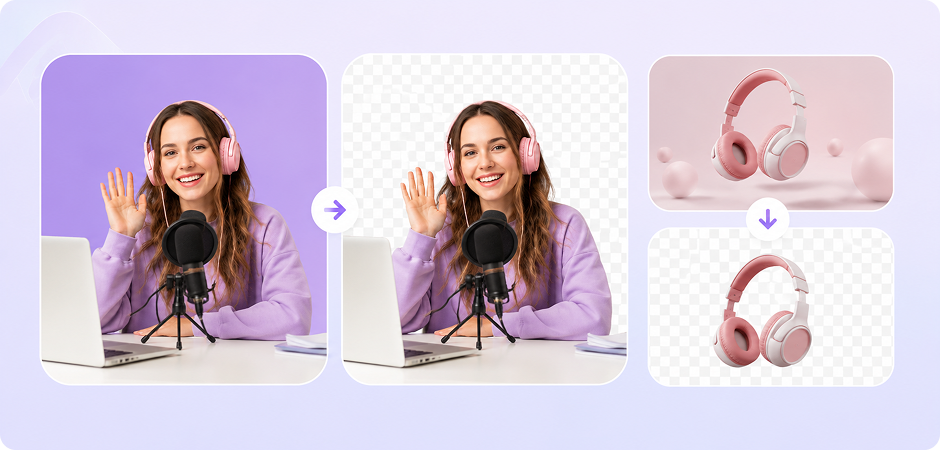
UniConverter uses AI to detect the main subject and make the image background transparent with less manual work. It can handle portraits, product shots, logos, signatures, hair, fur, and simple objects. You can use it as a transparent image maker when you need a clean cutout for design, e-commerce, documents, or social media.

HD and 4K Transparent PNG Output for Cleaner Results
Export your transparent PNG in HD online, or use the desktop app for up to 4K output. This helps when you need sharper edges for product photos, logos, posters, and print materials. UniConverter keeps the workflow simple: upload, remove the background, preview the result, and download a high-quality transparent image without a watermark.
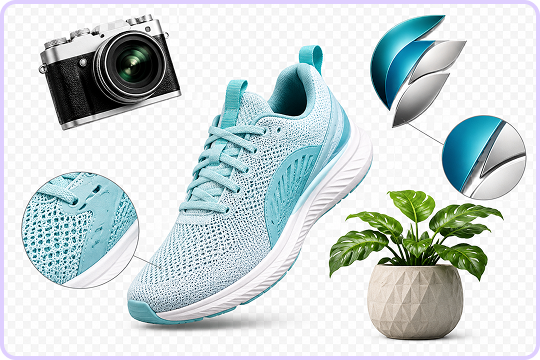
Batch Make Image Background Transparent on Desktop
When you need to make photo backgrounds transparent for many files, UniConverter desktop helps you save time. Import a folder, process 100+ images, and export them in one workflow. This is useful for online stores, design teams, creators, and marketers who need consistent transparent PNG files across product sets, campaign assets, or brand materials.
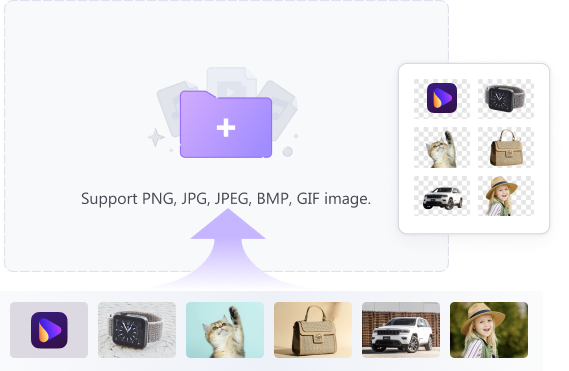
Local Processing for Private Photos, Signatures, and Documents
For files that need more privacy, UniConverter desktop can process images locally on your computer. This is helpful when you make a signature transparent, edit contract images, or handle internal product photos. You can remove backgrounds without uploading every file to a browser tool, while still keeping a simple transparent background workflow.
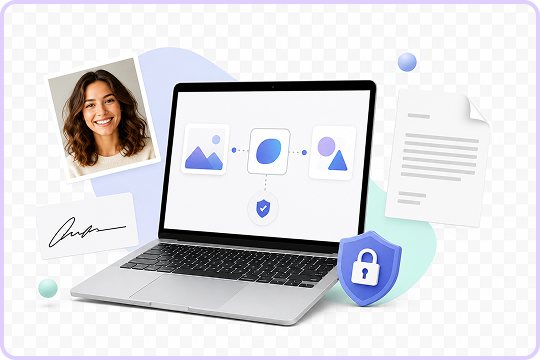
What Users Say About
UniConverter Transparent Background Maker
Do More with Your Transparent Image
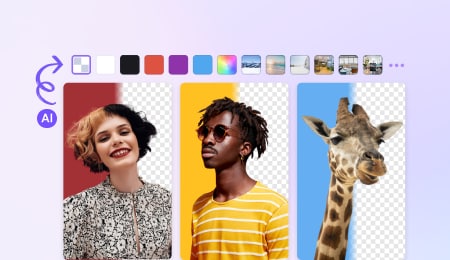


Explore More Features - All-in-One Media Toolbox


FAQs about Transparent Background Maker
How do I make an image transparent for free?
How do I make an image transparent online without Photoshop?
How do I make a white background transparent?
How do I make a logo background transparent?
Can I make my signature transparent for documents?
Is the transparent background maker really free?
What file formats can I export?
How do I make a picture transparent on mobile?

Ready to Make Your Image Background Transparent?
Create a clean transparent PNG in seconds with UniConverter Transparent Background Maker. Upload your image online for a quick edit, or use the desktop app to batch-process product photos, logos, signatures, and design assets in HD or 4K.
