
How to Change the Background of a Photo in 3 Steps
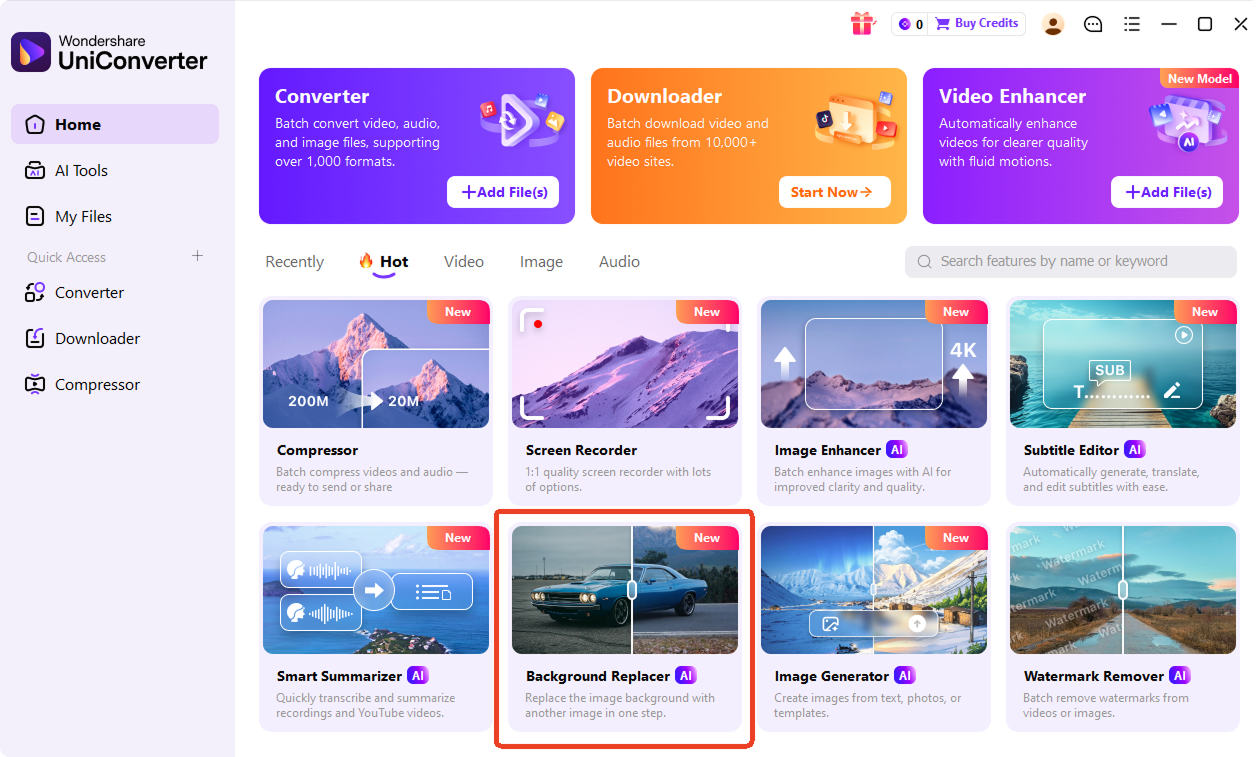
Changing a photo background should be simple. With UniConverter, you can upload an image, let AI detect the subject, and replace the background with a color, preset, or custom image.

Add your JPG, PNG, WEBP, or HEIC image to the background changer. You can start online for quick edits or use the desktop app for larger files.

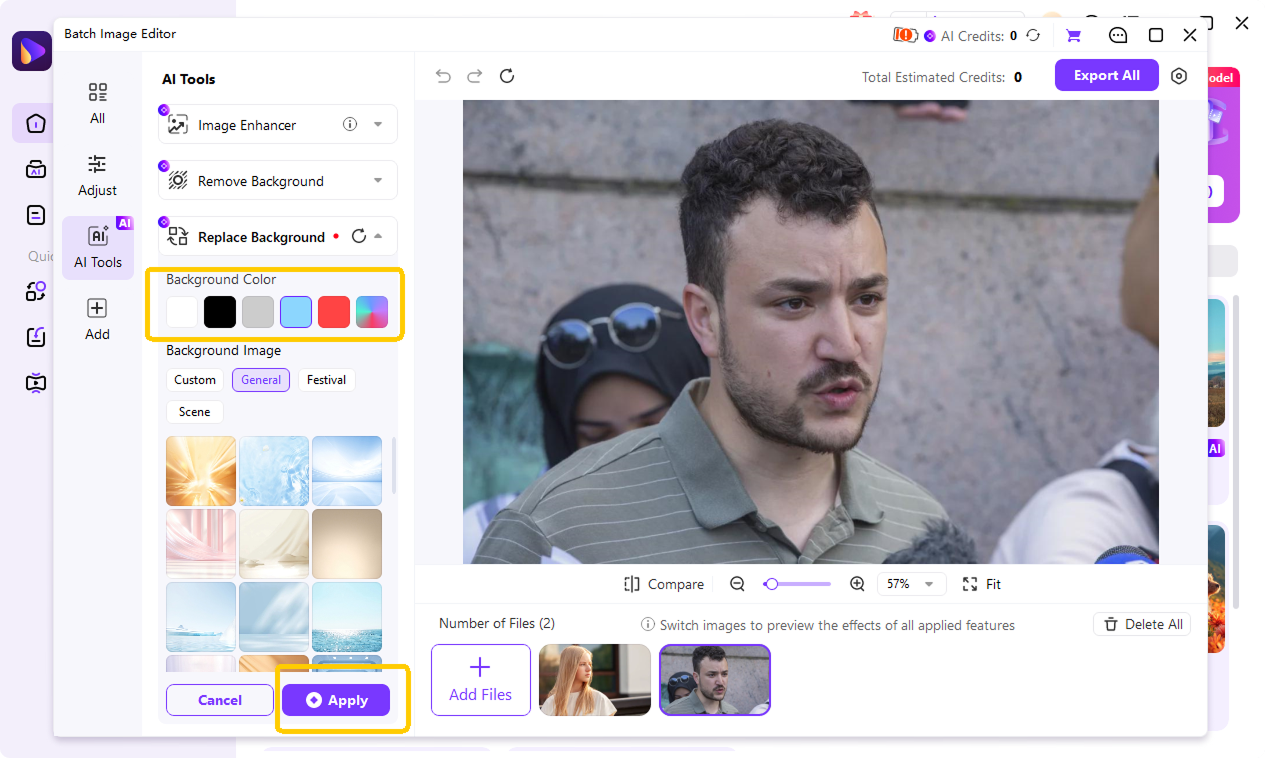
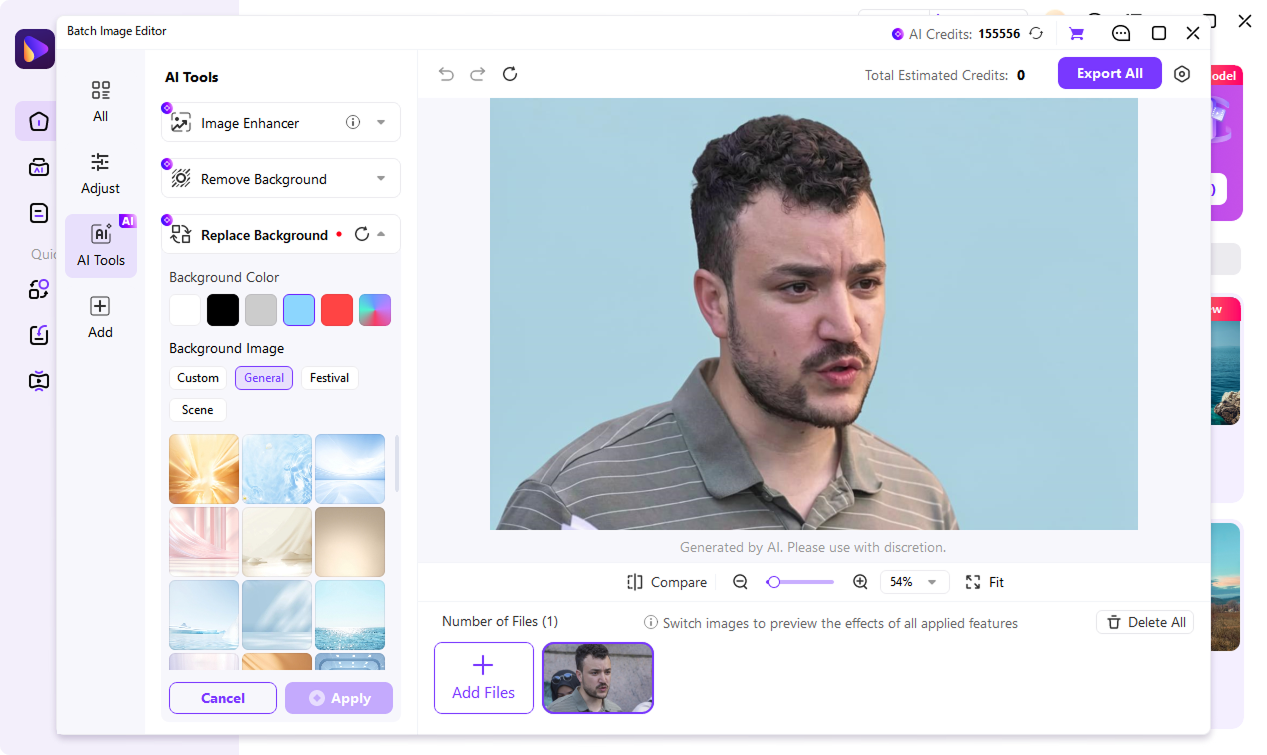
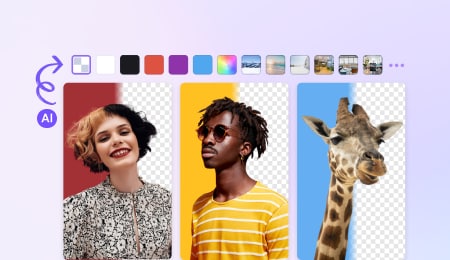
UniConverter uses AI segmentation, which separates the subject from the background. Choose a solid color background, apply a gradient backdrop, select from preset backgrounds, or upload your own image.

Preview the image with changed background, and then export your result as PNG, JPG, BMP, or WEBP.
Why UniConverter Background Changer Stands Out
One-Click AI Background Changer for Fast Subject Detection
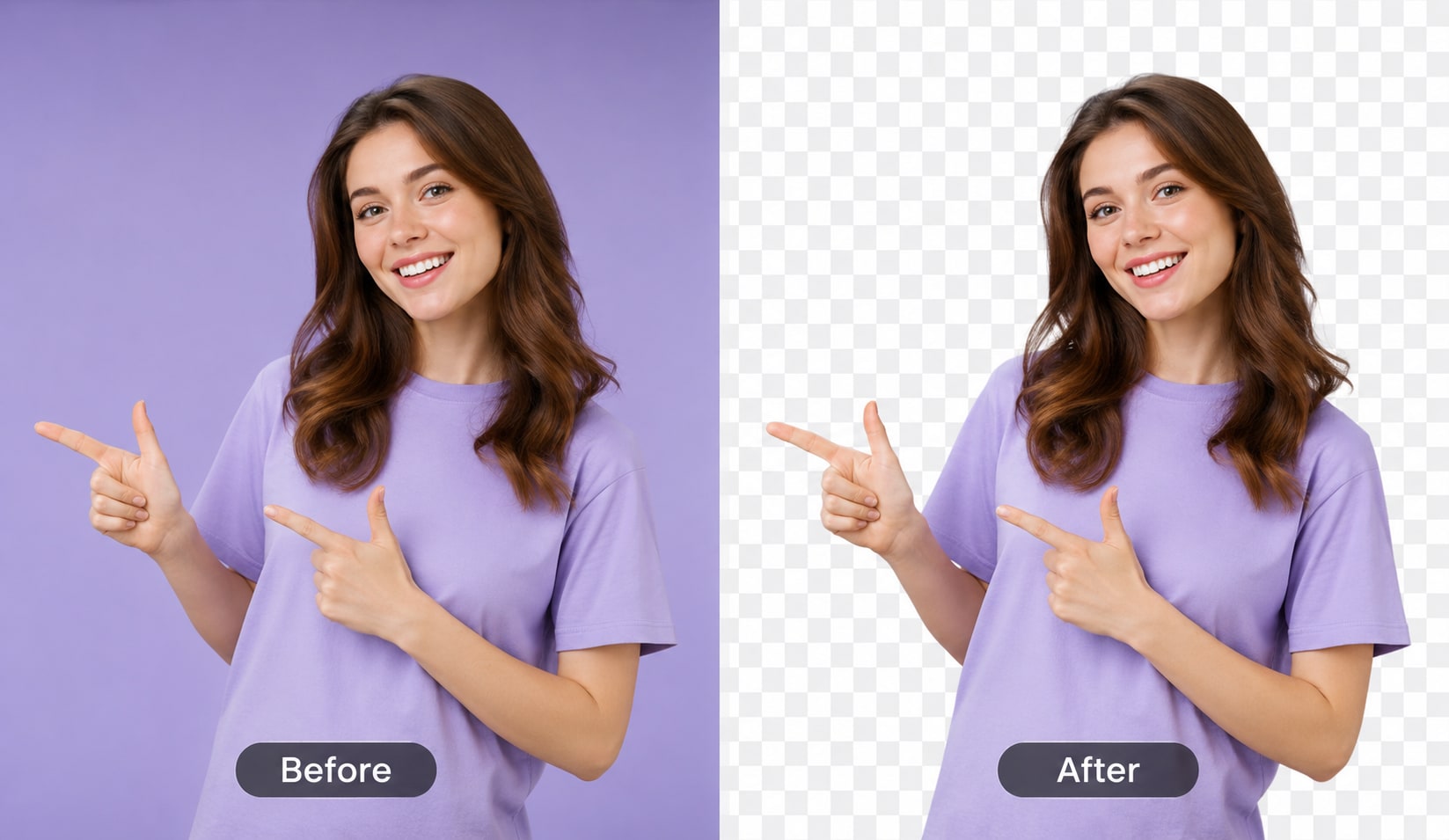
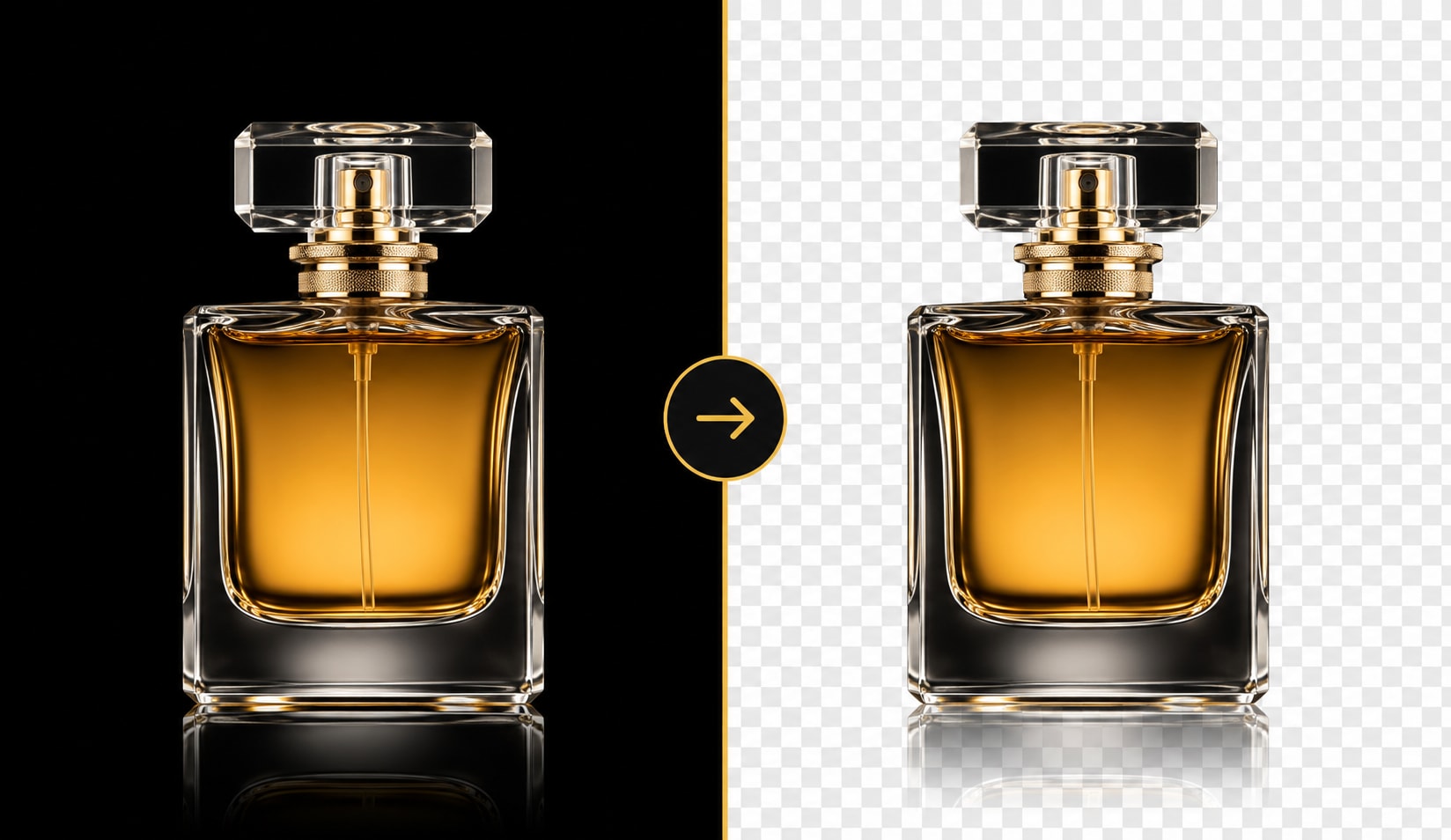
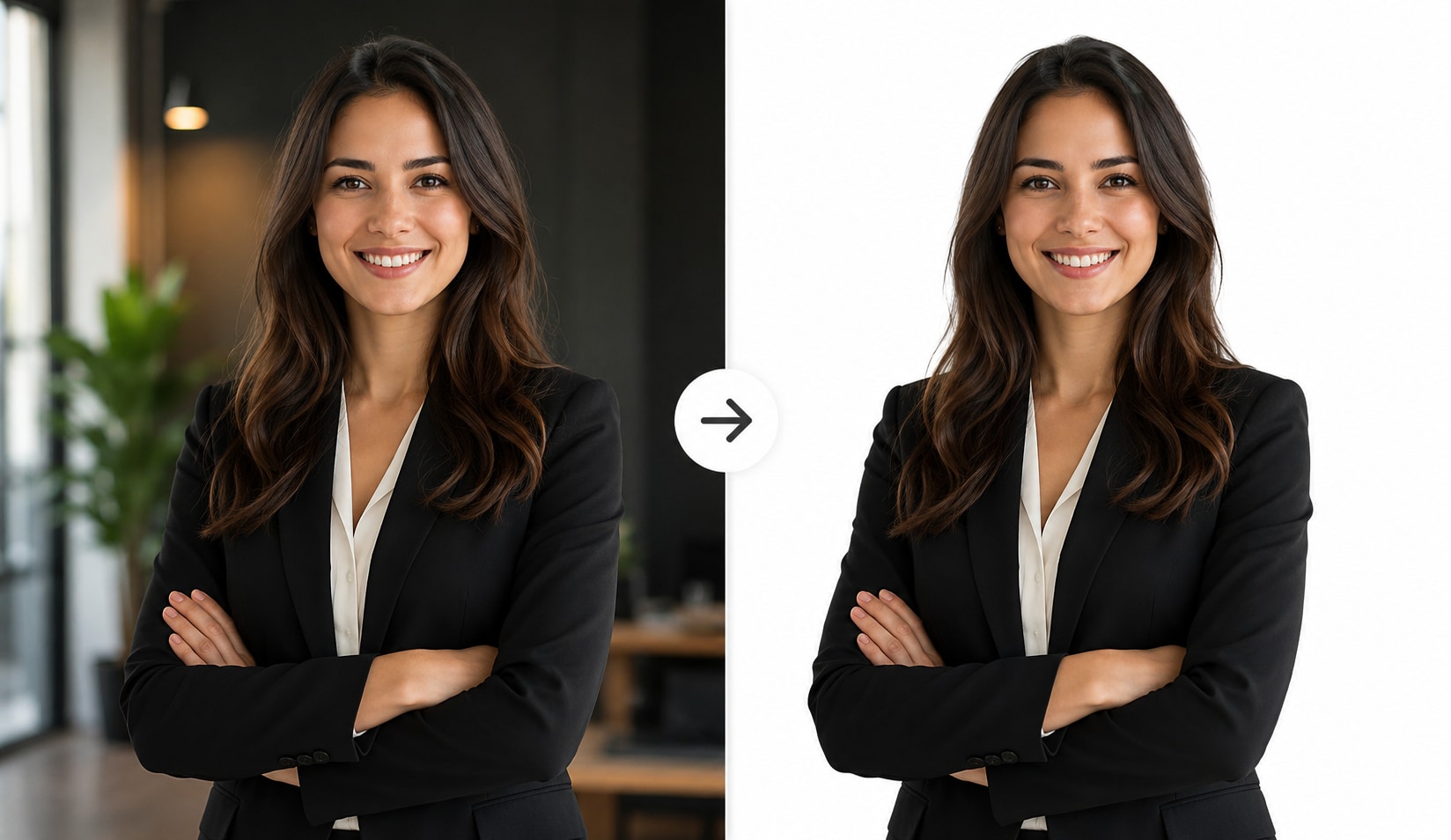
UniConverter’s AI background changer detects the main subject and separates it from the original backdrop. It works well for people, product photos, pets, and objects with detailed edges. You can change the background of a photo without manual tracing, complex layers, or design skills.
Replace Background with Colors, Gradients, Presets, or Custom Uploads
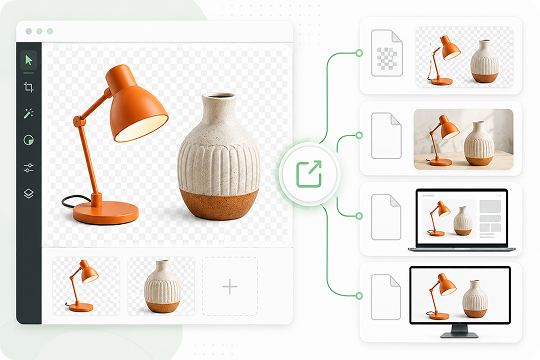
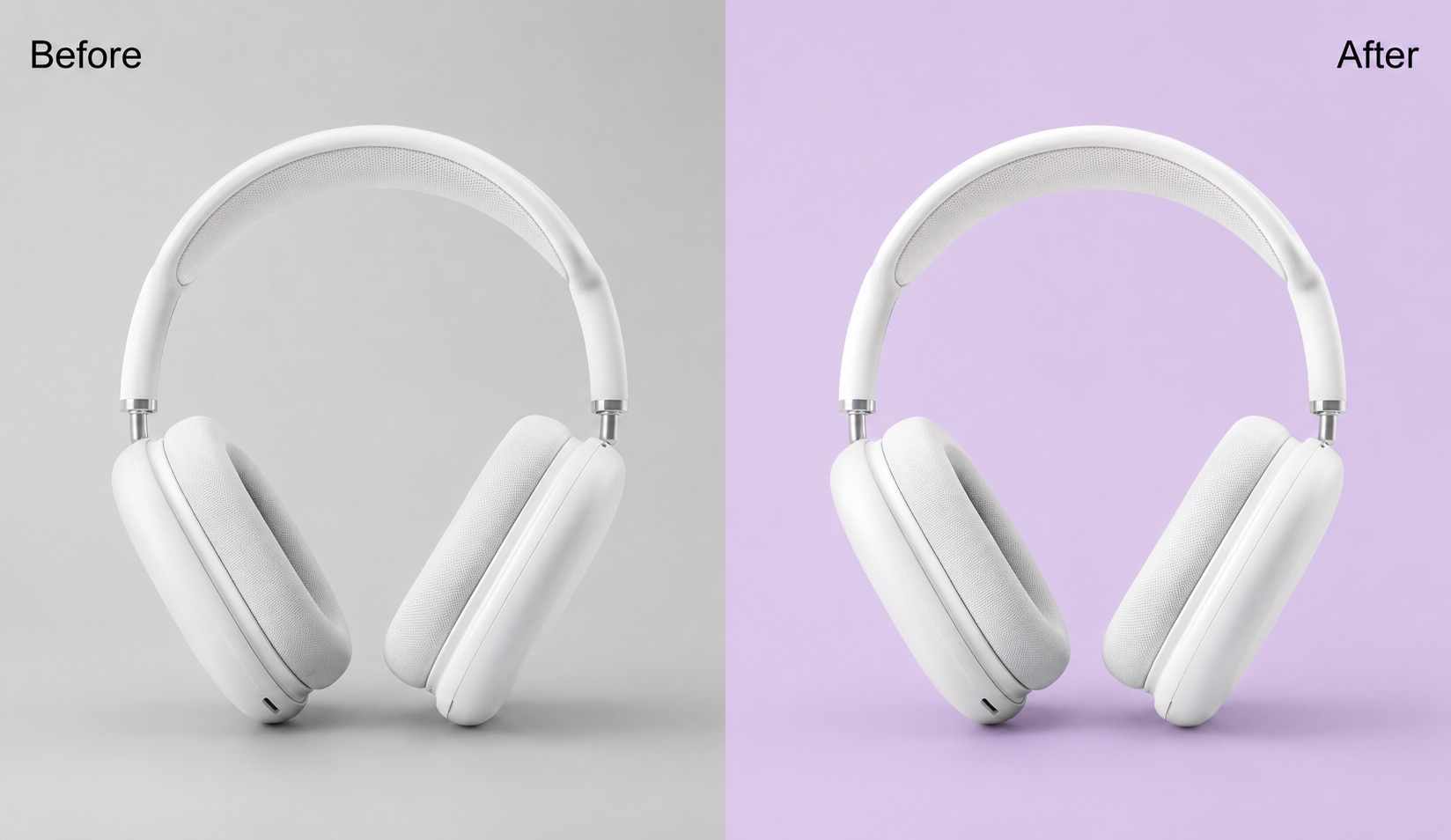
You can replace background areas with a solid color, gradient background, preset studio background, or your own uploaded image. This helps you create clean product shots, profile photos, social posts, and branded visuals. The preset library gives you a faster way to edit background styles for different needs.
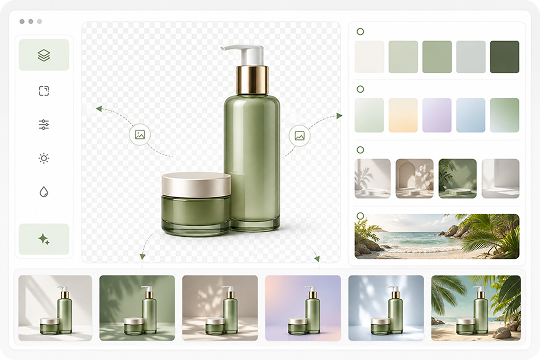
AI Cutout with Clean Edges for Hair, Fur, and Transparent Details
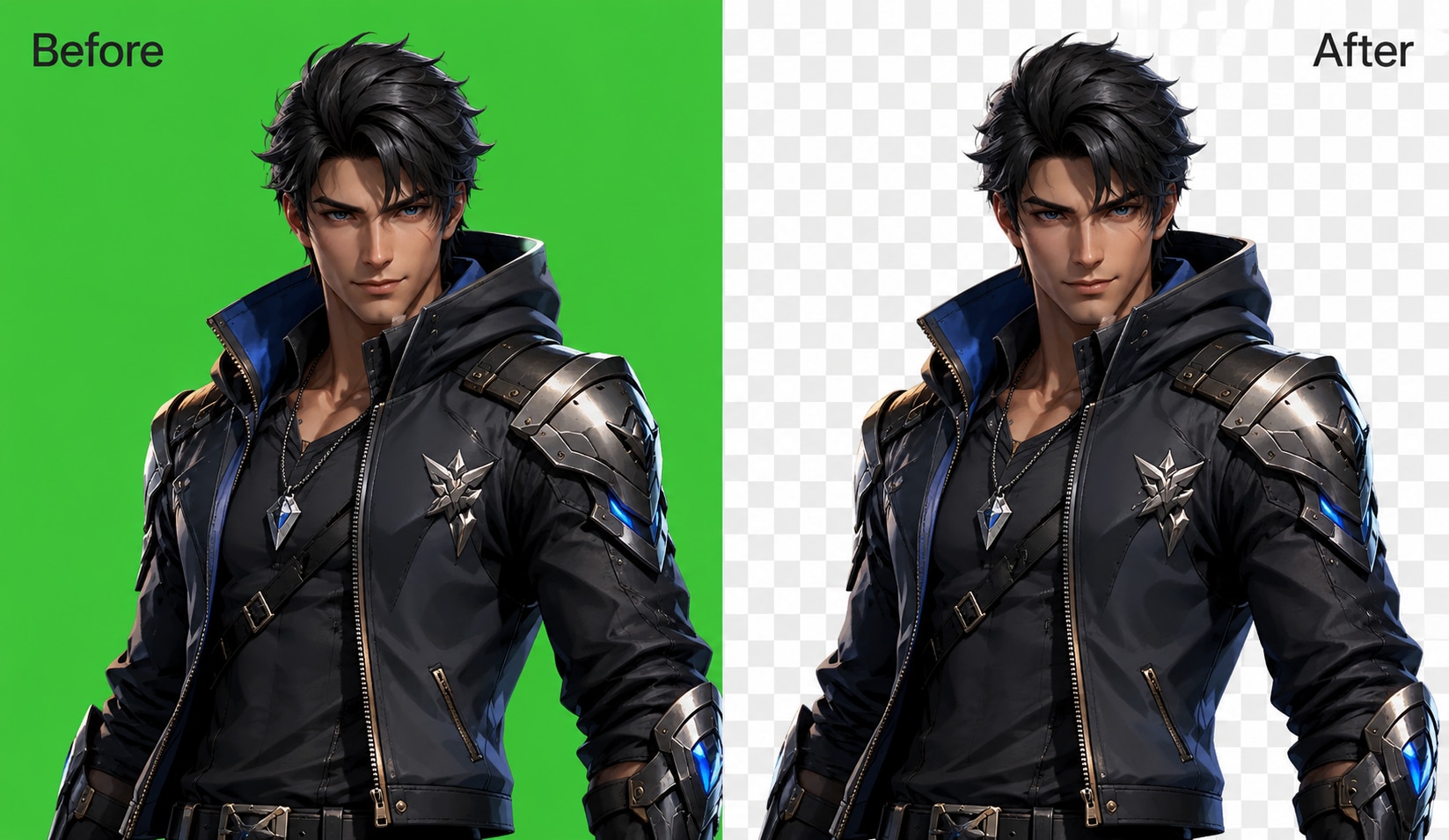
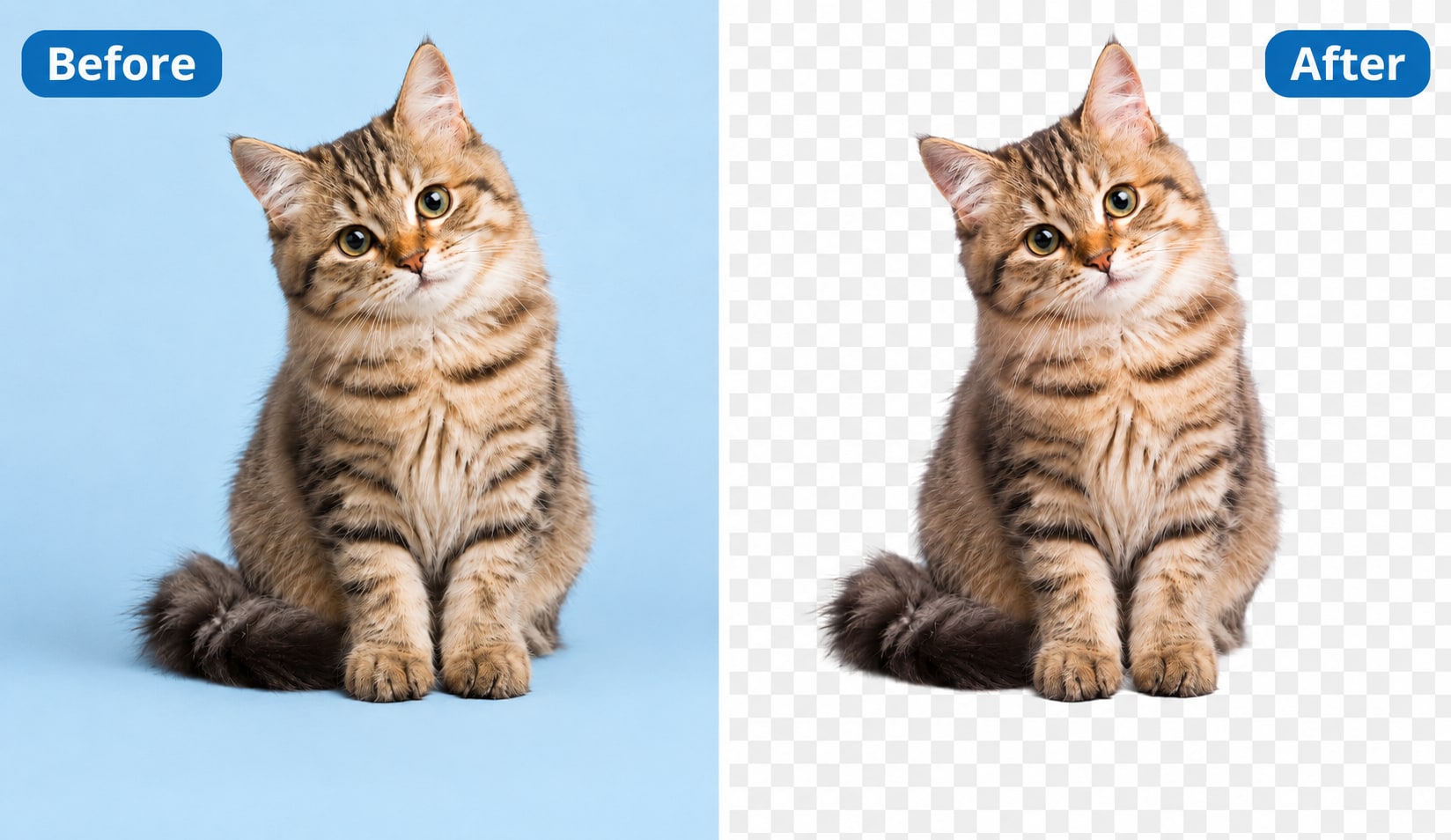
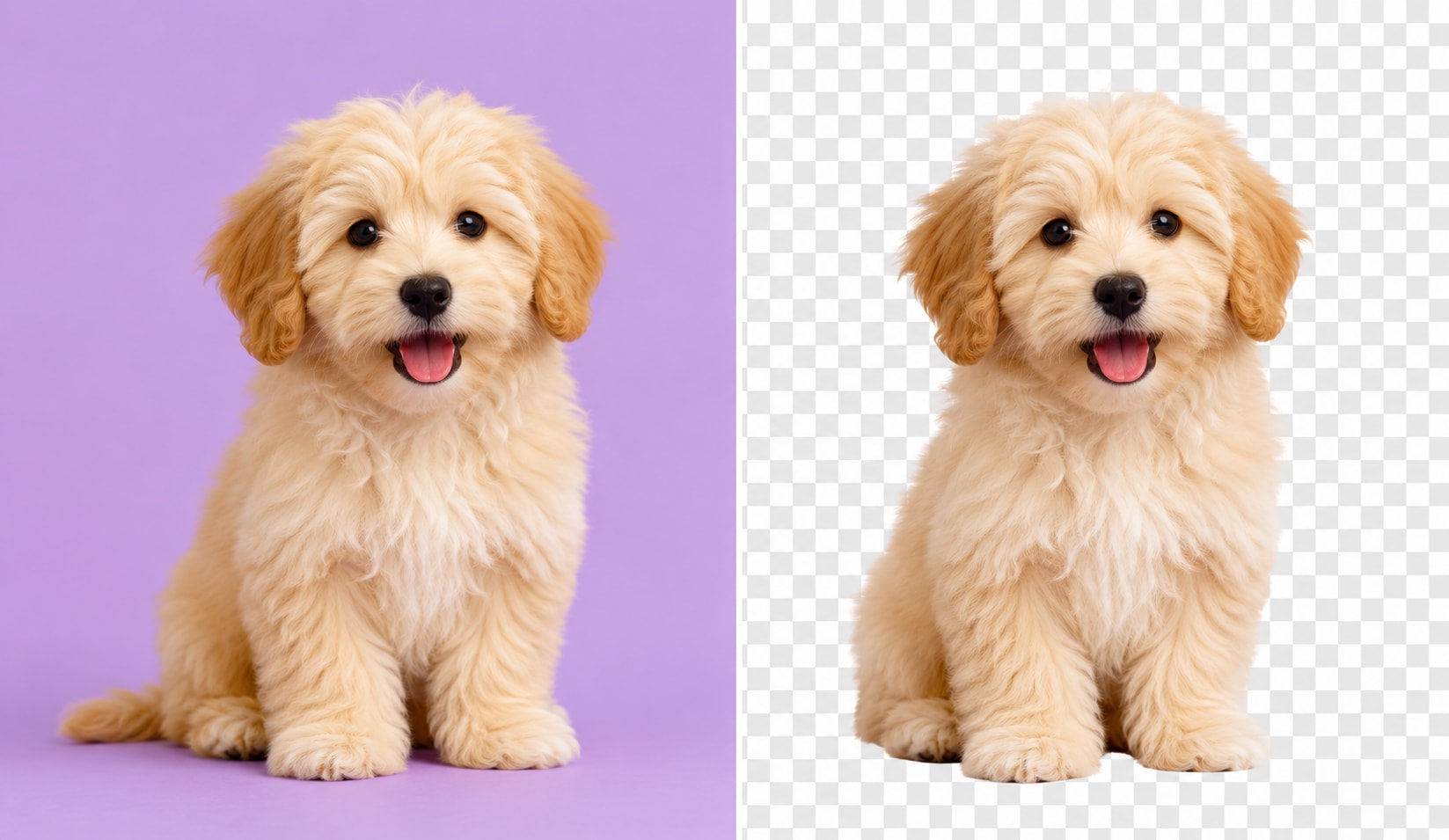
The AI cutout engine helps keep fine details such as hair, fur, and translucent edges. It refines the image masking process, so your subject looks natural on a new backdrop. This is useful when you need an AI photo background changer for portraits, pets, and product images.
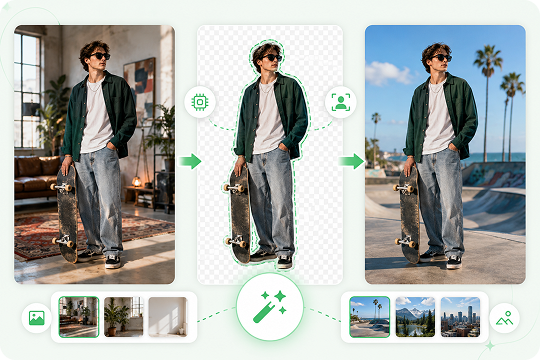
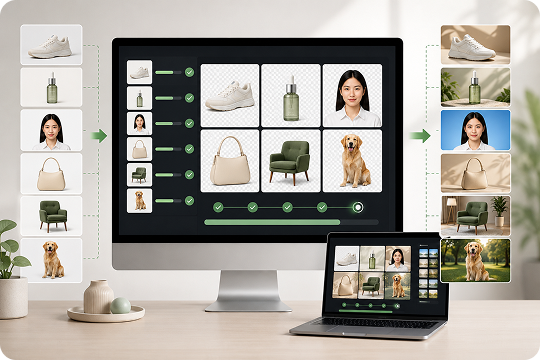
Batch Change Photo Backgrounds Locally on Windows and Mac
Need to change the background of multiple photos at once? The UniConverter desktop app supports batch background change on Windows and Mac. You can process product images, ID photos, or campaign visuals locally, which helps save time when working with large image sets.
Online Background Changer or Desktop App: Choose What Fits You
Use the online background changer for fast single-image edits. Choose the desktop app when you need batch processing, higher output quality, more formats, or offline editing.
| Ability | Online Tool | Desktop App |
|---|---|---|
| Price | Free | Free trial + Pro |
| Single image change | Yes | Yes |
| Batch background change | No | Yes, hundreds at once |
| Output resolution | Up to 1080p | Up to 4K |
| Supported formats | JPG / PNG / JPEG | All Image Formats |
| File size limit | 50 MB | No local file size limit |
| Privacy | Cloud processing | 100% local processing |
Background Changer for Every Scenario
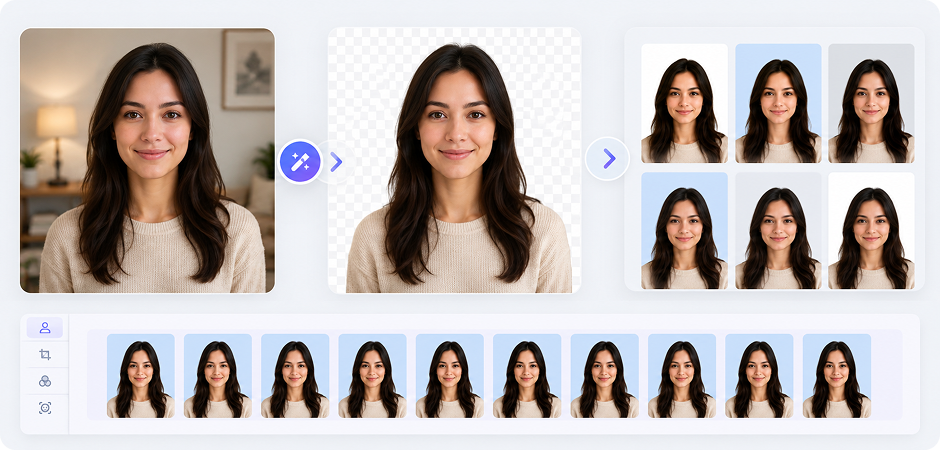

Passport Size Photo Background Change for ID and Visa Photos
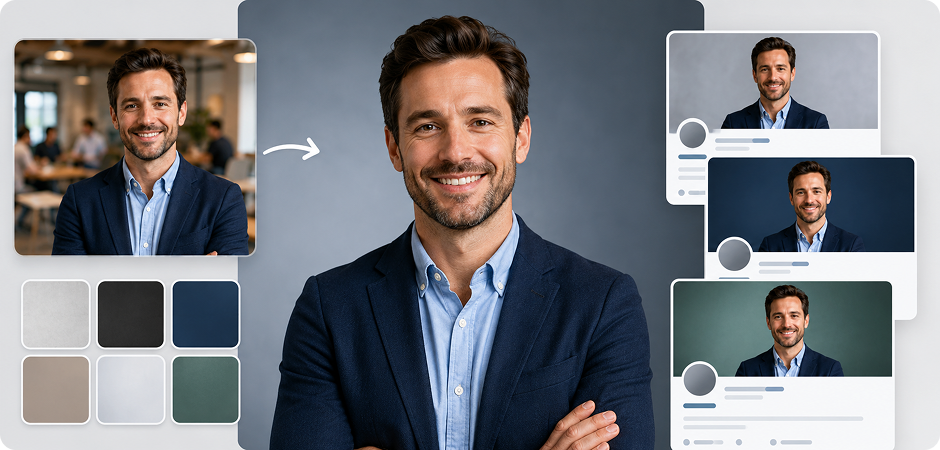
Need a passport size photo background change for an application, visa, resume, or school document? UniConverter helps you change passport photo background colors to white, blue, gray, or another required shade. The AI detects your face, hair, and clothing, then replaces the original backdrop with a clean solid color. Use the desktop app when you need to prepare several ID photos or standard profile images in one batch with consistent results.
LinkedIn Photo Background Changer for Professional Headshots
A clean background can make your profile photo look more focused and work-ready. Use UniConverter as a LinkedIn photo background changer to replace a busy room, street, or casual backdrop with a studio-style background. You can choose a solid color, soft gradient, preset background, or custom image that fits your personal brand. It helps you create polished headshots for LinkedIn, resumes, portfolios, and business profiles without complex editing tools.
E-commerce Product Background Changer for Amazon, eBay, and Shopify
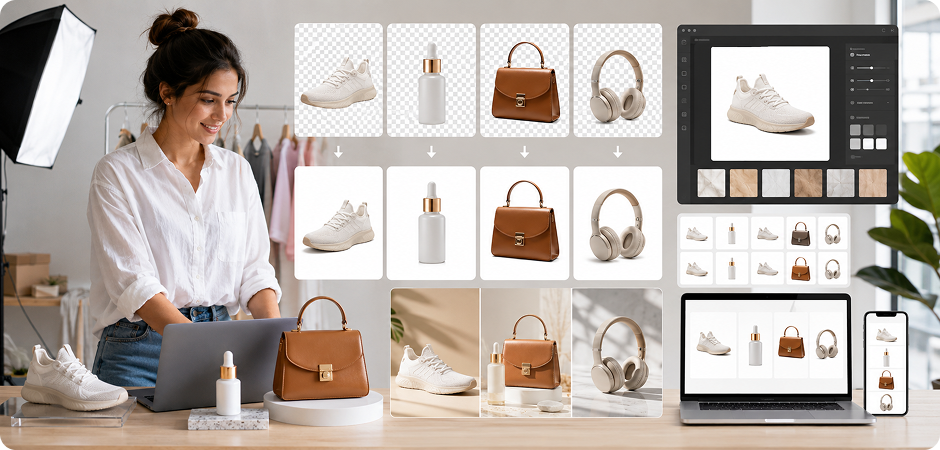
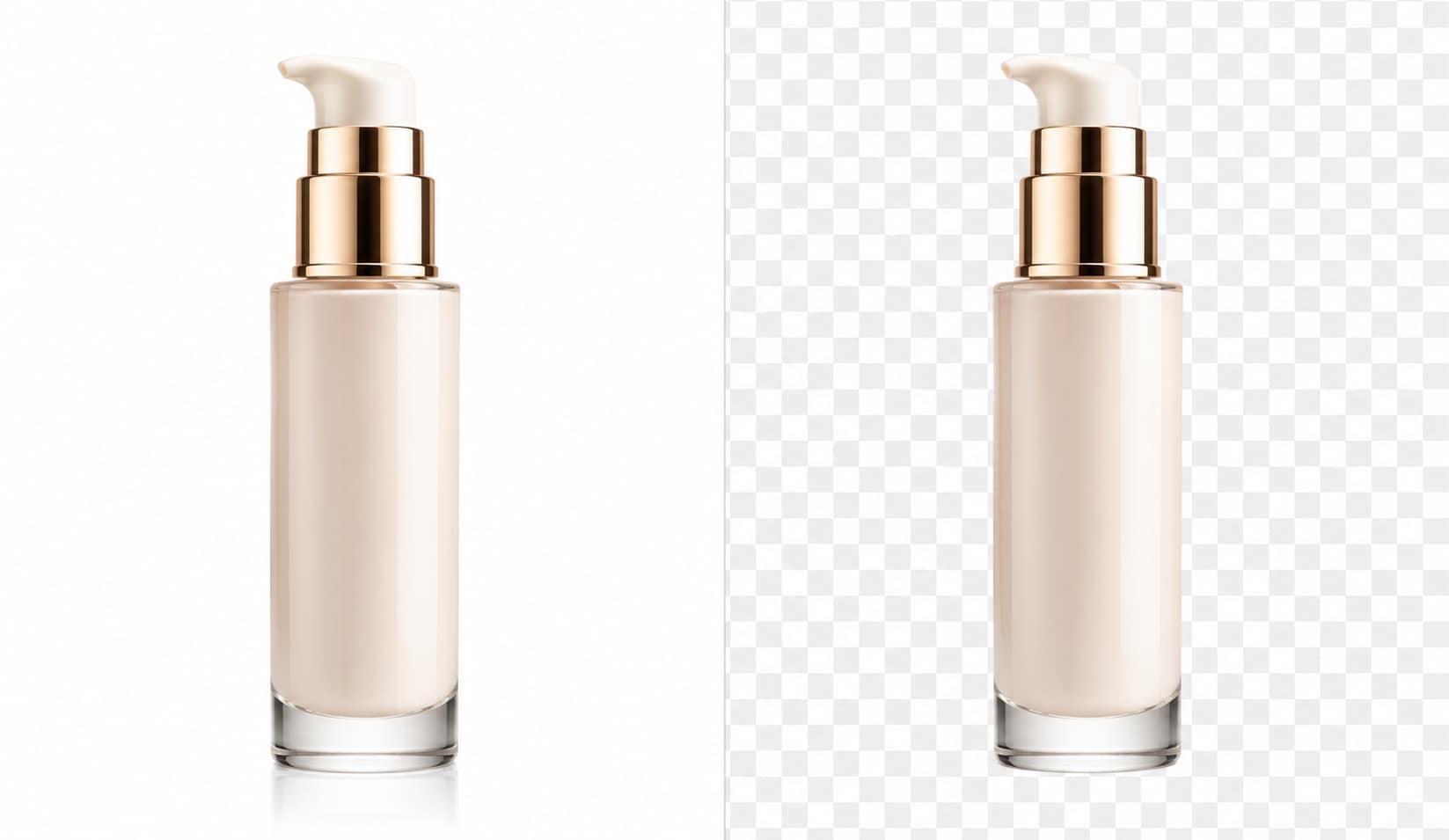
Online stores often need clear product photos with a white or branded background. UniConverter helps you change background to white, add a studio backdrop, or create a consistent product photo background for Amazon, eBay, Shopify, and other marketplaces. You can use the online tool for single images, or choose the desktop app to batch change photo backgrounds across large product catalogs and campaign assets.
Social Media Background Changer to Put a Background on a Photo
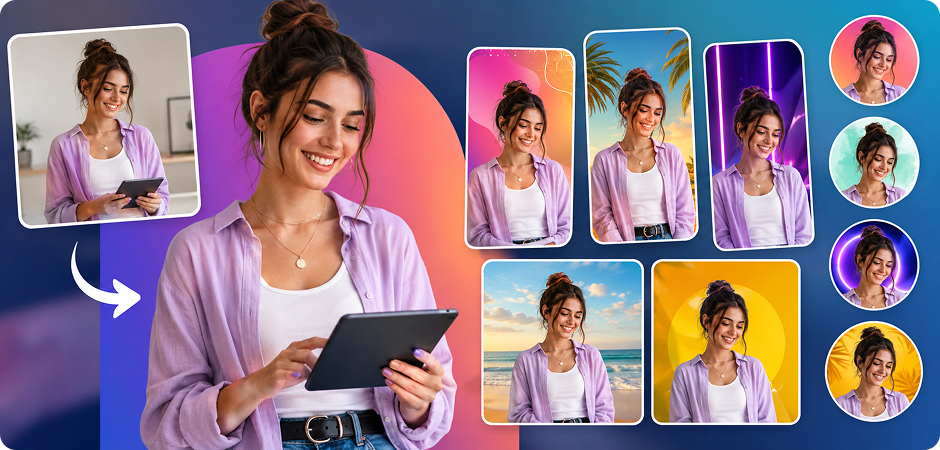
Use UniConverter to put a background on a photo before posting on Instagram, TikTok, Pinterest, or other social platforms. You can replace a plain wall, hide visual clutter, add a custom design, or choose a gradient background for a cleaner look. This social media background changer helps creators prepare thumbnails, profile images, story visuals, and campaign posts faster, without opening complex design software.
Replace Background Online for Real Estate and Car Listing Photos
Real estate agents and car sellers can use UniConverter to replace background online and create cleaner listing images. Remove distracting streets, garages, rooms, or outdoor clutter, then add a simple backdrop that keeps attention on the property or vehicle. This helps you prepare consistent images for listing pages, ads, brochures, and sales materials. For larger image sets, the desktop app makes repeated background edits easier to manage.
Add Background to Photo for Memes, Posters, and Custom Visuals
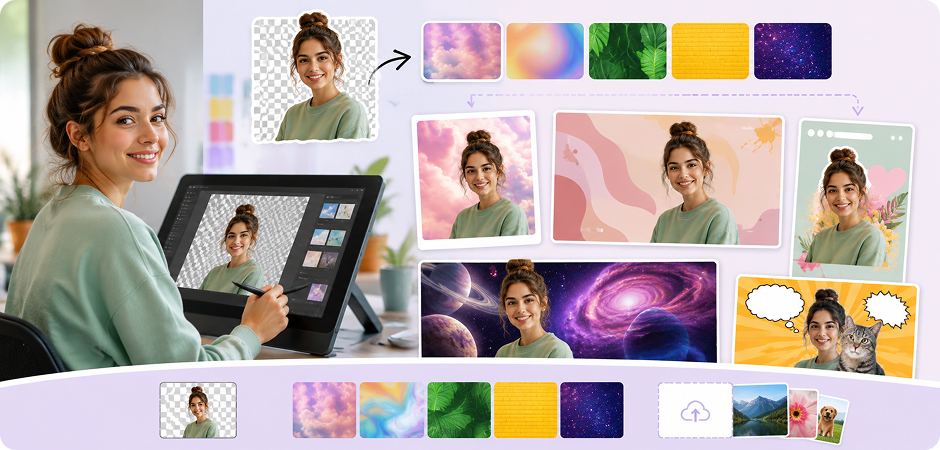
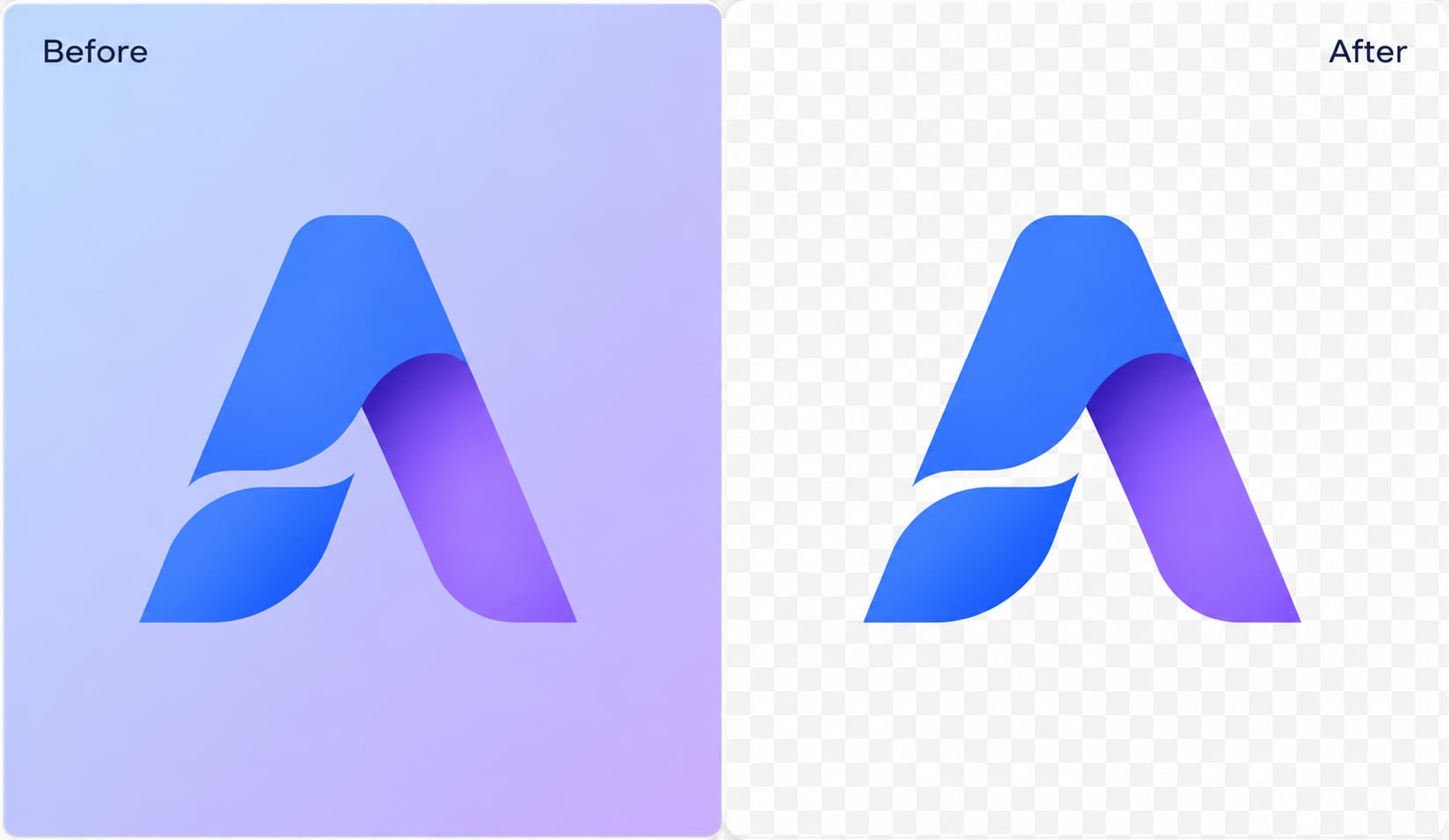
Want to add background to photo content for a creative project? UniConverter lets you upload your own image as a new backdrop, choose preset backgrounds, or create transparent PNG cutouts for later design work. It is useful for memes, posters, thumbnails, greeting cards, profile banners, and quick visual edits that need a clear subject. You can test different background styles and export the result in common image formats.
Trusted AI Background Changer
for Creators, Sellers, and Businesses
Frequently Asked Questions about Background Replacer
How do I change the background of a photo for free?
How do I change the background of a picture without Photoshop?
Can I change a passport photo background to white?
How do I add a background to an image?
Can I use my own image as a new background?
Does the background changer work on phones?
What image formats are supported?
Is there a free background changer with no watermark?
Can I change backgrounds of multiple photos at once?
How accurate is the AI on hair and fur edges?
Beyond Photo Background Changing




Ready to Change Your Photo Background?
Replace, edit, or add a new background to your photo in seconds. Start online for a quick edit, or download the desktop app for batch background change and up to 4K output.
