
How to Change Photo Background to White in 3 Steps

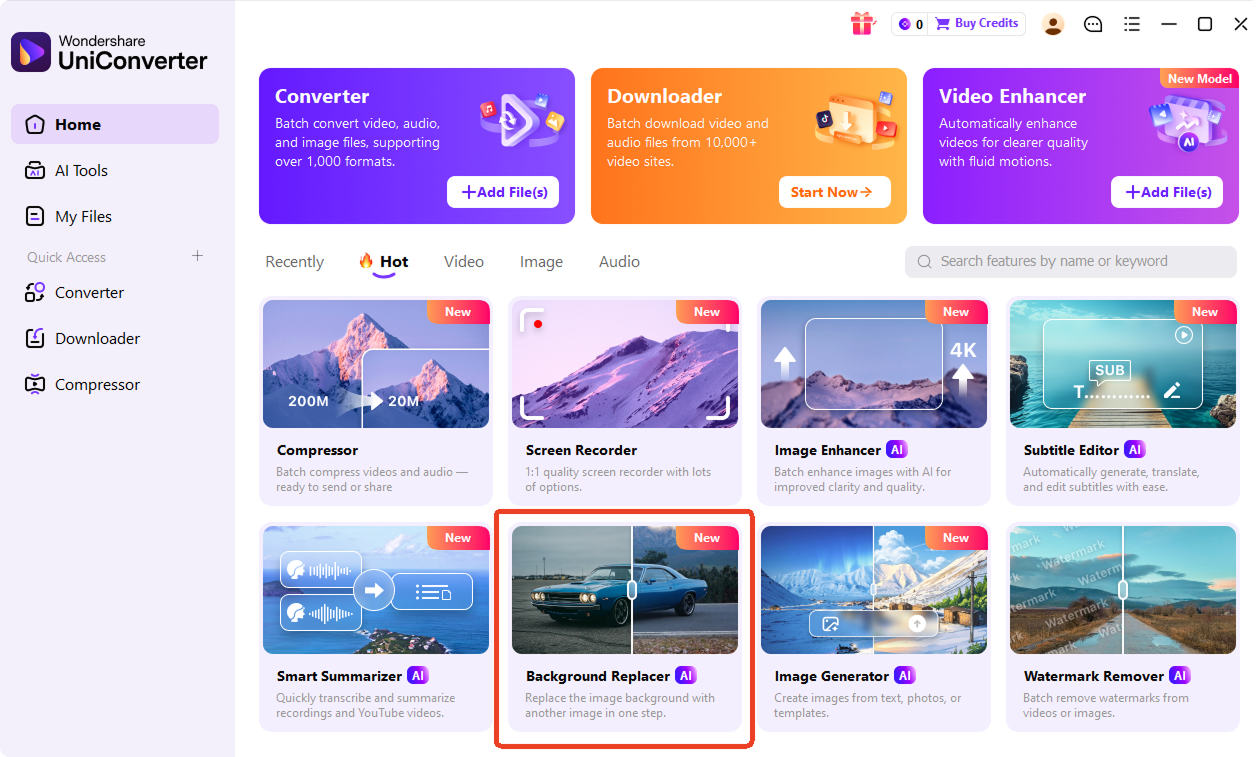
Drag your JPG, PNG, WEBP, or HEIC file into the white background editor. You can upload product photos, portraits, pet images, logos, or ID photos. In the desktop version, head to Background Replacer to import image files.

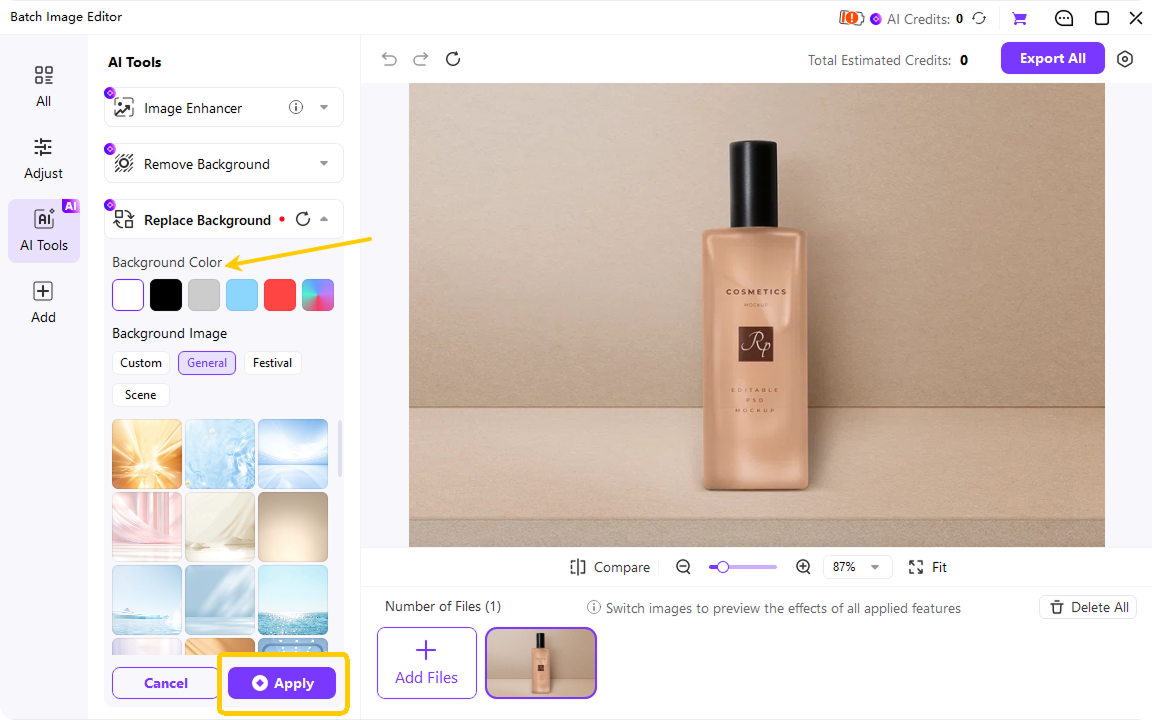
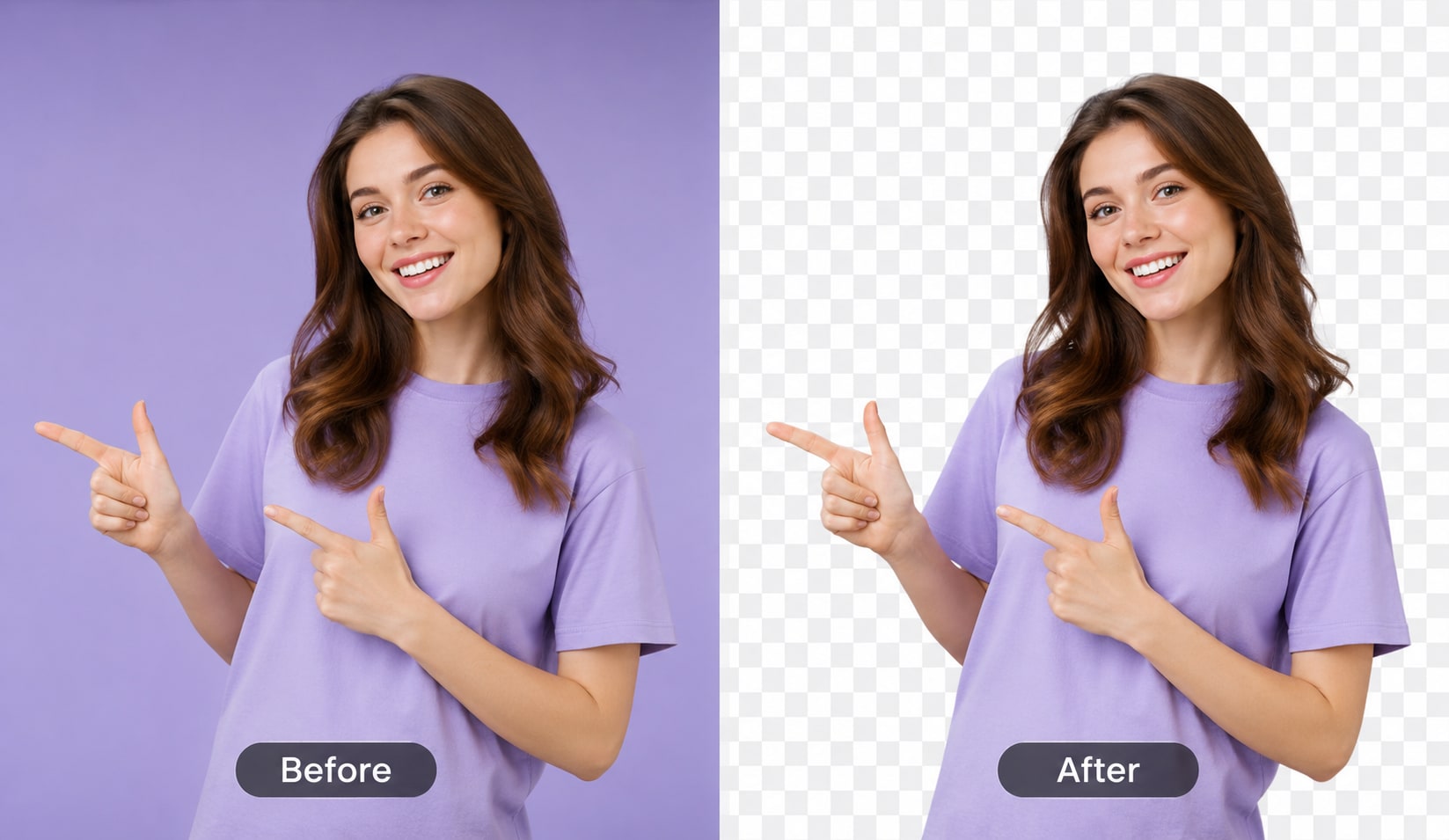
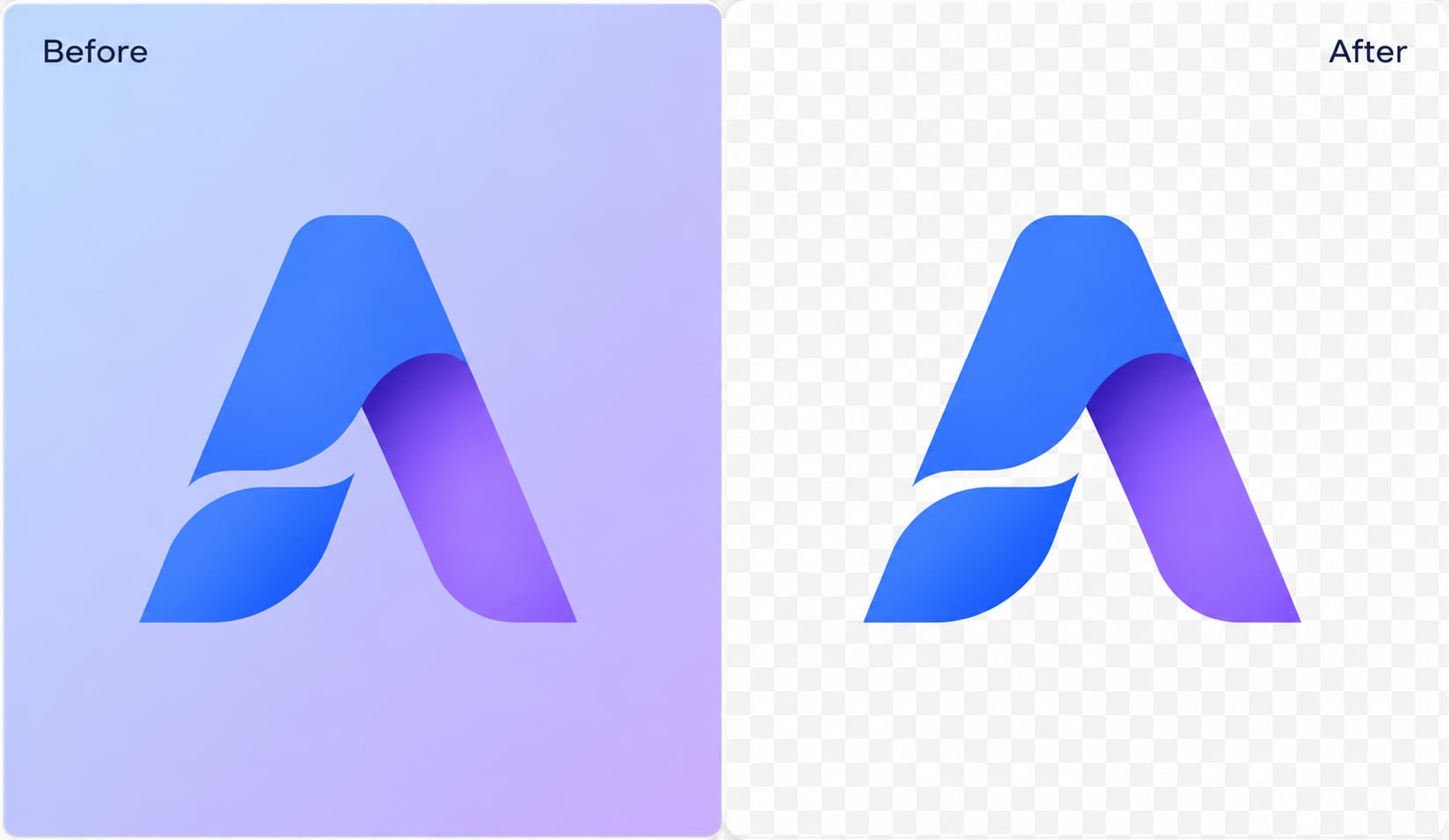
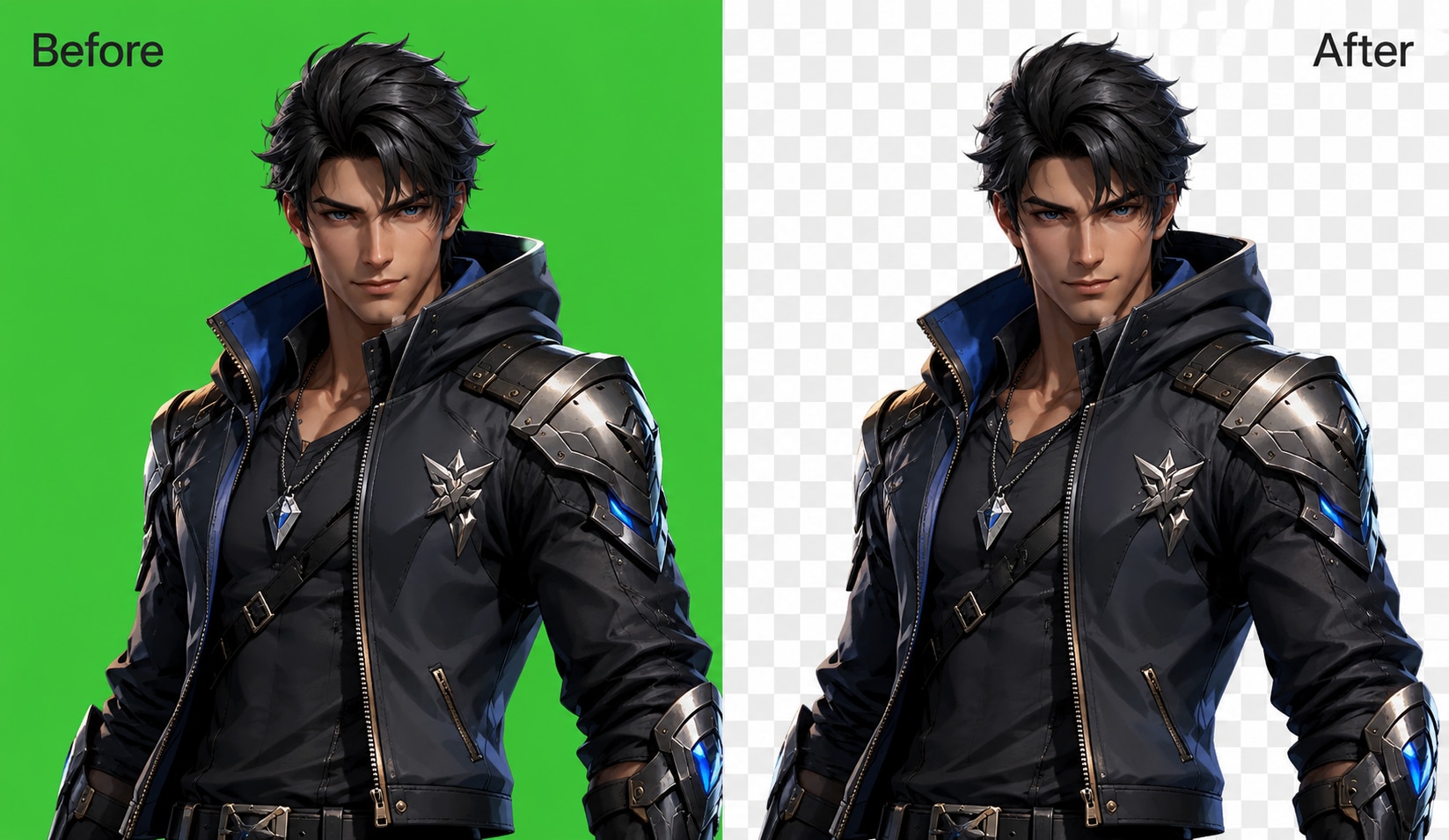
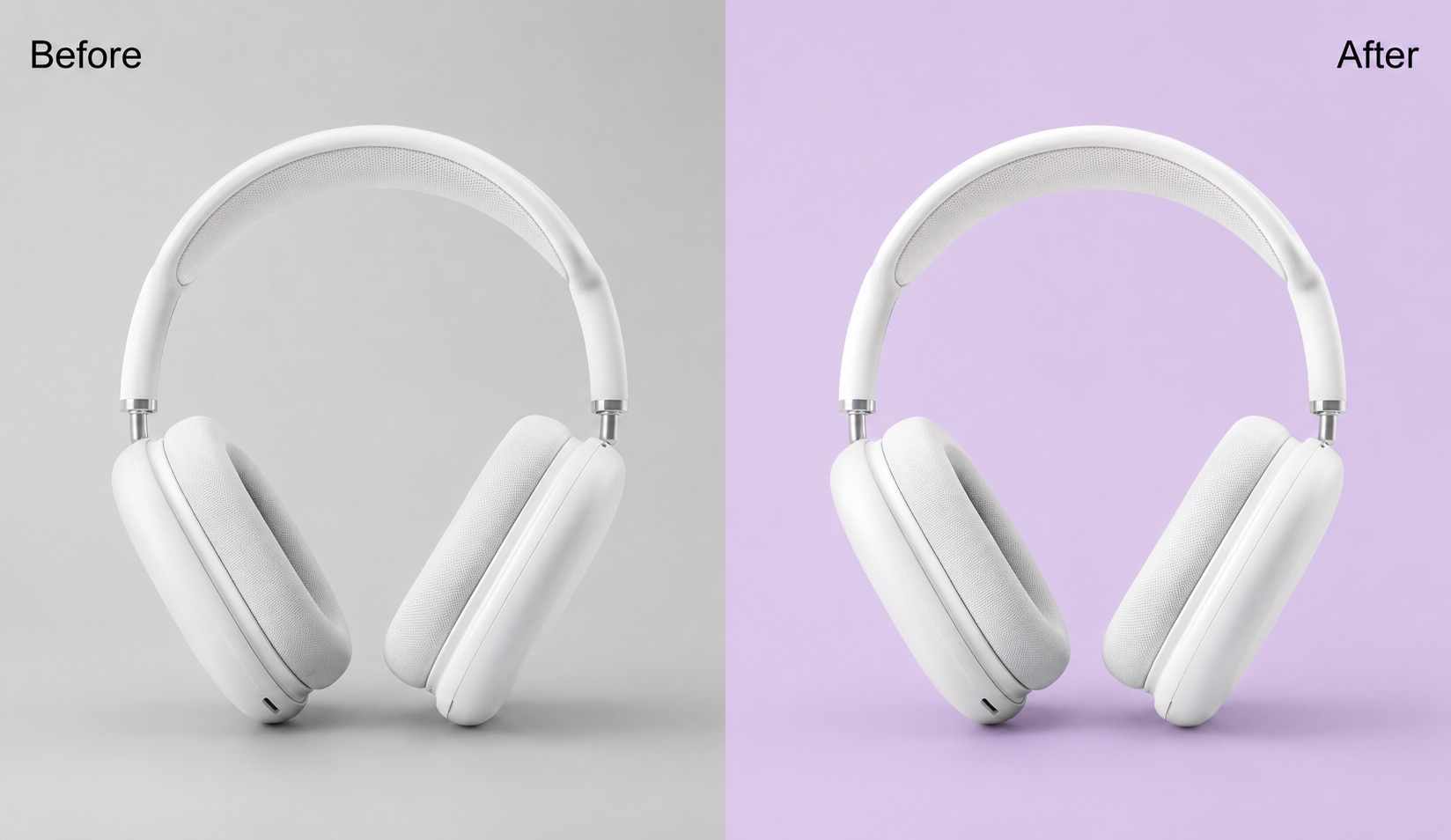
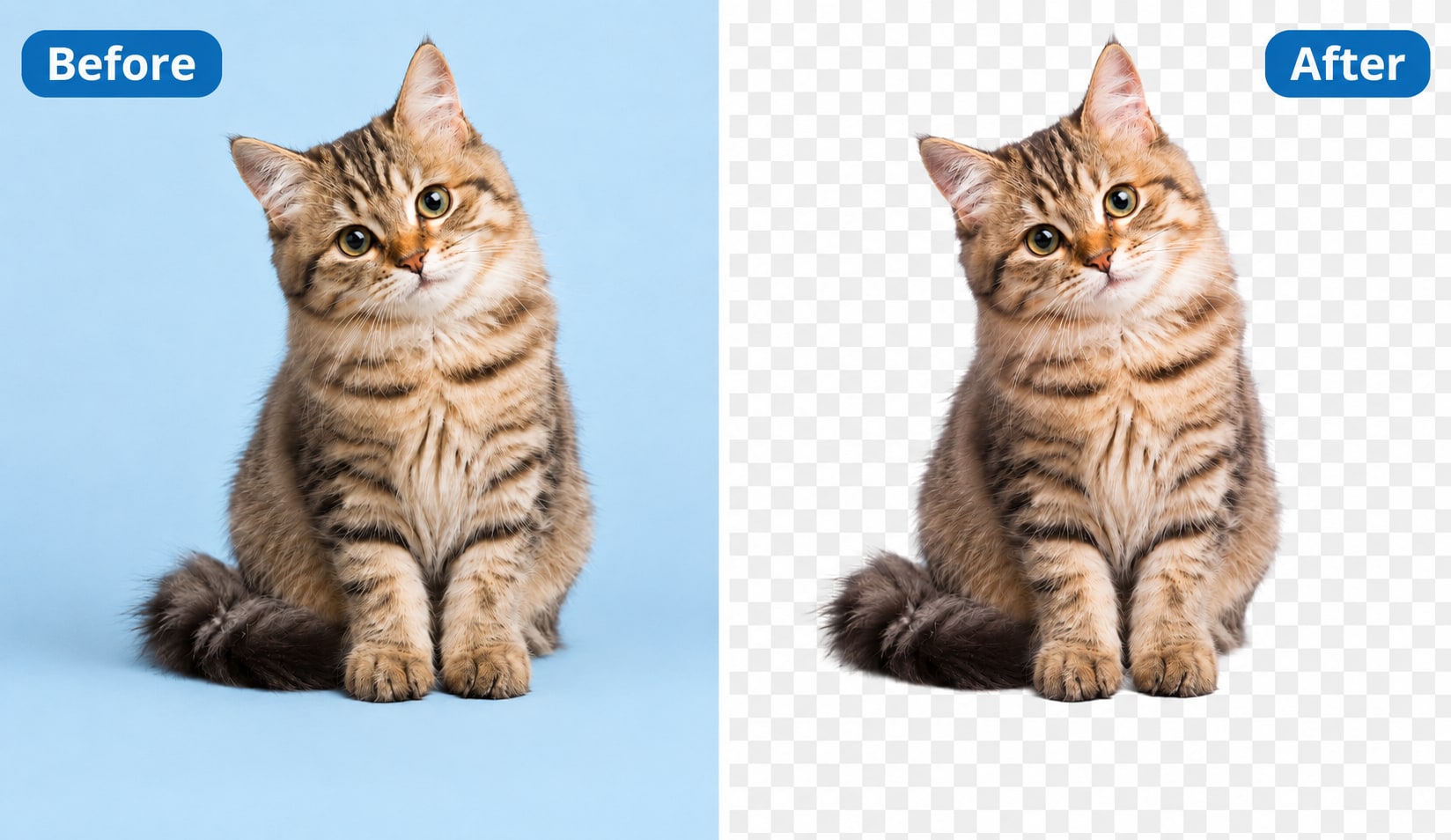
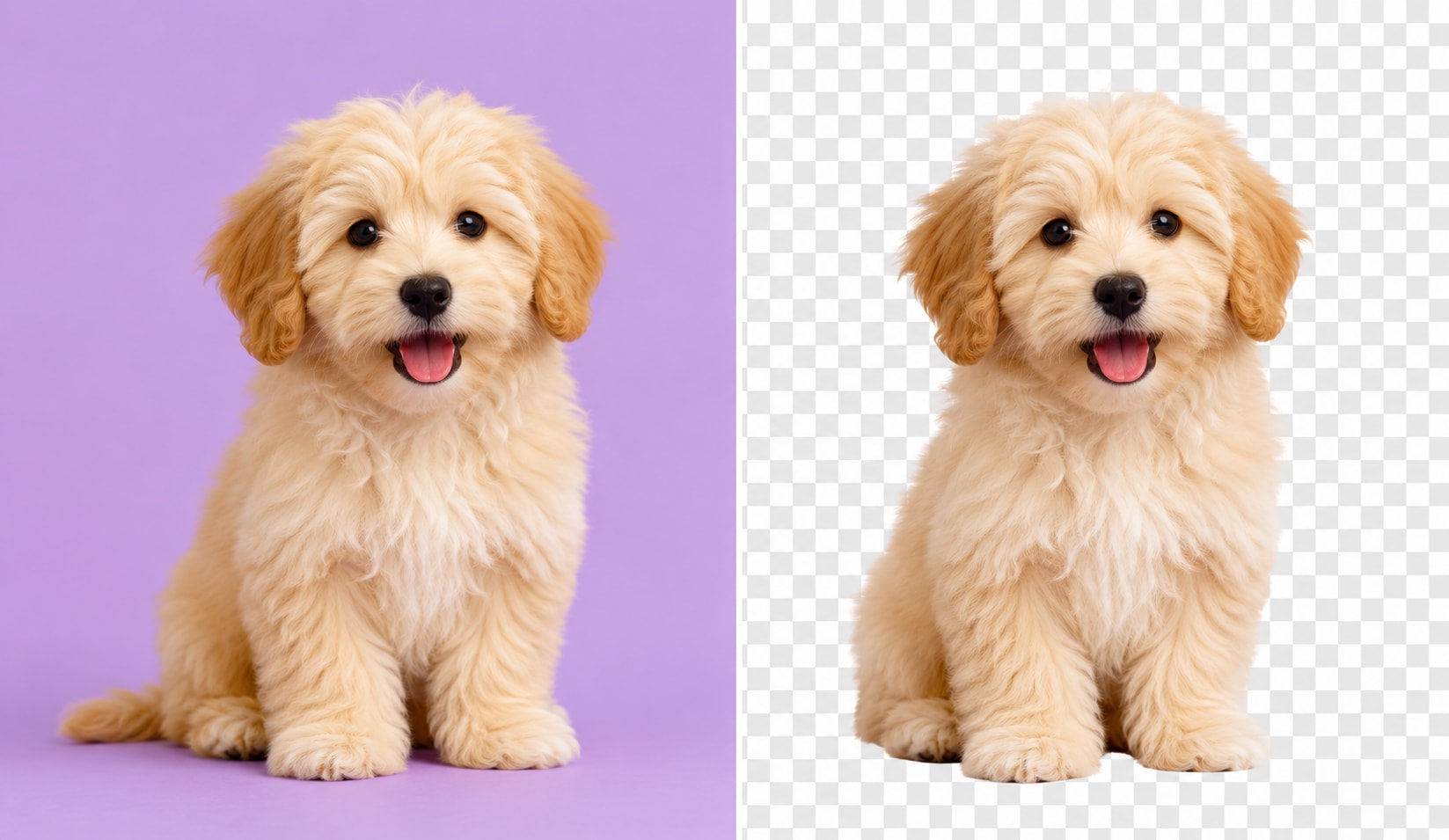
UniConverter’s AI detects the subject and replaces the original backdrop with a pure white background. You do not need to draw paths, erase edges, or select the background by hand.

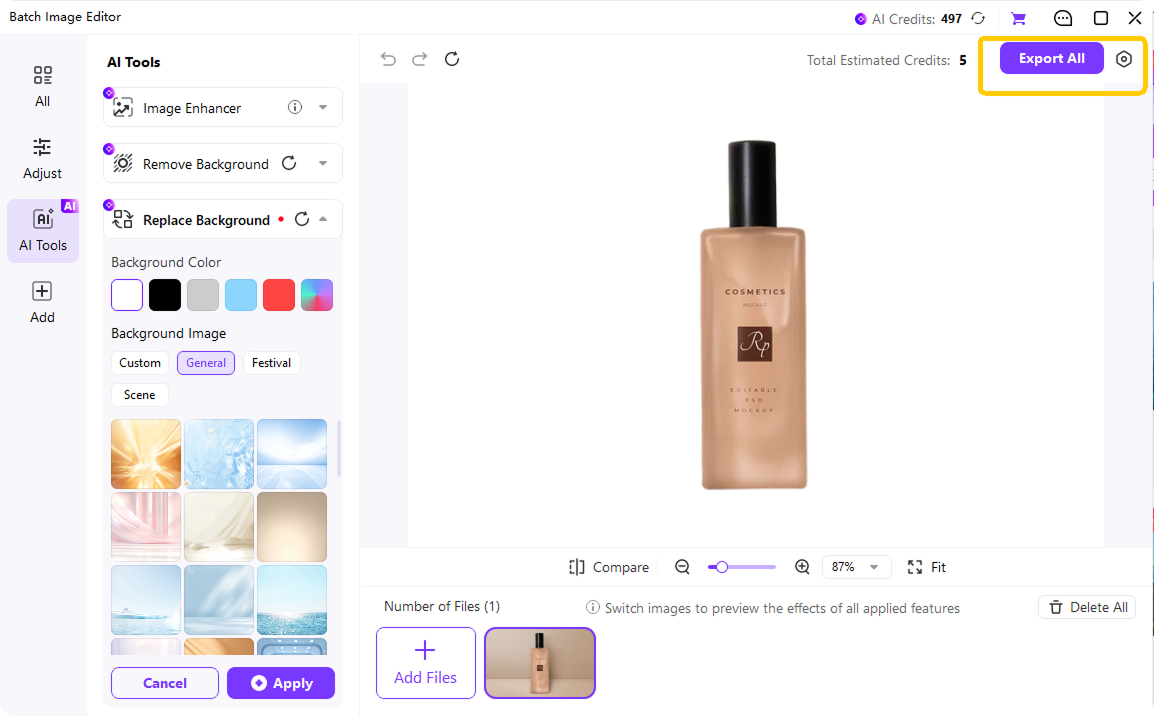
Export your image as JPG, PNG, WEBP, or BMP. You can keep a clean white background, refine the edges, or add a soft shadow for product photos.
Why UniConverter Works as a Reliable White Background Photo Editor
Make Background White with One-Click AI Editing
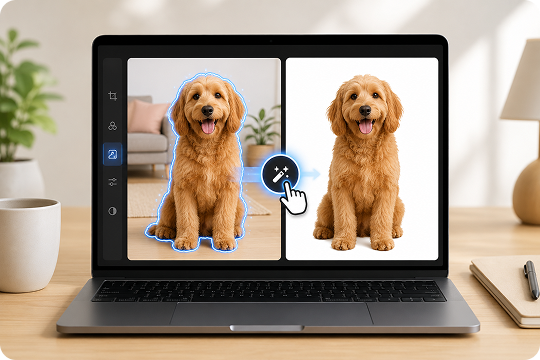
Upload a product photo, portrait, pet image, or logo, and UniConverter detects the subject automatically. The AI background remover separates the foreground from the original backdrop, then helps you make background white in one click. You do not need to draw paths, erase edges, or adjust layers by hand.
Change Image Background to White in HD or 4K
A clean white background should keep the subject sharp and natural. UniConverter helps you change image background to white while preserving details around hair, fur, glasses, and product edges. You can export HD or 4K images for online stores, profile photos, presentations, printed forms, and other daily projects.
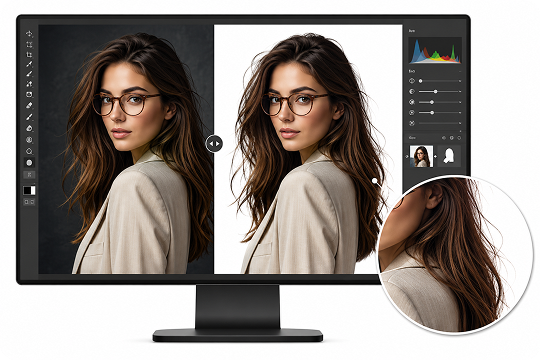
Batch Edit Photos with a White Background
When you need to edit many images, the UniConverter desktop app helps you save time. Add product photos, portraits, or catalog images, then batch change backgrounds to white with a consistent look. This works well for Amazon, Shopify, and eBay sellers who need clean product photo backgrounds at scale.

Use an Online White Background Editor or Desktop App
Use the online white background editor when you need a quick browser-based edit. Choose the desktop app when you want batch processing, larger files, local editing, or 4K output. This flexible workflow helps you change photo background to white online for simple tasks and handle heavier projects on desktop.
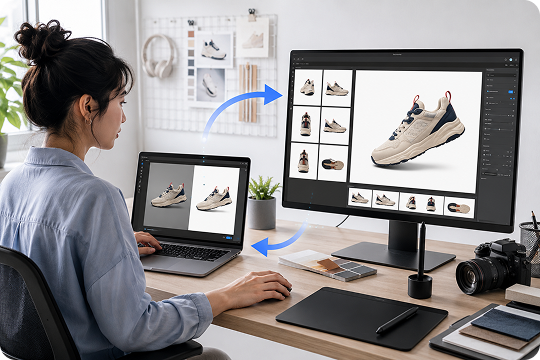
Make Background White for Every Scenario


Make Image Background White for E-commerce Product Photos
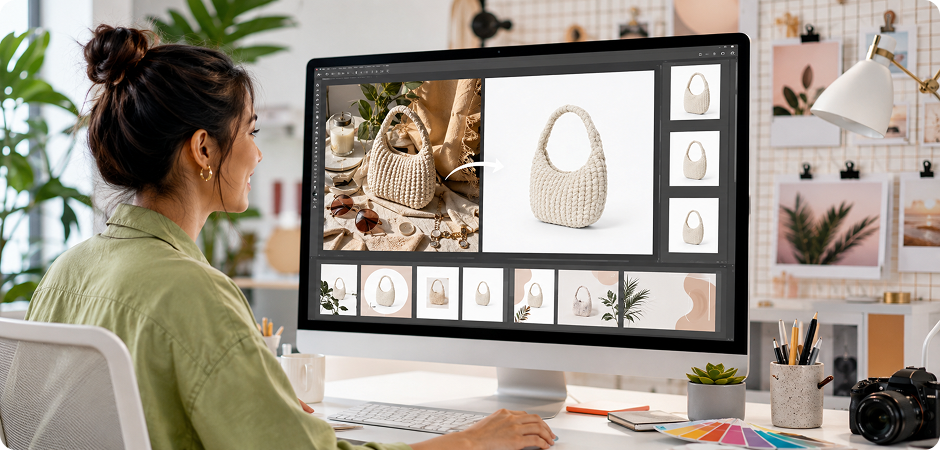
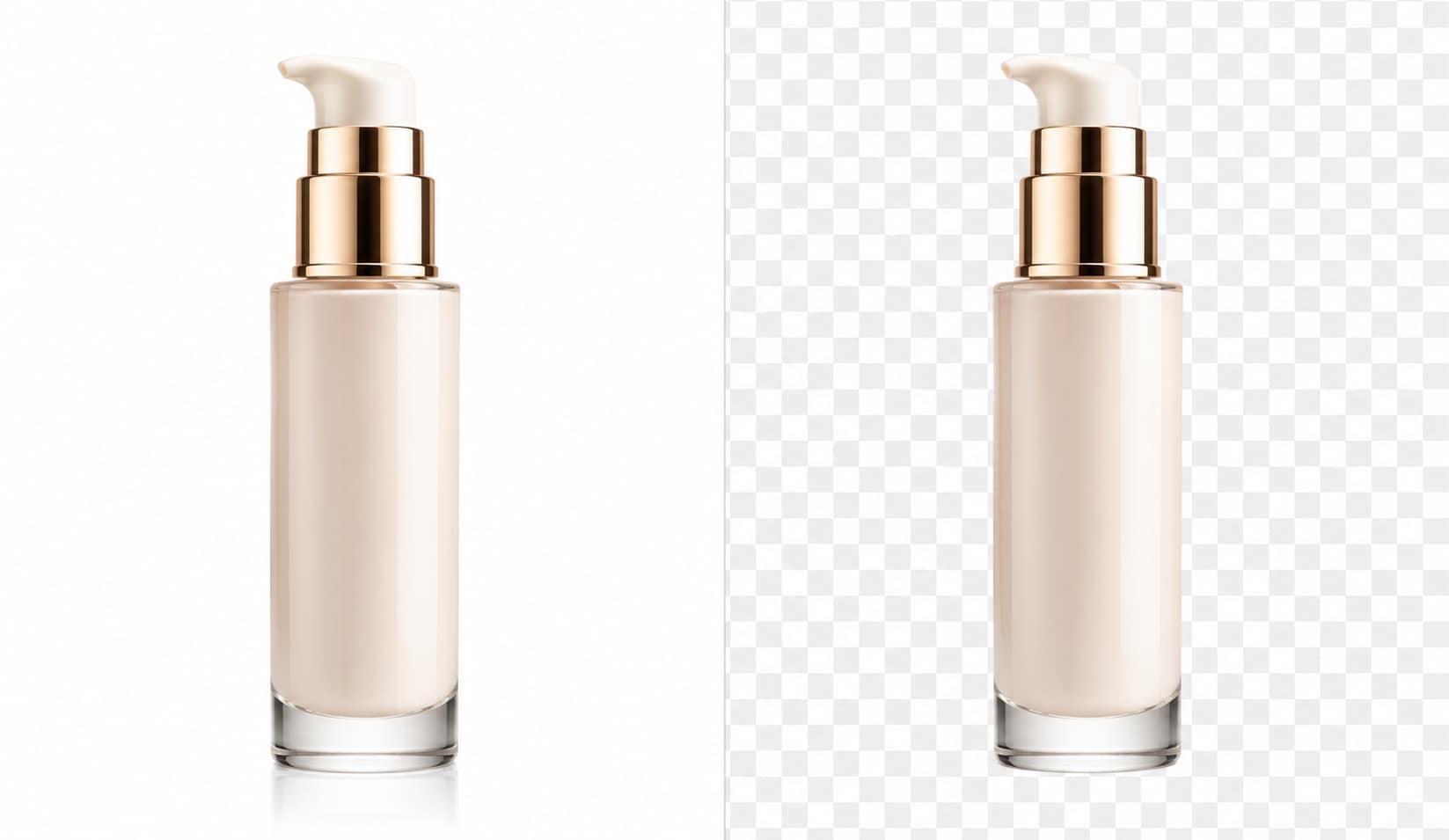
Clean white product photos help shoppers focus on the item, not the scene behind it. With UniConverter, you can make image background white for shoes, cosmetics, electronics, clothing, and home goods. The tool helps create Amazon, Shopify, and eBay-ready product photo backgrounds with a consistent look. Use the online editor for single images, or switch to the desktop app to batch process a full catalog before upload.
Whiten Passport and ID Photo Backgrounds
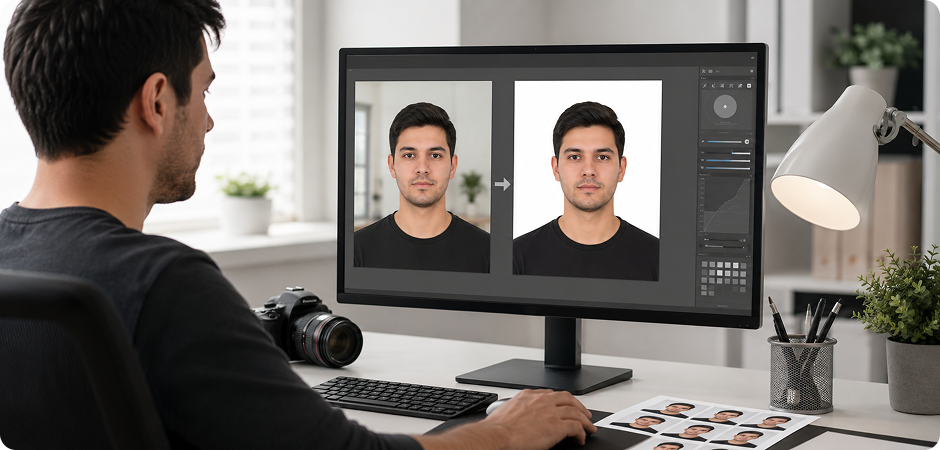
Passport and ID photos often require a plain light or white background. UniConverter helps you change passport photo background white without complex editing tools. Upload a portrait, remove the original background, and replace it with a clean white backdrop. You can use it for visa photos, school IDs, employee badges, and document forms. Always check your country’s official photo rules before submitting the final image.
Edit Professional Headshots with a White Background
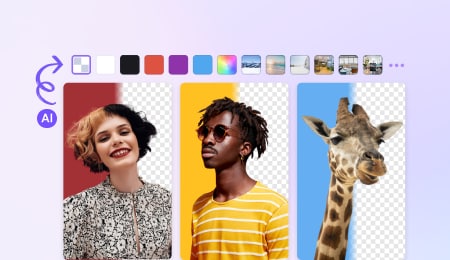
A clean white background can make a profile photo look more focused and business-ready. Use UniConverter to make your background white for LinkedIn photos, resumes, company pages, and email signatures. The AI detects your face, hair, and clothing, then removes the original scene behind you. You can turn a casual selfie into a simple studio-style headshot without opening Photoshop or adjusting layers by hand.
Convert Transparent PNG to White Background
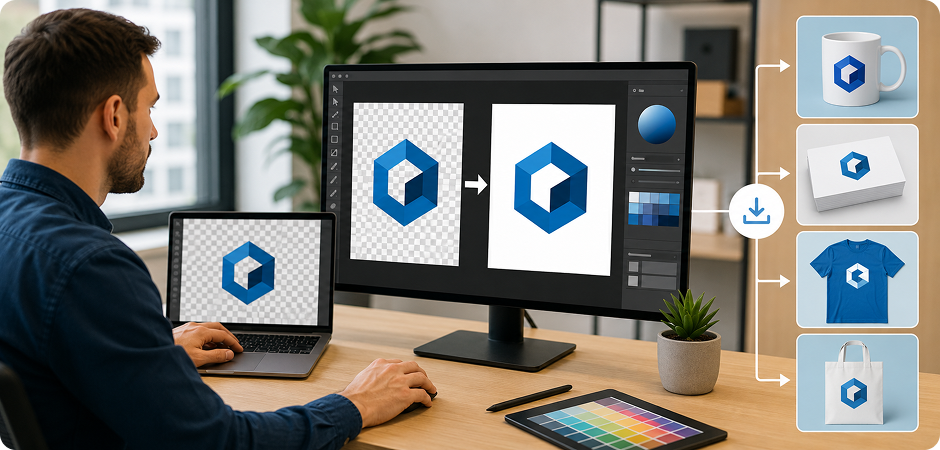
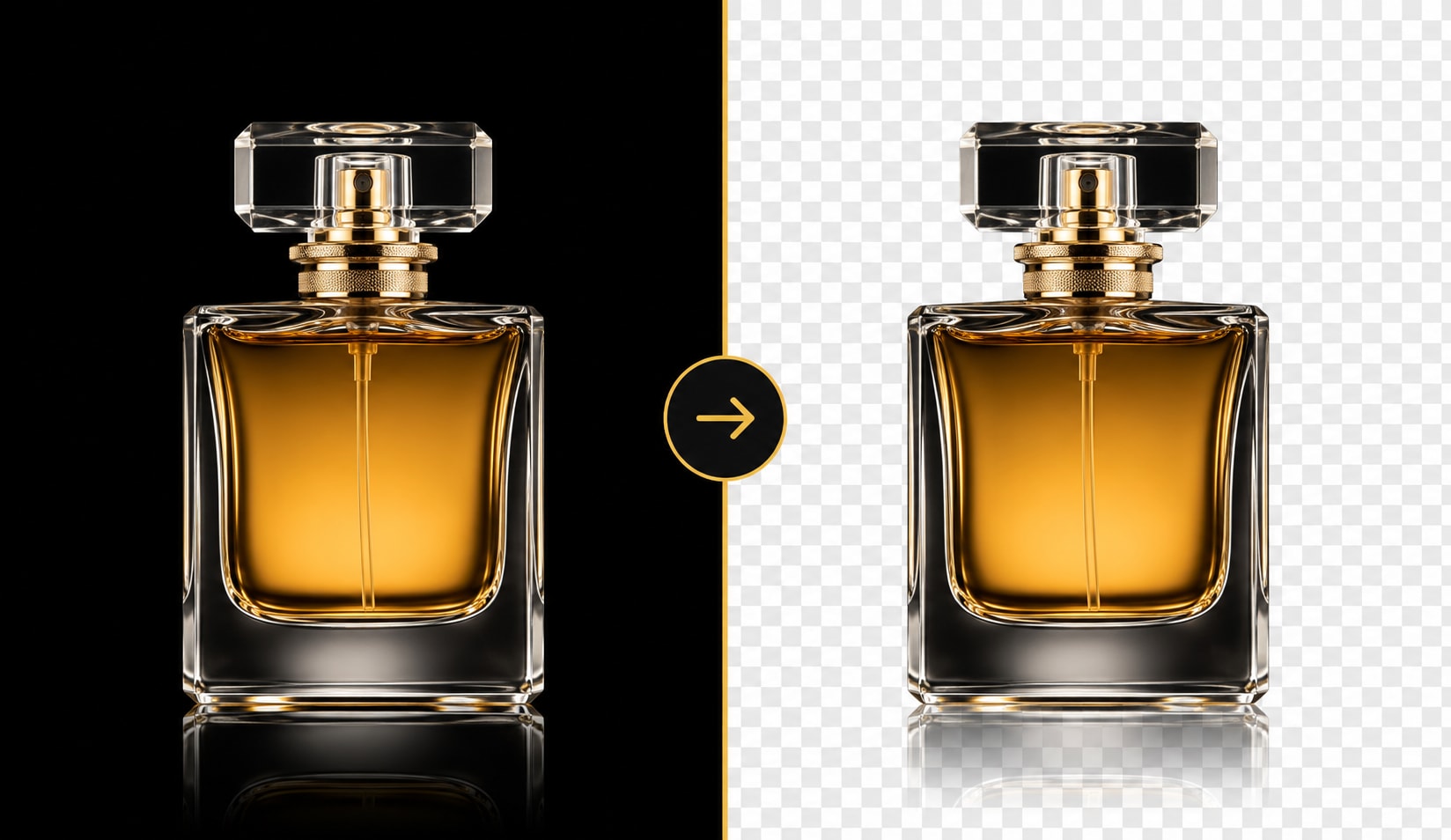
Some platforms, forms, and print tools do not display transparent images correctly. UniConverter helps you convert a transparent PNG to a white background and export it as a flat JPG or PNG. This is useful for logos, product cutouts, icons, stickers, and slide images. You can keep the subject sharp while replacing the alpha channel with a solid white background for easier sharing, printing, or uploading.
Put a White Background on Social Media Photos
A clean background can make social media content look clearer and easier to reuse. Use UniConverter to put white background on photo assets for Instagram, TikTok, Pinterest, thumbnails, and short-form product posts. You can remove clutter, create white space, and keep the subject centered. This helps creators and small teams prepare simple product shots, announcement graphics, and profile images without spending extra time on manual edits.
Replace Logo and Design Asset Backgrounds with White
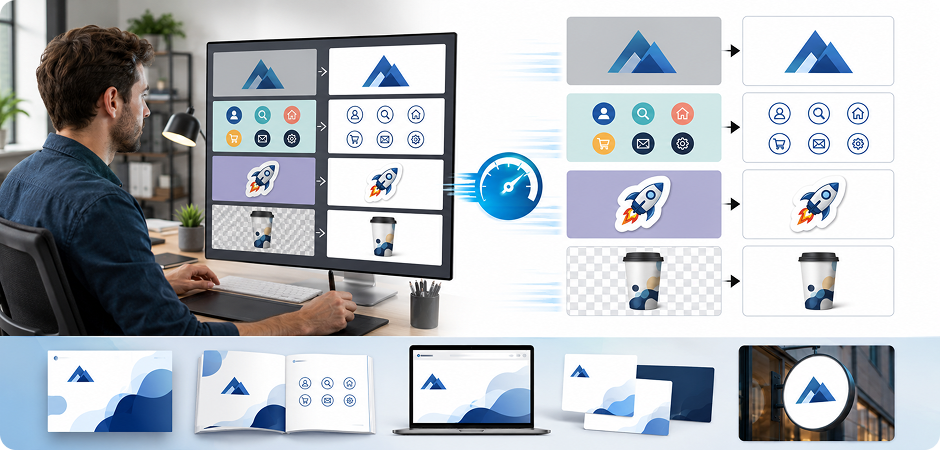
Design files often come from mixed sources, and their backgrounds may not match your project. UniConverter lets you replace background with white for logos, mockups, stickers, icons, and presentation assets. You can clean up a gray, colored, or transparent base and create white background versions for slides, documents, websites, and print materials. It gives designers a faster way to prepare assets for everyday use.
Online White Background Editor or Desktop App: Choose What Fits You
Use the online tool when you need to change background to white quickly. Choose the desktop app when you need batch white background editing, larger exports, or a more controlled workflow.
| Feature | Online White Background Editor | UniConverter Desktop App |
|---|---|---|
| Best for | Quick single-image edits | Batch and high-resolution projects |
| Access | Browser-based | Windows and Mac |
| Signup | No signup for basic use | Install once, then edit locally |
| Batch background change | Limited | Yes |
| HD / 4K export | Available by plan or task | Better for large files and 4K output |
| File formats | JPG, PNG, JPEG | JPG, PNG, WEBP, BMP, and more |
| File size | Best for everyday images | Better for larger files |
| Privacy workflow | Cloud processing | Local desktop workflow |
| Use cases | Simple portraits, product images, social posts | Catalogs, team photos, design assets, bulk edits |
What Users Say About
UniConverter's White Background Photo Editor
FAQs about Changing Photo Background to White
How do I change a photo background to white for free?
How do I make my photo background white online without signup?
How do I whiten the background of a passport photo?
How do I make a white background in Photoshop vs UniConverter?
Can I convert a transparent PNG to a white JPG background?
Can I batch-change multiple photo backgrounds to white?
What is the best app for making background white on iPhone or Android?
Does UniConverter add a watermark to white-background photos?
What image formats can I export with a white background?
Will my image stay HD or 4K after changing the background to white?
How accurate is the AI on hair and fine edges?
Is the white background photo editor really free?
More Than a White Background Maker





Ready to Whiten Your Photo Background?
Create clean, white-background images for products, passports, headshots, social posts, and design assets. Use the online editor for quick edits, or download UniConverter for batch processing and 4K exports.
