
How to Change Background Color of a Photo in 3 Steps

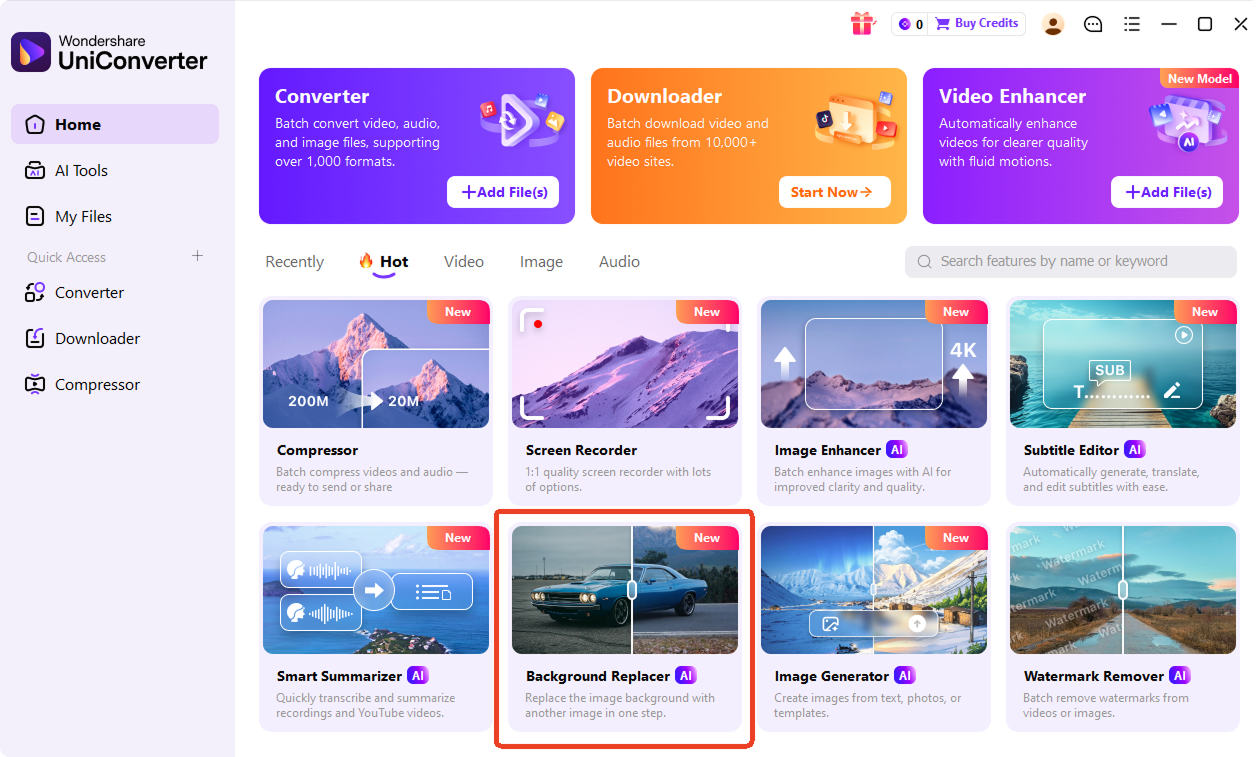
Upload a JPG, PNG, WebP, HEIC, or BMP image to UniConverter. The AI detects the subject automatically, so you can start editing without manual selection. You can use this tool to change background color of photo, image, or picture files in just a few clicks.

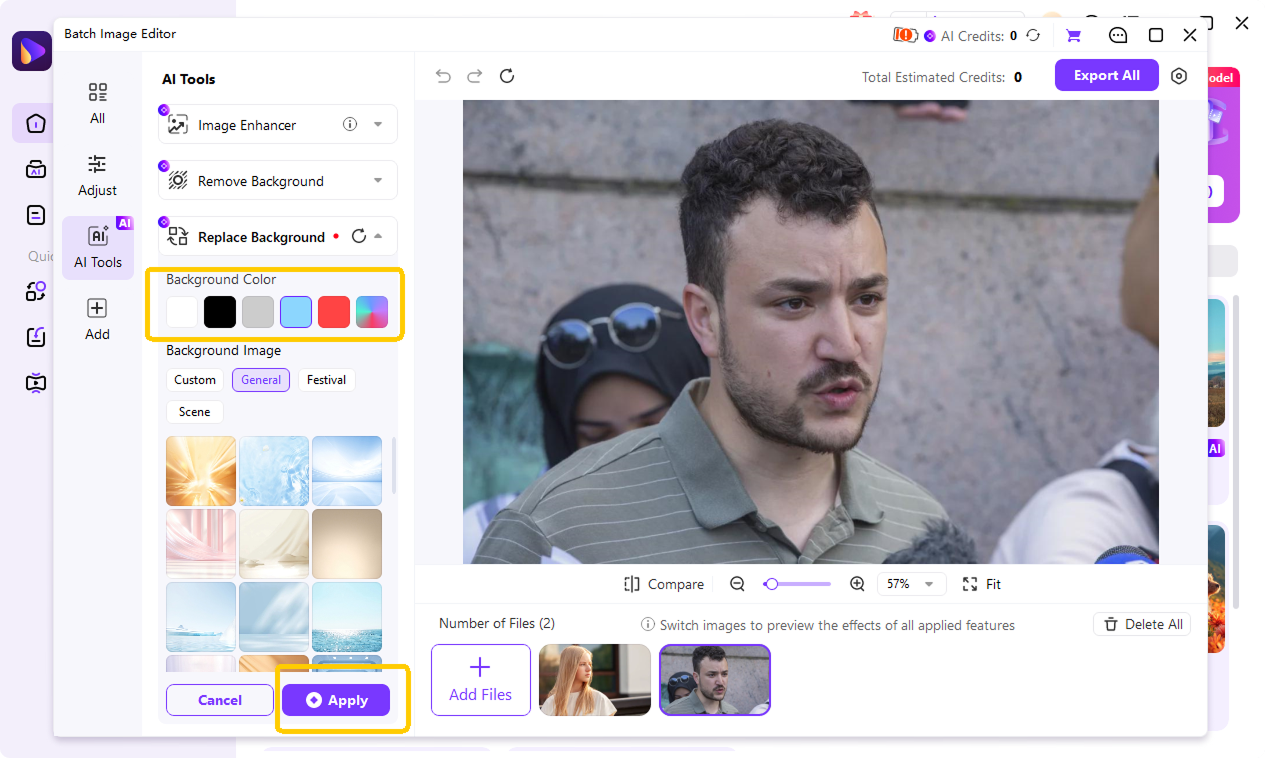
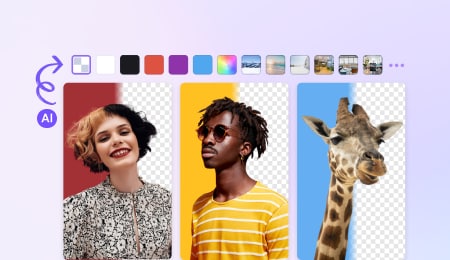
Choose a preset color like white, blue, green, black, or transparent. You can also use a color picker, enter a custom HEX code, or upload your own image as a backdrop. This makes it easy to change image background color for product photos, portraits, ID photos, and social posts.

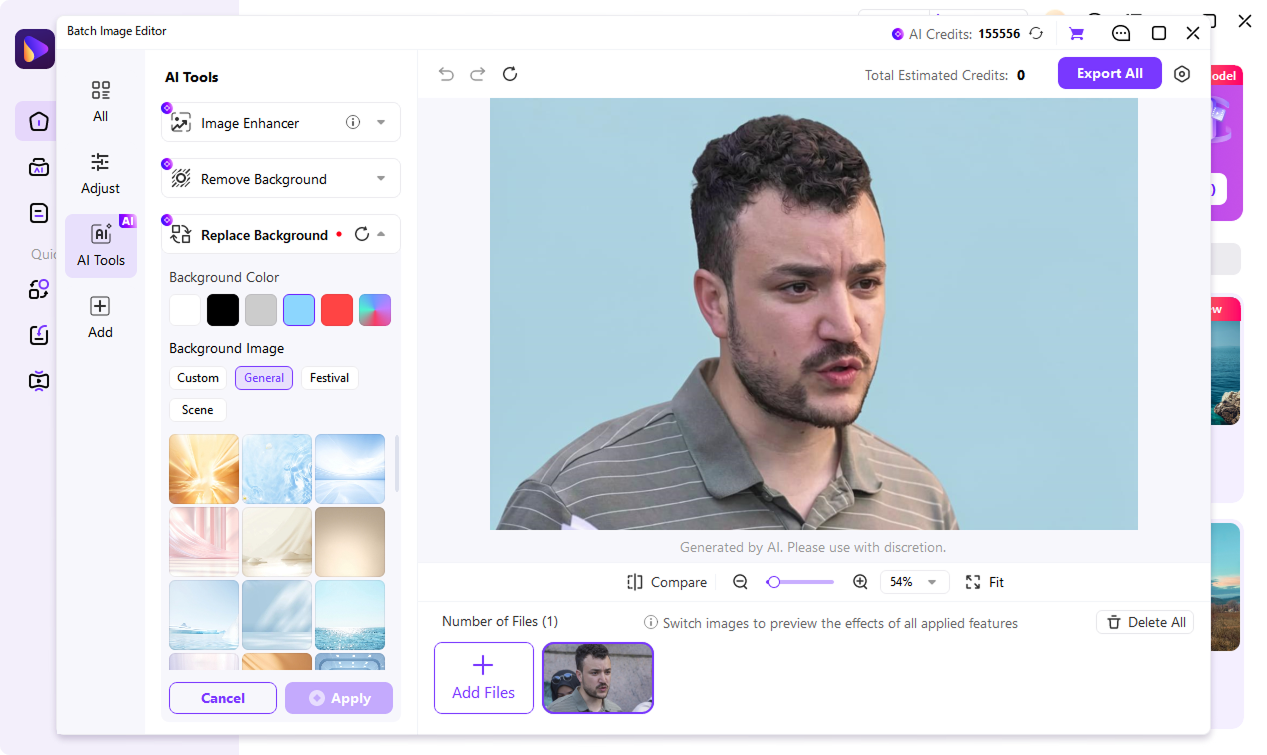
Preview the result and export your image in PNG or JPG format. UniConverter helps keep subject edges clean, so your edited photo looks ready for profiles, listings, presentations, and campaigns.
Two Ways to Change Background Color — Online Tool or Desktop App
Choose the workflow that fits your project. UniConverter Online is ideal when you need to change background color online for one photo quickly. For larger projects, UniConverter Desktop gives you a stronger workflow for product photos, headshots, and client images. It supports HD and 4K exports, batch background color changes, deeper color control, and local processing for a more private editing experience.
AI Background Color Changer for Hair, Fur, Glass, and Detailed Edges
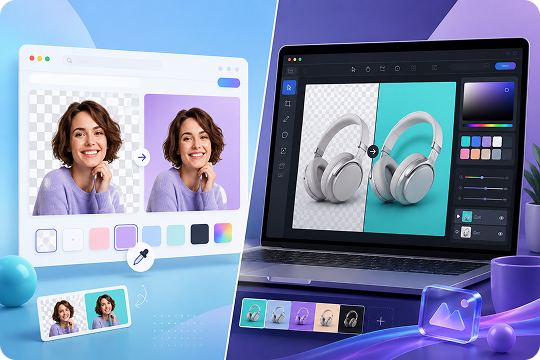
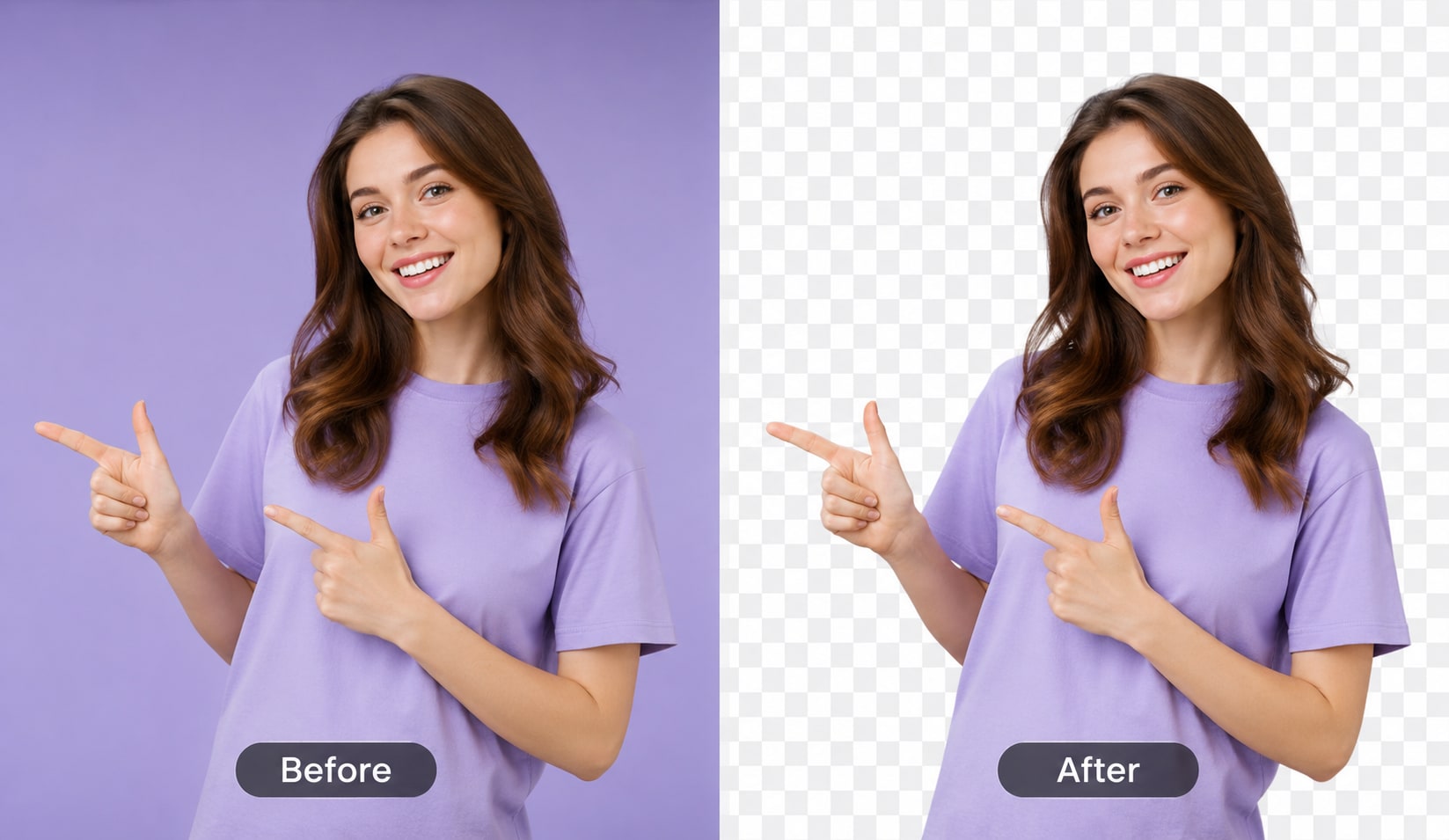
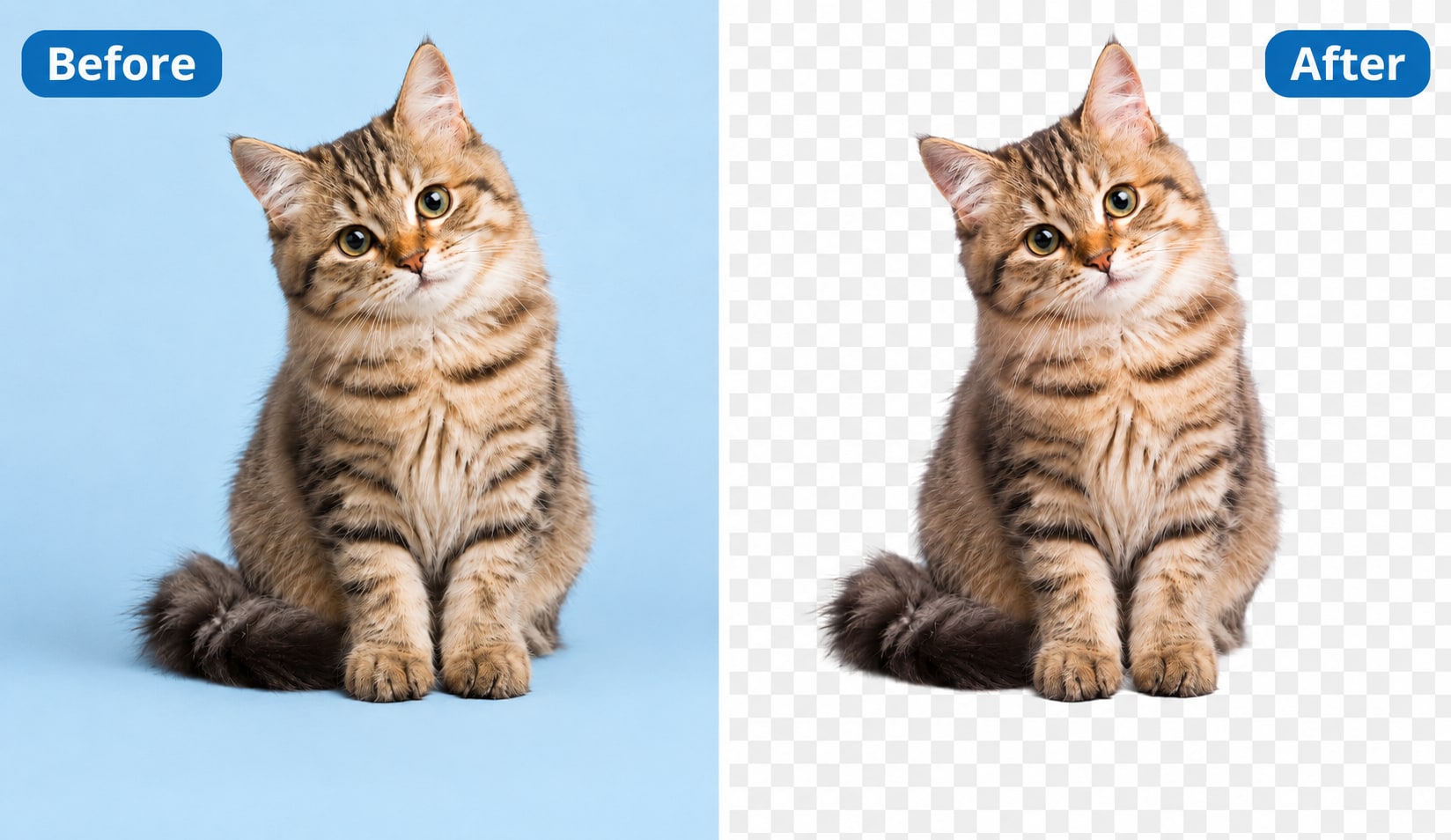
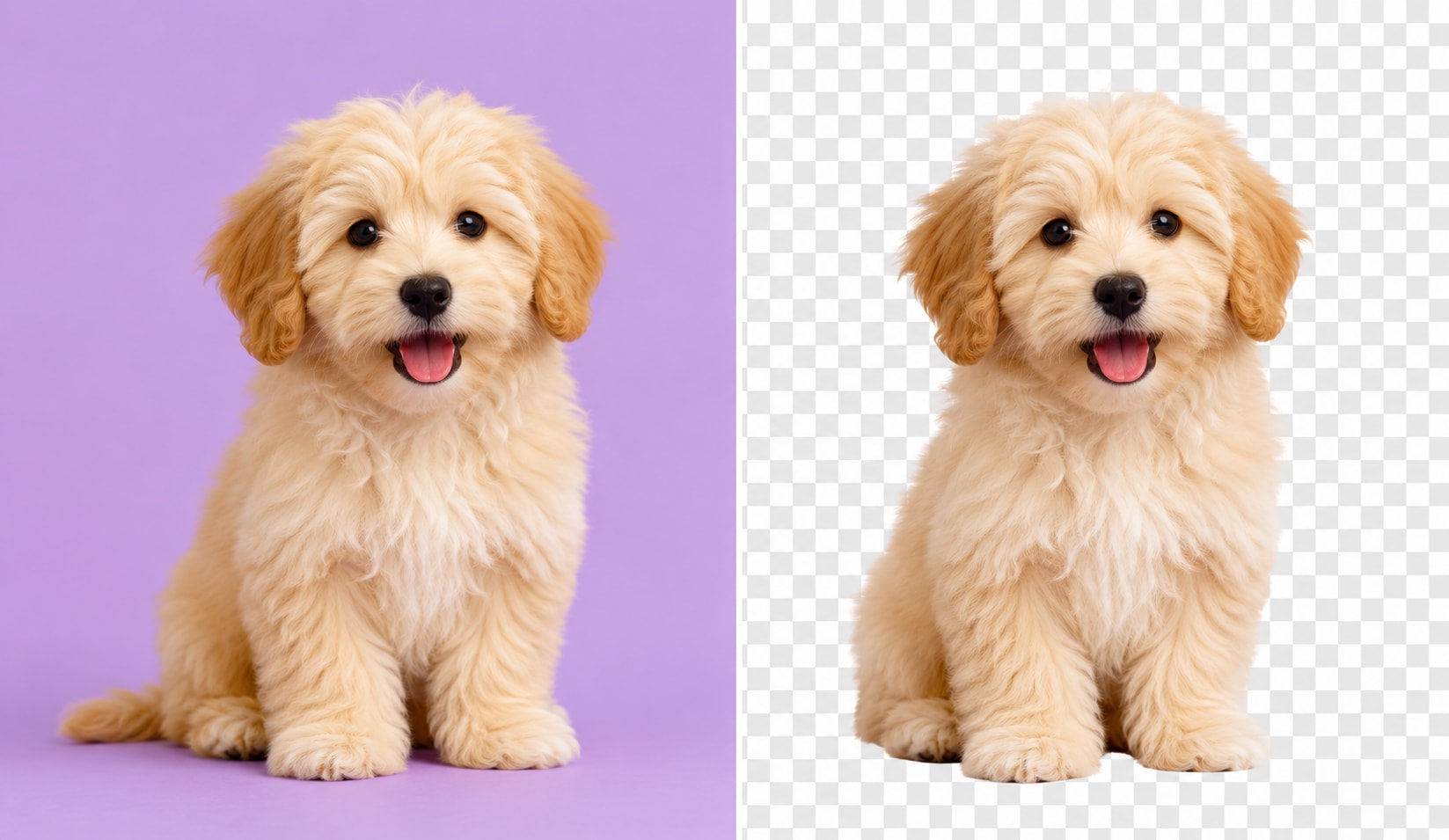
UniConverter uses AI to detect the subject before you edit background color of photo files. It helps separate people, pets, products, logos, and cars from busy backgrounds, then keeps fine details around hair, fur, glass, and soft edges. You can replace the background color with less manual cleanup and prepare images for profiles, shops, or design projects.
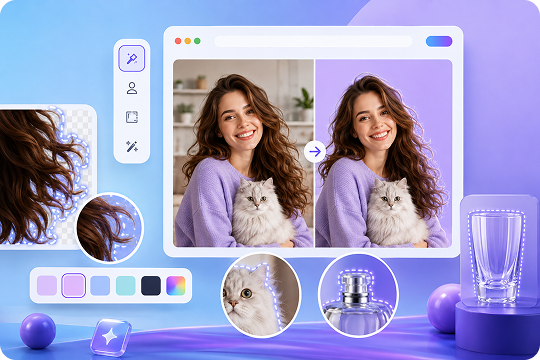
Change Background Color to White, Blue, Green, Transparent — or Any Brand Color
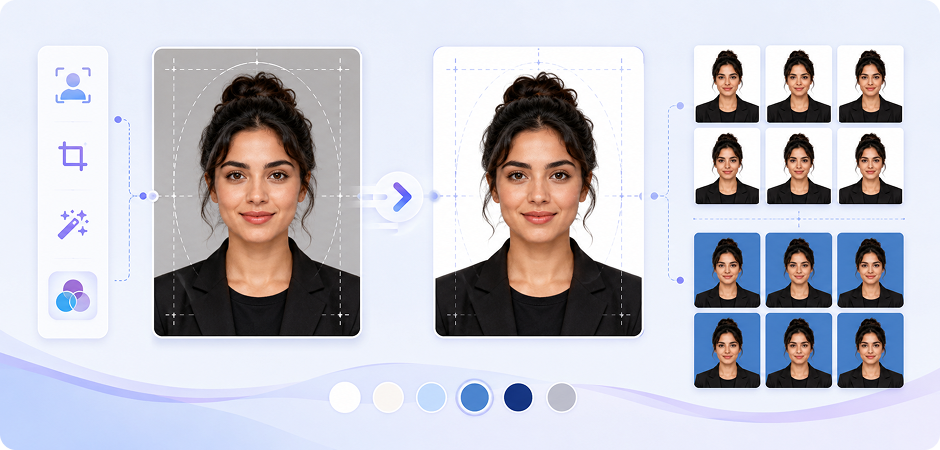
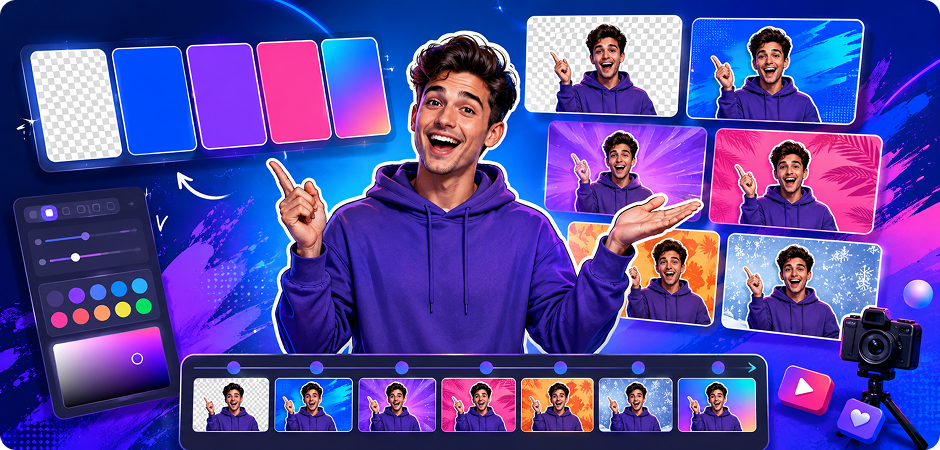
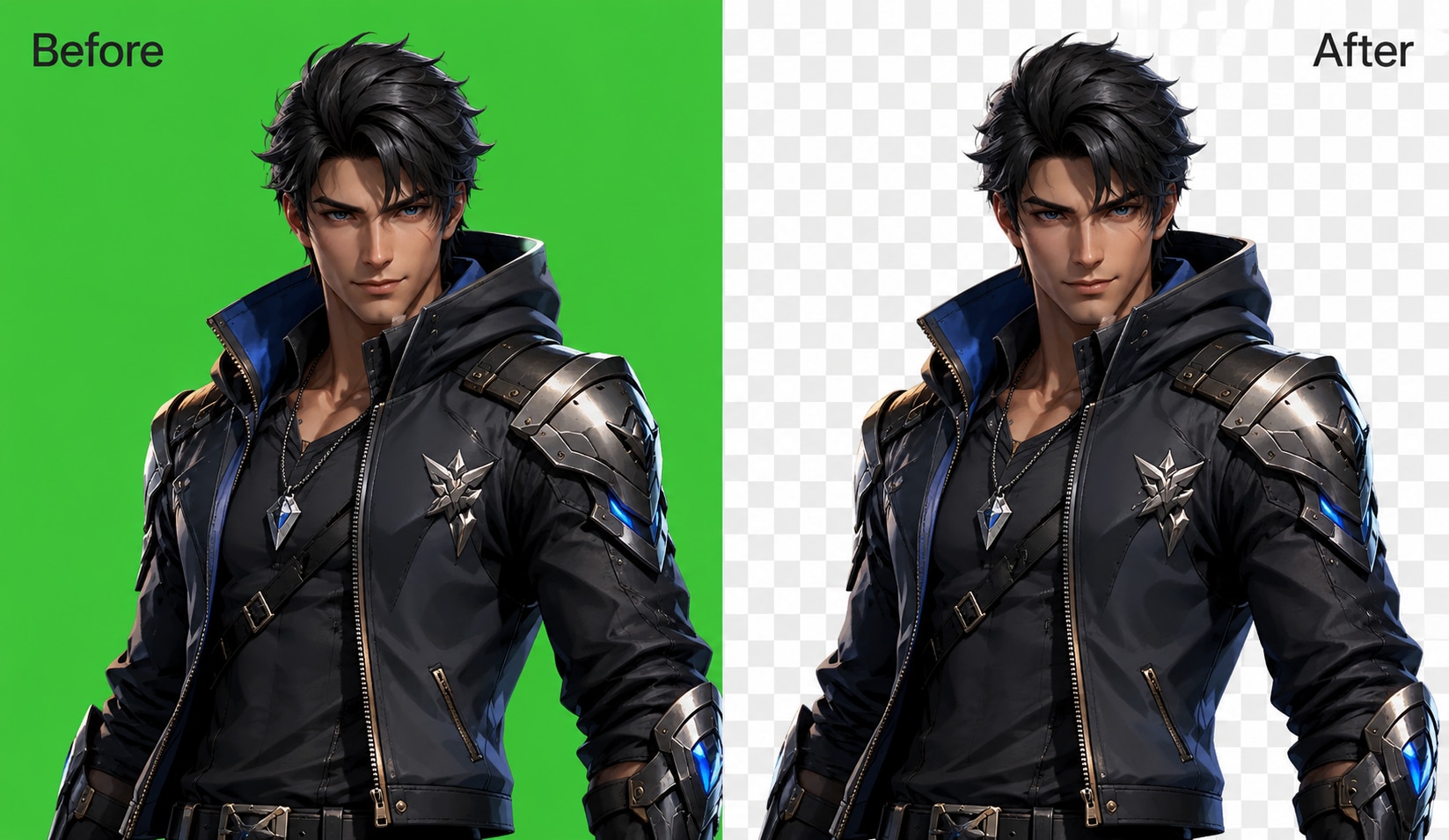
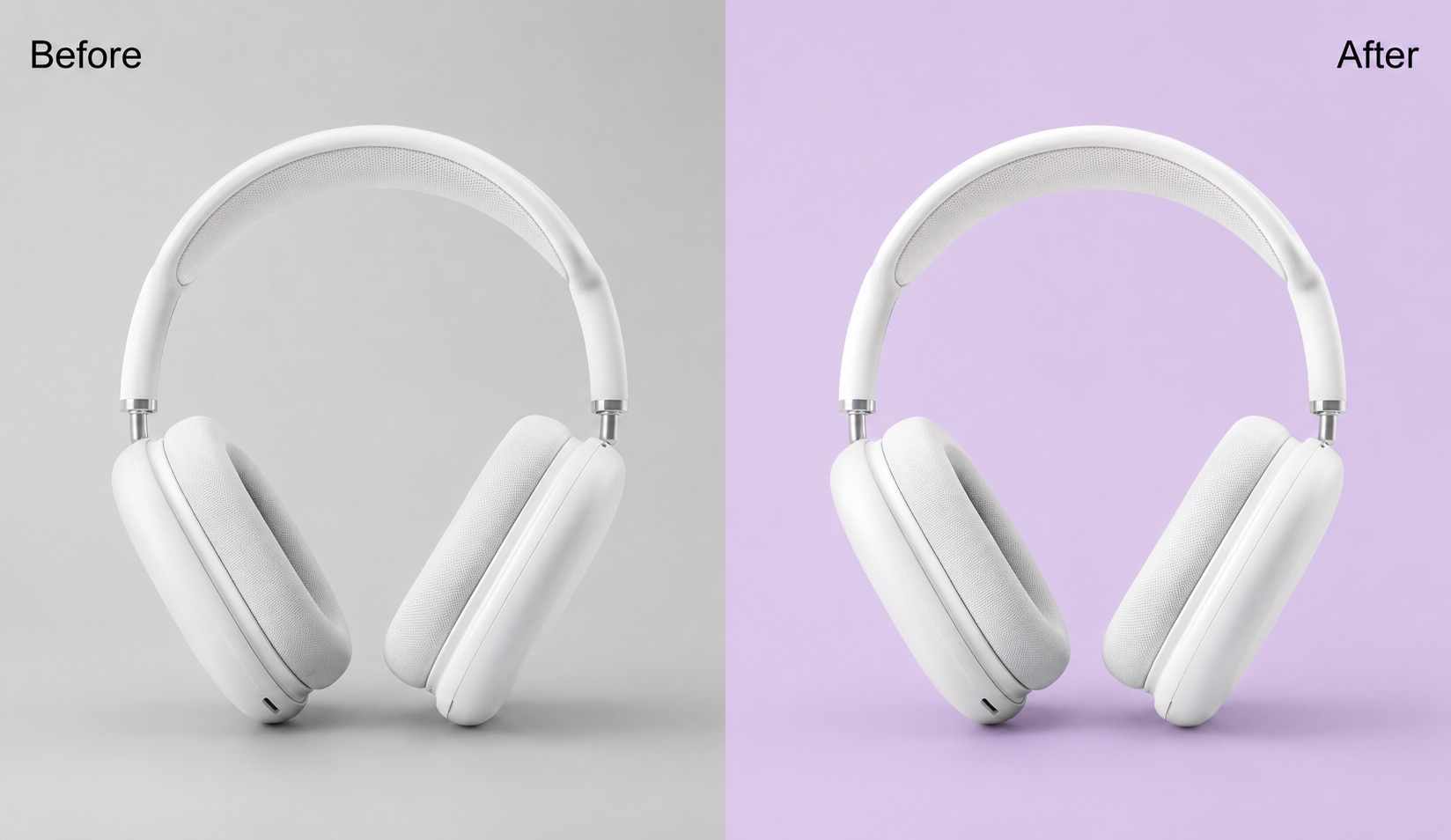
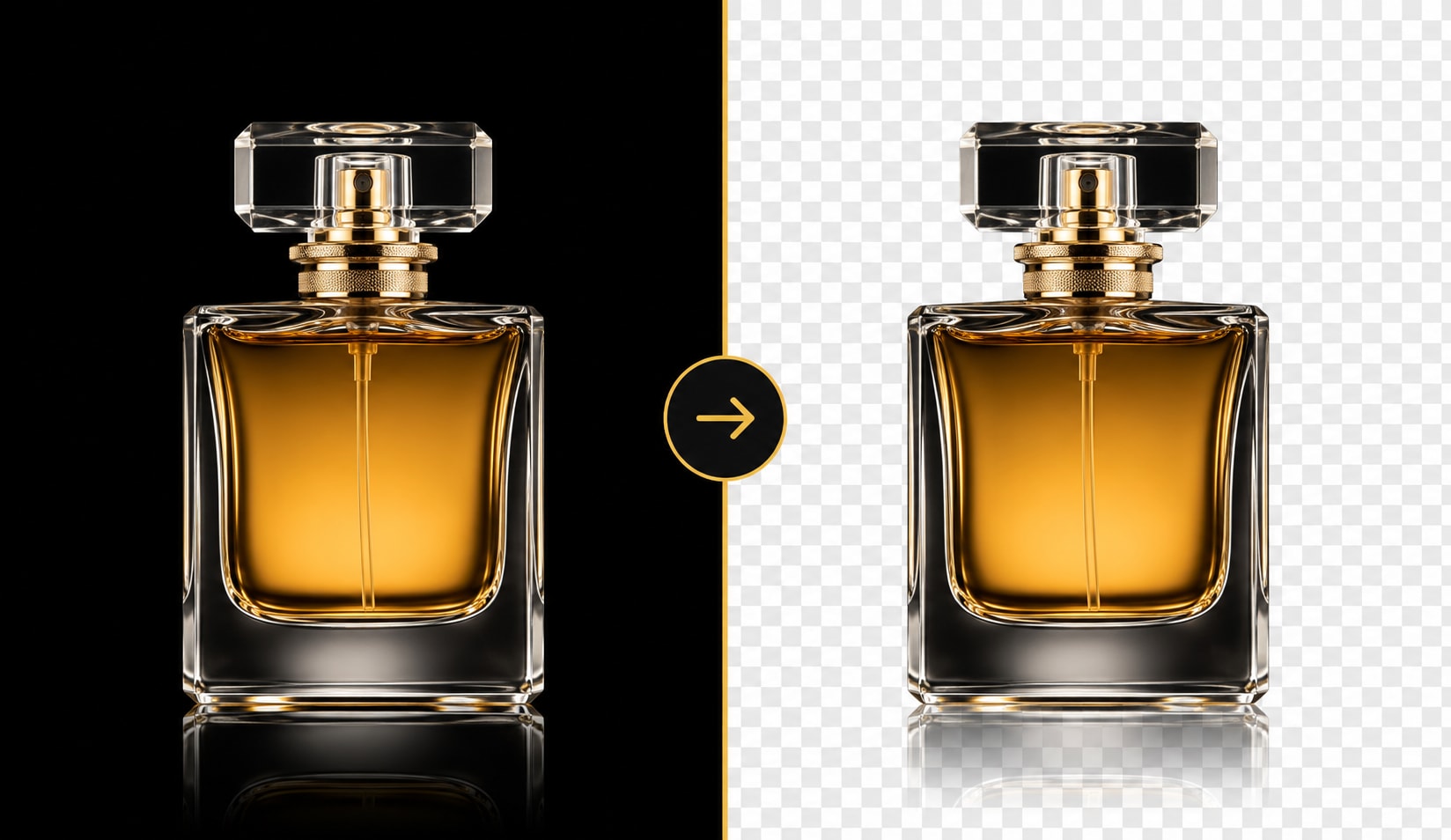
Choose a preset when you need to change background color to white for ID photos, blue for profiles, black for fashion, or green for video editing. You can also make a transparent background, use a custom HEX code, or replace background color online with a brand shade that fits product listings, thumbnails, and marketing assets.
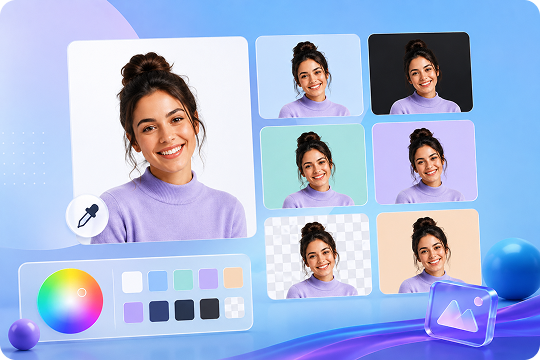
Edit Image Background Color in HD and Batch Hundreds at Once
Use UniConverter Desktop when you need to edit image background color for many files without repeating the same steps. It supports batch background color changes for JPG, PNG, WebP, HEIC, and BMP images, with HD and 4K export options for clearer results. You can process 100+ photos at once, keep a consistent background color across product sets, headshots, thumbnails, and marketplace images, and prepare large image projects faster for online stores, campaigns, or client delivery.
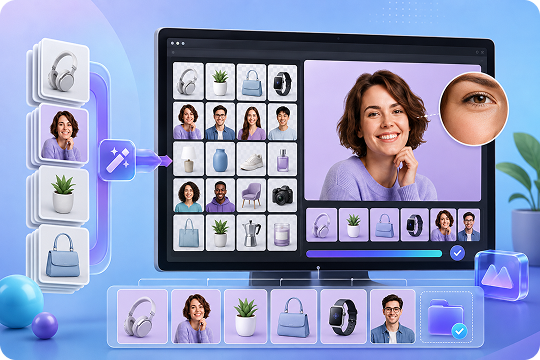
Change Picture Background Color for Every Use Case
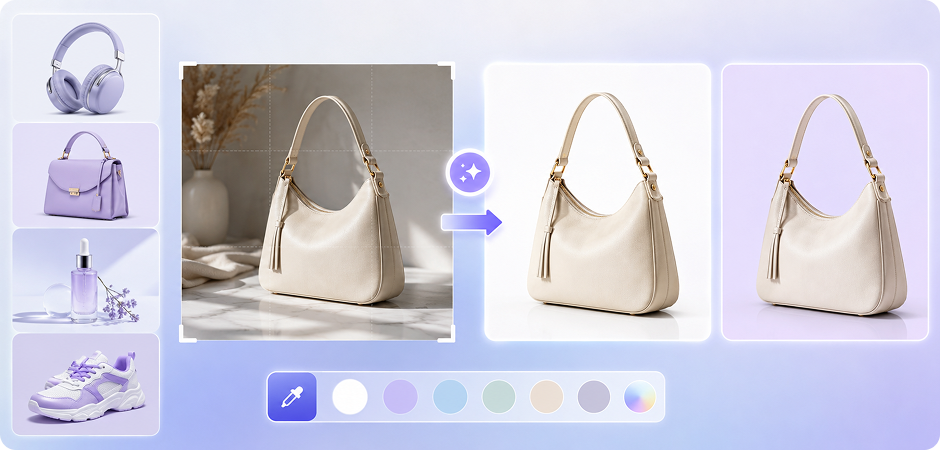



Change Background Color for E-commerce Product Photos
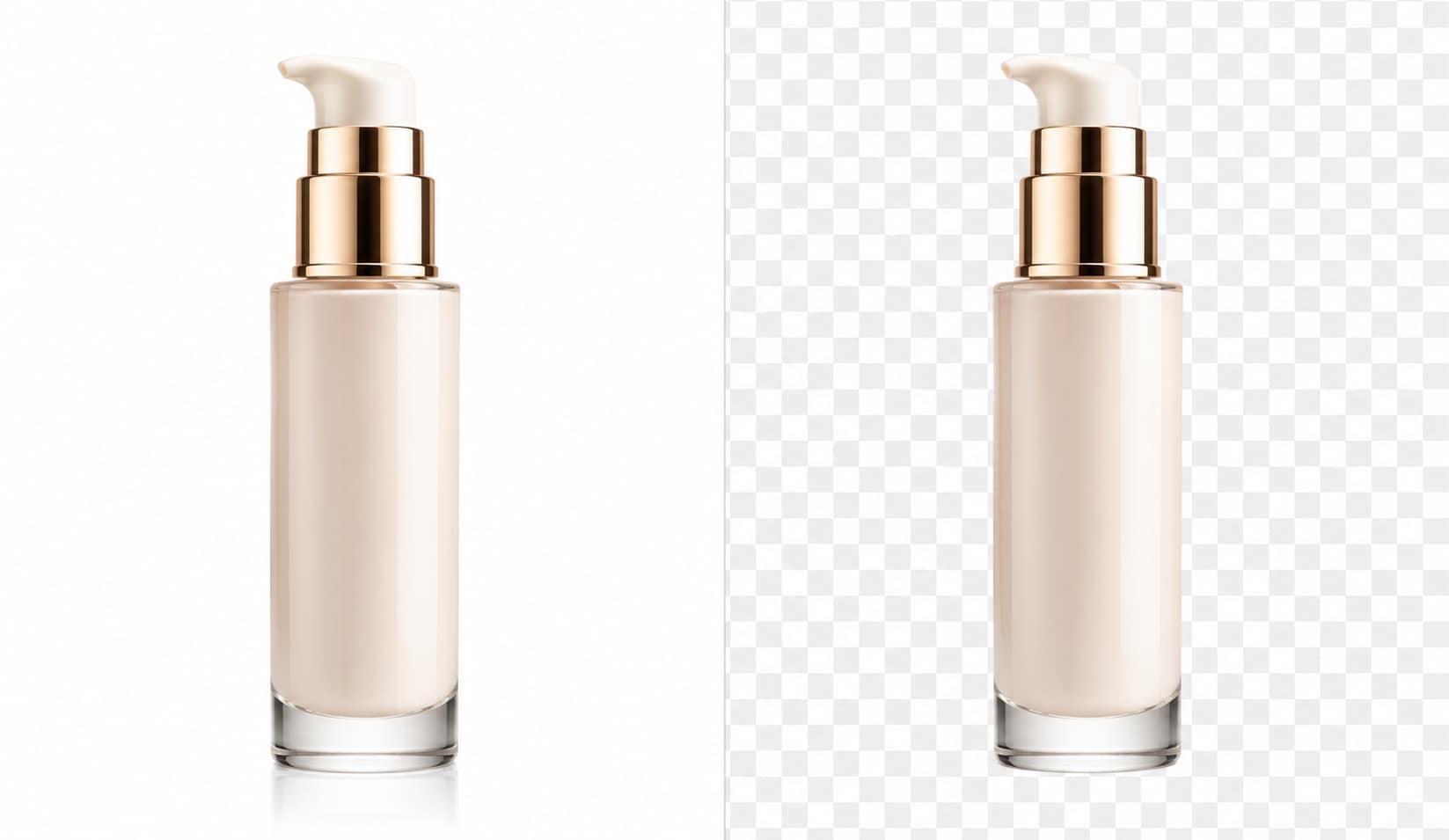
Give every product photo a clean, consistent look before you upload to Amazon, Shopify, Etsy, or your own store. Change background color to white for standard listings, or use a soft brand color for campaign pages. UniConverter helps isolate products, keep edges clear, and remove distracting surroundings. Use the online tool for quick edits, or switch to desktop when you need batch background color changes across a full catalog set.
Change Background Color for Passport, Visa, and ID Photos
Prepare passport, visa, or ID photos with the background color your application requires. Change background color to white, blue, or another approved shade, then export a clean image for review. The tool helps keep facial edges and hair details natural while removing the old background. For agencies or studios, desktop batch processing makes it easier to edit many ID photo files in the same color style without rebuilding each image manually.
Change Background Color of Photo Files for Professional Headshots
Refresh profile pictures for LinkedIn, resumes, team pages, or speaker bios without booking a new shoot. Change background color of photo files to white, light gray, blue, or a custom brand shade. The AI background color changer helps separate the person from cluttered rooms and uneven lighting. You can create a more consistent headshot set for teams while keeping the subject, clothing, and facial details clear, ready for sharing online.
Change Image Background Color for Social Posts and Thumbnails
Create cleaner visuals for Instagram posts, TikTok covers, YouTube thumbnails, and campaign banners. Change image background color to match a series, highlight a creator, or fit a seasonal theme. Use transparent, gradient, or solid color backgrounds to keep attention on the subject. UniConverter works well for fast online edits, while desktop output helps you prepare larger thumbnail sets in HD for regular content calendars. Save time on repeat edits each week.
Change Picture Background Color for Real Estate Listing Photos
Improve real estate listing photos by replacing dull or distracting backgrounds in exterior shots, room cutouts, and agent portraits. Change picture background color to a cleaner tone for flyers, open-house graphics, or social posts. You can use white, black, transparent, or custom colors to match brokerage branding. For large property sets, desktop batch tools help you apply the same color treatment across many images before publishing listing materials online faster.
Change Background Color of Image Files for Vehicle Listings
Make vehicle listings easier to compare by using a consistent background color across sedans, SUVs, motorcycles, and detail shots. Change background color of image files to white for marketplace clarity, black for premium campaigns, or a branded color for dealer promotions. The AI helps separate the vehicle from the lot or street scene. Desktop batch processing is useful when a dealership needs to update many listings at once for sale.
Change Background Color of PNG Files and Create Transparent Assets
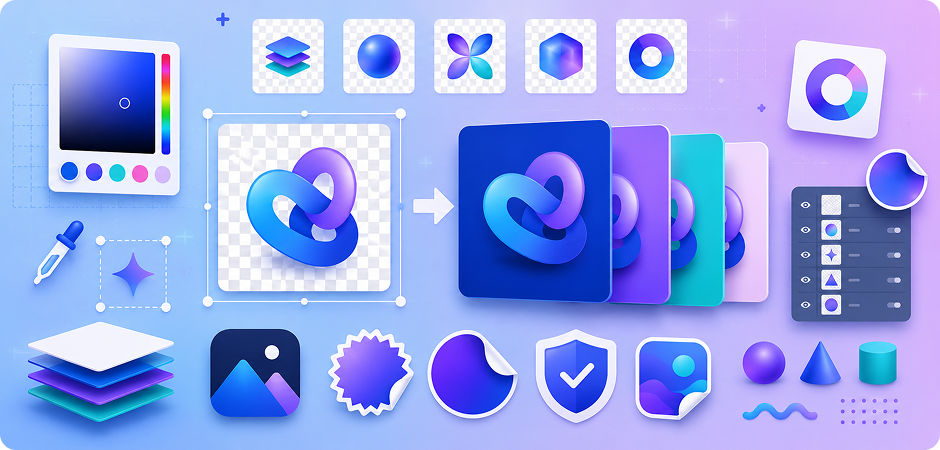
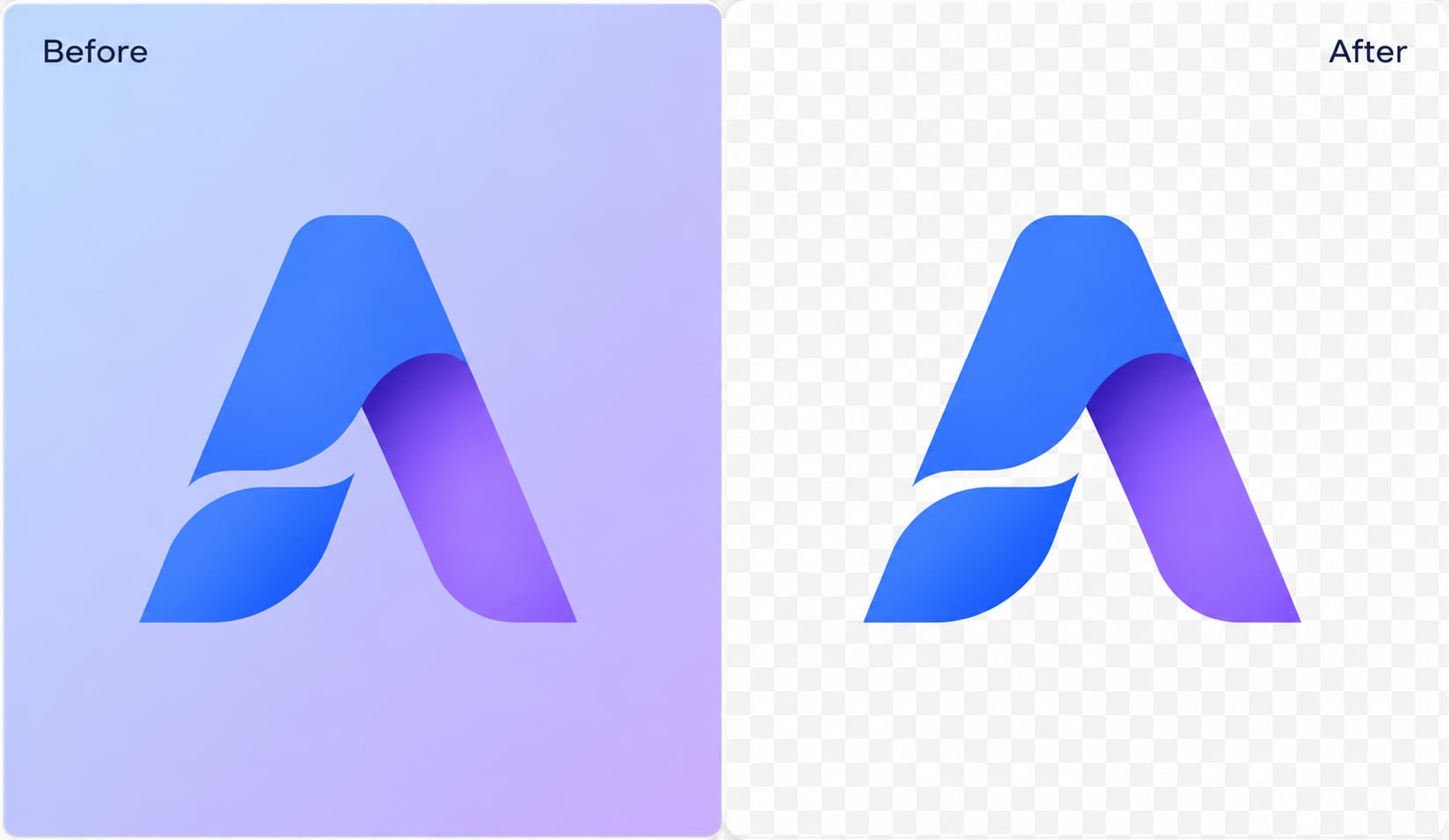
Prepare logos, icons, stickers, and design assets with transparent or solid color backgrounds. Change background color of PNG files online when you need a quick preview, or export transparent PNG assets for web pages and presentations. UniConverter helps remove plain or busy backgrounds while keeping edges readable. Designers can use custom HEX colors to align assets with brand guidelines, campaign palettes, or client style requests without manual layer cleanup work.
Replace Background Color for Video Frames and Thumbnail Assets
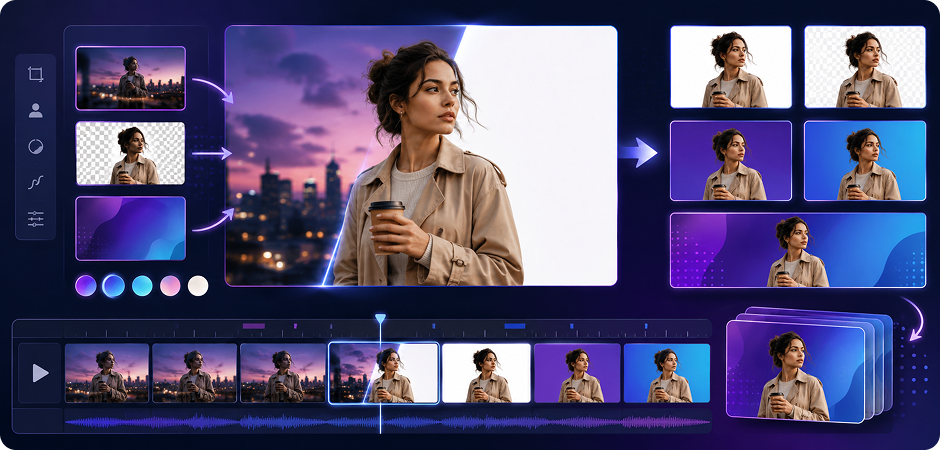
Use still frames from videos as thumbnails, covers, or product visuals, then change background color before publishing. This workflow is useful when you already edit videos in the Wondershare ecosystem and need matching image assets. Replace the background color of a frame with white, transparent, or a brand shade. For repeated edits, the desktop app helps you process more files while keeping resolution and color choices consistent for every export.
Background Color Changer Trusted by Creators,
Sellers, and Designers
Frequently Asked Questions about AI Background Color Changer
How do I change the background color of a photo for free?
Can I change the background color of a PNG image?
How do I change background color to white for a passport photo?
Does UniConverter work with iPhone or Android photos?
Can I batch change background color for multiple photos?
How is UniConverter different from Photoshop or Canva?
Can I change the background color to transparent?
Does the online tool add a watermark?
Will my photo be uploaded to your servers?
Can I change the background color of a video frame?
More Than a Photo Background Color Editor


Explore More Features - All-in-One Media Toolbox



Ready to Change Your Photo's Background Color?
Use UniConverter to change background color of photo and image files online in seconds. Start with the free online tool for quick edits, or download the desktop app when you need HD exports and batch processing.
