
Why Choose UniConverter to Remove Color from Image?
UniConverter helps you remove color from image files quickly while keeping edges clean and image quality sharp. Whether you want to erase a background color, make a PNG transparent, or remove a specific color from product photos, the tool gives you a simple workflow on both desktop and online platforms.
AI-Powered Precision for Accurate Color Removal
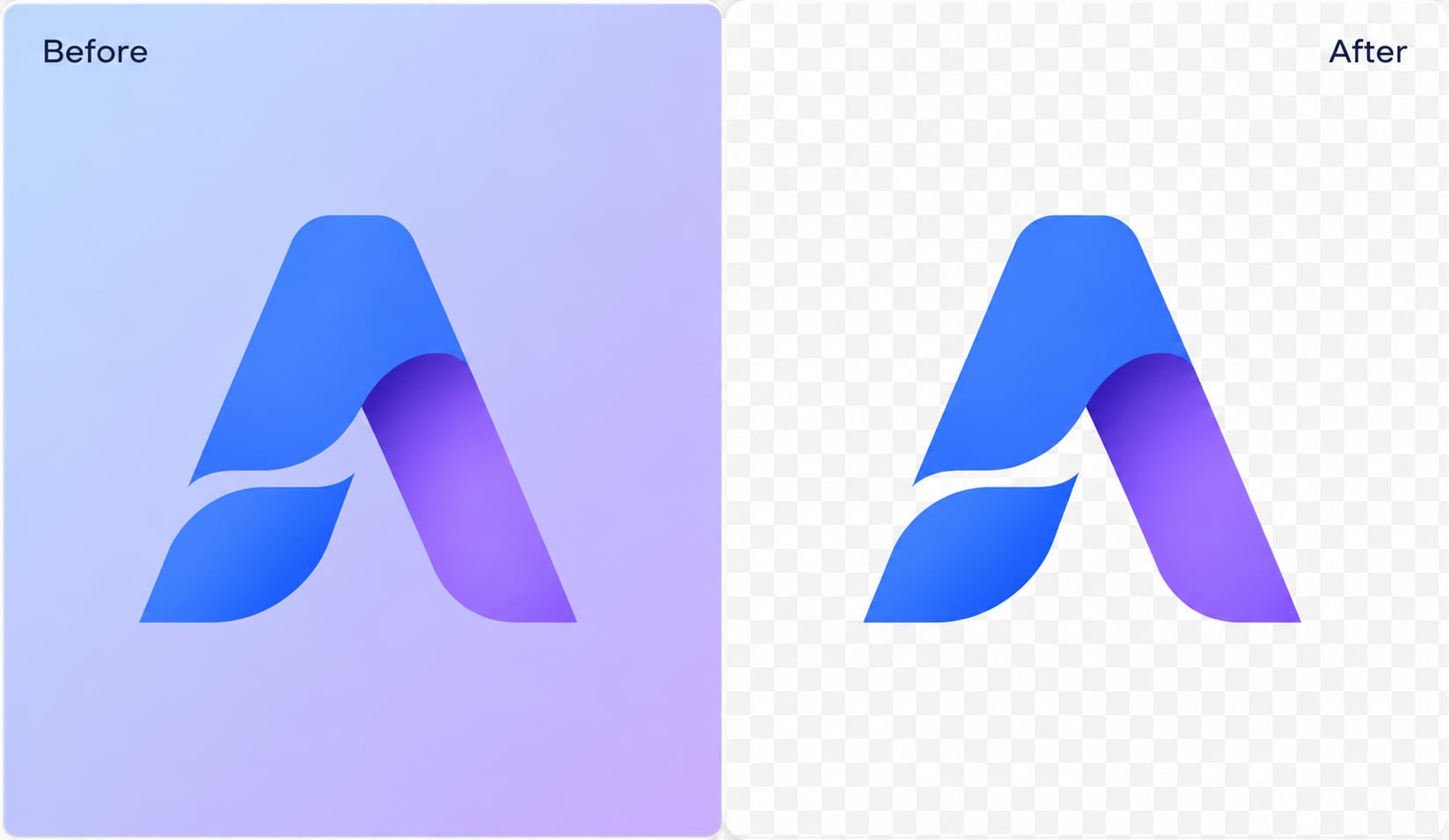
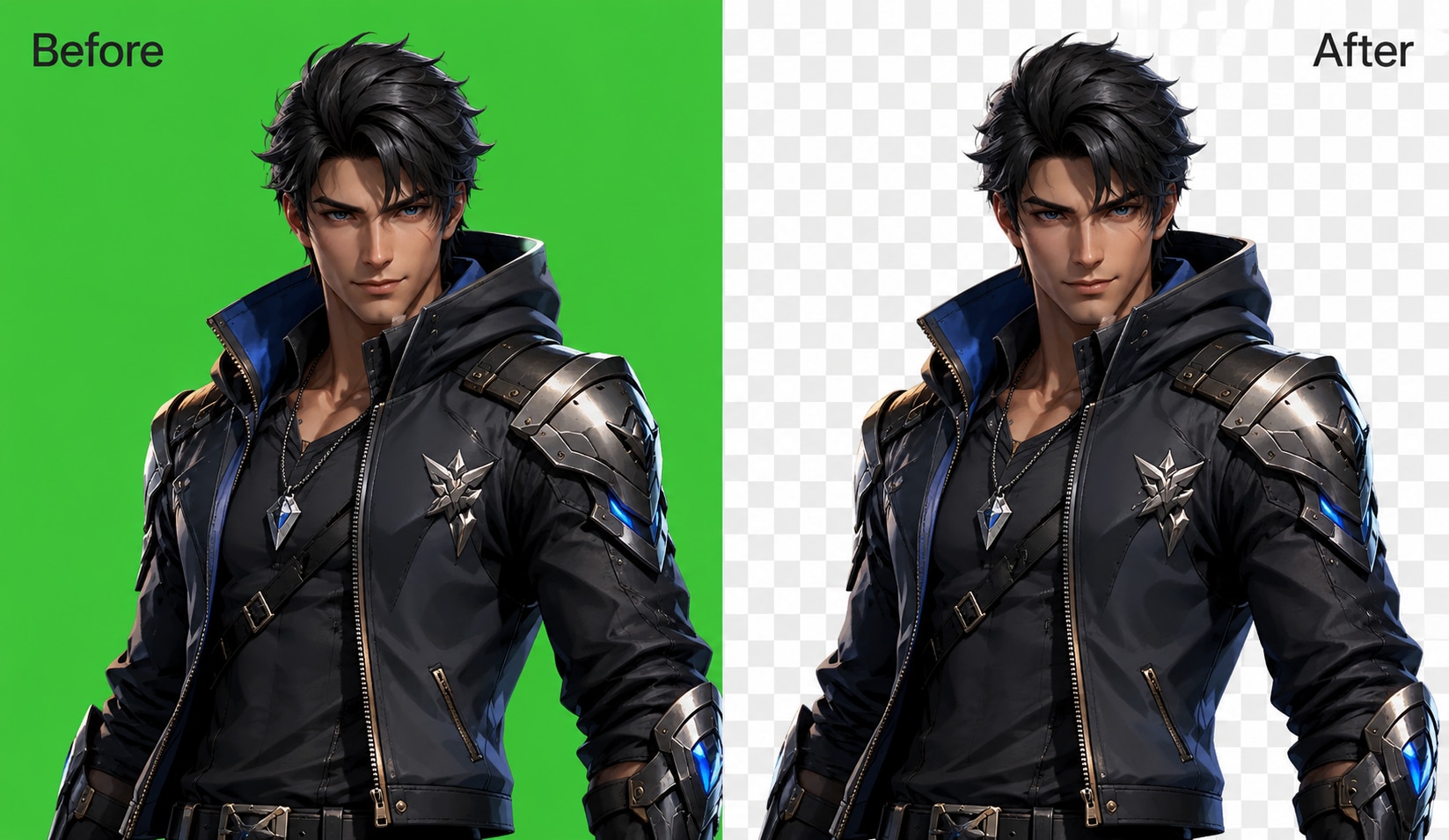
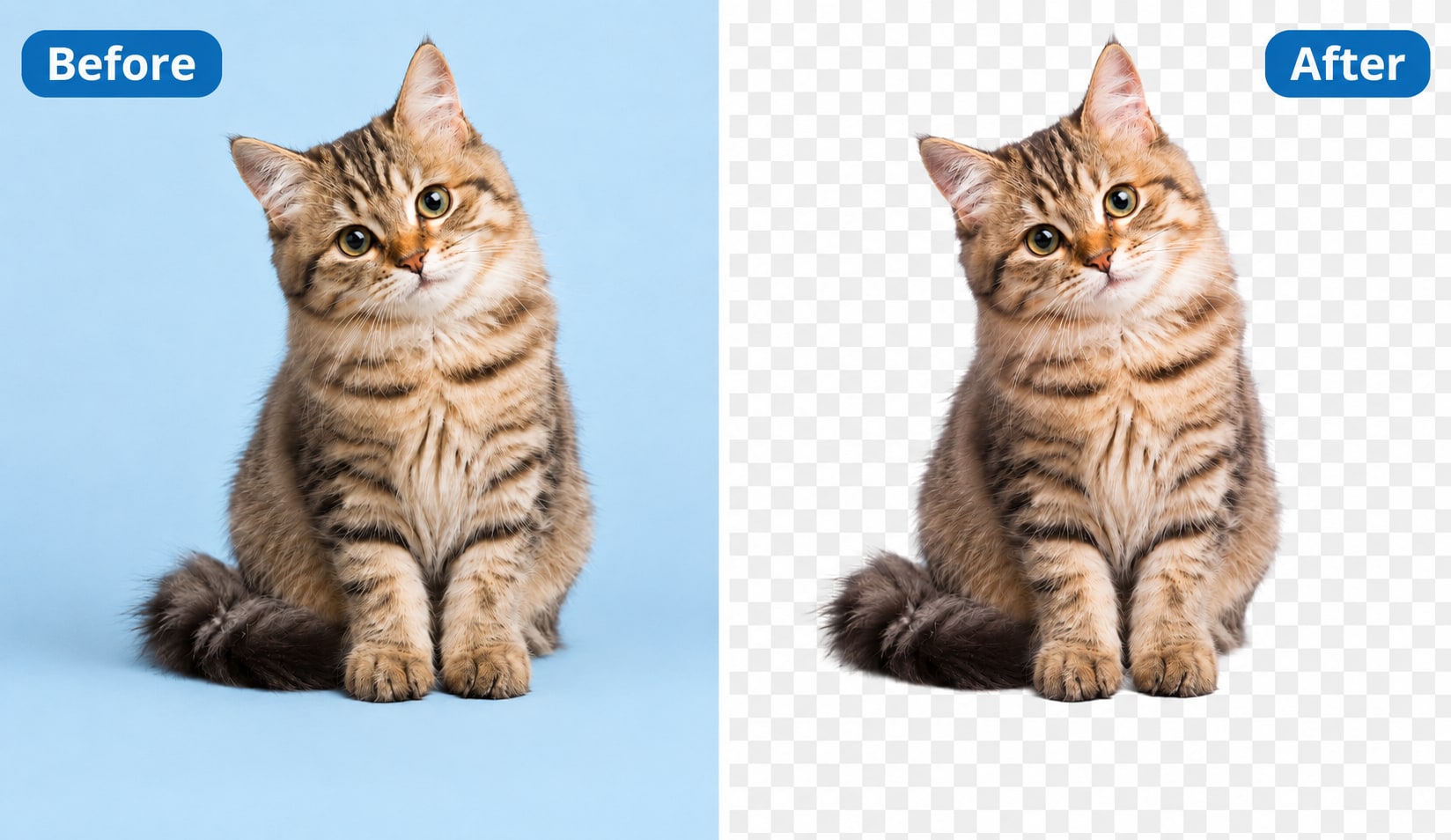
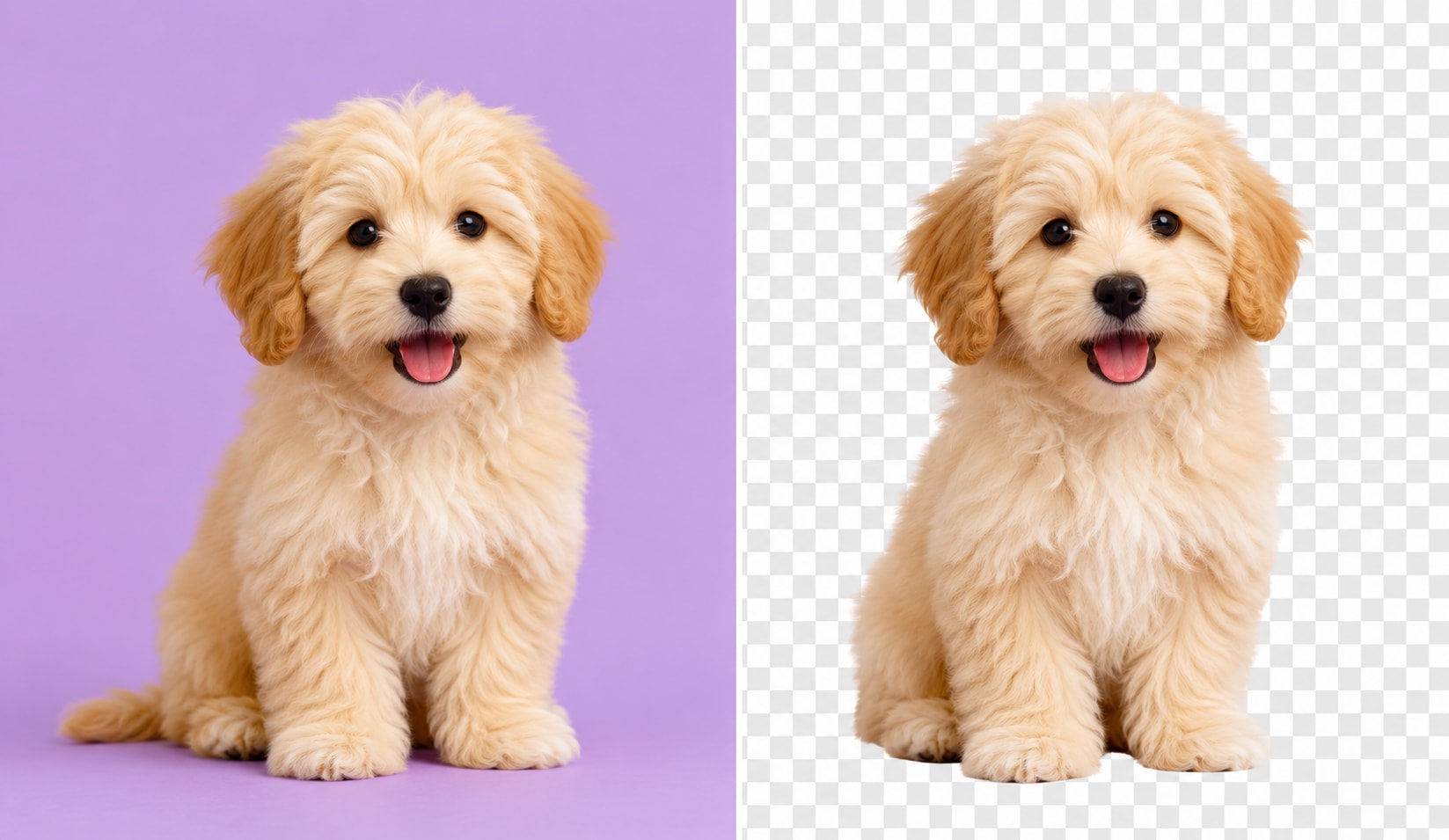
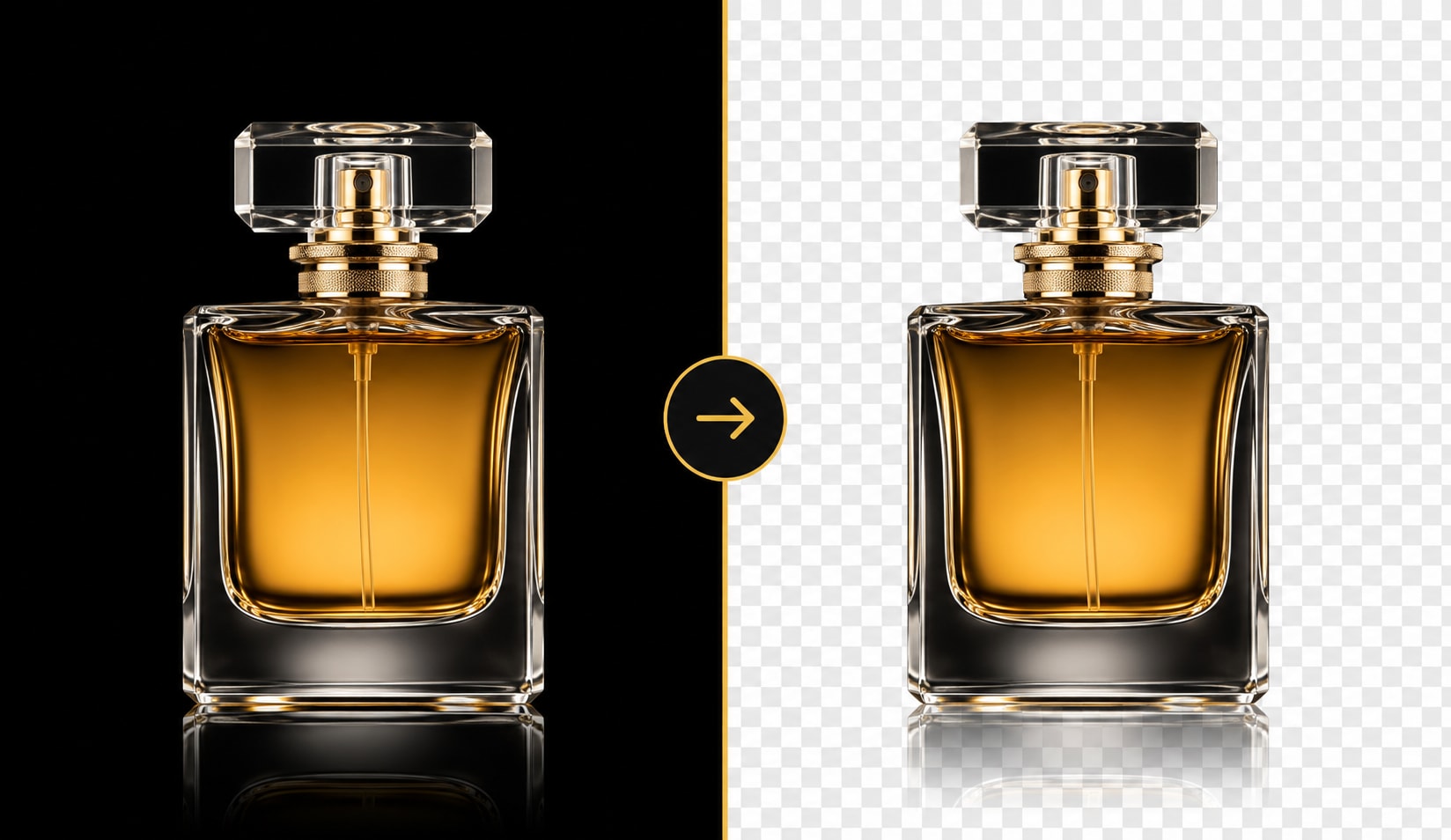
UniConverter uses AI-powered image detection to automatically remove background colors while keeping edges clean and natural. The background removal tool can recognize white, black, green, and other common background colors without manual editing. You only need to upload your image, and the AI will process the background automatically in seconds.
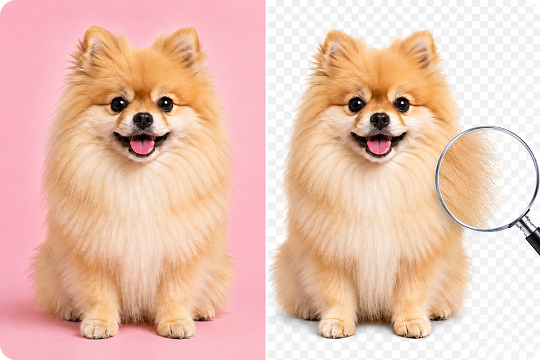
Automatically Remove White, Black, or Background Colors
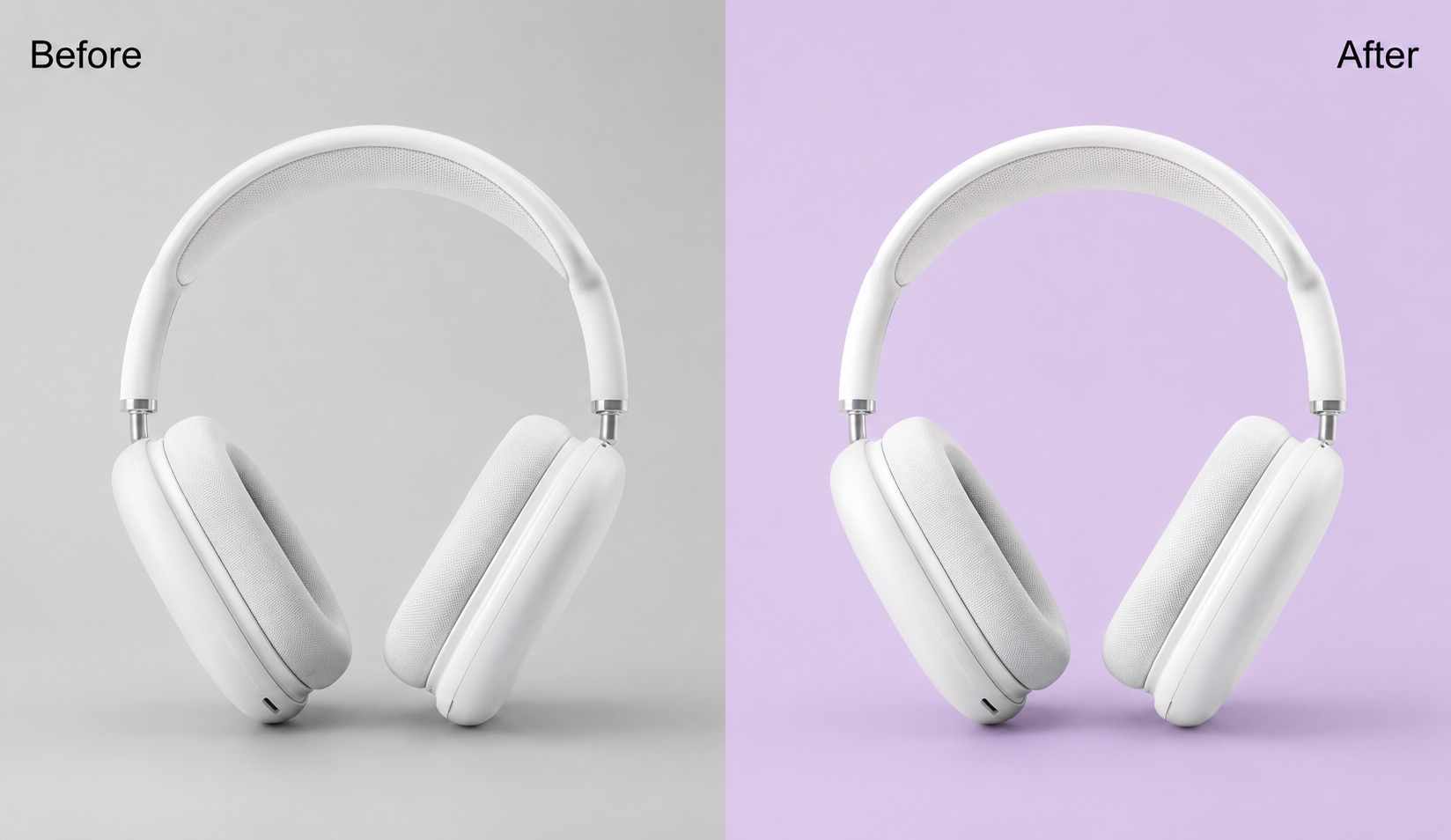
You can automatically remove white backgrounds, black backgrounds, and other common background colors from images and replace them without using a manual color picker. This makes UniConverter useful for transparent PNG creation, logo cleanup, scanned signature editing, and product image optimization. The color remover supports detailed selections without affecting nearby image elements. You can even remove any unwanted objects from images for a clean look.

Batch Process Multiple Images at Once
UniConverter helps you remove color from multiple images in one workflow. The desktop version supports batch processing, which saves time for e-commerce sellers, designers, and content teams. Instead of editing files one by one, you can apply the same background color remover settings across an entire folder of images.
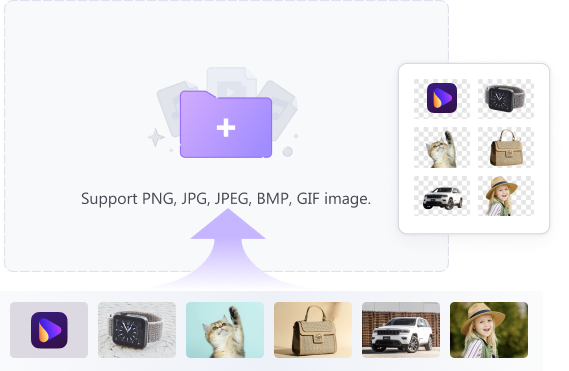
Online + Desktop Support for Flexible Editing
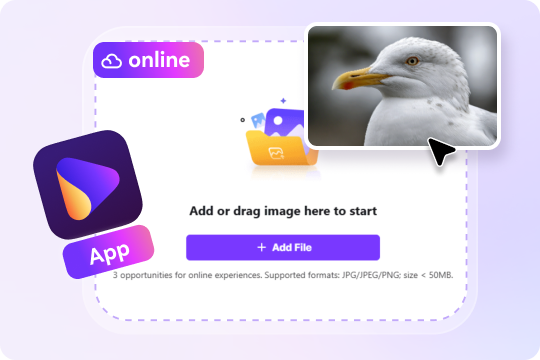
You can use the online color remover for quick edits or switch to the desktop version for larger projects. The online tool works directly in your browser without installation. The desktop version for Windows and Mac gives you more control, faster processing, and offline access for professional image editing workflows.
Export Transparent PNG, JPG, and WebP Files
After removing color from image backgrounds, you can export transparent PNG files for websites, online stores, presentations, and design projects. UniConverter also supports JPG and WebP formats for flexible sharing. The output keeps the original resolution and preserves image clarity during the export process.
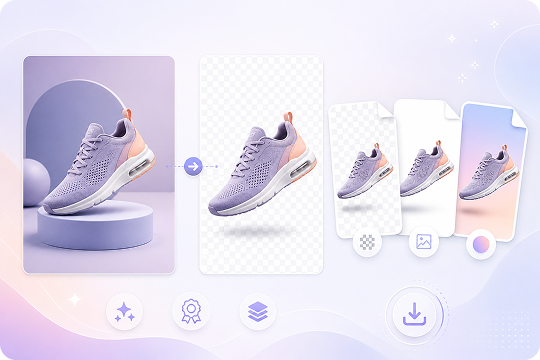
Free to Use with No Watermark
UniConverter offers a free color remover from image workflow without adding visible watermarks to your exported files. You can test the online tool before downloading the desktop version. This makes it easier to remove background color from image files for quick edits, business projects, or personal creative work.
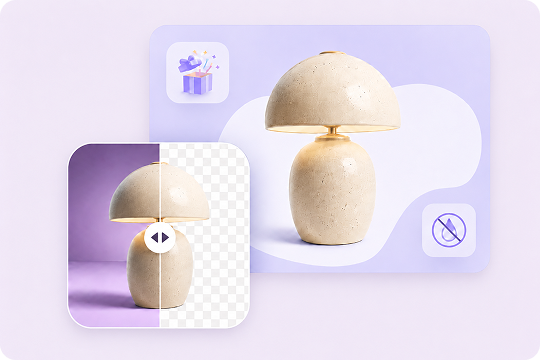
How to Remove Color from Image in 3 Steps

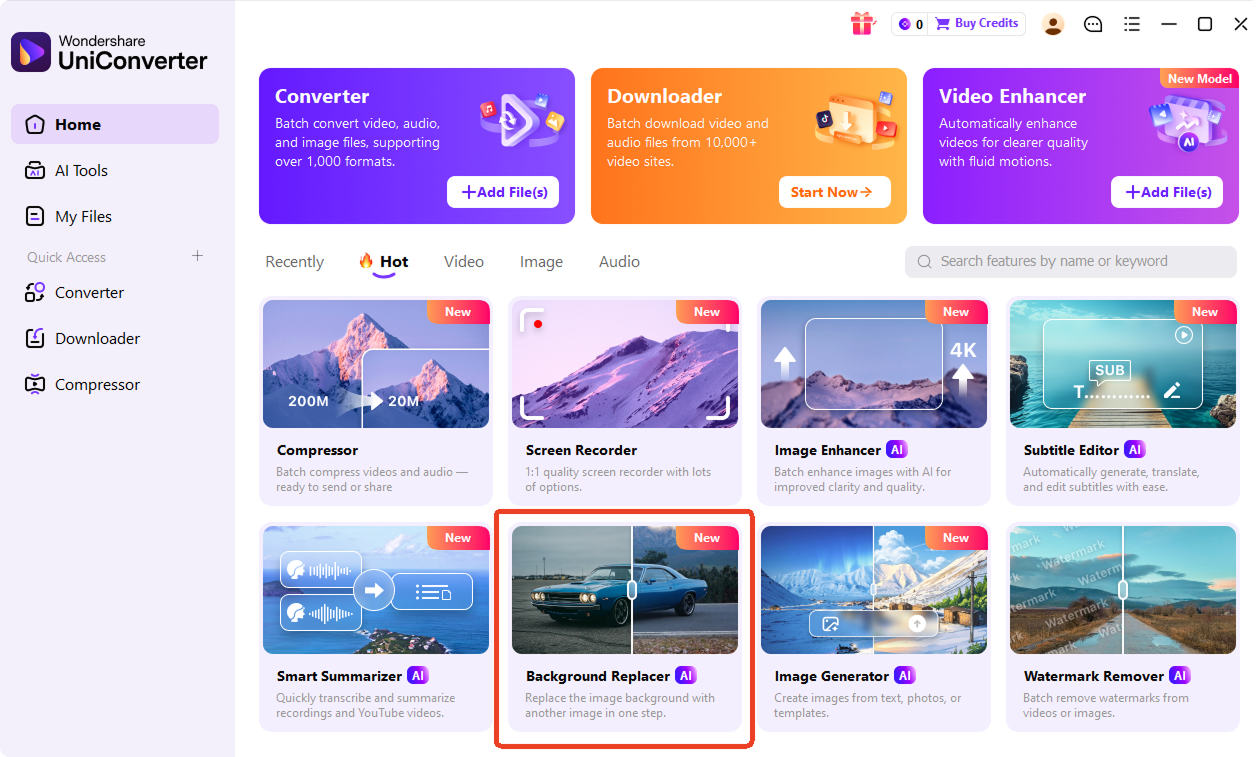
Open UniConverter Online and upload your image file. For batch processing, you can drag and drop files directly into the Background Replacer in desktop for faster editing.

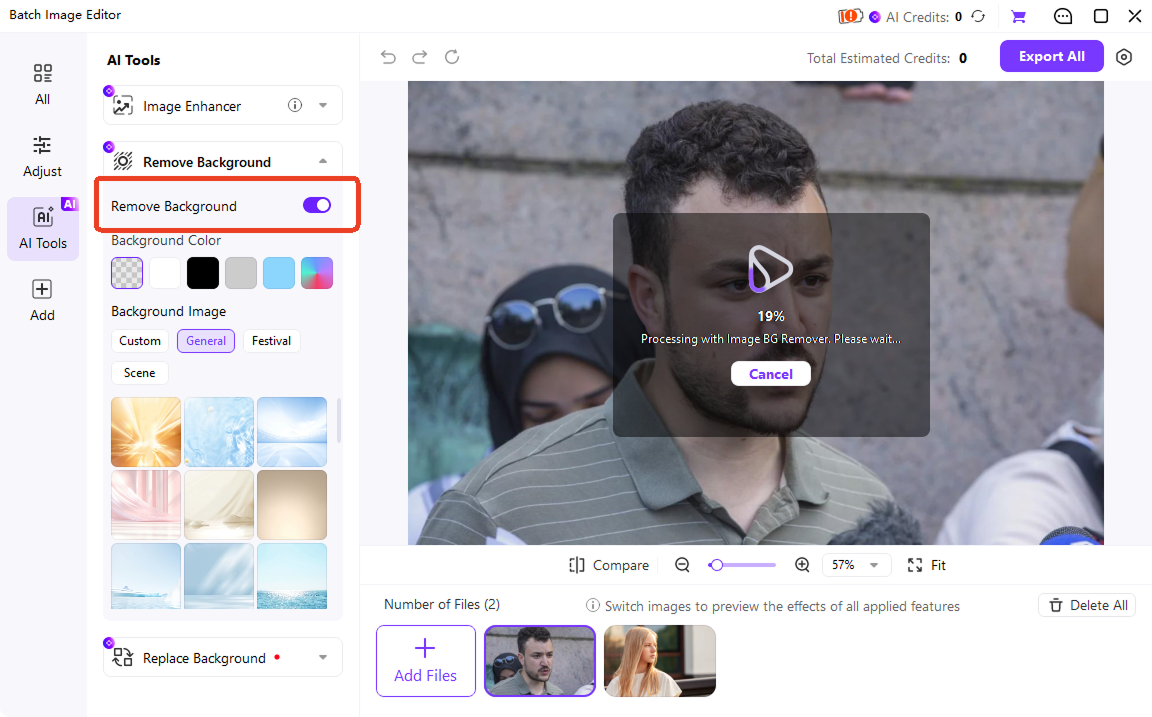
After uploading your image, UniConverter online automatically detects and removes the background color using AI. In desktop version, enable "Remove Background" to let AI do its magic.

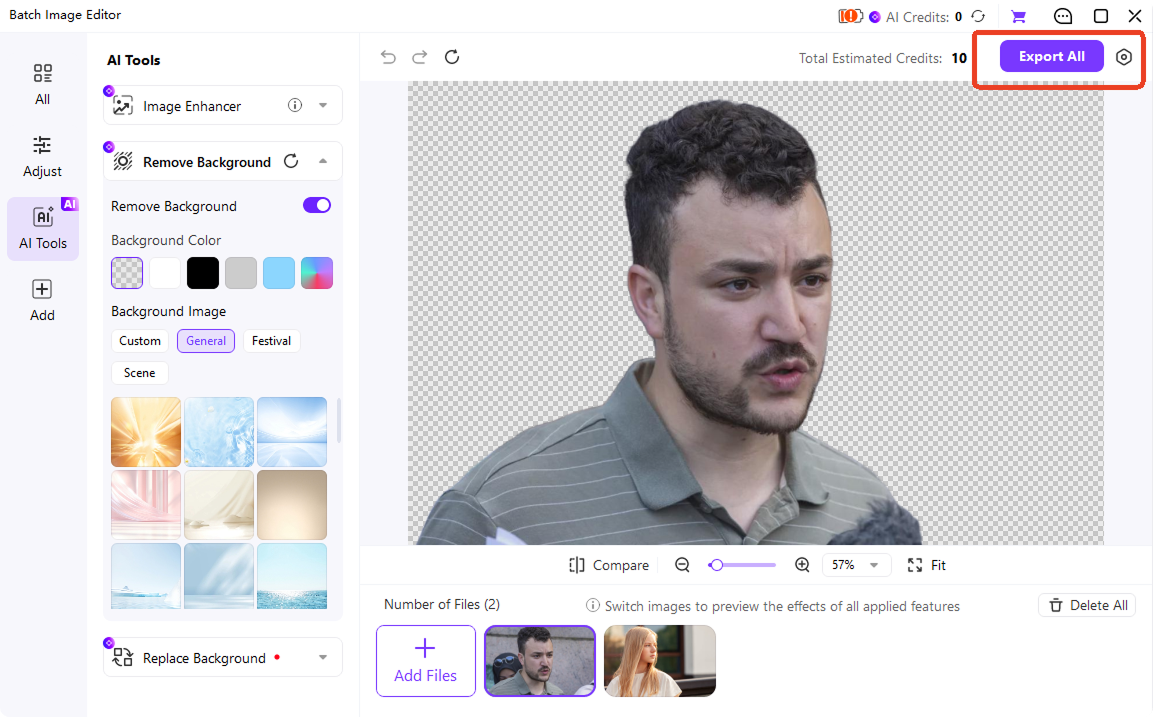
Preview the result to confirm the transparent effect. Then download the edited image as a transparent PNG, JPG, or WebP file. Your image is ready for websites, product listings, logos, or social media content.
Best Use Cases for UniConverter's Color Remover from Image?
UniConverter supports many creative and business workflows. From online stores to digital content creation, users rely on the AI-powered tool to remove background color from image files quickly and export transparent PNG images with minimal editing effort.
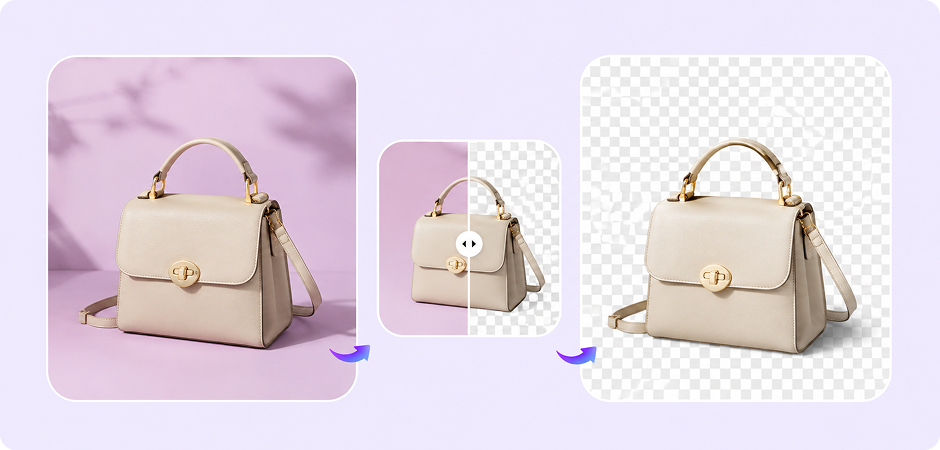


Remove Background Color from Product Images for E-commerce Stores
E-commerce sellers often need clean product photos for Amazon, Shopify, Etsy, and eBay listings. UniConverter helps remove background color from image files automatically, making it easier to create transparent product images for online stores. Sellers can quickly remove white backgrounds, improve product presentation, and maintain consistent image styles across large product catalogs with batch processing support.
Remove Specific Color from Logos, Icons, and Design Assets
Graphic designers frequently need to remove specific color from image elements such as logos, stickers, icons, and layered graphics. UniConverter helps simplify transparent PNG creation by automatically detecting unwanted background colors while preserving clean edges. Designers can prepare graphics faster for websites, presentations, social media posts, and print materials without spending extra time on manual background editing.
Remove Background Color from Images for YouTube and Social Media
Content creators and bloggers often need transparent graphics, clean thumbnails, and polished visual assets for websites and social platforms. UniConverter helps remove background color from image files automatically, reducing editing time during content production. YouTubers, streamers, and bloggers can quickly create transparent PNG overlays, social media graphics, and promotional visuals without using complex editing software.
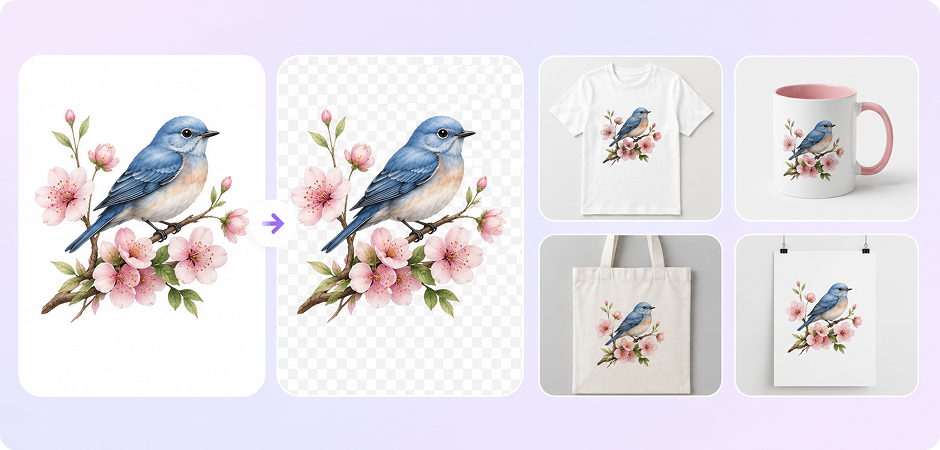
Remove White Background from Images for Print-on-Demand Products
Print-on-demand sellers use transparent artwork for T-shirts, mugs, posters, stickers, and custom merchandise. UniConverter makes it easier to remove white background from image files and export transparent PNG graphics for printing platforms. The AI-powered background remover helps preserve image quality while cleaning unwanted background areas, making designs look more professional on physical products.
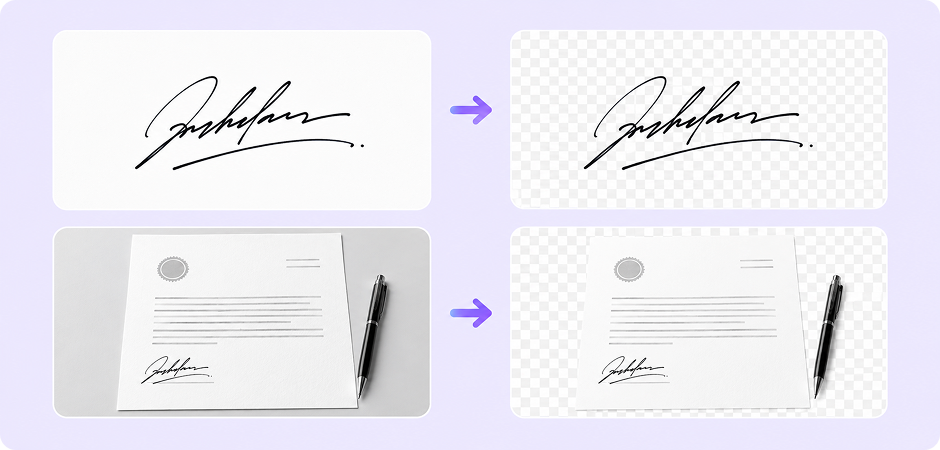
Remove White Background from Signatures and Scanned Documents
Office workers, students, and remote teams often need transparent signatures and cleaned document graphics for digital workflows. UniConverter helps remove white background from picture files automatically, turning scanned signatures into transparent PNG images within seconds. You can use the exported graphics in contracts, PDF forms, presentations, invoices, and business documents without visible white blocks around the signature.
UniConverter Online vs Desktop — Which One Should You Choose?
Choose the version that fits your workflow best. The online version works well for quick image edits. The desktop version gives you batch processing, larger file support, and additional AI media tools for advanced workflows.
| Feature | Online Tool | Desktop Version |
|---|---|---|
| Free Access | ✅ | ✅ |
| Batch Processing | Limited | Unlimited |
| File Size Limit | ≤25MB | Unlimited |
| Offline Editing | ❌ | ✅ |
| Video Editing Support | ❌ | ✅ |
| AI Media Tools | Basic | Full Toolkit |
| Processing Speed | Browser-based | Faster Local Processing |
What Users Say About
UniConverter Color Remover
Frequently Asked Questions about Background Color Remover
How do I remove a specific color from an image?
Can I make a color transparent in PNG online for free?
Does UniConverter remove color from JPG images too?
How do I remove white background from a picture?
Can I remove multiple colors from one image?
Will image quality decrease after removing color?
Is the color remover really free? Are there watermarks?
Can I remove color from images in bulk?
What is the difference between UniConverter and Photoshop Color Range?
Are my uploaded images safe?
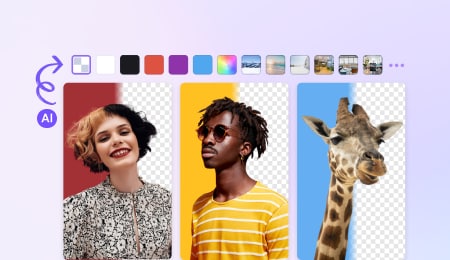




Explore More Features - All-in-One Media Toolbox



Start Removing Colors from Images for Free
Remove white backgrounds, erase specific colors, and create transparent PNG images in just a few clicks. UniConverter helps simplify image editing for e-commerce, design, content creation, and everyday projects. Trusted by 10M+ users worldwide.
