
How to Make PNG Transparent in 3 Steps

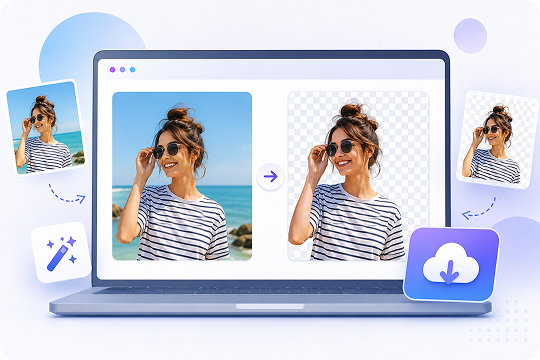
Choose a JPG, JPEG, PNG, WEBP, or HEIC file from your device. You can drag and drop your image into the online PNG maker, or select it manually from your folder.

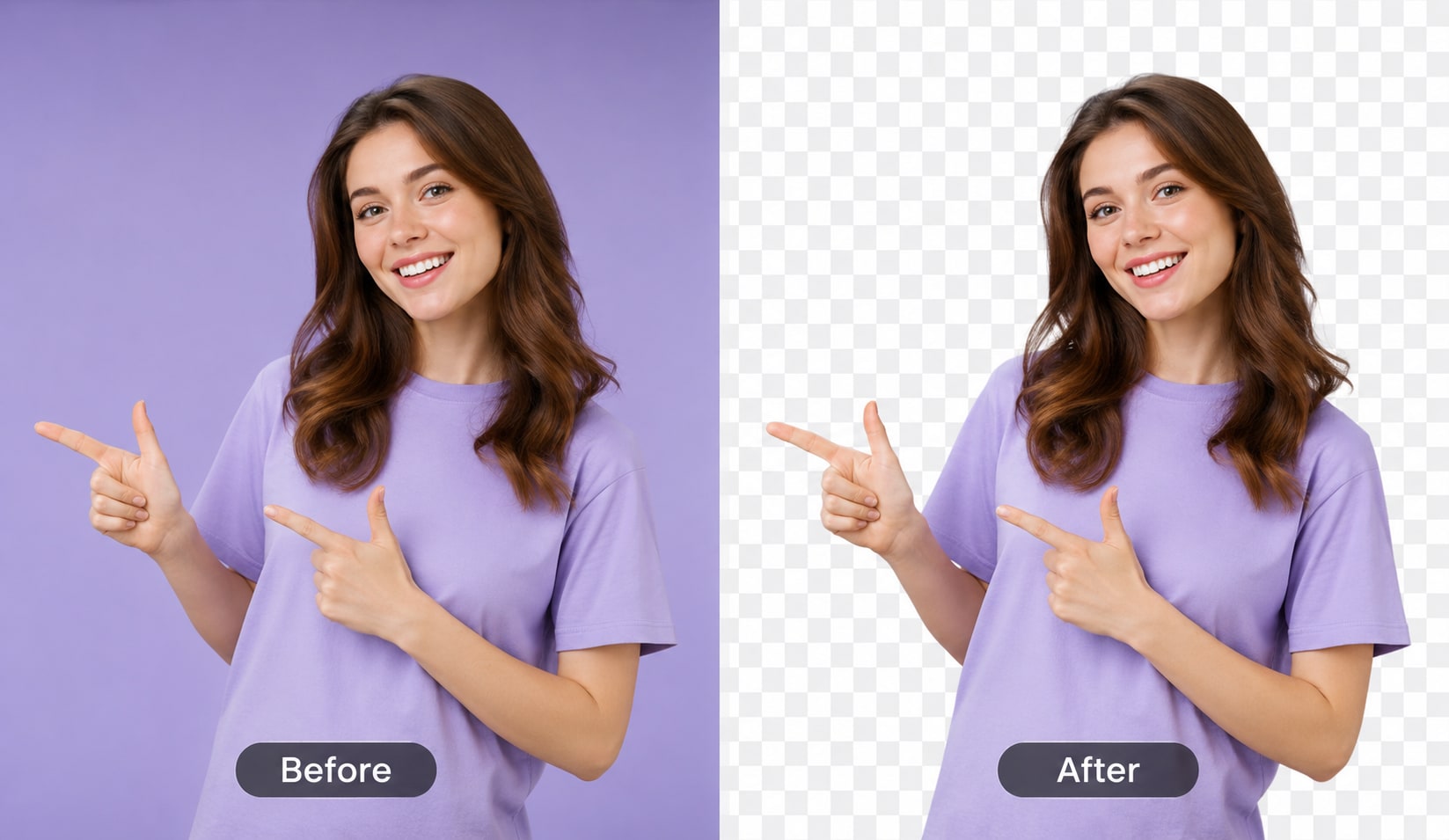
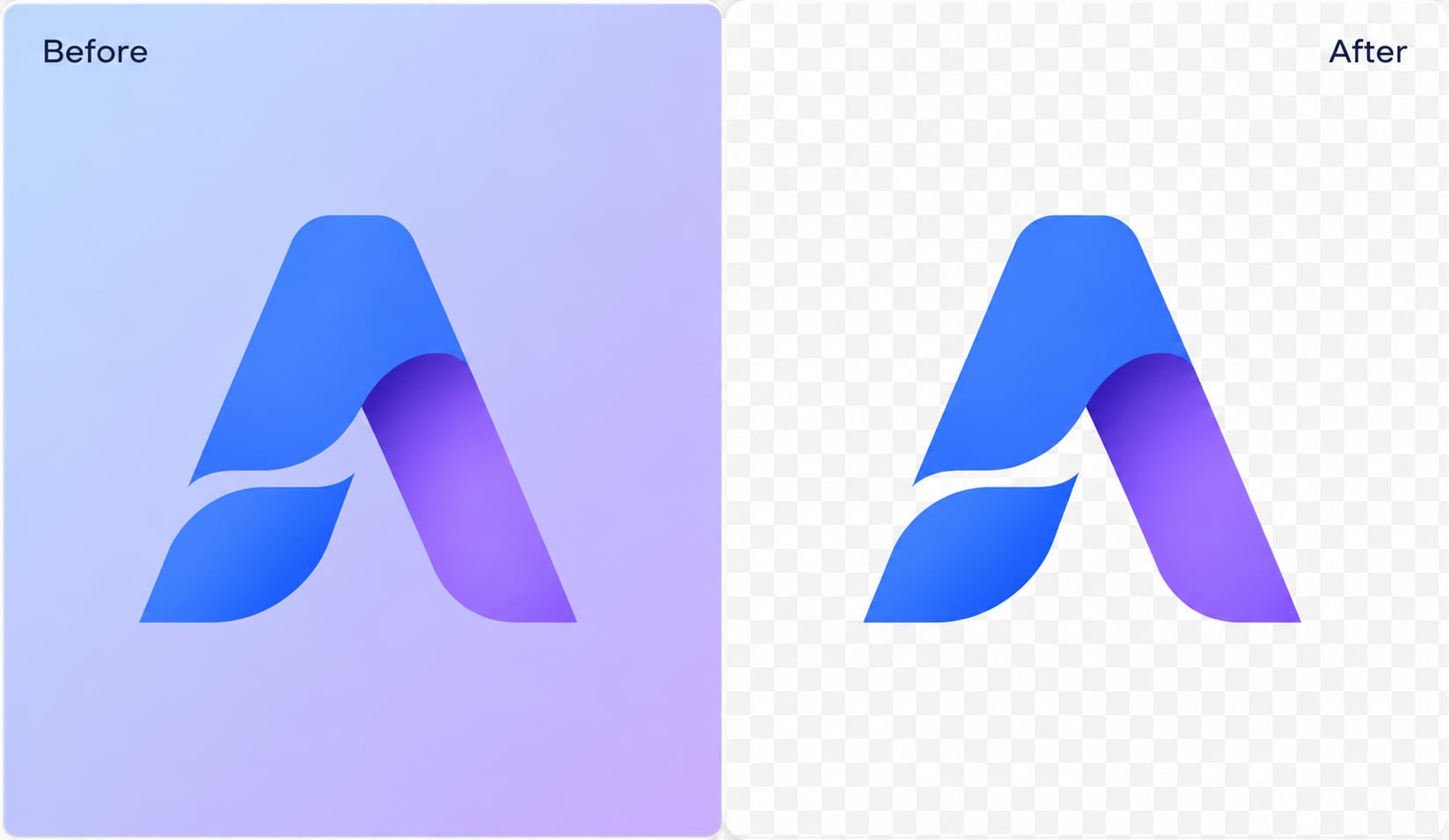
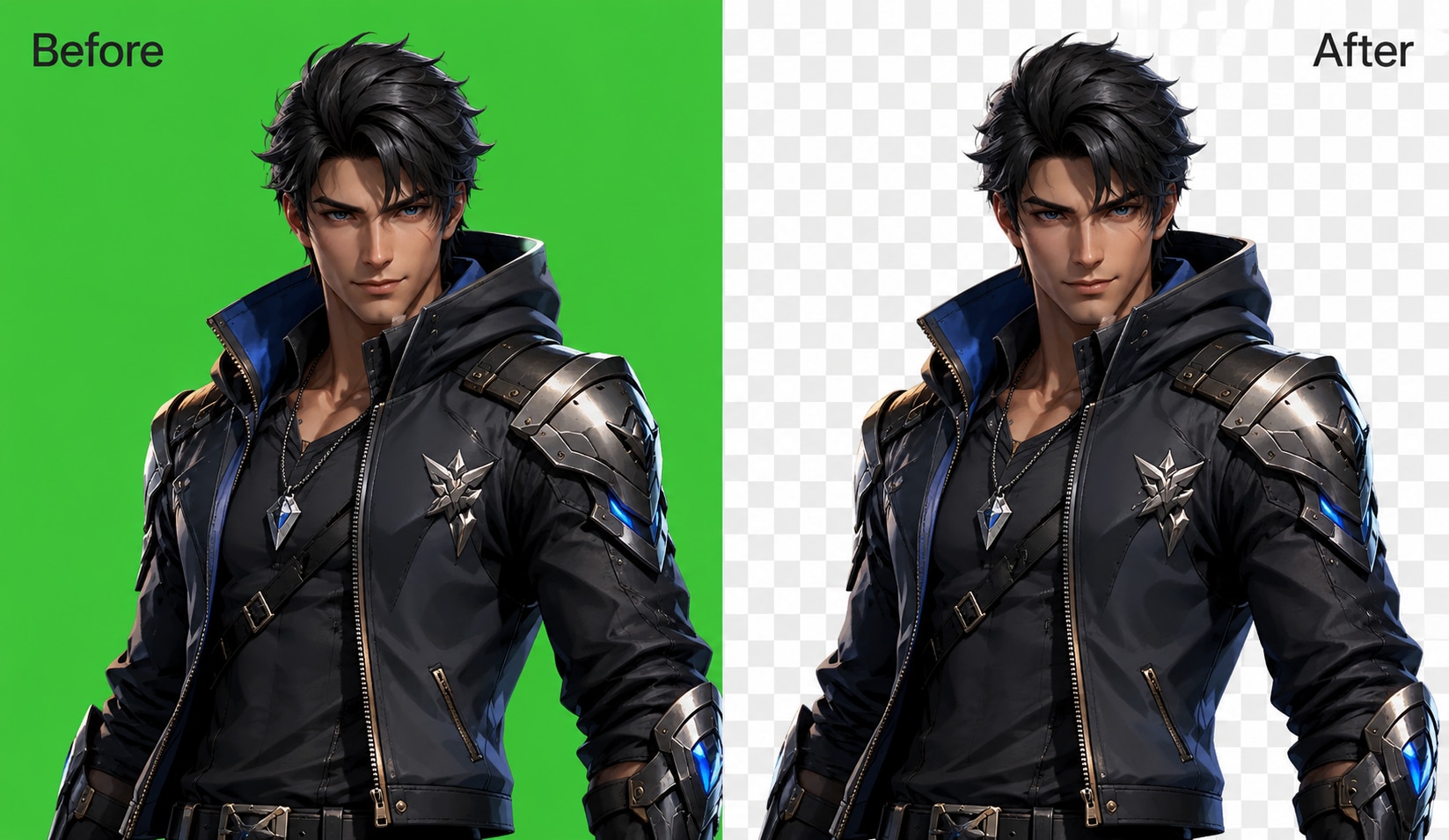
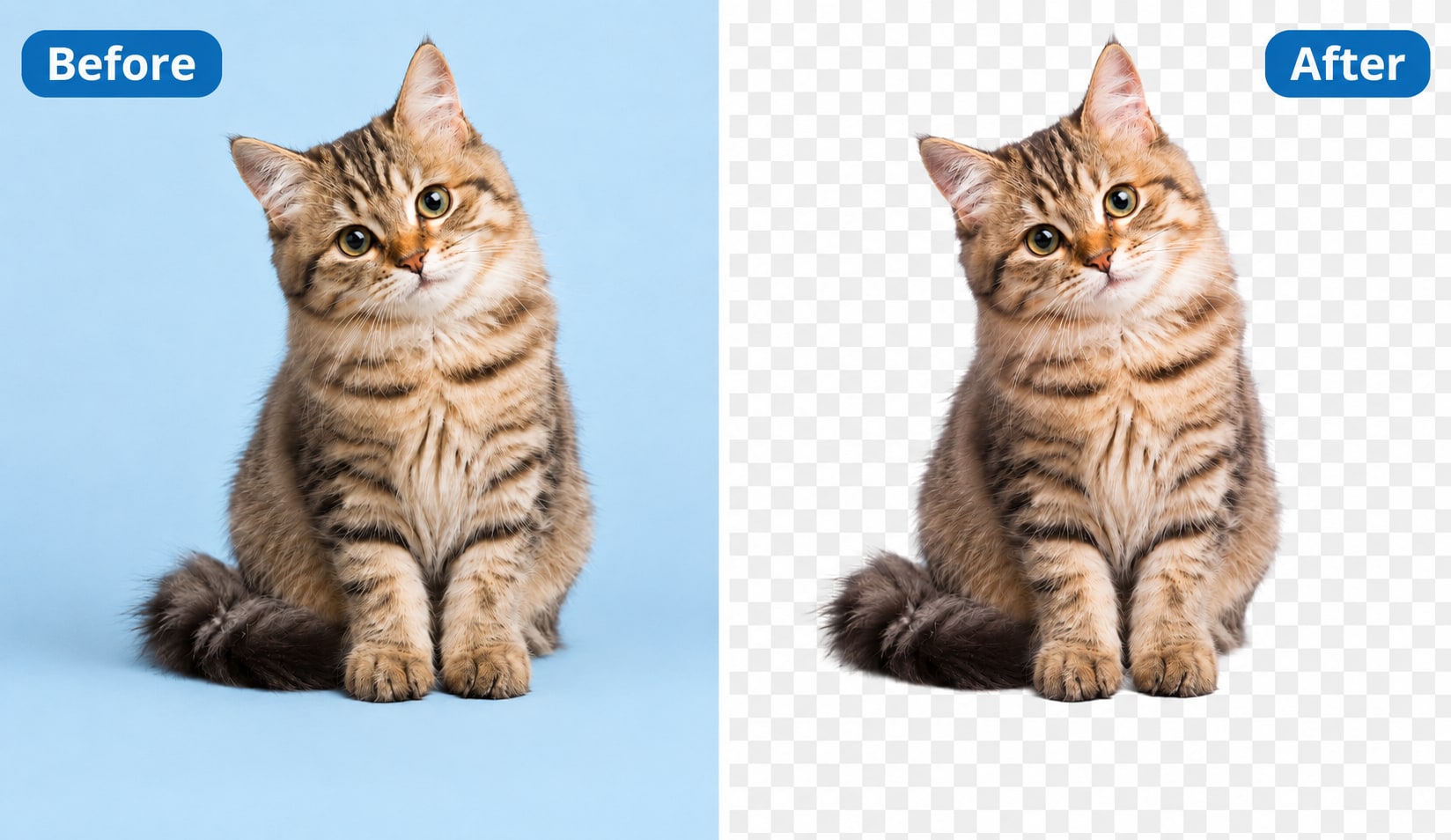
UniConverter detects the main subject and removes the background automatically. It works with people, products, logos, animals, and many everyday objects.

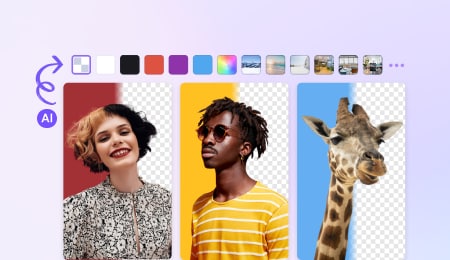
Export a PNG with an alpha channel, which keeps the background transparent. You can also replace the removed background with a solid color or custom image.
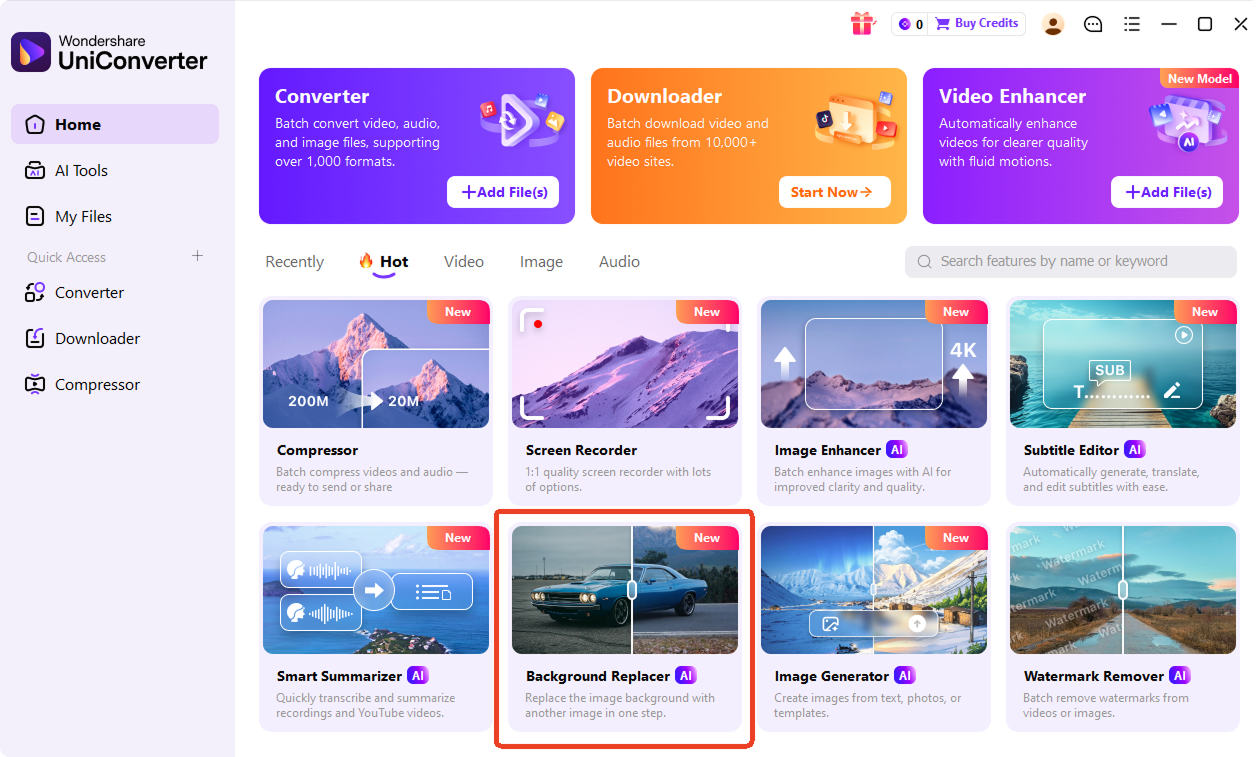
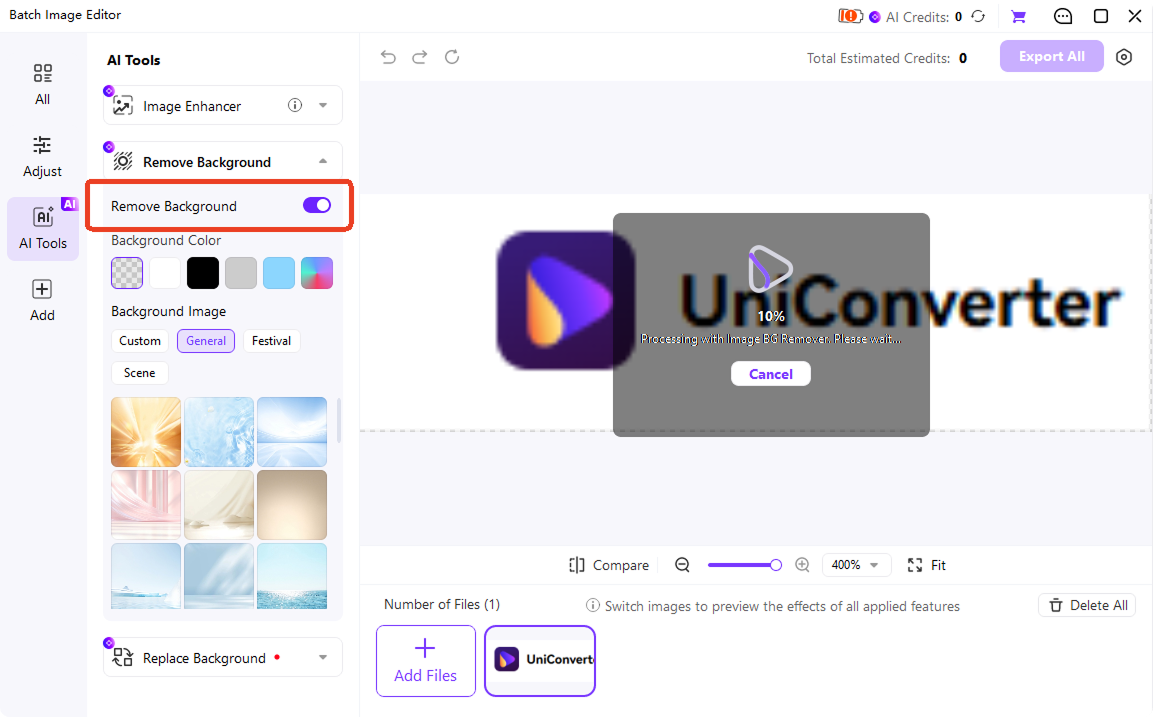
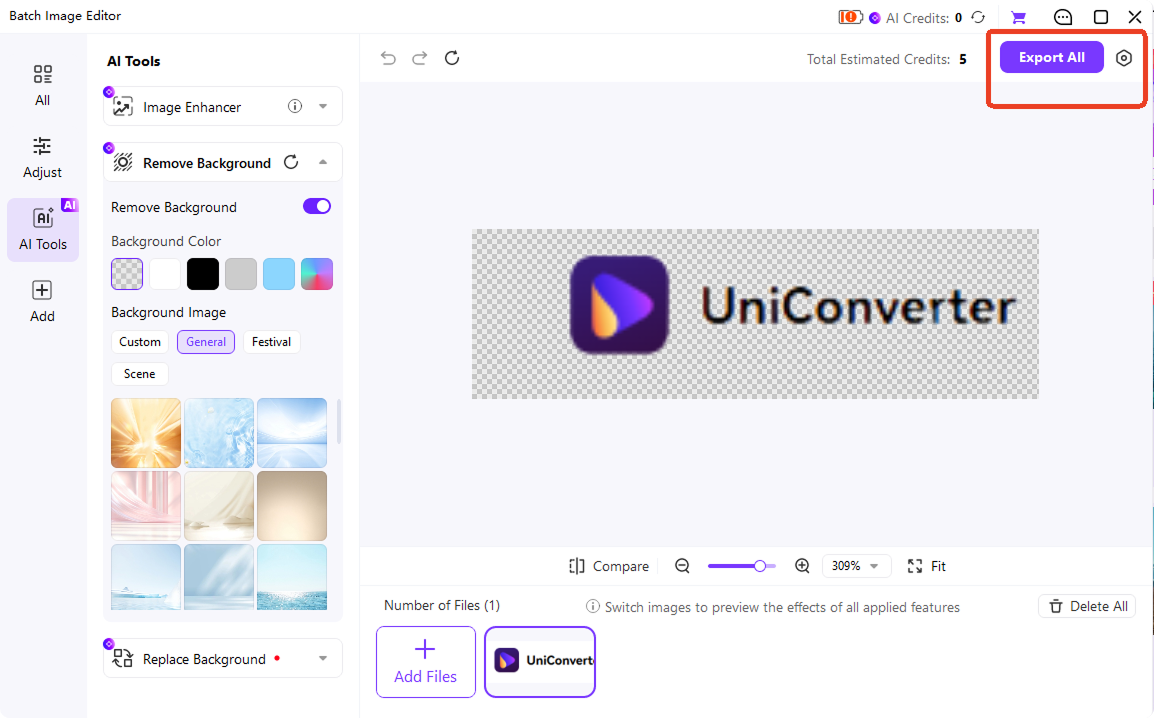
Create Transparent PNGs Faster with UniConverter
Make Any PNG Transparent in One Click
Use UniConverter as a transparent PNG maker when you need a clean cutout without manual editing. Upload a product photo, logo, portrait, or graphic, and let AI remove the background automatically. You can make PNG transparent for store listings, profile images, slides, and design layouts while keeping the main subject clear and ready to reuse.
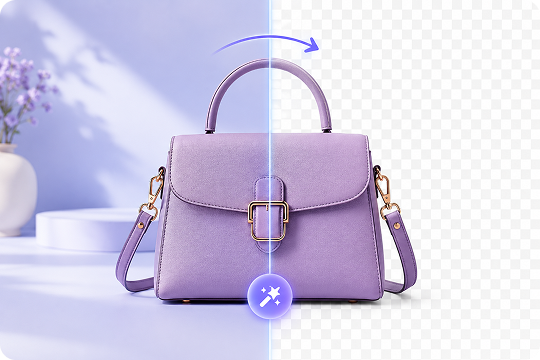
Convert JPG, WEBP, and HEIC to Transparent PNG
Need to convert JPG to transparent PNG? UniConverter also supports JPEG, WEBP, HEIC, and more, so you can turn common image files into PNGs with transparent backgrounds. This image to transparent PNG workflow is useful when your original file does not support transparency. Upload the image, remove the background, and export a clean PNG for editing or sharing.
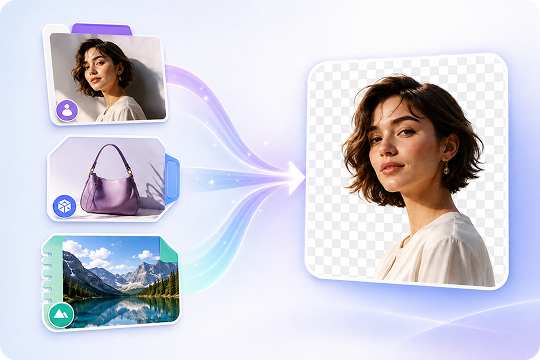
Export HD and 4K PNGs with an Alpha Channel
Download transparent PNG images in HD online, or use UniConverter Desktop for up to 4K output. Each exported file can include an alpha channel, which stores transparent areas inside the PNG. This helps you place images on websites, posters, slides, and design projects without a visible background box or rough white edge.
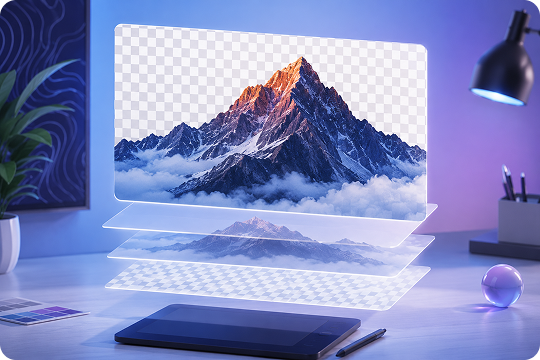
Keep Edges Clean Around Hair, Fur, and Glass
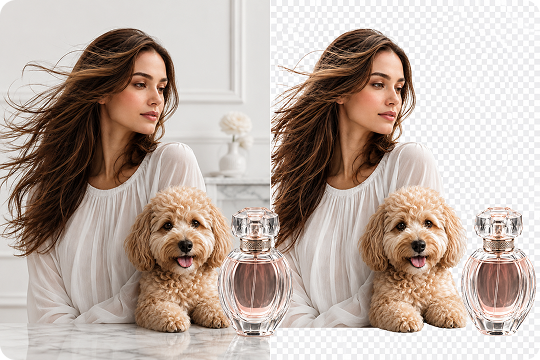
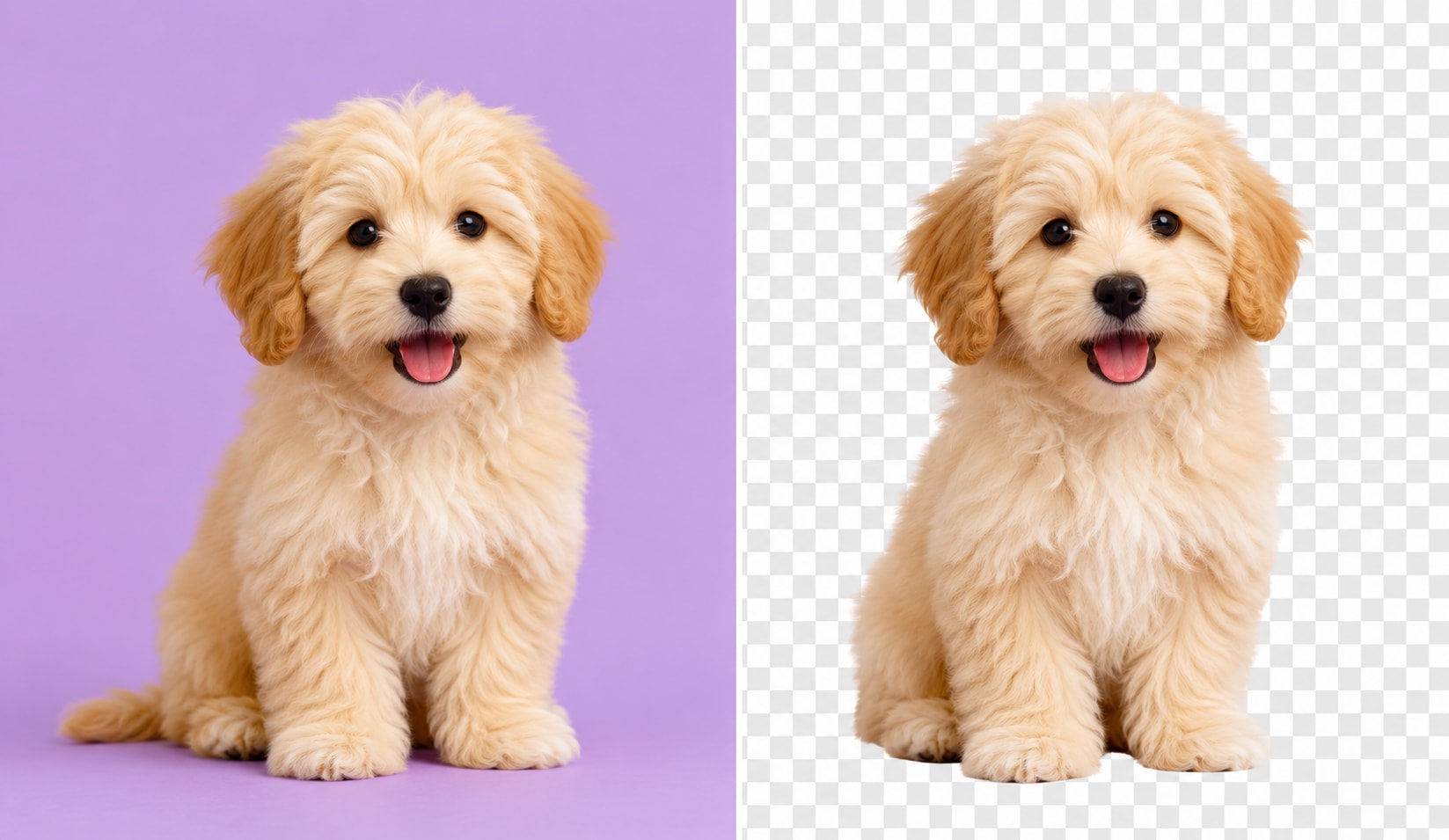
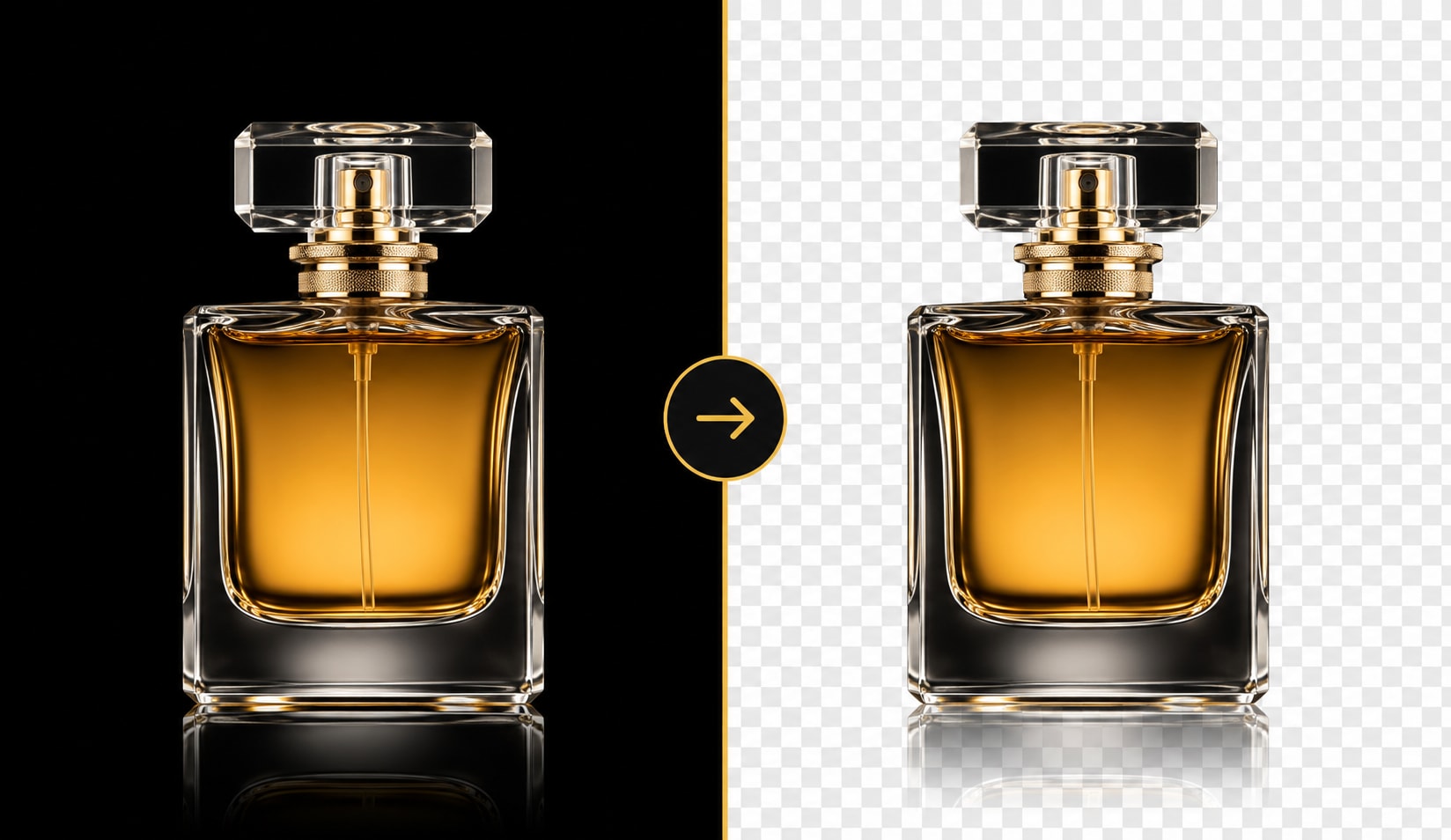
A good transparent PNG generator should handle more than simple shapes. UniConverter helps refine detailed edges around hair, fur, glass, fabric, and soft shadows. This makes the final transparent PNG look cleaner on both light and dark backgrounds. Use it for portraits, pets, product details, and lifestyle images that need a more natural cutout.
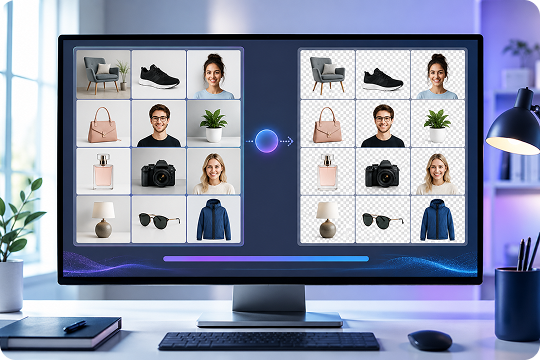
Batch Create Transparent PNGs on Desktop
When you have many images to process, UniConverter Desktop works as a batch PNG maker for larger workflows. Add product photos, profile pictures, marketing images, or design assets, then make PNG background transparent across multiple files. This is helpful for sellers, teams, and creators who need a faster photo PNG maker or image PNG maker for repeated tasks.
Use a Free PNG Maker Online with No Watermark
Start with the free PNG maker online when you need a quick background removal task. You can upload one image, create a transparent PNG, and download it without a watermark or sign-up. This png maker online free option works well for simple edits, social posts, icons, and small design tasks before moving to desktop for batch or 4K output.
Make Transparent PNG Images for Work, Design, and Content
Create Transparent PNG Product Photos for Online Stores
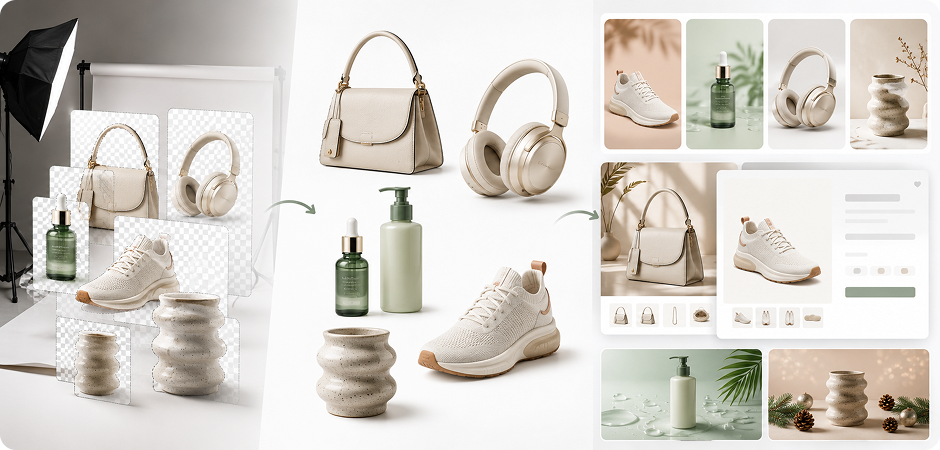
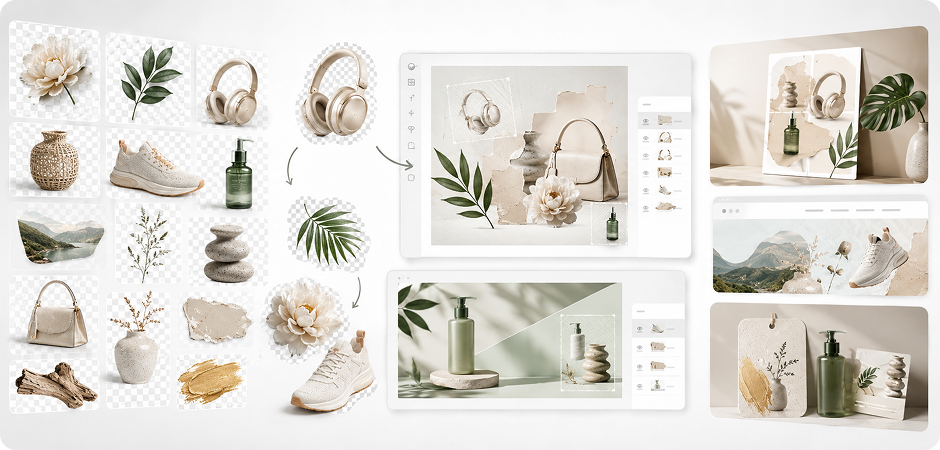
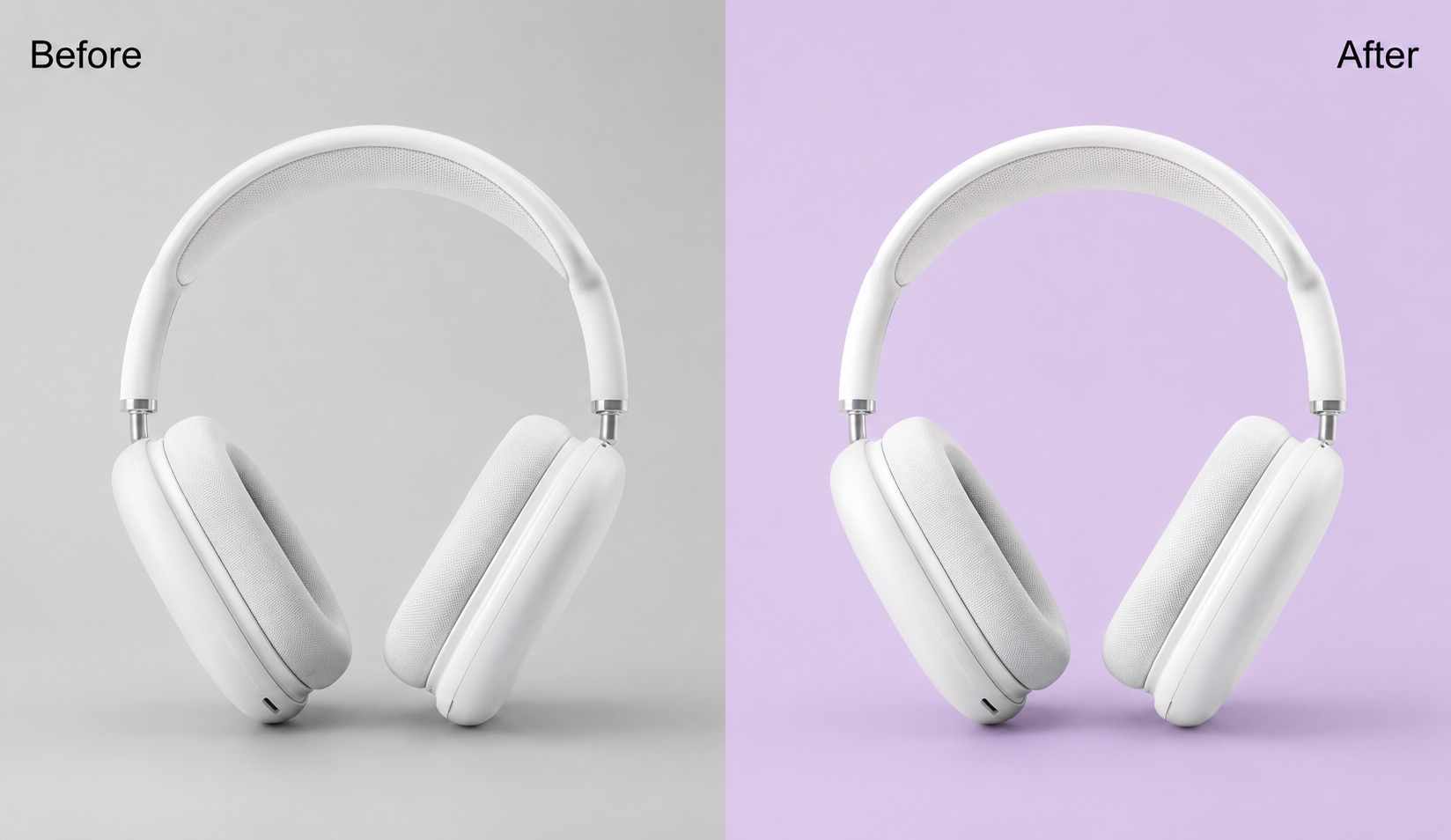
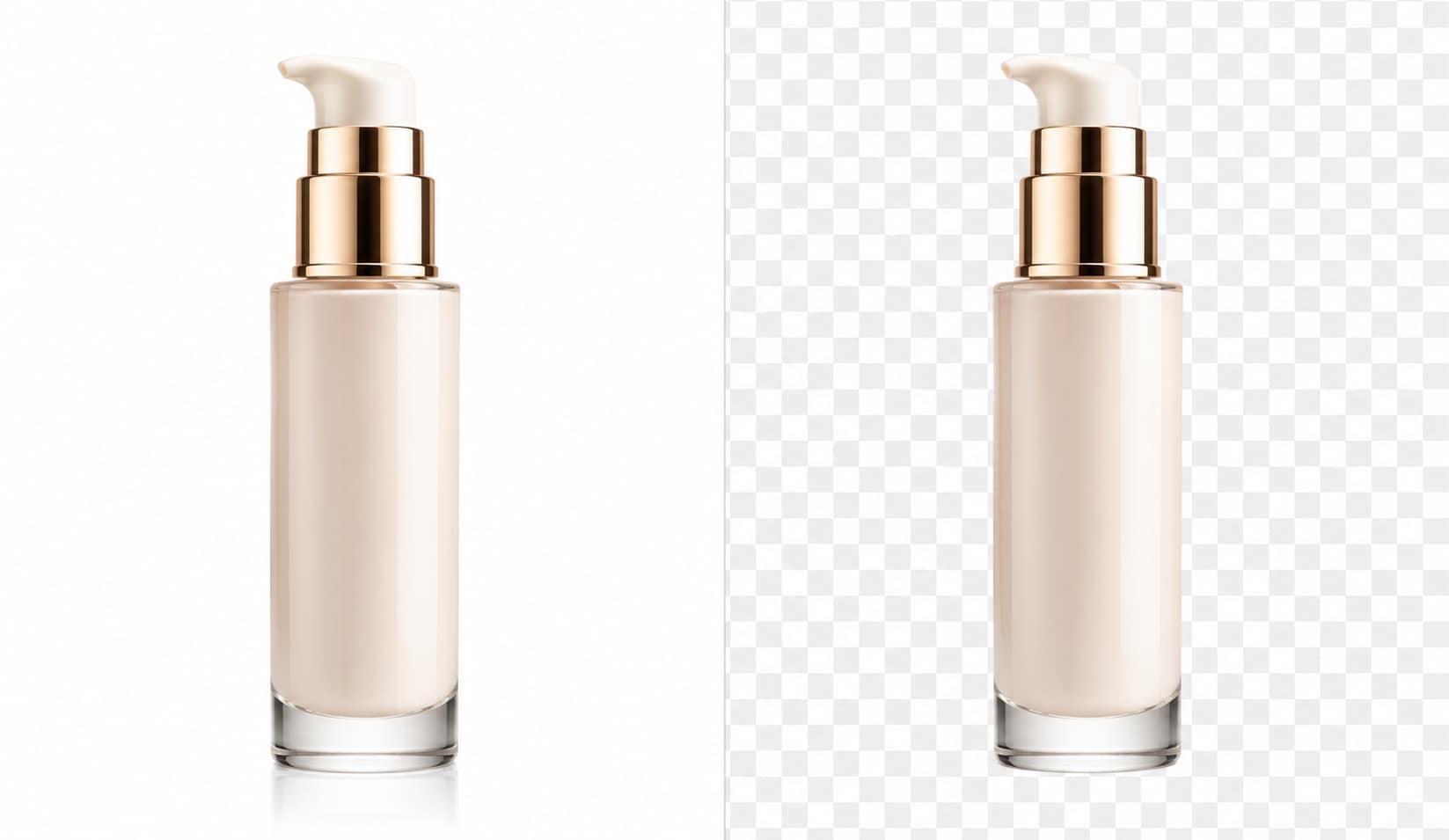
Remove busy backgrounds from product photos and export clean transparent PNG images for your online store. Use them for shoes, skincare items, electronics, accessories, handmade goods, and more. UniConverter's transparent PNG maker helps you place each product on a white, branded, seasonal, or marketplace-ready background. This makes your listings look consistent across product pages, ads, catalogs, and sale banners without editing each image by hand.
Make Profile Pictures with a Transparent PNG Background
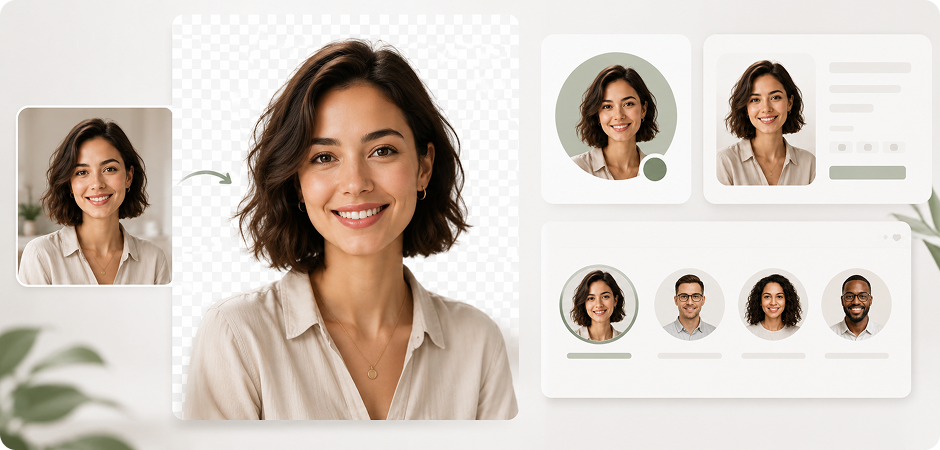
Turn portraits and headshots into clean profile images with a transparent PNG background. Upload a photo, remove the original scene, and place the person on a solid color, branded frame, resume layout, or company page. This workflow helps you make PNG transparent online for LinkedIn profiles, speaker bios, employee directories, and team pages. Keep the face and shoulders clear while removing distracting objects from the background.
Create Transparent PNG Cutouts for Social Media Posts
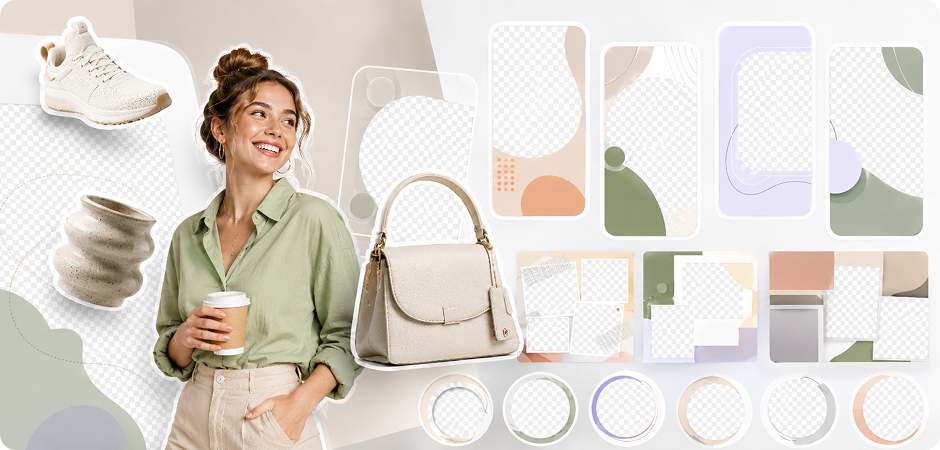
Build flexible transparent PNG cutouts for Instagram posts, TikTok covers, YouTube thumbnails, and short-form video graphics. Remove the background from logos, products, props, or people, then layer the PNG with no background over text, shapes, gradients, or brand templates. This gives you more control when creating social visuals. Save your cutouts and reuse them across campaigns, product launches, seasonal posts, and video preview images.
Design Reusable Transparent PNG Assets for Creative Projects
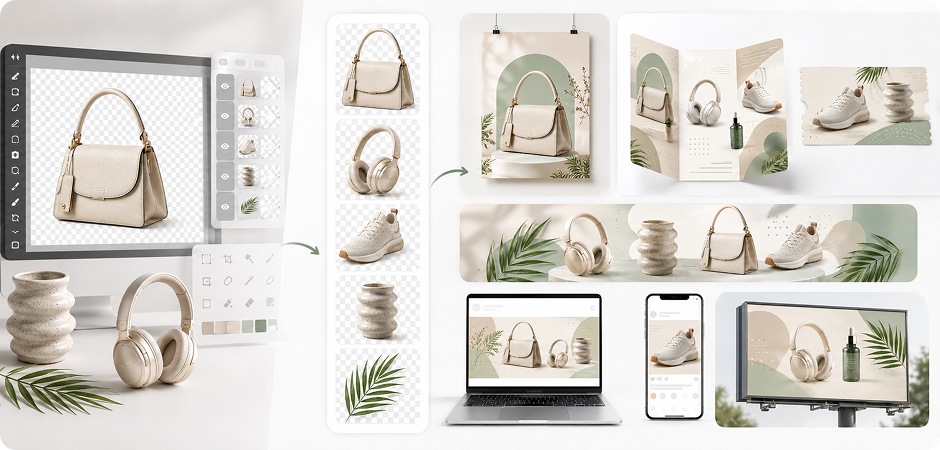
Create transparent PNG assets for posters, web banners, icons, stickers, collages, and branded visuals. Remove the background from illustrations, logo drafts, object photos, or scanned artwork, then export a PNG transparent background for your design tools. This PNG creator workflow makes objects easier to layer, resize, and reuse. Use the files in Figma, Canva, PowerPoint, or other editors that support transparent PNG images.
Add PNG Images with No Background to Slides
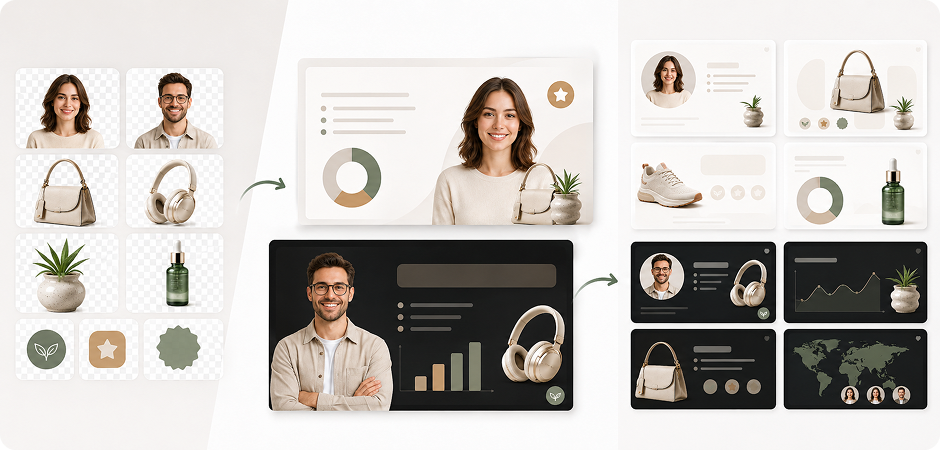
Use PNG images with no background to place headshots, products, icons, badges, or diagrams cleanly on your slides. The transparent area will not cover charts, text, or branded templates. This is useful for sales decks, training materials, classroom slides, and business reports. With a transparent PNG, you can match dark themes, light themes, and custom layouts without awkward white boxes around your visual elements.
Prepare Transparent PNG Graphics for Flyers and Ads
Prepare transparent PNG graphics for flyers, posters, brochures, coupons, ads, and event materials. Cut out products, people, logos, or decorative elements, then place them directly into your marketing layout. Choose HD or 4K output when you need sharper results for larger designs. This image PNG maker workflow helps teams reuse the same transparent PNG across print files, web banners, local promotions, and seasonal campaigns.
Choose Online PNG Maker or Desktop PNG Maker
Use UniConverter Online for quick edits. Choose UniConverter Desktop when you need batch processing, larger files, local processing, or 4K transparent PNG output.
| Capability | UniConverter Online | UniConverter Desktop |
|---|---|---|
| Make PNG transparent with 1-click AI | ✓ | ✓ |
| Max input size | 50MB | Large files supported |
| Output resolution | Up to HD | Up to 4K |
| Batch processing | Single image | 100+ images |
| Local / offline processing | — | ✓ |
| Formats in | JPG / JPEG / PNG | More image formats |
| Formats out | PNG alpha / JPG / WEBP | More export options |
| Watermark | None | None |
| Price | Free | Free trial → Pro |
What Users Say About
UniConverter Transparent PNG Maker
Frequently Asked Questions About Transparent PNG Maker
What is a transparent PNG maker?
How do I make a PNG transparent for free?
How do I convert a JPG to a transparent PNG?
How do I make a PNG with no background?
Can I make a transparent PNG without Photoshop?
What is the difference between a PNG and a transparent PNG?
Does UniConverter’s PNG maker add a watermark?
Can I batch-make transparent PNGs?
What resolution can I export?
Is my image stored or shared online?
Can I make a PNG transparent online on mobile?
How do I replace a white background with transparency?





Make Your First Transparent PNG in Seconds
Start free online to make PNG transparent, remove backgrounds, and download a clean PNG with no background. For batch processing, larger files, and up to 4K output, download UniConverter Desktop.
