


Listening to podcasts on the go is a great way to learn and relax daily. However, streaming requires a constant internet connection, which can drain your mobile data quickly. That is why finding a reliable podcast downloader is essential for your daily routine. Whether you want to download podcast MP3 files for your morning commute or need a dedicated spotify podcast downloader, the right tool helps immensely.
In this comprehensive guide, we explore the best methods to take your favorite shows offline. You can easily build your offline media library with the right software today.
Table of Contents
Key Takeaways
[Streaming Limitations] Native podcast apps restrict downloads with DRM, preventing file transfer and flexible offline use.
[Offline Listening Needs] Podcasts can be downloaded as MP3 for commuting, data saving, and playback across devices like USB or MP3 players.
[Tool Options] Tools like Sidify, NoteBurner, 4K Video Downloader+, Audacity, VLC, and TunePat offer different levels of control and flexibility.
[Best Workflow] Wondershare UniConverter enables fast batch downloads, format conversion, and high-quality MP3 extraction for efficient podcast management.
Part 1. Native App Limits vs. Third-Party Podcast Downloader Solutions
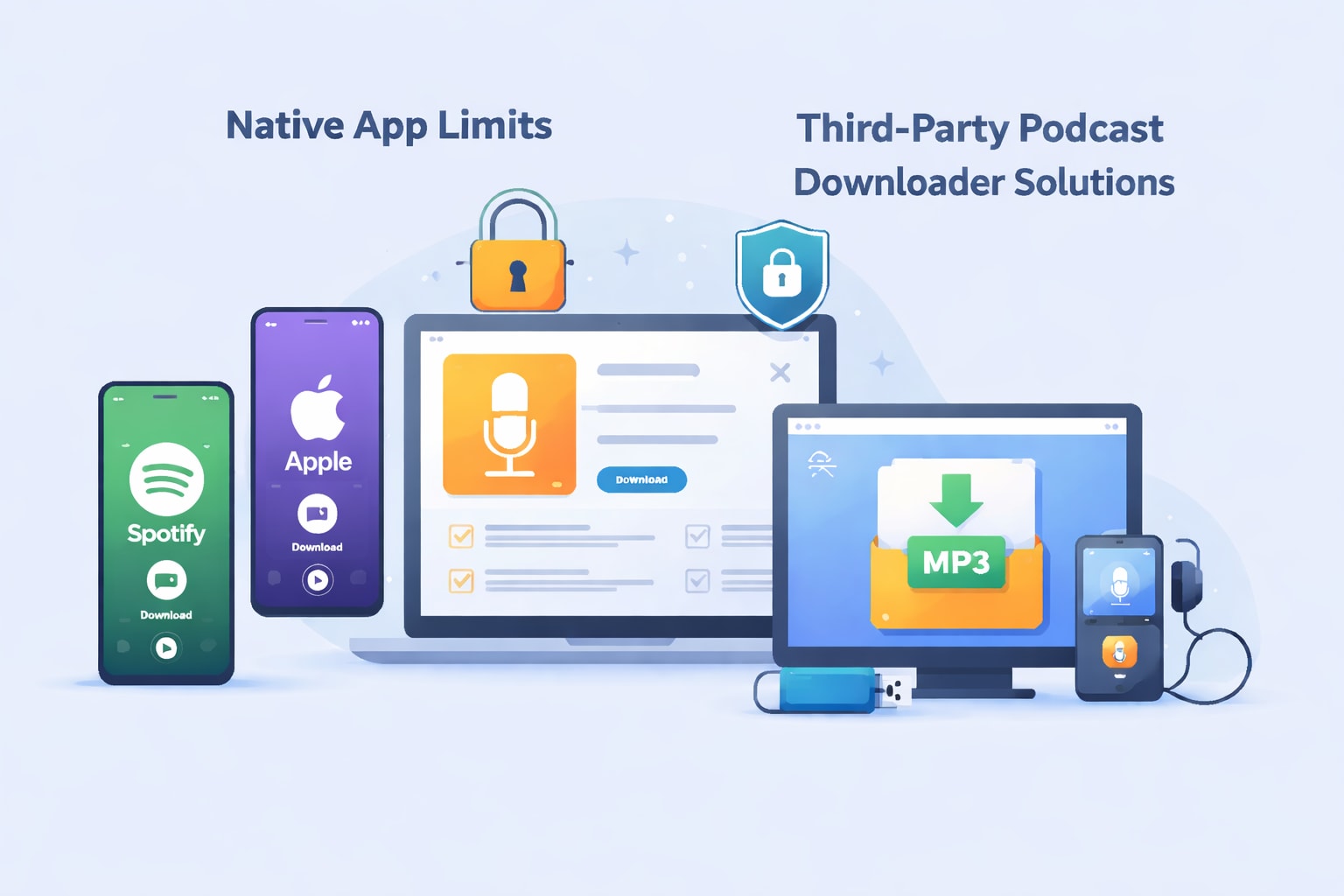
The Mobile Ecosystem Limitations
Most listeners consume audio content directly on mobile devices. You can natively download podcast from Spotify or use the built-in Apple Podcast downloader on iOS. However, these native downloads are heavily encrypted. This means you cannot move the files to other devices easily.
Platform Specifics
To officially download podcast Spotify episodes, premium users save content easily, while free users face strict limits. For a BBC podcast download, you can find BBC podcasts to download directly via the BBC Sounds app. Meanwhile, listeners seeking a Google Podcasts download must now transition to YouTube Music.
The Third-Party Workaround
Third-party software provides a reliable workaround. It highlights the practical advantage of owning your actual audio files. You can download podcast MP3 files for a dedicated MP3 player or car USB drive securely. A dedicated desktop tool lets you download Spotify podcast to MP3 permanently, bypassing restrictive DRM safely.
Part 2. Comparison of the Top 10 Podcast Downloaders
| Tool Name | Best For | Supported Formats | Video Podcast Support |
| Wondershare UniConverter | All-in-One Video & Audio | MP4, MP3, WAV, AAC | Yes |
| Sidify Music Converter | Spotify Audio Extraction | MP3, AAC, FLAC, WAV | No |
| NoteBurner iTunes Converter | Apple Podcasts & Music | MP3, AAC, FLAC | No |
| 4K Video Downloader+ | YouTube Video Podcasts | MP4, MP3, OGG | Yes |
| Apple Podcasts (Desktop) | Mac & iOS Ecosystem | Encrypted M4A | Yes (In-app only) |
| Audacity | Real-Time Audio Recording | MP3, WAV, OGG | No |
| VLC Media Player | Network Stream Saving | MP3, MP4, OGG | Yes |
| TunePat Podcast Converter | Web-Based Extractions | MP3, WAV, AAC | No |
| Pocket Casts (Desktop) | Cross-Device Syncing | Encrypted Audio | No |
| By Click Downloader | Web Video to Audio | MP3, MP4, AVI | Yes |
Part 3. Top 10 Podcast Downloader Tools for PC & Mac in 2026
Group 1: Best All-in-One Desktop Solutions (Windows & Mac)
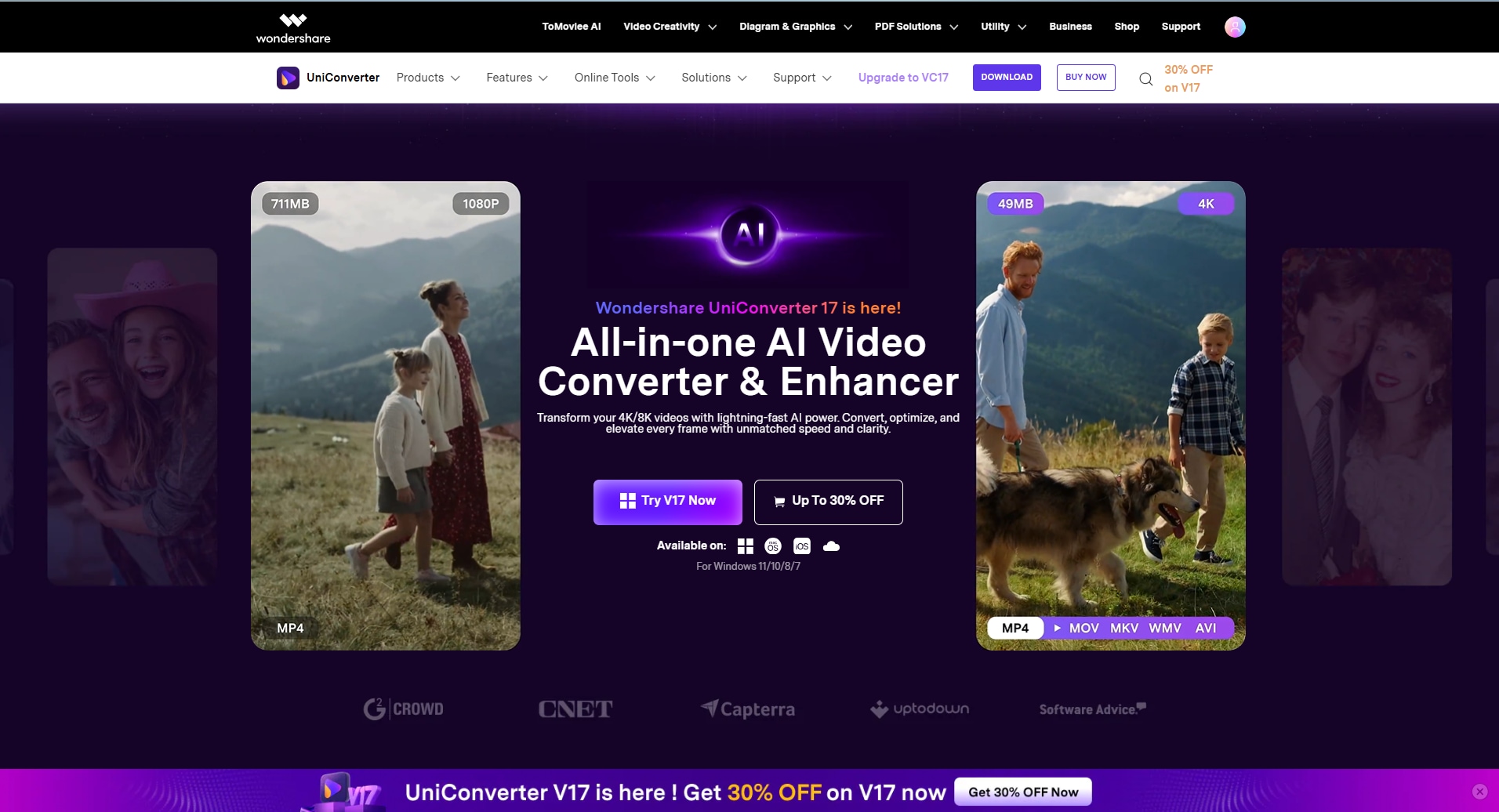
1. Wondershare UniConverter (Top Pick for Video & Audio)
Wondershare UniConverter is a highly efficient media processing toolbox that acts as a reliable podcast downloader for your daily routine. It helps you manage, compress, and convert podcast files without losing original quality. You can easily download podcast MP3 files or process a large batch of audio tracks in just a few clicks. It is ideal for users who need a fast, straightforward workflow. You can handle high-resolution files, extract audio streams cleanly, and keep your offline media organized on your desktop securely. With its downloader, you can esaily batch save podcasts from YouTube playlist or extract audio files from YouTube podcasts for offline listening. With UniConverter, you can easily enjoy safe and efficient podcast saving experience.
Dialects Support: Over 120 languages via subtitle tools.
Live or File-Based TTS: File-Based TTS available in the editor.
Starting Price: $9.99/month or $29.99/year.
Supported Device: Windows, macOS.
Steps Guide to Download Podcasts by URL
Step 1. Open UniConverter Downloader
Launch Wondershare UniConverter on your computer (Windows or Mac). On the left panel, click “Downloader”

Step 2. Copy the Podcast URL
Go to the podcast platform (e.g., Spotify, Apple Podcasts, SoundCloud, or a direct RSS/audio page).

Step 3. Choose Download Settings
Back in UniConverter, paste URL, the software will automatically analyze the link. You can choose format (MP3 is best for podcasts) and quality (e.g., 128 kbps / 320 kbps) based on your actual needs.

Step 4. Start Download
Click Download and wait for the process to complete.


Batch Podcast Downloader for Faster, Bulk Downloads
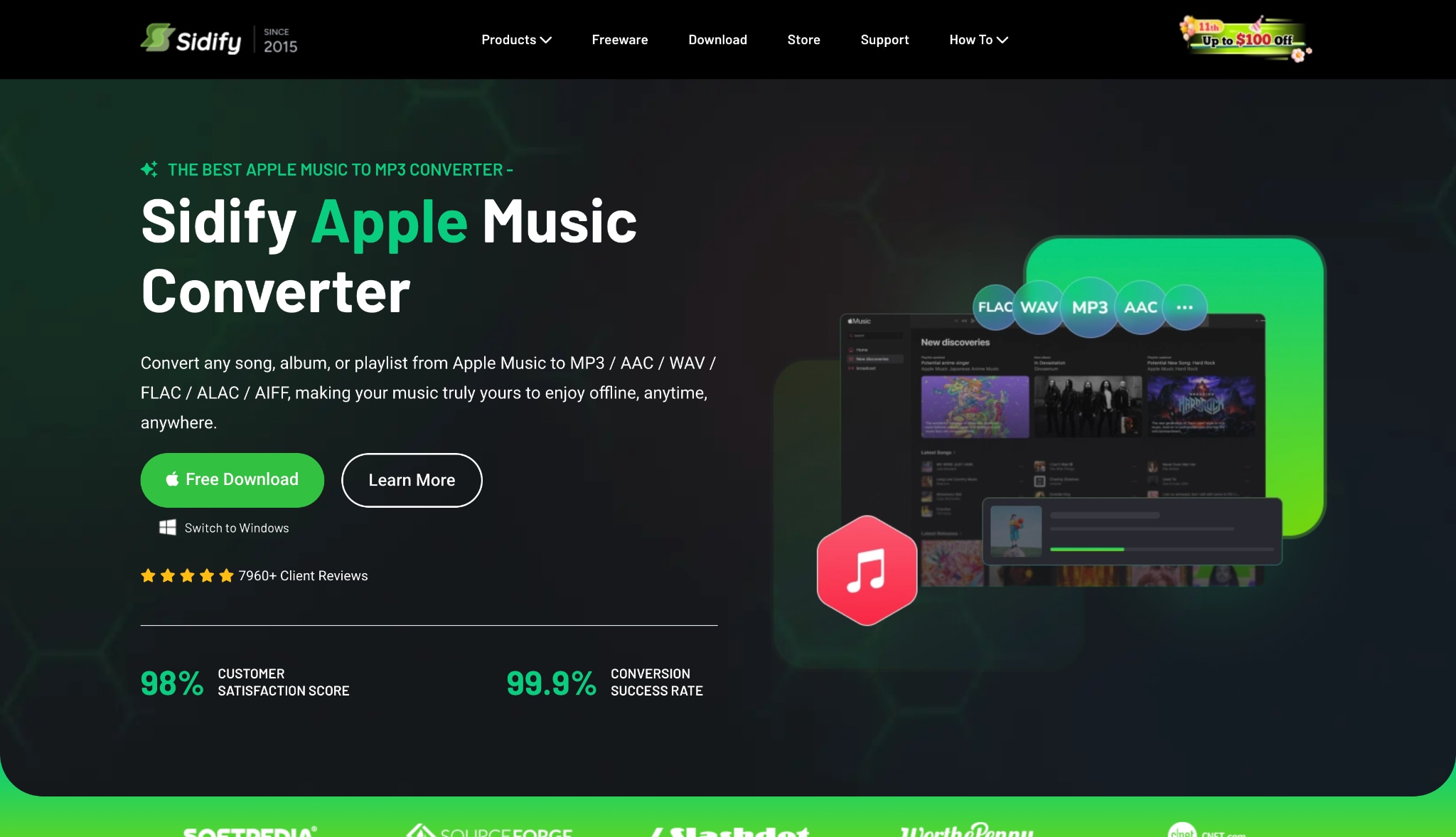
2. Sidify Music Converter
Sidify Music Converter is a dedicated Spotify podcast downloader that helps you save audio streams as local files. If you want to download Spotify podcast episodes permanently, this tool converts them quickly. It keeps your library organized by retaining vital track information. This makes it simple to build a personal offline collection on your computer without hassle.
Dialects Support: N/A.
Live or File-Based TTS: N/A.
Starting Price: $159.90/lifetime.
Supported Device: Windows, macOS.
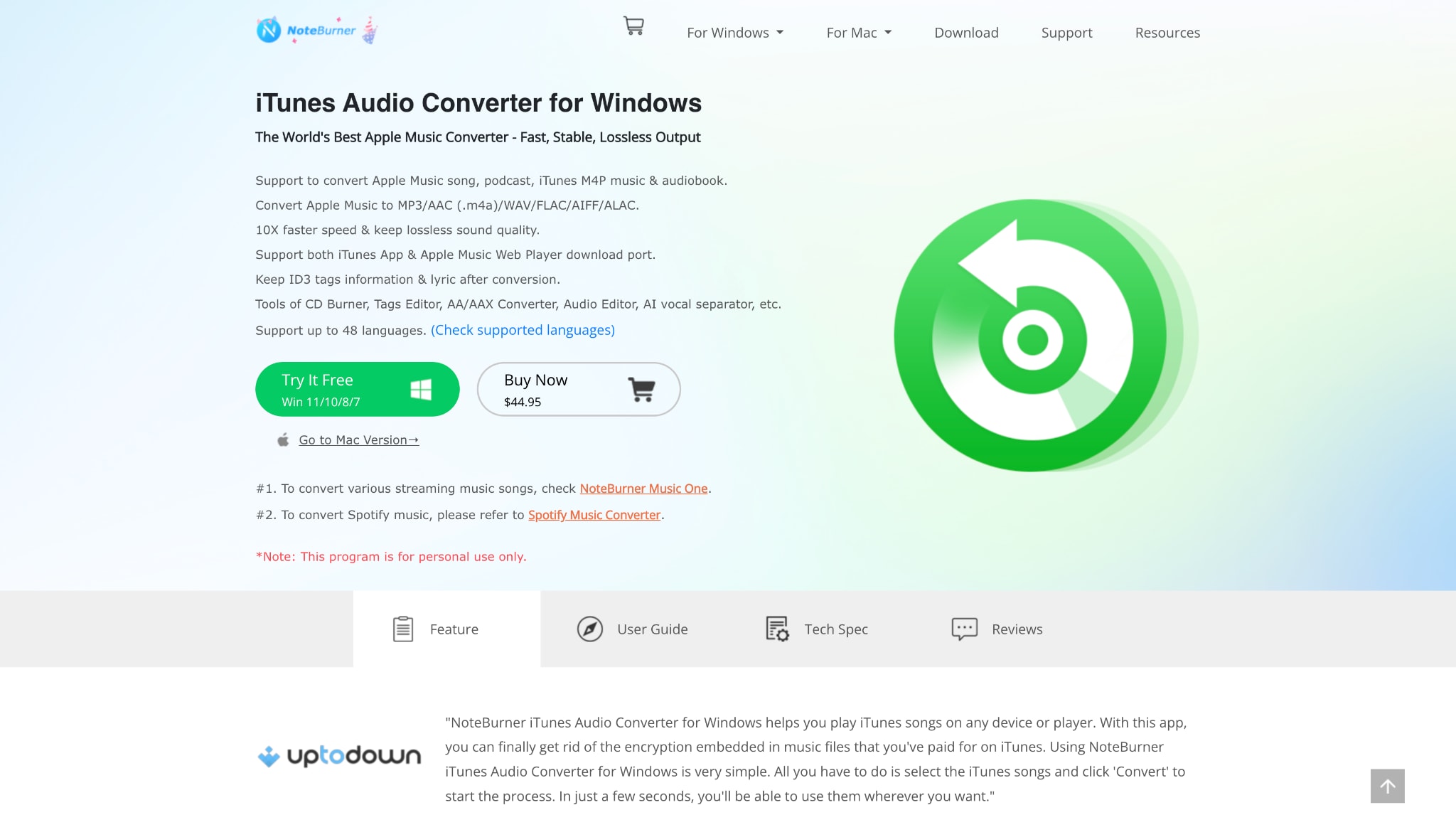
3. NoteBurner iTunes Audio Converter
NoteBurner is a practical tool if you use the native Apple Podcast downloader but need unprotected files. It records iTunes content safely, allowing you to take any podcast offline. You can convert your favorite shows into standard audio formats quickly. This ensures you can play your episodes on any device seamlessly without dealing with annoying playback restrictions.
Dialects Support: N/A.
Live or File-Based TTS: N/A.
Starting Price: $44.95/year or $89.90/lifetime.
Supported Device: Windows, macOS.
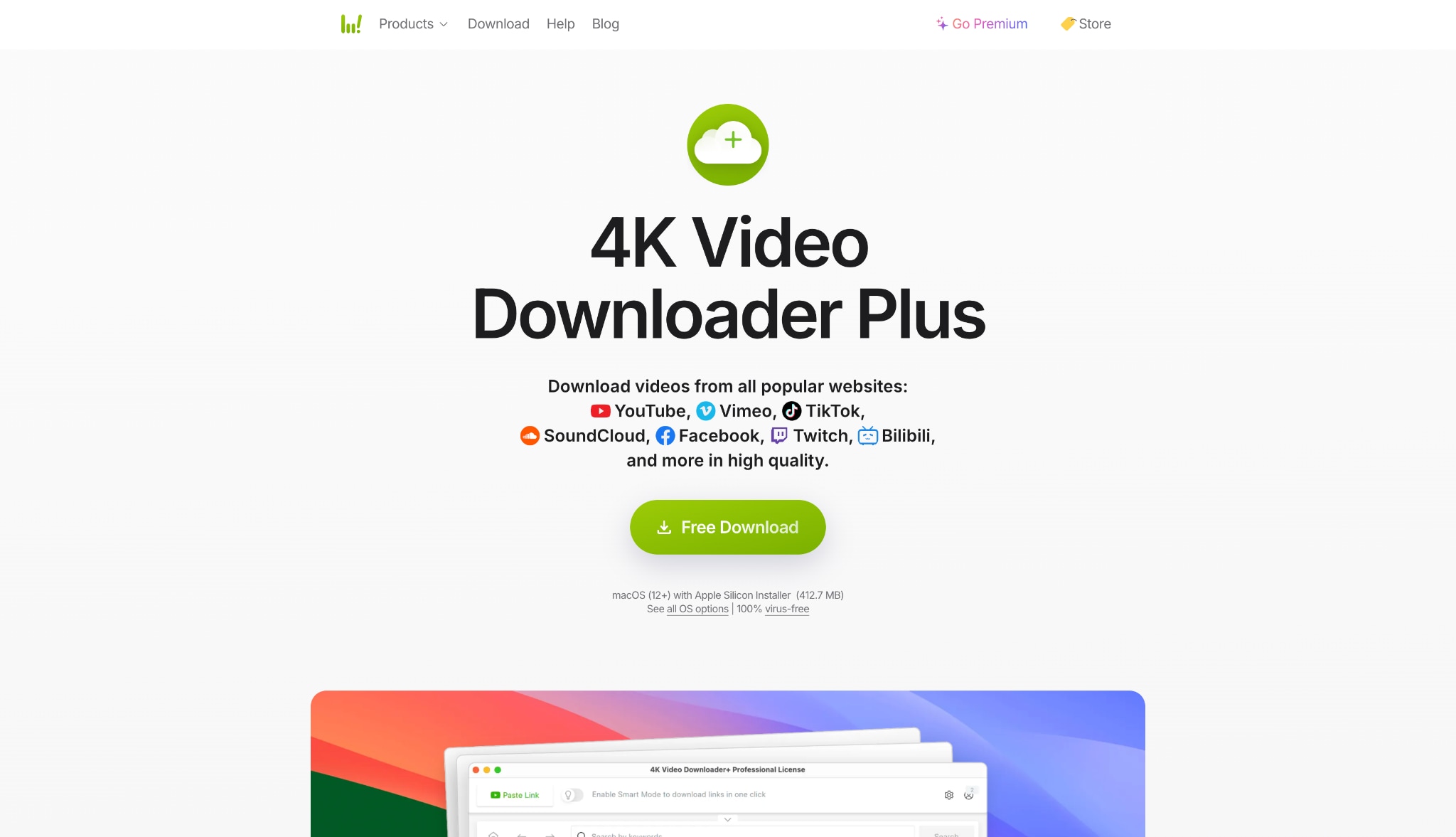
4. 4K Video Downloader+
Many creators host visual episodes on video platforms. 4K Video Downloader+ is a powerful tool to download podcast video files directly to your hard drive. You can also extract the audio track to save standard files. It easily processes entire playlists smoothly. This helps you build an offline library of your favorite visual channels quickly and efficiently.
Dialects Support: N/A.
Live or File-Based TTS: N/A.
Starting Price: $15.00/year.
Supported Device: Windows, macOS, Ubuntu, Android.
Group 2: Best Native & Open-Source Tools (Cross-Platform)
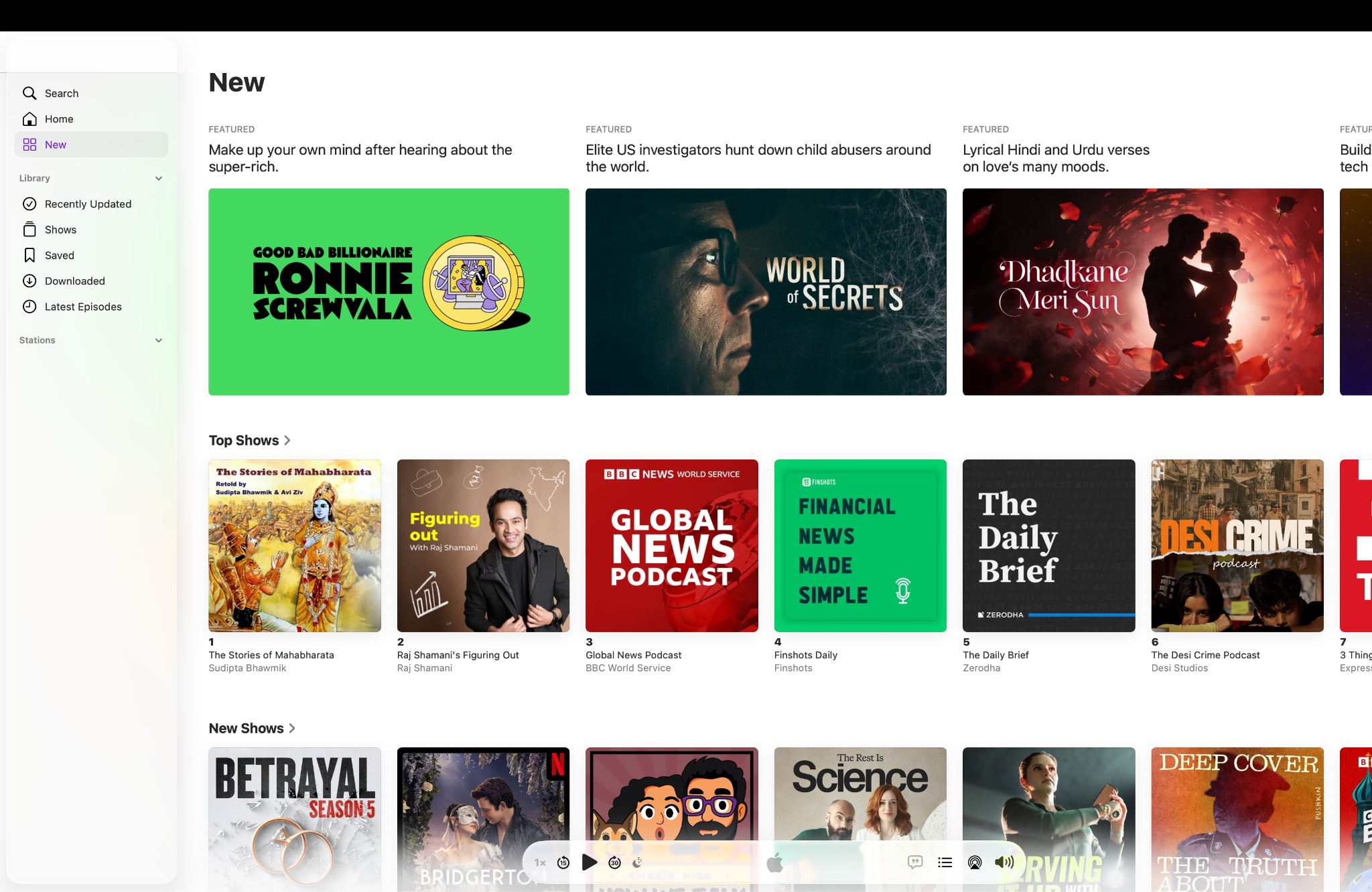
5. Apple Podcasts (Desktop App)
The Apple Podcasts desktop app is a convenient native option for macOS users. It automatically syncs with your mobile devices easily. This makes it simple to download podcast to iPhone or download podcast to Apple Watch. It is completely free and seamlessly organizes your subscriptions. However, the downloaded files remain strictly confined to Apple hardware due to encryption.
Dialects Support: Supports native OS languages.
Live or File-Based TTS: File-Based auto-transcripts available.
Starting Price: Free.
Supported Device: macOS, iOS.
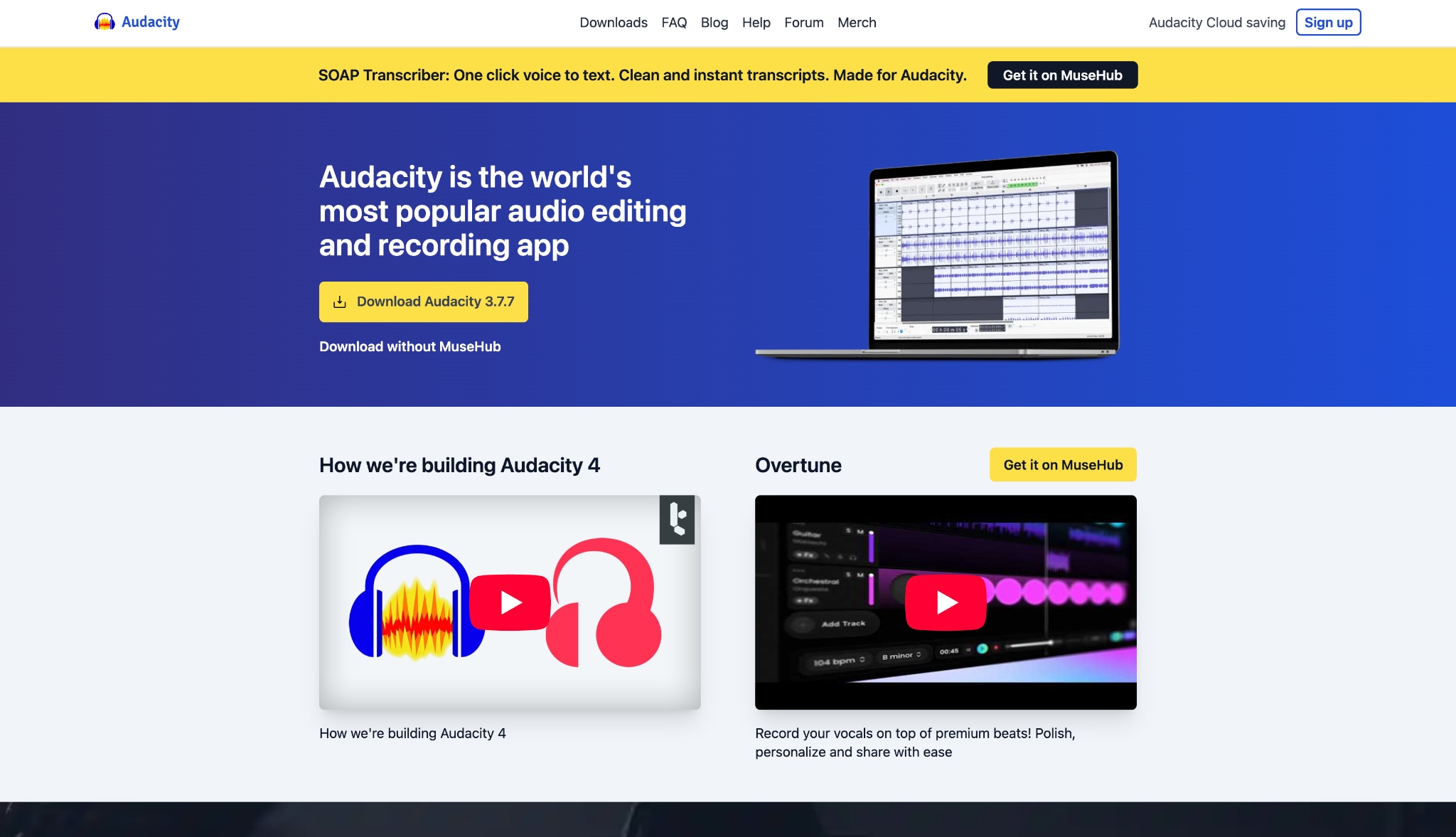
6. Audacity (For Real-Time Recording)
Audacity is a popular open-source free podcast software that acts as a manual recording tool. Instead of fetching a file from a server, it records the audio playing from your soundcard directly. This allows you to capture any episode securely. It offers extensive editing features. You can trim audio accurately before exporting it to your preferred format.
Dialects Support: N/A.
Live or File-Based TTS: N/A.
Starting Price: Free.
Supported Device: Windows, macOS, Linux.
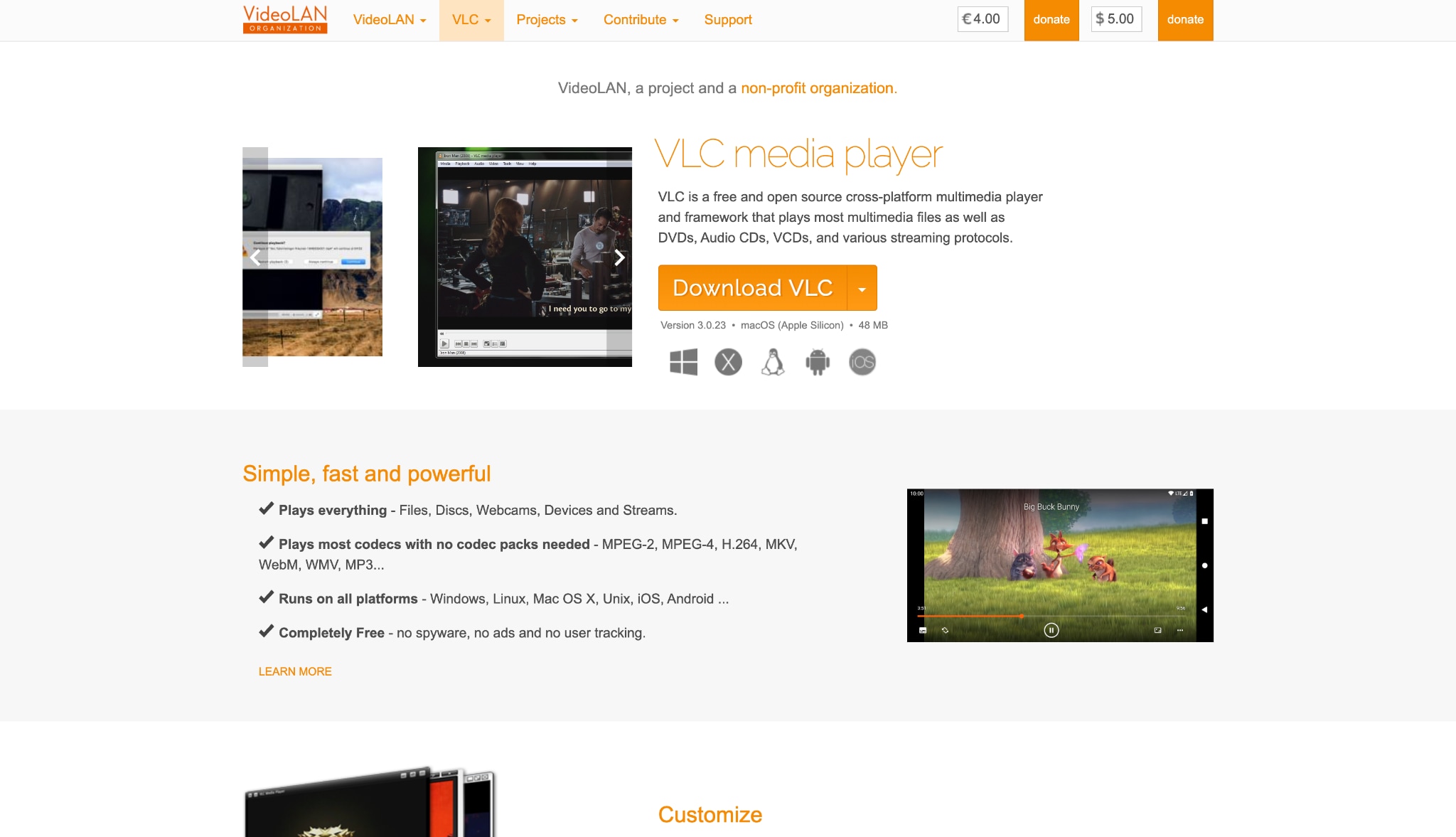
7. VLC Media Player
VLC Media Player is a universal, open-source media app that includes hidden tools to capture network streams. You can input a direct audio stream URL into the software. VLC will then save the media to your computer safely. It requires a slightly technical setup initially. However, it remains a highly secure way to save media content locally.
Dialects Support: N/A.
Live or File-Based TTS: N/A.
Starting Price: Free.
Supported Device: Windows, macOS, Linux, iOS, Android.
Group 3: Best Browser-Based & Web Player Extensions
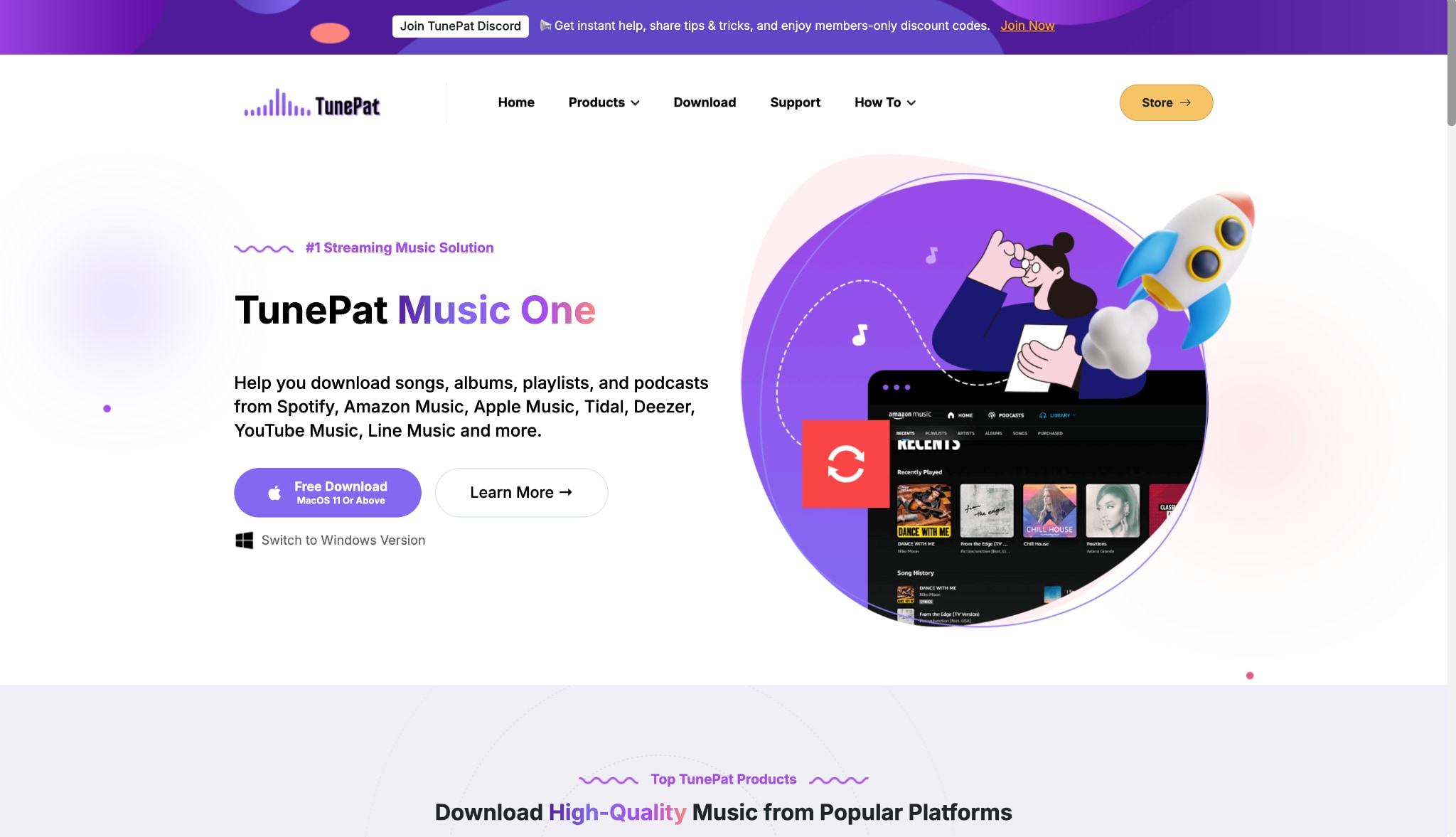
8. TunePat Podcast Converter
TunePat offers a convenient web-based interface to extract audio directly. You do not need to install official streaming apps to use this tool. It accesses the web player cleanly, allowing you to convert any Spotify podcast to MP3 efficiently. This process provides high-quality offline audio files. You can enjoy your daily listening on any standard media player.
Dialects Support: N/A.
Live or File-Based TTS: N/A.
Starting Price: $49.95/3 months.
Supported Device: Windows, macOS.
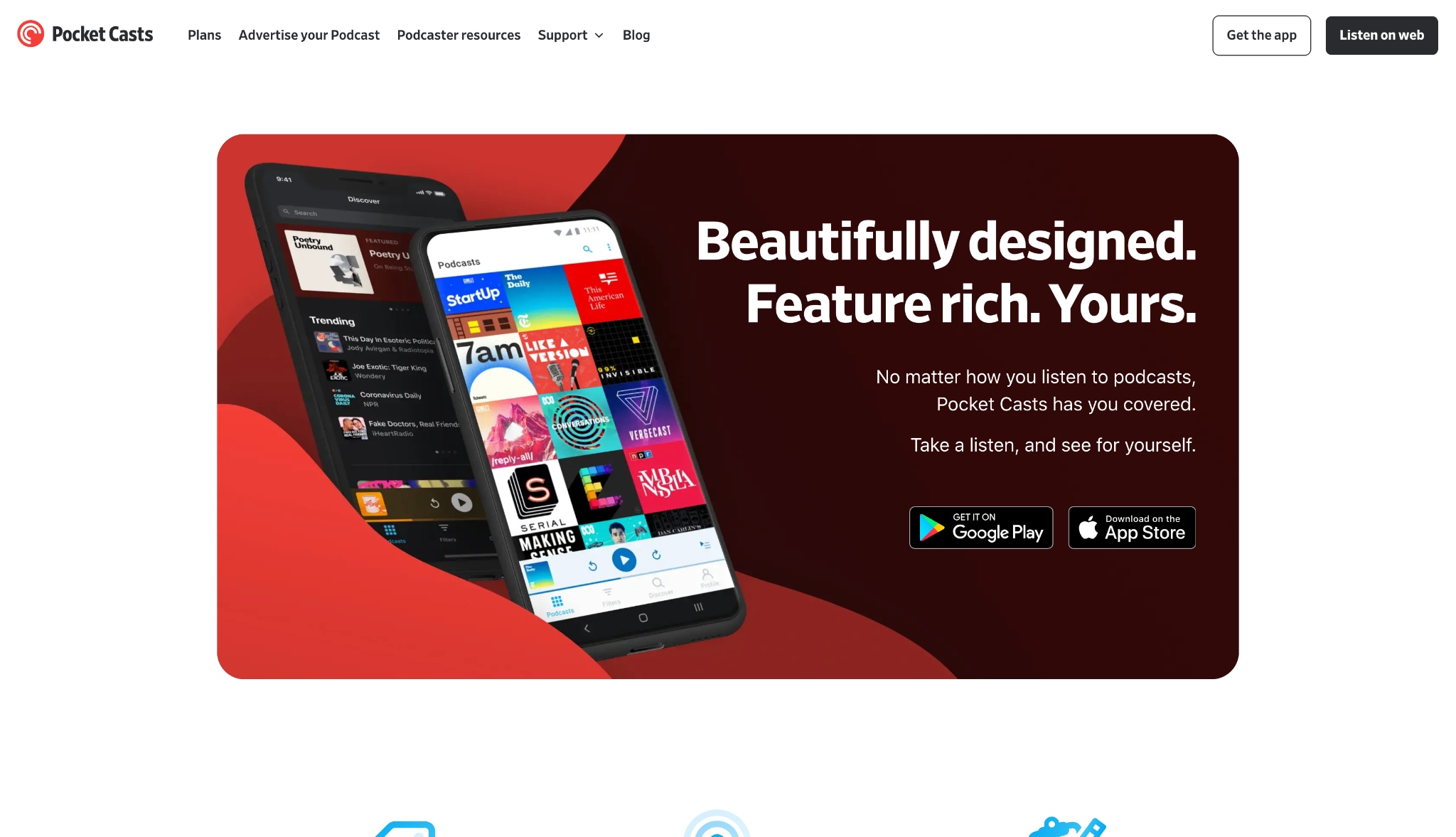
9. Pocket Casts (Desktop/Web)
Pocket Casts is a premium cross-platform application known for its exceptional web player and desktop app. It allows you to organize your feeds with smart filters. While you can download episodes, the files remain protected within the app interface securely. This makes it best for dedicated ecosystem users who prefer a streamlined, synced listening experience across multiple devices.
Dialects Support: N/A.
Live or File-Based TTS: N/A.
Starting Price: $3.99/month (Plus).
Supported Device: Web, Windows, macOS, iOS, Android.
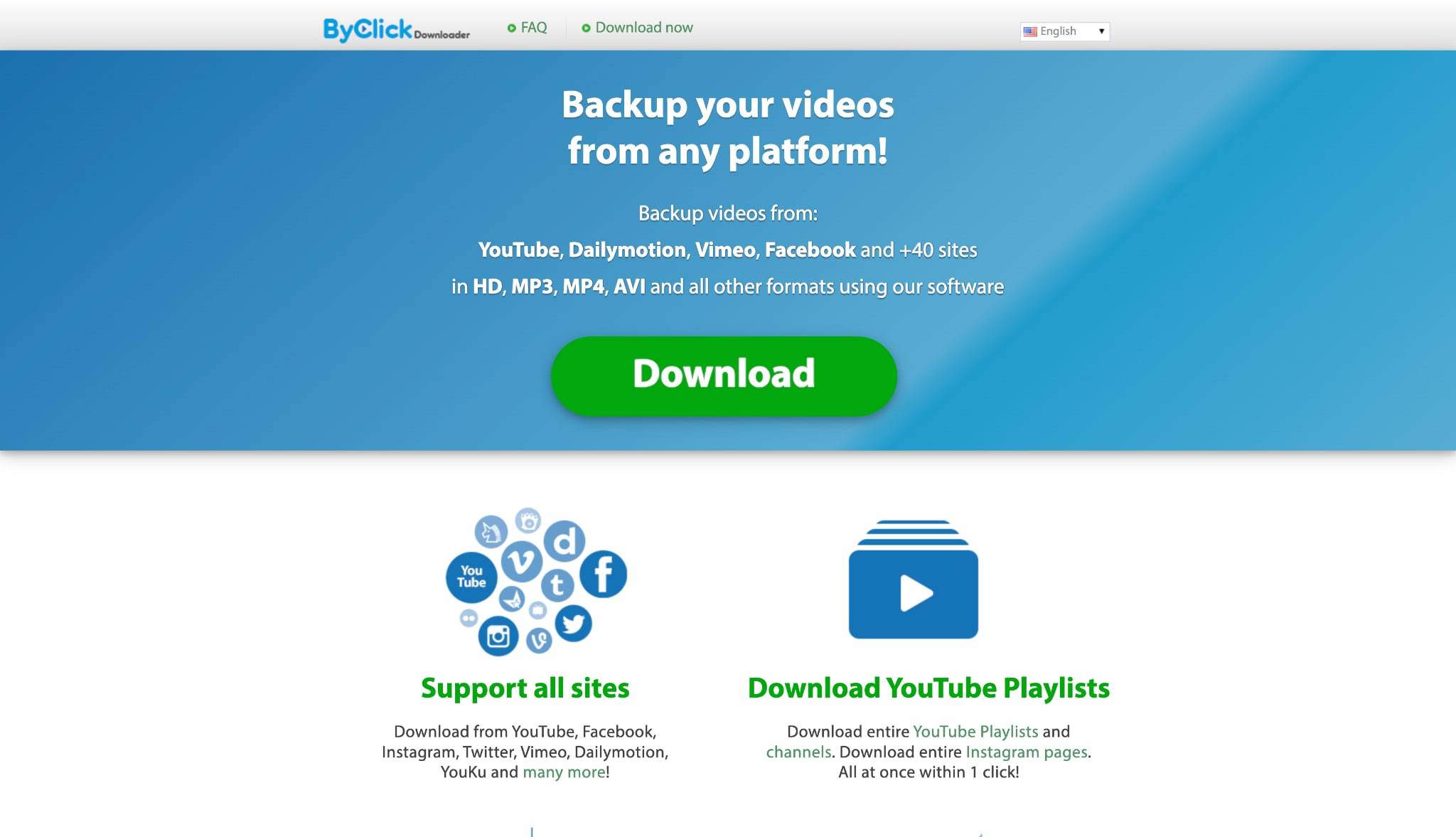
10. By Click Downloader
By Click Downloader is a straightforward Windows utility that detects media on web pages automatically. When you visit a compatible website, a popup lets you quickly grab the file. It supports dozens of popular platforms seamlessly. This allows you to grab entire playlists with a single click easily. It is an efficient tool for quick web audio extraction.
Dialects Support: N/A.
Live or File-Based TTS: N/A.
Starting Price: $19.99 ($9.99 if discount available).
Supported Device: Windows.
Part 4. How to Choose the Right Podcast Downloader for You
Choosing the correct software depends entirely on your listening habits and technical needs. Every user has a different workflow. Here is a clear breakdown to guide your software decision:
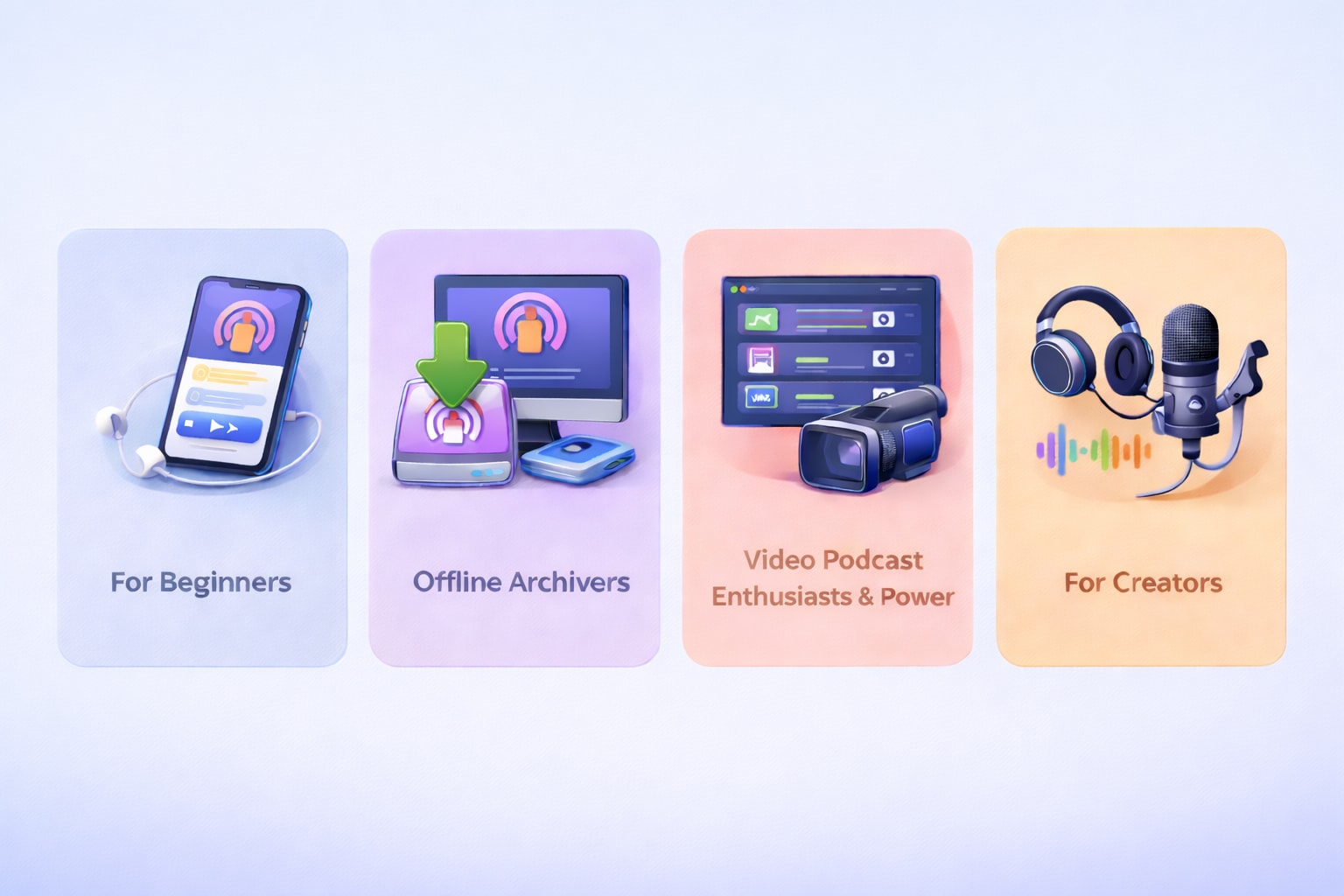
For Beginners & Ease of Use:
Stick to native apps if you simply want to listen on your daily commute without managing specific files. Built-in tools are usually free and require zero technical setup.
For Offline Archivers:
Choose a dedicated desktop tool to ensure you save your files safely to your hard drive. This guarantees you never lose access to your favorite shows, even if they are removed from the platform.
For Video Podcast Enthusiasts & Power Users:
Wondershare UniConverter is a highly efficient choice if you need to manage formats and compress large files. Its robust toolset makes handling complex media files fast and efficient for any desktop user.
For Creators:
Use versatile tools that allow format conversion and easy integration with your workflow. If you produce your own show, you might look for copyright free music for podcasts and free music for podcast intro files. You can use free podcast software to mix these downloaded elements easily.
Part 5. Conclusion
Building a reliable library of your favorite shows is simple when you use an efficient podcast downloader. Whether you want to download fresh air podcast episodes or find free podcasts to download, the right tool matters. While native applications offer basic convenience, third-party solutions provide true ownership of your media. For the most versatile experience, we highly recommend trying Wondershare UniConverter. It helps you handle any podcast offline task quickly. You can convert, compress, and edit files without losing quality. Start using UniConverter today to manage your audio library with complete confidence.
Part 6. FAQs
-
1. How can I safely download fresh air podcast episodes to my computer?
You can visit the official NPR website or use an RSS feed aggregator. To save the files permanently, use a reliable desktop tool to extract the audio link directly into an MP3 format. -
2. What is the best method to download Spotify podcast to MP3 format legally?
The most reliable method is using a specialized Spotify podcast to MP3 extractor like Sidify or TunePat. These tools record the audio stream locally for personal, offline use, saving it as a standard audio file. -
3. Can I download podcast video episodes, or just the audio?
Yes, you can save video episodes easily. Platforms like YouTube host many visual podcasts. You can use versatile desktop tools to save the full video file or extract just the audio track. -
4. Are there options for free podcast software to record episodes manually?
Yes, there are great options available. Audacity is a powerful, open-source application. It allows you to manually record system audio as it plays, giving you complete control over the captured file. -
5. How do I find free podcasts to download without using Spotify or Apple?
You can find thousands of shows using open RSS directories, web portals like Pocket Casts, or independent creator websites. You can then save these episodes directly via your standard web browser.

