


While expanding your brand on digital platforms, you must have access to high-quality videos. However, most of these small business owners often can’t afford expensive videography services. So, they resort to stock supplies of videos, but the options for stock footage sites are vast, which makes it challenging to choose one.
In this article, we’ll explore the 10 best stock footage sites thoroughly, making your access to high-quality footage easy. Upon reviewing these sites, you might need to change the formats of stock videos for your site or social posting. For this, we’ll also introduce a video converter for batch conversion of formats without compromising quality.
In this article
Part 1. 10 Best Stock Footage and Video Sites
To help you access the highest quality stock media, we’ll go through 10 stock footage sites below:
1.Pexels
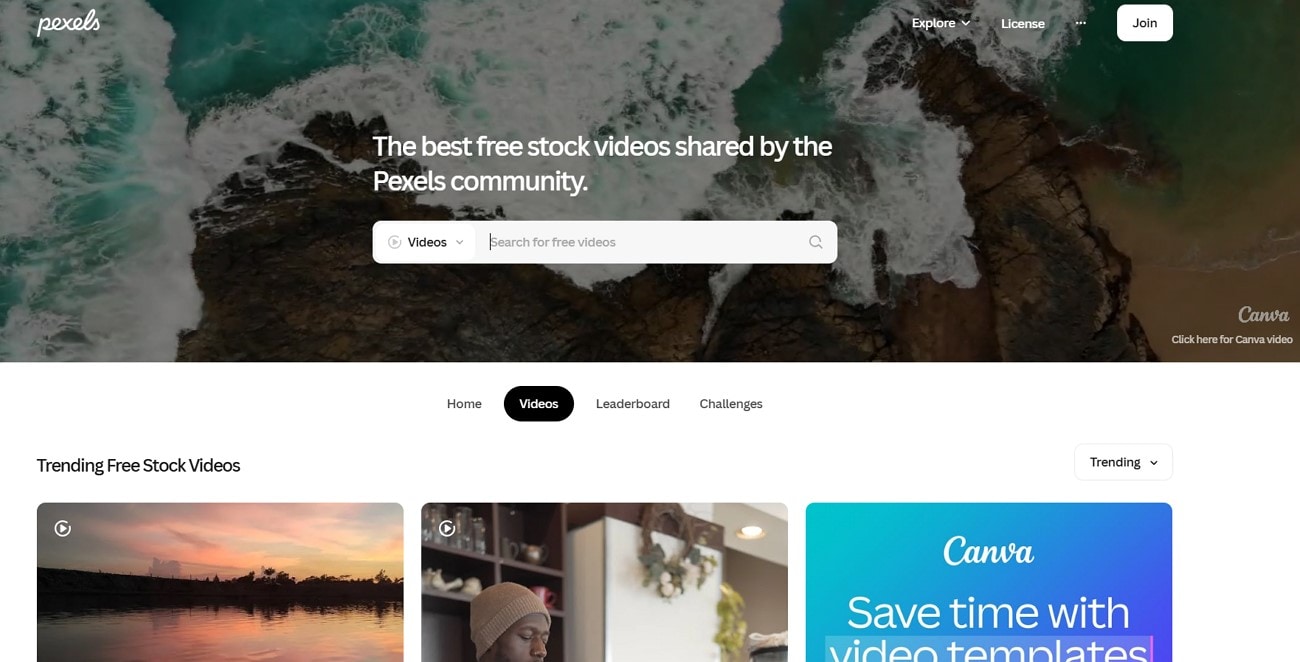
Having one of the biggest footage libraries among stock footage sites, Pexels gives a choice to download videos in the preferred quality and resolution. A free sign-up option is available, but you don’t need to subscribe to download stock content. Being completely free with no attribution, Pexels could be the best option for those lacking resources to expand their business.
Key Features
- You can follow and connect with your favourite visual storytellers by signing up for a free account.
- It gives you a choice of various sizes and resolutions for downloading videos.
- An advanced option for editing videos in Canva is also available.
2. Pixabay
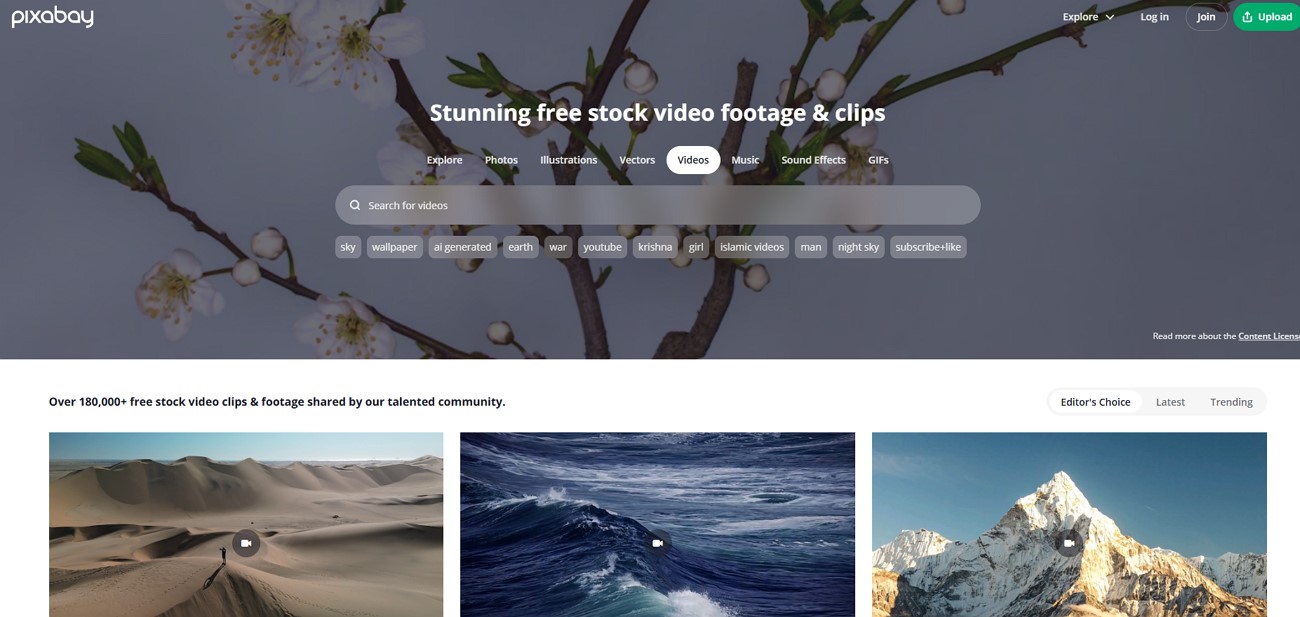
Offering over 180,000 video clips and footage, Pixabay is one of the best stock video websites. While downloading the content, details including format, resolution, the camera used, and total views and downloads are given. In addition, there is a massive audio content collection with machine-generated sound effects for your videos. Offering transparency, it also gives the option to filter out AI-generated content from authentic content.
Key Features
- You can comment on the content and directly follow the creator mentioned under it.
- Pixabay gives an option to preview the video with complete clarity before downloading it.
- Users can save videos before downloading them to make a personalized collection.
3. FreeP!k
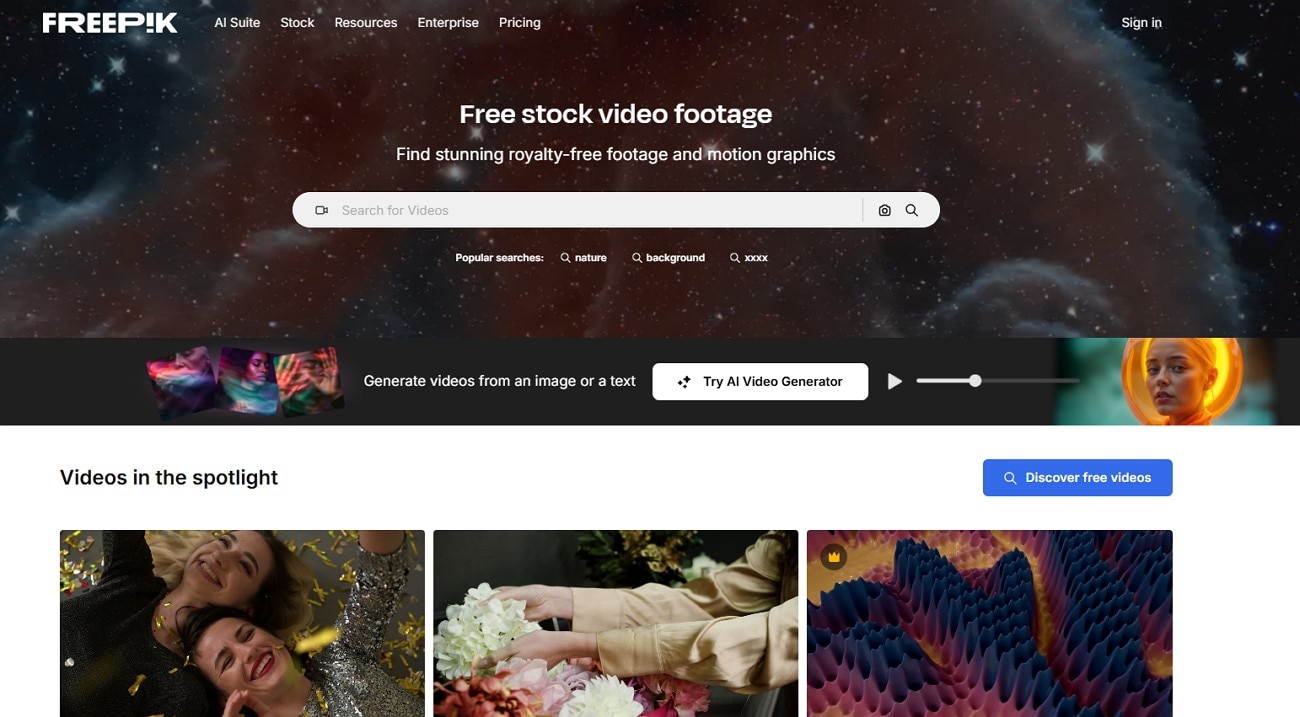
Among stock video sites, this one boasts an AI-powered content suite with options like AI video generation. Apart from the collection available, you can edit your stock videos, changing frame rate and resolution within them. There is an option to add custom sound effects within any of your videos. An AI assistant feature is provided for direct chat and giving prompts for custom content generation.
Key Features
- Many preset modes for fast generation or maintaining realism are available for video generation.
- The lip sync feature allows you to add voice through text or recording and sync it within videos.
- While editing videos, you get the option to bulk upscale the videos for a smoother workflow.
4. Mixk!t
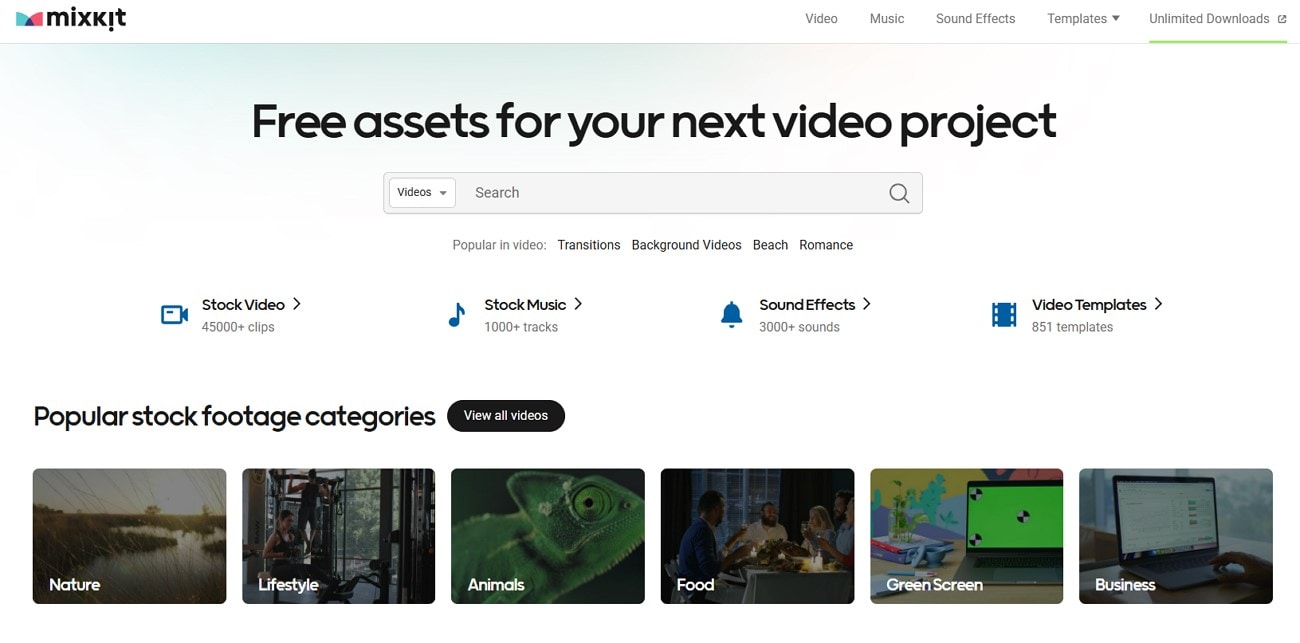
To exclusively download video stock, Mixkit offers 3 quality options for the videos. Without a watermark, requiring no attribution, they can be used for both commercial and non-commercial purposes. The tool has a variety of After Effects, including opening transitions, call-outs, and slideshows. Filter Search options like zoom videos and vertical frames are included for the perfect frame, suiting your professional or personal needs.
Key Features
- It gives an affordable subscription for its parent company, Envato, providing a lifetime commercial license for exclusive content.
- Apart from videos, Mixkit offers around 900 free editable video templates for custom video creation.
- A collection of more than 1000 music pieces for video background is another plus.
5. Vecteezt
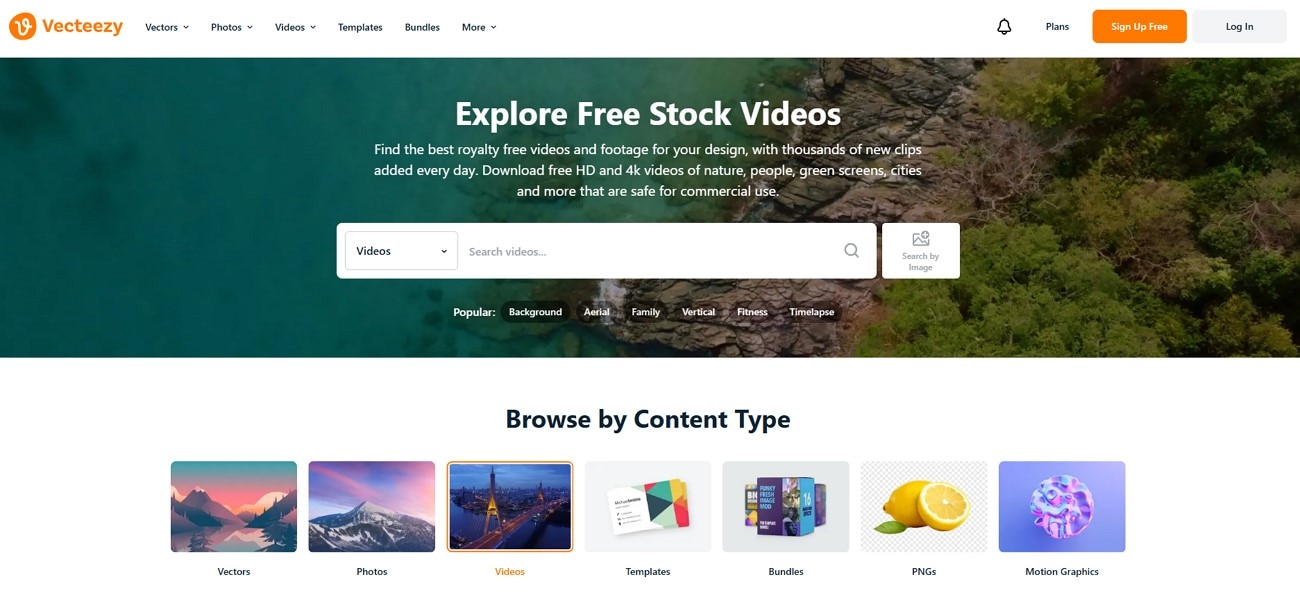
Claimed to be used by mega-corporations like Microsoft and the BBC, it is one of the finest stock footage websites. Its pricing starts from just $4/month for unlimited access to content. The website also promises an exemption from legal liabilities to the users. It also gives an option to filter out the AI-generated content from non-AI content. Moreover, the images have no watermark on them, making their use wider.
Key Features
- Flexibility in licensing is available with free, pro-license, and pro-extended licenses.
- Video search can be filtered by resolution, duration, aspect ratio, and license type.
- You can view similar images while viewing a particular video on the dashboard.
6. Motionelements
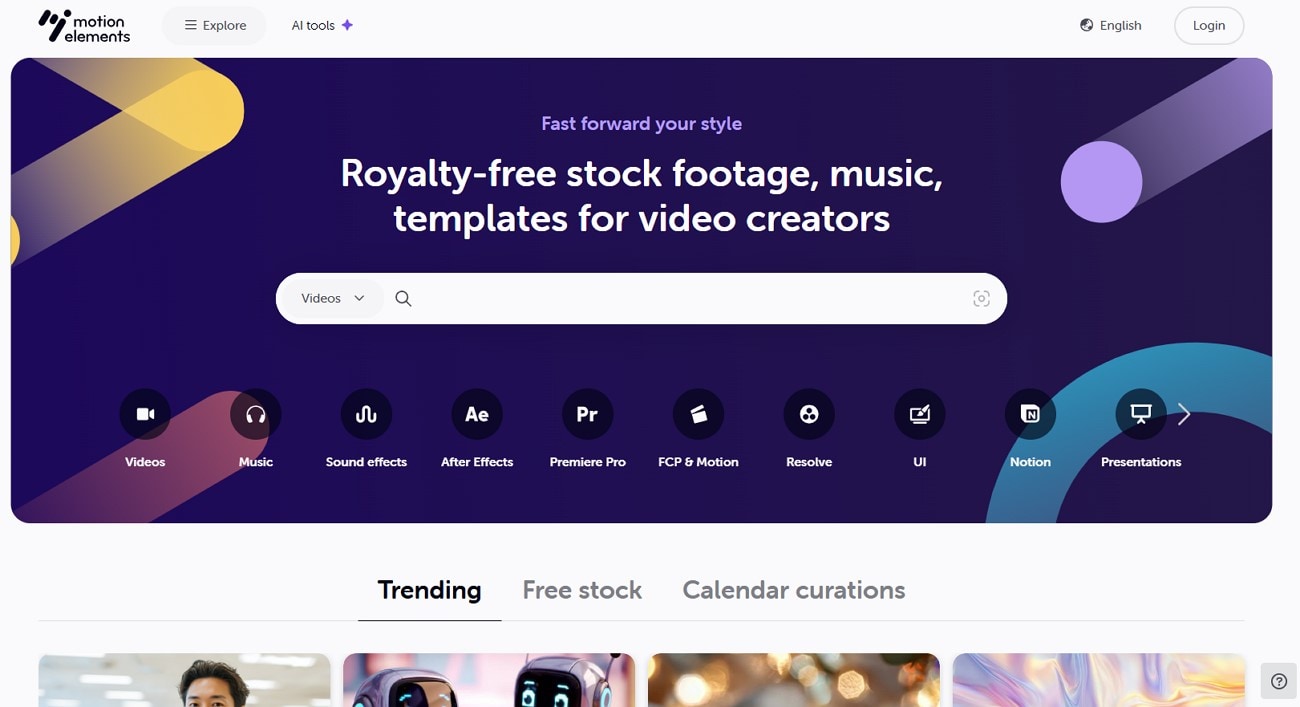
Having one of the finest databases in stock footage sites, it allows users to download up to 5 videos for free per week. There is a special feature of curated calendar collections with holidays and event-themed content. Graphic templates and a range of After Effects are also available for inclusion in videos. An exclusive section of VR 360 videos is also available for a wide, high-quality view.
Key Features
- The video search can be narrowed with duration, resolution, pricing, and framing filters.
- A sample of the video can be saved and viewed before buying it.
- You can upscale your video to a better resolution with its AI video-enhancer tool.
7. Coverr
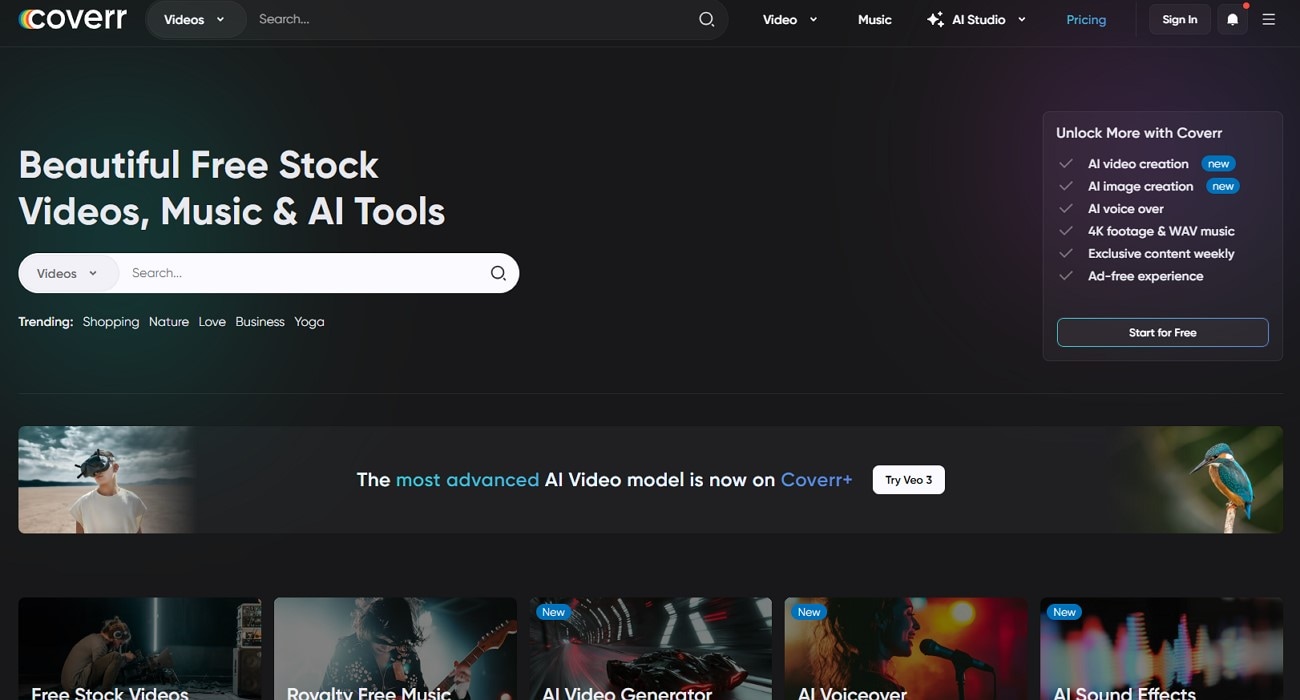
Being another stock video site, it claims to have the world’s most advanced AI video model named Veo 3 & Kling 2.1. You can also find exclusive discounts with promo codes available on the site. Its Coverr+ subscription offers features like AI voice over and Wave music with footage. You can also change the aspect ratio of the video while viewing it.
Key Features
- While viewing a video, you can command AI to generate similar videos to get the desired results.
- The videos can also be upgraded to a higher resolution in the premium version to get the preferred one.
- There is also an option to crop the video to a custom aspect ratio, or a ratio set for social media.
8. Pond5
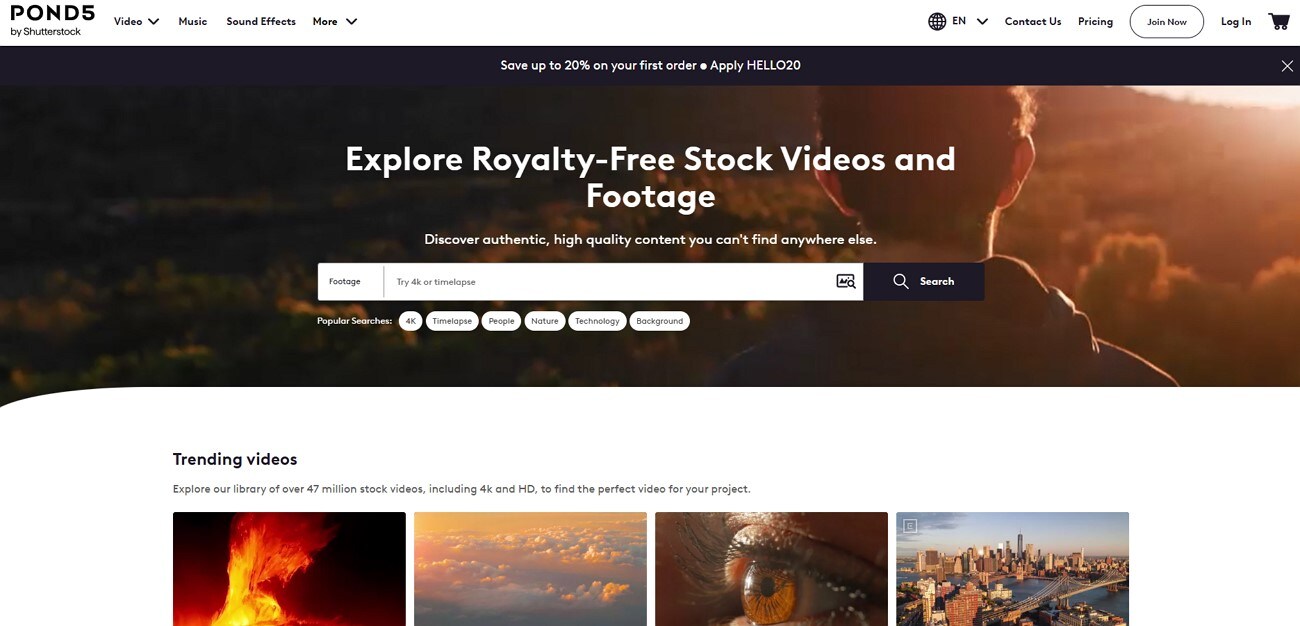
To download video stock, Pond5 offers a versatile platform with its royalty-free library of 30 million clips. The quality of the videos offered is exceptionally high as well, including HD, 4K, and as high as 8K resolution. You also get to narrow down your search with multiple filters, including your past search preferences. It has 4 credit packs available with 1-year validity, along with an option to form custom packs.
Key Features
- They offer a royalty-free individual license, a business license, and a premium one with varying prices.
- An option to buy individual clips apart from a monthly subscription is given to users.
- Their archival footage is another resourceful addition for working on documentary projects.
9. Filmsupply
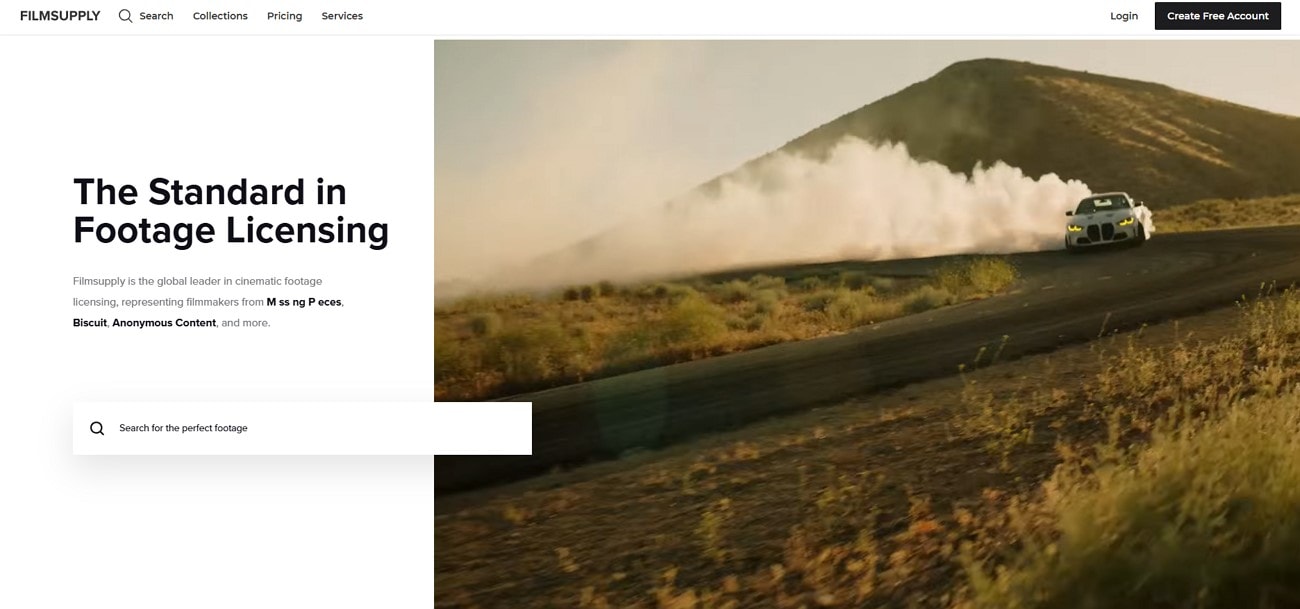
This is the most high-end option for videos compared to all other stock footage websites. Premium quality footage comparable to Hollywood films is offered with rights-managed licenses. Additional white glove assistance is provided to clients who require footage tailored to their projects with high budgets. This particular site has been a choice for production studios, including Amazon Studios and Warner bros.
Key Features
- The filters included in the search include subcategories like ethnicity, number, and gender.
- Different filmmakers have their individualized collections, which can be viewed by clicking on their name or some footage.
- They have an exclusive network of 220 highly skilled videographers contributing to the site.
10 . Freenaturestock
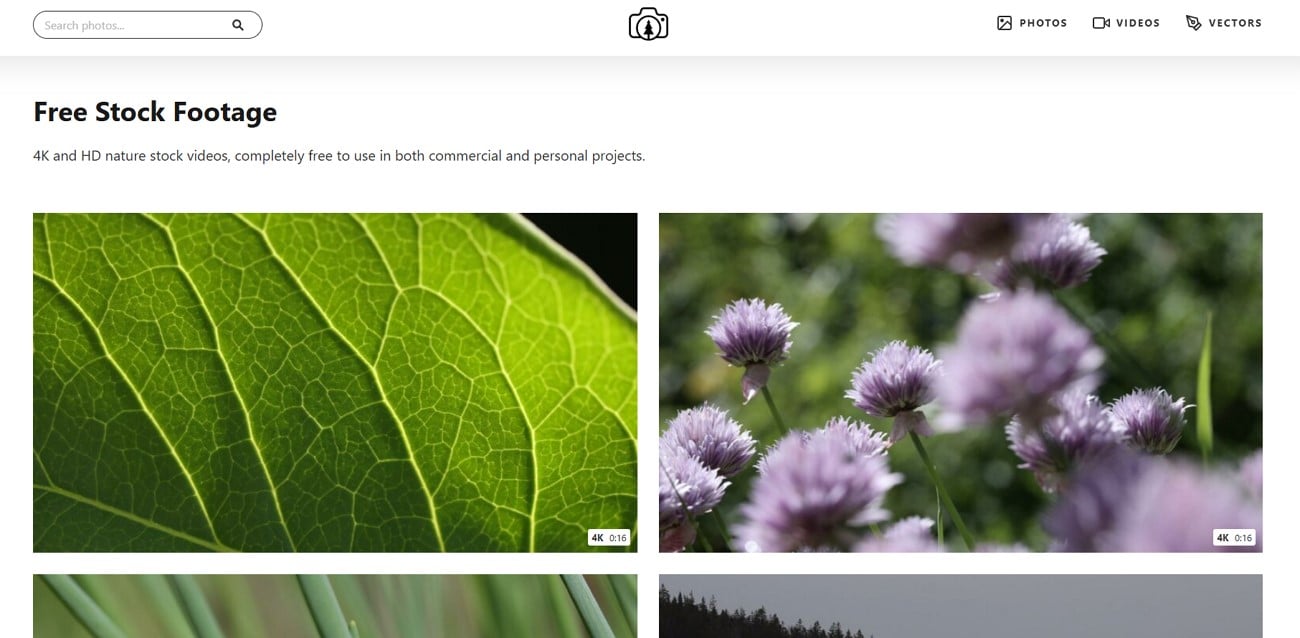
For your next nature project, free nature stock can meet all your video needs. The 4k and HD videos are available for free on the site. No attribution is required from the users who have the freedom to use the videos in any number of projects. You can use the zoomed-in nature videos of animals and insects for nature documentaries, customizing them with your editing skills.
Key Features
- The nature videos have quality mentioned under the video, with the length and size of the file.
- Focusing exclusively on nature content, it ensures the highest quality specific category photos.
- The interface of this website is simple and easy to use, with a compact collection of videos.
Part 2. Quick Overview: Comparison Table
To help you understand the specifications of these stock footage sites better, a comparison table is given below:
| Platforms | Available Formats | Video Resolution |
Add to Favorites Option |
Editing Support |
License | Pricing Plans | Best for |
| Pexels | MP4 | 1920 x 1080 | Yes | Yes | Royalty-Free | Free | Creators, Bloggers |
| Pixabay | MP4 | 1920 x 1080 | Yes | Yes | Attribution-Free | Free | Music Editors, marketing |
| Freepik | MP4, MOV | 720P | No | No | Premium royalty-Free license | Essential: $5.75Premium: $ 12Premium+: $24.50Pro: $158.33 | Startups, Content Creators |
| Mixkit | MP4 |
1080x720 1920x1080 4096x2160 |
No | No | Free and restricted license | Free | Video creators, YouTubers |
| Vecteezy | MP4, MOV | HD, 2K, 4K | No, can add to collections | No | Pro-license on premium | Monthly: $14 | Illustrators |
| Motion Elements | MP4 | 4K and HD | Yes | Yes | Royalty-FreeAnd Editorial | Monthly: $16.50 | Video creators |
| Coverr | MP4 | 4K and HD | Yes | Yes | Attribution-Free | Coverr+: $12 Coverr Pro: $18 | Music, Content Creation |
| Pond5 | MP4, MOV | 4K and HD | Yes | No | Royalty-Free | Footage Plus: $199 | Video Editors |
| Film Supply | ProRes | HD, Highest Resolution and LOG | Yes | No | Pro-license on premium | Internal: $109 per clipWeb/Social: $219 per clip | Film Makers |
| Free Nature Stock | MP4 | 1920 x 1080 | No | No | Creative Commons Zero | Free | YouTubers and Influencers |
Part 3. How to Batch Convert Video Format Without Losing Quality?
When you have gotten your desired videos from the stock footage websites, the format may be unsuitable for your needs. To address this, use the video converter tool, Wondershare UniConverter, to batch convert your video format. This tool allows you to convert your video format to 20 different formats with varying resolutions. You also have the option to merge your video files in the premium version.
Using the crop feature, you can cut out the undesirable parts of the video. Apart from this, you can add a subtitle file to your videos while converting. Additionally, there is also an option to keep audio tracks or eliminate audio. Unlike other converters, the speed of the visuals can be decreased to up to 0.5x or increased up to 3x.
Key Features
- Filter Availability: By going to the effects section, you can apply any of the many filters given to extract the desired look.
- Watermark Addition: There is a feature for adding a customized brand watermark or logo to your video while converting it.
- Aspect Ratio Customization: Within the crop feature, the aspect ratio can be customized along with custom alignment of frames.
- High Speed Conversion: While converting your videos, enable a fast conversion option among ultra-speed and GPU acceleration options.
- Video Parameters Adjustment: By going to the effects section, you can adjust brightness, saturation, contrast, and white balance.
A Go-to Guide for Batch Conversion of Video Formats Using Wondershare UniConverter
To convert your video formats using Wondershare UniConverter, follow the given steps:
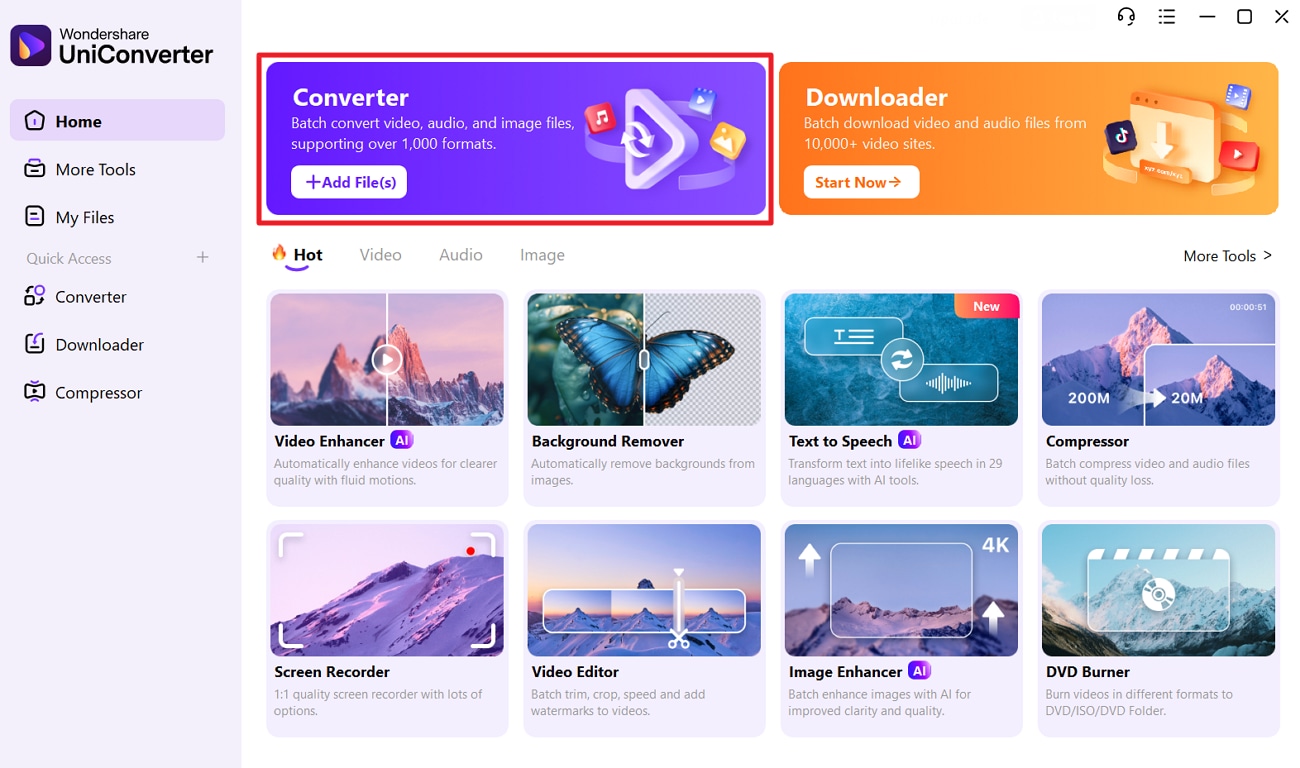
Step 1. Access UniConverter Main Interface and Select Converter
Launch the tool, hover over the “Converter” tool, and tap the “+Add Files(s)” option to import the video.
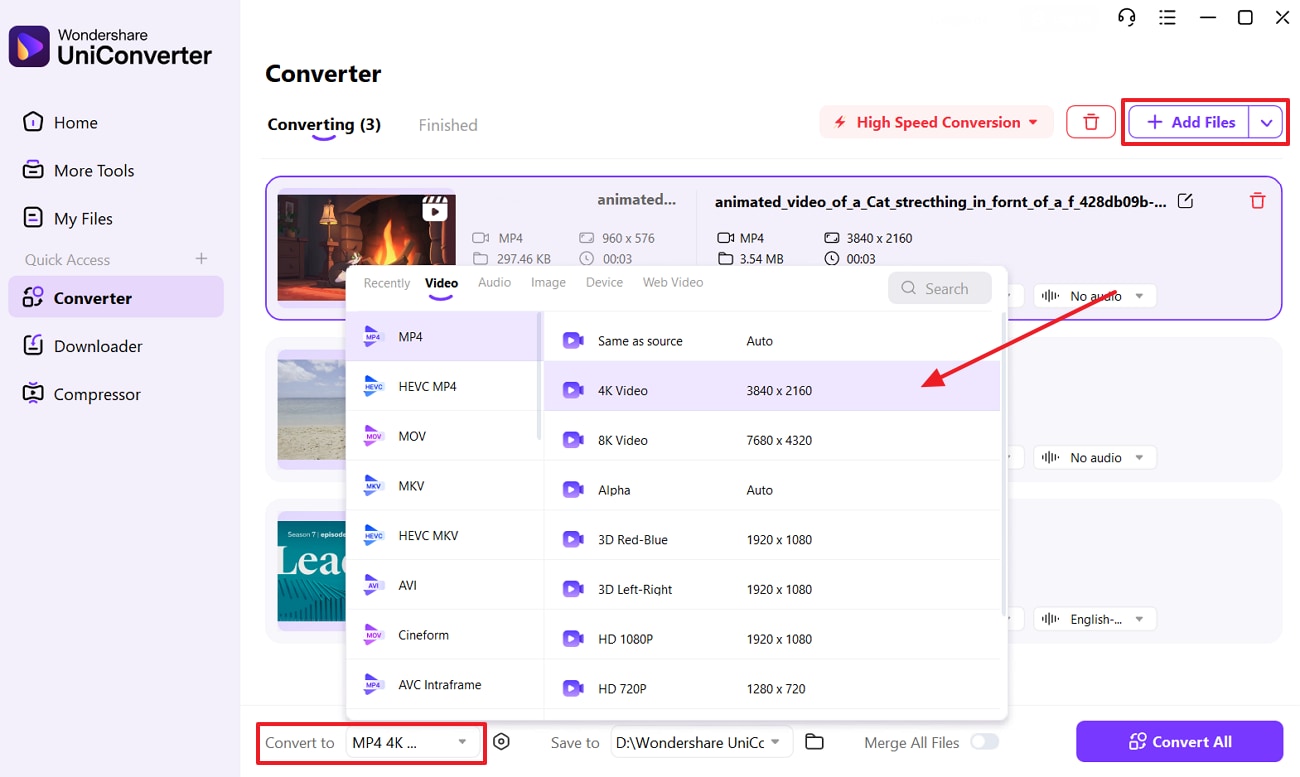
Step 2. Insert Files and Pick the Output Format
For batch conversion, tap the (+Add File(s) option placed at the right corner to fetch more videos. After that, head to the “Convert To” menu and pick the conversion format.
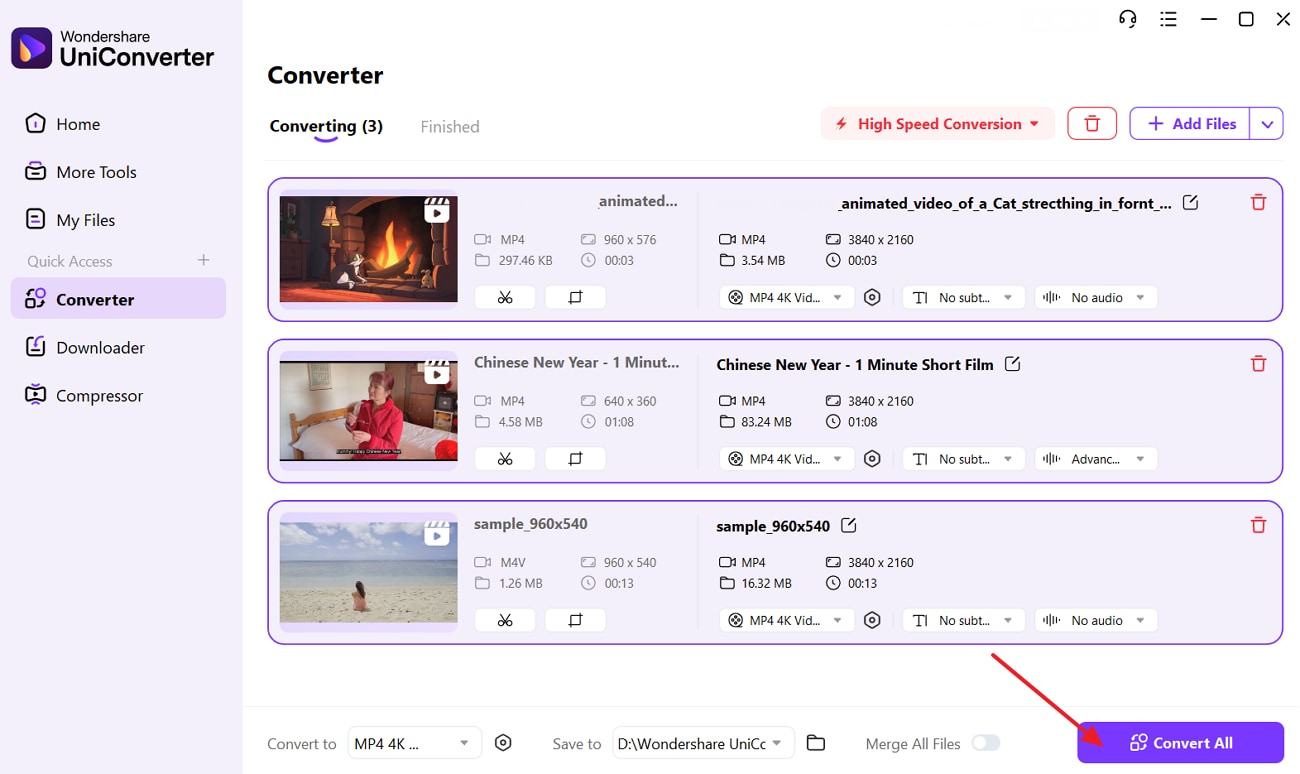
Step 3. Click on Convert to Initiate the Conversion
Lastly, click on the “Convert All” button at the bottom to start the conversion process.
Conclusion
Summing up, having access to high-quality stock content is crucial for personal brand development. In this article, we have discussed the 10 best stock footage sites, delving into all their key features. We have also done a side-by-side comparison of those sites to help you understand their strengths. In case you seek to change the saved video format, we recommend using UniConverter since it facilitates batch conversion.
FAQs
-
1. Is giving credit compulsory for stock footage?
No, all stock content websites don't require you to attribute their content like Pexels and Mixkit. It mainly depends on the license, usually visible on the download page. -
2. Does Pexels footage come with audio?
No, Pexels stock footage doesn’t come with audio most of the time. You might need to add your sound effects or music to it. -
3. Can I edit or remix stock footage?
Yes, most free licenses allow users to use the content creatively in terms of cropping, color grading, or modifying. You can mix stock assets or layer them with your camera footage for montages and camera sequences.

