
How to Denoise Images in 3 Simple Steps

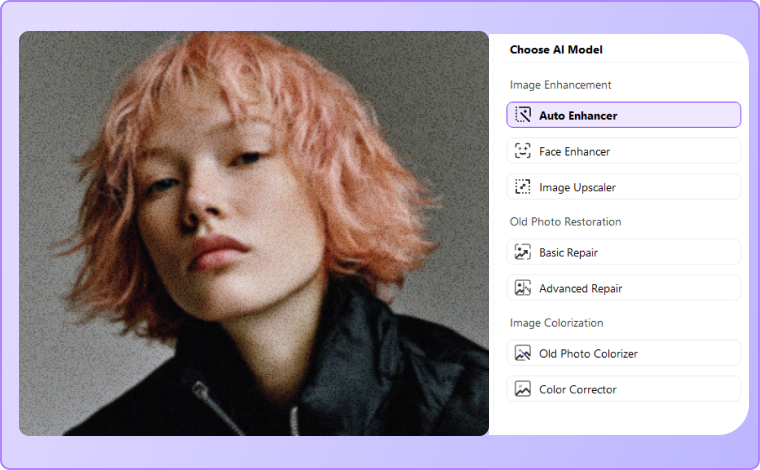
For online users, click "Upload Image" to select a photo (JPG/JPEG/PNG). For desktop users, open the Image Enhancer feature, click "Upload Image," and batch upload up to 20 images (JPG/JPEG/PNG/BMP).

Choose the most appropriate AI enhancement model based on your image type and needs. If your photo is a portrait, select the Face Enhancer for optimized noise reduction while preserving facial details. For non-portrait images, use the Auto Enhancer for a more general noise reduction that enhances the overall photo quality.

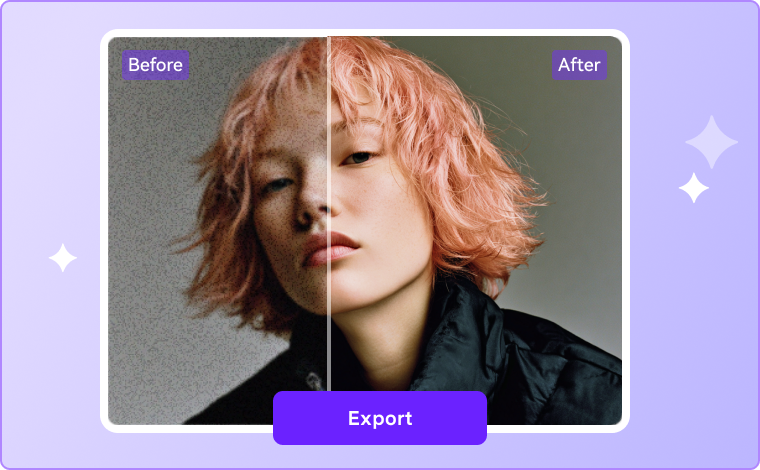
Click the Preview button to see the results of the denoising process. If you're satisfied with the outcome, simply click Export to download the denoised image.

Why Choose UniConverter AI Image Denoiser?
UniConverter combines cutting-edge AI technology with user-friendly design to deliver professional-grade denoising results. Whether you're a photographer, marketer, or casual user, our dual solution (online + desktop) fits any workflow.
Advanced AI Image Noise Reduction Technology
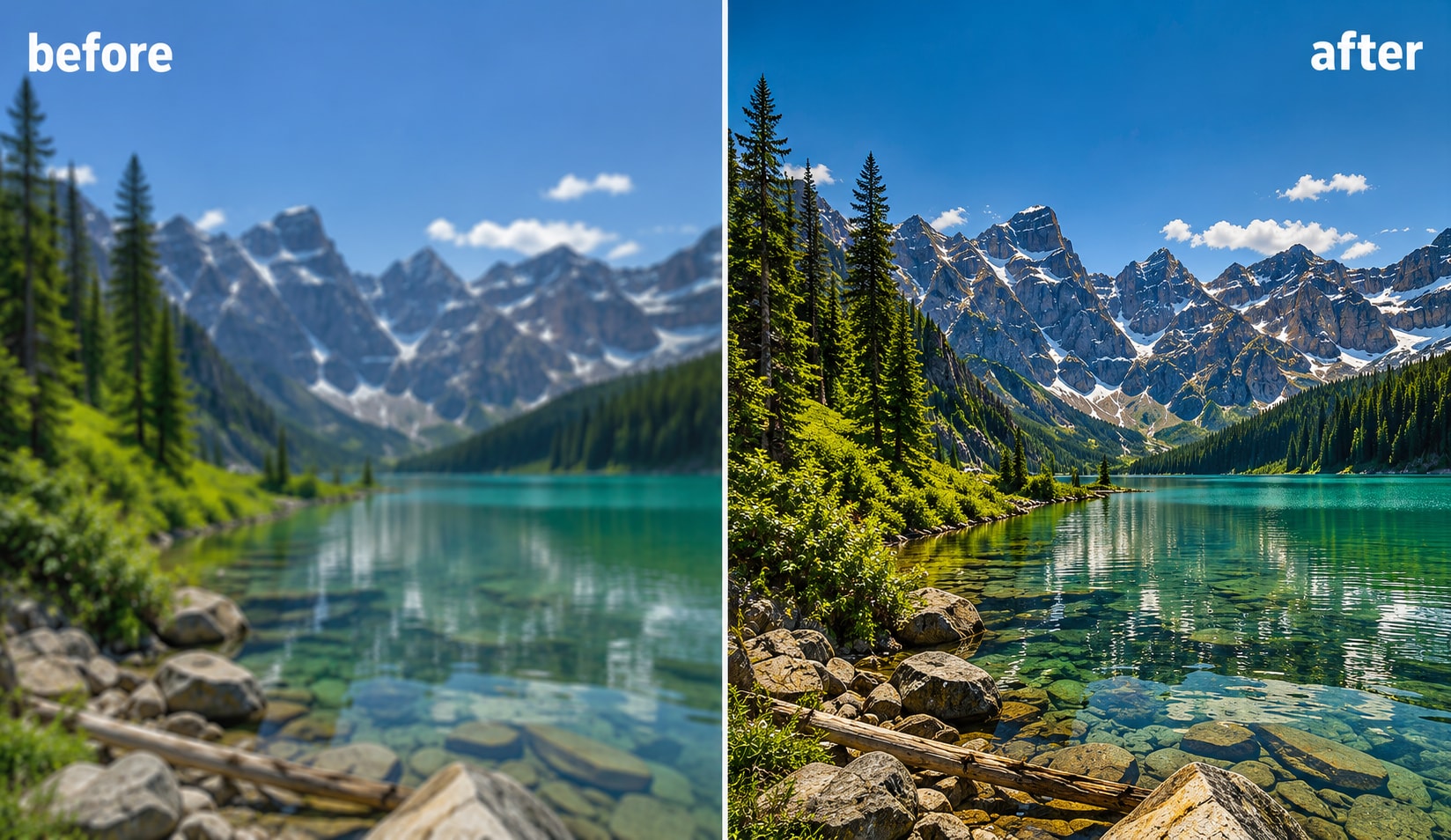
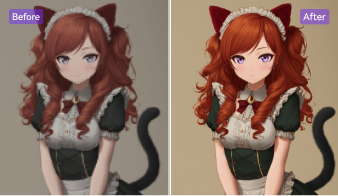
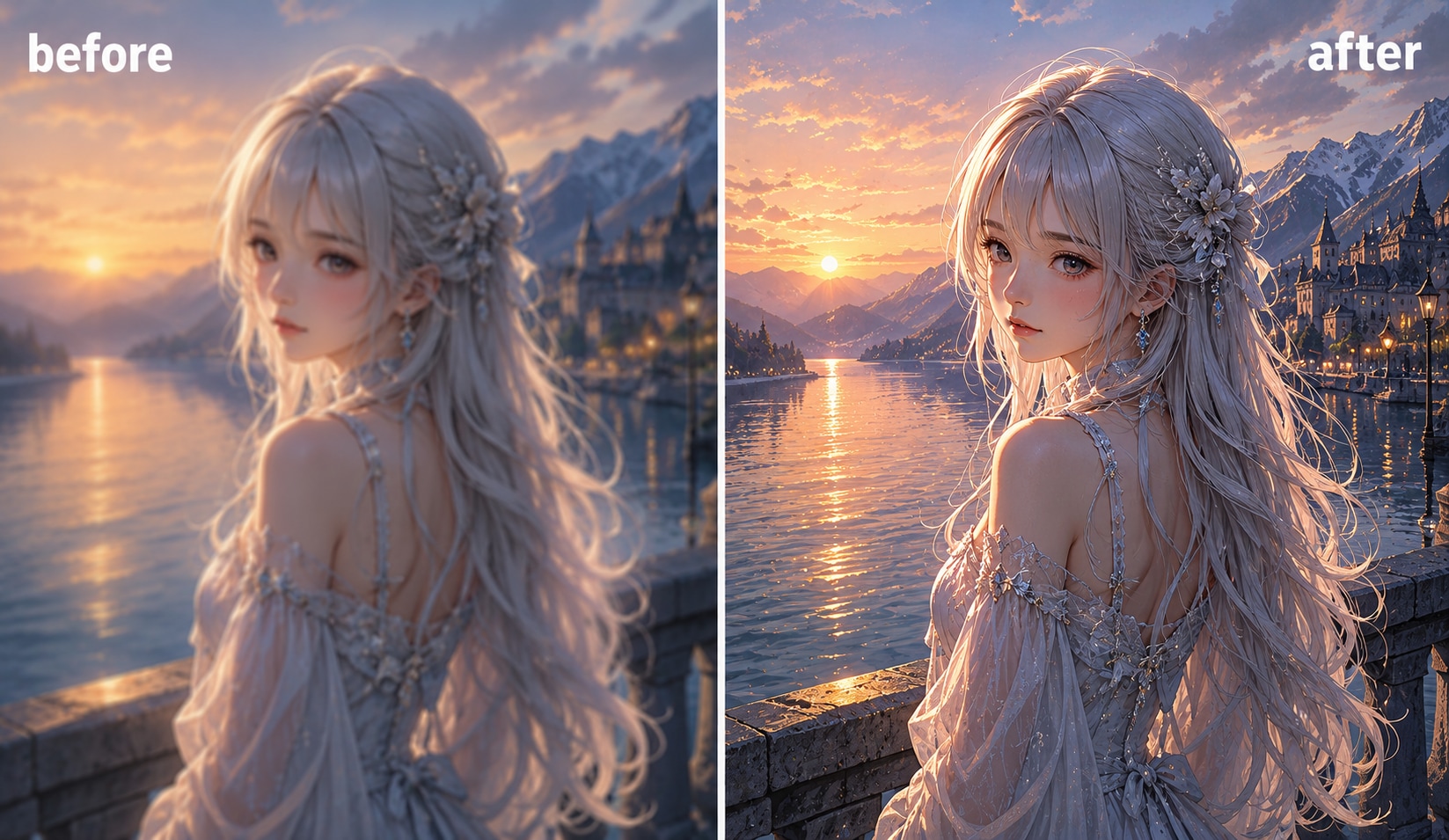
UniConverter’s AI Image Denoiser uses advanced deep learning algorithms to detect and remove unwanted noise from photos. It intelligently distinguishes between texture and grain, ensuring your image noise reduction process delivers smooth, clear results. Whether for portraits or landscapes, this AI-powered tool enhances details without blurring or loss of quality.
Dual Options: Online AI Denoiser and Desktop Software
Enjoy complete flexibility with UniConverter's dual image denoiser options. You can denoise images online instantly, or switch to the desktop version for heavy workloads. The online AI denoiser offers convenience, while the desktop tool provides more control and speed—perfect for photographers who need batch photo noise reduction without compromising efficiency.

Preserve Photo Quality While Removing Image Noise
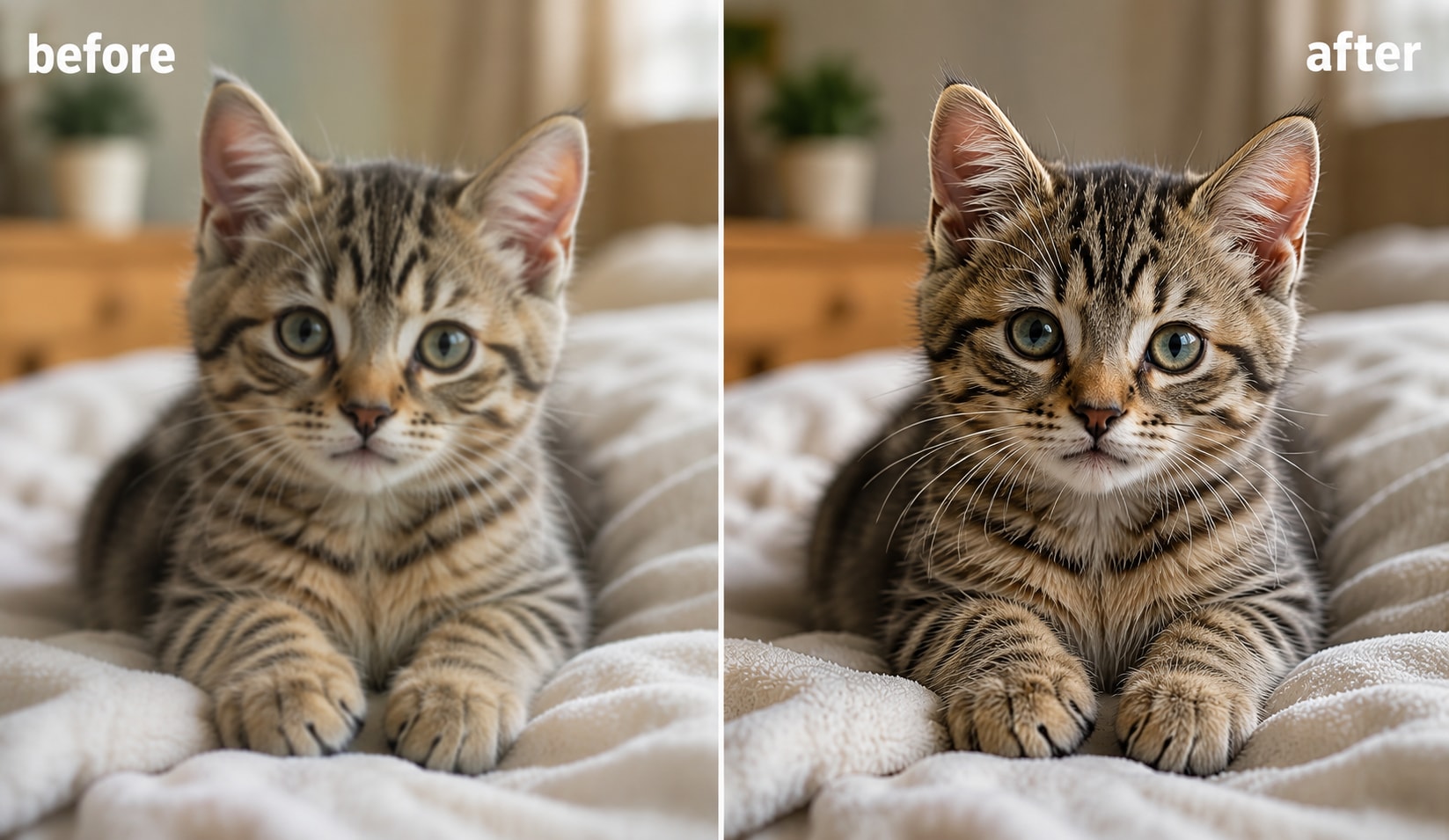
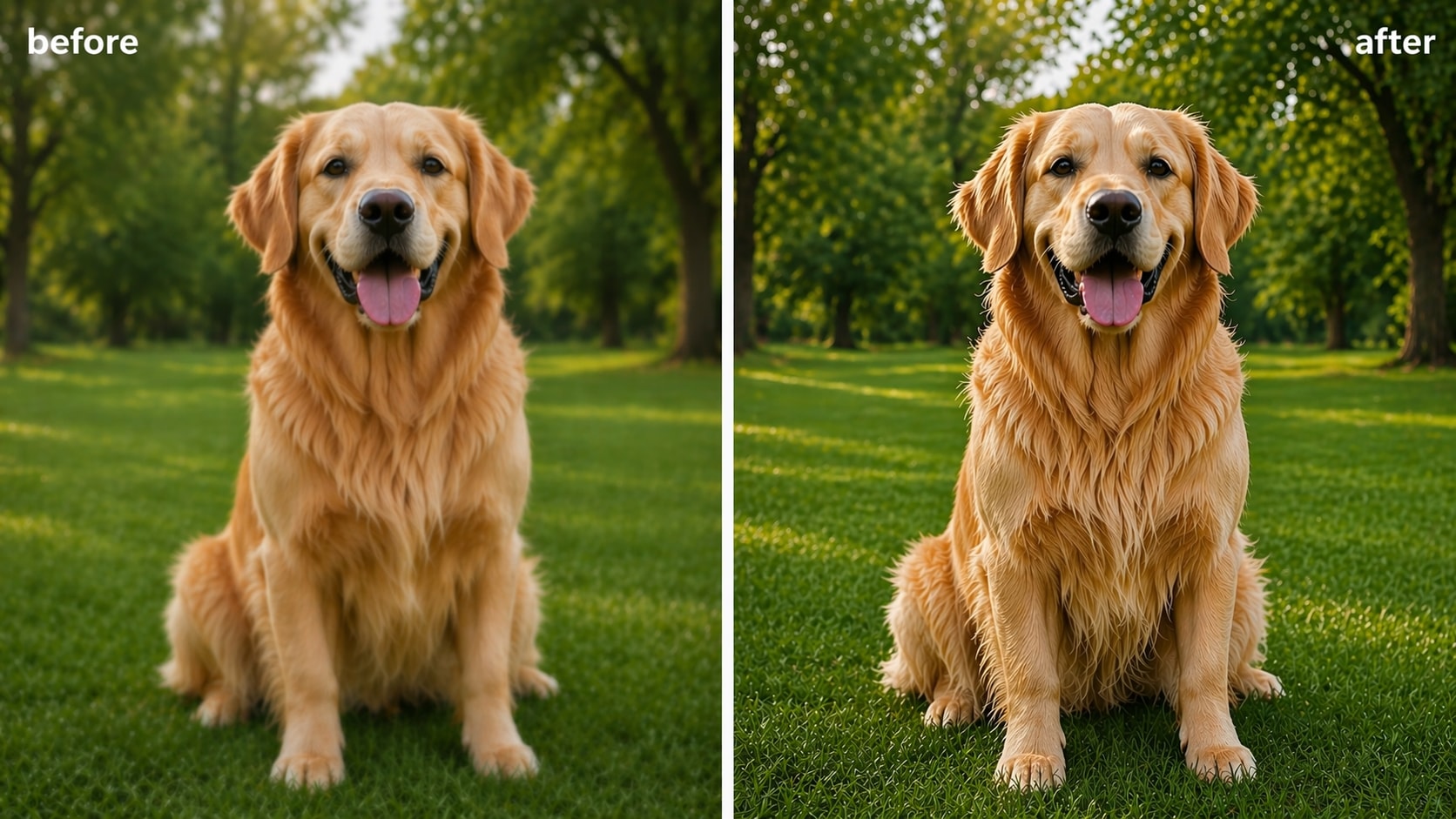
Unlike traditional filters that blur images, UniConverter’s AI photo noise reduction maintains the sharpness, color balance, and texture of your original photo. It removes noise precisely where needed, keeping edges crisp and details intact. The result: natural-looking images with enhanced clarity, perfect for both professional and casual photography. After noise reduction, use AI Image Sharpener to recover crisp edges and fine details.
Batch Denoise Up to 200 Photos at Once
For users handling large volumes of photos, the desktop AI image denoiser supports batch processing of over 200 images simultaneously. Save valuable time while maintaining consistent quality across every file. Ideal for photographers, marketers, and e-commerce professionals who need to denoise multiple photos quickly and efficiently.

More Than Just Denoising - Full Image Enhancement
UniConverter goes beyond basic photo noise reduction. With built-in tools for sharpening, color correction, and image enhancement, it provides an all-in-one solution for photo improvement. After denoising, enhance brightness, contrast, and tone effortlessly, ensuring your images look stunning from every angle—ready for print or digital display.

Remove Grain from Photos in Any Photography Scenario
No matter the scenario, UniConverter's AI image denoiser provides a seamless solution to remove noise and restore detail. Here are six common scenarios where you can see significant improvement.
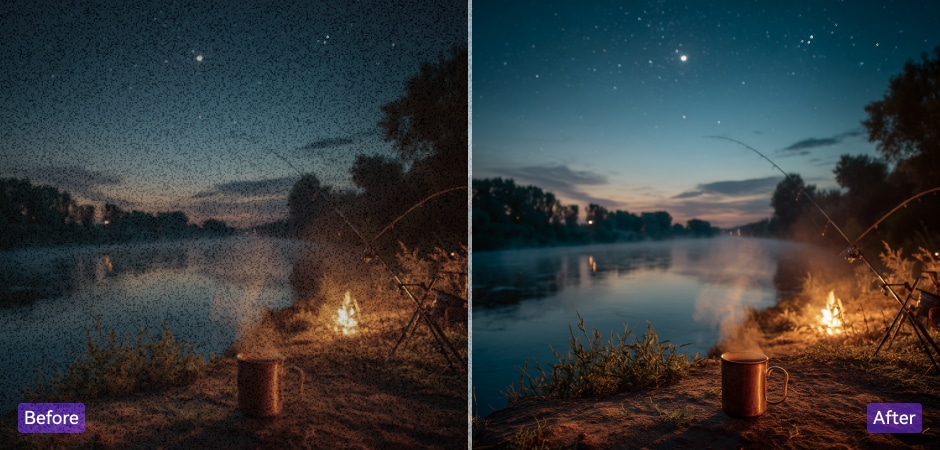
Denoise High ISO Photos for Better Clarity
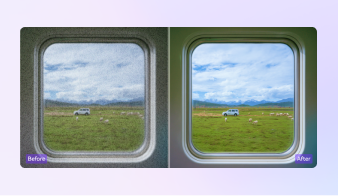
High ISO photography often results in grainy, noisy images, especially when shooting in low-light conditions. With UniConverter’s AI Image Denoiser, you can quickly reduce unwanted noise from your high ISO photos while preserving key details and sharpness. The AI technology intelligently eliminates grain, enhancing clarity and making your low-light images look clean and professional.
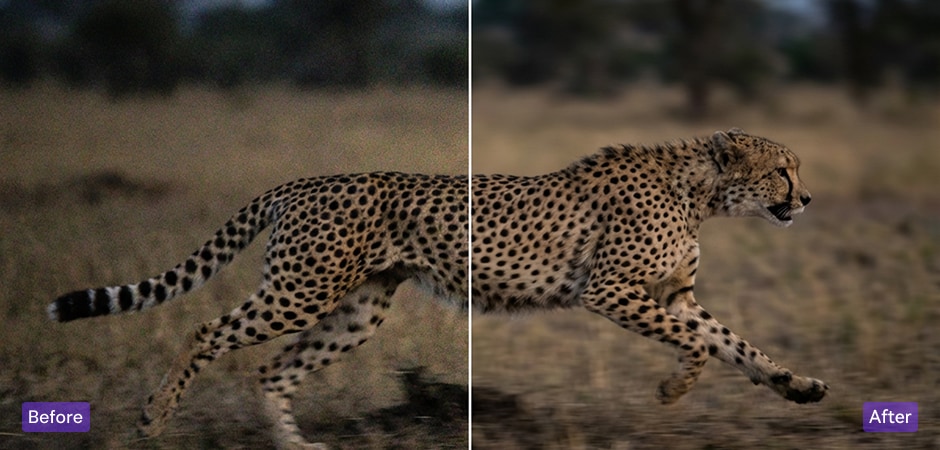
Enhance Wildlife & Sports Photography by Removing Noise
Capturing fast-moving action in wildlife and sports photography often leads to increased noise due to high ISO or low-light settings. UniConverter’s AI denoising tool helps clean up these noisy photos, ensuring that motion and important details remain clear and crisp. Whether it’s an action-packed sports moment or a distant wildlife shot, our AI denoiser provides optimal results for dynamic images.
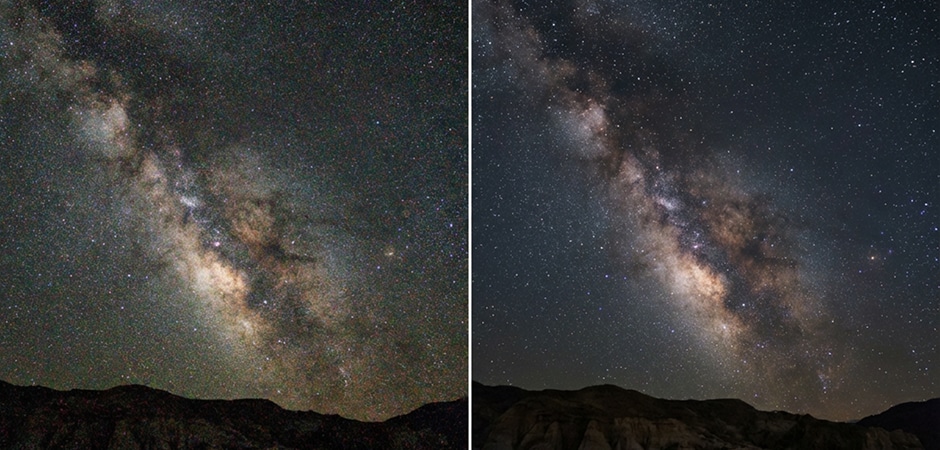
Improve Astrophotography Images with Noise Reduction
Astrophotography requires capturing images in extremely low-light environments, which often results in noticeable noise. With UniConverter’s AI technology, you can reduce the grain and enhance the fine details of stars and celestial bodies in your night sky photos. Our AI denoiser restores the sharpness and clarity of your astrophotography shots, giving you a clearer and more professional result.
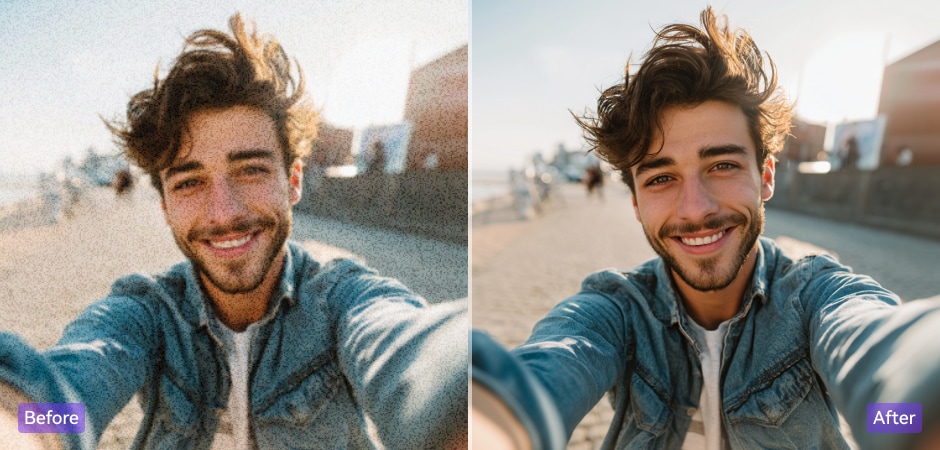
Remove Grain from Portrait Photography for Perfect Results
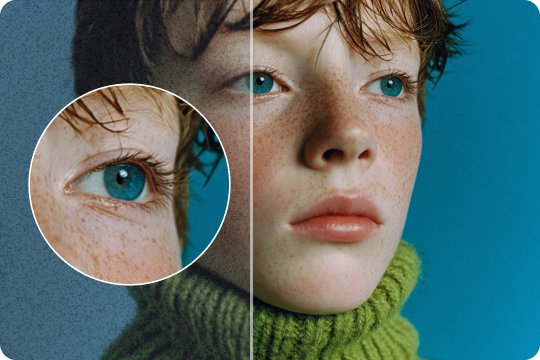
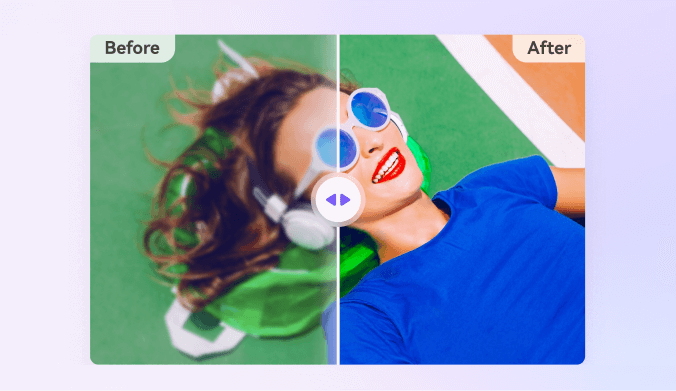
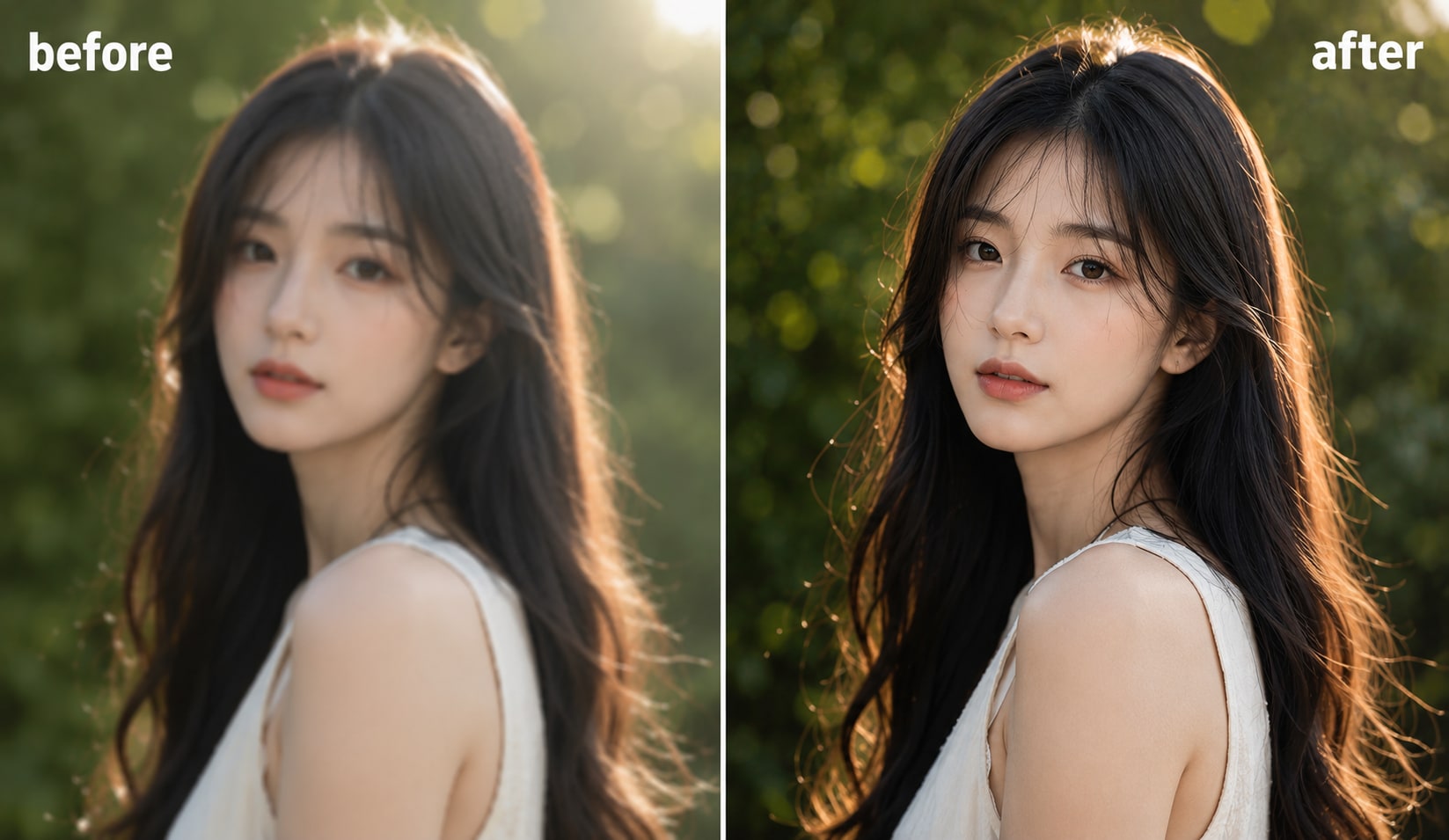
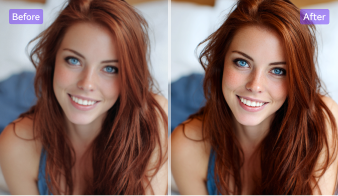
Grain and noise in portrait photos can distract from the beauty of the subject. UniConverter’s AI Image Denoiser is designed to reduce grain, ensuring smooth skin tones and sharp details in portrait photography. Whether you’re shooting professional headshots or personal photos, our tool helps maintain the natural beauty of your subject while eliminating unwanted noise.
Remove Noise from Product Photos for E-commerce Excellence
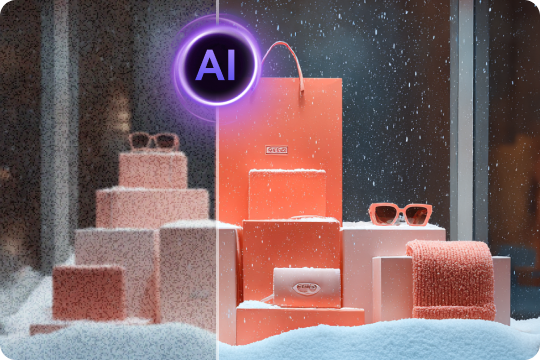
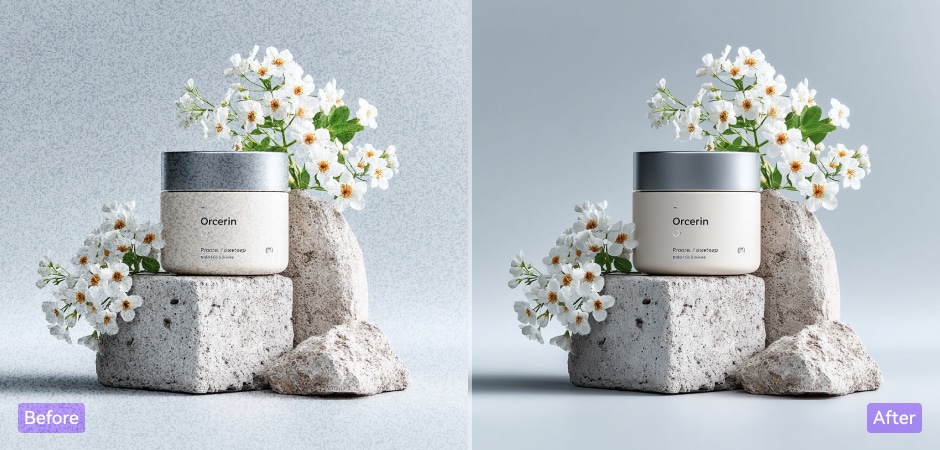
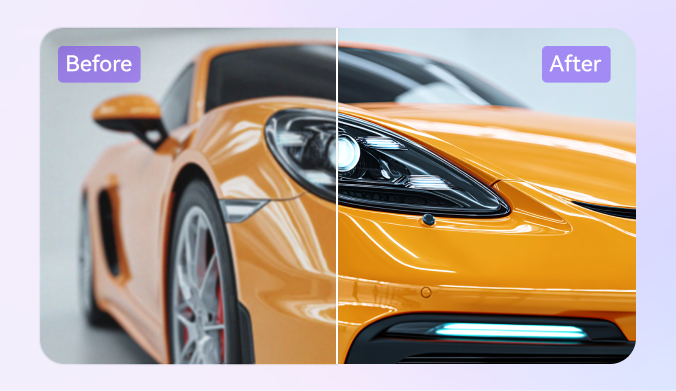
Product photography often suffers from noise, especially under challenging lighting conditions. UniConverter’s AI denoiser helps remove noise, ensuring your product images are sharp, clear, and professional. Whether you’re showcasing products for an e-commerce site or creating catalog images, our tool improves the overall quality of your photos, making them stand out in online marketplaces.
Restore Old Photos and Eliminate Noise for Better Quality
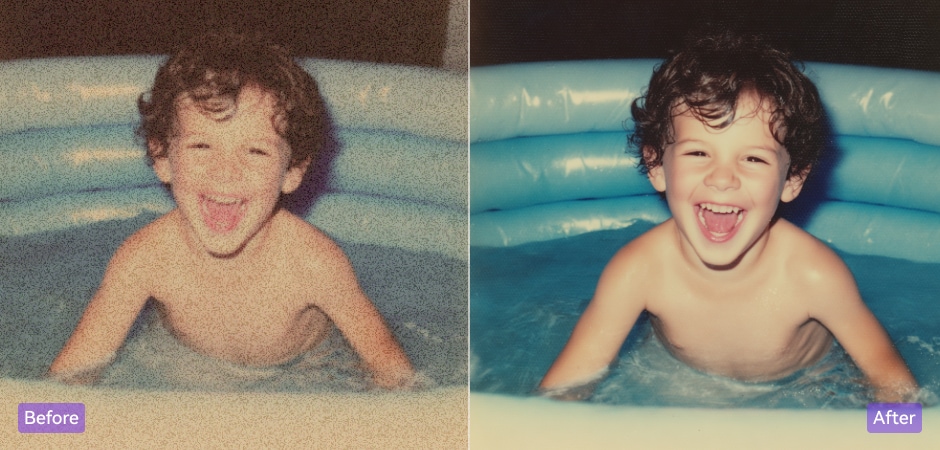
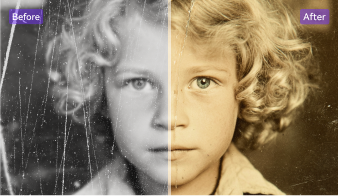
Old and damaged photos can exhibit noticeable noise when digitized. With UniConverter’s AI denoiser, you can restore clarity to vintage images by reducing grain and improving detail. Our technology revives your old photos, making them look like new without losing important elements, ensuring that your precious memories are preserved in the best possible quality. For old photos with grain, fading, and scratches, use Old Photo Restoration for a more complete repair.
FAQs about Image Noise Reduction
What is image noise in photography and why does it occur?
How do I remove noise from an image for free?
Can AI fix grainy photos?
What is the best AI denoiser for photos?
Can I denoise images without losing quality?
How to remove grain from a photo taken with high ISO?
Why do my photos look grainy and how can I prevent it?
Tips and Tricks for Denoising Image



