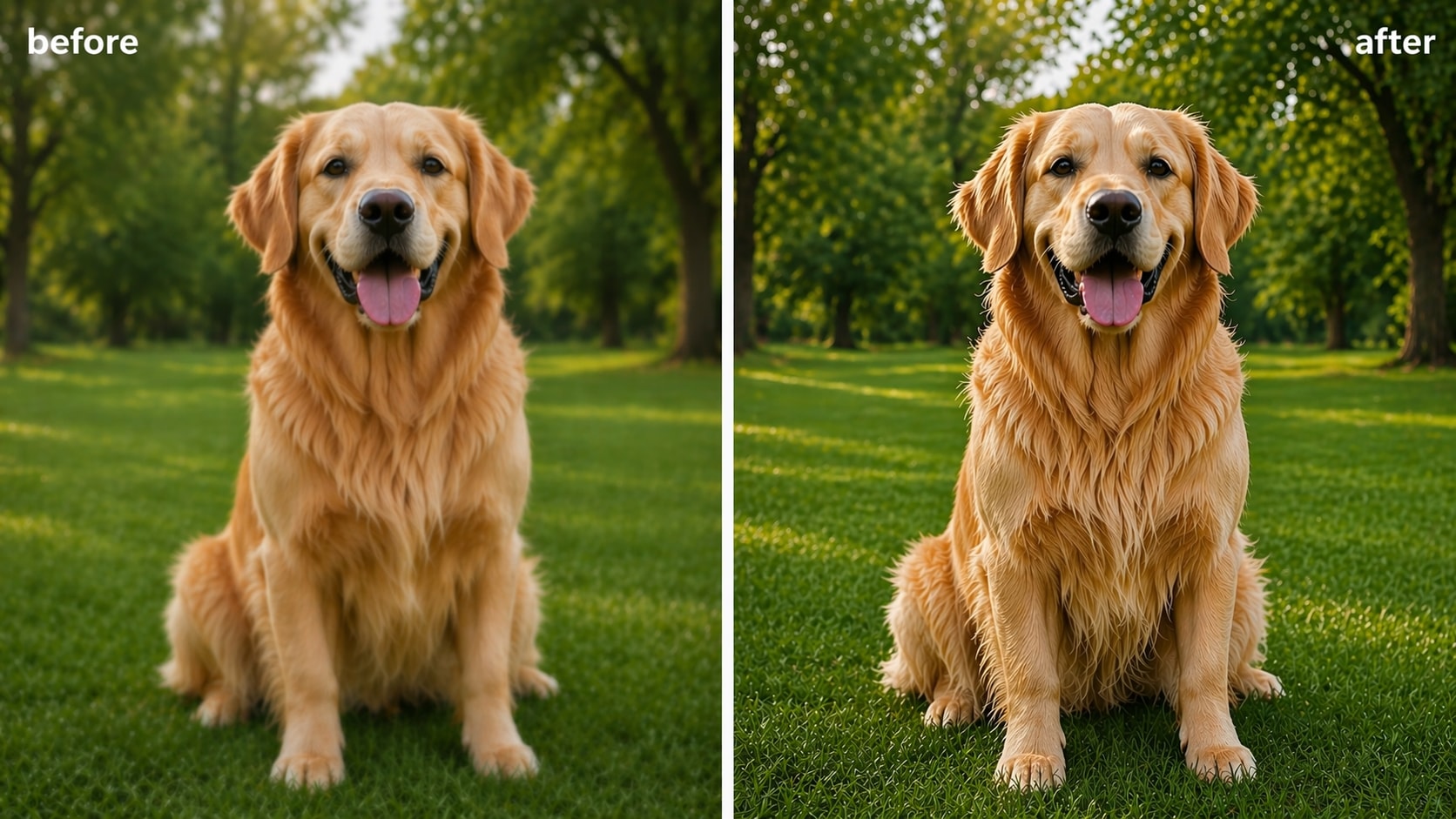
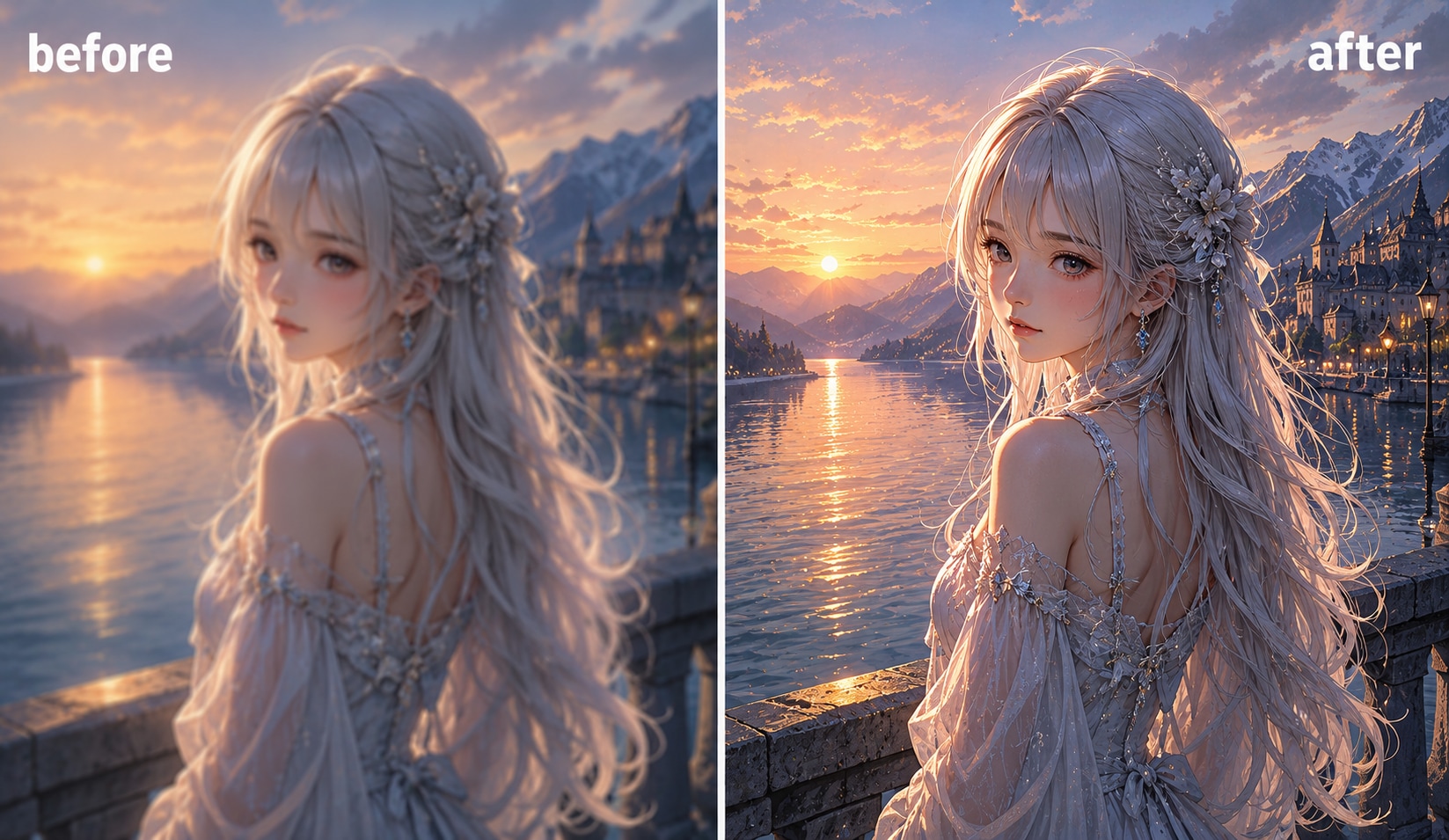
Turn Nano Banana and Gemini Images Into Sharper, Cleaner Visuals

Upscale Nano Banana and Gemini images for cleaner, more usable results
Nano Banana and Gemini can help you create images fast, but final results may still look soft, noisy, or too small for real use. UniConverter works as a practical nano banana upscaler and gemini image enhancer, helping you improve detail, fix blur, and enhance images for sharing, print, or commercial delivery.
Whether you need a quick nano banana upscale for social media or a nano banana 4K upscaler workflow for client assets, UniConverter gives you simple tools to sharpen AI-generated images without making them look overprocessed.
Why Use UniConverter to Enhance Nano Banana Images
AI Upscaling for Better Nano Banana Resolution
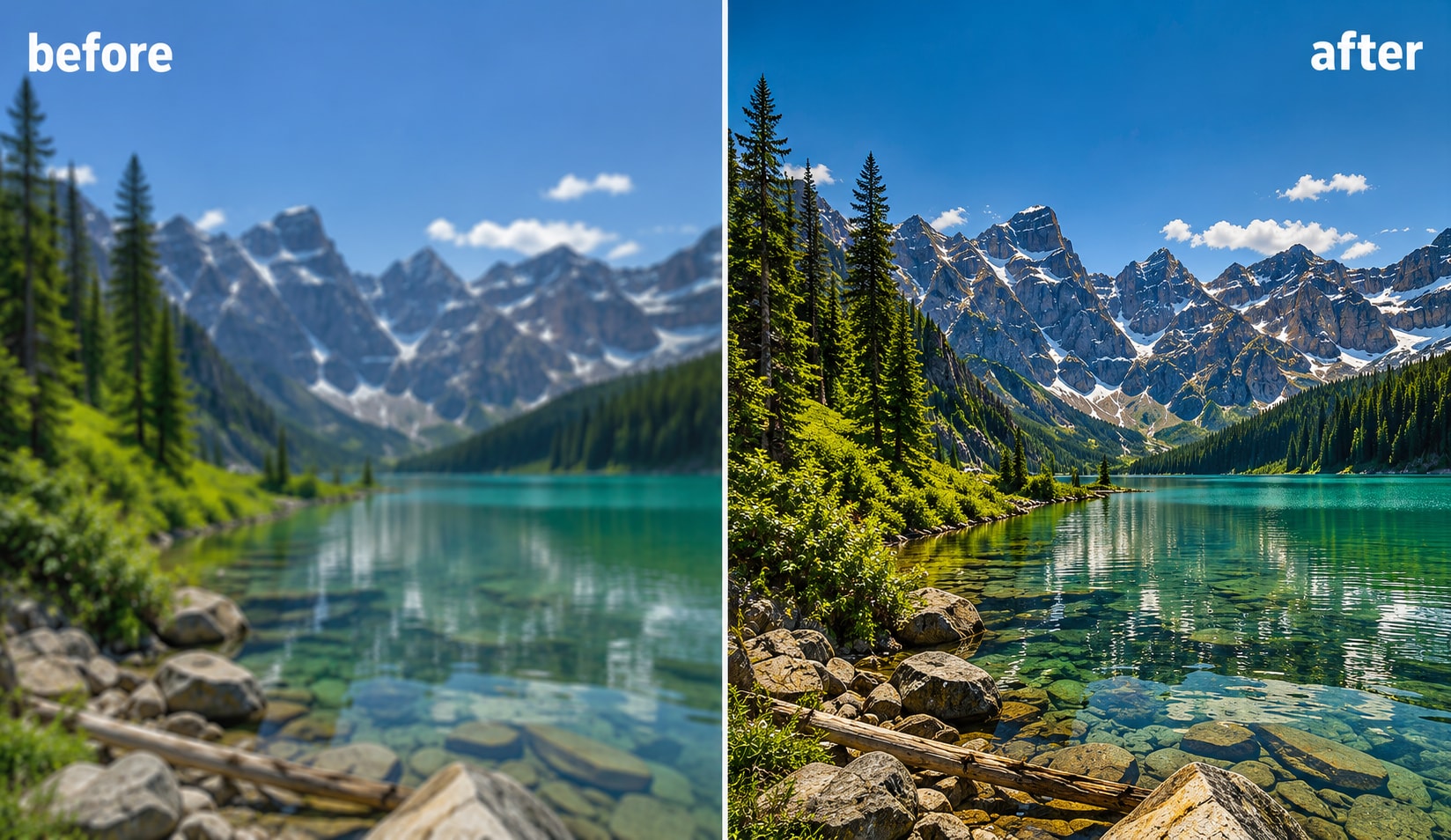
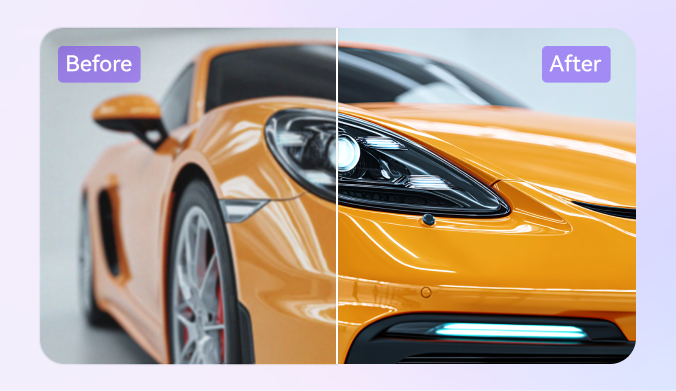
Use UniConverter as a nano banana upscaler to enlarge image size and clarity at the same time. It can upscale Nano Banana and Gemini visuals to HD or 4K, making low-resolution outputs more useful for presentations, websites, and print-ready images. This helps solve common nano banana resolution limits without changing the original style too much.
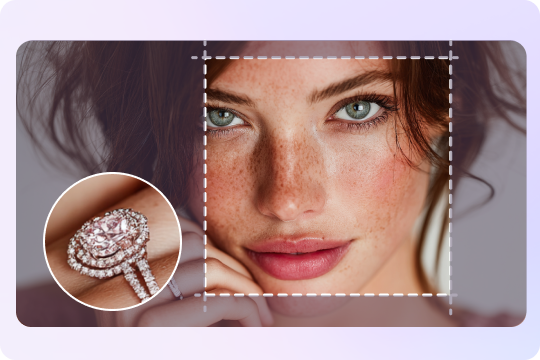
Sharpen Soft Details in Gemini and Nano Banana Images
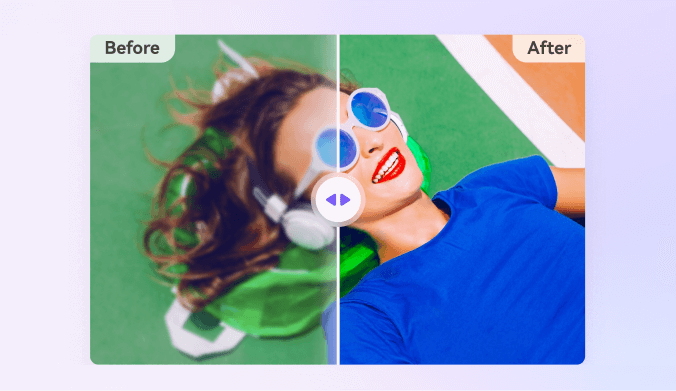
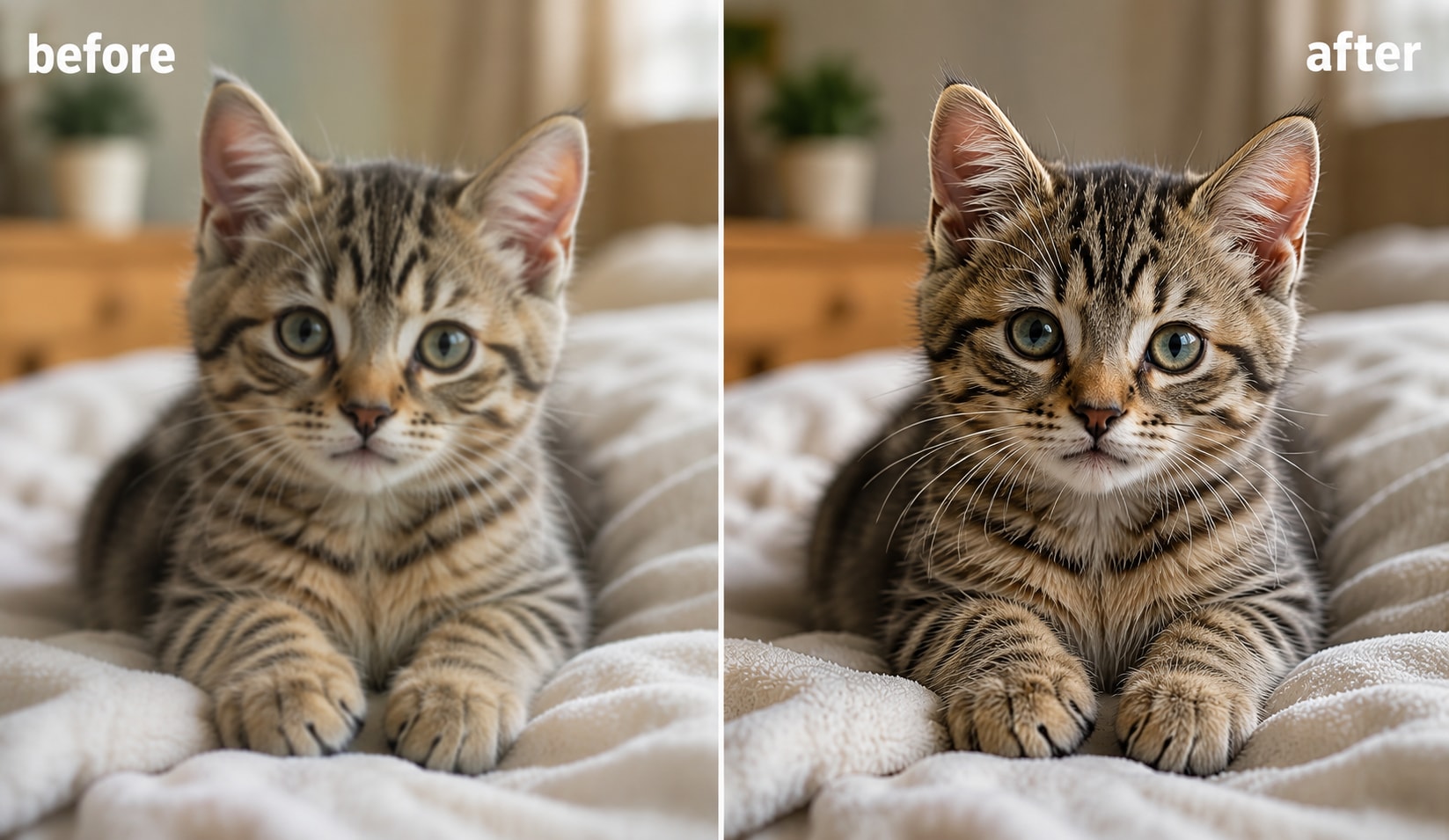
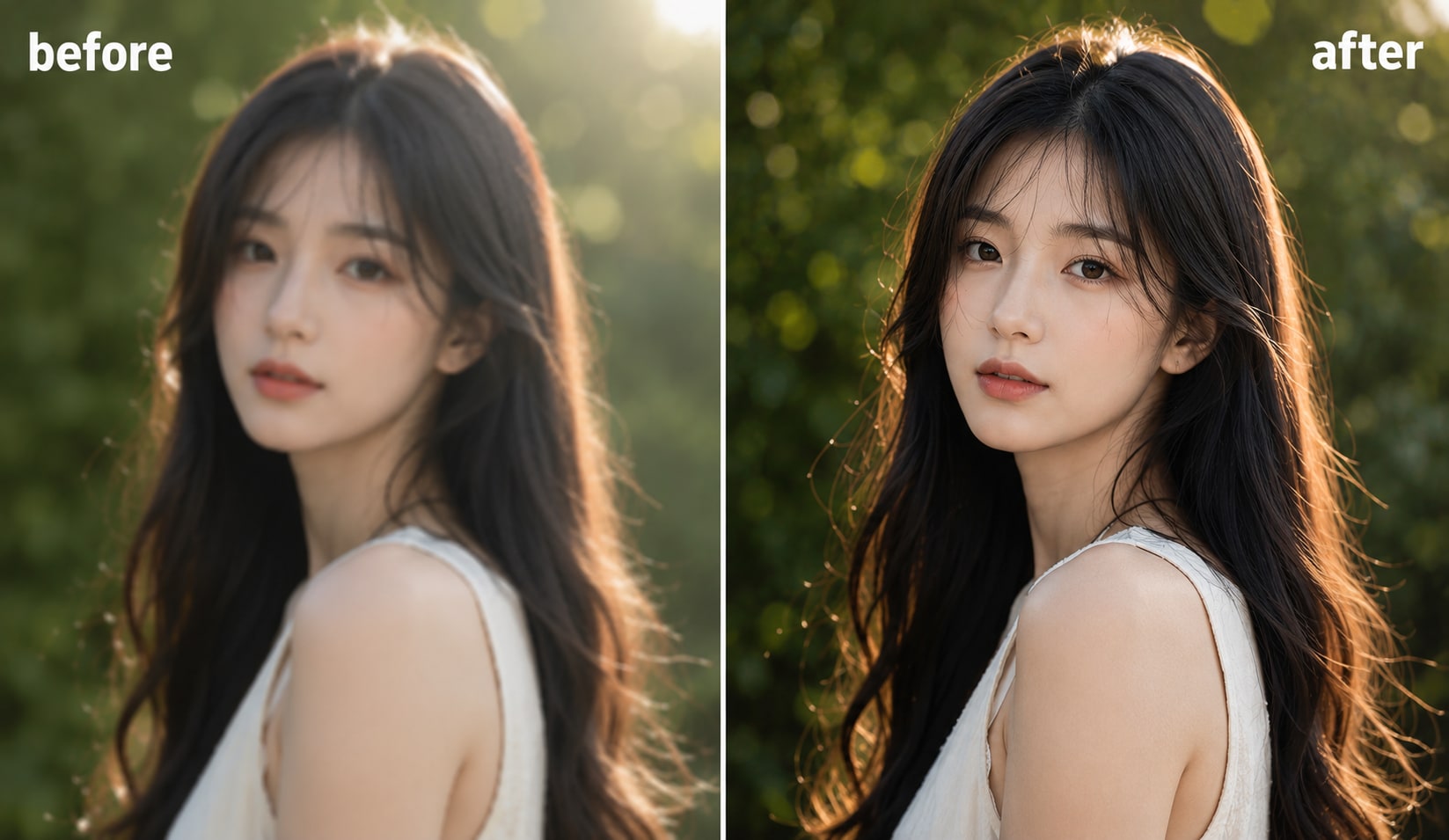
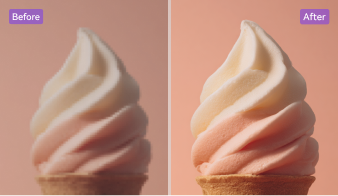
If your AI image looks slightly blurred or lacks texture, UniConverter can act as a nano banana enhancer and gemini photo enhancer in one workflow. It helps restore edge definition, sharpen AI-generated images, and recover detail in hair, fabric, products, and illustrated elements while keeping the overall image clean and natural.
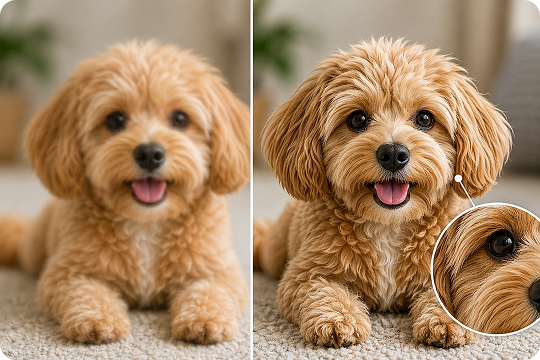
Remove Noise, Grain, and Compression Artifacts
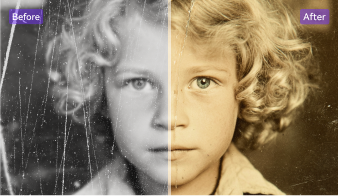
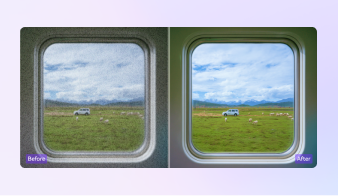
Some edited AI images lose clarity because of visible grain, compression, or weak fine detail. UniConverter helps you deblur image output, reduce noise from image, and clean up artifacts after export. This makes it easier to fix blurry Nano Banana images and improve Gemini visuals for client delivery, online publishing, or sharper everyday use.
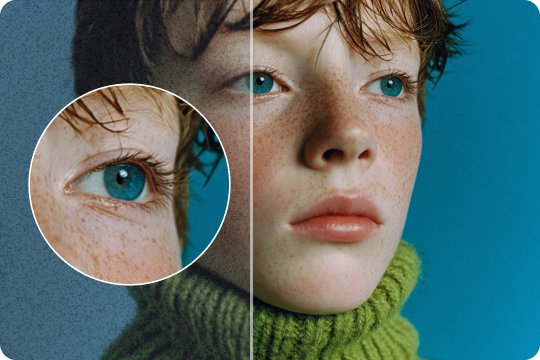
Improve Color, Contrast, and Visual Balance
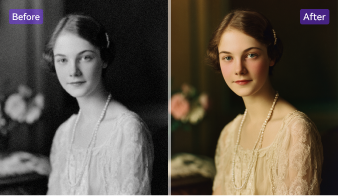
A strong gemini upscaler workflow should do more than enlarge an image. UniConverter also helps improve color balance, contrast, and overall image sharpness, so your visuals look more polished after enhancement. It works well when you want to enhance Gemini images without losing quality or preserve the original style of AI artwork and product visuals.
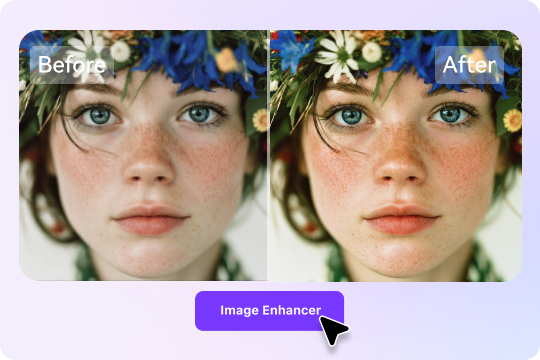
Batch Enhance Nano Banana Images More Efficiently
When you need to process multiple AI images, UniConverter supports batch enhance Nano Banana images workflows on desktop. You can upscale, sharpen, denoise, and export several files in one session instead of editing them one by one. This is useful for creators, marketers, and teams that need a reliable nano banana upres and batch image enhancement solution.
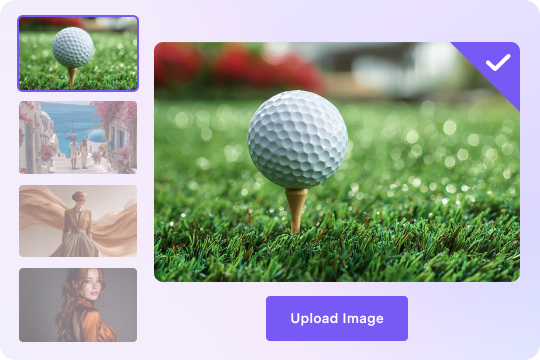
How to Upscale Nano Banana Images in 3 Steps

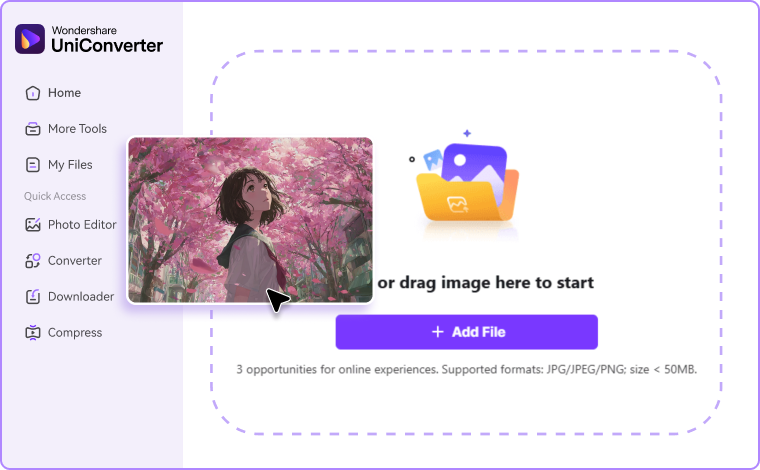
Upload a single file for quick edits online or open UniConverter and add the images you want to improve. You can prepare multiple visuals for batch image enhancement in deskotp.

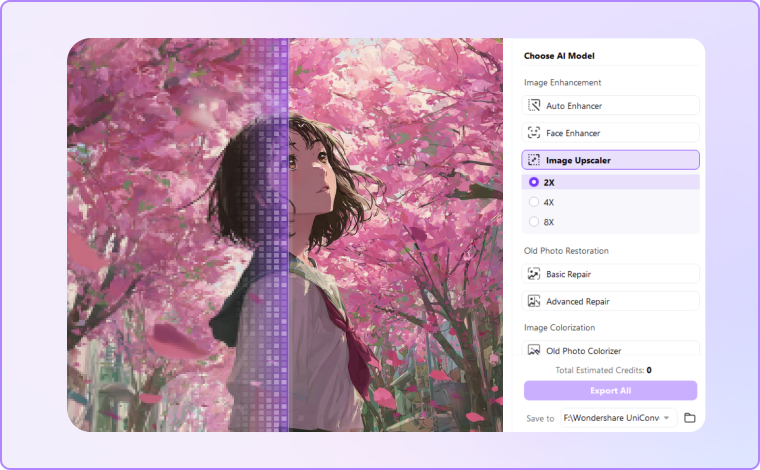
Select the settings that fit your needs, such as upscale, sharpen, denoise, or restore detail. This step helps you build the right nano banana upscale or gemini image enhancer workflow for your image type.

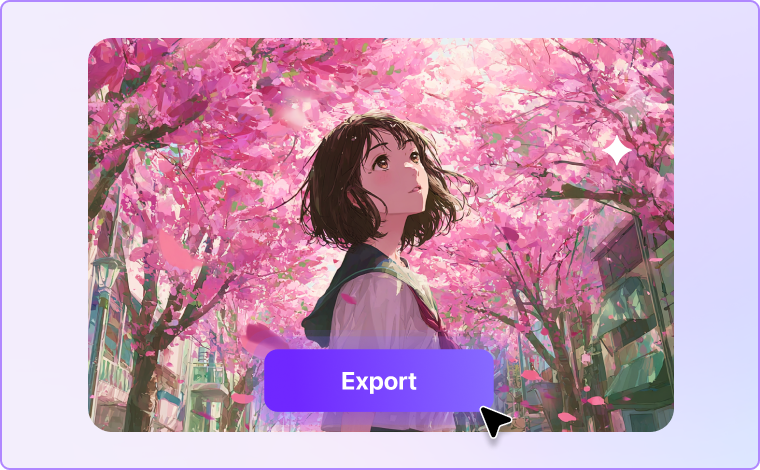
Preview the result before exporting your file. Then save it in a cleaner, higher-resolution format for web publishing, social media, client work, or print.
Best Use Cases for a Nano Banana Upscaler



Upscale Nano Banana Images for Portfolio Artwork
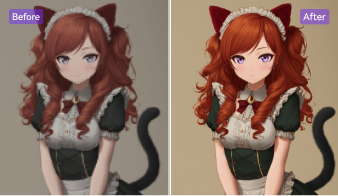
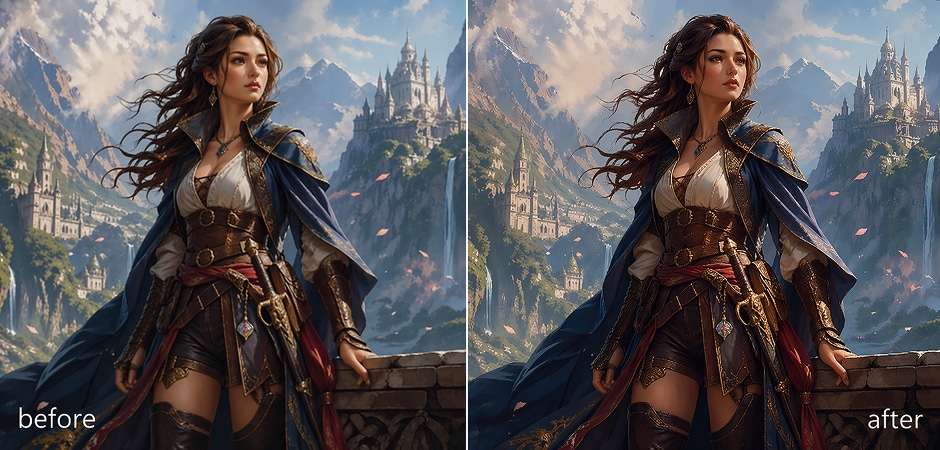
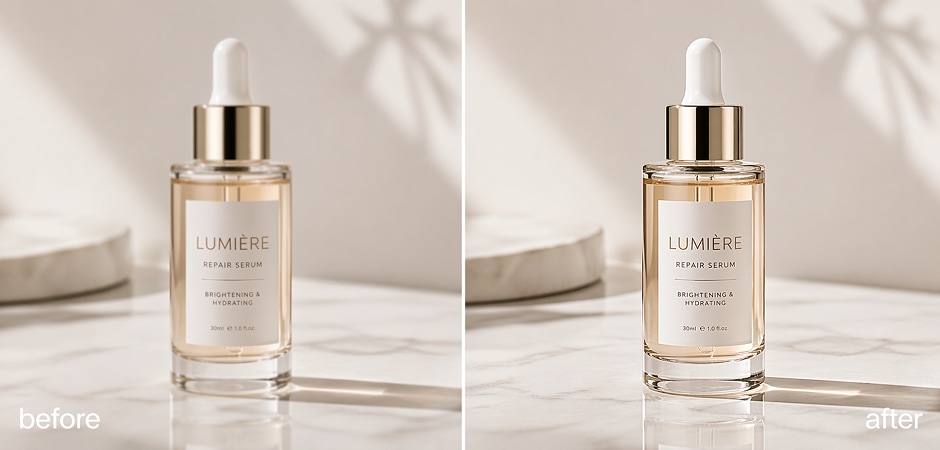
AI artwork often looks impressive on screen but may lose impact when viewed closely or presented professionally. UniConverter helps you upscale Nano Banana images for portfolio use by restoring texture, sharpening soft details, and improving overall presentation quality. This makes your creative work look cleaner in websites, PDF portfolios, pitch decks, and client reviews. It is also a practical choice when you want a nano banana image enhancer for polished visual storytelling.
Enhance Gemini Product Images for E-Commerce
Product visuals created or refined with AI often need extra cleanup before they are ready for stores or ads. UniConverter works as a useful gemini photo enhancer for e-commerce by helping you sharpen edges, reduce noise, and improve color clarity without making products look artificial. You can use it to enhance low-resolution images, restore detail in packaging or textures, and create cleaner assets for listings, promotions, and marketplace uploads.
Improve Social Media Visuals Without Losing Quality
Social posts move fast, but low-quality graphics can still hurt engagement and brand perception. UniConverter helps you upscale Nano Banana images online or on desktop for cleaner social media image enhancement. You can sharpen AI-generated images, fix blur, and reduce compression artifacts before posting to Instagram, LinkedIn, X, or campaign pages. This is useful when you need fast visual cleanup while still trying to enhance Gemini images without losing quality.
Prepare Nano Banana Images for Print
Print workflows demand more detail than most AI-generated images provide by default. UniConverter can help you upscale Nano Banana images and convert images to 4K for print by increasing resolution, improving edge clarity, and making visuals more suitable for posters, flyers, packaging drafts, or presentation boards. If you are asking how to turn soft AI output into print-ready images, this nano banana 4K upscaler workflow gives you a more practical path to cleaner exported files.
Build Cleaner Marketing Creatives From AI Assets
Marketing teams often use AI images for ads, landing pages, campaign mockups, and branded concepts. UniConverter helps turn rough outputs into cleaner deliverables with super resolution, image sharpener tools, and denoiser support. You can use it to upscale Gemini images, refine product photo enhancement, and create sharper files for paid media, email banners, or creative testing. It is especially useful when speed matters but visual quality still needs to meet campaign standards.
Enhance Presentation Visuals for Internal and Client Use
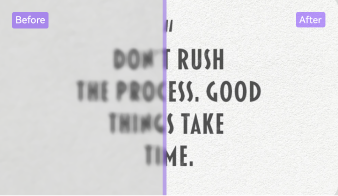
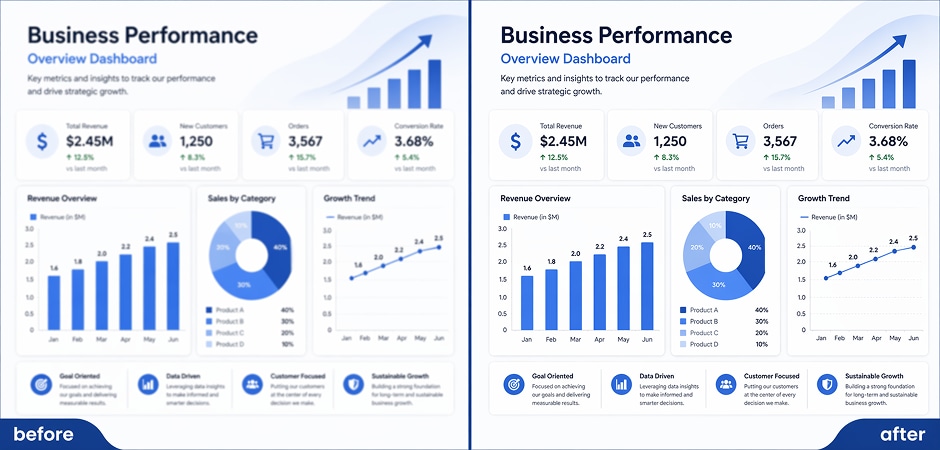
Presentation graphics need to look clear on large screens, shared files, and exported documents. UniConverter helps you improve AI-generated slides visuals by restoring detail, unbluring text, and cleaning up blurred areas. This makes it easier to use Nano Banana or Gemini-generated assets in reports, sales decks, teaching materials, and client presentations. If you need an online image enhancer or desktop image upscaler, this workflow gives you flexible options for everyday business use.
What Users Say
about the Nano Banana Upscaler
FAQs about Gemini Image Upscaler
Can Nano Banana upscale images?
Why do Nano Banana images look blurry after editing?
How can I upscale Gemini-generated images without losing quality?
What is the best Nano Banana upscaler for HD or 4K output?
Can I batch enhance Nano Banana images?
Is there an online Nano Banana image enhancer?
Can I sharpen and denoise Gemini images at the same time?
How do I prepare Nano Banana images for print?
Does UniConverter work for AI artwork, product photos, and social posts?
Can I use UniConverter on desktop and online?