Why Use UniConverter as Your 4K Image Converter
Convert Images to 4K Without Losing Detail
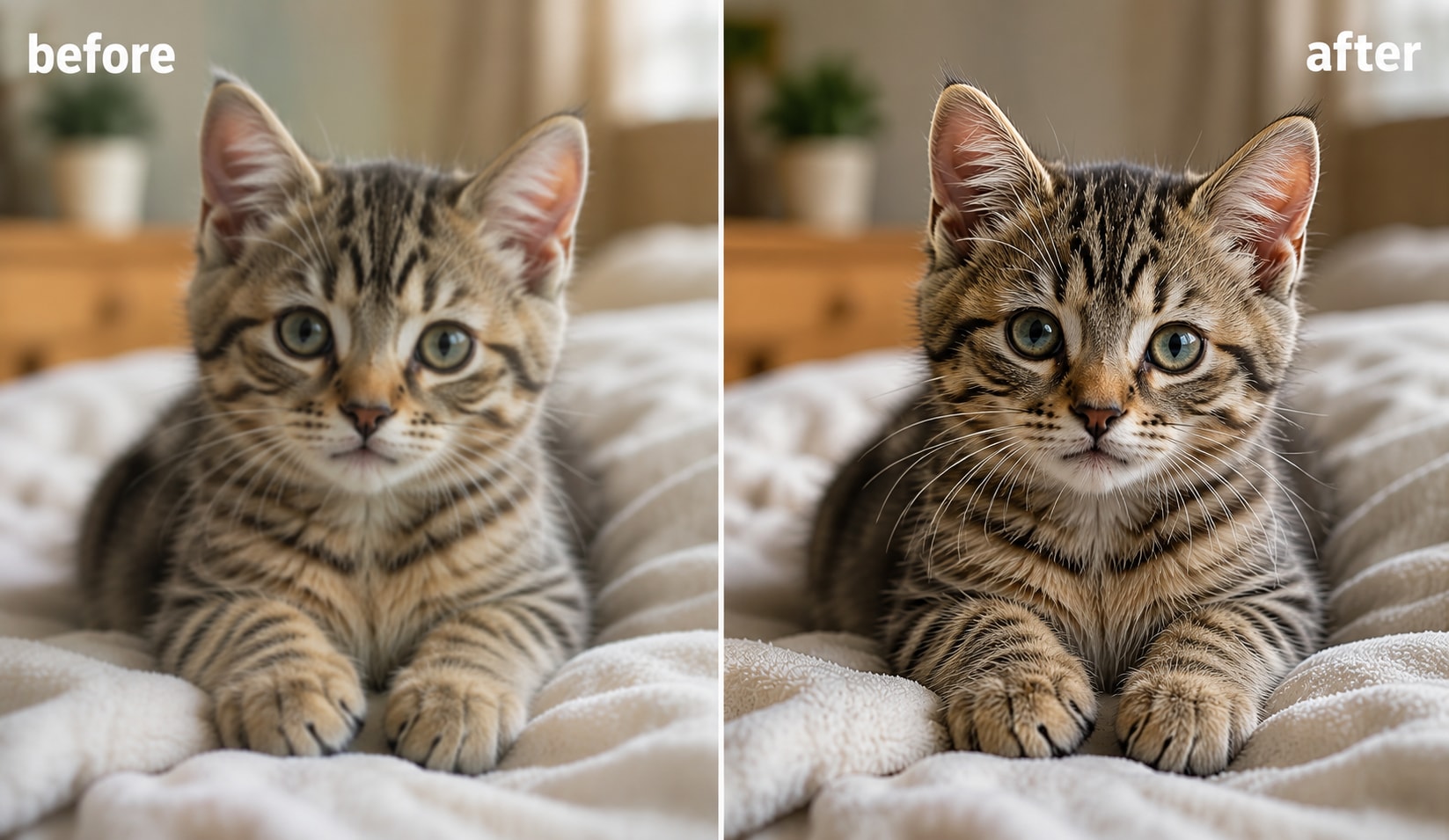
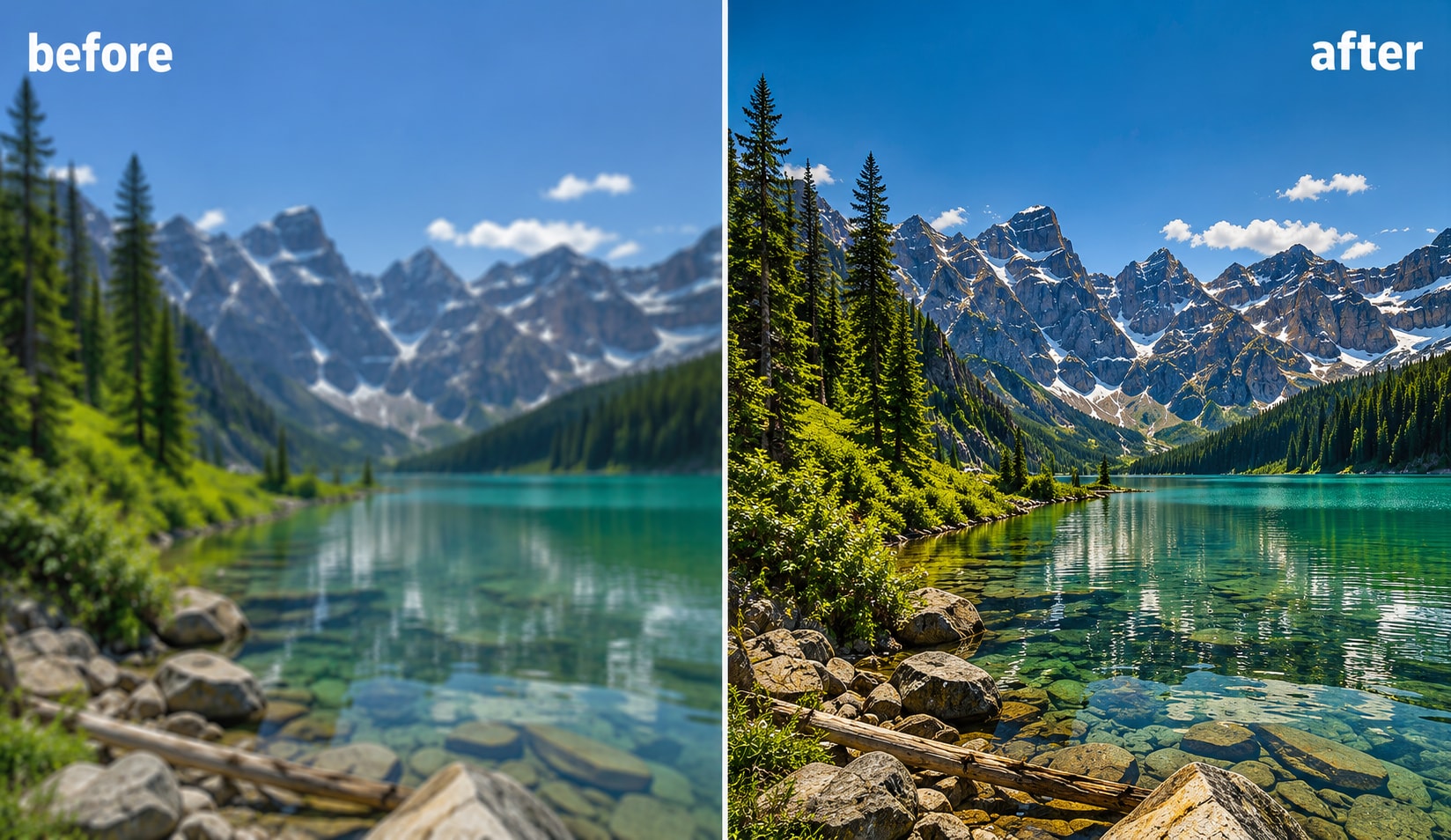
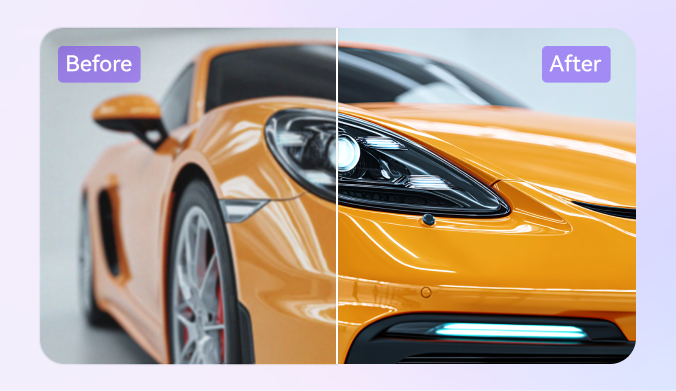
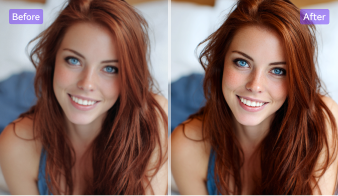
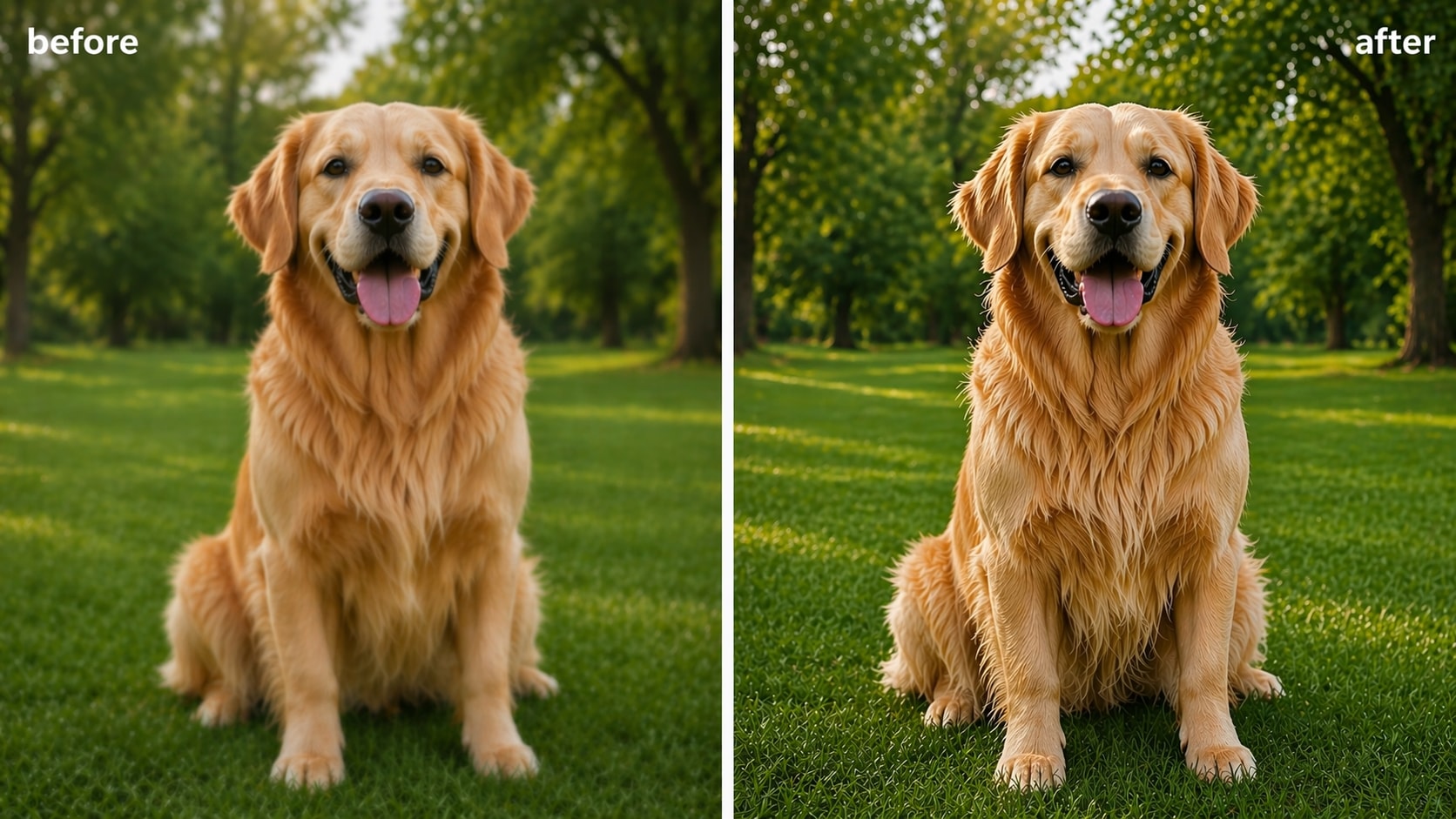
Use UniConverter as a 4K image converter when you need a sharper, cleaner result without overprocessing your photo. It can convert image to 4K resolution with AI-based enhancement, clearer edges, and more natural texture. This helps you upscale image to 4K for design work, client delivery, or everyday sharing.
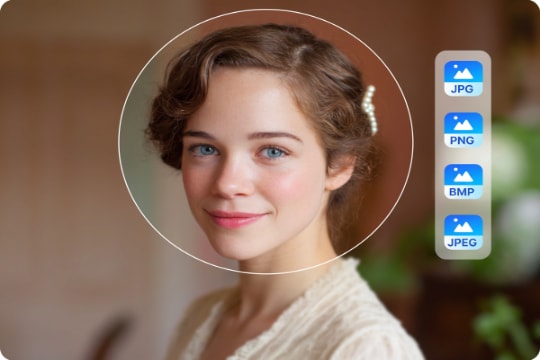
Upscale JPG, PNG, JPEG, and BMP to 4K
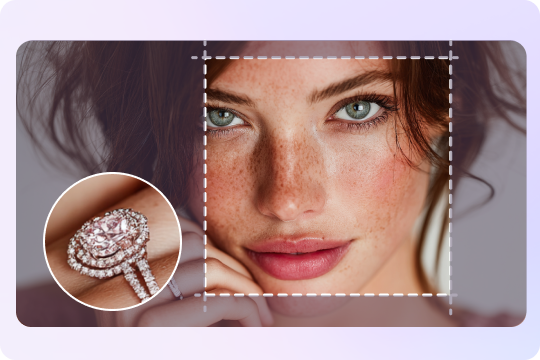
Need a JPG to 4K converter or a way to convert PNG to 4K resolution? UniConverter image enhancer supports common image formats in one workflow, so you can upscale JPG, PNG, JPEG, and BMP files with less manual work. You get a cleaner 4K image upscaler experience for quick edits or polished final exports.
Use an Online 4K Image Converter or Desktop App
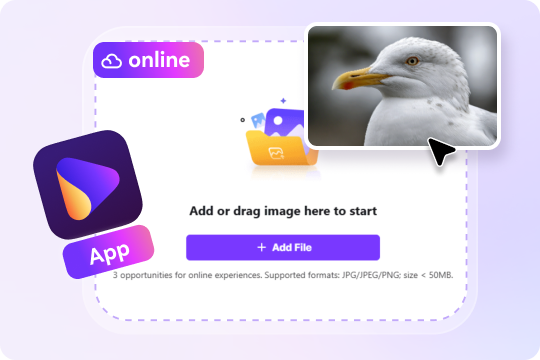
Choose the workflow that fits your task. You can use the online 4K image converter for fast single-image edits, or switch to the desktop option when you need a convert image to 4K resolution app with more control. This setup works well for free online previews, daily tasks, and larger creative projects.
Enhance Blurry or Compressed Photos with AI
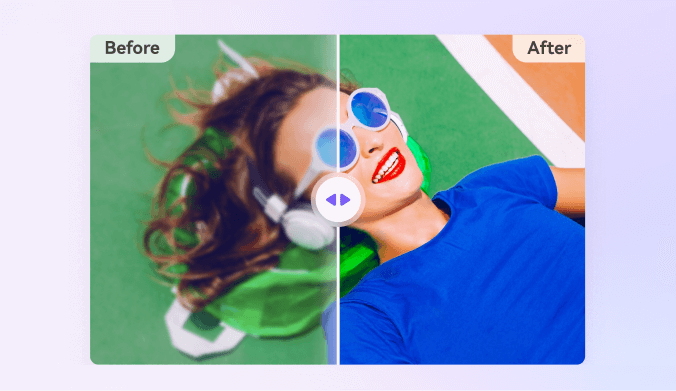
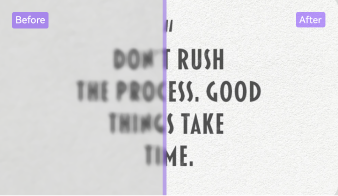
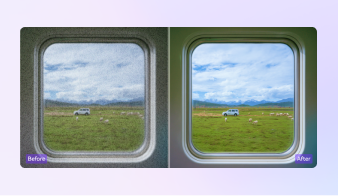
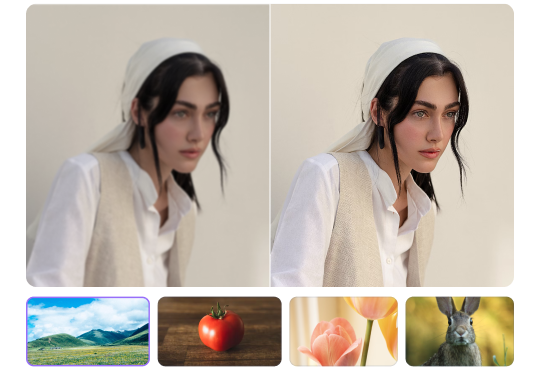
Low-quality photos often need more than simple resizing. UniConverter combines AI image upscaler 4K tools with photo sharpening, image denoise, image unpixelation, and detail recovery, so it works as both an image enhancer 4K solution and a blur to 4K image converter. It helps restore compressed, soft, or slightly pixelated images in a more natural way.
Batch Upscale Multiple Images to 4K Faster
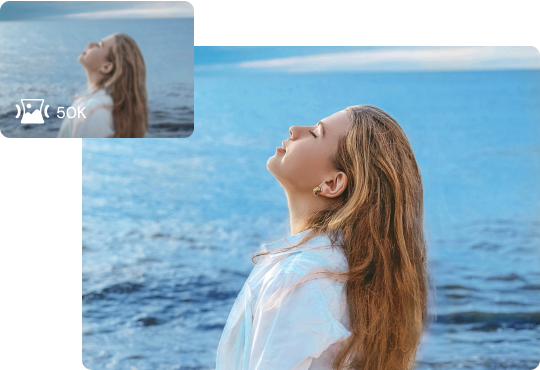
When you handle large sets of visuals, batch processing saves time. UniConverter lets you upscale several files in one session, which is useful for repeated marketing work, ecommerce updates, or studio tasks. It also supports a practical 2K to 4K image converter workflow, so you do not need to edit every image one by one.
Use Cases for 4K Image Conversion





4K Product Photo Upscaler for Ecommerce
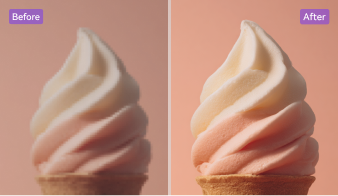
Turn standard store images into sharper 4K visuals for marketplaces, ads, and landing pages. If you need to upscale photo to 4K for product listings, UniConverter helps improve edges, textures, and small details that affect clicks. You can use it as a 4K image upscaler for fashion shots, electronics photos, beauty packs, and other ecommerce assets that need a cleaner and more professional look across product pages, marketplaces, and paid social campaigns.
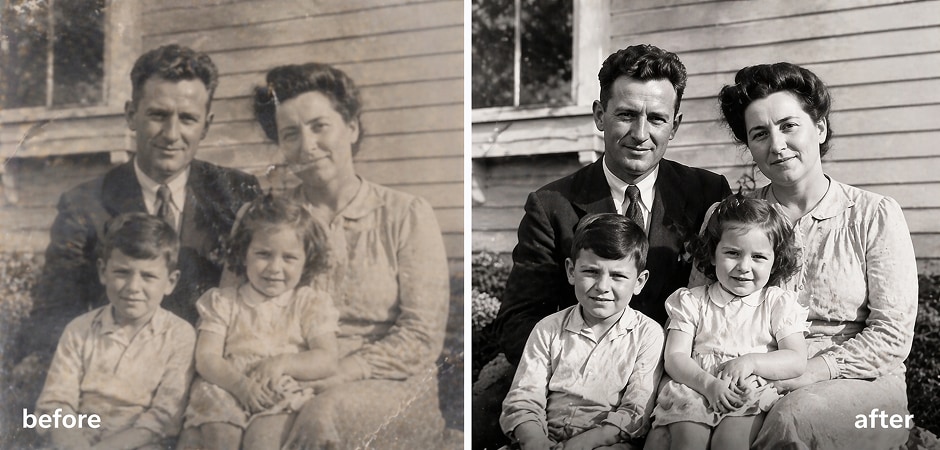
Restore Old Photos to 4K for Family Archives
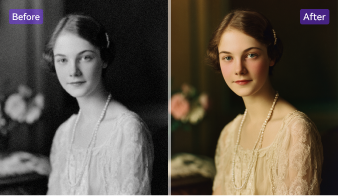
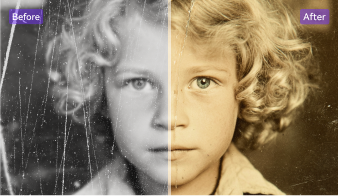
Old family pictures and scanned prints often look soft, faded, or damaged. UniConverter works well when you want to restore old photos to 4K and make them easier to save, share, or print. Its AI enhancement tools can sharpen faces, reduce blur, and improve clarity, giving you a practical way to convert normal photo to 4K quality without making the final image look overly processed or losing the original mood of the image.
4K Portrait Enhancer for Headshots and Profile Photos
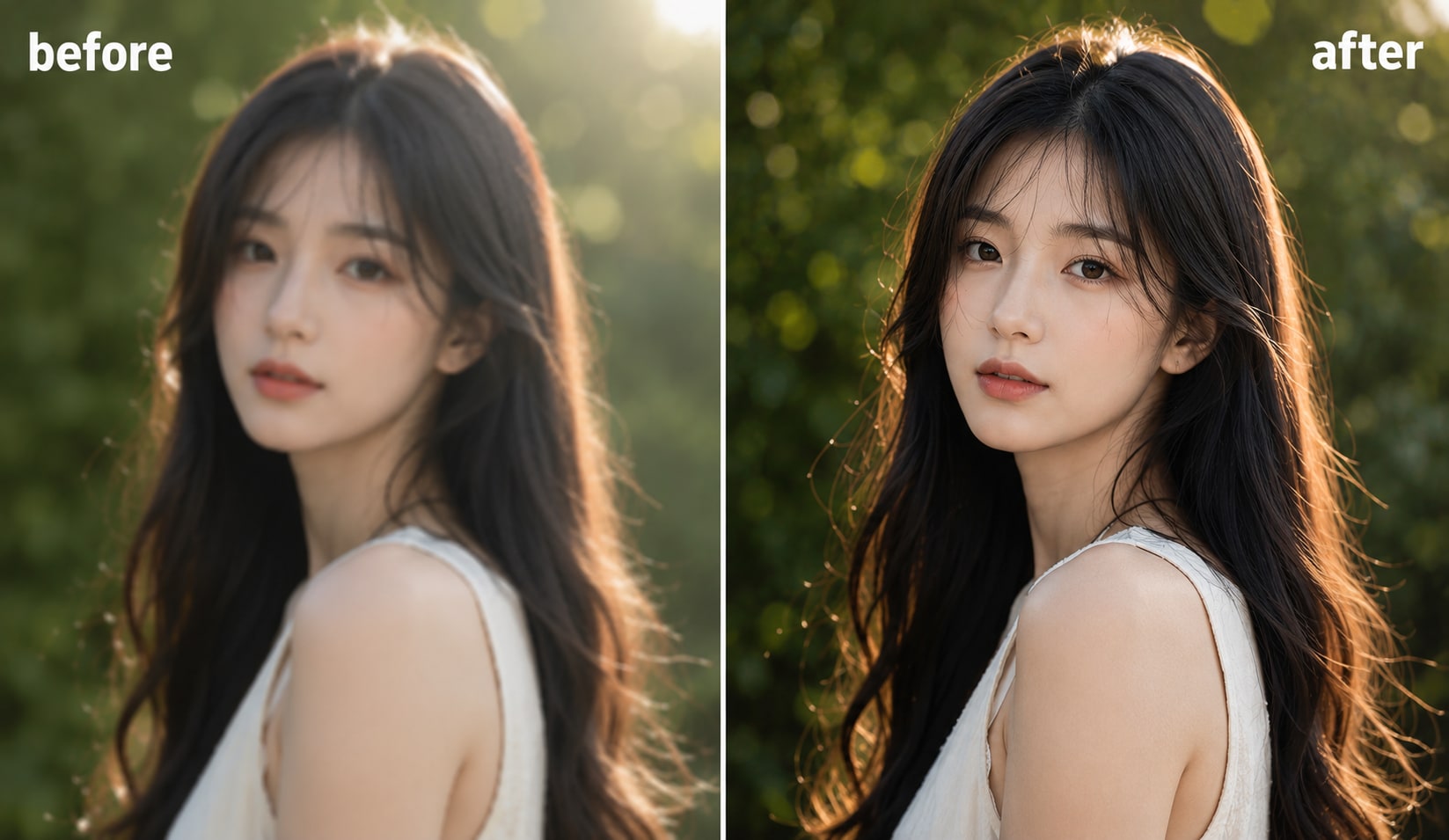
Portraits need clear facial detail without harsh edges or artificial skin texture. UniConverter helps you upscale image to 4K while keeping hair, eyes, and expressions more natural. This makes it useful for profile photos, creator headshots, school portraits, and personal albums. If you want a photo enhancer 4K workflow for people images, it gives you a cleaner result than simple enlargement alone, especially when the original file looks soft or slightly compressed.
Convert Real Estate Images to 4K for Listings
Property photos need to look clean, bright, and detailed on listing sites and brochures. UniConverter can serve as a real estate photo enhancer when you need to increase picture resolution for interiors, exteriors, and room close-ups. You can convert image to 4K resolution for sharper windows, furniture lines, and textures, helping agents, editors, and marketers present spaces more clearly across web and print materials, especially when the original photos were exported at a lower size.
High-Resolution Image Converter for Social Media Graphics
Social posts, ad creatives, and cover images often lose detail after resizing or compression. UniConverter helps you make photo 4K free to preview online, then move to desktop when you need more control. It is useful for creators who want a high-resolution image converter for Instagram visuals, YouTube thumbnails, Pinterest graphics, or campaign assets that need sharper output without a long editing process, repeated manual fixes, or separate tools for each platform.
AI Image Upscaler 4K for Illustrations and Generated Art
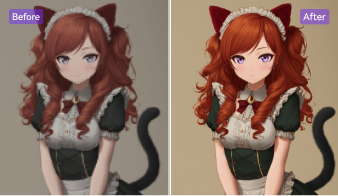
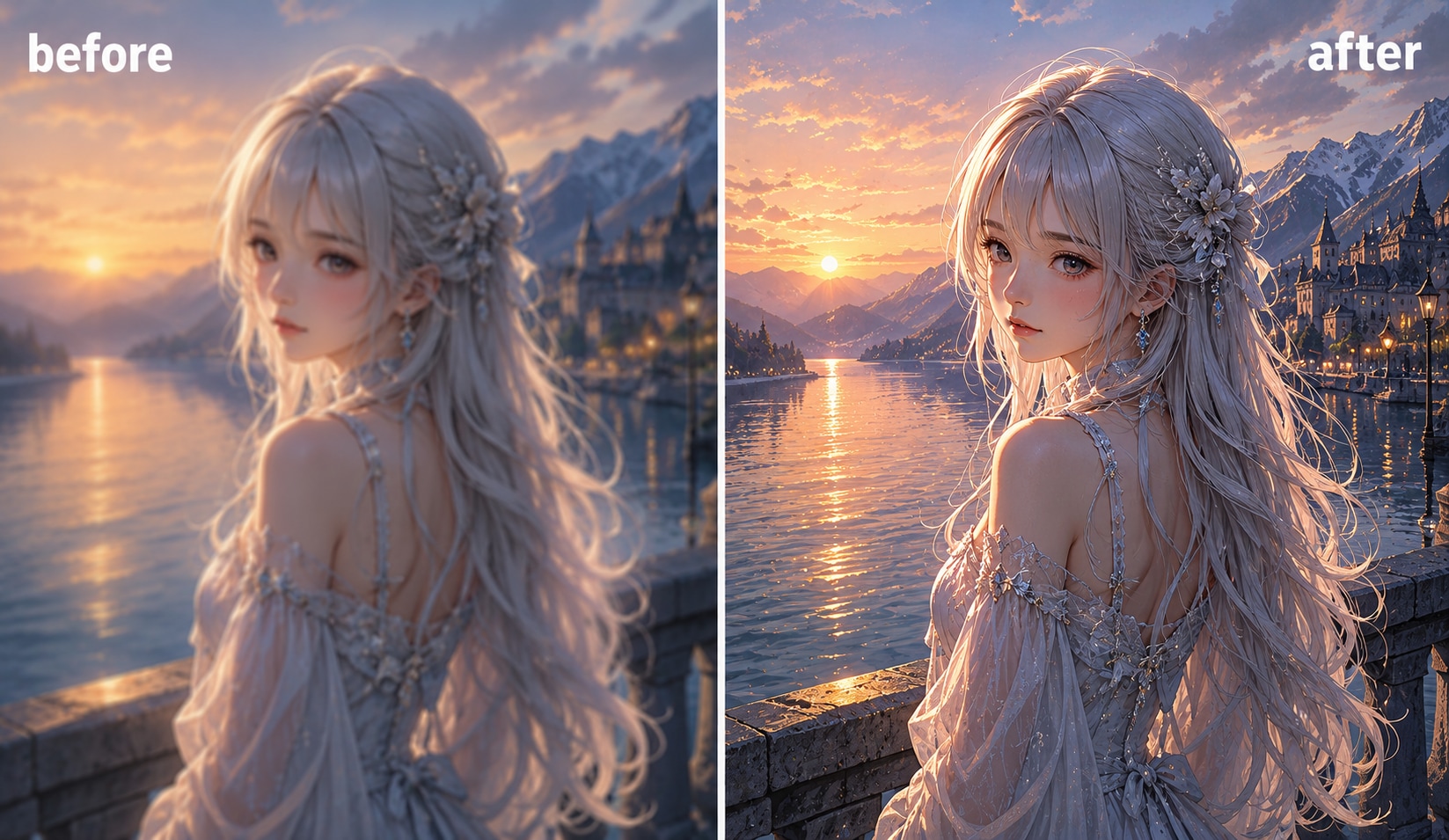
AI art, concept images, and digital illustrations often need a cleaner export before publishing or printing. UniConverter helps upscale generated visuals while preserving lines, color blocks, and fine textures. You can use it as an AI image upscaler 4K tool for posters, mockups, storyboards, and creative presentations. It is also helpful when you want an image enlarger without losing quality for artwork that started at a smaller size and now needs a sharper, more presentation-ready finish.
How to Convert an Image to 4K
Choose the workflow that fits your image enhancement needs. Use the online tool for quick edits and previews, or switch to desktop when you need batch processing and more control.

Add your photo to UniConverter online or desktop. You can upload JPG, PNG, WEBP, HEIC, and other common image formats.

Select the enhancement settings that match your image. You can sharpen details, reduce noise, and upscale image to 4K in one workflow.

Check the preview to compare the original and enhanced result. Then export your final 4K image for sharing, publishing, or printing.
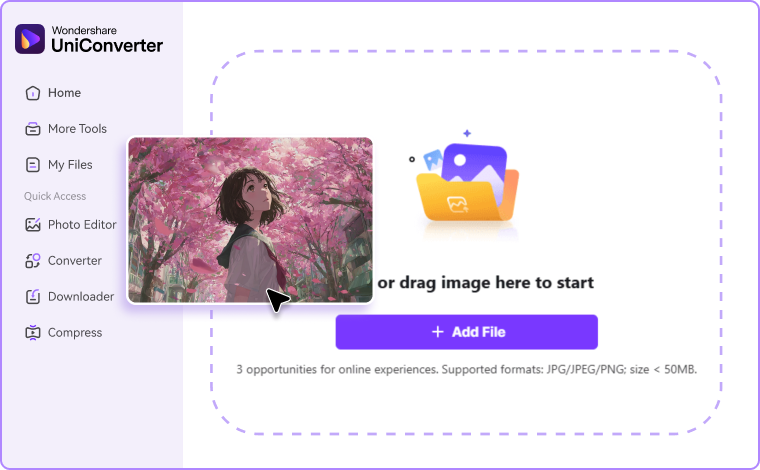
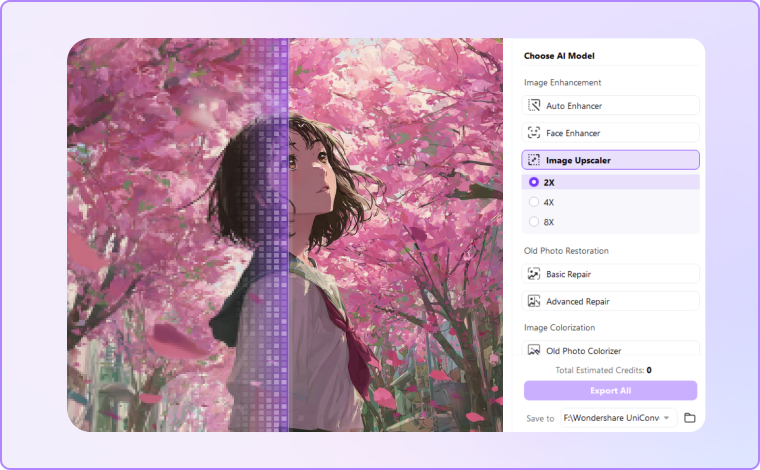
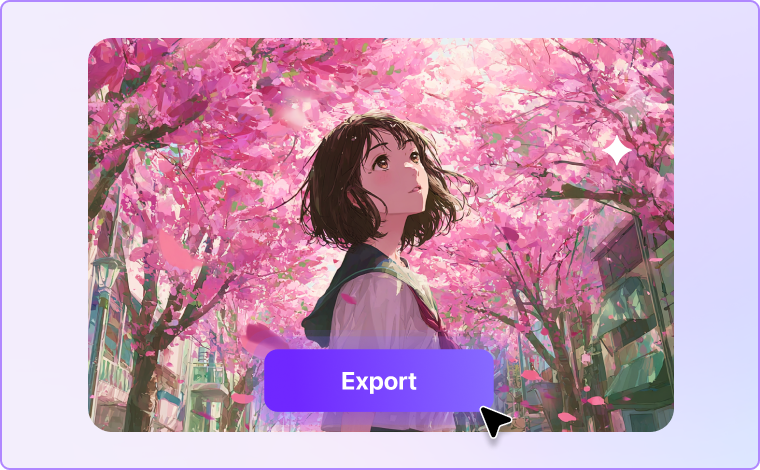
Online 4K Image Converter or Desktop 4K Upscaler — Choose What Fits You
Not every image task needs the same workflow. Use the online tool for quick one-off edits and free previews, or switch to desktop when you want more control, better stability, and faster batch processing.
| Option | Best For | Key Benefits |
|---|---|---|
| Online 4K Image Converter | quick one-off edits and free previews | No installation required. Fast and easy to use. A good choice when you want to convert image to 4K resolution online free. |
| Desktop 4K Image Upscaler | batch processing and more advanced workflows | More stable for larger tasks. Useful for creators, teams, and repeated editing work. A better option when you need a convert image to 4K resolution app with extra control. |
Need a quick result? Use UniConverter online. Need to convert many images to 4K more efficiently? Use the desktop version for batch enhancement and a smoother workflow.
What Users Say About
UniConverter’s 4K Image Converter
FAQs about 4K Image Upscaler
How do I convert an image to 4K resolution?
Can I upscale an image to 4K for free?
What is the best 4K image converter online?
Can I convert JPG to 4K?
Can I convert PNG to 4K resolution?
Will AI make my image look fake?
Can I batch upscale images to 4K on desktop?
What is the difference between an image enhancer and a 4K image converter?