Powerful Features of UniConverter AI Art Enhancer
Enhance AI Art Resolution to 4K
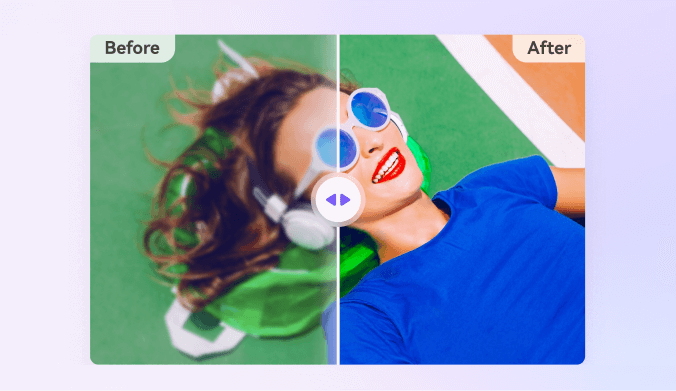
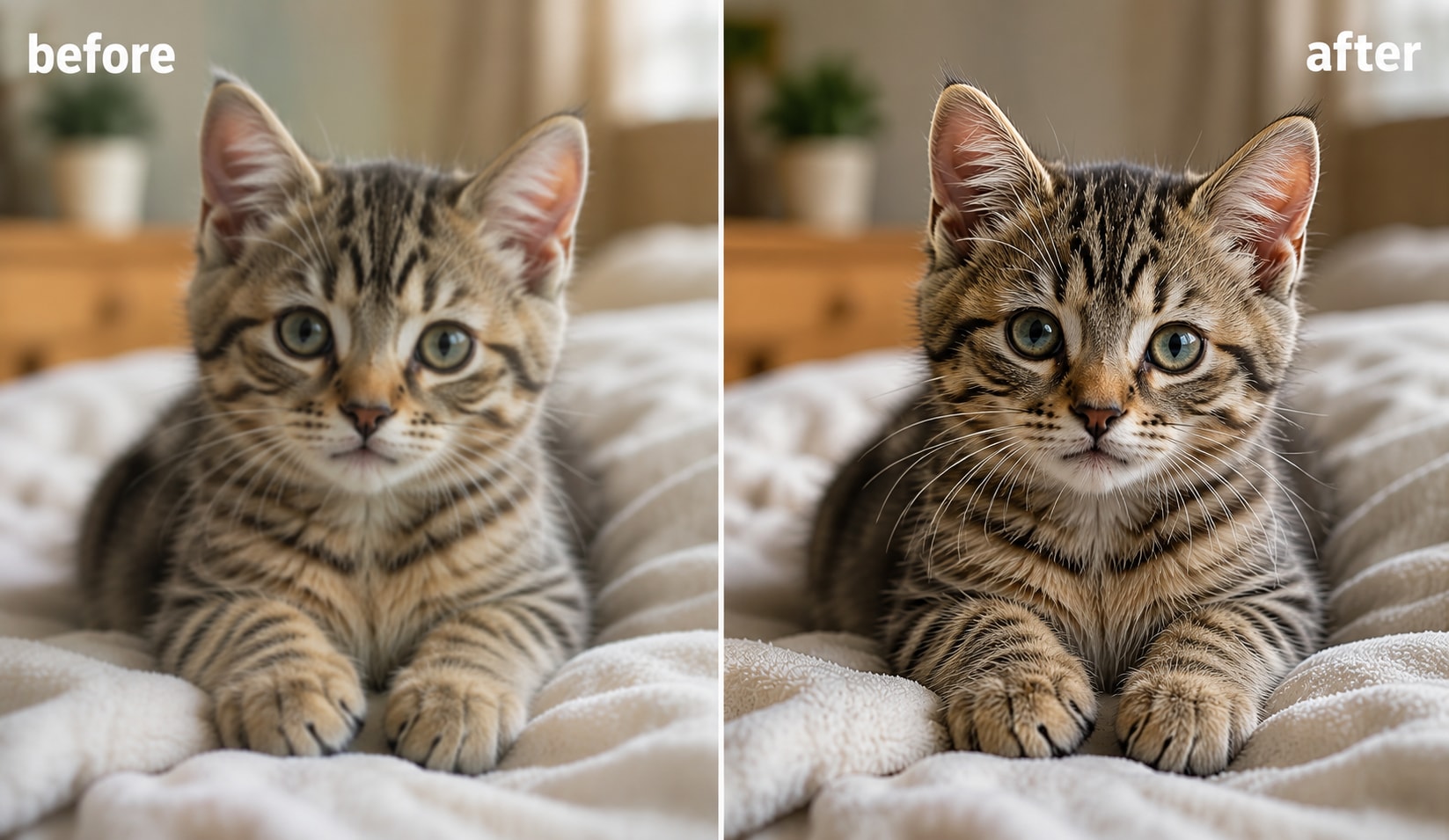
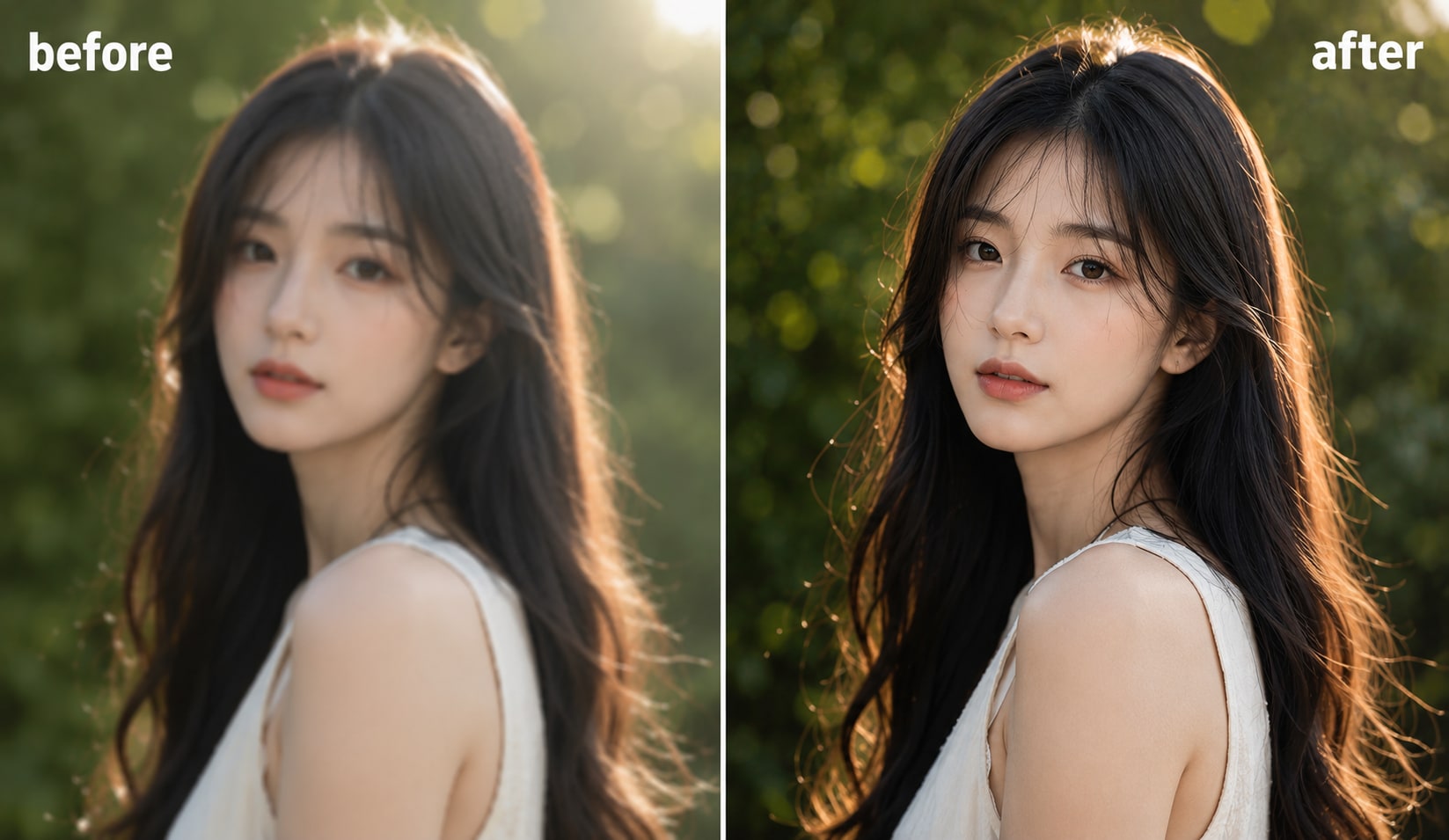
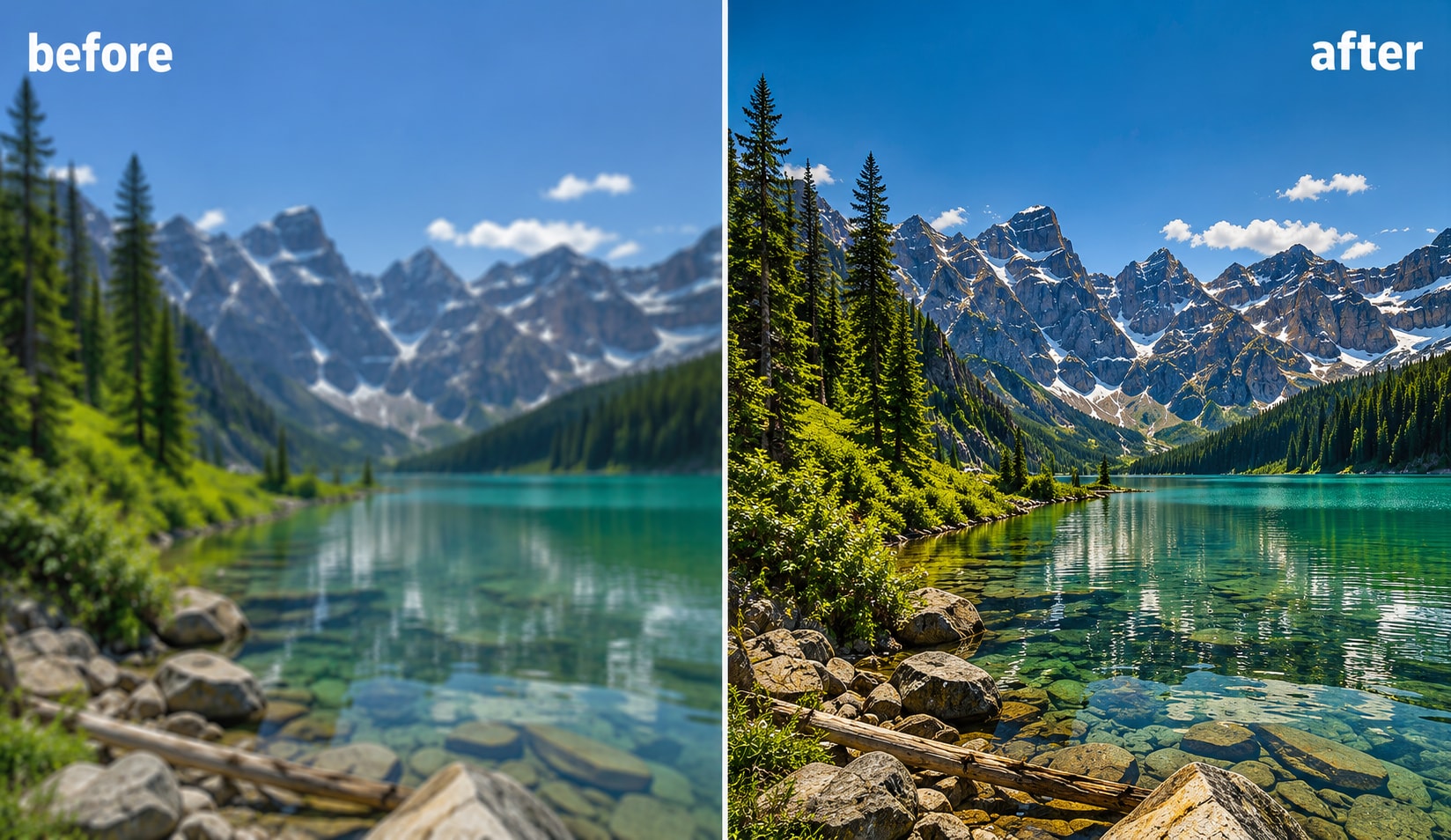
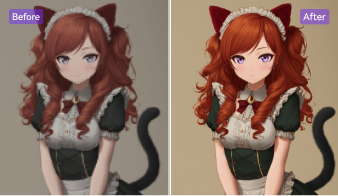
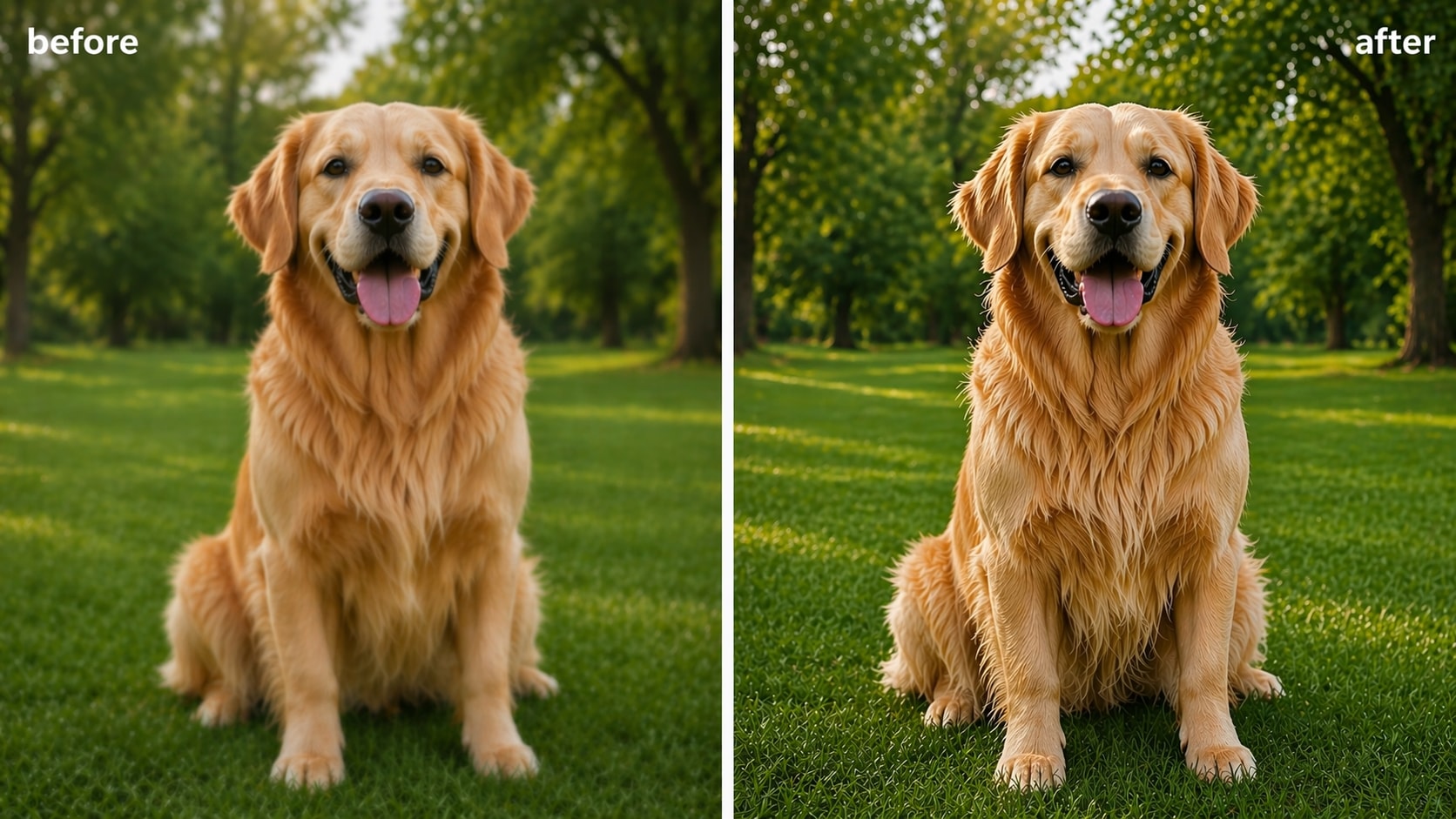
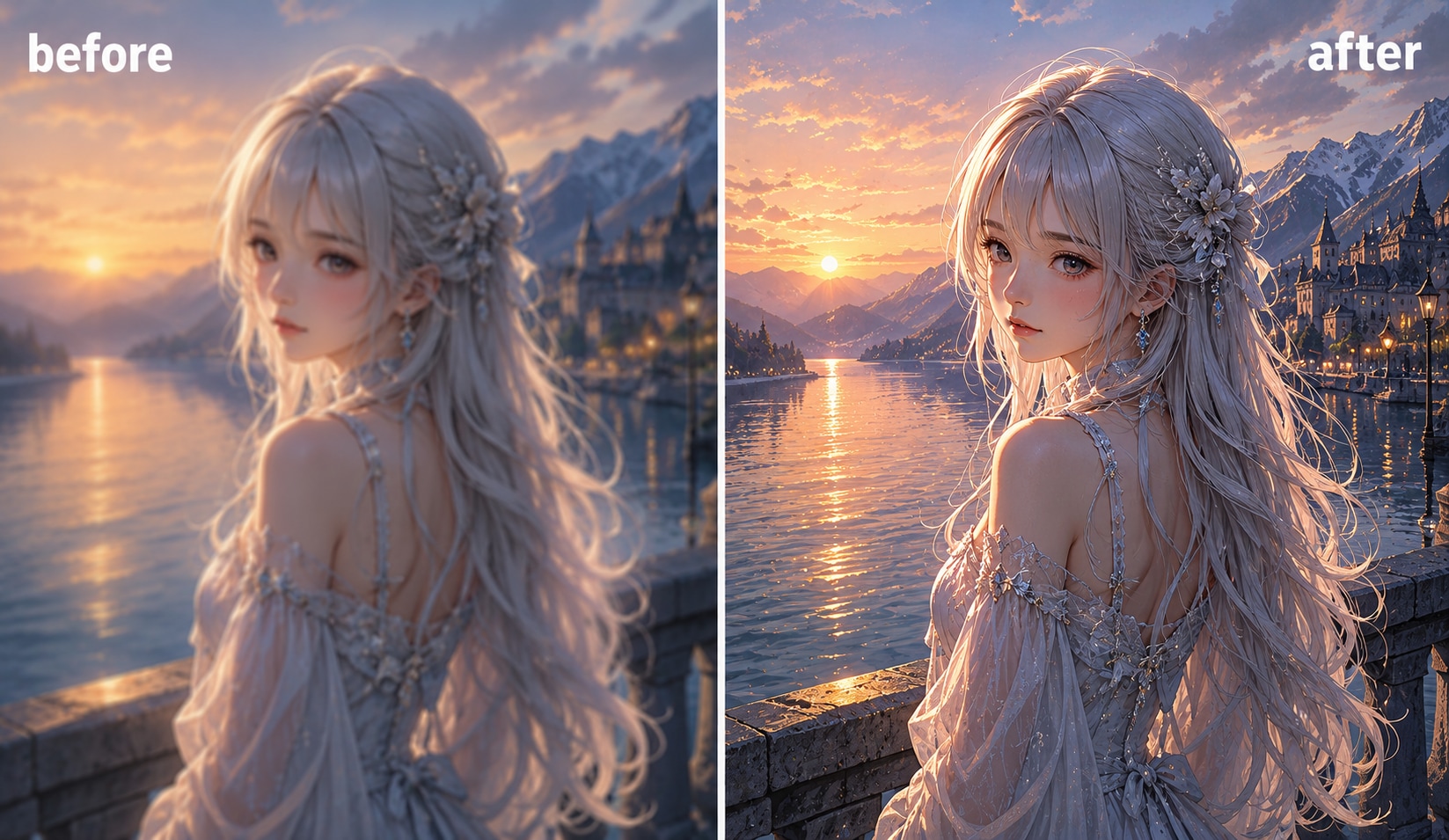
Upscale AI-generated artwork, Midjourney creations, and Stable Diffusion images up to 4K while keeping the original artistic style. UniConverter’s AI Art Enhancer improves texture, lighting, and fine details using pixel-by-pixel AI processing. Whether you want to enhance AI art for printing or social sharing, the tool delivers sharper and cleaner results with minimal quality loss.
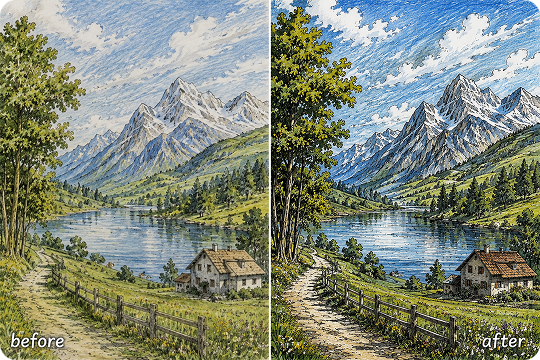
AI Drawing Enhancer for Sketches & Illustrations
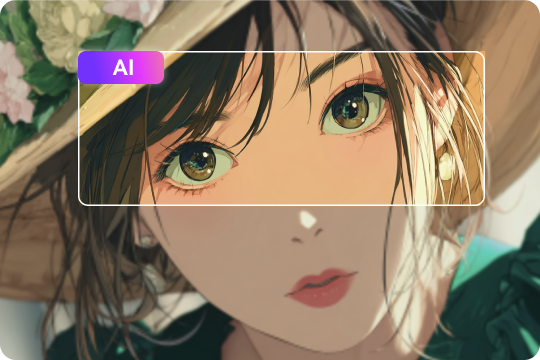
Refine rough sketches, manga panels, and digital illustrations with the AI Drawing Enhancer. The tool sharpens blurry lines, improves edge clarity, and restores lost details in hand-drawn artwork. Whether you are a designer, student, or illustrator, you can improve drawing quality quickly and create cleaner visuals for portfolios, presentations, or client projects.
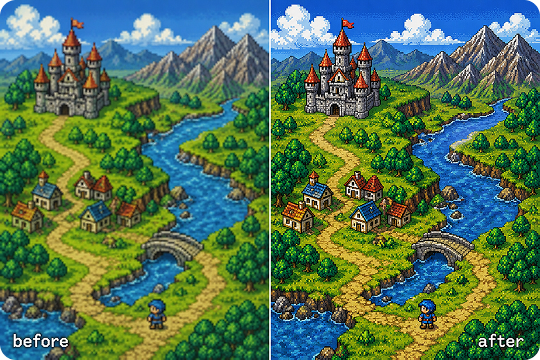
Pixel Art Enhancer With Style Preservation
Enhance retro game assets and low-resolution sprites without destroying the original pixel aesthetic. UniConverter’s Pixel Art Enhancer intelligently scales artwork while preserving edges, colors, and classic retro textures. It is ideal for indie developers, animation creators, and pixel artists who want higher-resolution assets for modern screens and gaming platforms.
AI Art Fixer for Anatomy & Detail Repair
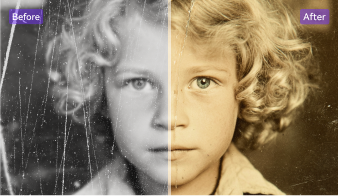
Fix distorted hands, blurry facial features, and inconsistent anatomy in AI-generated artwork automatically. The AI Art Fixer analyzes image structure and repairs weak areas while maintaining the original composition. You can restore damaged details, improve character proportions, and refine AI art outputs from popular image generation tools in just one click.
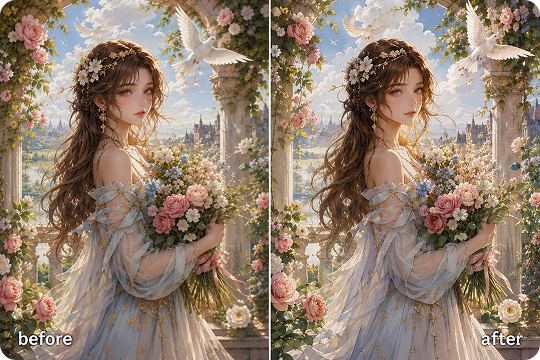
Color & Texture Refinement for Better Artwork
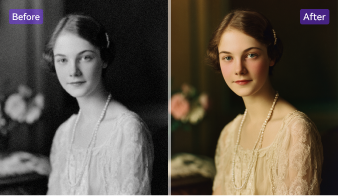
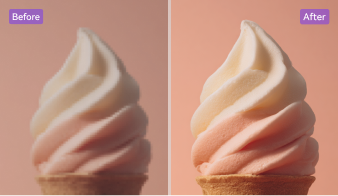
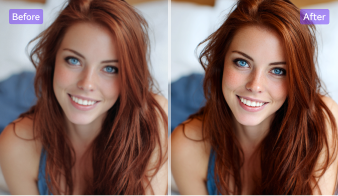
Boost contrast, improve saturation, and enrich texture details to create more polished artwork. UniConverter helps enhance digital paintings, concept art, and illustrations with balanced lighting and cleaner color transitions. Whether you work with anime art, fantasy scenes, or realistic AI images, the AI Photo Enhancer improves visual depth without making the image look overprocessed.
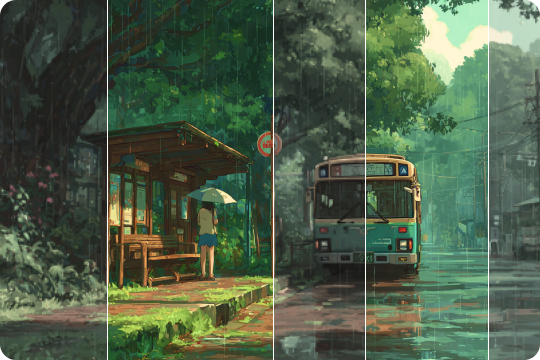
Batch Art Enhancement for Faster Workflow
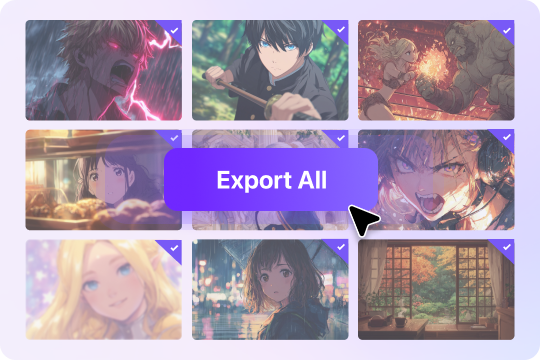
Enhance multiple artworks at once with UniConverter Desktop. The batch AI art enhancement feature saves time when processing large collections of AI-generated images, illustrations, or drawings. You can upscale, sharpen, and optimize dozens of files together without repeating manual edits, making it ideal for creative studios, designers, and content creators.
Who Uses UniConverter AI Art Enhancer?
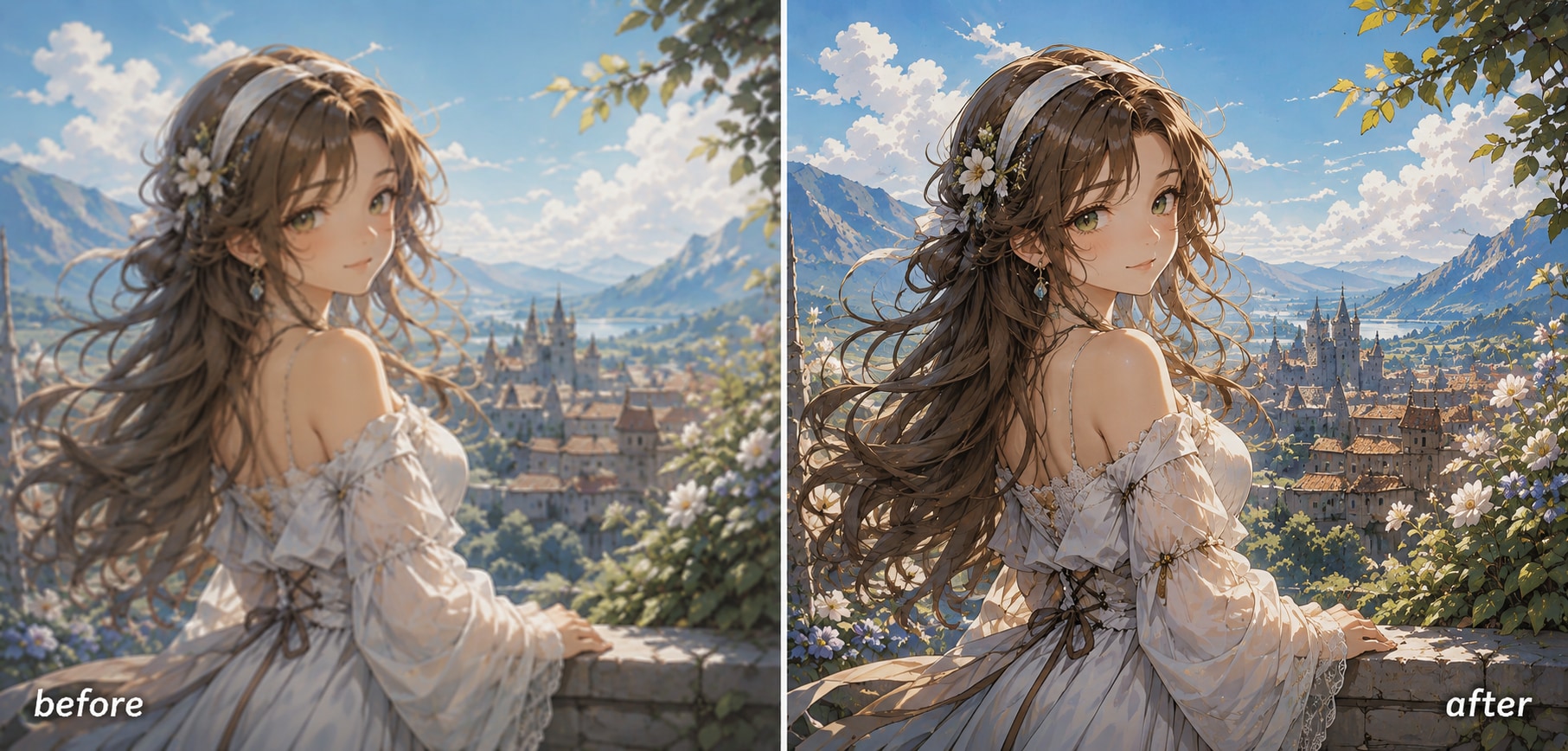
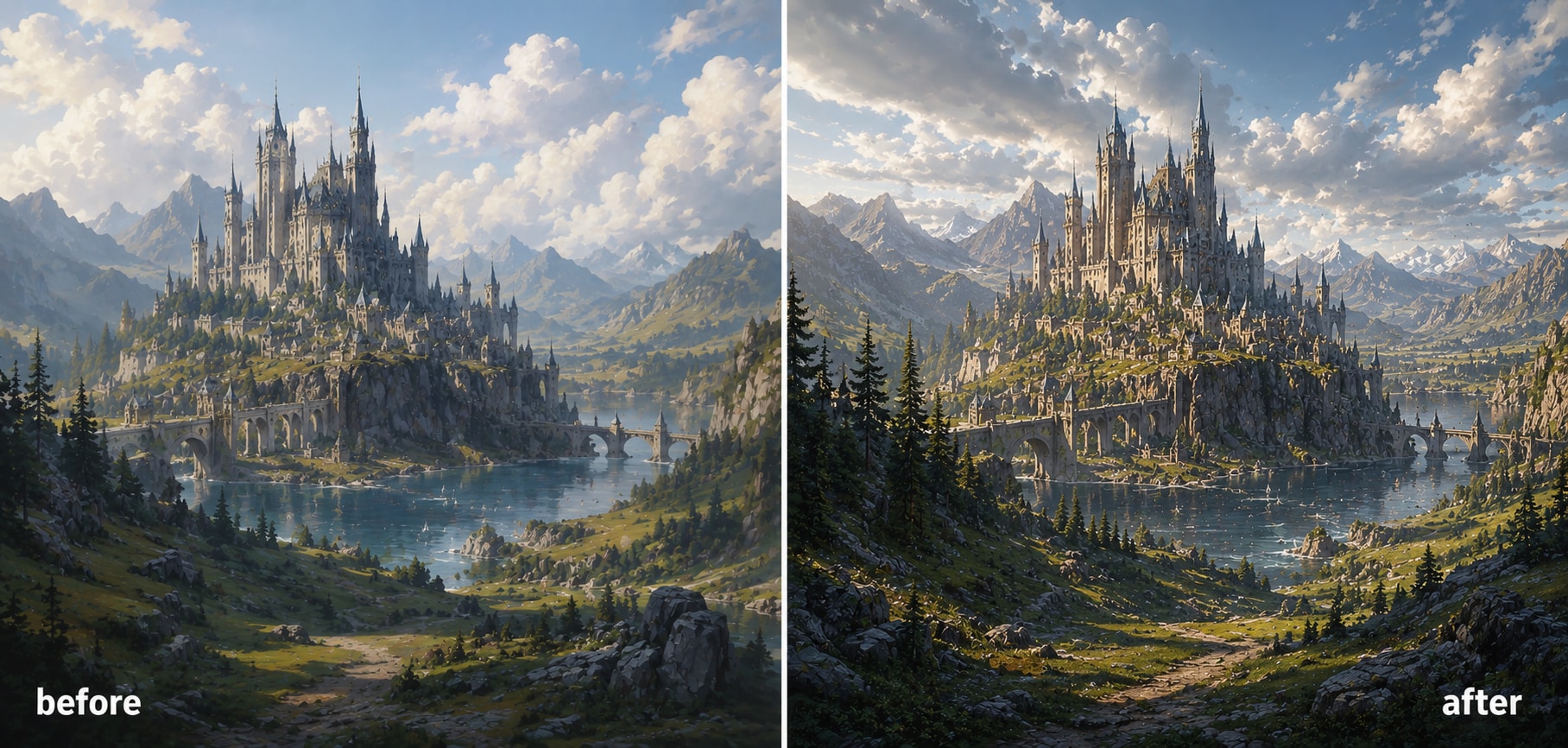
Enhance Midjourney, DALL·E & Stable Diffusion Outputs
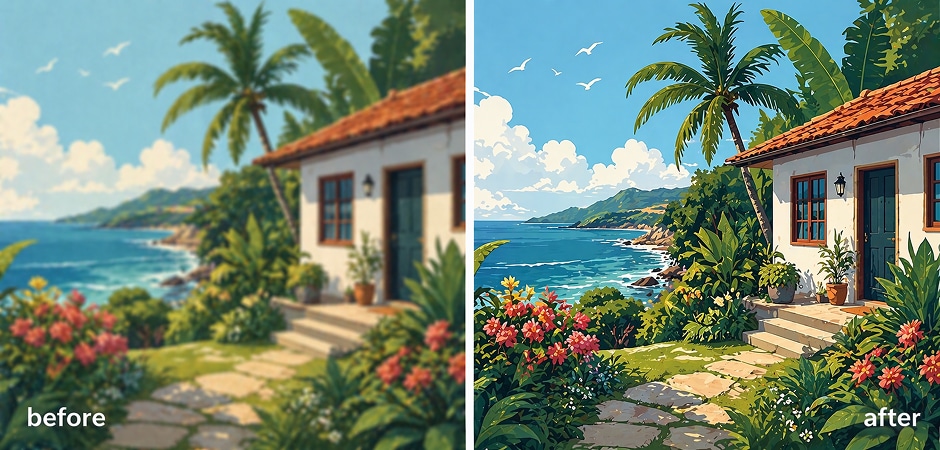
AI artists often generate impressive concepts but struggle with low-resolution outputs and missing details. UniConverter helps enhance AI art created with Midjourney, DALL·E, and Stable Diffusion by improving sharpness, restoring textures, and increasing resolution up to 4K. You can refine AI-generated images for printing, portfolio sharing, or social media without changing the original artistic style. The AI art image enhancer also helps fix blurry edges and weak lighting automatically.
Upscale Anime Art and Manga Panels
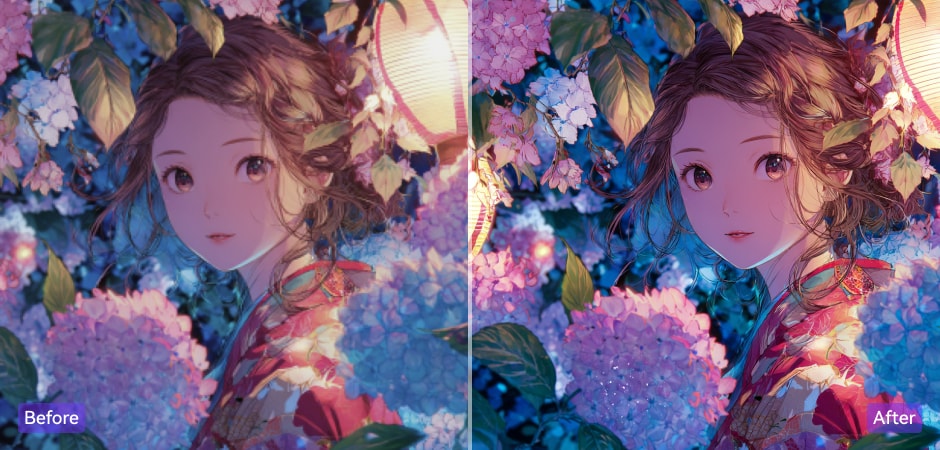
Anime fans and manga creators can upscale illustrations, fan art, and manga panels while preserving clean lines and vibrant colors. UniConverter works as an anime upscaler and manga enhancer that improves image clarity without oversmoothing the artwork. Whether you want to sharpen scanned manga pages or enlarge anime wallpapers, the tool helps restore details and create HD or 4K outputs for larger displays and digital collections.
Enhance Pixel Art for Retro Games
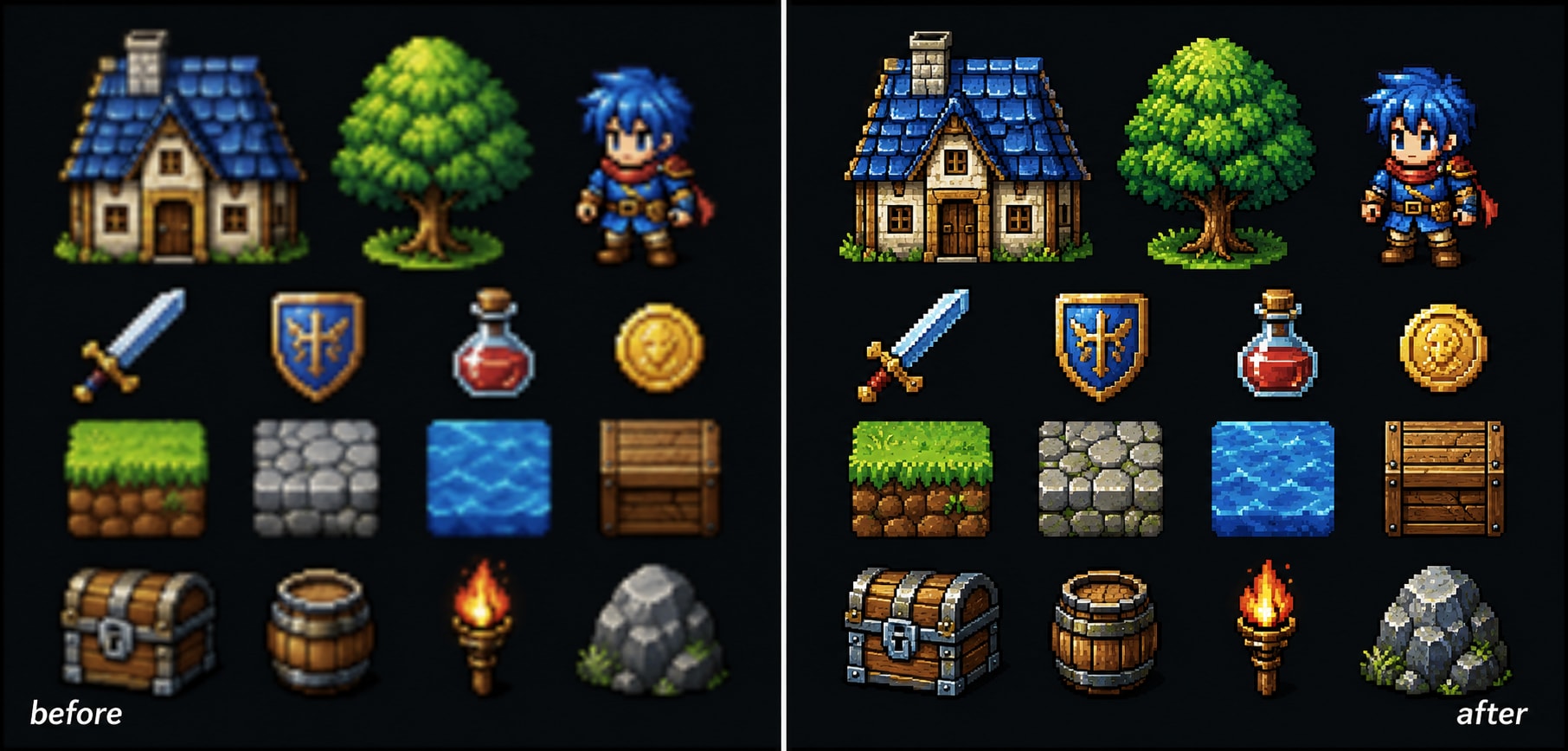
Retro game developers often need larger pixel art assets for modern devices and higher-resolution screens. UniConverter’s Pixel Art Enhancer scales sprites, tiles, and retro illustrations while preserving the original 8-bit or 16-bit appearance. You can improve pixel art quality for indie games, mobile apps, or animations without losing the classic retro style. The tool also reduces noise from images and keeps edges clean during enlargement.
Improve Drawings Before Client Delivery
Digital illustrators can improve drawings and polish artwork before sending projects to clients or publishers. UniConverter sharpens sketch lines, refines textures, and enhances color depth automatically. The AI Drawing Enhancer helps fix blurry details in concept sketches, digital paintings, and character illustrations while saving editing time. Whether you create illustrations for books, social media, or commercial projects, the tool helps produce cleaner and more professional visuals.
Add Cinematic Detail to Concept Art
Concept artists can enhance AI art and digital paintings with richer textures, cinematic lighting, and improved depth. UniConverter helps refine environment designs, fantasy landscapes, and sci-fi concepts for presentations or production pipelines. The AI-powered enhancement engine restores small details and improves image sharpness without changing the creative direction. It is especially useful for artists who need high-quality visuals for pitches, game design, or film pre-production.
How to Enhance AI Art in 3 Simple Steps

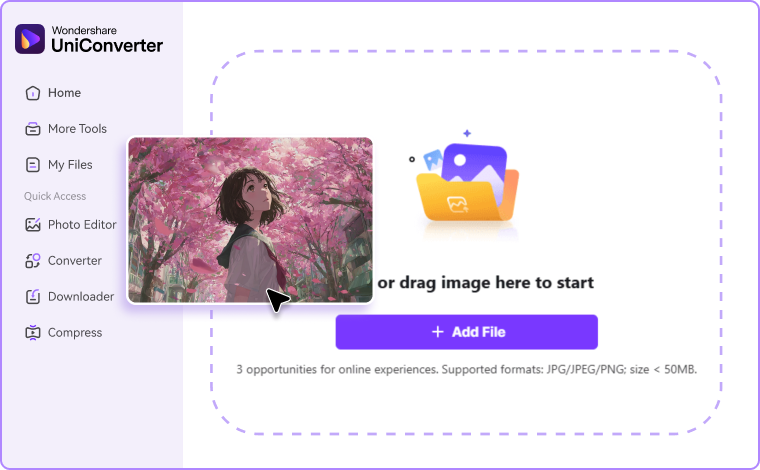
Upload AI-generated art, sketches, illustrations, or pixel art to UniConverter Online or Desktop.

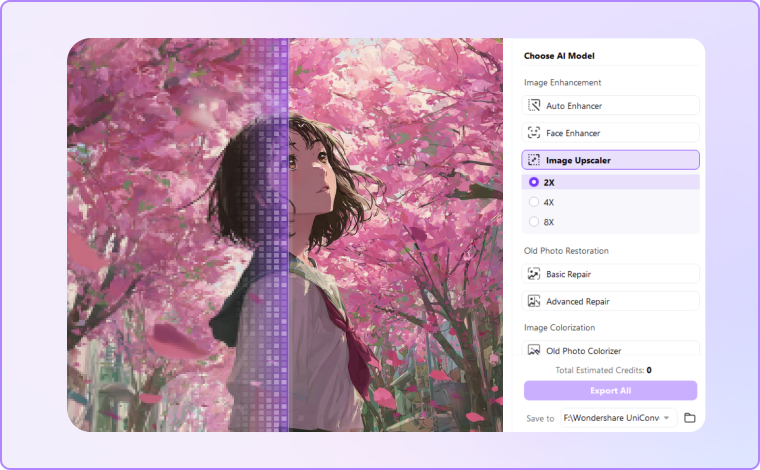
Choose various AI models based on your needs, and let AI automatically sharpens details, improves resolution, reduces noise, and restores textures.

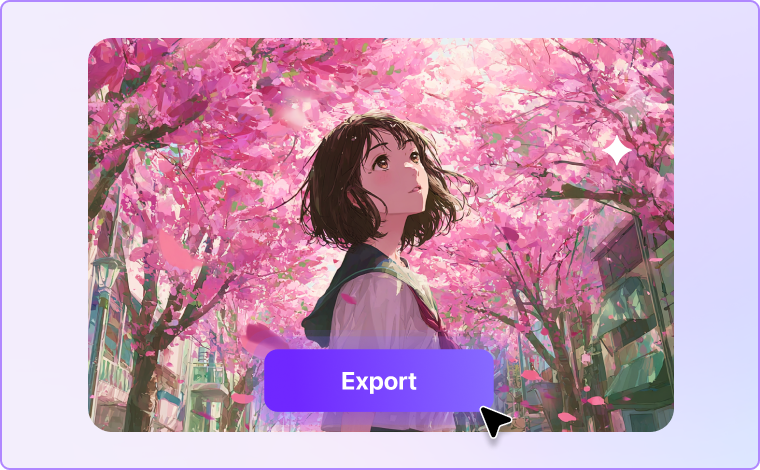
Compare the original and enhanced result, then export your artwork in HD or up to 4K for sharing, publishing, or printing.
What Users Say About
UniConverter’s AI Art Enhancer
FAQs about AI Art Enhancement
What is the best AI art enhancer in 2026?
Is UniConverter AI Art Enhancer free?
How do I enhance AI-generated art without changing the style?
Can the AI art fixer repair distorted hands or anatomy?
Does it work on pixel art and retro game assets?
How is an AI drawing enhancer different from a photo enhancer?
Can I enhance art online without downloading software?
What file formats and max resolution are supported?