How to Unblur an Image in 3 Simple Steps

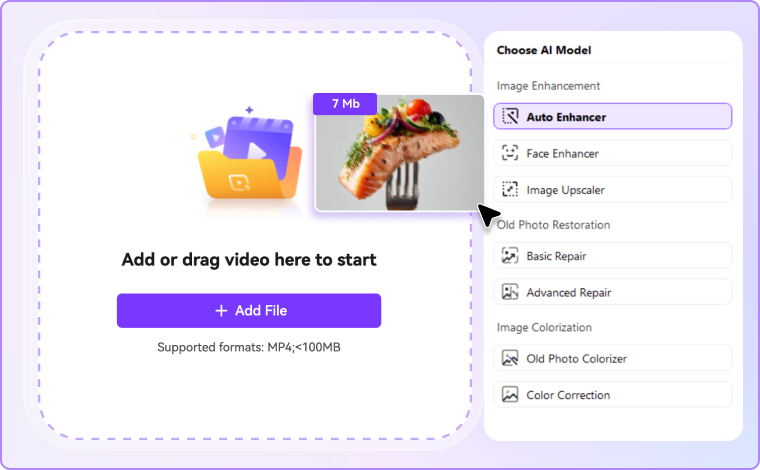
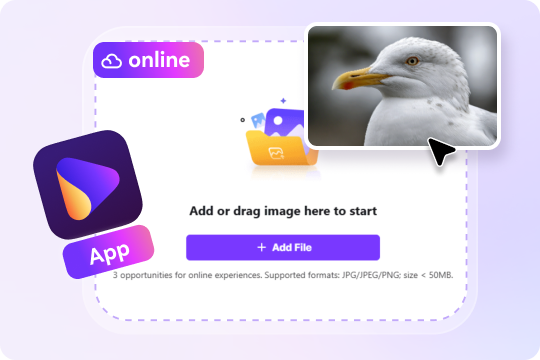
Select the blurry photo, picture, or portrait you want to fix. You can drag and drop your file directly onto the page. If you want batch enhancement and more AI models, head to Image Enhancer feature in UniConverter desktop

Choose the AI model based on your needs. UniConverter's AI blur remover analyzes your image and removes blur in seconds. It detects motion blur, camera shake, out-of-focus areas, and compression artifacts. The AI then reconstructs fine details and sharpens edges with precision.

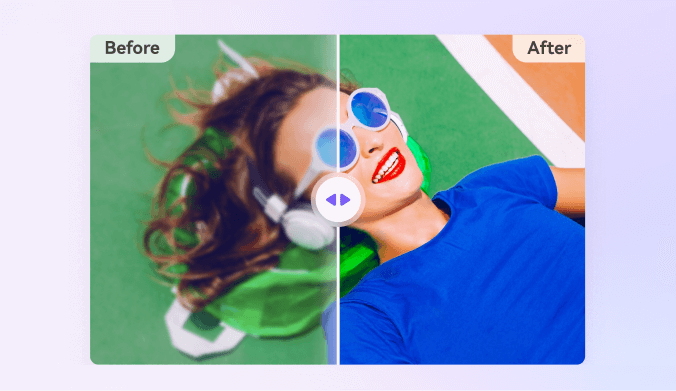
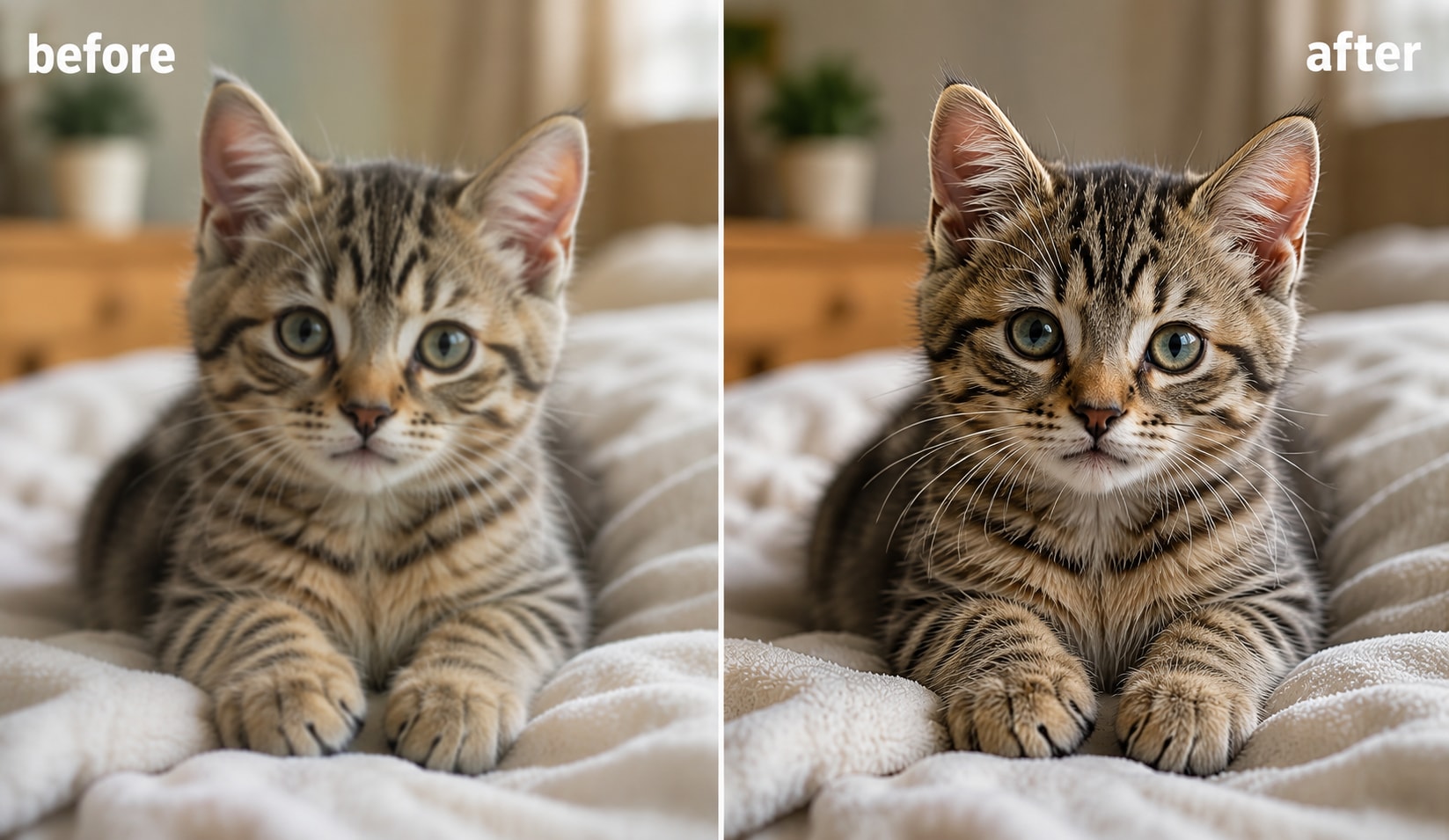
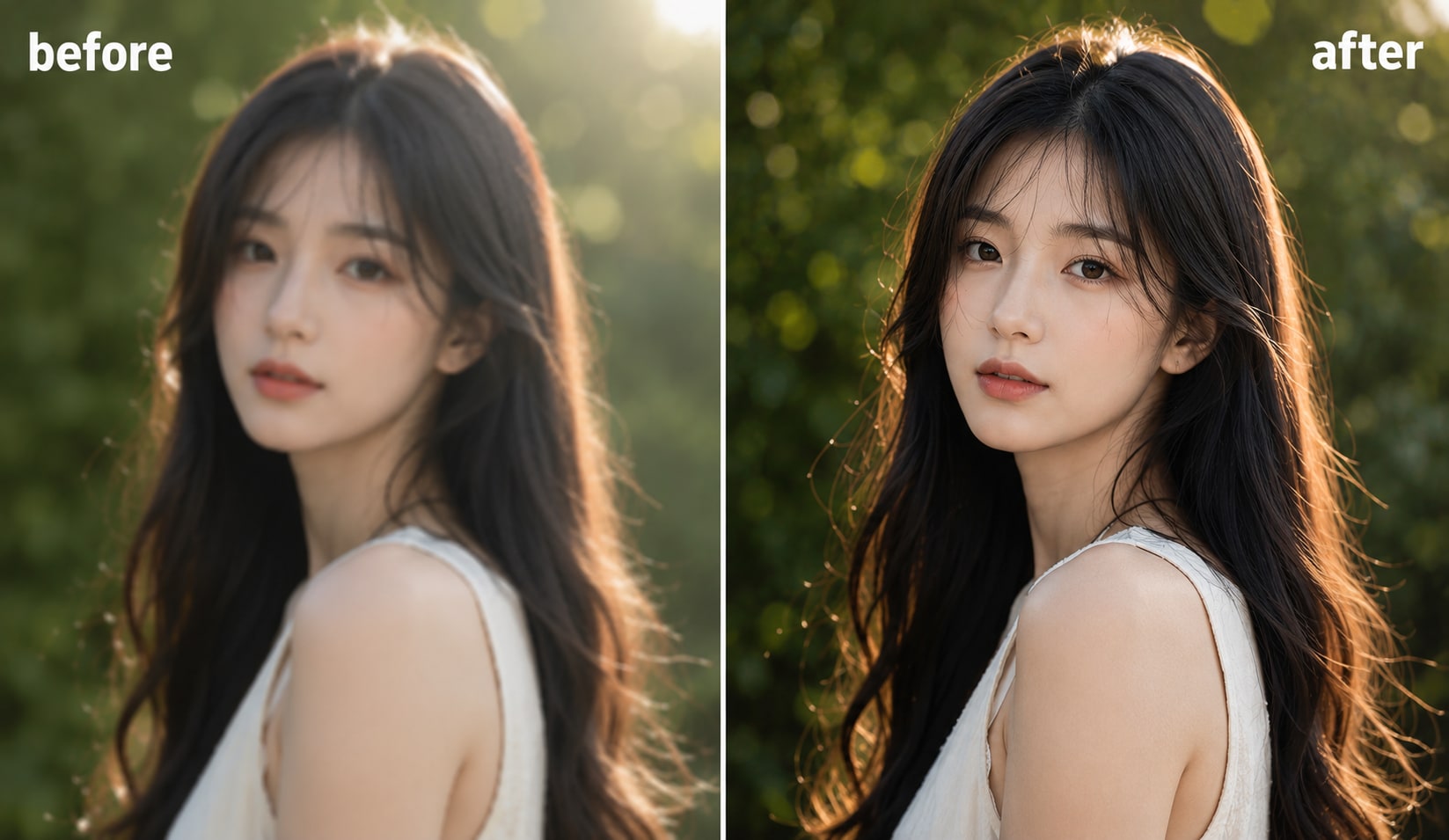
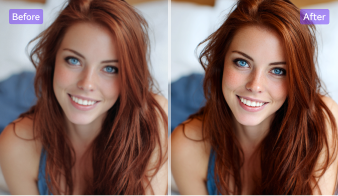
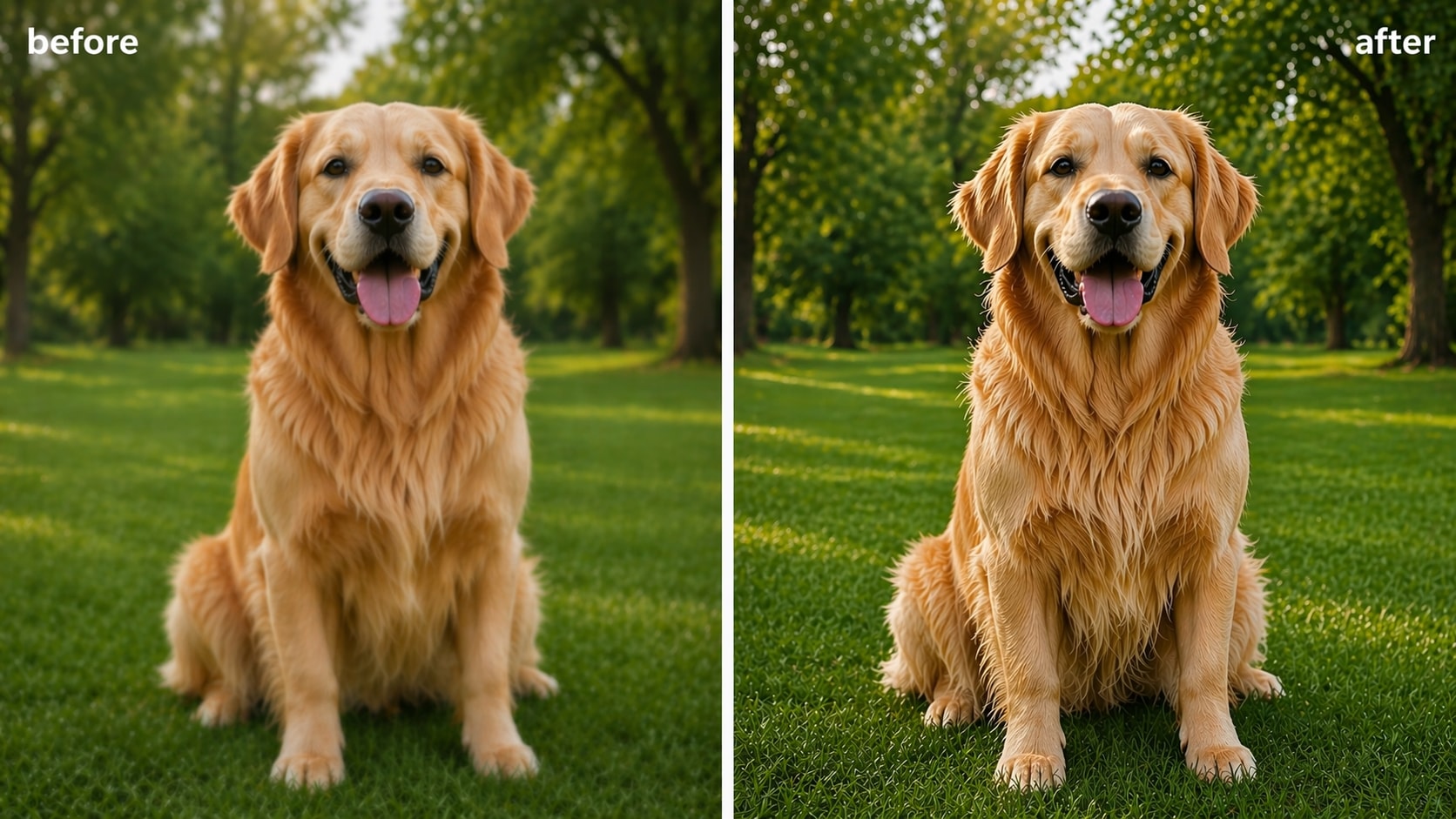
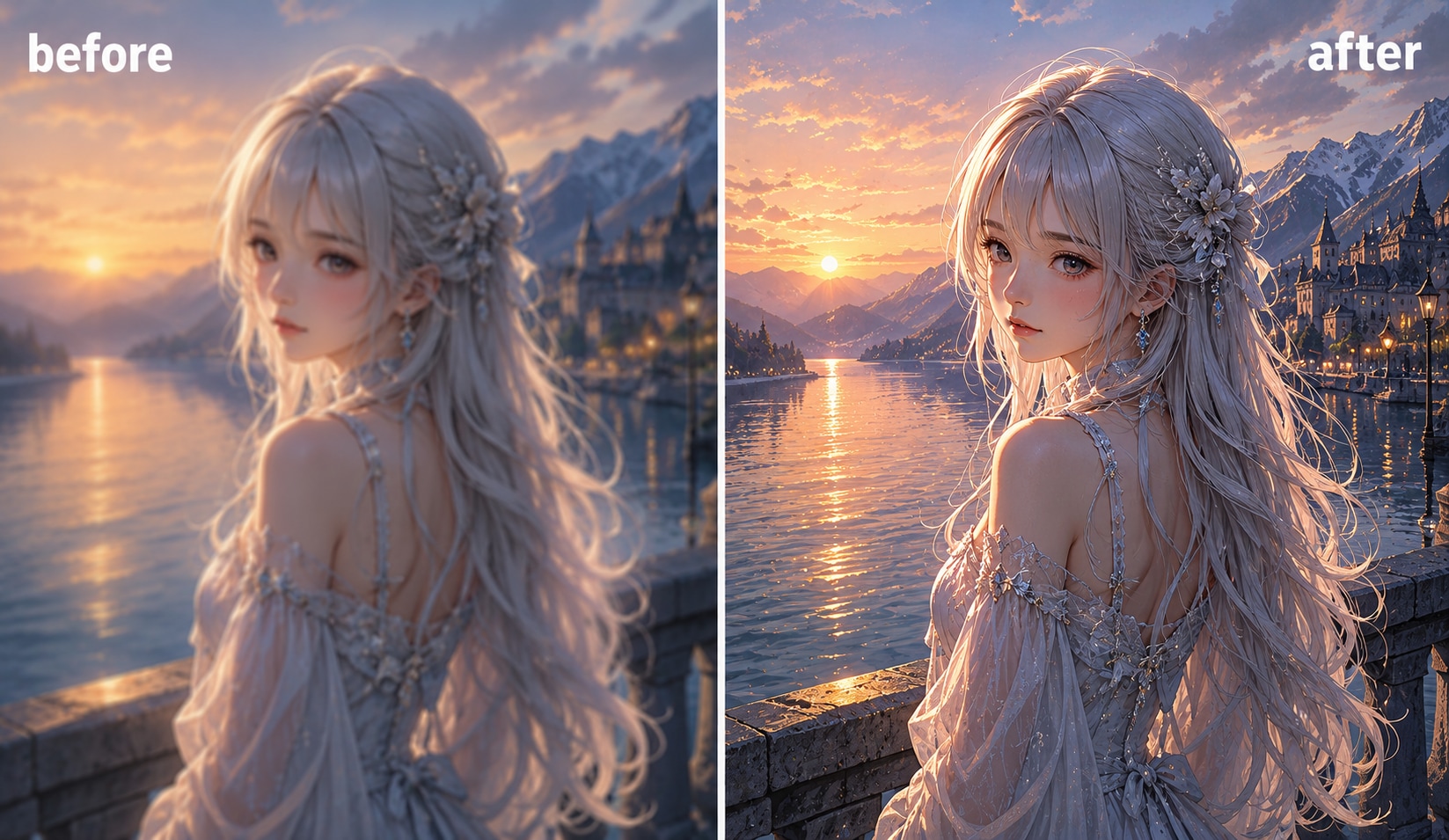
Review your unblurred image with the side-by-side before-and-after comparison. Once you're happy with the result, download your photo in full HD quality without watermark.
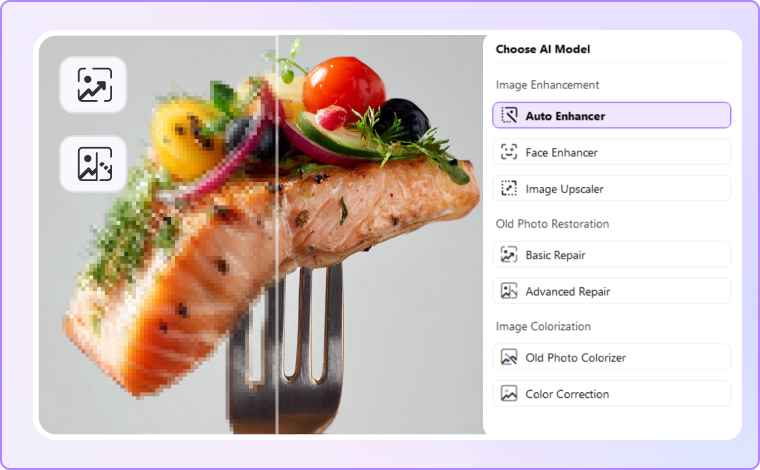
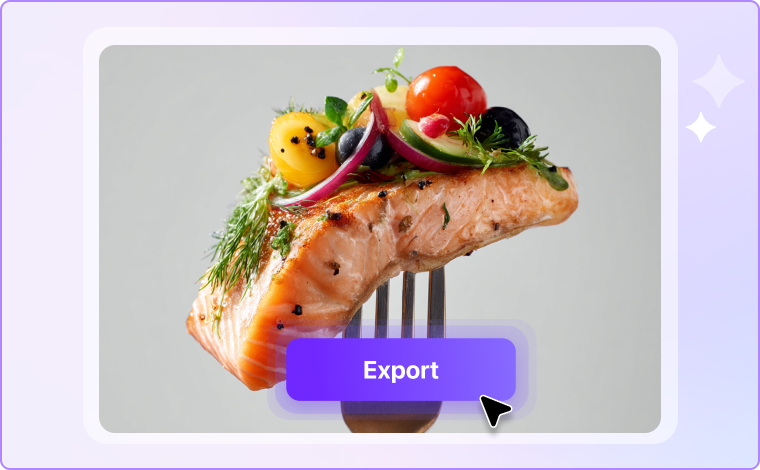
Advanced AI Technology That Actually Removes Blur
From motion blur and out-of-focus shots to compression artifacts and camera shake, UniConverter's AI unblur technology gives you a dependable way to deblur images of any type — with consistent, high-quality output every time.
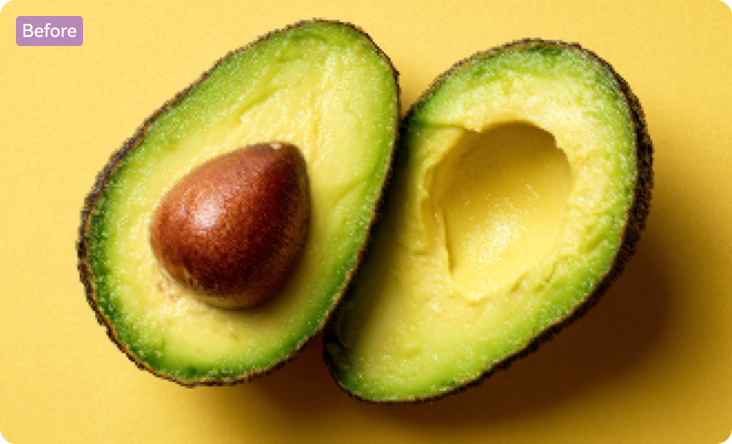

A Smarter AI Blur Remover — Built to Reconstruct Detail, Not Just Sharpen Edges
Standard sharpening tools only increase edge contrast — they don't restore the detail that blur destroys. UniConverter uses deep learning models trained on millions of images to reconstruct what the blur removed. Whether the cause was camera shake, motion, or poor focus, the AI identifies it and fixes it accurately.
This approach delivers noticeably clearer results than traditional filters. You can remove blur from portraits, documents, product photos, and old images using the same one-click process. The AI handles the complexity, so you focus on the result.
Unblur Any Photo in Any Scenario


Unblur Portrait Photos and Restore Sharp Facial Details
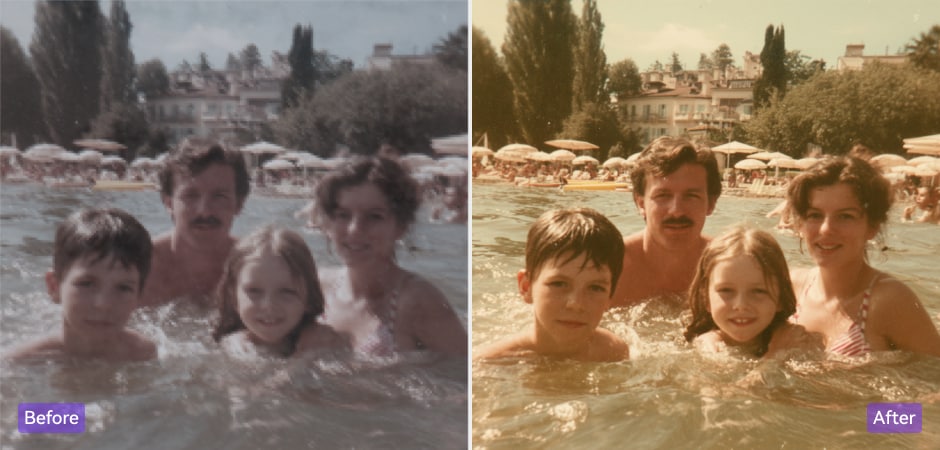
Blurry portraits are frustrating — especially when you cannot retake the shot. UniConverter's AI unblur tool analyzes face-specific features and restore facial details like skin texture, eye clarity, and hair definition. Whether you're working with a selfie, a professional headshot, or a family photo, you can unblur the picture and get clear, natural results. The tool works equally well on modern smartphone portraits and older scanned photos. Upload your blurry portrait and restore it to a quality worth sharing or printing.
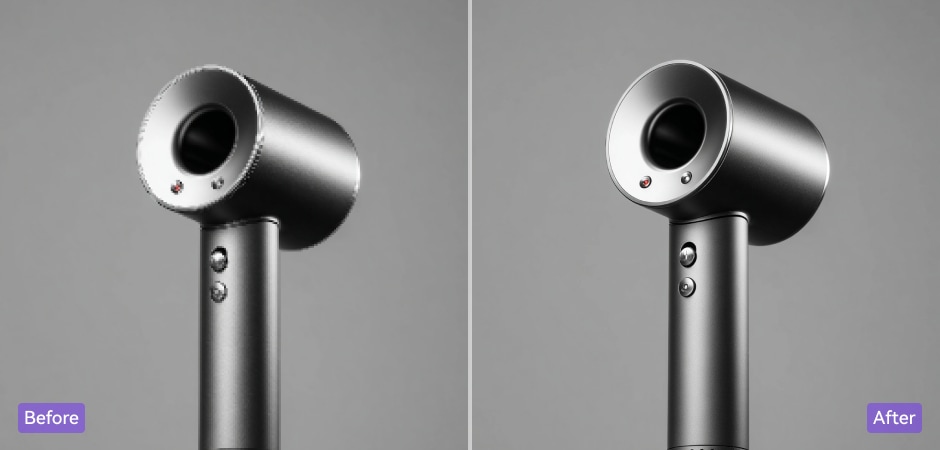
Remove Blur from Product Photos to Boost E-Commerce Sales
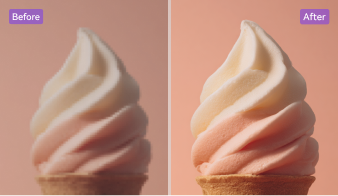
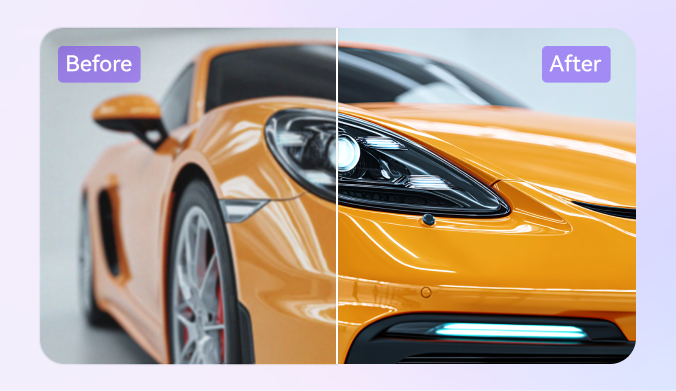
Blurry product images cost you sales — shoppers won't buy what they can't see clearly. UniConverter lets you remove blur from product photos quickly, turning low-quality shots into sharp, professional listings. You can see every texture, color, and fine detail restored in seconds. Whether you sell on Amazon, Shopify, or Etsy, you can deblur images in bulk using the desktop app and refresh your entire catalog without reshooting. Clear product photos improve click-through rates and build buyer trust.
Restore Old Blurry Photos and Recover Lost Memories
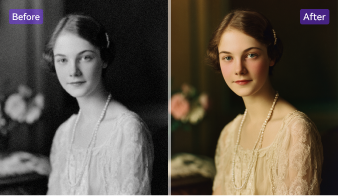
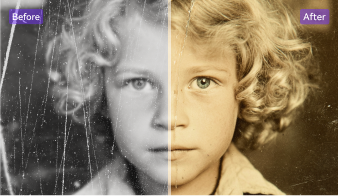
Old photos fade, lose sharpness, and degrade over time. Scanning them often produces blurry or grainy results that feel unsatisfying. UniConverter's AI deblur technology repairs these images by reconstructing lost texture and restoring contrast where aging and damage have taken over. You can fix blurry photos from decades ago and recover faces, landscapes, and moments that once seemed gone. The process takes seconds, and you need no editing experience to see a clear improvement. You can also try Old Photo Restoration for old blurry photos with scratches or fading
Unblur Text in Scanned Documents, PDFs, and Handwritten Notes
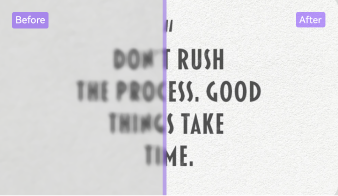
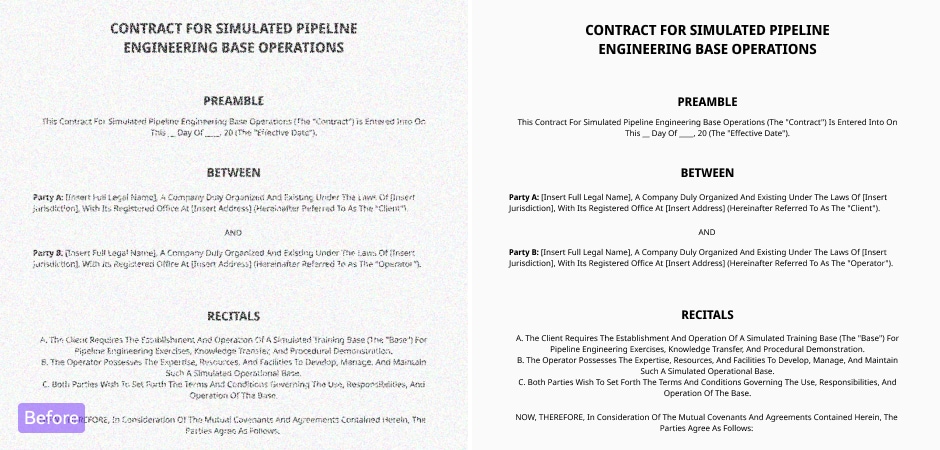
Scanned documents and photographed notes often lose text sharpness after compression or low-light capture. UniConverter's AI targets letter structure and spacing directly, restoring legibility without affecting the surrounding image. Use it to clarify blurry PDFs, scanned contracts, handwritten notes, or whiteboard photos. You get a clean, readable result that you can file, share, or archive with confidence. The blur to clear image converter handles both printed and cursive handwriting with consistent accuracy.
Fix Motion Blur in Landscape and Travel Photos
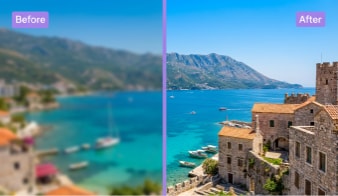
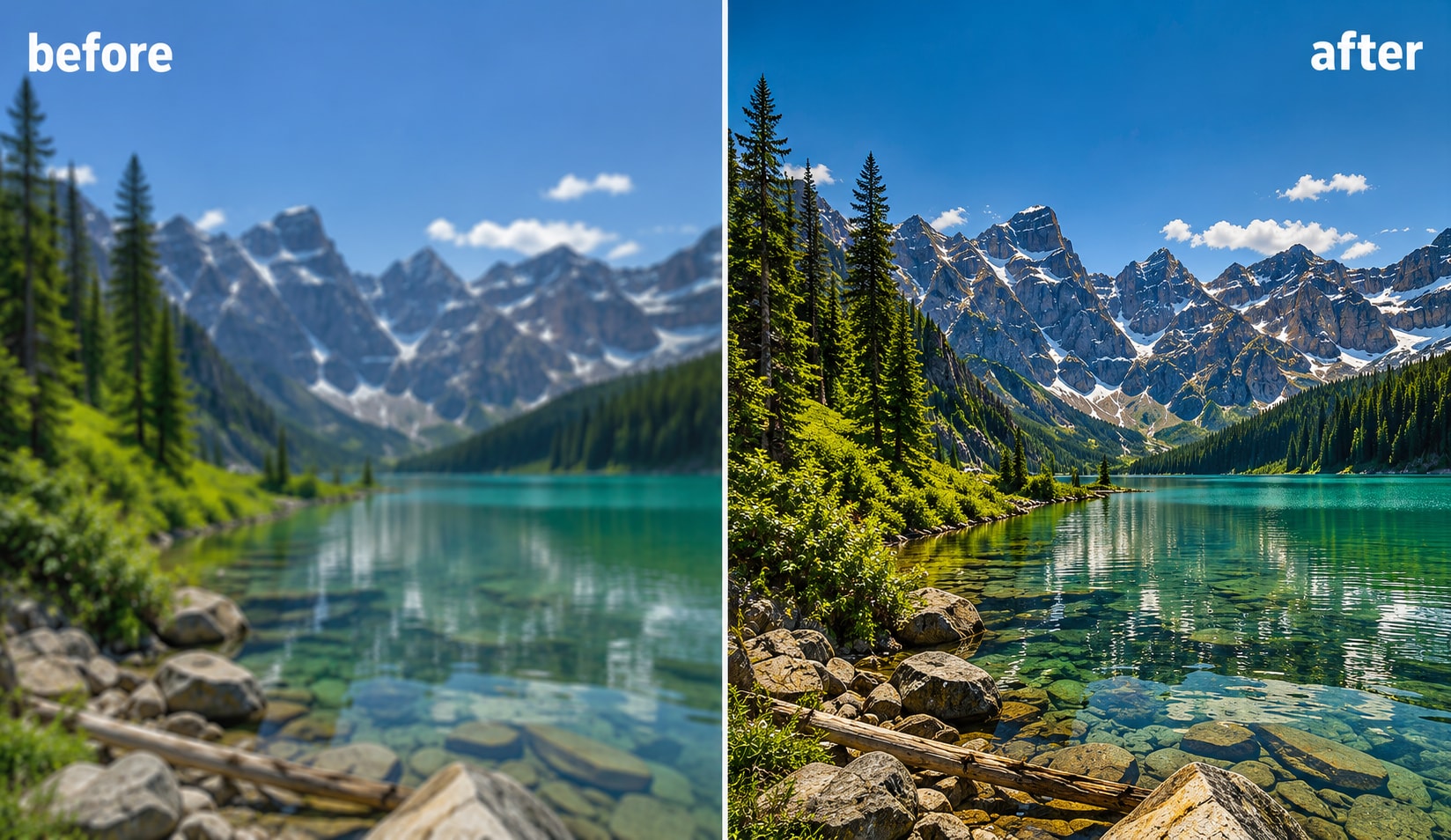
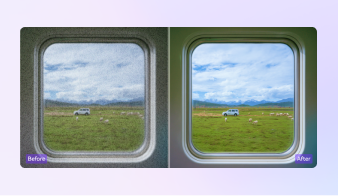
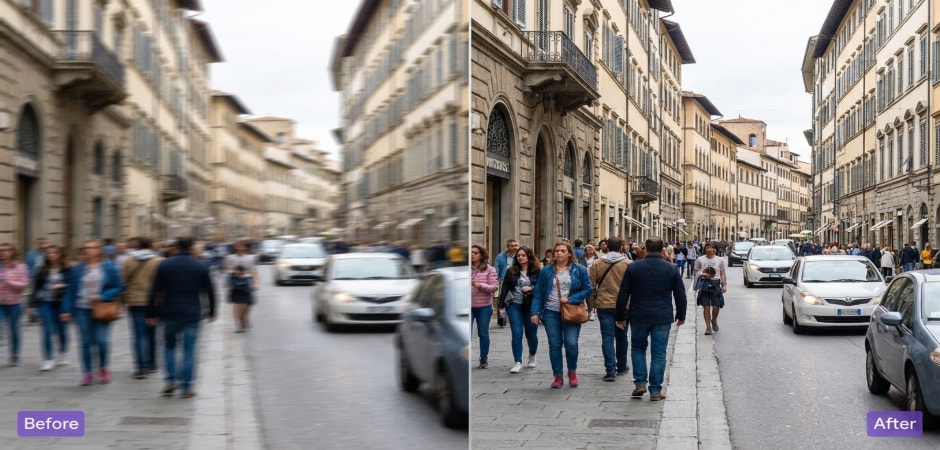
Motion blur from handheld shooting can ruin an otherwise strong travel photo. UniConverter's AI identifies directional motion blur and corrects it by recovering scene details and sharpening edges naturally. Whether you're fixing a blurry cityscape, a mountain view, or a moving-subject shot, the tool restores visual clarity without making the image look over-processed. You can deblur pictures from any camera — including smartphone shots taken in low light or during fast movement — and get results worth keeping.
Enhance Blurry Social Media Visuals and Marketing Images
Compressed social media uploads and resized marketing banners often lose sharpness and visual impact. UniConverter lets you remove blur from promotional graphics, ad creatives, thumbnails, and brand visuals before you publish. The AI restores color definition, edge clarity, and fine detail that compression strips away. Upload your blurry marketing asset online, enhance it in seconds, and download a polished image ready for Instagram, Facebook, LinkedIn, or any campaign platform.
Why Choose UniConverter to Remove Blur from Images
Free Online Blur Removal — No Download Required
You can remove blur from images online for free without downloading any software. UniConverter's online tool runs directly in your browser on any device — desktop, laptop, or mobile. Upload your blurry photo, let the AI sharpen it, and download the result. No account is needed, and no watermark is added to your image. It's a fast, straightforward way to fix blurry photos free online whenever you need it.
Professional Desktop App Plus Free Online Tool in One Platform
UniConverter gives you two ways to unblur images, so you always have the right tool for the job. The free online tool handles quick single-image fixes from any browser. The desktop app delivers higher-quality results with advanced AI models, batch processing support, and 4K output. Whether you need a fast online unblur or a professional editing workflow, both solutions are available in one platform.
Batch Process Blurry Images Simultaneously
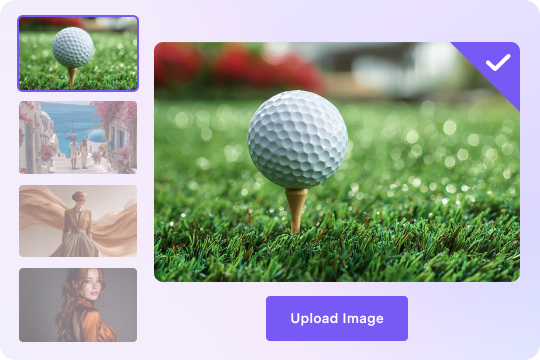
Processing blurry images one by one becomes impractical when you have a large collection to fix. UniConverter's desktop app supports batch image blur removal, so you can process hundreds of files at the same time. Load your photos, run the AI, and export them all in one go. This saves significant time and makes UniConverter a practical choice for photographers, design teams, and e-commerce businesses with high-volume needs.
Export Deblurred Images in HD and 4K Resolution
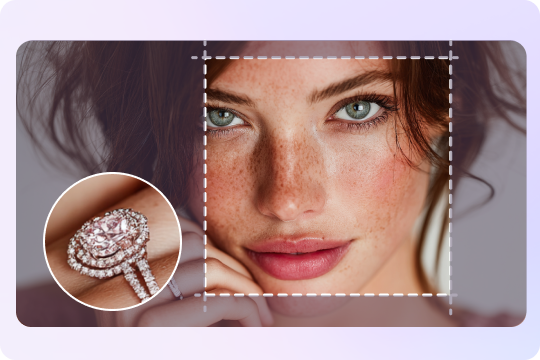
UniConverter combines its AI deblur model with a built-in image upscaler, so you can remove blur and increase resolution in a single step. Export your image in HD or upscale it to 4K — the upscaler preserves every fine detail the deblur process has restored. You get sharp, clear results that hold up for large-format printing, digital publishing, and high-resolution display.
Unblur Images as Part of a Complete AI Media Suite
UniConverter does more than remove blur from images. The same platform gives you AI video enhancement, audio denoising, video conversion, and 30+ media processing tools — all built in. Whether you work with photos, video clips, or audio files, you handle every task within one platform. No need to download separate apps or jump between tools to get your work done.

Secure Image Processing — Your Photos Stay Private
UniConverter processes your images on a protected server and deletes them automatically once your download is complete. Your photos are never stored, shared, or accessed beyond the processing step. You can remove blur from photos online with complete confidence. Whether you're enhancing personal portraits, confidential documents, or client work, your files stay private from upload to download. Security is built into every step of the process.