
Powerful Features of UniConverter Image Sharpener
AI Image Sharpener for One-Click Photo Enhancement
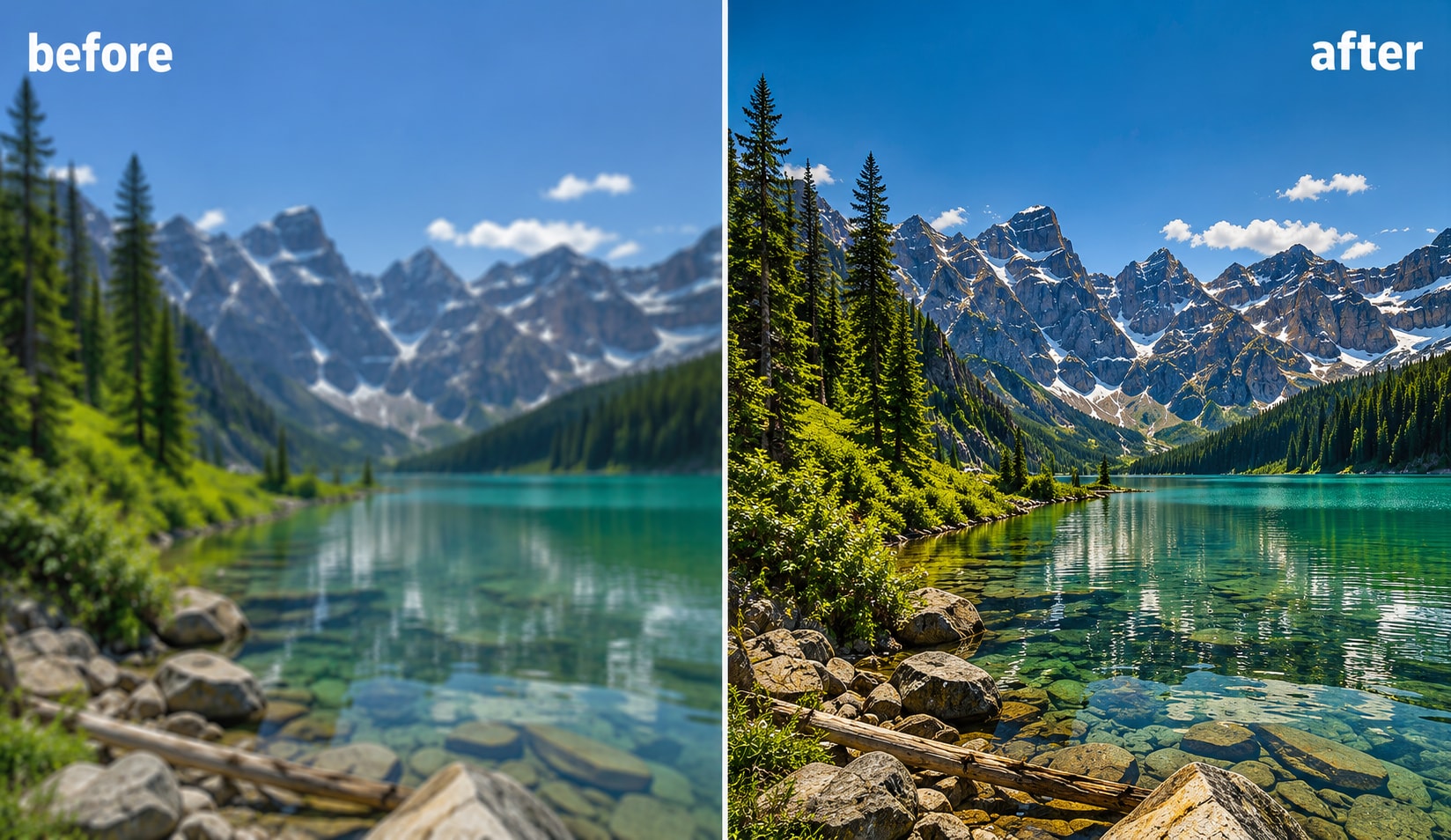
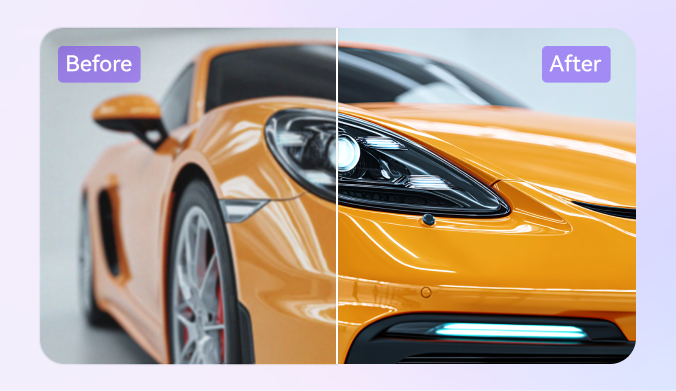
UniConverter uses advanced AI image sharpener technology to analyze blur, soft edges, and missing details automatically. You can sharpen images online in one click without adjusting complicated settings. The AI sharpener improves clarity while keeping textures natural, making it useful for portraits, product photos, screenshots, and everyday pictures that need a quick quality boost.
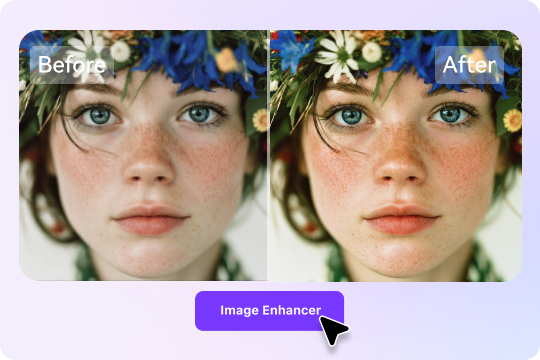
Unblur and Sharpen Image Naturally
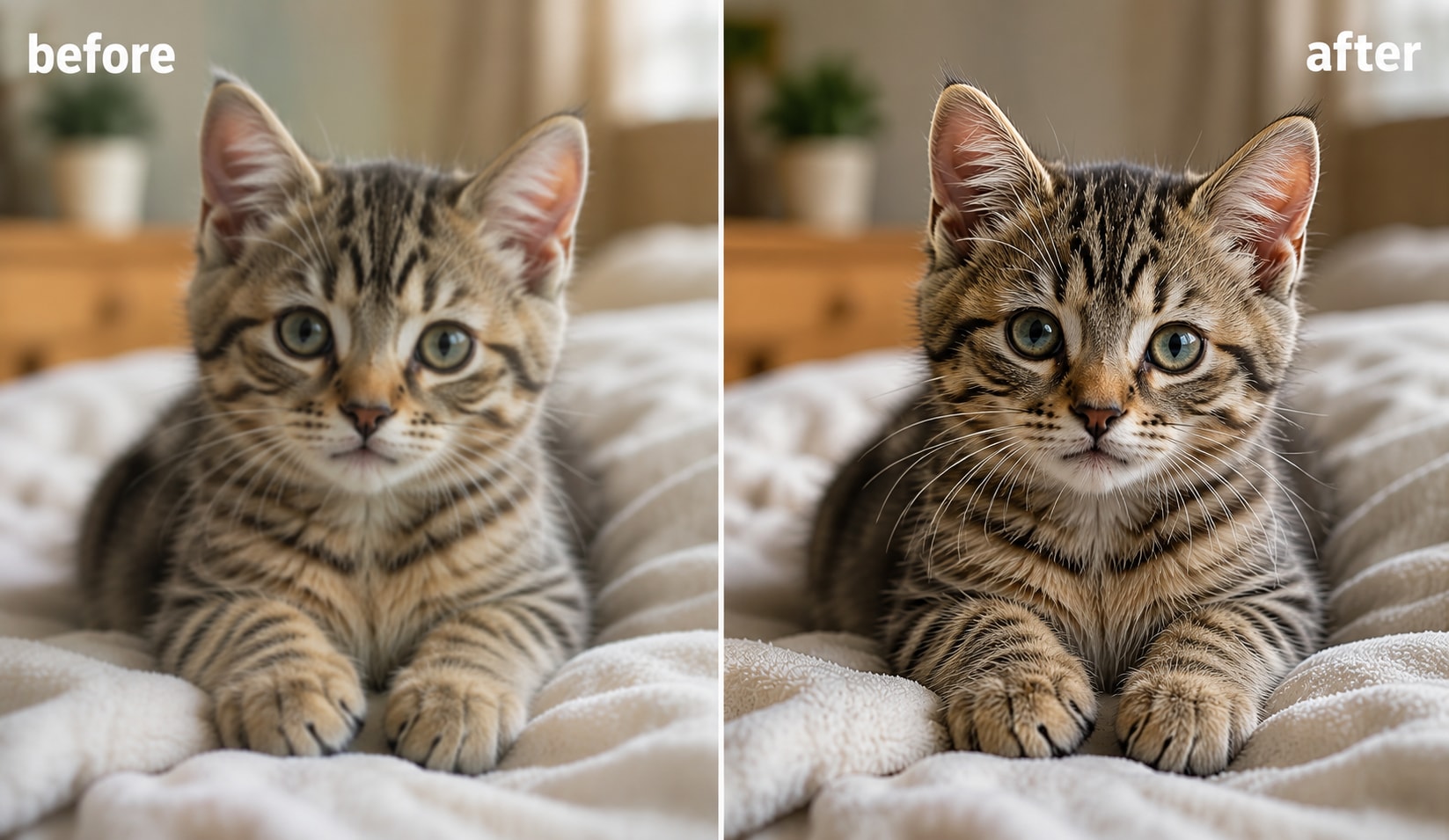
Blurred images often lose important details around faces, objects, and edges. UniConverter helps you unblur image and sharpen image files naturally by detecting motion blur and soft focus areas. The photo sharpener restores detail without creating harsh outlines or unnatural artifacts, so your pictures stay clean, balanced, and realistic after sharpening.
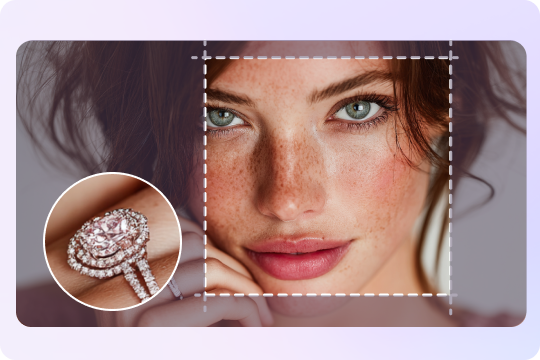
Make Photos Clearer with Detail Recovery
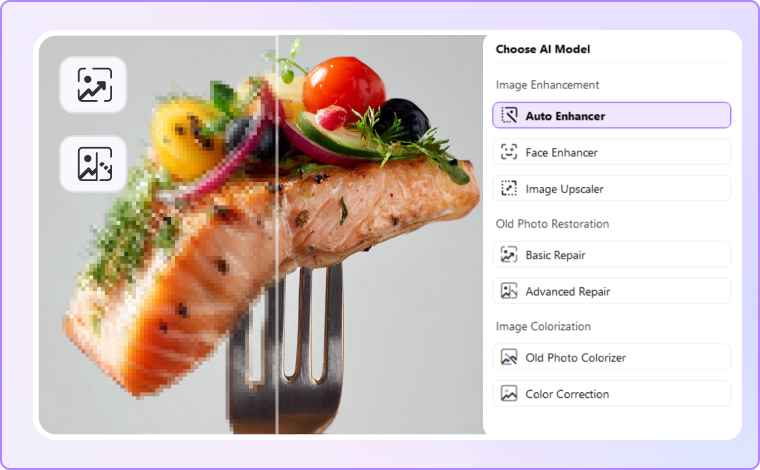
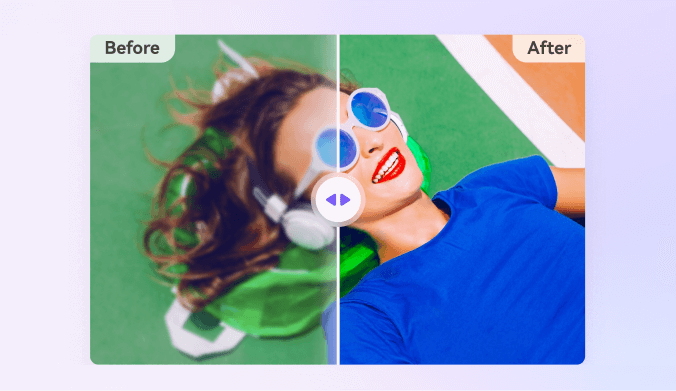
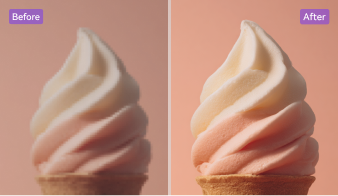
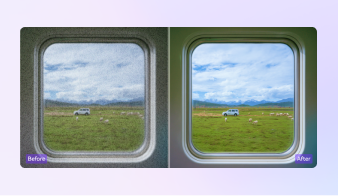
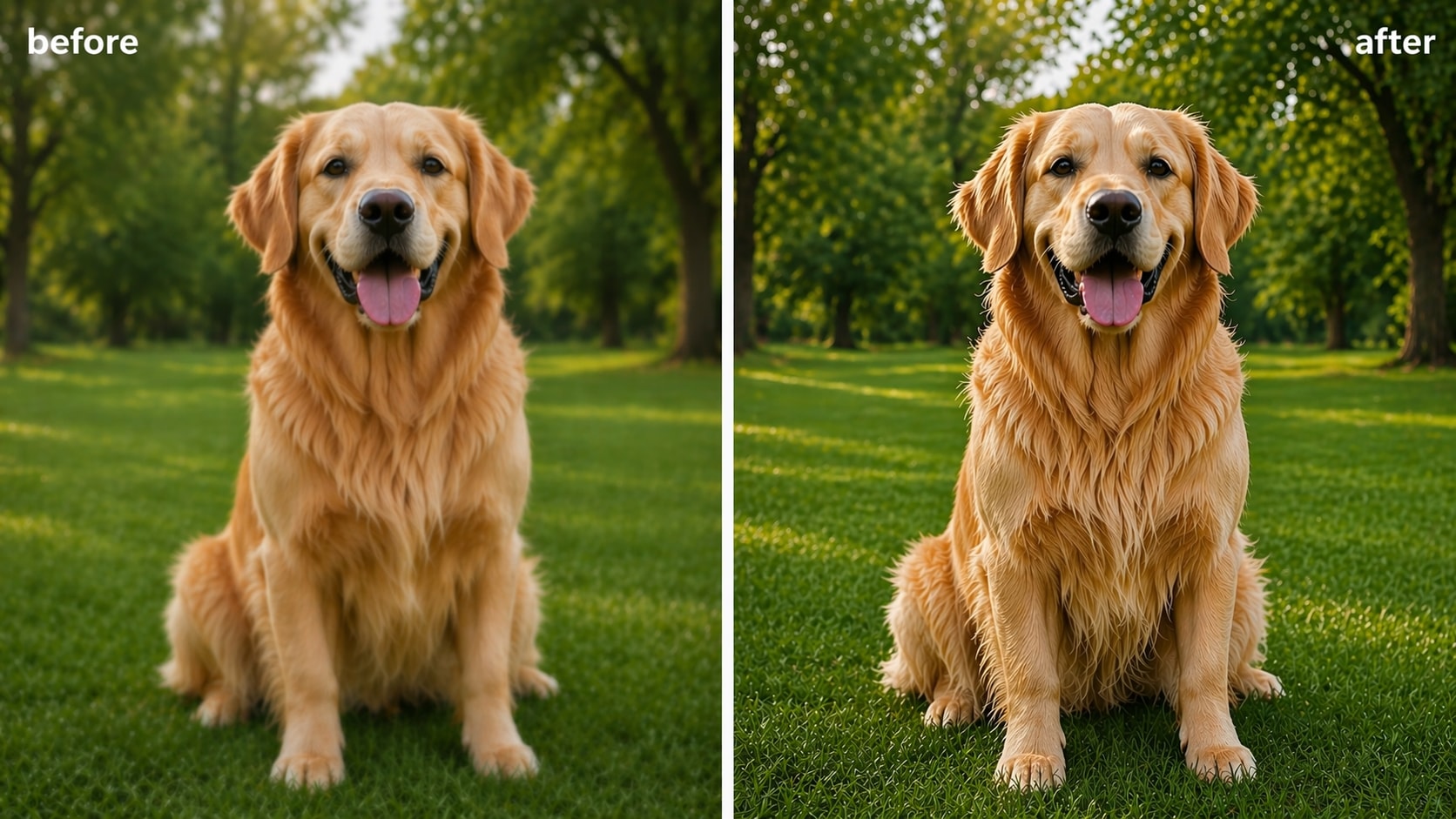
If your image looks soft, pixelated, or unclear, UniConverter can make photos clearer using AI-powered detail recovery. The image clearer improves sharpness, contrast, and texture while preserving the original look of the photo. You can clear an image online in seconds and preview the before-and-after results instantly before downloading the enhanced version. If the photo looks blocky or pixelated rather than simply soft, you can unpixelate image first.
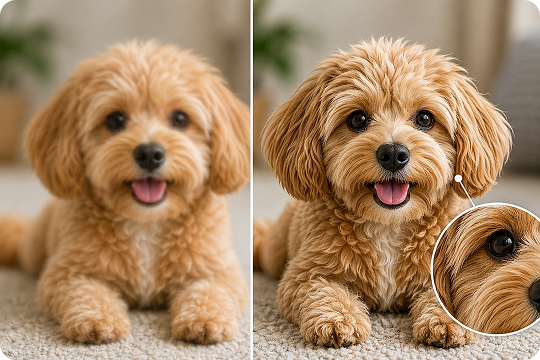
JPEG / PNG / BMP Sharpener — No Artifacts
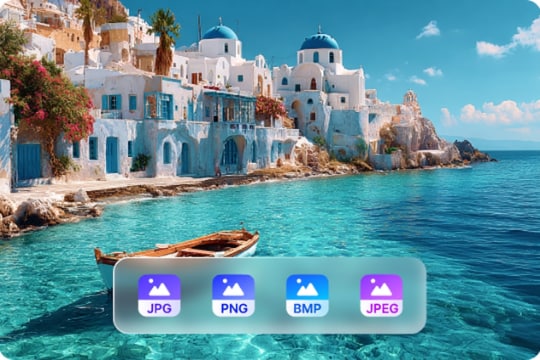
UniConverter supports JPG, PNG, JPEG, and BMP files for flexible image sharpening online. The JPEG sharpener reduces blur and compression artifacts while maintaining image quality. Whether you need to clarify image online for social media, presentations, or e-commerce, the tool helps you sharpen pictures cleanly without introducing extra noise or overprocessed edges.
Batch Photo Sharpener for Desktop Workflows
The desktop version of UniConverter includes a powerful image sharpening tool for batch processing. You can sharpen multiple blurry images at the same time and export them in high quality. This AI photo clearer works well for photographers, designers, online stores, and content creators who need faster workflows and consistent image sharpening results across large photo collections.
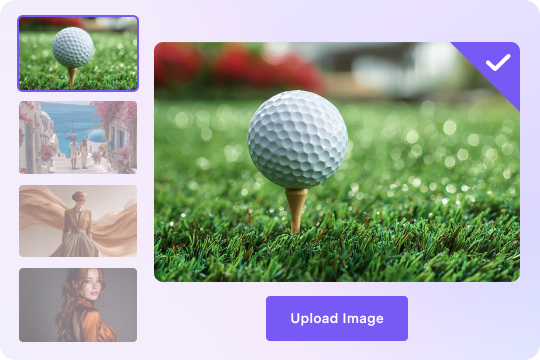
Clear Image AI with HD and 4K Output Quality
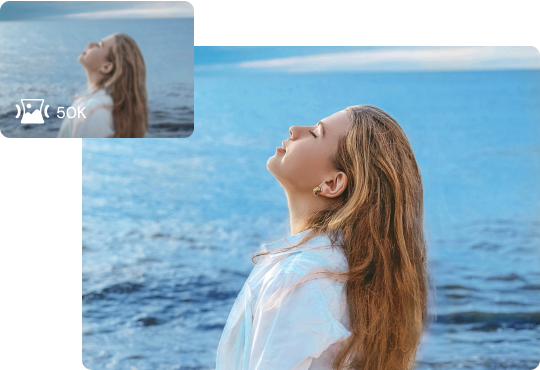
UniConverter improves photo clarity while supporting HD and 4K output quality. The clear image AI technology enhances details and sharpens textures without lowering resolution. You can create clearer photos for printing, online stores, social media, or professional presentations while keeping the final image sharp, natural, and ready for high-resolution use.
How to Sharpen an Image Online in 3 Steps
Upload a blurry photo, let AI fix the softness automatically, and download a sharper result in seconds.

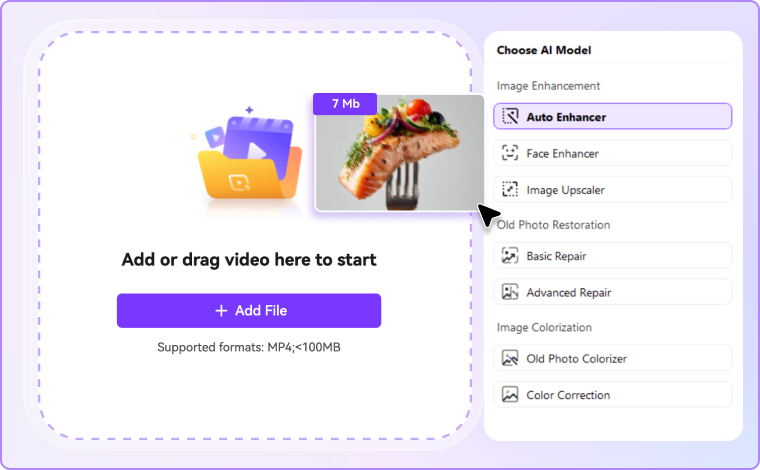
Upload a JPG, PNG, WebP, or BMP file to the online image sharpener. You can drag and drop your photo directly into the workspace or upload up to 200 images to Image Enhancer in desktop version.

Choose the AI model based on your needs, and the AI photo clearer detects blur, soft edges, and low-detail areas automatically. It sharpens the image while preserving natural textures and reducing unwanted artifacts.

Compare the original and sharpened image side by side. Then download the enhanced result in original quality or higher-resolution output — free and without watermark during trial access.
Use Cases — When Do You Need an Image Sharpener?



Sharpen Blurry Portraits and Selfies
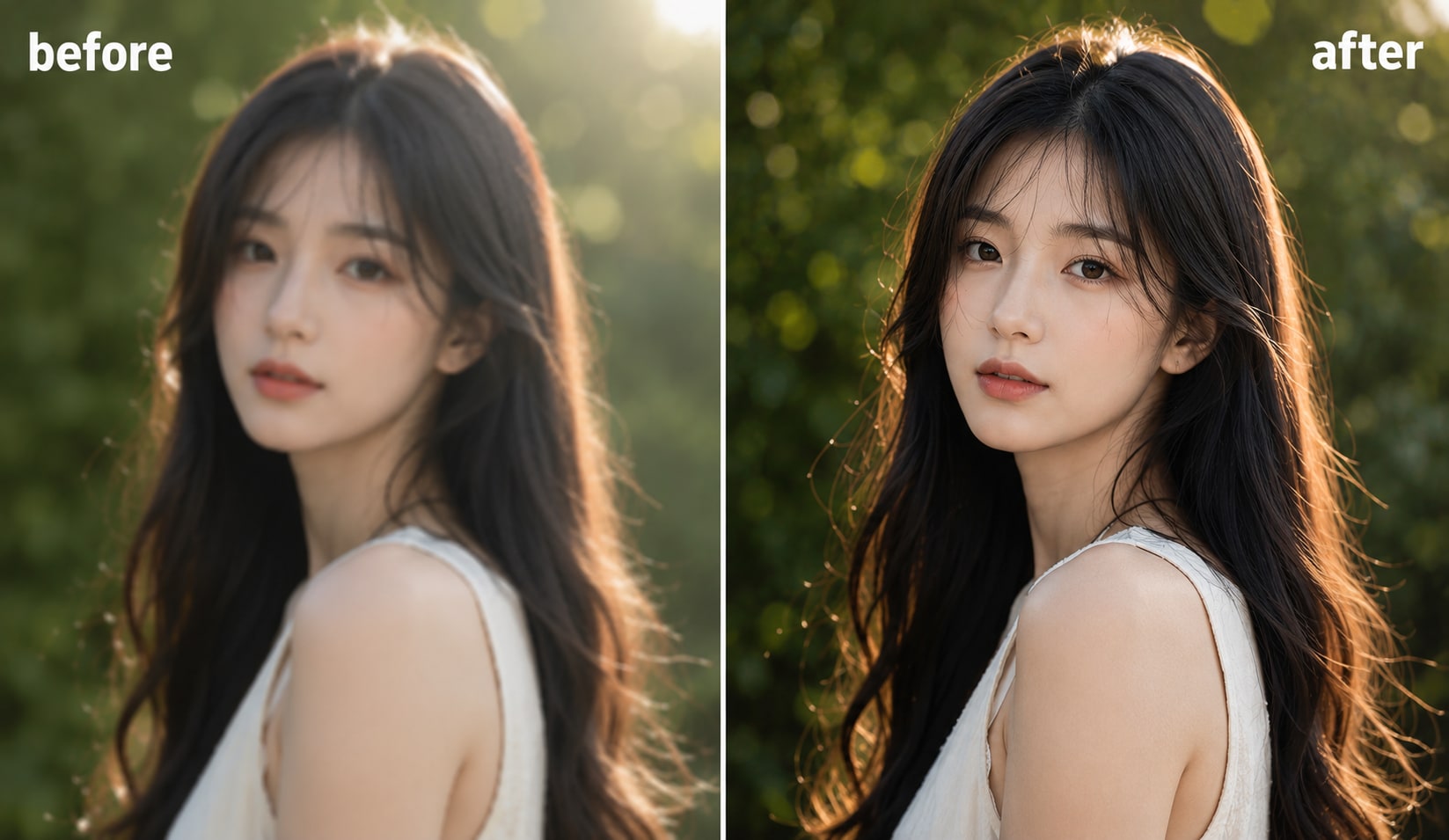
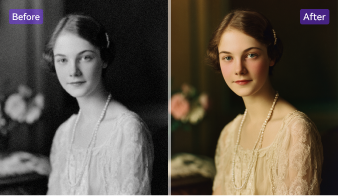
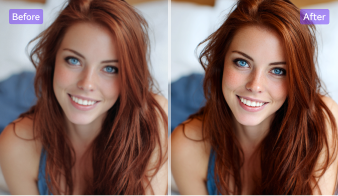
Portrait photos often become blurry because of low light, camera shake, or focus issues. UniConverter can serve as a portrait enhancer to help you sharpen blurry images and improve facial details naturally. The AI image sharpener enhances eyes, hair, skin texture, and outlines without making portraits look artificial. Whether you are editing selfies for social media or improving professional profile photos, you can create cleaner and more polished results in seconds using the online photo sharpener free tool.
Clear Product Photos for E-commerce
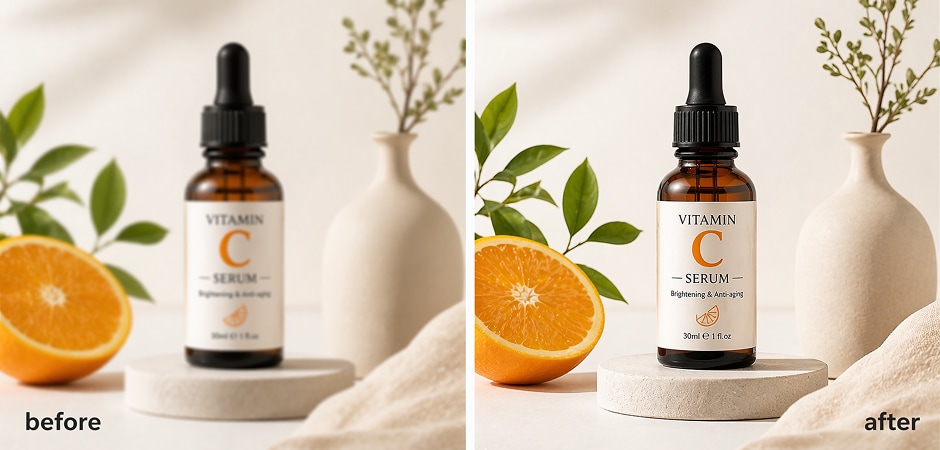
Clear product images help customers trust your store and understand product details better. UniConverter allows you to clear picture quality and sharpen product photos for online marketplaces, ads, and catalogs. The image clearer improves edges, textures, labels, and packaging details while keeping colors natural. If your photos look soft after resizing or compression, you can sharpen image online quickly and prepare professional-looking visuals for e-commerce platforms and promotional campaigns.
Restore and Sharpen Old Family Photos
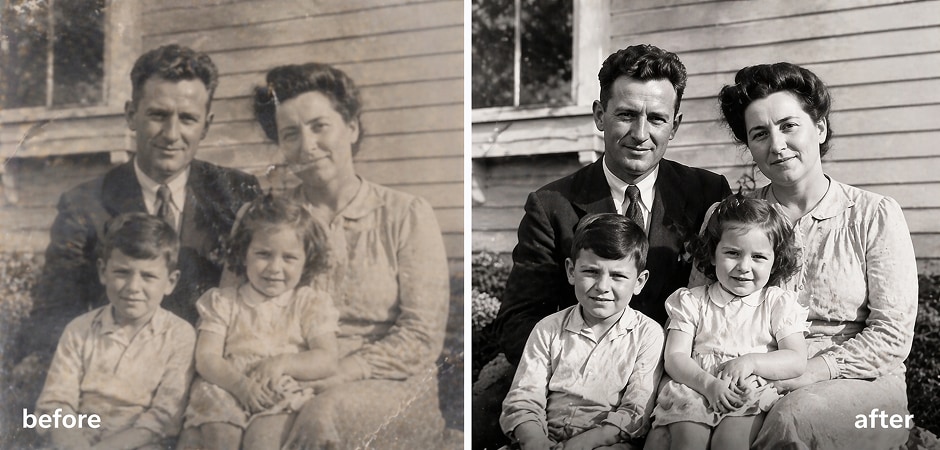
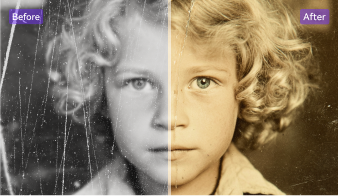
Old photos often lose sharpness because of aging, scanning issues, or faded prints. UniConverter combines old photo restoration and AI sharpening technology to restore details and improve clarity in vintage images. You can unblur and sharpen image files while preserving the original feeling of the photograph. This feature works well for family albums, historical pictures, and scanned memories that need clearer faces, cleaner edges, and improved overall quality without damaging the photo texture.
Sharpen Real Estate and Property Listing Images
Property photos need sharp details to attract buyers and renters online. UniConverter helps you make image sharper for interior spaces, building exteriors, and room photography. The AI sharpener improves lighting details, furniture edges, textures, and architectural lines to create more professional listing images. Whether you are a real estate agent, property manager, or photographer, you can quickly improve blurry property photos and present cleaner visuals across websites and social media listings.
Clarify Scanned Documents and Text
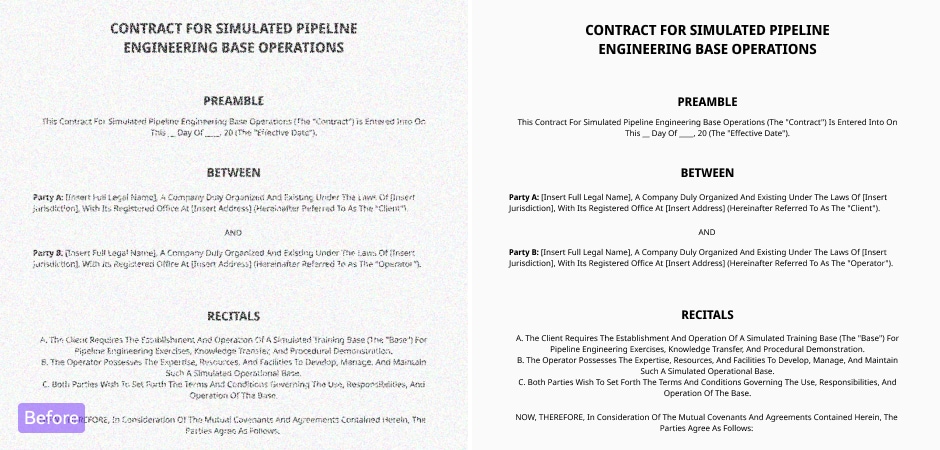
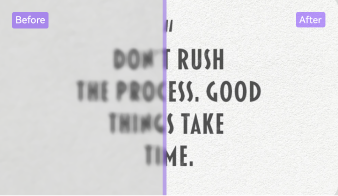
Scanned files and screenshots can become difficult to read when the text appears blurry or low quality. UniConverter helps you clarify image online by sharpening text edges and improving document readability. The image clarifier works well for scanned contracts, notes, reports, receipts, presentations, and educational materials. You can deblur text, and sharpen screenshots or scanned images quickly and make important text easier to view, share, and archive without complicated editing software.
Polish AI-Generated Art and Anime Images
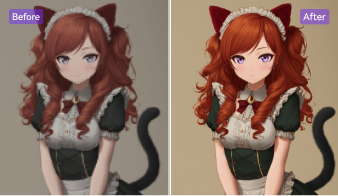
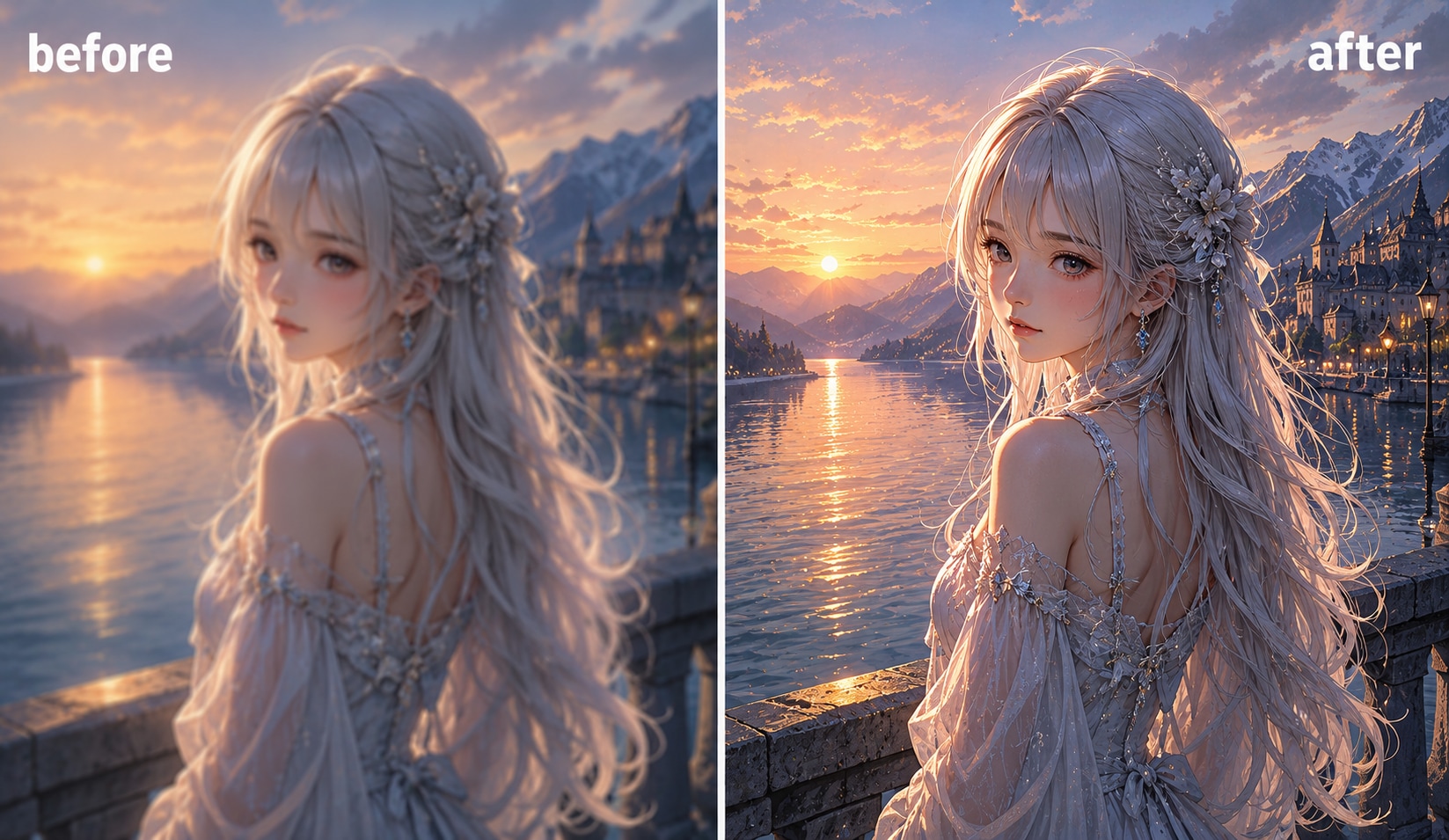
AI-generated artwork sometimes looks soft or lacks fine details after exporting. UniConverter acts as an AI picture sharpener to improve anime art, digital illustrations, and creative renders. The tool sharpens outlines, textures, and character details while maintaining smooth colors and artistic style. You can improve AI-generated images for social sharing, printing, portfolios, or creative projects. For anime-focused enhancement, UniConverter also connects directly with the Anime Upscaler tool for additional quality improvement.
Online vs Desktop Image Clearer— Choose What Fits Your Workflow
Use the browser-based sharpener for quick single-image fixes, or switch to desktop when you need offline processing, higher export quality, and broader AI enhancement workflows.
| Online Image Sharpener | UniConverter Desktop |
|---|---|
| Use directly in your browser | Process images offline |
| Quick sharpening for single images | Batch image sharpening support |
| No installation required | Higher-resolution export options |
| Ideal for quick social media edits | Better for photographers and e-commerce |
| Fast upload and download workflow | More advanced AI enhancement tools |
What Users Say About
UniConverter Photo Sharpener
FAQs about Making Photo Clearer
What is an image sharpener and how does it work?
How do I sharpen a blurry image online for free?
What is the best AI image sharpener?
Can I sharpen a JPEG without losing quality?
Does UniConverter Image Sharpener work on iPhone and Android?
How is AI sharpening different from Photoshop Unsharp Mask?
Can I unblur and sharpen image files at the same time?
Is there a batch image sharpener for multiple photos?
Will the file size or resolution change after sharpening?



Ready to Sharpen Your Images?
Try UniConverter AI Image Sharpener to sharpen blurry photos, improve image clarity, and enhance details online in seconds. Whether you need a quick online photo sharpener or advanced desktop batch processing, UniConverter helps simplify your image enhancement workflow.
