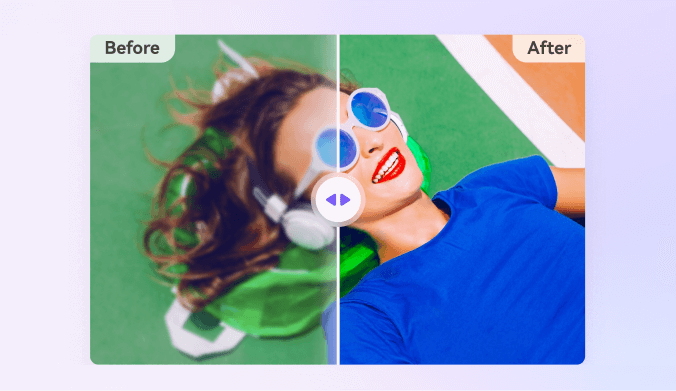
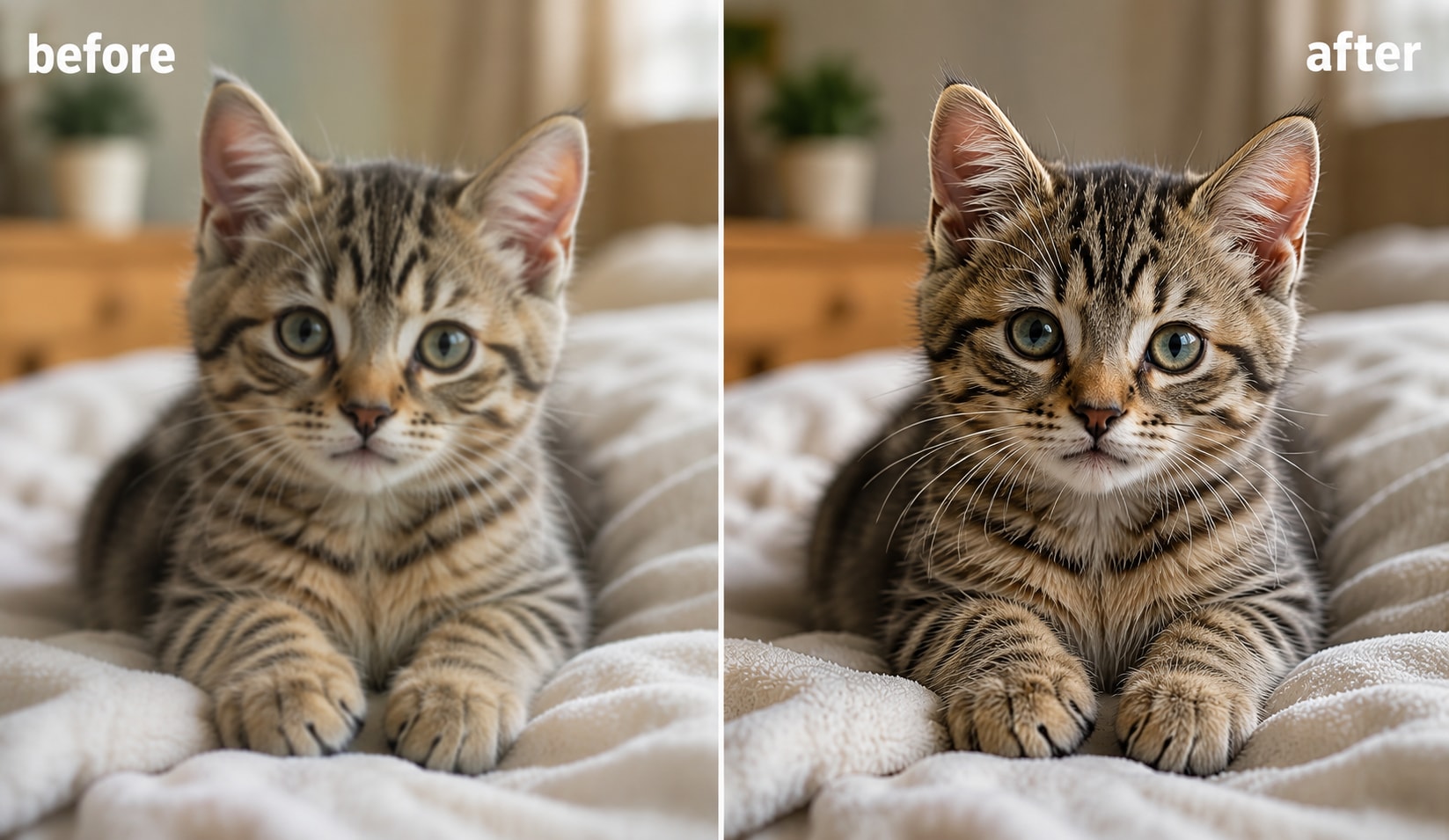
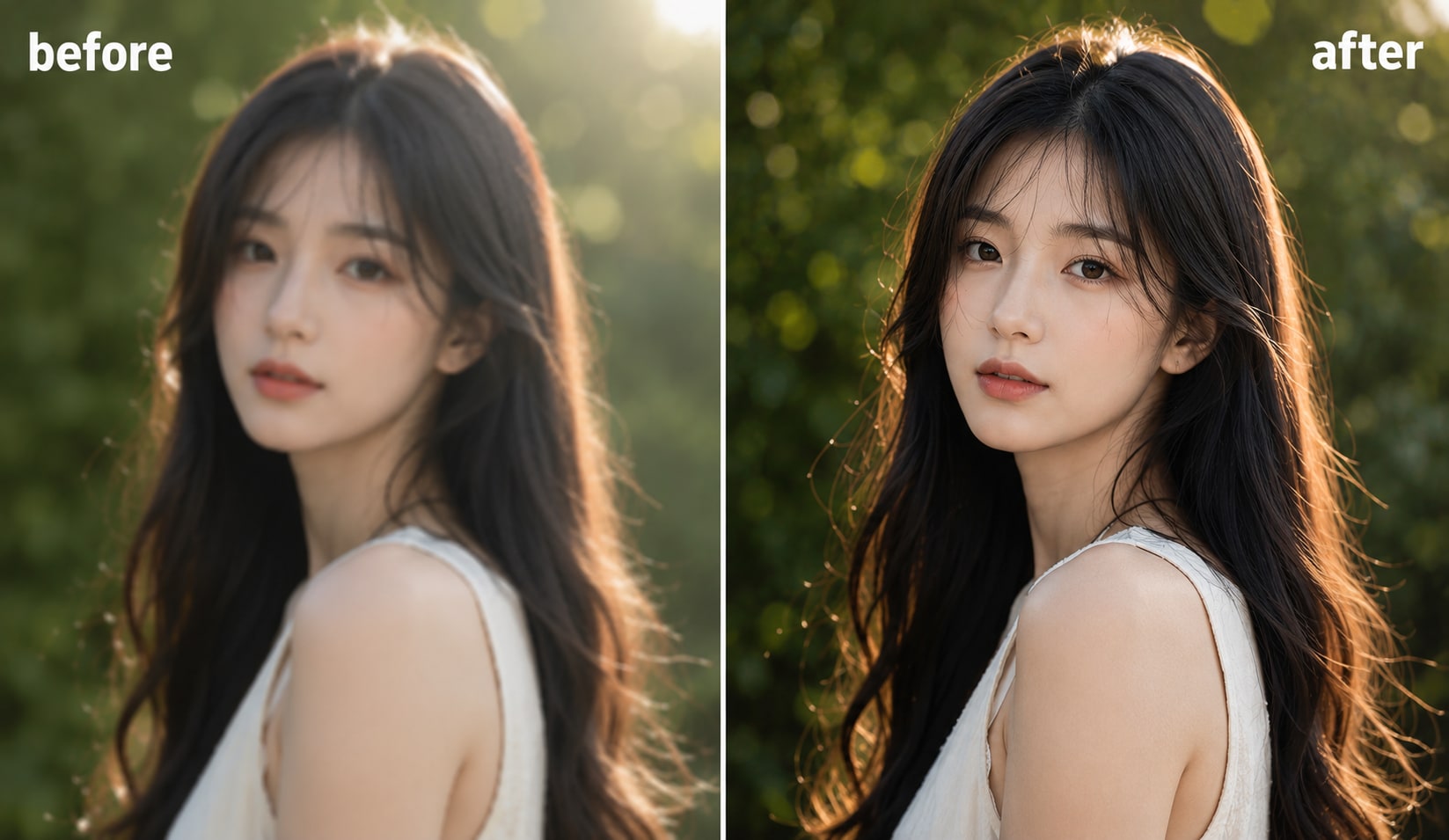
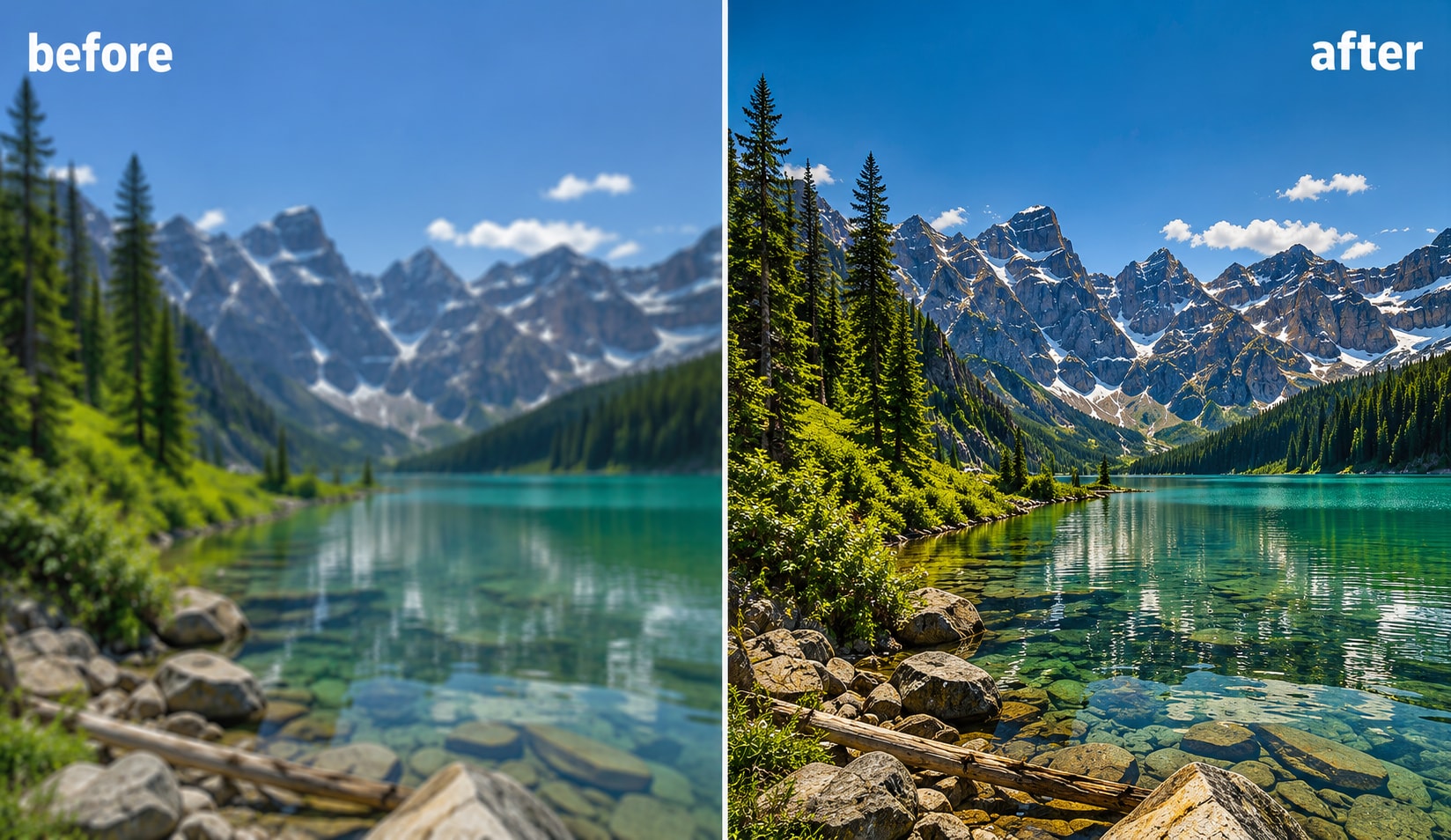
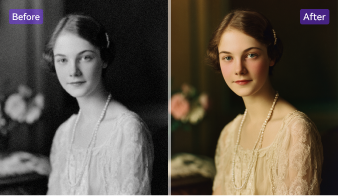
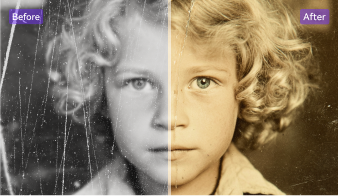
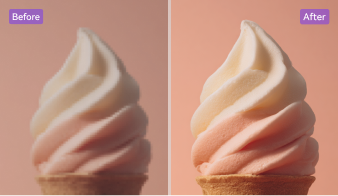
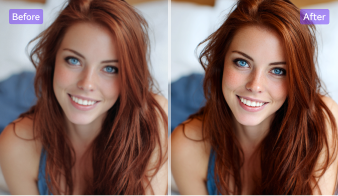
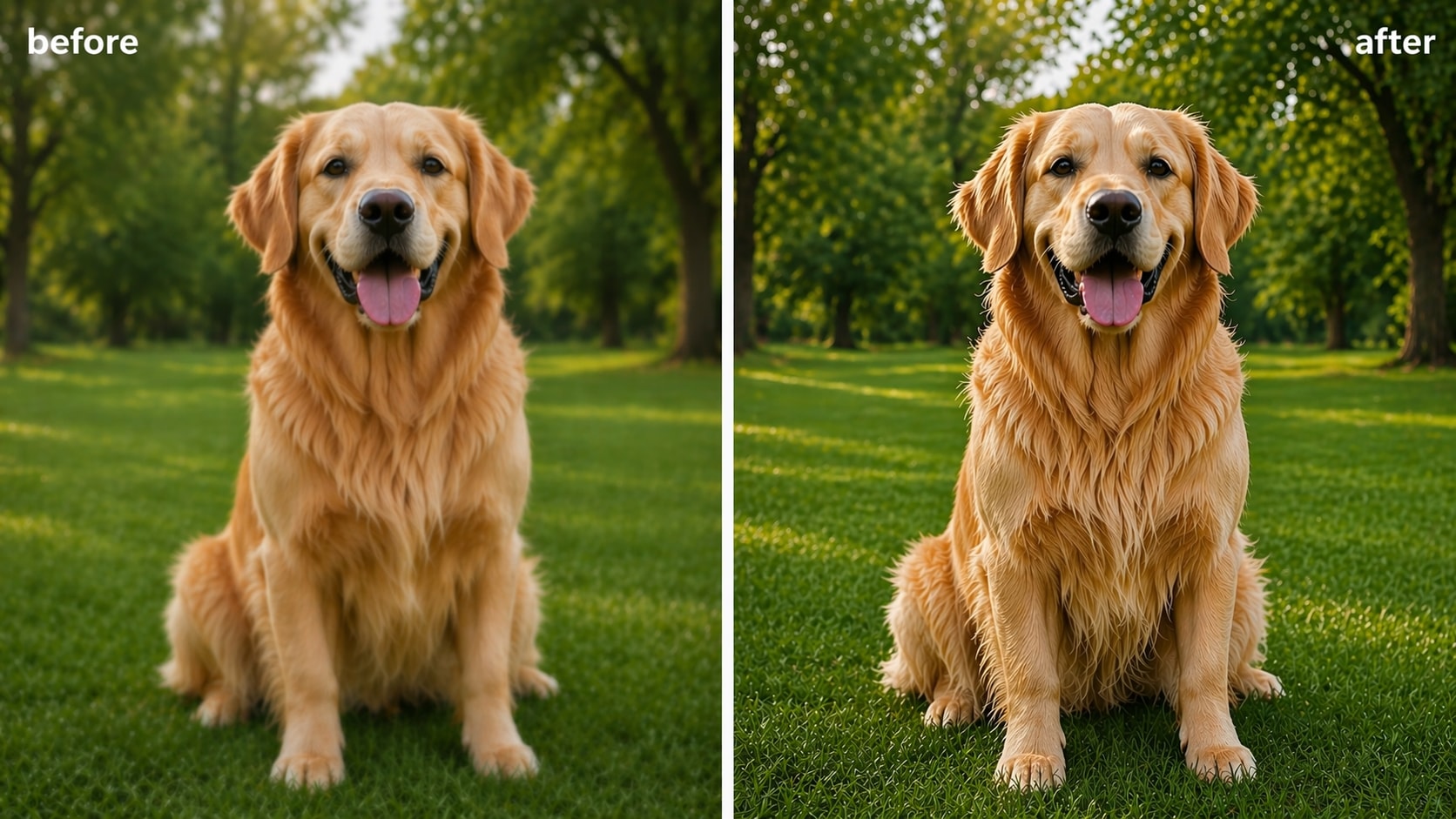
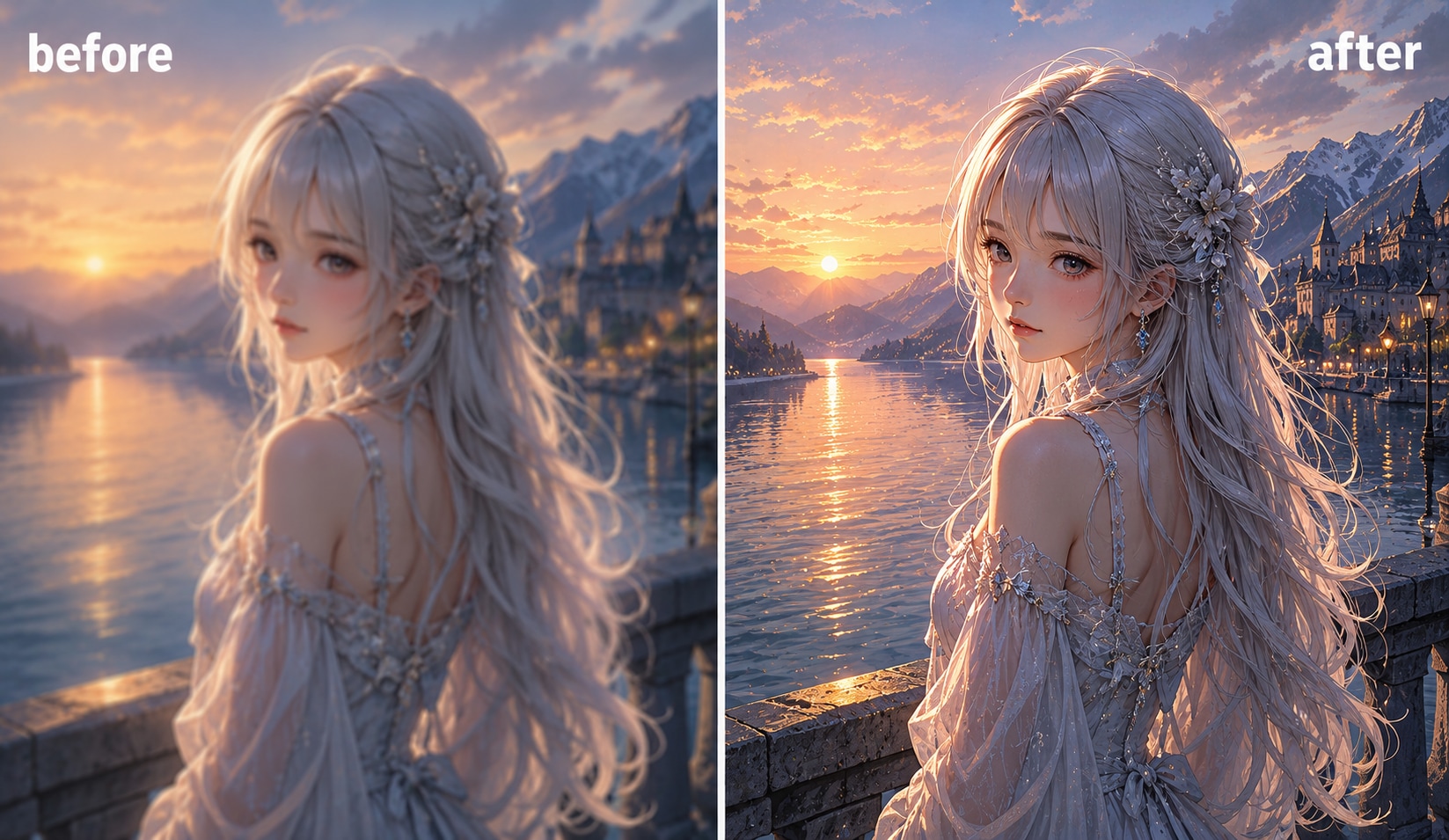
How to Enlarge an Image in 3 Simple Steps
Upload your file, choose an AI upscale ratio, and download a larger, sharper image in seconds.

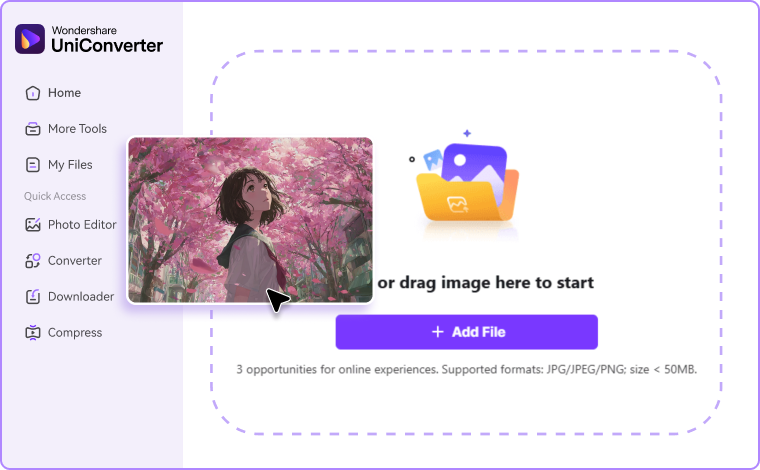
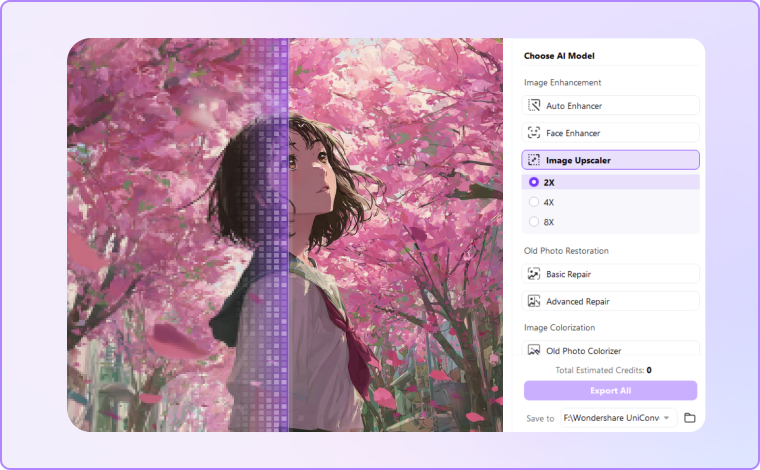
Upload JPG, PNG, JPEG, BMP, or other popular image formats. You can drag and drop files directly into the AI image enlarger online tool or desktop app.

Choose Image Upscaler model, and select your preferred enlargement ratio. UniConverter uses AI super-resolution technology to enlarge low-resolution images while improving sharpness and reducing blur.

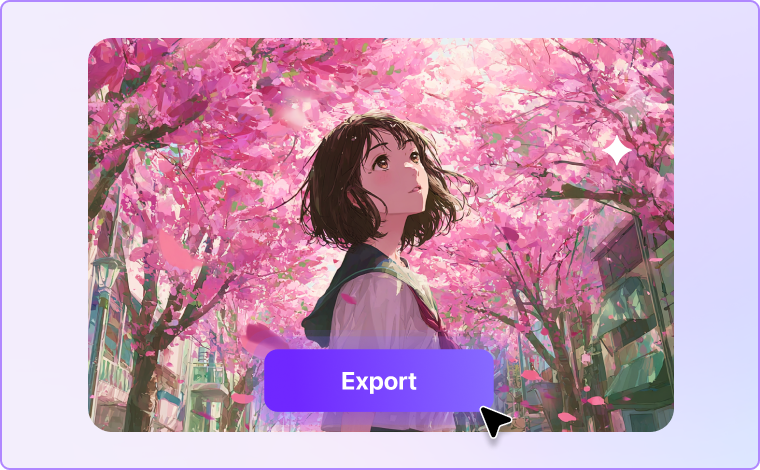
Preview the result and download your enlarged picture instantly. Your photo will look clearer, larger, and ready for printing, sharing, or editing.
Why Choose UniConverter AI Image Enlarger
Enlarge Image Without Losing Quality
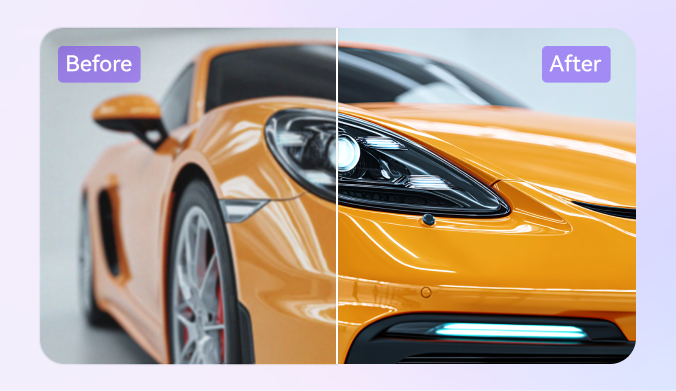
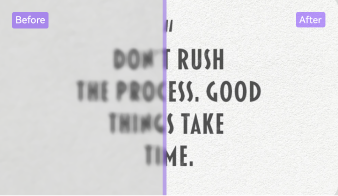
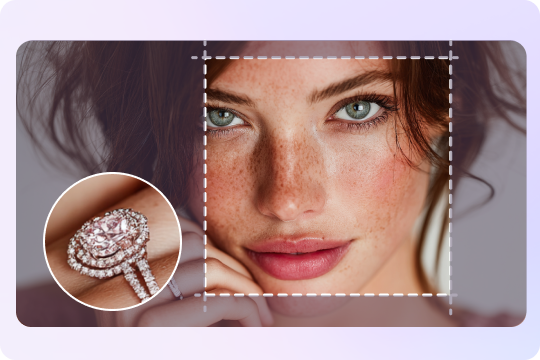
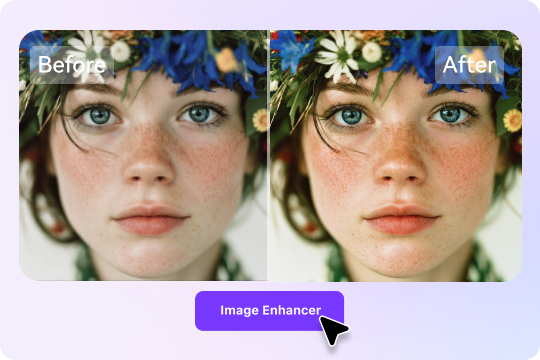
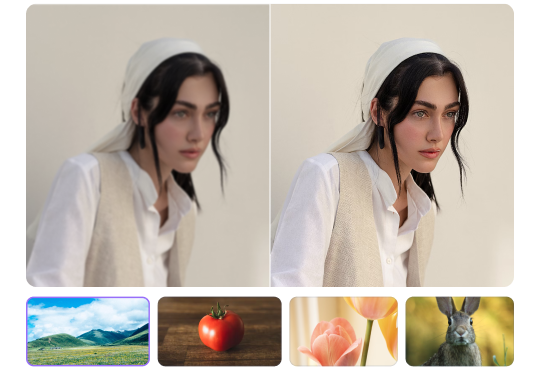
UniConverter helps you enlarge images without losing quality by using AI-powered image enhancement technology. Instead of stretching pixels like traditional resizers, the AI analyzes textures, edges, and details to create sharper results. You can enlarge photos for printing, presentations, or social media while keeping images crisp and natural-looking.
AI Enlarger up to 8x Resolution (HD & 4K)
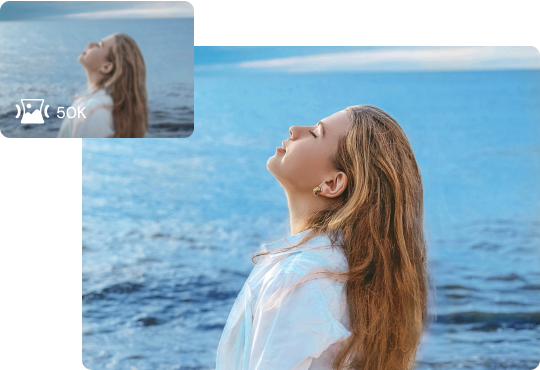
This AI image enlarger supports 2x, 4x, and 8x upscale options for HD, 4K or 8K image output. The built-in super-resolution engine improves pixel quality, restores details, and sharpens blurry areas automatically. You can enlarge low-resolution images into high-resolution visuals suitable for posters, marketing materials, or professional creative projects.
Make Image Bigger in One Click
You can make a picture bigger in just one click using UniConverter’s simple interface. Upload your file, choose an upscale ratio, and let the AI enlarge image automatically. The process is fast and beginner-friendly, making it easy to enlarge pictures online without advanced editing skills or manual adjustments.
Enlarge JPG, PNG, BMP & More
UniConverter supports multiple image formats, including JPG, PNG, JPEG, BMP, and more. You can enlarge JPG photos, upscale PNG graphics, or process WebP images without format limitations. The AI photo enlarger maintains image clarity and color accuracy across different file types for flexible everyday use.
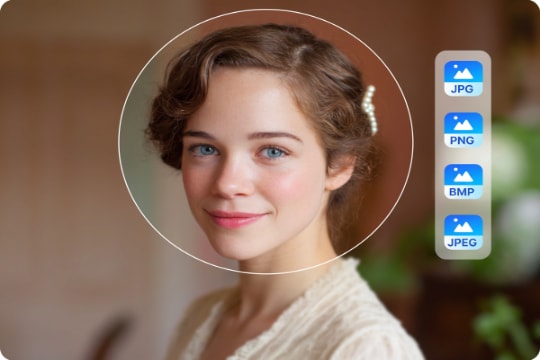
Batch Enlarge Photos on Desktop
The desktop version lets you batch enlarge photos at high speed using local GPU acceleration. You can upscale multiple images at once without uploading files to the cloud. This feature is useful for photographers, designers, e-commerce teams, and anyone handling large image collections efficiently.
100% Secure — Free Online Image Enlarger
UniConverter provides a secure and free online AI image enlarger experience. Uploaded images are processed safely, and your files remain private during the enlargement process. You can enlarge photos online quickly without installing software, making it convenient for everyday editing tasks and instant image enhancement.
Online vs Desktop: Two Ways to Enlarge Pictures
Choose the online enlarger for quick edits or use the desktop version for higher upscale limits, broader format support, and batch workflows.
| Feature | Free Online Image Enlarger | UniConverter Desktop |
|---|---|---|
| Max Upscale | 4x | 8x + Custom |
| Batch Processing | ✗ | ✓ Up to 200 Images |
| Processing Speed | Cloud-Based | Local GPU Acceleration |
| Best For | Quick Online Edits | Professional Workflows |
Best Use Cases for Our AI Photo Enlarger
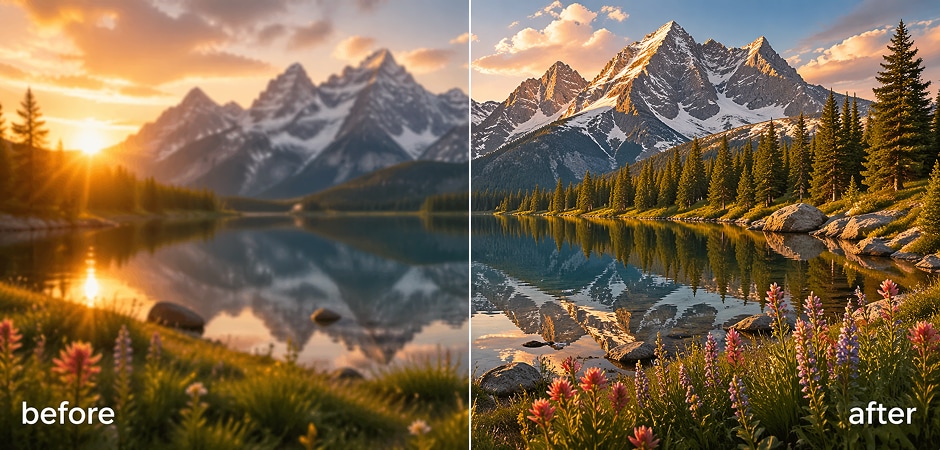

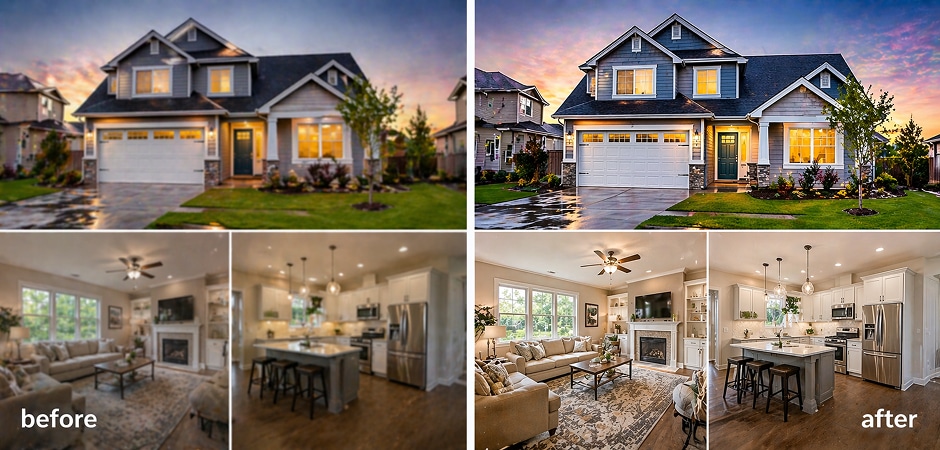


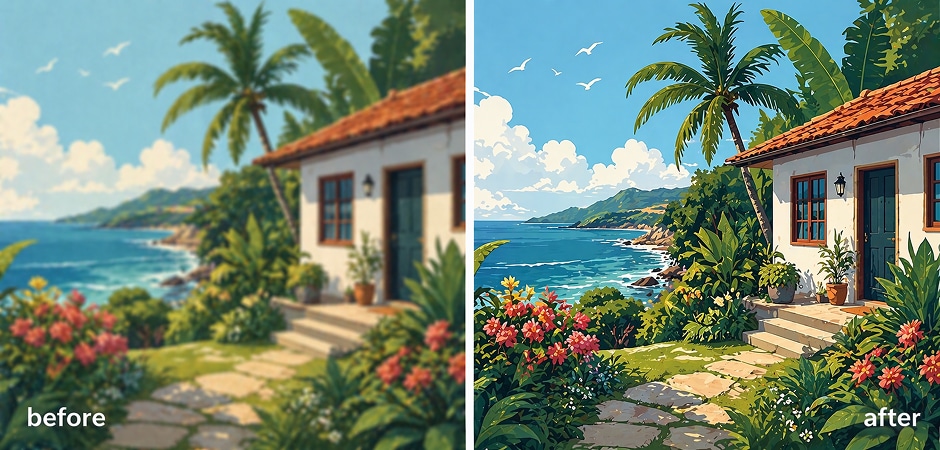
Enlarge Photos for Printing (Posters & Wall Art)
Designers, photographers, and home decorators often need to enlarge photos for printing without reducing image quality. UniConverter helps you upscale small pictures into high-resolution files suitable for posters, canvas prints, banners, and wall art. The AI image enlarger restores textures and sharpens edges automatically, helping printed images stay clean and detailed even at large sizes. You can enlarge low-resolution photos into print-ready visuals in just a few clicks.
Enlarge Product Images for E-commerce
Online sellers can use the AI photo enlarger to improve product images for Amazon, Shopify, Etsy, and other e-commerce platforms. UniConverter helps enlarge product photos while maintaining sharp textures, accurate colors, and clear details. This is useful when you need high-resolution images for zoom features, promotional banners, or marketplace requirements. The AI also reduces pixelation and blur, helping products look more professional and trustworthy online.
Magnify Real-estate & Property Photos
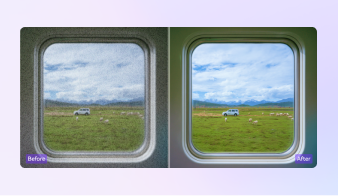
Real-estate agents and property marketers often need to magnify images for listings, brochures, and presentations. UniConverter can enlarge house photos, interior images, and landscape shots while improving lighting details and image clarity. The AI enlarger sharpens architectural edges and minimizes noise, making properties appear cleaner and more visually appealing. You can create high-resolution visuals for online listings or large printed marketing materials quickly and efficiently.
Upscale Photography Portfolios to 4K
Professional photographers and creators can upscale photography portfolios to HD or 4K resolution using UniConverter’s AI image enlarger. The tool helps enlarge portrait, travel, fashion, and landscape images while preserving fine details and natural textures. This is especially useful when preparing client presentations, digital portfolios, or exhibition prints. AI-powered sharpening and super-resolution processing help images appear more refined without introducing heavy artifacts or excessive smoothing.
Enlarge Images for Social Media & Blog
Content creators can enlarge pictures for YouTube thumbnails, Instagram posts, blogs, and website banners. UniConverter helps resize images larger while maintaining visual quality across different screen sizes and platforms. The AI image enlarger improves clarity, sharpens text elements, and enhances low-resolution visuals for a cleaner online appearance. You can quickly create larger, more professional-looking images for digital content without spending time on complicated editing tools.
Resize Anime & AI Art Larger
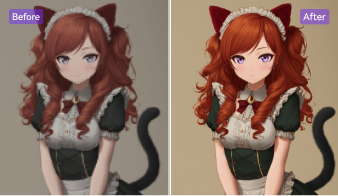
Anime fans, illustrators, and AI art creators can use UniConverter to enlarge anime images and digital artwork with smoother edges and cleaner details. The AI enlarger reduces jagged lines and improves color transitions while keeping the original artistic style. You can enlarge small anime pictures or AI-generated art for wallpapers, printing, or sharing online. The tool also helps upscale cartoon images without making them appear blurry or overly sharpened.
What Users Say About
UniConverter Image Enlarger
FAQs about AI Image Enlarger
How can I enlarge a picture without losing quality?
Is the free online AI image enlarger really free?
How much can I enlarge an image — 2x, 4x, or 8x?
What file formats does the photo enlarger support?
Can I enlarge photos for printing in high resolution?
How is AI image enlarger different from a regular resizer?
Will my images be safe when I enlarge them online?
Can I enlarge multiple pictures at once?
Does UniConverter work on Mac and Windows?