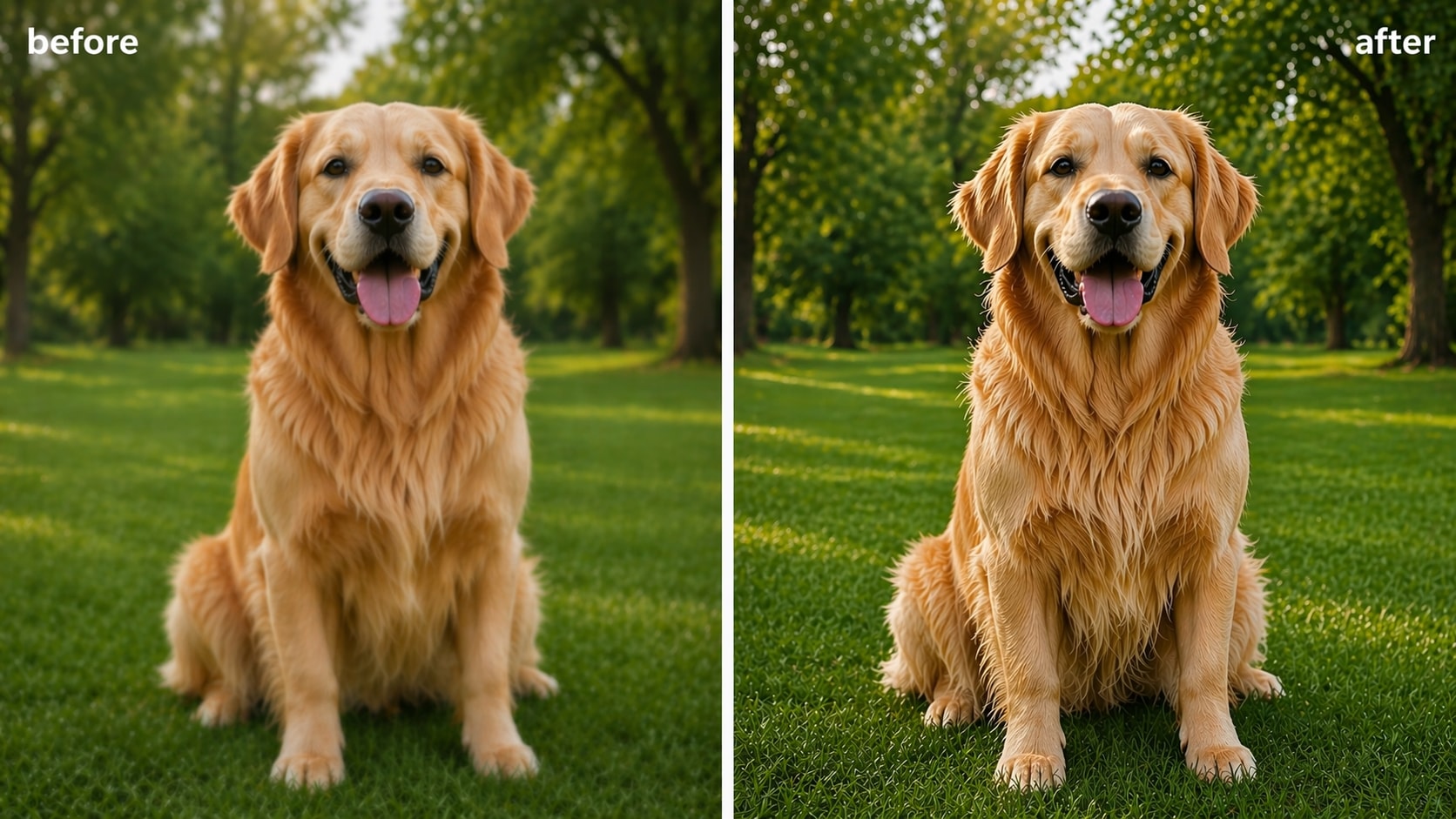
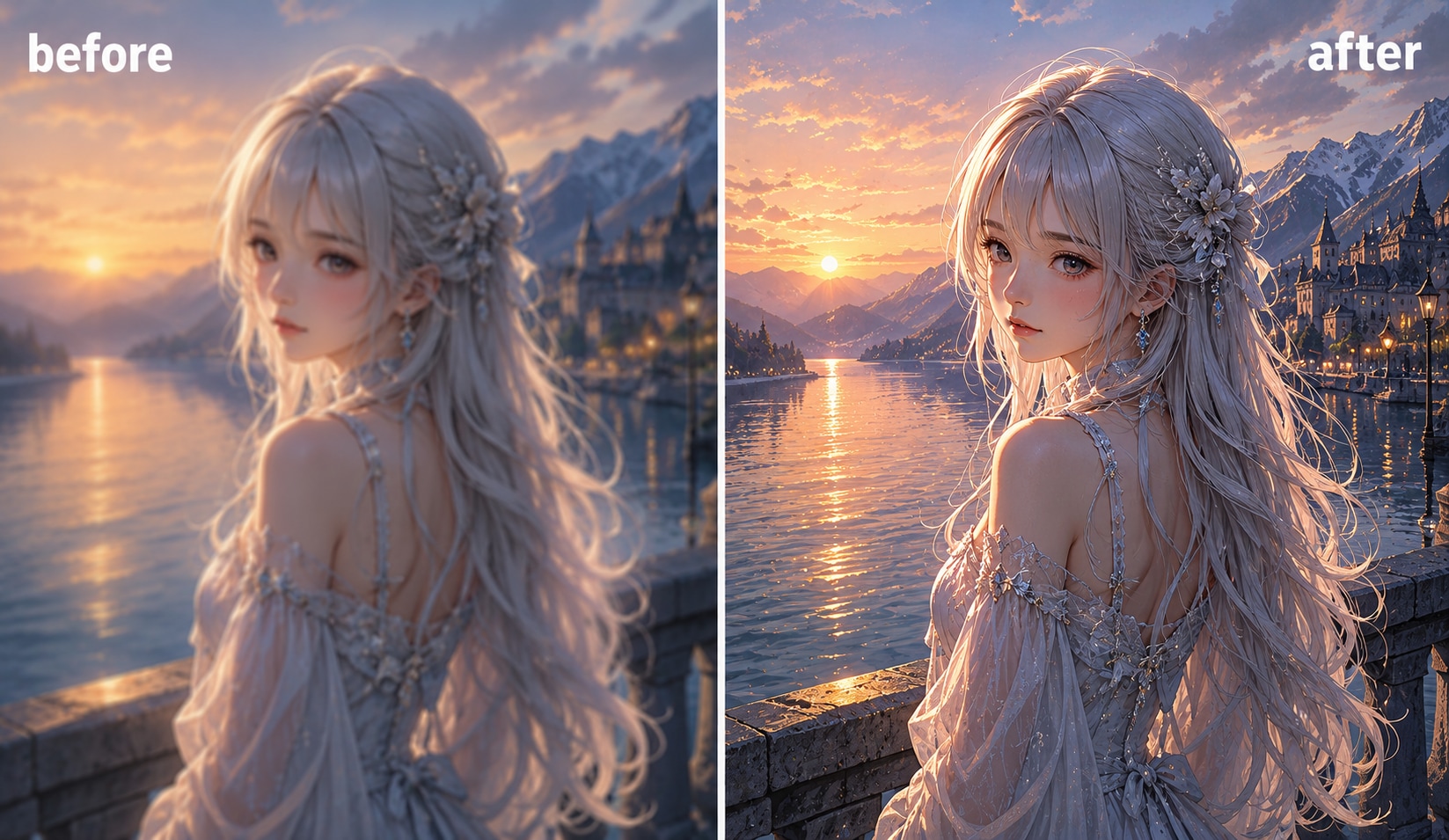
How to Deblur Text in 3 Simple Steps

Click “Upload” or drag & drop your blurry photo into the tool. Online version supports JPG, JPEG and PNG, while desktop version supports more formats and 20 images batch processing.

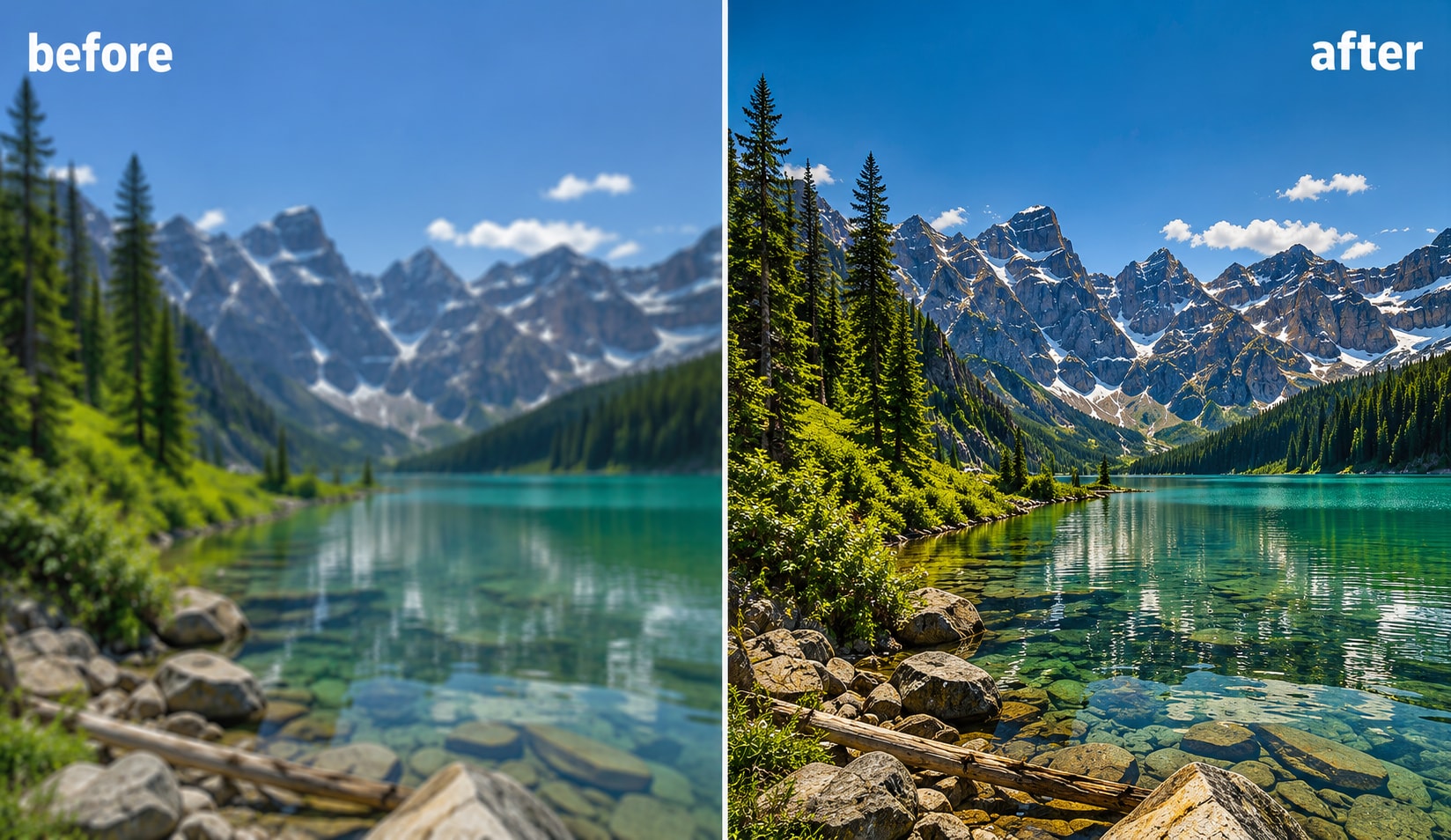
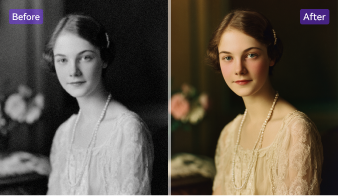
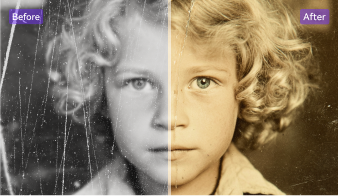
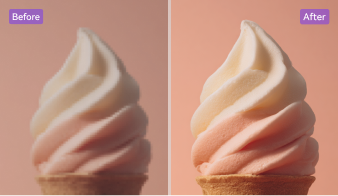
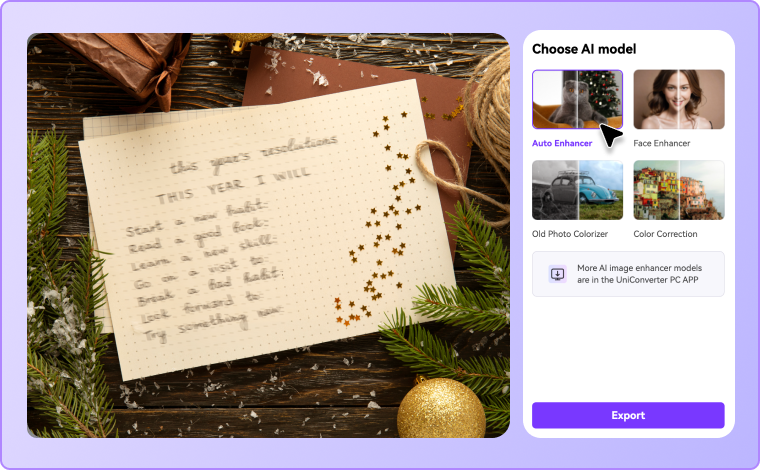
Choose AI models based on your needs, then the AI text enhancer detects blurry text instantly and restores visibility. You’ll get accurate, clean results in just 3 seconds, with no manual editing required.

Preview the text-enhanced image and download it in high quality.

Why Choose UniConverter AI Text Enhancer?
Advanced AI Text Enhancer with Smart Detection
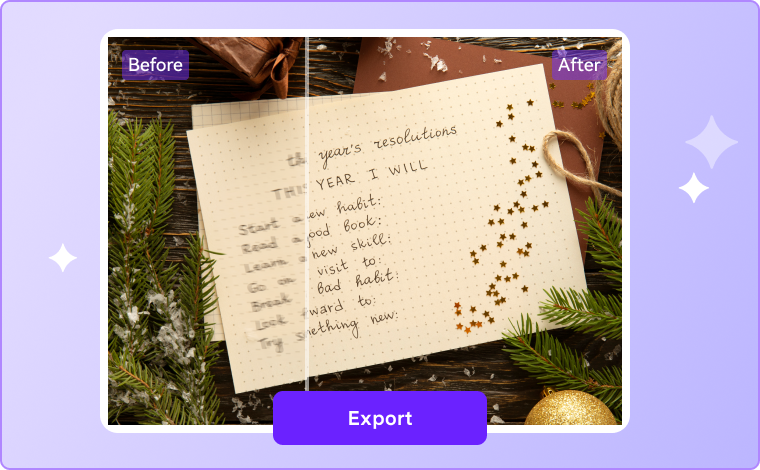
UniConverter's AI text enhancer detects and sharpens blurry text automatically. The tool identifies text regions, enhances edges, and restores missing pixel details for natural-looking results. This text quality enhancer improves clarity while maintaining color accuracy and background balance, making it ideal for scanned documents, notes, and photos that need clean and readable text restoration.
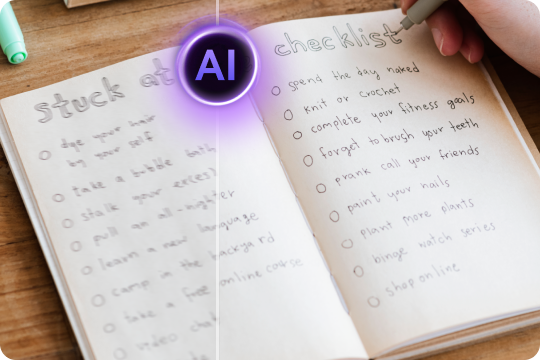
Unblur Text for Crystal Clear, Readable Results
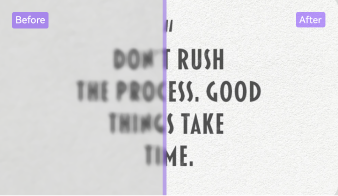
Say goodbye to unreadable screenshots or fuzzy photos. Our tool precisely unblurs text by reconstructing edges and optimizing brightness and contrast. Each word becomes clear text, easy to read and share. Whether it’s a work document, a study note, or a personal photo, UniConverter ensures consistent quality and improved readability every time. After text deblurring, use AI Image Sharpener to make screenshot edges and small details look cleaner.
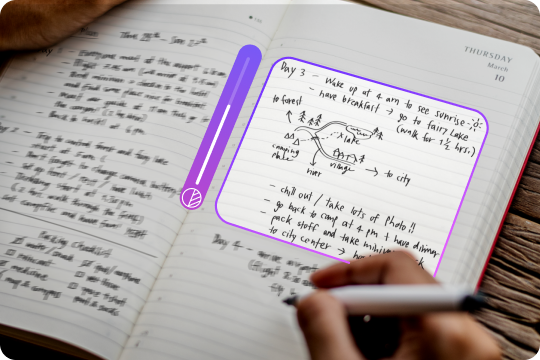
Lightning-Fast Text Deblurrer – Results in 3 Seconds
Get sharp, readable results in just three seconds. This text deblurrer uses optimized AI models for instant processing without sacrificing quality. You can upload any image, and our system immediately analyzes and enhances the text. It’s fast, efficient, and reliable, perfect when you need professional-looking results right away.
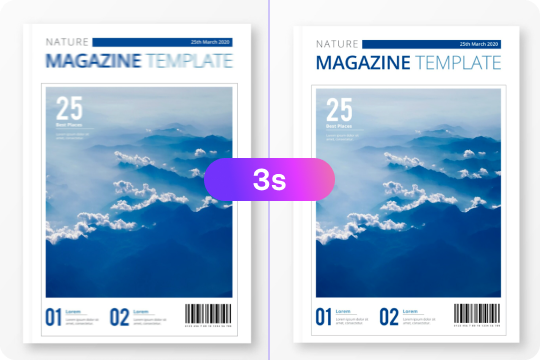
Universal Image Text Enhancer with Multiple Formats Supported
UniConverter image text enhancer works across multiple file types, including JPG, PNG, WebP, and PDF screenshots. It automatically detects text within complex layouts and refines every word with uniform clarity. Whether you’re enhancing digital receipts, social media graphics, or scanned pages, UniConverter ensures consistent text visibility and professional results.
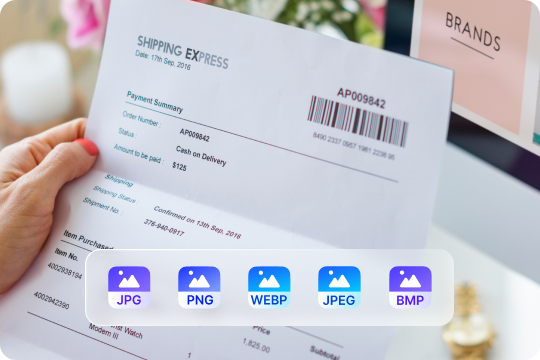
Unblur Text Image Online Free or Offline Anywhere
Enhance your text anytime, anywhere. You can unblur text images online free directly from your browser — no downloads required. Prefer working offline? Use the UniConverter desktop app for batch text enhancement and advanced controls. Both versions provide accurate, watermark-free results that you can trust for personal or professional use.
Batch Text Enhancement for Efficient Workflow
UniConverter helps you handle multiple files at once. Its batch enhancement feature lets you process hundreds of images simultaneously without slowing down performance. Each image receives consistent improvement from our AI text enhancer, saving you valuable time and effort. Ideal for teams, educators, or creators working with large collections of blurry text images.

Perfect Solutions for Every Text Clarity Need
No matter your scenario, UniConverter provides a tailored text enhancement experience for every type of image or text content.




Unblur Text in Screenshots to Enhance Image Clarity
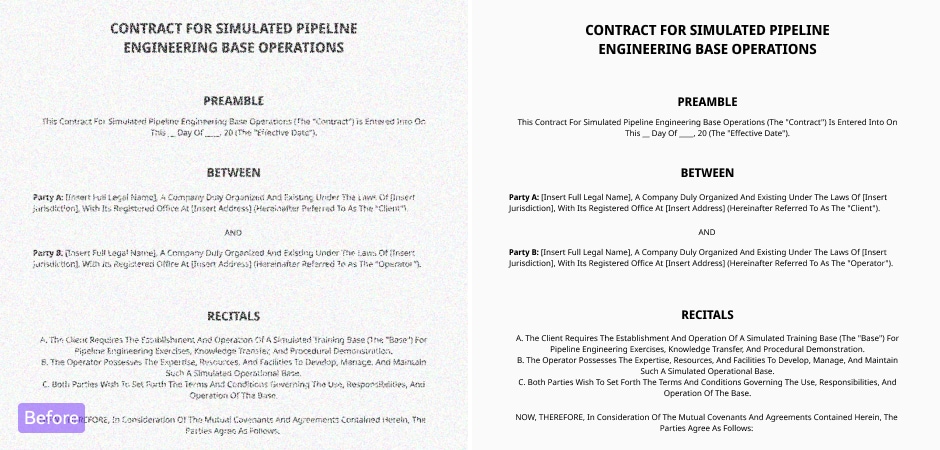
Make unreadable screenshots, app messages, and interface text crystal clear. This tool helps you unblur text and enhance text in image content with one click. It’s perfect for technical documentation, tutorials, or reporting bugs. You can turn cluttered, pixelated screenshots into professional, legible visuals for presentations or online sharing.
Photo Text Enhancer for Digital Document Archiving
Preserve important information by restoring scanned receipts, contracts, and reports. The photo text enhancer improves text accuracy and readability for your archived materials. As a reliable text enhancer, it ensures long-term clarity in digital storage, making old or faded paperwork look professionally digitized and ready for future reference. If your scanned document has grain, shadows, or compression noise, remove noise from photos first with AI Image Denoiser.
Clear Text from Blurry Photos and Unblur Images
Fix photos taken in poor lighting or with camera shake using UniConverter’s clear text feature. The AI instantly unblurs text in images, bringing every word back into focus. Whether you’re reading labels, signs, or printed materials, the enhanced clarity ensures every image looks crisp and professional.
Image Text Enhancer for Engaging Social Posts
Create sharper, more engaging social media content with UniConverter’s text image enhancer. It refines post captions, banners, and story visuals so text stands out clearly. Perfect for influencers, marketers, or content creators who want to boost engagement and maintain a polished brand presence across all digital platforms.
Enhance Text in Product Images for Higher Conversions
Make product labels, specs, and prices easy to read and understand. The enhance text in image feature improves clarity and sharpness, helping customers make quick, confident decisions. Clean visuals inspire trust and increase conversions — a must-have for eCommerce sellers and product photographers.
Text Enhancer in Image for Better Study Materials
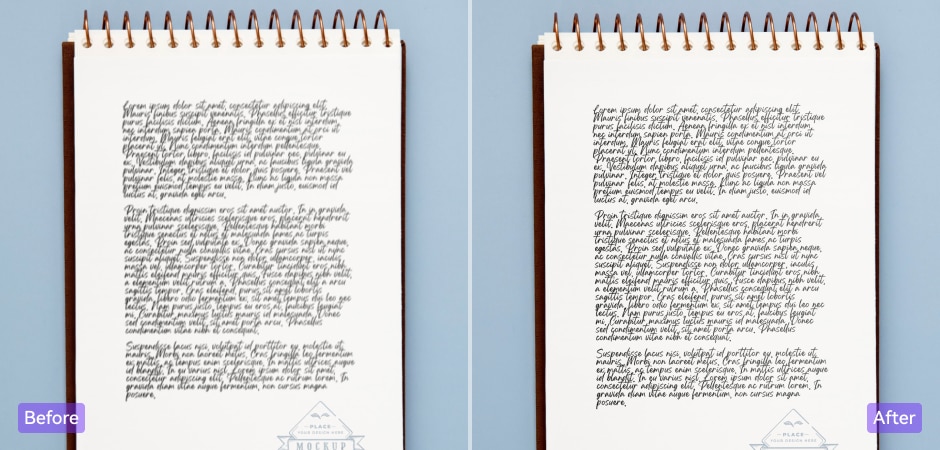
Students can now unblur handwritten notes, scanned textbooks, or lecture photos in seconds. The text enhancer in image tool refines every page for better readability and focus. It's great for organizing digital notes, revising lessons, or creating accessible materials that save time and reduce eye strain.
FAQs About Unblurring Text
How does the AI text enhancer work?
Can I unblur text online for free?
How to unblur text in an image on iPhone or Android?
Is it possible to fully recover extremely blurred text?
Can it unblur text from screenshots?
Will my images be stored or shared?