
Why Couples & Wedding Planners Choose UniConverter Wedding Monogram Maker
Create a wedding logo that matches your names, theme, and stationery needs. UniConverter helps you move from a simple prompt to elegant logo ideas online or on desktop.
Designer-Grade Wedding Logo Maker Output, Not Template Clichés
Every result starts from your prompt, so this wedding logo maker does not lock you into fixed templates. Add names, initials, colors, flowers, venue details, or typography direction to create a logo for your wedding that feels specific. Generate fresh wedding monogram, crest, or couple logo options until the design matches your stationery style.
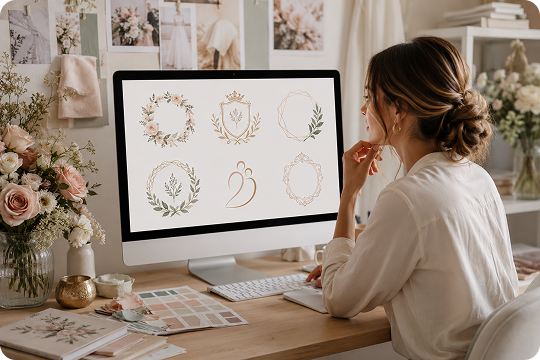
Fast AI Wedding Logo Generator from Idea to Download
Move from idea to download with a fast AI wedding logo generator. Type your names or initials, describe the style in your prompt, set the output details, and generate wedding logo options without design software. UniConverter helps you test elegant wedding logo ideas for invitations, signs, and wedding websites while planning details are still changing.
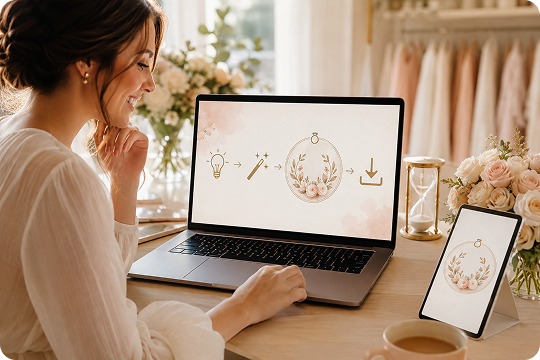
Wedding Logo AI Built for the Wedding Moment
UniConverter’s wedding logo AI works well when your prompt includes wedding-specific details, such as soft palettes, floral accents, crests, couple monograms, and elegant typography. This helps the result feel closer to a wedding logo design than a corporate badge. Describe your theme, season, and mood to guide the output with more control.
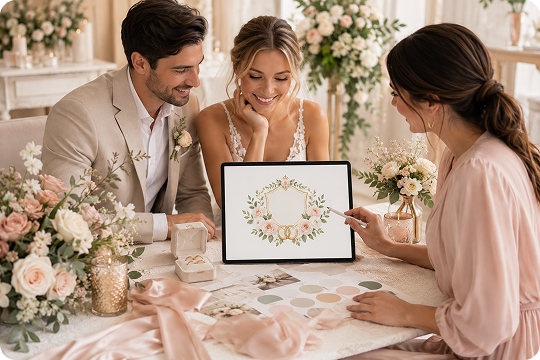
Wedding Logo Design Ready for Every Wedding Surface
Create one wedding logo design and adapt it for invitations, save-the-date cards, wedding websites, stories, signs, and printed details. Choose aspect ratio and resolution based on where the logo will appear. Export a transparent wedding logo PNG when you need clean overlays on photos, paper textures, menus, favor tags, or stationery pieces.
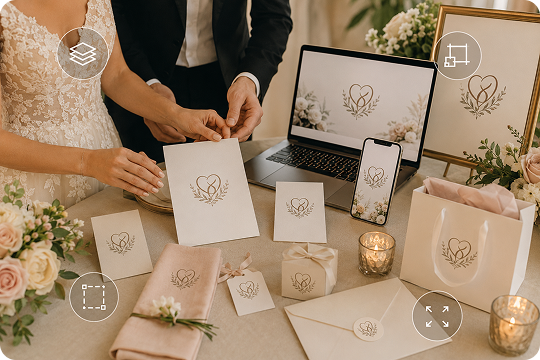
How to Create a Wedding Logo in 3 Steps

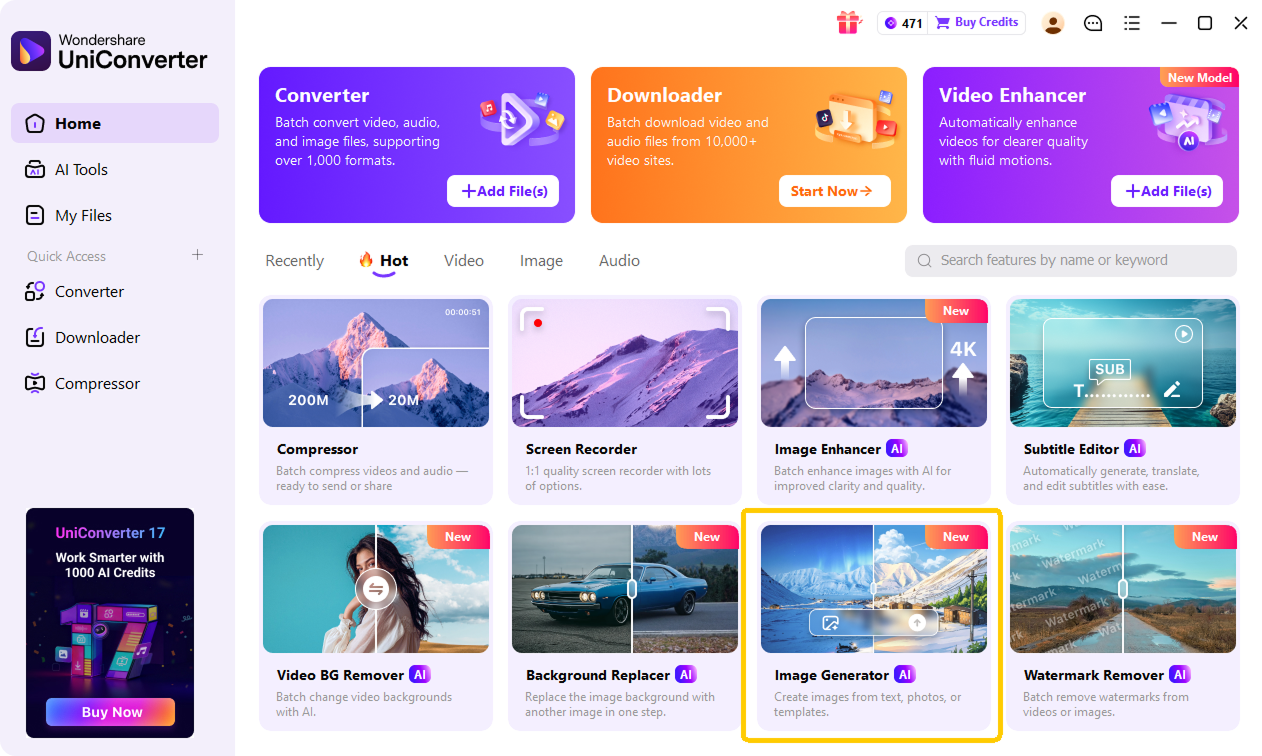
Open UniConverter’s AI Image Generator and start a new text-to-image creation. You can use it as a wedding logo maker online to create monograms, wedding crests, couple initials, and custom logo concepts from a written prompt.

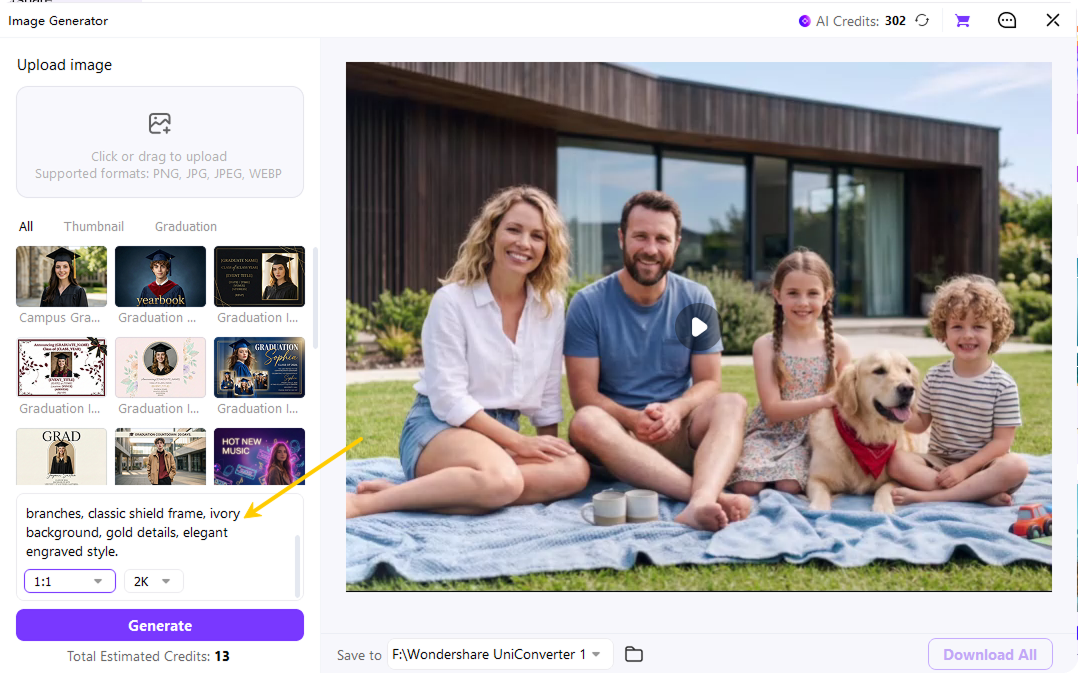
Type your wedding logo prompt with names, initials, date, colors, flowers, typography, and style details. Then choose the aspect ratio and resolution that fit your use case. Use a square layout for invitations and social profiles, a horizontal layout for a wedding website logo, or a vertical layout for stories.

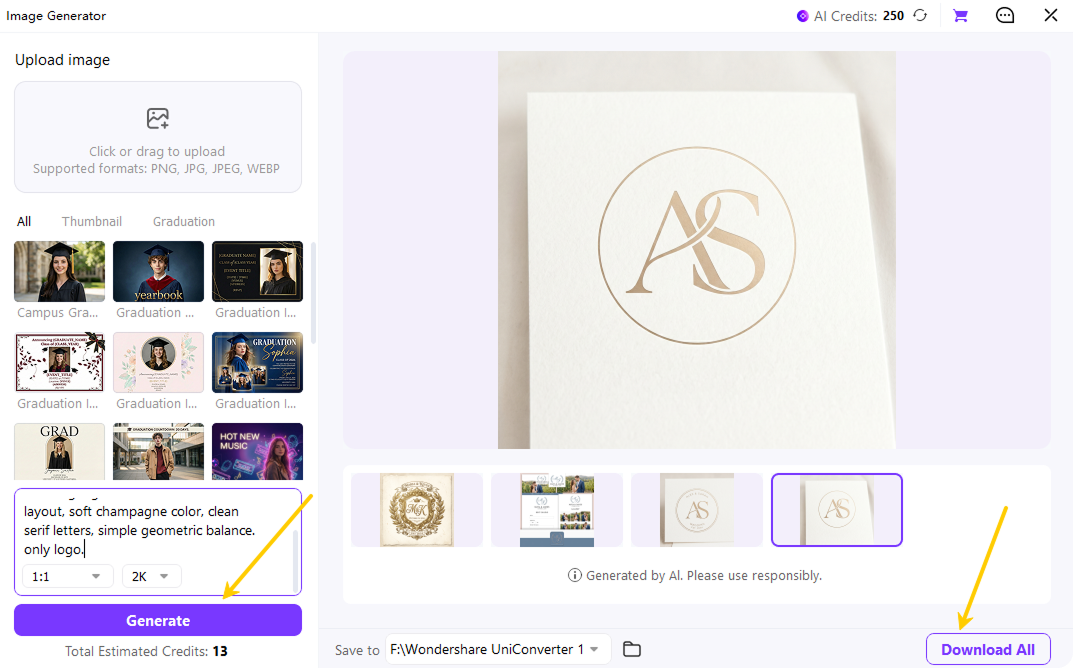
Click generate to create your AI wedding logo options. Review the results, adjust your prompt if needed, and download the design for invitations, save-the-date cards, welcome signs, menus, programs, websites, and social posts.
Want to turn a venue photo, flower image, or sketch into a wedding crest concept? Use UniConverter Desktop for advanced image-to-image creation.
Wedding Logo Maker Online or UniConverter Desktop
Create your wedding logo online for quick prompt-to-image generation, or use UniConverter Desktop when you want more control with reference images. Both options help you make a wedding logo that fits your names, style, and wedding materials.
| Feature | Online Wedding Logo Maker | UniConverter Desktop for Advanced Wedding Logo AI |
|---|---|---|
| Text-to-image wedding logo generation | Yes | Yes |
| Free to try online | Yes | Free trial |
| No sign-up needed to start | Yes | Yes |
| Upload reference images for image-to-image creation | No | Yes |
| Work with larger files and advanced creative workflows | Limited | Yes |
| Private desktop environment | No | Yes |
Use Your Wedding Logo for Invitations, Websites, Save-the-Dates & More


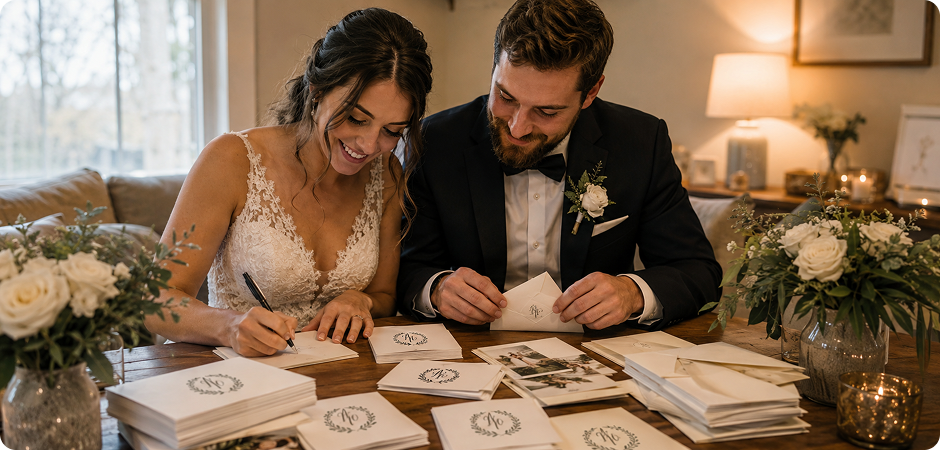
Wedding Website Logo for a Polished Event Page
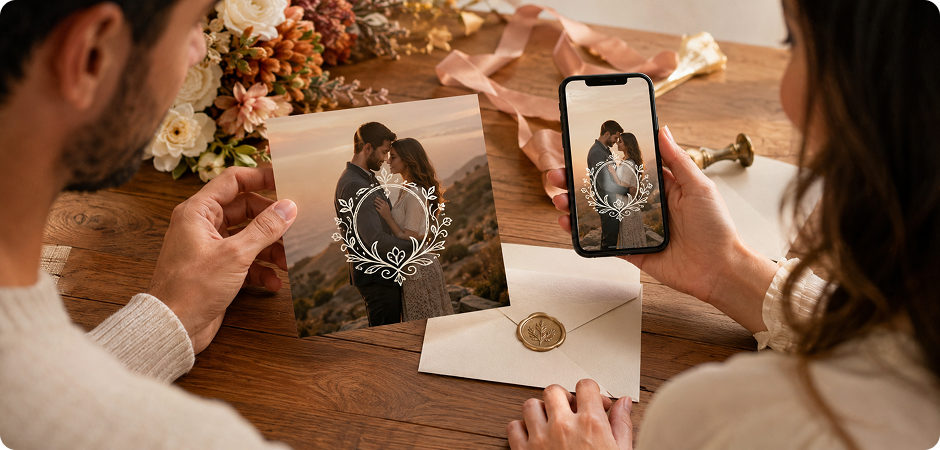
Use your AI wedding logo as the main visual mark on your wedding website. Add it to the header, RSVP page, gallery section, or footer seal to keep the page consistent. A wedding website logo with names or initials helps guests recognize your event at a glance. Use a horizontal version for banners and a square version for profile areas, favicons, or mobile layouts.
Save the Date Logo for Printed and Digital Cards
Create a save the date logo that introduces your wedding style early. A wedding monogram, crest, or couple initials logo can appear on printed cards, digital reminders, and social previews. Include your date, season, colors, and visual mood in the prompt to guide the AI wedding logo generator. Download a transparent wedding logo PNG, then place it over photos, paper textures, or simple color backgrounds.
Wedding Invitation Logo for a Cohesive Stationery Suite
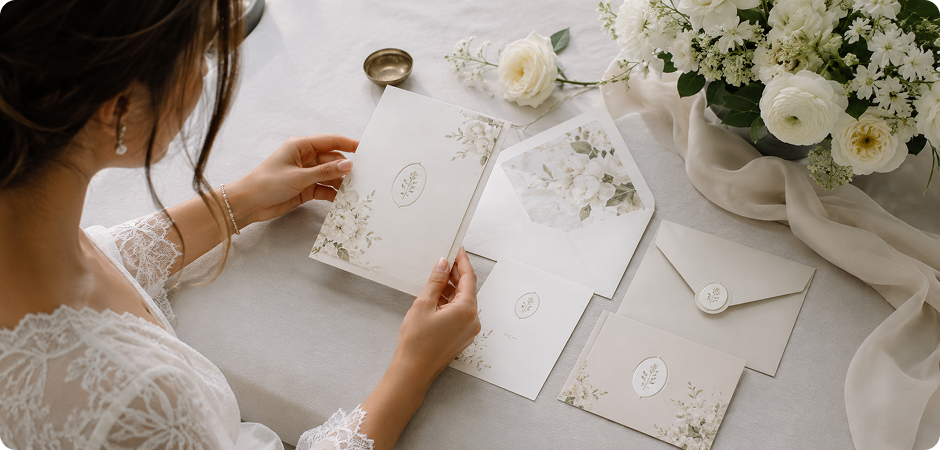
Design a wedding invitation logo that makes your stationery feel planned and personal. Add full names, initials, floral details, typography direction, and wedding colors to your prompt. UniConverter can generate wedding logo design ideas for invitation covers, RSVP cards, envelope liners, and detail inserts. Use a clean square or vertical layout so the mark stays readable beside script text, venue details, and decorative borders.
Wedding Crest Logo for Welcome Signs and Venue Decor
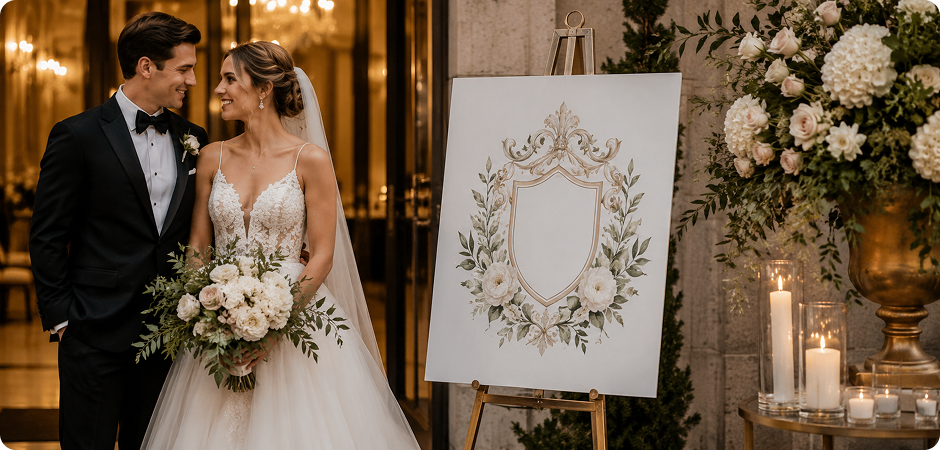
Use a wedding crest logo to greet guests with a polished visual cue. Place your crest, floral wedding monogram, or elegant couple logo at the top of a printed board, acrylic sign, or digital display. Include your names, date, venue style, and color palette in the prompt. Export a high-resolution wedding logo so the design stays clear on larger signs, seating charts, and photo booth backdrops.
Wedding Logo Design for Menus, Programs, and Table Cards
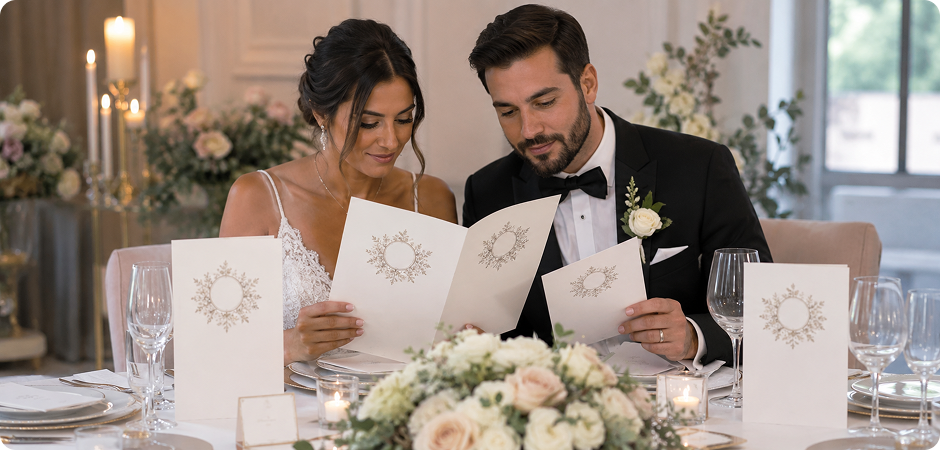
Carry your wedding logo design into menus and programs to connect each printed piece. Generate a minimalist wedding logo for the ceremony schedule, dinner menu, drink list, or table card. You can use initials for a simple mark or add a crest for a formal layout. Keep the same color palette across files, then export the design in a ratio that fits narrow covers or wide menu headers.
Wedding Monogram for Napkins, Favors, and Gift Tags
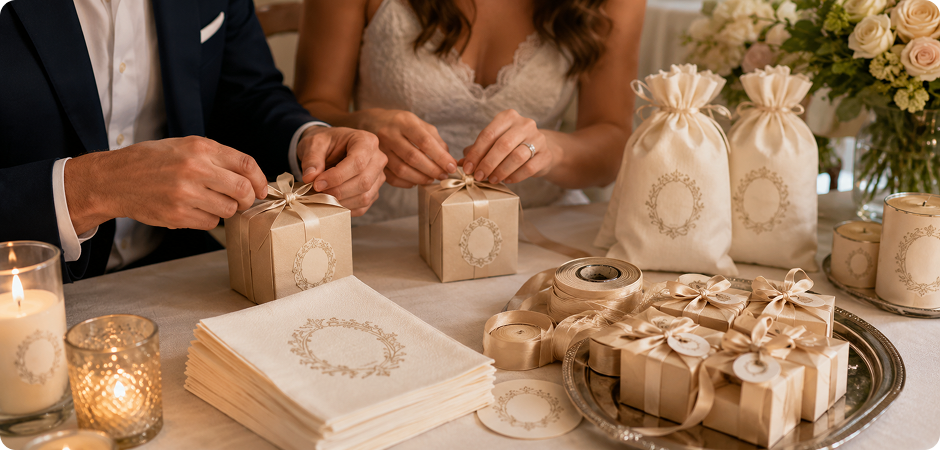
A small wedding monogram can make napkins, favor tags, and gift boxes feel coordinated without heavy decoration. Use the wedding monogram maker workflow to create initials, a floral frame, or a vintage wedding crest that prints clearly at small sizes. Test short prompts until the mark feels balanced for your print needs. Download the transparent wedding logo and place it on tags, stickers, ribbons, candle labels, or keepsake bags.
Couple Logo for Instagram Wedding Announcements
Use a couple logo to create a clean mark for Instagram wedding announcement posts. A modern wedding logo or initials-based design can sit over engagement photos, countdown graphics, or story templates. Prompt the AI with your names, date, colors, and preferred mood, then choose a square or vertical layout. Keep the design simple so it stays readable on mobile screens and matches your wedding website or invitation set.
Wedding Monogram Logo for Thank-You Cards
A wedding monogram logo helps the final note feel connected to the rest of your event. Reuse your wedding logo with names or generate a softer version for post-wedding stationery. Add your initials, date, and a simple line style to make the card warm and personal. A transparent wedding logo PNG works well on printed cards, email headers, and photo-based thank-you messages.
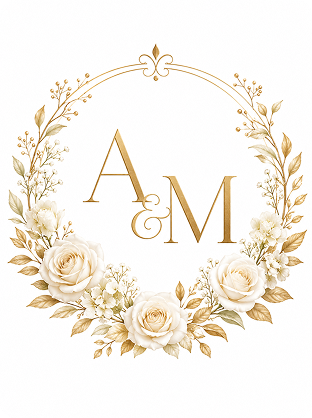
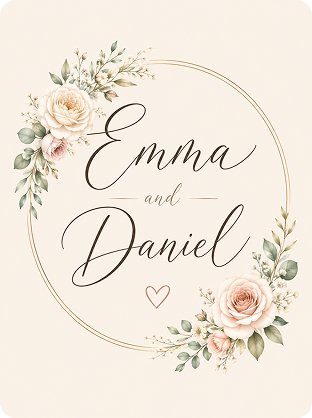
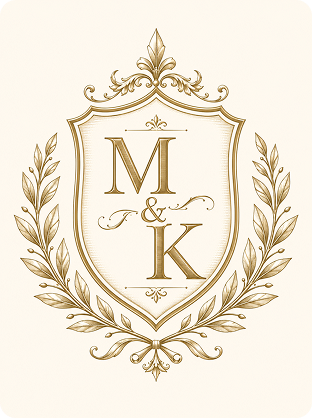
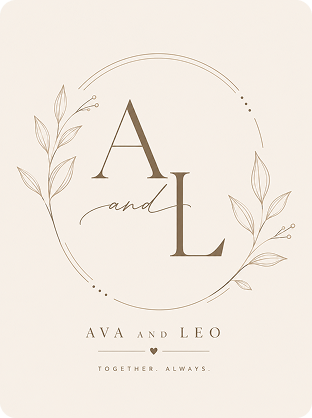
Wedding Logo Styles You Can Generate with AI
Wedding Logo Maker FAQs
Is the UniConverter wedding logo maker free?
Can I make a wedding logo with just our initials?
How do I create a specific wedding logo style?
What is the difference between a wedding logo and a wedding monogram?
What file format do I get?
Can I use my AI-generated wedding logo commercially?
Do I need to sign up?
Can I make a wedding crest with our venue or flowers?
What aspect ratio should my wedding logo be?
More Than a Wedding Logo Maker
Explore More AI Tools in UniConverter



Create Your Wedding Logo Free with UniConverter
Your names, your style, generated in seconds. Use UniConverter’s free AI wedding logo maker to create wedding monograms, crests, and couple initials for invitations, websites, save-the-date cards, signs, and more.
