
Why UniConverter Is the Best Free Coat of Arms Maker
Text-to-Crest Coat of Arms Creator
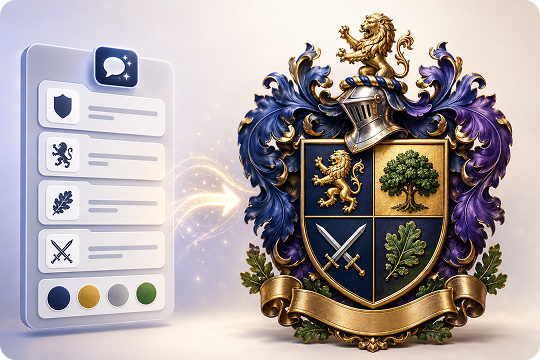
Type your surname, motto, symbols, and preferred colors, and UniConverter turns them into a polished heraldic shield in seconds. This coat of arms creator uses text-to-image AI, so you can build a family crest without drawing skills. Add details like a lion rampant, oak tree, crossed swords, or a motto ribbon to guide the result.
Online and Desktop Coat of Arms Maker
Use UniConverter as a free online coat of arms maker in your browser, or download the desktop app for Windows and Mac. The online version is helpful for quick ideas and fast previews. The desktop version gives you more control for high-volume creation, offline work, and print-ready crest projects.
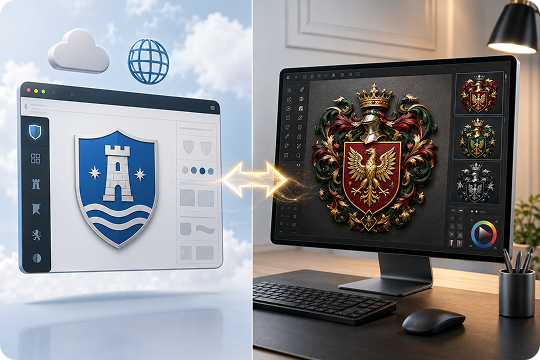
Image-to-Image Family Crest Designer
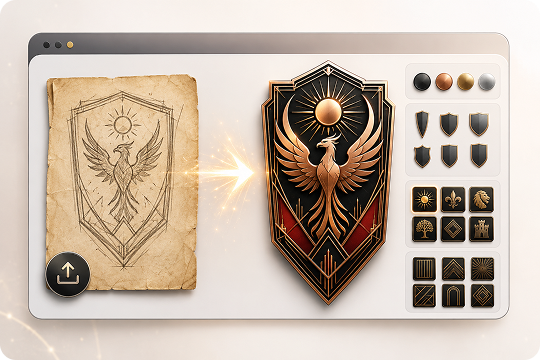
Already have an old sketch, family shield, or rough emblem? Upload it to UniConverter desktop and use image-to-image AI to restyle or refine it. This family crest designer can help modernize faded artwork, clean up a hand-drawn sigil, or explore a new heraldic look while keeping your original concept visible.
4K High-Resolution Crest Export
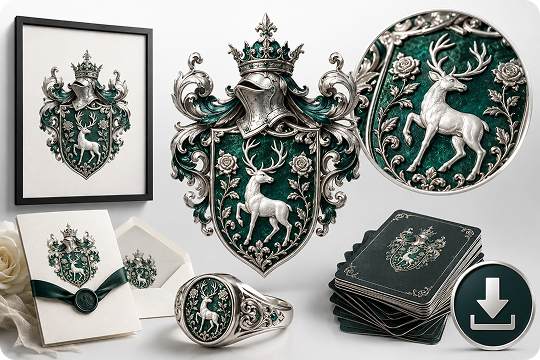
Download your family crest art in 1K, 2K, or 4K resolution, depending on your plan and workflow. High-resolution output helps when you need clean details for wall art, wedding stationery, printed invitations, or signet ring design references. You can create a coat of arms that looks sharp across digital and print formats.
Prompt-Based Heraldic and Modern Crest Styles
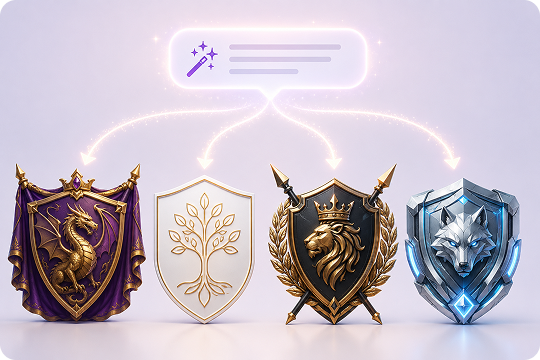
UniConverter does not lock you into fixed style presets. Instead, you can guide the crest generator through your prompt. Describe a medieval shield, royal dragon banner, minimalist monogram, gold foil emblem, parchment heraldry, or 3D render. Clear style words help the AI coat of arms maker create a look that matches your project.
Free to Try, No Design Skills Needed
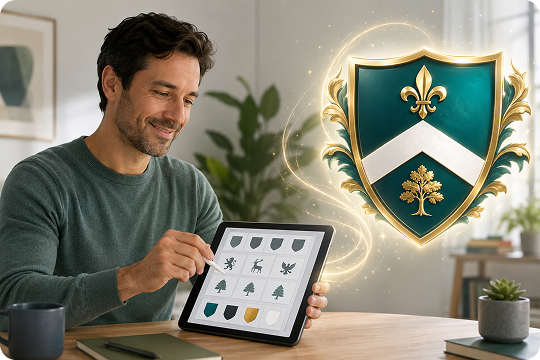
Start with UniConverter’s coat of arms maker free and test your first ideas without a complex design setup. You can describe what you want in plain English and let AI handle the visual structure. It is a simple crest maker for beginners, creators, planners, and anyone who wants to design a family crest faster.
Family Crest Maker for Every Style — Medieval to Modern
Explore different coat of arms styles by writing clear prompts. UniConverter does not provide fixed style presets, but you can describe the look you want in detail. Use the prompts below to create your own family crest, heraldic shield, or modern crest design with AI.
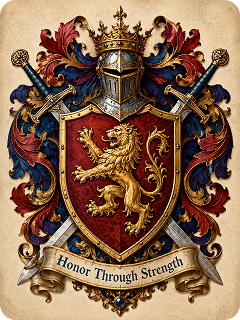
Classic Medieval Coat of Arms
Create a classic medieval coat of arms for an ancient noble family. Use a bold heraldic shield, a gold lion rampant, crossed swords, red and royal blue colors, ornate mantling, and a motto ribbon that says “Honor Through Strength.” Make it look traditional, noble, and suitable for a family crest.
Copy Prompt Create Similar Image ↗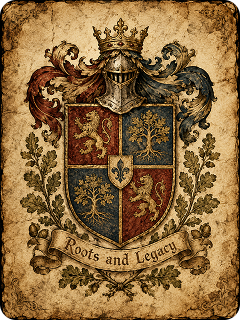
Antique Parchment Heraldry
Design an antique parchment-style family crest for an old European family. Use an aged paper background, hand-drawn heraldic lines, a vintage shield, oak leaves, a small crown, and a motto ribbon that says “Roots and Legacy.” Keep the colors muted with gold, brown, deep red, and faded blue tones.
Copy Prompt Create Similar Image ↗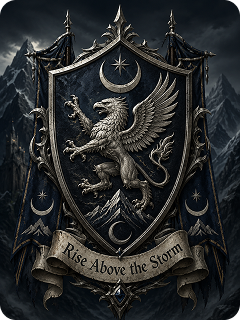
Fantasy Noble House Sigil
Create a fantasy noble house sigil for a powerful mountain kingdom. Use a dark heraldic shield, a silver griffin, crescent moon symbols, sharp ornamental details, and a dramatic motto ribbon that says “Rise Above the Storm.” Make the coat of arms feel mysterious, ancient, and suitable for a fantasy family crest.
Copy Prompt Create Similar Image ↗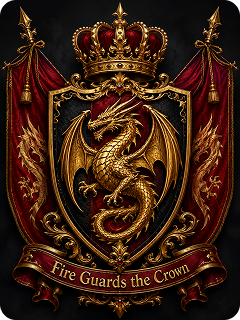
Royal Dragon Banner Crest
Generate a royal dragon coat of arms for a legendary ruling house. Use a black and crimson shield, a golden dragon, a crown above the crest, luxury metallic details, and a banner with the motto “Fire Guards the Crown.” Make it bold, powerful, and suitable for a noble family emblem.
Copy Prompt Create Similar Image ↗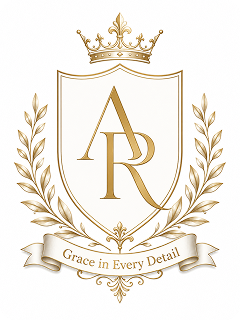
Elegant Monogram Crest
Create an elegant monogram family crest with the initials A and R. Add a clean shield shape, thin gold lines, laurel branches, a simple crown, and a motto ribbon that says “Grace in Every Detail.” Keep the style refined, minimal, and suitable for wedding stationery or personal branding.
Copy Prompt Create Similar Image ↗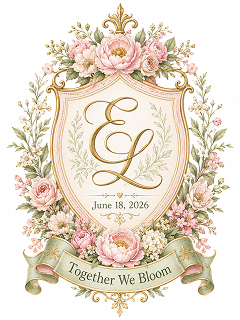
Wedding Family Crest
Design a romantic wedding family crest for a spring garden wedding. Use soft flowers, intertwined initials E and L, a delicate shield, pastel pink and sage green colors, gold accents, and the wedding date “June 18, 2026.” Add a motto ribbon that says “Together We Bloom.” Make it elegant for invitations, menus, and ceremony signs.
Copy Prompt Create Similar Image ↗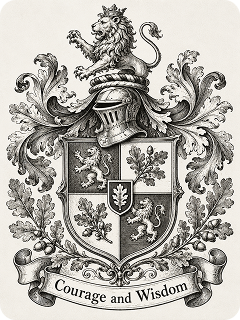
Engraved Heraldic Print
Create an engraved heraldic print of a coat of arms for a heritage-inspired family design. Use black-and-white linework, a detailed shield, a lion, oak leaves, ornamental mantling, and a motto ribbon that says “Courage and Wisdom.” Make it look like a traditional etched family crest for wall art.
Copy Prompt Create Similar Image ↗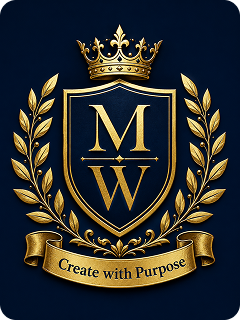
Gold Foil Emblem on Navy
Design a gold foil family crest on a deep navy background for a luxury personal brand. Use a clean heraldic shield, the initials M and W, a small crown, laurel branches, and a motto ribbon that says “Create with Purpose.” Make the emblem look polished, elegant, and suitable for premium invitations or branding.
Copy Prompt Create Similar Image ↗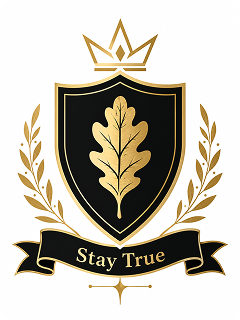
Minimal Modern Crest
Create a minimal modern coat of arms for a contemporary family emblem. Use a simple shield, clean geometric lines, a single oak leaf icon, and a short motto that says “Stay True.” Keep the color palette simple with black, white, and gold for a modern crest design.
Copy Prompt Create Similar Image ↗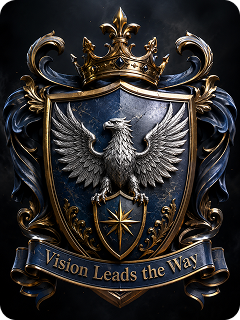
Cinematic 3D Heraldic Emblem
Generate a cinematic 3D heraldic emblem for a heroic family crest. Use a metallic shield, a silver eagle, deep shadows, dramatic lighting, gold details, and a motto ribbon that says “Vision Leads the Way.” Make the coat of arms look bold, realistic, and suitable for digital banners or video intros.
Copy Prompt Create Similar Image ↗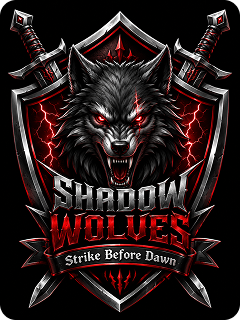
Gaming Clan Sigil
Create a gaming clan sigil for a team called Shadow Wolves. Use a sharp shield shape, a fierce wolf head, crossed swords, lightning details, and high-contrast colors like black, red, and silver. Add a banner with the motto “Strike Before Dawn.” Make it suitable for an esports team logo or Discord avatar.
Copy Prompt Create Similar Image ↗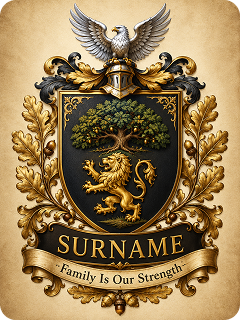
Surname Gift Crest
Design a personalized surname gift crest for a warm family heritage theme. Use a classic shield, an oak tree, a gold lion, a silver eagle, warm gold accents, and a motto ribbon that says “Family Is Our Strength.” Make it suitable for framed wall art, family gifts, or home decor.
Copy Prompt Create Similar Image ↗How to Make a Coat of Arms with AI in 3 Steps
You can make a coat of arms with UniConverter in a few simple steps. Start with a text prompt, generate several crest ideas, then refine the best result.

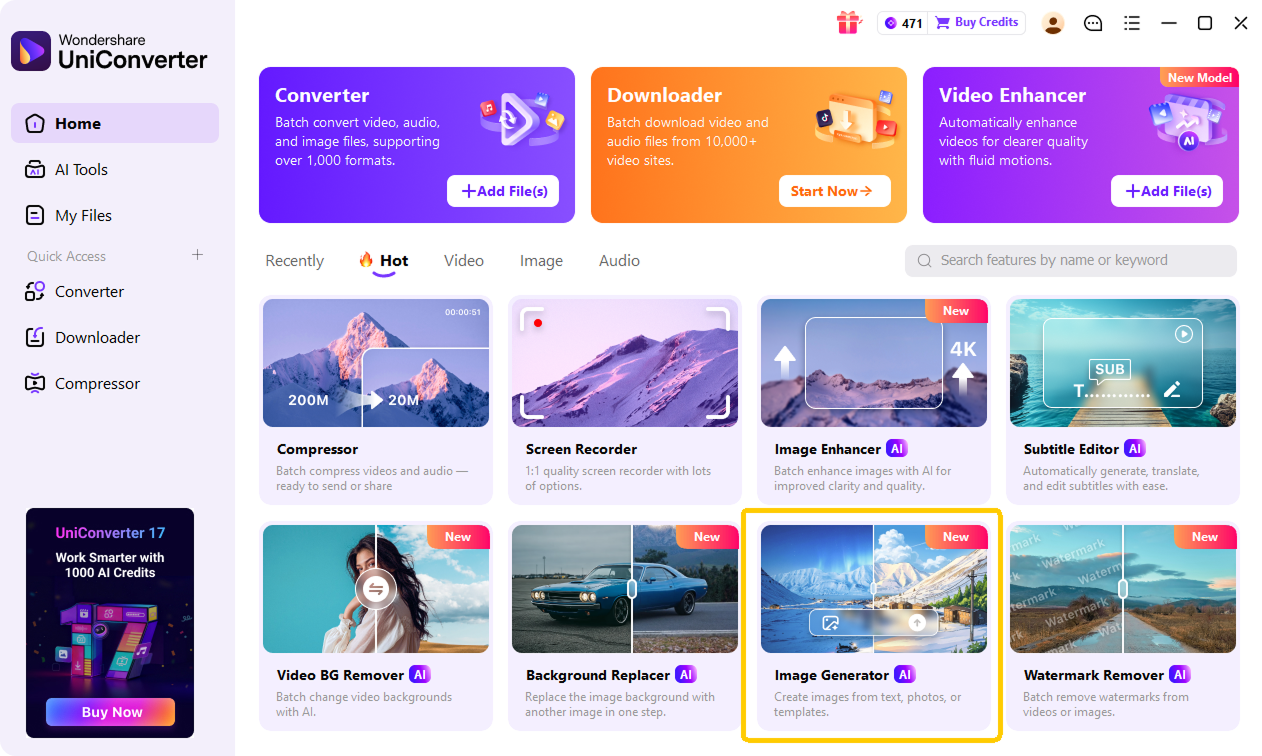
Visit UniConverter online, or launch the desktop app on Windows or Mac. Open AI Tools and choose Text to Image. On desktop, you can also choose Image to Image if you want to refine an existing crest, sketch, or emblem.

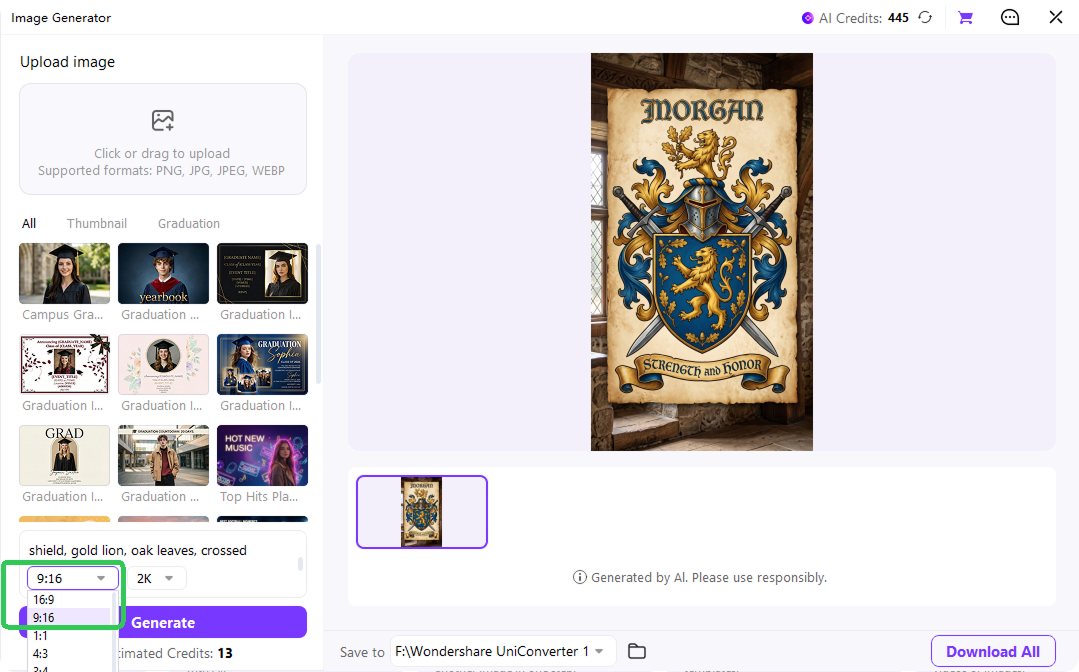
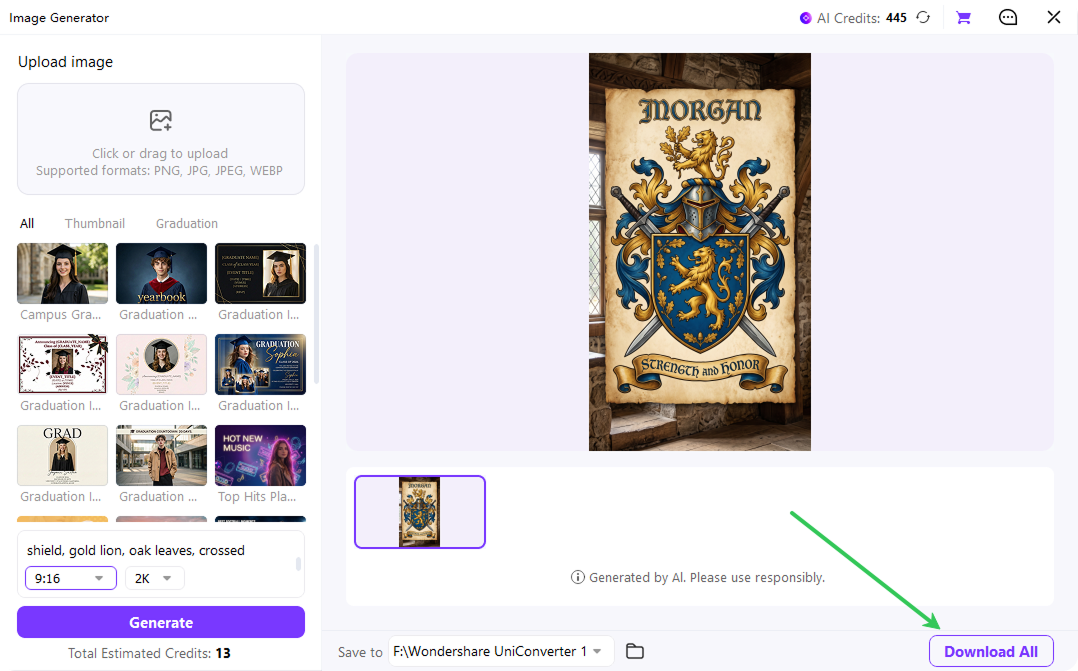
Describe your surname, symbols, shield shape, motto, colors, and style. For example: "Create a medieval family coat of arms for the surname Morgan, with a blue shield, gold lion, oak leaves, crossed swords, and the motto ‘Strength and Honor’ on a ribbon." Set the aspect ratio and resolution before generating. Clear details help the AI create a stronger coat of arms.

Click Generate to create your crest ideas. Try another prompt, change the style, or adjust symbols until the design fits your purpose. Download your family crest in 1K, 2K, or 4K resolution.
Online vs Desktop: Which Coat of Arms Generator Is for You?
UniConverter gives you two ways to create a coat of arms. Use the online coat of arms maker for quick ideas and browser-based creation. Choose the desktop version when you need image-to-image, higher resolution, offline access, or more production control.
| Feature | Online Free Coat of Arms Maker | Desktop for Windows/Mac |
|---|---|---|
| Text-to-Image | Yes | Yes |
| Image-to-Image | No | Yes |
| Max Resolution | Up to 2K | Up to 4K |
| Works Offline | No | Yes |
| Best For | Quick crest ideas | Print-ready output |
| Pricing | Free | Free trial / Pro |
The online version is a helpful starting point when you want to make a coat of arms free. The desktop app is better when you need to refine an existing crest, generate more versions, or prepare high-resolution artwork.
Coat of Arms Use Cases & Inspiration
Family Crest Maker for Reunion Keepsakes
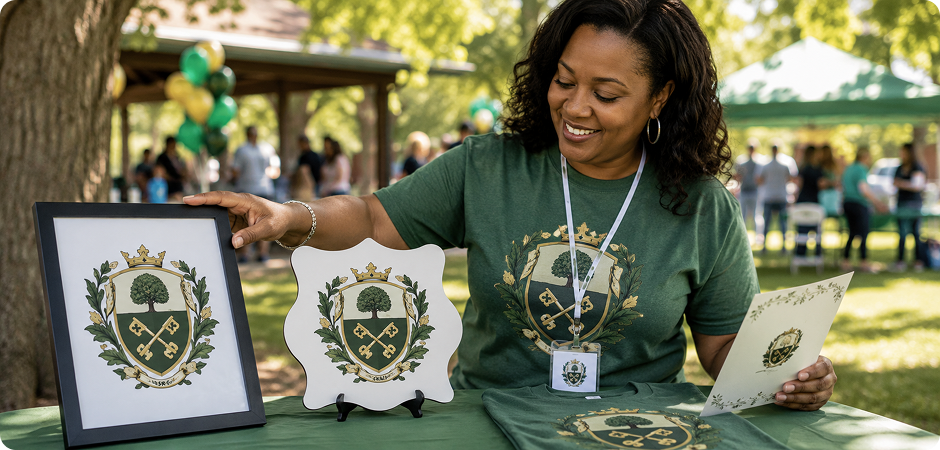
Use a family crest maker to create a shared emblem for your next reunion. Add your surname, motto, and symbols that reflect your family story, such as an oak tree for strength or crossed keys for heritage. You can place the coat of arms on welcome signs, programs, T-shirts, name badges, or framed keepsakes. It gives every guest a visual reminder of the event and a design your family can reuse.
Wedding Family Crest for Invitations and Stationery
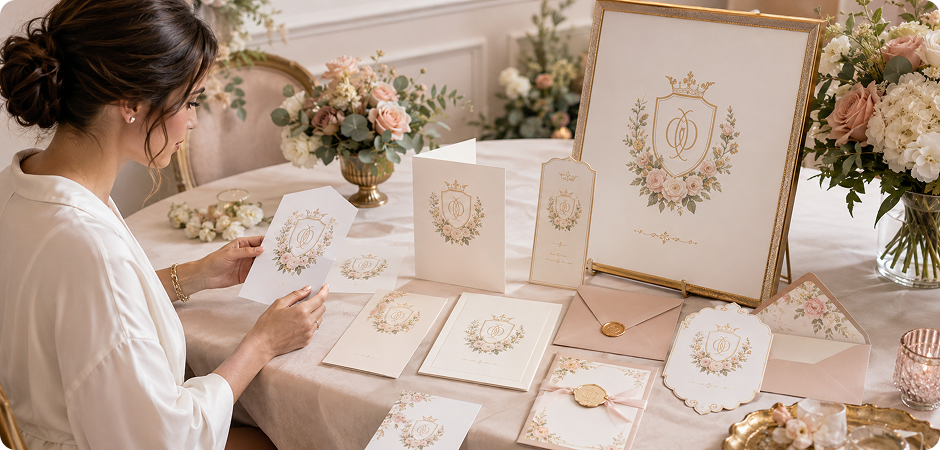
Create a family crest for wedding invitations, save-the-date cards, menus, envelopes, and ceremony signs. A wedding crest can combine initials, flowers, a date, and soft heraldic details. Use UniConverter’s coat of arms designer to explore elegant monogram prompts, gold foil effects, or classic shield layouts. The design can help your stationery feel more personal and consistent across print pieces, digital invites, event decor, and thank-you cards.
Online Coat of Arms Maker for Gaming Clan Logos
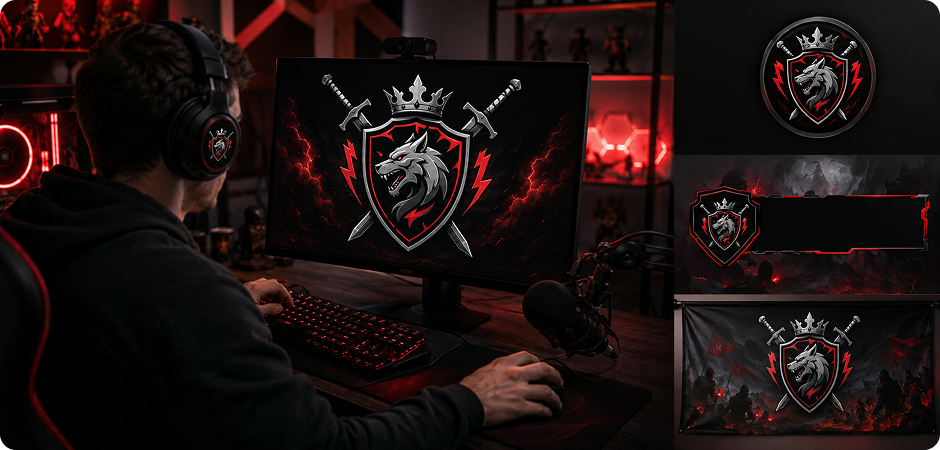
Build a coat of arms online for a gaming clan, esports team, or role-playing group. Use symbols like dragons, wolves, swords, shields, lightning, or crowns to show your group’s style. A strong gaming clan sigil can work as a profile icon, stream overlay, Discord banner, or tournament emblem. Try high-contrast colors and simple shapes so the crest stays clear at small sizes when players see it in game lists or social feeds.
Crest Creator for a Personal Brand Emblem
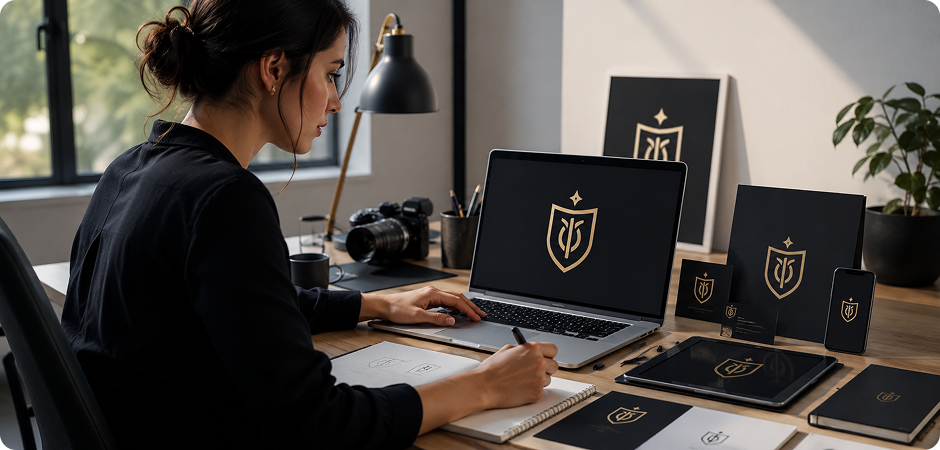
Use a crest creator to design a personal brand emblem for your website, portfolio, newsletter, or social profile. A modern coat of arms can combine initials, a motto, and simple symbols that match your work. Choose a minimalist shield, monogram crest, or engraved mark for a professional look. It can help you build a consistent identity across digital channels while keeping the design memorable and easy to recognize at a glance.
Family Crest Generator for Wall Art and Gifts
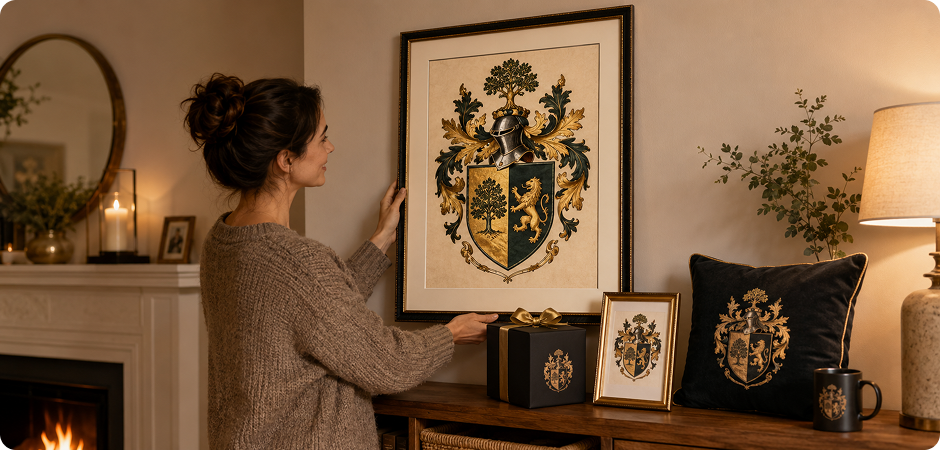
Make your own family crest and turn it into wall art, a framed print, or a thoughtful home decor gift. Add a surname, motto, meaningful color palette, and classic heraldic elements. A family crest generator helps you test visual ideas before printing. High-resolution export can preserve details for decor pieces, birthday gifts, housewarming presents, or holiday artwork that feels personal for every family member to enjoy.
Coat of Arms Creator for Signet Ring References
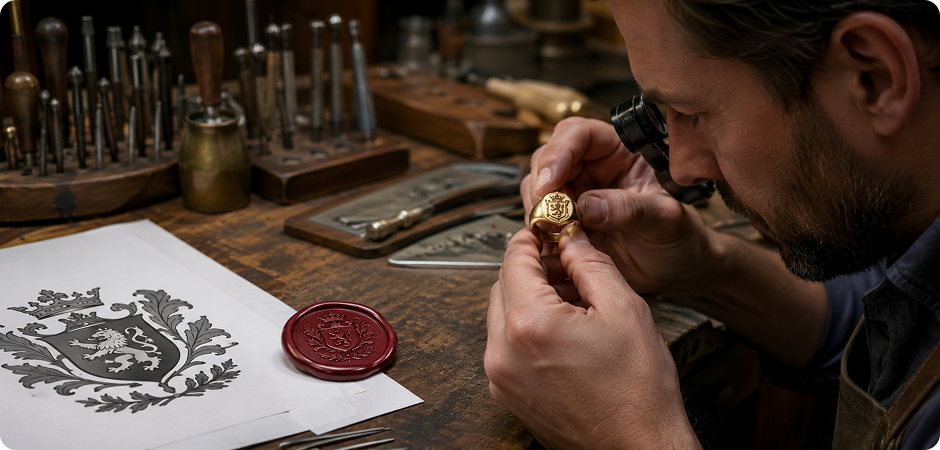
Use the coat of arms creator to make a visual reference for a signet ring, wax seal, or engraved accessory. Focus on bold shapes, clean lines, and symbols that remain clear at a small size. A shield, monogram, crown, lion, or oak leaf can work well. Export a high-resolution image, then share it with an engraver or designer as a starting point for production guidance and more accurate material planning later.
Free Family Crest Maker for Kids’ Heraldry Projects
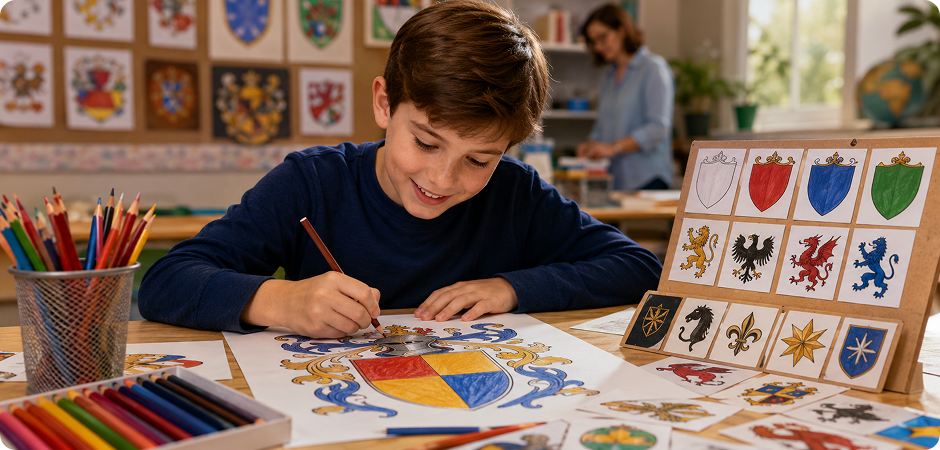
A free family crest maker can help students learn heraldry in a visual and creative way. Children can choose a shield shape, colors, animals, symbols, and a motto that represent their values or family story. Teachers can use this for history, art, or identity projects. UniConverter makes the process easier because students can describe ideas in words and see quick visual results for class presentations, posters, or group discussions too.
Coat of Arms Generator for Social Media Avatars and Banners
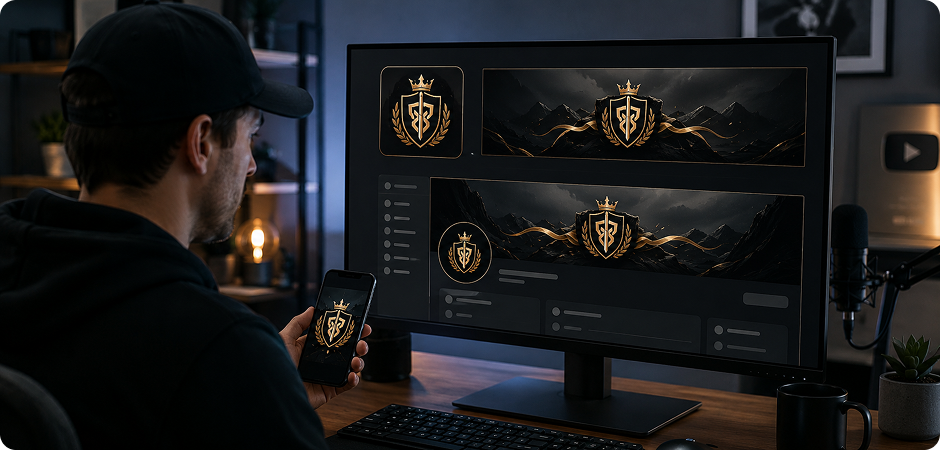
Create your own coat of arms for a social media avatar, profile banner, community page, or creator channel. A crest can make your profile feel distinctive without using a photo. Try a square emblem for avatars and a wider banner layout for headers. Use strong contrast, readable initials, and simple symbols so the design looks clear on mobile screens, profile grids, and dark-mode interfaces, where small details often disappear quickly.
What Users Say About
Our Family Crest Generator
FAQs about Coat of Arms Maker
How do I make my own coat of arms with AI?
Is the UniConverter coat of arms maker free?
What is the difference between a coat of arms and a family crest?
Is there an official coat of arms for my surname?
Can I create a family crest on my phone?
What resolution can I download my family crest in?
Can I use my AI-generated coat of arms commercially?
Online vs desktop: which coat of arms generator should I pick?
Can I edit or refine an existing crest image?
What symbols and colors should I include in my crest?
More Than a Family Crest Maker
Explore More AI Tools in UniConverter



Ready to Design Your Family Crest?
Bring your surname, motto, symbols, and colors together with UniConverter’s AI coat of arms maker. Start online for quick ideas, or use the desktop app when you need image-to-image refinement and higher-resolution exports.
