
Fiery Text Effects Gallery — Fire Text Generator Examples Made with AI
Browse 10 styles made with UniConverter's AI fire text generator. Click any preview to remix the look with your own words. Start with a fire text generator online free, then export your result as PNG, GIF, or MP4.
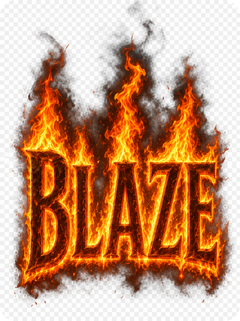
Realistic Fire Text Effect
Create realistic fire text that says “BLAZE,” with bright orange flames, glowing embers, dark smoke, and a transparent background for a cinematic title design.
Copy Prompt Create Similar Text ↗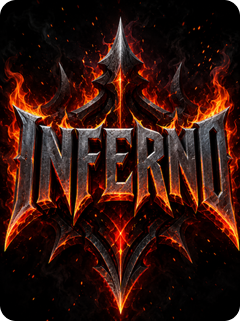
3D Fire Text Gaming Logo
Generate 3D fire text that says “INFERNO,” with metallic letters, sharp flame edges, ember sparks, and a bold gaming logo style on a dark background.
Copy Prompt Create Similar Text ↗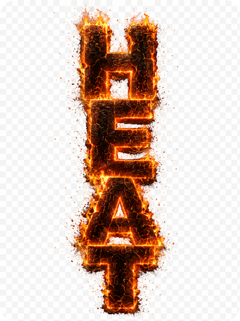
Burning Text PNG with Transparent Background
Create burning text that says “HEAT,” with scorched letter edges, glowing cracks, rising sparks, and a clean transparent background for easy design placement.
Copy Prompt Create Similar Text ↗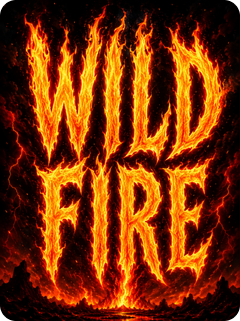
Flames Font Poster Design
Design flames font text that says “WILD FIRE,” with tall flame shapes, warm glow, and poster-ready contrast for a concert or event flyer.
Copy Prompt Create Similar Text ↗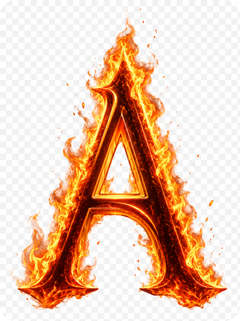
Fire Letter Generator Monogram
Create a single fire letter “A” as a monogram, with realistic flame wrapping, ember particles, and a polished logo-style finish on a transparent background.
Copy Prompt Create Similar Text ↗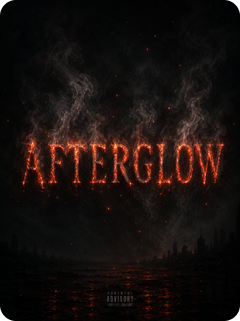
Ember and Smoke Text Effect
Generate ember and smoke text that says “AFTERGLOW,” with soft gray smoke, red-hot edges, fading sparks, and a moody album cover style.
Copy Prompt Create Similar Text ↗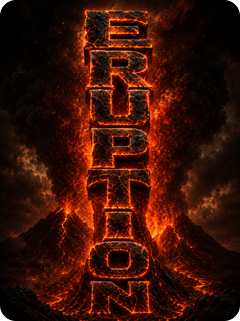
Lava Magma Text Effect
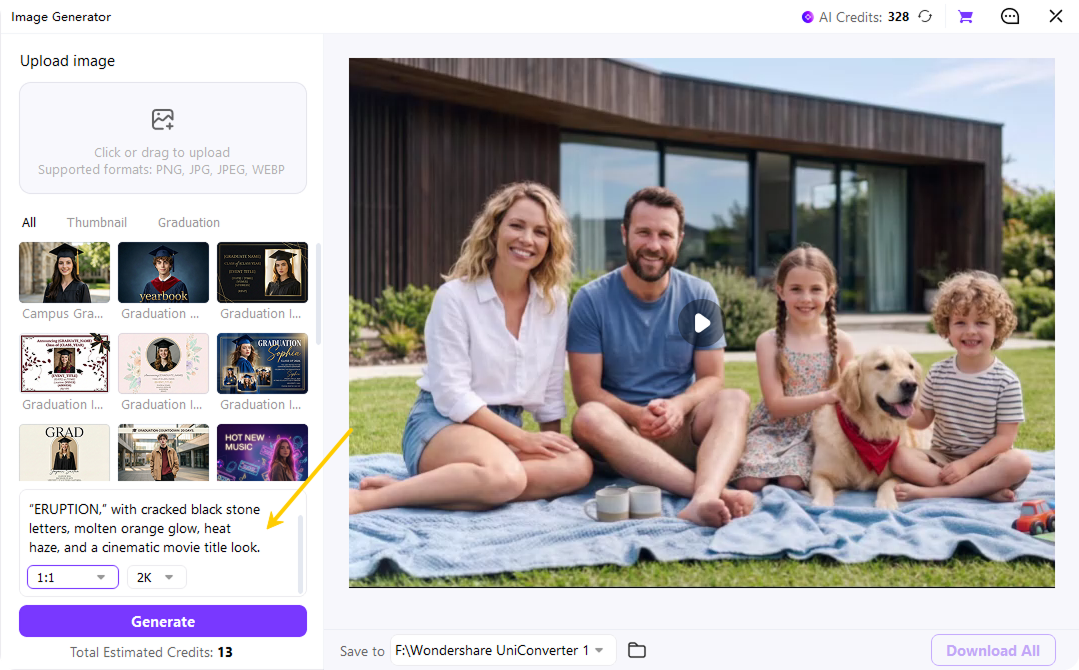
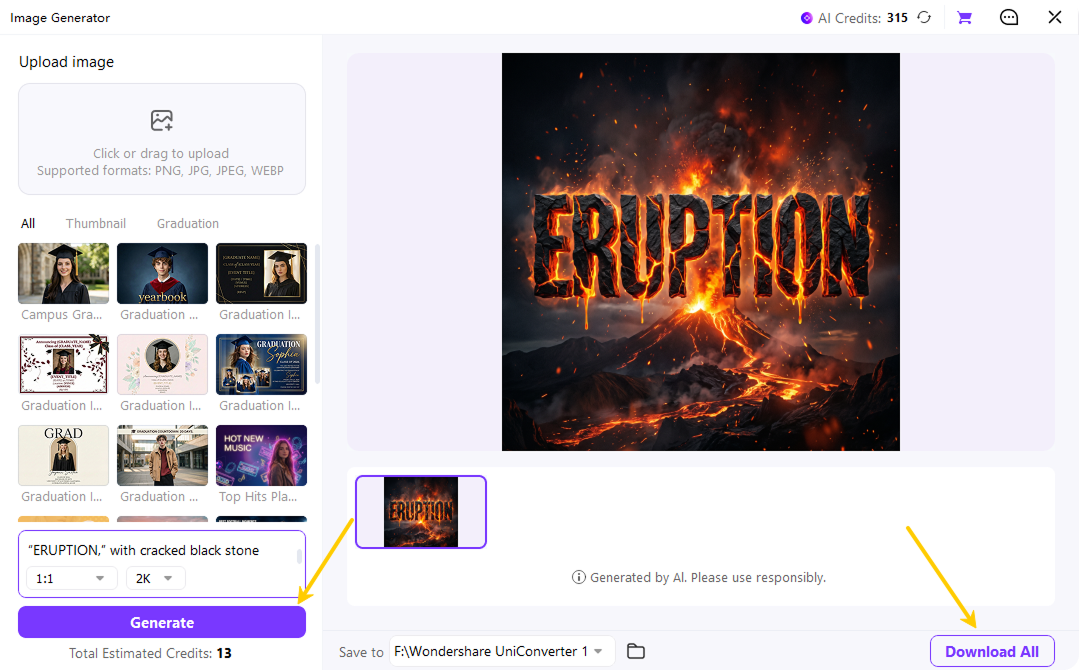
Create lava magma text that says “ERUPTION,” with cracked black stone letters, molten orange glow, heat haze, and a cinematic movie title look.
Copy Prompt Create Similar Text ↗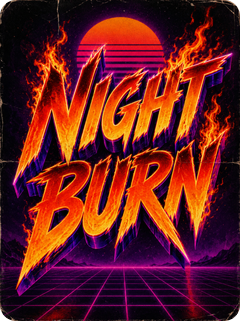
Retro 80s Fire Text Effect
Design retro fire text that says “NIGHT BURN,” with 80s neon highlights, purple shadows, orange flames, and a vintage poster background.
Copy Prompt Create Similar Text ↗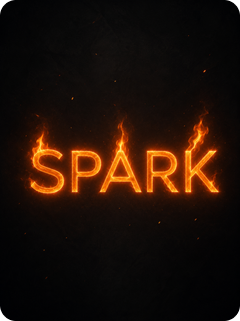
Minimal Glowing Fire Text
Create minimal glowing fire text that says “SPARK,” with clean letterforms, soft orange glow, small flame accents, and a modern social media layout.
Copy Prompt Create Similar Text ↗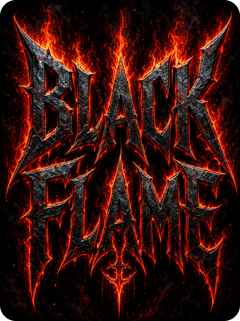
Heavy Metal Burning Letters
Generate heavy metal burning letters that say “BLACK FLAME,” with sharp edges, dark steel texture, red-hot cracks, and intense flame highlights.
Copy Prompt Create Similar Text ↗Why Creators Choose UniConverter as Their Fire Text Generator
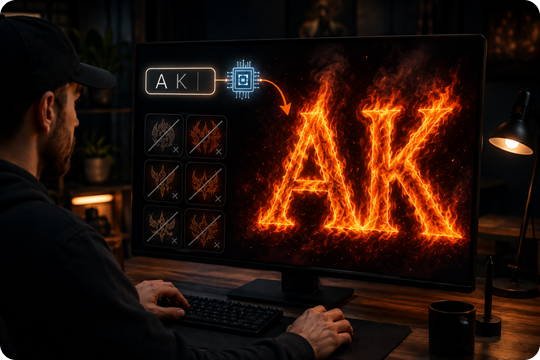
True AI Fire Text, Not Static Templates
UniConverter works as an AI fire text generator, so your letters are rendered from your input instead of placed under a fixed overlay. You can type any word, choose the fire style, and get a custom result with flame, smoke, glow, and ember details. This gives each fiery text generator output a cleaner fit for your project.
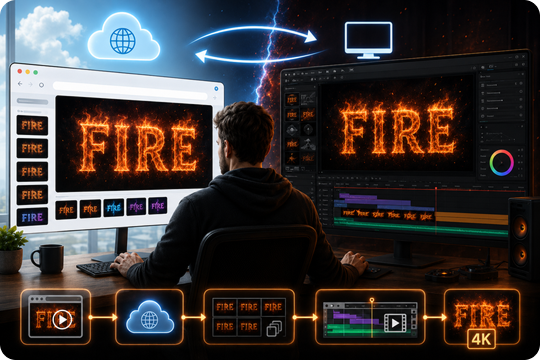
Online and Desktop Fire Text Generator
Start with the fire text generator online free when you need a quick preview in your browser. Move to the desktop app when you want 4K export, batch rendering, or longer video workflows. Your styles and assets stay easy to manage, so you can create flaming text for quick posts or larger campaigns without changing tools.
Transparent PNG Export for Clean Design Placement
Export your fire text PNG transparent file in one click and place it on thumbnails, posters, banners, or merch mockups. The transparent background helps your burning text generator output blend with dark, bright, or textured scenes. You can skip manual cutouts and spend more time adjusting layout, scale, and contrast.
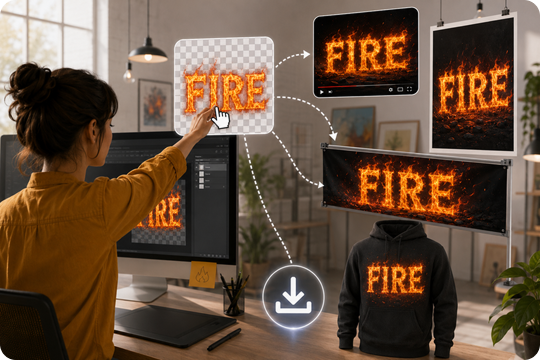
No Photoshop Needed for Burning Text Effects
Create burning text effects without Photoshop, Illustrator, or complex layer settings. UniConverter keeps the process simple: type your text, pick a style, generate, and export. This workflow helps creators, marketers, and small teams produce fire text for social posts, videos, and branding assets while keeping edits direct and easy to repeat.
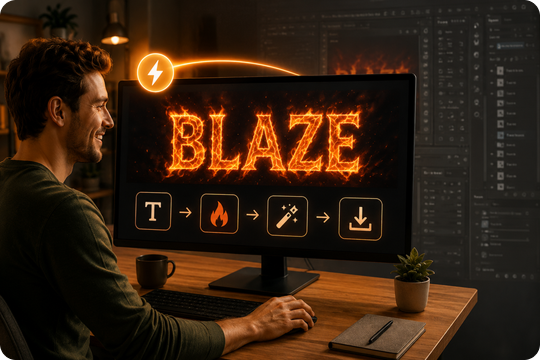
How to Create Flaming Text with UniConverter
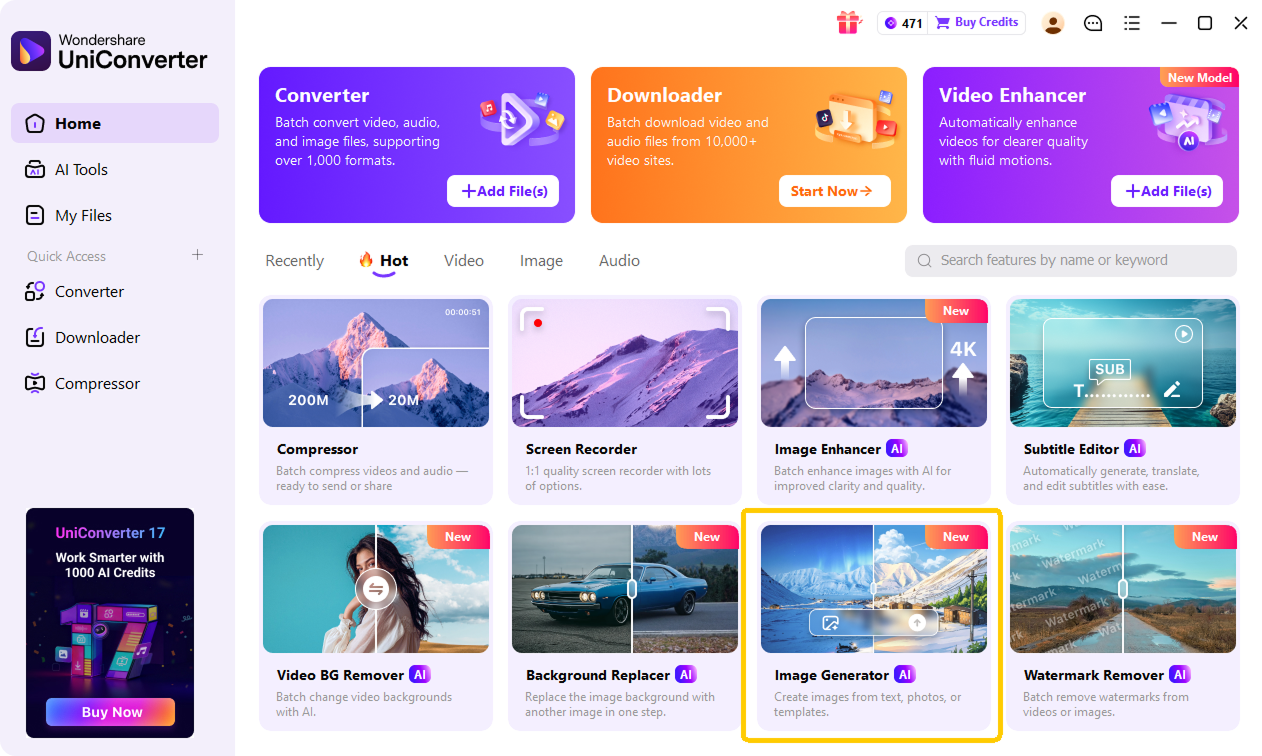
You can create flaming text with UniConverter's AI Image Generator in three simple steps. Enter a clear prompt, choose the right aspect ratio and output resolution, then generate and download your fire text image for thumbnails, posters, logos, social posts, or video projects.

Launch UniConverter and open the AI Image Generator. This is where you can turn a text prompt into a custom fire text image. You do not need Photoshop or advanced design tools. Start from a blank prompt box, then describe the flaming text style you want to create.

Type a detailed prompt for your fire text, such as the words you want to show, the flame style, background, glow, smoke, or ember details. Then choose the aspect ratio that fits your project, such as square for social posts or wide for thumbnails. Select the output resolution before generating.

Click Generate and let UniConverter create your flaming text image. Review the result, then download the image when it matches your project needs. You can use the final fire text in YouTube thumbnails, Twitch banners, posters, album covers, product visuals, or other creative designs.
Creative Ways to Use UniConverter's Flaming Text Generator
Create Fiery Text for YouTube and Twitch Thumbnails
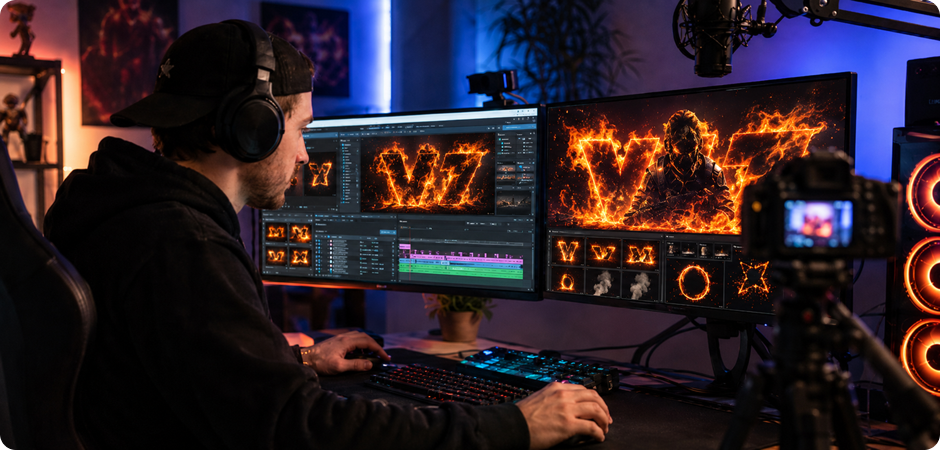
Use the fiery text generator to build bold titles for thumbnails, stream covers, and intro frames. Type your channel phrase, choose a burning or ember style, and export a transparent PNG for your video editor. You can create flaming text for reaction videos, game highlights, product reviews, or live alerts without opening Photoshop. The result helps your title match fast-paced content while staying easy to read on mobile, desktop, and TV screens.
Design Fire Text for Gaming Logos and Esports Banners
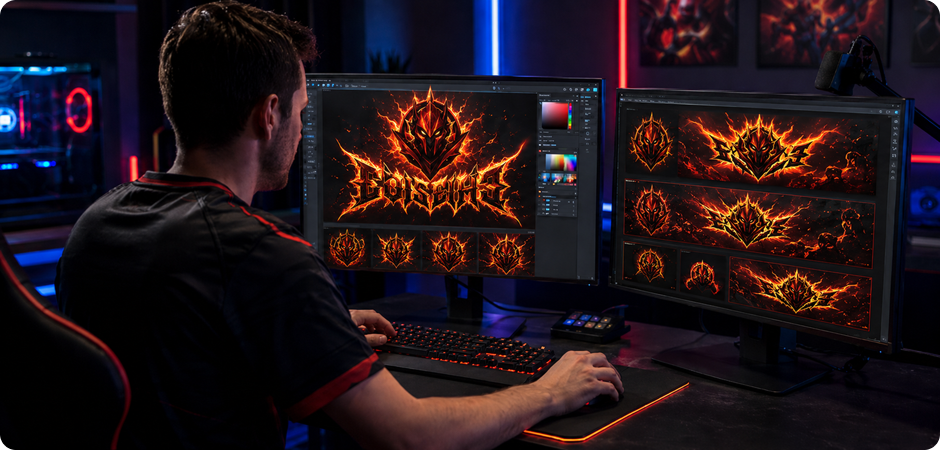
Create a sharper team identity with the fire text generator built for gaming logos, esports banners, and profile headers. Add your clan name, pick a 3D flame or flames font generator style, and place the PNG on any dark, metallic, or neon background. You can test several fire writing generator looks before choosing one for Discord, Twitch, YouTube, or tournament graphics, then reuse the same text across team assets and match pages.
Make Flame Text for Social Posts and Reels Covers
Use the flame text maker to design covers for Instagram, TikTok, Reels, and Shorts. Enter a short hook, select glowing fire, lava, or smoke details, and export a ready-to-share image or MP4. You can create flaming text for launches, countdowns, quotes, and seasonal posts. The online workflow keeps each cover quick to edit, even when you need several versions for different aspect ratios, campaign messages, daily content tests, or ads.
Generate Flaming Text for Posters, Album Covers, and T-Shirts
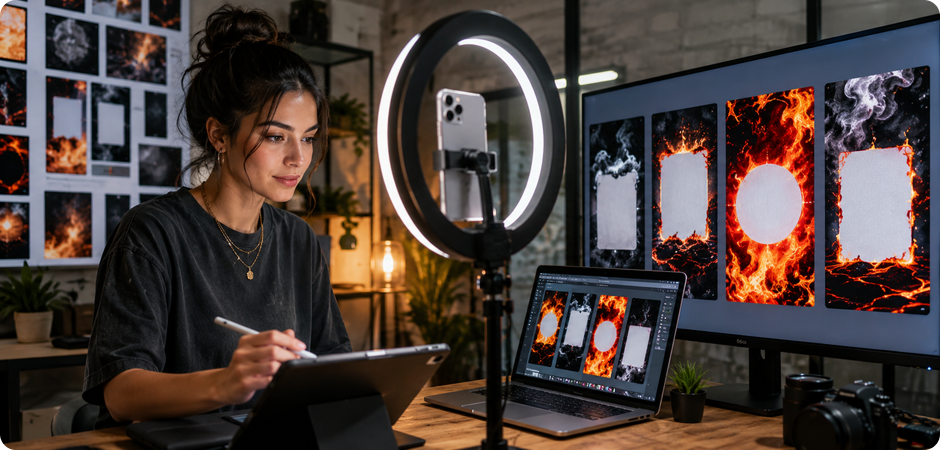
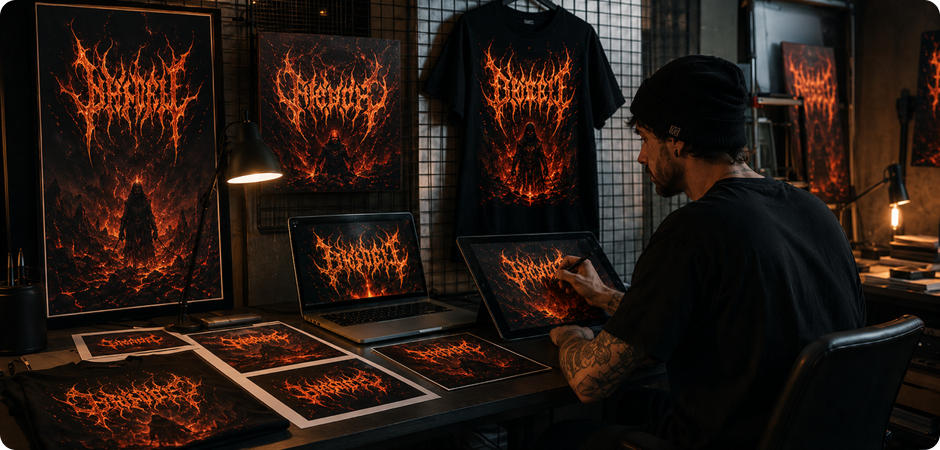
Turn campaign names, band titles, or merch slogans into high-resolution flaming text for print and digital layouts. Start with the flaming text generator, adjust the fire effect, then export a clean PNG for posters, album covers, flyers, or T-shirt mockups. You can match ember, lava, or heavy metal burning letters to your creative direction while keeping the text usable across different formats, from web banners to print-ready artwork and merch previews.
FAQs about Fiery Text Generator
What is a fiery text generator?
How do I create fire text online for free?
What is the difference between fire text and flame text?
Can I download fiery text as a transparent PNG or animated GIF?
Is UniConverter's fire font generator free to use?
Do I need Photoshop to make burning text effects?
Can I use the generated fire text commercially?
Does UniConverter's fire text generator work on Windows and Mac?
More Than a Flame Text Maker
Explore More AI Tools in UniConverter



Create Flaming Text Now
Create fiery text for videos, thumbnails, posters, logos, and social posts. Start online, then download your design as PNG, GIF, or MP4.
