
Why Choose UniConverter's AI Animal Generator?
Text to Animal AI Generator for Fast Visual Drafts
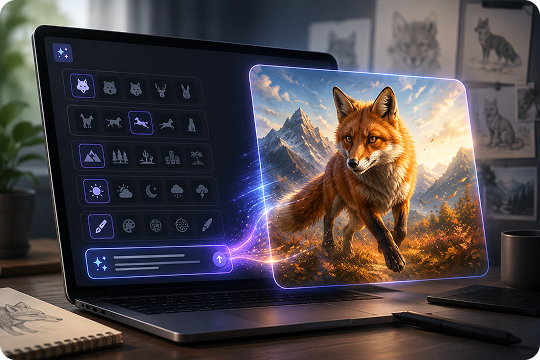
UniConverter helps you turn a written idea into an animal image with a simple text to animal workflow. Describe the species, pose, background, mood, and visual style in your prompt, then generate a creative draft in seconds. This AI animal generator is useful when you need quick animal concepts for thumbnails, story ideas, pet art, or design references.
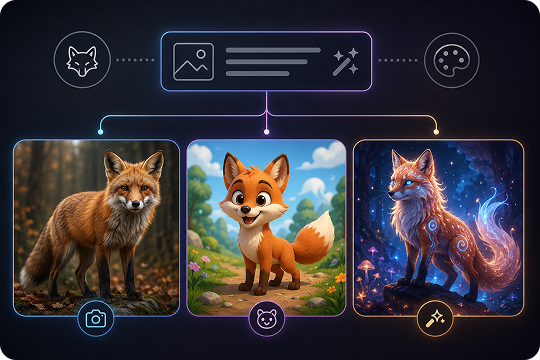
Realistic, Cartoon, and Fantasy Animal Generator in One Prompt Workflow
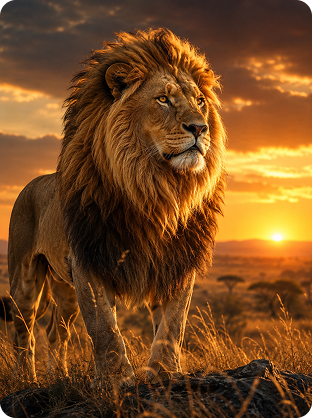
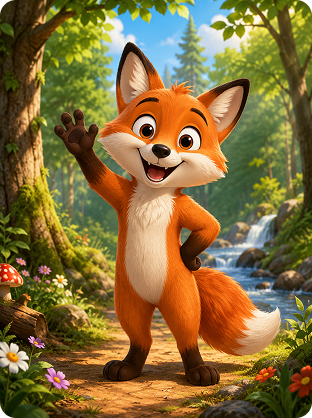
You can guide the final look by writing style details directly into your prompt. Try prompts for a realistic animal generator, cartoon animal generator, or AI fantasy animal generator by adding phrases such as “photorealistic fur,” “cartoon fox,” or “fantasy creature concept art.” This flexible prompt-based workflow helps you create different animal image styles without using a separate style selector.
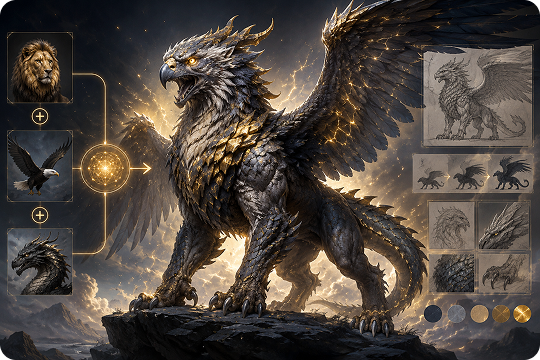
AI Animal Hybrid Generator for Mythical Creature Ideas
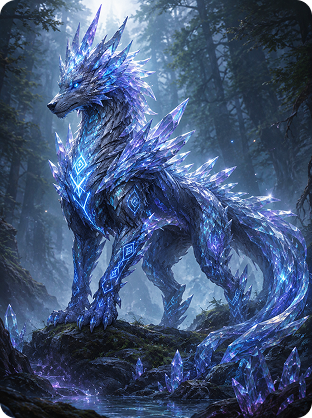
UniConverter also works as an AI animal hybrid generator for imaginative creature concepts. You can combine animal traits in one prompt, such as “a lion-eagle guardian,” “a dragon-wolf hybrid,” or “a phoenix-cat with glowing feathers.” This helps writers, game creators, and artists explore hybrid animals, fantasy species, and mythical creatures before building more polished creative assets.
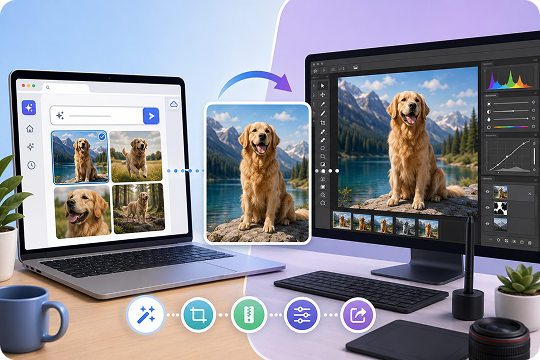
Free AI Animal Generator Online with Desktop Creative Workflows
Use the free AI animal generator online when you want to make an animal from text quickly in your browser. For larger creative tasks, UniConverter Desktop supports a broader media workflow after generation, including format conversion, compression, editing, and file preparation. This makes UniConverter practical for both quick image ideas and more complete content production.
Every Animal Style You Can Imagine
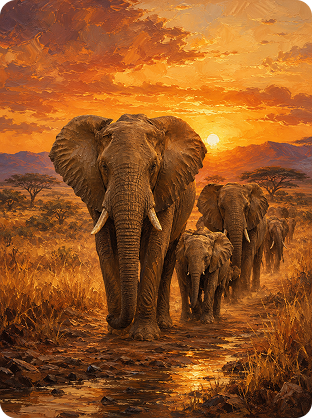
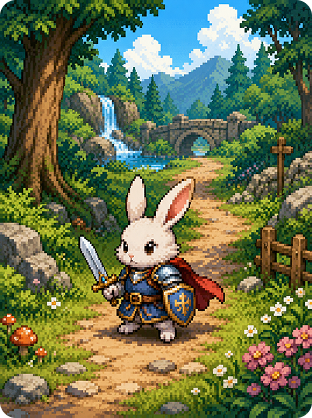
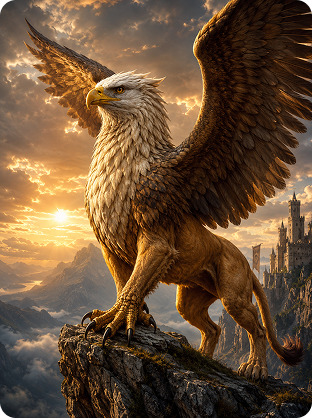
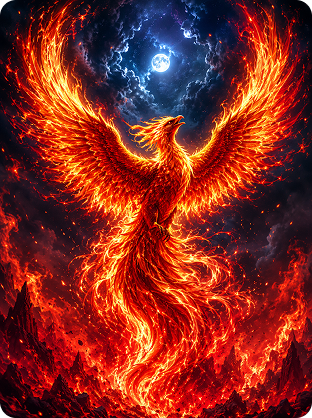
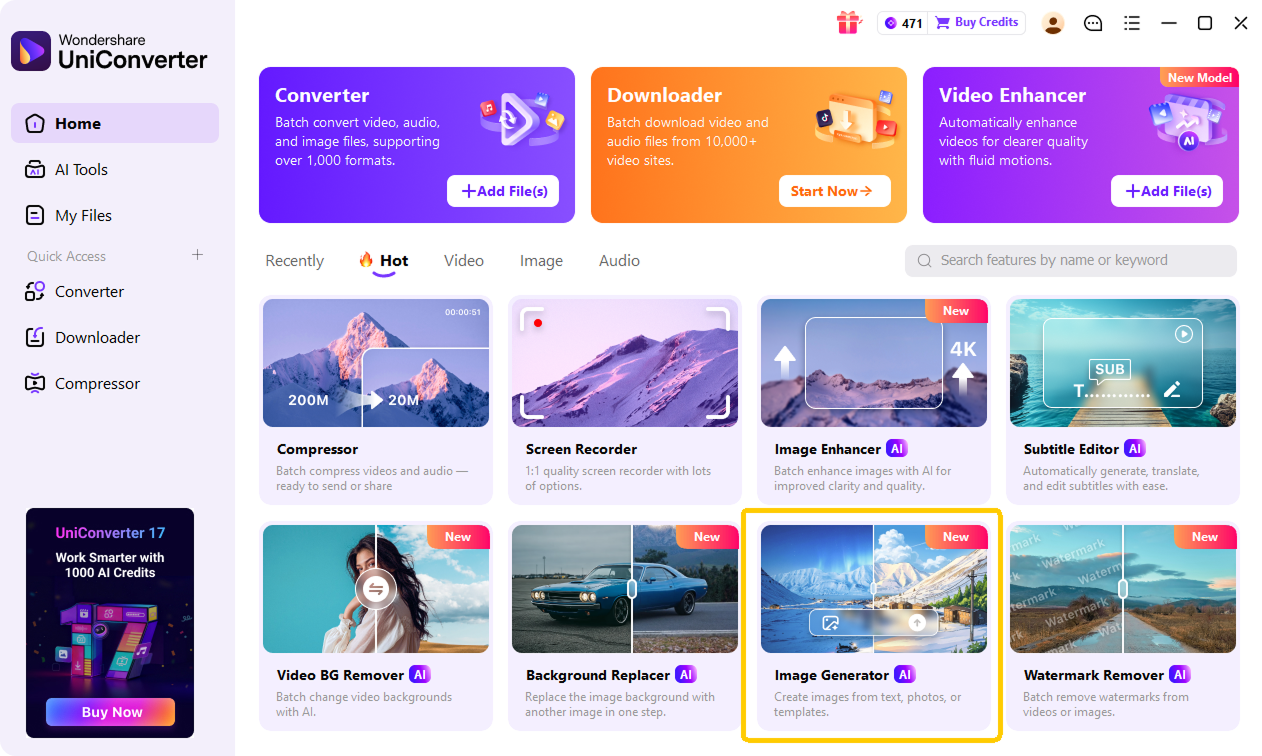
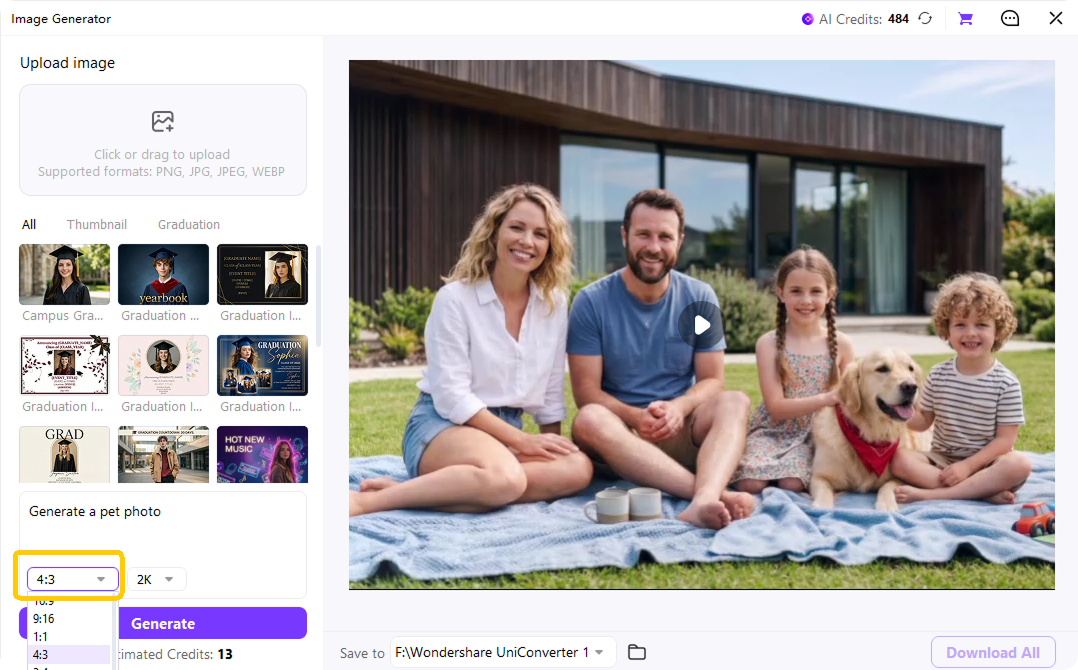
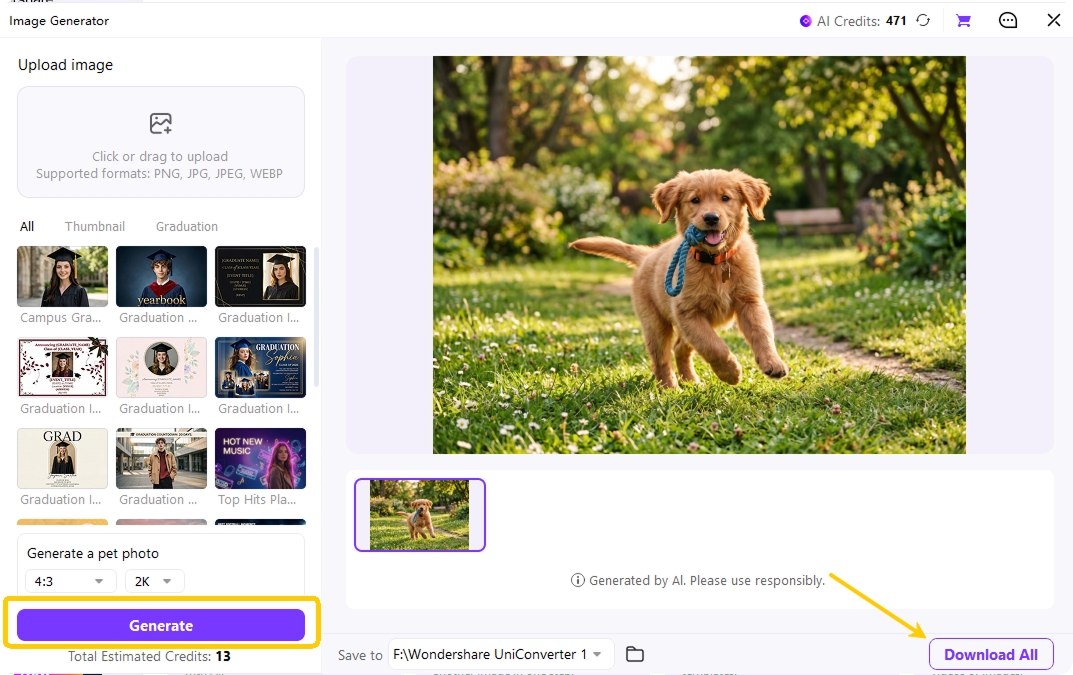
How to Make an Animal with AI in 3 Steps

Type what you want to create in the AI animal generator. Include the animal, action, setting, and style in your prompt, such as “a cute corgi in knight armor, cinematic lighting.”

Select an aspect ratio for your project, such as 1:1 for avatars, 16:9 for thumbnails, or 9:16 for short videos. Then choose the output resolution you need.

Click generate to create your AI animal image. Preview the result, download it if you like it, or adjust the prompt and generate again.
Who Uses the UniConverter Animal Generator?
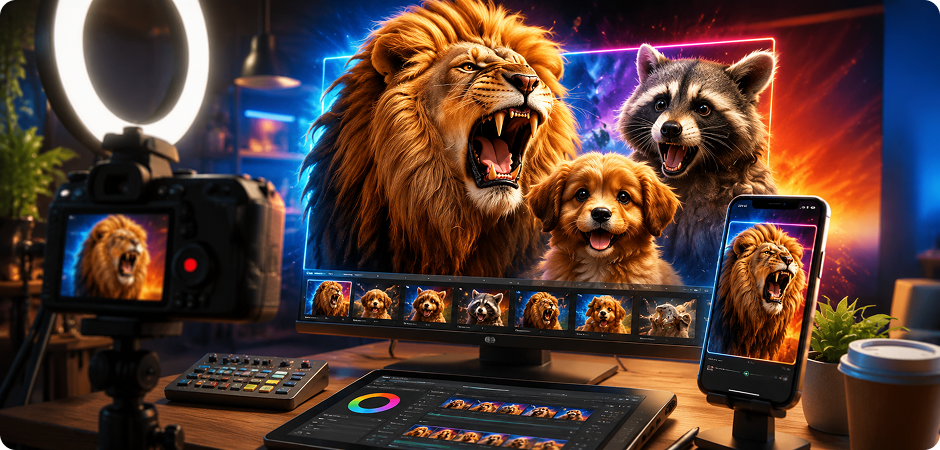
AI Animal Generator for YouTube and TikTok Thumbnails
Content creators can use the AI animal generator to create eye-catching animal visuals for YouTube thumbnails, TikTok covers, Shorts, and social videos. A dramatic lion, funny raccoon, cute puppy, or fantasy creature can help communicate your video idea faster. You can test different prompt directions, such as realistic, cartoon, or fantasy animal images, then choose the result that best fits your topic and audience.
Animal Image Generator for Children’s Storybook Illustrations
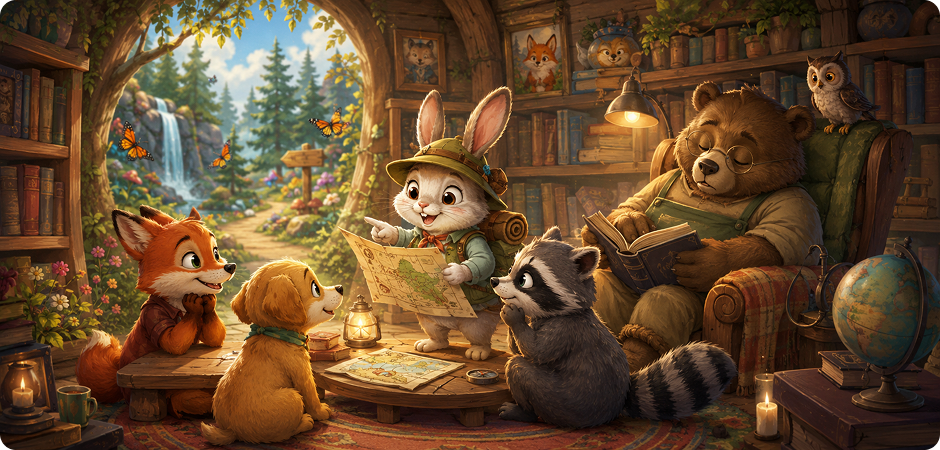
Teachers, parents, and writers can use an animal image generator to turn story ideas into friendly visual drafts. Describe a brave rabbit explorer, a sleepy bear librarian, or a cartoon fox learning math, then generate animal images that match your scene. This workflow is helpful for children’s stories, worksheets, classroom activities, reading materials, and early illustration planning when you need warm and easy-to-understand visuals.
AI Fantasy Animal Generator for Game Creature Concepts
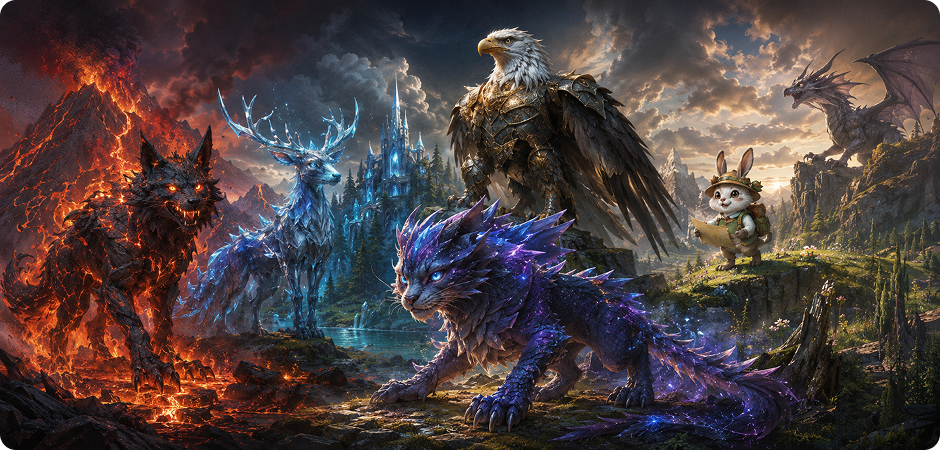
Game creators can use the AI fantasy animal generator to explore creature ideas before moving into final concept art. Write prompts for a lava wolf, crystal deer, armored eagle, or dragon-cat hybrid to test different species, shapes, colors, and moods. This workflow helps indie developers, writers, and design teams create quick animal concepts for characters, enemies, companions, and fantasy worlds.
Cute Animal Generator for Stickers, Avatars, and Posts
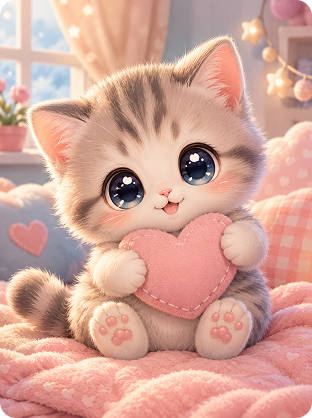
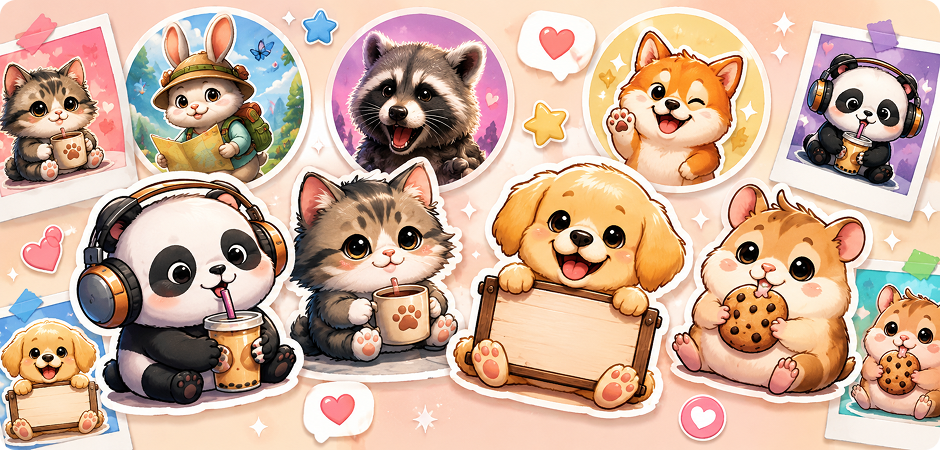
Social media teams and casual creators can use a cute animal generator to make playful stickers, profile images, reaction graphics, and post visuals. Try prompts like “a smiling panda with headphones,” “a chibi kitten drinking coffee,” or “a cartoon dog holding a tiny sign.” These AI generated animals can support community posts, personal branding, fan content, and everyday social sharing.
Animal Generator for Brand Mascot Concept Ideas
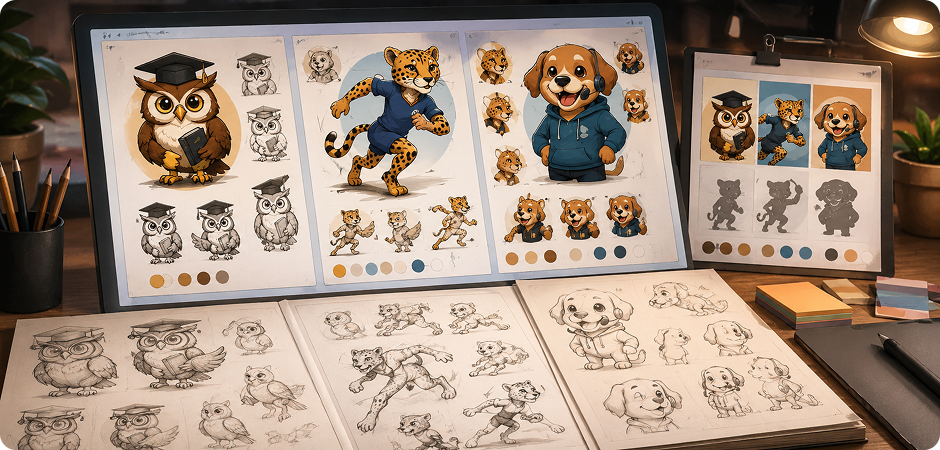
Marketing teams can use an animal generator to explore early mascot ideas before formal design work begins. You can create a smart owl for education, a fast cheetah for productivity, or a friendly puppy for customer support. By testing different prompt styles, poses, expressions, and settings, you can compare several animal concepts and decide which direction fits your brand personality.
AI Pet Generator for Pet Portraits and Personal Projects
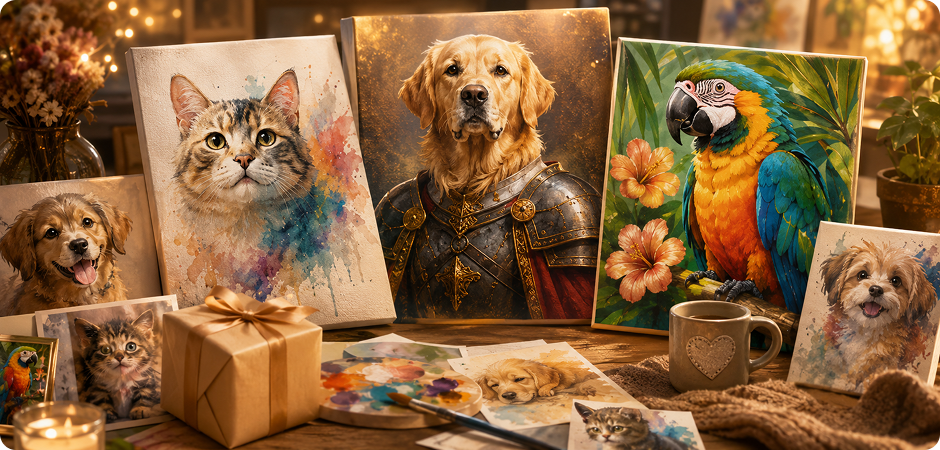
Pet lovers can use an AI pet generator to create stylized portraits, fantasy versions, or playful artwork inspired by their favorite animals. You can prompt a golden retriever as a royal guard, a cat in watercolor style, or a parrot in a tropical poster scene. This workflow is useful for profile pictures, gifts, memory projects, prints, and fun pet-inspired social posts.
Online AI Animal Generator vs UniConverter Desktop — Which One Fits You?
Try the online AI animal generator when you want a fast result from a simple prompt. Choose UniConverter Desktop when you need more control, more file handling options, or a complete workflow after image generation.
| Feature | Online AI Animal Generator | UniConverter Desktop |
|---|---|---|
| Text-to-animal generation | Yes | Yes |
| Quick browser access | Yes | Requires desktop installation |
| No sign-up quick start | Yes | Download needed |
| Image-to-image animal restyling | Not available | Available |
| Batch creative workflow | Not available | Available |
| High-resolution export | Standard online output | Supports higher-quality desktop workflows |
| Post-generation workflow | Basic download | Convert, compress, remove background, edit, and prepare files |
| Best for | One-time animal image drafts | Batch, commercial, or advanced creative workflows |
AI Animal Generator FAQs
What is an AI animal generator?
Is the UniConverter AI animal generator free?
What kinds of animals can I make?
How do I write a good prompt for animals?
Can I create hybrid or mythical animals?
Can I use AI-generated animal images commercially?
What file formats and resolutions are supported?
What is the difference between the online tool and UniConverter Desktop?
More Than an AI Animal Generator
Explore More AI Tools in UniConverter



Turn Your Next Animal Idea into an Image
Make an animal from text in seconds with realistic, cartoon, fantasy, cute, or hybrid styles. Start online for quick drafts, then use UniConverter Desktop when you need more editing, conversion, compression, and media workflow options.
