
Create AI Art from Text, Drawings, or Photos
Start with a written idea online, create illustration-style results with descriptive prompts, or move to UniConverter Desktop when you want to restyle a reference photo.
AI Art Generation from Text — Just Describe Your Idea
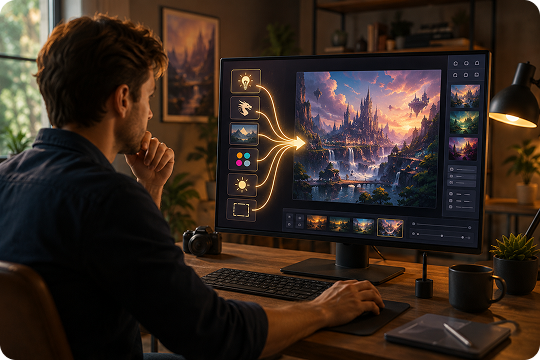
Turn written ideas into AI-generated art without starting from a blank canvas. Describe the subject, setting, artistic style, lighting, colors, and composition in your prompt. Then choose a suitable aspect ratio and output resolution. This text-to-art workflow can create digital paintings, fantasy scenes, portraits, concept art, and other original artwork for personal or creative projects.
AI Drawing Generator — Create Illustrations from Your Ideas
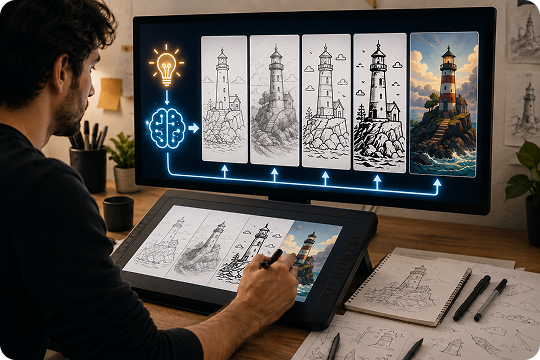
Use the AI drawing generator to turn text prompts into line art, sketches, doodles, cartoons, and detailed digital illustrations. Add terms such as pencil drawing, ink outline, technical sketch, or hand-drawn style to guide the artificial intelligence drawing process. Adjust your prompt to refine the subject, linework, colors, background, and level of detail until the result matches your idea.
AI Art Generator from Photo — Restyle Any Image on Desktop
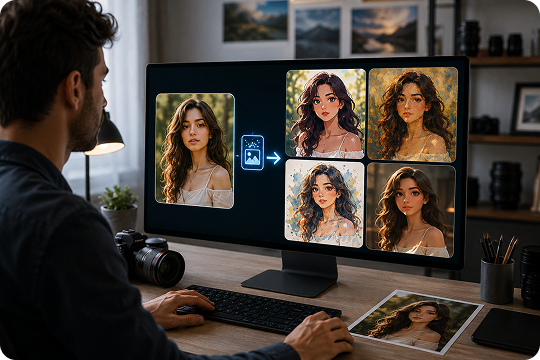
Use the UniConverter Desktop AI art generator from photo to transform an existing image into anime art, an oil painting, a watercolor illustration, or a stylized 3D design. Upload your reference photo and describe the target look in your prompt. This image-to-image workflow is suitable for portraits, product images, brand materials, and creative concepts that need a more controlled desktop process.
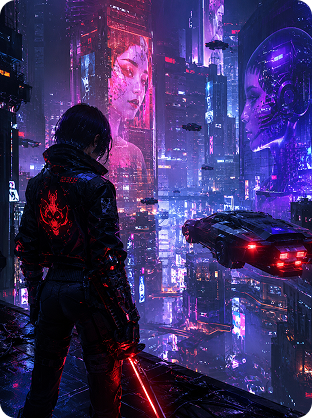
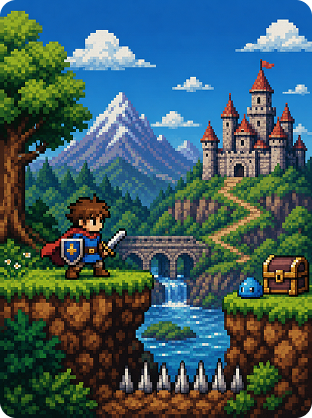
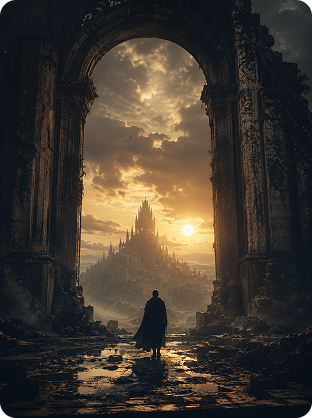
Explore Popular AI Art Styles
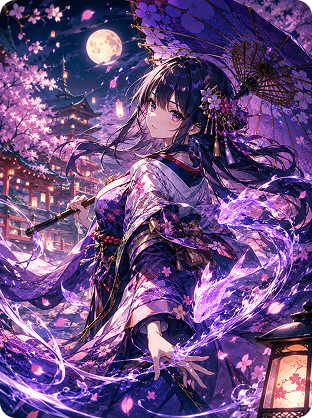
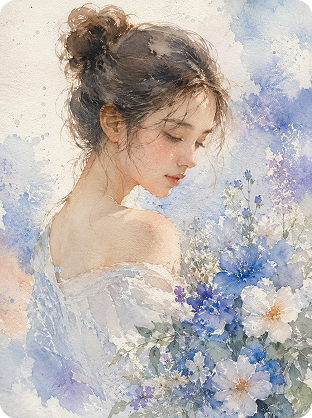
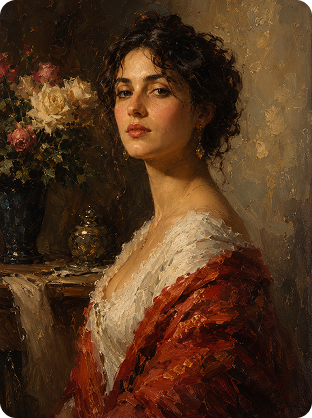
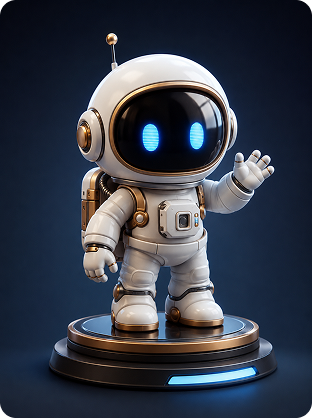
What You Can Create with UniConverter AI Art Generator
Use the artwork generator for personal projects, commercial concepts, content production, and early-stage visual exploration.
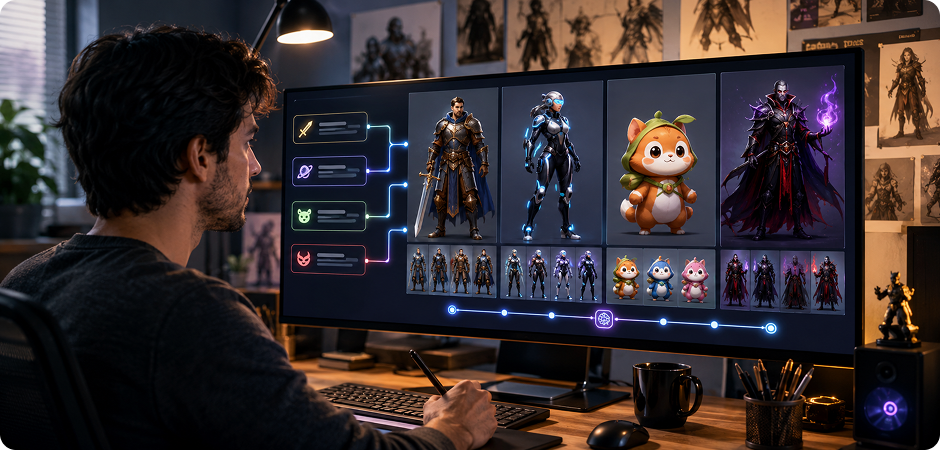
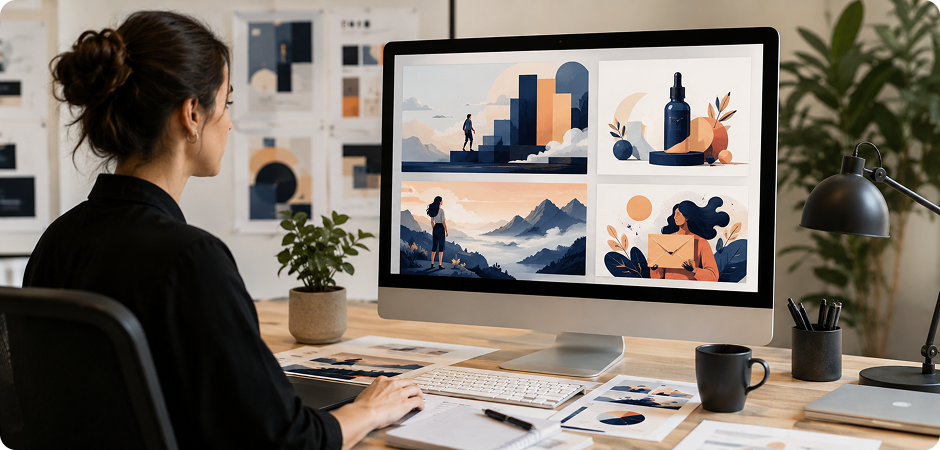
Design Original Characters with an AI Character Art Generator
Create heroes, villains, mascots, game avatars, or story characters from a detailed text prompt. Describe age, clothing, pose, expression, setting, and visual style to guide the AI character art generator. You can explore anime portraits, fantasy warriors, sci-fi figures, or stylized 3D characters without drawing each version manually. Regenerate the artwork with updated details to compare concepts before choosing a direction for your game, story, campaign, or personal project with greater confidence.
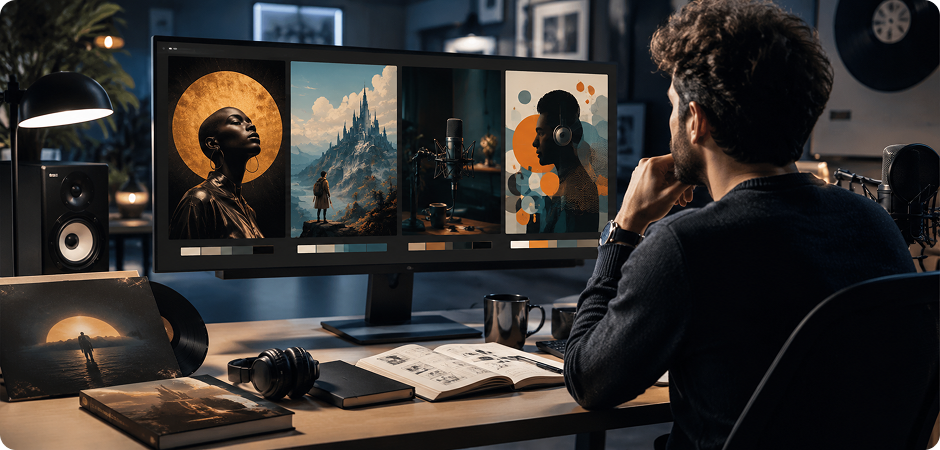
Create Album and Book Visuals with an AI Cover Art Generator
Build a strong visual concept for an album, podcast, ebook, novel, or playlist with the AI cover art generator. Describe the central subject, color mood, genre, lighting, and composition, then choose an aspect ratio that fits the final placement. Use the generated artwork as a creative starting point for typography and branding. This workflow helps musicians, authors, and content teams explore multiple cover directions before refining the final design and production-ready artwork.
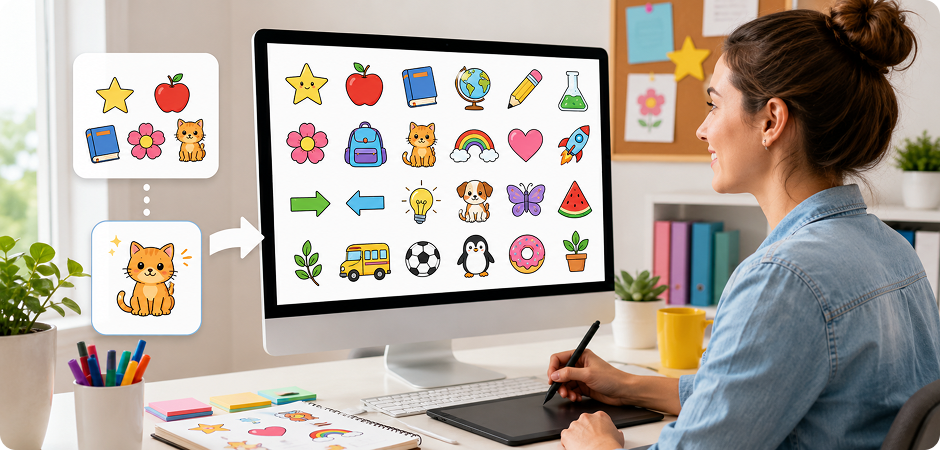
Make Simple Graphics with an AI Clip Art Generator
Generate clean decorative elements, icons, stickers, and simple illustrations for presentations, worksheets, invitations, or digital projects. The AI clip art generator works best when your prompt clearly defines the object, outline style, background, and level of detail. Ask for flat vector-like shapes, bold outlines, or isolated objects to create reusable visual elements. You can then remove the background or resize the result with other UniConverter image tools for faster creative reuse.
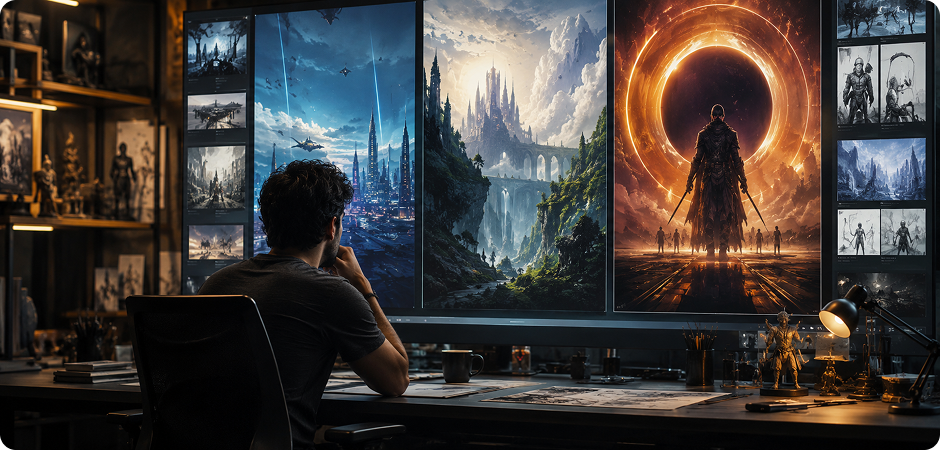
Develop AI Poster and Concept Art for Creative Projects
Turn an early idea into poster artwork, environment studies, or concept art for films, games, events, and campaigns. Describe the scene, focal point, atmosphere, camera angle, and artistic treatment to create a clear visual direction. The AI artwork creator helps you test dramatic compositions, futuristic cities, fantasy landscapes, or cinematic promotional images. Use the results to communicate ideas, guide collaborators, or build a stronger reference before production begins with greater clarity.
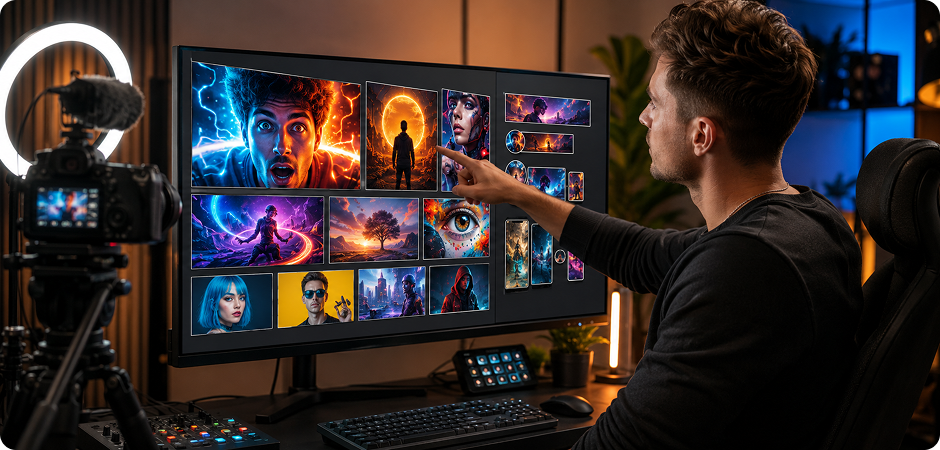
Generate Social Media Art and YouTube Thumbnail Concepts
Create scroll-stopping visual concepts for YouTube thumbnails, social posts, channel banners, and campaign graphics. Tell the AI art creator what subject should stand out, where the focal point belongs, and which mood matches your content. Choose a suitable aspect ratio for each platform, then preview the composition before downloading. Add titles, logos, or final brand elements later in your preferred editor to keep the artwork flexible and easy to reuse.
Produce Blog Illustrations and AI Marketing Visuals
Create custom illustrations for articles, landing pages, newsletters, presentations, and advertising concepts without relying on generic stock images. Describe the topic, audience, brand mood, and desired composition to generate relevant AI artwork. The online art maker can help content and marketing teams visualize abstract ideas, product benefits, or campaign themes. Generate several directions, select the clearest concept, and adapt it for different channels with UniConverter’s wider image and media tools.
How to Create AI Artwork in 3 Simple Steps
You do not need advanced design skills to create AI art. Follow this simple words-to-drawing workflow to turn a written idea into downloadable artwork.

Describe the subject, environment, artistic style, colors, lighting, perspective, and mood. More specific prompts usually produce results that better match your creative direction.

Select an aspect ratio that matches the intended placement. Use a square format for social posts, portrait for character artwork, or landscape for banners and concept scenes. Then choose the available output resolution.

Generate the AI artwork and review the result. Update the prompt when you want to change the subject, style, lighting, or composition. Preview the revised version and download the image when it fits your project.
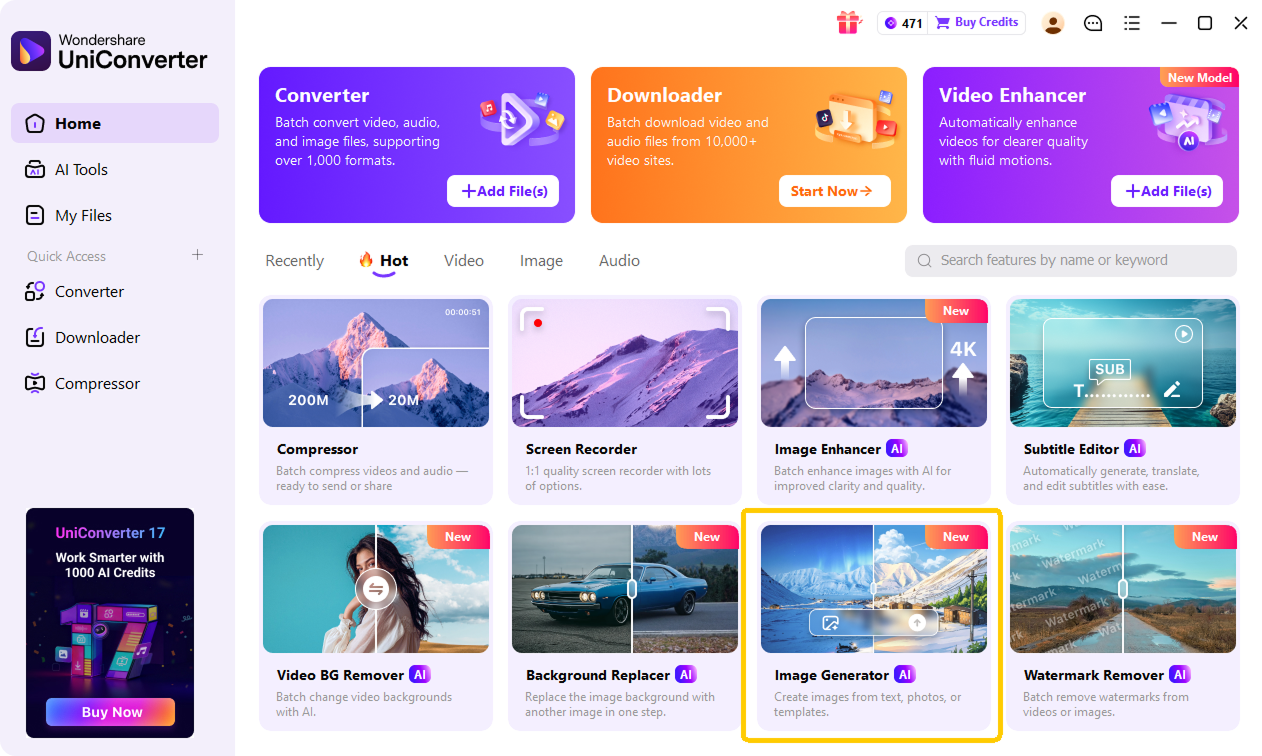
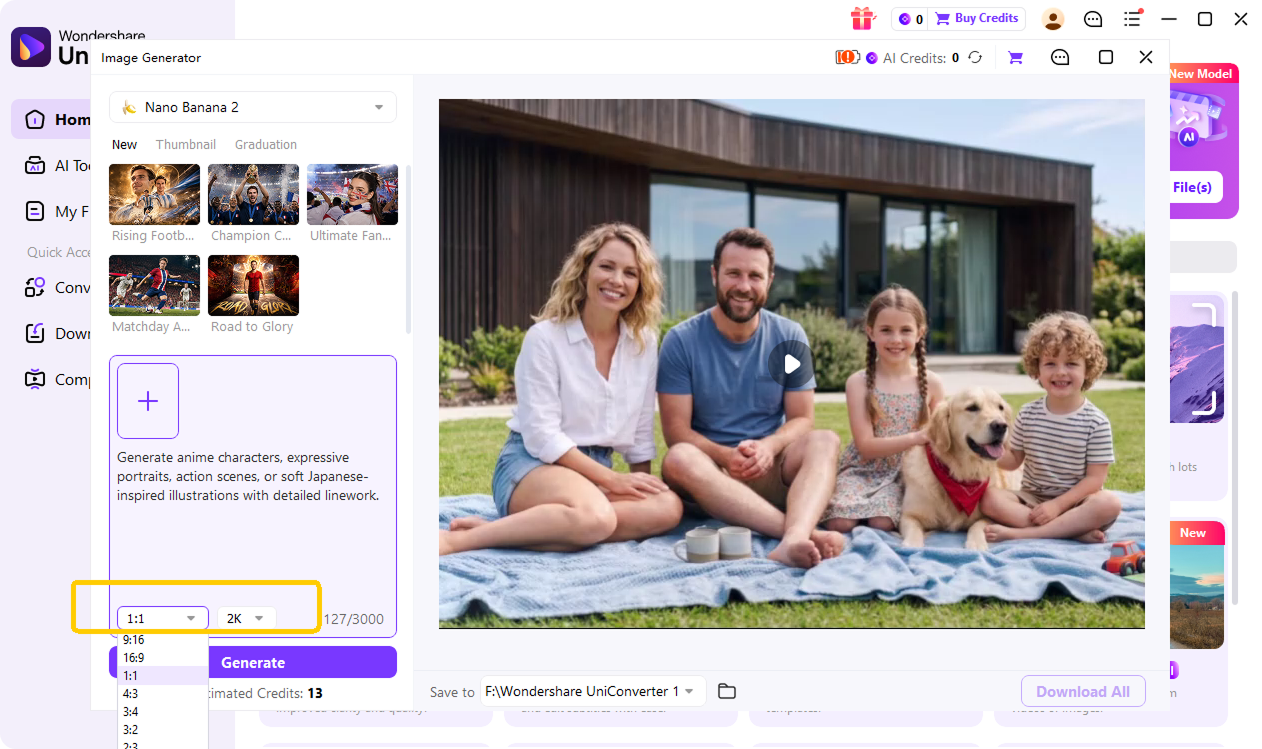
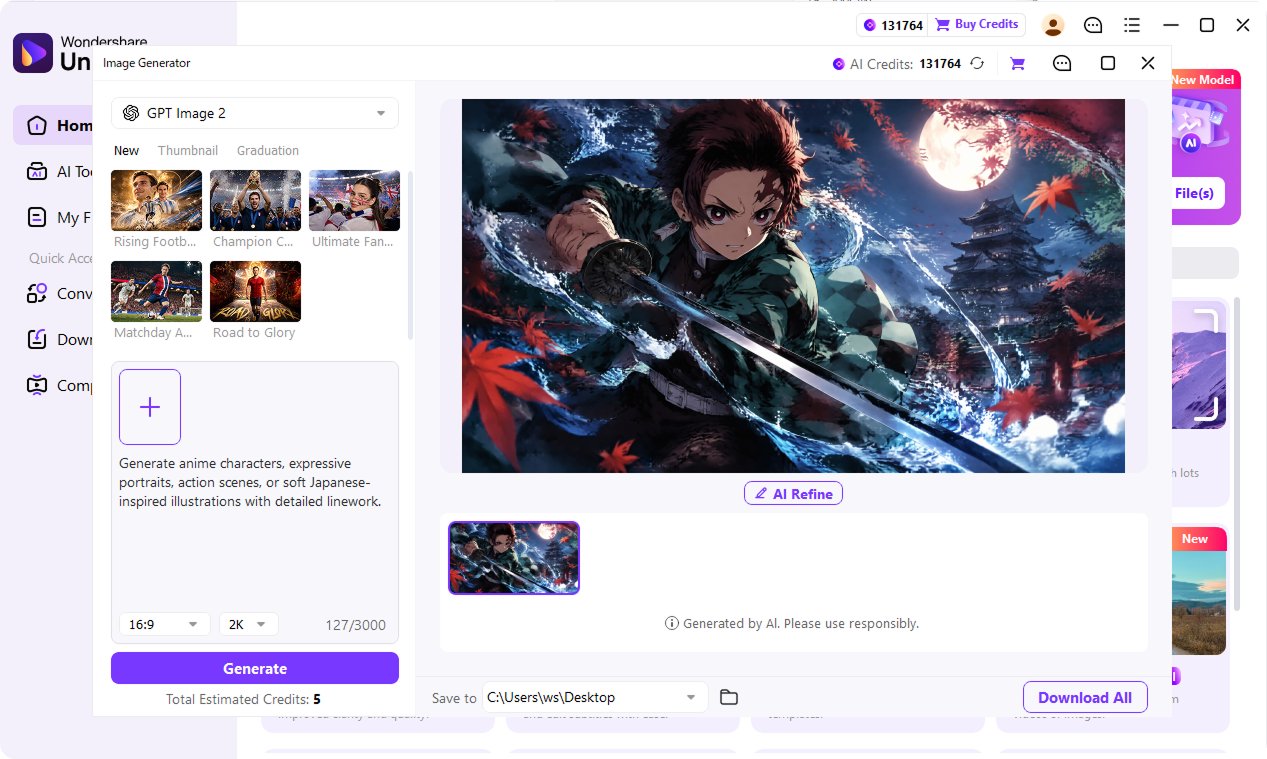
Why UniConverter Is the Best AI Art Generator for Your Workflow
When choosing the best AI art generator, consider what happens after the image is created. UniConverter combines accessible online generation, desktop photo-to-art creation, and connected media tools in one workflow.
Create Online or Continue on Desktop
Use UniConverter as a free online art creator when you want a quick browser workflow with no sign-up. Move to the desktop app when you need photo-to-art creation or a broader media workflow. This online and desktop combination gives you two practical ways to create, refine, and reuse AI artwork.
Keep Photo-to-Art Projects in Your Desktop Workflow
Use the desktop photo-to-art workflow for portraits, brand assets, and unpublished product concepts that need more controlled handling. Your reference image stays within the desktop workflow instead of becoming part of a browser-only task, making UniConverter practical for sensitive or work-in-progress creative material.
Move from AI Artwork to Finished Media in One Suite
Continue working after AI art generation without moving files across several separate tools. UniConverter also supports image compression, background removal, video conversion, editing, and thumbnail creation, helping you turn an early artwork concept into a campaign asset, video visual, or share-ready image more efficiently.
Online AI Art Creator or Desktop App — Choose Your Workflow
UniConverter provides two ways to create and continue working with AI artwork. Choose the online art maker for quick text-based creation or use the desktop app for photo-to-art projects and extended media processing.
| Capability | Online AI Art Creator | UniConverter Desktop |
|---|---|---|
| Best for | Quick text-to-art creation | Photo-to-art and continued media editing |
| Installation | No installation required | Desktop installation required |
| Sign-up | No sign-up for the basic online workflow | Account requirements may vary by version |
| Input method | Text prompt | Text prompt and reference image workflow |
| Art style control | Describe the style in your prompt | Describe the target style in your prompt |
| Aspect ratio | Available | Available settings depend on the desktop version |
| Output resolution | Select from available options | Available settings depend on the desktop version |
| Photo-to-art | Not the primary online workflow | Supported through the desktop workflow |
| Media processing | Focused online generation | Connects with image and video tools |
| Recommended for | Fast experiments and one-off visuals | Portraits, brand assets, and ongoing projects |
FAQs About AI Art Generation
What is an AI art generator?
How does an AI art generator work?
Is the UniConverter AI art generator free?
Can I use the AI art generator without signing up?
Can I generate AI art from a photo?
What art styles can I create?
Can I use AI-generated art commercially?
Do I own the copyright to AI artwork I create?
How is UniConverter different from ChatGPT, Canva, or Midjourney?
What is the difference between the online tool and UniConverter Desktop?
More Than a Free AI Art Generator
Explore More AI Tools in UniConverter



Turn Your Next Idea into AI Artwork
Describe a character, scene, cover, illustration, or visual concept and turn it into artwork in a few steps. Start with the free AI art generator online, or use UniConverter Desktop when you want to create art from a reference photo and continue processing your media.
