
Why Choose UniConverter for Discord Banners?
AI Discord Banner Maker for Text and Photo Creation
UniConverter gives you two ways to create Discord banners with AI. Use text to Discord banner AI online to turn prompts into visuals, or use UniConverter Desktop to make a Discord banner from photo, screenshot, or artwork. This flexible workflow helps you design server banners, profile banners, and invite splash images from the source that fits your idea best.
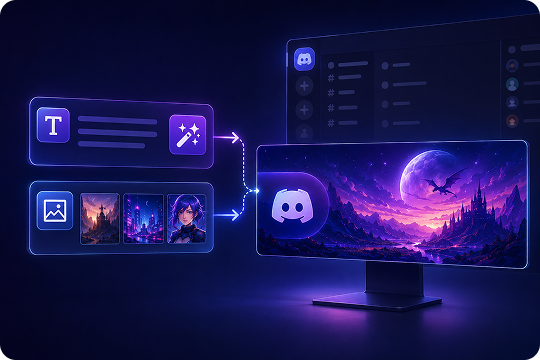
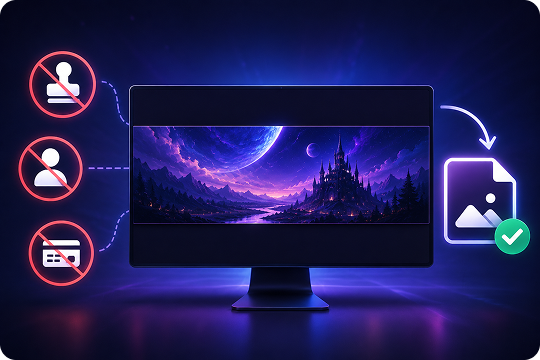
Discord Banner Maker with No Watermark or Signup
Use UniConverter as a free Discord banner maker with no watermark, no signup, and no credit card required. You can test different prompts, generate banner ideas, and export clean PNG or JPEG files for your community or personal profile. It keeps the process simple when you want to make Discord banners quickly without extra account steps.
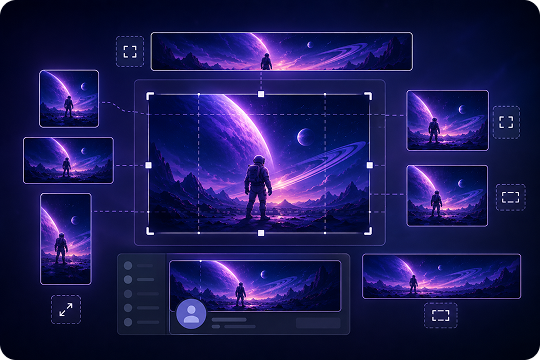
Flexible Aspect Ratios for Discord Banner Layouts
UniConverter offers flexible aspect ratio choices, including 16:9, 9:16, 1:1, 4:3, 3:4, 3:2, 2:3, 21:9, and Auto. For a Discord server banner or invite splash, you can start with a 16:9 layout. For profile visuals, you can create a wide banner design and resize it to match Discord banner dimensions before upload.
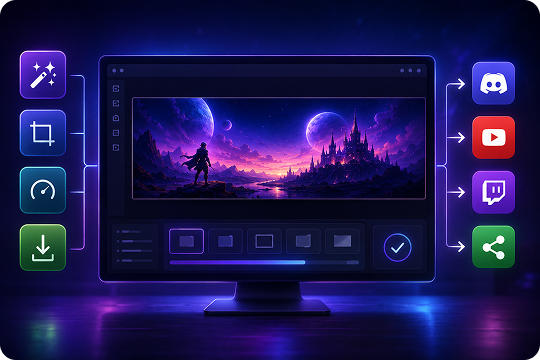
All-in-One Discord Banner Generator and Media Toolkit
UniConverter works as a Discord banner generator and a complete media toolkit. After you create a banner, you can resize it, compress it under Discord’s upload limit, and prepare it for other platforms. This single workflow is helpful for creators, gamers, and community owners who need consistent visuals across Discord, YouTube, Twitch, and social channels.
How to Make a Discord Banner with UniConverter
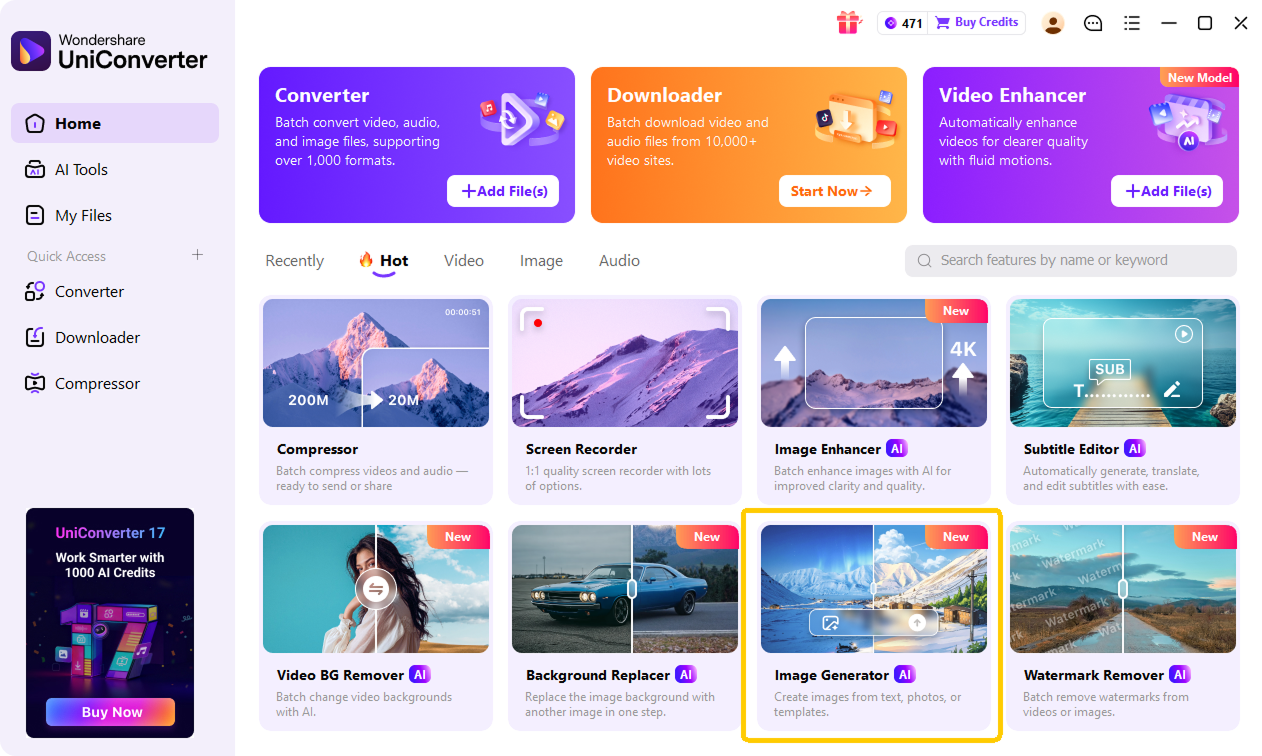
With UniConverter’s AI Discord banner maker, you can make a Discord banner from a text prompt, photo, screenshot, or artwork. Start online for quick text-to-image creation, or use UniConverter Desktop when you want image-to-image AI and more media editing options.

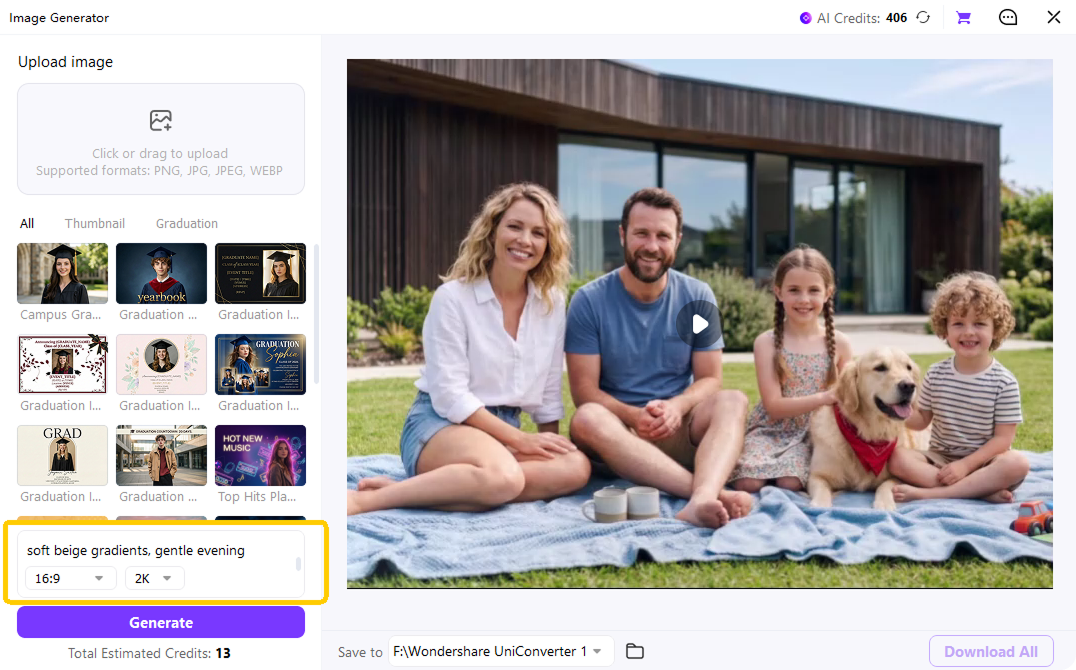
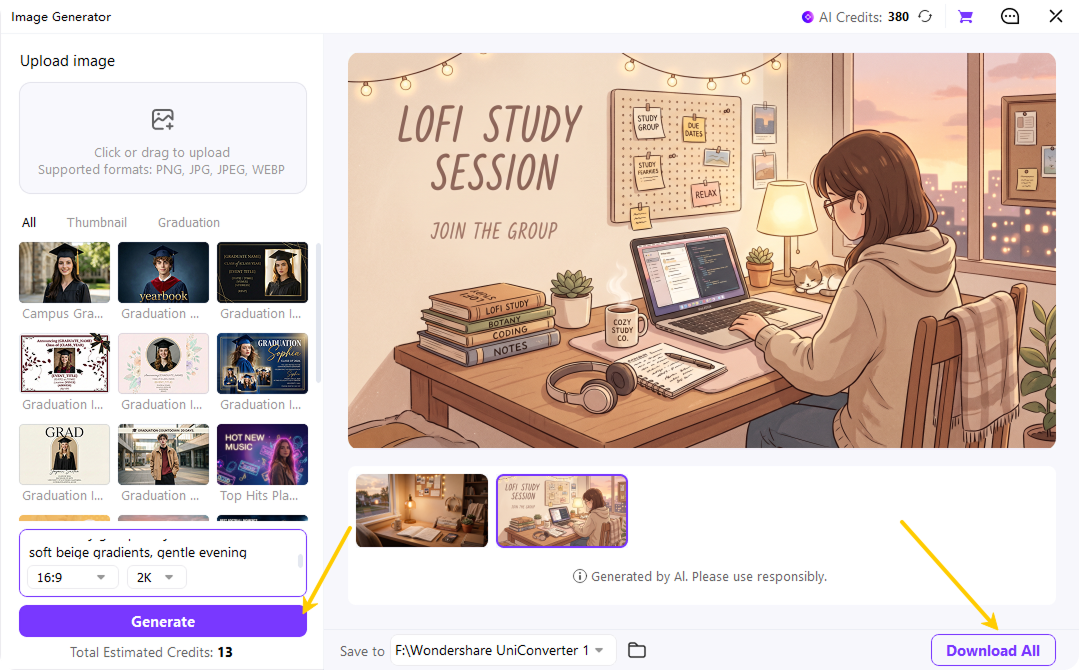
Start with a clear text prompt, such as “Cyberpunk neon gaming Discord server banner, 16:9, glowing purple grid.” You can also upload a photo, fan art, screenshot, or reference image in UniConverter Desktop to create a Discord banner from photo.

Select a suitable aspect ratio for your banner layout, such as 16:9 for Discord server banners or invite splash images. UniConverter also supports 9:16, 1:1, 4:3, 3:4, 3:2, 2:3, 21:9, and Auto, so you can create flexible visuals for different uses.

Download your AI-generated banner as a PNG or JPEG, then resize or compress it if needed to match Discord banner dimensions and file size limits. Once your Discord account or server meets the upload requirements, you can add the banner to your profile, server, or invite page.
Which Type of Discord Banner Do You Want to Make?
Use UniConverter as a banner maker for Discord servers, profiles, and invite splash pages. Each preset helps you match the right dimensions, format, and safe zone before export.
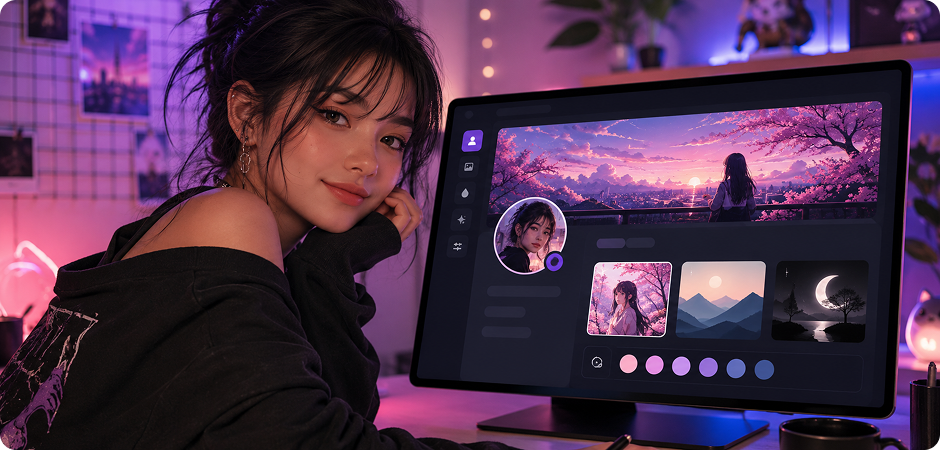
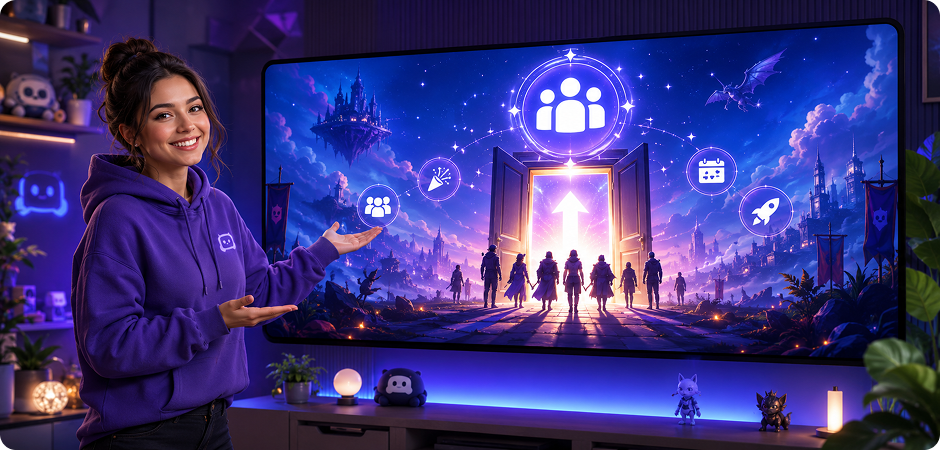
Discord Server Banner Maker
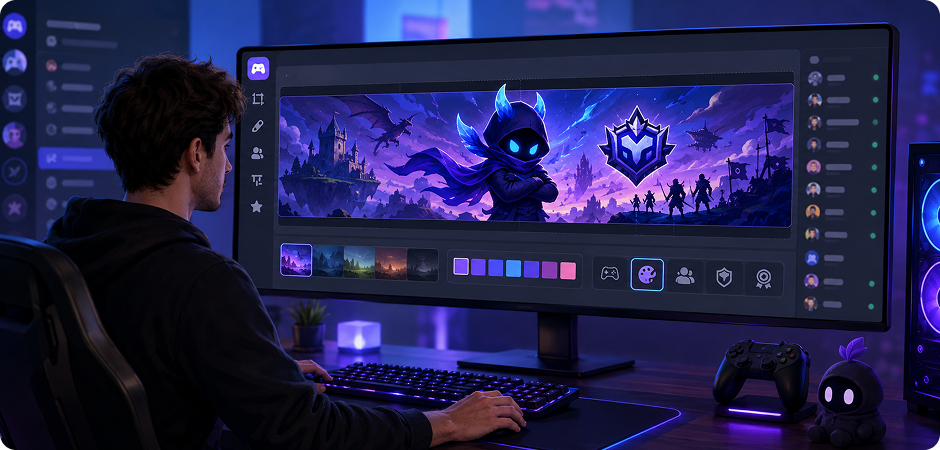
Use the Discord server banner maker to create a branded header for your community. The 960×540 px preset keeps a 16:9 layout, while PNG and JPEG export helps you stay within Discord’s 8MB file limit. Add your logo, game art, mascot, or theme colors, then keep key text away from the Discord banner safe zone. Server banners require Boost Level 2 or higher for upload. It works well for gaming hubs, creator groups, and brand communities.
Recommended size: 960 × 540 px · Aspect ratio: 16:9 · File format: PNG or JPEG · Max file size: 8MB · Requirement: Boost Level 2+
Discord Profile Banner Maker
Create a personal look with the Discord profile banner maker and the 600×240 px preset. This 5:2 banner fits the space above your profile details and supports PNG or JPEG files up to 10MB. Use AI to design an anime, aesthetic, minimalist, or branded banner that matches your identity. Profile banners require Discord Nitro, so your design is ready when your account supports upload. You can also turn a favorite photo into a refined header on desktop.
Recommended size: 600 × 240 px · Aspect ratio: 5:2 · File format: PNG or JPEG · Max file size: 10MB · Requirement: Discord Nitro
Discord Server Invite Splash Maker
Make each invite link feel more polished with a Discord server invite splash maker. The 1920×1080 px preset gives you a wide 16:9 background for landing pages, community events, launches, or public server promotions. UniConverter helps you create a server invite background in PNG or JPEG and keep it under 8MB. Invite splash images require Boost Level 1 or higher before you upload. Use it to show your style before new members join.
Recommended size: 1920 × 1080 px · Aspect ratio: 16:9 · File format: PNG or JPEG · Max file size: 8MB · Requirement: Boost Level 1+
Browse by Style — Get Inspired in One Click
Explore popular Discord banner styles and start faster with ready-to-use prompt ideas. You can copy a prompt, adjust the details, and generate a banner that fits your community or personal profile.
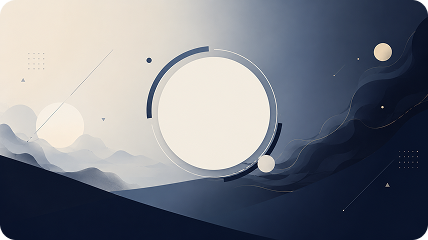
Minimalist / Branded Discord Banner
Build a clean minimalist Discord banner with a simple layout, soft gradient, and clear logo placement. This style works well for business servers, creator communities, study groups, and branded server banners.
Copy Prompt Try This Style ↗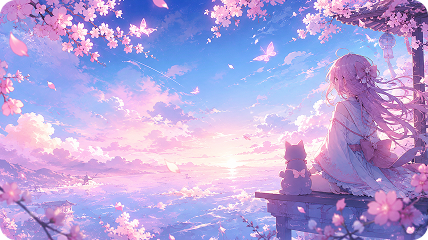
Anime Discord Banner
Use an anime Discord banner maker prompt to create a soft, expressive look for fan communities, profile pages, or themed servers. Try pastel colors, cherry blossoms, glowing light, or a character-inspired scene.
Copy Prompt Try This Style ↗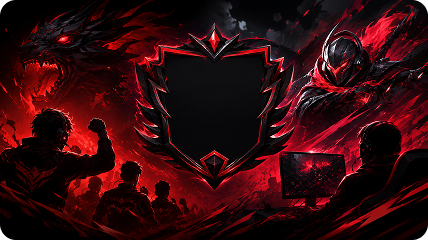
Gaming / Esports Discord Banner
Create a gaming Discord banner with bold lighting, motion, and strong contrast. This style suits esports teams, gaming clans, streamer servers, and tournament communities.
Copy Prompt Try This Style ↗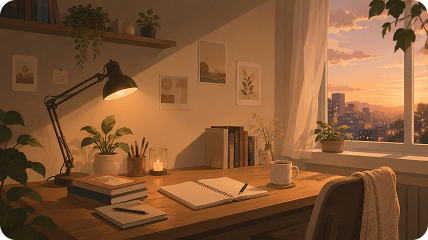
Aesthetic / Lo-fi Discord Banner
Design an aesthetic Discord banner with warm tones, soft gradients, and quiet visual details. Lo-fi banners work well for music servers, study groups, art communities, and relaxed social spaces.
Copy Prompt Try This Style ↗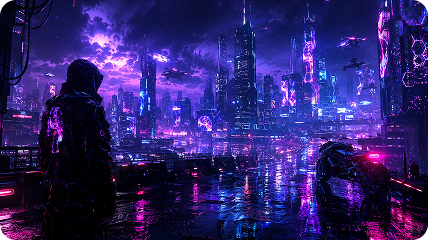
Cyberpunk / Neon Discord Banner
Make a cyberpunk Discord banner with neon signs, glowing streets, purple-blue light, and a wide cityscape. This style fits gaming servers, tech groups, sci-fi communities, and futuristic brand visuals.
Copy Prompt Try This Style ↗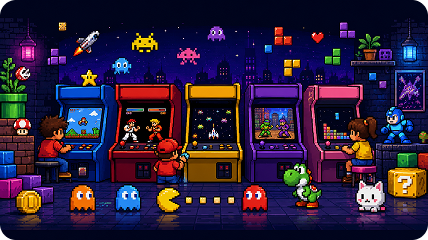
Retro / Pixel Discord Banner
Create a retro pixel Discord banner with arcade colors, 8-bit characters, blocky icons, or Minecraft-inspired details. This style works well for nostalgic gaming groups, pixel art communities, and casual servers.
Copy Prompt Try This Style ↗
Loved by Creators, Gamers,
and Community Owners
Discord Banner Maker FAQs
Is UniConverter’s Discord banner maker free?
What is the correct Discord banner size?
Can UniConverter make animated GIF Discord banners?
Do I need Discord Nitro or a Boost Level to add a banner?
Can I make a Discord banner from my own photo?
What file formats does Discord support for banners?
Can I use the Discord banner maker without signing up?
How is UniConverter different from Kapwing or Canva?
Does the AI respect Discord safe zones?
Can I use the AI-generated banner commercially?
More Than a Discord Banner Generator
Explore More AI Tools in UniConverter



Ready to Make Your Discord Banner?
Create a Discord-ready banner from a prompt, photo, screenshot, or artwork. Use UniConverter Online for fast text-to-image generation, or download UniConverter Desktop for text-to-image, image-to-image, resizing, and compression in one workflow.
