
Creepy Text Examples — Scary Fonts, Cursed Text & Reusable Horror Prompts
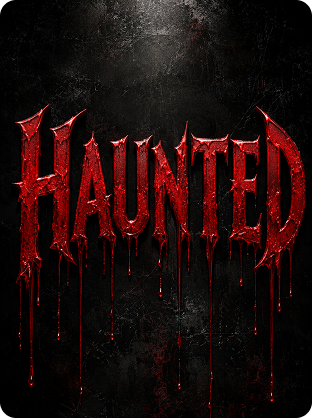
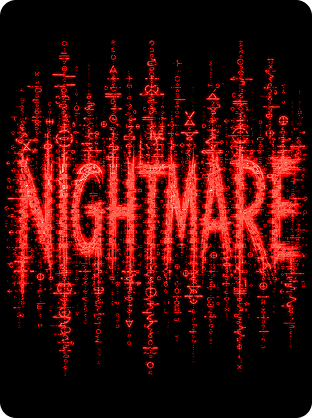
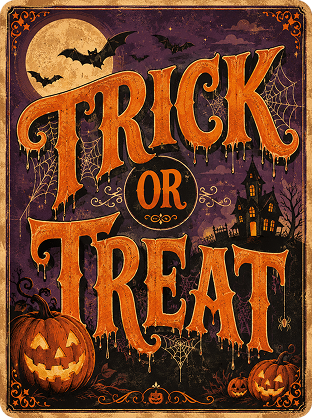
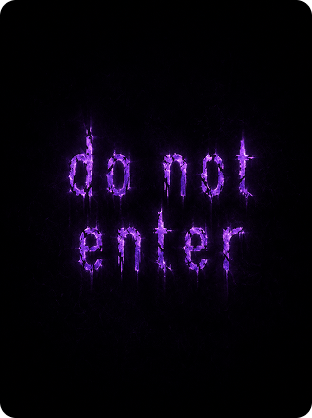
How to Generate Creepy Text in 3 Steps

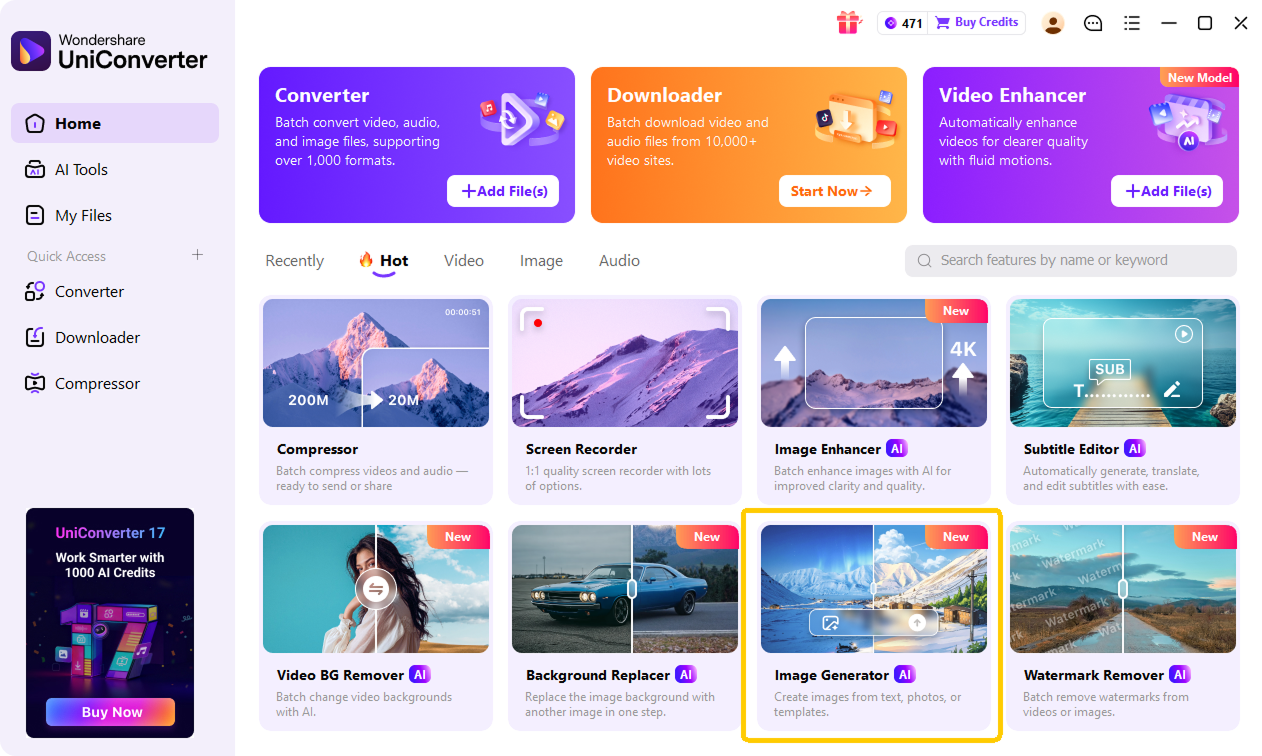
Launch the UniConverter AI Image Generator in your browser. You can start your AI creepy text generator workflow online with no sign-up and no install needed for the web version.

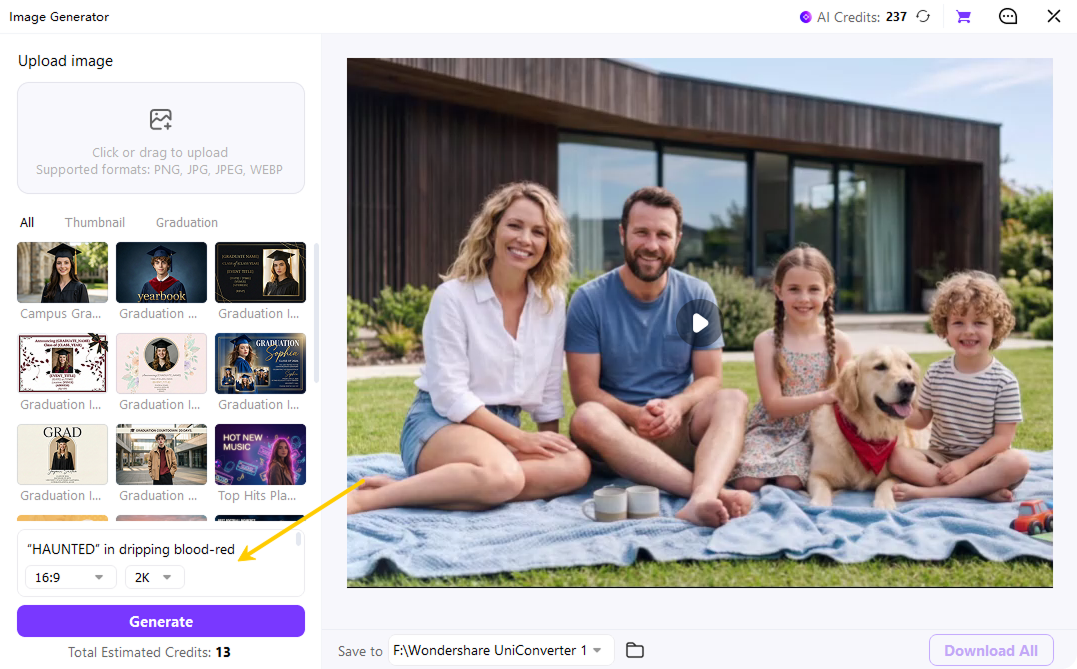
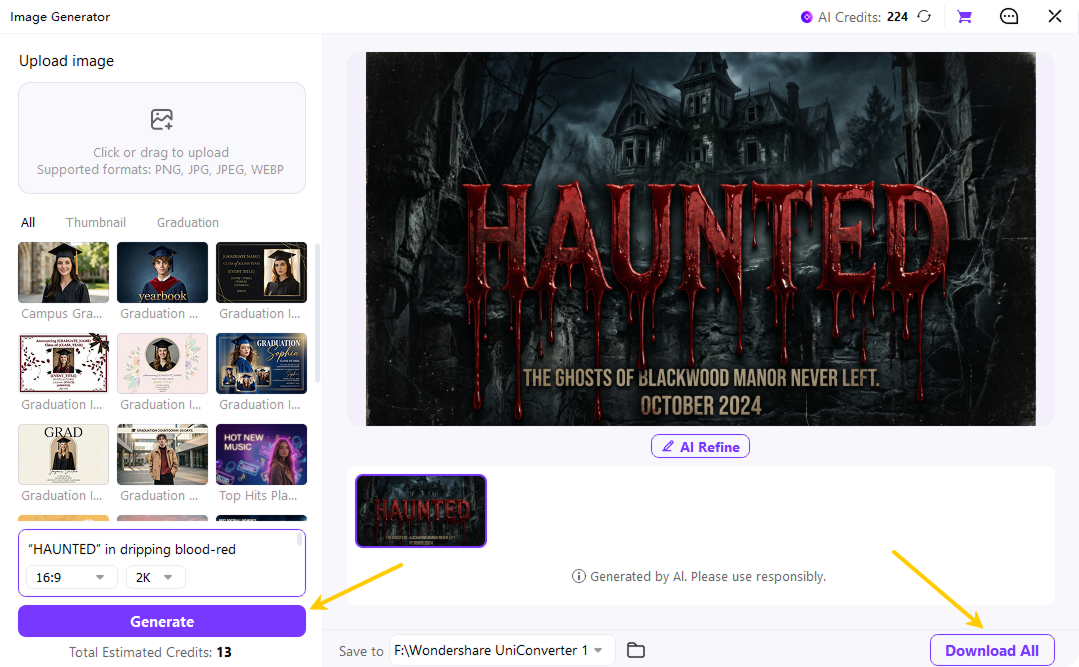
Describe the creepy text you want. Try phrases like “dripping blood horror title,” “cursed Discord bio,” or “Halloween poster headline.” Then choose your aspect ratio, such as 16:9, 9:16, 1:1, or 2:3. Select Standard, HD, or 4K output based on your project.

Click Generate. UniConverter will create a high-resolution scary text image that you can download as a PNG. Use it for posters, thumbnails, Roblox games, TikTok captions, Discord bios, or Halloween social posts.
Use Cases for UniConverter AI Scary Text Maker
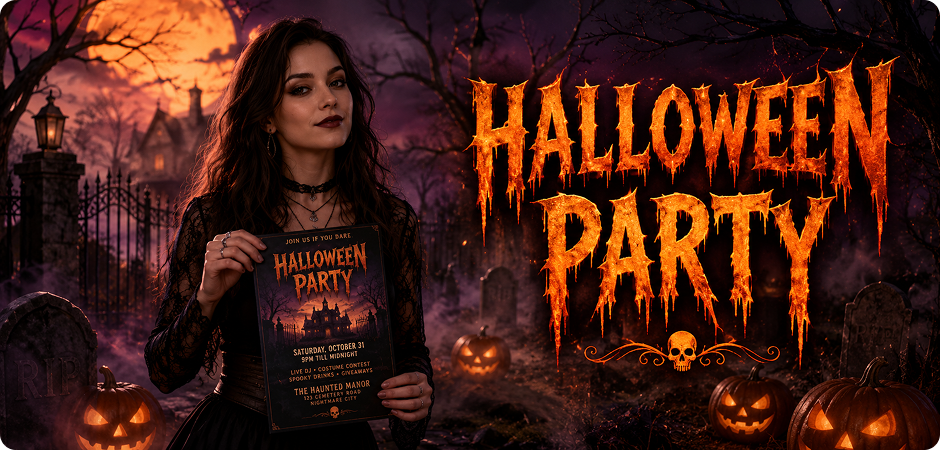
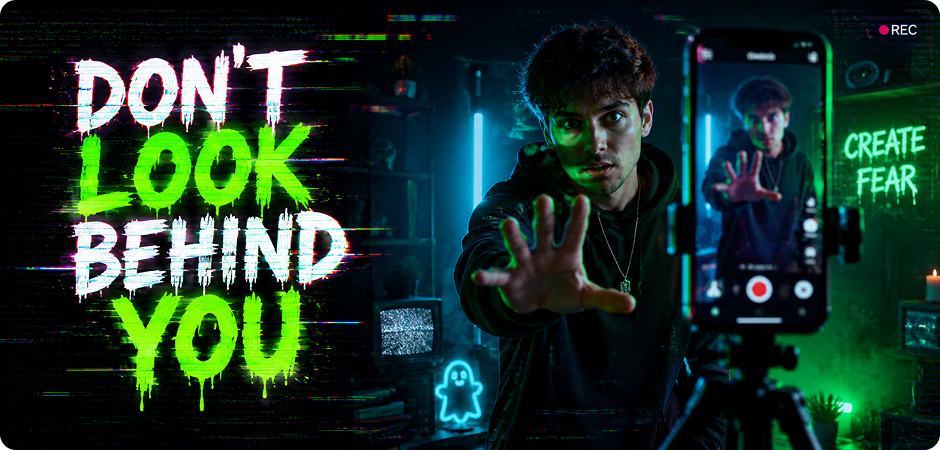
Creepy Text for Halloween Posters
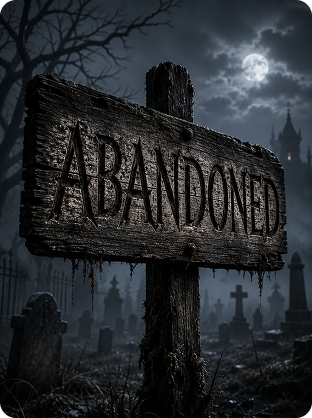
Design cinematic Halloween posters with creepy text that looks ready for flyers, event pages, and party invites. Instead of using a basic spooky font generator, you can describe the full scene: dripping letters, fog, pumpkins, graveyards, or haunted lighting. Choose a 2:3 aspect ratio for poster layouts, then download an HD creepy text PNG for print or online promotion. It works well for Halloween parties, school events, horror nights, and seasonal social campaigns.
Scary Text for YouTube Horror Thumbnails
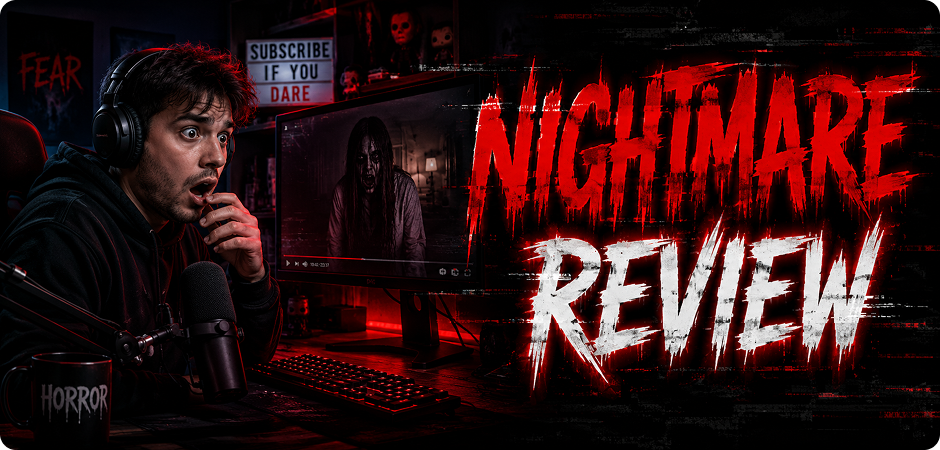
Create scary text for YouTube thumbnails that can support horror reviews, creepypasta narrations, paranormal stories, and scary gaming videos. A plain creepy text copy and paste tool only gives you Unicode characters, but UniConverter creates a full visual title with texture, lighting, and background mood. Use 16:9 for thumbnail composition, and prompt the AI for bold horror typography, red glow, glitch marks, or dark cinematic contrast.
Creepy Text Generator for Roblox Game Titles
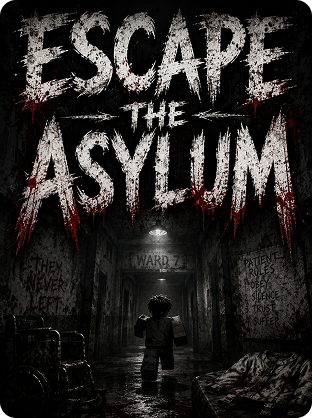
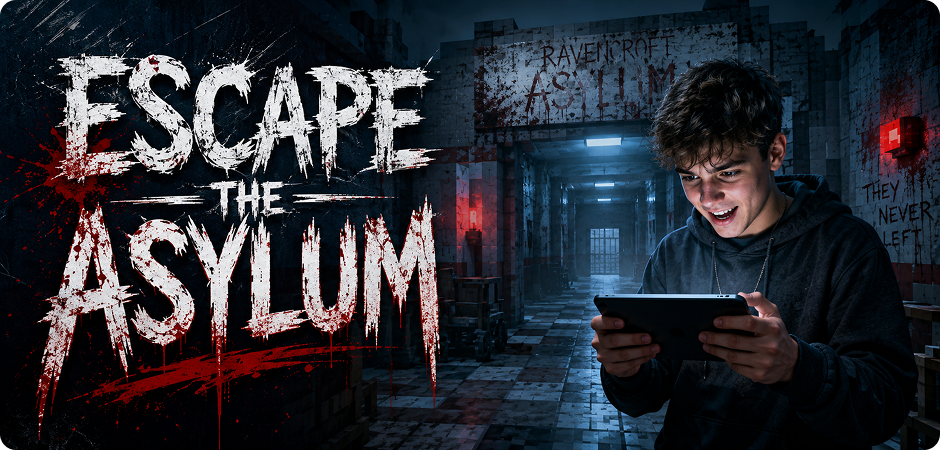
Use UniConverter as a creepy text generator for Roblox titles, game icons, and vertical promotional art. You can create scratched horror letters, blood splatter effects, haunted asylum signs, or corrupted game title graphics from one prompt. Choose 9:16 for vertical layouts or game-style previews. This helps your Roblox horror game look more recognizable in feeds, thumbnails, and social teasers without relying on fixed font templates.
Cursed Text for Discord and TikTok Bios
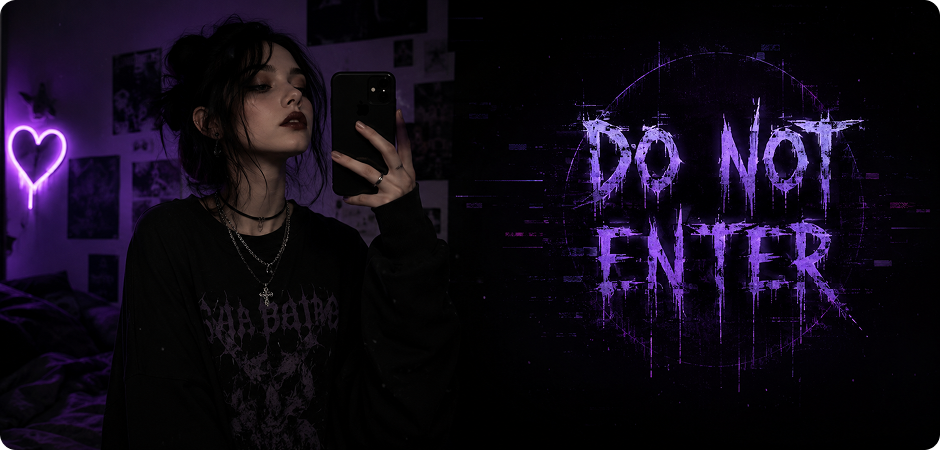
Build cursed text for Discord and TikTok bios when you want a profile look that feels eerie, corrupted, or possessed. Instead of only using zalgo text generator symbols, you can turn a short phrase into square profile art or vertical caption graphics. Use 1:1 for avatars and profile cards, or 9:16 for TikTok bio-style visuals. Try prompts with dark glow, glitch distortion, broken letters, or haunted minimal backgrounds.
Creepy Writing Generator for Creepypasta Story Headers
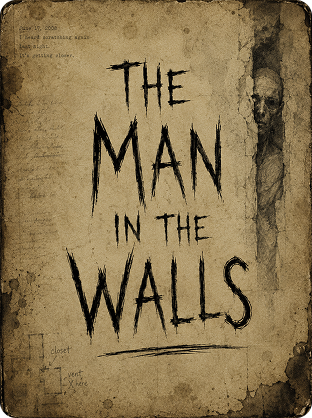
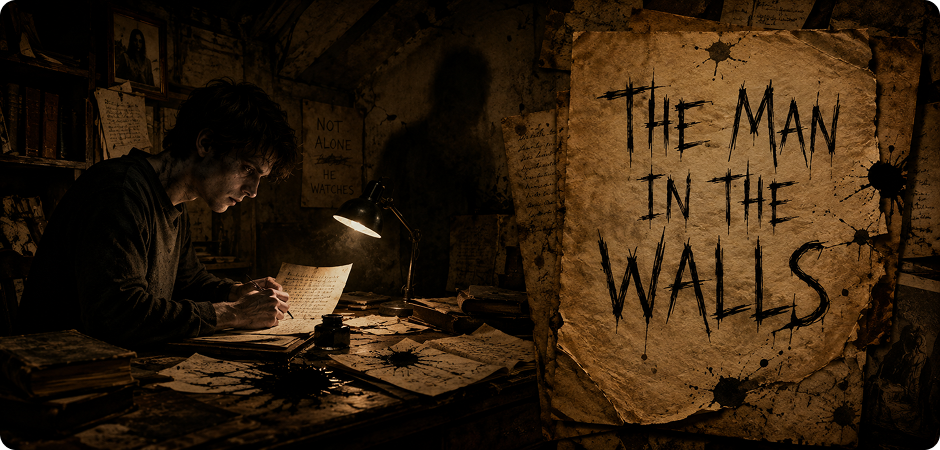
Turn story titles into atmospheric visuals with a creepy writing generator built for creepypasta headers, blog covers, and chapter art. You can prompt aged paper, handwritten horror typography, stains, shadows, and unsettling background details. Use 16:9 for wide headers, banners, and story cover previews. This works well when you need creepy text that feels connected to a narrative, not just a copied cursed Unicode string.
Glitch Text Maker for TikTok, Reels, and Shorts Captions
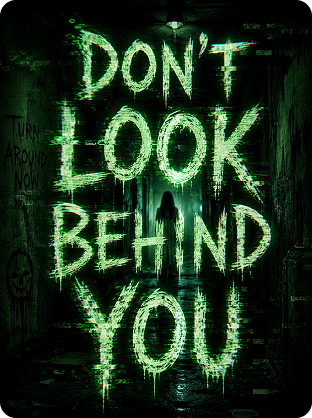
Create glitchy horror text for TikTok, Reels, and Shorts captions that look native to vertical scary content. Prompt UniConverter for distorted letters, flickering effects, VHS noise, or neon cursed text overlays. Choose 9:16 to match short-video format from the start. You can use the output as title cards, opening hooks, transition screens, or on-screen caption art for horror skits, scary facts, urban legends, and paranormal edits.
Why UniConverter AI Creepy Text Maker Beats Unicode Copy-Paste Tools
Go beyond copied cursed characters. Generate complete scary text images with horror typography, textures, lighting, backgrounds, and PNG exports for posters, thumbnails, gaming graphics, bios, and social content.
AI Creepy Text Generator for Original Horror Art
Most creepy text generators only stack Unicode marks onto letters. That can work for a Discord bio, but it cannot create a poster, thumbnail, or Roblox title. UniConverter’s AI creepy text generator creates original visual artwork with dripping horror fonts, haunted textures, cinematic lighting, and dark backgrounds from your prompt, so the result feels designed, not pasted.
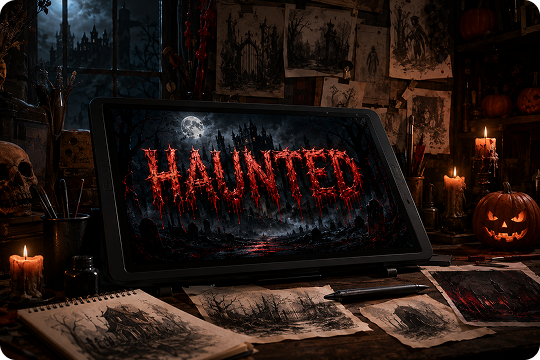
HD and 4K Creepy Text PNG Export
Unicode strings cannot become print-ready Halloween posters or high-impact YouTube thumbnails. UniConverter lets you generate creepy text PNG images in high resolution, with HD online output and up to 4K export on desktop. Use your scary text image for posters, thumbnails, merch concepts, social visuals, and commercial creative projects without rebuilding it in another editor.
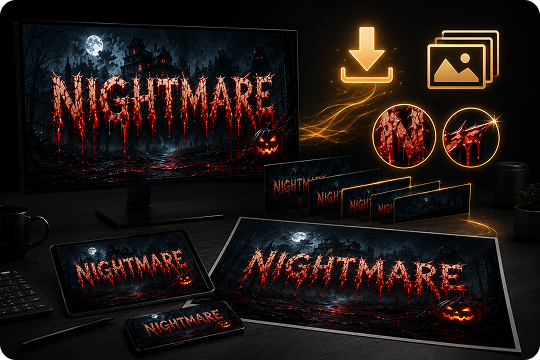
Prompt-Driven Scary Text Maker With No Preset Limits
Many scary text maker tools lock you into fixed font lists or basic templates. UniConverter works as a prompt-driven creepy font generator, so you describe the exact mood in plain English. Try “dripping blood horror title,” “vintage haunted carnival sign,” or “glitchy cursed TikTok caption,” then let the AI build the design.
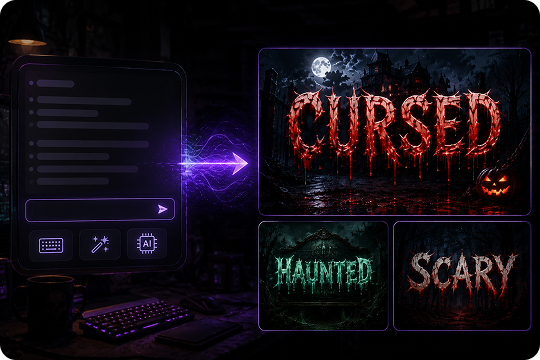
Trusted AI Creepy Text Generator for
Fast Horror Text Art
FAQs about Creepy Text Generator
What is a creepy text generator?
Is the UniConverter creepy text generator free?
Do I need to write my own prompt, or are there preset styles?
Can I use the creepy text I generate commercially?
What aspect ratios and resolutions are supported?
How is this different from Zalgo or Unicode copy-paste tools?
More Than a Scary Text Generator
Explore More AI Tools in UniConverter



Make Creepy Text Art Online With UniConverter AI
Create creepy text art from a simple prompt. Make scary titles, cursed captions, Halloween posters, horror thumbnails, and Roblox game visuals in minutes.
