
What You Can Create with UniConverter Menu Maker AI
Create menus for restaurants, cafés, bars, events, takeout, and social media in one AI-powered workflow. UniConverter works as a restaurant menu maker, free food menu maker, and digital menu maker for both print and online use.
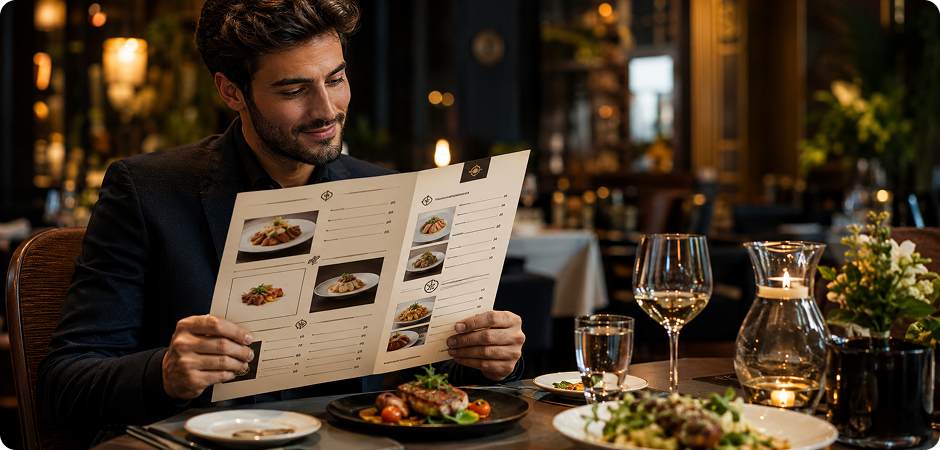
Restaurant Menu Maker — Fine Dining, Casual & Family
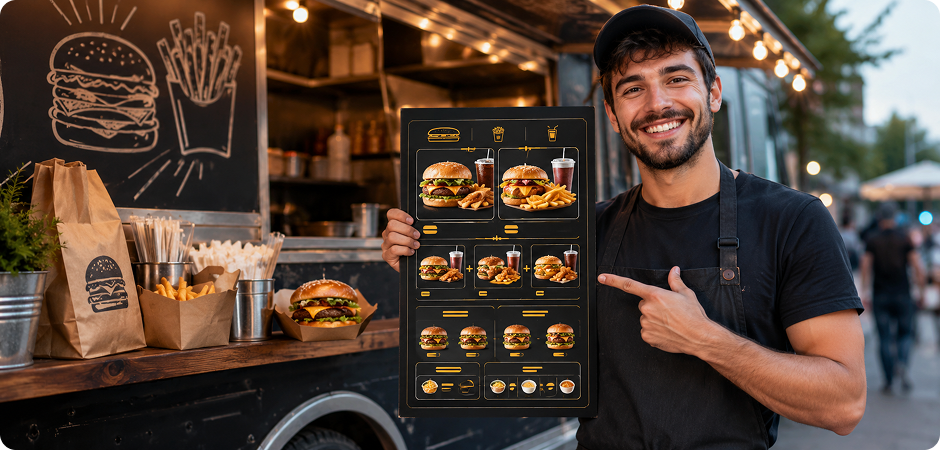
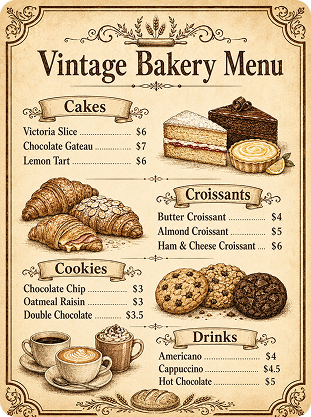
Build a restaurant menu that matches your dining style, from elegant tasting menus to casual lunch specials. This restaurant menu builder helps you turn dish names, prices, sections, and brand details into a complete layout. Use it as a restaurant menu creator when you want a clean food menu without starting from a blank design tool. Recommended aspect ratio: 3:4 or 4:3. Recommended resolution: 2K or 4K for printable menu cards.
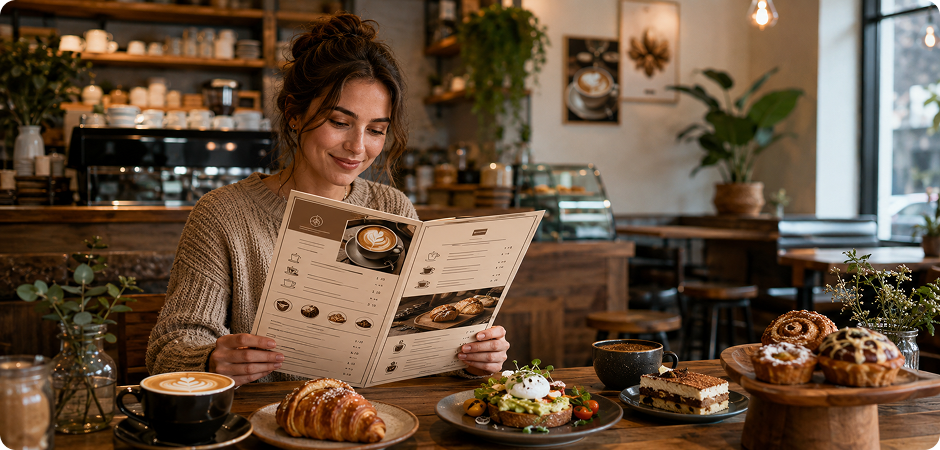
Café & Coffee Shop Menu Maker
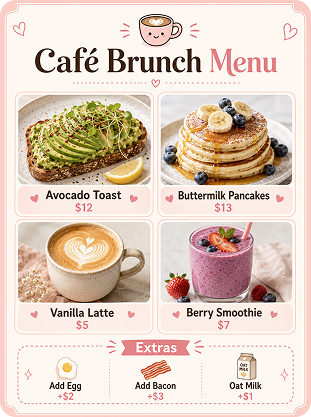
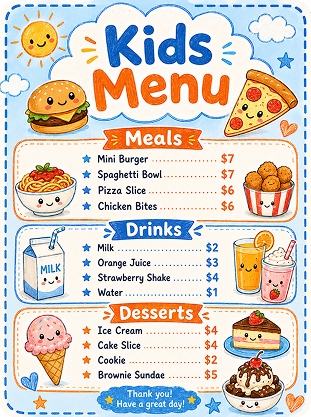
Design café menus for coffee drinks, brunch plates, bakery items, seasonal specials, and loyalty offers. With this café menu maker, you can describe your menu format, color palette, and typography in plain English, then let AI create a warm and readable layout. Use square formats for social posts or portrait formats for counter displays. Recommended aspect ratio: 3:4 or 1:1. Recommended resolution: 1K for social media or 2K for print.
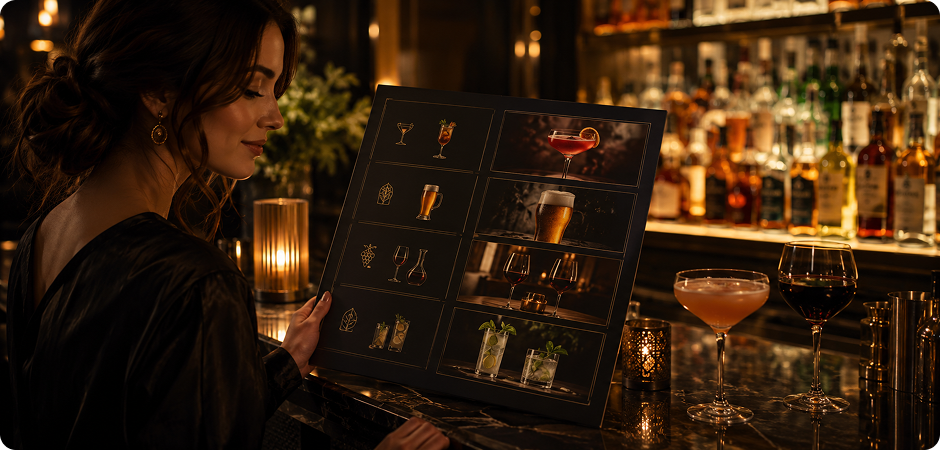
Bar, Pub & Drink Menu Maker
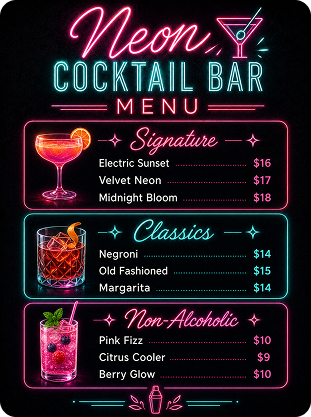
Create drink menus for cocktail bars, pubs, lounges, wine lists, and happy hour boards. This bar menu maker also works as a cocktail menu maker and drink menu maker when you need clear sections for signature drinks, classics, beer, wine, or non-alcoholic options. Add mood, lighting, and font style to your prompt for a stronger visual direction. Recommended aspect ratio: 3:4 or 9:16. Recommended resolution: 2K for posters and digital displays.
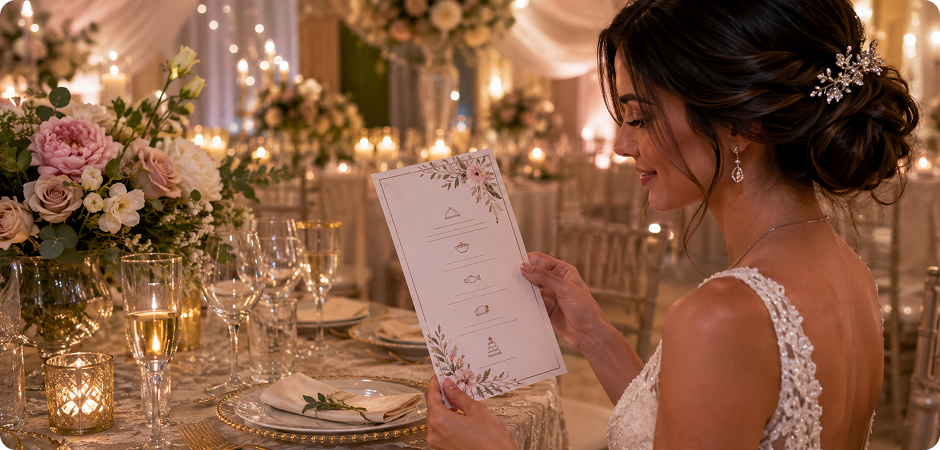
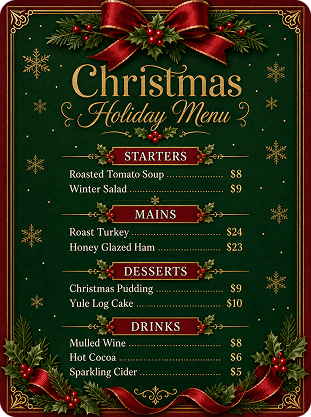
Wedding & Event Menu Card Maker
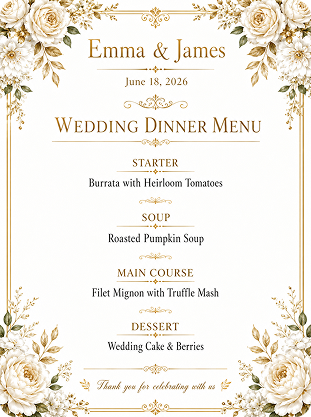
Make wedding menus, banquet cards, dinner programs, and event menu designs with a polished visual style. This wedding menu card maker lets you create a menu that fits your theme, from soft floral details to modern black-and-white layouts. Add guest courses, names, date, venue, and color preferences in your prompt. Recommended aspect ratio: 3:4 or 1:1. Recommended resolution: 2K or 4K for table cards, invitations, and printed keepsakes.
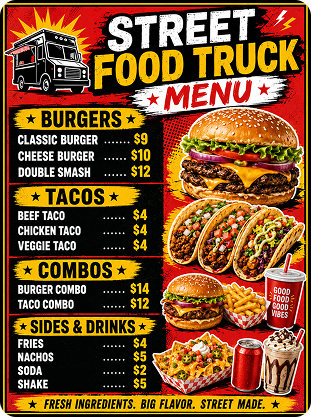
Takeaway & Food Truck Menu Maker
Create clear takeaway menus, food truck boards, delivery menus, and quick-service food lists. This takeaway menu maker and food truck menu maker helps you present combos, bestsellers, add-ons, and prices in a compact layout. You can also use it as a delivery menu maker for online ordering pages and local promotions. Recommended aspect ratio: 1:1 or 4:3. Recommended resolution: 1K for online sharing or 2K for printed flyers.
Digital & Social Media Menu Maker
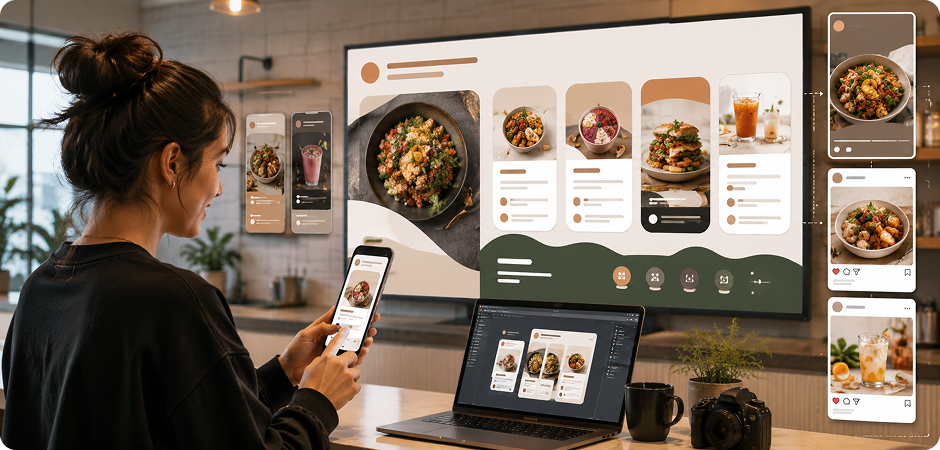
Design menus for websites, digital screens, Instagram posts, Stories, and short-form campaigns. This digital menu maker can also work as an Instagram menu maker, vertical menu maker, square menu maker, or landscape menu maker. Choose 16:9 for TV menu boards, 9:16 for vertical stories, or 1:1 for square posts. Recommended aspect ratio: 16:9, 9:16, or 1:1. Recommended resolution: 1K for social posts or 4K for large screens.
Why Choose UniConverter as Your AI Menu Maker
UniConverter gives you a simple way to create menu visuals with AI. It focuses on original generation, flexible output, and practical use across restaurant, print, digital, and social media needs.
Text-to-Menu AI Menu Generator Free
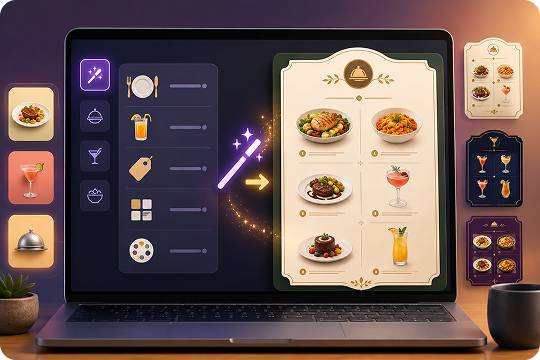
Describe your dishes, prices, layout, and visual style in plain English. UniConverter’s AI menu generator free tool turns your prompt into a complete menu card in seconds. You can use it as a menu generator free option for testing food menus, drink menus, and event menus before finalizing your design.
Desktop Image-to-Image Menu Making Software
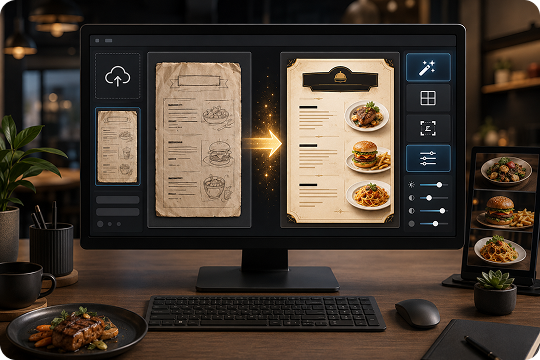
Upload an existing menu image in the desktop version and refine it with AI. This menu making software helps you update the style, adjust the layout, or refresh menu items while keeping your original direction. It also works as menu design software for restaurants that already have menu drafts or old designs.
No Templates, Pure AI Menu Designer
UniConverter does not rely on fixed menu templates. As an AI menu designer, it generates a new result from your prompt each time. This makes it useful when you want a menu designer free workflow that feels more original than template-based tools and better reflects your food, brand, and visual style.
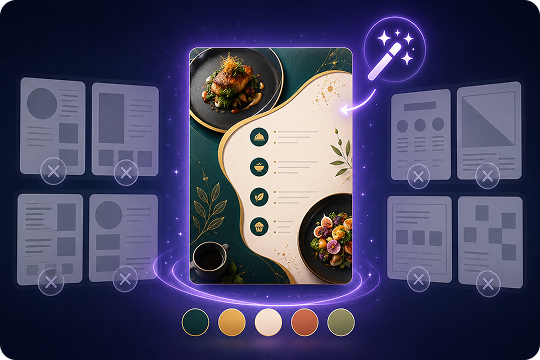
High Resolution Menu Maker with 1K to 4K Export
Export your menu as a high-quality JPG in 1K, 2K, or 4K resolution. This high resolution menu maker supports five aspect ratios: 16:9, 9:16, 1:1, 4:3, and 3:4. Use it as a printable menu maker for table menus or as a digital menu maker for screens and social media.
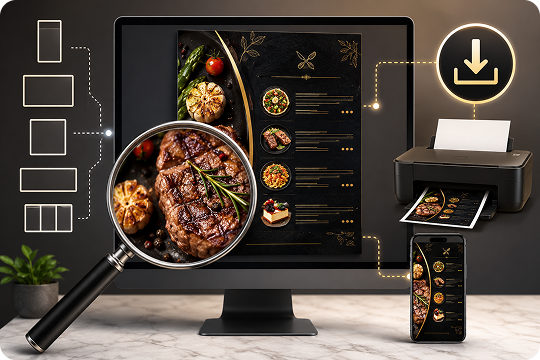
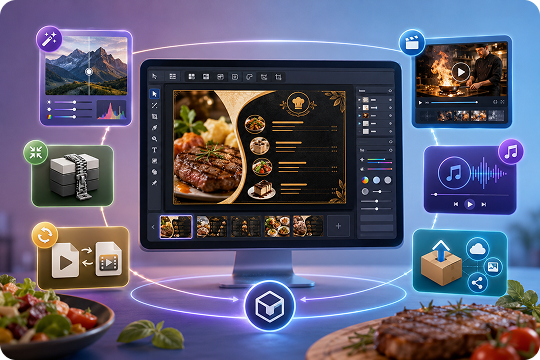
All-in-One Menu Maker Program for Media Needs
Beyond AI menu cards, UniConverter helps you handle related media tasks in one place. Use the desktop menu maker program to process images, compress files, convert formats, and prepare video or audio assets. It suits restaurants, creators, and teams that manage menu visuals, short videos, and promotional media together.
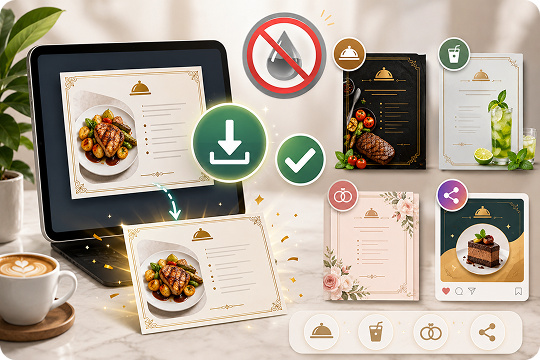
Free Menu Maker with No Watermark
Start with a free menu maker that lets you download watermark-free menu cards. You can create food menus, drink menus, wedding menus, and social media menu designs without adding extra branding to your work. This helps you test ideas, share drafts, or publish finished menus with less setup.
How to Make a Menu Card with AI in 3 Steps
Wondering how to make a menu or how to make a restaurant menu without design software? UniConverter helps you create menu online free with a clear AI workflow.

Open UniConverter AI Image Generator online, or launch the desktop version. Choose Text-to-Image to create a new menu from a prompt. On desktop, you can also use Image-to-Image to refine an existing menu image.

Enter your dishes, prices, sections, visual style, and brand details. For example: “Modern Italian dinner menu with appetizers, mains, desserts, warm beige background, serif typography, and hand-drawn pasta illustrations.”

Click Generate to create your AI menu. Refine the look with follow-up prompts if needed. Then choose your aspect ratio, such as 16:9, 9:16, 1:1, 4:3, or 3:4. Select 1K, 2K, or 4K resolution before downloading your JPG file.
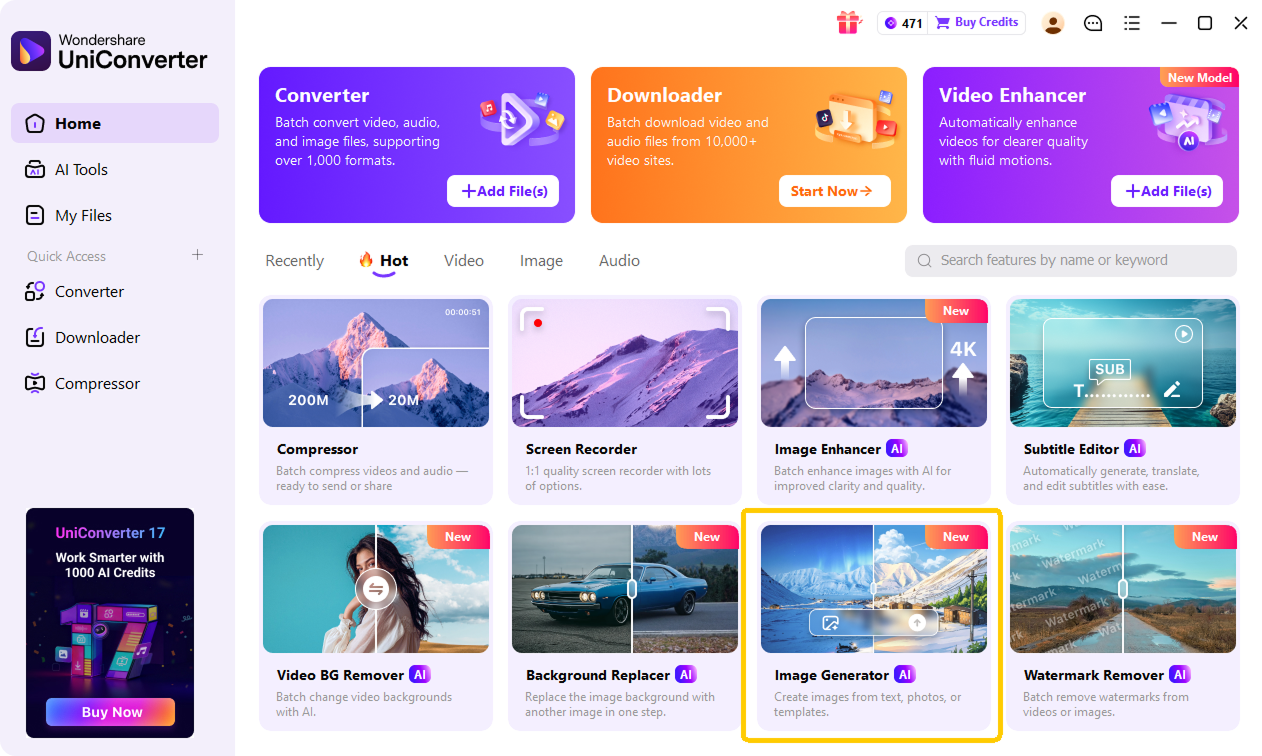
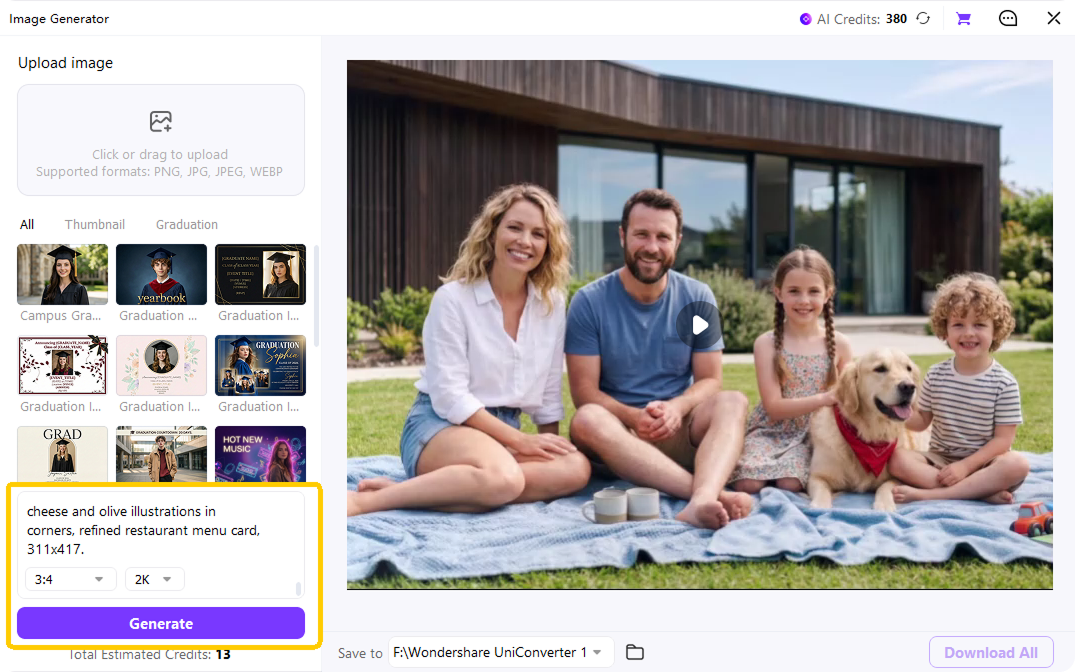
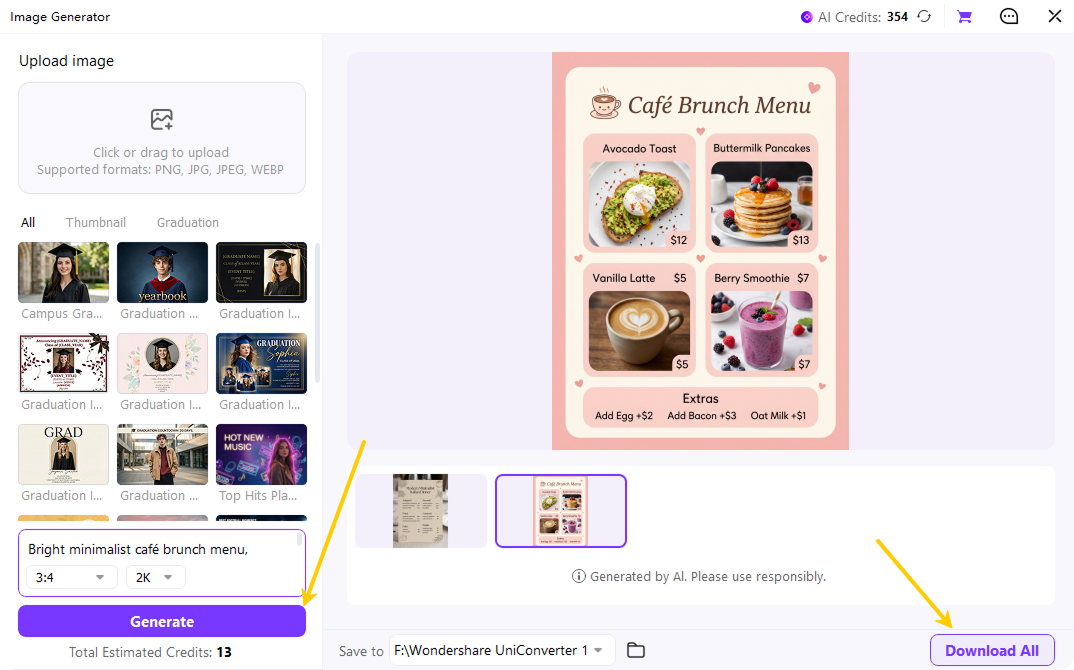
Online Menu Maker or Desktop Menu Making Software — You Choose
Use UniConverter online when you want a fast menu maker website. Choose the desktop version when you need more control, image-to-image refinement, batch handling, and broader media processing.
| Capability | Online Menu Maker | Desktop Menu Making Software |
|---|---|---|
| Text-to-menu generation | Yes | Yes |
| Image-to-image refinement | No | Yes |
| 1K, 2K, and 4K export | Standard Resolution | Yes |
| Five aspect ratios | Yes | Yes |
| Batch export | No | Yes |
| No installation required | Yes | No |
| Video, audio, and image processing | Limited | Full suite |
| Best for | Individual owners and occasional use | Restaurant brands, designers, and frequent use |
Need Inspiration? Copy-Ready Menu Prompts
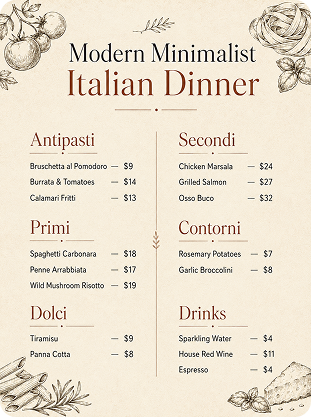
Loved by Restaurant Owners
Worldwide
Frequently Asked Questions about Menu Generator
What is an AI menu card maker?
Is UniConverter menu maker free to use?
How do I make a menu for my restaurant online?
What resolution should I choose — 1K, 2K, or 4K?
Can I make my own menu without design skills?
Can I use AI-generated menus commercially?
What resolution and aspect ratio options does UniConverter support?
Does UniConverter offer desktop menu making software?
Does UniConverter offer pre-made menu templates?
More Than a Menu Builder
Explore More AI Tools in UniConverter



Ready to Design Your Menu?
Create your own menu with AI and export it in the size you need. Start online for quick results, or use the desktop version for more advanced menu and media workflows.
