
Why UniConverter’s AI Ambigram Generator Stands Out
AI Ambigram Generator for Cleaner Rotational Word Art
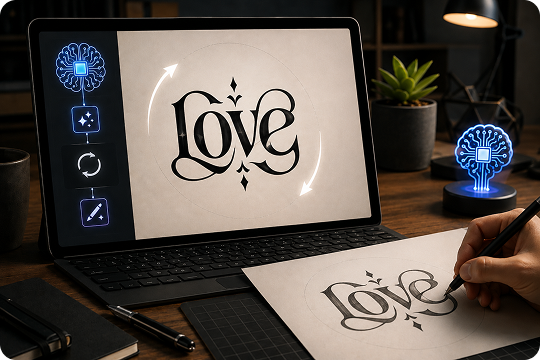
Use UniConverter as an AI ambigram generator when you want cleaner letter mapping than basic upside-down text tools. Describe your word, name, font direction, and rotational effect in the prompt. The AI reads the full request, balances strokes, and creates a rotational ambigram that feels more like designed word art than a simple text flip.
Free Ambigram Generator for Two Names and Word Pairs
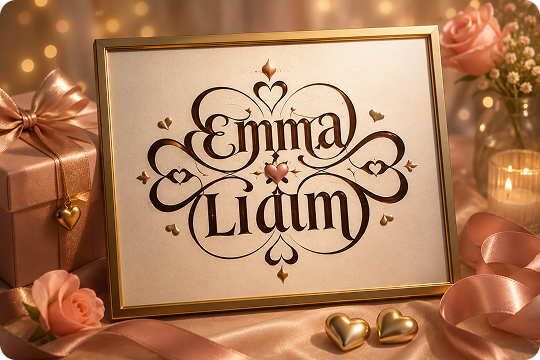
Create couple names, family names, or two meaningful words with the free ambigram generator for two names. Add both names in the prompt and explain the mood, such as romantic, minimal, Gothic, or tattoo-inspired. UniConverter helps turn different-length words into one balanced two-word ambigram concept for gifts, prints, and personal designs.
Ambigram Font Generator with Prompt-Based Style Control
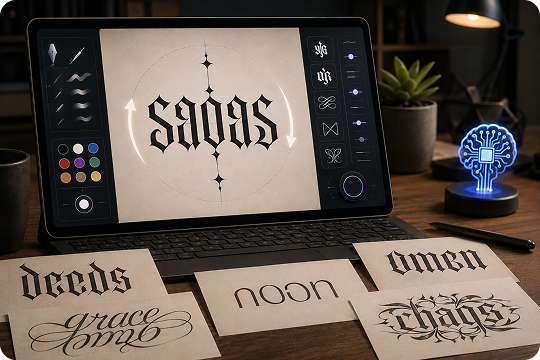
Use UniConverter as an ambigram font generator by describing the lettering style directly in your prompt. Ask for Gothic, blackletter, cursive, modern, minimal, script, or tattoo ink details when you generate. This prompt-based workflow gives you more freedom than fixed style buttons while still keeping the ambigram readable when rotated or mirrored.
Rotational Ambigram, Mirror Ambigram, and Symbiotogram Generator
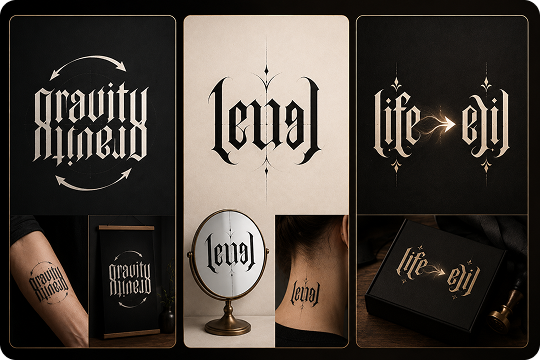
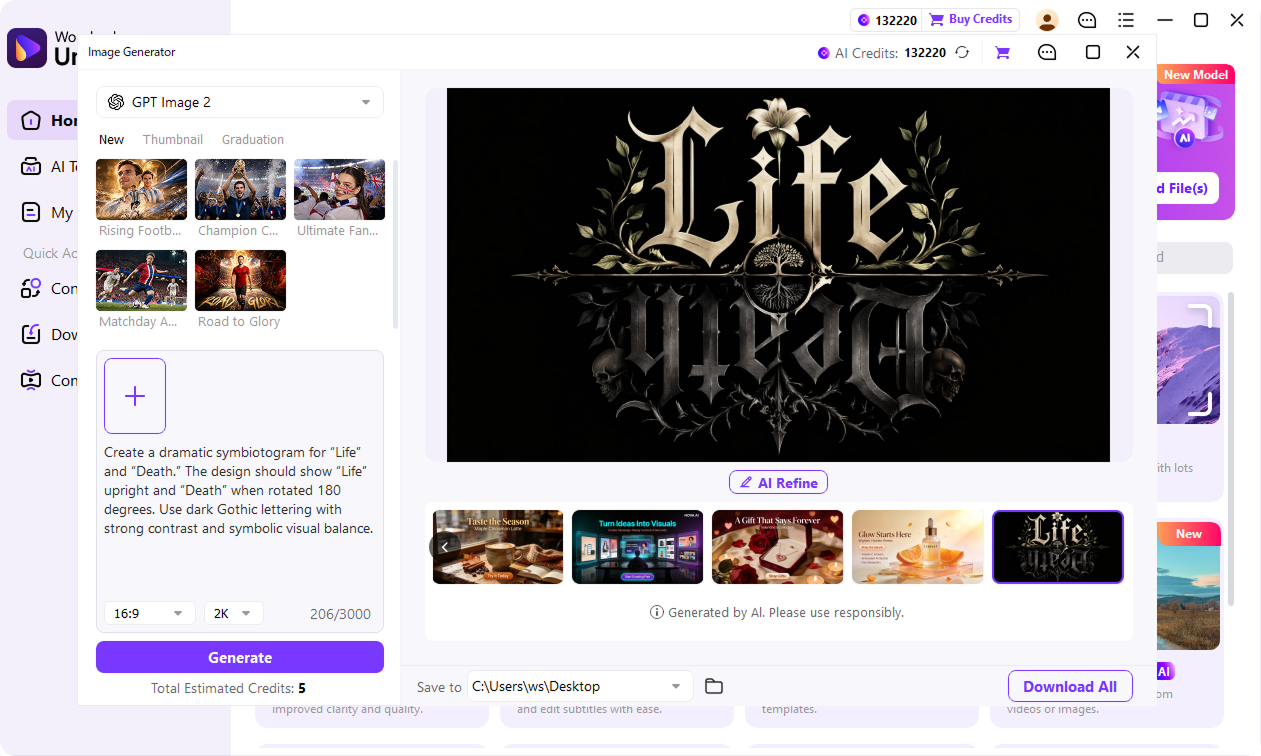
Generate rotational ambigrams, mirror ambigrams, or symbiotograms by saying what you need in the prompt. For example, ask for a 180-degree rotational ambigram, a reflected mirror design, or a symbiotogram where one word changes into another. UniConverter turns these instructions into AI-generated ambigram artwork for tattoos, logos, posters, and gifts.
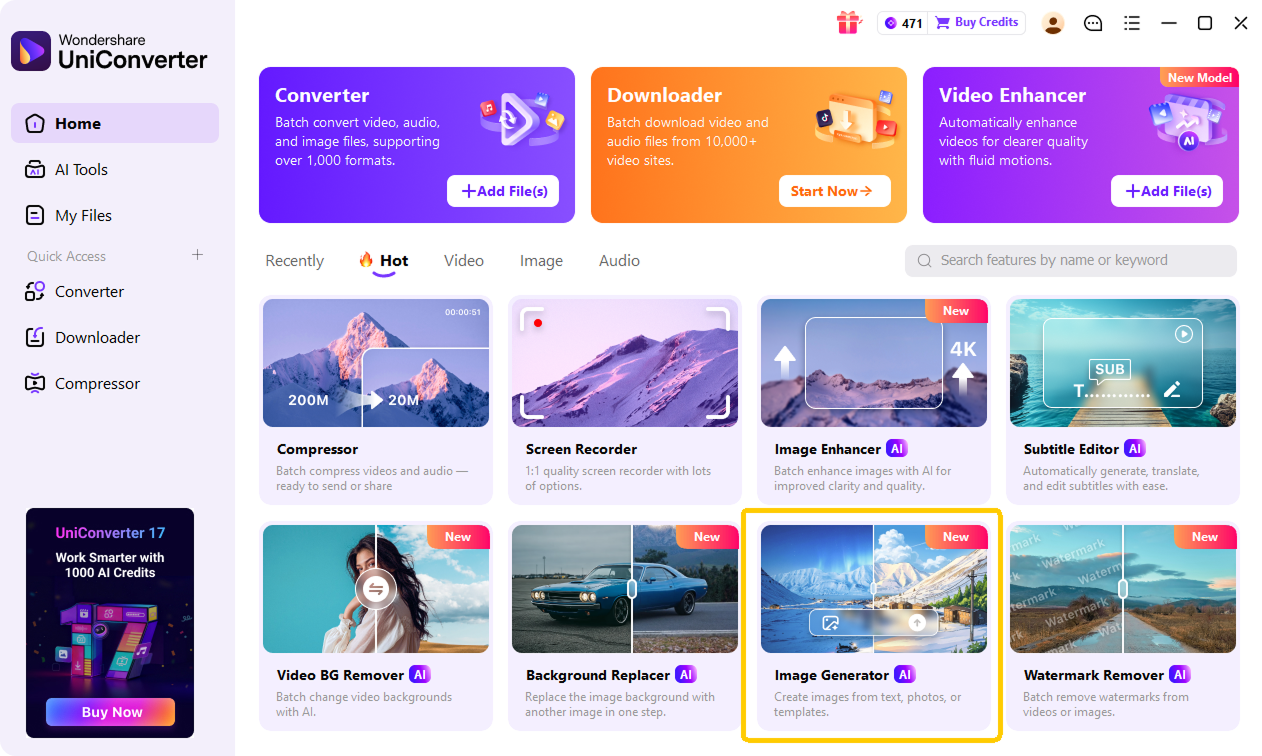
How to Make an Ambigram with UniConverter in 3 Steps

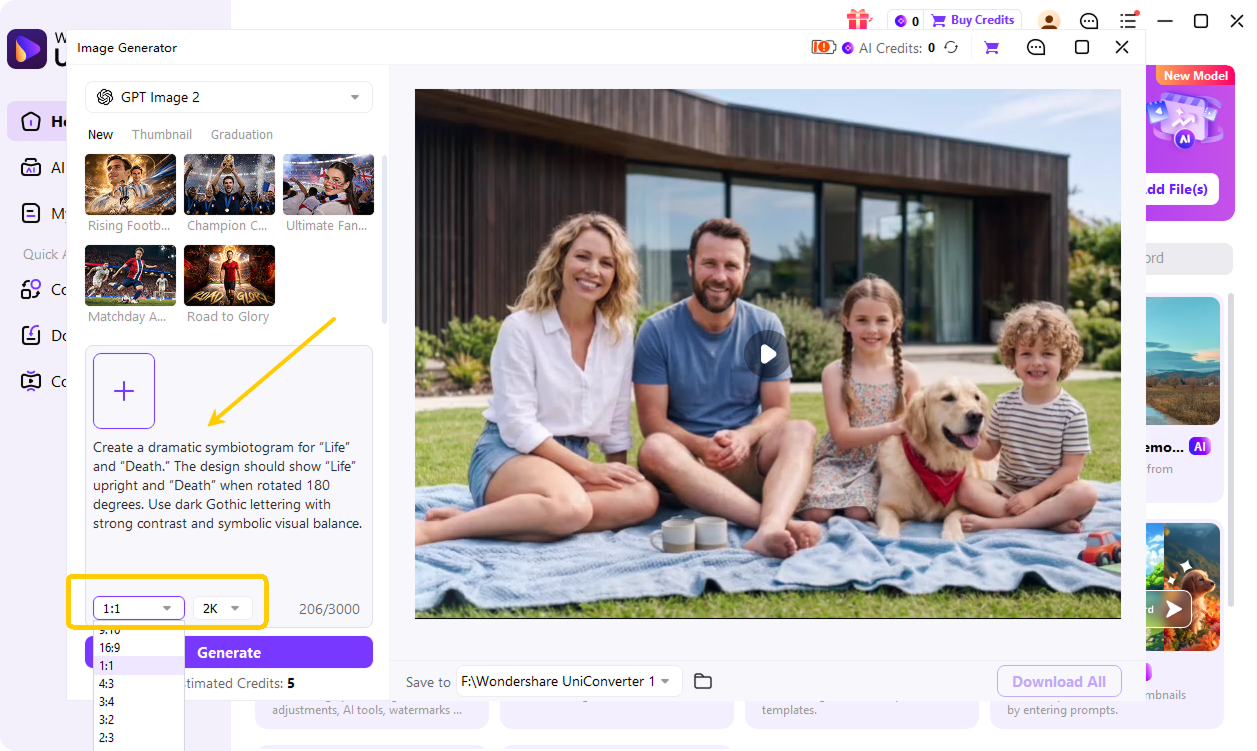
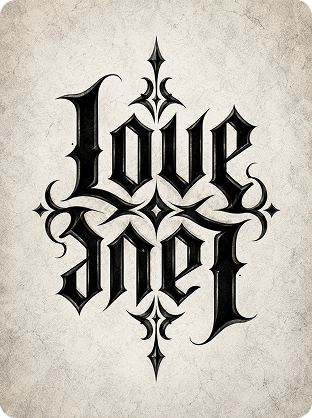
Type the word, name, or word pair you want to turn into an ambigram. Add the style or effect you need in the prompt, such as “Gothic rotational ambigram for Love and Hate” or “cursive two-name ambigram for Sarah and David.”

Select the aspect ratio and output resolution based on your use case. Square works well for social posts and stickers, while vertical layouts fit tattoo references or phone wallpapers. Use higher resolution for prints, posters, or design drafts.

Click Generate to create your ambigram. Preview the result, adjust the prompt if needed, and download the final image for tattoos, gifts, logos, posters, or personal projects.
Free Online Ambigram Generator vs UniConverter Desktop Ambigram Maker — Which Fits You?
| Capability | Online Free Ambigram Generator | UniConverter Desktop Ambigram Maker |
|---|---|---|
| Ambigram generation | Free daily credits | More flexible creation workflow |
| Single-word ambigrams | Supported | Supported |
| Two-name ambigrams | Supported through prompt input | Supported through prompt input |
| Different-length word pairs | Supported with AI prompt interpretation | Supported with advanced editing workflow |
| Style control | Describe the style in your prompt | Describe the style in your prompt and refine output |
| Ambigram type control | Describe rotational, mirror, or symbiotogram needs in the prompt | Generate, refine, and restyle ambigram concepts |
| Output format | PNG | PNG and higher-resolution export options |
| Watermark | No watermark | No watermark |
| Batch generation | Not supported | Better for creating multiple variations |
| Offline workflow | Browser-based only | Desktop workflow for local projects |
| Editing options | Basic generation and download | More editing and export flexibility |
| Best for | Quick trials and casual creative use | Tattoo artists, designers, and commercial concept work |
What People Create with UniConverter Ambigram Generator
Ambigram Tattoo Generator for Designs That Read Both Ways
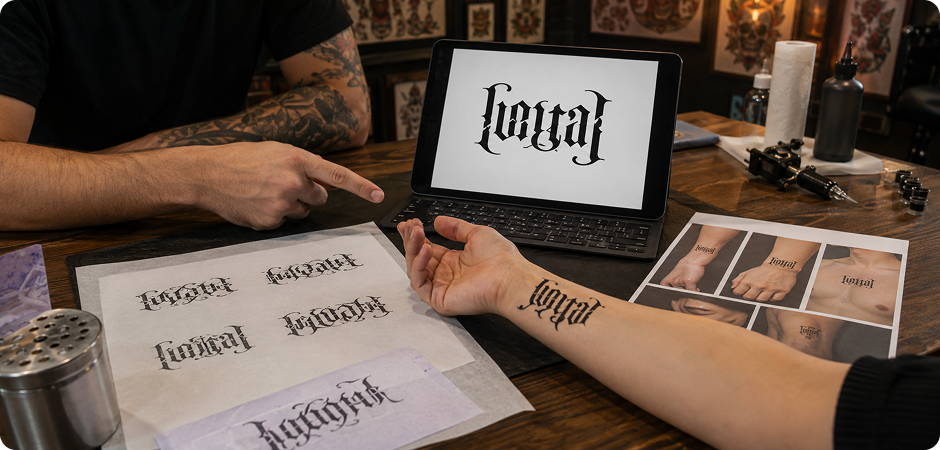
Use the ambigram tattoo generator to explore forearm, wrist, back, chest, or ribcage tattoo ideas before visiting an artist. Enter your word or name pair, then describe the style in the prompt, such as Gothic, blackletter, minimal, or fine-line tattoo ink. The generated ambigram can act as a visual reference for personal mantras, memorial words, couple names, or symbolic pairs. Ask your tattoo artist to refine line weight and placement before final ink.
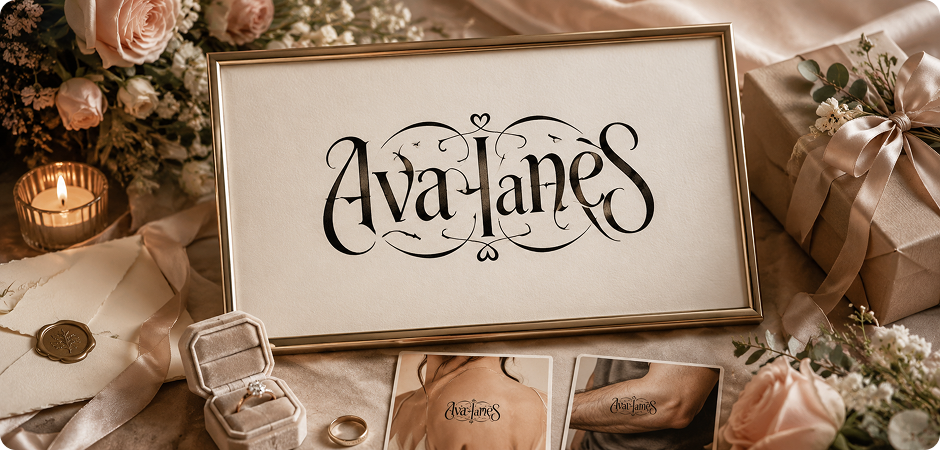
Two Name Ambigram Generator Free for Couple Tattoos and Gifts
Create matching couple artwork with a two name ambigram generator free workflow. Add both names in the prompt and describe the mood, such as romantic, elegant, modern, or tattoo-inspired. UniConverter can help combine different-length names into one balanced ambigram concept for engagement gifts, wedding invitations, anniversary prints, or matching tattoos. Use the generated image as a starting point, then refine spacing and letter details for final production with a designer or tattoo artist.
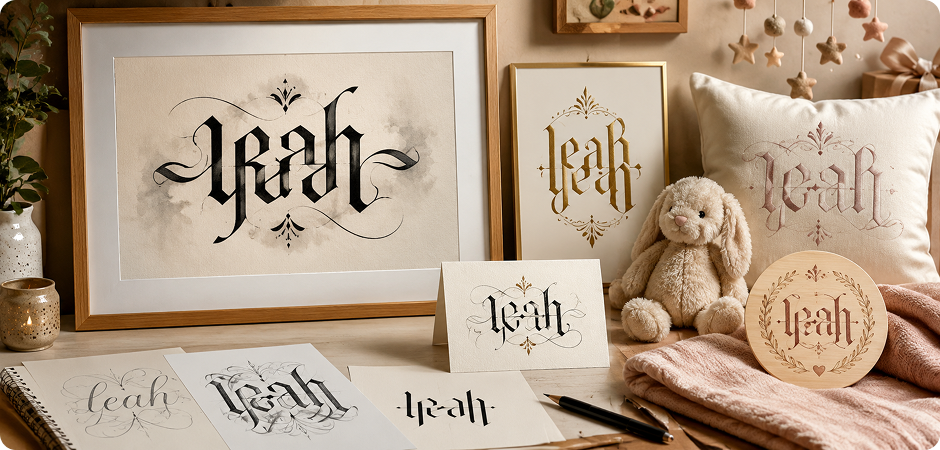
Ambigram Name Generator for Custom Name Art
Turn a first name, nickname, family name, or short personal word into readable rotational art with an ambigram name generator. In the prompt, describe whether you want a soft script look, a bold tattoo feel, or a clean modern style. The result works well for birthday gifts, nursery decor, monogram prints, stationery, and custom wall art. You can also regenerate variations to compare letter balance before choosing the final design.
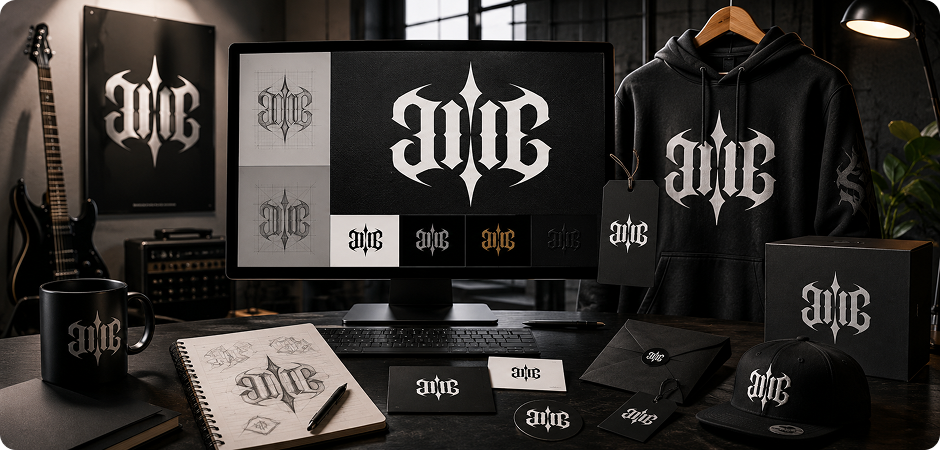
Ambigram Creator for Logo and Brand Identity Concepts
Use an ambigram creator to create early logo concepts that look memorable from more than one angle. Describe your brand name, preferred mood, and visual style in the prompt, such as modern minimal, bold blackletter, or streetwear-inspired typography. Bands, apparel brands, studios, and personal projects can use the generated ambigram as a draft for a logo direction. For commercial use, refine the design and run a trademark check before launch.
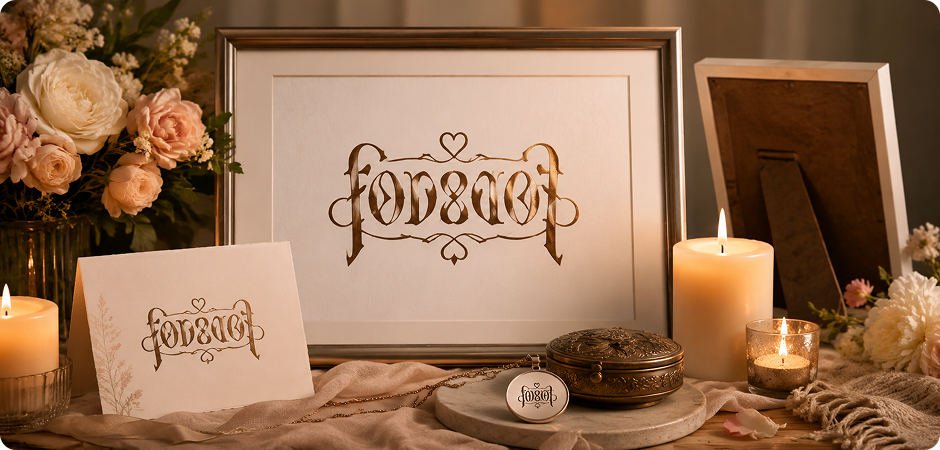
Ambigram Creator Free for Memorial and Family Tribute Designs
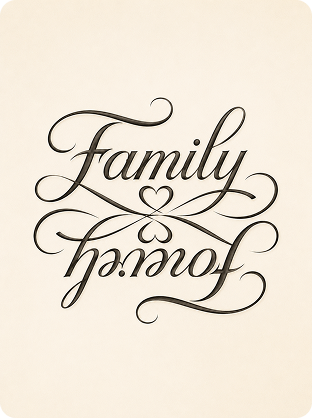
Create a thoughtful family or memorial design with an ambigram creator free workflow. Add names, dates, or tribute words to the prompt, then describe the tone you want, such as gentle, elegant, minimal, or symbolic. This works for framed prints, keepsake cards, jewelry concepts, memorial tattoos, and engraved items. Because these designs can carry deep meaning, review the output carefully and refine the final version before printing, engraving, or sharing it with family.
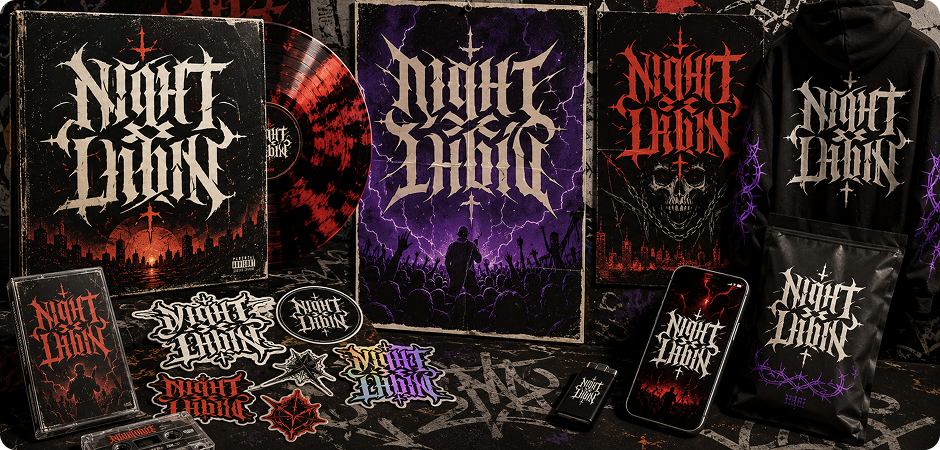
Ambigram Maker Online for Album Art, Posters, and Merch
Use an ambigram maker online to create visual hooks for album covers, concert posters, sticker packs, merch, and social graphics. Enter a short word pair and describe the art direction in the prompt, such as Gothic, graffiti, retro, minimal, or high-contrast poster lettering. The generated ambigram can help you test layout ideas quickly before you move into final design, color editing, print preparation, or campaign assets for music and creator projects.
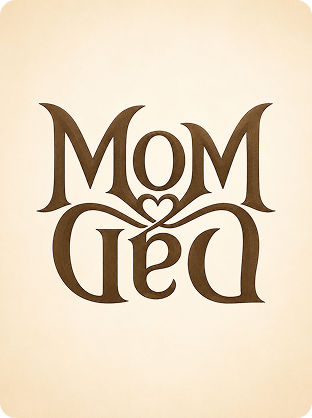
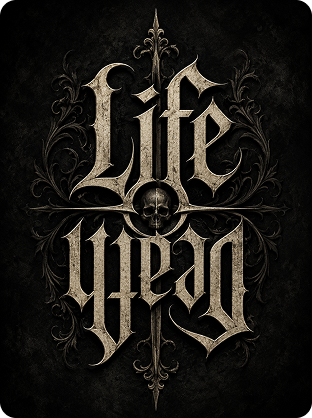
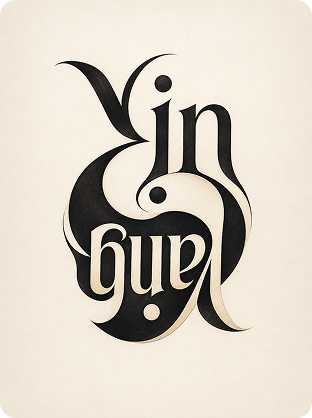
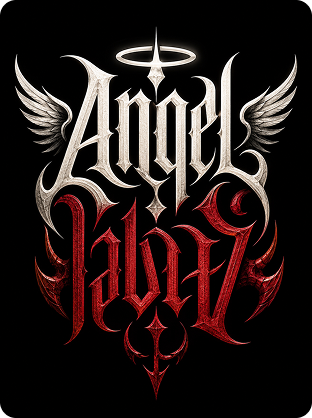
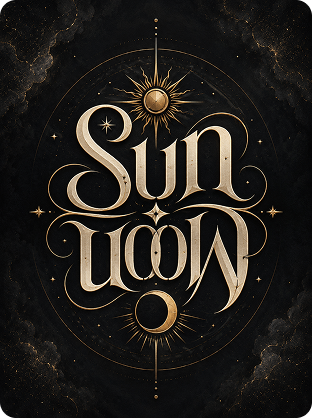
Try These Popular Ambigram Word Pairs
Frequently Asked Questions about Ambigram Creator
Is UniConverter’s ambigram generator really free?
What is the best ambigram generator online?
How do I make an ambigram?
Can I create an ambigram with two different names?
Does it work with different-length words?
What is the difference between an ambigram and a palindrome?
Can I use these ambigrams for a real tattoo?
What font style is best for ambigrams?
What is the difference between rotational, mirror, and symbiotogram ambigrams?
Can I use generated ambigrams commercially or for logos?
Do I need to install anything or sign up?
Is there an ambigram generator app for mobile?
More Than an Ambigram Maker
Explore More AI Tools in UniConverter



Ready to Create Your First Ambigram?
Turn your word, name, or two-name idea into symmetrical word art with UniConverter’s free AI ambigram generator.
