
Why Choose UniConverter as Your AI Album Art Maker?
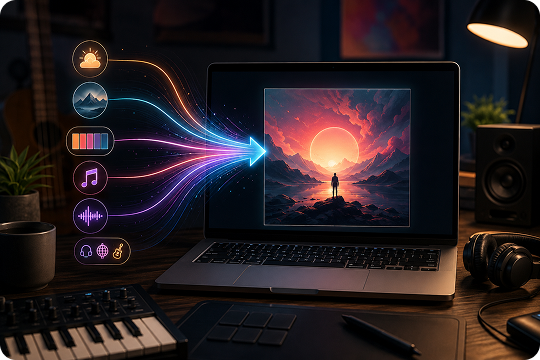
Text-to-Cover in Seconds with an AI Album Cover Generator
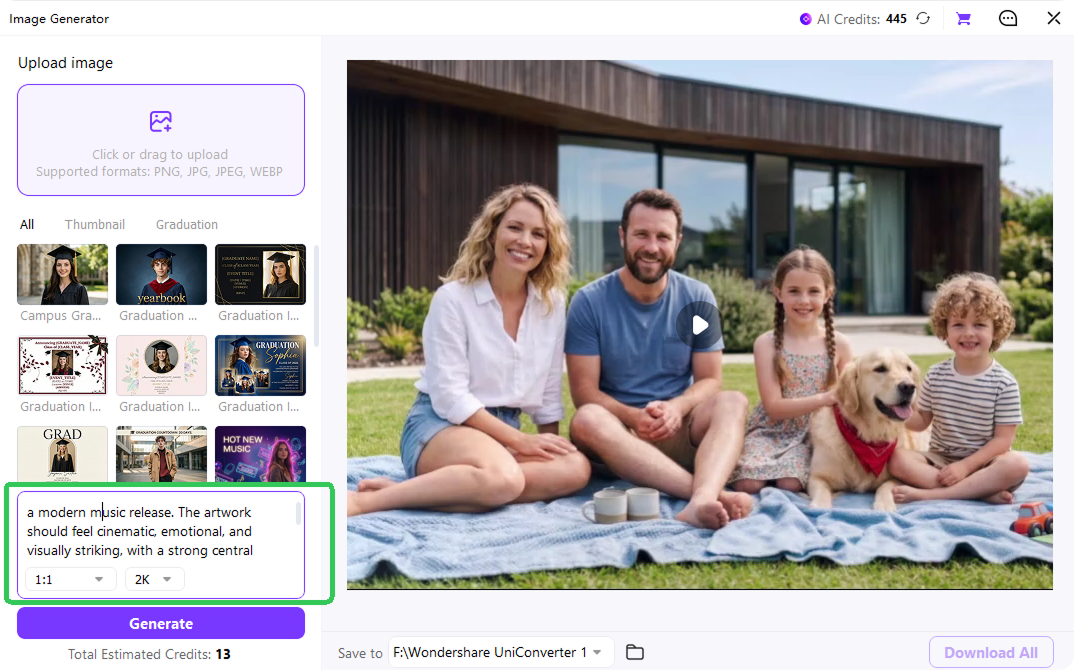
Start with a simple idea and turn it into cover art fast. UniConverter works as a text to album cover AI tool, so you can describe the mood, scene, visual style, color palette, and music genre in one prompt. The AI album cover generator then creates a 1:1 image you can refine, download, and use for your next release.
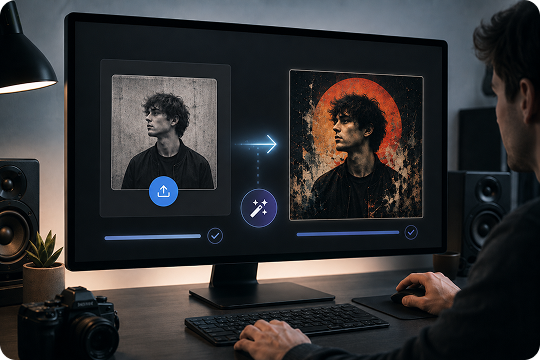
Turn Photo into Album Cover AI with Desktop Restyling
Need artwork based on an existing portrait, poster, sketch, or band photo? The desktop app lets you upload an image and restyle it into finished album art. This photo to album cover workflow keeps the main composition while changing the visual style based on your prompt, making it useful when you want to turn photo into album cover AI results with more control.
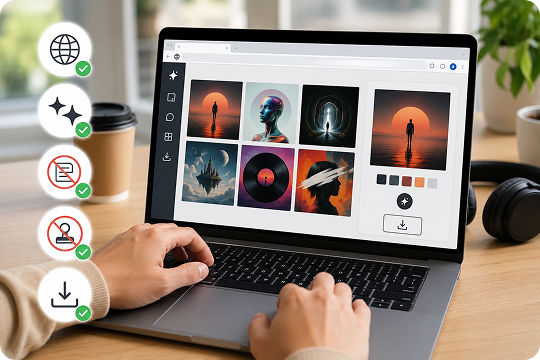
Free Album Cover Maker Online with No Sign-up
Use UniConverter as an album cover maker free in your browser when you need quick concepts. You can create cover art without signing up, adding a watermark, or installing software. It also works as a free CD cover maker for early ideas, demos, and independent releases that need clean artwork before final production.
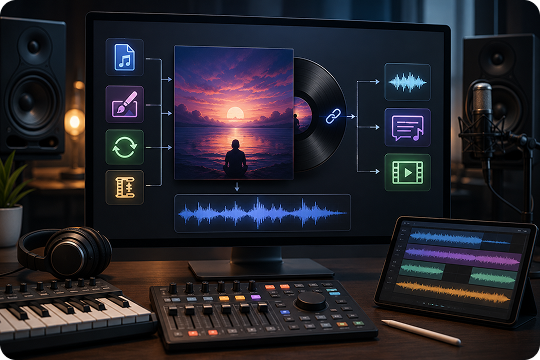
All-in-One Music Toolkit for Cover Art and Audio
UniConverter helps you go beyond cover image creation. After making album cover art, you can use the desktop app to embed cover metadata into MP3 files, convert audio formats, compress media, and prepare lyric subtitles. This workflow keeps your cover art, music files, and release assets in one practical workspace.
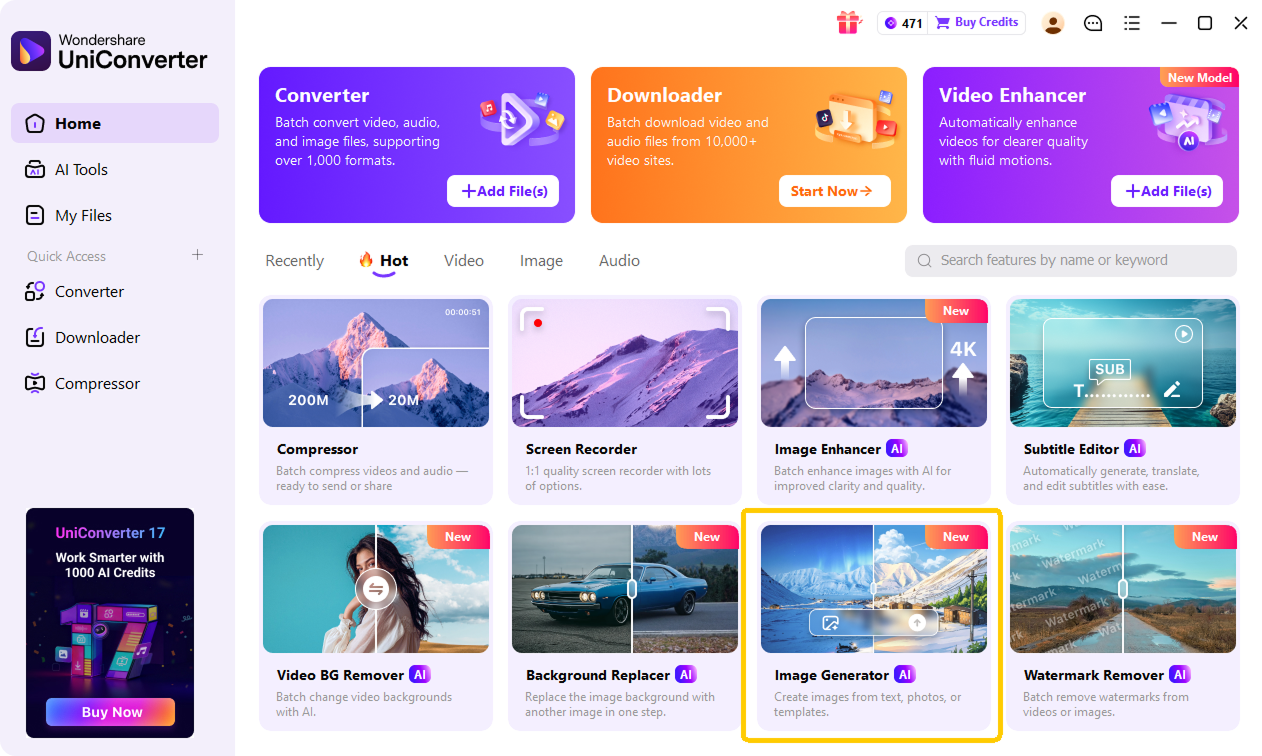
How to Make an Album Cover with AI — 3 Easy Steps

Type a clear prompt that explains the subject, scene, mood, colors, composition, and visual style. For example: “Lo-fi indie album cover, pastel sunset, vinyl record floating in mist, soft grain, dreamy illustration style, 1:1.”

UniConverter does not require you to pick from preset styles. Instead, describe the style directly in your prompt, such as “minimalist,” “cinematic,” “retro film grain,” “neon cyberpunk,” or “soft watercolor.” Select 1:1 for Spotify, Apple Music, CD covers, and most album artwork.

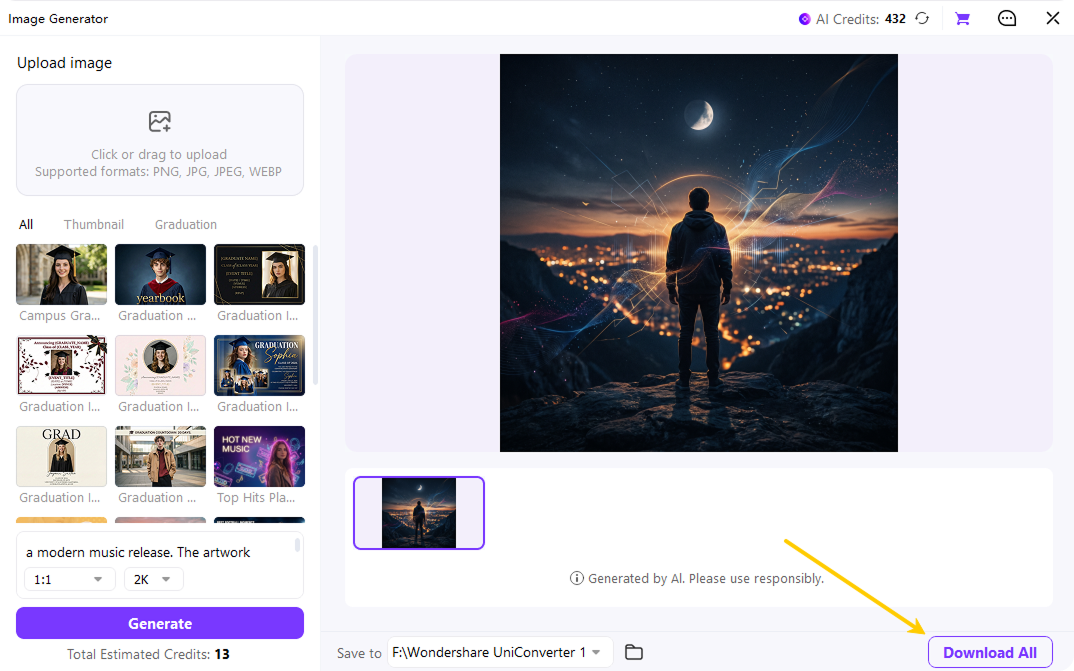
Click generate to create your cover image. Review the results, adjust your prompt if needed, and download the final artwork. For image-to-image album cover editing, higher-resolution exports, or deeper restyling, open the UniConverter desktop app and continue refining your cover.
Online Album Cover Maker or Desktop App — Choose What Fits You
Generate quick concepts online, or unlock advanced image-to-image restyling on desktop.
| Feature | UniConverter Online | UniConverter Desktop |
|---|---|---|
| Text-to-cover generation | Yes | Yes |
| Image-to-image album cover creation | No | Yes |
| High-resolution export | Standard resolution | 1K, 2K, 4K options |
| Offline generation | No | Yes |
| Audio, video, subtitle, and compression tools | No | Yes |
| MP3 and FLAC cover metadata embedding | No | Yes |
| Sign-up needed | No sign-up | Install and use |
Use the album cover maker online when you want fast ideas from a prompt. Choose the desktop app when you need a photo to album cover workflow, private local processing, higher export quality, or tools that connect your artwork with your music files.
Cover Art Generator for Every Release Format
From a single Spotify drop to a full vinyl run, UniConverter gives you the right output for each channel.
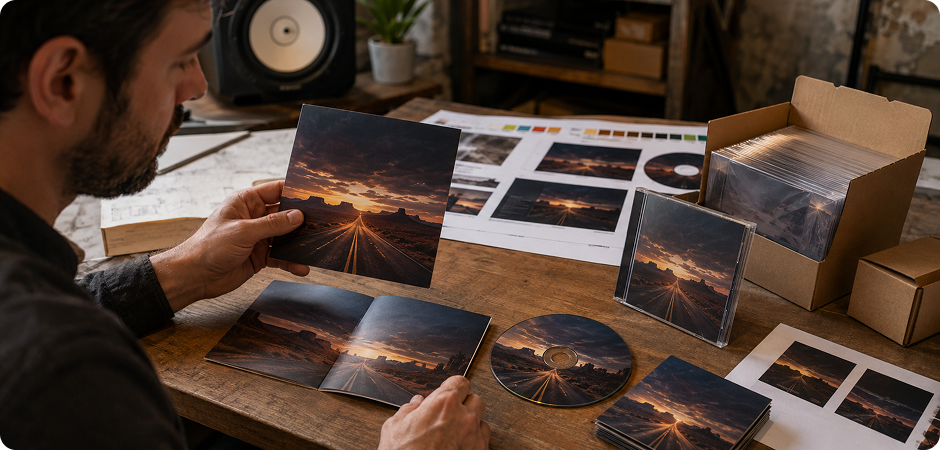
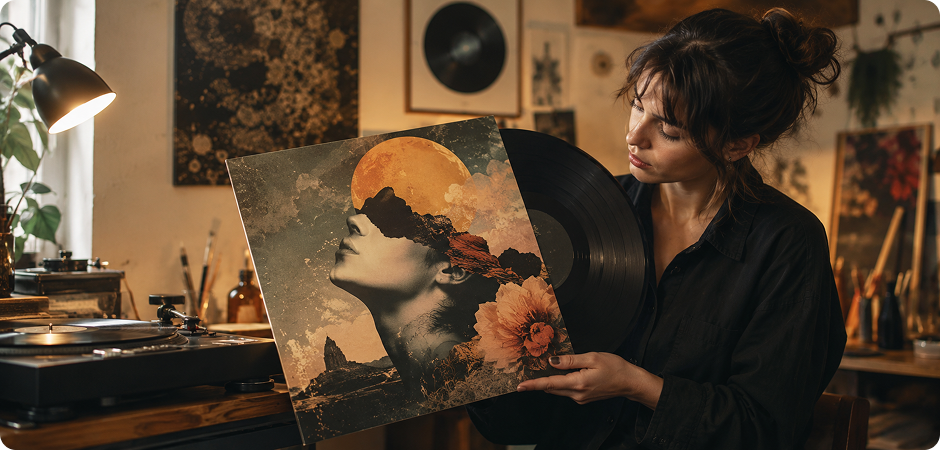
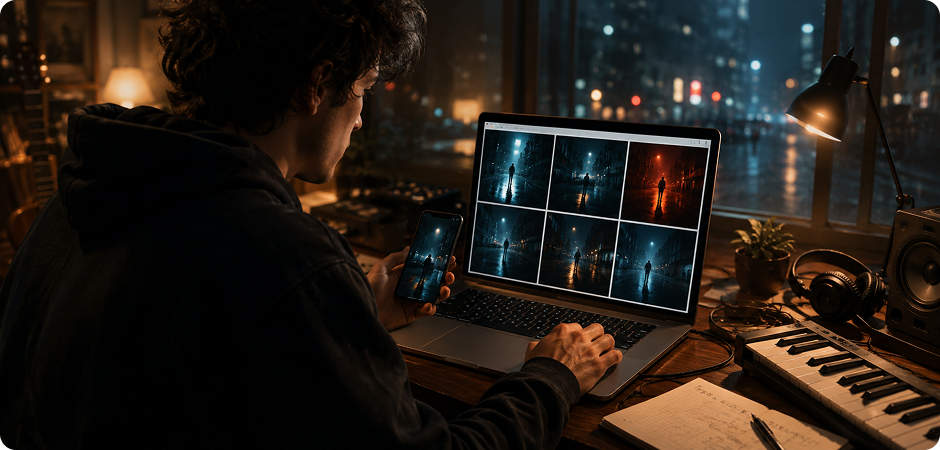
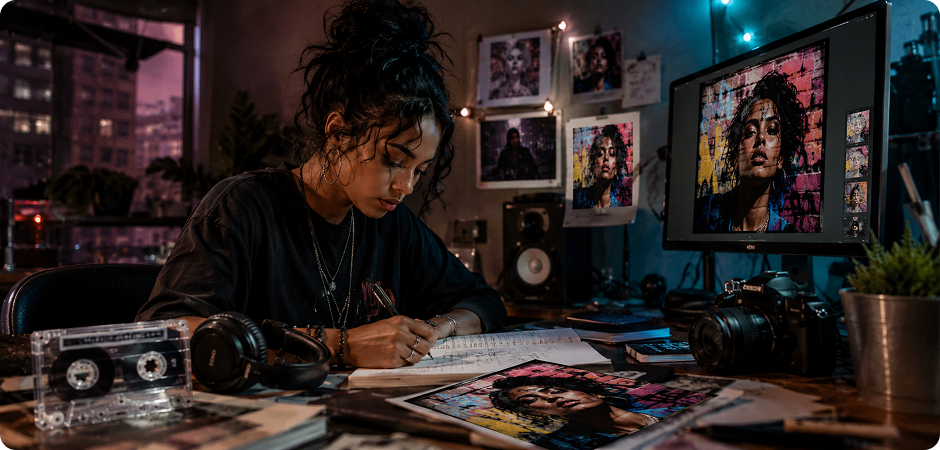
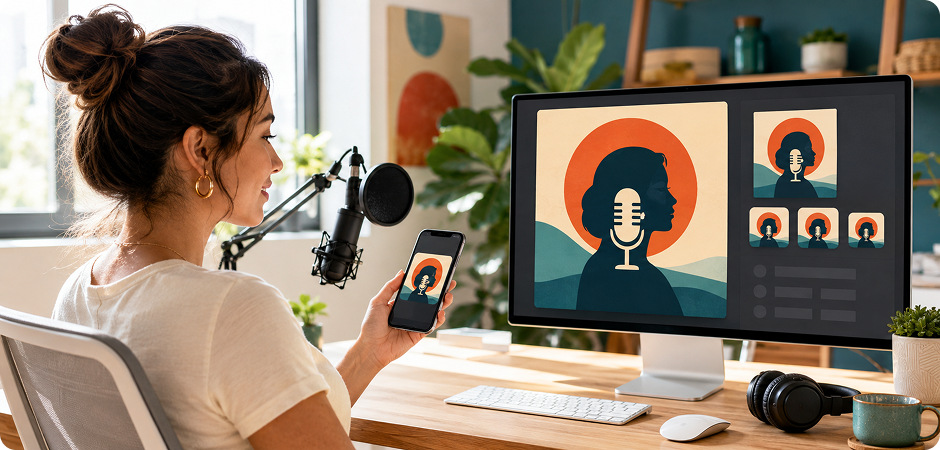
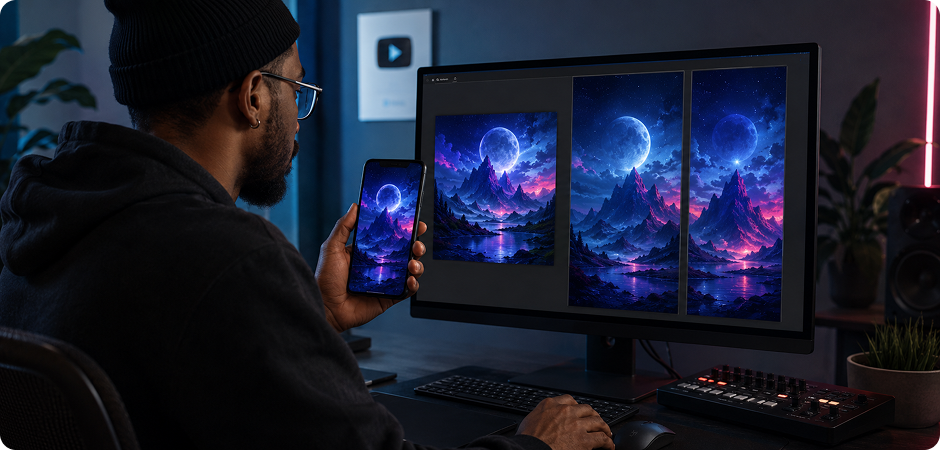
Spotify and Apple Music Cover Art Generator
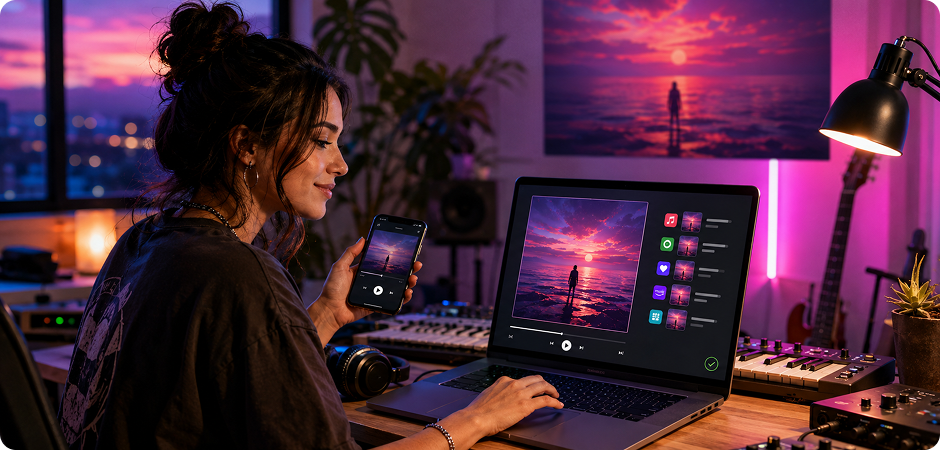
Create square cover art for digital music platforms with a clear 1:1 layout. UniConverter helps you prepare artwork for Spotify and Apple Music listings, playlists, and release pages. Use the spotify cover art generator workflow to describe your genre, mood, lighting, and visual style in one prompt. Then refine the result until the image fits your sound. You can also export larger artwork when your distributor requests a specific album cover size.
CD Cover Maker for Print-Ready Booklets
Use UniConverter as a CD cover maker when you need artwork for physical releases, demos, or merch tables. Start with a 1:1 image, then prepare it for a square CD cover layout or booklet design. The tool helps when you want to make your own CD cover without starting from a blank canvas. Describe the print style, background, and title placement in your prompt before sending final files to a designer or printer.
Vinyl Record Cover Maker for Sleeve Design
Vinyl artwork needs a strong visual idea because the format is larger and more tactile. With UniConverter, you can create a high-resolution square image, then adapt it for a record sleeve layout. Use the vinyl record cover maker workflow to explore bold portraits, abstract scenes, or minimal artwork. Add style notes like “vintage texture,” “warm analog lighting,” or “surreal collage” in your prompt to guide the final image.
Song Album Cover Maker for Singles
A single often needs cover art before the full album is ready. UniConverter works as a song album cover maker for quick releases, test tracks, and social teasers. Describe the emotion of the song, add visual elements, and include the cover style in your prompt. You can also learn how to make a song cover by testing different colors, title placements, and compositions before choosing the final version.
Mixtape Cover Maker for EP and Independent Releases
Independent artists often need fast artwork for mixtapes, EPs, and local releases. UniConverter can work as a mixtape cover maker or mixtape cover generator when you want a visual style that feels direct and personal. Start with a prompt that includes the artist image, setting, mood, typography direction, and cover style.
Podcast Cover Art Generator for Show Branding
Podcast artwork needs to stay readable in small app icons, search results, and social previews. Use UniConverter as a podcast cover art generator to create a bold, square image with a clear subject and simple text space. Keep the prompt focused on your show topic, host identity, brand colors, and preferred visual style.
Social Promo Posters for Reels and TikTok
After you create a music album cover, adapt the same concept for short-form promotion. UniConverter can help you prepare 9:16 visuals for Instagram Reels, TikTok, YouTube Shorts, and Story posts. Use the original cover as your visual direction, then describe a vertical poster style in your prompt. Add space for song titles, release dates, and calls to action so your campaign stays consistent across streaming and social channels.
What Creators Say About
UniConverter Album Art Maker
FAQ About AI Album Cover Generator
Is the UniConverter album cover generator free?
What is the best size for an album cover?
Can I use AI-generated album covers commercially on Spotify and Apple Music?
How do I make an album cover for free without Photoshop?
Can I upload my own photo and turn it into album art?
Does UniConverter watermark the generated album cover?
How do I write a good prompt for an album cover?
More Than an Album Art Maker
Explore More AI Tools in UniConverter



Ready to Create Your First Album Cover?
Create cover art from a prompt, a music idea, or your own photo. Start online for free, then move to the desktop app when you need image-to-image restyling, higher resolution, or music file tools.
