


In the dynamic world of social media, Facebook Reels have emerged as a powerhouse of quick entertainment. Whether it's a viral dance challenge or a quick DIY hack, we often want to save these moments offline. However, since Facebook lacks a native download button, finding a dependable Facebook Reels video download solution is critical. Nowadays, the internet is teeming with options, yet many are unsafe or ridden with ads.
This guide is designed to cut through the clutter. We have tested and listed the top tools to help you save facebook reels content securely. From handy Chrome extensions to robust desktop software, here are the best ways to get a free Facebook Reels saver without watermarks.
- [Tool Types] Facebook Reels can be saved using different types of tools, including online downloaders, Chrome extensions, and desktop software, each suited to different needs such as quick access, browser convenience, or batch processing.
- [Safety First] A trustworthy Facebook Reels saver should not ask for login credentials, should avoid excessive ads or pop-ups, and should come from a reputable source with clear privacy and security practices.
- [Feature Differences] Online tools are convenient for occasional downloads, while desktop solutions usually offer better stability, higher-quality output, batch downloading, and extra features like editing or format conversion.
- [Best Practical Choice] If you want a safer and more reliable way to save multiple Facebook Reels in high quality, a desktop downloader such as UniConverter is generally the most efficient option.
In this article
- What to Look for in a Facebook Reels Saver
- Top 10 Facebook Reels Savers 2026
- At-a-Glance Comparison Table of Top 10 Facebook Reels Savers
- Legal & Ethical Considerations of Saving Facebook Reels
- How to Easily Batch Save Facebook Reels Videos
- Safety Tips: How to Choose a Trustworthy Facebook Reels Downloader
- Conclusion
- FAQs

Easy to Use Facebook Reels Saver
Part 1. What to Look for in a Facebook Reels Saver
Before settling on a specific FB Reels Saver, consider these crucial factors to ensure both safety and high-quality results.
Product Type: Choose the platform that best fits your daily workflow. Online tools are perfect for quick, mobile access without installation, while Chrome Extensions offer seamless browser integration for desktop users. If you need maximum stability and advanced features, desktop software is often the superior choice.
Supported Websites: A truly versatile tool should handle more than just a simple Facebook Reels download by link. Ideally, look for software that offers broad support for other major platforms like YouTube, Instagram, and Vimeo to cover all your media needs.
Ease of Use: You shouldn't need technical skills to save a video; prioritize tools with one-click downloading or intuitive interfaces. A user-friendly design ensures that you can grab your content instantly without navigating through complex menus.
Features: Look beyond the basics and check if the tool offers essential features like batch downloads, high-quality resolution support (1080p/4K), and audio extraction. These capabilities ensure you get the most out of your downloads, whether you need a video archive or just a sound clip.
Cost: While you may naturally seek a free download FB Reels option to save money, remember that "free" sometimes comes with hidden costs like ads or slower speeds. Premium or freemium tools often provide better security, faster downloads, and an ad-free experience.
Safety & Privacy: Security is paramount; avoid any Facebook Reels download online site that asks for your personal login credentials. Always stick to reputable sources that guarantee a clean experience with no bundled adware or malware risks.
Part 2. Top 10 Facebook Reels Savers 2026
1. Wondershare UniConverter
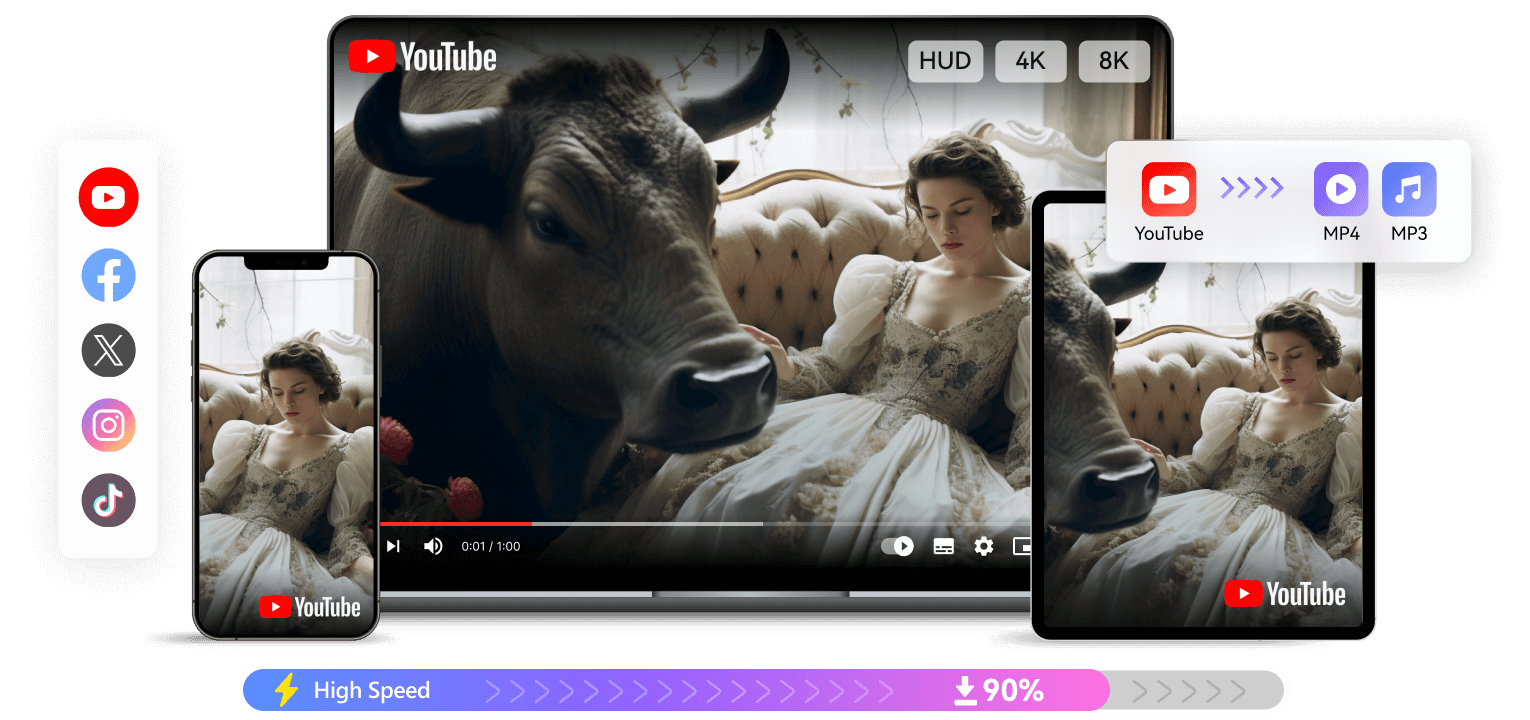
Wondershare UniConverter is the ultimate video toolbox for 2026, offering far more than simple downloading. While it is a robust desktop application, it bridges the gap with a handy Chrome extension helper for seamless detection. It guarantees that every Facebook Reels video download you perform is safe, ad-free, and of the highest quality (up to 8K). But it serves as much more than just a standard Saver Reels FB; it also allows you to edit, compress, and convert files instantly. It is the gold standard for secure, batch processing without watermarks.
Pros:
- Supports batch downloading from 10,000+ sites.
- High-speed engine downloads up to 4K/8K quality.
- All-in-one toolkit: Saver, Compressor, Editor, and Burner.
- The helper extension assists in detecting video URLs effortlessly.
Cons:
- It requires software installation (Windows/Mac).
- The free trial has limits on the number of downloads.
Stable Facebook Reels Saver You Can Trust
Safety Review: 5/5
Starting Price: Free Trial / $44.99/Year for windows and $53.99/Year for mac (Limited-time deal)
Supported Device: Windows, macOS
Batch Process: Yes
2. Video Saver Professional
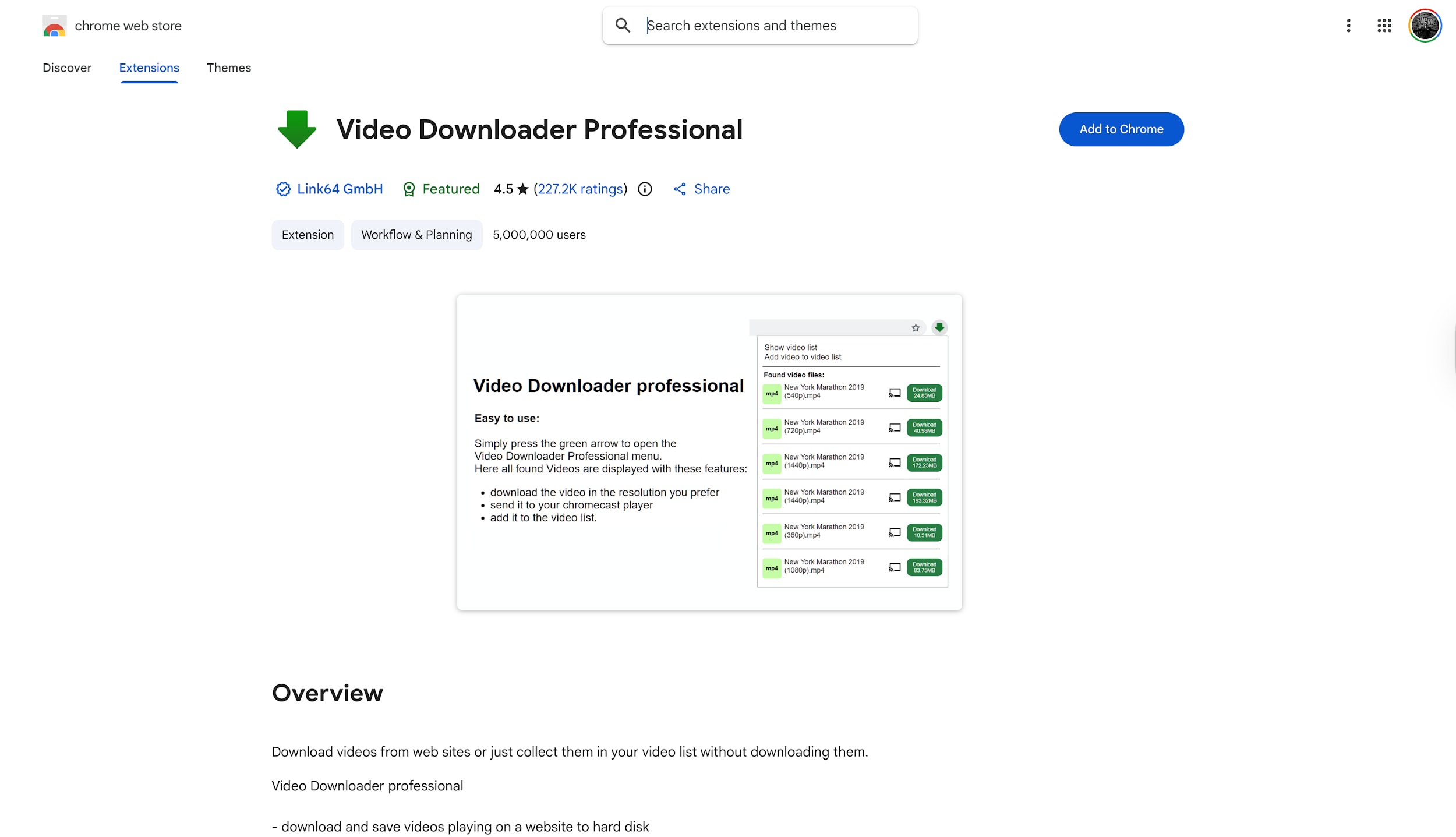
For users who prefer keeping everything inside their browser, Video Saver Professional is the top-rated Chrome extension available today. It automatically detects video content on any webpage, turning its icon blue to signal that a download is ready. This eliminates the need to manually copy and paste links, making the Facebook Reels download online process incredibly fast. It is a lightweight, free solution perfect for casual users who want to save content instantly without leaving their Facebook feed.
Pros:
- One-click detection and download.
- Integrates seamlessly into the browser toolbar.
- Completely free to use.
Cons:
- Cannot download protected (DRM) content.
- Lacks advanced resolution selection (often caps at 720p).
- No batch processing capabilities.
Safety Review: 4/5
Starting Price: Free
Supported Device: Chrome Browser (Desktop)
Batch Process: No
3. Video Saver Plus
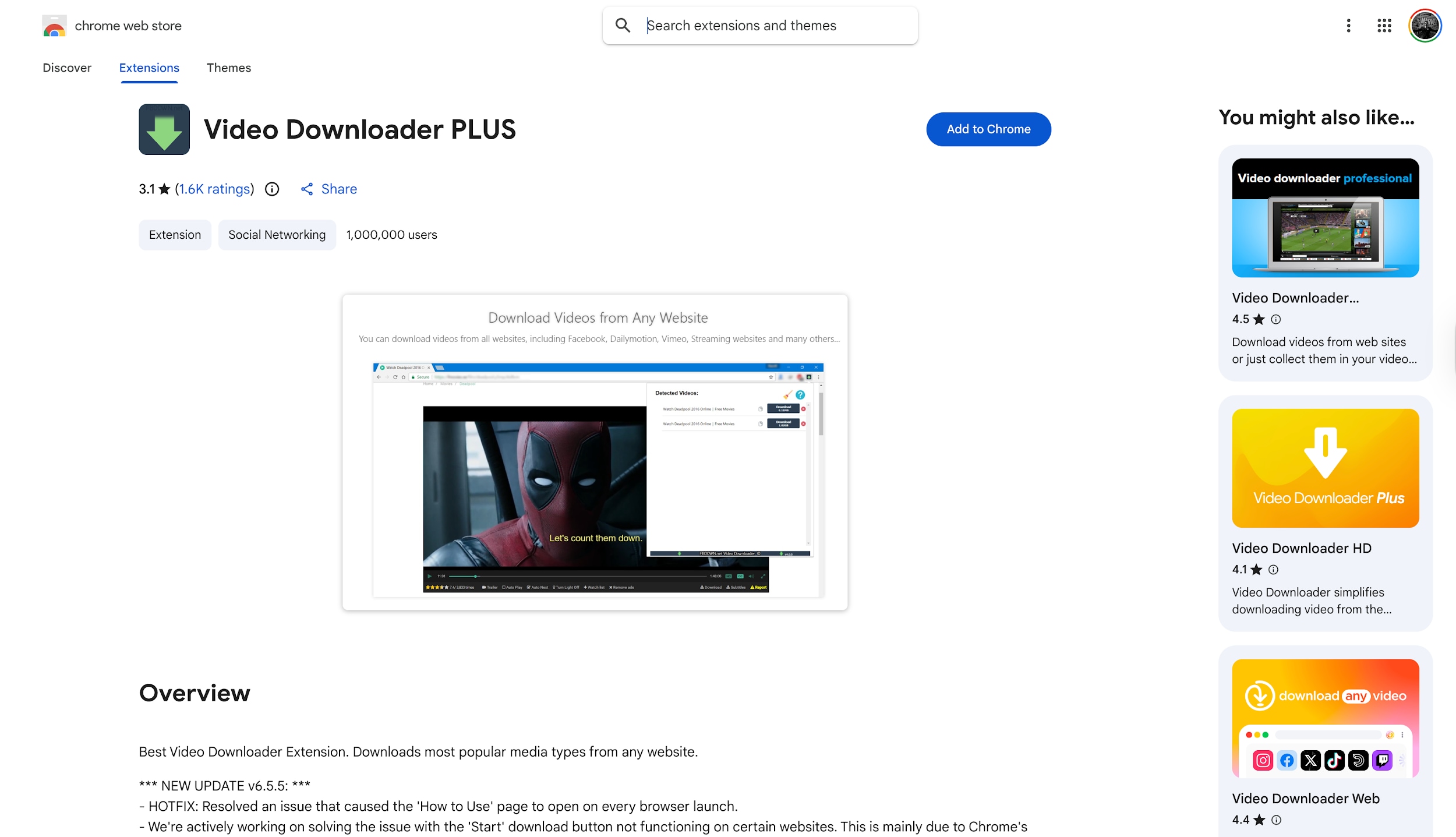
Video Saver Plus is another powerhouse extension that simplifies the free download Facebook Reels workflow. It stands out by allowing users to filter video sizes before downloading, ensuring you don't accidentally save tiny thumbnail files. It is lightweight, reliable, and supports various formats like MP4 and FLV. Although it cannot download from YouTube due to store policies, it remains a top choice for quickly grabbing an FB Reels download MP4 directly from your social media timeline with zero hassle.
Pros:
- Fast and lightweight extension.
- Allows filtering by file size and quality.
- Supports multiple video formats (MP4, FLV).
Cons:
- Does not support YouTube downloads.
- No built-in video player or editor.
- Occasional struggles with new Reels layouts.
Safety Review: 4/5
Starting Price: Free
Supported Device: Chrome Browser (Desktop)
Batch Process: No
4.SnapSave
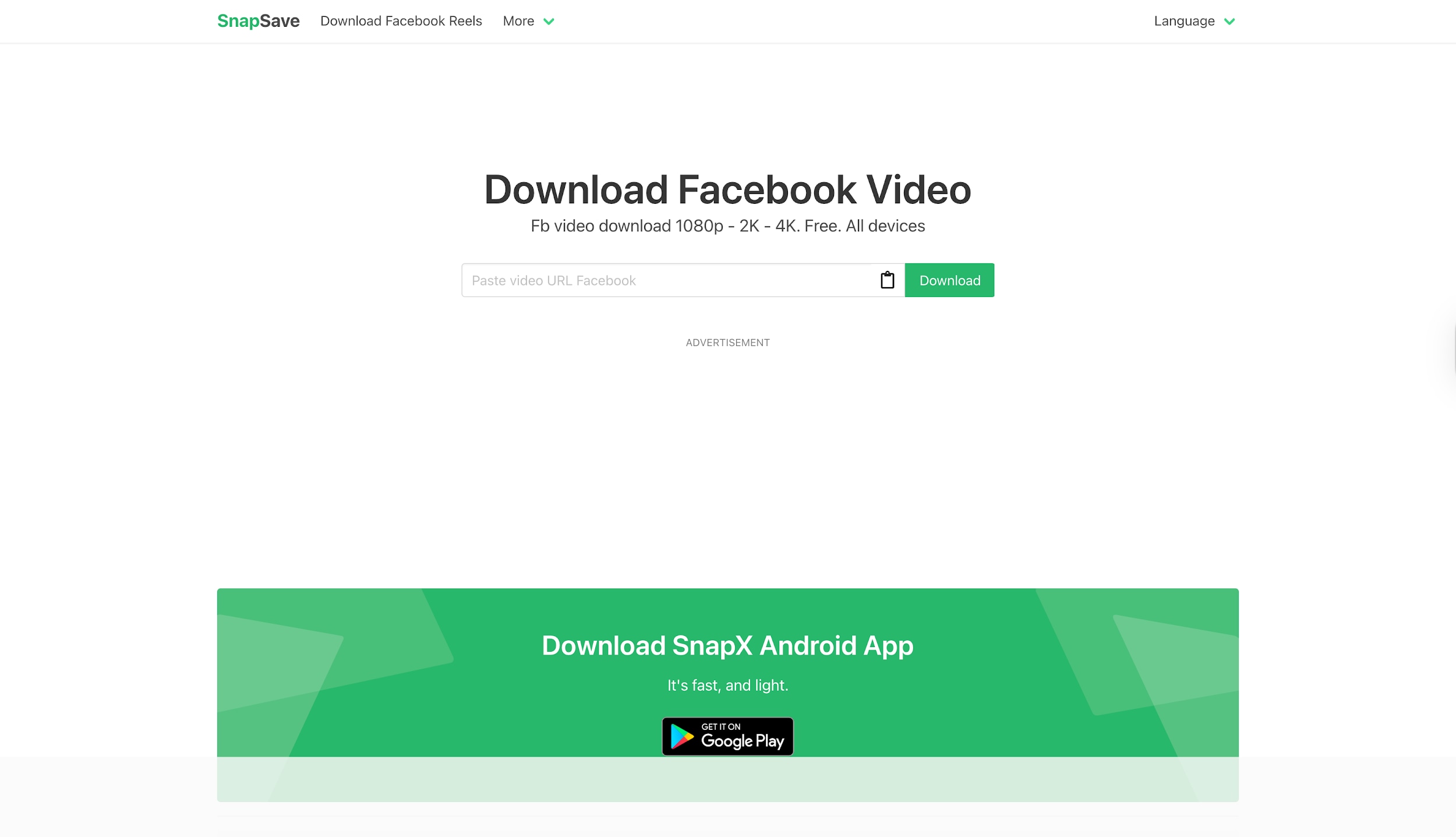
SnapSave is widely recognized as the premier web-based solution for those searching for sss Facebook Reels tools. Unlike generic Savers, it is optimized for Facebook's infrastructure, enabling server-side rendering. This unique feature enables it to unlock high resolutions like 2K and 4K that other online tools often miss. It requires no installation, making it the perfect Facebook Reels download from link option for mobile users who need high-quality results instantly on Android or iPhone devices.
Pros:
- Supports high resolutions (1080p, 2K, 4K).
- Works on all devices (Mobile, PC, Tablet).
- No account registration is required.
Cons:
- The site contains advertisements.
- Download speed depends on server traffic.
- No editing features available.
Safety Review: 3/5
Starting Price: Free
Supported Device: Web
Batch Process: No
Facebook Reels Saver Without Extra Tools
5. FDown.net
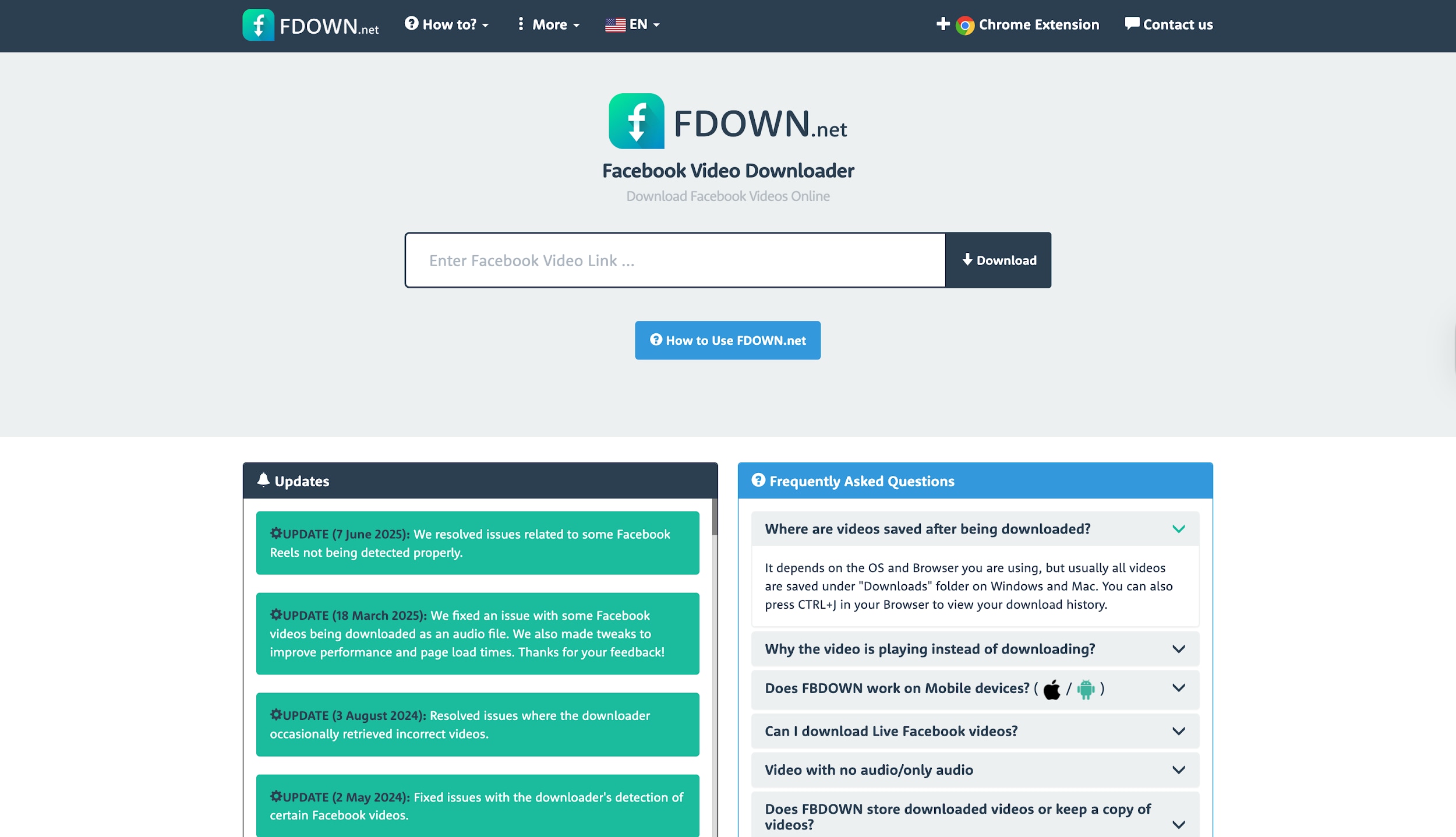
Formerly known as FBDown, FDown.net is a veteran in the Facebook Reels download online sector. It offers a no-nonsense, minimalist interface where you paste your link to begin. It is particularly famous for its "Force Download" feature, which fixes standard browser issues where videos play instead of saving. While it lacks advanced editing features, it remains a reliable, straightforward utility for users who need a free download FB Reels solution that works on any device immediately.
Pros:
- Simple, clean user interface.
- Reliable uptime and fast processing.
- Basic but effective "Normal" and "HD" quality options.
Cons:
- Limited to HD (720p) quality.
- Lacks audio extraction features.
- Contains ads on the download page.
Safety Review: 3/5
Starting Price: Free
Supported Device: Web
Batch Process: No
6. Publer
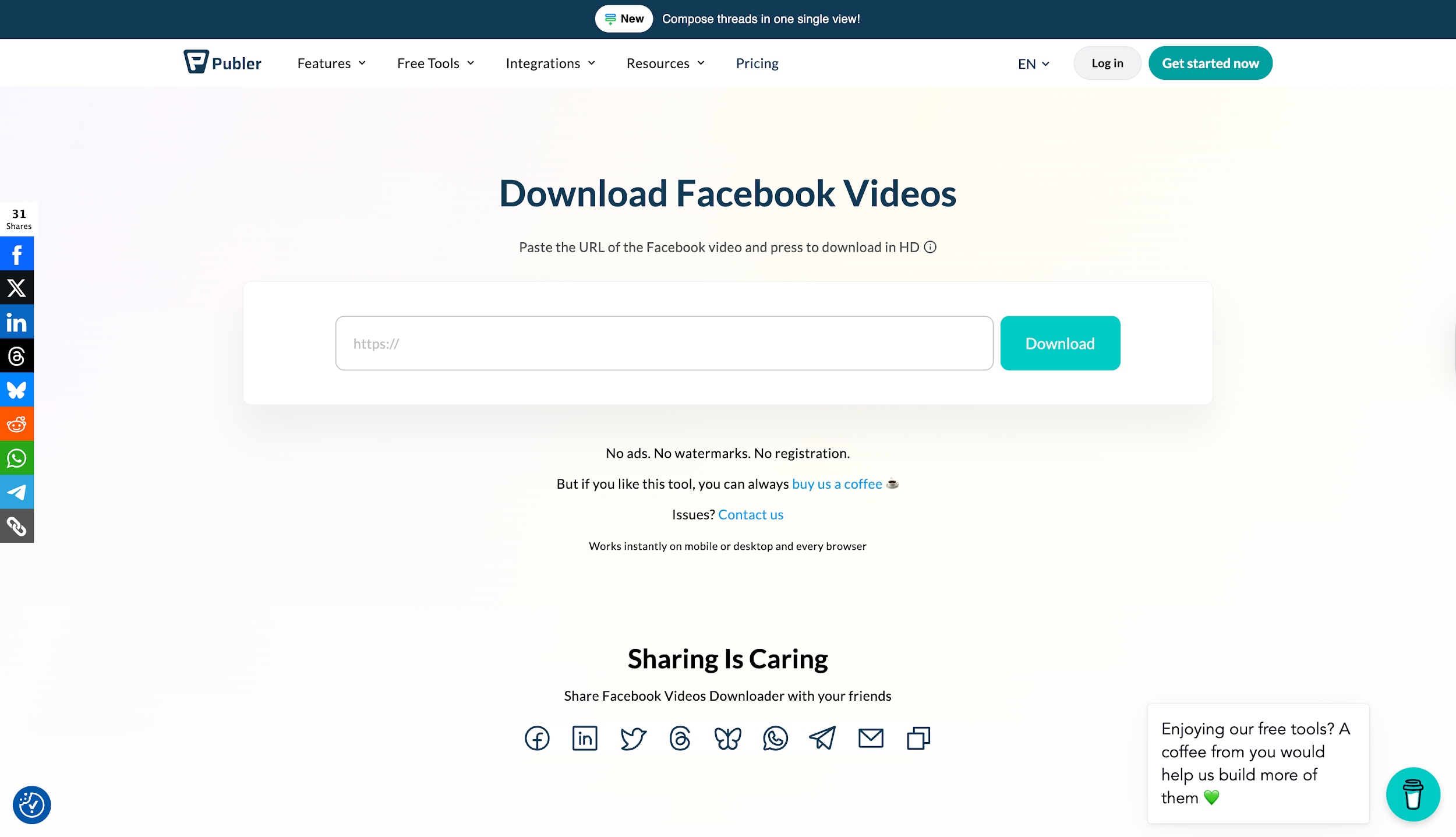
Publer stands out in the crowded market as a genuinely safe, ad-free Facebook Reels download by link tool. Maintained by a reputable social media management company, it offers a secure environment free from the malware risks often associated with free Saver sites. It allows you to preview the video to ensure accuracy before saving. For professionals and safety-conscious users, Publer is the most ethical and secure way to download Reels FB content without installing software.
Pros:
- Completely ad-free and safe environment.
- Allows video preview before downloading.
- Trusted by marketing professionals.
Cons:
- Requires manual link pasting for every video.
- Limited output formats (mostly MP4).
- Cannot download from private groups.
Safety Review: 5/5
Starting Price: Free
Supported Device: Web
Batch Process: No
7. SmallSEOTools Facebook Saver
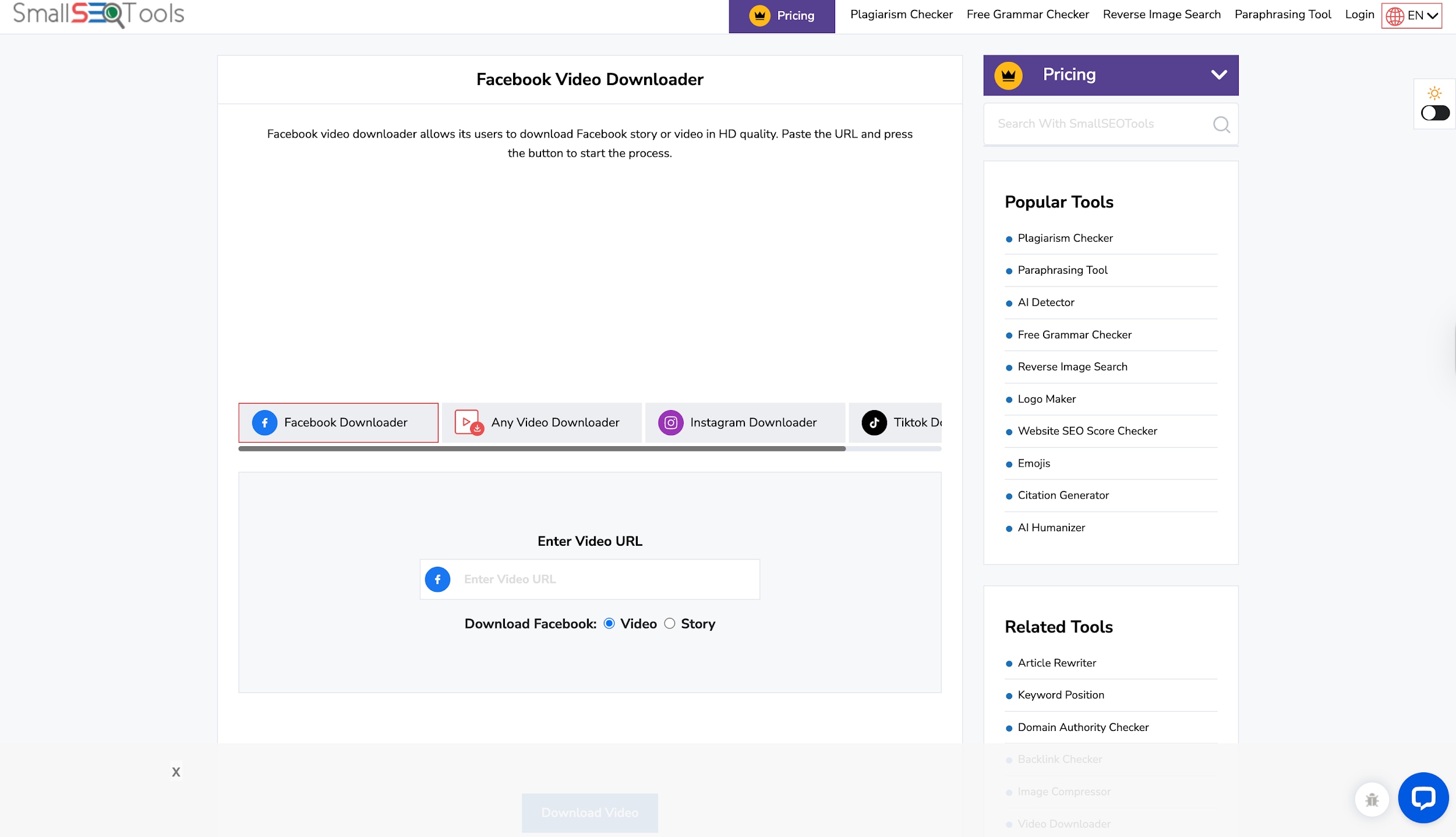
SmallSEOTools is a versatile hub for digital marketers, and its Facebook Reels video download utility is a convenient part of that suite. Being 100% cloud-based, it requires no installation and integrates perfectly if you are already using their SEO or plagiarism tools. It provides a quick, accessible way to perform a Facebook Reels download from link on any device. While the interface is busy, it remains a functional tool for office workers who need quick references without software.
Pros:
- 100% cloud-based; no installation needed.
- Compatible with mobile and desktop browsers.
- Part of a trusted suite of digital tools.
Cons:
- Cluttered interface with links to other tools.
- Average download speeds.
- No support for 4K video downloads.
Safety Review: 4/5
Starting Price: Free
Supported Device: Web
Batch Process: No
Fast Facebook Reels Saver for Quick Downloads
8.4K Video Saver Plus
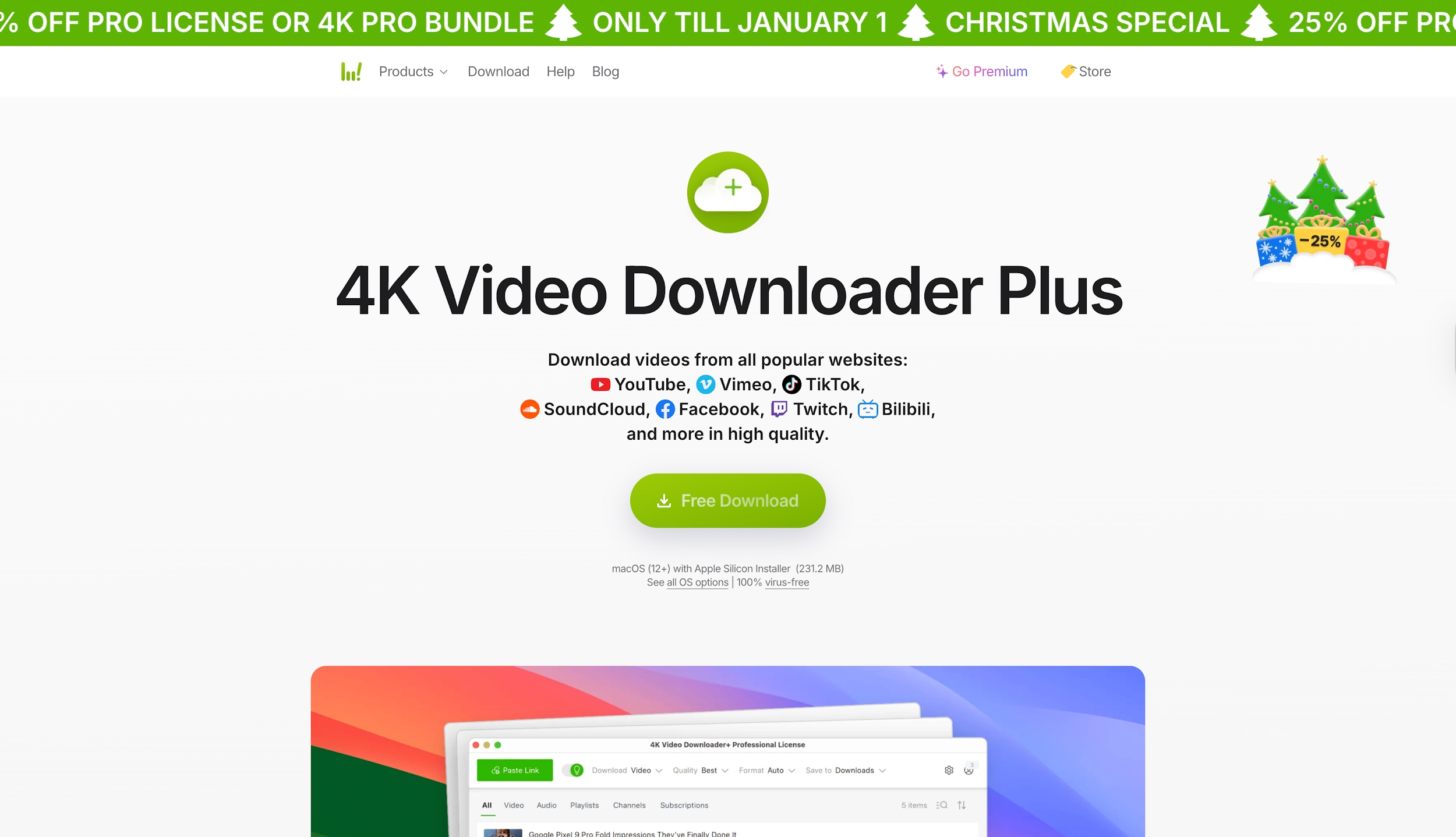
Moving to desktop solutions, 4K Video Saver+ is a premium tool designed for high-fidelity archiving. It excels at parsing high-resolution links, serving as a reliable facebook reels saver utility that ensures crisp, clear video files every time. It supports advanced features like downloading subtitles and 360-degree content, which online tools cannot handle. Its "Smart Mode" allows you to set preferences once for one-click downloads, making it an excellent choice for creators who prioritize video quality and archival features.
Pros:
- "Smart Mode" for one-click downloads with presets.
- Supports 3D and 360-degree video downloads.
- Clean, ad-free desktop interface.
Cons:
- The free version restricts daily downloads.
- Heavier installation than a browser extension.
- Advanced features require a license.
Safety Review: 5/5
Starting Price: Free / $15
Supported Device: Windows, macOS, Ubuntu
Batch Process: Yes
9. ByClick Saver
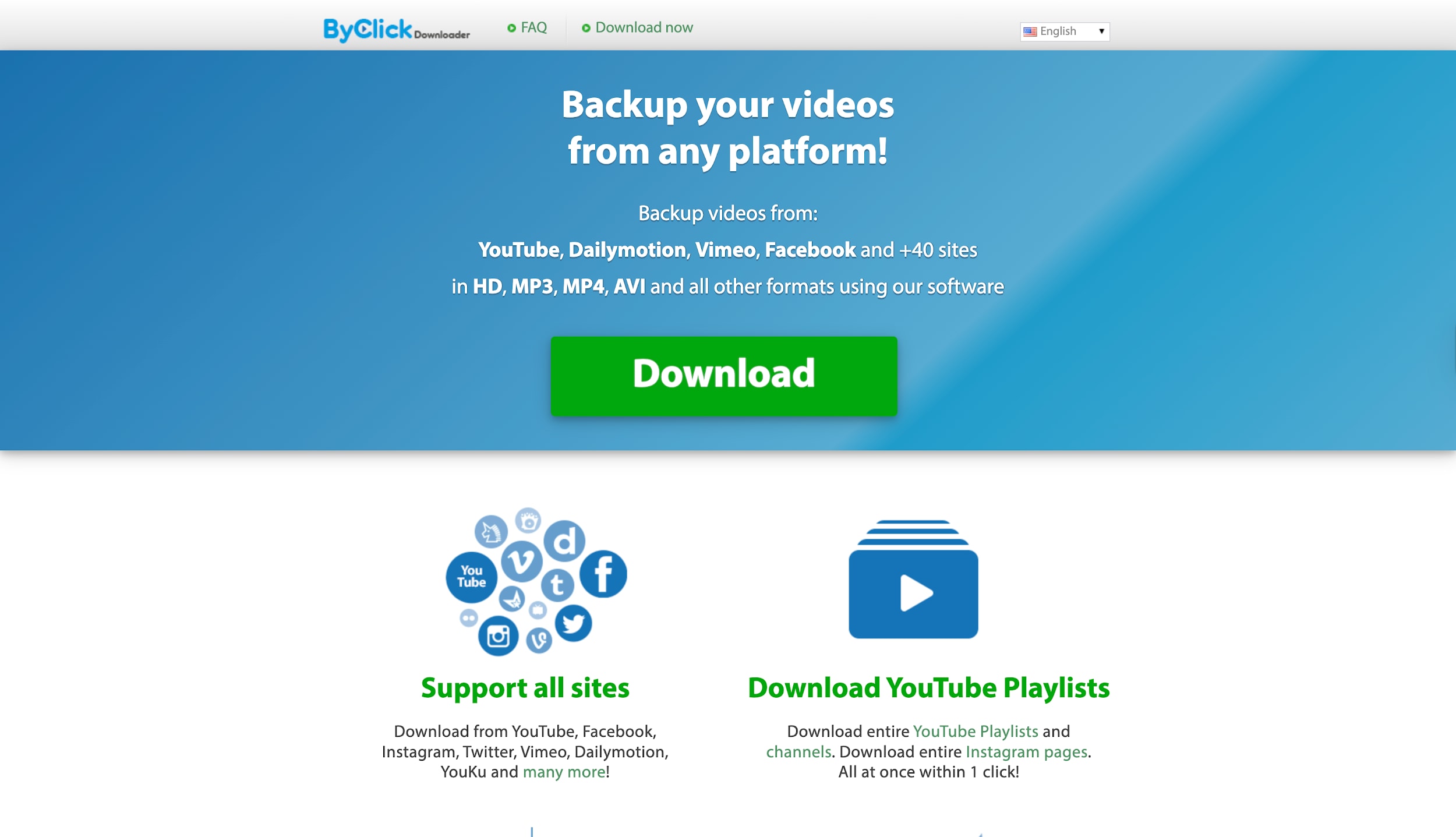
ByClick Saver is a specialized Windows tool designed for heavy-duty bulk content management. It is the best option if you need to download Reels FB in massive quantities, such as backing up entire playlists or pages. Its signature "Auto-Detect" popup feature monitors your clipboard and asks to download videos the moment you copy a link. This makes the Facebook Reels download from link process incredibly fast and intuitive for users managing large libraries of content.
Pros:
- Auto-detect popup speeds up the workflow.
- Supports downloading entire playlists or channels.
- Converts directly to MP3, AVI, WMV.
Cons:
- Windows only (No Mac support).
- The interface looks outdated.
- The paid version is required for unlimited playlists.
Safety Review: 4/5
Starting Price: $19.99 (Lifetime)
Supported Device: Windows
Batch Process: Yes
10. IDM (Internet Download Manager)
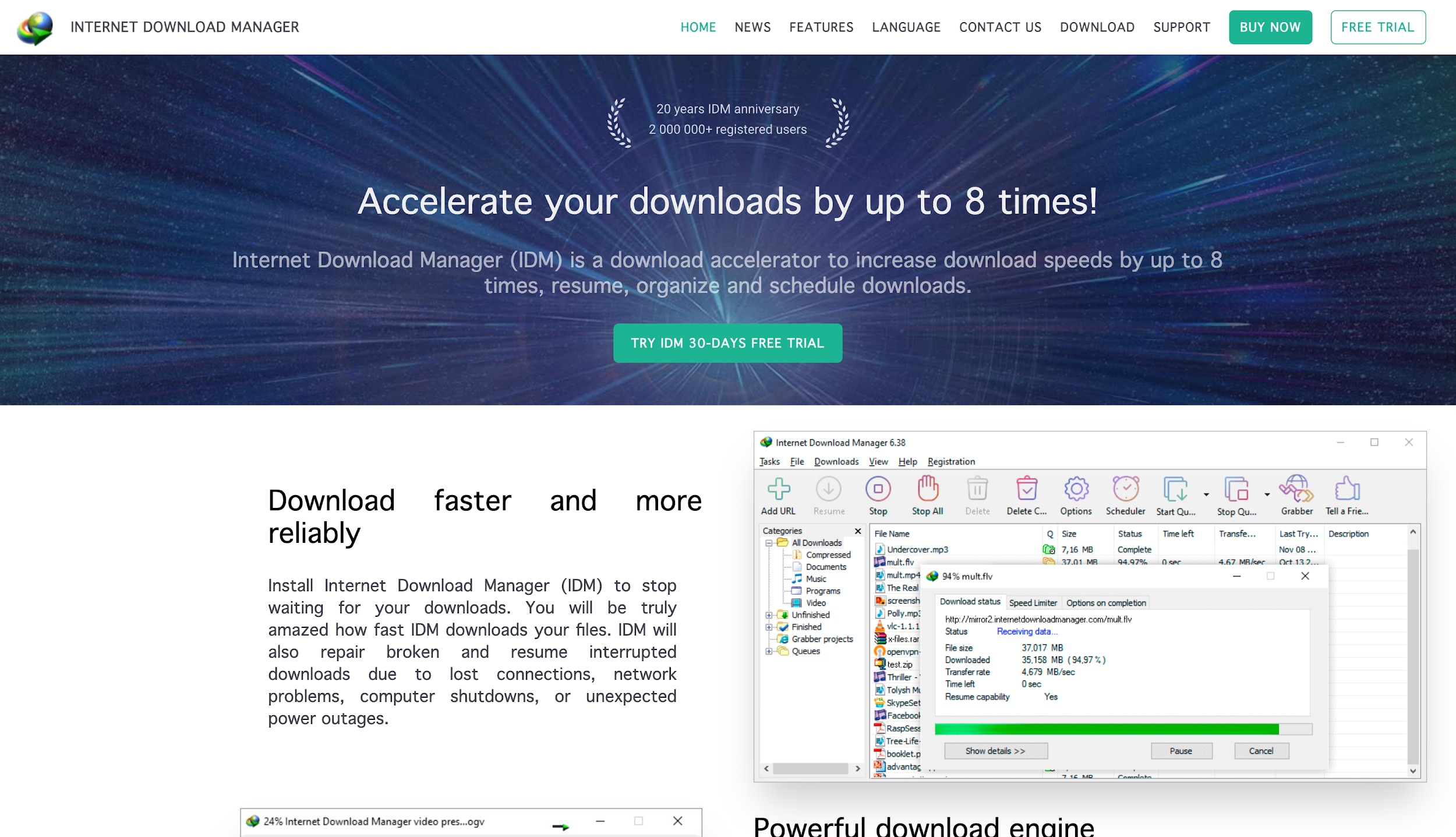
Internet Download Manager (IDM) is a legendary utility known for accelerating download speeds by up to five times. Its browser integration module acts as a universal Facebook Reels download online helper, capable of capturing video streams from almost any player on the web. When a Reel plays, IDM's small panel appears automatically, offering to save the file instantly. It is the ultimate tool for users who value speed and want a universal solution for all websites.
Pros:
- Maximizes download speeds with multipart technology.
- Universal capture works on almost any site.
- Scheduler and resume features included.
Cons:
- Paid software (30-day trial).
- The interface is strictly utilitarian.
- Browser integration requires setup.
Safety Review: 5/5
Starting Price: $11.95/year
Supported Device: Windows
Batch Process: Yes
Creator-Ready Facebook Reels Saver
Part 3. At-a-Glance Comparison Table of Top 10 Facebook Reels Savers
Here comes a quick comparison table of top 10 facebook reel savers for you to make more prudent decision on which tool to choose:
| App Name | Best For | Key Safety Feature | Video Download | Audio Download |
| Wondershare UniConverter | Overall Quality & Editing | Malware-free, No Ads | Yes (up to 8K) | Yes (MP3/WAV) |
| Video Saver Pro | Chrome Users | Verified Extension | Yes | No |
| Video Saver Plus | Filtering File Sizes | No Ads in Extension | Yes | No |
| SnapSave | Mobile / High Res Online | No Installation Required | Yes (up to 4K) | No |
| FDown.net | Simple / Quick Links | No Registration Needed | Yes | No |
| Publer | Safe Online Use | Ad-free Environment | Yes | No |
| SmallSEOTools | Office / Marketing Use | Cloud-based Processing | Yes | No |
| 4K Video Saver+ | 4K Archiving | Trusted Developer | Yes (up to 8K) | Yes |
| ByClick Saver | Bulk / Playlist Backups | Virus-free Check | Yes | Yes |
| IDM (Internet Download Manager) | Maximum Speed | Antivirus Integration | Yes | Yes |
Part 4. How to Easily Batch Save Facebook Reels Videos
Wondershare UniConverter offers greater safety and reliability compared to online alternatives. Operating directly on your computer, it keeps your data private and delivers fast downloads, free from the dependencies on server stability and advertising that web-based tools often have.
How to use UniConverter to batch download Facebook Reels
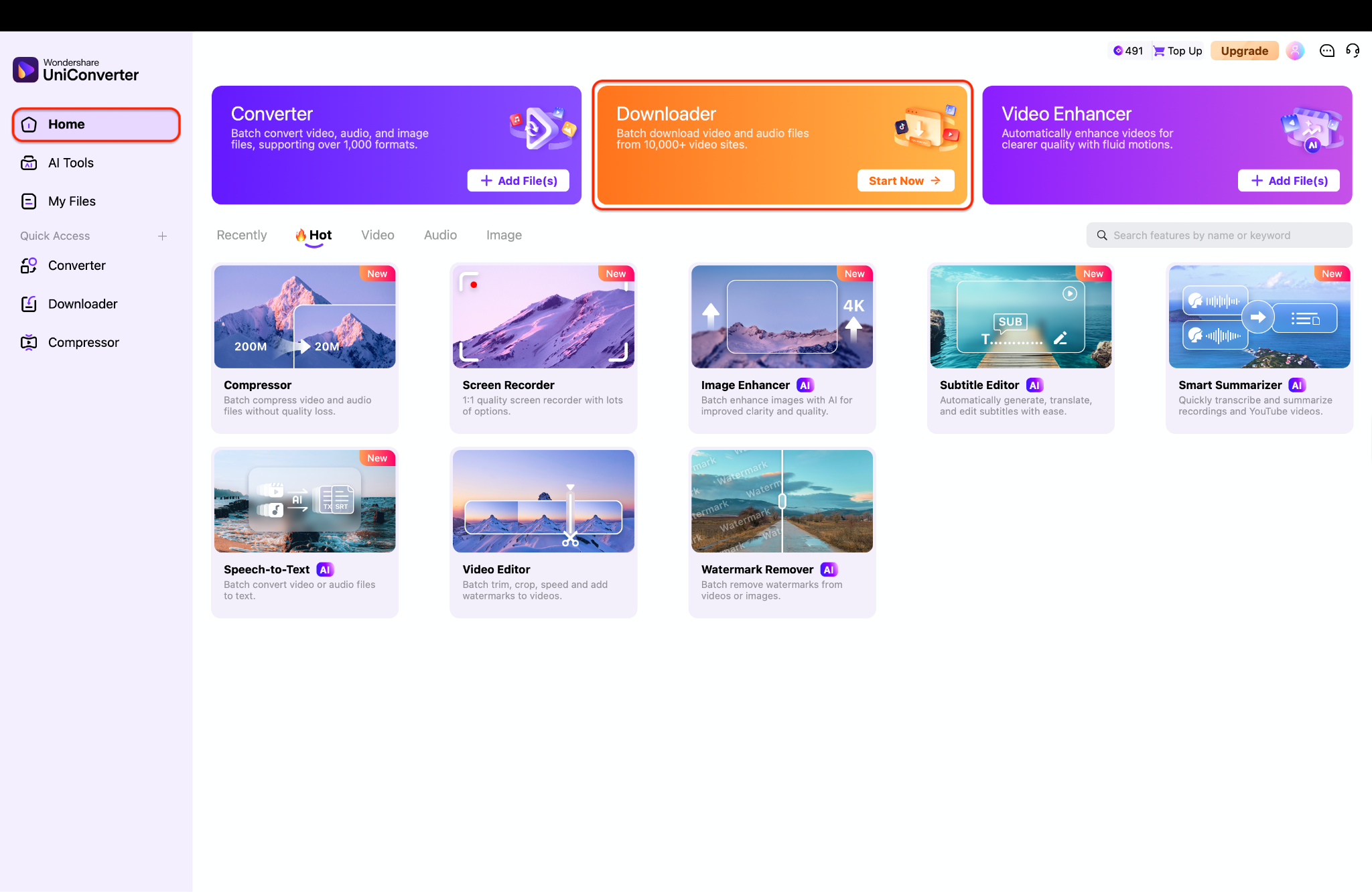
Step 1: Launch UniConverter and Access Downloader Tool
Safe & Private Facebook Reels Saver
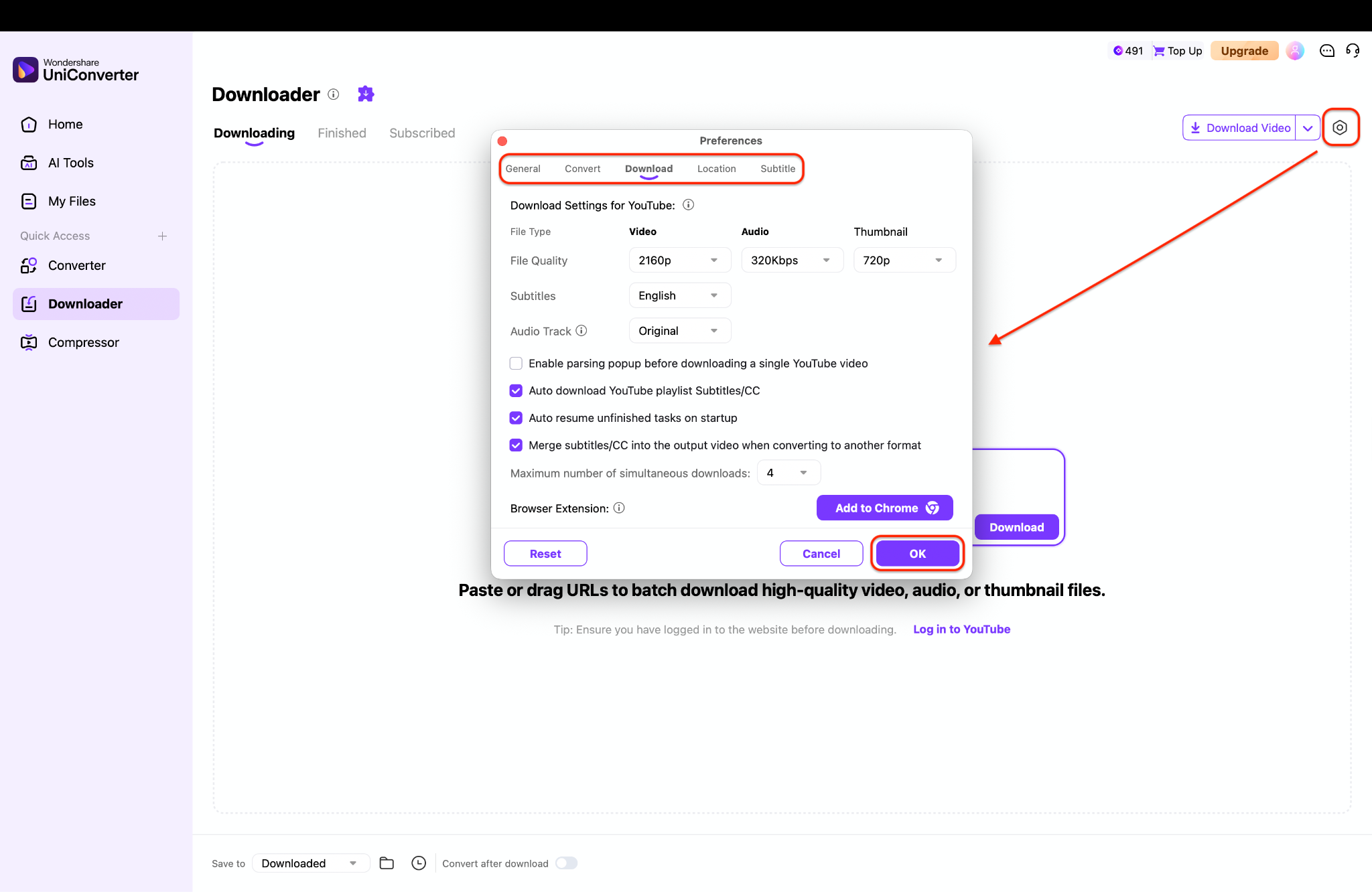
Step 2: Choose Video Settings Options
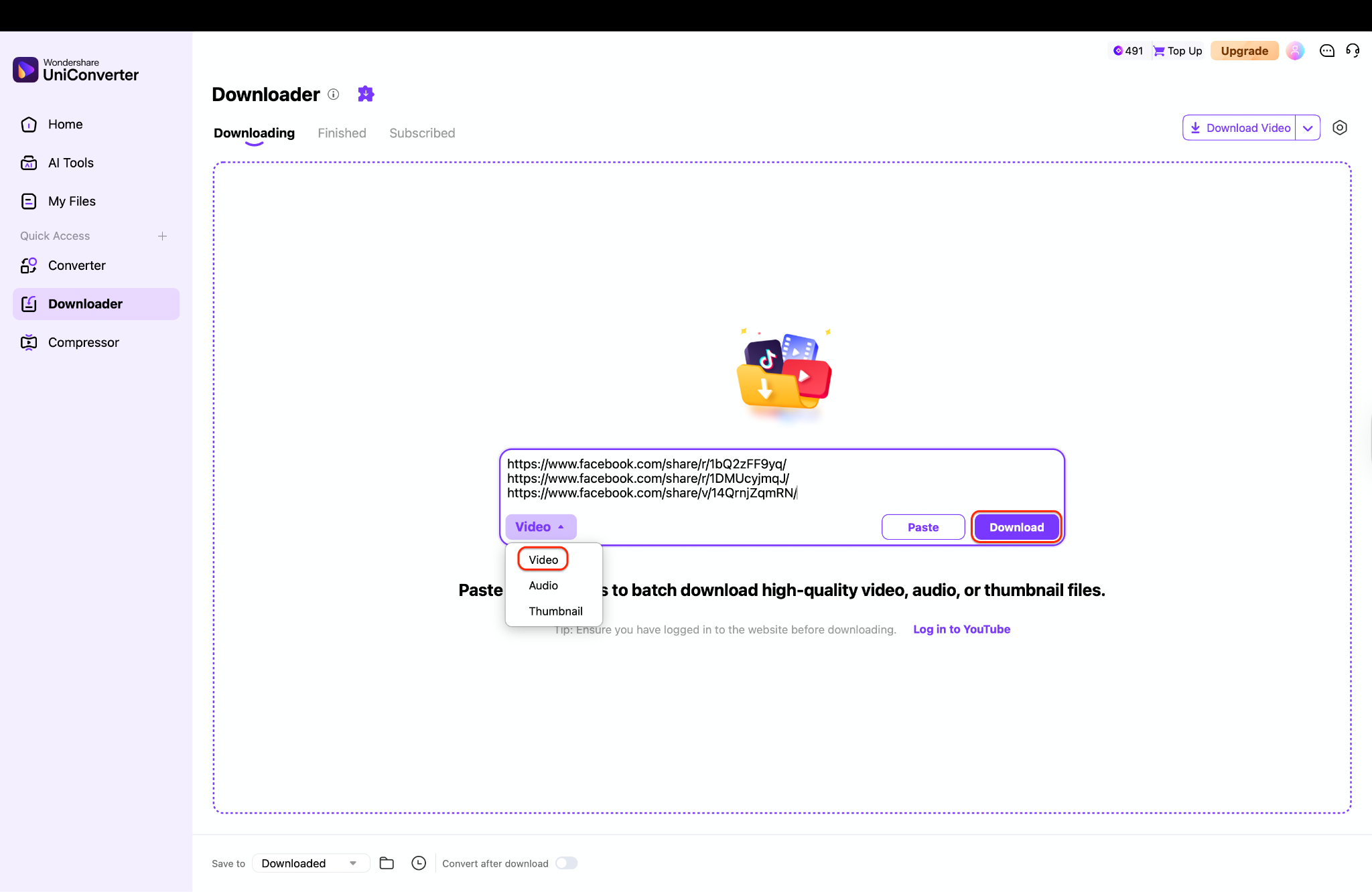
Step 3: Paste Video Links and Download
Batch Facebook Reels Saver for Creators
Part 5. Legal & Ethical Considerations of Saving Facebook Reels
When utilizing any Facebook Reels video download tool, it is essential to navigate the digital landscape responsibly by adhering to legal guidelines and platform rules.

Instagram & Facebook Terms of Service: Before you decide to download Reels FB content, be aware that Meta’s Terms of Service generally prohibit the downloading of videos without express permission. You are typically only authorized to save content off the platform if it is your own creation or if you have obtained direct consent from the original copyright holder.
Copyright & Fair Use: Copyright laws are strict; you should generally limit your use of a Facebook Reels Saver to personal, offline viewing purposes only. While performing a free download Facebook Reels task for commentary, criticism, or educational purposes might arguably fall under "Fair Use," this is a complex legal defense and does not grant you the right to freely distribute protected material.
Ethical Downloading Practices: Digital ethics are paramount; never use a Saver Reels FB to strip credit and repost someone else's viral video as your own work. If you do obtain an FB Reels download MP4 file to share with friends or on other platforms, always ensure you clearly credit the original creator to respect their intellectual property and effort.
Part 6. Safety Tips: How to Choose a Trustworthy Facebook Reels Downloader
Check the Website’s Security and Transparency
Before using any Facebook Reels downloader, always verify that the website uses HTTPS encryption. A secure site helps protect your data from interception. In addition, look for clear information such as an About page, Privacy Policy, and Terms of Service. Trustworthy tools are transparent about how they operate and how user data is handled.
Avoid Downloaders That Require Login Credentials
A dependable Facebook Reels downloader should never ask for your Facebook username or password. Any tool requesting login access poses a high security risk and may compromise your account. The safest downloaders work by simply pasting the Reel URL, without needing personal or account-related information.
Watch Out for Excessive Ads and Pop-Ups
While ads are common, excessive pop-ups, forced redirects, or fake “Download” buttons are red flags. These behaviors often indicate low-quality or potentially malicious sites. A reliable Facebook Reels downloader should provide a clean, straightforward downloading process without misleading clicks.
Check User Reviews and Online Reputation
User feedback can reveal a lot about a downloader’s reliability. Search for reviews, forum discussions, or tech blog mentions to see how others rate the tool. Consistent positive feedback usually indicates a safer and more dependable Facebook Reels downloader.
Prefer Downloaders That Don’t Require Software Installation
Online tools are generally safer than downloadable executables. If a site pushes you to install unknown software or browser extensions, proceed with caution. A trustworthy Facebook Reels downloader should work directly in your browser without additional installations.
High-Quality Facebook Reels Saver
Conclusion
In this article, you've discovered various facebook reels savers to remove watermarks and save content effortlessly. From comprehensive software like Wondershare UniConverter to quick online tools like SSS Facebook Reels (SnapSave), there's something for every user. Each option has its strengths, but safety should be your priority.
If you want an effective, safe, and user-friendly solution, Wondershare UniConverter stands out as an excellent choice. Its advanced features allow you to not only download Reels FB securely but also edit your videos without the hassle of watermarks. You can enjoy your Facebook moments as they were meant to be seen—without distractions. Start using UniConverter today and elevate your content! You can also try our advanced features, such as a voice changer, video enhancer, and more.
FAQ
-
1. Can I legally convert DVD to computer or copy DVD to computer?
Laws vary by country. In many regions, bypassing DVD copy protection may be restricted even for personal use, especially for commercial movie DVDs. Always check your local copyright regulations before converting or copying a DVD to your computer. -
2. What is the easiest way to convert DVD to computer?
The easiest method is to use dedicated DVD ripping software that automatically detects the disc, lets you select titles, choose an output format like MP4, and convert the DVD to your computer in just a few clicks. Preset profiles simplify the process without requiring technical adjustments. -
3. How long does it take to copy DVD to computer?
Copying a DVD typically takes between 10 and 30 minutes per disc, depending on your computer’s performance, the length of the DVD, and the quality or encoding settings you choose. Higher-quality conversions usually take longer. -
4. Which format should I choose when I convert DVD to computer?
MP4 is the most common choice because it plays smoothly on phones, tablets, smart TVs, and most media players. MKV is a better option if you want to keep multiple audio tracks, subtitles, or slightly higher quality when copying a DVD to your computer. -
5. Can I just drag and drop files from the disc to copy DVD to computer?
You can copy theVIDEO_TSfolder directly only if the DVD has no copy protection, but the files may not play correctly on all devices. Using DVD ripping software to convert the DVD into MP4 or MKV provides better compatibility and easier playback. -
6. Why is there quality loss when I convert DVD to computer?
DVDs already use lossy MPEG-2 compression. Converting them again to another compressed format like MP4 introduces additional quality loss. Using higher bitrates and efficient codecs helps preserve more detail during conversion. -
7. Do I need a special drive to copy DVD to computer on a laptop without a disc slot?
Yes. You’ll need an external USB DVD drive to read the disc. Once connected, it functions like an internal drive and allows you to convert or copy DVDs to your computer normally.

