


What is the best SaveFrom.net alternative in 2026?
The best SaveFrom.net alternative depends on your device and download workflow. For safer long-term use on Windows or Mac, a desktop downloader such as Wondershare UniConverter is a stronger choice because it avoids browser pop-ups and gives more control over MP4, MP3, quality, and batch conversion. For quick one-time downloads, online SaveFrom.net alternatives can work, but you should avoid fake download buttons, forced extensions, and suspicious redirects.
- Best for PC/Mac: Wondershare UniConverter or 4K Video Downloader+
- Best free online option: SaveTheVideo, SSSYoutube, or ClipConverter
- Best for Android: Seal or yt-dlp-based tools
- Best for advanced users: yt-dlp
- Best rule: download only videos you own, created, or have permission to save
Have you tried to download a video recently only to find SaveFrom.net not working? You're not alone. For years, SaveFrom.net was a go-to tool, but constant errors, aggressive ads, and safety concerns have users searching for a reliable SaveFrom.net alternative. Whether you're dealing with the "disable ad-blocker" loop or wondering whether SaveFrom.net is safe, this guide will help you compare safer options.
We reviewed 10 SaveFrom.net alternatives for 2026, including desktop software, online downloader websites, browser extensions, Android apps, iPhone-friendly options, and command-line tools. Use this guide to compare safer ways to save videos as MP4 or MP3, avoid misleading ads, and choose the right workflow for quick downloads, batch tasks, or higher-quality output.
Table of Contents
Is SaveFrom.net Safe? Understanding the Risks
The question "Is SaveFrom.net safe?" is a complex one. The tool itself can download videos, but it often uses aggressive advertising methods. Users frequently report a maze of pop-up ads and deceptive "Download" buttons. Clicking the wrong one can lead to Potentially Unwanted Programs (PUPs) or malware. Furthermore, its browser extensions have faced scrutiny for potential data harvesting. A quick search for a SaveFrom Net alternative Reddit thread reveals widespread user distrust. Many users warn others to use it only with extreme caution and strong ad-blockers, citing the high risk of malicious redirects.
Why Is SaveFrom.net Not Working?
SaveFrom.net may stop working for several reasons, including platform updates, regional restrictions, overloaded servers, browser extension conflicts, ad-blocker loops, or unsupported video links. In many cases, switching to a safer SaveFrom.net alternative is faster than repeatedly trying mirror domains or disabling browser protection.
| SaveFrom.net Issue | Possible Cause | What to Do Instead |
|---|---|---|
| SaveFrom.net not loading | The website may be blocked, down, or restricted in your region. | Use a trusted desktop downloader or a reliable online alternative. |
| Download button does not work | The video platform may have changed its code or blocked third-party parsing. | Try a tool that is updated more often or supports more websites. |
| Ad-blocker warning loop | The site may rely on ads or scripts that conflict with privacy extensions. | Avoid disabling protection globally; use an ad-free desktop workflow instead. |
| 1080p video has no sound | Some platforms separate video and audio streams at higher resolutions. | Use a downloader that can merge video and audio or convert the file after downloading. |
| Too many pop-ups or redirects | Free downloader websites may use aggressive advertising networks. | Do not click fake buttons; choose tools with cleaner interfaces and fewer redirects. |
| en.SaveFrom.net mirror looks different | Mirror or copycat pages may not be safer than the main site. | Use a verified alternative rather than trusting unknown mirror domains. |
The Rise of en.SaveFrom.net and Other Mirrors
When the main site is unavailable, users often search for en.SaveFrom.net or similar mirror domains. However, a mirror is not necessarily a safer SaveFrom.net alternative. It may carry the same download limitations, aggressive ads, redirects, or privacy concerns. If your goal is a cleaner and more reliable video downloader, compare tools by platform support, safety, output quality, and whether they require extensions or extra installers.
What to Look for in a Safe SaveFrom.net Alternative
When searching for a safe SaveFrom Net alternative website, it's easy to fall into a similar trap. To avoid this, prioritize these key features in your chosen tool.
Key Features of a Good Video Downloader
- No Required Software: The safest options are often web-based (you paste a link) or are reputable, well-reviewed desktop applications. Avoid tools that force you to install a browser extension.
- Clean Interface: A professional, clean interface with minimal, clearly-labeled ads is a good sign. Aggressive pop-ups are a major red flag.
- Format and Quality Options: A good SaveFrom alternative should allow you to choose your format (such as MP4 or MP3) and quality (720p, 1080p, and even 4K).
- Privacy Respect: Look for a tool with a clear privacy policy. You shouldn't have to trade your data for a simple download.
- Wide Site Support: The best tools aren't just for one site. They should work across multiple platforms, including YouTube, Vimeo, Instagram, Twitter, Facebook, and others.
Best SaveFrom.net Alternatives by Device
Different SaveFrom.net alternatives work better on different devices. Before choosing a downloader, consider whether you need a no-install online tool, a safer desktop workflow, a mobile-friendly option, or an advanced command-line tool for repeat downloads.
| Device or Workflow | Best SaveFrom.net Alternative | Why It Fits | Best For |
|---|---|---|---|
| Windows PC | Wondershare UniConverter, 4K Video Downloader+, VideoProc Converter AI, ByClick Downloader | More stable than ad-supported websites and better for MP4, MP3, quality control, and repeated downloads. | Users who want a safer SaveFrom.net alternative for PC. |
| Mac | Wondershare UniConverter, 4K Video Downloader+, VideoProc Converter AI, yt-dlp | Works well for users who need desktop reliability, cleaner file management, and format conversion after downloading. | Creators, editors, and users managing many files. |
| iPhone | SaveTheVideo, SSSYoutube, ClipConverter | SaveFrom.net is not a native iPhone app, so iPhone users usually need browser-based downloaders or iOS file-saving workflows. | Users searching for a SaveFrom.net alternative for iPhone. |
| Android | Seal, SSSYoutube, SaveTheVideo, yt-dlp | Android gives more flexibility for app-based or browser-based downloading, but users should only install apps from trusted sources. | Mobile users who want app-based or browser-based video saving. |
| Online / no install | SaveTheVideo, SSSYoutube, ClipConverter | Good for quick one-time downloads, but ads and redirects require extra caution. | Occasional browser-based downloads. |
| Browser extension | Video DownloadHelper | Useful when you want browser-based video detection for embedded videos or non-standard pages. | Users who prefer an integrated browser workflow. |
| Advanced users | yt-dlp | Offers the most control over quality, format, subtitles, playlists, and supported websites. | Technical users and bulk workflows. |
Top 10 SaveFrom.net Alternatives 2026
The best SaveFrom.net alternative depends on how you download videos. If you need fewer ads and better quality control, choose desktop software. If you only need a quick browser download, an online tool may be enough. If you want mobile downloading, check whether the option works well on iPhone or Android. The list below groups SaveFrom alternatives by desktop software, online websites, browser extensions, mobile apps, and command-line tools.
How to choose quickly
- Choose desktop software if you need batch downloads, MP4/MP3 conversion, cleaner output, and fewer pop-ups.
- Choose online websites if you only need a fast one-time download and do not want to install software.
- Choose mobile options if you mainly download or save files on iPhone or Android.
- Choose yt-dlp if you are comfortable with command-line tools and want maximum control.
Group 1: Desktop Software (Maximum Power and Features)
These tools are installed on your Mac or Windows computer, offering the best stability, batch downloads, and quality options.
1. Wondershare UniConverter
Wondershare UniConverter sets the bar high for multi-functional video downloading and conversion. Offering an elegant interface and exceptional versatility, it tackles everything from playlist extraction to speedy AI-enhanced processing. Not only does it support high-quality downloads, but users also benefit from AI batch editing, quick compression, and robust format compatibility—making UniConverter a standout choice for creative workflows and demanding tasks.

Safety Review: 5/5
Supported Device: Windows, Mac.
Reddit Verdict: "UniConverter, as one of Wondershare's flagship product, is generally okay as it does its job like converting, downloading and burning as advertised." (Source: r/software)



A Safer Desktop SaveFrom.net Alternative
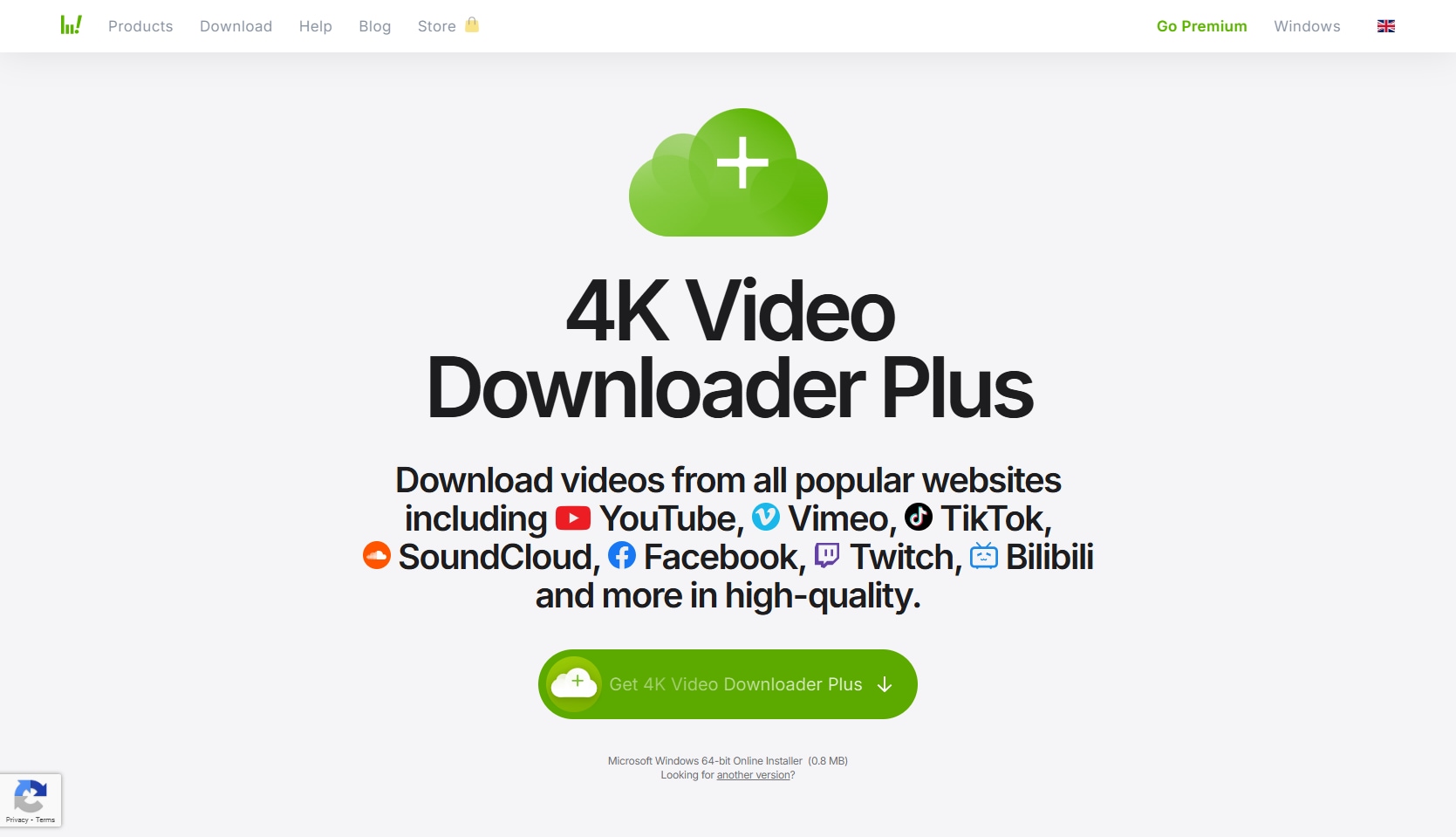
2. 4K Video Downloader+
If you crave bulk downloads, maximum clarity, and powerful automation, 4K Video Downloader+ delivers. This tool isn’t just about high resolution; it seamlessly grabs entire playlists, channels, and even subtitles with ease. Smart features, like customizable download rules and private content access, make it a reliable solution for managing vast video libraries and switching formats effortlessly.
Safety Review: 5/5
Starting Price: Free (with limitations), paid licenses start around $25 (one-time).
Supported Device: Windows, Mac, Linux.
Reddit Verdict: "So I've been using snapdownloader as my main downloader for a while now... However, this subreddit's description says 4k downloader is the most effective downloader." (Source: r/4kdownloadapps)
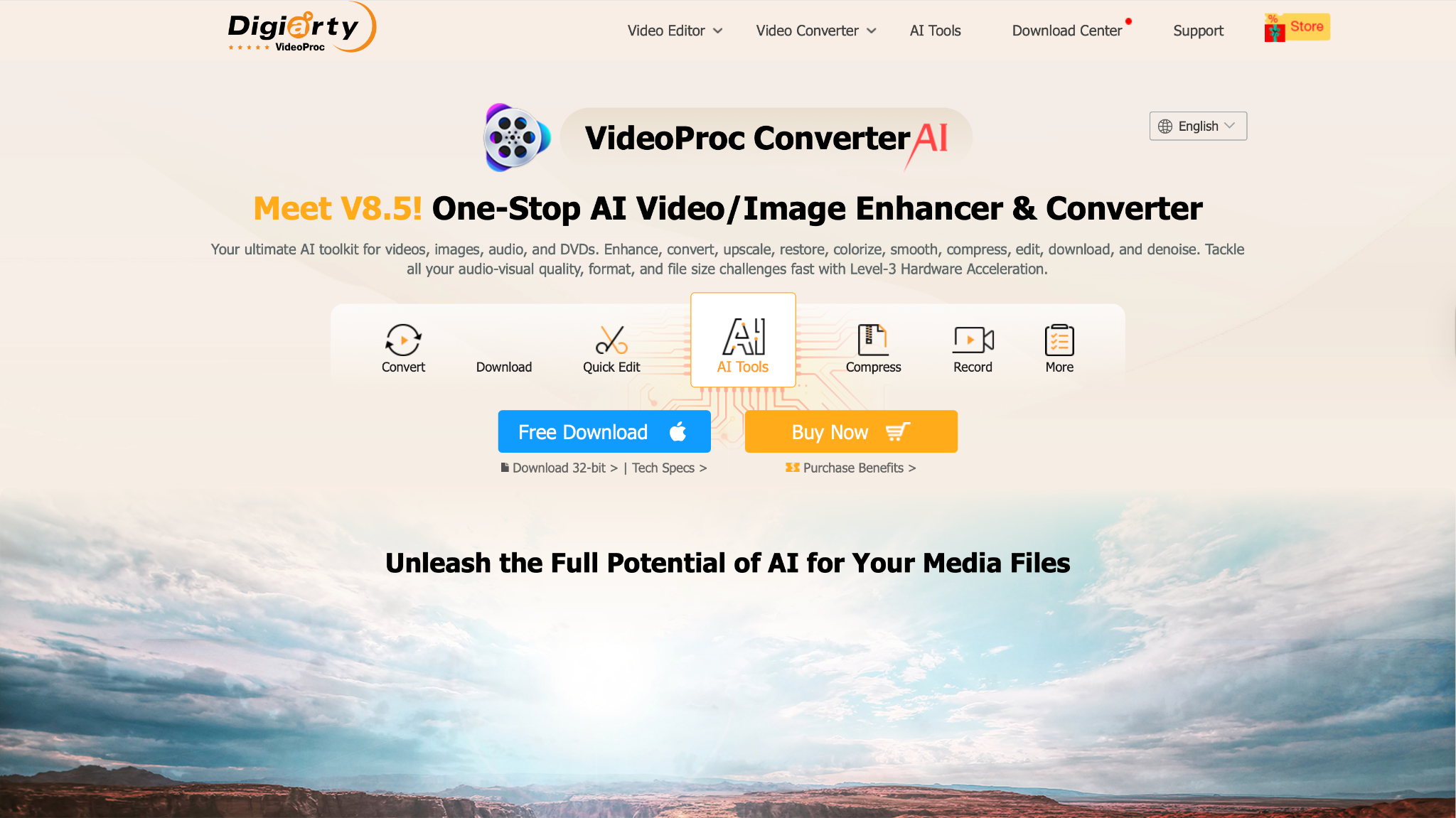
3. VideoProc Converter AI
Engineered for speed and precision, VideoProc Converter AI blends hardware acceleration and intelligent upscaling with a refreshingly user-friendly suite. You’ll enjoy features for de-noising, stabilization, multi-platform downloads, and advanced editing. The platform supports ripping, batch downloading, and multi-format conversion, suitable for hobbyists and pros alike.
Safety Review: 5/5
Starting Price: Free trial, followed by paid plans (approximately $39.95/year).
Supported Device: Windows, Mac.
Reddit Verdict: "I have video proc, but I'm curious if topaz video ai is worth it... I primarily upscale cropped videos to 4K. So far video proc kind of does a decent job." (Source: r/VideoEditing)
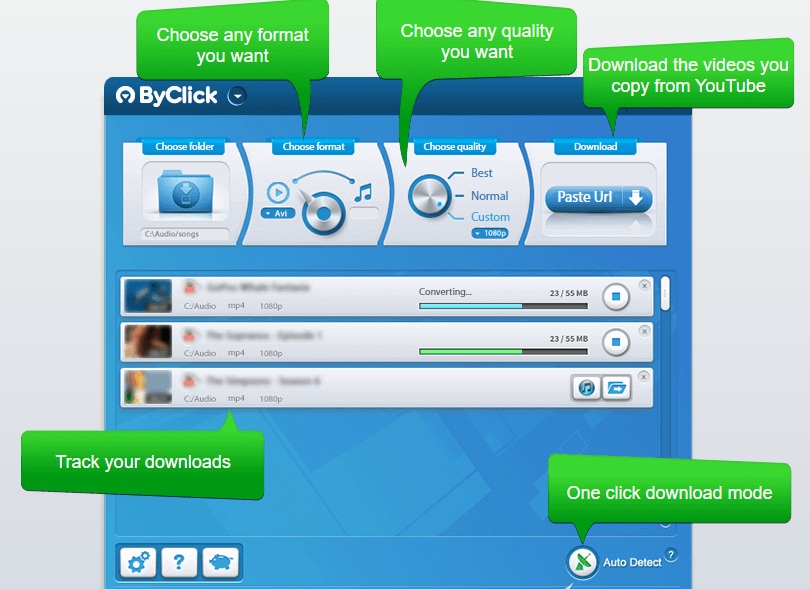
4. ByClick Downloader
With its intuitive layout and one-click downloads, ByClick Downloader positions itself as a favorite for users seeking minimal hassle. Capture private videos, entire playlists, and even full channels from more than 1,000 sites. Automatic pop-ups, format flexibility, and the ability to preserve subtitles provide a smooth, comprehensive experience for those regularly saving online content.
Safety Review: 4.5/5
Starting Price: Free (with limitations), Premium begins around $7.99/ month.
Supported Device: Windows.
Reddit Verdict: "I have been using it for years on multiple computers, I even have the premium version, I can only recommend this software. Absolutely safe." (Source: r/techsupport)
Group 2: Online Downloaders (Quick, Easy, No Install)
These SaveFrom Net alternative websites are perfect for quick, one-off downloads without installing any software.
5. SSSYoutube
As an online solution focused on sheer simplicity, SSSYoutube replaces complex settings with stream-lined functionality. Quick downloads, multi-format support, and instant browser access mark its approach—ideal for mobile users and casual saves.
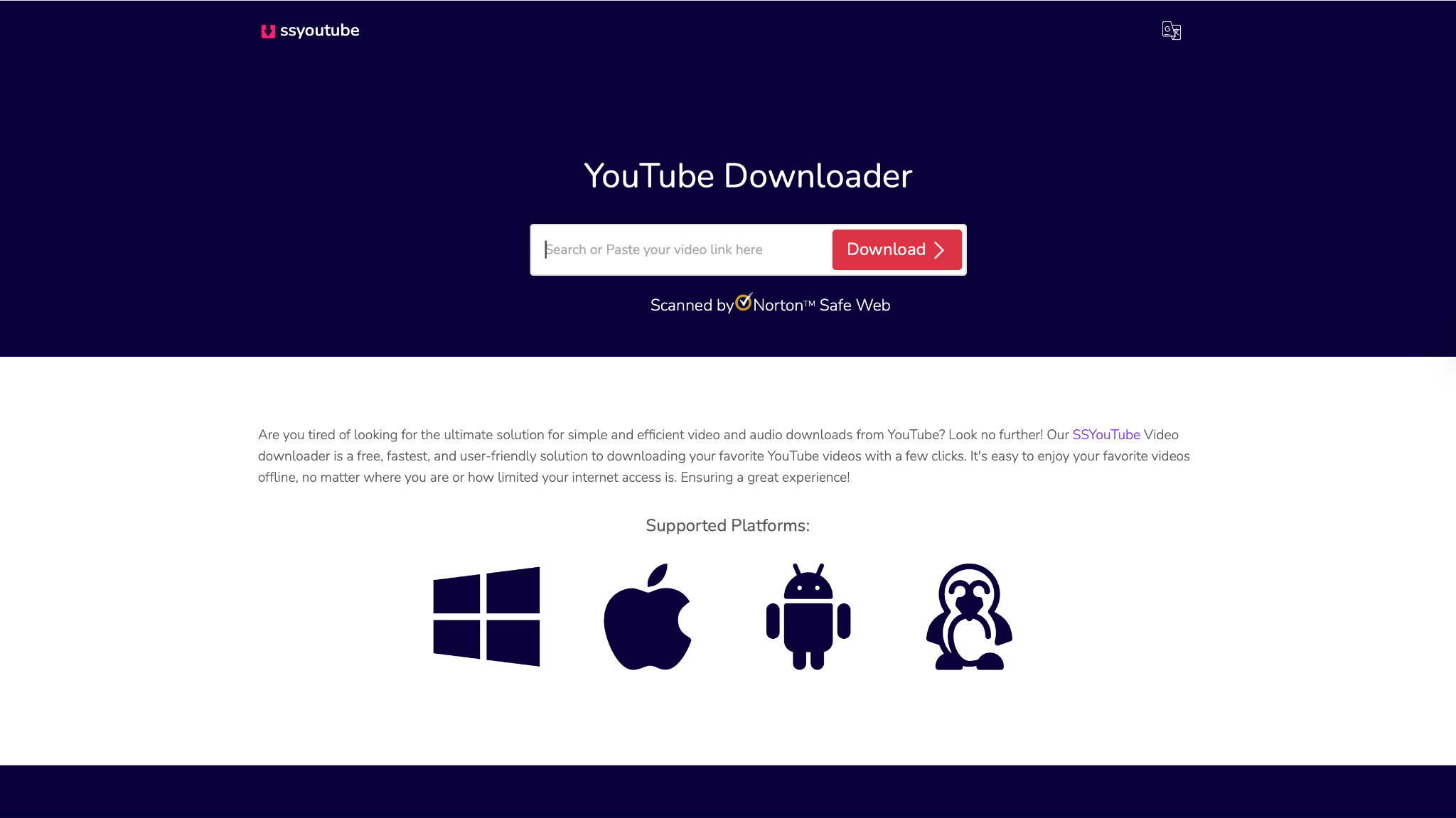
Safety Review: 3/5 (Safe to use, but be mindful of ads).
Starting Price: Free.
Supported Device: Web (Any device with a browser).
Reddit Verdict: "[suspicious link removed] extends beyond YouTube, supporting video downloads from popular platforms including Vimeo, Dailymotion, and Facebook. Thousands of satisfied users trust this service..." (Source: r/techsupport Discussion)
6. ClipConverter.cc
ClipConverter.cc is a web staple for converting and downloading YouTube, Vimeo, and Facebook videos in diverse formats. You paste a link, choose your preferred resolution or type, and let the easy interface do the rest. This tool’s flexibility with MP4, MP3, and M4A ensures compatibility across devices, setting it apart among Savefrom.net alternatives.
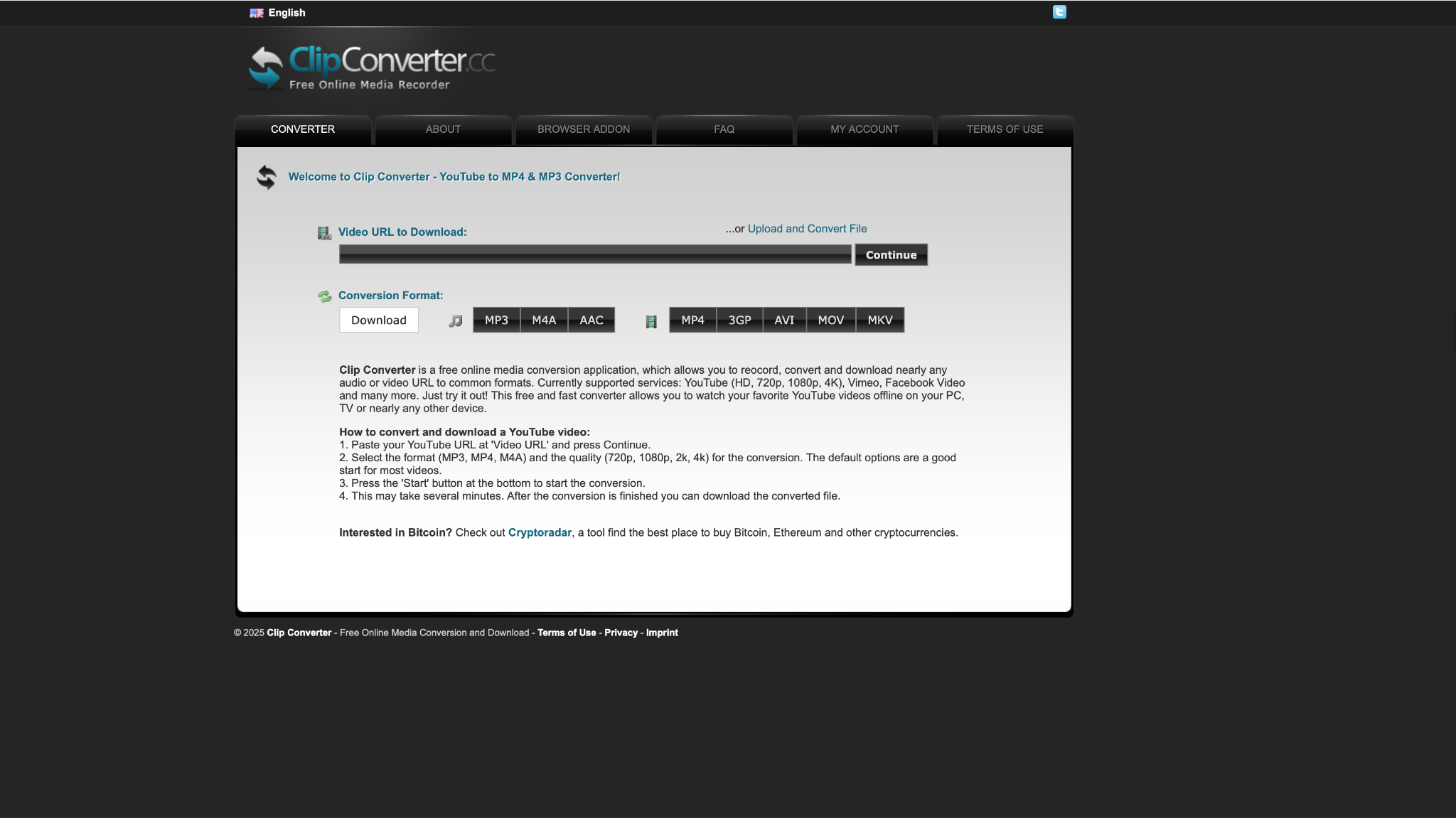
Safety Review: 3/5 (The tool is safe, but the ads can be sketchy).
Starting Price: Free.
Supported Device: Web (Any device with a browser).
Reddit Verdict: "I've used clipconverter numerous times and have never had a problem." (Source: r/techsupport)
Need More Than a Free Online Downloader?
7. SaveTheVideo
SaveTheVideo answers the demand for privacy-centric, flexible downloads—no installations required. Its clean interface and capacity for batch tasks, quick conversions, and broad platform support make saving and sharing any audio or video across devices painless and efficient.
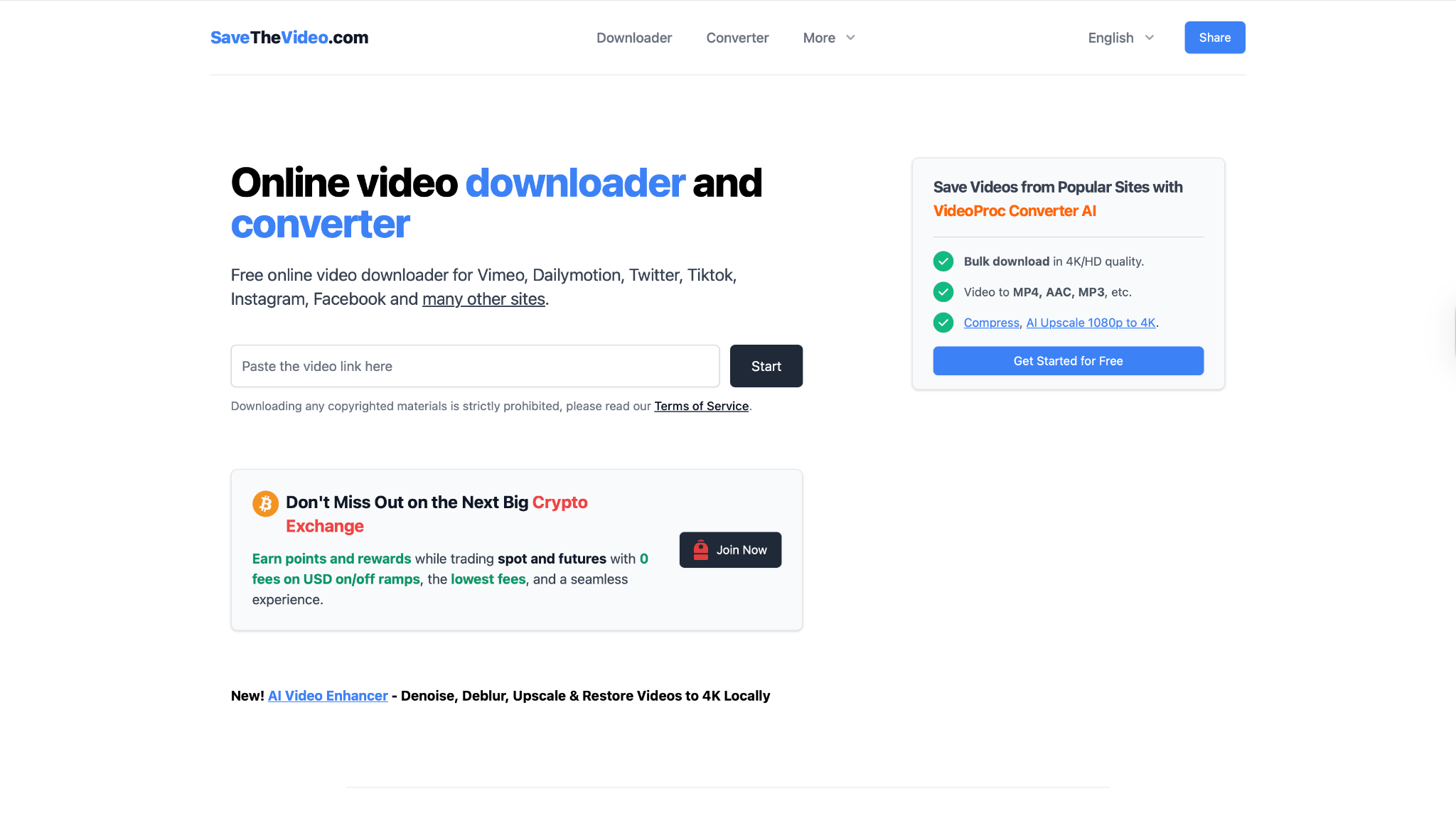
Safety Review: 4/5 (Minimal and clear ads).
Starting Price: Free.
Supported Device: Web (Any device with a browser).
Reddit Verdict: "Savethevideo allows you to download videos and music from a huge variety of social media platforms and websites which is a game-changer for users." (Source: r/DataHoarder Discussion)
Group 3: Extensions & Mobile Apps (Integrated Experience)
These tools integrate directly into your browser or mobile device for seamless downloading.
8. Video DownloadHelper
For those looking for integration, Video DownloadHelper combines in-browser convenience with robust capability. Automatically detecting streams as you browse, it lets you download and convert with minimal interruption—no need to leave your Chrome or Firefox window.
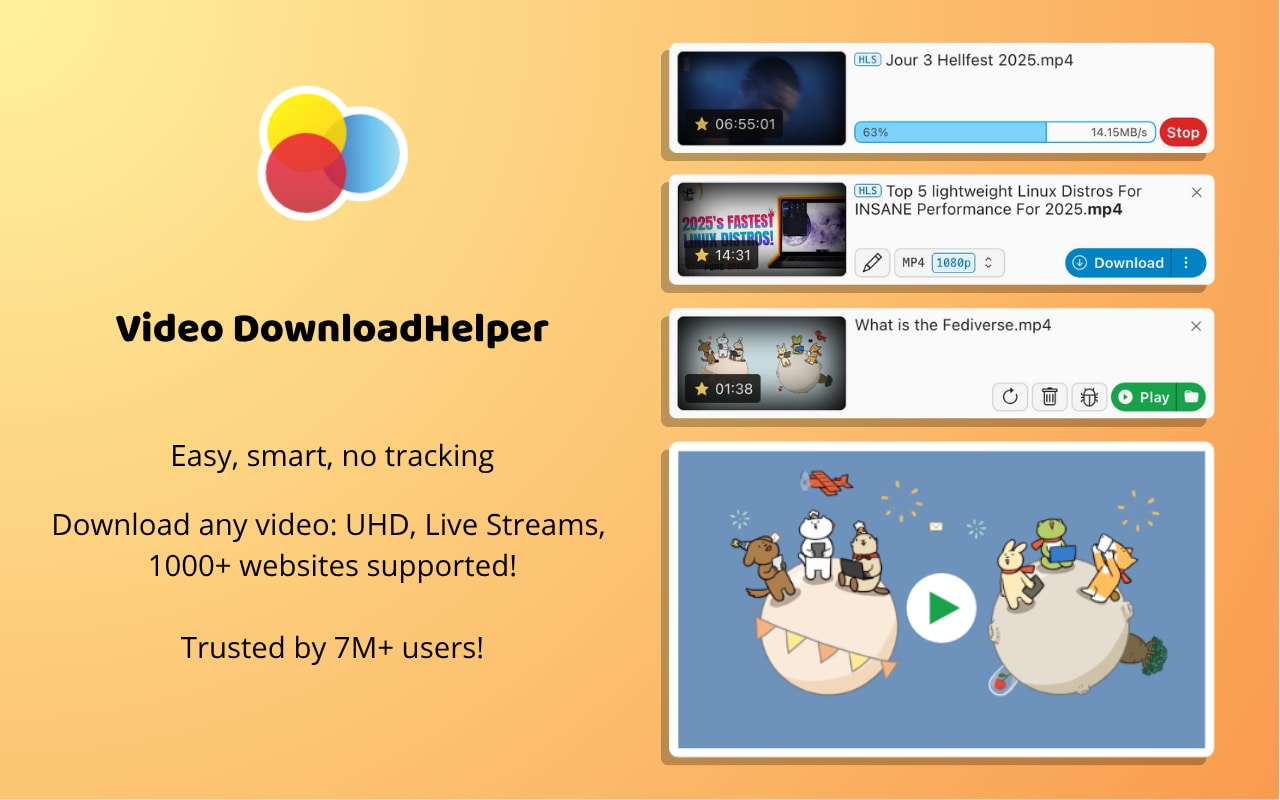
Safety Review: 4/5 (Reputable extension, but requests broad permissions).
Starting Price: For video downloading, it is free. But if you want features like audio extraction,and video conversion, then paid license costs $16.00 to $28.50.
Supported Device: Firefox, Chrome, Edge (Browser Extension).
Reddit Verdict: "I've been using it for years with no problem. The Companion app can be selected as the application that is performing the actual download... thus reducing browser load." (Source: r/firefox)
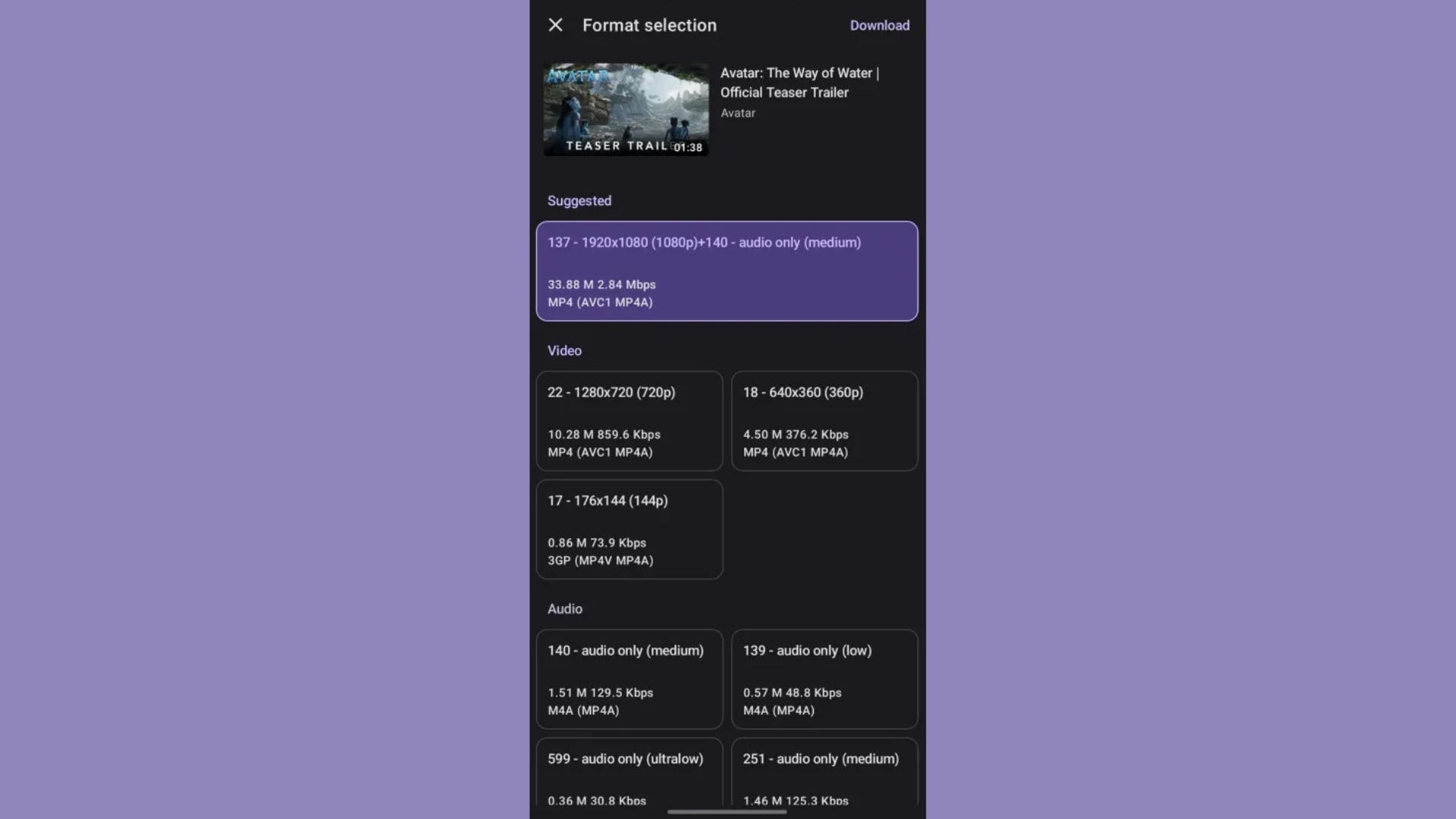
9. Seal
Seal takes an open-source, user-first approach for Android enthusiasts. Built for speed and security, it offers powerful backend support (yt-dlp integration) plus advanced features like channel grabbing and custom quality settings, all wrapped in a clean interface.
Safety Review: 5/5
Starting Price: Free.
Supported Device: Android.
Reddit Verdict: "It's by far the 'BEST' YouTube Video/Audio downloader I have ever used, and it works on other Video/Audio platforms... The app is open-source, regularly updated, and based on the powerful yt-dlp backend." (Source: r/androidapps)
Group 4: Command-Line (For Advanced Users)
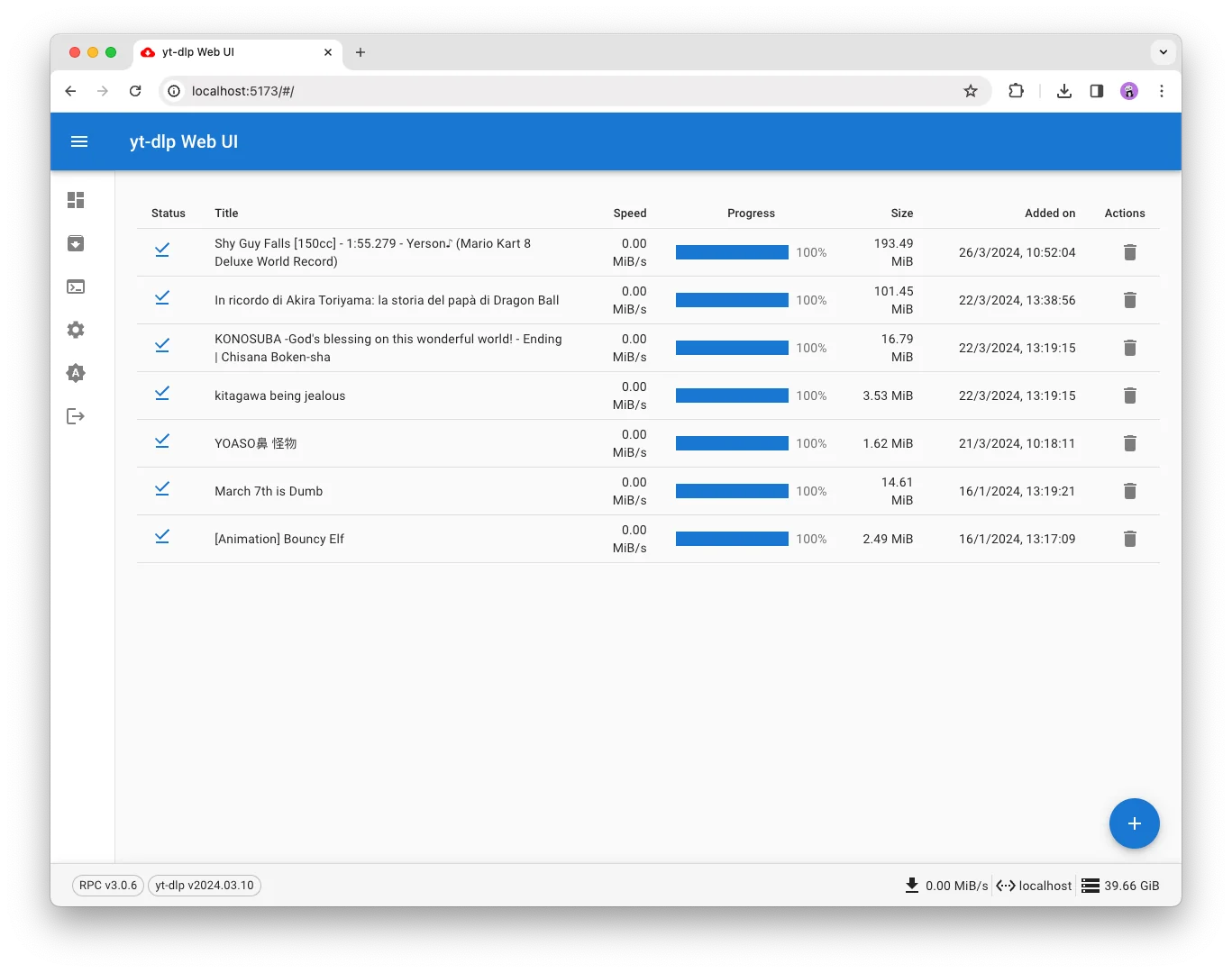
10. yt-dlp
Power-users turn to yt-dlp for granular control and advanced scripting. This command-line solution is prized for its deep site compatibility, extensive customization, and reliable bulk downloading—perfect for those assembling large, organized video archives.
Safety Review: 5/5
Starting Price: Free.
Supported Device: Windows, Mac, Linux.
Reddit Verdict: "YT-DLP is easily the best way to download videos from the internet, the problem with it is that it is command line only, which is pretty hard to use for a lot of people..." (Source: r/software)
SaveFrom.net Alternatives Comparison Table
How We Tested SaveFrom.net Alternatives
For this guide, we evaluated SaveFrom.net alternatives based on safety, download quality, supported platforms, and how practical each tool is for cleaner and more reliable video downloading.
Safety & trust
We checked for intrusive ads, redirects, installer risks, and other warning signs that affect user trust and safety.
Download quality
We compared available formats, output resolution, and whether the downloaded files remain useful for playback or editing.
Platform compatibility
We reviewed how broadly each tool supports different websites and whether it handles links consistently across common use cases.
Workflow convenience
We also considered ease of use, batch support, and whether the overall workflow feels practical for repeat downloading.
This page gives extra weight to safety and download consistency, since users looking for SaveFrom alternatives usually want a more stable option with fewer risks and fewer interruptions.
Use this table to compare SaveFrom.net alternatives by platform, format support, ad experience, batch capability, and the safest use case. Click any tool name to jump to its full review.
| Tool | Type | Platforms | Formats | Batch Support | Ad Experience | Best For | Safety Note |
|---|---|---|---|---|---|---|---|
| Wondershare UniConverter | Desktop software | Windows, Mac | MP4, MOV, AVI, MP3, and more | Yes | Ad-free desktop workflow | Safer long-term downloading, conversion, and editing | Best when you want fewer pop-ups and more file control. |
| 4K Video Downloader+ | Desktop software | Windows, Mac, Linux | MP4, MKV, MP3, and more | Yes | Clean desktop interface | Playlist, channel, and high-resolution downloads | Good for users who mainly need downloading features. |
| VideoProc Converter AI | Desktop software | Windows, Mac | MP4, MKV, MP3, M4A | Yes | Clean desktop interface | Users who also need conversion and basic editing | Better for users who want processing tools after download. |
| ByClick Downloader | Desktop software | Windows | MP4, MP3, AVI, WMV | Yes | Desktop interface | Windows users who want simple link detection | Check installer source before downloading. |
| SSSYoutube | Online website | Web browser | MP4, WEBM | No | Ad-supported | Quick no-install downloads | Avoid fake buttons and redirects. |
| ClipConverter.cc | Online website | Web browser | MP4, 3GP, AVI, MP3 | No | Ad-supported | Downloading or converting a specific video clip | Use caution with pop-ups. |
| SaveTheVideo | Online website | Web browser | MP4, MP3 | Limited | Ad-supported | Social media video downloads | Better for occasional use than large workflows. |
| Video DownloadHelper | Browser extension | Chrome, Firefox, Edge | MP4, WEBM, M3U8 | Limited | Extension-based | Embedded videos and browser-based detection | Review extension permissions before installing. |
| Seal | Android app | Android | MP4, WEBM, MP3 | Yes | Ad-free if installed from trusted source | Android users who prefer app-based downloading | Only install from trusted sources such as official repositories. |
| yt-dlp | Command-line tool | Windows, Mac, Linux | Highly customizable | Yes | Ad-free | Advanced users, scripts, playlists, and bulk workflows | Powerful but not beginner-friendly. |
Choose a Safer Way to Download and Convert Videos
Safety and Legal Tips Before Using Any SaveFrom.net Alternative
Before using any SaveFrom.net alternative, remember that video downloading rules depend on the platform, the content owner, and your local laws. The safest approach is to download only videos you created, own, have permission to use, or are clearly allowed to save for offline viewing.
Safe downloader checklist
- Do not click fake download buttons, pop-ups, or unknown installer prompts.
- Avoid browser extensions that request broad permissions unless you trust the publisher.
- Do not disable all browser protection just to make one downloader site work.
- Check whether the tool supports the format and quality you need before downloading.
- Use desktop software for repeated downloads, batch tasks, or safer file management.
- Download only content you own, created, have permission to use, or are legally allowed to save.
Conclusion
Finding a safe SaveFrom.net alternative doesn't have to be a gamble. While SaveFrom.net and its mirrors, such as en.SaveFrom.net, can be unreliable or risky for some users, the options available in 2026 give you more ways to choose a safer desktop, online, mobile, or command-line workflow.
For users who want an all-in-one, powerful, and safe desktop experience, Wondershare UniConverter or 4K Video Downloader+ are top-tier investments. For those who prefer a quick, no-install solution, a reputable online tool like SaveTheVideo offers a clean experience. And for Android users, Seal is the clear winner recommended by a vast SaveFrom Net alternative Reddit community.
Instead of risking your security with intrusive ads and forced extensions, why not choose a tool that does it all? For the most comprehensive, safe, and powerful solution that goes beyond just downloading, we recommend downloading the free trial of Wondershare UniConverter to safely manage, convert, and download all your video content in one place
Still Need a Reliable SaveFrom.net Alternative?
FAQs About SaveFrom.net Alternatives
-
Q1: Why is SaveFrom.net not working?
SaveFrom.net may not work because of server issues, regional restrictions, browser conflicts, ad-blocker loops, unsupported links, or platform updates that block third-party downloaders. If the same error continues, using a safer SaveFrom.net alternative is usually faster than trying multiple mirror domains. -
Q2: Is en.SaveFrom.net a safe alternative?
No. en.SaveFrom.net is generally an English-language version or mirror of SaveFrom.net, not a separate safer alternative. It may have the same limitations, ads, redirects, and reliability issues as the main site. -
Q3: What is the best SaveFrom.net alternative for iPhone?
For iPhone users, browser-based downloader websites or iOS-compatible file-saving apps are usually easier than trying to install a SaveFrom-style downloader. Choose tools that do not require suspicious profiles, unknown configuration files, or risky browser extensions. -
Q4: What is the best SaveFrom net alternative for PC?
For Windows PC users, desktop software such as Wondershare UniConverter, 4K Video Downloader+, or similar tools is usually better for repeated downloads, MP4/MP3 conversion, playlist handling, and fewer pop-ups than free ad-supported websites. -
Q5: What is the safest type of video downloader?
The safest options are usually reputable desktop software, open-source tools such as yt-dlp, or well-maintained mobile apps from trusted sources. Free online downloaders can be convenient, but users should watch for pop-ups, fake download buttons, redirects, and forced extension prompts. -
Q6: Are free SaveFrom.net alternative websites worth using?
Free SaveFrom.net alternative websites are useful for quick one-time downloads, especially when you do not want to install software. However, they are usually not ideal for batch downloads, high-quality output, stable format control, or a cleaner long-term workflow. -
Q7: Why do some downloaders save 1080p video without audio?
Some platforms separate high-resolution video and audio streams. If a downloader cannot merge those streams, the downloaded 1080p file may have no sound. In that case, use a downloader that can merge audio and video or convert the file afterward. -
Q8: What SaveFrom.net alternative do Reddit users recommend?
Reddit discussions often mention tools such as yt-dlp, Seal, 4K Video Downloader+, and other desktop or open-source options. The best choice depends on whether you prefer an easy interface, Android app, browser extension, or command-line workflow. -
Q9: Is it legal to use a SaveFrom.net alternative?
Video downloading legality depends on the platform terms, copyright owner, content type, and your local laws. A safe rule is to download only videos you own, created, have permission to use, or are clearly allowed to save for offline viewing.

